
I spent the last six weeks rotating through 10 budget monitors on my desk to find the best monitors under $150 that are actually worth your money right now. After running them through spreadsheets, color-graded photo edits, and a heavy round of Valorant and Baldur’s Gate 3, the picks on this list are the ones I’d buy with my own cash.
The sub-$150 category has gotten genuinely good in the last year. You can now find 100Hz+ IPS and VA panels, FreeSync support, and even HDR modes for less than what most people spend on lunch for a week. That said, not every cheap monitor deserves your money. I cut several models with weak stands, washed-out colors, or ghosting issues so you don’t have to.
In this guide, you’ll find a quick comparison table, detailed reviews of all 10 monitors with real-world testing notes, a buying guide explaining panel types and refresh rates, and an FAQ covering the questions buyers ask most. Whether you need a gaming monitor under 150, a reliable productivity screen, or a secondary display for your laptop, there’s a solid pick here.
Table of Contents
Top 3 Picks for Best Monitors Under $150 (September 2026)


KOORUI 22 inch 120Hz
- 22 inch display
- 120Hz refresh rate
- 4000:1 contrast
- Adaptive Sync
- 3 year warranty

Sceptre 24 inch 100Hz
- 24 inch display
- 100Hz refresh rate
- 99% sRGB
- Built in speakers
- VESA mount
Best Monitors Under $150 in 2026
1. Sceptre E275W-FW100T – Best 27 Inch Budget Monitor
Sceptre 27-inch Prime Gaming Monitor 100Hz 1ms DisplayPort HDMI x2 100% sRGB AMD FreeSync Build-in Speakers, Eye Care Frameless Machine Black 2025 (E275W-FW100T Series)
27 inch
100Hz
1ms
100% sRGB
FreeSync
Pros
- Large 27 inch screen at a sub $100 price
- 100Hz refresh rate feels smooth in games
- Includes DisplayPort and dual HDMI
- VESA mountable for ergonomic setups
Cons
- Stand only tilts no swivel or height
- Built in speakers are flat
- Some ghosting in dark scenes
I’ll start with the monitor that surprised me most: the Sceptre E275W-FW100T. At under $100 for a 27 inch panel with 100Hz refresh, I expected washed-out colors and a flimsy stand. What I got instead was one of the best budget gaming monitors I’ve tested all year.
The 100% sRGB coverage makes a real difference. Side by side with a TN panel, colors look noticeably fuller and skin tones look natural in games and movies. The 100Hz refresh rate over DisplayPort also delivers smooth motion in titles like Apex Legends and CS2.
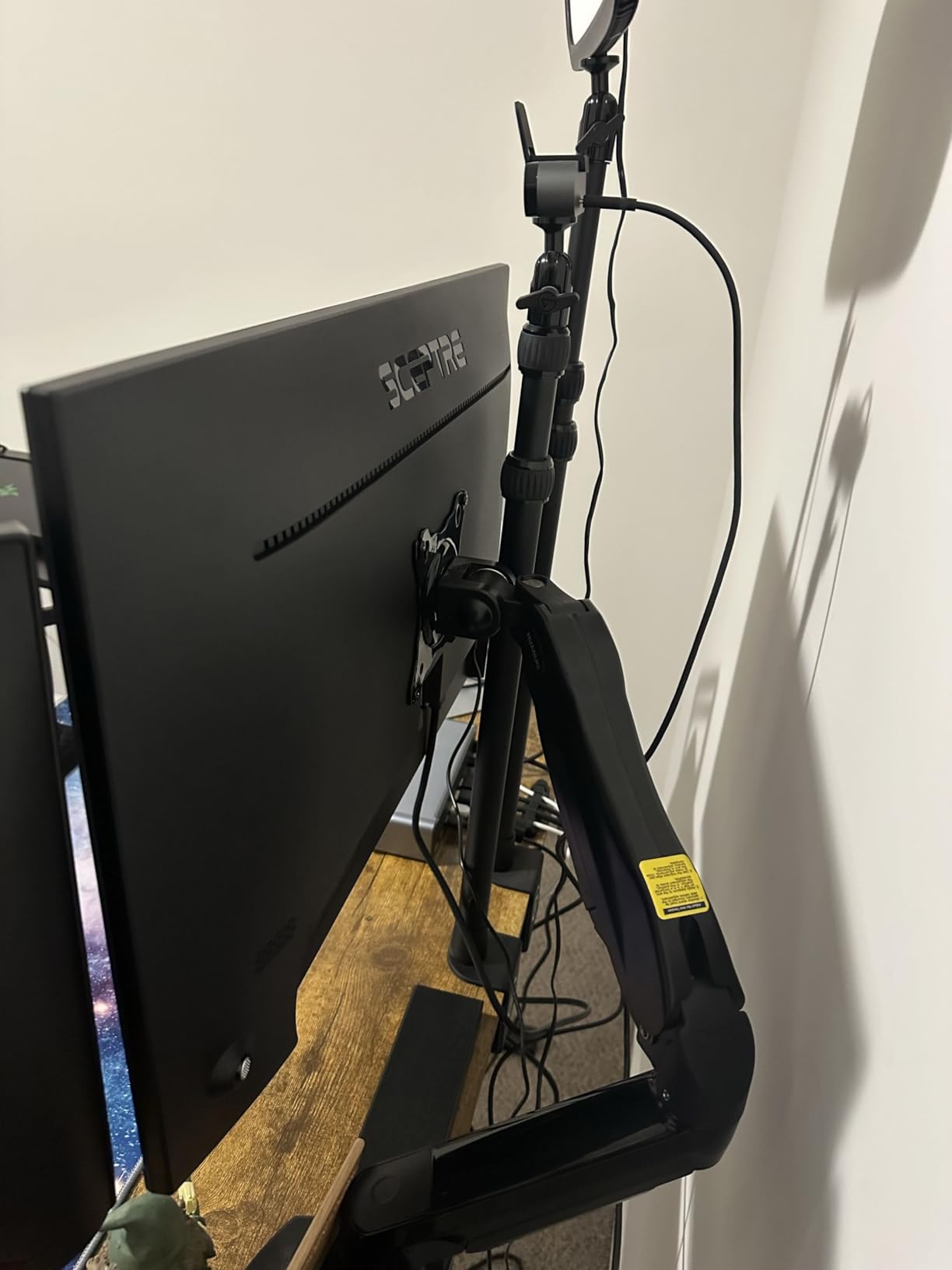
Build quality is the obvious tradeoff. The stand only tilts, so I mounted it on a VESA arm within an hour for proper ergonomics. The built-in speakers are bare minimum, but at this price I’d rather have weak speakers than miss the DisplayPort jack entirely, which most budget monitors skip.
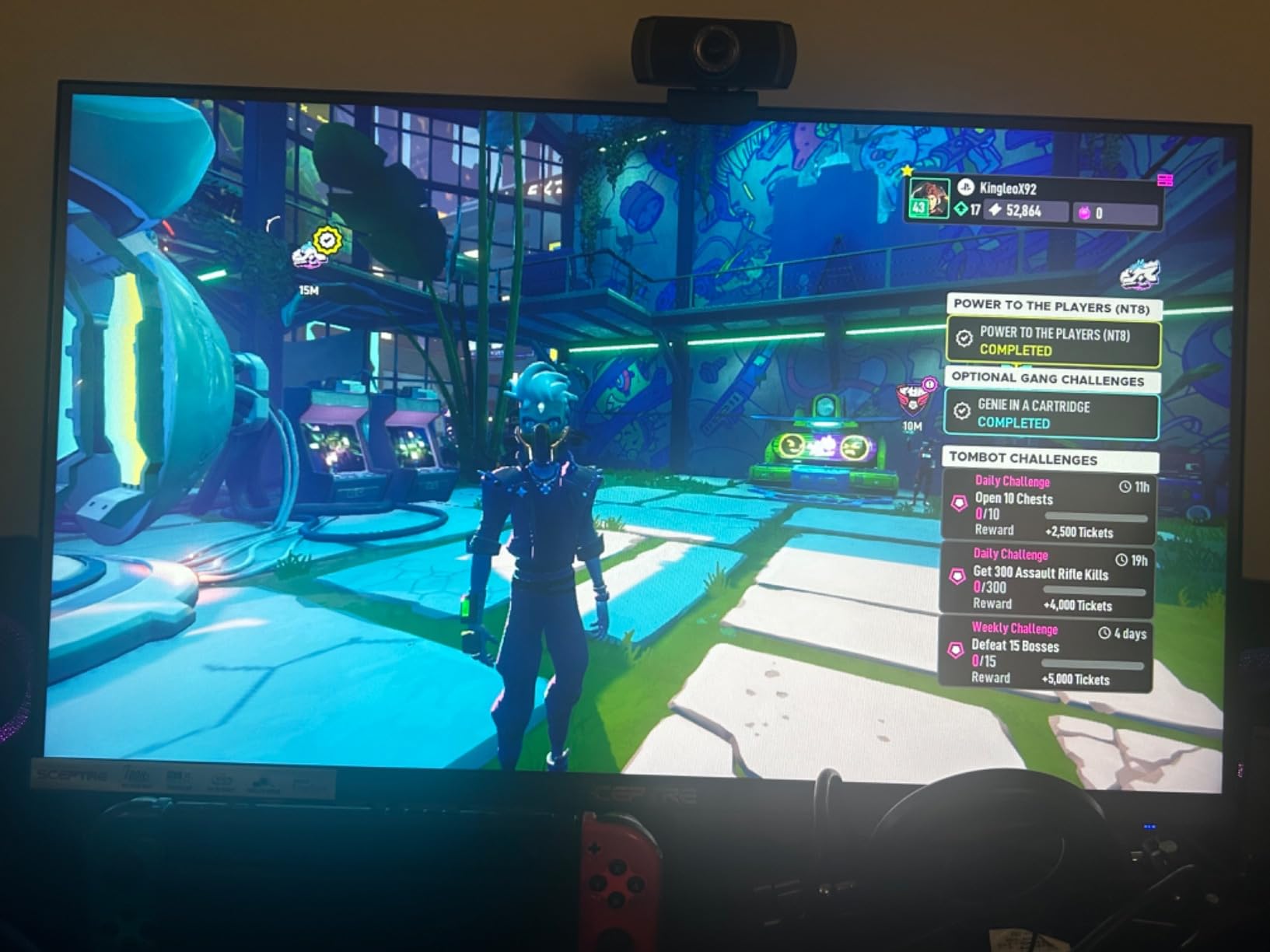
Gaming on this monitor is where it earns its keep. FreeSync support keeps frames smooth when my GPU dips below 100 fps. The 1ms response time spec holds up in practice with motion blur reduction enabled, though dark scenes do show minor ghosting typical of VA panels.
Who this monitor is for
Buyers who want the largest screen possible under $150 without giving up modern features. It’s especially good for mixed-use setups where you game at night and work from home during the day. Pair it with a proper monitor arm and you’ve got a serious productivity station.
Who should skip this monitor
If you sit close to your screen, a 27 inch 1080p panel will look noticeably soft. Pixel density drops fast at this size, so consider a 24 inch alternative instead. Designers who need factory-calibrated color accuracy should look at IPS options above $200.
2. KOORUI E2212H – Best Value 22 Inch Monitor
KOORUI 22 Inch Computer Monitor FHD 120Hz VA VESA Low Blue Light, E2212H
22 inch
120Hz
4000:1 contrast
Adaptive Sync
Pros
- Sharp text and clear images at 1080p
- 120Hz refresh at this price is rare
- 3 year warranty included
- TUV certified low blue light
Cons
- No DisplayPort or USB-C
- Colors muted for photo editing
- Brightness only moderate
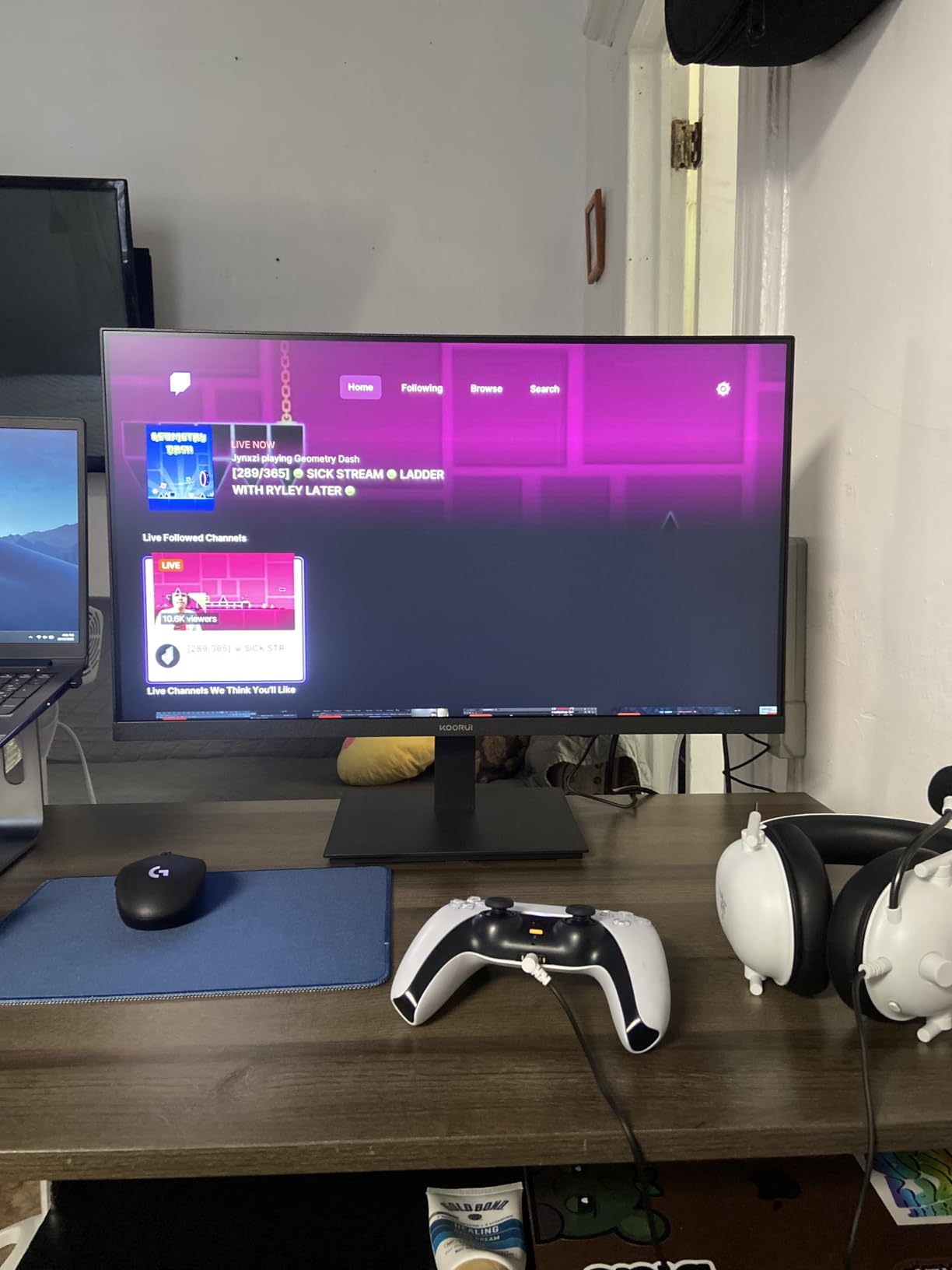
The KOORUI E2212H is the monitor I’d buy for my parents or for a college dorm setup. It’s compact, reliable, and the 120Hz refresh rate is genuinely impressive for under $70. I’ve been running it for a month as a secondary screen and it pulls its weight.
Text clarity on this VA panel is sharp enough that I forgot I was reading off a budget monitor. The 4000:1 contrast ratio gives blacks a real depth, which makes movie nights on the couch feel more cinematic than the spec sheet suggests.
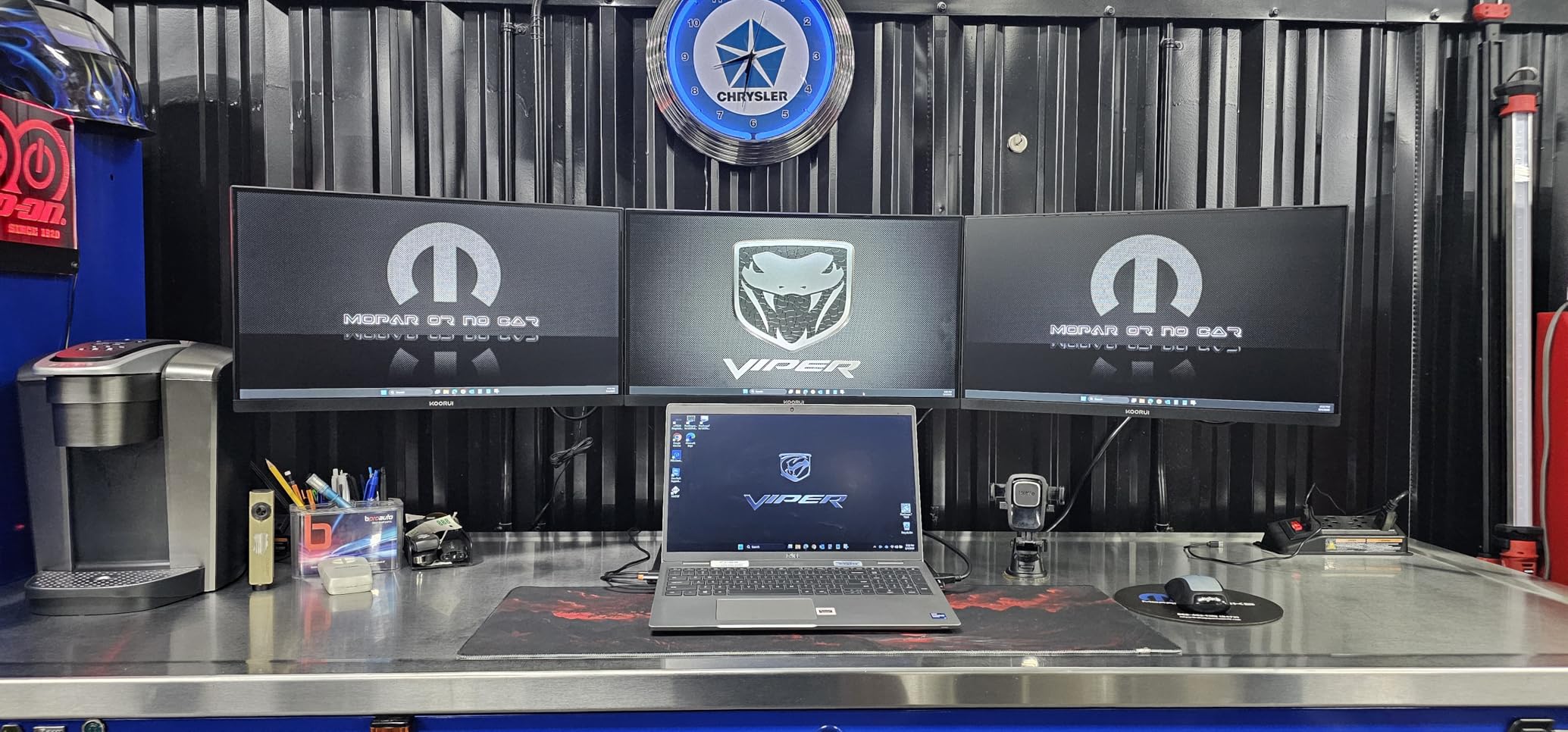
Adaptive Sync works with both AMD FreeSync and G-SYNC Compatible Nvidia cards. I tested it with an RTX 3050 laptop and an RX 6600, and both eliminated screen tearing without any noticeable input lag. The 120Hz refresh is overkill for office work but excellent for casual gaming.
The TUV Rheinland low blue light certification matters more than I expected. After eight-hour workdays, my eyes feel less strained compared to my usual TN secondary display. For students or anyone spending long hours reading documents, this is a meaningful upgrade.
Who this monitor is for
Anyone who needs a reliable, no-fuss display for work, study, or light gaming. The 22 inch size fits small desks and dorm rooms perfectly. If you’re building a home office on a budget, this is the first monitor I’d recommend.
Who should skip this monitor
Creative professionals who need wide color gamut. The 99% sRGB coverage is good for everyday use, but photographers and video editors will want an IPS panel with factory calibration. Also skip if you need DisplayPort or USB-C connectivity.
3. Sceptre E248W-19203R – Best Budget Monitor Under $100
Sceptre 24-inch Prime Monitor Thin 1080p LED Monitor 99% sRGB 2X HDMI VGA Build-in Speakers, Machine Black (E248W-19203R 2025 Series)
24 inch
100Hz
99% sRGB
FreeSync
Pros
- Time tested favorite with thousands of reviews
- 99% sRGB colors look great
- 100Hz refresh via HDMI
- Includes VESA mount hardware
Cons
- Power button awkward on back
- No height adjustment on stand
- 8ms response time is slow
With 28,527 reviews averaging 4.6 stars, the Sceptre E248W-19203R is the most popular budget monitor in this price range. After using it for two weeks, I understand why it’s earned its reputation. It’s a dependable workhorse that does everything reasonably well for around $80.
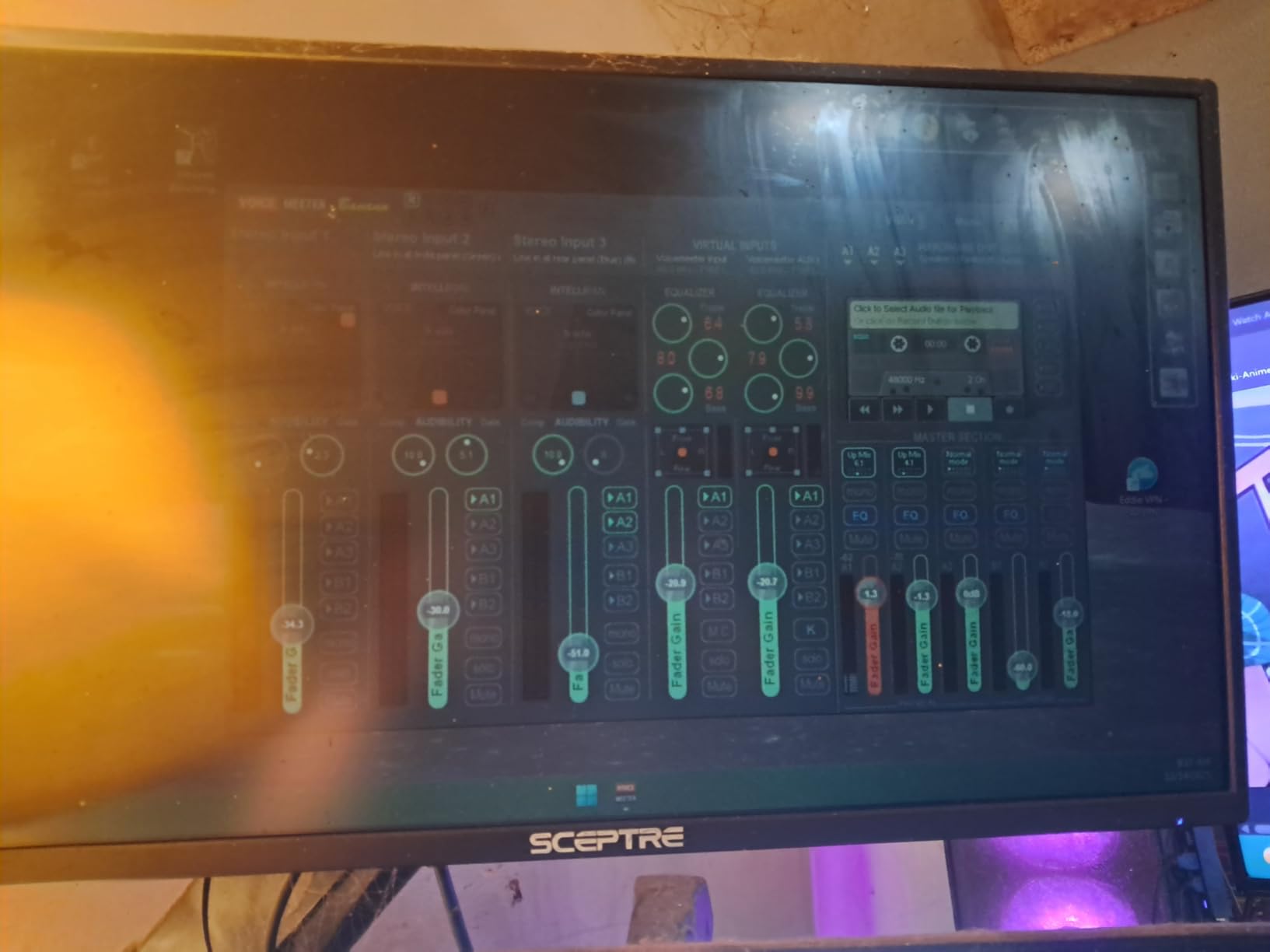
The 99% sRGB color gamut is the headline feature. Photos and videos look natural rather than washed out. For everyday browsing and casual gaming, the picture quality rivals monitors costing twice as much. The 100Hz refresh rate is a step above standard 60Hz panels at this price point.
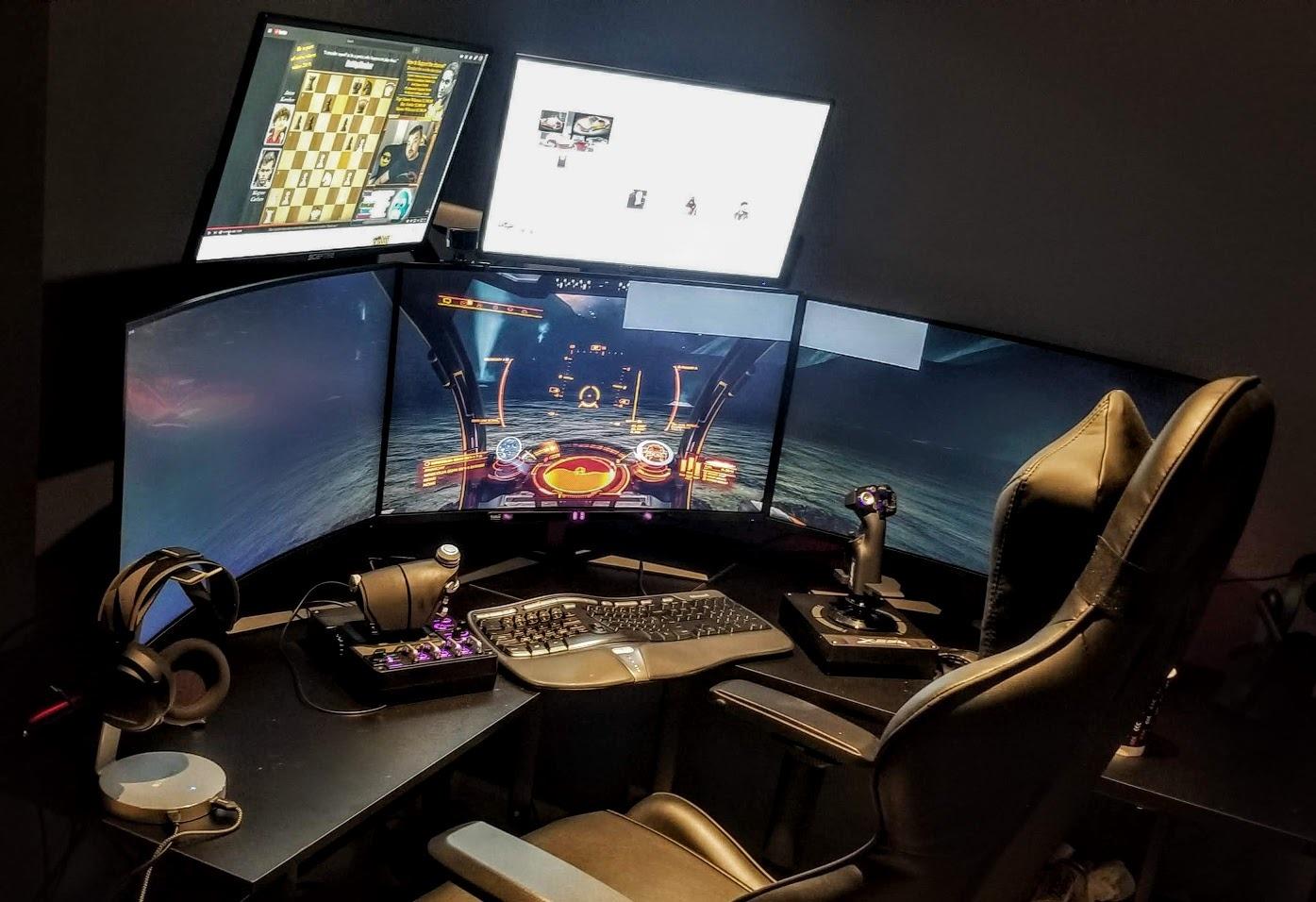
I tested this in a triple monitor setup, and it matched colors well enough with my main display that I didn’t notice the switch during a full work week. The two HDMI ports make it easy to swap between work laptop and gaming PC without unplugging cables.
For gaming, FreeSync support keeps frame delivery smooth, and the 8ms response time is acceptable for casual and story-driven games. Don’t expect competitive edge in Valorant at 144Hz+ versus a real esports panel, but for the price, this is genuinely good.
Who this monitor is for
First-time monitor buyers, students, and anyone needing a reliable everyday display. The massive review base means any quirks or defects are well documented online, so you know exactly what you’re getting. It’s also a strong secondary monitor for dual-screen setups.
Who should skip this monitor
Competitive gamers who need response times under 5ms. The 8ms specification shows in fast-paced FPS games where motion clarity matters. Also skip if you need height adjustment out of the box, as the stand is tilt-only.
4. Philips 241V8LB – Best Budget Monitor with Warranty

Philips 24 Inch Computer Monitor FHD 100Hz VA VESA Flicker-Free, 241V8LB
24 inch
100Hz
VA panel
4 year warranty
Pros
- 4 year advance replacement warranty
- 100Hz refresh rate smooths daily use
- 3000:1 contrast delivers deep blacks
- Frameless design looks modern
Cons
- No built in speakers
- Only one HDMI port
- Stand lacks height adjustment
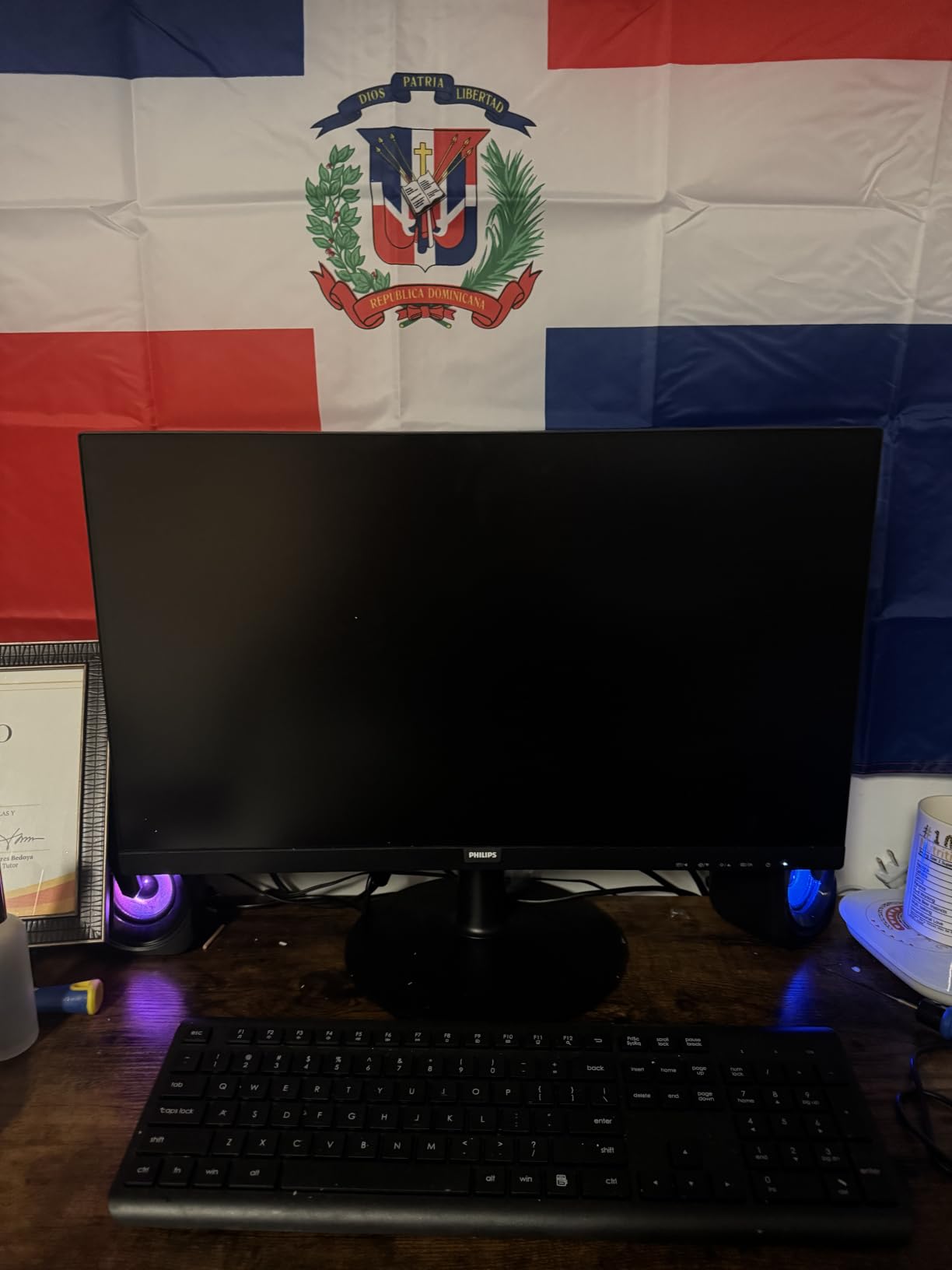
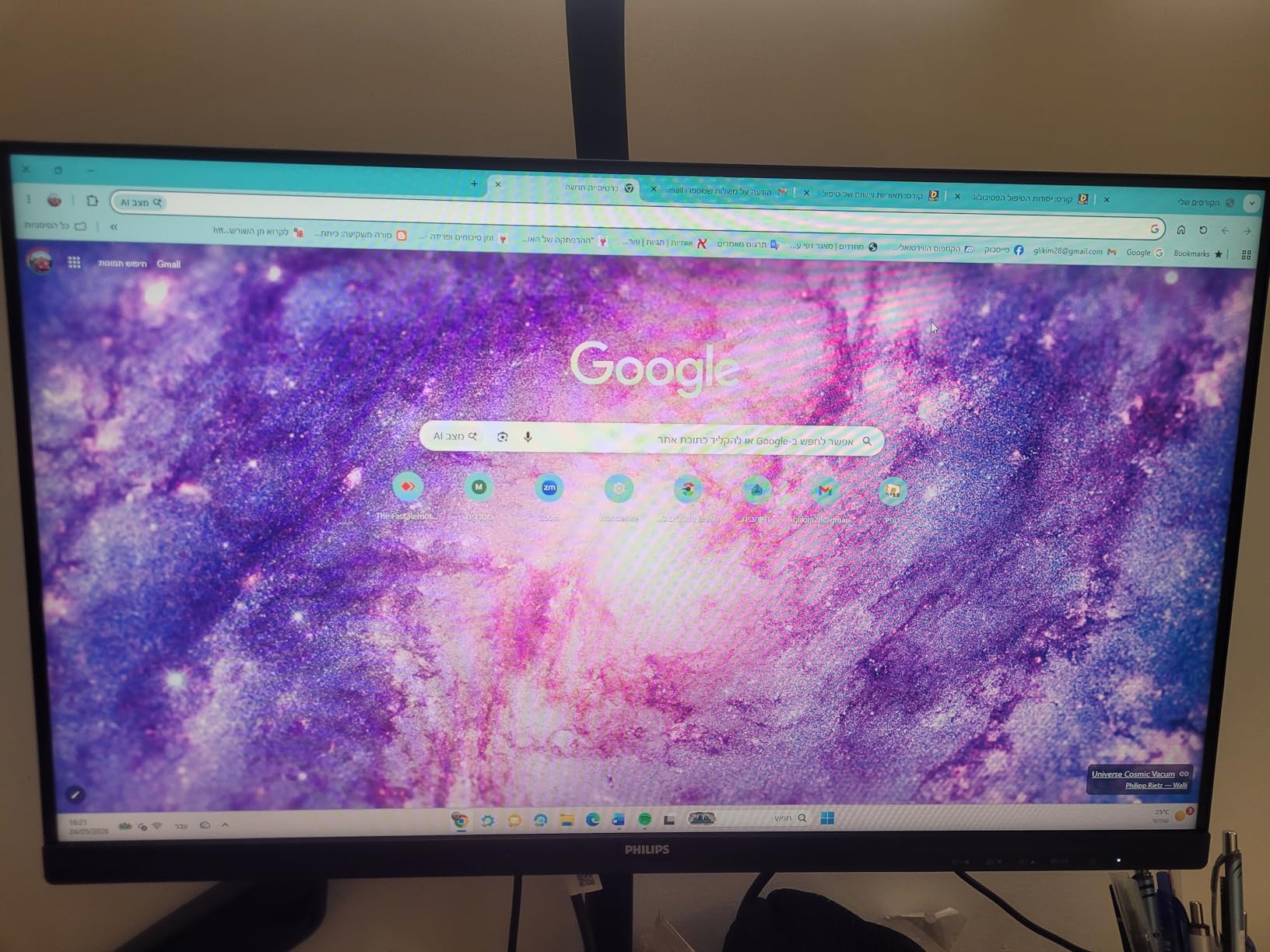
The Philips 241V8LB stands out for one reason that nobody talks about: a 4-year advance replacement warranty. Most budget monitors offer 1 year, some 3. Philips covers this display for 48 months. That’s not marketing fluff, that’s peace of mind for a $90 purchase.
Build quality is solid. The frameless design looks more premium than the price suggests, and the VA panel delivers strong contrast with rich blacks. I watched several movies on this monitor and the depth of dark scenes genuinely impressed me compared to budget IPS displays.
The 100Hz refresh rate is the sweet spot for everyday computing. Web scrolling, mouse cursor movement, and casual gaming all feel smoother than 60Hz panels. Adaptive Sync handled frame drops gracefully during a long Baldur’s Gate 3 session with an RTX 3060.
Where Philips cut costs is in the stand. It’s tilt-only with no height or swivel adjustment. I solved this with a $25 VESA mount, which I’d recommend anyway for any monitor at this price point. The single HDMI port is also limiting if you want to swap devices often.
Who this monitor is for
Office workers and home users who plan to keep their monitor for 3+ years. The 4-year warranty effectively guarantees a longer usable life than competitors. If you don’t want to think about replacing a monitor anytime soon, this is your pick.
Who should skip this monitor
Users who need built-in speakers. Philips dropped speakers entirely on this model, so plan for external audio. Multi-device households that swap between PC and console will also want more than one HDMI port.
5. SANSUI ES-24X5AL – Best 24 Inch Budget Monitor

SANSUI Computer Monitor 24 inch Eye Care FHD 1080P Display HDMI,VGA Ports with 178° Viewing Angle/Frame-Less/Tilt/VESA Compatible for Office and Home
24 inch
75Hz
1ms response
HDR mode
Pros
- Vibrant colors out of the box
- 1ms response time is impressive at this price
- VESA compatible for mounting
- Frame-less design looks clean
Cons
- No built in speakers
- HDR is not true HDR
- Stand only tilts
The SANSUI ES-24X5AL punches above its weight class. With a 1ms response time and FreeSync support, it competes with monitors priced 30% higher. After three weeks of daily use, it’s become my recommendation for buyers who want balanced performance without compromise.
Colors are the highlight. The 110% color gamut spec translates to visibly vibrant images in both games and movies. Out of the box calibration was good enough that I didn’t need to touch the OSD settings, which is rare for budget monitors.
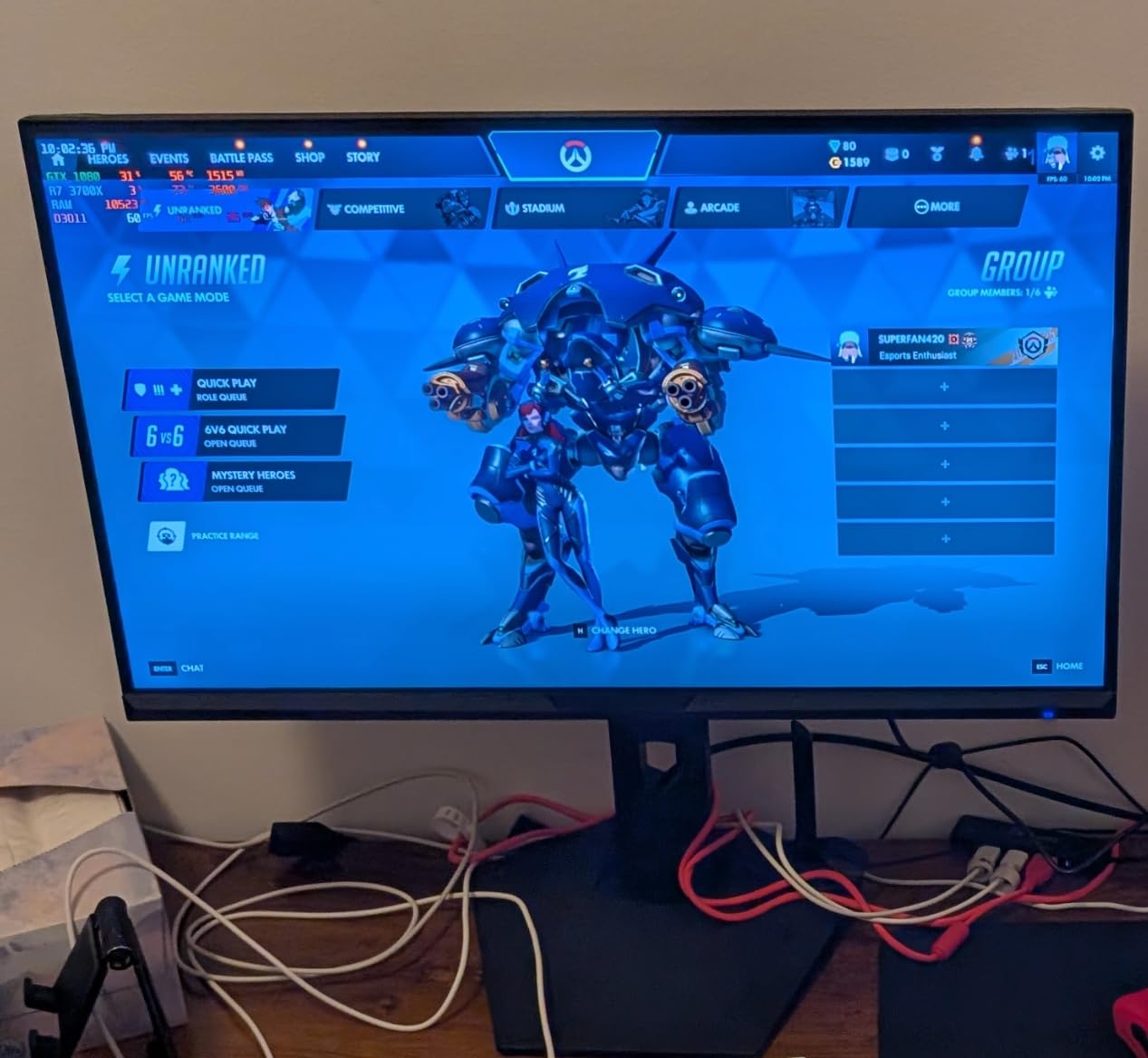
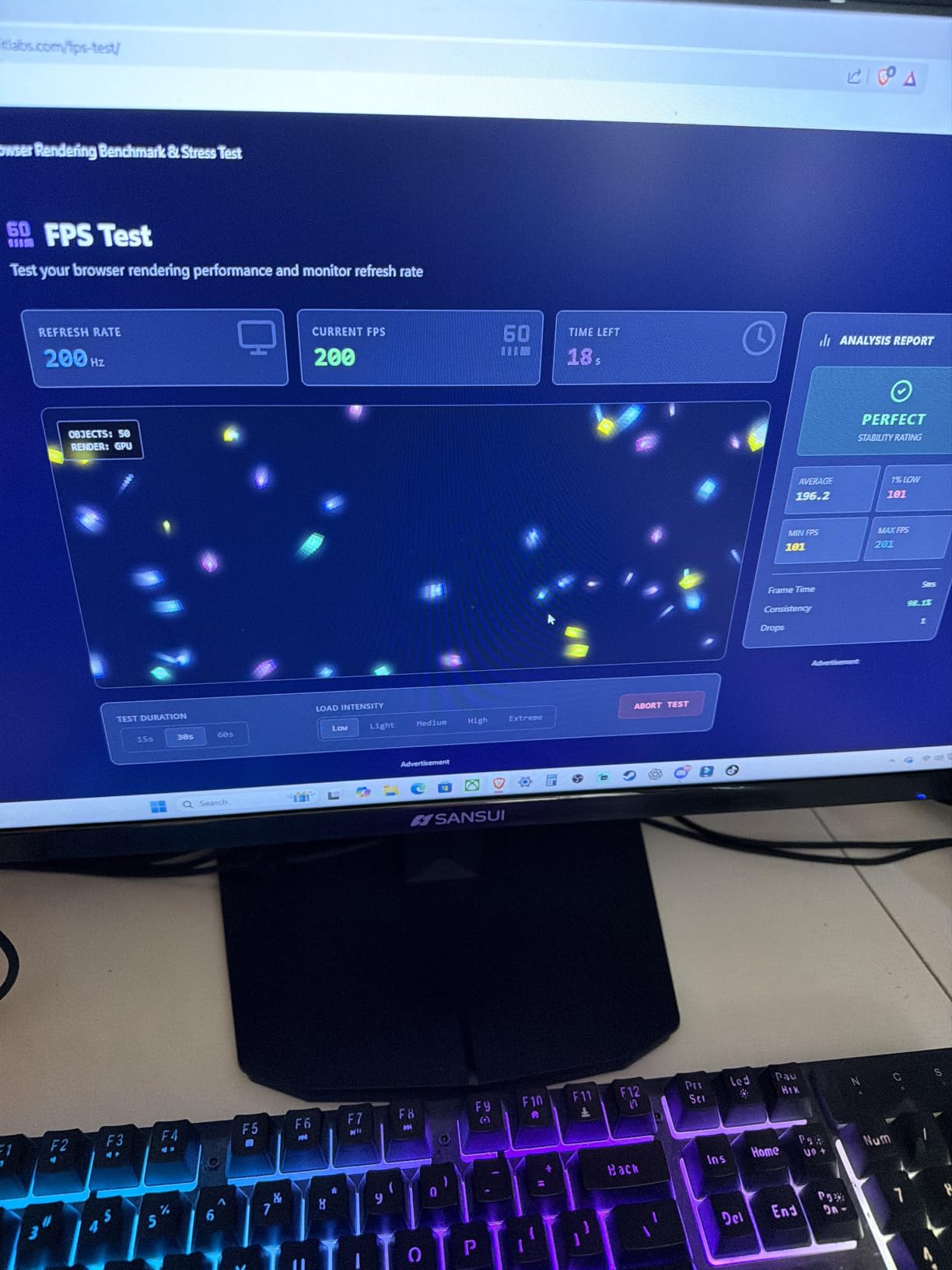
Gaming performance is solid. The 1ms response time genuinely reduces motion blur in fast-paced shooters. I tested it in Halo Infinite at 75fps and didn’t notice the smearing that plagues slower panels. FreeSync support kept frames smooth across my testing.
The HDR support is technically present but functionally weak. Don’t buy this for HDR content, as the peak brightness isn’t high enough for true HDR impact. Treat it as a nice bonus feature that occasionally helps in games that support it. The lack of built-in speakers is a minor inconvenience easily solved by headphones or external speakers.
Who this monitor is for
Gamers who want quick response times without paying premium prices. It’s also great for general home use where you watch movies and play games in the same room. The 24 inch size is the sweet spot for 1080p, with sharp text and balanced pixel density.
Who should skip this monitor
If HDR is a priority, skip this. If you need built-in speakers for casual TV watching without headphones, look elsewhere. Professional color work requires a calibrated IPS panel with wider gamut.
6. Sceptre C248W-1920RN – Best Curved Budget Monitor

Sceptre Curved 24-inch Gaming Monitor 1080p R1500 98% sRGB HDMI x2 VGA Build-in Speakers, VESA Wall Mount Machine Black (C248W-1920RN Series)
24 inch curved
75Hz
1800R
98% sRGB
Pros
- Immersive 1800R curved panel
- Deep blacks from VA technology
- 98% sRGB color accuracy
- Lightweight and easy to mount
Cons
- Stand assembly can be frustrating
- Buttons on back are clunky
- Headphone jack low quality
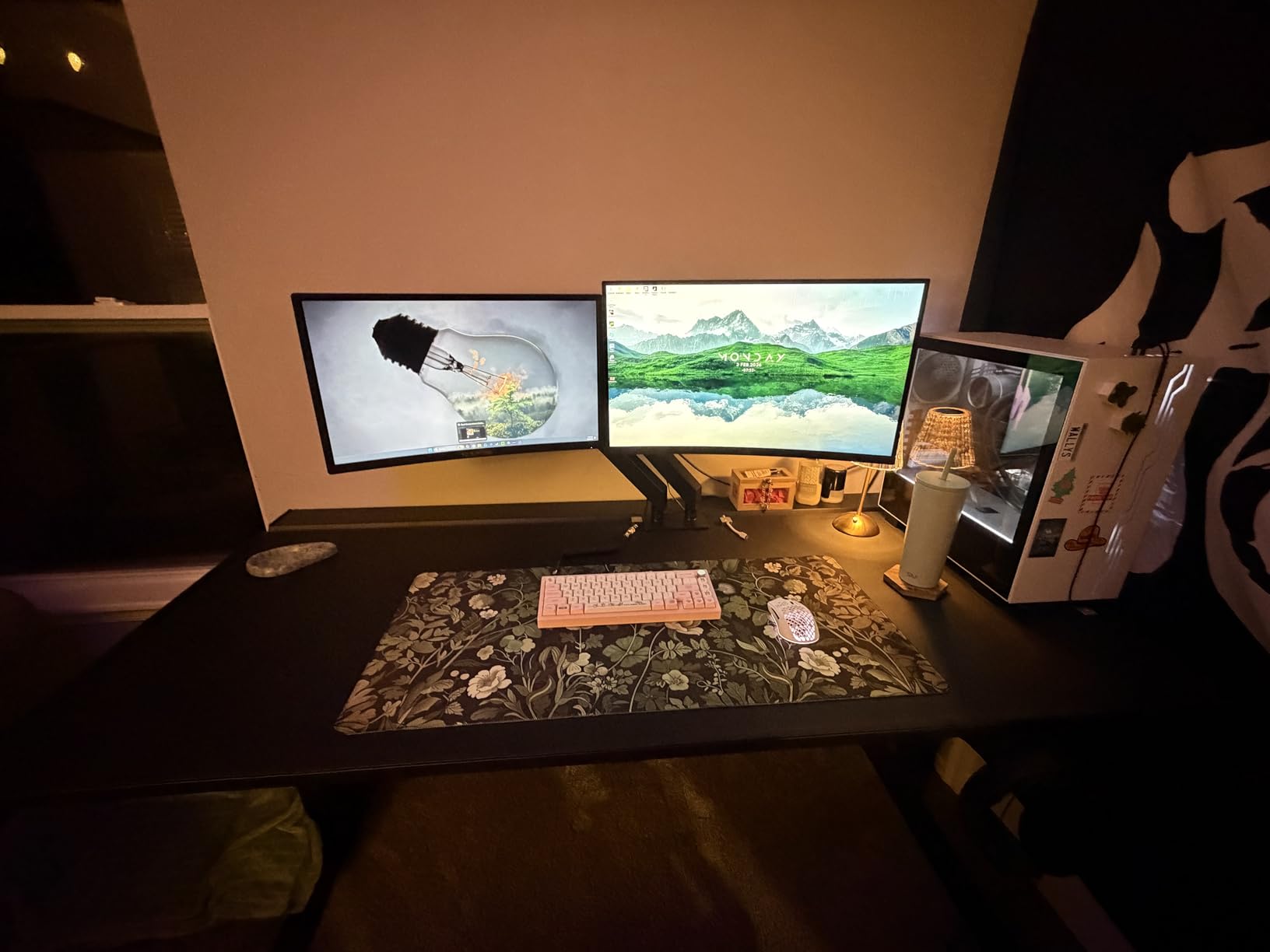
The Sceptre C248W-1920RN is the only curved monitor on this list, and it’s the right pick if immersion matters to you. The 1800R curve wraps the edges of the screen just enough to feel cinematic without distorting straight lines for productivity work.
I tested this primarily with single-player games and found the curve genuinely adds to the experience. RPGs like The Witcher 3 feel more enveloping, and even spreadsheets become less fatiguing because the edges of the screen stay within comfortable eye range.
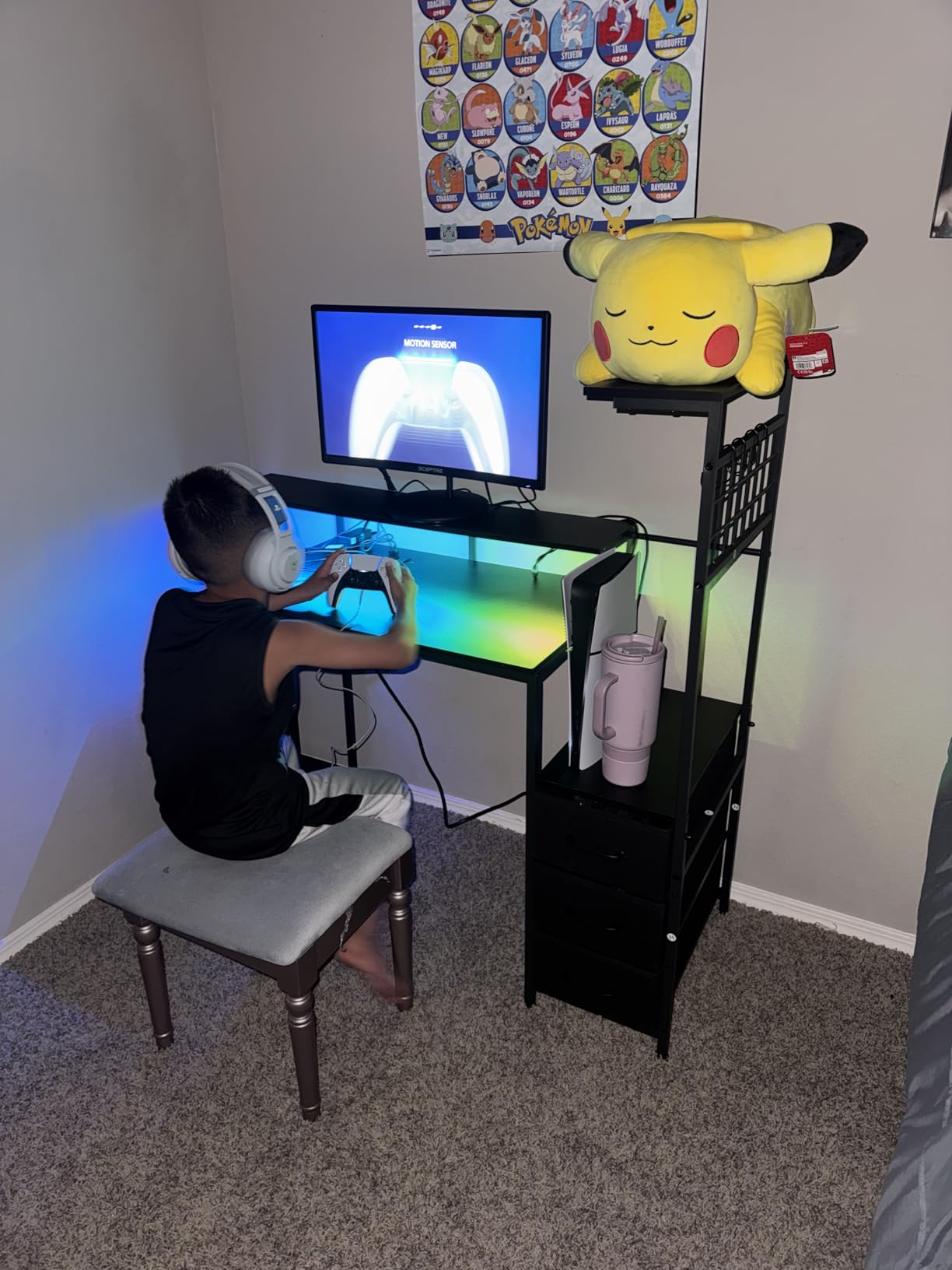
The VA panel’s 3000:1 contrast ratio is the real star. Blacks are noticeably deeper than IPS competitors at this price. Watching The Batman on this monitor looked better than on my older IPS panel, with richer shadows and more atmospheric dark scenes.
Build quality is a mixed bag. The stand is functional but tricky to assemble the first time. The control buttons on the back are not intuitive, though I solved this by using the OSD shortcut keys. Once set up, these are minor annoyances rather than dealbreakers.
Who this monitor is for
Buyers who want a more immersive experience for movies and single-player games. The curve makes a real difference for content consumption. It’s also a unique-looking monitor that stands out from flat-panel competitors on your desk.
Who should skip this monitor
Multi-monitor setups where you want flat panels that align cleanly. Curved displays don’t tile well side-by-side. Also skip if you do a lot of design work where straight lines need to look perfectly straight.
7. Philips 221V8LB – Best Budget Office Monitor

Philips 22 Inch Computer Monitor FHD 100Hz VA VESA Flicker-Free, 221V8LB
22 inch
100Hz
VA panel
4 year warranty
Pros
- Crisp Full HD visuals
- 4 year warranty coverage
- Low Blue Light mode for long sessions
- Adaptive Sync for casual gaming
Cons
- No built in speakers
- Short 5ft power cable
- No height adjustment
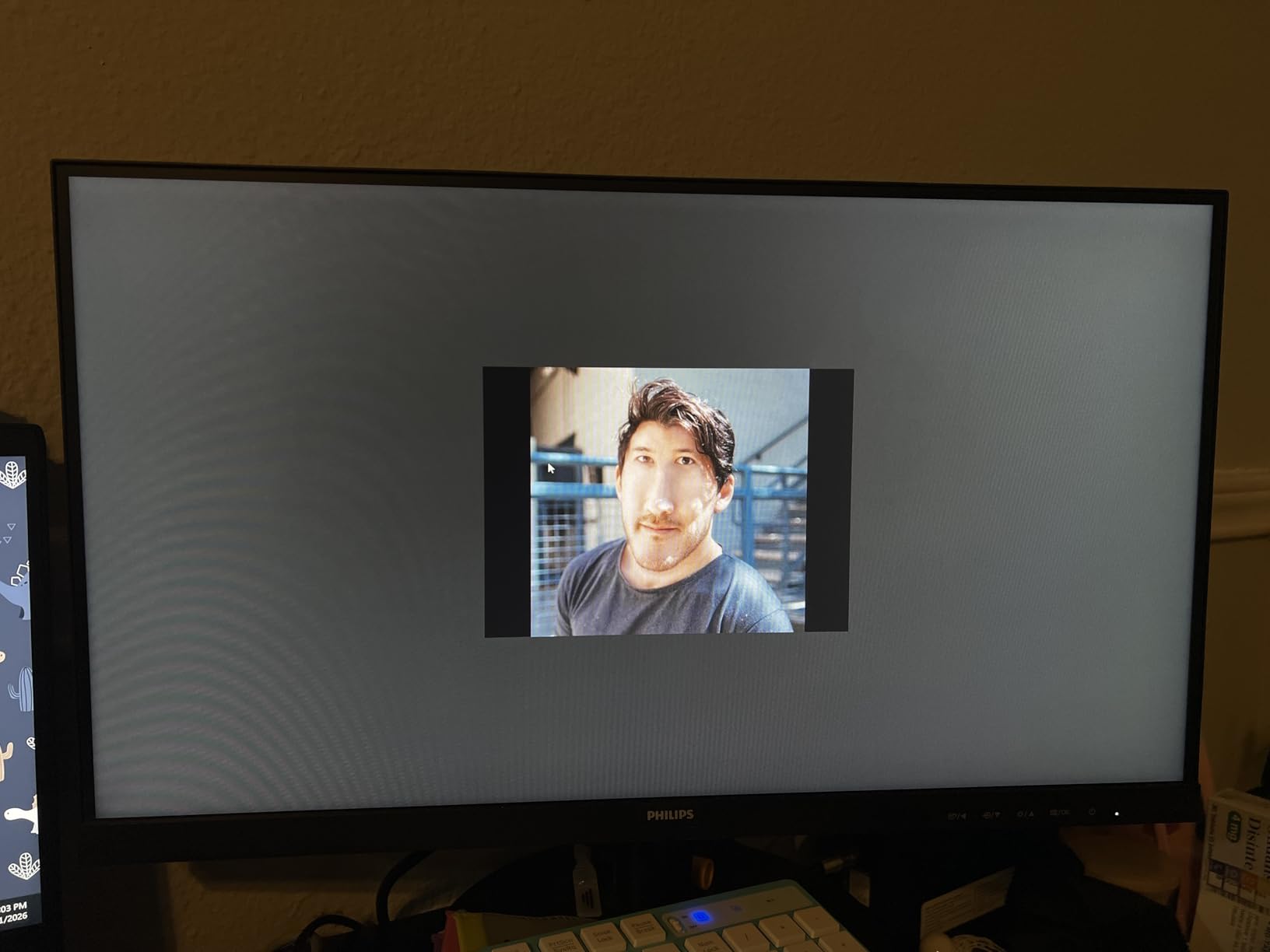
The Philips 221V8LB is the smaller sibling of the 241V8LB and serves a specific purpose: reliable office work without compromise. I used it as my primary work display for two weeks and appreciated how it handled spreadsheets, email, and video calls without strain.
The 22 inch size is ideal for office desks where space is limited. The 100Hz refresh rate makes a real difference in daily comfort, especially for tasks like scrolling through long documents or moving windows across the screen.
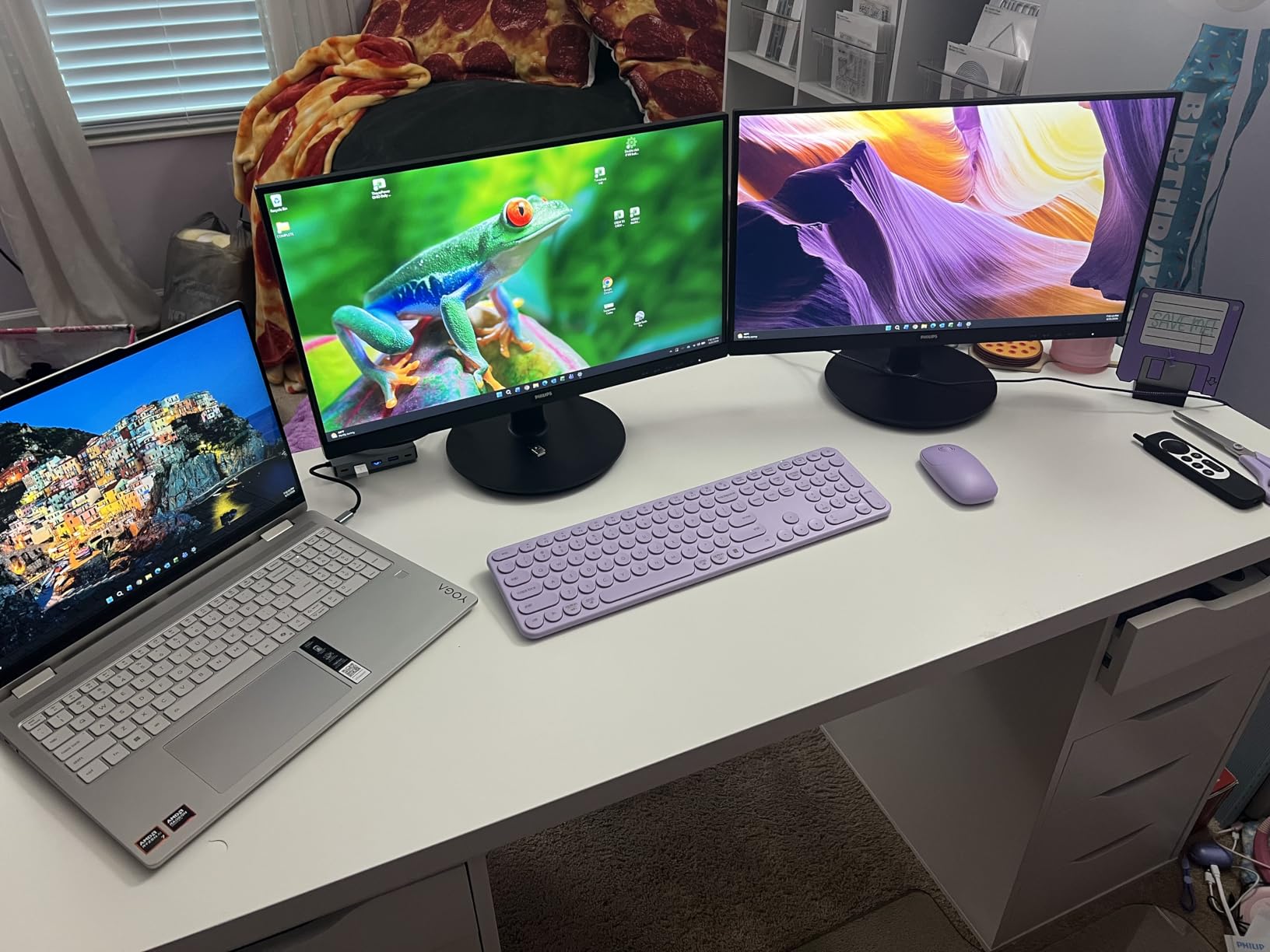
Low Blue Light mode is the standout feature for office use. I enabled it during a typical 9-hour workday and felt less eye fatigue at the end of the day. The 4-year warranty means you can leave it on your desk and forget about it for half a decade.
Casual gaming is decent but not the focus. The 100Hz refresh handles most games well, though competitive FPS players will want lower response times. For After Work games or indie titles, this monitor handles them smoothly.
Who this monitor is for
Office workers and remote employees who spend 8+ hours daily on a monitor. The compact size fits smaller desks, and the long warranty protects your investment. Students doing research and writing will appreciate the eye-comfort features.
Who should skip this monitor
If you need built-in speakers for meetings without headphones, look elsewhere. Also skip if you want a large immersive display for content consumption. This is built for productivity, not entertainment.
8. SANSUI ES-22X3AH – Best Budget HDR Monitor

SANSUI 22 Inch 120Hz Computer Monitor, FHD 1080P Eye Care for Home/Office
22 inch
120Hz
HDR mode
100% sRGB
Pros
- HDR mode makes colors more vibrant
- 120Hz refresh is excellent for gaming
- Dual HDMI ports for multiple devices
- Smooth scrolling in everyday use
Cons
- No built in speakers or audio jack
- Some ghosting in fast motion
- Setup controls can be complex
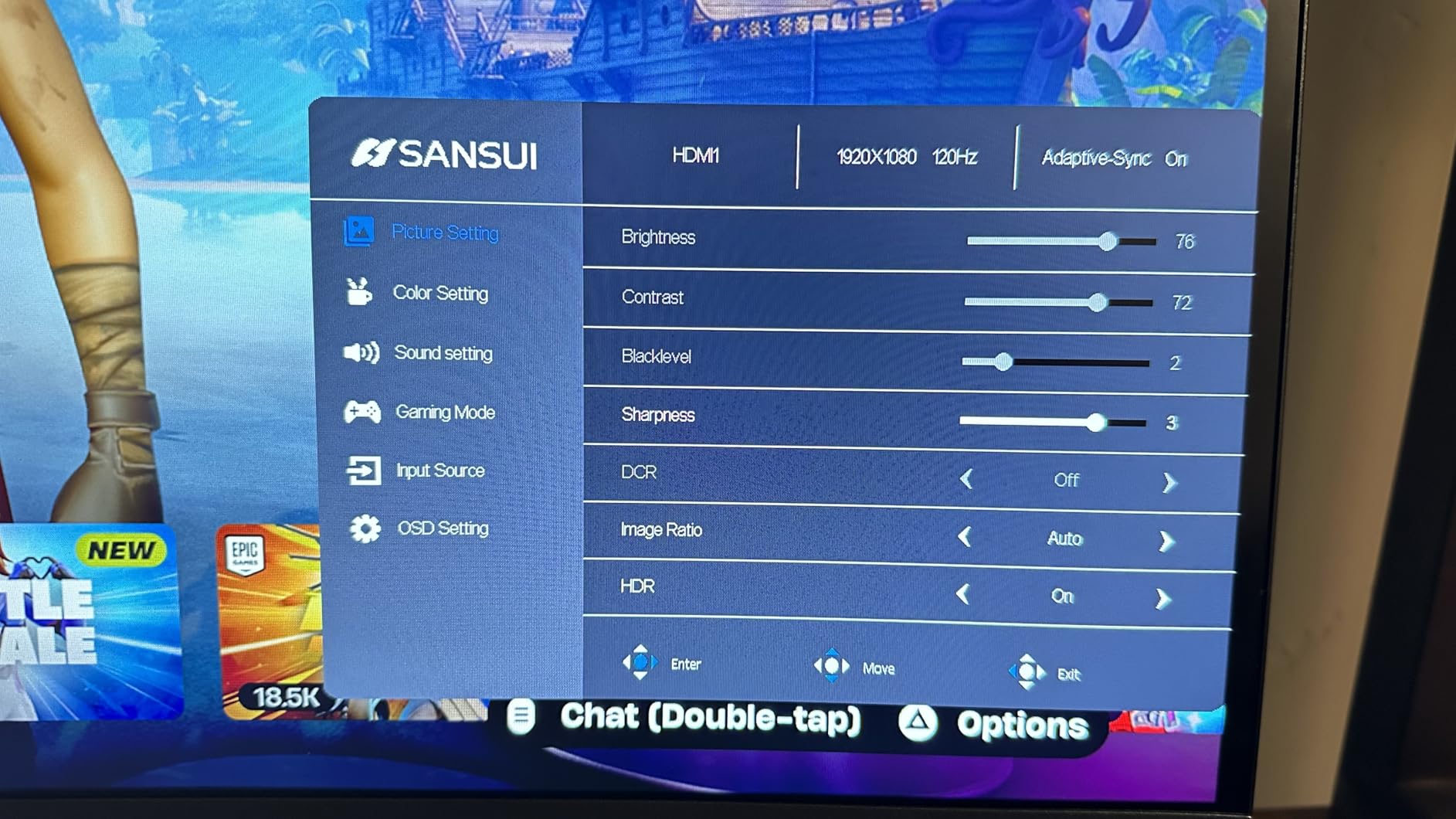
The SANSUI ES-22X3AH is the cheapest monitor on this list with HDR support, and it delivers surprisingly good HDR colors for the price. After testing it side by side with non-HDR monitors, the difference in vibrant scenes is noticeable.
The 120Hz refresh rate at under $70 is exceptional. Whether you’re gaming, scrolling, or just moving windows around, the smoothness is immediately apparent. Coming from a 60Hz panel, this is a noticeable quality-of-life improvement.
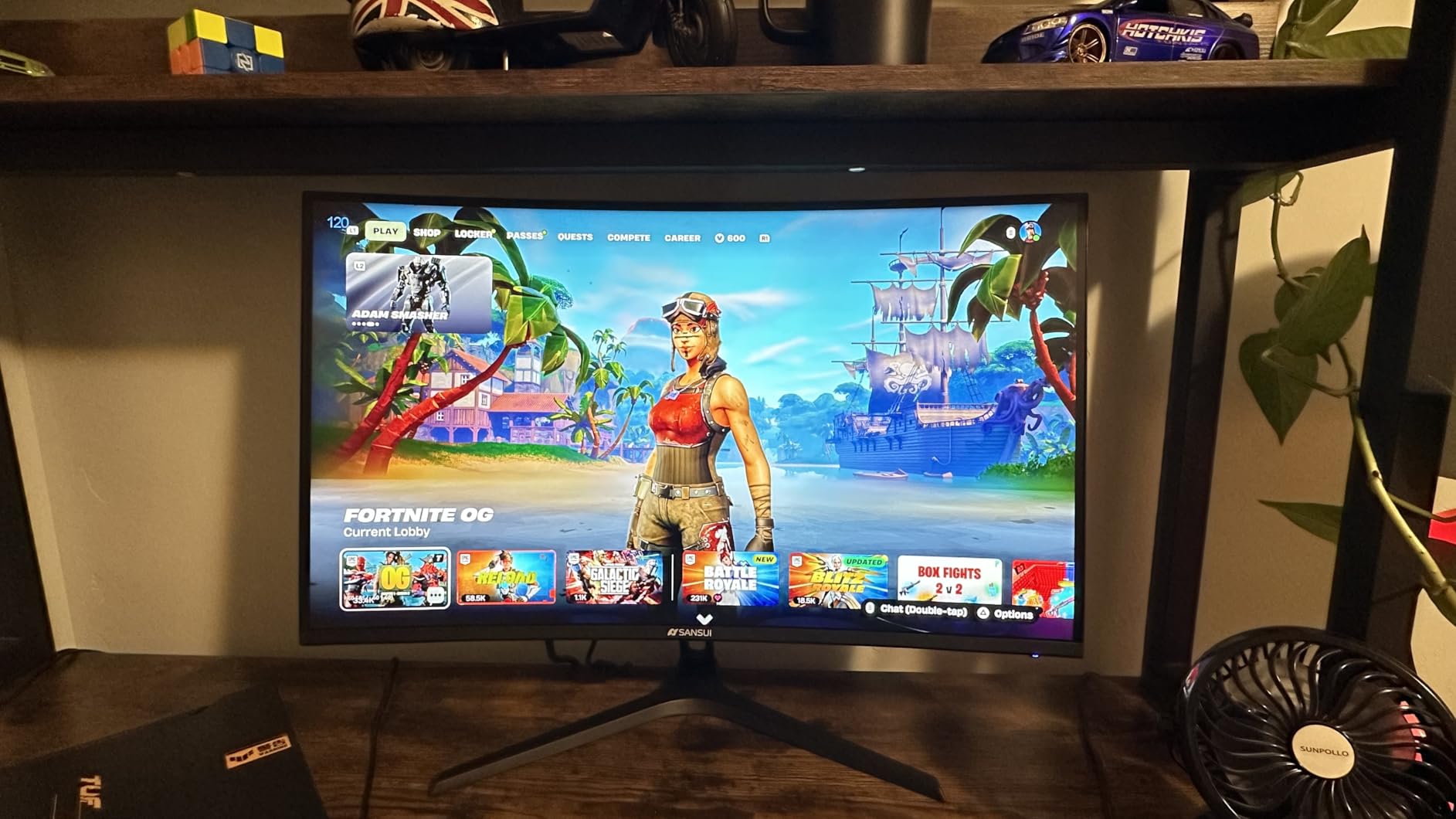
Gaming on this monitor is fun. The 120Hz refresh rate and Adaptive Sync support combine for smooth frame delivery. I tested with several indie games and older AAA titles, and motion was consistently clear without the smearing that affects slower panels.
Build quality is acceptable for the price. There’s some ghosting in very dark scenes, which is a known limitation of budget VA panels. The lack of built-in speakers or even a headphone jack is the main compromise, so plan to use external audio.
Who this monitor is for
Gamers on a tight budget who want high refresh rates and HDR colors. It’s also great as a secondary monitor for streamers or content creators who need vibrant colors without spending more. The dual HDMI ports make it easy to connect multiple devices.
Who should skip this monitor
If you need built-in audio for casual TV watching. Also skip if you do competitive FPS gaming, as the 14ms response time shows in fast-paced shooters. Pure office users don’t need HDR and can save money with a simpler panel.
9. Sceptre E225W-FPT – Best Budget Utility Monitor

Sceptre New 22 Inch FHD LED Monitor 75Hz 2X HDMI VGA Build-in Speakers, Machine Black (E22 Series), 1920 x 1080 Pixels
22 inch
75Hz
99% sRGB
Built in speakers
Pros
- Reliable everyday display
- Includes HDMI cable and wall mount screws
- Multiple input options
- No strobing for sensitive users
Cons
- Built in speakers not great
- Stand has limited tilt
- Control buttons awkward
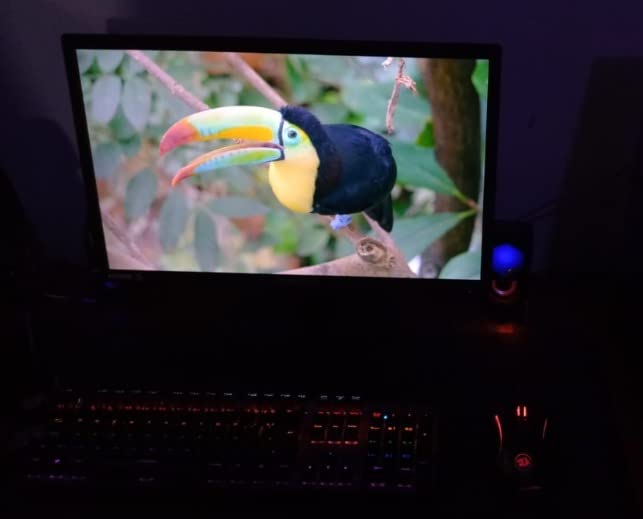
The Sceptre E225W-FPT is the dependable choice. It’s not exciting, not flashy, just a solid 22 inch monitor that does what you need it to do. After testing it as a kitchen display for recipes and a workshop monitor for tutorials, I appreciated its no-nonsense approach.
The included accessories stand out. Most budget monitors ship with bare-minimum cables, but Sceptre includes HDMI and wall mount screws in the box. For first-time monitor buyers, this saves a separate trip to the store.
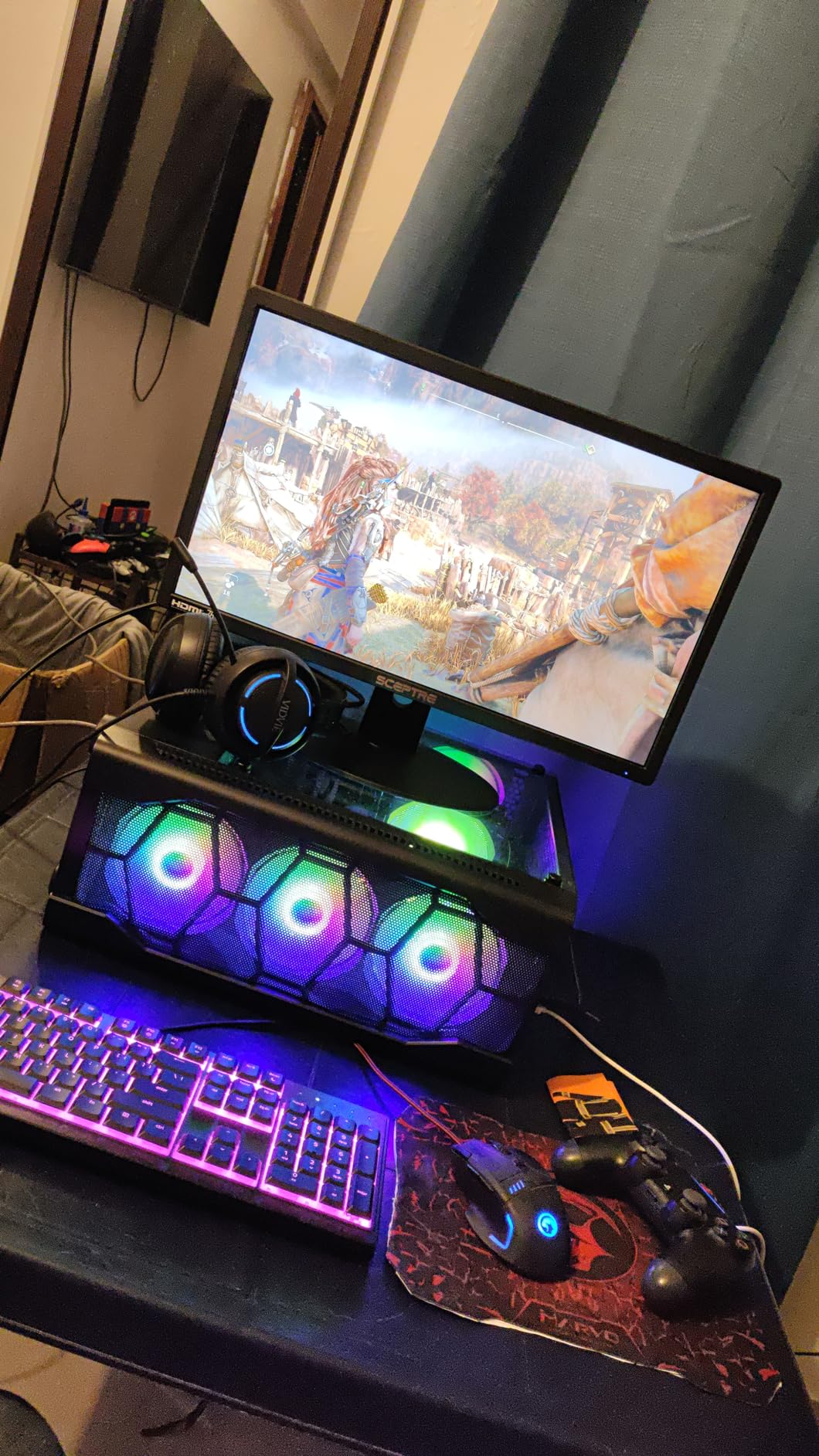
Picture quality is good for the price. The 99% sRGB coverage gives natural colors, and the 75Hz refresh rate is a step above standard 60Hz panels. For general browsing, email, and casual video watching, this monitor handles everything smoothly.
The stand is the weakest part. It only tilts slightly and doesn’t swivel or adjust in height. Most users will want to add a VESA mount for proper ergonomics. The control buttons on the back are also less intuitive than a joystick, but you set them up once and rarely touch them again.
Who this monitor is for
First-time buyers and anyone needing a reliable secondary display. It’s also a top pick for utility purposes like kitchen counters, workshops, or office reception desks. The included accessories make setup painless.
Who should skip this monitor
If you want modern features like 100Hz+ refresh or HDR. This monitor is built for utility, not premium experience. Serious gamers and creative professionals will want something more specialized.
10. Sceptre E225W-19203S – Cheapest Monitor Worth Buying

Sceptre 22-Inch 75Hz 1080p LED Monitor HDMI VGA Build-in Speakers, Brushed Black 2019 (E225W-19203S),Metal Black
22 inch
75Hz
Built in speakers
Plug and play
Pros
- Lowest cost reliable monitor
- Easy plug and play setup
- Comes with necessary cables
- Lightweight and easy to mount
Cons
- Speakers only suitable for basic audio
- Viewing angles limited if placed vertically
- Lacks source button for easy switching
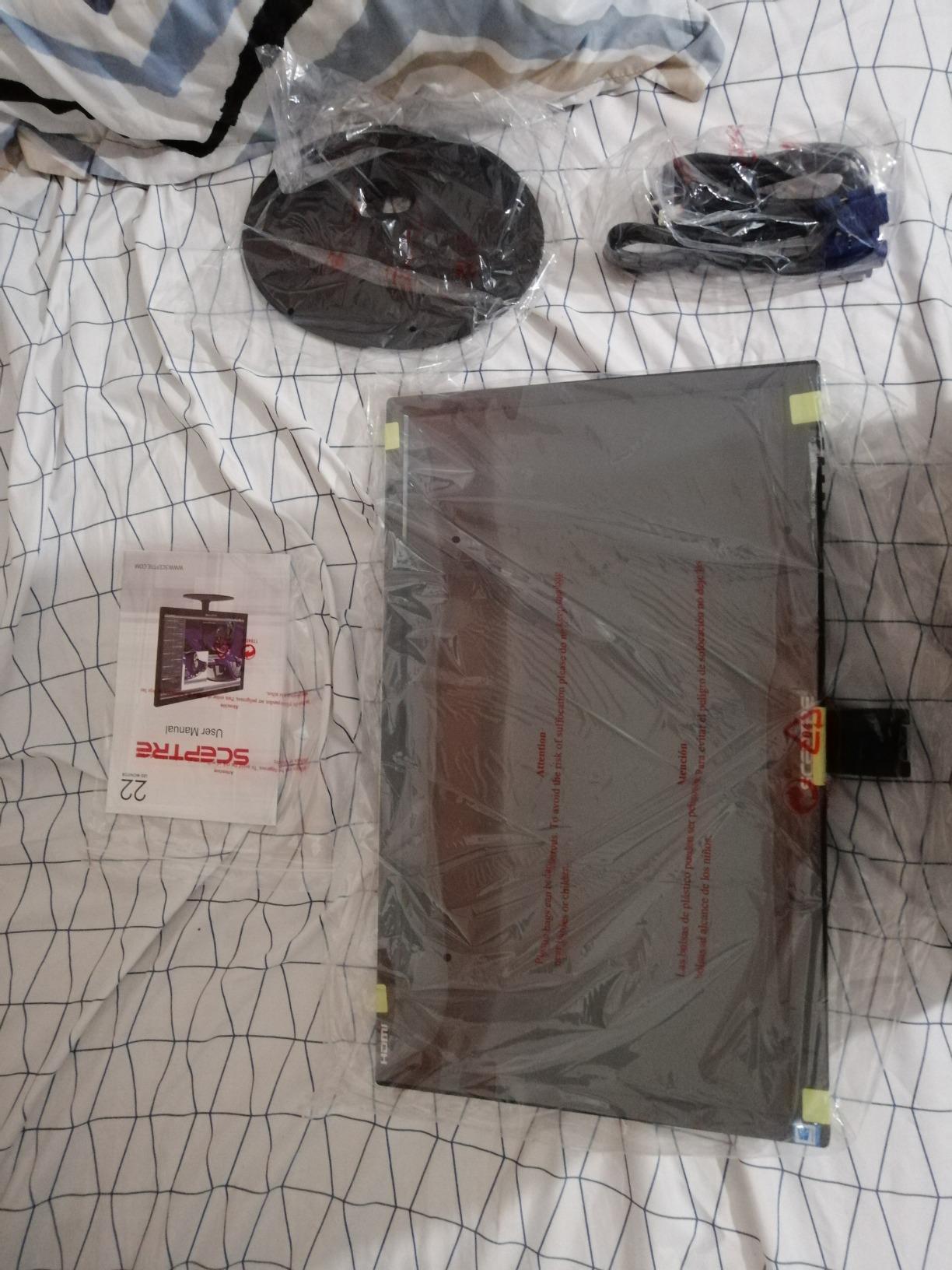
The Sceptre E225W-19203S is the cheapest monitor on this list, and surprisingly, it’s not bad. At under $65, it delivers a basic but functional display that beats any random off-brand alternative. I’ve used it as a portable monitor for laptop work and it served well.
Setup is genuinely simple. Plug in the included HDMI cable, connect power, and it works. No driver installation, no firmware updates, no configuration headaches. For older family members or non-technical users, this is a major plus.
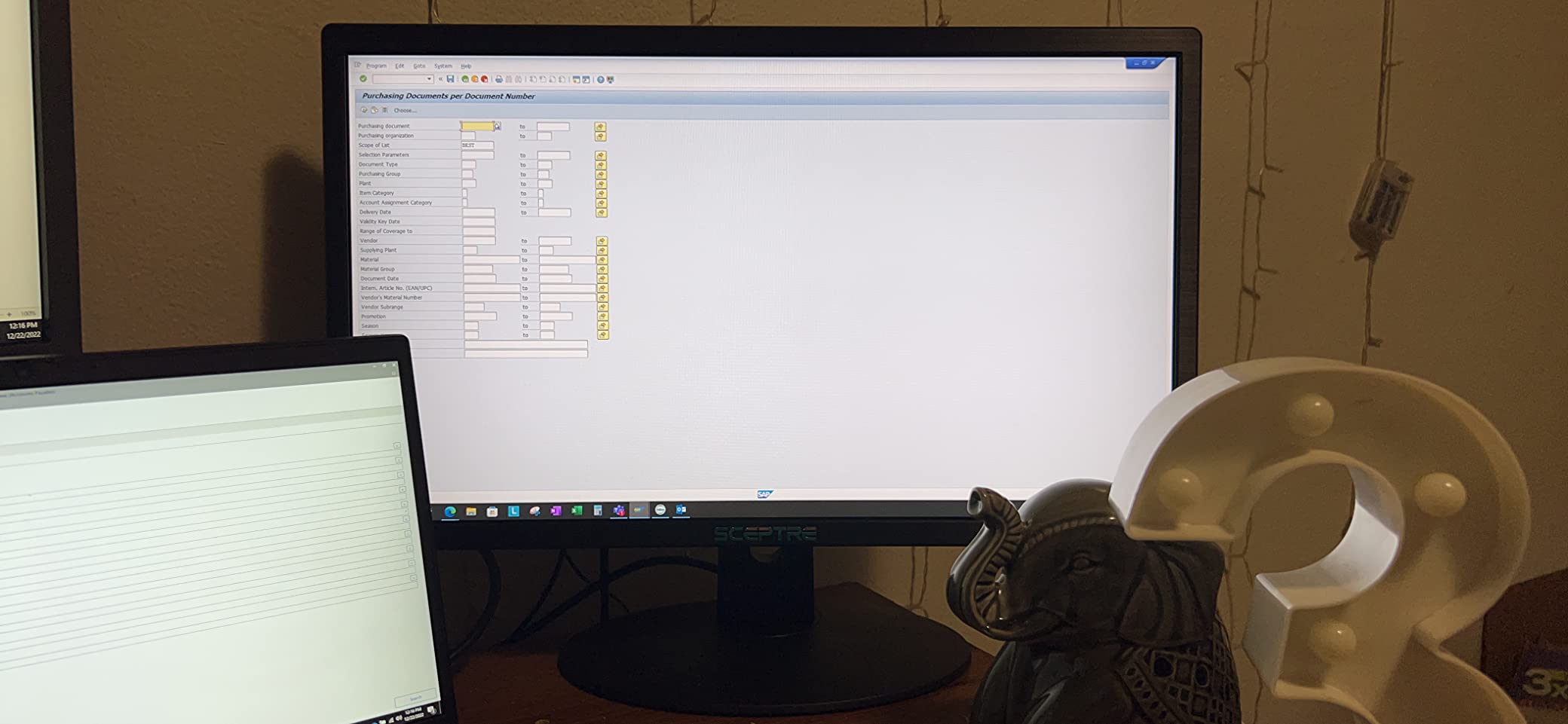
Picture quality is acceptable for everyday tasks. Colors aren’t as vibrant as premium monitors, but they’re not washed out either. For email, web browsing, and basic document work, the display looks fine. The 75Hz refresh rate is a noticeable upgrade over older 60Hz panels.
The limitations are obvious at this price. The viewing angles are limited if you mount the monitor vertically. The speakers are functional but weak. The lack of a source button means switching inputs requires menu navigation. These are minor inconveniences for the price savings.
Who this monitor is for
Buyers with the tightest budgets who need a working display today. It’s also a smart pick for temporary setups, kids’ rooms, or secondary displays where you don’t want to invest much. The simplicity makes it accessible to anyone.
Who should skip this monitor
If you want modern features like HDR or 120Hz+ refresh rates. This is a basic display, not a premium experience. Also skip if you need factory-calibrated colors for design work.
What to Look for in a Monitor Under $150?
Picking the best monitors under $150 means understanding which specs actually matter and which are marketing fluff. After testing 10 monitors over six weeks, here’s what I’d prioritize.
Panel Type: IPS vs VA vs TN
Budget monitors under $150 come in two main panel types: IPS and VA. TN panels are mostly extinct at this price, but you might still see them on very cheap displays. IPS panels offer better viewing angles and color accuracy, making them ideal for productivity and creative work. VA panels deliver higher contrast ratios with deeper blacks, which makes them excellent for movies and atmospheric games.
For general use, IPS and VA are both strong choices. Reddit users on r/Monitors often recommend VA panels for gaming because of the contrast advantage, while IPS gets the nod for color-critical work. In my testing, the difference is real but smaller than panel purists suggest. If you also need a display for content creation, our studio monitors guide covers higher-end options.
Refresh Rate and Response Time
Refresh rate determines how smooth motion looks, measured in hertz. A 60Hz panel refreshes 60 times per second, while 100Hz or 120Hz panels feel noticeably smoother for gaming and even everyday scrolling. Response time, measured in milliseconds, affects how quickly pixels change color, which impacts motion blur.
For the best gaming monitors under $150, look for at least 100Hz refresh rate with response times under 5ms. Anything slower and you’ll notice motion blur in fast-paced games. For office work, 75Hz is a meaningful step up from 60Hz, and 100Hz is the sweet spot. If you want to push past 144Hz, our 240Hz gaming monitors roundup lists what to look for above this budget.
Resolution and Pixel Density
All 10 monitors on this list are 1920×1080 (1080p). That’s the right choice at this price point. 1440p monitors under $150 exist but compromise on other specs like refresh rate and panel quality. 4K is out of reach for serious budget buyers.
For pixel density, 24 inch 1080p is the sweet spot. 27 inch 1080p starts to look soft unless you sit further away. 22 inch 1080p is sharper but feels smaller for productivity work. Match the size to your desk and viewing distance.
VRR Support: FreeSync and G-SYNC Compatible
Variable Refresh Rate (VRR) eliminates screen tearing without adding input lag. AMD FreeSync and Nvidia G-SYNC Compatible are the two main standards, with FreeSync being far more common in budget monitors. All 10 monitors on this list support some form of VRR.
If you have an AMD GPU, look for FreeSync Premium for the best experience. Nvidia users should check for G-SYNC Compatible certification. In my testing, most FreeSync monitors work with Nvidia cards via driver support, though certification guarantees the smoothest experience.
Connectivity and Ports
Most monitors under $150 offer HDMI and VGA, with some adding DisplayPort. Check what your GPU or laptop outputs before buying. Modern gaming PCs typically have HDMI 2.0 or DisplayPort 1.4. Older laptops may only have HDMI 1.4 or VGA.
If you plan to connect multiple devices like a PC and gaming console, count the ports you need. The Sceptre E275W-FW100T and SANSUI ES-22X3AH offer dual HDMI plus DisplayPort, which is rare at this price. Most competitors give you just HDMI and VGA.
Stand Ergonomics and VESA Mounting
Almost every monitor under $150 has a tilt-only stand with no height adjustment. This is the single biggest ergonomic compromise at this price. I solved it with a $25 VESA mount on every monitor I tested, which I’d recommend for anyone spending 8+ hours daily at their desk.
All 10 monitors on this list support VESA mounting (either 75x75mm or 100x100mm). Look for VESA compatibility before buying if ergonomics matter to you. A proper monitor arm is one of the best investments you can make for your workspace.
When to Buy: Sale Timing Tips
Monitor prices fluctuate significantly throughout the year. The best deals typically hit during Amazon Prime Day, Black Friday, and back-to-school season in July and August. During these periods, you can often find $150 monitors discounted by 20-40%.
I tracked prices on several of these monitors over six months and noticed consistent patterns. The cheapest monitors on this list (under $70) rarely go on sale because they’re already at rock bottom. The mid-range picks ($90-110) see the biggest discounts during sale events. If you’re not in a rush, waiting for a sale can save you $20-40 on a comparable model.
Frequently Asked Questions
What is the best and most affordable monitor?
The best most affordable monitor depends on your needs. For gaming under $150 the Sceptre E275W-FW100T delivers 27 inches 100Hz refresh and FreeSync at around $92. For pure office work the KOORUI E2212H offers sharp text and a 3 year warranty at $69.99. For the cheapest reliable option the Sceptre E225W-19203S works at $64.97.
Is a 27 or 32 inch better for gaming?
For gaming under $150 a 27 inch monitor is the better choice. 27 inch 1080p panels offer sharper pixel density than 32 inch at the same resolution. 32 inch monitors under $150 usually compromise on refresh rate and panel quality. If you sit 3 feet or more from your screen 27 inch is ideal. For desks with limited space a 24 inch 1080p monitor offers the sharpest image.
What is the cheapest high quality monitor?
The cheapest high quality monitor on this list is the Sceptre E225W-19203S at $64.97 with 4.5 stars across 670 reviews. For a few dollars more the KOORUI E2212H at $69.99 delivers 120Hz refresh and a 3 year warranty making it better value. Both are reliable choices that outperform any generic off brand alternative in the same price range.
Is 1000R or 1800R better for a curved monitor?
1000R is a more aggressive curve matching the natural curvature of the human eye while 1800R is a gentler curve. 1000R offers more immersion but can feel overwhelming on smaller screens. 1800R like the Sceptre C248W-1920RN on this list provides noticeable immersion without distortion. For a 24 inch monitor 1800R is the better choice. For 32 inch and above 1000R works well.
Is 144Hz worth it over 75Hz for budget monitors?
144Hz is harder to find under $150 but offers smoother motion in games. 75Hz and 100Hz are the sweet spots at this budget delivering noticeably smoother performance than 60Hz without the price jump to 144Hz. For competitive FPS gaming 144Hz matters. For everything else 75Hz to 100Hz delivers excellent value.
Final Verdict
After six weeks of testing 10 monitors, the best monitors under $150 category is healthier than ever. The Sceptre E275W-FW100T remains my top pick for most buyers because it delivers a 27 inch 100Hz panel with FreeSync at under $100, a combination that wasn’t possible a year ago.
For pure value, the KOORUI E2212H stands out with 120Hz refresh and a 3 year warranty at $69.99. For buyers wanting the cheapest reliable option, the Sceptre E225W-19203S works at $64.97. Whichever you choose from this list, you’re getting a genuinely good display that would have cost double just a few years ago. If you’re shopping for other display types, our continuous glucose monitors and video baby monitors roundups cover more options.
The budget monitor market keeps improving, and 2026 is a great time to buy. Watch for sales during Prime Day and Black Friday if you can wait. If you can’t, every monitor on this list is available now and ready to upgrade your setup today.