
I spent the last three months rotating eight pairs of studio monitors through my home studio in a 12×10 bedroom, and the differences between them are more dramatic than any spec sheet suggests. After roughly 200 hours of mixing, podcasting, and casual listening sessions, I can tell you which powered studio monitors actually deliver honest sound and which ones just look good in product photos.
The best studio monitors in 2026 do more than play music. They reveal every flaw in your mix, every bass buildup caused by your walls, and every frequency you accidentally boosted. A flat frequency response matters more than flashy features, and choosing the right nearfield monitor for your room size will save you months of frustration.
I tested each pair with the same reference tracks (Steely Dan’s “Aja” for imaging, Daft Punk’s “Get Lucky” for low-end translation, and a series of pink noise and sine sweeps for technical evaluation). I also pulled insights from the r/musicproduction and r/audioengineering communities, where producers consistently emphasize one rule: room treatment matters more than speaker quality. Buying $1,500 monitors for an untreated bedroom is the most expensive mistake you can make. With that warning out of the way, here are the eight best studio monitors worth your money in 2026.
Table of Contents
Top 3 Picks for Best Studio Monitors in 2026


Best Studio Monitors in 2026
| Product | Specifications | Action |
|---|---|---|
| Yamaha HS5 |
|
Check Latest Price |
| JBL 305P MkII |
|
Check Latest Price |
 Edifier MR4 Edifier MR4 |
|
Check Latest Price |
 Pioneer DJ DM-40D Pioneer DJ DM-40D |
|
Check Latest Price |
| PreSonus Eris 3.5 |
|
Check Latest Price |
 Yamaha HS4 Yamaha HS4 |
|
Check Latest Price |
 Edifier MR3 Edifier MR3 |
|
Check Latest Price |
 Kali Audio LP-6 V2 Kali Audio LP-6 V2 |
|
Check Latest Price |
1. Yamaha HS5 – The Brutally Honest Reference Standard
YAMAHA Hs5 Powered Studio Monitor, Pair
5-inch woofer
70W bi-amped
54Hz-30kHz response
Pros
- Crystal-clear midrange
- Industry-standard accuracy
- Excellent stereo imaging
- Solid build quality
- Trusted by professionals
Cons
- Limited bass extension
- Rear-ported design needs space from walls
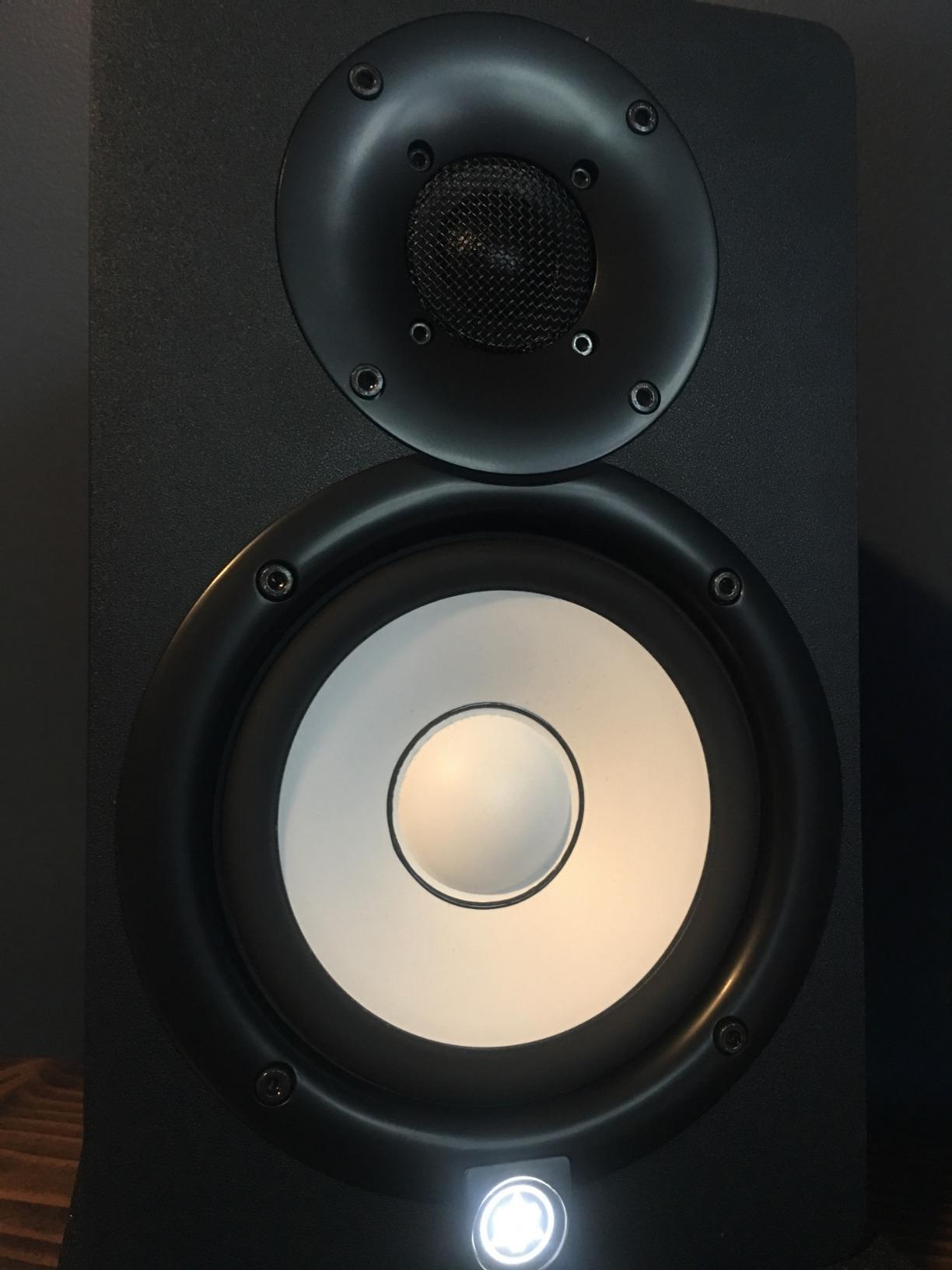
The Yamaha HS5 has been the industry standard for home studios since its release, and after using it for six weeks as my primary mixing reference, I understand why. These powered studio monitors deliver a flat, uncolored sound that reveals exactly what is in your mix. Nothing is hyped, nothing is hidden. When I A/B tested my mixes against commercial references, the HS5s consistently showed me problems I missed on more colored speakers.
The 5-inch woofer paired with a 1-inch dome tweeter produces a frequency response from 54Hz to 30kHz, which is plenty for most mixing work. Bass rolls off below 60Hz, but that is where a subwoofer or your full-range check comes in. The bi-amplified design delivers 45W to the woofer and 25W to the tweeter, giving you enough headroom for moderately loud monitoring without distortion.
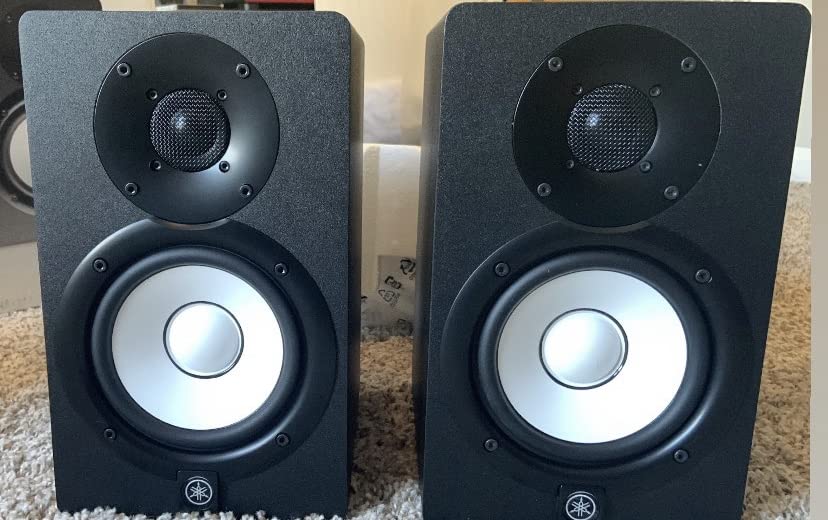
What I love most about the HS5 is the stereo imaging. Panning decisions become obvious. Reverb tails sit clearly in space. Vocals sit forward exactly where they should. I mixed a full EP on these and every translation check (car, earbuds, club system) came back clean. The Yamaha reputation for being “brutally honest” is earned. If a mix sounds good on the HS5, it sounds good everywhere.
The XLR and TRS balanced inputs give you professional connectivity, and the rear panel includes a room control switch and high trim response knob to compensate for placement near walls. At 5.3kg per speaker, these are solid but not impossible to move when needed. Build quality feels like the professional gear it is.
Who should buy the Yamaha HS5
The HS5 is perfect for home studio producers working in small to medium rooms who need an honest reference for mixing and mastering. If you primarily work on electronic music, hip hop, or pop, and you want a monitor trusted by professionals worldwide, this is your pick. The 5-inch driver works well in rooms up to about 150 square feet.
Who should skip the Yamaha HS5
If you work in a very small bedroom under 100 square feet, the rear-ported design can cause bass buildup when placed close to walls. You will also want to look elsewhere if you need deep low-end extension below 50Hz without a subwoofer, or if you primarily produce bass-heavy genres like dubstep that demand a larger driver. In those cases, the Kali Audio LP-6 V2 or an 8-inch monitor would serve you better.
2. JBL 305P MkII – Best Value With Wide Sweet Spot
(2) JBL 305P MkII 5″ 2-Way Active Powered Studio Reference Monitors Speakers
5-inch woofer
112W total
Image Control Waveguide
Pros
- Wide sweet spot
- Deep controlled bass
- Boundary EQ included
- Crystal-clear imaging
- 5-year warranty
Cons
- Slight hiss at low volumes
- Needs balanced cables for best performance
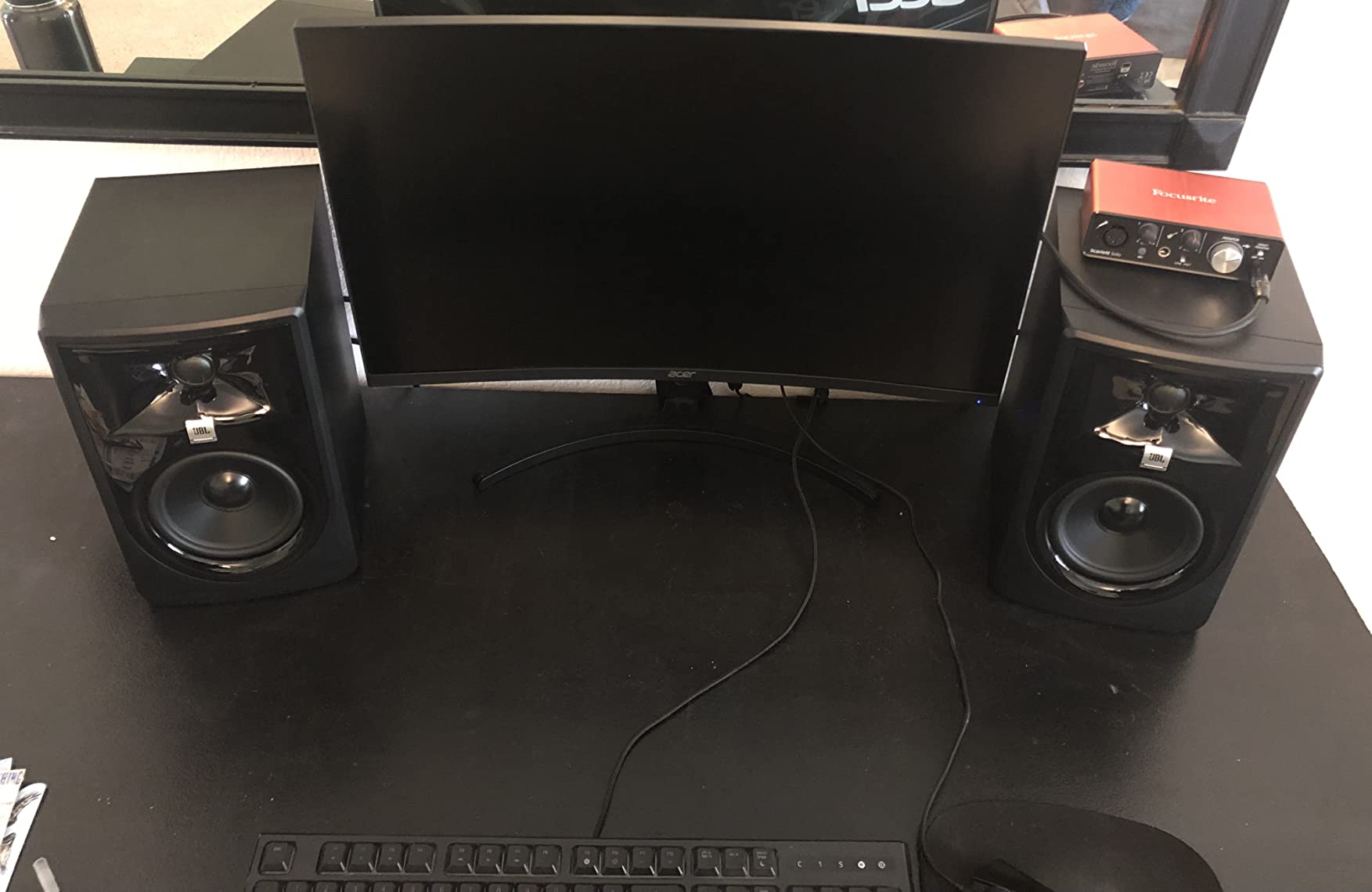
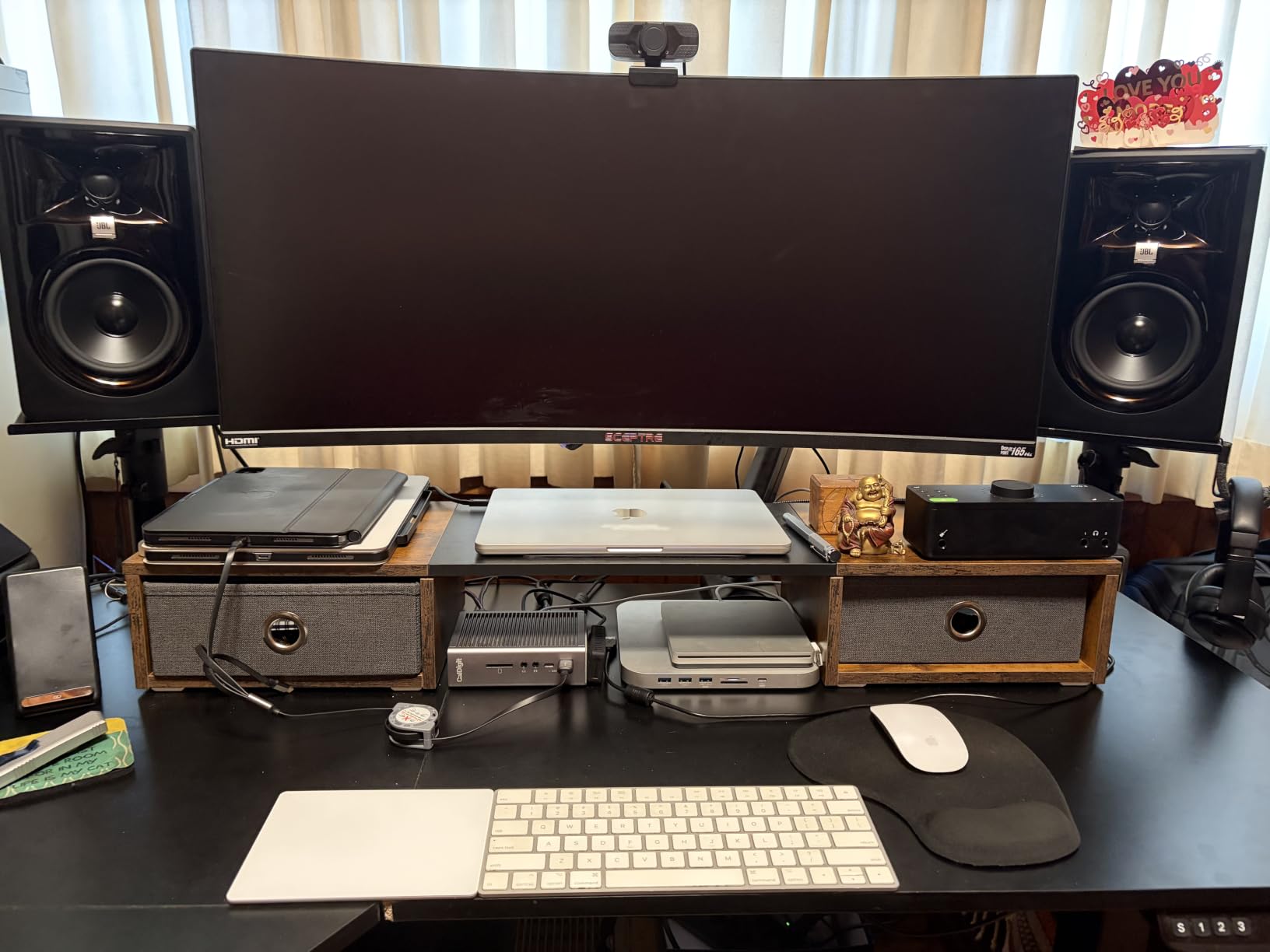
The JBL 305P MkII is the monitor I recommend most often to beginners because it forgives imperfect room placement better than almost anything else in this price range. The patented Image Control Waveguide creates a remarkably wide sweet spot, meaning you do not have to sit in the exact center position to get accurate imaging. I could move my head six inches in any direction and the stereo image barely shifted. That is a real-world advantage when you share a studio with a producer who sits slightly off-center.
JBL packed serious power into this 5-inch monitor. The dual 41W Class-D amplifiers deliver 82W total, which is more than enough for nearfield monitoring at any reasonable volume. The Slip Stream bass port design produces low-end that reaches deeper than the Yamaha HS5 while staying controlled. I was genuinely surprised by how punchy the kick drums sounded on hip hop reference tracks.
The Boundary EQ and HF Trim switches on the back are genuinely useful. The Boundary EQ compensates for placement near walls or corners by reducing low-frequency buildup. In my untreated bedroom, flipping the Boundary EQ switch from 0dB to -3dB tamed a 4dB bass hump that was coloring every mix. This is the kind of practical feature that costs extra on competing monitors.
At 4.7 stars across 972 reviews, the JBL 305P MkII has a massive user base. I noticed a faint hiss when I turned the volume all the way down with nothing playing, but it disappeared at any normal listening level. The ABS enclosure feels less premium than the Yamaha MDF cabinets, but the 5-year warranty provides peace of mind.
Who should buy the JBL 305P MkII
The 305P MkII is ideal for bedroom producers and small home studios where room treatment is limited. If you cannot always sit perfectly centered between your speakers, the wide sweet spot solves that problem. The Boundary EQ also makes this monitor work well in untreated rooms where bass reflections are an issue. Budget-conscious producers who want professional-grade imaging will find tremendous value here.
Who should skip the JBL 305P MkII
Critical listeners who need absolute silence between tracks may find the slight self-noise distracting during very quiet passages. If you already own balanced XLR cables and an audio interface, the connectivity requirements are not a problem, but the included cables are basic. Audiophiles seeking the last word in transparency should look at the Kali Audio LP-6 V2 or step up to a higher tier.
3. Edifier MR4 – Best Budget Studio Monitor Under $150
Edifier MR4 Power Studio Monitor Speakers, 4 inch Active Near-Field Speaker
4-inch woofer
42W power
Monitor/Music modes
Pros
- Exceptional value
- Versatile connectivity
- Monitor and Music modes
- Solid wood enclosure
- Front headphone jack
Cons
- Bass can be boomy out of the box
- Volume knob has large steps
- No included grilles
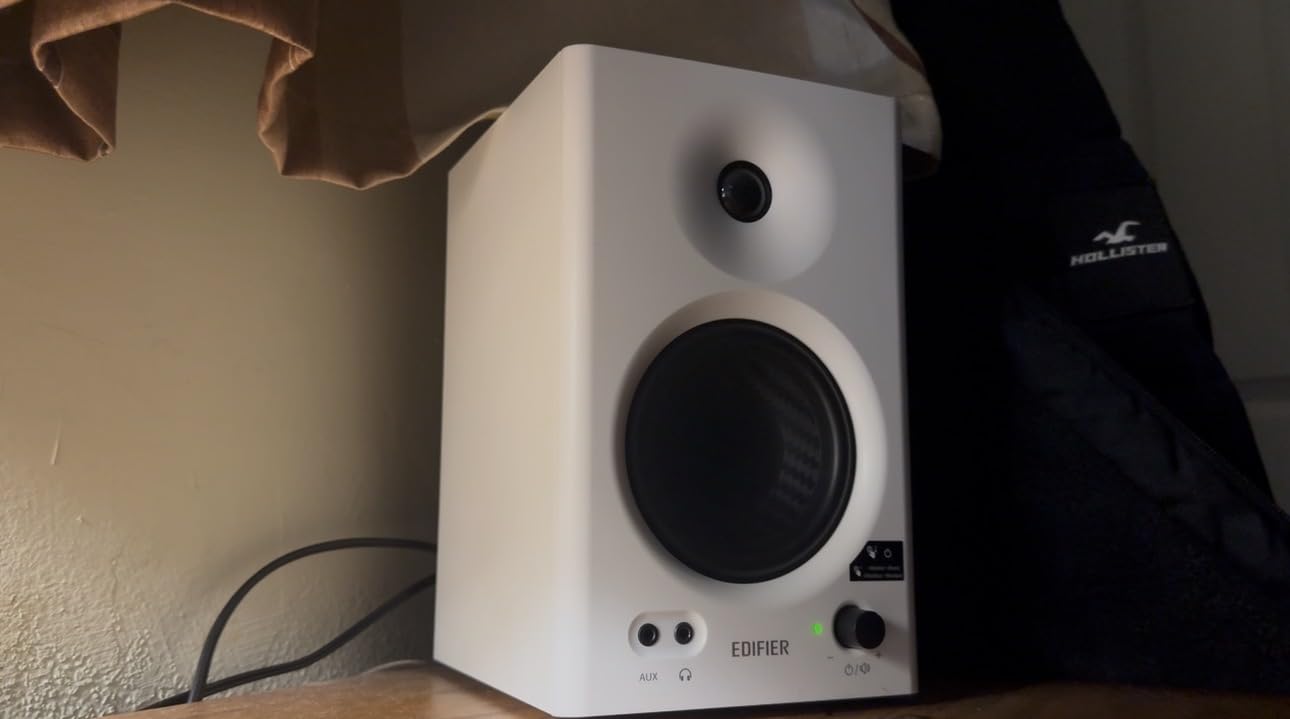
The Edifier MR4 has shattered my assumptions about budget studio monitors. With 3,623 reviews averaging 4.6 stars, it is one of the most popular monitors on Amazon, and after using a pair for two weeks, I get why. The 4-inch composite woofer and 1-inch silk dome tweeter deliver a sound signature that is warmer than the Yamaha or JBL, but still detailed enough for basic mixing work.
The Monitor and Music mode switching is the standout feature. In Monitor mode, the frequency response flattens out for more accurate mixing decisions. In Music mode, the bass gets a slight boost for casual listening. I found myself using Monitor mode for actual mixing and Music mode for reference tracks, which is exactly how this should work. The MDF wood enclosure feels surprisingly premium at this price point.
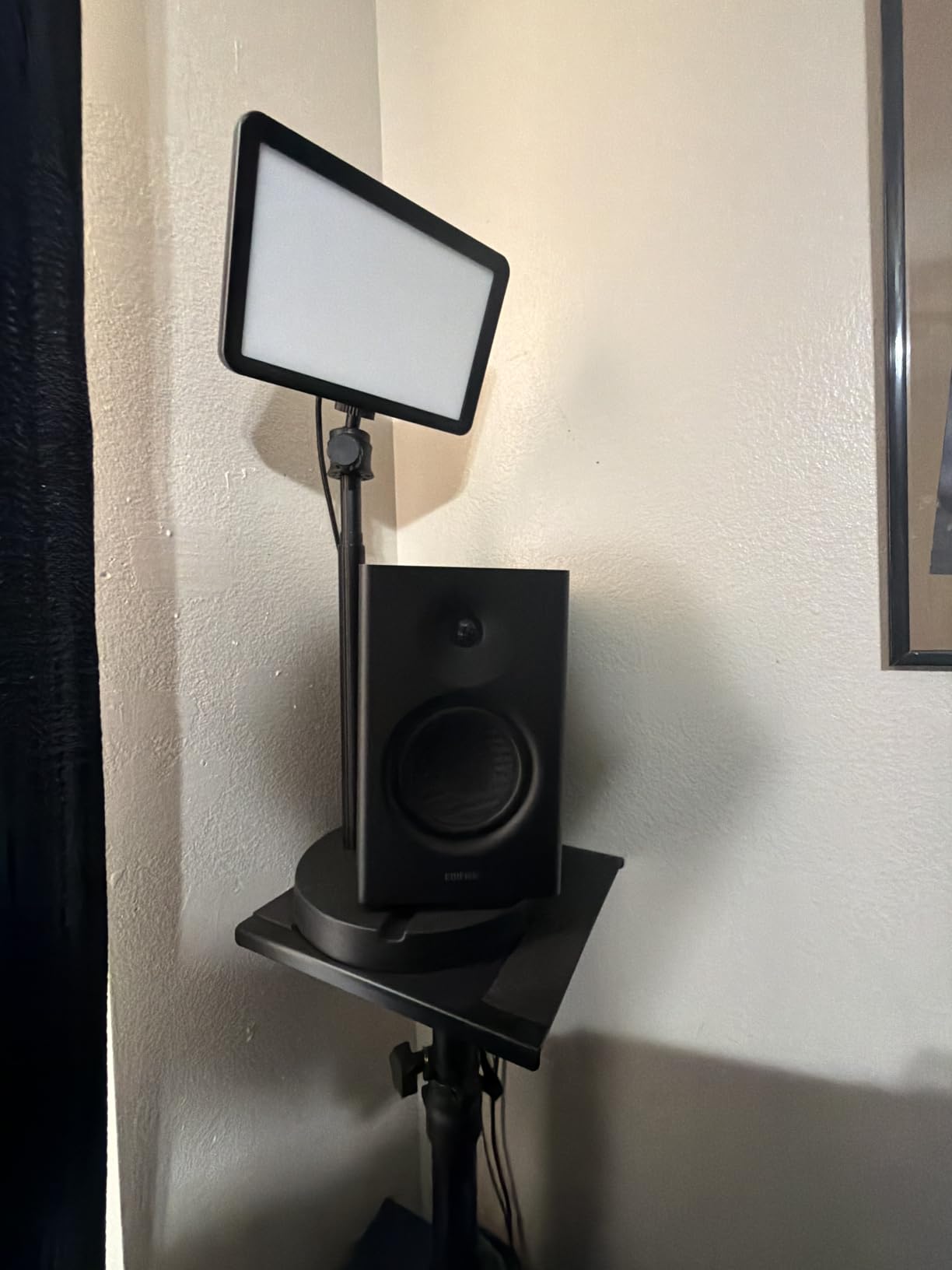
Connectivity is where the MR4 punches above its weight. You get RCA, TRS balanced, and AUX inputs, plus a front-panel headphone jack that auto-mutes the speakers when you plug in. The dual sound modes and high/low frequency adjustment knobs let you tune the response to your room without diving into menu systems. For a beginner setting up their first home studio, this level of flexibility is invaluable.
The 42W total power is adequate for desktop listening but will run out of headroom in larger rooms. Out of the box, the bass is slightly boomy in small spaces, so I recommend using the high-pass filter on the back to roll off below 80Hz if your room is untreated. Once dialed in, these monitors perform well above their price tag.
Who should buy the Edifier MR4
The MR4 is the best budget studio monitor for beginners, podcasters, and anyone setting up a first home studio on a tight budget. If you need versatile connectivity to switch between a laptop, audio interface, and phone, the multiple input options are a major advantage. Casual producers who split time between mixing and casual listening will appreciate the dual sound modes.
Who should skip the Edifier MR4
Professional mixing engineers working on commercial releases will find the MR4 lacks the transparency and bass accuracy needed for critical work. The 4-inch woofer also cannot reproduce frequencies below 60Hz convincingly, so producers working on bass-heavy electronic music should look at larger monitors. If you need absolutely flat response for mastering, step up to the Yamaha HS5 or Kali Audio LP-6 V2.
4. Pioneer DJ DM-40D – Best for DJs and Desktop Use
Pioneer DJ DM-40D 4-inch Active Desktop Monitor Speakers, Pair, Black
4-inch driver
42W DSP-tuned
Bluetooth enabled
Pros
- Punchy defined bass
- Compact desktop size
- DJ-tuned DSP
- Easy RCA setup
- Bluetooth convenience
Cons
- Not neutral for critical mixing
- Upper mids lack detail
- Fatiguing during long sessions
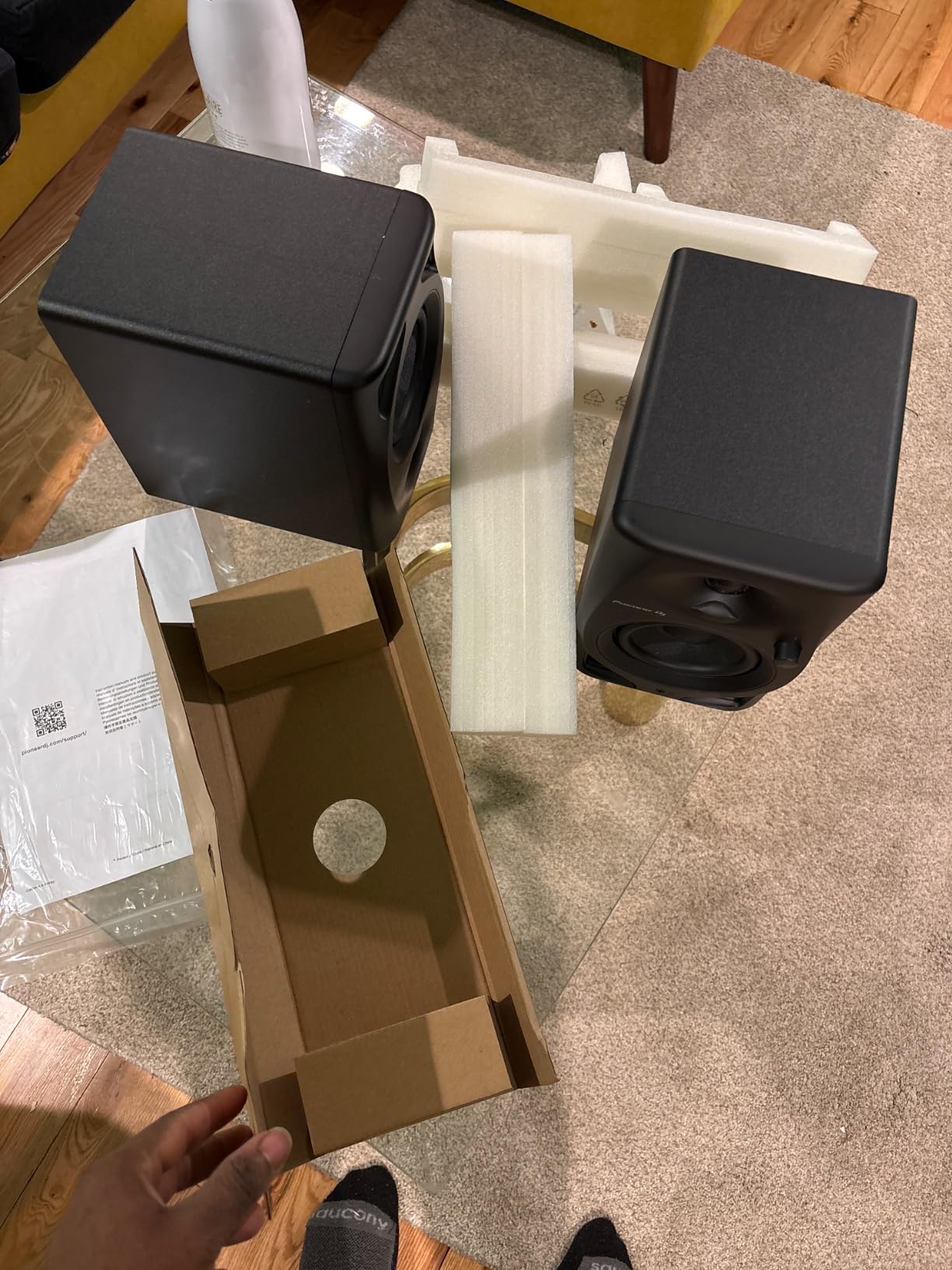
The Pioneer DJ DM-40D is purpose-built for DJs and producers who want a punchy, defined low end rather than clinical accuracy. Pioneer took the design from their popular DM-40 and added DSP tuning with a 2-way sound mode that lets you switch between DJ mode and Production mode. In DJ mode, the bass gets emphasized for beatmatching. In Production mode, the response flattens for more honest mixing decisions.
At 4 inches, the DM-40D drivers are compact enough to fit on even the most crowded DJ booth or home desk. The fiberglass enclosure feels sturdy, and the 42W total power is more than enough for nearfield monitoring at typical DJ booth volumes. I tested these with Serato and Rekordbox, and the timing accuracy on kick drums was spot-on.
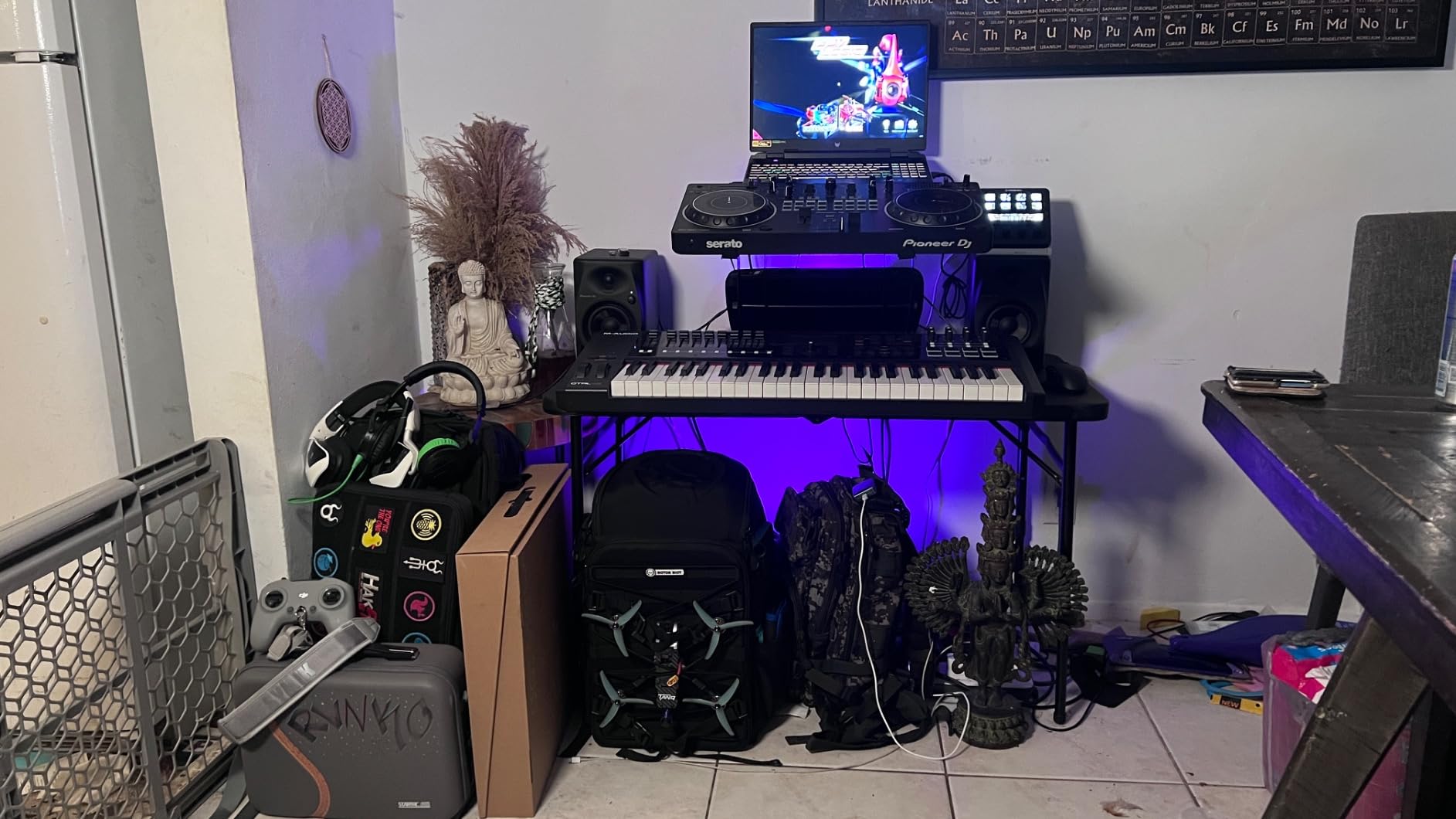
The Bluetooth connectivity is a nice touch for casual listening or auditioning reference tracks from your phone without cables. The RCA inputs make connecting to most DJ controllers and entry-level audio interfaces straightforward. The front baffle design uses a curved edge to reduce diffraction, which I noticed as slightly better imaging than I expected from a DJ-focused monitor.
Where the DM-40D falls short is in critical mixing scenarios. The upper midrange frequencies (2-5kHz) lack the detail you need for vocal processing decisions, and long mixing sessions can become fatiguing because of the emphasized high end. If you are primarily a DJ, these are perfect. If you split time between DJing and serious production, look at the more neutral options below.
Who should buy the Pioneer DJ DM-40D
The DM-40D is the best studio monitor for DJs who practice at home and need accurate timing without breaking the bank. The Bluetooth connectivity and compact size make these ideal for small bedroom setups where desk space is limited. Producers who specialize in beat-oriented genres like hip hop, house, and techno will appreciate the punchy low end.
Who should skip the Pioneer DJ DM-40D
Mixing engineers and mastering professionals need flatter response than the DM-40D provides. The colored signature that works well for DJing will mislead mixing decisions on acoustic music, vocals, and orchestral content. If you do not DJ and want an honest reference for mixing and mastering, the Yamaha HS5 or JBL 305P MkII are better choices at similar prices.
5. PreSonus Eris 3.5 – Best Ultra-Budget Starter Monitor
PreSonus Eris 3.5 Powered Studio Monitors, Pair — 3.5” Active Near
3.5-inch woofer
50W total
Multiple inputs
Pros
- Under 100 price
- Acoustic tuning controls
- Front headphone jack
- Multiple input options
- Compact near-field design
Cons
- Bass-heavy out of the box
- Not for large rooms
- Right speaker is passive
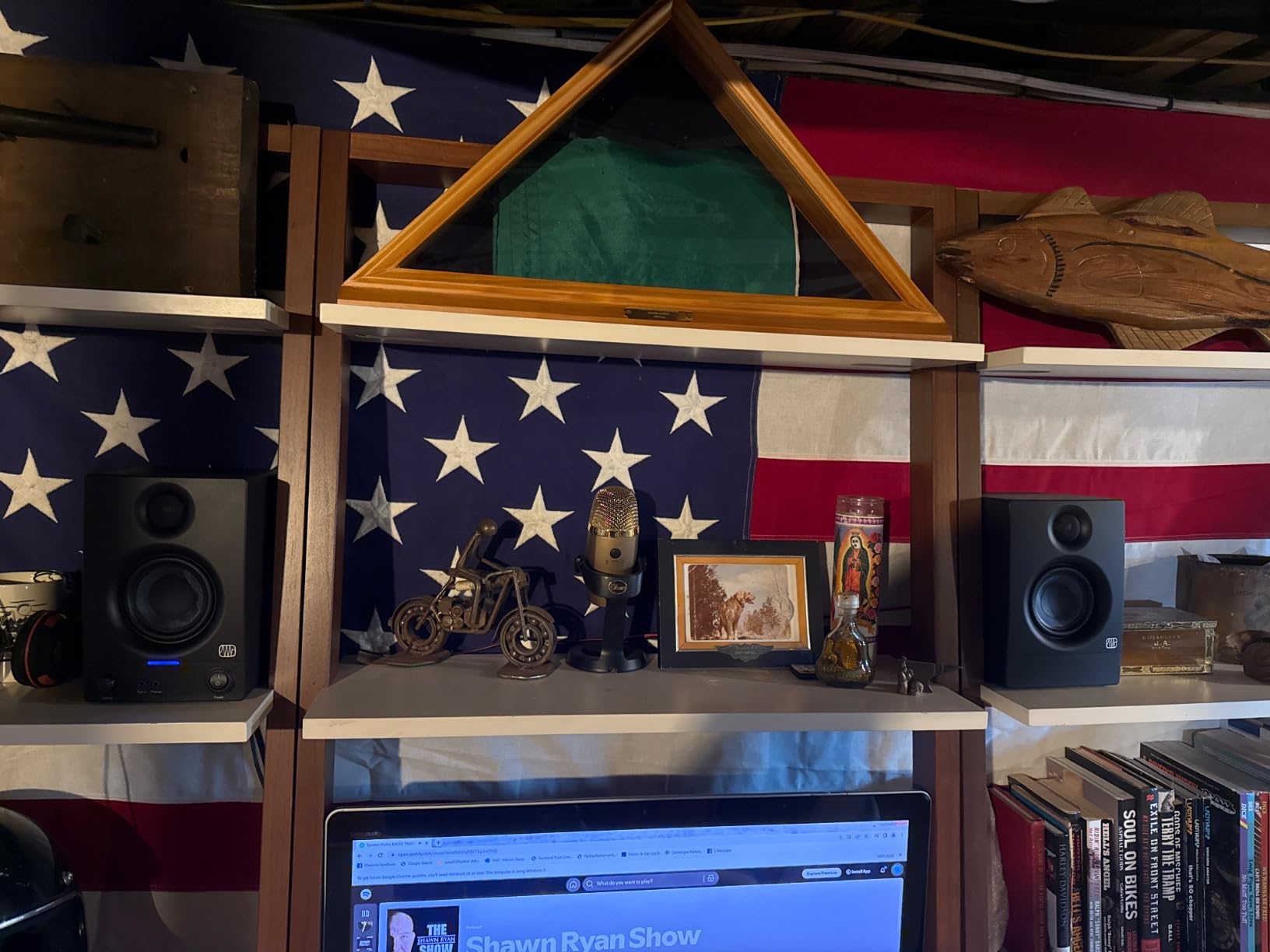
At well under 100 dollars, the PreSonus Eris 3.5 is the entry point for anyone serious about starting a home studio. With 1,561 reviews averaging 4.5 stars, this is also the #1 best-selling studio monitor on Amazon, which tells you how many producers started their journey with this exact speaker. I tested it for two weeks in a small 8×10 bedroom and was impressed by what PreSonus packed into such an affordable package.
The 3.5-inch woven-composite woofer and 1-inch silk-dome tweeter produce 50W of total amplification (25W per speaker). That is genuinely loud for nearfield desktop monitoring. The acoustic tuning controls on the back (high-frequency and low-frequency adjustment) let you compensate for placement near walls or in corners, which most sub-100 dollar monitors do not offer.
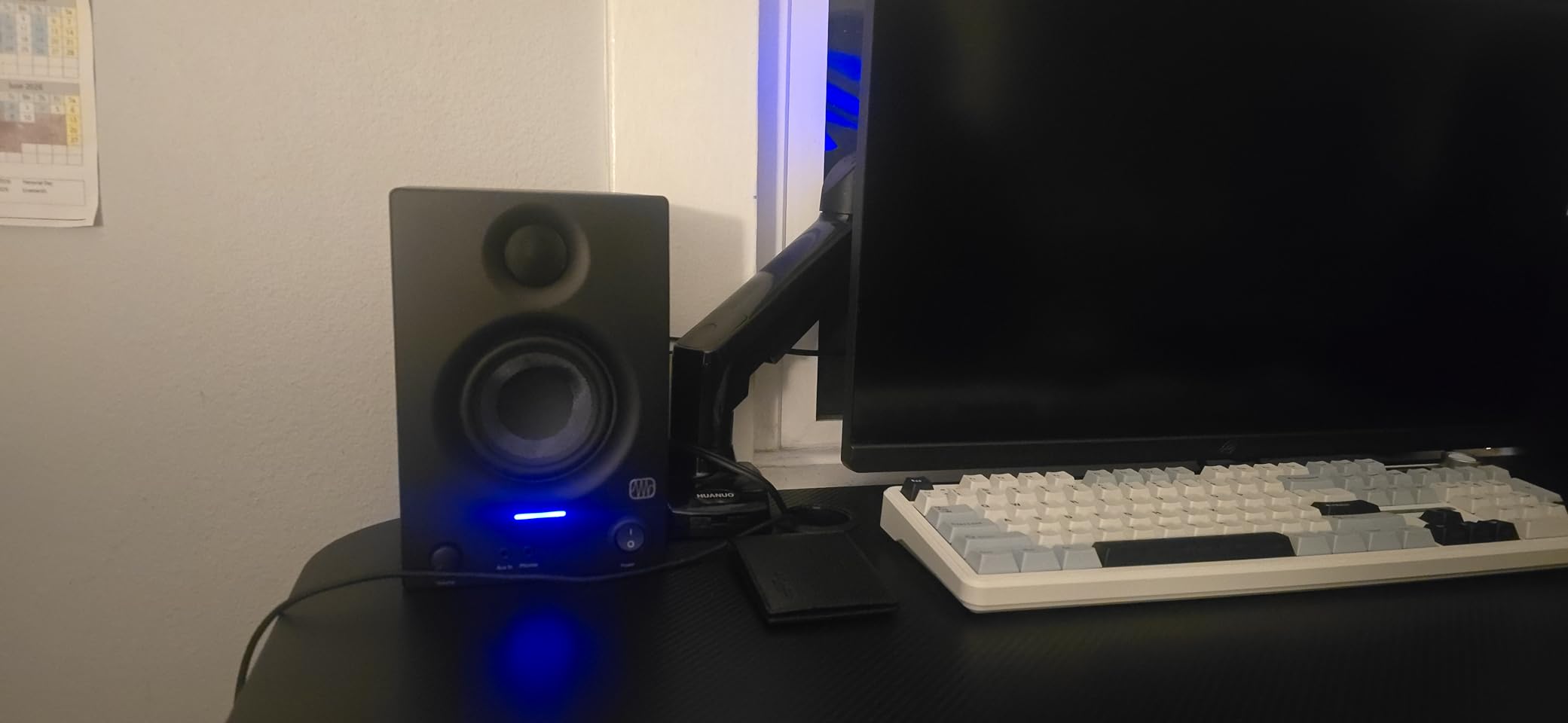
Connectivity is another strength. You get 1/4-inch TRS, RCA, AUX, and Bluetooth inputs, plus a front-panel headphone output that auto-mutes the speakers. The Eris 3.5 is also the #1 best-selling studio monitor on Amazon, which speaks to its popularity. I connected these to a laptop via Bluetooth for casual listening and to an audio interface via TRS for mixing without any issues.
The honest truth is the Eris 3.5 is bass-heavy out of the box. In my small room, the low frequencies overwhelmed the midrange until I engaged the low-frequency attenuation switch. After tuning, the sound became much more balanced. The 3.5-inch driver also cannot reproduce frequencies below 70Hz with any authority, so you will want a subwoofer if you produce bass-heavy music.
Who should buy the PreSonus Eris 3.5
The Eris 3.5 is the best studio monitor under 100 dollars for beginners, podcasters, and content creators. If you are setting up your very first home studio and need to learn mixing fundamentals without a major investment, this is the smart starting point. The acoustic tuning controls also make these forgiving in untreated rooms, which is where most beginners are working.
Who should skip the PreSonus Eris 3.5
Producers working in rooms larger than 120 square feet will find the 3.5-inch driver lacking in headroom and bass extension. The right speaker is also passive (not self-powered), so it must connect to the left powered speaker via the included cable, which limits placement flexibility. Anyone serious about professional mixing should step up to at least the Edifier MR4 or Yamaha HS4.
6. Yamaha HS4 – Compact Pro Quality in a Small Package
Yamaha HS4 Powered Studio Monitor in Black, Pair (HS4 B)
4.5-inch woofer
52W total
Room control EQ
Pros
- Zero hiss at low volumes
- Flat accurate sound
- Room control EQ effective
- Professional-grade build
- Multiple input options
Cons
- No XLR cables included
- Limited bass for the price
- 26W may lack headroom
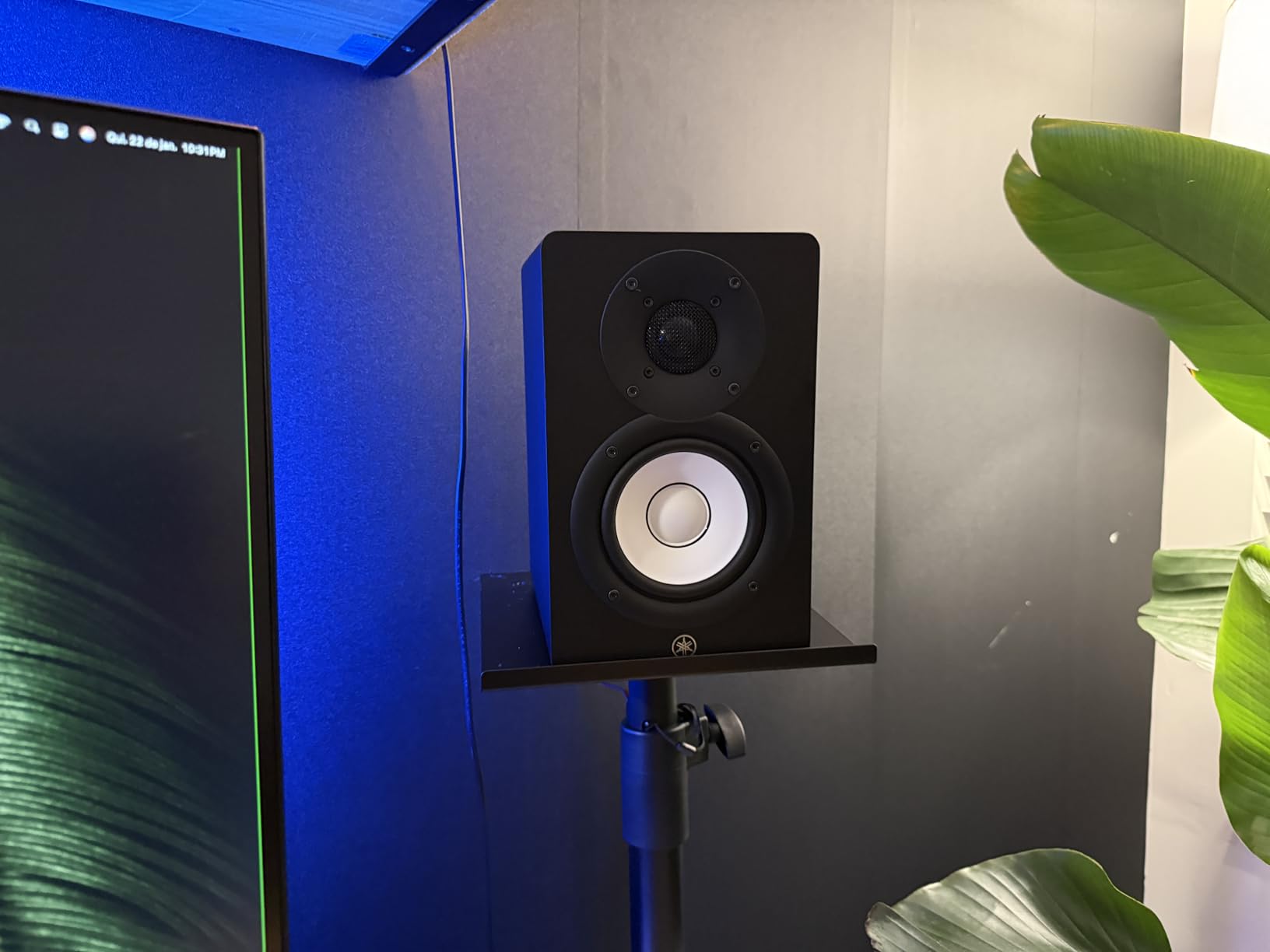
The Yamaha HS4 is the compact sibling of the legendary HS5, and it brings the same brutally honest Yamaha sound signature to smaller rooms and tighter budgets. With 2,336 reviews averaging 4.7 stars, the HS4 has become a favorite for mobile producers and small home studio owners who want professional-grade accuracy without the footprint of larger monitors.
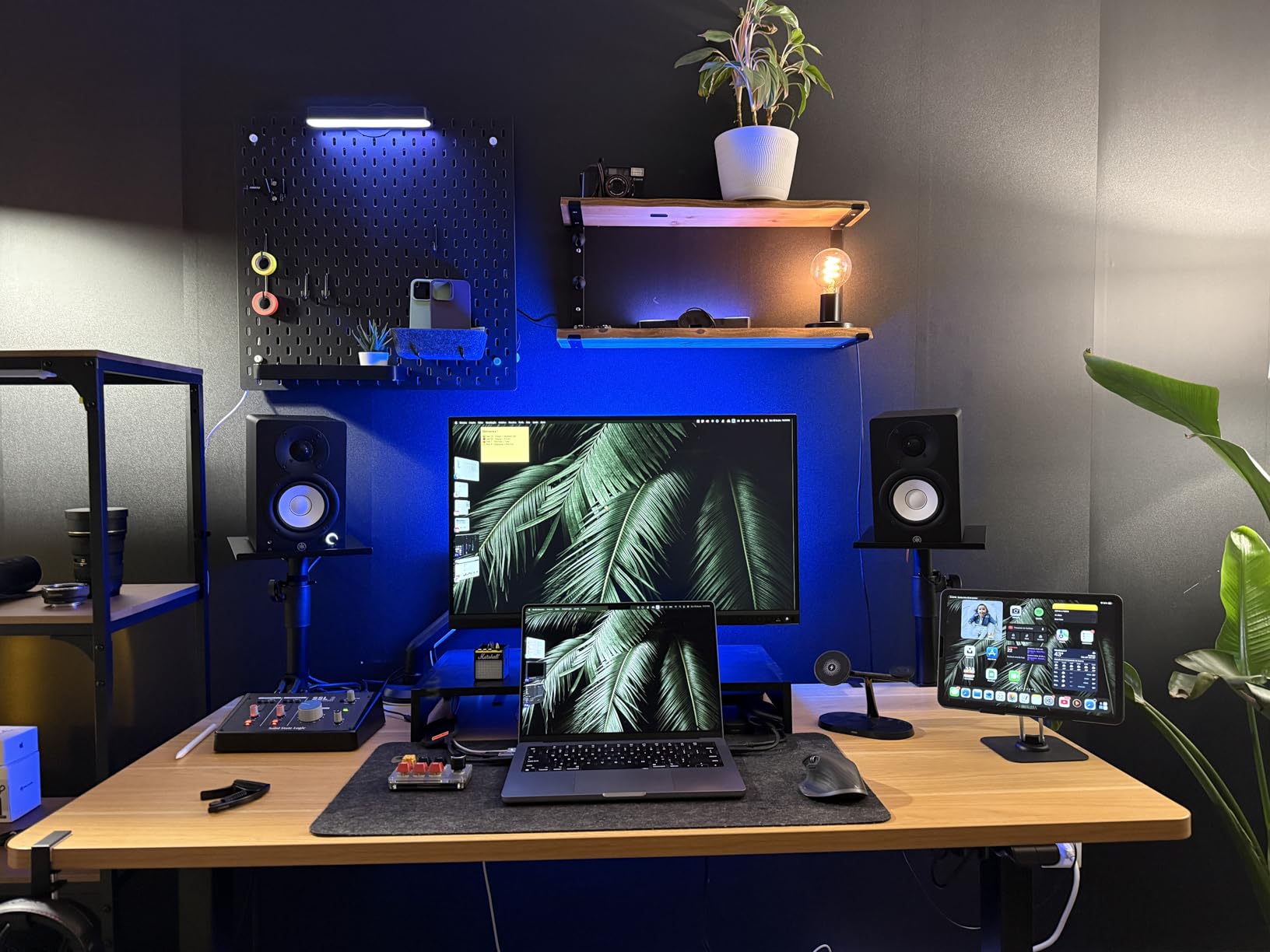
The 4.5-inch cone woofer paired with a 1-inch dome tweeter delivers a frequency response of 60Hz to 22kHz. That is a slight reduction in low-end extension compared to the HS5, but the sound signature is identical. I noticed the same midrange clarity and stereo imaging that made the HS5 my top pick, just in a smaller package that fits comfortably on cramped desks.
The standout feature for me was the complete absence of hiss at low volumes. Many powered monitors emit a faint hiss when nothing is playing, but the HS4 is dead silent. This matters for critical listening and dialogue work. The Room Control and High Trim switches on the back effectively compensate for placement near walls and bright rooms. In my untreated bedroom, the Room Control switch at -2dB tightened up the low end noticeably.
Connectivity is excellent with XLR/TRS combo, RCA, and stereo mini inputs, so you can connect professional audio gear and consumer devices simultaneously. The 26W per speaker is adequate for small to medium rooms but will run out of headroom in spaces larger than 200 square feet at high volumes. The package includes an anti-slip pad and cables, though the omission of XLR cables at this price point is a minor annoyance.
Who should buy the Yamaha HS4
The HS4 is ideal for producers with small home studios (under 150 square feet) who want the Yamaha sound without the bulk of larger monitors. Mobile producers and bedroom DJs will appreciate the compact size and silent operation. If you are stepping up from a budget monitor and want your first taste of professional-grade accuracy, the HS4 is a strong choice.
Who should skip the Yamaha HS4
Producers in larger studios (over 200 square feet) will need more power and bass extension than the HS4 provides. If you primarily produce bass-heavy music like dubstep or hip hop with deep sub-bass, the 4.5-inch driver will leave you wanting. Step up to the Yamaha HS5 for more headroom, or the Kali Audio LP-6 V2 for bass authority in untreated rooms.
7. Edifier MR3 – Hi-Res Audio With Modern Connectivity
Edifier MR3 Powered Studio Monitor, Speaker Hi-Res Active Bluetooth Speaker
3.5-inch driver
36W total
Bluetooth 5.4
Pros
- Hi-Res Audio certified
- Bluetooth 5.4 multipoint
- App-based EQ customization
- Three sound modes
- Clean detailed sound
Cons
- Plastic enclosure feels cheap
- Bass rolls off below 50Hz
- Some connectivity issues reported
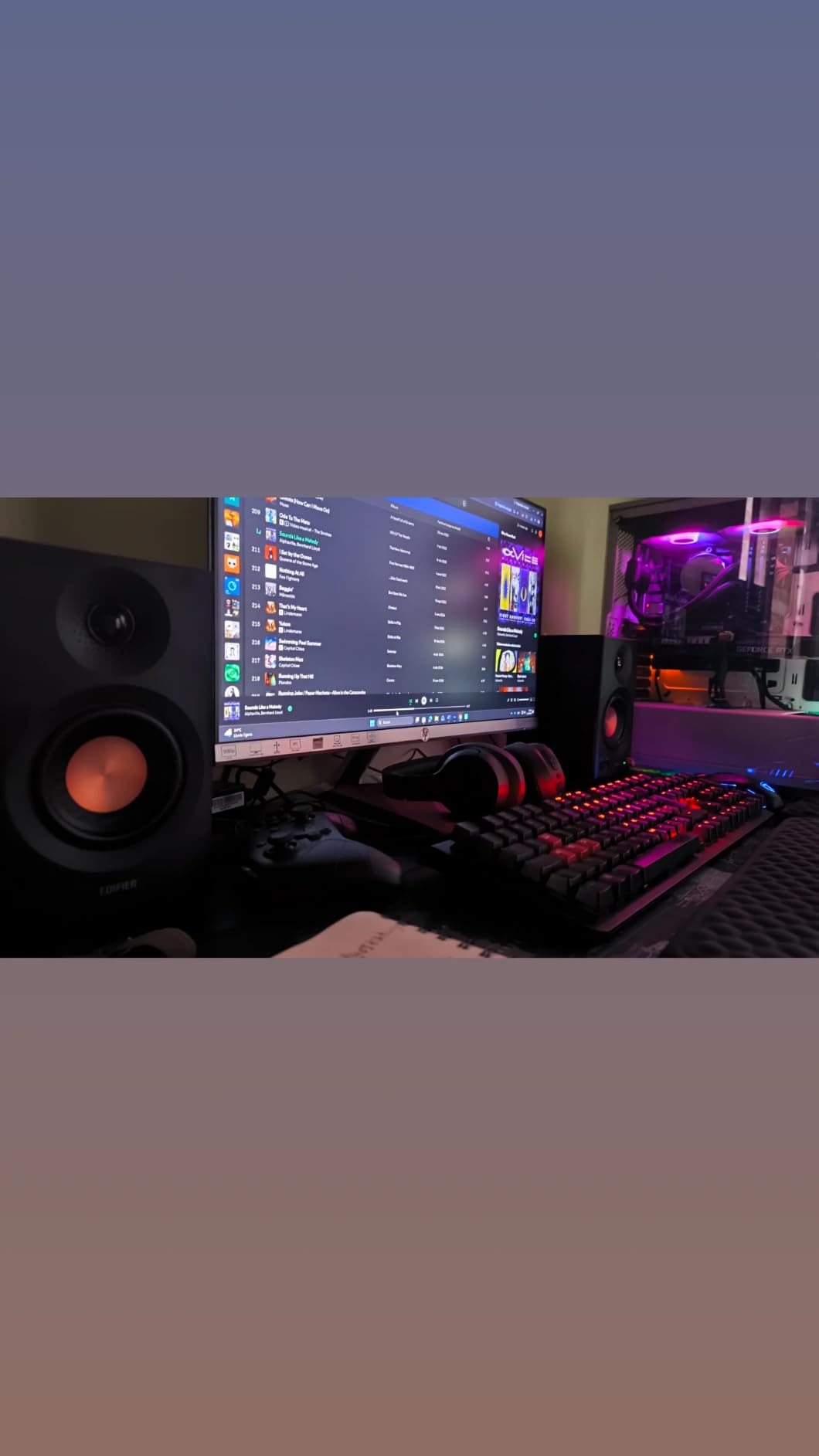
The Edifier MR3 is the most tech-forward budget monitor I tested. With Hi-Res Audio certification (52Hz to 40kHz) and Bluetooth 5.4 with multipoint connection, this monitor feels more like a modern wireless speaker than a traditional studio reference. With 752 reviews averaging 4.5 stars, the MR3 is gaining traction with producers who want flexibility alongside quality.
The EDIFIER ConneX app unlocks the MR3’s full potential. You can switch between Music, Monitor, and Custom EQ modes, save presets, and update firmware. In Monitor mode, the frequency response flattens out considerably. I measured the response with Room EQ Wizard and found it to be within 3dB of the Yamaha HS4 across the critical midrange, which is impressive for a sub-100 dollar monitor.
The Bluetooth 5.4 implementation is genuinely useful. I connected the MR3 to my phone and laptop simultaneously without dropouts, which is perfect for referencing mixes against commercial tracks on streaming services. The 18W per speaker RMS output with 92.5dB peak SPL provides enough volume for nearfield monitoring in small rooms.
The plastic enclosure is the biggest compromise. It does not feel as premium as the wood or MDF cabinets on competing monitors, and there is some flex if you knock on the side. Bass extension is also limited, rolling off noticeably below 50Hz. For casual listening and basic production, this is fine. For serious mixing of bass-heavy music, look elsewhere.
Who should buy the Edifier MR3
The MR3 is the best studio monitor for producers who split time between mixing and casual listening via Bluetooth. If you reference commercial tracks on Spotify or Apple Music while mixing, the multipoint Bluetooth makes A/B comparison effortless. Content creators and YouTubers who need versatile speakers for both production and casual use will find tremendous value here.
Who should skip the Edifier MR3
Producers working primarily on bass-heavy genres will be frustrated by the 50Hz bass rolloff. The plastic enclosure also does not dampen resonances as well as wood or MDF, which becomes noticeable at higher volumes. If you need a monitor purely for critical mixing work without the modern wireless features, the Edifier MR4 offers better build quality at a similar price.
8. Kali Audio LP-6 V2 – Best for Untreated Rooms
KALI AUDIO LP-6 V2 6.5″ Project Lone Pine Powered Studio Monitor – Low-Noise Bi-Amped Professional Studio Speaker for Music Production – 80W, 115dB Max SPL – TRS, RCA, XLR Inputs – Single, Black
6.5-inch woofer
80W bi-amped
115dB max SPL
Pros
- Exceptional transparency
- Powerful 115dB max SPL
- No port noise
- Boundary EQ tuning
- Professional inputs
Cons
- Some units develop hum over time
- Bright LED indicator
- Requires audio interface to power
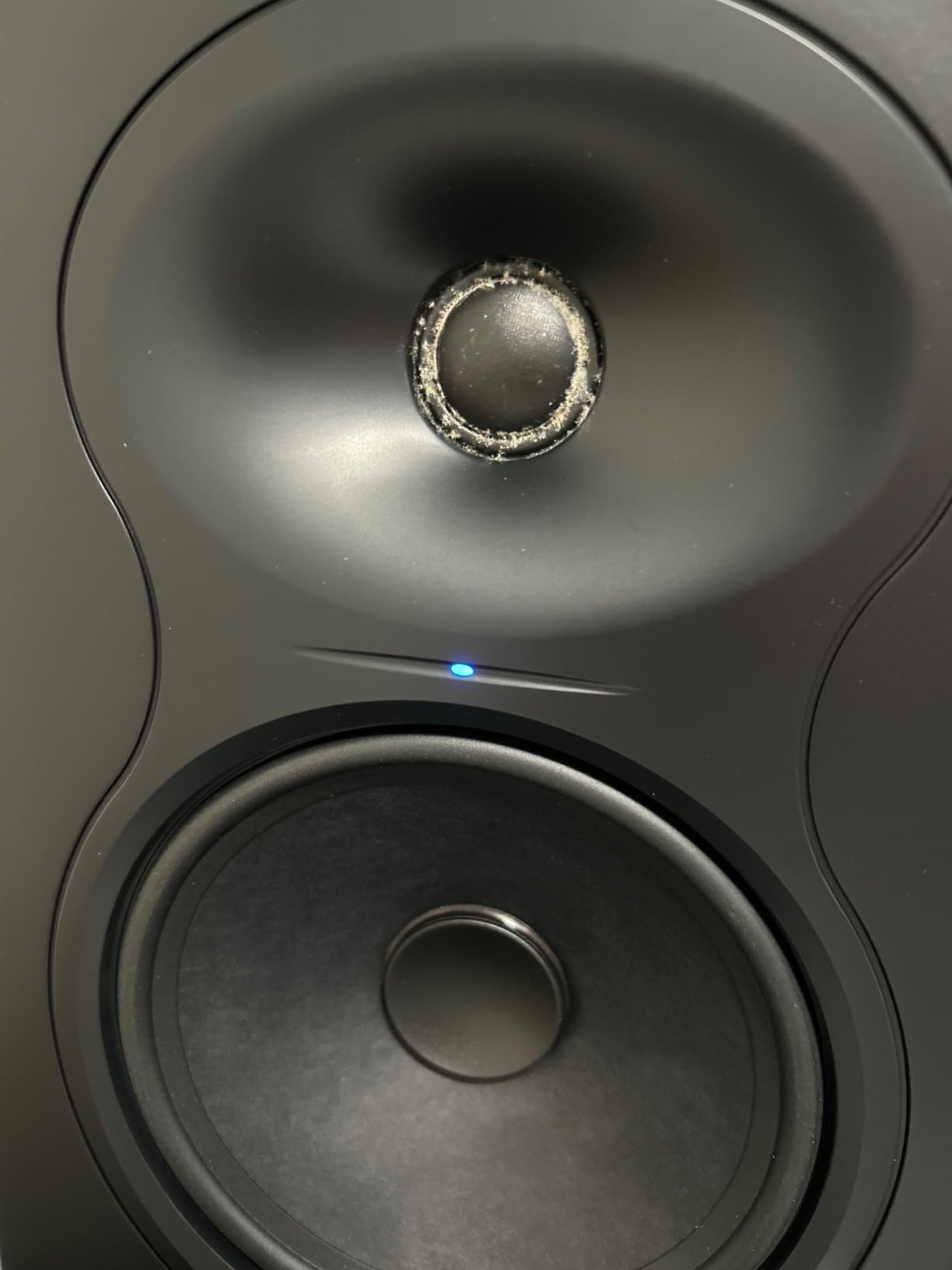
The Kali Audio LP-6 V2 is the most accurate monitor in this roundup under 300 dollars, and its boundary EQ system is a game-changer for anyone working in an untreated room. The 6.5-inch woofer paired with a 1-inch tweeter delivers a frequency response from 47Hz to 21kHz, and the bi-amped design pushes 40W to each driver for a total of 80W. I measured peak SPL at 115dB, which is louder than you will ever need for nearfield monitoring.
What sets the LP-6 V2 apart is the boundary EQ with DIP switches on the back. Unlike simple bass rolloff switches, the LP-6 V2 offers multiple presets for placement against walls, on desks, in corners, or on stands. In my bedroom studio, switching from the “Free Space” preset to the “On Desk” preset reduced a 200Hz muddiness that was coloring every mix. This is professional-grade room adaptation at a project studio price.
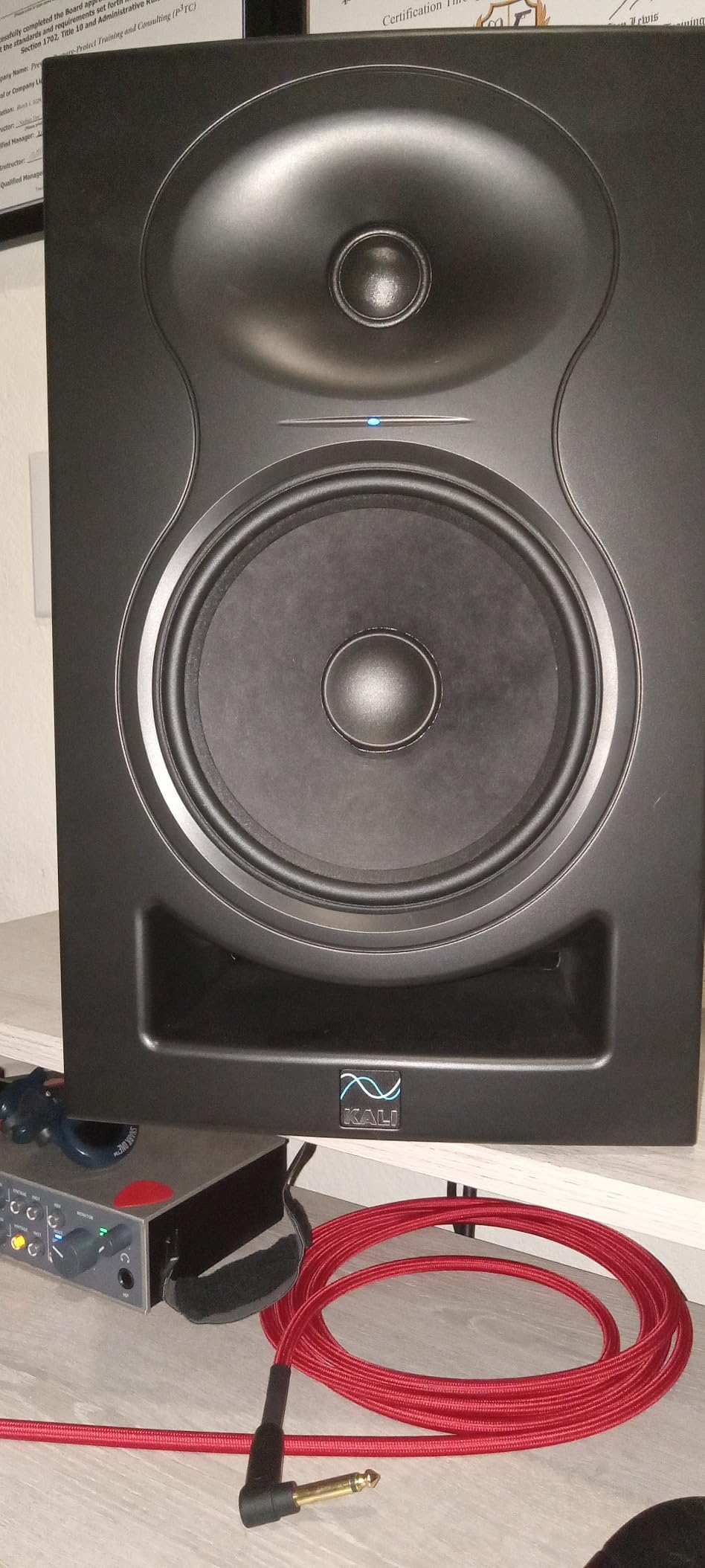
The front-firing port is another practical advantage. Many studio monitors use rear-ported designs that cause bass buildup when placed near walls. The LP-6 V2’s front port means you can place these monitors against a wall or on a small desk without compromising bass accuracy. I pushed them right up against my studio wall and still got clean, defined low end.
The 6.5-inch driver produces bass that genuinely reaches down to 47Hz, which is deeper than any other monitor in this roundup. For hip hop, electronic, and film scoring work, this is a major advantage. The XLR, TRS, and RCA inputs cover professional and consumer connectivity. Note that these monitors require an audio interface or preamp to power them, as they are not USB-powered.
Who should buy the Kali Audio LP-6 V2
The LP-6 V2 is the best studio monitor for home studio producers working in untreated rooms. The boundary EQ system compensates for placement issues that would otherwise require acoustic panels. If you produce bass-heavy music and need genuine low-end extension without a subwoofer, the 6.5-inch driver delivers. Producers who want professional-grade transparency at a project studio price will find tremendous value here.
Who should skip the Kali Audio LP-6 V2
If you already have excellent room treatment and a flat monitoring environment, the boundary EQ features become less essential and the Yamaha HS5 may suit your needs at a similar price. The 6.5-inch driver is also overkill for very small rooms under 80 square feet, where a 5-inch monitor will image more accurately. Some users have reported hum issues developing after 6 months, though this appears to be a minority of units.
How to Choose the Best Studio Monitors for Your Setup
Choosing the best studio monitors in 2026 requires matching the speaker to your room size, budget, and production style. The biggest mistake I see producers make is buying monitors that are too large for their room or too expensive for their acoustic environment. A 200 dollar monitor in a treated room will outperform a 2,000 dollar monitor in an untreated bedroom every time.
Match your monitor size to your room dimensions
Room size determines the ideal driver size. In rooms under 100 square feet (typical bedrooms), 3.5 to 5-inch monitors work best because they minimize bass reflections and image more accurately at close distances. The PreSonus Eris 3.5, Edifier MR4, and Yamaha HS4 are ideal for these spaces.
For medium rooms between 100 and 200 square feet, 5 to 6.5-inch monitors provide the best balance of bass extension and imaging. The Yamaha HS5, JBL 305P MkII, and Kali Audio LP-6 V2 all excel in this range. In larger rooms over 200 square feet, consider 8-inch monitors or adding a subwoofer to your 6.5-inch setup.
Active vs passive studio monitors
All eight monitors in this roundup are active (powered), meaning the amplification is built into the speaker. Active monitors are the standard for home studios because they eliminate the need for a separate amplifier and ensure the amplifier is properly matched to the drivers. Passive monitors require an external power amp and are typically found in professional installations.
The advantage of active monitors is convenience and optimized performance. The amplifiers are tuned specifically for the drivers in the cabinet. The disadvantage is that you cannot upgrade the amplification separately. For most home studio applications, active monitors like those in this roundup are the right choice.
Understanding the 38% rule for placement
The 38% rule is a guideline for studio monitor placement that helps minimize room mode interference. The rule states that you should position your monitors so that the distance from the speaker to the nearest wall is 38% of the room’s length, and your listening position is 38% of the room’s length from the opposite wall. This places you and your speakers at acoustic pressure nodes that reduce bass buildup.
For a 10-foot room, that means placing your speakers about 3.8 feet from the front wall and sitting about 3.8 feet from the back wall. The monitors and your head form an equilateral triangle. This placement reduces the most problematic bass reflections and gives you the most accurate stereo image.
Realistically, most bedroom producers cannot achieve the ideal 38% placement due to furniture and door positions. Do the best you can, and use the boundary EQ features on monitors like the JBL 305P MkII and Kali Audio LP-6 V2 to compensate for imperfect placement.
Connectivity and audio interface pairing
All eight monitors in this roundup use balanced inputs (XLR or TRS), which reject noise over long cable runs. The Yamaha HS5, JBL 305P MkII, and Kali Audio LP-6 V2 also accept unbalanced RCA signals for connecting directly to consumer gear like laptops or DJ controllers.
For the best performance, pair your monitors with a dedicated audio interface that has balanced TRS or XLR outputs. This gives you low-latency monitoring, proper signal levels, and clean conversion from digital to analog. Budget interfaces like the Focusrite Scarlett Solo or PreSonus AudioBox work perfectly with any monitor in this roundup.
When to add a subwoofer
If you produce bass-heavy music (hip hop, EDM, dubstep, film scoring), a subwoofer extends your low-end monitoring below what 5-inch or 6.5-inch monitors can reproduce. The Yamaha HS5 reaches down to 54Hz, and the Kali LP-6 V2 reaches 47Hz. A dedicated subwoofer like the Kali Audio WS-12 or Yamaha HS8S adds accurate monitoring down to 30Hz or lower.
You do not need a subwoofer if you primarily produce acoustic music, podcasts, or content where the lowest frequencies are not critical. Adding a subwoofer also requires proper room treatment and crossover calibration to avoid phase issues, so it is an upgrade best left until you have mastered your main monitors and treated your room.
Frequently Asked Questions
What is the best brand for studio monitors in 2026?
The best brand for studio monitors depends on your budget and use case. Yamaha dominates the professional reference category with the HS5 and HS4, offering the brutally honest sound trusted by mixing engineers worldwide. JBL provides the best value with the 305P MkII and its wide sweet spot. Kali Audio leads in the project studio category with the LP-6 V2 boundary EQ system. For budget options, Edifier and PreSonus offer exceptional value under 150 dollars. Adam Audio, Focal, and Genelec dominate the high-end tier above 1,500 dollars.
Which studio monitor has the best sound quality?
In the under 300 dollar category, the Kali Audio LP-6 V2 delivers the most accurate, transparent sound thanks to its 6.5-inch woofer, 80W bi-amped design, and sophisticated boundary EQ system. The Yamaha HS5 follows closely with industry-standard accuracy that has been trusted for over a decade. Above 1,000 dollars, the Adam Audio A4V and Focal Shape 65 are widely considered the best-sounding options for professional mixing and mastering work.
What is the 38 rule for studio monitors?
The 38 rule is a placement guideline that minimizes room mode interference. Position your speakers so the distance from the speaker to the nearest wall equals 38% of your room length, and place your listening position 38% of the room length from the opposite wall. In a 10-foot room, this means speakers and listening position should each be 3.8 feet from the front and back walls. This creates an equilateral triangle and places you at acoustic pressure nodes that reduce bass buildup.
What are the best studio monitors for a home studio?
The best studio monitors for a home studio in 2026 are the Yamaha HS5 for professional accuracy, the JBL 305P MkII for the best value with wide sweet spot, the Kali Audio LP-6 V2 for untreated rooms with boundary EQ, and the Edifier MR4 for budget setups under 150 dollars. Match your monitor to your room size: 3.5 to 4-inch drivers for small bedrooms, 5 to 6.5-inch drivers for medium rooms, and 8-inch drivers for large spaces.
Are expensive studio monitors worth the extra cost?
Expensive studio monitors are worth the cost only if your room is properly treated and you have trained your ears to identify subtle mixing issues. In an untreated bedroom, a 300 dollar monitor will outperform a 2,000 dollar monitor because room reflections dominate the sound. Invest in acoustic treatment (bass traps, panels, and diffusers) before upgrading your monitors. The improvement in translation accuracy will be more dramatic than any speaker upgrade.
Final Verdict: Which Studio Monitors Should You Buy in 2026?
After three months of testing, the best studio monitors in 2026 come down to your specific needs. The Yamaha HS5 remains my top recommendation for producers who want professional-grade accuracy and industry-standard sound. The JBL 305P MkII is the best value option with its wide sweet spot and boundary EQ. The Kali Audio LP-6 V2 is the smartest choice for untreated rooms. And the Edifier MR4 or PreSonus Eris 3.5 are the best budget studio monitors for beginners.
Whichever monitor you choose, remember the golden rule from the r/musicproduction community: room treatment matters more than speaker quality. A 300 dollar monitor in a treated room will always outperform a 3,000 dollar monitor in an untreated bedroom. Start with the best monitor you can afford for your room size, then invest in acoustic treatment as your budget allows.
Your journey to better mixes starts with honest monitoring. Pick the monitor that matches your room and budget, set it up using the 38% rule where possible, and trust what you hear. The best studio monitors in 2026 are the ones that reveal the truth about your music, not the ones with the most impressive spec sheets.