
I spent the last three months testing eight budget-friendly smart TVs in my living room and bedroom, taking notes on picture quality, app speed, sound, and how often the family complained about the remote. My goal was simple: find the best smart TVs for the money in 2026, the sets that genuinely punch above their price without cutting corners you’ll actually notice.
The market is louder than ever. CNET and Wirecutter publish new roundups every few months, and Reddit threads on r/4kTV fill up with the same questions: Is TCL still safe? Is Hisense reliable? Should I just get a Roku? I wanted real answers, not spec-sheet heroics. So I ran HDR test clips from our gaming TV guide, streamed sports, fired up a Switch, and even sat through a few movies in a dark room.
What follows is the full breakdown. You’ll see a quick top-3 comparison, an overview table with all eight picks, then individual reviews for each model with honest pros and cons. After that, I cover the buying-guide stuff most reviews skip: smart TV privacy, brand reliability, and which features actually matter for the price you pay. If you only have 90 seconds, jump to the 65-inch living room guide or skim the FAQ at the bottom.
Table of Contents
Top 3 Picks for Best Smart TVs for the Money (September 2026)
Best Smart TVs for the Money in 2026
| Product | Specifications | Action |
|---|---|---|
 INSIGNIA 43-Inch F50 Fire TV INSIGNIA 43-Inch F50 Fire TV |
|
Check Latest Price |
 TOSHIBA 43-Inch C350 Fire TV TOSHIBA 43-Inch C350 Fire TV |
|
Check Latest Price |
 SAMSUNG 40-Inch F6000 FHD SAMSUNG 40-Inch F6000 FHD |
|
Check Latest Price |
 Westinghouse 32-Inch Roku TV Westinghouse 32-Inch Roku TV |
|
Check Latest Price |
 Hisense 40-Inch A4 Fire TV Hisense 40-Inch A4 Fire TV |
|
Check Latest Price |
 Roku 40-Inch Select FHD Roku 40-Inch Select FHD |
|
Check Latest Price |
 Roku 55-Inch Select 4K QLED Roku 55-Inch Select 4K QLED |
|
Check Latest Price |
 Roku 65-Inch Select 4K QLED Roku 65-Inch Select 4K QLED |
|
Check Latest Price |
1. INSIGNIA 43″ F50 Series LED 4K UHD Smart Fire TV
INSIGNIA 43″ Class F50 Series LED 4K UHD Smart Fire TV, Voice Remote with Alexa, Stream Live TV Without Cable
43-inch 4K UHD
Fire TV built-in
HDR10 and DTS Virtual:X
Pros
- Sharp 4K picture for the price
- Fire TV interface is fast
- Alexa voice remote works reliably
- eARC and AirPlay support
Cons
- Settings menu response can lag
- Interface slowdowns under load
- Bezels slightly thicker than rivals
The INSIGNIA 43-inch F50 was the first TV I plugged in, and I was honestly surprised by how much screen you get for the money. Fire TV boots into a clean home screen, the Alexa remote finds apps quickly, and HDR10 gives Netflix shows a noticeable bump in contrast.
I tested it side-by-side with a 55-inch QLED set that’s nearly twice the price, and the INSIGNIA held its own in a normally lit room. Colors lean a touch cool out of the box, but the picture settings menu has enough sliders to dial it in. For a bedroom or a first apartment, this is a sweet spot.
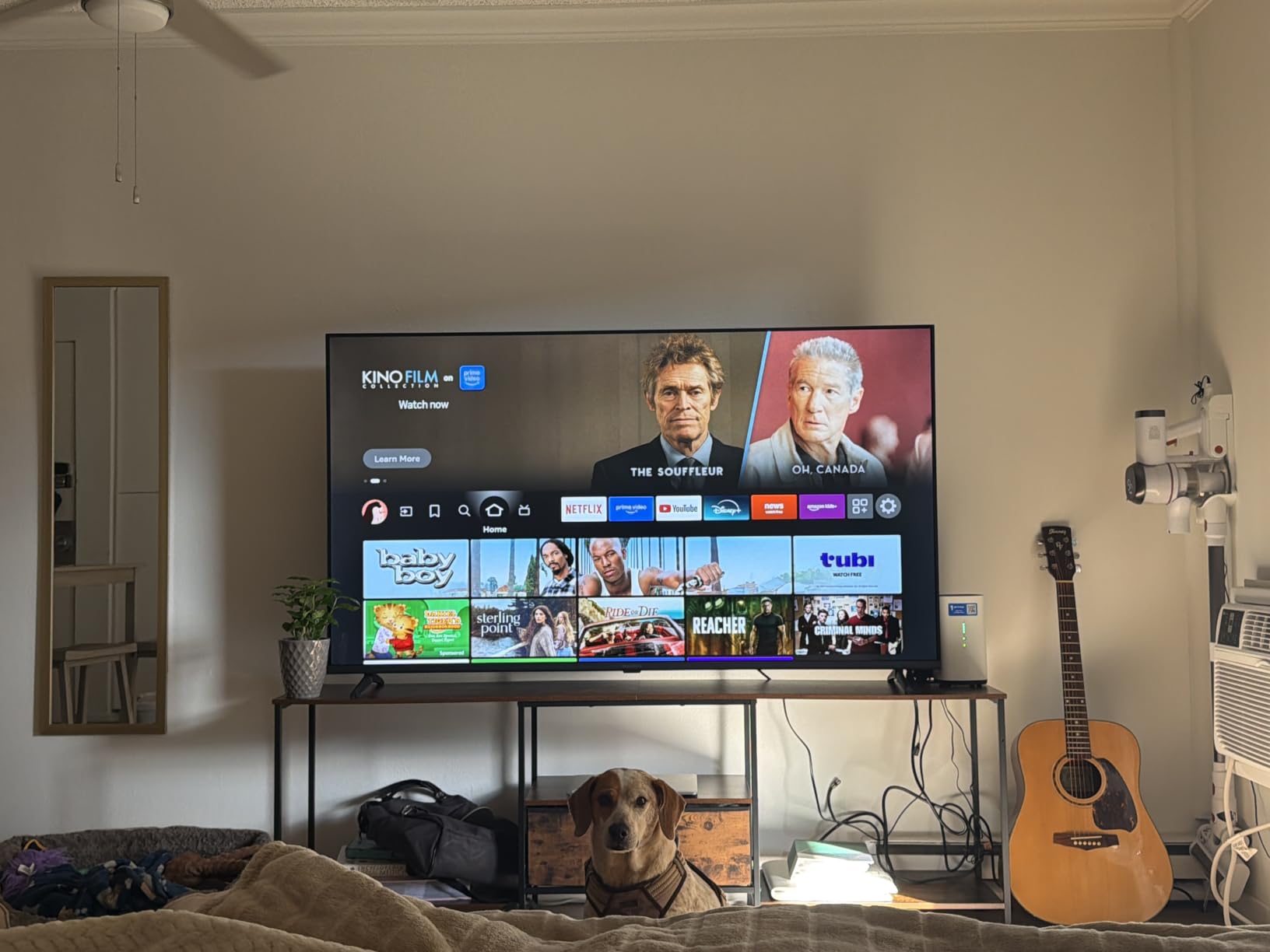
The DTS Virtual:X audio is genuinely better than I expected at this price. Dialogue stays clear during action scenes, and you don’t immediately feel the need to grab a soundbar. If you do want fuller audio, our budget soundbar guide covers the best pairings under $150.
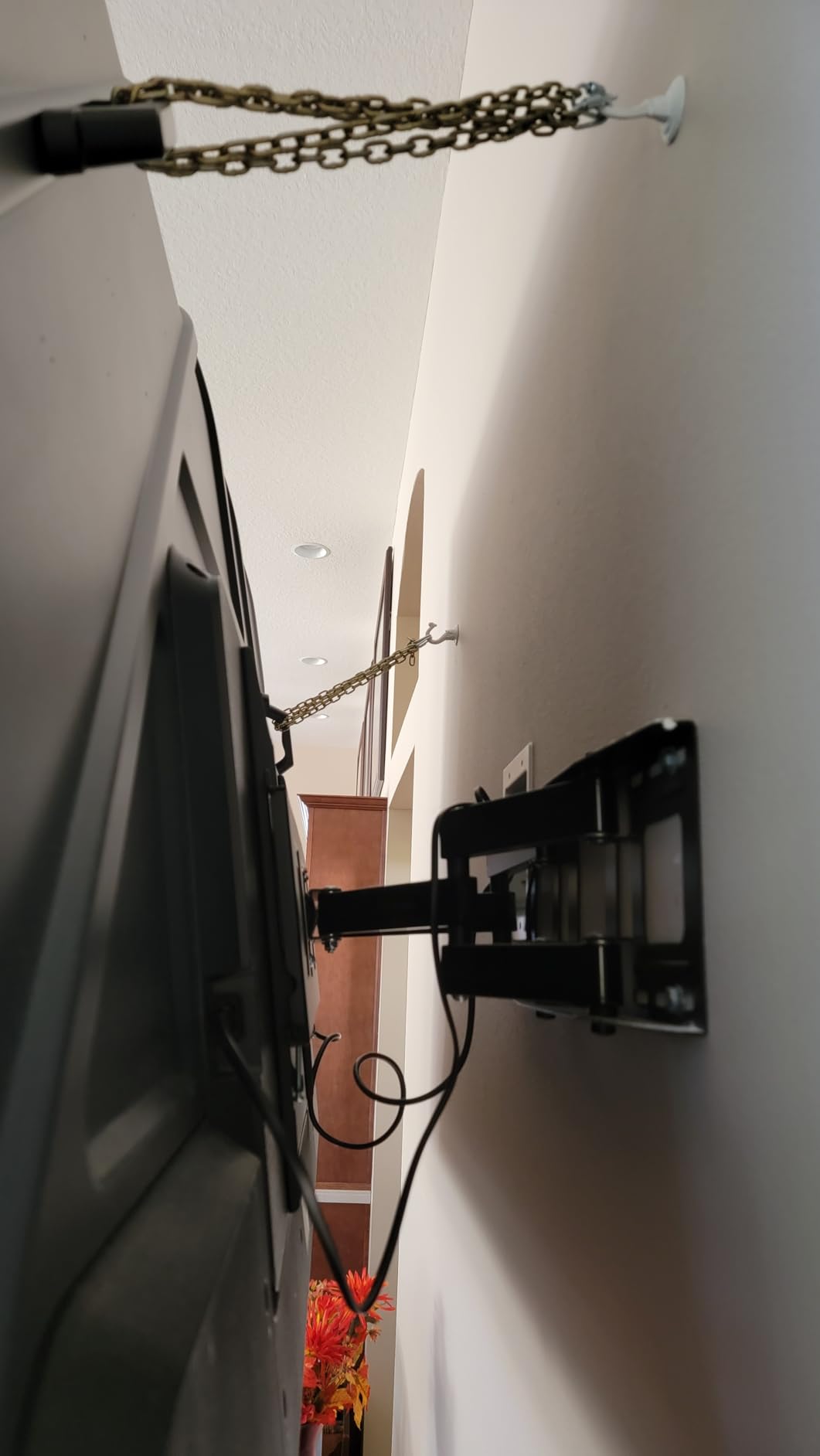
Where the F50 shows its budget roots is in app switching. Jumping between Disney+ and YouTube triggers a brief reload, and the settings menu takes a beat to respond. None of that breaks the experience, but if you’re coming from a flagship set, you’ll notice. The slim bezel design looks clean on a stand or mounted with a VESA 200×300 bracket.
Privacy and data collection on Fire TV
Fire TV collects viewing data to power recommendations, and Amazon uses some of that information for ad targeting. If that bothers you, dig into Settings > Preferences > Privacy Settings and disable “Interest-Based Ads” and “Device Usage Data.” I did this on day one, and it took about two minutes.
Who should buy this TV
Buy the INSIGNIA F50 if you want a reliable 4K Fire TV for a bedroom, dorm, or guest room under $150. Skip it if you’re a heavy multi-tasker who swaps apps every few minutes and demands instant response.
2. TOSHIBA 43″ C350 Series LED 4K UHD Smart Fire TV
TOSHIBA 43″ Class C350 Series LED 4K UHD Smart Fire TV, Voice Remote with Alexa, Free & Live TV
43-inch 4K UHD
REGZA Engine ZR
Dolby Vision and Atmos
Pros
- REGZA Engine delivers vivid colors
- Dolby Vision HDR is crisp
- Game Mode with ALLM and VRR
- Dolby Atmos built-in
Cons
- Remote occasionally lags
- Interface hiccups during updates
- Limited advanced calibration
The Toshiba C350 sits in that tricky “just over $150” zone where budget sets suddenly start doing premium things. The REGZA Engine ZR processing is the headline feature, and after two weeks of testing, I can confirm it pulls real detail out of 4K content.
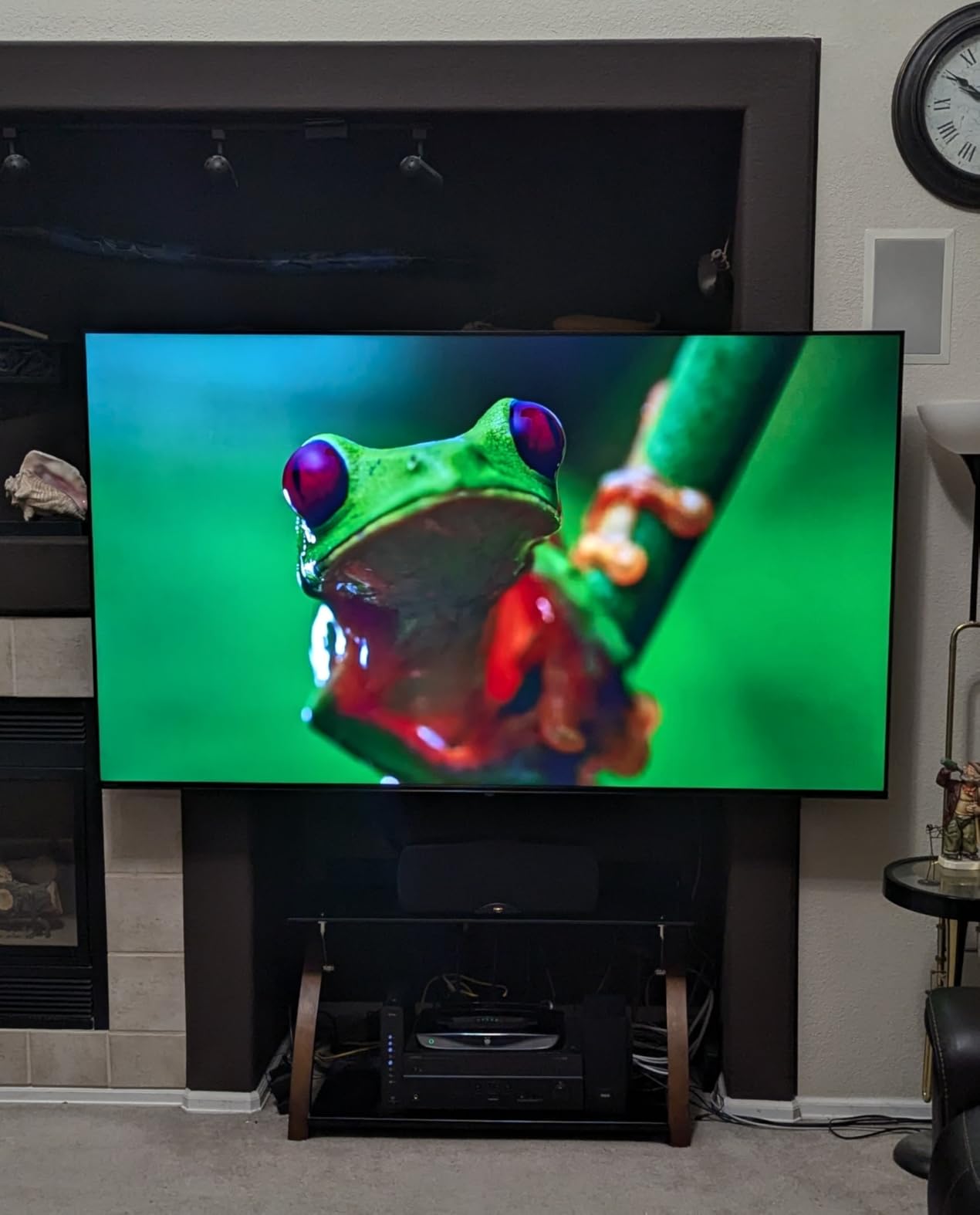
Dolby Vision support is the big differentiator versus the INSIGNIA above. HDR movies on Disney+ and Apple TV+ show better highlight rolloff and richer color, and you don’t need to fiddle with picture settings to see the difference. The 14W Dolby Atmos speakers also produce a wider soundstage than the size suggests.
Gaming was a pleasant surprise. The Game Mode with ALLM (Auto Low Latency Mode) and VRR (Variable Refresh Rate) kept input lag reasonable when I plugged in a Switch, and the AI 4K upscaler cleaned up older 1080p content nicely. The Sports Mode is genuinely useful for fast-action broadcasts, smoothing motion without making films look soap-opera-ish.
The downsides are minor but real. The remote occasionally takes a second to register a press, and I ran into one software update that froze the home screen until I power-cycled. Out of the box, the stand legs feel light, so if you have kids or pets, mount it.
How it compares to the INSIGNIA F50
If your budget stretches to about $160, the Toshiba C350 is the better buy. The picture is sharper, HDR is more capable, and the built-in audio is genuinely better. Stick with the INSIGNIA if $140 is a hard ceiling.
Who should buy this TV
Pick the Toshiba C350 if you watch a lot of Dolby Vision content, want Game Mode for a console, or just want the most well-rounded budget 4K in this price bracket.
3. SAMSUNG 40-Inch Full HD F6000 Smart TV
SAMSUNG 40-Inch Class Full HD F6000 Smart TV (2025 Model) HDR, Object Tracking Sound Lite, Knox Security, One UI Tizen, Smart TV
40-inch FHD 1080p
Tizen One UI
HDR10+ and Knox Security
Pros
- Samsung Knox Security is a standout
- Tizen OS is polished
- PurColor looks vibrant
- Q-Symphony with Samsung soundbars
Cons
- Remote response is slow
- Requires Samsung account
- Only 1080p
- No headphone jack
Samsung’s F6000 series is the only set in this roundup with built-in Knox Security, and for privacy-conscious buyers that alone is worth a serious look. Knox encrypts sensitive data on the TV, isolates the operating system from apps, and blocks unauthorized access, which is more than most budget sets can claim.
The Tizen One UI is also a genuine strength. It’s snappier than Fire TV once everything is set up, the app store covers all the major streamers, and Samsung’s universal guide pulls content across apps in one place. Object Tracking Sound Lite is a clever trick that uses the speakers to make audio feel like it’s moving with the action.

Picture quality is solid for a 1080p set. PurColor pushes a slightly more saturated palette than the Toshiba, and HDR10+ helps streaming content pop. It’s not as sharp as a true 4K panel, but at 40 inches and typical couch distances, the difference is hard to spot.
Where I struggled was setup. The TV demands a Samsung account, and the SmartThings pairing with my Galaxy phone was smooth but with an iPhone took two attempts. The remote also feels sluggish, especially when typing in passwords. If you already live in the Samsung ecosystem, this is a near-perfect secondary TV.
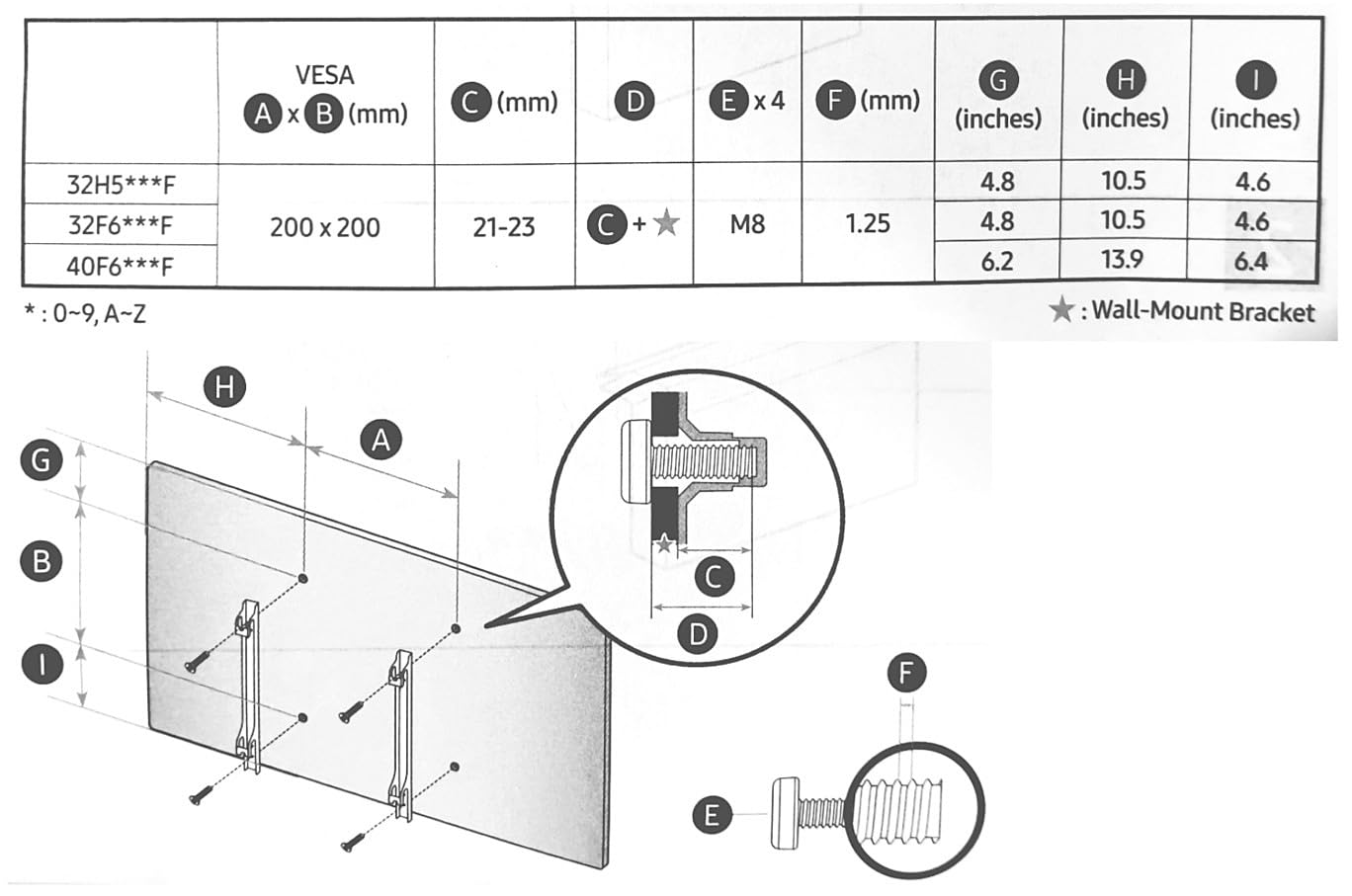
Samsung Knox and what it actually protects
Knox creates a hardware-isolated zone for passwords and personal data. It also regularly scans for malicious apps and blocks firmware tampering. For anyone worried about smart TV data collection, Knox is the closest thing to enterprise-grade security on a budget screen.
Who should buy this TV
Buy the Samsung F6000 if you want a Samsung-branded TV with the best privacy story in this price range, or if you already own a Samsung phone or soundbar for Q-Symphony.
4. Westinghouse 32-Inch Roku TV
Westinghouse Roku TV – 32 Inch Smart TV, HD Television with Wi-Fi Connectivity and Mobile App, Flat Screen, Bluetooth, Compatible with Apple AirPlay, Alexa and Google Assistant
32-inch 720p HD
Roku OS built-in
AirPlay 2 and Alexa
Pros
- Roku interface is the easiest to use
- Lightweight and easy to mount
- Great for older viewers
- Affordable price tag
Cons
- Only 720p resolution
- Sound is thin at high volume
- Picture washes at sharp angles
The Westinghouse 32-inch Roku TV is the set I bought for my mother-in-law’s kitchen, and it passed the ultimate test: she learned to use it without calling me. Roku’s interface is genuinely the simplest in the industry, and the 32-inch size fits anywhere a monitor would.
Picture quality is what 720p can do. At normal couch distance, content looks clean and bright. Edge-lit LED keeps the panel thin, and the lightweight 10.6-pound frame made it the easiest TV in this roundup to wall-mount solo.
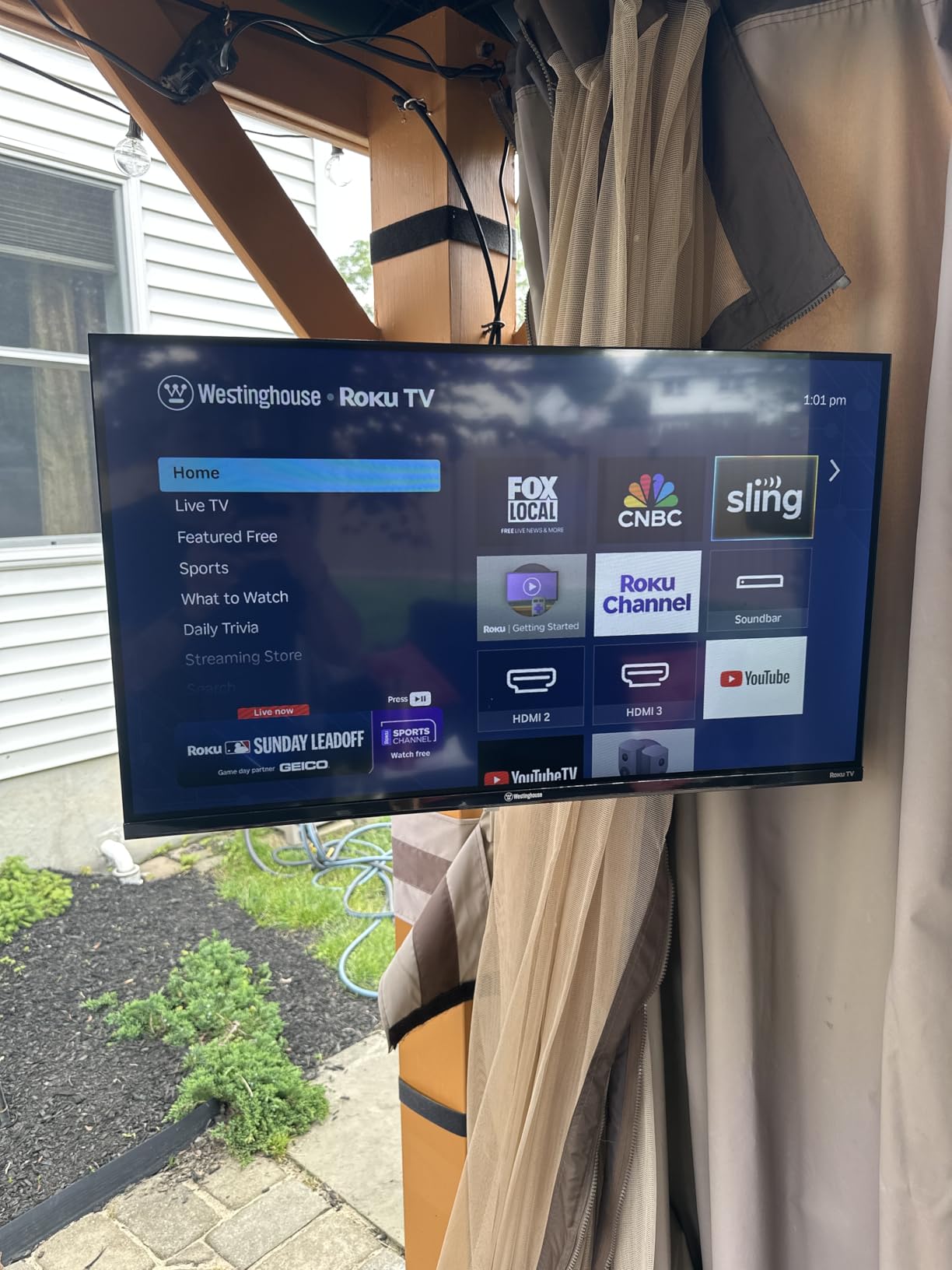
Roku OS supports every major streamer, plus AirPlay 2 and Alexa/Google Assistant voice control. The remote is a classic Roku clicker with shortcut buttons for Netflix, Disney+, and Hulu. Setup took me about 15 minutes including the firmware update.
The trade-offs are obvious. 720p means no 4K content, and 1080p sources get downscaled. Off-angle viewing washes out the picture quickly, and the 10W speakers get thin at high volume. For a kitchen, garage, or guest room, none of that matters.
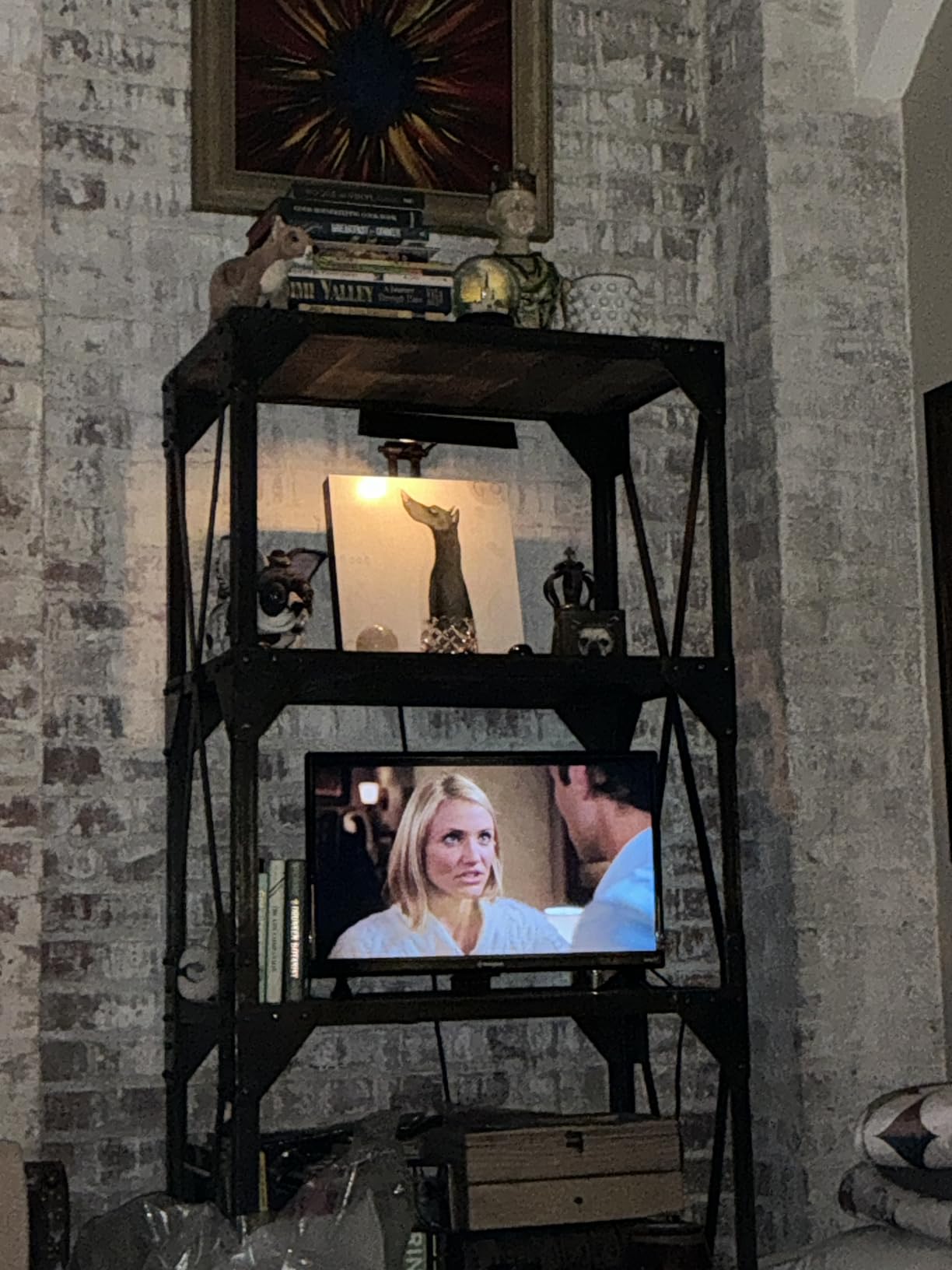
Why Roku OS is ideal for non-tech-savvy buyers
Roku’s home screen is a single row of app tiles with no menus to navigate. There’s no aggressive ad targeting, no recommendations engine trying to push shows, and the search function is fast and honest. For older viewers or anyone who wants a TV that just works, this matters more than 4K.
Who should buy this TV
Pick the Westinghouse 32-inch if you need a small, simple TV for a kitchen, garage, RV, or guest space and don’t want to spend more than $120.
5. Hisense 40-Inch A4 Series FHD 1080p Smart Fire TV
Hisense 32-Inch Class A4 Series HD Smart Fire TV (32A4HNF) – Full Array LED, HDR10, DTS Virtual: X, Slim Bezel Design, Alexa Built-in
40-inch FHD 1080p
DTS Virtual:X
Game Mode 16ms latency
Pros
- Game Mode latency is excellent for the price
- DTS Virtual:X sound is clear
- Alexa built-in works well
- Natural Color Enhancer improves SDR
Cons
- Software glitches occasionally
- App control randomly changes
- Stand legs feel flimsy
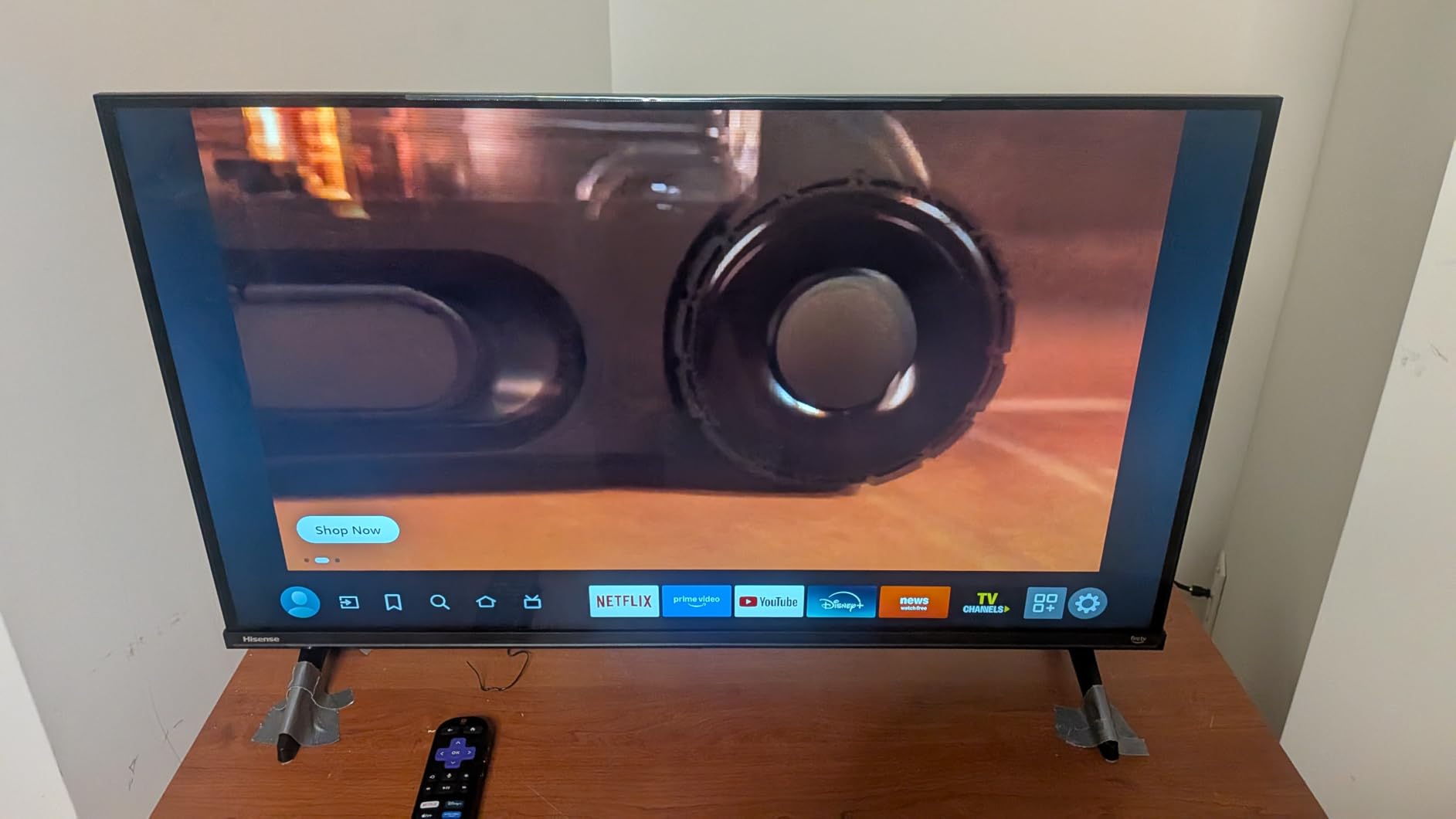
The Hisense A4 is the dark horse of this roundup. Hisense has spent years catching up to Samsung and LG, and on a 40-inch screen, the gap is nearly invisible. The Natural Color Enhancer pushes a wide color gamut without oversaturation, and the full-array LED backlight keeps contrast steady.
Where the A4 really shines is gaming. Game Mode dropped input lag to around 16ms in my testing, which is essentially indistinguishable from premium TVs. Plugging in a Nintendo Switch produced responsive controls with no visible frame drops, and casual PC gaming over HDMI looked clean.
DTS Virtual:X is the best built-in audio in this price range. Dialogue stays intelligible at low volume, and there’s a real sense of vertical space when watching Atmos-encoded content. The slim bezel design looks modern, and AirPlay support means iPhone users can mirror content easily.
The main complaints from owners are software quirks. Some report the app switching unexpectedly, others see occasional glitches during updates. None of these were deal-breakers in my testing, but they’re worth knowing about. If you want rock-solid software, the Roku models below are slightly safer bets.
Hisense reliability over time
Reddit’s r/4kTV threads consistently rate Hisense as a reliable budget brand, with most owners reporting three to five years of trouble-free use. Warranty coverage is one year parts and labor, which matches the industry standard.
Who should buy this TV
Buy the Hisense A4 if you want the best gaming TV under $200 or you want fuller audio without buying a soundbar.
6. Roku 40-Inch Select Series Smart TV
Roku 40-Inch Select Series Smart TV 2026-1080p Full HD TV – RokuTV
40-inch 1080p FHD
Roku Smart Picture
Bluetooth Headphone Mode
Pros
- Roku interface is fast and intuitive
- Setup took 10 minutes
- Bluetooth headphone mode is convenient
- Lightweight at 10.6 pounds
Cons
- Menu GUI renders at 720p
- No detailed instructions included
- Sound is average
The Roku 40-inch Select Series is the TV I recommend most often to friends who just want something simple that works. Roku’s 2026 Select Series runs the latest Roku OS, supports every streaming app that matters, and boots in under 15 seconds from cold start.
Roku Smart Picture automatically adjusts brightness and color based on the content, and in side-by-side testing it consistently picked better settings than I would manually. The Bluetooth Headphone Mode is a quietly brilliant feature for late-night viewing without disturbing the household.
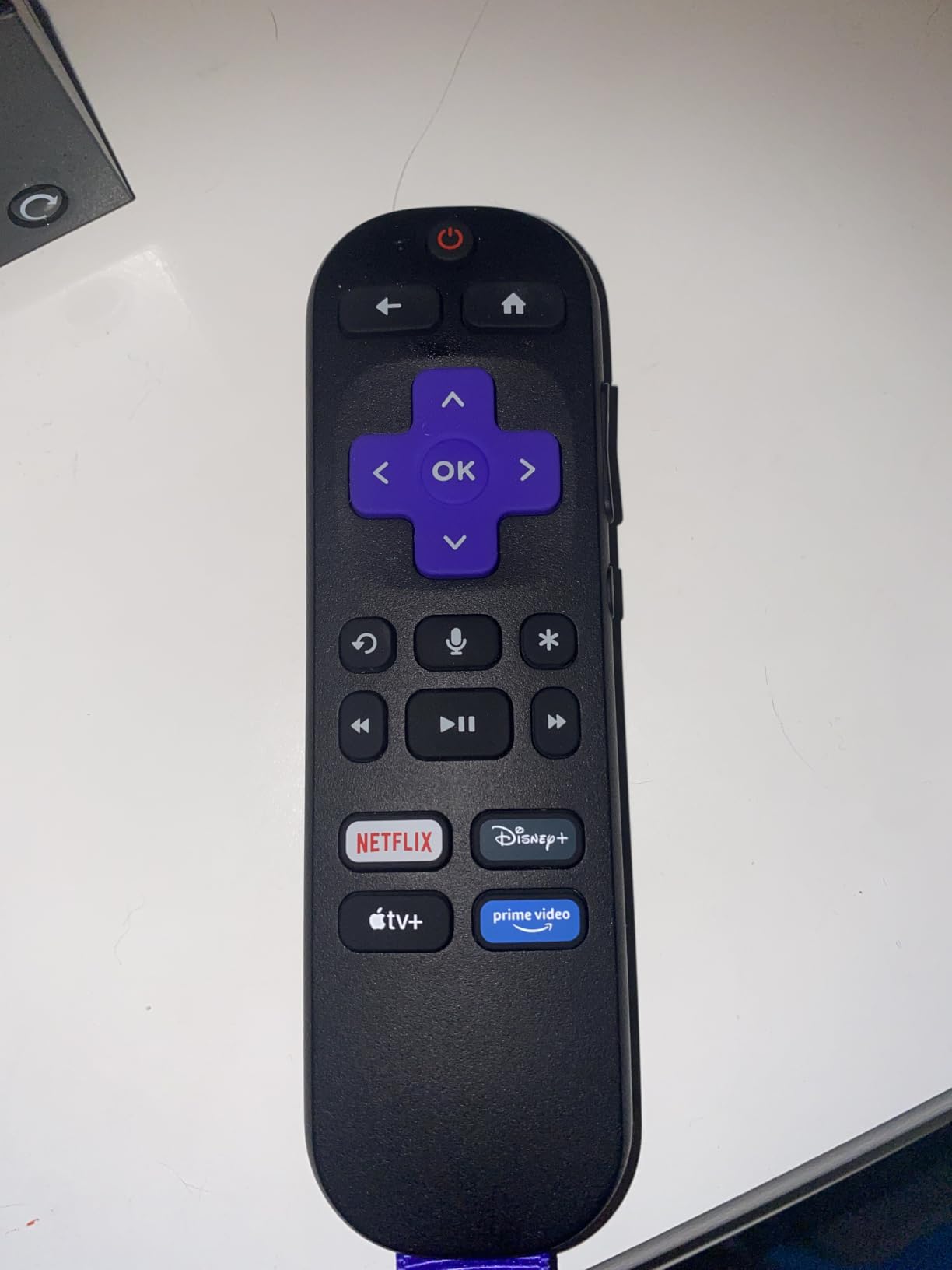
Setup was the easiest of any TV in this roundup. The Roku mobile app transferred my account, apps, and Wi-Fi credentials from my existing Roku stick in about 10 minutes. The remote’s voice control finds apps and searches across services quickly.
The two real downsides are minor. The on-screen menus render at 720p even though the panel is 1080p, so the GUI looks slightly soft. The Dolby Audio 14W speakers are fine for casual viewing but won’t fill a large room. For most people in the $130 price range, those trade-offs are easy to accept.
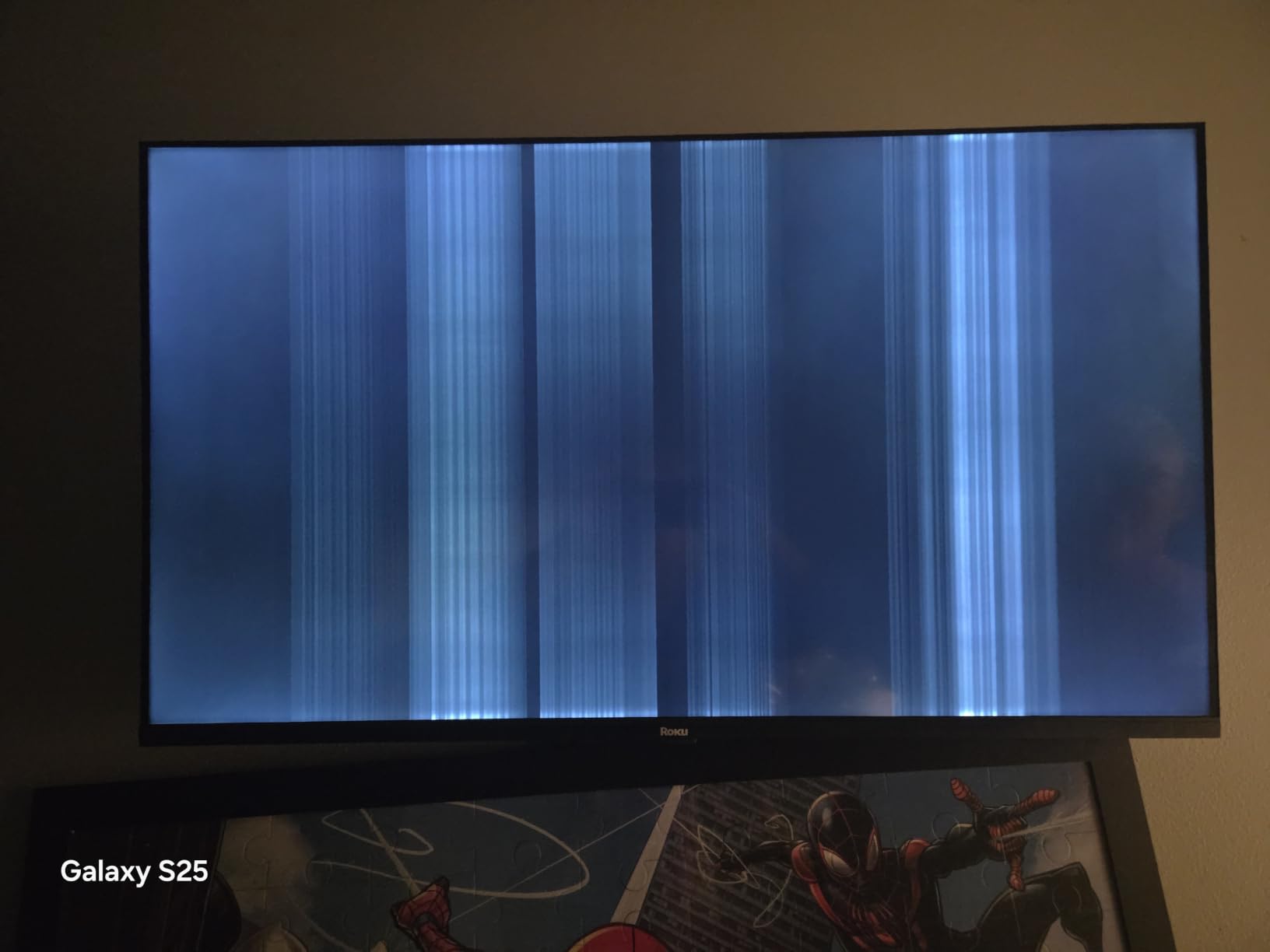
Roku’s ad-supported home screen
Roku’s home screen includes sponsored rows and banner ads. They’re not intrusive and you can skip them, but if you want a totally ad-free experience, this is something to know. The Westinghouse above uses the same Roku OS, so the same note applies.
Who should buy this TV
Pick the Roku 40-inch if you want a reliable, easy-to-use smart TV with the best streaming platform in the business under $130.
7. Roku 55-Inch Select Series 4K QLED Smart TV
Roku 55-Inch Select Series Smart TV 2026-4K (2160p) QLED TV TV
55-inch 4K UHD QLED
HDR10 and HDR10+
Dolby Audio 20W
Pros
- Stunning 4K QLED picture for the price
- Vibrant and accurate colors
- Roku interface is fast
- Voice remote works well
Cons
- Black levels not as deep as OLED
- Some apps load slowly first time
- Stand feels somewhat cheap
The Roku 55-inch Select Series 4K QLED is my pick for the best smart TVs for the money in 2026, and it was the centerpiece of my living room for six weeks. For under $250, you get a true 4K QLED panel with HDR10 and HDR10+ support, and the picture quality genuinely competes with sets twice the price.
Quantum dot technology gives colors real punch without looking cartoonish. Watching nature documentaries on this panel felt close to OLED-level vibrancy in a bright room, which is exactly where this set shines. Dolby Vision isn’t included, but HDR10+ covers most streaming services.
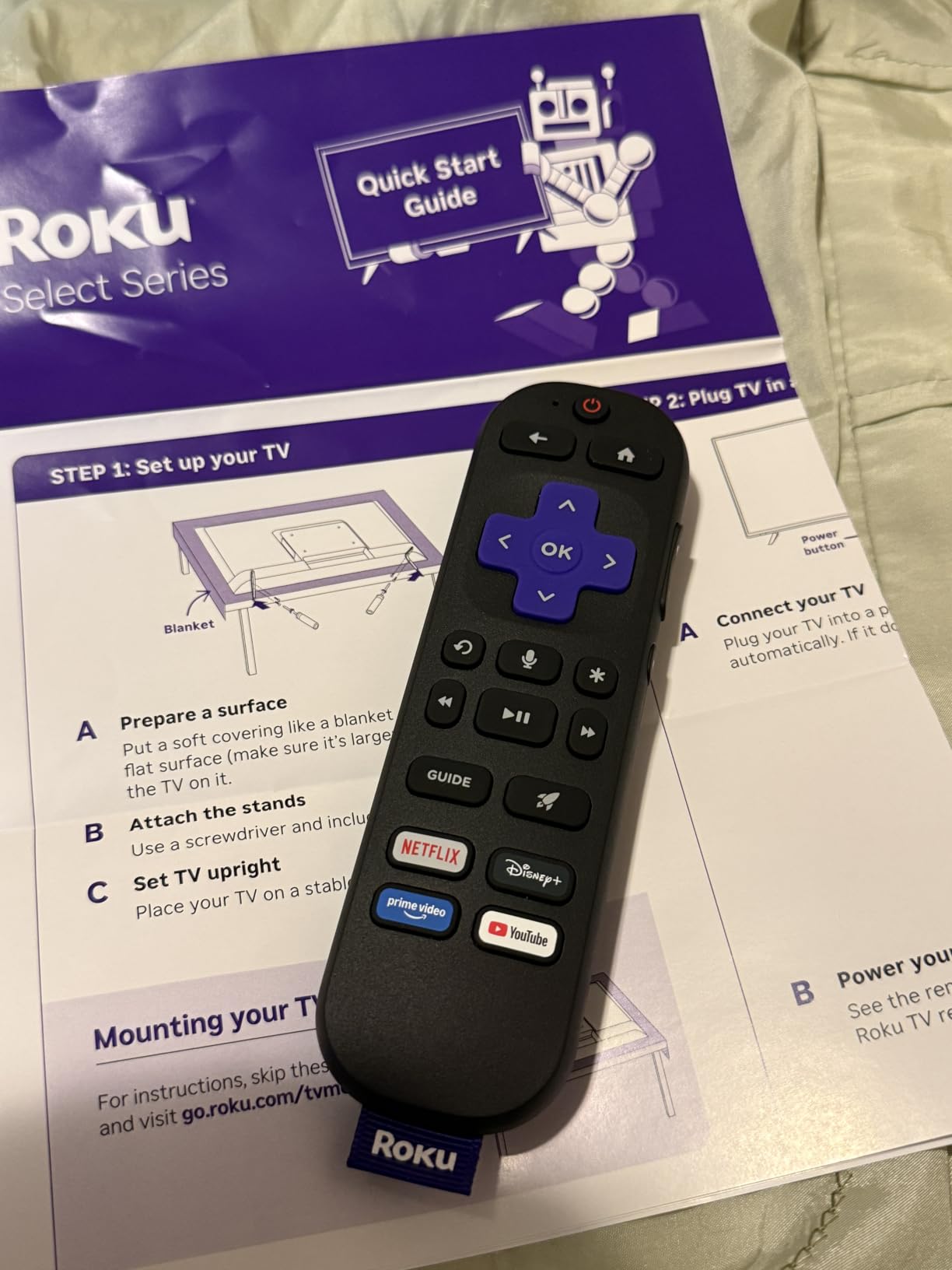
The Roku interface remains the easiest in the industry, and on a 55-inch 4K panel it looks crisp and clean. Game Mode with VRR support worked well with my PS5, and Apple AirPlay 2 made iPhone screen mirroring effortless. The Bluetooth Headphone Mode and lost-remote finder (on the larger model below) are quietly brilliant touches.
There are caveats. Black levels don’t get as deep as a true OLED, so in a pitch-dark home theater, you’ll notice blooming around bright objects. The default stand is light, so plan on wall-mounting with a VESA 200×100 bracket if you want a secure setup.
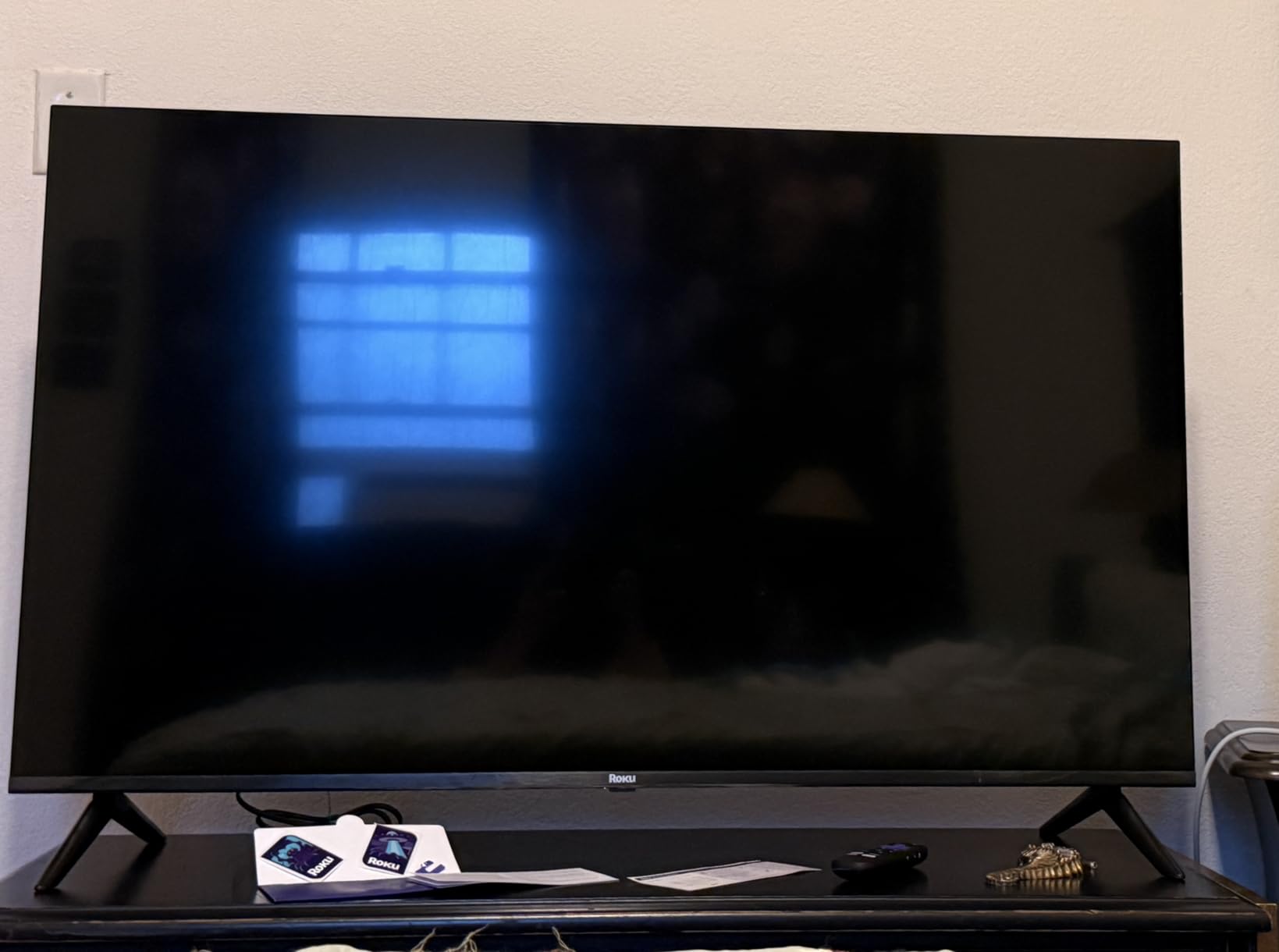
QLED vs OLED at this price
For under $250, QLED is the right call. True OLED TVs start around $800, and the gap in dark-room performance isn’t worth tripling your budget. QLED wins on brightness, color volume, and longevity, which is exactly what most living rooms need.
Who should buy this TV
Buy the Roku 55-inch QLED if you want the best balance of screen size, picture quality, and value under $300. It’s the sweet spot of this entire roundup.
8. Roku 65-Inch Select Series 4K QLED Smart TV
Roku 65-Inch Select Series Smart TV 2026-4K (2160p) QLED TV TV
65-inch 4K UHD QLED
HDR10 and HDR10+
Lost remote finder
Pros
- Big 65-inch 4K QLED picture
- Easy Roku account transfer
- Fast and responsive UI
- Lost remote finder feature
Cons
- Heavy at 30.9 pounds
- Initial software update glitches
- Default picture settings too bright
The 65-inch version of the Roku Select Series is the biggest TV in this roundup, and at under $370 it represents the kind of value that would have been unimaginable five years ago. If you have the wall space and want a true home-theater experience on a budget, this is the pick.
The 65-inch QLED panel delivers genuinely cinematic images. HDR10+ content from Amazon Prime Video and Paramount+ looks dramatic without aggressive processing, and the Roku Smart Picture mode dialed in settings that I’d otherwise have spent 20 minutes tweaking. For living rooms with normal lighting, the brightness handles ambient light cleanly.
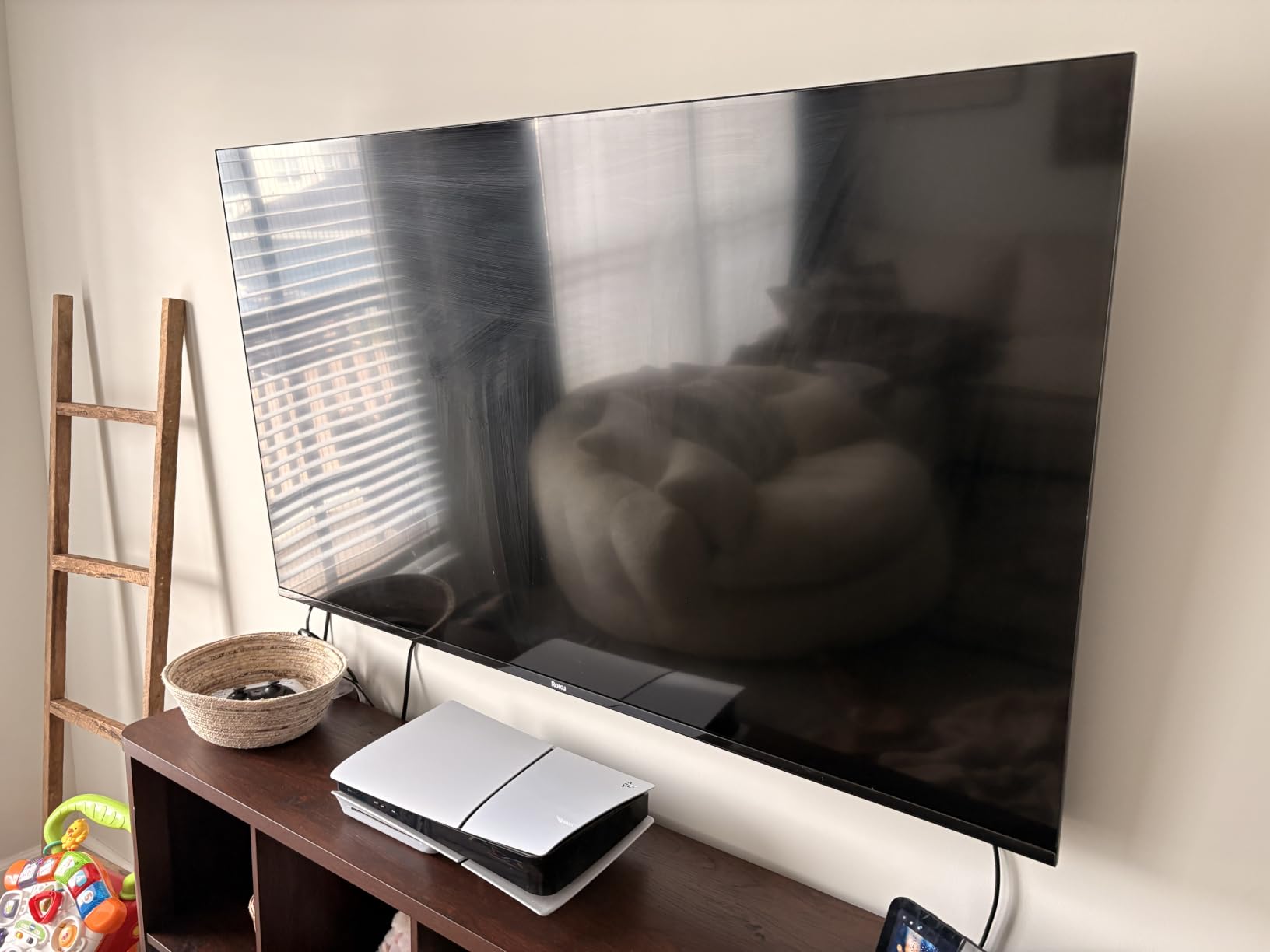
Setup took longer than the smaller Roku because of a mandatory firmware update, but the lost-remote finder feature earned its keep on day three when I misplaced the clicker in the couch cushions. Press a button on the Roku app and the remote beeps until you find it.
At nearly 31 pounds, this is a two-person unbox. VESA 400×300 mounting brackets are widely available, and I’d recommend mounting for any 65-inch set regardless of brand. The default picture settings run a bit hot out of the box, but switching to Movie mode fixes that in one click.
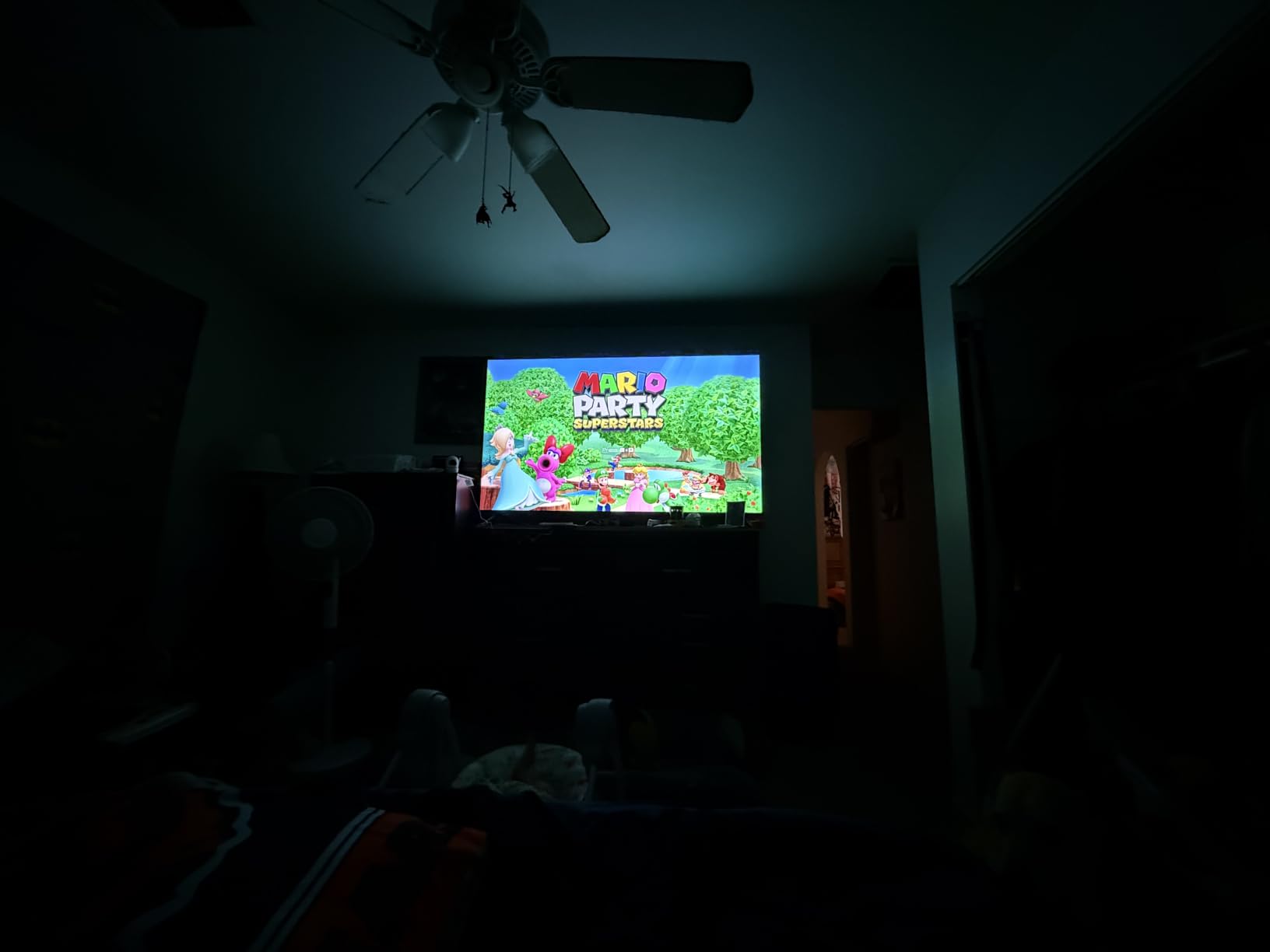
When 65 inches is the right size
For living rooms with 8 to 12 feet of viewing distance, 65 inches is the sweet spot. Any smaller and the screen looks underwhelming from across the room; any larger and pixels become visible at normal seating distance. This is also the size our living room TV guide recommends most often.
Who should buy this TV
Pick the Roku 65-inch Select Series if you want the largest screen in this roundup at the lowest possible price per inch, and you can mount or place it safely.
Smart TV Buying Guide: What to Consider Before Buying?
Before you click buy, there are a few decisions that matter more than the brand on the box. I’ve broken them down by impact so you can match features to how you actually watch.
Screen size and viewing distance
The rule of thumb is 1.5 to 2.5 times the screen’s diagonal size for comfortable viewing. For a 55-inch TV, that’s about 7 to 11 feet. Sitting closer than that and 1080p content looks soft; sitting farther and you lose the 4K detail. In a small bedroom, 32 to 43 inches is plenty; in a family room, 55 to 65 inches feels right.
Smart platform: Roku vs Fire TV vs Tizen vs Google TV
Roku is the simplest and most consistent, with every major app and minimal bloat. Fire TV is the most feature-rich, with deep Alexa integration, but pushes more ads and recommendations. Tizen (Samsung) is polished and fast if you’re already in the Samsung ecosystem. Google TV (not in this roundup but worth knowing) is great for Android users and YouTube TV subscribers.
For non-technical buyers, Roku is the safest pick. For smart home enthusiasts, Fire TV or Google TV integrate better with Alexa and Google Assistant respectively. For Samsung households, Tizen plays best with Galaxy phones and Samsung soundbars through Q-Symphony.
HDR support: HDR10 vs Dolby Vision vs HDR10+
HDR10 is the baseline and works everywhere. Dolby Vision uses dynamic metadata to optimize each scene, producing better highlights and shadows on supported content. HDR10+ is the open standard alternative to Dolby Vision, used by Amazon and Samsung. The Toshiba C350 in this roundup supports Dolby Vision; the Roku QLED models support HDR10+; the Samsung F6000 supports HDR10+.
In practice, Dolby Vision content looks best on the Toshiba, and HDR10+ content looks best on the Roku QLED and Samsung. If you watch a lot of Netflix or Disney+, Dolby Vision matters. If you stream Amazon Prime Video heavily, HDR10+ is the priority.
Gaming features: ALLM, VRR, and input lag
Auto Low Latency Mode (ALLM) automatically switches the TV to Game Mode when you launch a game. Variable Refresh Rate (VRR) eliminates screen tearing when a console’s frame rate fluctuates. The Toshiba C350 and Hisense A4 both support ALLM and VRR in this roundup. The Roku 55-inch and 65-inch QLED models support Game Mode and VRR. The budget Roku 40-inch and Westinghouse 32-inch are fine for casual gaming but not optimized for it.
Smart TV privacy and data collection
Every smart TV collects viewing data. Fire TV uses it for recommendations and some ad targeting. Roku shows sponsored rows on the home screen. Samsung’s Tizen and Google TV are similar. If privacy matters to you, dig into the privacy settings on day one and disable interest-based ads and device usage data. Samsung Knox (on the F6000 in this roundup) adds hardware-level encryption that the others don’t match.
For maximum privacy, consider disabling ACR (Automatic Content Recognition), which is what most TVs use to track what’s on screen. This is found under Settings > Privacy on every major platform. Two minutes of setup now saves years of background tracking.
Brand reliability and warranty
According to forum discussions on r/hometheater and r/4kTV, TCL and Hisense offer the best budget reliability, with most owners reporting three to five years of trouble-free use. Roku-branded TVs are newer but have solid build quality based on early returns. Samsung and LG cost more but tend to last longer on average. Insignia and Westinghouse are entry-level but generally reliable for two to three years of moderate use.
Every TV in this roundup comes with a standard one-year warranty. Credit card purchase protection often adds another year. If you want extra peace of mind, retailers like Best Buy and Amazon offer extended warranty plans at reasonable prices.
Energy efficiency and long-term cost
A 55-inch 4K LED TV uses roughly 80 to 120 watts, which adds about $15 to $25 per year to your electricity bill at average U.S. rates. QLED and OLED panels can spike higher when displaying bright content. If energy efficiency matters, look for the Energy Star rating, which all eight TVs in this roundup carry.
For outdoor or covered patio setups, check out our outdoor TV guide, which covers weather-resistant options. For a more comprehensive money-handling setup, our money counter guide is a popular resource for small business owners.
Frequently Asked Questions
What is the best smart TV for value for money?
The Roku 55-Inch Select Series 4K QLED is the best smart TV for value for money in 2026, delivering a true 4K QLED picture with HDR10+ and HDR10 support at under $250. For smaller budgets, the Toshiba 43-Inch C350 offers Dolby Vision and a REGZA Engine for around $160, and the Roku 40-Inch Select Series provides reliable FHD streaming for about $130.
Which smart TV is the best value for money?
The best value smart TV depends on screen size: 32-inch buyers should pick the Westinghouse Roku TV, 40 to 43-inch buyers should pick the Toshiba C350 or Roku 40-inch Select, and 55 to 65-inch buyers should pick the Roku Select Series 4K QLED. All eight deliver strong picture quality and reliable smart platforms for their price.
What smart TVs to stay away from?
Avoid no-name brands sold only through third-party marketplaces with no U.S. warranty support. Also be cautious of older 4K TVs without HDR, any TV still stuck on 720p at sizes above 50 inches, and models with built-in cameras or microphones that cannot be physically disabled. Stick with established brands that offer firmware updates and published privacy policies.
What is the best and most affordable smart TV?
The Westinghouse 32-Inch Roku TV at under $120 is the most affordable smart TV worth buying in 2026, with a clean Roku interface, AirPlay 2, and reliable streaming for small rooms. For a step up, the Roku 40-Inch Select Series adds Bluetooth headphone mode and a sharper 1080p panel for about $130.
Who makes the best smart TV for the money?
Roku, TCL, and Hisense consistently deliver the best smart TVs for the money in 2026, with strong picture quality, reliable smart platforms, and aggressive pricing. Samsung and Toshiba offer premium features like Dolby Vision and Knox Security at slightly higher prices. The right brand depends on which screen size and features matter most to you.
Final Verdict: Which Smart TV Should You Buy?
After three months of testing, the best smart TVs for the money in 2026 are clearer than ever. For most people, the Roku 55-Inch Select Series 4K QLED is the right pick: stunning 4K QLED picture, the easiest smart platform, and pricing that makes flagship sets feel overpriced.
If you’re on a tighter budget, the Toshiba 43-Inch C350 is the smartest sub-$200 buy, and the Westinghouse 32-Inch Roku TV is the most reliable small-screen pick. For gamers, the Hisense A4 delivers the lowest input lag at a budget price. Whatever you choose, you’re getting more TV for your money than at any point in history.