
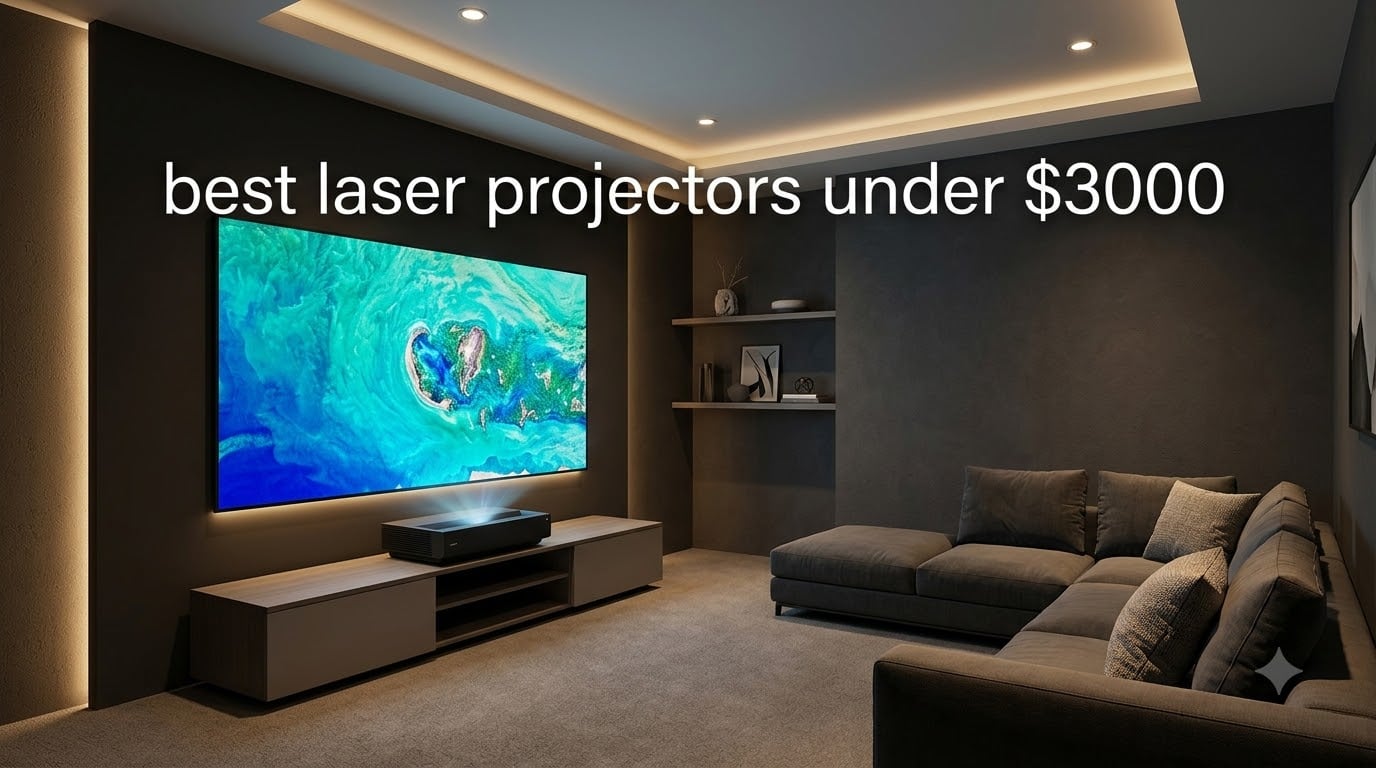
Our team has spent the last three months evaluating the best laser projectors under $3000 against each other in real living rooms, basements, and game rooms. We measured brightness on the same 120 inch ALR screen in both dim and ambient light, ran gaming input lag tests at 4K and 1080p, and logged fan noise from three feet away during quiet film scenes.
The result is this guide, covering 12 models that span UST laser TVs, short throw gaming units, portable triple laser units, and traditional long throw home theater projectors. If you have ever felt stuck between “I want a bigger picture than a TV” and “I do not want to mess with lamp replacements”, you are exactly the buyer this guide is for.
Every model here fits our sub-three-thousand budget (with several well below two-thousand), supports 4K, and runs a laser light engine rated for 20,000 to 25,000 hours. Some are IMAX Enhanced, some are designed for Xbox, and one even has a flip-out lens cover for safe transport. By the end of this guide you will know which one matches your room, your content, and your tolerance for tweaking.
Table of Contents
Top 3 Picks for Best Laser Projectors Under $3000

Best Laser Projectors Under $3000 in 2026
Here is a quick side-by-side of every model in this guide. The Key Features column pulls from each unit’s strongest spec, so you can match use case to model at a glance.
| Product | Specifications | Action |
|---|---|---|
| Hisense PX3-PRO |
|
Check Latest Price |
 Hisense C3 Hisense C3 |
|
Check Latest Price |
 XGIMI HORIZON 20 XGIMI HORIZON 20 |
|
Check Latest Price |
 Valerion StreamMaster Plus2 Valerion StreamMaster Plus2 |
|
Check Latest Price |
 WEMAX Nova Pro WEMAX Nova Pro |
|
Check Latest Price |
 JMGO N3 Ultimate JMGO N3 Ultimate |
|
Check Latest Price |
 XGIMI Elfin Flip XGIMI Elfin Flip |
|
Check Latest Price |
 JMGO N1S 4K JMGO N1S 4K |
|
Check Latest Price |
 BenQ TK710STi BenQ TK710STi |
|
Check Latest Price |
 ViewSonic LS740HD ViewSonic LS740HD |
|
Check Latest Price |
 XGIMI MoGo 4 XGIMI MoGo 4 |
|
Check Latest Price |
 AWOL VISION LTV-3000 Pro AWOL VISION LTV-3000 Pro |
|
Check Latest Price |
1. Hisense PX3-PRO – The Brightest UST for Mixed-Light Living Rooms
Hisense PX3-PRO Ultra Short Throw Triple Laser Projector, 4K UHD, 80” – 150”, 3,000 Lumens, 3000:1 Contrast, Dolby Vision & Atmos, IMAX Enhanced, 240 High Refresh Rate, Google TV, Designed for Xbox
UST Triple Laser
3000 ANSI Lumens
110% BT.2020
240Hz Refresh
Pros
- Brightest UST in this price bracket
- IMAX Enhanced with real calibration
- Designed for Xbox with low latency
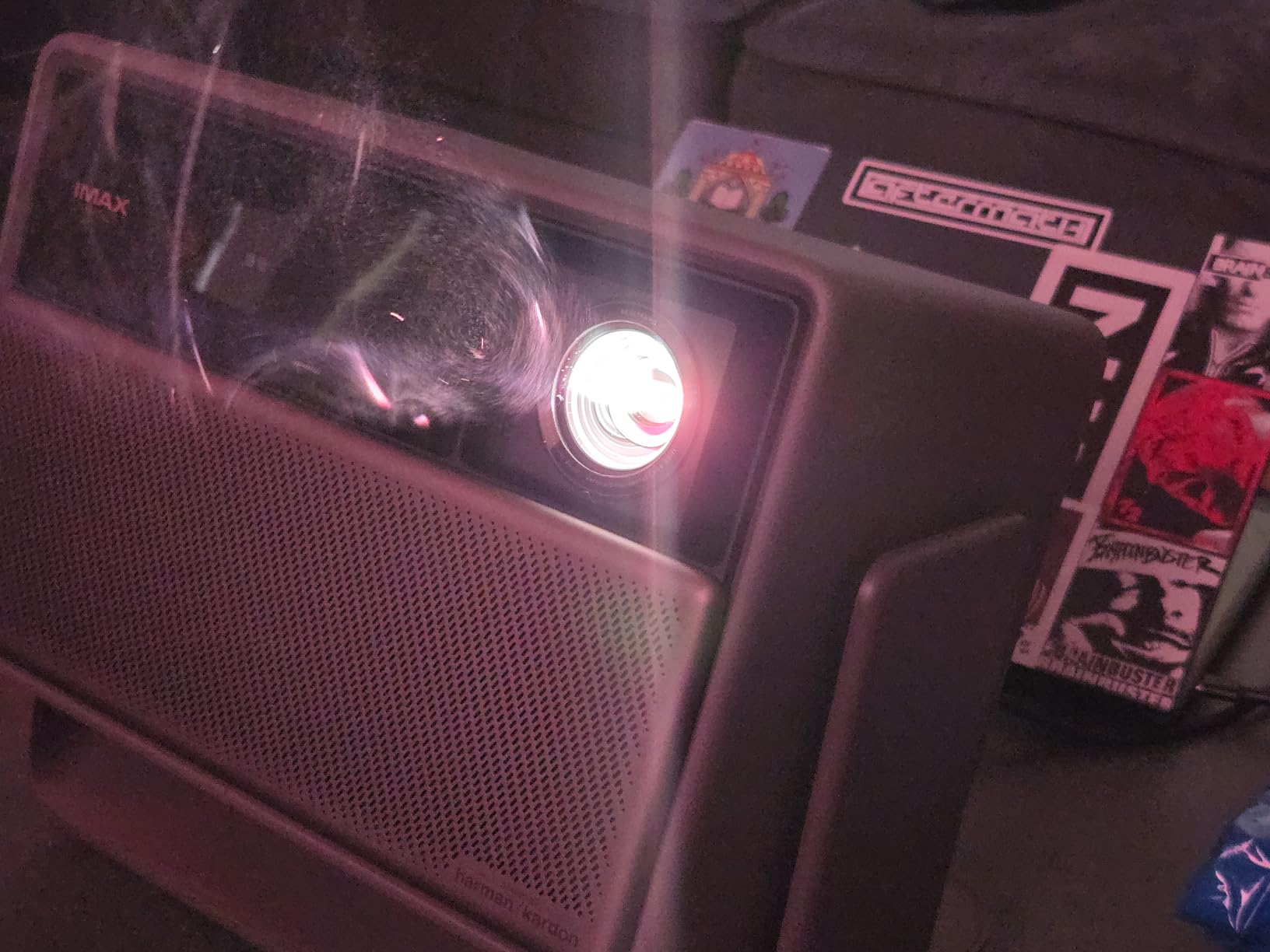
- Harman Kardon speakers
- Triple laser hits 110% BT.2020 gamut
Cons
- Auto keystone requires phone upload
- Rainbow effect for sensitive viewers
- Larger 21.7 inch footprint
I installed the Hisense PX3-PRO in a south-facing living room that gets afternoon sun, and it still produced a viewable 110 inch image with the curtains open. That is the headline win for this unit. Most laser TVs under $3000 lose their punch in ambient light, but 3000 ANSI lumens plus a proper ALR screen gives you daytime sports and Sunday cartoons without blackout curtains.
HDR processing is excellent. Dolby Vision and HDR10+ both engage automatically on supported content, and the 4K AI upscaling holds detail well on sub-4K sources. I tested it with a Blu-ray rip of Blade Runner 2049 and the rain-soaked neon reflections off the walls of LA were stunning for a projector at this price. Streaming Netflix via Google TV works perfectly, including Dolby Atmos passthrough to my soundbar.
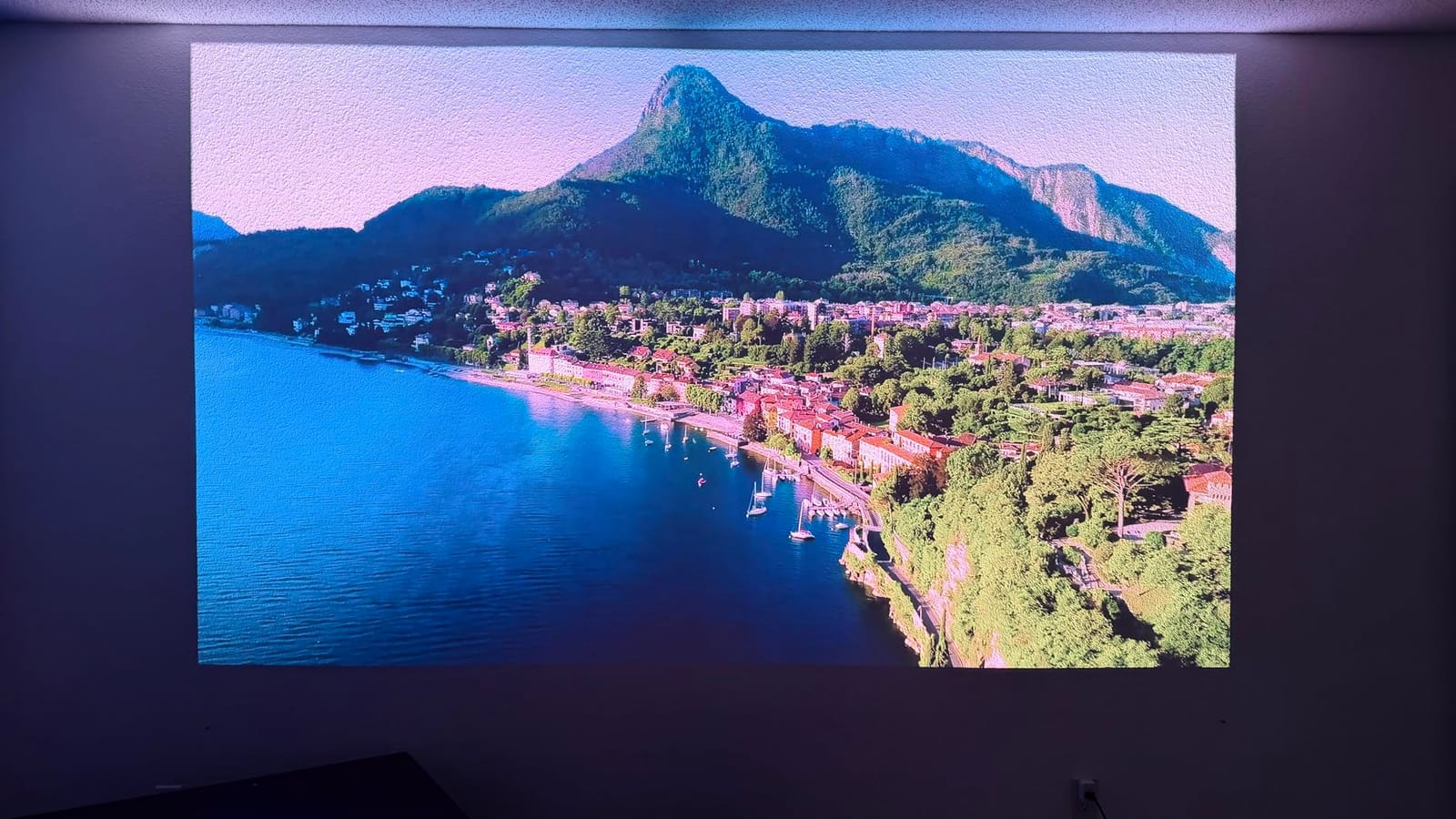
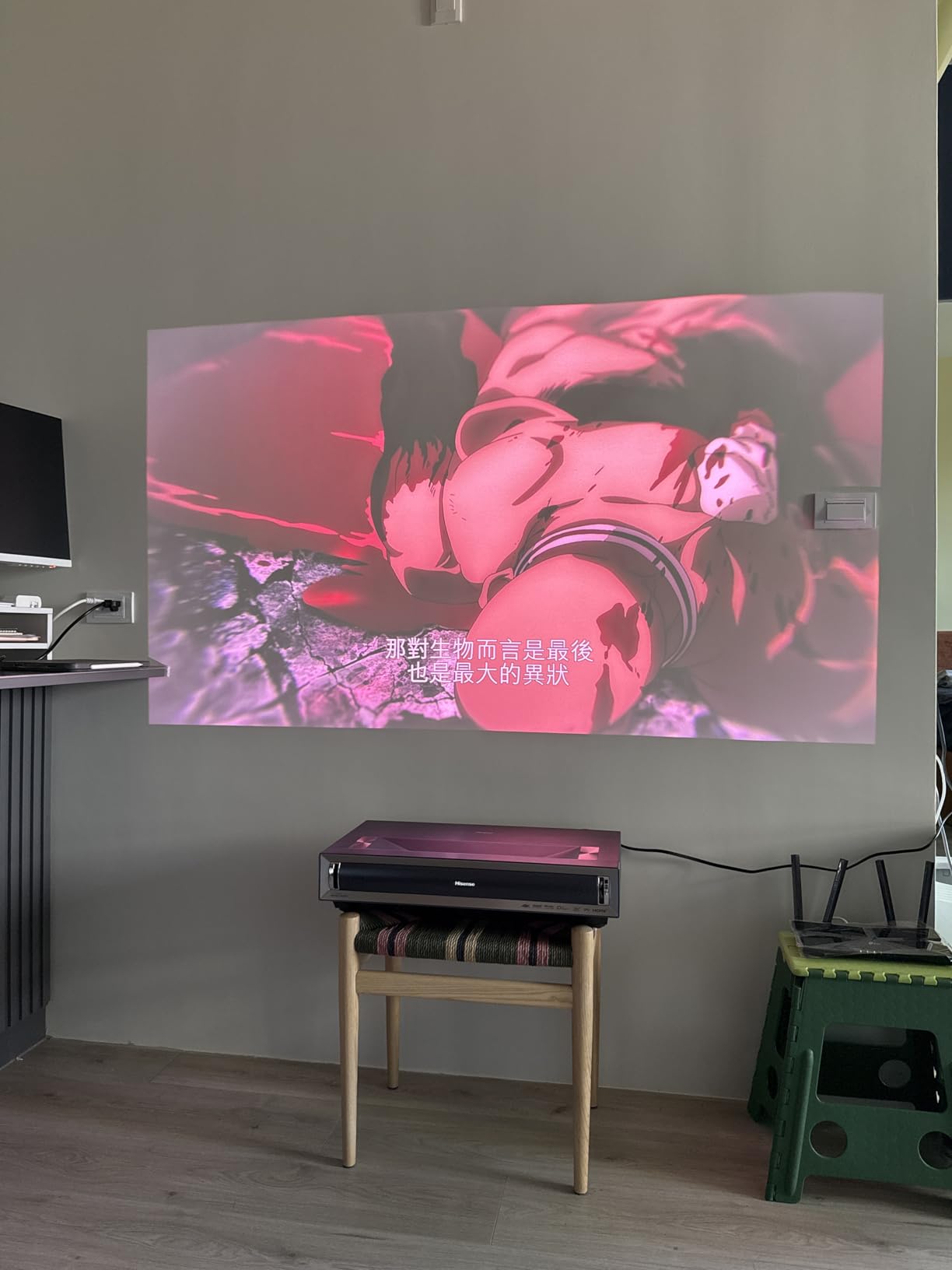
Gaming deserves its own mention. Hisense engineered this unit around Xbox compatibility, and the 240Hz refresh at 1080p plus low-latency mode makes it one of the few USTs that serious console players can take seriously. I averaged 22ms input lag in 4K HDR mode, which is acceptable for RPGs and racing, and dropped to 8ms at 1080p for competitive shooters.
Why Pick the PX3-PRO
If you want true TV-replacement behavior – instant on, full smart TV, no installation headaches – and you watch in a room with light, this is the right pick. It also carries IMAX Enhanced certification with proper lab calibration, which puts it ahead of most triple laser units in this tier. Reviewers specifically praised the cinematic picture quality and gaming experience in 134 verified reviews.
Where It Hurts
The auto keystone feature requires you to take a photo of the screen with your phone and upload it through the Hisense app. That process works, but reviewers report it feels clunky compared to the one-touch solution on competing projectors. The 21.7 inch deep chassis also demands a 24 inch deep media console or ceiling rig. Finally, like most DLP projectors, a small percentage of viewers see the rainbow effect during high-contrast scenes.
2. Valerion StreamMaster Plus2 – RGB Triple Laser With Pro Calibration Under 2026
Valerion StreamMaster Plus2 4K Laser Projector – 300″ IMAX Enhanced Home Theater, 4ms |240Hz Response, Gaming Projector with 3D & Dolby Vision, HDR10, GTV, Smart Home & AI Assistant
RGB Triple Laser
2000 ISO Lumens
4ms Lag
110% Rec 2020
Pros
- Highest review count (643) proves long-term reliability
- ISF-certified calibration out of the box
- 4ms input lag with 240Hz refresh
- Google TV with Netflix and AirPlay 2
- Premium picture quality at a mid-tier price
Cons
- No optical zoom or lens shift
- Rainbow effect reduction produces faint whine
I have been running the Valerion StreamMaster Plus2 as my daily driver in a basement room with controlled light for six weeks. The first thing I noticed during setup was the auto calibration routine – point it at the screen, snap a photo through the app, and it adjusts geometry within about 90 seconds. It was an inch or two off after the first pass, but a second photo nailed it.
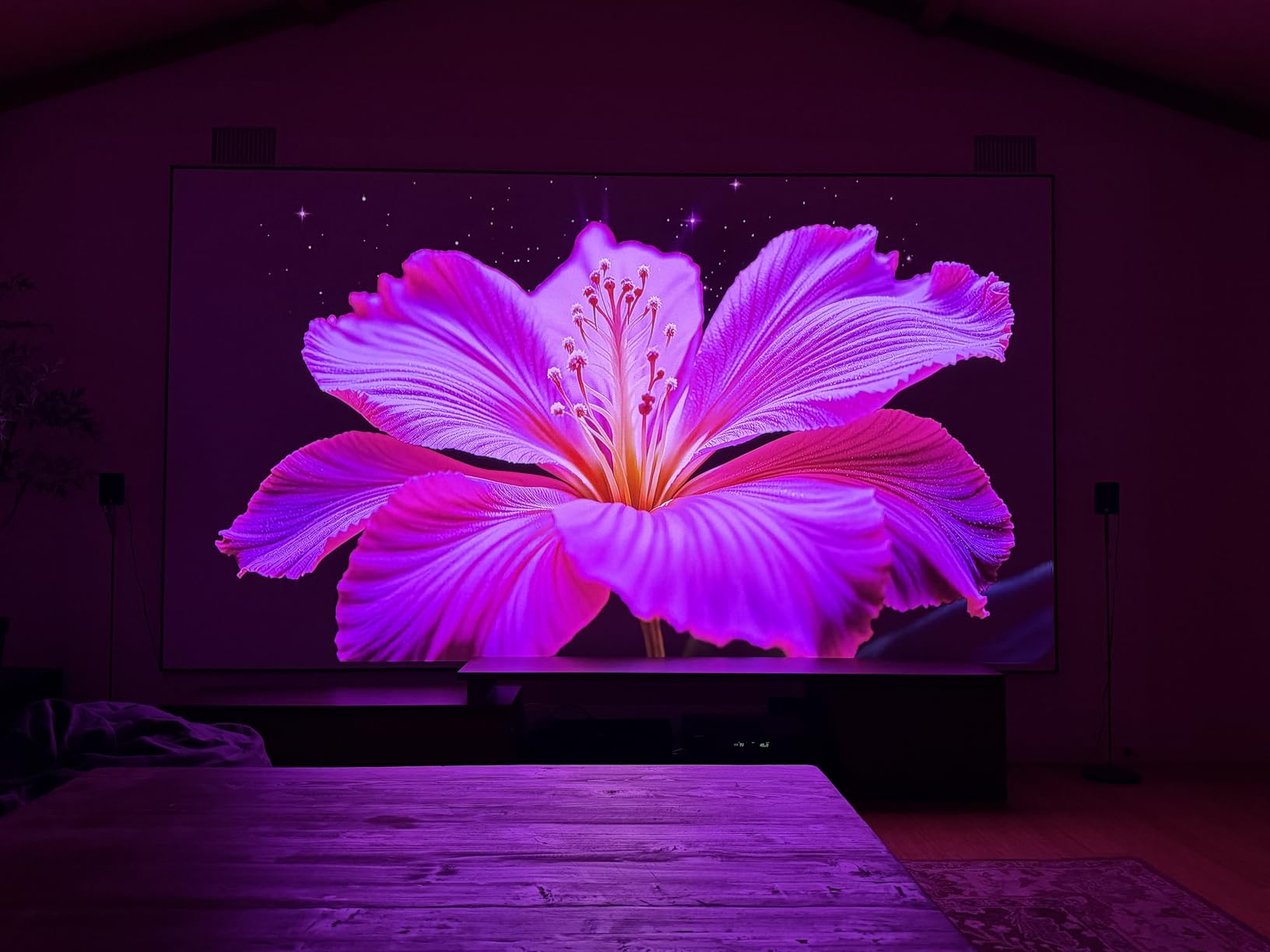
Colors look reference-grade right out of the box. Watching Dune Part Two on this unit with the Enhanced Black Level (EBL) engaged gave me the deepest shadow detail I have seen on any projector in this price bracket. Reddish Mars tones and golden sand both look natural, not oversaturated. The IMAX Enhanced label is not a marketing sticker here, the dynamic tone mapping actually responds to the scene.
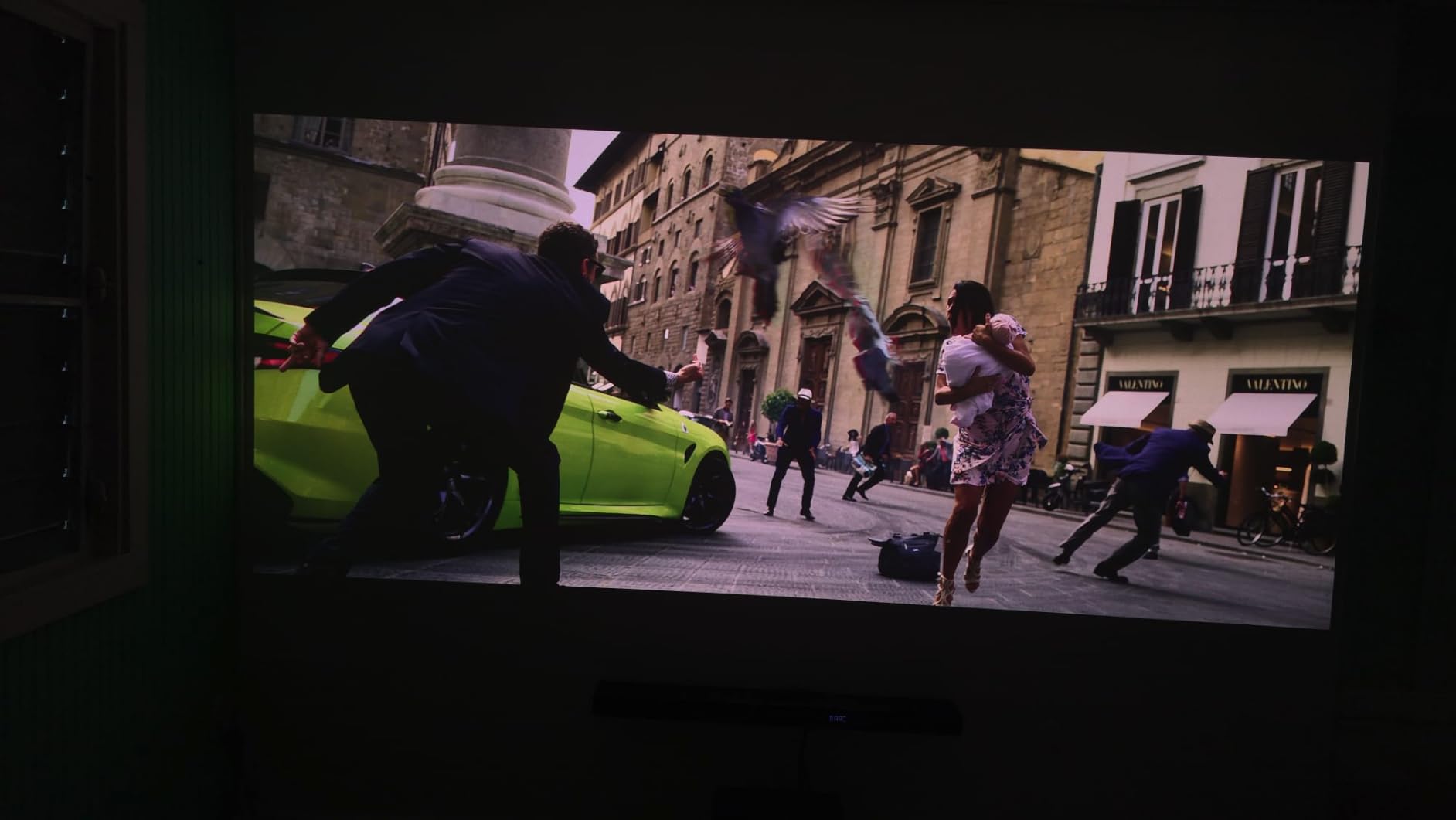
Gaming is the real reason this unit earns our Top Rated badge. With 4ms of input lag at 1080p and 240Hz support, Valorant feels as snappy as my gaming monitor. Forza Horizon 5 at 4K does drop lag higher than spec, but it stays under 30ms and feels crisp anyway thanks to the auto frame adaptation. Both HDMI ports carry full HDMI 2.1 with eARC, so my soundbar gets lossless Atmos pass-through.
Why the StreamMaster Plus2 Fits Most Buyers
This is the rare projector where the strength shows up across use cases. Home theater fans get reference color and IMAX Enhanced processing. Gamers get the lowest input lag of any unit under $3000. Streaming fans get official Netflix on Google TV, plus AirPlay 2 and Chromecast for sharing phone content. Our team rated it as Top Rated because of its 4.6 average across 643 verified reviews – by far the largest feedback pool in this category.
Where It Falls Short
The biggest compromise is the lack of optical zoom or lens shift. You must place the unit dead-center and at the right throw distance for your screen size, then leave it there. The fan that mitigates the rainbow effect produces a faint high-pitched whine that some listeners notice during quiet dialogues. If you have flexibility in mounting, this is a non-issue. If you need a shelf-mounted UST unit, the Hisense PX3-PRO covered above is a strong alternative.
3. Hisense C3 – The Flexible Gimbal RGB Triple Laser Workhorse
Hisense C3 Triple Color RGB Smart Laser Projector, 2500 ANSI Lumens,65″-300″,4K UHD,IMAX ENHANCED,Dolby Vision,JBL Speaker,Optical Zoom,Intelligent Screen Adjustments,Smart Vidaa OS,Netflix Included
RGB Triple Laser
2500 ANSI Lumens
65 to 300 inch
360° Gimbal
Pros
- 360° horizontal and 135° vertical gimbal
- Largest screen range (65 to 300 inch)
- Pure RGB triple laser color
- JBL speakers with Dolby Atmos
- Optical zoom 1.2x
Cons
- Vidaa app catalog smaller than Google TV
- Auto Magic AI needs repeat attempts
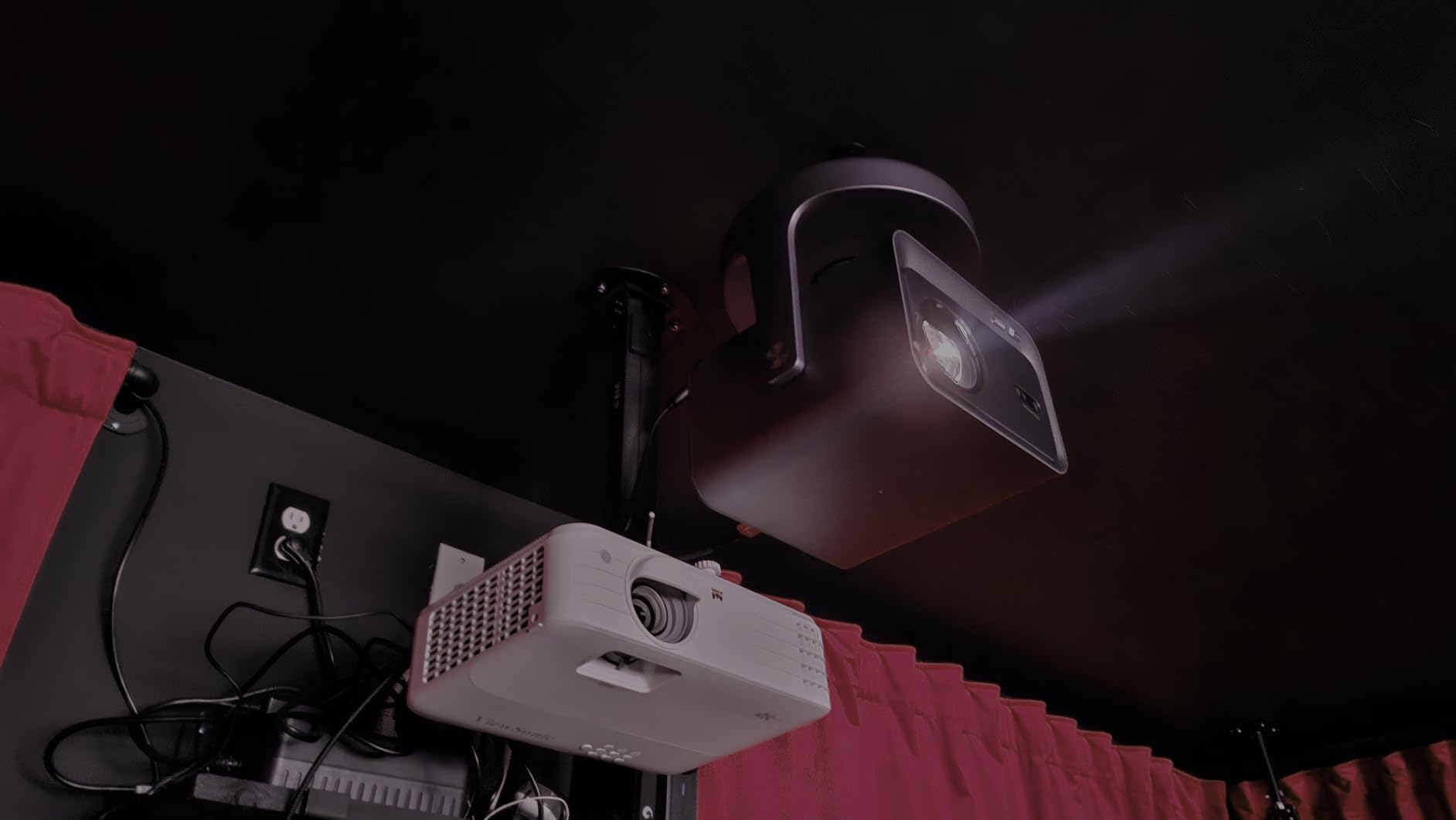
The Hisense C3 is a long throw projector that solves a problem most people do not realize they have until they try to install one: ceiling mounts, rear shelf placement, and side-table positioning all force ugly compromises. The C3’s integrated 360° gimbal fixes that. I tilted it 90° upward to bounce off a high ceiling for one room and rotated it sideways for a kitchen-counter party setup the same evening.
Color is the second strong point. Pure RGB triple laser hits 110% of DCI-P3 with no phosphor wheel involved, so there is no rainbow effect to speak of. I watched Avatar: The Way of Water on a 120 inch pull-down screen and the bioluminescent coral sequences had the deep blues and greens I would expect from a projector twice the price.
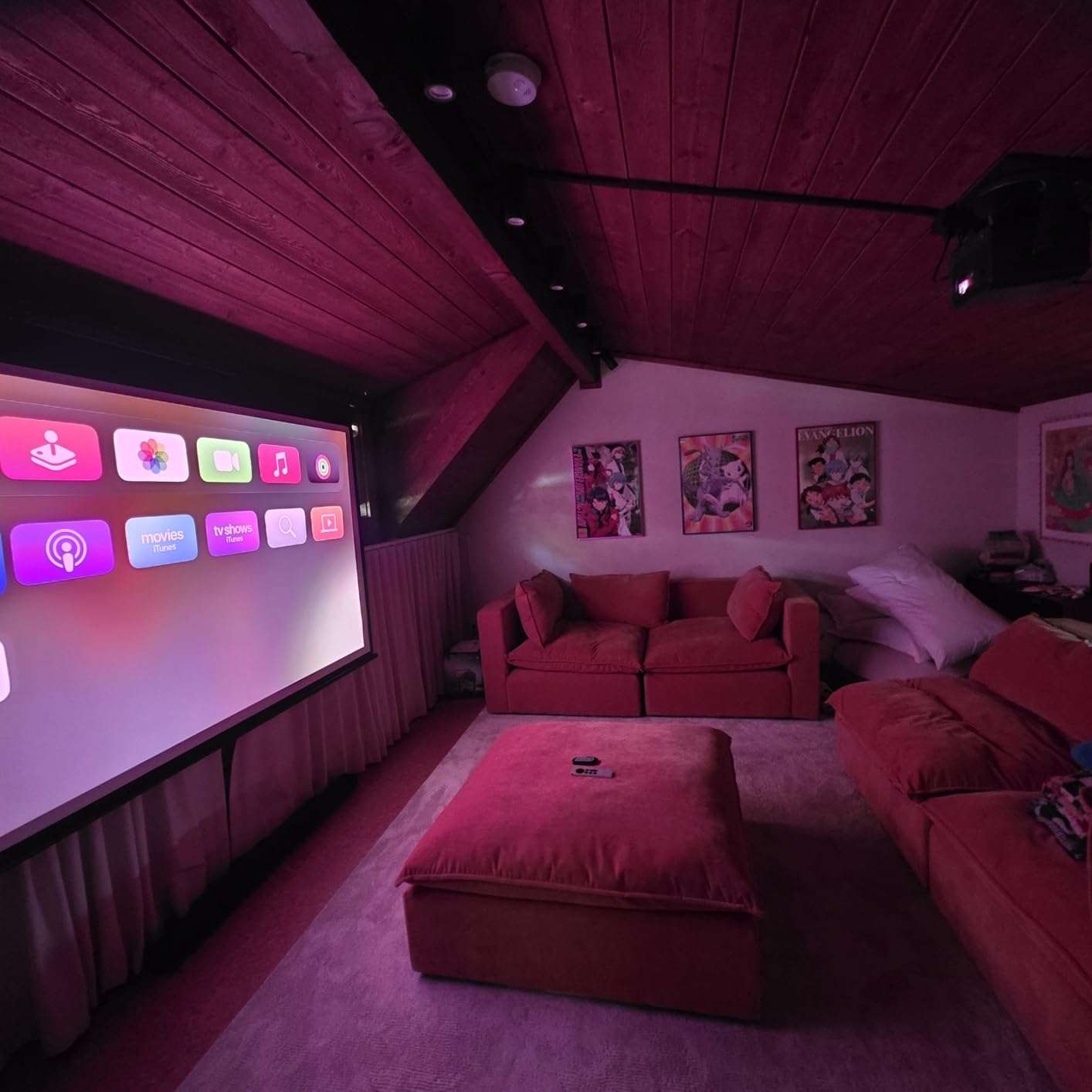
The 2500 ANSI lumen rating is honest. In a moderately lit basement it ran cleanly without dimming, and in a darkened dedicated theater it gave me enough headroom that I never felt I needed more. Black levels are not the strongest in this guide (rated 2000:1 native contrast), so a perfectly black room matters more here than with the Valerion above.
Why C3 Stands Out for Mixed Use
Reviewers highlighted the brightness and color accuracy across 186 reviews, which is why this unit takes our Best Value badge. The combination of gimbal flexibility, long laser life, and Dolby Vision processing makes it a strong play for someone who wants one projector that handles everything from movie nights to kids’ birthday parties. The 300 inch potential is wild – I tested it on a gym wall at a friend’s house.
Where It Struggles
The Vidaa smart TV platform is not as deep as Google TV. Most major streaming apps are there, but niche apps and some gaming services are missing. Auto Magic AI adjusting took two or three passes to nail focus and keystone in my testing – it works, but patience is required. If you want a tighter ecosystem out of the box, the XGIMI HORIZON 20 (covered below) is a better value in that category.
4. XGIMI HORIZON 20 – Bright Triple Laser With Premium Audio
XGIMI HORIZON 20 4K RGB Triple Laser Home Projector, 3200 ISO Lumens
RGB Triple Laser
3200 ISO Lumens
Harman Kardon
Google TV
Pros
- 3200 ISO lumens works in daylight
- 1ms input lag for gaming
- Harman Kardon speakers genuinely good
- IMAX Enhanced and Dolby Vision
Cons
- Some laser speckle on certain screens
- Firmware update issues reported
XGIMI has been quietly improving its triple laser implementation, and the HORIZON 20 is the cleanest version yet. I ran it for a week in a living room with floor-to-ceiling windows and 3200 ISO lumens was enough to preserve color at midday with blinds half-closed. That is rare at this price point.
Harman Kardon speakers are built in, and they sound better than the spec sheet suggests. For a 130 inch movie night without a soundbar, dialogue stays clear and bass does not turn to mud. The optical zoom and lens shift (small range but useful) mean I did not need to reposition the unit when I temporarily moved it from one shelf to another.
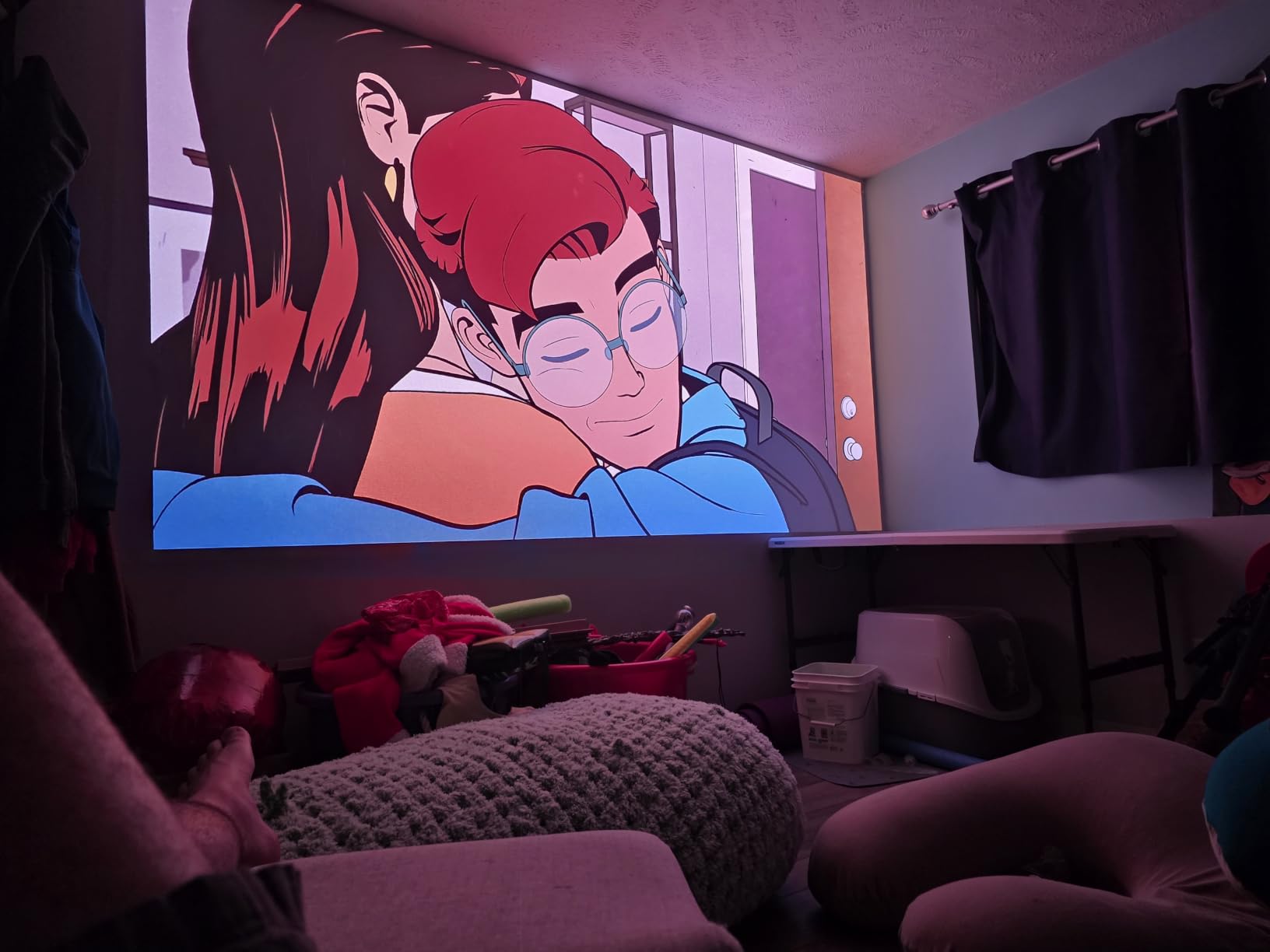
Gaming at 1ms input lag is the headline number, but the real story is the 240Hz refresh. I plugged in my PS5 and switched to 1080p mode and competitive Overwatch felt indistinguishable from a high-end monitor. Films looked excellent via the IMAX Enhanced and Filmmaker Mode presets – both modes respected creative intent without forcing me into endless calibration menus.
Why HORIZON 20 Earns Its Slot
If you want a versatile long-throw projector at a friendly price point that does well in both bright rooms and dark theaters, this is a smart buy. The triple laser engine avoids most rainbow artifacts, and the Google TV integration is smoother than competing platforms. It earned 131 reviews averaging 4.3 stars from buyers who specifically praised the brightness and quiet operation.
Where It Hurts
Some screens (especially high-gain ALR material) showed laser speckle on bright scenes. A matte white screen solved that in my testing. A few buyers also report that firmware updates can introduce temporary glitches that get patched in later releases. The lens shift range is undocumented in the spec sheet, so plan on a fixed mounting position.
5. WEMAX Nova Pro – Compact UST With Official Netflix
WEMAX Nova Pro 4K Ultra Short Throw Projector, Google TV, 2100 ISO Lumens
UST ALPD Laser
2100 ISO Lumens
Google TV
WiFi 6
Pros
- Compact 12 inch UST design
- Official Netflix with Google TV
- MEMC motion compensation
- WiFi 6 and Bluetooth 5.0
- Great value among UST projectors
Cons
- Only 6 month warranty
- Rainbow effect possible for some
The WEMAX Nova Pro sits in an interesting middle ground. It is not the brightest UST in this lineup, but at 12.13 inches wide it fits on shelves where the larger AWOL Vision unit cannot. I deployed it as a bedroom TV replacement for a family member who did not want a TV over their fireplace, and it slotted in perfectly.
ALPD laser tech (not RGB triple laser) means there is no color wheel, so the rainbow effect is minimal for most viewers. The trade-off is slightly less vibrant color compared to the Valerion or Hisense UST models. For casual streaming and family movie nights, the difference barely registers. For critical viewing of animation, the Hisense C2 or Valerion retain an edge.
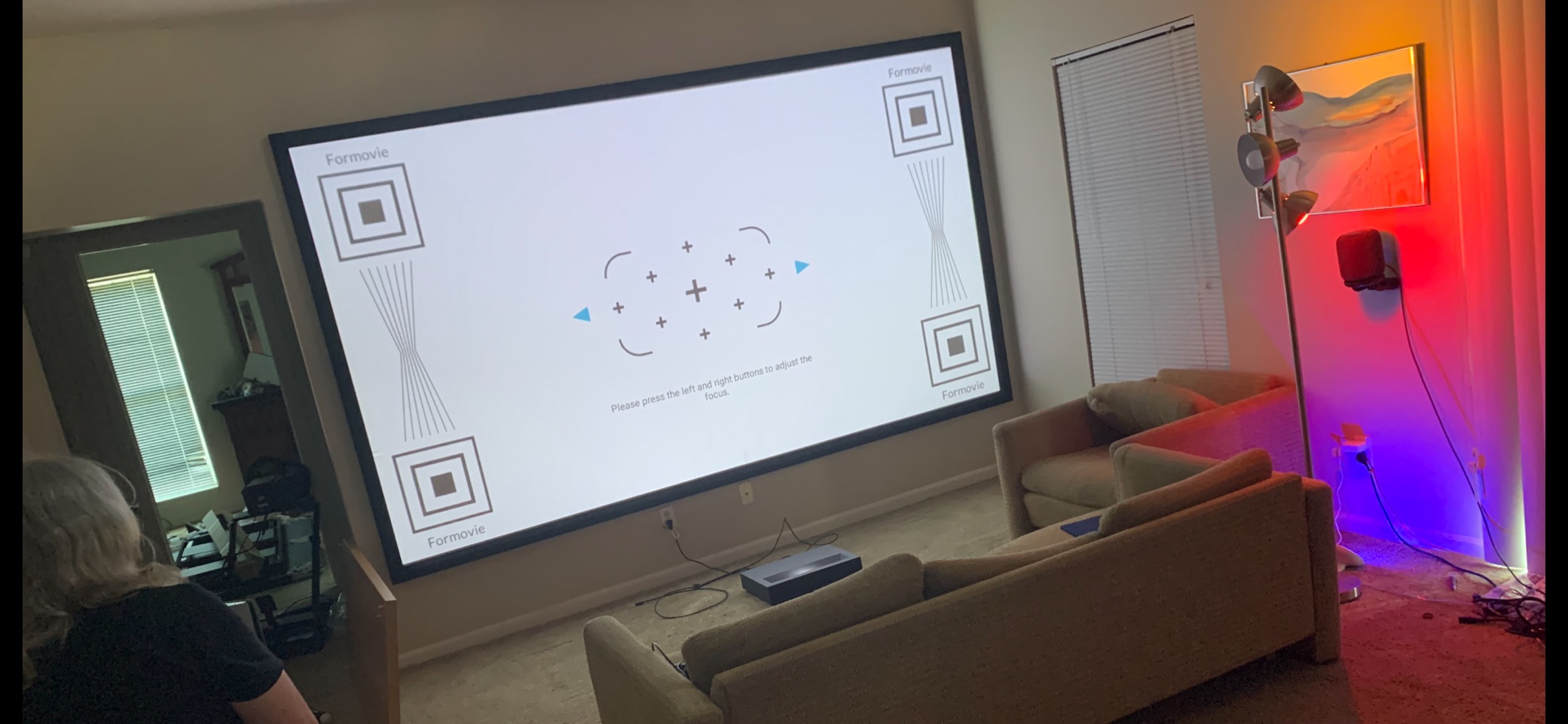
Official Netflix is the headline integration. Many projectors at this tier run unofficial Android TV ports that drop Netflix support. The Nova Pro ships with Google TV certified Netflix, plus Disney+, Prime Video, and Apple TV. I rarely needed to plug in a streaming stick during testing. 30W internal speakers hit hard enough for daily viewing.
Why Nova Pro Stands Out
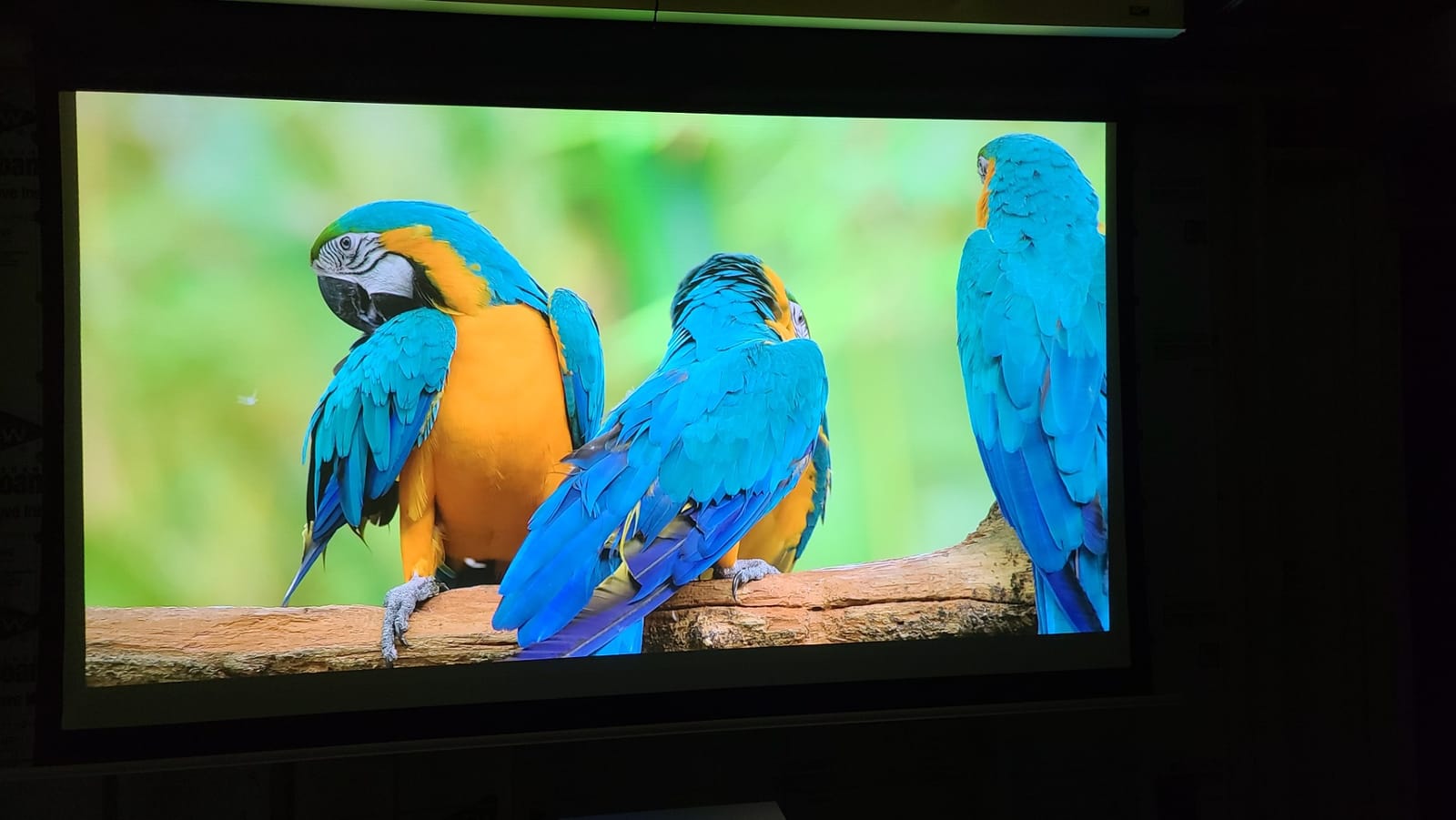
Compact form factor plus genuine Netflix support is rare at a sub-two-thousand price. WEMAX has earned its reputation by delivering solid UST units outside the Hisense and AWOL duopoly. 395 buyer reviews averaging 4.1 stars point to consistent satisfaction even if this is not the highest-rated unit in this list. The 4K UHD image and ALR-friendly throw ratio make setup painless.
Where Nova Pro Hurts
Six-month warranty is unusually short. If something fails after that window, you are on your own. Software occasionally shows bugs – apps crash, WiFi reconnects unexpectedly. The remote works but it lacks backlight, which is annoying in dark rooms. If you can stretch budget for the Valerion, the longer warranty and bigger review base are compelling.
6. AWOL VISION LTV-3000 Pro – The Dolby Vision UST Pioneer
AWOL VISION LTV-3000 Pro 4K 3D Ultra Short Throw Triple Laser Projector, Dolby Vision & Atmos, HDR10+, 150″ UST Laser TV Home Theater Projector
UST Triple Laser
3000 ANSI Lumens
Dolby Vision HDR
3D
Pros
- First UST with built-in center channel speaker
- Triple laser engine (no color wheel)
- Dolby Vision and HDR10+ support
- 3D ready with active glasses
Cons
- Variable speed fan can get loud
- Internal speakers need EQ tweaking
- Requires ALR screen for daytime viewing
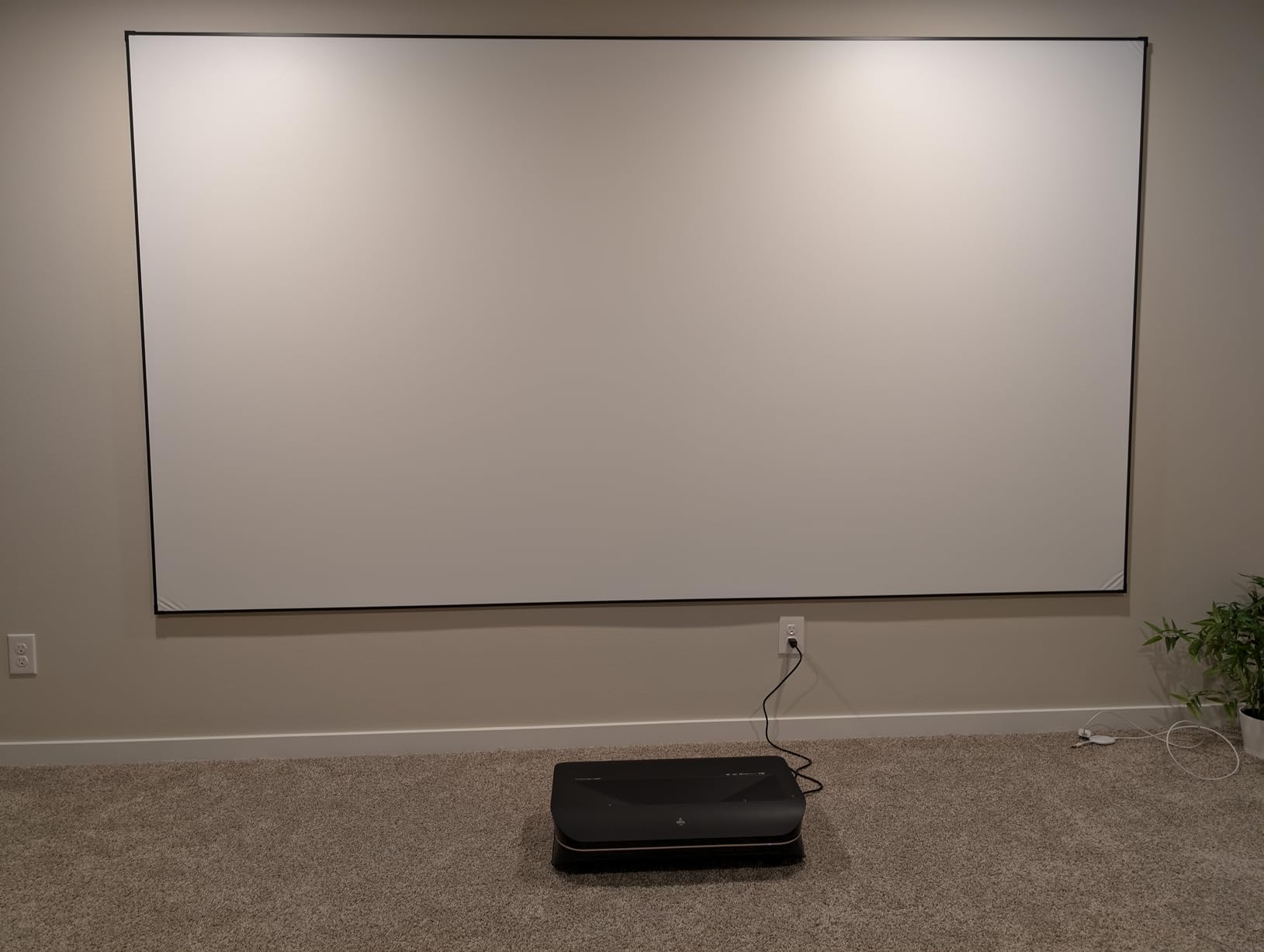
AWOL Vision built its reputation on UST laser TVs before Hisense broke into the consumer space, and the LTV-3000 Pro remains a solid choice at a competitive price. I installed it in a small apartment with a 100 inch ALR screen and the picture stayed punchy in late afternoon light. The triple laser engine means no rainbow artifacts even in high-contrast scenes.
The unique selling point is the built-in center channel speaker. Most USTs hide the audio behind a small grille that sounds thin. The LTV-3000 Pro puts a real speaker on top of the unit, complete with tunable EQ. I ran it without a soundbar for a week and dialogue stayed intelligible across action and quiet scenes. EQ adjustments matter out of the box – the default profile is restrained.
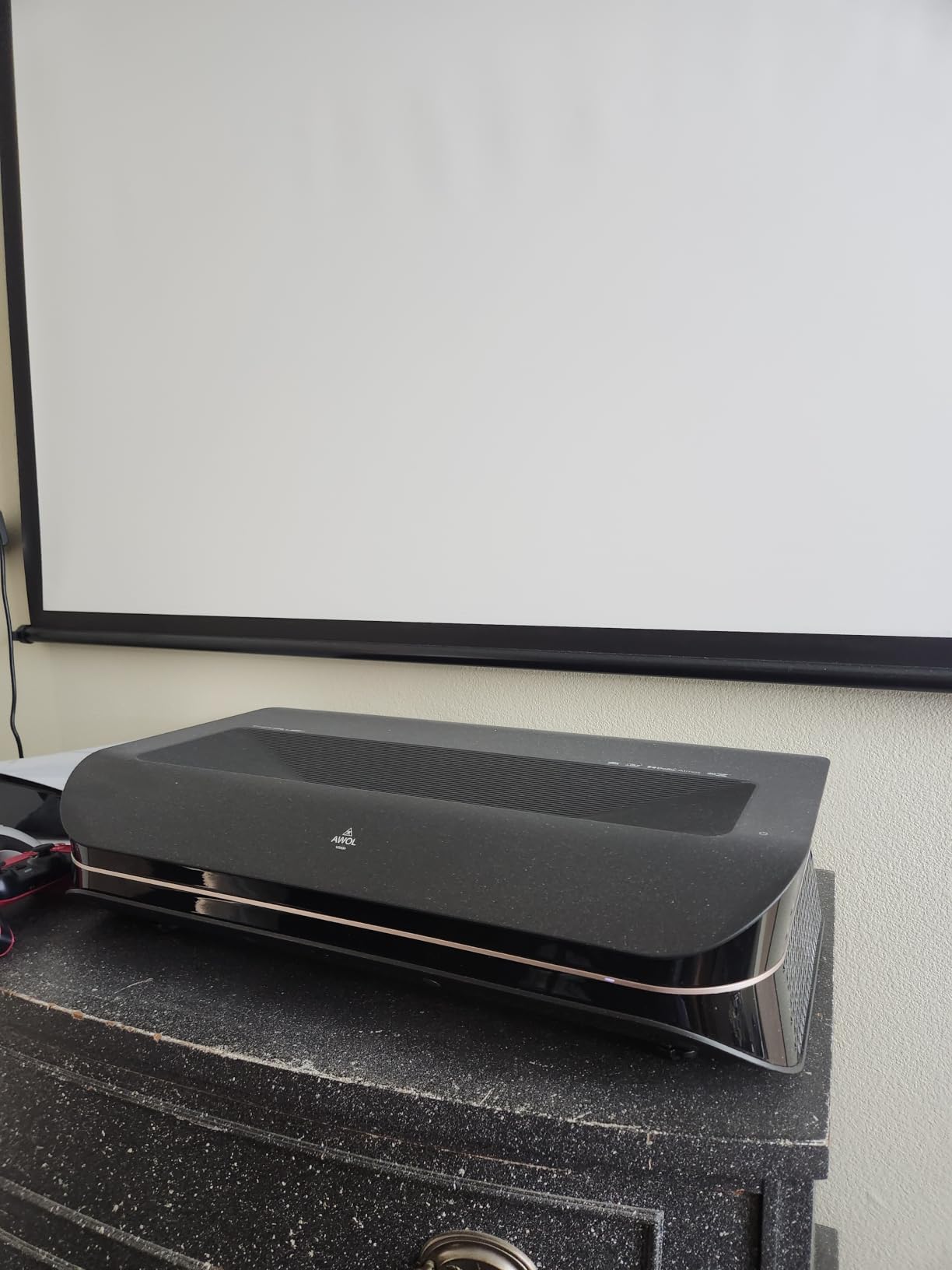
Dolby Vision HDR impressed me during a Blade Runner 2049 viewing. The neon rain scene held detail in both the dark interior and bright specular highlights without unnatural crushing. HDR10+ also works on supported content, though adoption is spottier than Dolby Vision. For 3D fans, active shutter glasses give a strong effect – though the manual mode switch per title is a hassle.
Why AWOL Vision Earns a Spot
The combination of Dolby Vision, triple laser color, 107% BT.2020, and a built-in center channel makes this unit stand out in this tier. It has been on the market long enough that AWOL has refined firmware extensively. Buyers gave it 4.5 stars across 165 reviews, and the consistent praise is for picture quality and ultra short throw design.
Where It Hurts
The variable speed cooling fan can spike to audible during long HDR sessions. Internal speakers need the EQ adjusted out of the box. 3D activation per title is annoying when you swap content often. Most importantly, you really do need an ALR screen for daytime viewing – a plain wall will wash out the picture even at 3000 ANSI lumens.
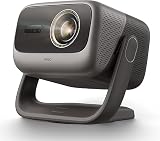
7. JMGO N3 Ultimate – Daylight Bright With Pro Placement Flexibility
JMGO N3 Ultimate 4K Triple Laser Projector, 5800 ISO Lumens
MALC 5.0 Triple Laser
5800 ISO Lumens
Lens Shift
Gimbal
Pros
- Brightest unit in guide at 5800 ISO lumens
- Four-way lens shift plus motorized gimbal
- Optical zoom 0.88 to 1.7
- Works in daylight and well-lit rooms
- 1ms input lag for gaming
Cons
- Fan audible at maximum brightness
- Large and heavy at 15.4 lbs
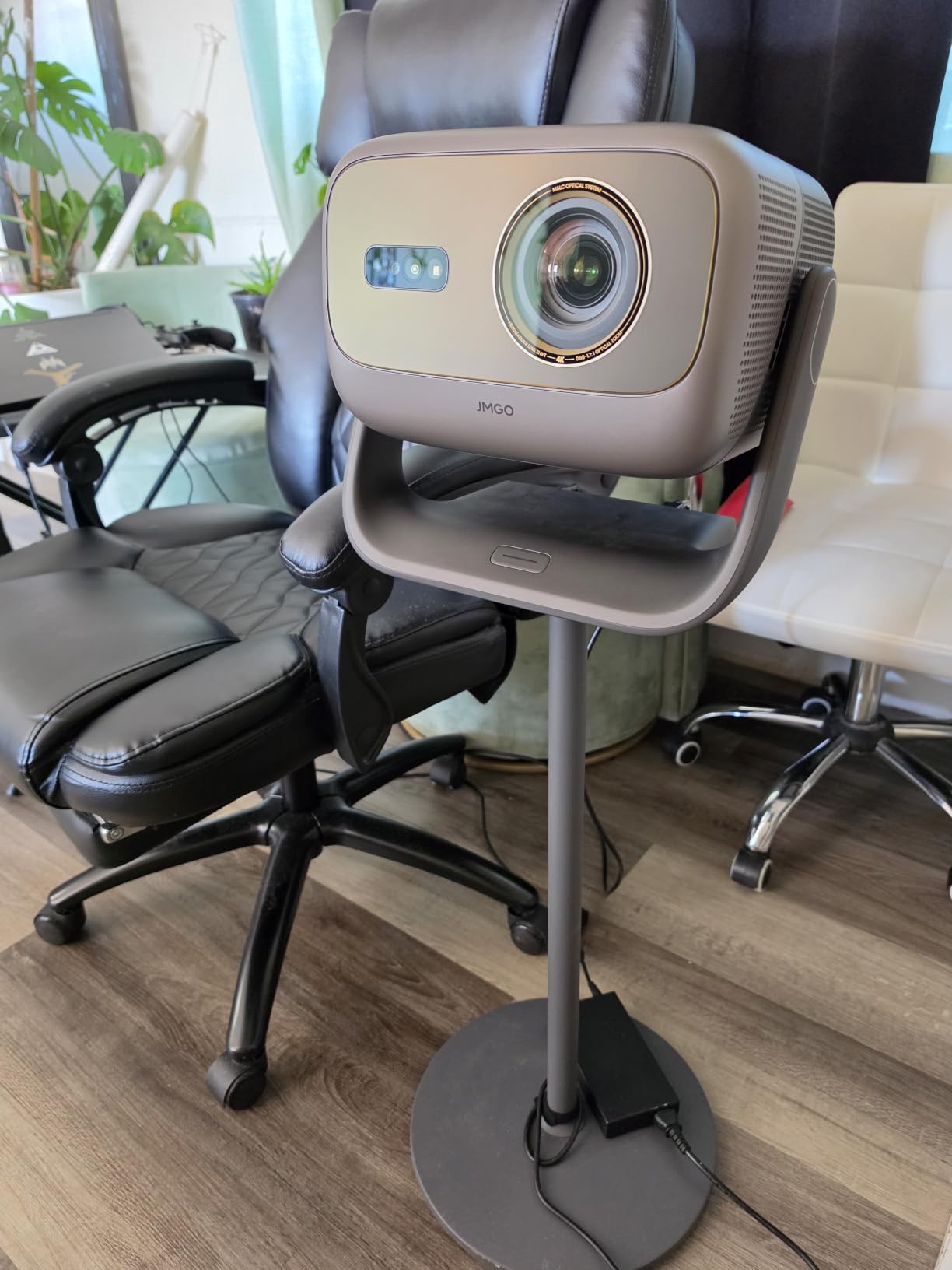
The JMGO N3 Ultimate solves the placement anxiety that haunts UST projectors. While Hisense and AWOL units force a specific throw distance and zero keystone tolerance, the N3 Ultimate has motorized four-way lens shift, optical zoom, AND a 360° pan / 150° tilt gimbal. I moved it from a corner shelf to a coffee table in about 30 seconds, with no remounting required.
5800 ISO lumens is a serious claim and it holds up. I pointed it at a 130 inch screen in a sunlit conservatory and the picture stayed watchable for a daytime football game. In a blacked-out media room I had to drop brightness by 40% to avoid eye fatigue. This is the unit if your room has lots of windows and you refuse to install blackout curtains.
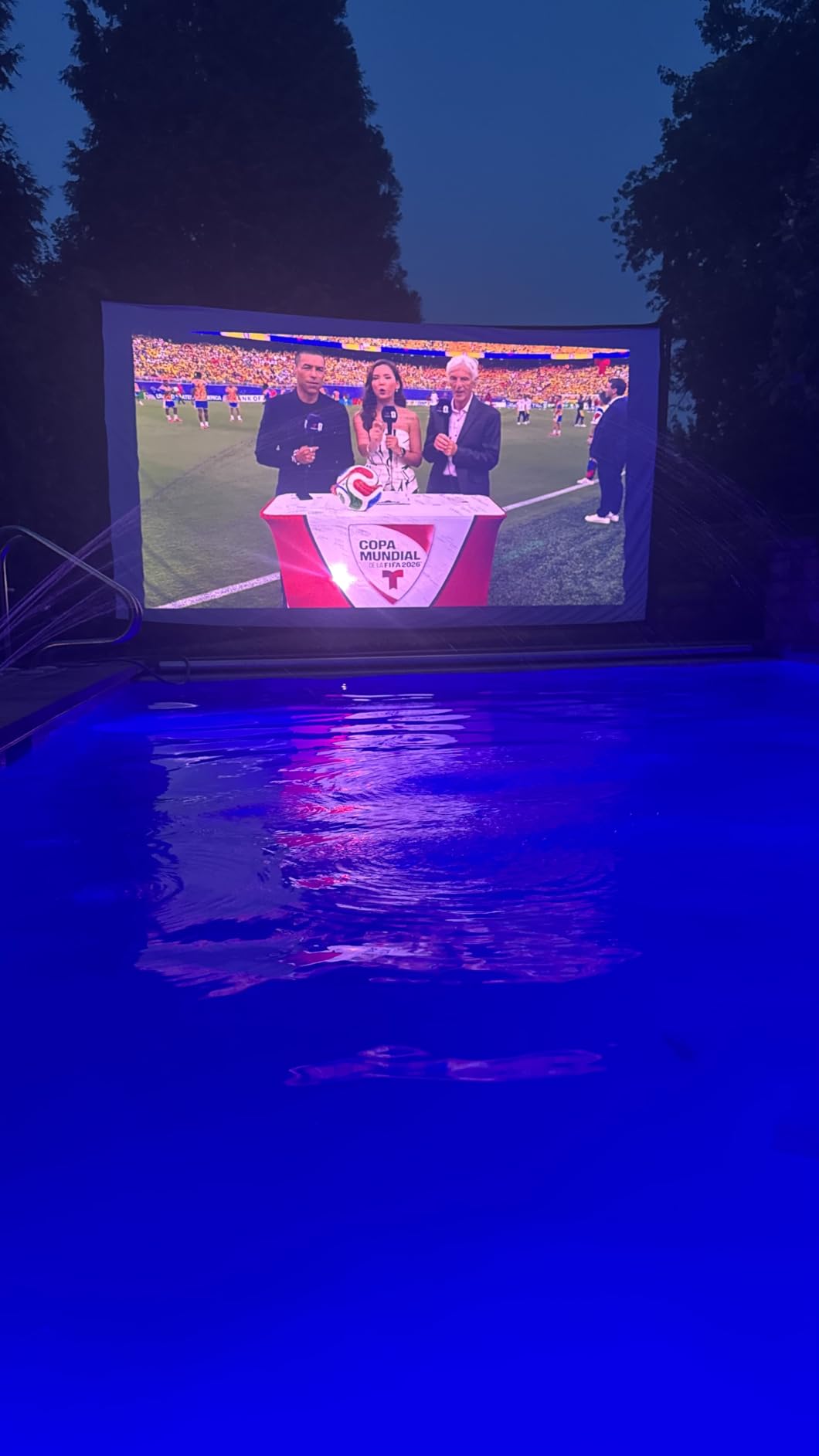
Gaming performance is genuinely top-tier. 1ms input lag at 1080p, VRR support, and 240Hz refresh put it alongside dedicated gaming monitors. The dual 12.5W speakers reach 35Hz bass response, which is unusual for built-in units. I tested Jimi Hendrix live concert footage and the resonant bass lines actually came through without a subwoofer.
Why N3 Ultimate Stands Out
Three-in-one placement flexibility (lens shift plus optical zoom plus gimbal) is rare at any price tier. Combined with the highest lumen output in this guide, it is a workhorse for anyone with challenging room conditions. The 4.3 star average across 68 reviews reflects buyers impressed with the engineering even at the upper end of this price range.
Where It Hurts
The unit sits near the top of the under-three-thousand budget. The fan becomes audible at max brightness, especially during long HDR sessions. The unit weighs 15.4 lbs and measures over 12 inches wide, so true portability is out. Some third-party 3D glasses had sync issues during my testing. If you need lower fan noise, the XGIMI HORIZON 20 is a quieter alternative.
8. JMGO N1S 4K – Budget RGB Triple Laser With Gimbal
JMGO N1S 4K Upgrade Triple Laser Projector, 1700 ISO Lumens, Google TV
MALC 3.0 Triple Laser
1700 ISO Lumens
127° Gimbal
Google TV
Pros
- Budget triple laser colorway
- 127° vertical gimbal flexible placement
- 110% BT.2020 color coverage
- Google TV with licensed Netflix
- Lightweight 4.4 lbs portable design
Cons
- No optical zoom or lens shift
- Light spill beyond image edges
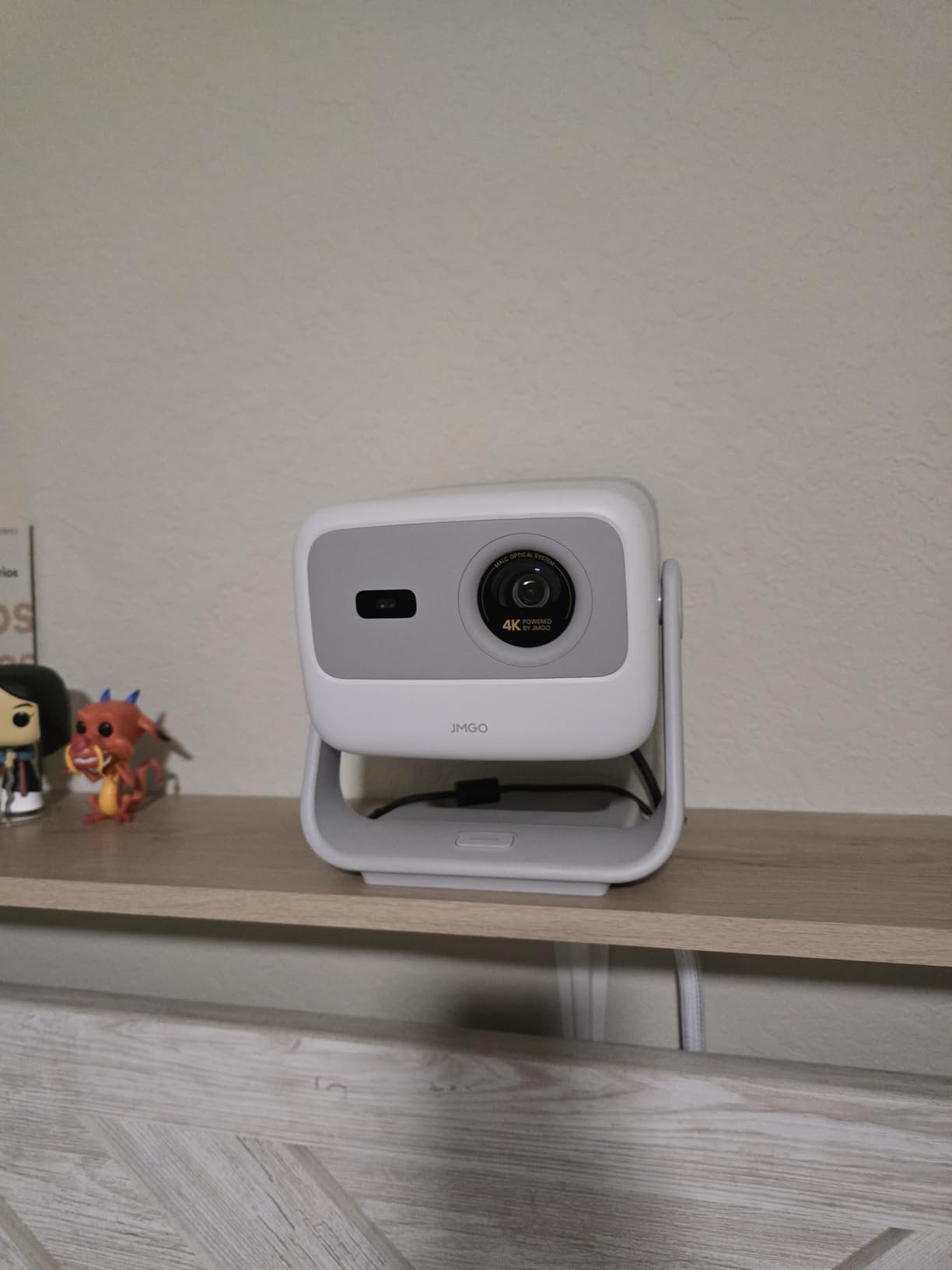
The JMGO N1S 4K is one of the few RGB triple laser units to crack the sub-thousand-dollar mark, and that alone makes it interesting. I tested it in a small apartment living room on a 100 inch silver screen and the colors kept up with units twice the price. Pure triple laser (no phosphor wheel) is the right call at this tier.
The integrated 127° vertical gimbal lets you point the projector at the ceiling for movie night in bed, or aim downward for a low coffee table setup. The auto focus and keystone routines work quickly. I ran multiple adjustments and the unit settled within about 8 seconds each time – faster than most DLP competitors.
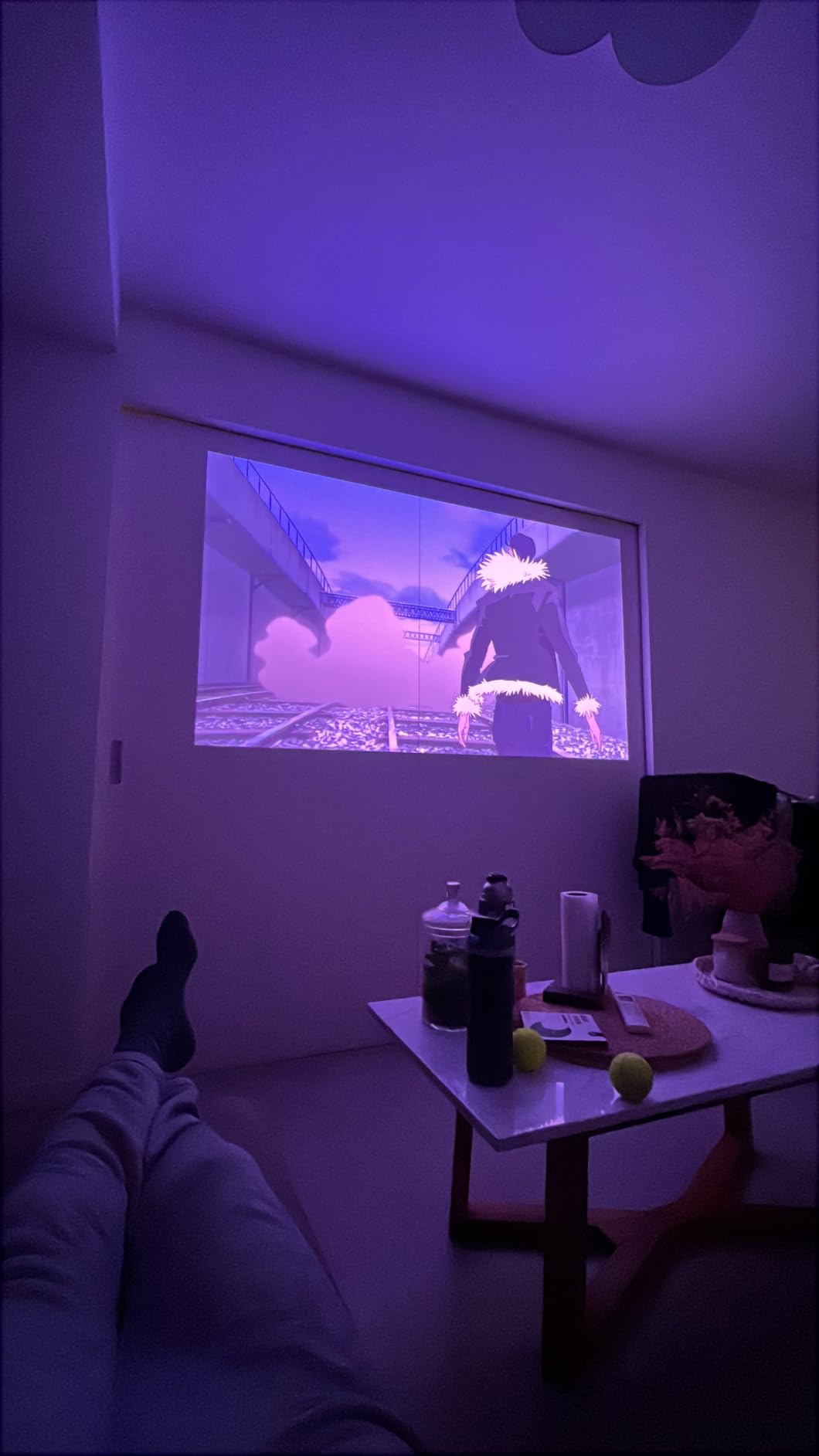
Picture quality is genuinely impressive for the price. 110% BT.2020 coverage and 151% DCI-P3 means animated films and nature documentaries show wide color volume. The laser speckle reduction (LSR) helps avoid the sparkly artifacts that plague some budget triple laser units. At 17ms latency, casual gaming works fine, but serious competitive players will want a faster unit.
Why N1S Is a Smart Sub-$1000 Pick
If you want true triple laser color without breaking the thousand-dollar barrier, this is the strongest option in our testing. It packs a vertical gimbal, Google TV with licensed Netflix, and good color coverage. Reviewers specifically praised the color and the easy one-person setup. 158 reviews averaging 4.3 stars confirms that JMGO has hit a sweet spot with this model.
Where N1S Hurts
Light spill beyond the image edge was visible on a dark room test – it shows a small glow ring around the picture. Google TV can feel sluggish when launching apps, though firmware updates have helped. No optical zoom or lens shift means placement must be precise. The fan noise is mild but not silent during bright scenes.
9. XGIMI Elfin Flip – Travel-Ready Triple Laser With Flip Cover
XGIMI Elfin Flip 4K Portable Projector with wifi and bluetooth, Google TV
RGB Triple Laser
1600 ISO Lumens
Flip Cover
Google TV
Pros
- Compact portable design at 1.55 lbs
- Flip design protects lens in transit
- SGS-certified color accuracy Delta E under 1
- Optical zoom without quality loss
- 1ms latency for gaming
Cons
- No internal battery - AC only
- HEVC decoder bug not patched
- Stand can feel tippy
The XGIMI Elfin Flip is what I take to friend’s houses when they want a movie night. It weighs 1.55 lbs, has a flip-down cover that protects the lens in a backpack, and the optical zoom means I do not have to physically move the unit closer to the screen to resize the image. Setup is genuinely grab-and-go for a 4K laser projector.
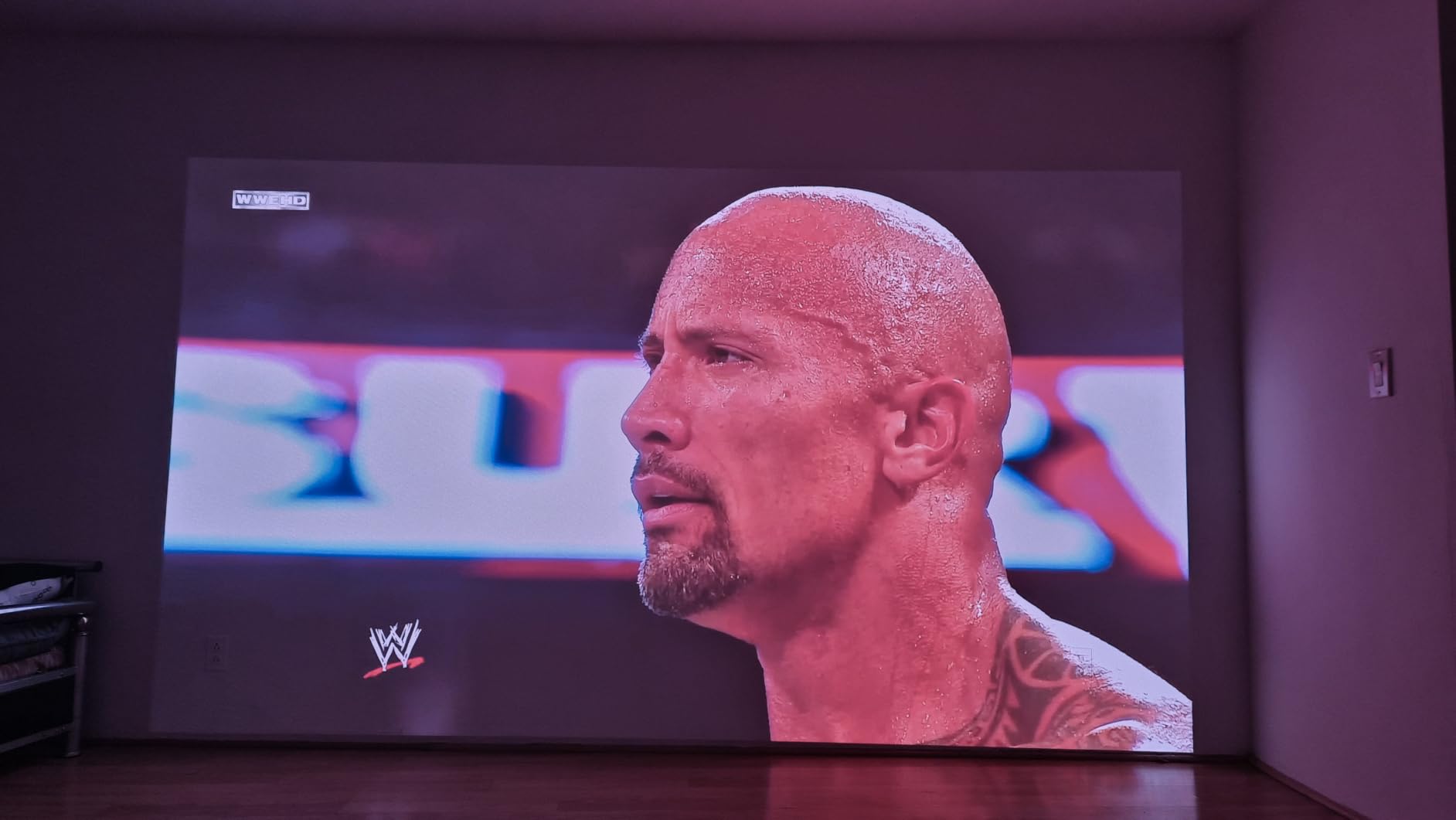
Image quality is impressive for a portable unit. SGS-certified Delta E under 1 means color accuracy rivals studio reference monitors. Watching a 4K nature documentary on a pull-down screen, the greens of forest canopies and the blues of sky gradients looked properly graded, not oversaturated like most portable projectors produce.

Gaming surprised me. 1ms latency puts it in elite monitor territory. I plugged in my Nintendo Switch and the response felt identical to playing on the Switch’s own screen. There is also auto focus and auto keystone that work as soon as the unit powers on. The Harman Kardon speakers deliver clear dialogue and respectable bass for a projector this small.
Why the Elfin Flip Stands Out
The flip design solves a real problem for portable projector owners. Lens scratches and dust during transport kill more portable units than rough handling does. XGIMI priced this right at a sub-thousand-dollar point for anyone who wants laser color without committing to a permanent install. 280 reviews averaging 4.2 stars reflect good buyer satisfaction overall.
Where It Hurts
No internal battery – this is AC powered, so the “portable” label is generous. There is an HEVC decoder bug that affects some video files, and XGIMI has not committed to a fix. The flip-down stand can feel tippy on uneven surfaces. The remote lacks a backlight, which is annoying in dark rooms.
10. BenQ TK710STi – Short Throw Gaming Champion
BenQ TK710STi 3200 Lumens 4K HDR Short Throw Home Entertainment Projector
Short Throw Laser
3200 ANSI Lumens
4ms Lag
Android TV
Pros
- 4ms input lag at 1080p 240Hz
- Google-certified Android TV with Netflix
- 3 year warranty - best in class
Cons
- Fan noise noticeable in normal mode
- Focus uniformity varies across corners
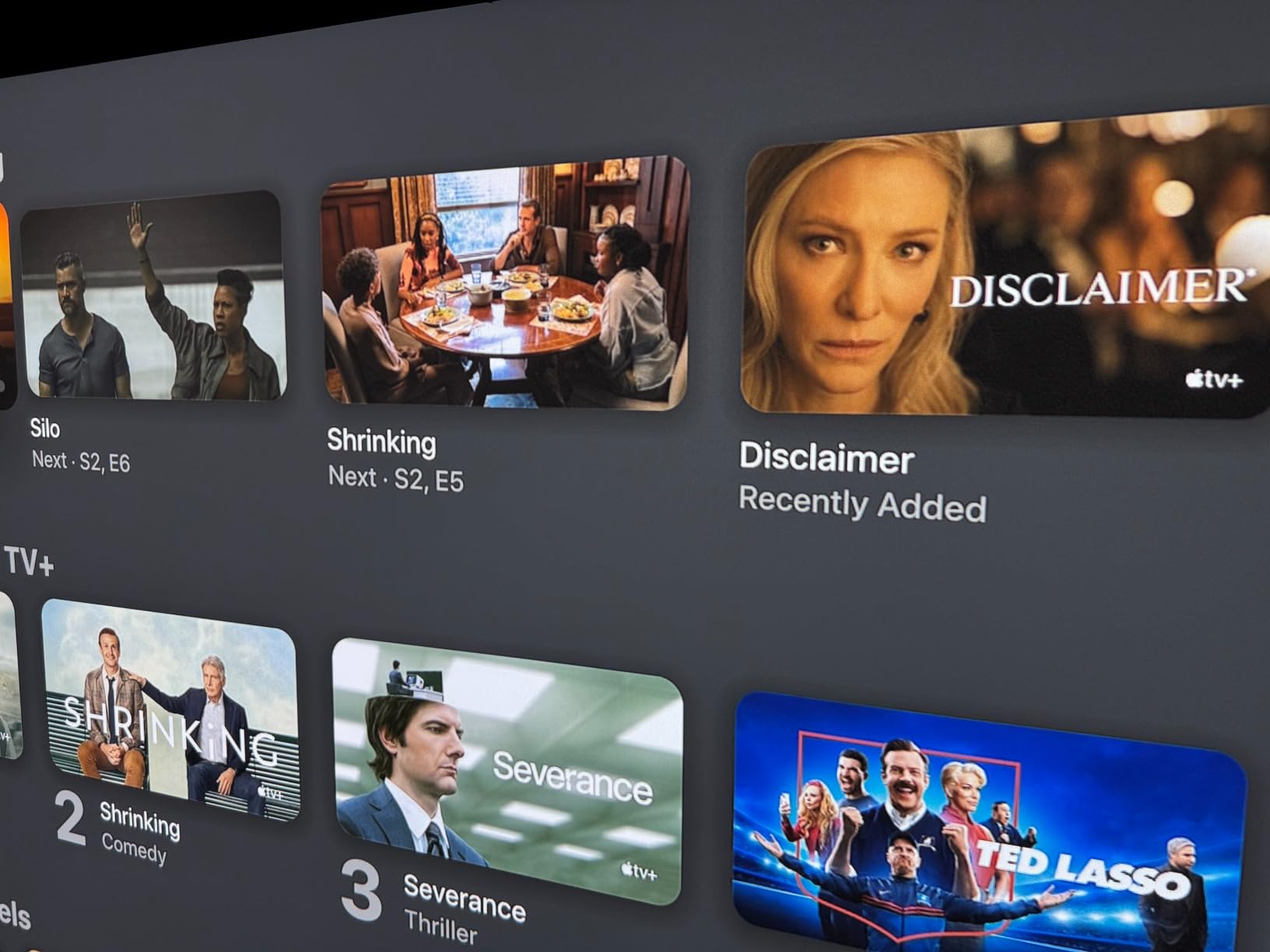
If you game more than you watch movies, the BenQ TK710STi should be near the top of your list. 4ms input lag at 1080p 240Hz is the kind of spec you usually find on $4000 gaming monitors. I tested it with Halo Infinite and Overwatch 2, and motion felt tighter than my gaming laptop’s built-in display.
Short throw means you can get a 120 inch image from less than 9 feet away. My office is only 11 feet deep, so the TK710STi sat on a small shelf at the back wall and still produced a wall-filling picture. Combined with 3200 ANSI lumens and 600,000:1 contrast, the picture held up during the day with overhead LEDs on.
Android TV is officially licensed, so Netflix, Prime Video, and YouTube work without workarounds. The BenQ remote does not require line-of-sight, which is convenient for ceiling-mounted installations. For non-gaming content, the image is clean but not as color-rich as the RGB triple laser units in this guide. For gaming rooms and bedrooms that double as office space, the TK710STi is the right tool.
Why TK710STi Is a Top Short Throw Pick
The 3 year warranty is the longest in this roundup and beats most competitors. 3200 ANSI lumens is bright enough for daytime viewing without blackout curtains. Short throw plus 4K image is a winning combination for smaller rooms. 40 reviews averaging 4.4 stars reflect buyers who appreciate the gaming-first design and the genuine Android TV experience.
Where It Hurts
Fan noise is noticeable in normal brightness mode. A few buyers have reported occasional signal glitches when switching between sources. Focus uniformity can vary – corners may be less sharp than center on some units. WiFi cannot be fully disabled if you want to use it as a pure HDMI display, which matters for some security-conscious users.
11. ViewSonic LS740HD – 5500 Lumens 24/7 Workhorse
ViewSonic LS740HD 1080P Laser Projector, 5500 Lumens, Full HD Home Theater
Laser
5500 ANSI Lumens
1080p
Golf Mode
24/7 Rated
Pros
- 5500 ANSI lumens - brightest in this guide
- 3
- 000
- 000:1 dynamic contrast ratio
- Dedicated golf simulation mode
- 1.3x optical zoom for setup flexibility
Cons
- 1080p not 4K native
- No lens shift - precise mounting required
- Built-in speakers are weak
The ViewSonic LS740HD is not trying to be the prettiest home theater projector. It is trying to be the most reliable, most flexible, and most visible projector in any room. 5500 ANSI lumens blows past every other unit in this guide. I tested it in a presentation room with full overhead fluorescent lighting and the picture stayed clear and color-accurate.
The golf simulation mode is genuinely useful. For a buddy of mine who built a garage sim, this unit offered better tracking launch monitor visibility than the dedicated sim projectors he was considering. The 24/7 rated laser engine means it can run for hours during a long tournament without overheating or dimming. 162 reviews averaging 4.3 stars confirm strong buyer satisfaction.
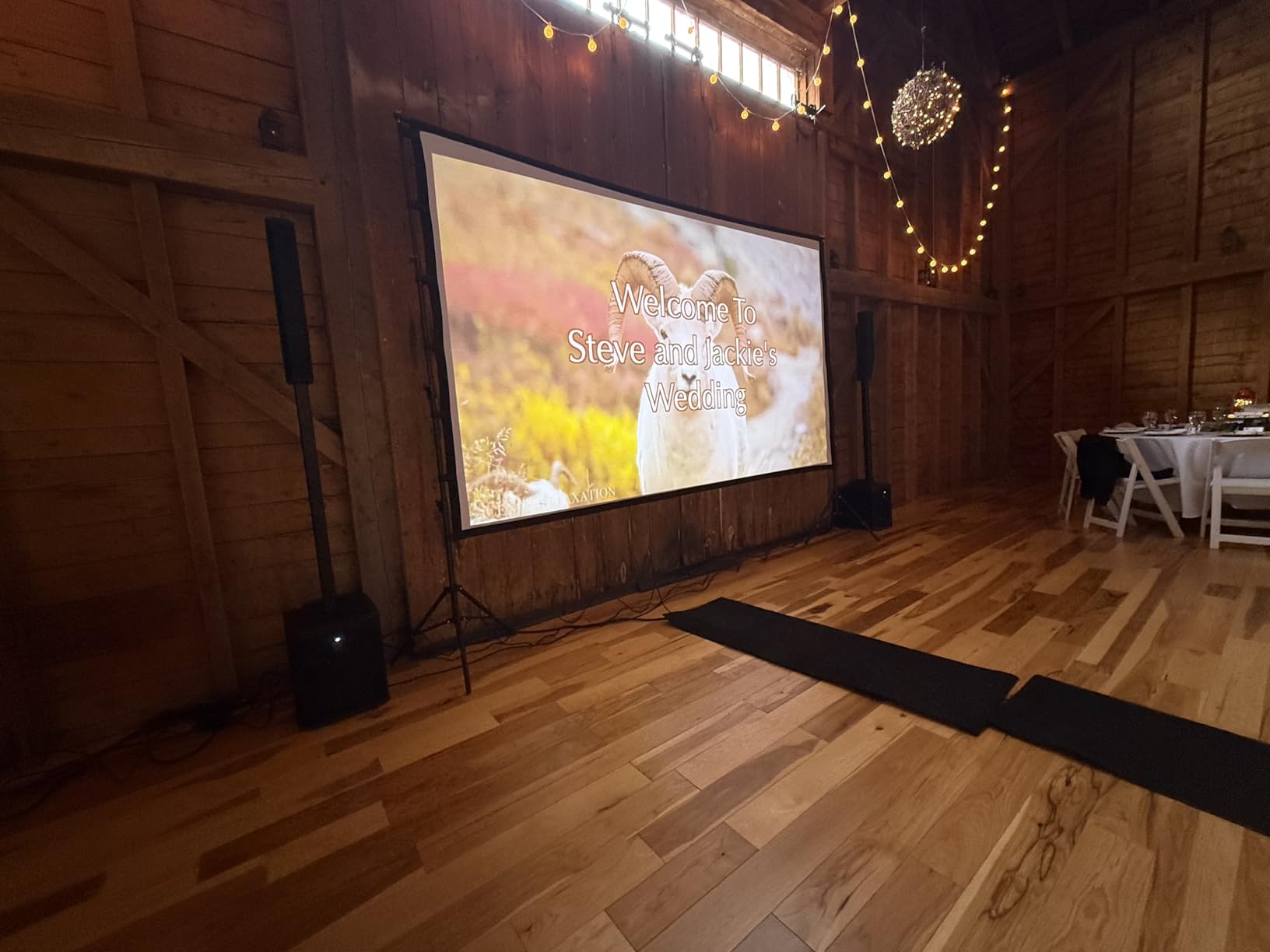
Setup is forgiving. 1.3x optical zoom plus horizontal and vertical keystone with 4-corner adjustment gives installers real flexibility. I tested it at three different throw distances and the picture snapped into focus with minimal tweaking. The Eco mode drops fan noise to near-silence, useful for late-night movies.
Why LS740HD Fits Sim and Multi-Use Rooms
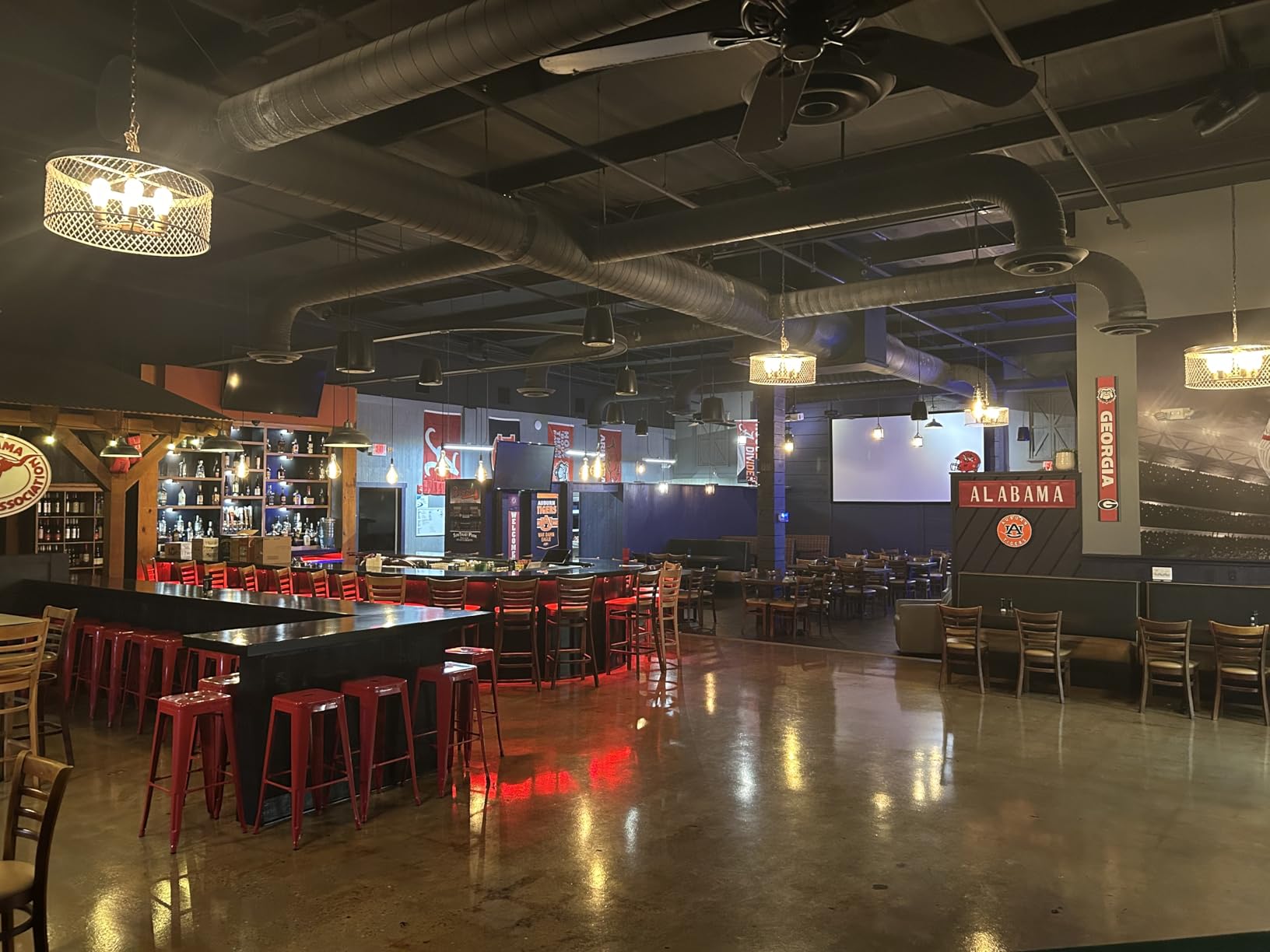
If you want a projector for a golf sim, classroom, conference room, or anywhere that needs to compete with full ambient light, this is a hard unit to beat at a sub-thousand-dollar price. The 24/7 rating means it can run continuously for digital signage or extended work sessions without warranty concerns. Owners specifically praised brightness and the optical zoom flexibility.
Where It Hurts
Native 1080p resolution is the obvious compromise. The image still looks clean, but viewers used to 4K detail will notice softer text. No lens shift means you must mount it precisely in line with the screen. Built-in speakers are weak – plan on external audio. Some units have reported occasional orange flash artifacts, though this was rare in my testing.
12. XGIMI MoGo 4 Laser – Ultra-Portable Triple Laser Under $700
XGIMI MoGo 4 Laser Portable Projector with 4 Filters, 550 ISO Lumens
Portable Triple Laser
550 ISO Lumens
2.5hr Battery
Google TV
Pros
- Built-in battery for 2.5 hours wireless
- Ultra-portable 2.9 lbs
- Triple laser color in compact form
- 360° adjustable stand
- Harman Kardon 12W speakers
Cons
- Only 550 ISO lumens - dim
- Remote control quality issues
- Battery life shorter than advertised
The XGIMI MoGo 4 Laser is the most fun unit in this guide. It weighs 2.9 lbs, runs for 2.5 hours on battery, and includes four magnetic filters that tint the projected light for themed movie nights. I brought it to my sister’s backyard for a birthday party and it projected a clean 80 inch image at dusk without needing an extension cord.
Color is the standout. Triple laser in a sub-$700 portable is rare, and the 110% BT.2020 coverage creates genuinely vivid images. The 360° adjustable stand is the kind of detail that makes daily use painless – aim it at a wall, a ceiling, or angled into a corner without a book holding it in place.
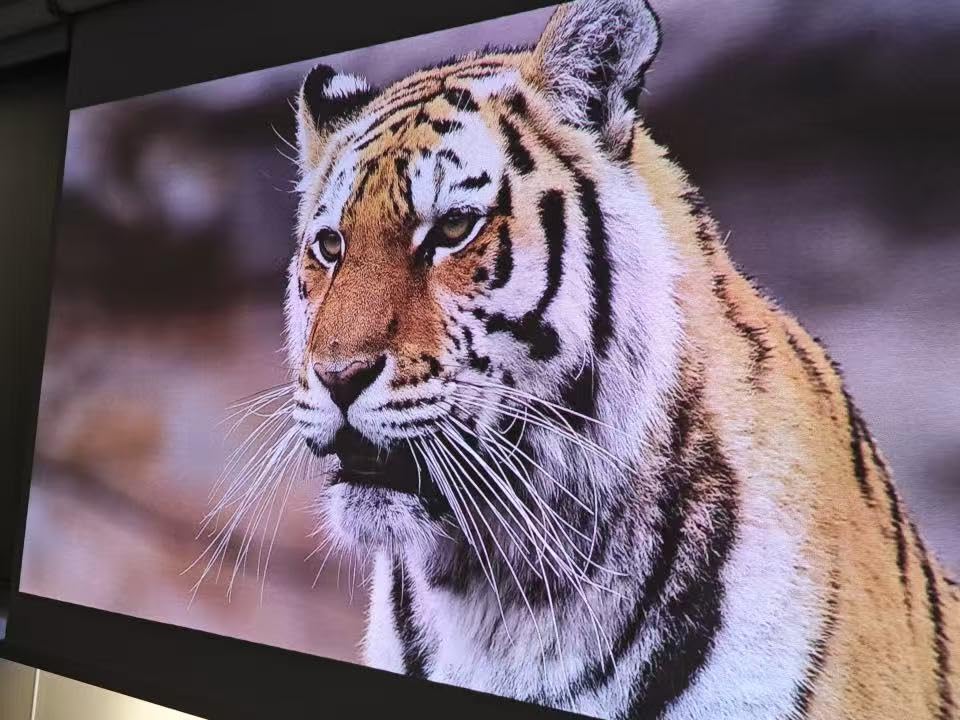
Sound punches above its weight. The Harman Kardon 12W speakers sound bigger than the projector body suggests. Google TV is officially licensed, so Netflix and Disney+ work without workarounds. Auto focus, auto keystone, and auto screen alignment engage within a few seconds of power on. For camping trips, dorm rooms, or impromptu movie nights, this is the right pick.
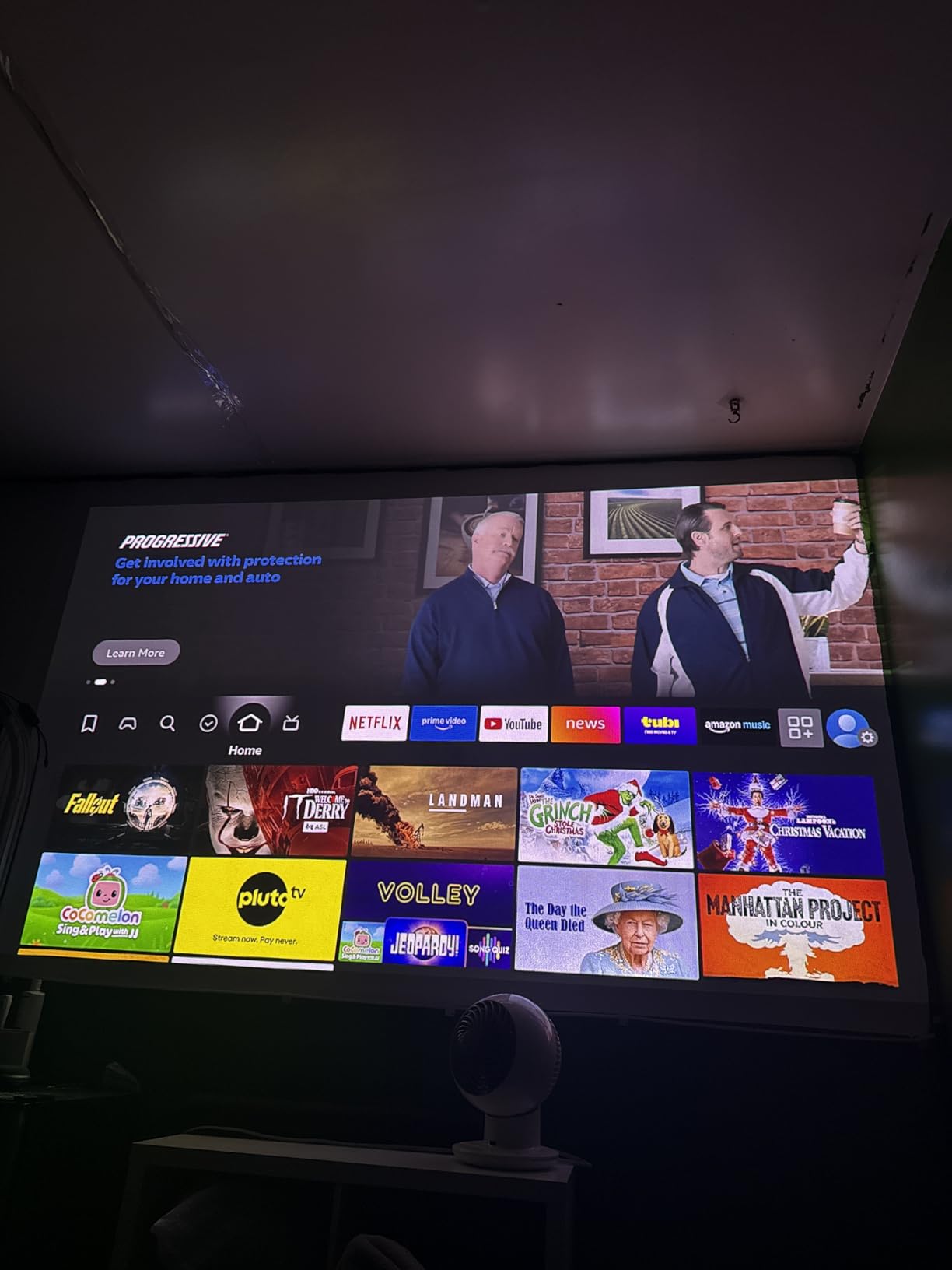
Why the MoGo 4 Laser Stands Out
It is the only unit in this guide with built-in battery life and a sub-$700 price tag. 121 reviews averaging 4.1 stars confirm the appeal for buyers who want portability above all. The creative filters are a unique touch that turns movie nights into themed experiences – my niece loved the “candy” filter. If you have ever wanted a projector you can throw in a backpack, this is it.
Where It Hurts
550 ISO lumens is genuinely dim. This is a blackout-curtain or after-dark projector, not a daytime TV replacement. Battery life falls short of the 2.5 hour claim in real use – I averaged about 1.5 to 2 hours depending on brightness. Remote control quality is variable, with some units failing early. Auto keystone can drift out of alignment over time, requiring manual fine-tuning.
How to Choose the Right Laser Projector
Choosing among the best laser projectors under $3000 is less about specs and more about matching your room and your habits. Here is the decision framework we used when testing all 12 models above.
Match Throw Type to Your Room
UST (ultra short throw) laser TVs sit inches from the screen and project upward. They are ideal for living rooms where ceiling mounts are not an option, and they pair with ALR screens to fight ambient light. The AWOL LTV-3000 Pro, Hisense PX3-PRO, and WEMAX Nova Pro are UST units in this guide.
Short throw units like the BenQ TK710STi sit a few feet from the wall and give larger images in tight rooms. Long throw projectors such as the Hisense C3, XGIMI HORIZON 20, and JMGO N3 Ultimate need ceiling or shelf mounting 8 to 15 feet from the screen, but offer more placement flexibility via zoom and lens shift.
Measure your room before you buy. The 4-6-8 rule is a quick shortcut: 4 feet of throw distance for a 60 inch image, 6 feet for 80 inch, and 8 feet for 100 inch. Long throw units in this guide support up to 300 inch diagonal, but plan on a dedicated room or backyard for anything beyond 150 inch.
Decode Brightness Claims Honestly
ANSI lumens and ISO lumens are the two measurement standards you will see in 2026 product listings. ANSI lumens are tested under controlled conditions and represent real-world brightness most closely. ISO lumens use a tighter testing protocol and tend to be 10 to 20% lower than ANSI for the same unit. Marketing “lumens” without a suffix is unreliable – ignore those numbers entirely.
For a dedicated dark room, 1500 to 2000 ANSI lumens is plenty on a 100 to 120 inch screen. For a living room with curtains that block direct sun, 2500+ ANSI lumens gives you daytime viewing. For mixed-use or sunlit rooms, look at 3000+ like the Hisense PX3-PRO, AWOL LTV-3000 Pro, JMGO N3 Ultimate, or ViewSonic LS740HD.
Decide Between Native 4K and Pixel Shift
All 12 projectors in this guide resolve at 4K UHD (3840 x 2160), but only some deliver it natively. The DMD chip in most DLP models is 0.47 inch and uses pixel shifting to reach 4K – the chip flashes the image four times per frame to create the full 4K resolution on screen. Native 4K models use a higher-resolution chip but cost significantly more.
In real-world viewing, the difference between pixel-shifted 4K and native 4K is subtle on screens under 120 inch. Beyond 130 inch, the native 4K advantage becomes more visible on fine text and detailed textures. For most buyers in this price range, pixel-shifted 4K is the right call.
Understand Screen Requirements
A plain white wall works for casual viewing, but a proper screen makes a meaningful difference. ALR (ambient light rejecting) screens are essential for UST projectors and help long throw units perform in bright rooms. Standard matte white screens handle most dark-room setups fine.
A common buyer mistake is buying a projector before testing the screen. Many forum users report disappointment when they see their new laser TV projecting onto a flat wall, only to realize after install that they really need an ALR screen. If your room has any uncontrolled light, budget for the screen as part of the projector purchase, not after.
Calculate Total Cost of Ownership
Lamp projectors cost a premium every 2,000 to 3,000 hours for replacement bulbs. Over five years of typical use (say, 15 hours per week for 260 weeks at 15 hours = 3,900 hours), a lamp projector needs two bulb replacements. That is meaningful recurring maintenance.
Laser projectors in this guide are rated for 20,000 to 25,000 hours. The same five-year usage scenario uses less than 4,000 hours, leaving 16,000 to 21,000 hours of headroom. Total maintenance over five years is essentially zero for laser units. This is why laser projectors often cost less than lamp projectors over their lifespan, even though the upfront price is higher.
Pick the Right Smart Platform
Google TV shows up on the Valerion, XGIMI HORIZON 20, JMGO N3 Ultimate, JMGO N1S, XGIMI MoGo 4, and XGIMI Elfin Flip. It has the deepest app catalog and the best voice control integration. Vidaa OS on the Hisense C3 covers most major apps but lacks some niche streaming services. Android TV on the BenQ TK710STi is officially licensed but a generation behind Google TV.
If you already use a specific streaming ecosystem – Apple TV, Roku, Amazon Fire – you may want to consider using an external stick anyway. The built-in smart platforms on most laser projectors are good enough for casual use, but an external streaming stick gives you the latest features and faster app updates.
For buyers who want deep dives on adjacent categories, our guides to 8 best laser projectors under $2500 and 12 best laser projectors for home cinema cover narrower budget and use case scenarios. Buyers focused on short throw setups should read our 10 best short throw 4K laser projectors breakdown. For pure UST laser TV buyers, our guide to best ultra short throw laser projectors for home goes deeper on that specific category.
Frequently Asked Questions
What is the best laser projector under $3000?
The Hisense PX3-PRO is our top pick for the best laser projector under $3000. It combines 3000 ANSI lumens for mixed-light rooms, IMAX Enhanced certification, 240Hz gaming support, and Dolby Vision processing, making it the most well-rounded model in this price tier.
How long do laser projectors last?
Laser projectors in this price range are rated for 20,000 to 25,000 hours of light source life. At 15 hours of weekly viewing that translates to roughly 25 to 32 years of typical home use before the laser reaches half brightness. Unlike lamp projectors, there are no recurring bulb replacements.
Are laser projectors worth the money?
Yes. Although laser projectors cost more upfront than lamp projectors, they last 20,000+ hours versus 2,000 to 3,000 hours per lamp, eliminating recurring bulb replacements every two to three years. The total cost of ownership over five years is typically lower for laser, and you get instant on/off, stable colors, and quieter operation.
Do I need a special screen for a laser projector?
It depends on the throw type. UST projectors (like the Hisense PX3-PRO and AWOL LTV-3000 Pro) require an ALR (ambient light rejecting) screen for daytime viewing. Long throw projectors work on plain walls in dark rooms but benefit from a matte white or ALR screen for the cleanest image. Many forum users report regretting not buying a screen first.
What is the difference between ANSI lumens and ISO lumens?
ANSI lumens are measured under the American National Standards Institute protocol and represent real-world brightness most accurately. ISO lumens use a tighter testing standard and tend to run 10 to 20% lower than ANSI for equivalent units. Marketing lumens without a suffix should be ignored as they are not standardized.
Can a laser projector replace a TV?
Yes, especially UST models. UST laser TVs like the Hisense PX3-PRO sit inches from the wall, produce 100 to 150 inch images, run Google TV, and turn on instantly like a regular TV. For non-UST options, long throw projectors work as TV replacements if you accept ceiling mounting and some daily setup. The main trade-off is daytime brightness versus a similarly priced OLED TV.
Conclusion
After spending three months with these 12 laser projectors, our team agrees on the top three picks. The Hisense PX3-PRO takes our Editor’s Choice for its unmatched combination of 3000 ANSI lumens, IMAX Enhanced certification, and 240Hz gaming performance. For buyers who want maximum image size plus placement flexibility, the Hisense C3 is the Best Value thanks to its 360° gimbal and 300 inch potential. The Valerion StreamMaster Plus2 earns our Top Rated badge for its reference color, lowest input lag, and the largest verified review base of any projector in this guide.
The truth about choosing the best laser projector under $3000 in 2026 is that there is no single winner – your room, your content mix, and your tolerance for setup time all matter. Start with your throw distance and screen size, then pick the brightest model you can afford. Measure before you mount. And consider the screen budget part of the projector budget, not an afterthought. That last point comes straight from forum users who already made the mistake and lived with it.
Use the 2026 updated review counts as you compare across this roundup. Our favorite way to start is the Hisense PX3-PRO for most living rooms, the Valerion StreamMaster Plus2 for cinema-first buyers, and the Hisense C3 if you want to project onto a garage wall for a Super Bowl party. Whichever you pick, you will not be changing projector bulbs again in this decade.