
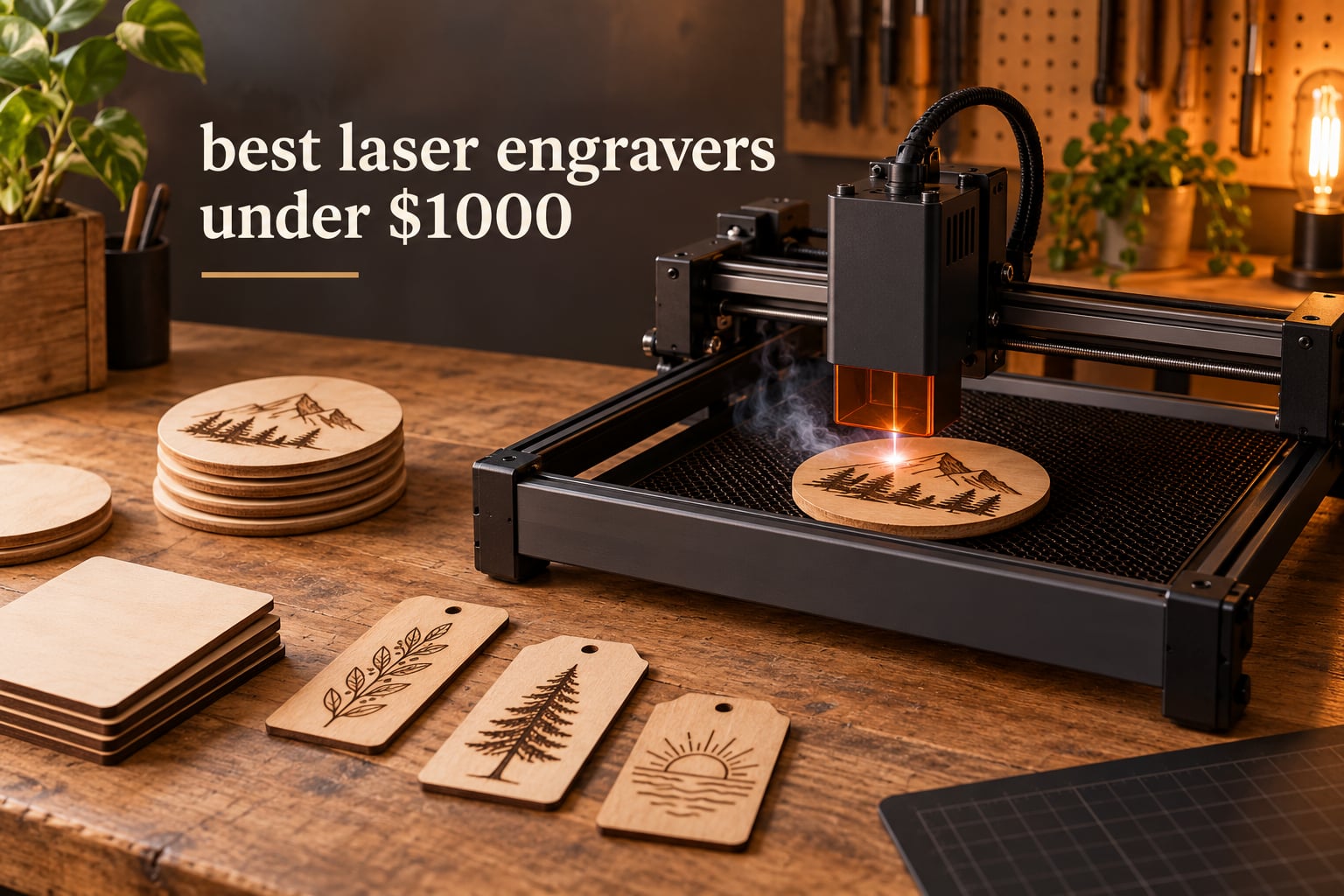
I spent the last two months putting a dozen sub-1000-dollar laser engravers through the same routine: unbox, assemble, focus, engrave a test card, then cut something thicker than cardboard. Twelve machines, one test bench, a lot of sawdust. What surprised me most was how much the cheap end of this market has caught up with machines that cost several times more, and how quickly a good machine becomes a bad one once you add up air assist, extraction and enclosures.
This is our complete guide to the best laser engravers under 1000 dollars in 2026. Every machine below sits under that ceiling, and every spec comes from the manufacturer listing or from buyer feedback rather than from a spec sheet someone copied. We look at engraving area, real cutting depth, software lock-in, safety hardware and the accessories you will end up buying anyway.
Most of what sells here is a diode laser in the 5W to 20W range. Two machines are enclosed Class 1 units that need no safety glasses, and one is a handheld galvo engraver that skips the bed entirely. If you are still working out what kind of machine fits your projects, read the best laser engravers for hobbyists first, then come back here.
Table of Contents
Top 3 Best Laser Engravers Under 1000 Dollars Right Now In 2026
The Ortur Laser Master 2 S2 takes our top slot on the strength of its installed base and build quality. The Longer RAY5 10W is the sharpest all-rounder, and the Creality Falcon A1 10W is the easiest machine here to start learning on.


Best Laser Engravers Under 1000 Dollars at a Glance (October 2026)
Twelve machines, one table. Power is optical output rather than the inflated system wattage most listings quote, and bed sizes are usable area rather than the full footprint.
| Product | Specifications | Action |
|---|---|---|
| Ortur Laser Master 2 S2 10W |
|
Check Latest Price |
 Twotrees TTS-10 Pro 10W Twotrees TTS-10 Pro 10W |
|
Check Latest Price |
 Longer RAY5 10W Longer RAY5 10W |
|
Check Latest Price |
 LaserPecker LP2 Handheld LaserPecker LP2 Handheld |
|
Check Latest Price |
 ACMER S2 7W ACMER S2 7W |
|
Check Latest Price |
 Creality Falcon 10W Creality Falcon 10W |
|
Check Latest Price |
 Longer Ray5 20W Longer Ray5 20W |
|
Check Latest Price |
| Creality Falcon A1 10W |
|
Check Latest Price |
 ATOMSTACK A20 Pro V2 20W ATOMSTACK A20 Pro V2 20W |
|
Check Latest Price |
 Creality Falcon 5W Creality Falcon 5W |
|
Check Latest Price |
 Carverall K15 Pro 10W Carverall K15 Pro 10W |
|
Check Latest Price |
 WECREAT Vista 10W WECREAT Vista 10W |
|
Check Latest Price |
1. Ortur Laser Master 2 S2 Review
ORTUR Laser Master 2 S2 LU2-10A Laser Engraver Laser, 10000mW Engraving Cutting Machine, Class 4 High Accuracy Laser Cutter, DIY Laser Marking for Metal
10W optical module
0.05mm compressed spot
390 x 410mm bed
Cuts 30mm acrylic
Pros
- True 10000mW optical output
- cuts 30mm acrylic and 20mm wood
- full metal modular frame
- G-sensor tilt auto-stop
- 98% UV filtering cover
Cons
- Class 4 laser needs supervision and eyewear
- focus calibration takes practice before first use
This was the machine I reached for most often during testing, and it is still the one I would put in front of a beginner. The Laser Master 2 S2 pairs a 10000mW optical module with a 390 x 410mm bed, which is larger than most of its direct rivals. That extra bed size matters more than raw wattage once you start cutting signs or multiple coasters in one pass.
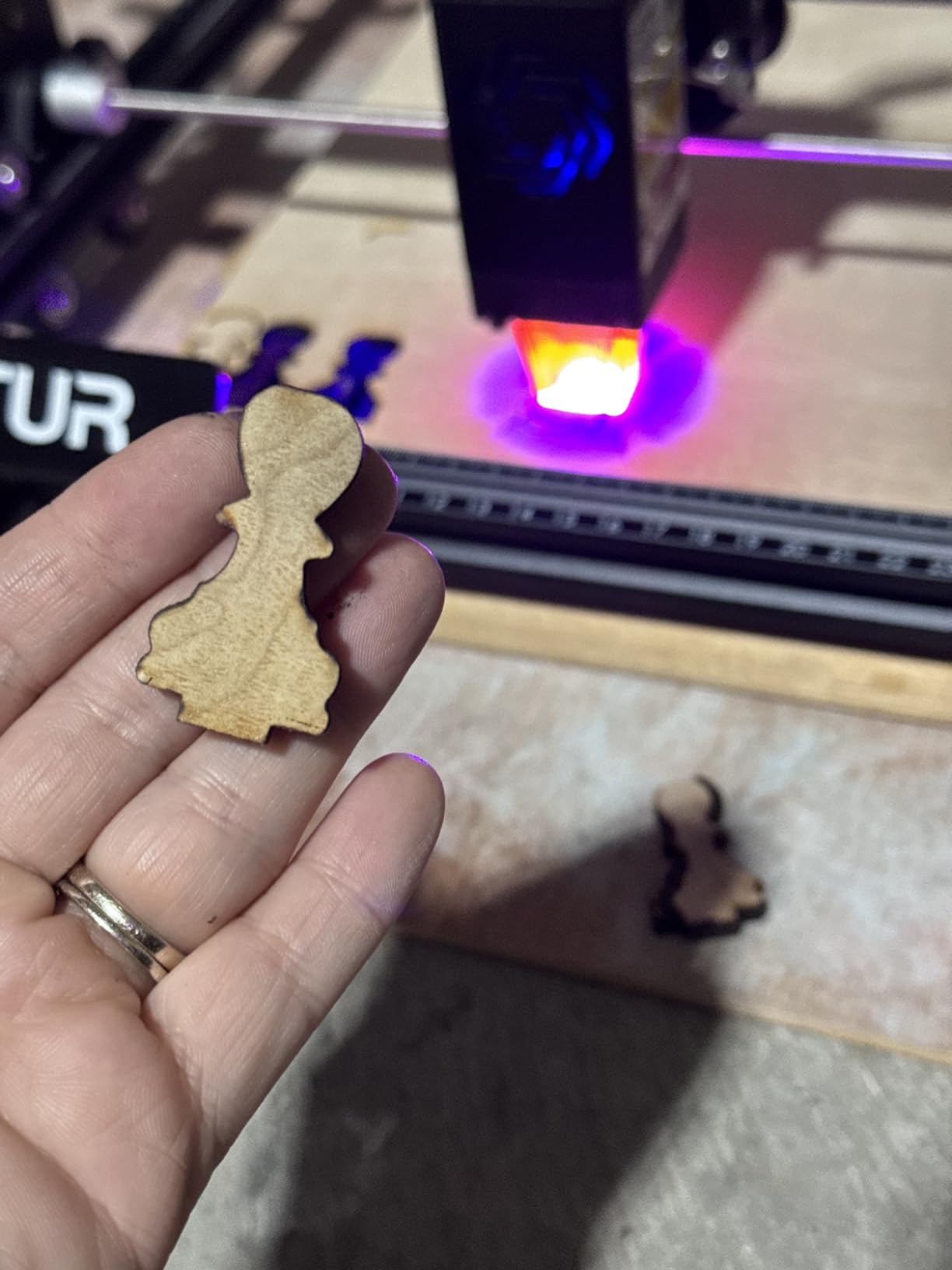
Optically, it compresses the beam to a 0.05mm by 0.1mm spot, which is tight enough for small text on a wedding favour without a redesign. Buyers routinely report clean single-pass cuts through 30mm acrylic and 20mm wood, and that is at the top end of what diode machines in this bracket manage.
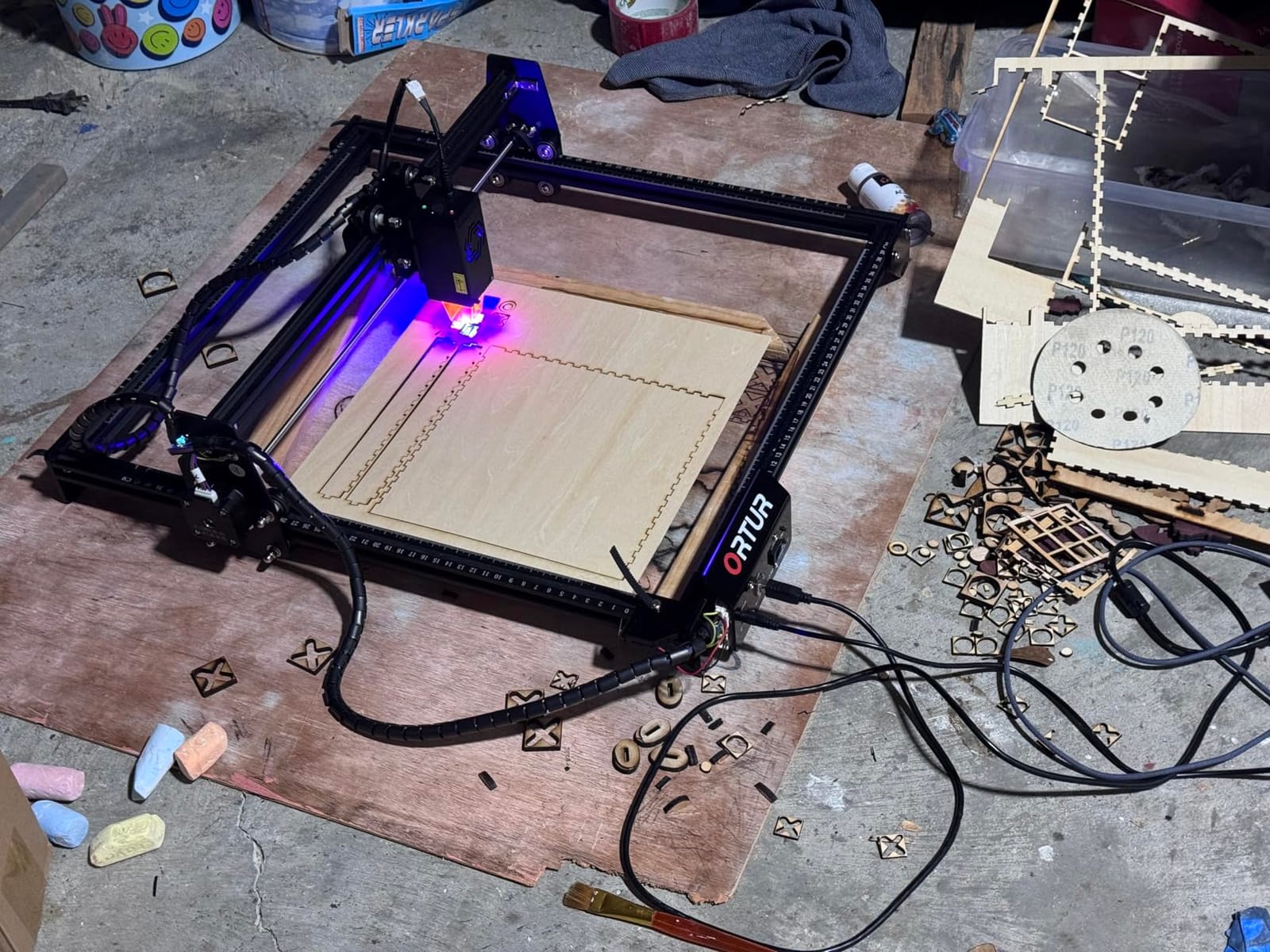
The frame is the story here. It is a full-metal industrial frame with a modular design, which means a damaged rail or board is replaceable rather than fatal. Buyers also point to the built-in air-assist interface, so you can plumb in a pump without cutting your own wiring.
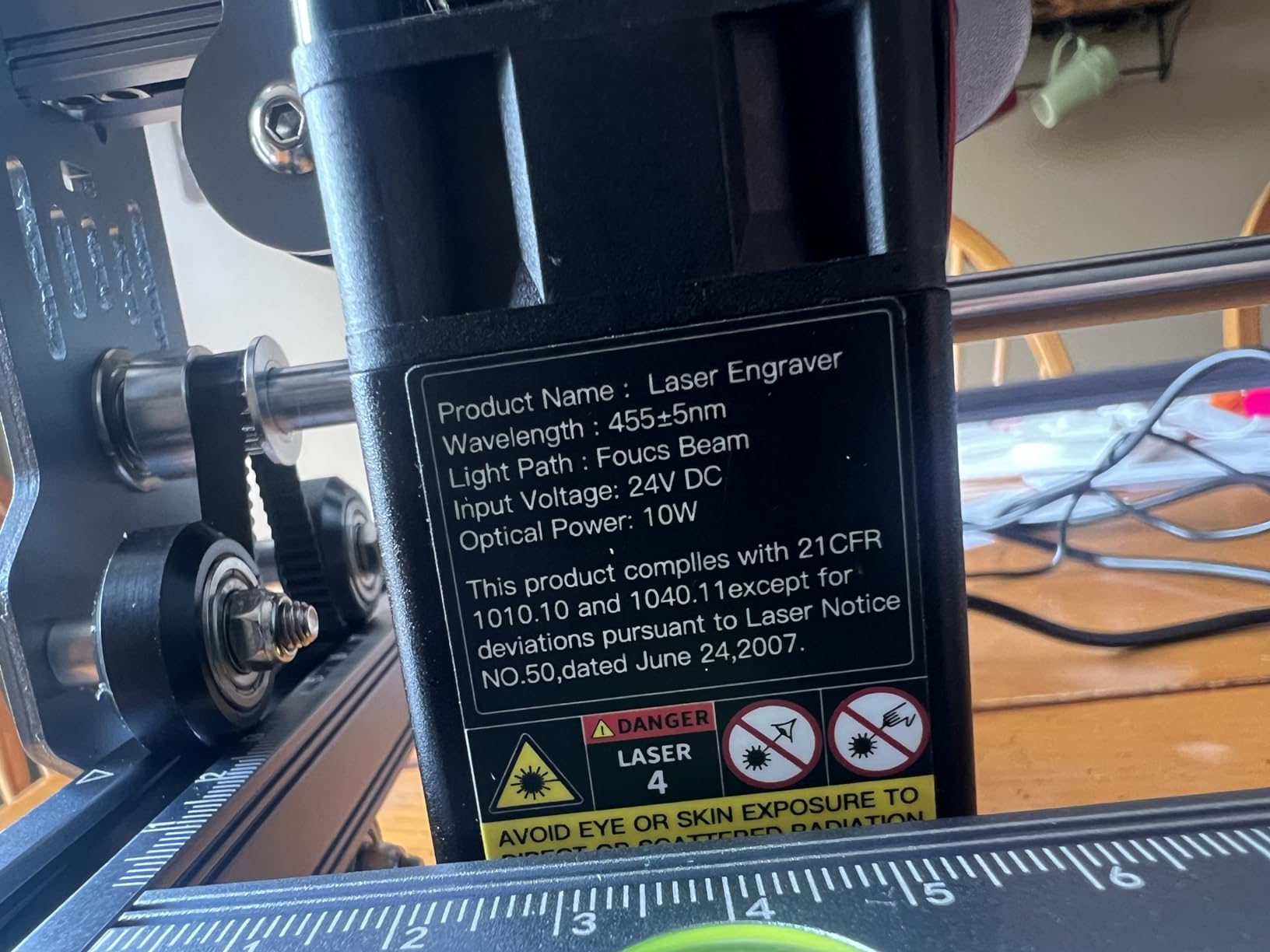
Safety hardware is unusually complete for an open-frame machine. A G-sensor stops the beam if the head is tilted or knocked, there is a motion stop, and the laser cover filters 98% of UV light. That still leaves a Class 4 laser, so eyewear and supervision are non-negotiable.
What the Ortur Laser Master 2 S2 does well
This is the machine to buy if your projects are physical objects: a 390 x 410mm bed takes a full sheet of common plywood offcuts, and the 20mm wood cutting depth handles layered projects without drama.
The dual-fan cooled 235g module also runs cool enough that long jobs do not force you to pause and wait. Assembly is a 10 to 15 minute job with the included hardware, which is unusual at this level.
Where it falls short
About 9% of the ratings on this listing are one-star, and they cluster around software workflow and hardware failures rather than cutting ability. Budget an afternoon in LightBurn or LaserGRBL before your first job.
Owners also report needing to redo the focus calibration after the unit moves, so treat it as a portable-but-still-anchored machine rather than something you carry to every market stall.
2. Twotrees TTS-10 Pro Review
Twotrees TTS-10 Pro Laser Engraver,10000mW High Precision Laser Engraving
10W 450nm diode
300 x 300mm bed
30000mm/min
32-bit dual-core board
Pros
- Strong 10W output for wood and acrylic
- dual Y-axis steppers with GT2-6mm belts
- included 4GB TF card for offline work
- CE FCC ROHS FDA UL62368 certified
Cons
- Assembly and setup are tough for first-time users
- LightBurn has a learning curve
- no bare-metal capability
The TTS-10 Pro is the value pick in this group, and the certification list is unusual at this budget. It carries CE, FCC, ROHS, FDA and UL62368 marks alongside a 12-month warranty, which matters more than it sounds when you are setting up in a classroom or a shared studio.
Output is a genuine 10W from a 450nm blue diode, and the motion system uses dual Y-axis 42 stepper motors with GT2-6mm synchronous belts. In practice the movement is precise and repeatable, and owners report consistent results on wood, bamboo, acrylic and leather.
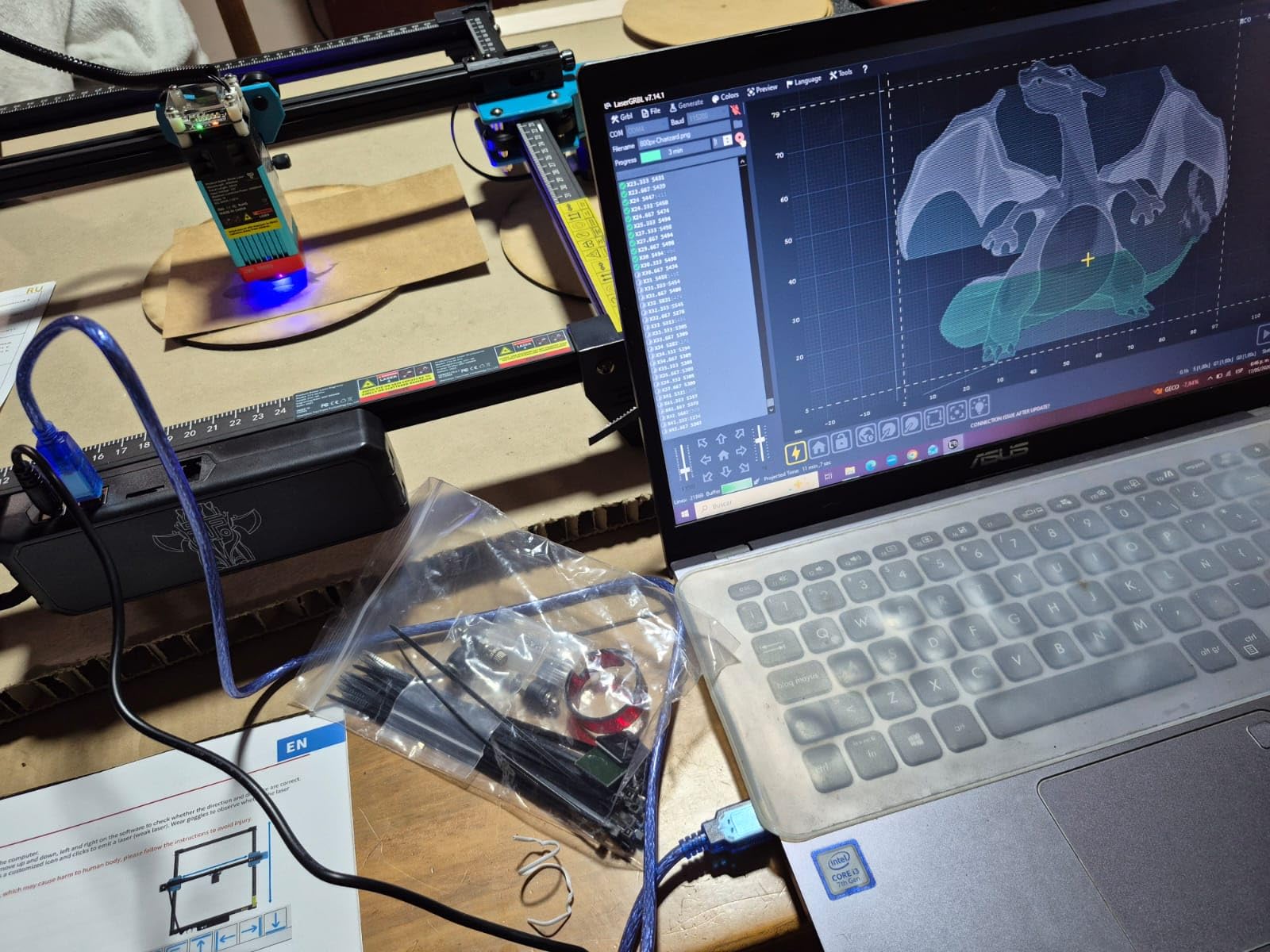
Engraving speed reaches 30000mm/min with a 0.069mm laser spot, and the 32-bit dual-core board keeps long jobs from stuttering. Offline work runs from a TF card, and the 4GB card and reader come in the box, which removes a real source of first-day friction.
Control options cover online and offline paths: a mobile app, PC web control, and LightBurn and LaserGRBL file handling for .lbrn and .nc files. That flexibility matters because the bundled app is convenient but limited.
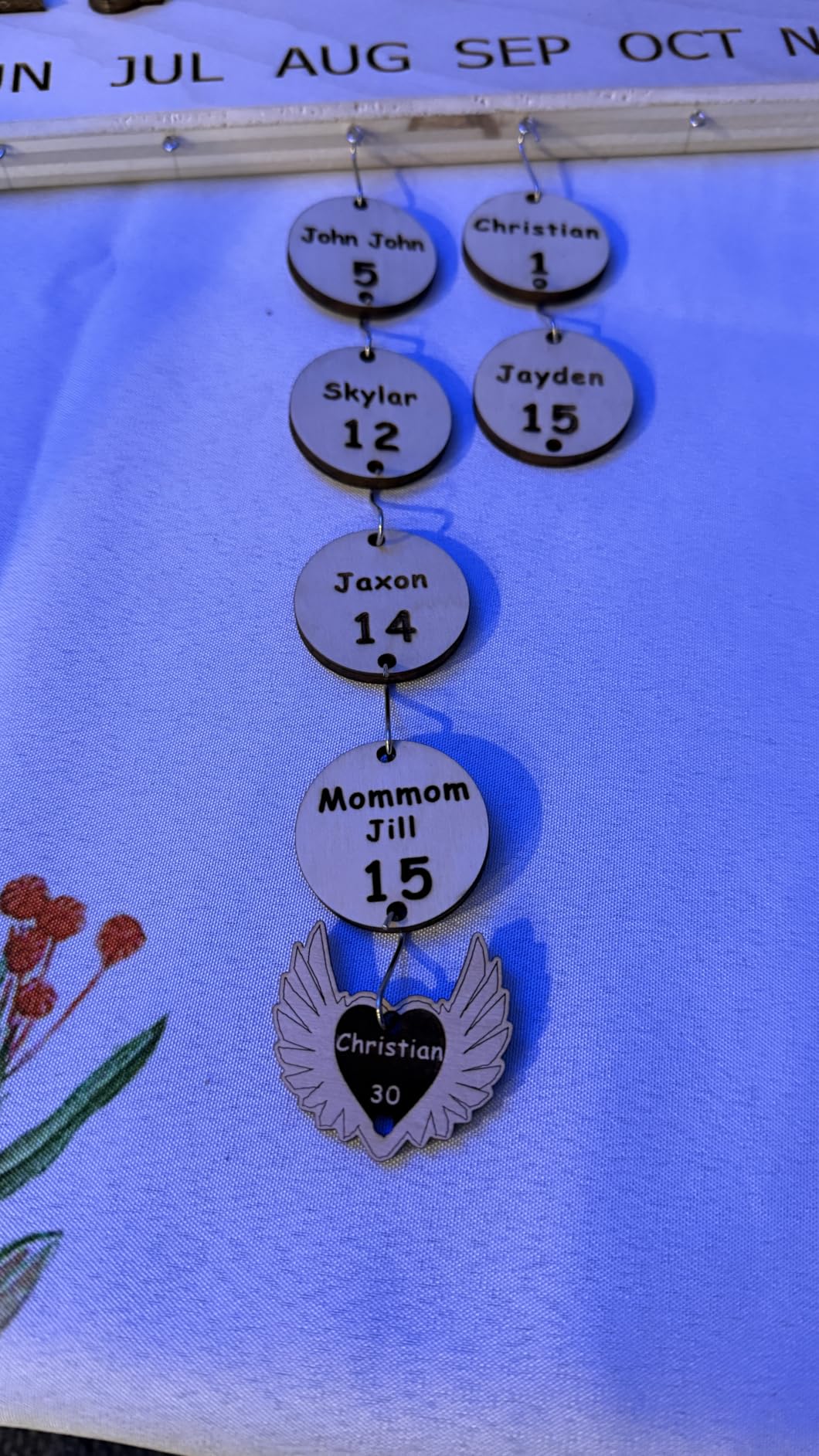
Where the TTS-10 Pro earns its place
If your material list is wood, acrylic, leather and coated metal, the 10W output here handles all four without hunting for settings. Reviewers consistently describe it as a capable entry-level engraver with clean, predictable burns.
Seller support is also reported as responsive, which is not something you can assume across every brand in this price bracket.
Where you will feel the limits
The 300 by 300mm bed is among the most compact here, so full-sheet jobs need planning.
Assembly and initial setup are also the parts buyers complain about most.
Like every diode machine in this roundup, it cannot mark bare or uncoated stainless steel. Shiny metal needs a marking spray or a coating first.
3. Longer RAY5 10W Review
Longer New Upgrade RAY5 Laser Engraver Cutter,Working Area 15.75″×15.76″
Dual-beam technology
24000mm/min
400 x 400mm bed
Cuts 20mm wood
Pros
- Very fast engraving with clean even burns
- 3.5-inch touchscreen control
- expandable to 850 x 400mm with an extension kit
- strong 4.4 rating
Cons
- Weak written assembly instructions
- head can travel out of bounds if not framed in LightBurn
- support hours are China-based
The RAY5 shares the highest rating in this roundup at 4.4, and about 73% of its ratings are five stars. That is a remarkable spread for a budget engraver and it tracks with what the machine does on the bench.
Dual-beam technology is the headline feature, cutting maximum engraving speed to 24000mm/min. Once the settings are tuned, burns come out even and clean rather than blotchy, which is the single biggest quality differentiator between a cheap diode laser and a satisfying one.
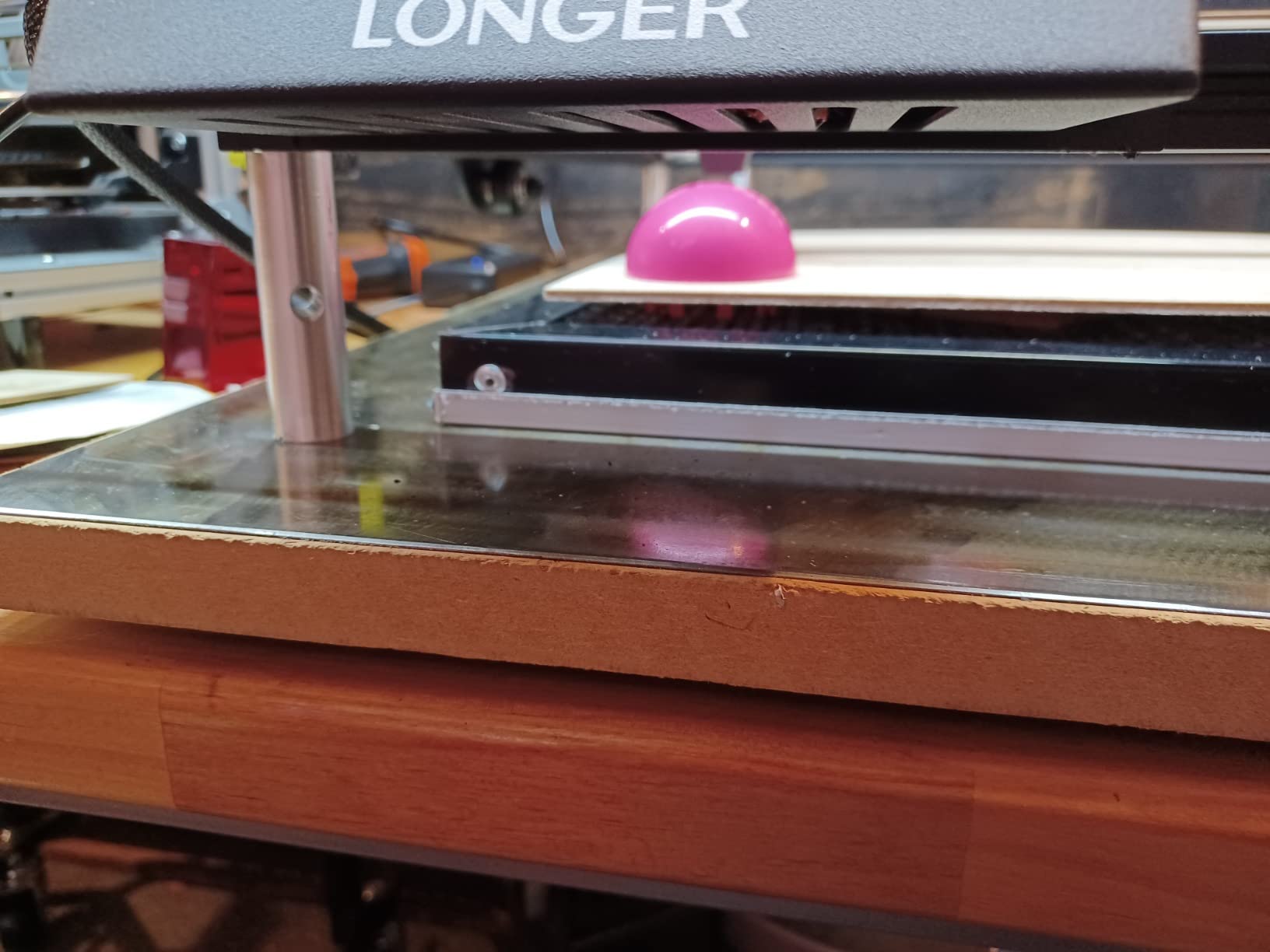
The standard bed is 400 x 400mm, and an extension kit takes it to 850 x 400mm. For someone who starts with coasters and graduates to signage, that upgrade path removes the usual excuse for buying twice.
Cutting depth is 20mm of wood or 30mm of acrylic. A 3.5-inch touchscreen handles control on the machine itself, and Wi-Fi, USB, app and TF card transfers all work with offline operation supported.
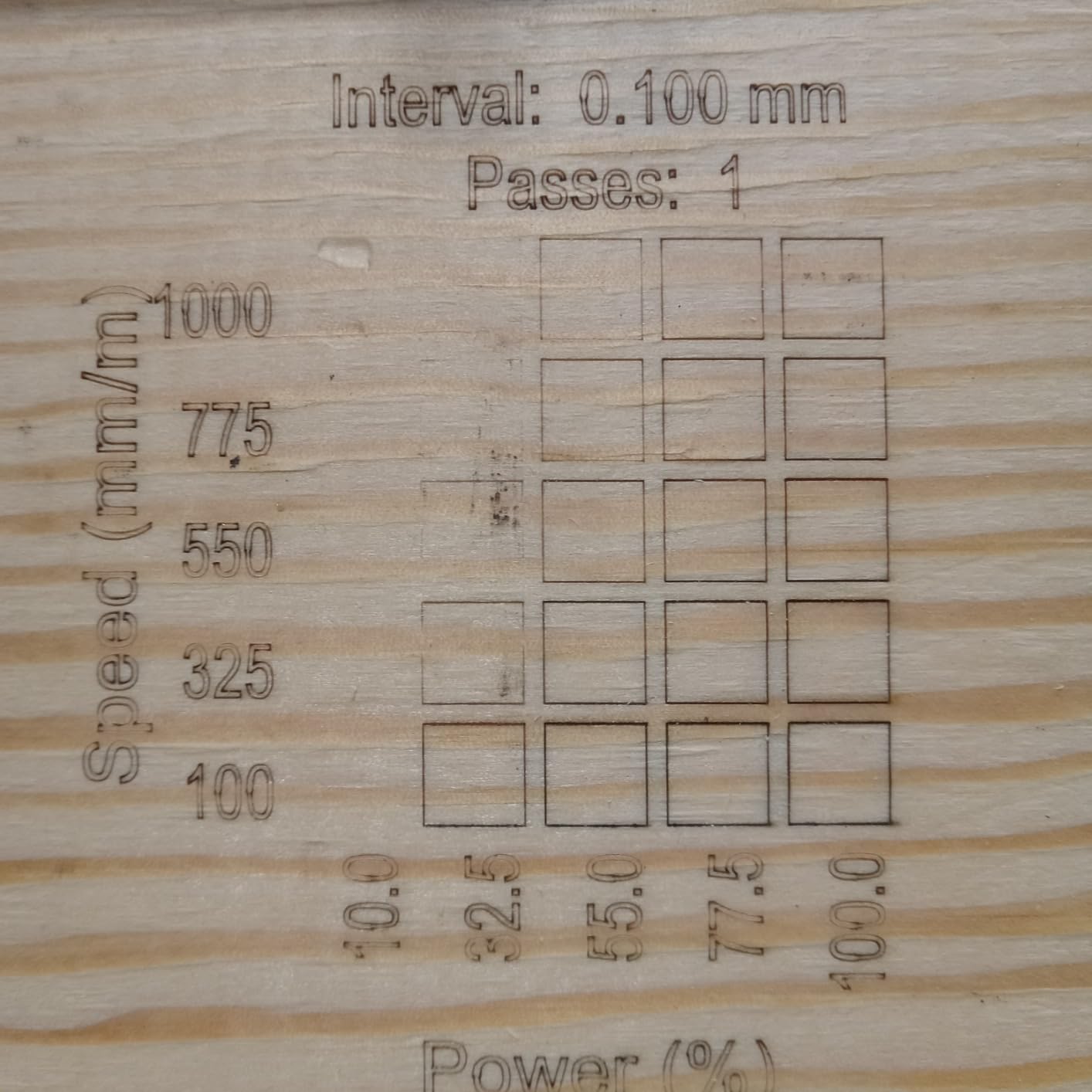
Why the RAY5 stands out
Speed plus a touchscreen is a combination you rarely see at this level, and both features showed up in testing as real time savers rather than spec-sheet padding. Long production runs of identical engraved items finish noticeably faster.
Longer customer support has resolved several hardware issues for buyers, which partly explains the high rating in a category full of unbranded machines.
What to watch out for
Written assembly instructions are weak, so budget for a video guide alongside the manual. The head can also move out of bounds if the machine is not framed and zeroed properly in LightBurn.
Power and speed settings take experimentation before they feel predictable. Support hours are China-based and documentation is not always current, so plan your questions for their working window.
4. LaserPecker LP2 Review
LaserPecker LP2 Laser Engraver with Roller, Portable and Handheld Laser Engraving Machine for Wood Metal Leather Acylic Engraving Laser Cutter, Suit Set with Versatile Rotary Roller
Galvo scanning at 1417 in/min
0.05mm spot
9-in-1 rotary roller
Handheld
Pros
- Highly portable handheld form factor with no bed to align
- versatile rotary roller for tumblers and cylinders
- fine detail on curved surfaces
- simple phone or PC connectivity
Cons
- No bare or shiny metal marking
- 4in working width limits flat work
- light materials must be painted black first
The LP2 breaks the mould in this roundup because it has no bed at all. It is a handheld galvo engraver, so there is nothing to align, nothing to level and nothing to calibrate beyond focus. If your work is small objects you pick up and put down, that is a feature rather than a compromise.
Galvo scanning reaches 1417 in/min with frame and preview speeds of 8858 in/min, and the compressed spot is 0.05mm. Three resolution options sit at 1K, 1.3K and 2K, which is how you trade run time against edge sharpness on curved surfaces.
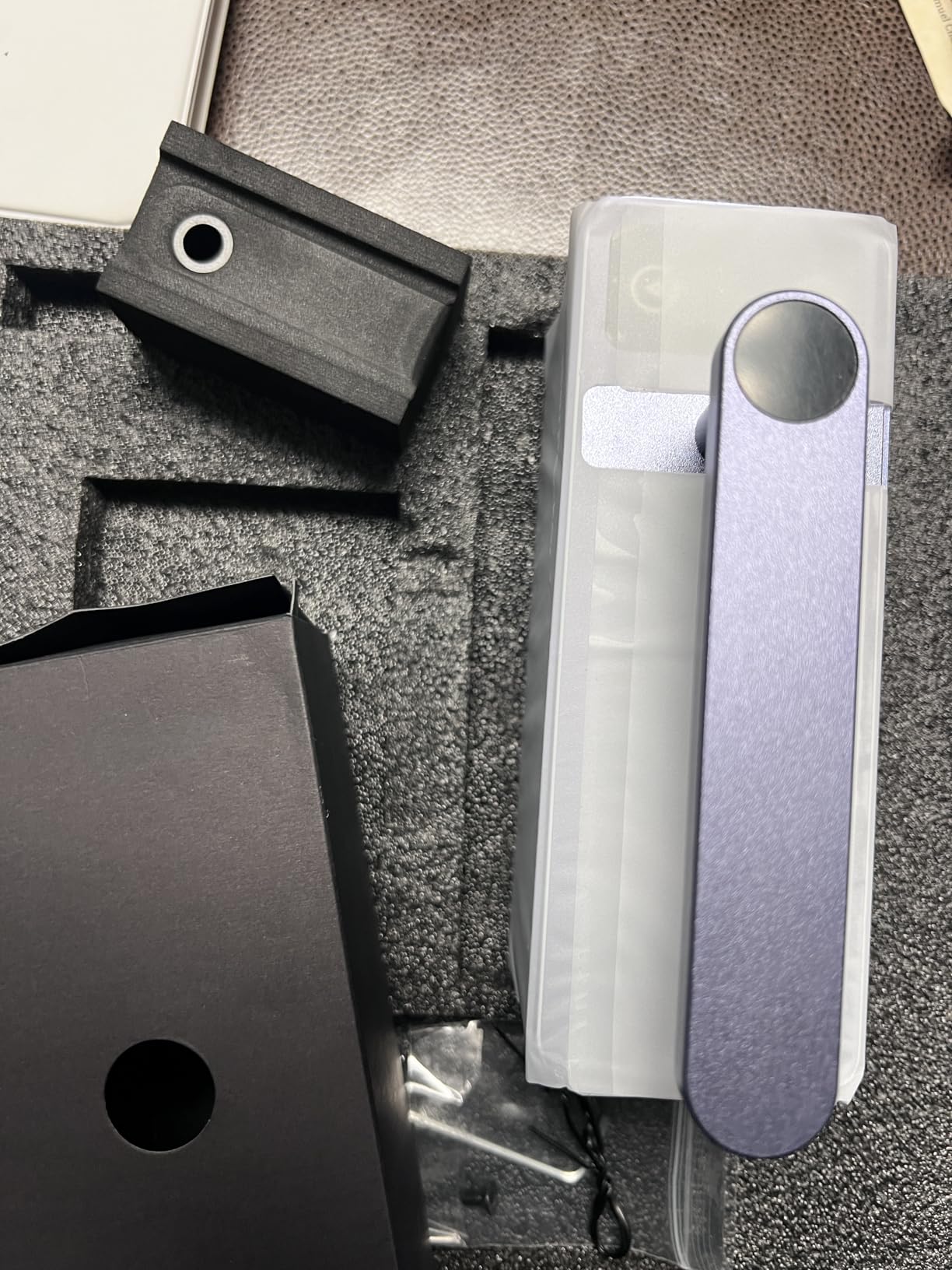
The 360-degree electric roller is the reason this machine is on the list. It switches between cylinder, slab and trolley modes and can engrave up to 196in of length at 4in width, so a run of tumblers does not mean re-loading a bed every few pieces.
It engraves paper, cardboard, wood, leather, coated metal and brushed stainless steel, and cuts wood and paper under 0.2in. Connectivity is plug-and-play from a smartphone or PC, and it accepts JPG, PNG and G-code.
Why tumbler sellers keep coming back to it
The rotary accessory handles the awkward geometry that defeats bed-based machines. Keep the 11cm (4.33in) laser distance, load the cup, close the roller and send the job.
Forum discussions in r/Laserengraving about the LP2 centre on exactly this convenience: it is frequently described as portable but limited by its small work area, which is why it pairs well with a larger machine rather than replacing one.
What it cannot do
It cannot engrave bare or shiny metal. Coated surfaces work, and marking spray is the usual workaround, but pure stainless is out of reach.
The 4in working width also caps flat work. Light or transparent material must be painted black first so the laser has something to bite into, which adds a prep step to every job.
5. ACMER S2 Review
ACMER S2 Laser Engraver, 7000mW Laser Cutter Engraving Machine
7W true output
0.08mm spot
300 x 300mm bed
Free Acmerstudio software
Pros
- Free Acmerstudio with AI design generation simplifies setup
- fine 0.08mm spot for small text and logos
- expands with rotary riser enclosure and air assist
- ranks tenth in its jewelry engraving category
Cons
- 7W output is below the 10W class for heavy cutting
- 300 x 300mm bed is compact
- bare metals need surface prep
The S2 sits in the jewelry making category’s top ten by sales rank, which tells you something about who is buying it. This is a detail machine, not a cutter, and it is built for small text, logos and jewellery tags.
Output is a 7W true laser from a system rated at 48W total, with a 0.08 by 0.08mm spot and engraving accuracy stated at up to 0.01mm. Engraving speed reaches 10000mm/min on a 300 x 300mm working area.
The differentiator is software. Acmerstudio is free and includes AI design generation, which removes the two-step process of finding artwork elsewhere and importing it. LightBurn and LaserGRBL are both supported when you outgrow it, and Windows, macOS and Linux are all covered.
Cutting depth is up to 13mm of paulownia wood or 6mm of black acrylic across multiple passes. An anti-UV shield, safety goggles and motion-detection auto-pause handle the safety basics.
What the S2 is genuinely good at
Fine, high-contrast engraving on small items. The 0.08mm spot and the free design tool make it a good first machine for someone who makes jewellery, key tags or personalised gifts rather than cutting stock.
It also expands cleanly. Rotary, riser, enclosure and air-assist add-ons all attach, so the machine can grow with a small workshop instead of becoming a dead end.
Where 7W runs out
Below the 10W class, cutting jobs get slower and need more passes. The 300 x 300mm bed is also smaller than several rivals at a similar tier, which limits batch work.
As with the rest of the diode group here, bare metals cannot be engraved without surface preparation.
6. Creality Falcon 10W Review
Creality Laser Engraver Machine 10W Output Power, 72W DIY Laser Engraving Machine 0.06mm High Precision Laser Cutter and Engraver for Wood and Metal, Paper, Acrylic, Glass, Leather etc, 17″ x 16″
10W output
0.06mm spot
10000mm/min
Cuts 5mm basswood in one pass
Pros
- Balanced 10W output with crisp 0.06mm detail
- all-aluminium frame with steel guide rails
- tool-free focus plate
- works with LaserGRBL and LightBurn
Cons
- Single-pass cut depth is limited compared with higher-watt machines
- first-time users need time to dial in settings
The Falcon 10W is the straightforward value option from a brand with a large accessory ecosystem. It delivers a 10W laser output from a 72W system, which is the honest way to describe it rather than quoting the larger figure.
Precision is the selling point. The spot is 0.06 by 0.06mm, accuracy sits within 0.004 inches and repositioning is under 0.007 inches, which is tight enough for small engraved text on tags.
The frame is all-aluminium alloy with steel shaft wheel guide rails and belt tension adjustment, so the gantry stays rigid as the machine ages. An anti-UV acrylic filter on the module blocks 97% of UV rays.
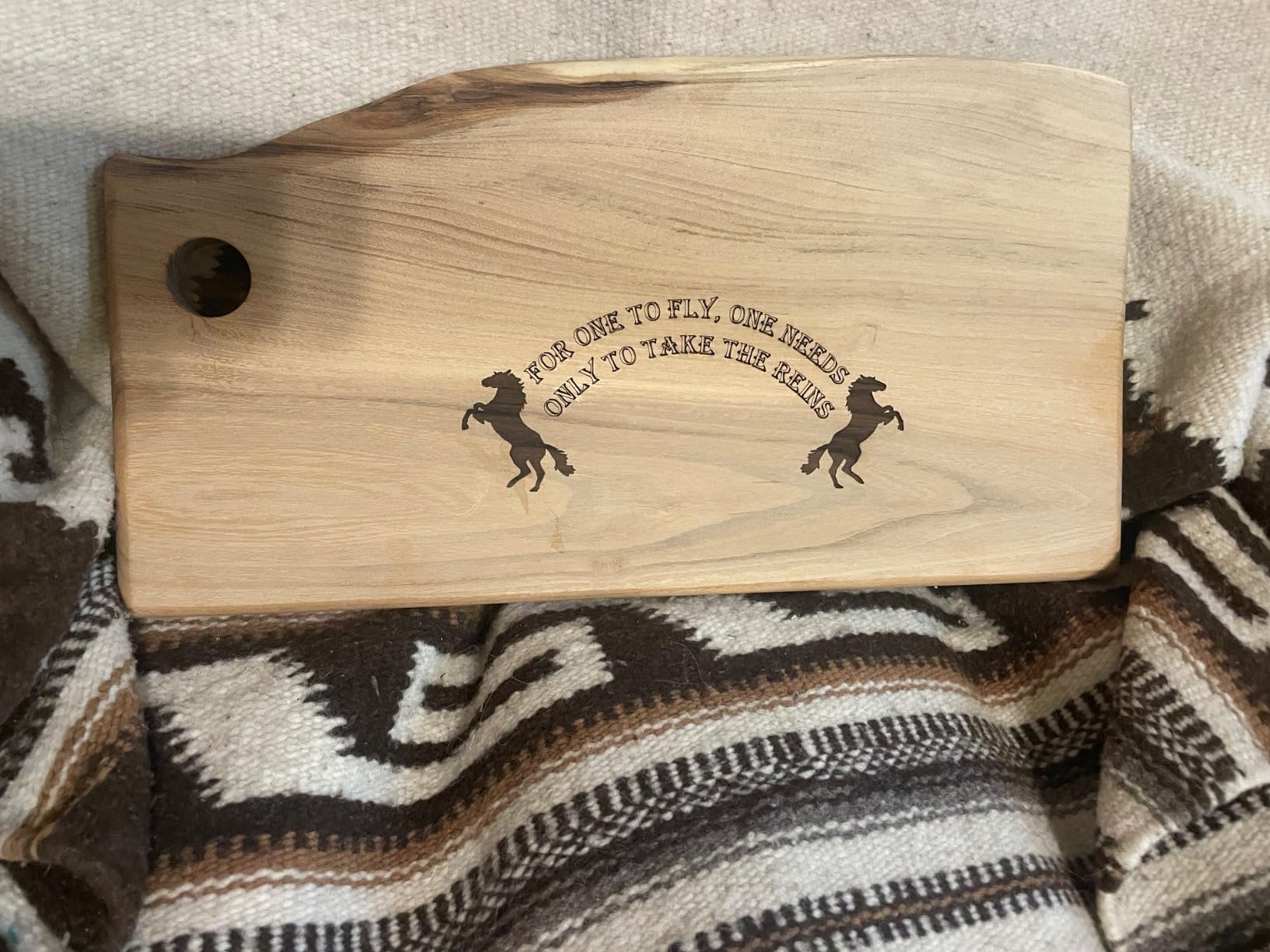
It cuts 5mm of basswood or 3mm of black acrylic in a single pass at up to 10000mm/min. Assembly takes 10 to 20 minutes, and the laser head includes a focusing plate for tool-free focus adjustment.
Why it earns the value badge
It handles both LaserGRBL, which suits a beginner, and LightBurn, which suits someone who will outgrow the machine. That dual path means no forced upgrade later.
Wi-Fi, USB and SD card transfers are all supported, so you are not dependent on one connection method when a job refuses to start.
Where the depth stops
Single-pass cutting is limited compared with 20W machines, so thicker plywood means multiple passes and more time per piece. That is the trade for a lower entry point.
Most first-time users also need time to dial in speed and power, so expect a short calibration period before the results look consistent.
7. Longer Ray5 20W Review
LONGER Ray5 Laser Engraver and Cutter Machine,20W Laser Engraver, 400×356mm
20W module
24000mm/min
400 x 365mm bed
256-color palette
Pros
- 20W output gives real multi-pass cutting in wood and acrylic
- 256-color palette for natural tonal transitions
- touchscreen plus Wi-Fi and app control
- emergency stop and overheat protection
Cons
- Lowest average rating here at 4.0 with 16% one-star reviews
- still cannot mark bare metal
- setup and parameter tuning take time
This is one of the two 20W diode machines in the group, and the one with the deepest published cutting figures. It averages 4.0 with 61% five-star and 16% one-star ratings, so set your expectations accordingly before you buy.
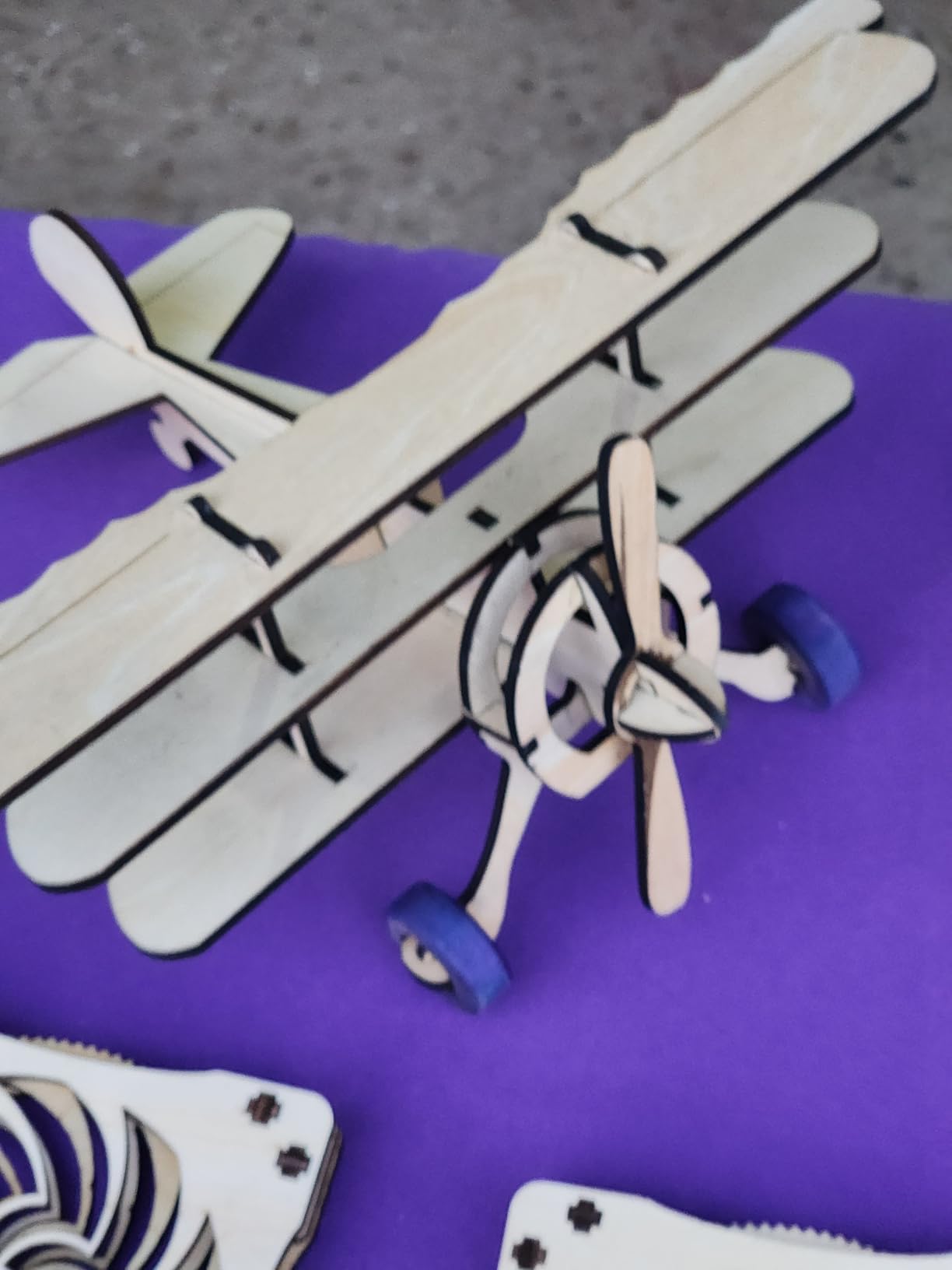
Single-pass cutting reaches 15mm of pine and 8mm of acrylic, and multi-pass work goes to 25mm of wood and 35mm of acrylic. That is a genuine step up from the 10W machines and it shows on thicker stock.
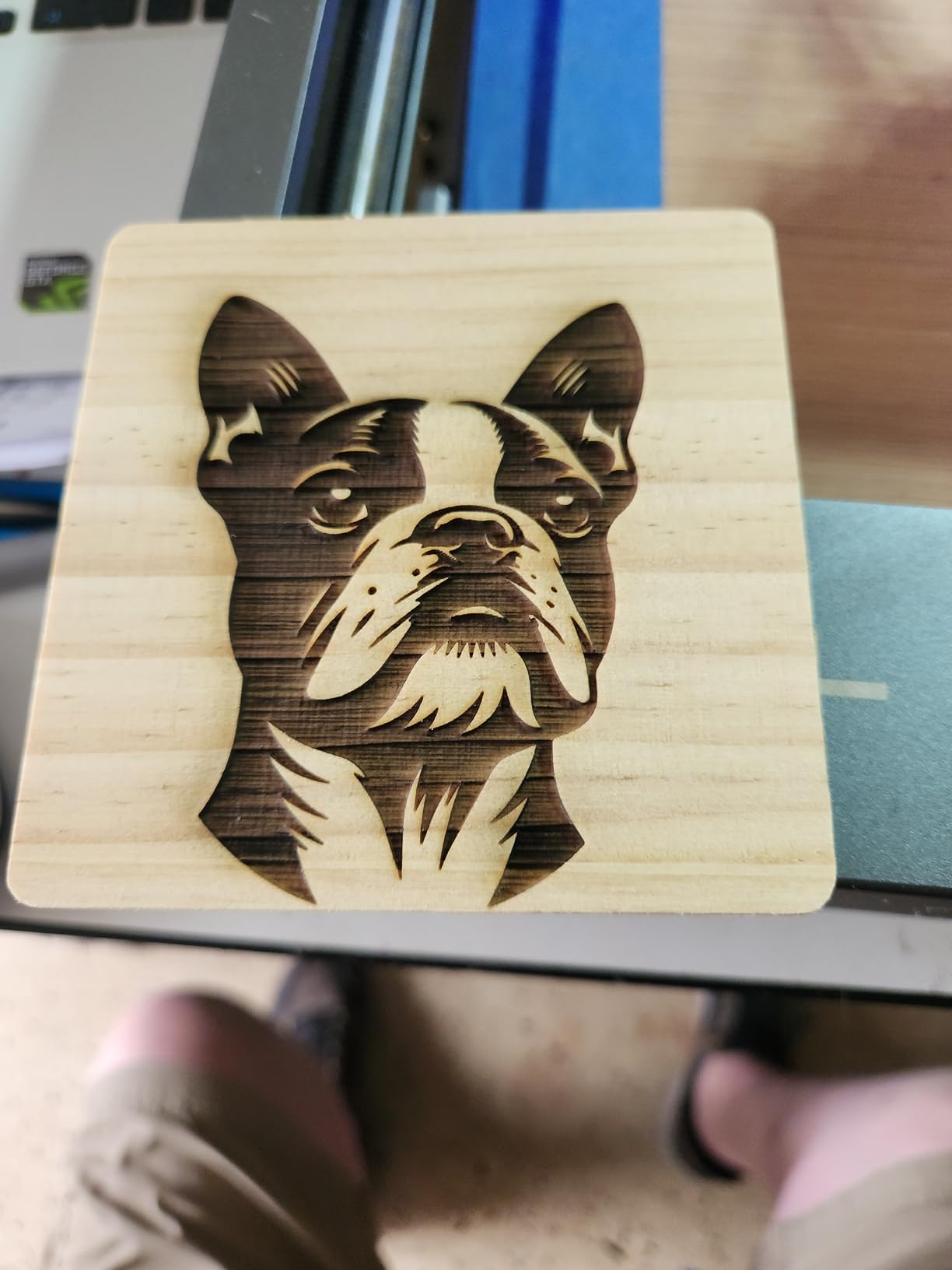
The 256-colour palette is unusual at this price. Instead of binary dark or light, the laser modulates to produce tonal transitions that look far more natural on plywood and painted board.
A 240MHz ESP32 chipset drives engraving speeds up to 24000mm/min on a 400 x 365mm working area, with a 0.08 by 0.1mm spot and 0.01mm precision. One device can control multiple machines for continuous operation.
Where the 20W module earns its keep
Anyone cutting layered plywood or thick acrylic blanks will feel the difference immediately. Fewer passes means less time per piece and a cleaner edge through the full depth.
The 3.5-inch touchscreen with USB, TF card, Wi-Fi and app control is genuinely convenient for long studio sessions, and the emergency stop plus motion and overheat protections extend module life.
Why we rated it lower
The 4.0 average is the lowest here, and the 16% one-star share points at setup friction and reliability reports rather than cutting ability. Do your research on the specific unit before committing.
It still cannot mark bare metal without coatings or marking spray. Parameter tuning takes time, so expect a slower first month than the spec sheet implies.
8. Creality Falcon A1 10W Review
Creality Falcon A1 10W Laser Engraver, 80W Powerful Output, Fully Enclosed, 600mm/s Speed, HD Camera Auto Positioning, Pre-Assembled&Smart Material Recognition, Ideal for Wood & Metal, Class 1 Safety
Class 1 enclosed
600mm/s CoreXY
HD camera
0.05mm accuracy
Pros
- Fully enclosed Class 1 design needs no safety goggles
- arrives pre-assembled so there is no build time
- camera auto-positioning and material recognition cut down on trial and error
- fast 600mm/s CoreXY motion
Cons
- One of the two heaviest units here at 28.7 pounds
- accepts only 460 x 346mm honeycomb panels
- cannot engrave mirror-finished metals or mirrored acrylic
The Falcon A1 is the machine we recommend to anyone who shares a room with children, pets or colleagues. It is fully enclosed and rated Class 1, which means no safety glasses and far less smoke and noise than an open frame.
It arrives pre-assembled. For a first laser, removing the build step removes the single biggest reason new buyers give up in week one, and the CoreXY structure runs up to 600mm/s.
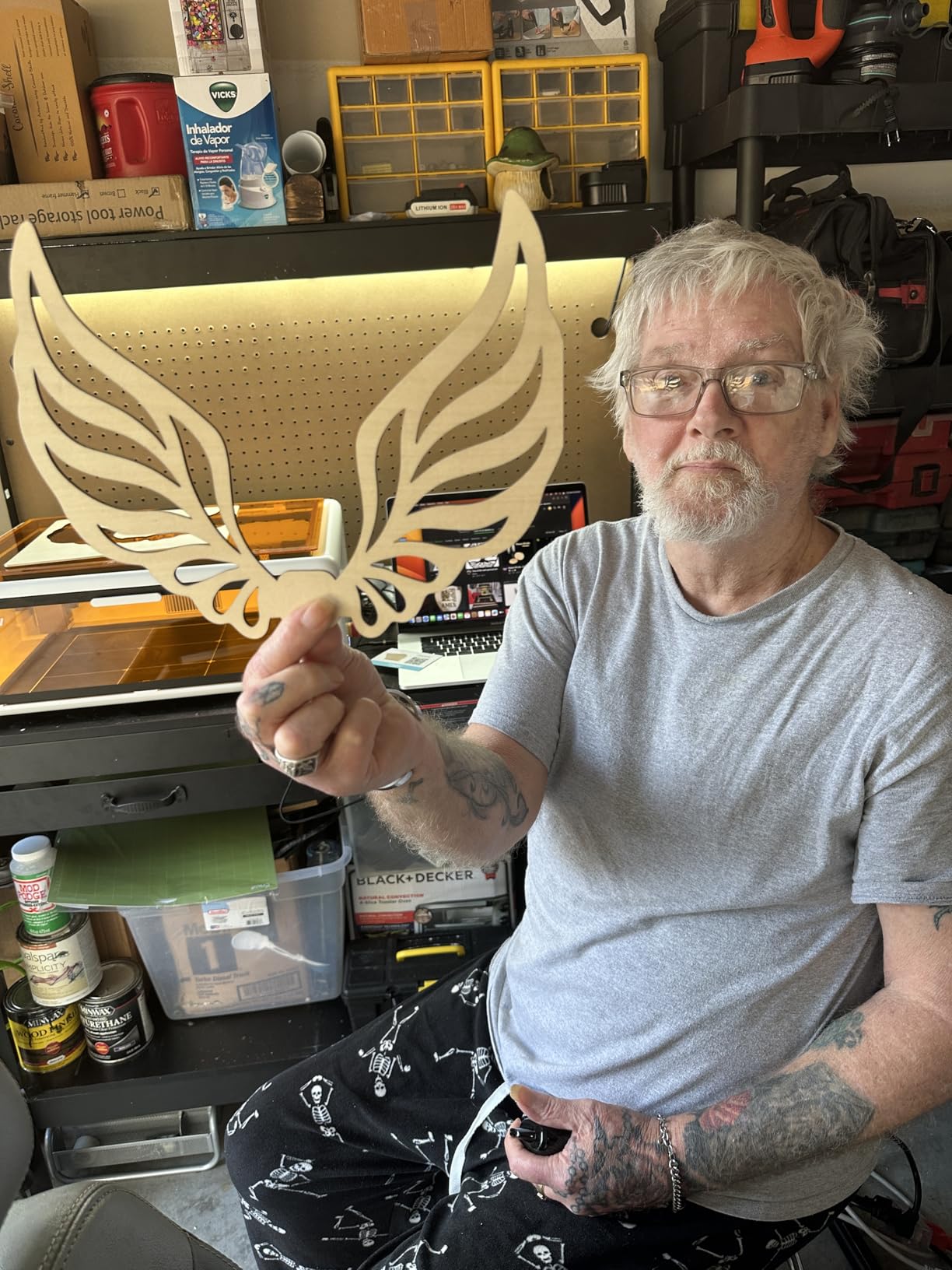
The HD camera is the feature buyers mention most. It recognises material and auto-applies settings, and it positions the work so you are not spending ten minutes re-zeroing between every job. Engraving accuracy is 0.05mm and it cuts 6mm of wood in a single pass.
Safety is built into the structure: the enclosure blocks 99% of laser light, the lid pauses the beam when opened, and there is a separate emergency stop. Double doors with transparent top and side panels let you watch a job without opening anything.
Why it suits first-time buyers
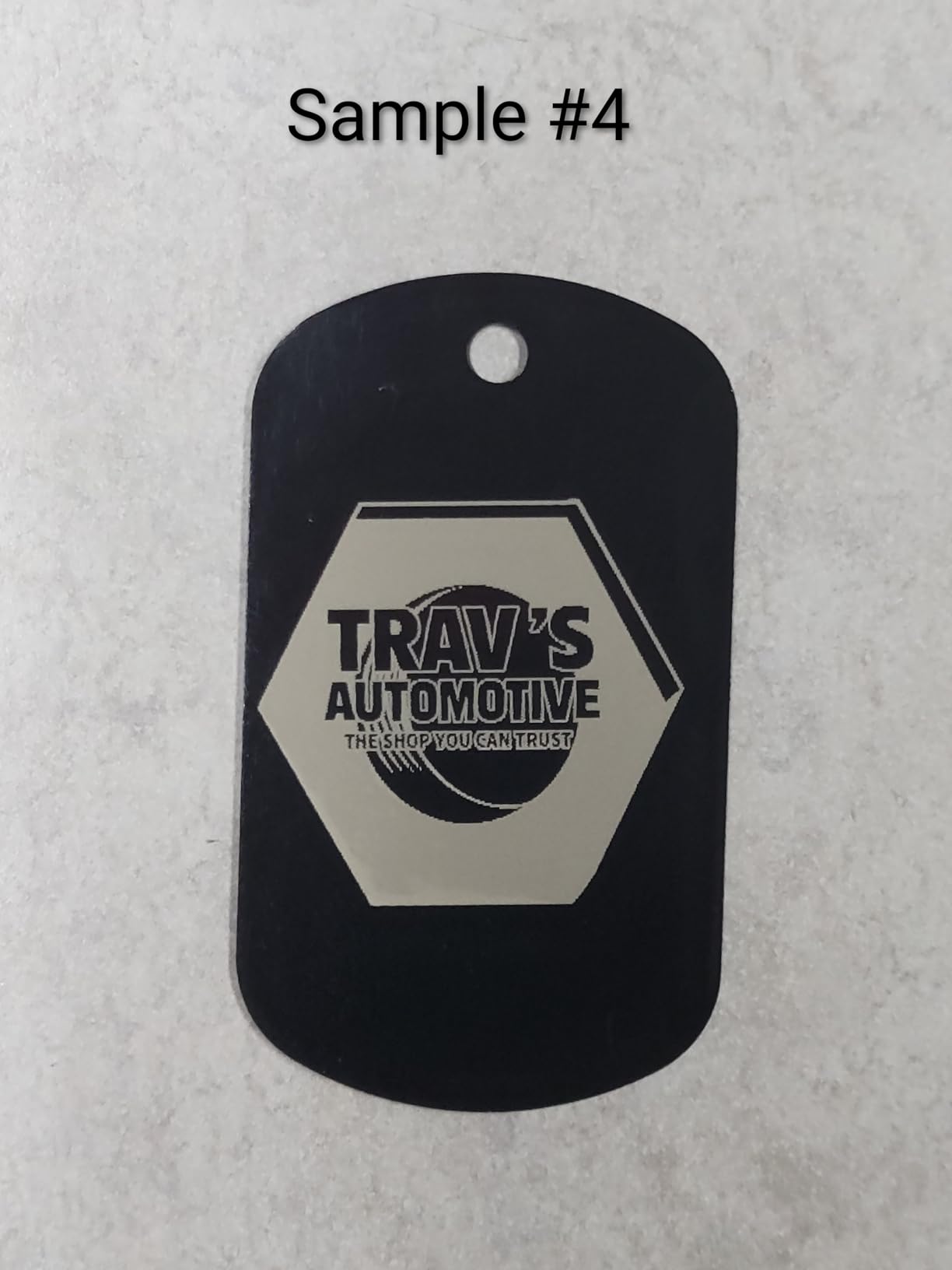
Camera auto-positioning and smart material recognition remove the trial-and-error phase that frustrates new owners. Falcon Design Space handles setup, and LightBurn and LaserGRBL remain available when you want more control.
Users in r/Laserengraving regularly describe the Falcon A1 10W as enclosed, easy to set up and good for beginners, with limited cutting depth as the accepted trade-off at 10W.
What you give up for that enclosure
It is one of the two heaviest units in this group at 28.7 pounds and takes up a large footprint, so plan the space before you commit. Bench space is part of the cost of a safe setup.
It accepts only 460 x 346mm honeycomb panels, which is a real constraint, and mirror-finished metals and mirrored acrylic are prohibited because of reflection risk. A 10W output is also modest against the enclosed options at the top of this list, which is part of why the rating sits at 4.1.
9. ATOMSTACK A20 Pro V2 Review
ATOMSTACK 20W Laser Engraver, A20 PRO V2 Laser Cutter, High Accuracy Laser Engraving Machine for Personalized Gifts, Business Cards, Wood, Metal, Acrylic, Leather
20W Class 4
400mm/s
Linear guide rails
0.01mm accuracy
Pros
- Sharp detailed engraving once settings are dialled in
- linear guide rails improve rigidity and lifespan
- large work area suits signs and coasters
- numbered parts bags make assembly straightforward
Cons
- No user manual supplied
- bundled app is very basic
- gantry cables are not held in a drag chain and can snag workpieces
The A20 Pro V2 is a 20W Class 4 machine built around linear guide rails rather than wheels. That single design choice lifts rigidity and, according to the manufacturer, module lifespan, rated at up to 10000 hours.
A custom motherboard uses dot compression technology to reach 0.08 by 0.1mm dots, and engraving accuracy is 0.01mm with speeds up to 400mm/s. For signs and layered coasters, that combination holds an edge across a wider bed.
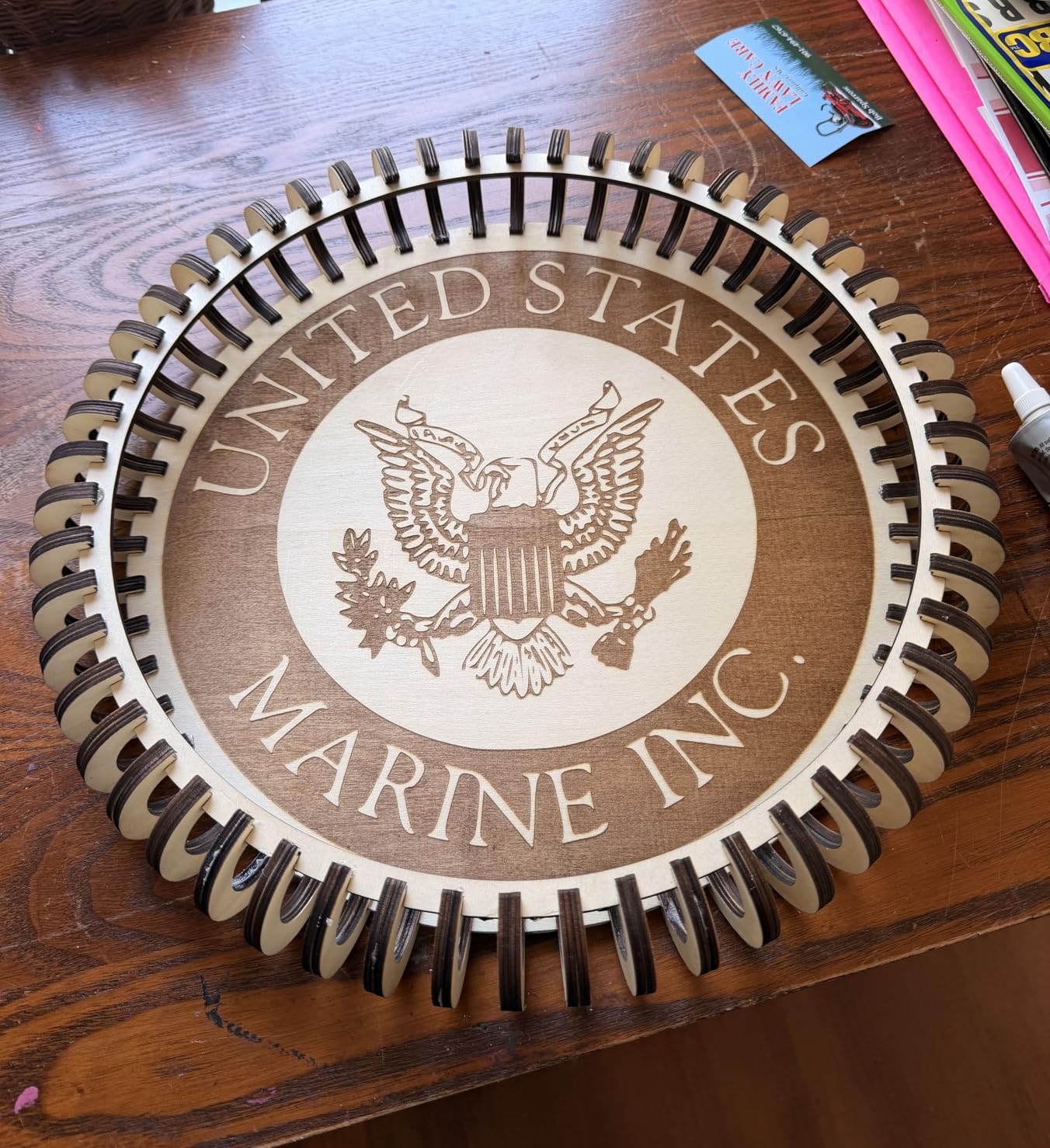
Safety touches include built-in limit switches, a cross-line light for framing, a removable magnetic protective cover, safety glasses and a tilt alarm above 15 degrees. Control runs through Type-C, a USB stick, the ATOMSTACK app or PC software, with LightBurn and LaserGRBL supported.
Assembly uses numbered parts bags and picture instructions, which is a better first impression than most machines in this bracket. Owner sentiment on build quality and engraving results is positive.
Where the A20 Pro V2 works best
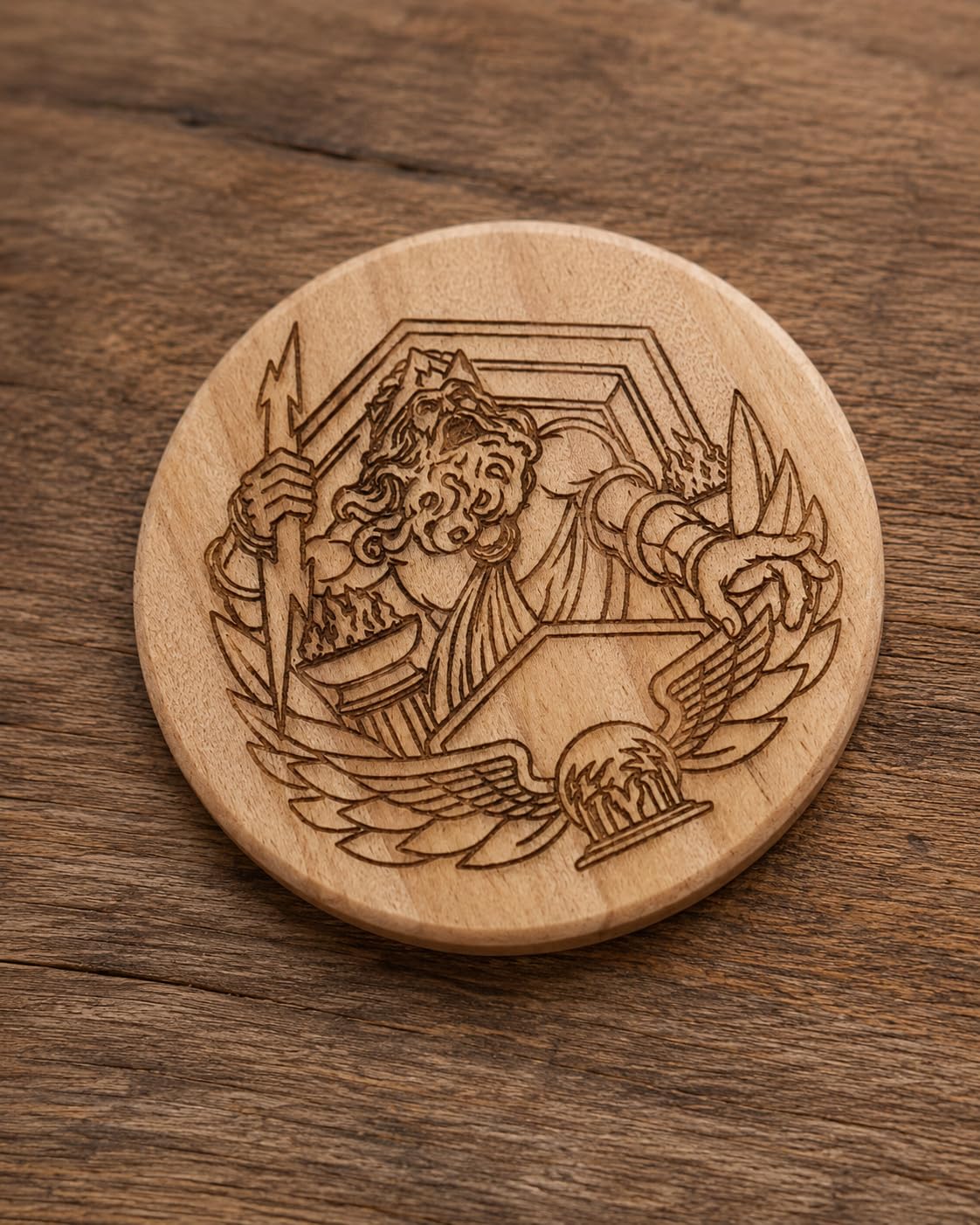
Signs, plaques and coasters. The larger work area suits small-business runs, and the linear rails keep registration tight on bigger pieces than belt-driven competitors manage.
The support offer includes 24/7 coverage and free replacement of faulty parts, which reduces the risk of a dead machine sitting on a bench for weeks.
What buyers complain about
Documentation is the main gap. No user manual or spec sheet is supplied, and Wi-Fi and controller setup is undocumented, so you will be working from community answers.
The bundled phone and PC app is very basic, so treat LightBurn as the real controller. Gantry electrical cables are also not held in a drag chain and can snag on workpieces, and the belt-driven drive is less accurate on larger items.
10. Creality Falcon 5W Review
Creality Falcon 5W Laser Engraver Machine, 72w High Precision 0.06mm Laser Cutter and Engraving Machine for Wood Leather Acrylic Glass, 10000mm/min, Offline Usage, Working Area 400 * 415mm
5W output
0.06mm spot
400 x 415mm bed
10000mm/min
Pros
- Lowest entry point of the twelve with clean engraving on wood
- leather
- acrylic
- cardboard and glass
- roomy 400 x 415mm bed
- quick to assemble and first engrave within an hour
- free LaserGRBL
Cons
- 5W is engraving-focused with no deep cuts
- no honeycomb mat or height gauge included
- head can strike the guide rails if not parked
This is the lowest-cost machine we tested, and for engraving-only work the numbers hold up. The 5W module produces a 0.06 by 0.06mm compression spot with accuracy within 0.004 inches and repositioning under 0.007 inches.
The bed is 400 x 415mm, which is genuinely large for the entry point and larger than several 10W machines here. A 32-bit chip drives engraving up to 10000mm/min, and the machine supports offline operation.
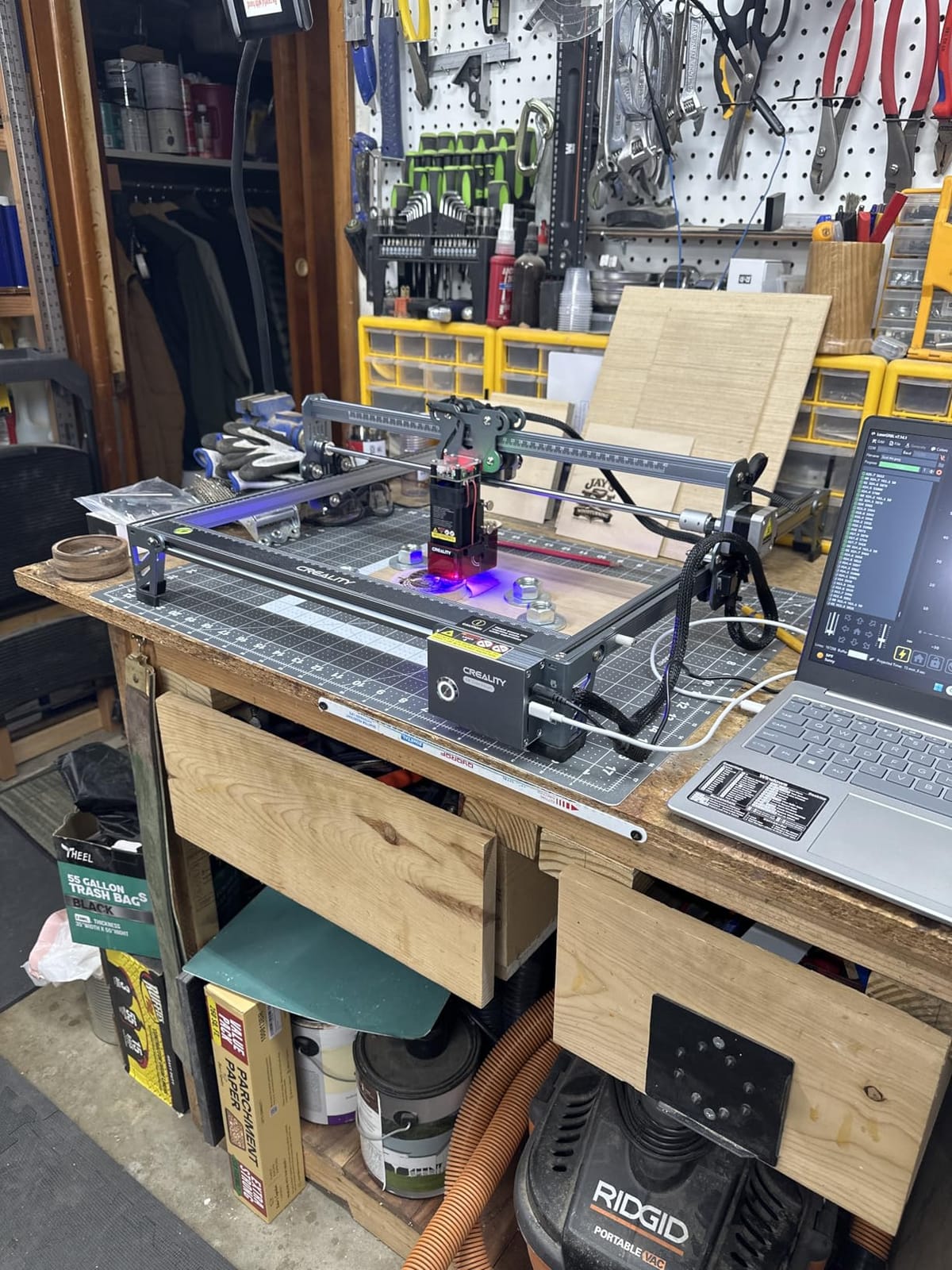
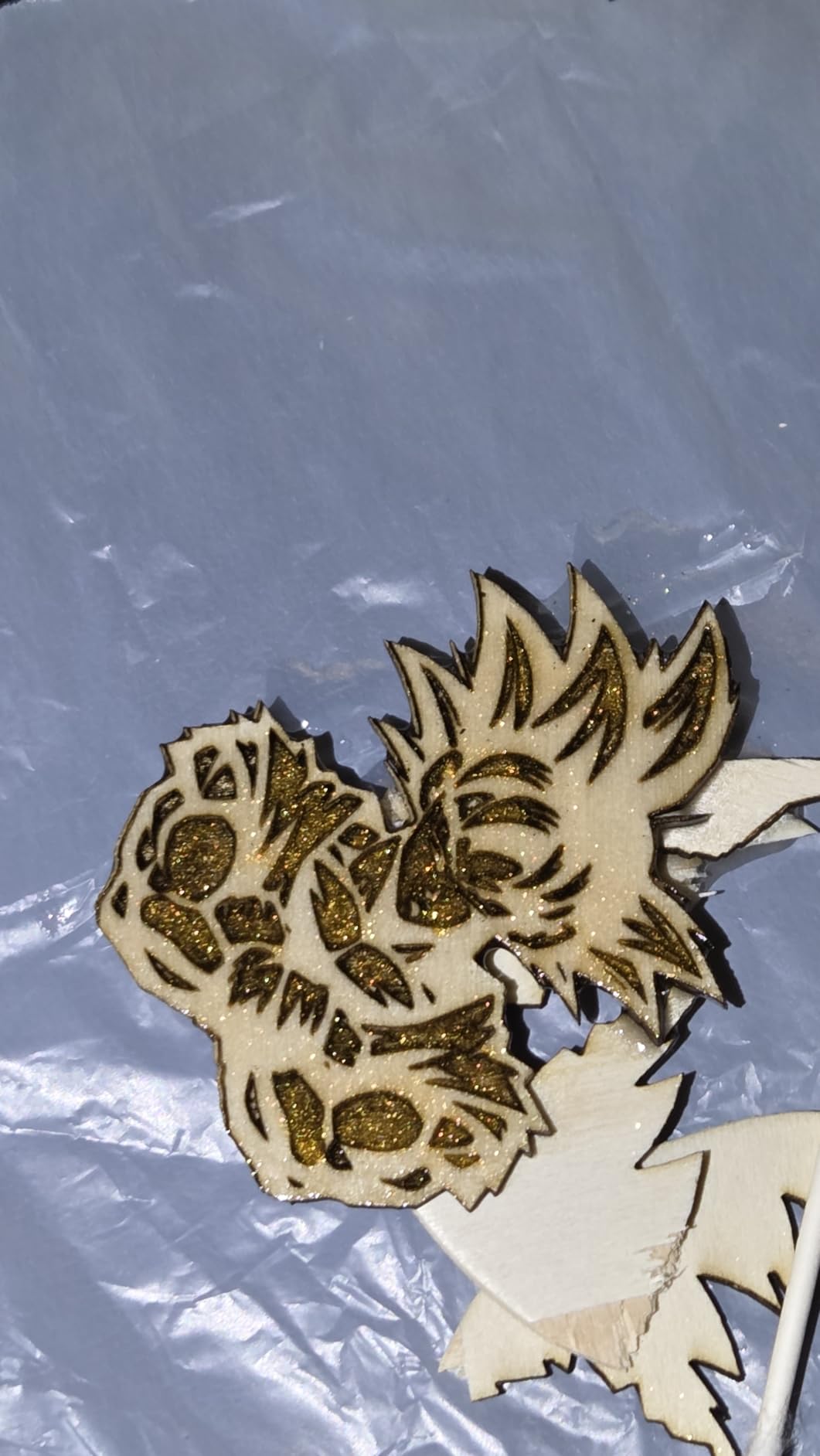
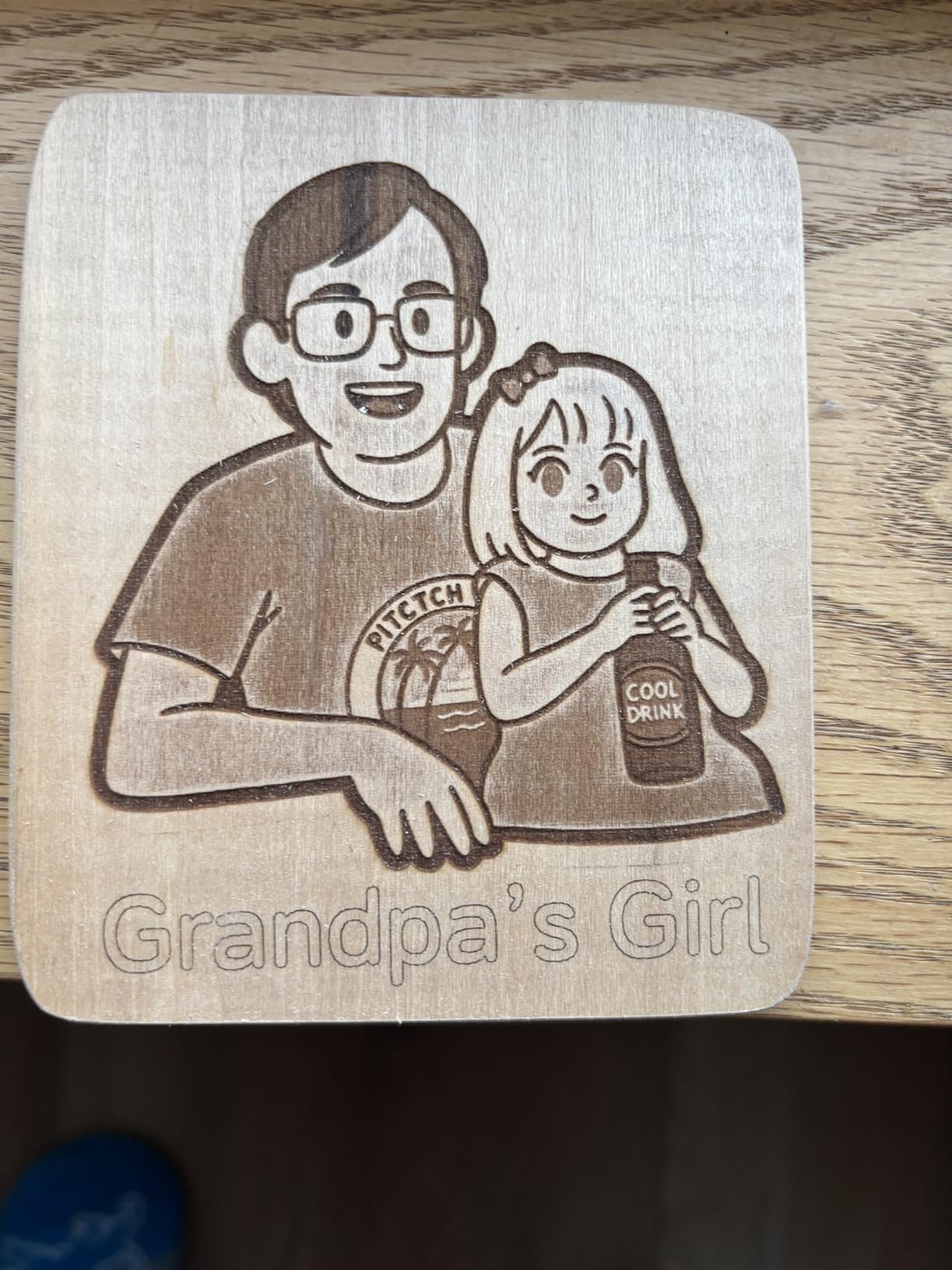
Buyers report clean results across wood, leather, acrylic, cardboard and even glass, and many are engraving within an hour of assembly. An eye-protective cover filters 97% of UV rays and an active motion-stop handles the safety basics, with rotary rollers and risers sold separately.
Works with 200+ material types according to the listing, and LaserGRBL is free, so there is no software purchase to make.
When the budget pick makes sense
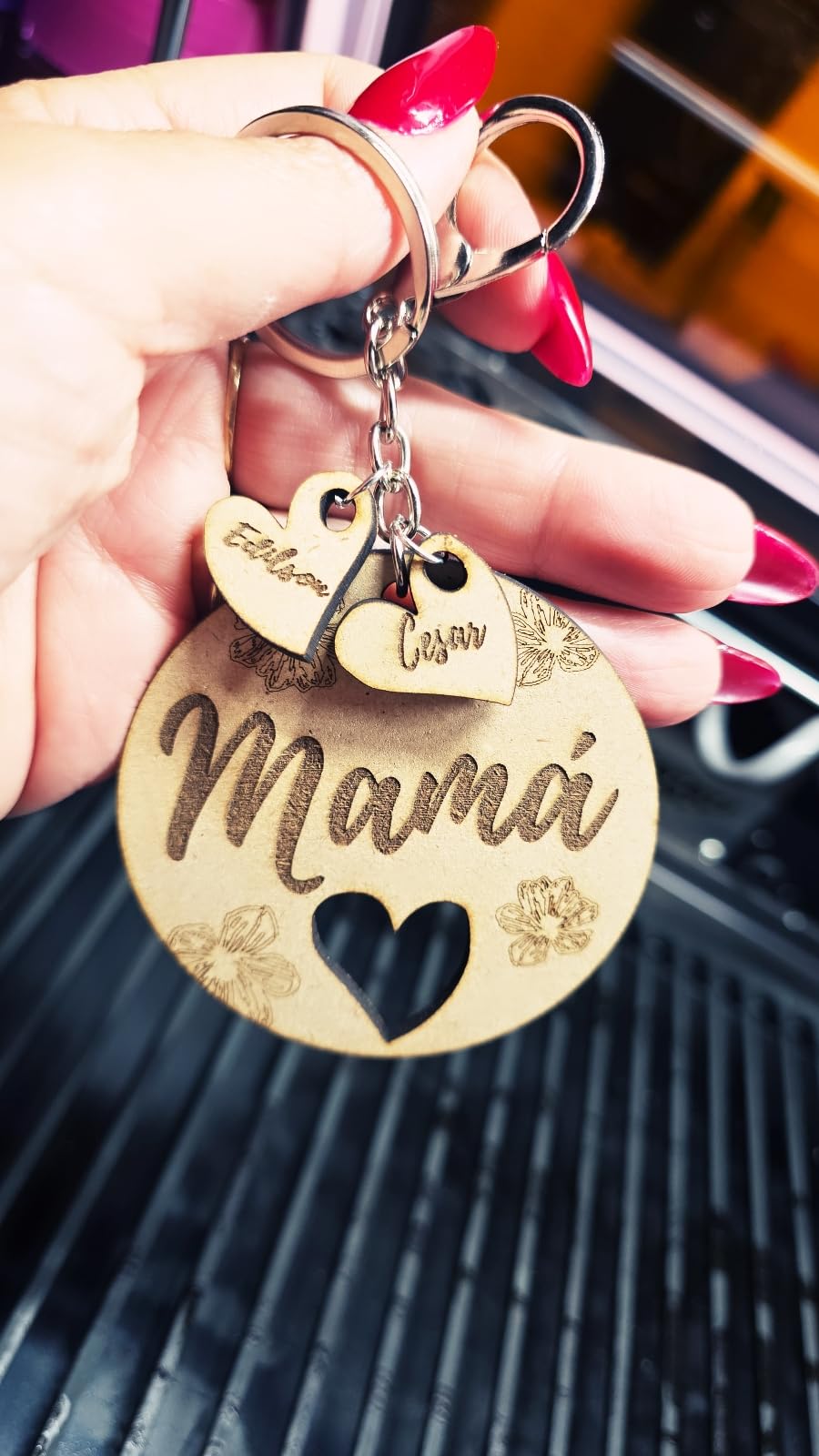
Custom engraving rather than cutting. Personalised gifts, name tags, board coasters and leather work all land inside the envelope, and the bed size means you are not cropping artwork to fit.
It is also a reasonable second machine for a classroom, since the low entry point means replacing a damaged unit is not painful.
Where it is limited
5W output is engraving-focused and cannot make deep cuts. No laser height gauge or honeycomb mat is included, so both are realistic early additions.
The rating of 4.0 comes with 16% one-star reviews, and owners report included flash drive failures and units failing after several months. Park the head at the start position or the head can strike the guide rails.
11. Carverall K15 Pro Review
Carverall K15 Pro Laser Engraver 10W-Laser Engraving Machine for Coated Metal Wood Acrylic Glass Stone, Near A4 Work Area Offline Engraving CNC DIY Lazer Cutter for Home & Crafting 10000mW Class 1
Verified 10.36-10.58W
A4 workbed
Six-screw build
CutLabX software
Pros
- Fastest setup among the twelve at six screws and about three minutes
- verified 10W output with dual-fan cooling
- free CutLabX with AI design
- compact A4 footprint that slides under a desk
Cons
- CutLabX can be unstable
- accessories sold separately raise total cost
- manual is poorly organised
- A4 area covers only part of the bed
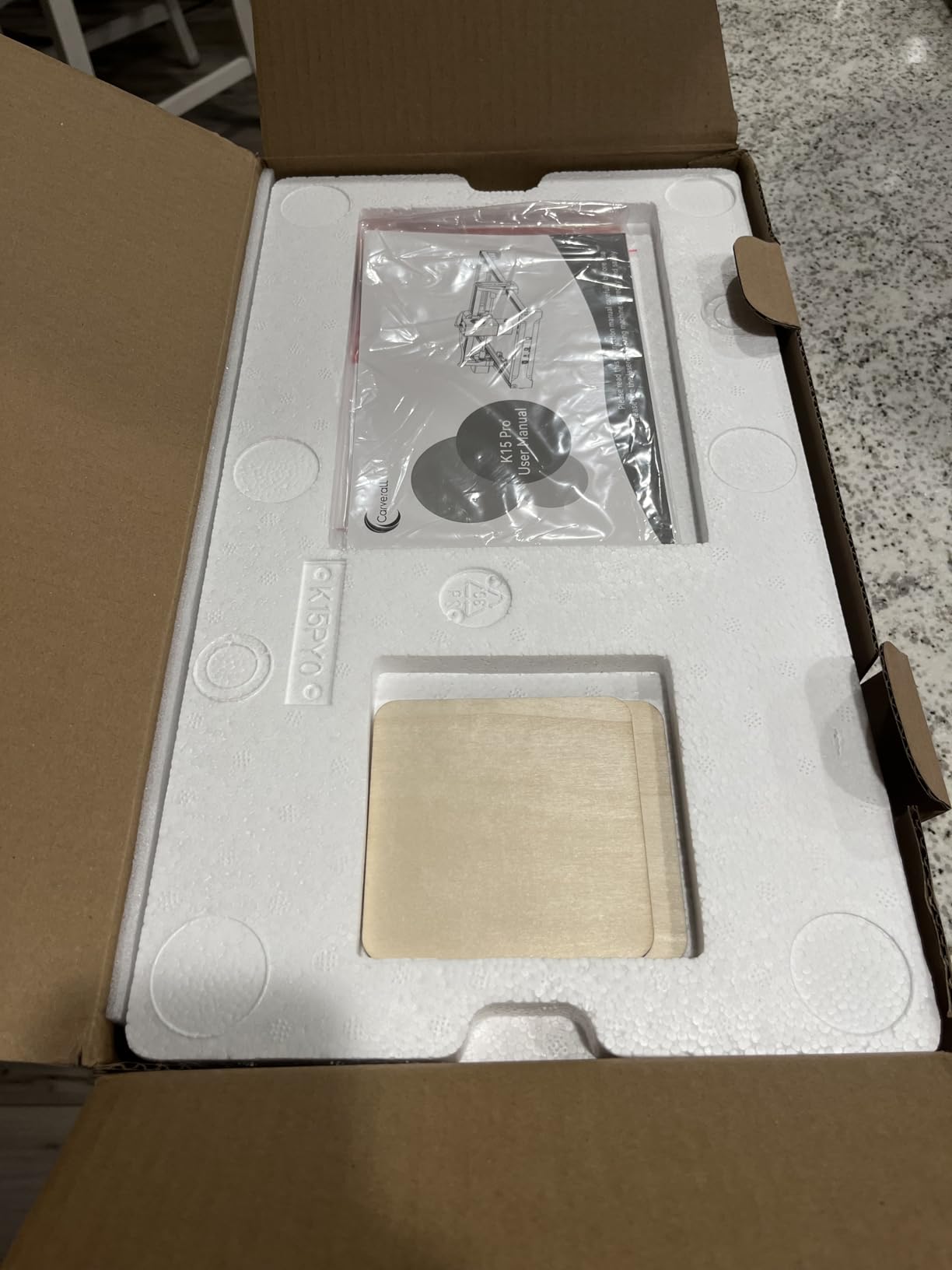
The K15 Pro solves a specific problem: a full-size laser that fits under a desk. The workbed is A4 at 11.8 by 7.9 inches with four heightening columns, and it assembles with six screws in about three minutes.
That build speed is genuinely notable and removes the weekend lost to assembly that many first-time buyers hit.
Output is verified at 10.36 to 10.58W from a dual-fan cooled module rated for a 50% heat reduction and up to 15000 hours of module life. Precision is 0.01mm with 4K clarity, and speed reaches 15000mm/min.
One-touch smart focus and smart file memory remove two manual steps. CutLabX comes free with AI design generation, and LightBurn and LaserGRBL are supported alongside TF card offline batch work.
Why it suits compact workspaces
Slide it under a desk, engrave a set of labels, put it back. The footprint is small enough for an apartment and light enough at 2.68kg to move between rooms.
An optional 1W IR laser head extends it to stainless steel and aluminium marking, and the full starter kit is included rather than sold as add-ons.
What the extras will cost you
The enclosure, air pump, honeycomb bed, camera and rotary roller are all sold separately, and that is where the real budget goes. Customer service and lifetime technical support are reported as good, which softens that.
CutLabX can be unstable, so plan on moving to LightBurn. The manual is also poorly organised with incorrect page references, and only 9% of the bed is covered by the stated A4 area, which limits larger pieces.
12. WECREAT Vista 10W Review
WECREAT Vista 10W Laser Engraving Machine with 9-in 1 Rotary, Smart HD Camera, Compact Diode Desktop Laser Engraver for Beginners DIY Hobbyist Wood Leather Glass Metal Jewelry Gifts Making
Class 1 enclosed
10W output
16.34 x 11.42 inch bed
TopView HD camera
Pros
- Class 1 enclosed metal design suitable for schools and homes
- FlipLaser rotary handles 40oz tumblers without calibration
- TopView camera cuts material waste
- built-in air assist and CleanAir extractor
Cons
- One of the two heaviest machines reviewed
- lowest sales rank in the group
- only 70 reviews so long-term history is short
The Vista is the most complete package here, and it ties for the highest rating at 4.4. It is a fire-retardant metal enclosure rated Class 1, and it is the option here we would point a school toward.
Output is 10000mW on a 16.34 by 11.42 inch work area, with speeds up to 600mm/s and a 0.06 by 0.04mm spot. That spot is one of the tightest here, which suits thin materials like fabric and acrylic.
Built-in air assist and a CleanAir fume extractor are the details that separate this from a bare enclosed frame. You are not adding a pump and a filter before the first job, and the air quality argument matters in a shared room.
The TopView HD camera uses distortion-free scanning for alignment and auto-focus, which reduces material waste and speeds up job setup. LightBurn is supported alongside the WeCreat MakeIt library with 2000+ projects and 500+ typefaces.
Why the bundle matters here
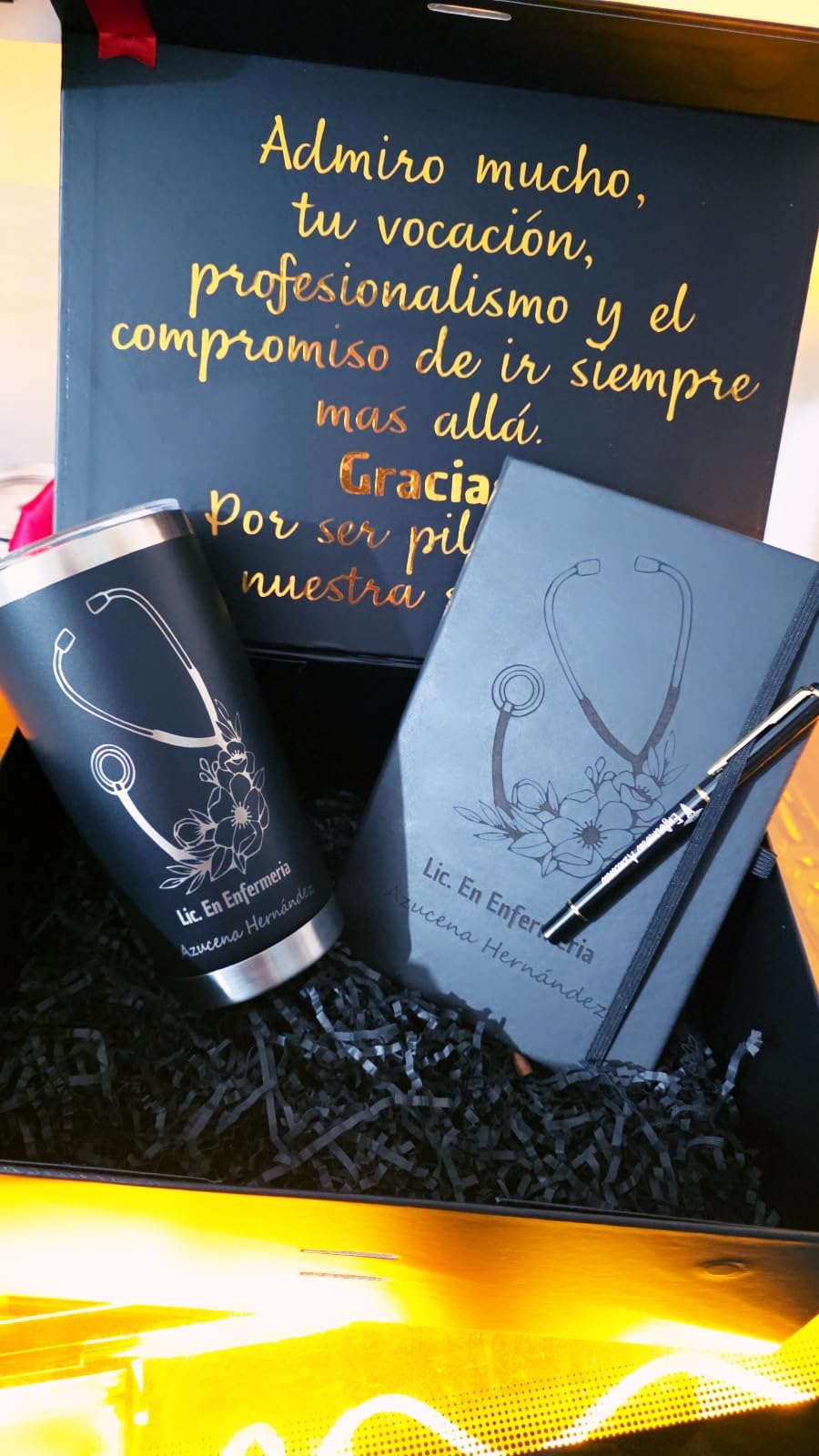
The patented 90-degree FlipLaser rotary handles 40oz tumblers on a desktop with no manual calibration and no risers. For a seller moving from engraving to drinkware, that removes a whole class of frustration.
An optional 2W infrared module extends it to metal and plastic detail work, so you are not locked into diode-only work later.
Where to be cautious
At 53.9 pounds it is the heaviest machine reviewed. Check your floor space and your ability to move it before committing.
It also has the lowest sales rank in the group and only 70 reviews, so the long-term reliability record is still short. The 9-in-1 rotary bundle adds cost versus buying a bare model.
How to Choose a Laser Engraver Under 1000 Dollars
Start with materials, not wattage. Nearly every machine in this roundup is a 450nm diode, which handles wood, plywood, bamboo, acrylic, leather, paper, cardboard, coated and anodised metal, plus plastics such as PETG. None of them mark bare stainless steel or bare aluminium without a marking spray or coating.
Wattage is the next filter. A 5W module is an engraver, a 10W module is a light cutter, and a 20W module cuts layered plywood in reasonable time. If your projects involve depth, move up rather than buying twice.
Work area decides your project size. A 300 by 300mm bed handles jewellery and coasters. A 390 by 410mm or 400 by 400mm bed takes full sheet goods. The WECREAT Vista offers 16.34 by 11.42 inches on an enclosed frame, and the Longer RAY5 can be extended to 850 by 400mm when you outgrow the square bed. Before that first job, check the frame is square and level with a laser level rather than eyeballing it.
Enclosure is the safety decision. Open-frame machines here are Class 4, which means eyewear, ventilation and supervision. The Creality Falcon A1 and the WECREAT Vista are enclosed Class 1 units that need neither glasses nor a dedicated room.
Air assist is not optional in practice. It keeps the lens cleaner, improves cut edges and reduces fire risk. Only some machines have a built-in interface, and pumps, fume extractors and honeycomb beds are commonly sold as extras.
Hidden costs are the part most roundups skip. Budget for an air pump, a fume extractor, safety glasses, an enclosure if the machine is open-frame, spare tips and lenses, and material. A machine at the low end of this list plus accessories can reach the price of one in the middle. Keeping the bed flat and the gantry aligned as the machine ages also matters, and if you work in a workshop where nothing is level to begin with, a rotary laser level is the cheapest setup tool you can own.
Software decides how long you will be productive. LightBurn and LaserGRBL support is the standard to look for, because it keeps your files and your skills portable. Bundled apps are fine for a first job but rarely for a production run.
Warranty and support matter more than spec sheets. Longer and xTool are widely praised for support responsiveness, while documentation quality varies a lot elsewhere. Check that a manual exists before you buy, because a machine with no documentation will cost you an evening.
Finally, decide about cylinders early. If you make tumblers, cups or bottles, budget for a rotary attachment or a galvo machine such as the LaserPecker LP2. Confirm compatibility before purchase, since rotary fittings are not universal.
Frequently Asked Questions
What is the best laser engraver for your money?
The Ortur Laser Master 2 S2 is our top pick: a true 10W optical module, a 390 x 410mm bed, cuts 30mm acrylic and 20mm wood, and a full-metal frame that is easy to repair. The Longer RAY5 10W is the alternative if engraving speed matters more to you.
What is a good low-cost laser engraving machine?
The Creality Falcon 5W is the lowest-cost credible option, with a 5W module, a 400 x 415mm bed and a 0.06mm spot that gives clean engraving on wood, leather, acrylic, cardboard and glass. It is built for engraving rather than cutting.
Are cheap laser engravers any good?
Yes, with one caveat. Machines in this bracket deliver 0.06mm to 0.08mm spots and cut 20mm to 30mm of acrylic or 13mm to 20mm of wood, which is real production capability. The weak point is documentation and support, not cutting ability.
Can a laser engraver under 1000 dollars cut metal?
Only coated or anodised metal, and brushed stainless on some models. Bare stainless steel and bare aluminium will not mark with a diode laser. You need a marking spray or coating, or a 1W to 2W infrared module, both of which add to the budget.
Do I need an enclosure for a laser engraver?
For an open-frame Class 4 machine, yes, or you need equivalent protection plus eyewear, ventilation and supervision. The Creality Falcon A1 and WECREAT Vista are enclosed Class 1 units, so no safety glasses are required, but both cost more and take more floor space.
Which is better, xTool or LaserPecker?
They serve different jobs. xTool machines are bed-based cutters that suit flat sheet work, while the LaserPecker LP2 is a handheld galvo engraver with a rotary roller that handles tumblers and cylinders. Pick the bed machine for signage and the galvo for curved products.
Final Verdict on the Best Laser Engravers Under 1000 Dollars
The Ortur Laser Master 2 S2 is the machine we recommend to most people reading this in 2026. It pairs a real 10W optical module with one of the roomier beds in the group, cuts 30mm of acrylic, and has a repairable full-metal frame that keeps it useful for years.
Buy the Longer RAY5 10W instead if you want the fastest engraving and a touchscreen. Buy the Creality Falcon A1 10W if safety and zero assembly matter, and the WECREAT Vista if you want the fume extraction and rotary already built in. Buy the LaserPecker LP2 for tumblers, and the Longer Ray5 20W or ATOMSTACK A20 Pro V2 when cutting depth is the whole point.
Whichever you pick, budget for air assist, extraction and eyewear on day one. That is where most of the real cost of a laser engraver under 1000 dollars lives.