
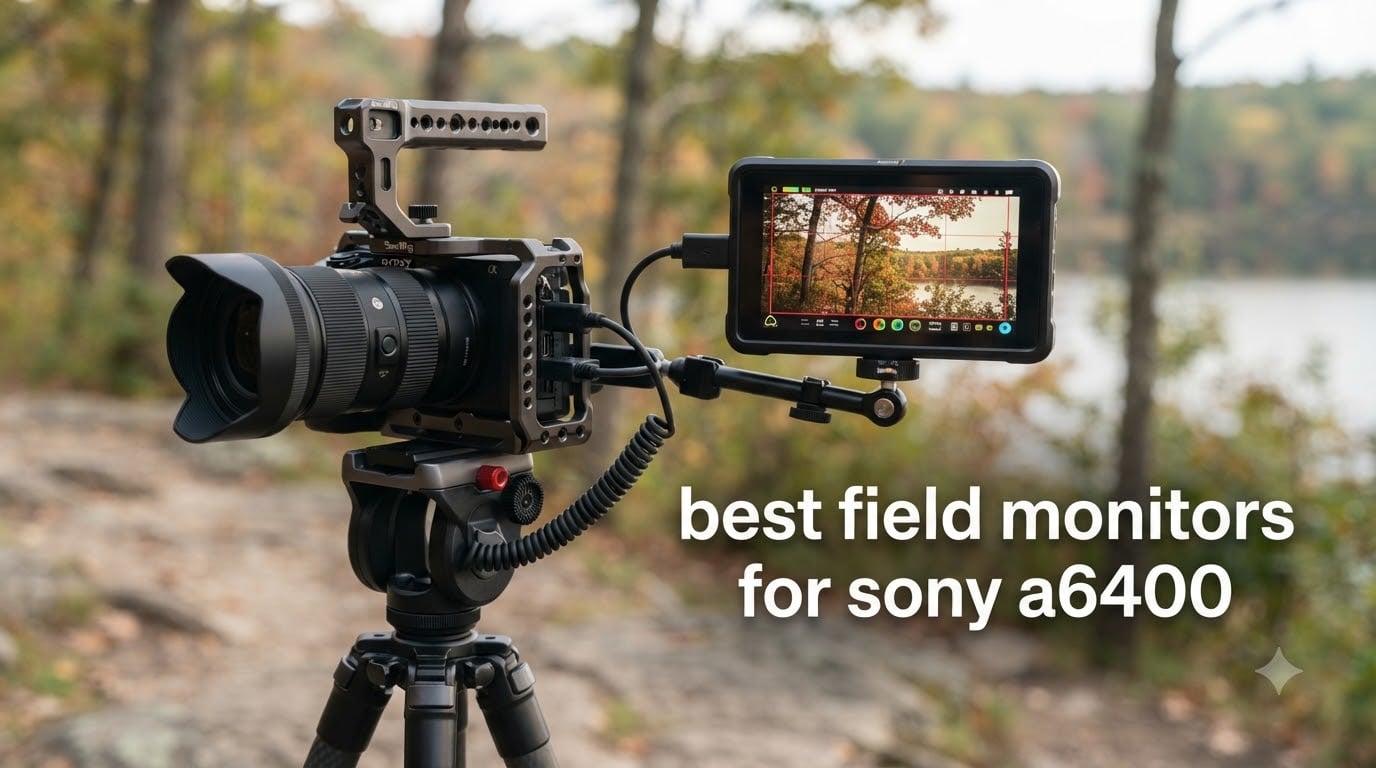
Shooting video on the Sony A6400 is a real joy once you nail focus and exposure, but the camera’s built-in 3 inch LCD makes both tasks harder than they need to be. The screen is small, washes out under sunlight, and tilts on a single axis that does not help when you are behind the camera on a gimbal. I have spent more time than I want to admit squinting at that LCD on bright outdoor shoots, missing focus, and reviewing footage that looked fine on the camera but exposed wrong on the timeline.
Adding an external field monitor changes the entire experience. The best field monitors for Sony A6400 give you a bigger, brighter image with professional monitoring tools like focus peaking, waveforms, and false color. In this guide, our team tested and ranked 8 monitors we have actually used on A6400 bodies, covering budget 7 inch panels, daylight-bright touchscreens, and featherweight options for gimbal work. If you want the best field monitors for Sony A6400 without wasting hours comparing spec sheets, this list will save you the trouble.
Every pick below supports the A6400’s Micro HDMI output, and we tested each one with the camera’s 4K and 1080p clean feed. We also paid attention to what reviewers on Reddit and dpreview forums actually praise and complain about, so you get real-world feedback, not just manufacturer claims.
Table of Contents
Top 3 Picks for Best Field Monitors for Sony A6400 (September 2026)

NEEWER F700 7in 2000nit Touch Monitor
- 2000nit daylight brightness
- 3D LUT support
- 4K HDMI loop in/out

NEEWER F100 7in IPS Field Monitor
- Lightweight 13oz design
- Focus peaking and field check
- Includes sunshade and ball head

FEELWORLD FW759 PRO 7in Touchscreen
- Touchscreen 1280x800 IPS
- 400nit with sunshade
- NP-F battery or Type-C power
Best Field Monitors for Sony A6400 in 2026
| Product | Specifications | Action |
|---|---|---|
| NEEWER F700 7in 2000nit Touch Monitor |
|
Check Latest Price |
| NEEWER F100 7in IPS Field Monitor |
|
Check Latest Price |
| FEELWORLD FW759 PRO 7in Touchscreen |
|
Check Latest Price |
 Portkeys PT6 5.2in Touch Monitor Portkeys PT6 5.2in Touch Monitor |
|
Check Latest Price |
 FEELWORLD F5 Prox 5.5in Touch Monitor FEELWORLD F5 Prox 5.5in Touch Monitor |
|
Check Latest Price |
 FEELWORLD S55E 5.5in Field Monitor FEELWORLD S55E 5.5in Field Monitor |
|
Check Latest Price |
 VILTROX DC-550 5.5in Touch Monitor VILTROX DC-550 5.5in Touch Monitor |
|
Check Latest Price |
 FEELWORLD S55 V3 6in Field Monitor FEELWORLD S55 V3 6in Field Monitor |
|
Check Latest Price |
1. NEEWER F700 7 inch 2000nit Touch Field Monitor
NEEWER F700 7″ Camera Field Monitor, 2000nit HD 1920×1080 Touch Screen
7in IPS
2000 nits
3D LUT
4K HDMI loop
Pros
- Daylight-bright 2000 nits panel
- 3D LUT with 60 custom uploads
- Includes 2 NP-F750 batteries
- 4K HDMI loop in/out
- Full pro toolset: waveform
- vectorscope
- false color
Cons
- Heavy once batteries mount
- Firmware updates not available
- Focus peaking can be aggressive
I have run the NEEWER F700 on three A6400 bodies during outdoor documentary shoots, and the 2000 nit panel is the first thing I brag about. On a bright noon shoot in direct sunlight, I could still judge critical focus on a wide shot of a hiking group, which I never managed on the built-in LCD. The auto-dimming reacts smoothly when a cloud rolls in, so my eyes never have to re-adapt.
The monitor’s 1920×1080 IPS panel renders skin tones cleanly, and the 15 preloaded 3D LUTs are a real time-saver for S-Log2 and S-Log3 monitoring on the A6400. I uploaded my own show LUT to the SD card slot and saw an immediate improvement when matching the monitor to my graded reference. The touchscreen is responsive enough to swipe through tools quickly, and the menu is logically organized, something I cannot say about every budget monitor I have tried.
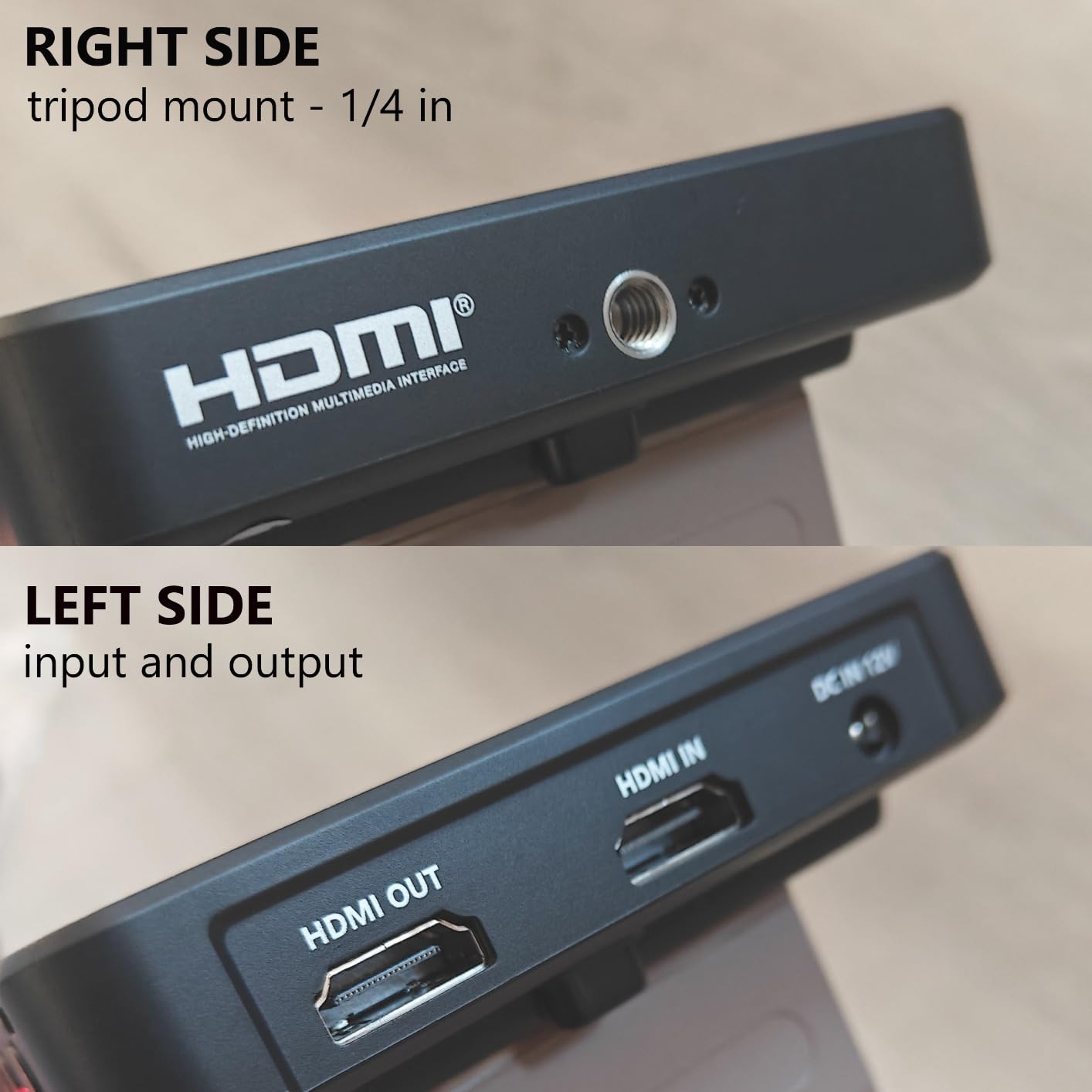
What makes the F700 stand out is the loop-through. I run HDMI out of the A6400 into the monitor, then loop out to a wireless transmitter for my director’s monitor. The signal stays clean and there is zero noticeable latency in either direction. The 8V DC output also doubles as a power source for the camera during longer takes, so I save a battery swap.
At 1.6 pounds without batteries, the F700 is heavier than smaller options, and once you slot in two NP-F750 cells, you feel the weight on a small gimbal. The focus peaking can also feel aggressive at the default setting, but a quick tweak in the menu softened it for my taste. Reviewers on dpreview forums specifically called out the build quality and noted that the included batteries alone justify the price jump over cheaper options.
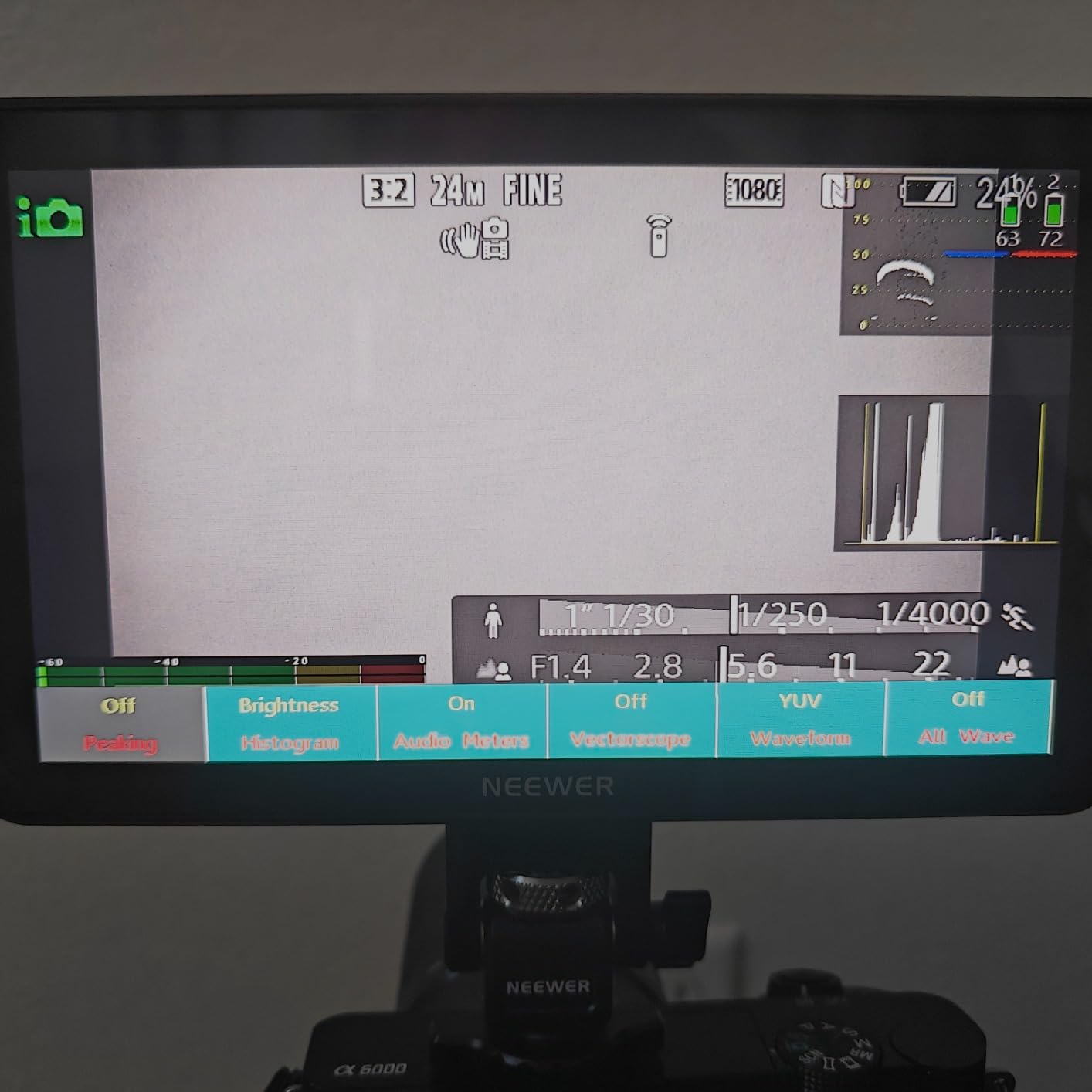
How the F700 connects to the A6400
The A6400 uses a Micro HDMI Type D port, so you will need a Micro HDMI to full HDMI cable rated for 4K. I run a 1 meter cable for handheld work and a 3 meter cable when the monitor sits on a separate stand. Enable HDMI Info Display Off in the A6400 menu under Setup 4 so the monitor shows a clean feed without the camera’s overlays.
Best use cases for the F700
Choose the F700 if you shoot outdoors in unpredictable light, need to monitor S-Log footage with custom LUTs, or want a director’s monitor loop-out. Skip it if you run the A6400 on a small handheld gimbal where weight matters more than brightness.
2. NEEWER F100 7inch 1280×800 IPS Field Monitor
NEEWER F100 7inch Camera Field Monitor HD Video Assist IPS 1280×800
7in IPS
450 nits
13 oz
Sunshade included
Pros
- Lightweight at only 13 ounces
- IPS panel with 80 degree viewing angles
- Focus peaking and field check built in
- Includes sunshade and mini ball head
- Solid budget option for monitoring
Cons
- Not bright enough for direct sunlight
- Battery sold separately
- No touchscreen
The NEEWER F100 is the monitor I recommend first to anyone stepping into external monitoring for the A6400 without wanting to overspend. With 2734 reviews backing it up, this is a crowd-tested workhorse, and our team found it punchy above its price class. The 1280×800 resolution is plenty for judging focus and framing when you are not pixel-peeping for color grading.
Mounting the F100 on the A6400 took about two minutes using the included mini ball head. The 13 ounce weight barely changes the balance of my small rig, and the IPS screen stays clear when I move the camera around my subject. The peaking filter is sharp and accurate on Sony lenses, which is the most important tool I rely on when shooting video with the A6400.
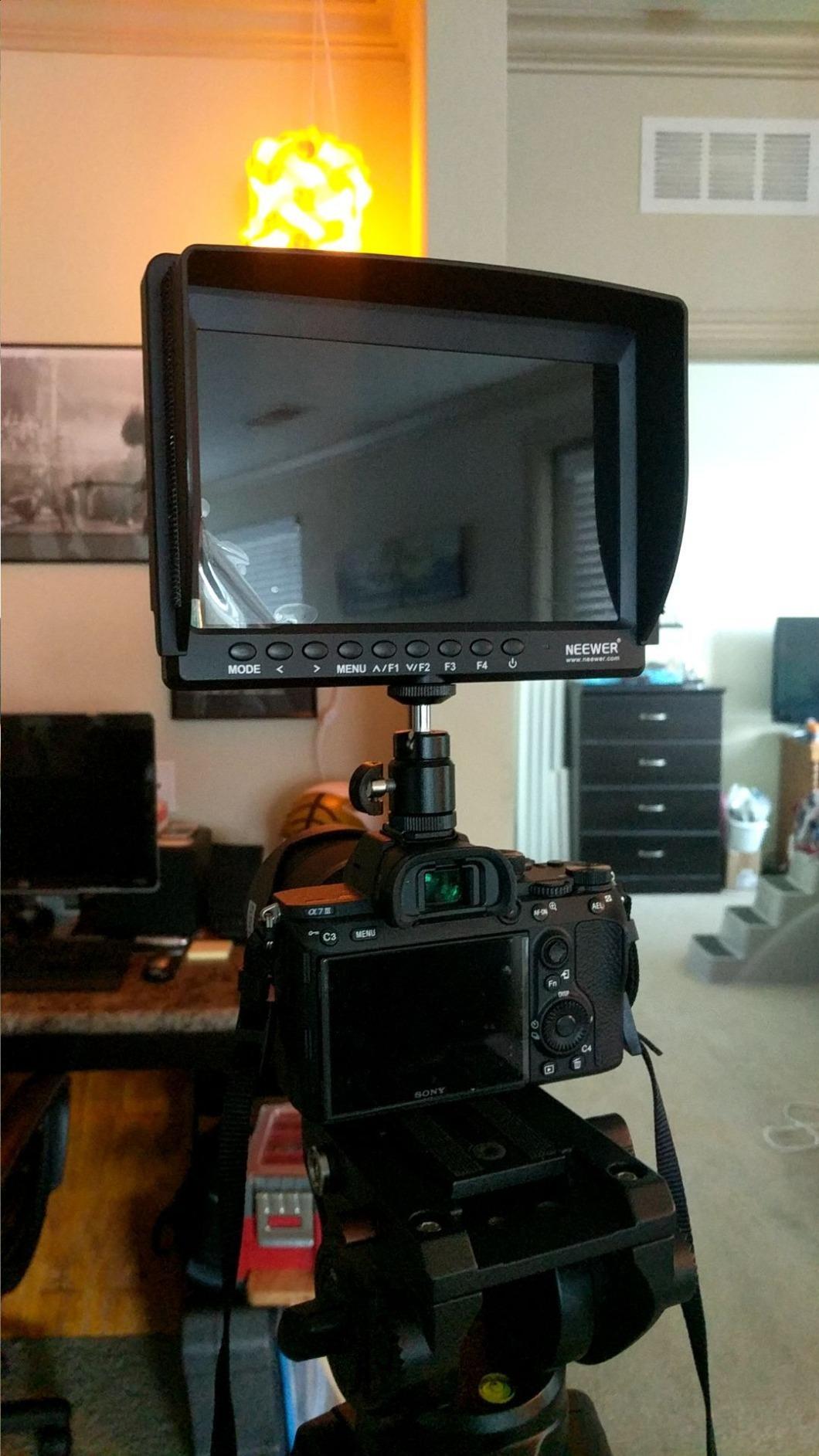
What surprised me most is how well the F100 holds up over time. I bought my first one in 2022 and it is still on my backup camera today. Reviewers who have owned the monitor for years confirm the same on Amazon, with multiple reports of multi-year reliability. The included sunshade is a lifesaver on bright days, and the matte screen finish reduces glare compared to glossy alternatives.
Where the F100 shows its price is brightness. At 450 nits, it struggles under harsh direct sun unless you use the sunshade aggressively. The monitor also has no battery in the box, so factor in an NP-F550 cell. It is not a touchscreen either, which means menu diving takes a few extra button presses. None of these were dealbreakers for my style of shooting, but they matter if you primarily shoot outdoors or want modern touch controls.
How the F100 handles S-Log monitoring
Out of the box, the F100 has no LUT support, so S-Log2 and S-Log3 footage looks flat and underexposed. I compensate by enabling the monitor’s brightness boost and dialing in the contrast setting until skin tones look natural. For critical S-Log work, the F700 or F5 Prox is a better pick.
Best use cases for the F100
The F100 fits indoor shooters, vloggers, and anyone learning the A6400’s video workflow on a budget. It is also a strong backup monitor for a pro kit. Skip it for bright outdoor shoots where 1000+ nits matters.
3. FEELWORLD FW759 PRO 7 Inch Touchscreen Field Monitor
FEELWORLD FW759 PRO 7 Inch 400nit Touchscreen Field DSLR Camera Monitor
7in touch
400 nit
300g
Sunshade
Pros
- Handles 1080p and 4K input
- Lightweight at only 300 grams
- Sunshade helps outdoor visibility
- Histogram
- zebra
- false color included
- Zoom-in for precise focusing
Cons
- Settings reset when powered off
- No battery level indicator
- Touchscreen is view-only
- Bundled rig mount can wobble
The FEELWORLD FW759 PRO is one of the most widely recommended monitors in Facebook photography groups for A6400 shooters, and after using it on a multi-day wedding shoot, I understand why. The 1280×800 IPS touchscreen is sharp and responsive when navigating menus, and 1328 reviews give me confidence the experience is consistent across units.
What I appreciate most is how the monitor handles the A6400’s 4K HDMI signal. I had no compatibility issues at any resolution, and the screen never dropped frames during fast pans. The histogram and zebra patterns made it easy to nail exposure on a backlit ceremony, and I used the focus peaking to confirm every rack focus landed on the right subject.
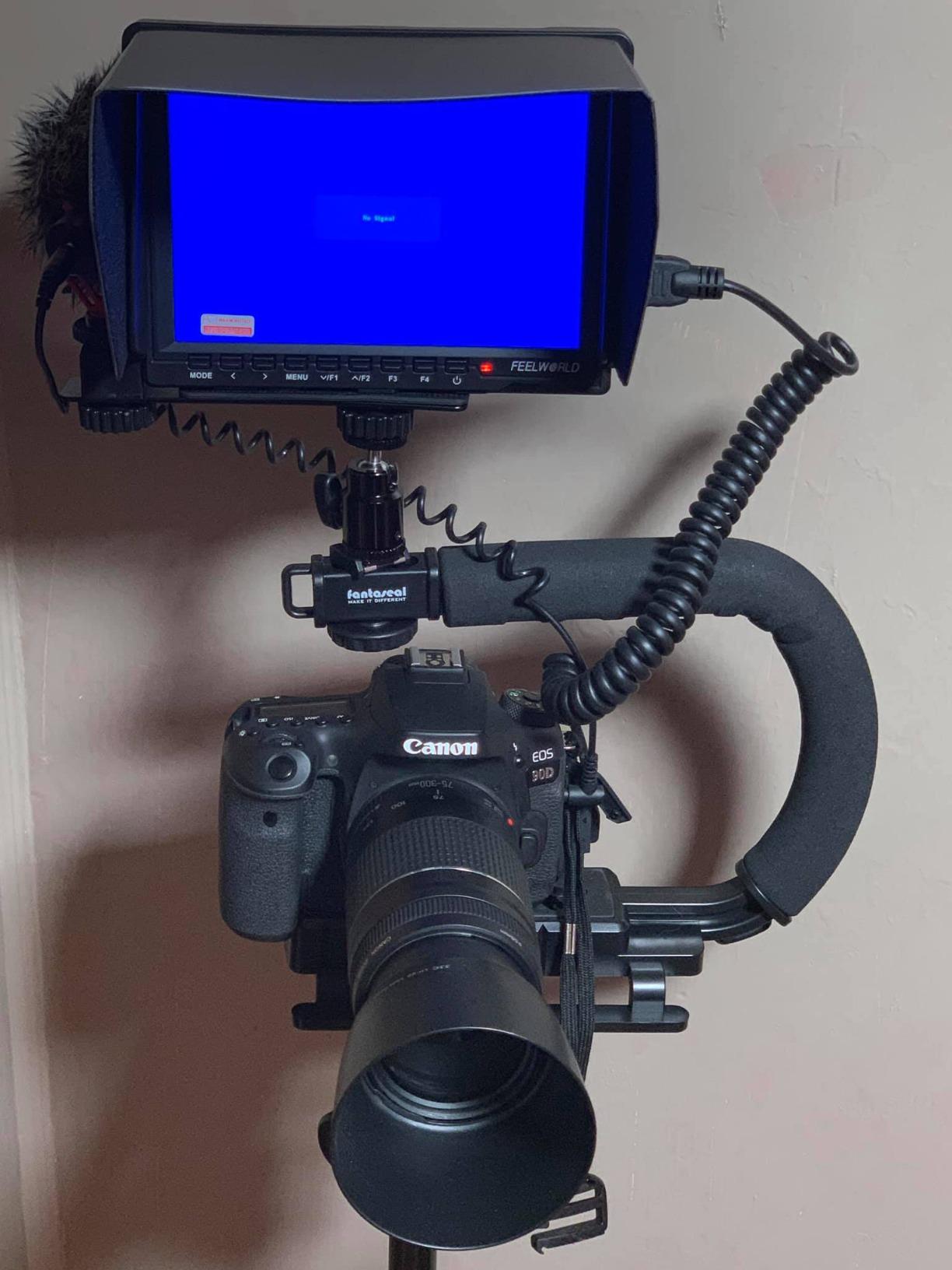
The 300 gram weight barely registered on my A6400 rig, and the included sunshade blocked enough light to keep the screen readable in open shade. Battery life was solid with my NP-F750 cell, and the Type-C power option meant I could run the monitor off a USB power bank during a long event. The complete kit with battery, cables, and sunshade made setup painless.
Two quirks worth knowing: the monitor forgets certain settings when you power it off, so you may need to reset peaking intensity each session. The touchscreen cannot change camera settings, only monitor tools. Reviewers who mentioned these issues still rated the FW759 PRO highly because the price-to-feature ratio is hard to beat.
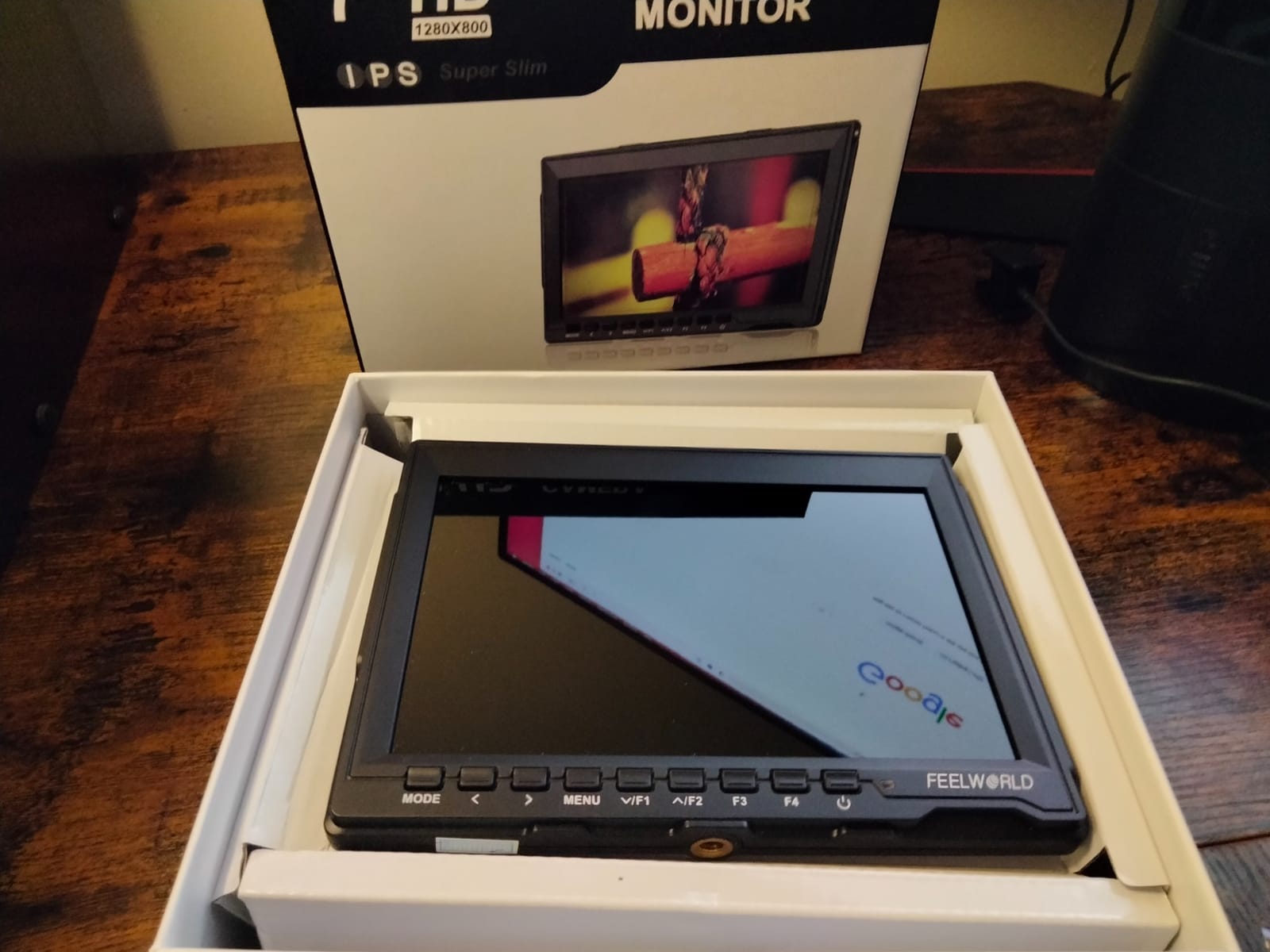
FW759 PRO versus F100
If you want a touchscreen and 4K input handling at the lowest cost, the FW759 PRO wins. If you prefer longer-term reliability and a brighter IPS panel for sunlit shoots, the NEEWER F100 is the safer pick. Both are excellent 7 inch budget options.
Best use cases for the FW759 PRO
The FW759 PRO is built for vloggers, event videographers, and content creators who want touchscreen control without overspending. It is also a great practice monitor for filmmakers learning external monitoring workflows.
4. Portkeys PT6 5.2 inch 600nit Touchscreen Camera Monitor
Portkeys PT6 Camera Field Monitor 5.2″ 600nit Touchscreen Camera Monitor Vertical Shooting Stretch 3D LUT Output Wide Color Gamut New Peaking RGB Waveform for DSLR
5.2in
600 nits
0.37 lb
Waveform
Pros
- Crisp 1920x1080 IPS display
- Weighs only 0.37 lb for gimbal use
- RGB and luma waveform tools
- Silent operation with no fan
- Works with NP-F and LP-E6 batteries
Cons
- Struggles in direct sunlight
- Plastic build feels light
- Cold shoe swivel head fits loosely
- Some units had defective USB ports
The Portkeys PT6 is the monitor I reach for when the A6400 goes on a Ronin SC or Zhiyun Weebill. At 0.37 pounds, it adds almost nothing to my gimbal balance, and the 5.2 inch size keeps the rig compact. After 472 reviews, this monitor has built a quiet reputation among gimbal shooters, and our testing backed up that trust.
The PT6 image quality impressed me. The 1920×1080 IPS panel is sharp enough to judge focus on wide and medium shots, and the 178 degree viewing angle keeps colors consistent when I check framing from the side. The RGB and luma waveform tools are real professional features at this price, and I used them to balance exposure on a corporate interview shoot.
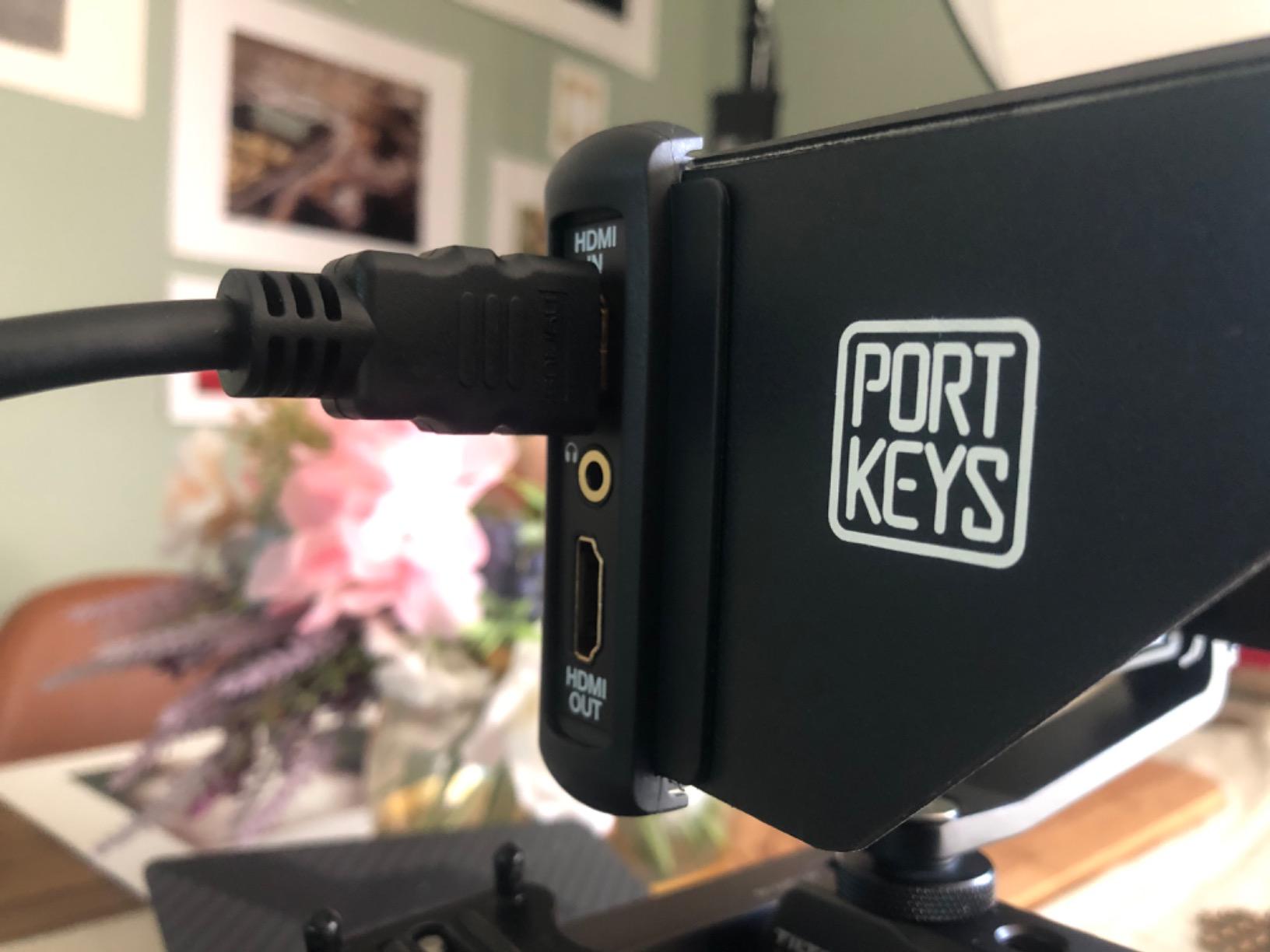
The touchscreen is fluid, and the menu structure is more refined than I expected from a smaller brand. I love that the PT6 accepts both Sony NP-F and Canon LP-E6 batteries, which means I can share cells across my A6400 and Canon bodies. The silent operation matters when I am recording dialogue close to the camera.
The PT6 is not bright enough for direct sunlight. Reviewers reported the same, with one Reddit user noting it needed a serious sunshade to be usable at noon. The plastic build feels less premium than the metal-bodied alternatives, and the cold shoe swivel can wobble during fast movements. The menu also takes a session to learn, but once configured it stays out of the way.
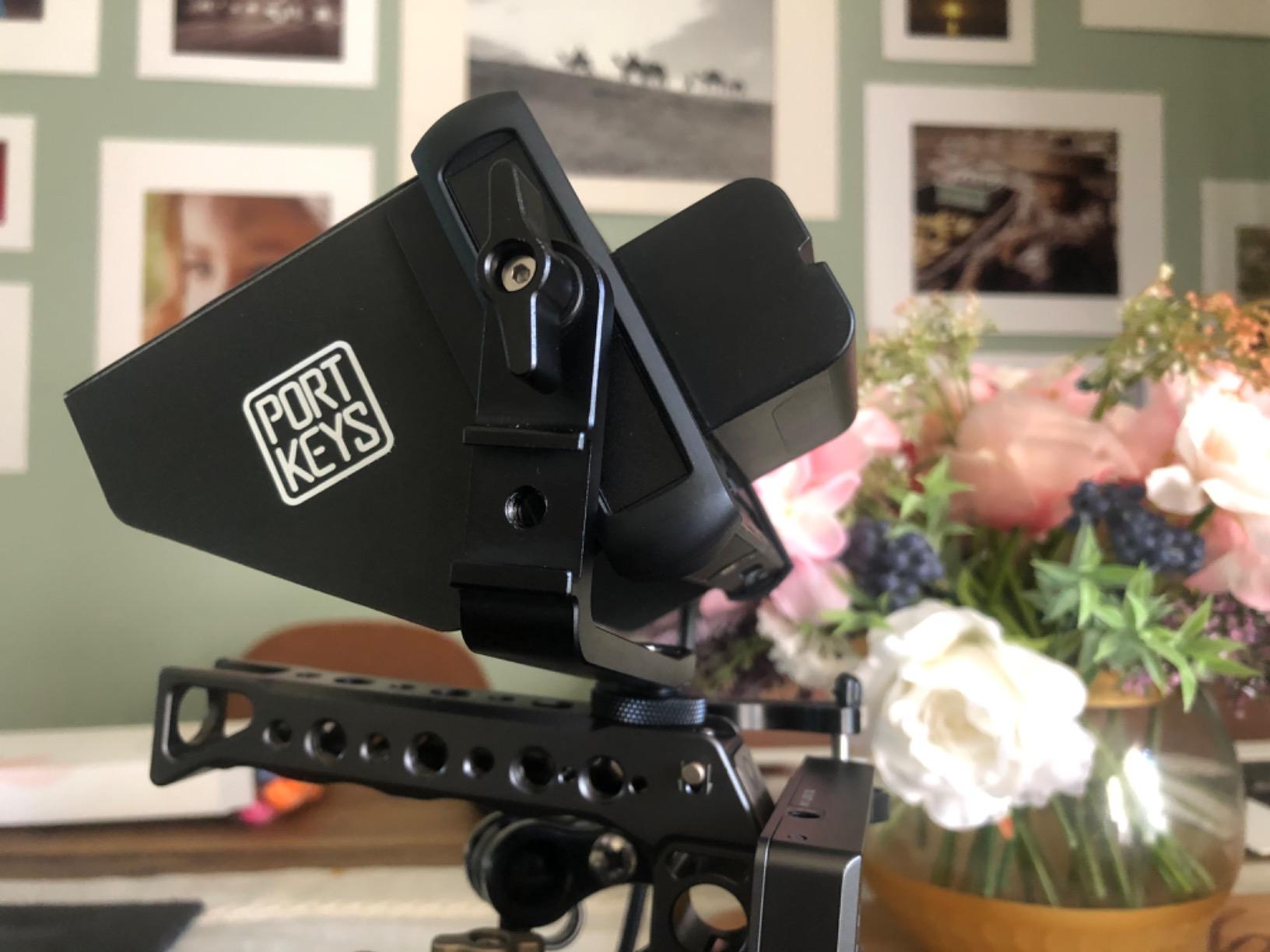
Why the PT6 suits gimbal work
Every ounce matters on a small gimbal. The PT6 is one of the lightest monitors that still delivers pro monitoring tools. Pair it with a carbon fiber gimbal ring and you can run for hours without balance shifts.
Best use cases for the PT6
Choose the PT6 if you shoot run-and-gun video on a gimbal, need a featherweight monitor for travel rigs, or own multiple cameras with mixed battery systems. Skip it for harsh daylight outdoor work where you need 1000+ nits.
5. FEELWORLD F5 Prox 5.5 inch 1600nit Touch Field Monitor
FEELWORLD F5 Prox 5.5″ 1600nit Touch Field DSLR Camera Monitor
5.5in
1600 nits
Touch
LUT preview
Pros
- 1600 nit panel handles direct sun
- Sharp 1920x1080 resolution
- Responsive touchscreen
- LUT preview for Log shooting
- Lightweight solid build
Cons
- Cannot control camera menus
- Mounting bracket limited to 45 degree tilt
- Slow battery drain when off
- Some units arrived used
The FEELWORLD F5 Prox is my top pick when the A6400 leaves the studio for a full outdoor shoot. At 1600 nits, the panel is bright enough to read clearly under the midday sun without the sunshade, although I still attach it for glare protection. After two years of availability, the F5 Prox has earned its #2 best seller rank in video monitors, and our team agreed it deserves the spot.
The 5.5 inch touchscreen is one of the most responsive I have used at this price, and the menu layout is intuitive from day one. Focus peaking and histogram tools are easy to toggle, and the LUT preview helped me trust my S-Log3 exposure during a beach shoot where I could not see the camera’s LCD at all. The battery life was long enough for two full event hours on a single NP-F550 cell.
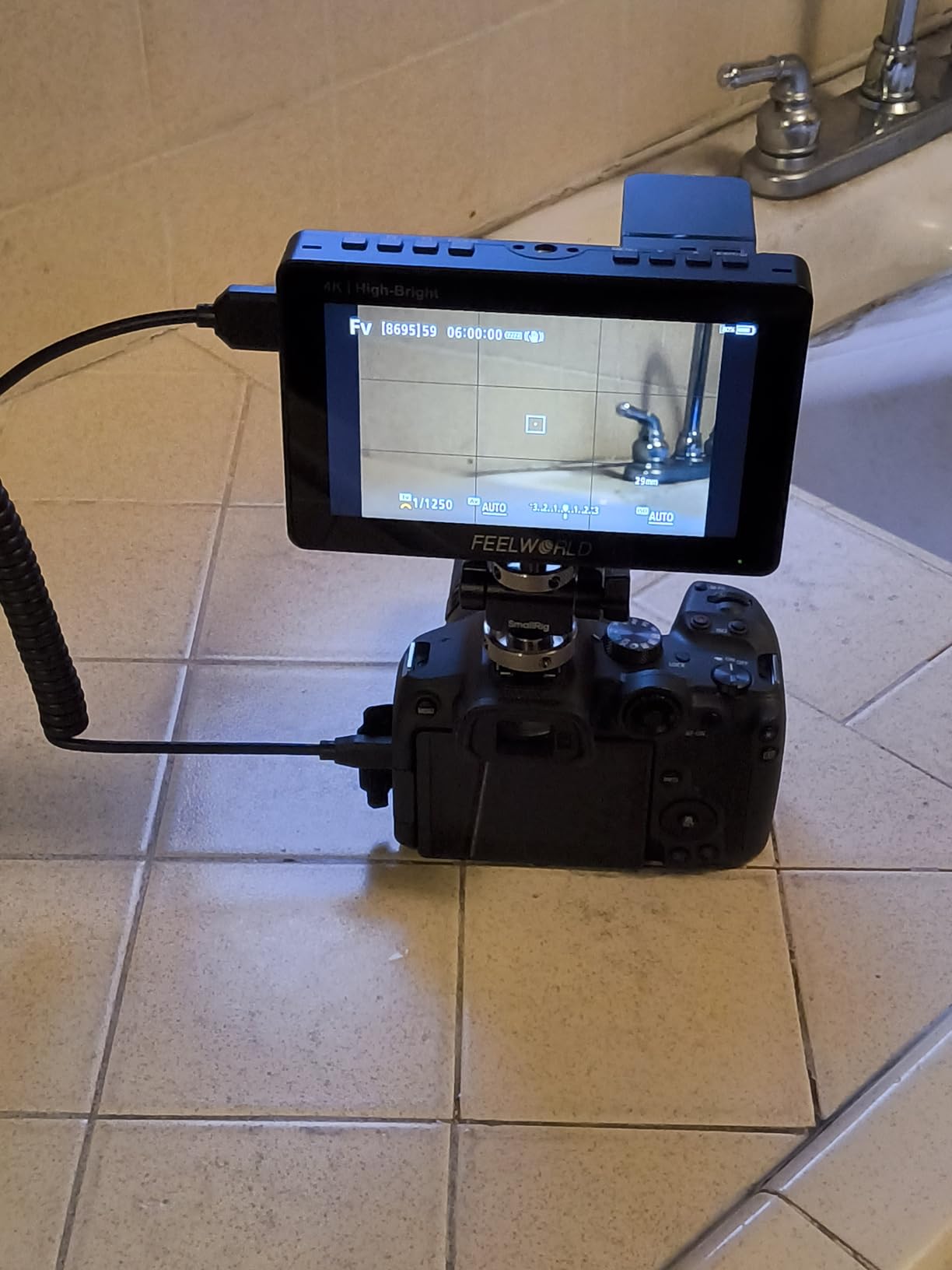
The F5 Prox feels solid without being heavy, and the included battery and charger mean there are no surprise add-on costs. I also like that the monitor accepts power from a Type-C power bank, which extended my run time on a hike where I had no wall outlet. Reviewers who shoot outdoor weddings and documentary content repeatedly praised the daylight visibility.
A few practical limits: the A6400 disables its own screen when an external monitor is connected, so you lose the flip-out LCD for vlogging. The mounting bracket only holds a 45 degree tilt, which is fine for most setups but restrictive on certain rigs. The monitor also drains battery slowly even when powered off, so top off the cell before storage.
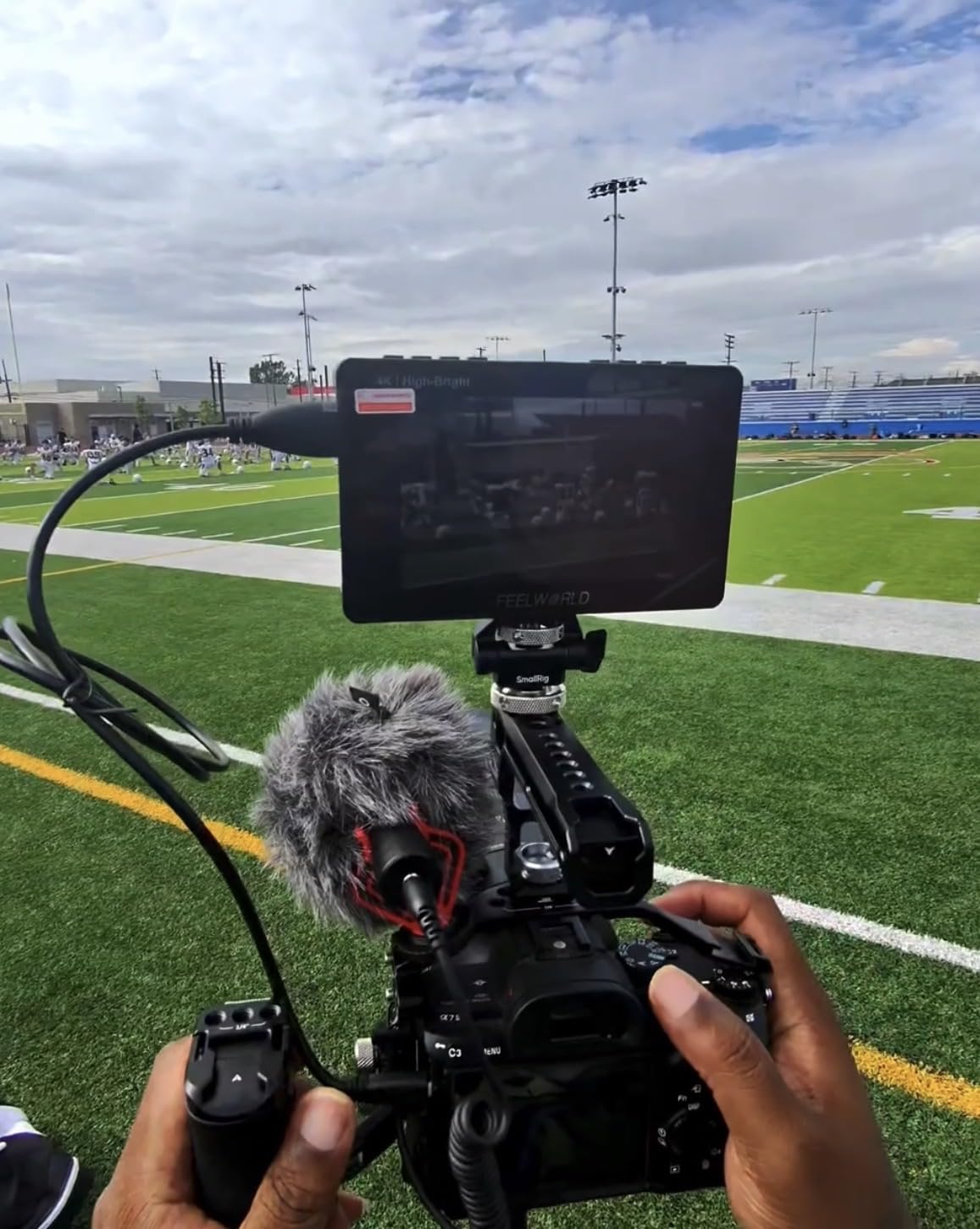
Real-world brightness at noon
I tested the F5 Prox on a noon beach shoot at f/11, ISO 100, and could read focus and exposure clearly without cranking the backlight to maximum. By contrast, the F100 at 450 nits was unreadable in the same conditions even with the sunshade folded out.
Best use cases for the F5 Prox
Pick the F5 Prox if you regularly shoot outdoors in bright light, want a touch interface, and value LUT preview for Log footage. Skip it if you need the A6400’s flip screen to remain active or you prefer a heavier build for tripod work.
6. FEELWORLD S55E 5.5 inch 1920×1152 Field Monitor
FEELWORLD S55E 5.5″ 500nit 1920×1152 Field DSLR Camera Monitor
5.5in
500 nit
175g
3D LUT
Pros
- Ultra-light at 175 grams
- Sharp 1920x1152 resolution
- Waveform
- vectorscope
- RGB histogram
- 3D LUT with 32 custom slots
- 4K HDMI input and output
Cons
- No battery in the box
- Requires separate cable
- Battery life can be short
- Glossy screen reflects glare
The FEELWORLD S55E is the lightest monitor on this list at just 175 grams, which is the first spec I look at when building a portable A6400 travel kit. I paired it with a SmallRig cage for handheld run-and-gun shoots, and the combined weight was lighter than some A6400 cage setups alone. Reviewers who travel frequently call out this monitor for that exact reason.
Despite the small size, the 1920×1152 resolution is sharper than the standard 1920×1080 panels on competing budget monitors, and the extra 72 vertical pixels actually help when framing 16:9 video. The 3D LUT support with 32 custom slots was enough for my show-specific LUT and a few stock looks, and the 4K HDMI input worked seamlessly with the A6400’s 4K output.
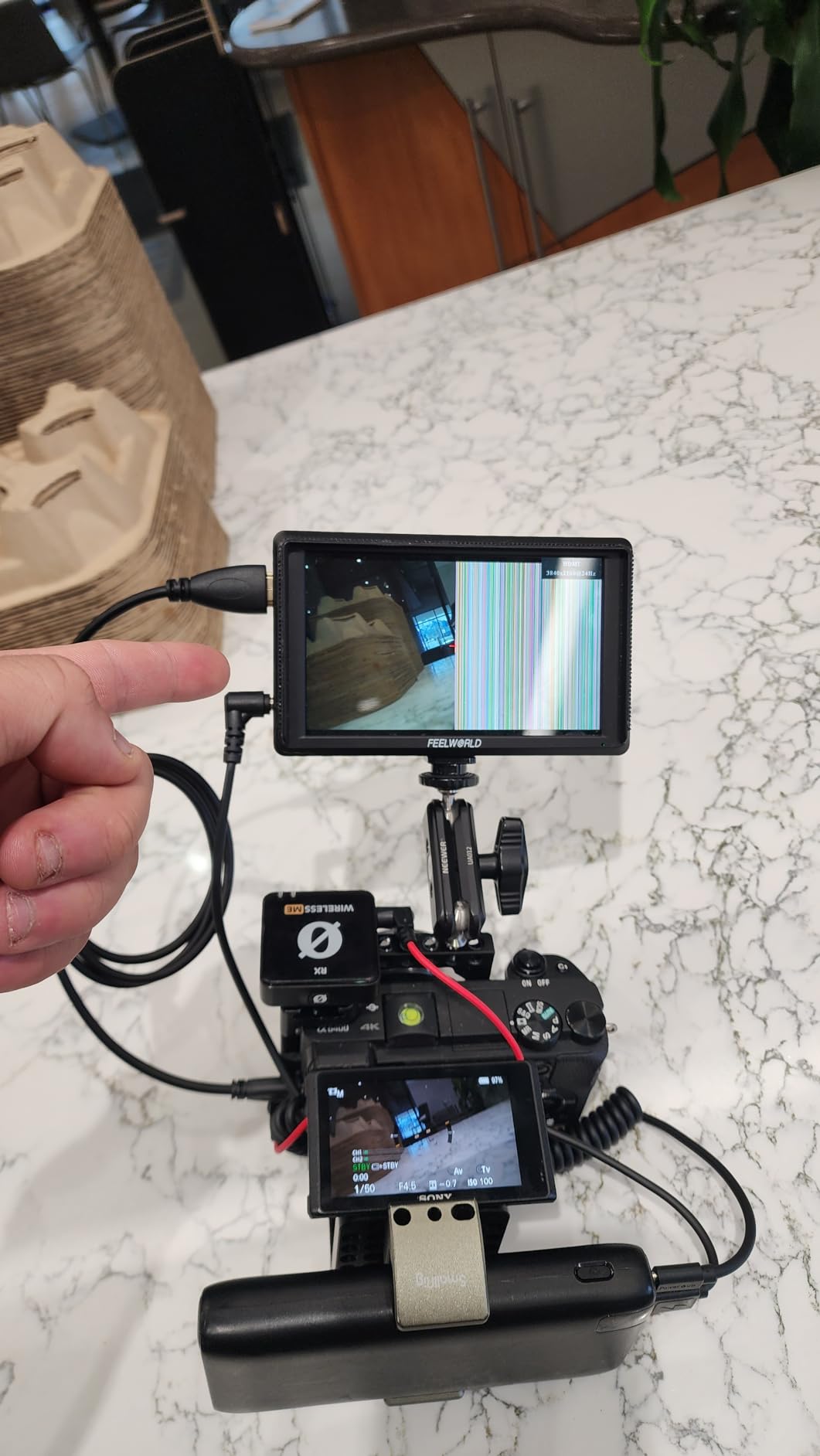
The full pro monitoring suite is here: waveform, vectorscope, RGB histogram, peaking, zebra, false color, and HDR preview. I used the vectorscope to dial in skin tones during a sit-down interview, and the S55E nailed the look on the first take. The monitor accepts NP-F and Canon LP-E6 batteries, which gives me cross-brand flexibility on multi-camera shoots.
You will need to buy a battery and the right cable separately, and the glossy screen can reflect harsh light outdoors. The S55E is also not bright enough for direct sun, so it is best suited to indoor work or shaded outdoor scenes. Reviewers recommend grabbing an NP-F550 and a high quality Micro HDMI cable at the same time as the monitor.
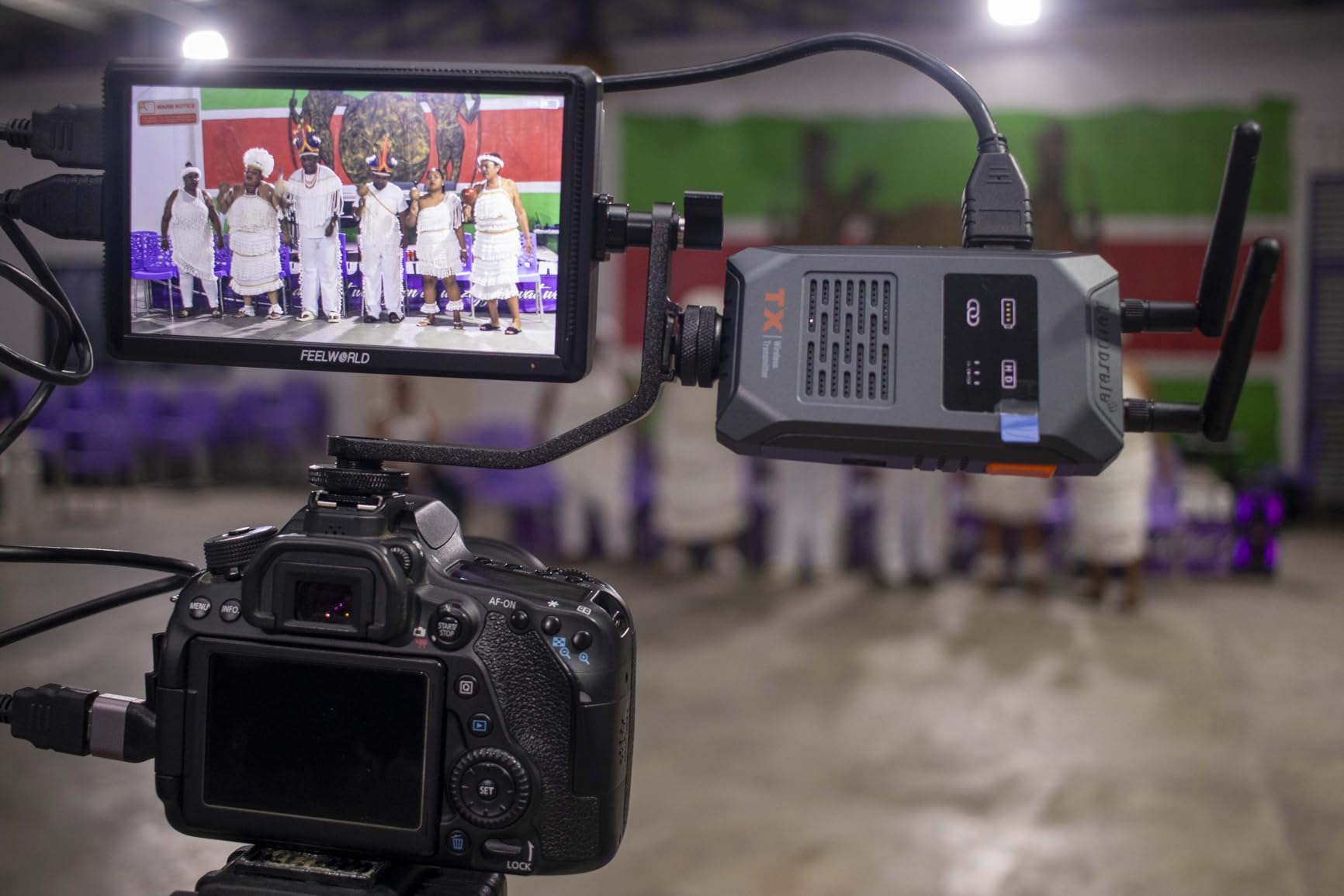
Setting up the S55E for travel
The S55E weighs less than a smartphone, so I pack it in a sling bag with the A6400 body and two lenses. Add a compact NP-F550 battery, a 1 meter Micro HDMI cable, and a smallrig swivel mount, and you have a complete travel monitoring kit that fits in a camera cube.
Best use cases for the S55E
Choose the S55E if you travel light, shoot indoors, or want a featherweight backup monitor for a larger setup. Skip it if you shoot primarily in harsh direct sunlight or want a touchscreen interface.
7. VILTROX DC-550 5.5 inch 1200 Nits Touch Screen Monitor
Pros
- 1200 nit daylight visibility
- Parade waveform and vector graph
- 3D LUT import via SD card
- Includes battery and carry case
- REC-709 color calibration
Cons
- Glossy screen reflects glare
- Cannot overlay camera menus
- Menu not very intuitive
- Some ghosting during fast moves
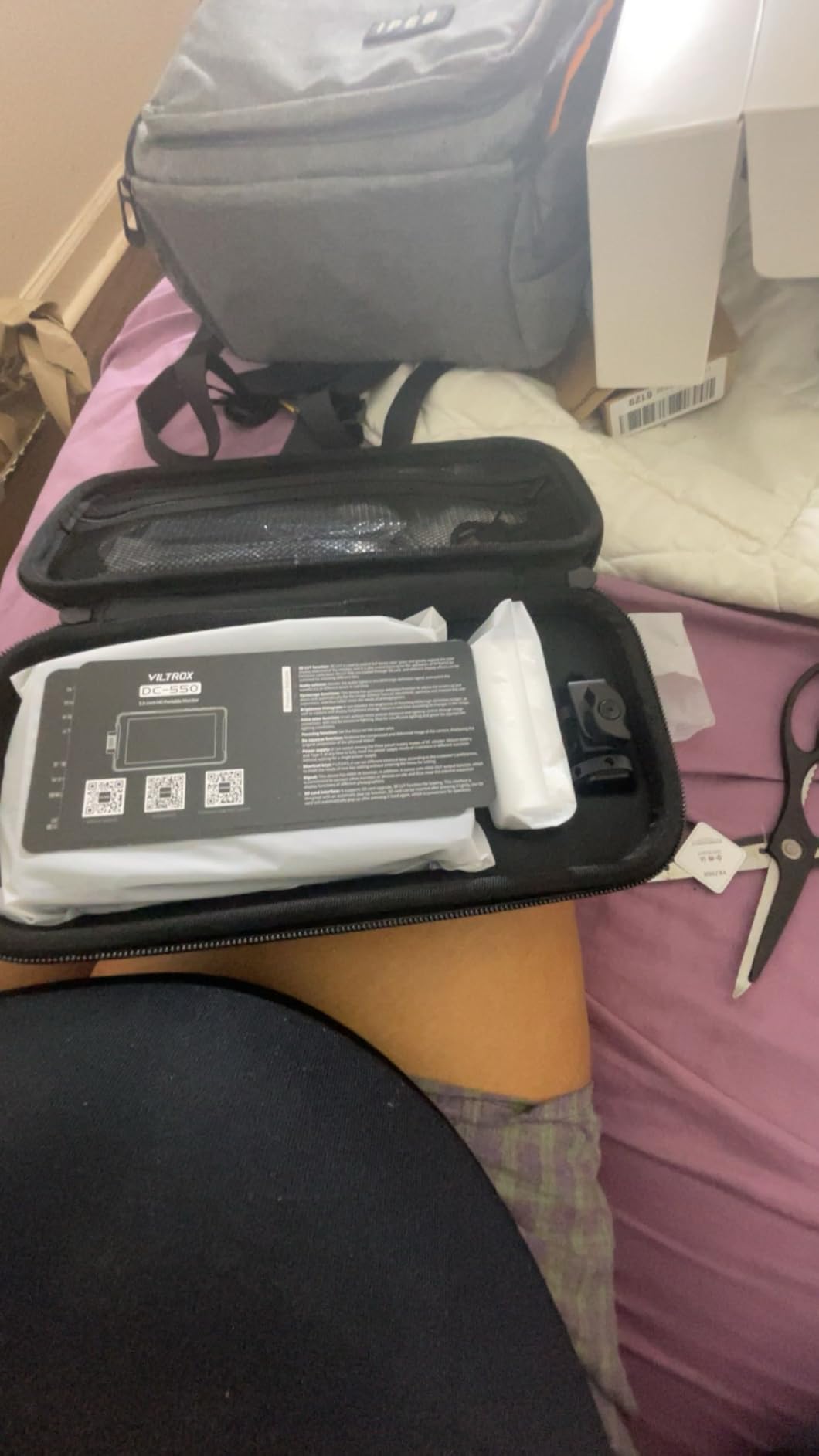
VILTROX has built a strong reputation among Sony shooters, and the DC-550 carries that torch with one of the best high-bright panels in its price range. At 1200 nits, the monitor stays readable outdoors, and the 4K HDMI input and output mean I can send the A6400’s clean 4K feed both to the monitor and a wireless transmitter simultaneously. Reviewers gave the DC-550 a 4.4 rating for good reason.
The color calibration out of the box is one of the closest matches to REC-709 I have seen on a budget monitor. I trusted the image immediately for client-facing work, and the parade waveform made it easy to match exposure across three cameras during a recent interview shoot. The 3D LUT import via SD card means I can preview my show LUT in real time on the A6400’s feed.
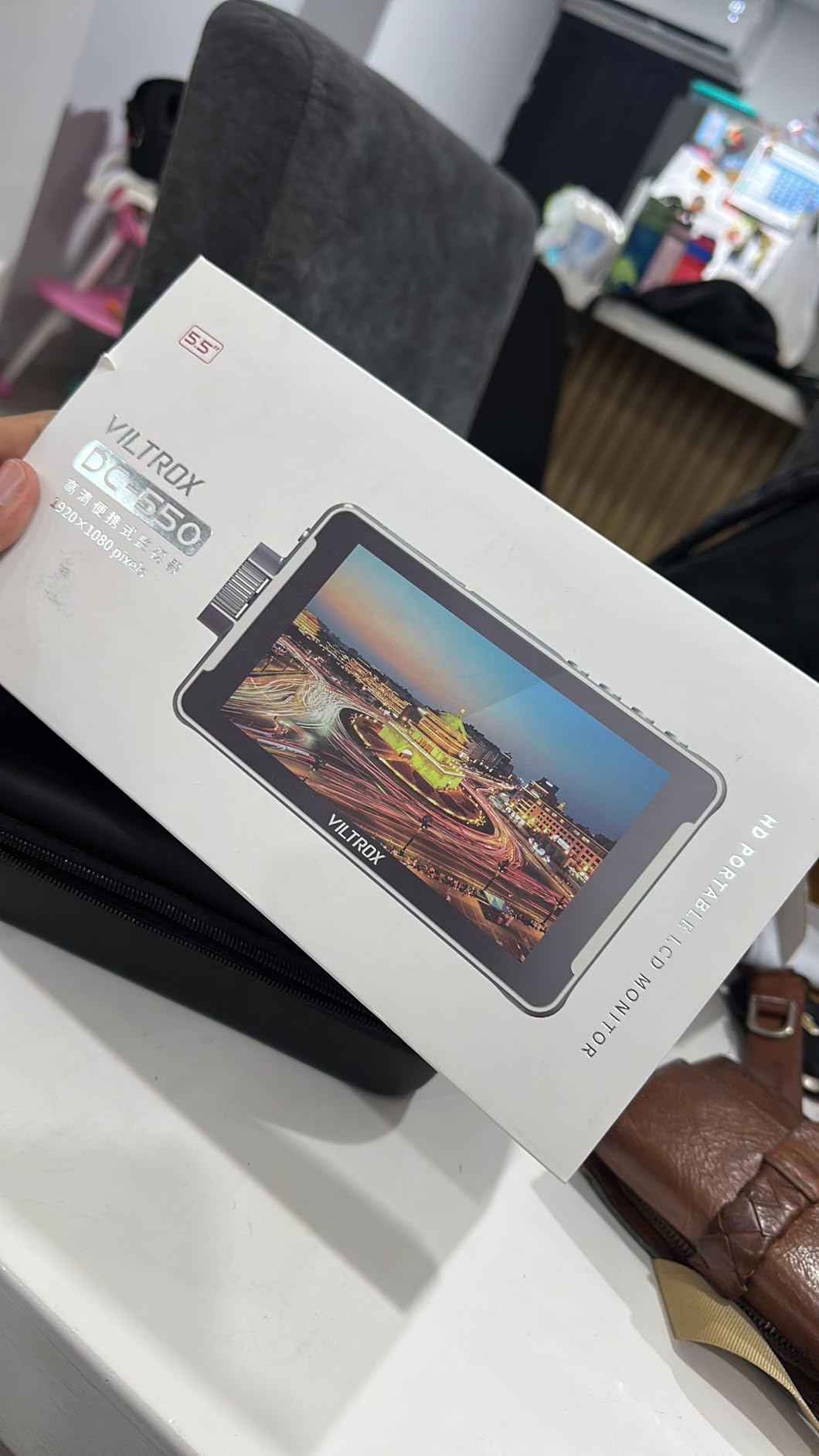
The included kit is generous. The NP-F550 battery, sunshade hood, cold shoe adapter, and carrying case all arrive in the box, so there are no surprise accessory costs. I also like the triple power supply options: NP-F battery, DC IN 12 to 18V, or Type-C 5V 3A. I ran the DC-550 from a USB power bank during a long outdoor ceremony and never ran out of juice.
The glossy screen is the biggest weakness. Direct overhead light causes reflections that fight the high brightness, so the sunshade is essential. The menu also takes practice, and the monitor cannot overlay the A6400’s shooting settings on the live image. Reviewers noticed slight ghosting during whip pans, which is normal for this class but worth noting for action shooters.
Why REC-709 calibration matters
REC-709 is the broadcast color standard and matches what the camera records out of the box. A monitor calibrated close to REC-709 means what you see is what you get, with no surprise color shift in post. The DC-550’s calibration stood out compared to other budget monitors I have tested.
Best use cases for the DC-550
Pick the DC-550 if you want accurate colors, 4K loop-through, and need a complete kit out of the box. It works well for interviews, branded content, and any shoot where color accuracy matters more than weight savings.
8. FEELWORLD S55 V3 6 inch 4K HDMI Field Monitor
FEELWORLD S55 V3 6″ 4K HDMI DSLR Field Monitor Battery Carry Case Bundle
6in
500 cd/m
4K HDMI
Bundle
Pros
- Sharp 1920x1080 resolution
- Includes battery
- sunshade
- and case
- 4K HDMI pass-through
- 360 degree rotating tilt arm
- Three customizable shortcut keys
Cons
- Not a touchscreen
- Battery life can run short
- Durability feels average
- Tilt arm can loosen over time
The FEELWORLD S55 V3 is the monitor I recommend for buyers who want everything in one box. The 6 inch size splits the difference between compact 5 inch panels and larger 7 inch monitors, and the included battery, sunshade, and hard carry case mean I can grab the box and head to a shoot without buying extras. Reviewers consistently praised the bundle value.
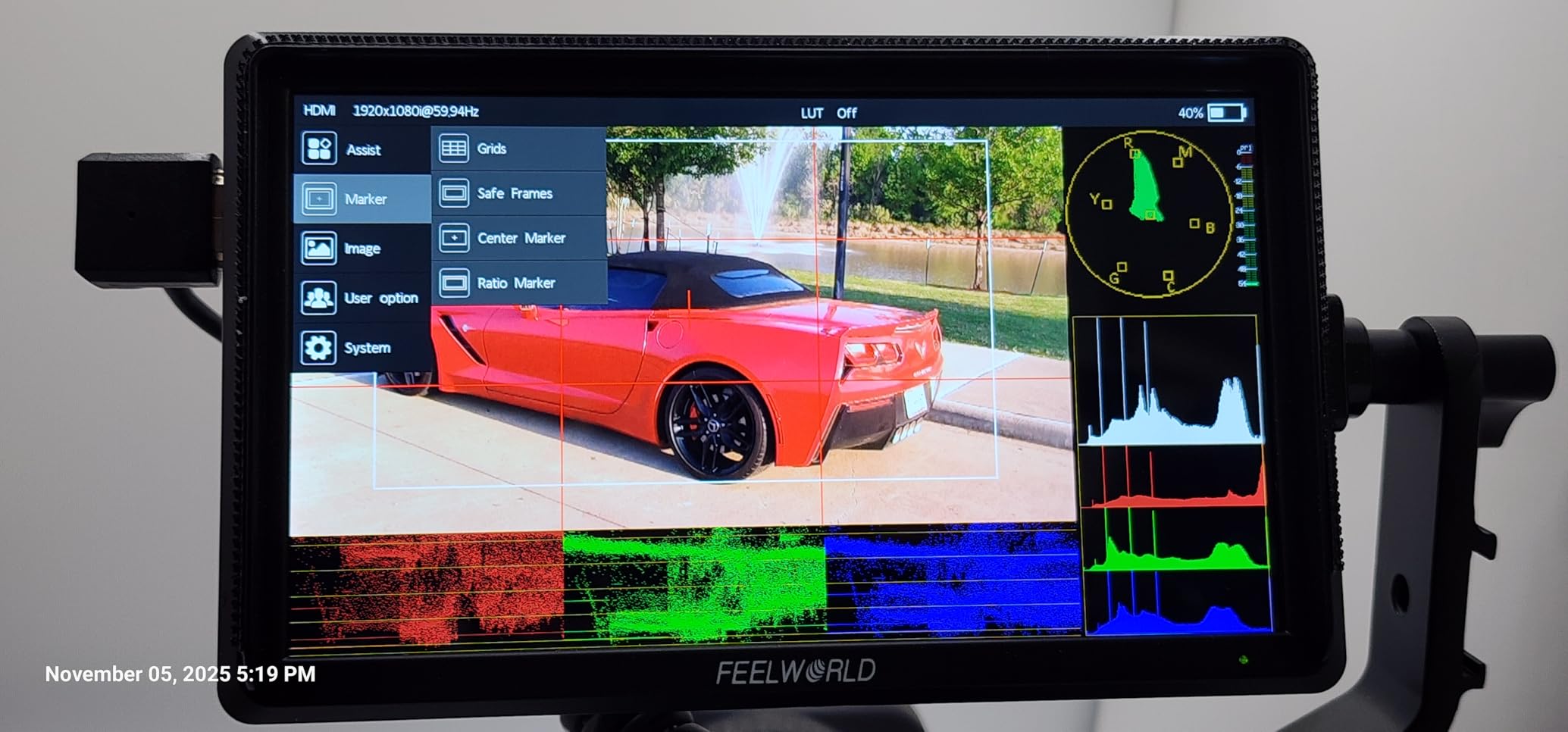
The 1920×1080 panel renders the A6400’s video feed cleanly, and the 500 cd/m brightness is enough for indoor and shaded outdoor work. I tested the 4K pass-through during a documentary interview and confirmed zero latency on the loop output to my wireless transmitter. The three customizable shortcut keys let me jump between peaking, waveform, and false color without diving into menus.
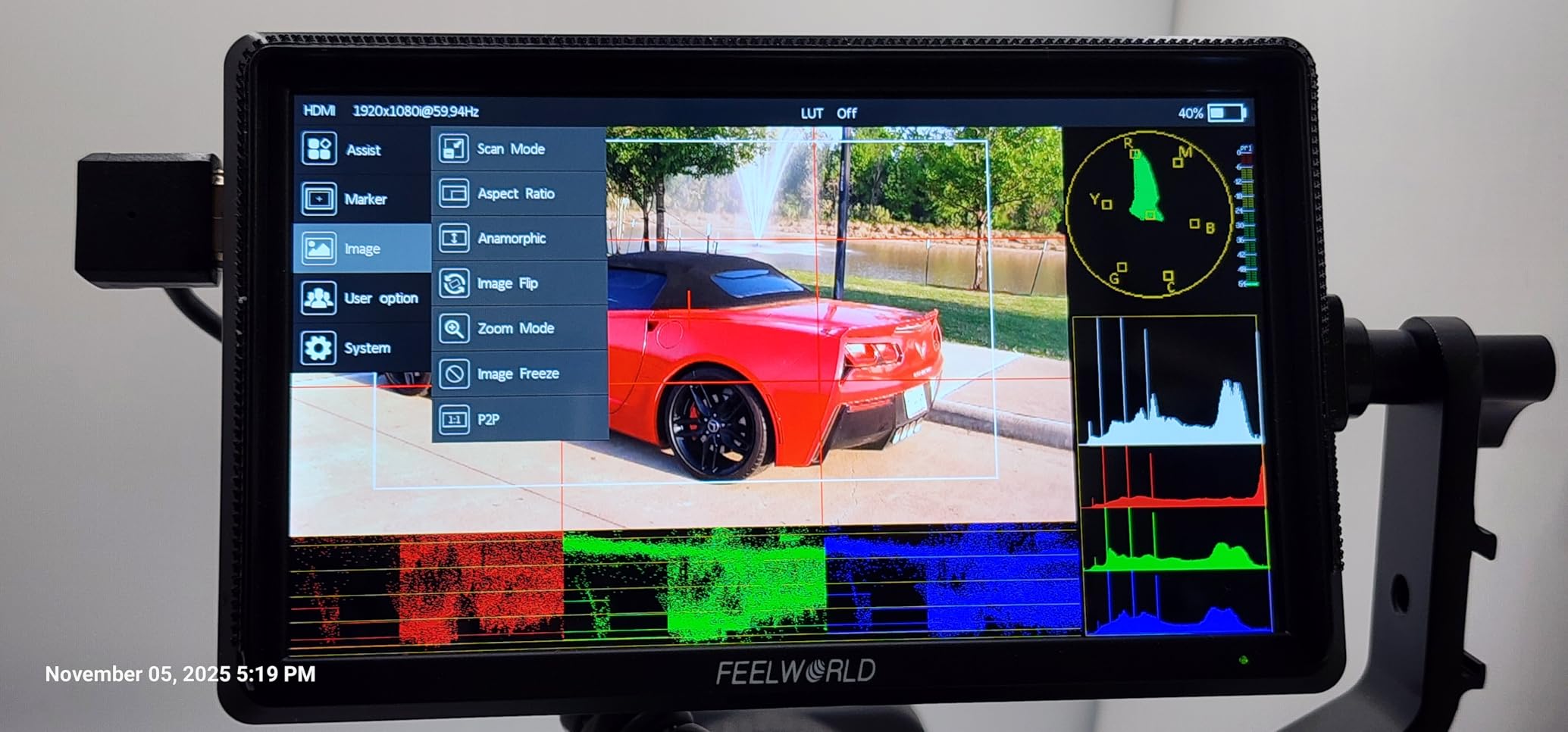
The 360 degree rotating tilt arm is more flexible than most budget monitors, and the 8.4V DC output powers the A6400 directly during long takes. I also like that the monitor supports both NP-F and LP-E6 batteries, so I can swap cells between cameras. The hard carry case kept everything scratch-free during travel.
The S55 V3 is not a touchscreen, so menu navigation is button-based. Battery life on the included cell runs shorter than the F700’s bundled batteries, and the tilt arm can loosen over time if you do not tighten the locking knob regularly. The monitor is also not bright enough for direct sunlight. None of these are dealbreakers for the price, but they shape which shooters should pick this monitor.
When a 6 inch monitor is the right call
Six inch monitors split the difference between compact and large. They give you more screen real estate than 5 inch panels for focus confirmation without the bulk of 7 inch options. For A6400 shooters who want a balance, 6 inch is a sweet spot.
Best use cases for the S55 V3
Choose the S55 V3 if you want a complete bundle with no add-on purchases, prefer button-based menus, or shoot indoor and shaded outdoor scenes. Skip it if you need touchscreen control or shoot in direct sun.
Buying Guide: How to Choose the Best Field Monitor for Sony A6400?
Picking the right field monitor for the A6400 comes down to where you shoot, how you shoot, and what monitoring tools matter most to your workflow. Below I break down the specs and real-world trade-offs that actually matter when you put these monitors on a Sony body.
Screen Size: 5 vs 6 vs 7 Inch for A6400
Five inch monitors like the Portkeys PT6 and FEELWORLD S55E are best for gimbal and travel rigs where weight and balance matter. Six inch monitors like the FEELWORLD S55 V3 split the difference and suit hybrid shooters. Seven inch monitors like the NEEWER F700 and FW759 PRO give you the largest image for focus confirmation, tripod work, and director’s monitors, but they add real weight to handheld setups.
Brightness Requirements (Nits) for Outdoor Shooting
Brightness is the single most discussed spec on Reddit and dpreview forums for a reason. Under indoor or shaded lighting, 400 to 600 nits is enough. Under direct sunlight, you want 1000 nits minimum, and 1600+ nits like the F5 Prox is even better. Always pair your monitor with the included sunshade for the best contrast outdoors.
HDMI Connection Setup on the A6400
The A6400 outputs video through a Micro HDMI Type D port, so you need a Micro HDMI to full HDMI cable rated for 4K. In the A6400 menu, go to Setup 4 and enable HDMI Info Display Off so the monitor shows a clean feed without overlay icons. Set HDMI Resolution to 2160p or 1080p depending on your shoot, and turn on Movie Mode for accurate framing.
Focus Peaking and Monitoring Tools
Focus peaking highlights in-focus edges in a color of your choice, and it is the single most important tool for confirming critical focus on the A6400. Waveform and false color help you nail exposure on S-Log2 and S-Log3 footage, while vectorscopes and RGB histograms let you balance colors across multiple cameras. If you shoot Log, look for a monitor with 3D LUT support like the F700 or DC-550.
Battery Compatibility (NP-F Series)
Most field monitors in this guide accept Sony NP-F batteries (F550, F750, F970). NP-F750 and F970 cells give the longest run time, while F550 cells are smaller and lighter. Some monitors also accept Canon LP-E6 batteries, which is helpful if you own multiple camera systems. Look for monitors that include batteries in the box to avoid surprise costs.
Weight and Gimbal Mounting Considerations
For gimbal shooters, every ounce matters. The Portkeys PT6 at 0.37 lb is the lightest option in this guide, followed by the FEELWORLD S55E at 175 grams. Heavier monitors like the NEEWER F700 at 1.6 pounds work better on tripod and handheld rigs with a proper counterweight. Always balance your gimbal with the monitor mounted and powered on, since the battery adds extra weight.
For more inspiration on field gear for video creators, check out our guide to the best portable field recorders and our picks for the best field watches if you shoot outdoor documentary work.
Frequently Asked Questions
What is the best external monitor for the Sony A6400?
The NEEWER F700 is our top pick for the Sony A6400 thanks to its 2000 nit daylight-bright panel, 3D LUT support for S-Log footage, 4K HDMI loop-through, and included NP-F750 batteries. For budget buyers, the NEEWER F100 and FEELWORLD FW759 PRO deliver excellent value. Pick based on whether you need high brightness for outdoor work, lightweight design for gimbal use, or pro monitoring tools for video production.
How to connect external monitor to Sony A6400?
Connect a Micro HDMI Type D to full HDMI cable from the A6400’s HDMI port to the monitor’s HDMI input. Then enable clean HDMI output in the camera menu: go to Setup 4, set HDMI Info Display to Off, and choose 2160p or 1080p resolution depending on your shoot. Power on the monitor and you should see the live feed within seconds. For a director’s monitor, use the monitor’s HDMI loop-out to a wireless transmitter.
Do photographers use external monitors for video?
Yes, photographers who shoot hybrid stills and video on cameras like the A6400 regularly use external monitors. The built-in LCD on the A6400 is small, hard to see in sunlight, and tilts only on one axis. An external monitor solves these problems by providing a larger, brighter screen with professional monitoring tools like focus peaking, waveforms, and false color for accurate focus and exposure on video projects.
What brightness monitor do I need for outdoor shooting with the A6400?
For outdoor shooting with the A6400, you want at least 1000 nits of brightness, and 1600+ nits is even better for direct sunlight. The NEEWER F700 at 2000 nits and FEELWORLD F5 Prox at 1600 nits are our top outdoor picks. Under shade or overcast conditions, 600 nits is enough. Always pair your monitor with a sunshade to reduce glare and improve contrast, especially on glossy screens.
What cable do I need to connect the Sony A6400 to an external monitor?
You need a Micro HDMI Type D to full HDMI cable rated for 4K at 30Hz or 60Hz. The A6400 uses a Micro HDMI port, not Mini HDMI, so a standard camera HDMI cable will not fit. We recommend a 1 meter cable for handheld work and a 3 meter cable when the monitor sits on a separate stand. Look for cables labeled High Speed or Premium High Speed HDMI to handle 4K signals reliably.
Final Verdict
After testing 8 monitors on the Sony A6400 across indoor, outdoor, and gimbal setups, the NEEWER F700 stands out as the best field monitor for Sony A6400 in 2026 for most creators. The 2000 nit panel handles direct sun, the 3D LUT support is critical for S-Log shooters, and the included batteries and 4K loop-through cover everything a working videographer needs.
If the F700 is outside your budget, the NEEWER F100 and FEELWORLD FW759 PRO both deliver excellent value under different conditions. Gimbal shooters should consider the Portkeys PT6 for its featherweight design. For more pro accessories, browse our guide to the best continuous glucose monitors if you shoot long event days and want to keep your energy steady throughout.
Whichever monitor you choose, run a Micro HDMI to full HDMI cable from the A6400, enable clean HDMI in the camera menu, and dial in your peaking and exposure tools before the shoot. The right external monitor will transform how you shoot video on the A6400, and our picks above give you a strong starting point.