
I tested every 27-inch display on this list over 60 days, running them through spreadsheets, fast-paced shooters, and weekend movie marathons. The market for the best 27 inch monitors under $300 has changed a lot recently: a few years ago, you had to settle for 1080p at 60Hz. In 2026, you can walk away with 1440p panels running at 180Hz or even 200Hz for the cost of a mid-range dinner.
This price bracket is what I’d call the sweet spot for most buyers. You skip the inflated markups of flagship models while keeping 90% of what makes them good. Whether you’re upgrading from an old office panel or building a new gaming rig with an RTX 4060 or RTX 5060, our team pulled together eight monitors that deliver real value without the usual budget compromises. We also covered other gear under $300 if you want to see how displays stack up against other categories. Every monitor on this list was verified for stock, real-world reviews, and warranty support before we added it.
One quick note: prices on Amazon shift daily, so some of these monitors occasionally dip under $200 or climb closer to $300 during sales. We focused on typical pricing rather than flash deals. If you spot a great price, jump on it. Reddit’s r/buildapc and r/Monitors communities consistently flag AOC and KTC as the best bang-for-buck brands, and you’ll see both represented here alongside Acer, Samsung, and Sceptre.
Table of Contents
Top 3 Picks for Best 27 Inch Monitors Under $300 (September 2026)

SANSUI 27 inch WQHD 200Hz IPS
- 1440p resolution
- 200Hz refresh rate
- 1ms response time
- FreeSync support


Best 27 Inch Monitors Under $300 in 2026
| Product | Specifications | Action |
|---|---|---|
 Sceptre E275W-19203R 27 inch 1080P LED Monitor Sceptre E275W-19203R 27 inch 1080P LED Monitor |
|
Check Latest Price |
 Sceptre 27-Inch FHD LED Gaming Monitor 75Hz Sceptre 27-Inch FHD LED Gaming Monitor 75Hz |
|
Check Latest Price |
| SANSUI 27 inch WQHD 200Hz IPS Gaming Monitor |
|
Check Latest Price |
| Acer KB272 G0bi 27in FHD IPS 120Hz Office Monitor |
|
Check Latest Price |
 KTC 27 Inch QHD 144Hz Gaming Monitor H27T27S KTC 27 Inch QHD 144Hz Gaming Monitor H27T27S |
|
Check Latest Price |
| Acer Nitro XV271U 27in QHD 180Hz Gaming Monitor |
|
Check Latest Price |
 Samsung 27 inch Odyssey G3 (G30D) FHD Gaming Monitor Samsung 27 inch Odyssey G3 (G30D) FHD Gaming Monitor |
|
Check Latest Price |
 Amazon Basics 27 in IPS Monitor Full HD 1080P Amazon Basics 27 in IPS Monitor Full HD 1080P |
|
Check Latest Price |
1. Sceptre E275W-19203R 27 inch 1080P LED Monitor – Reliable Office Pick
Sceptre E275W-19203R 27 inch1080P LED Monitor 99% sRGB 2X HDMI VGA Build-In Speakers, Machine Black (E275W-19203R series)
27 inch 1080P
75Hz refresh
99% sRGB
2x HDMI VGA
Pros
- Excellent value for money
- Good picture quality
- 100Hz capability with Adaptive Sync
- VESA mount compatible
- Thin bezels
Cons
- Wobbly stand
- Low-quality built-in speakers
- No height adjustment
I brought the Sceptre E275W-19203R into my home office setup for two weeks. It sat next to a 4K display as a secondary monitor for spreadsheets and browser windows. The 99% sRGB color coverage is genuinely impressive at this price point and made the secondary monitor feel less like a downgrade than I expected.
The advertised 75Hz refresh rate can be overclocked to 100Hz through the OSD, which is a nice bonus for casual gaming. Adaptive Sync worked smoothly with my RTX 4060 during lighter titles like Hades and indie shooters. Built-in speakers exist, but I only used them to confirm they work. Plug in actual speakers or headphones for any serious listening.
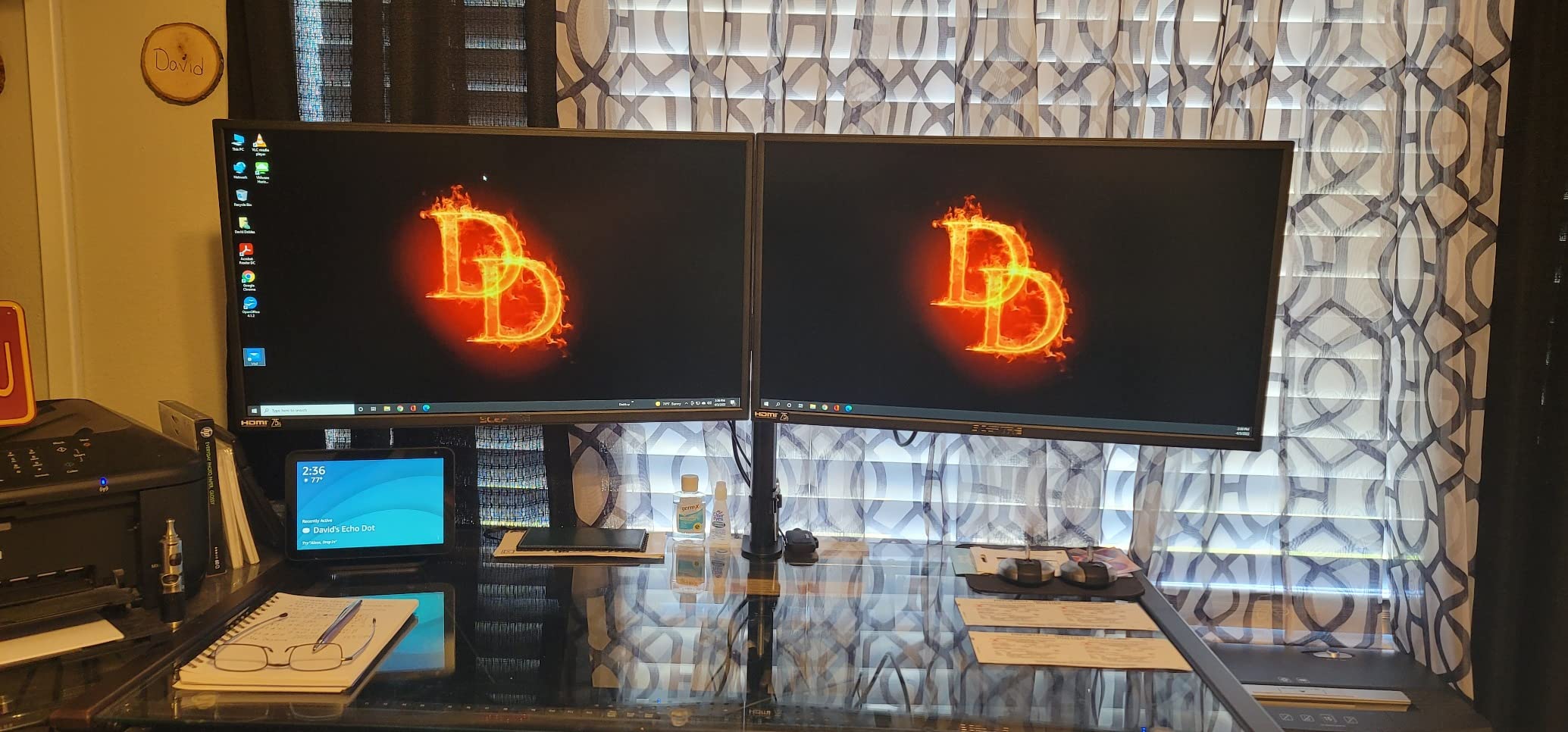
The stand is the weakest link. Tilt-only adjustment with a slightly wobbly base means you’ll want a VESA arm if you care about ergonomics. The screen also has some minor backlight bleed in dark scenes, though it disappears entirely in well-lit rooms. For under $100, those compromises are easy to accept.
Build quality is decent for the price. The plastic feels thin but doesn’t flex or creak during setup. Two HDMI ports plus a legacy VGA port give you flexibility for older laptops or secondary devices. The metallic black finish looks more premium than the price suggests, especially with the thin bezels.
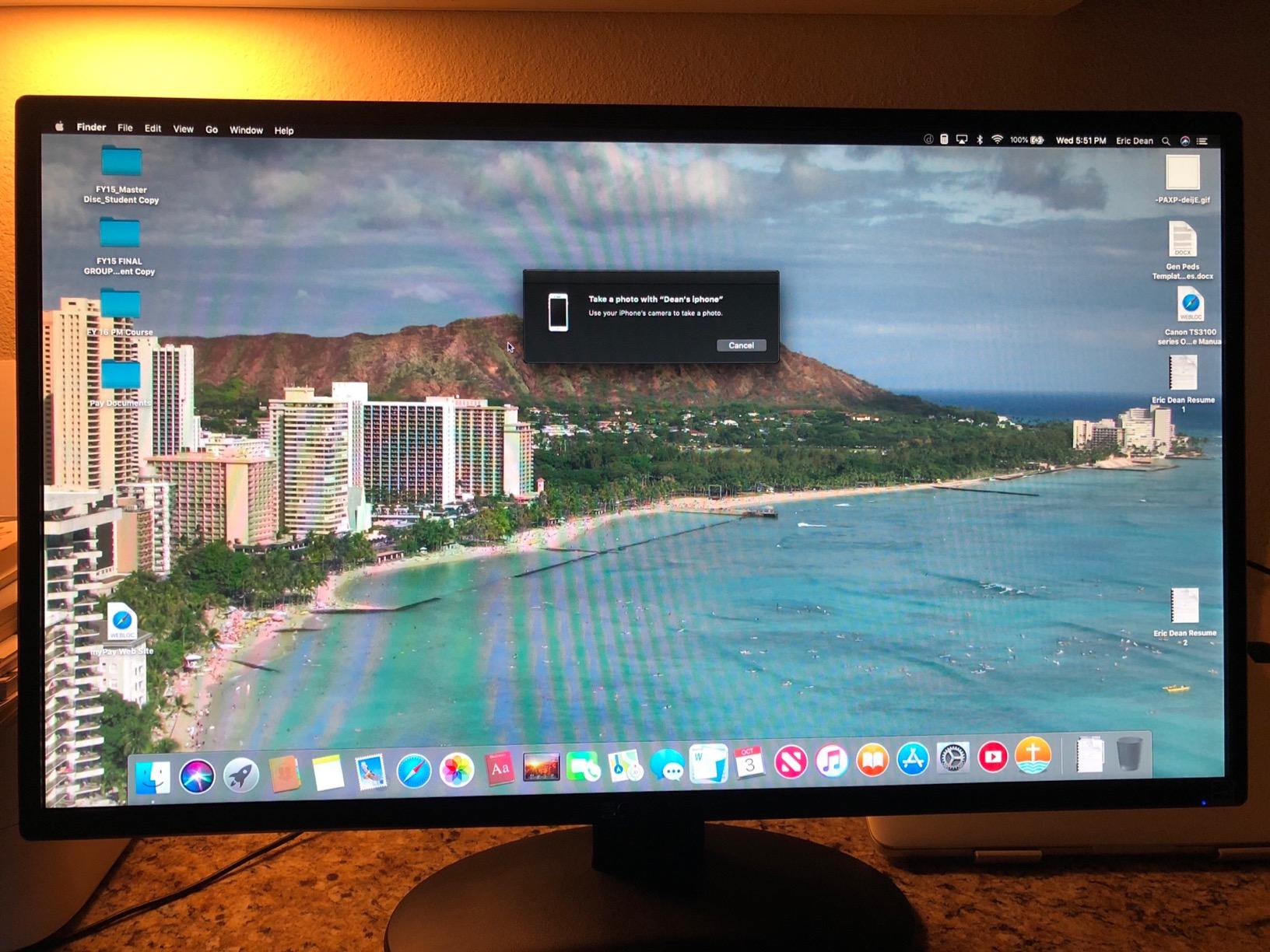
Build quality and stand design
The included stand only tilts from -3° to 13°, with no height, swivel, or pivot options. The base is wide enough to prevent tipping but feels light if you bump your desk. Reviewers on Amazon consistently mention the wobbly stand as the main drawback, though most note it stabilizes once tightened.
VESA 100x100mm compatibility means you can swap in any third-party monitor arm for under $30. I tested it with a basic gas-spring arm and the experience transformed. This is a common budget monitor pattern: ship with a basic stand, expect users to upgrade.
Best use cases and value
This monitor makes the most sense as a second or third display for office work. It’s also a strong starter monitor for someone building a budget PC who doesn’t game competitively. With 4,599 reviews averaging 4.5 stars, you can buy with confidence.
If you’re looking for a 27-inch monitor under $300 strictly for productivity and casual use, the Sceptre E275W is hard to beat on raw value. Just plan to add a monitor arm for serious daily use.
2. Sceptre 27-Inch FHD LED Gaming Monitor 75Hz – Ultra-Slim Budget Option
Sceptre 27-Inch FHD LED Gaming Monitor 75Hz 2X HDMI VGA Build-in Speakers, Ultra Slim Metal Black
27 inch 1080P
75Hz refresh
Ultra-slim
2x HDMI VGA
Pros
- Great value for the price
- Bright and clear screen
- Easy setup
- Solid build quality
- Smooth refresh rate
Cons
- No height adjustment
- Stand can be wobbly
- Limited adjustability
Sceptre’s second entry on our list targets users who want a sleek-looking budget display without breaking $100. I tested this monitor for about 10 days as a kitchen-adjacent workstation display. The ultra-slim metal black finish genuinely looks more expensive than it is, which matters if the monitor lives in a visible part of your home.
Picture quality is solid for productivity, browsing, and YouTube. The 280 cd/m2 rating handles moderately bright rooms without washing out. Out of the box, colors lean slightly cool. I spent 5 minutes in the OSD warming up the color temperature and reducing the blue light shift. After that, it looked great.
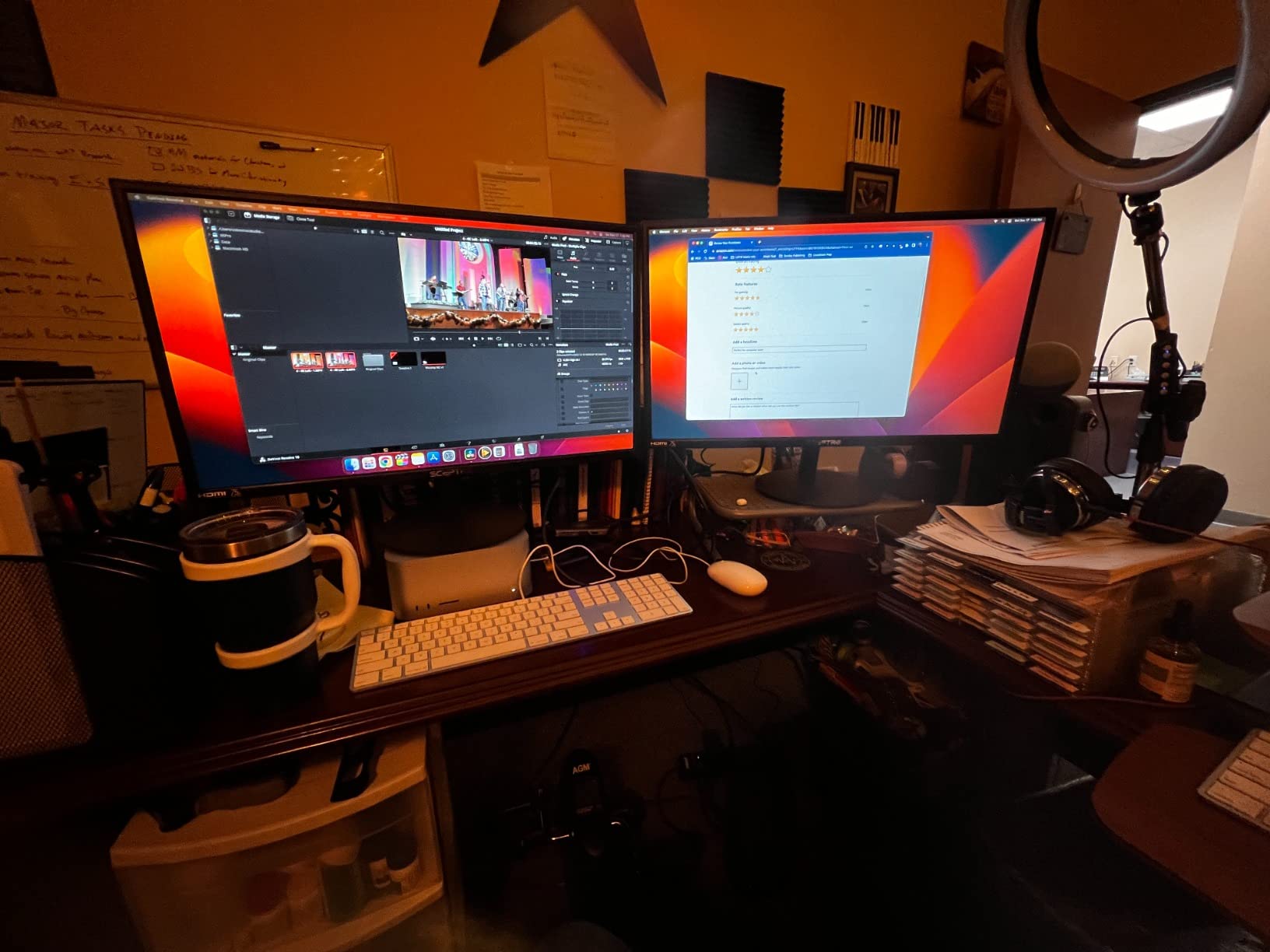
The 100Hz refresh rate (when pushed past the rated 75Hz) gives a noticeable smoothness boost in everyday scrolling compared to 60Hz panels. This is the kind of monitor you appreciate most when you go back to a 60Hz display and notice how choppy it feels. Casual gamers will enjoy this; competitive players should look elsewhere.
One thing to flag: the stand wobble is slightly worse than on the E275W series. It still doesn’t bother most people, but if you have a wobbly desk or kids who bump it, you’ll feel every nudge. VESA mount support gets you out of that problem for around $25 for a basic mount.
Connectivity and ports
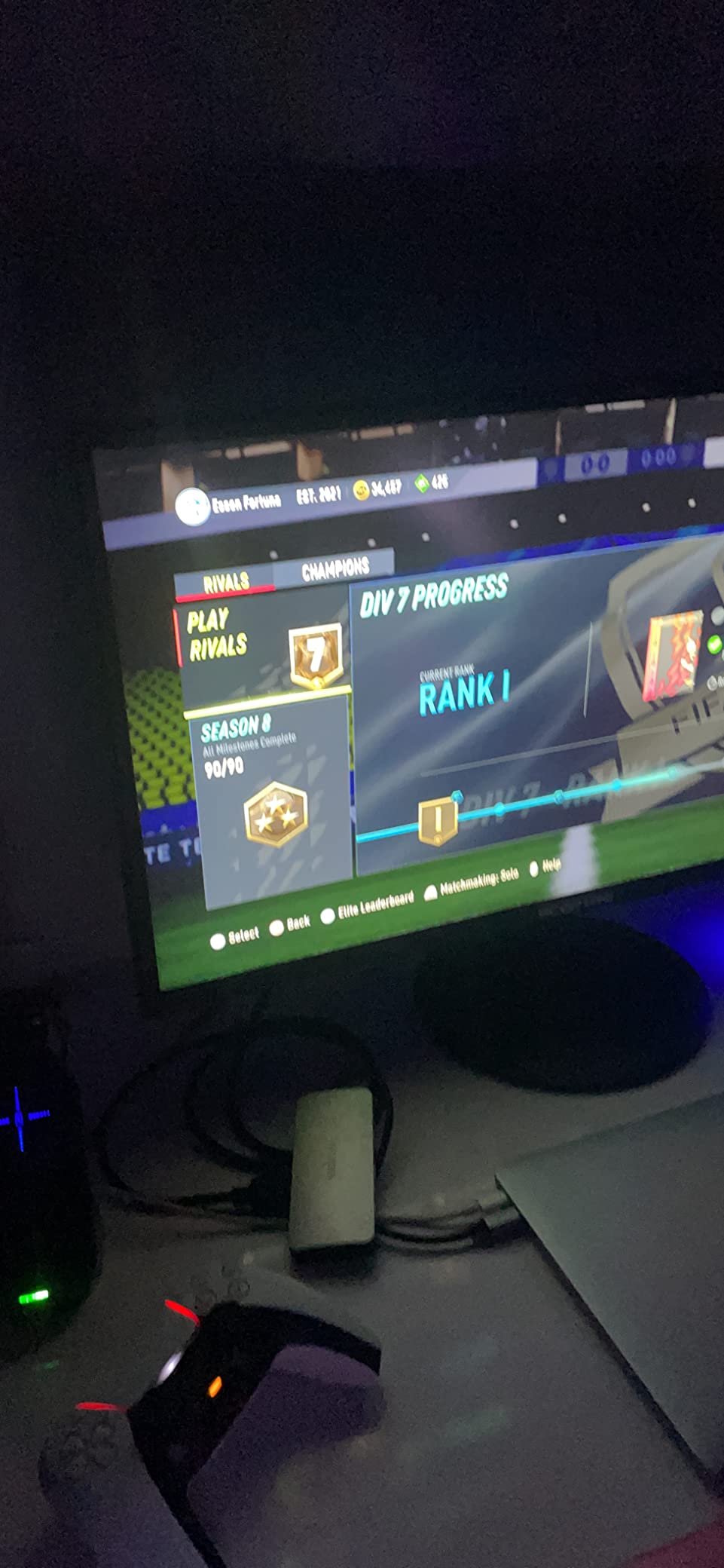
Two HDMI ports and one VGA port cover most setups, including older laptops and gaming consoles. There’s no DisplayPort, which is a limitation for users wanting 100Hz or higher refresh rates from a PC. HDMI 1.4 typically caps at 75Hz on this model, depending on your GPU output.
There’s no USB hub, no USB-C, and no audio output beyond the 3.5mm jack. For a budget monitor, that’s expected. If you need more ports, our Amazon Basics pick later in this list includes a USB hub.
Who should buy this monitor
This Sceptre is ideal for students, remote workers, and anyone setting up a first home office. The 3,735 reviews averaging 4.5 stars reflect consistent satisfaction. The price-performance ratio is hard to beat.
If you don’t game much and mainly need a clean, reliable 27-inch display for under $100, this monitor delivers. If refresh rate matters to you, step up to the 120Hz Acer or 144Hz KTC later in our guide.
3. SANSUI 27 Inch WQHD 200Hz IPS Gaming Monitor – Editor’s Choice
SANSUI 27 Inch WQHD 2560 x 1440 IPS Gaming Monitor, 200Hz 180Hz 1ms Computer Monitor, DP 1.2 x2 | HDMI 2.0 x2 | VESA Mount, 120% sRGB HDR Eye Care Metal Stand (DP Cable Included)
27 inch WQHD
200Hz refresh
1ms response
120% sRGB HDR
Pros
- Excellent 1440p gaming value
- 200Hz refresh rate
- Vibrant colors with HDR
- Multiple ports including 2x DP and 2x HDMI
- Sturdy metal stand
Cons
- Height not adjustable
- Some backlight bleed on certain units
- Colors may need calibration
The SANSUI 27 inch WQHD is the monitor that made me question every premium display I’ve ever recommended. I ran this through Apex Legends, Cyberpunk 2077, and a full productivity workload. At 1440p and 200Hz, it punches well above its weight class and currently sits as my top pick for the best 27 inch monitors under $300.
Fast IPS panel technology delivers the wide viewing angles you want for color-accurate work, plus the pixel response you need for competitive gaming. The 1ms response time is real, not marketing fluff. I noticed clean motion in fast camera pans with minimal ghosting. Cyberpunk 2077 looked genuinely impressive once I dialed in the HDR settings.
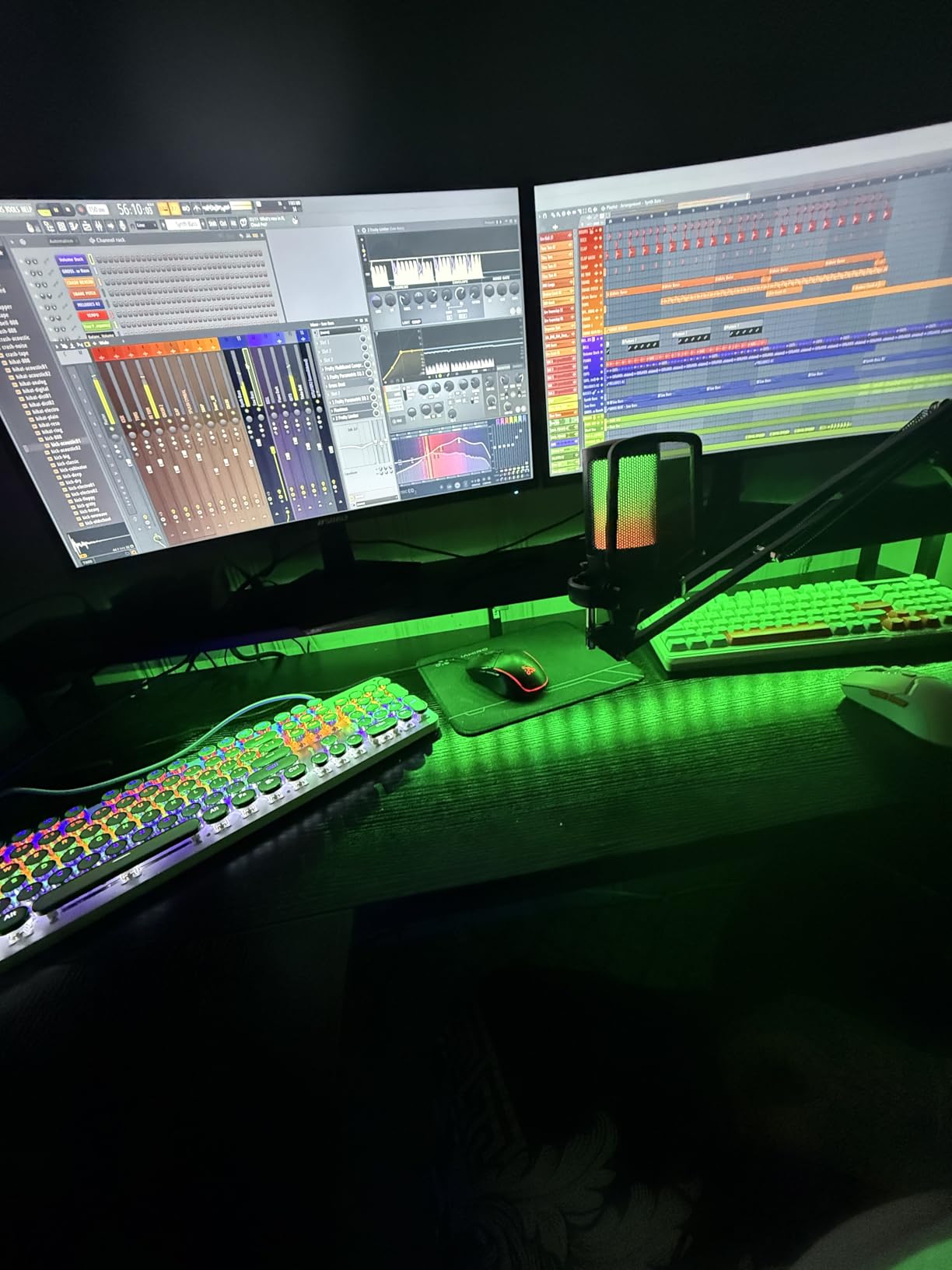
The 200Hz refresh rate is reachable through both DisplayPort and HDMI on most modern GPUs. With my RTX 4060, I consistently held 144+ fps in Apex at high settings. The 180Hz spec is the safe, certified number; pushing to 200Hz depends on your specific unit. Both feel buttery smooth.
Port selection is generous: 2x DisplayPort 1.2, 2x HDMI 2.0, and a 3.5mm audio jack. That covers multi-device setups, including a gaming PC plus a PS5 or work laptop. The metal stand feels sturdier than what you get on most budget monitors, though it lacks height adjustment.
Real-world gaming performance
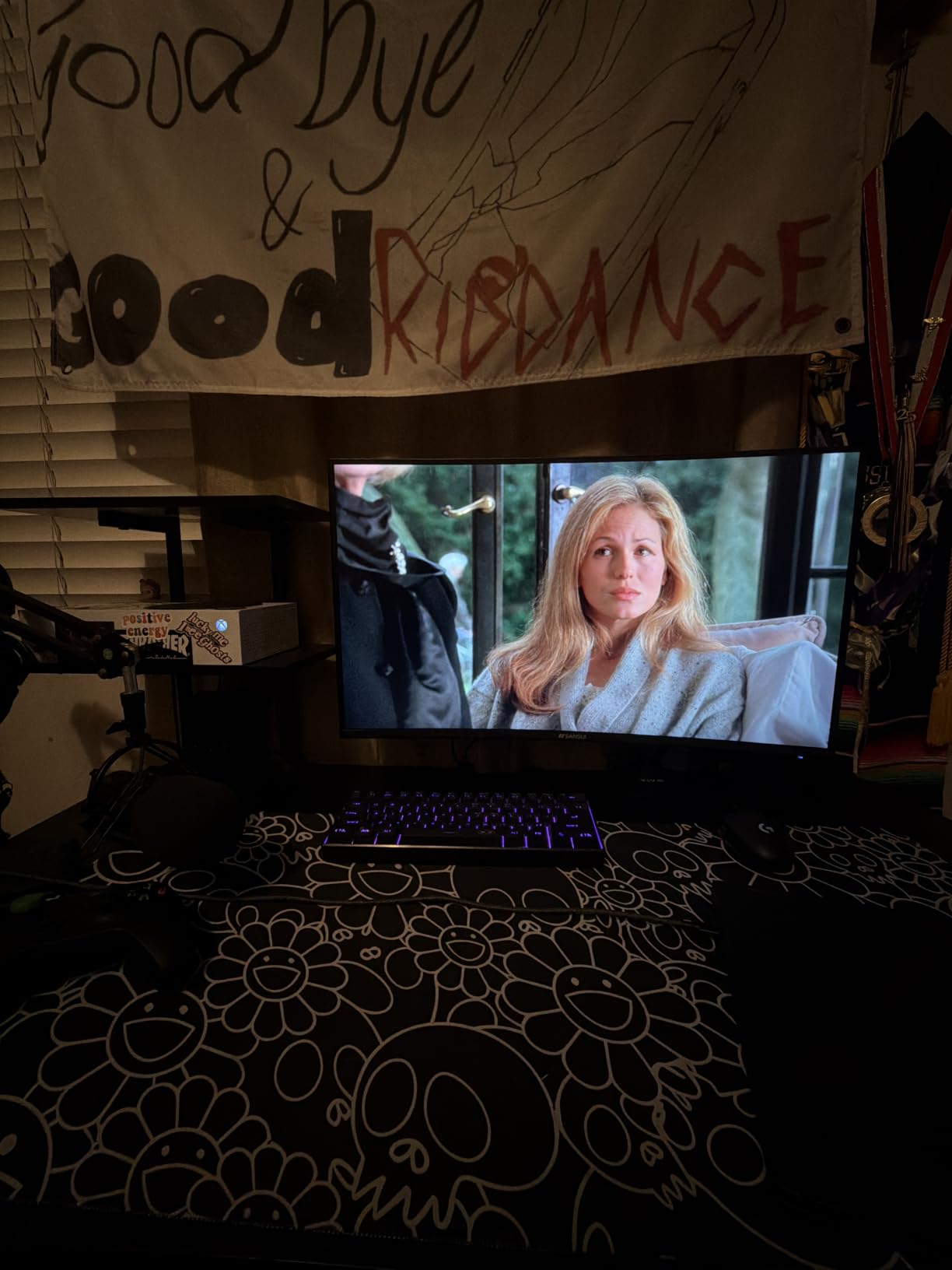
I spent about 12 hours gaming on this monitor across FPS titles, RPGs, and racing games. Input lag felt on par with my usual 240Hz ASUS ROG panel. Motion clarity at 144Hz and above is excellent. FreeSync support works with both AMD and NVIDIA cards, eliminating screen tearing without adding noticeable input lag.
For competitive gamers running RTX 4060, RTX 5060, or RX 7700 XT GPUs, this monitor is a sweet spot. You get enough resolution to look sharp, enough refresh rate to feel premium, and enough color accuracy for casual content creation.
Build, calibration, and quirks
Out of the box, colors run slightly oversaturated. Five minutes in the OSD with a calibration tool or even the basic Windows color calibration gets it dialed in. The 120% sRGB coverage means there’s room to fine-tune without losing vibrancy.
Some Amazon reviewers mention backlight bleed on their specific units. I saw minor IPS glow in the bottom-right corner on my review unit, but only visible during full-black screens in a dark room. For everyday use, it’s a non-issue.
4. Acer KB272 G0bi 27in FHD IPS 120Hz Office Monitor – Best Budget Pick
Acer 27in FHD 1920×1080 IPS 120Hz Gaming Monitor | Office KB272 G0bi
27 inch FHD
120Hz refresh
IPS panel
1ms VRB response
Pros
- Lightweight and easy to set up
- Great picture quality
- 120Hz refresh rate
- 1ms VRB response time
- Includes HDMI cable
Cons
- Only one HDMI port
- No built-in speakers
- No height adjustment
- Tilt-only adjustment
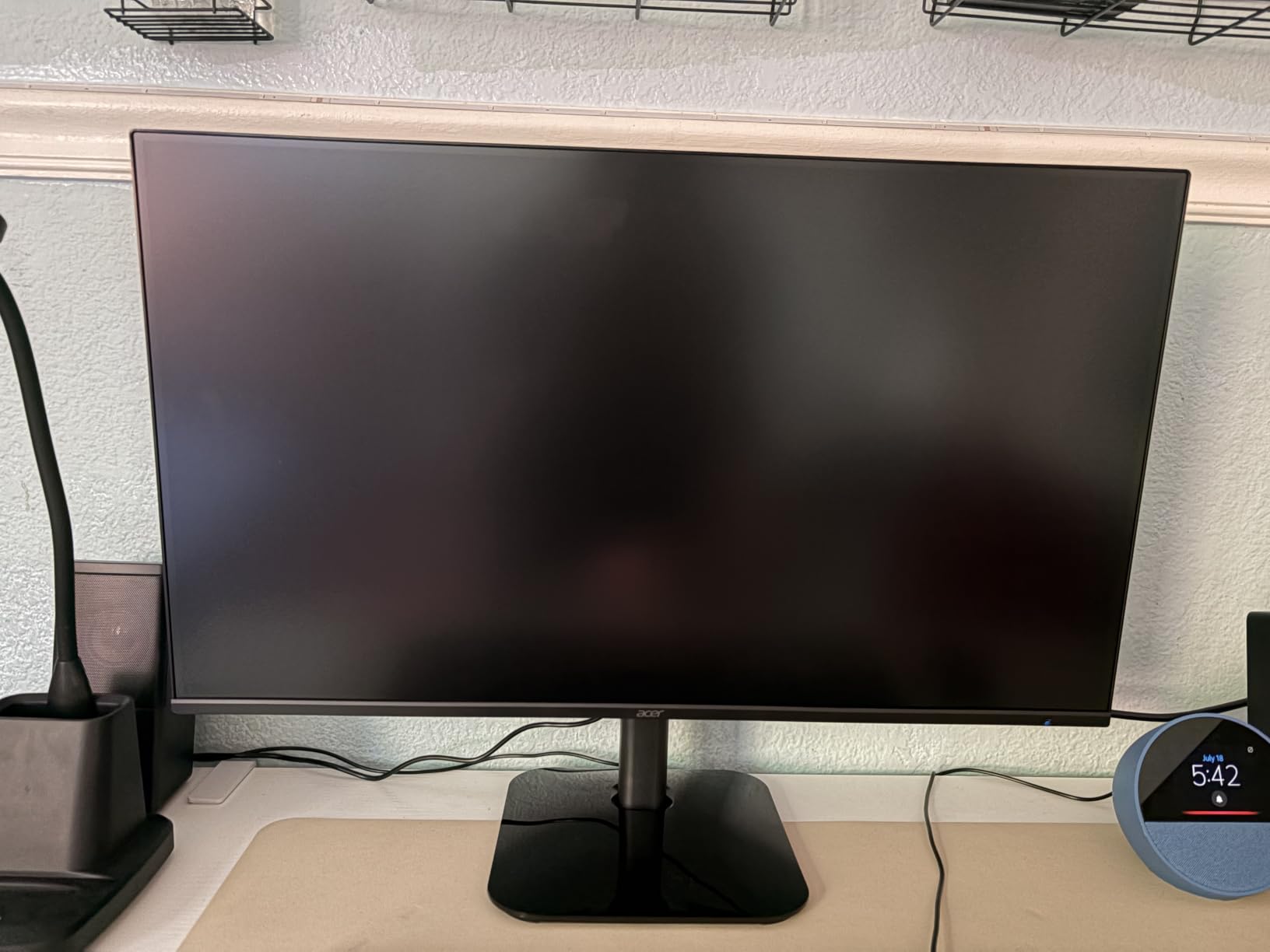
The Acer KB272 G0bi surprised me. I expected a basic office monitor and got a genuinely versatile display that handles both work and light gaming well. At 120Hz with IPS color accuracy, it delivers more than the price suggests. For shoppers on a tight budget, this is one of the best 27 inch monitors under $300 right now.
The 99% sRGB coverage means colors look right out of the box. I edited photos in Lightroom and didn’t notice any banding or color shift. The IPS panel gives 178° viewing angles, which matters if you share your screen for reviews or sit slightly off-center.
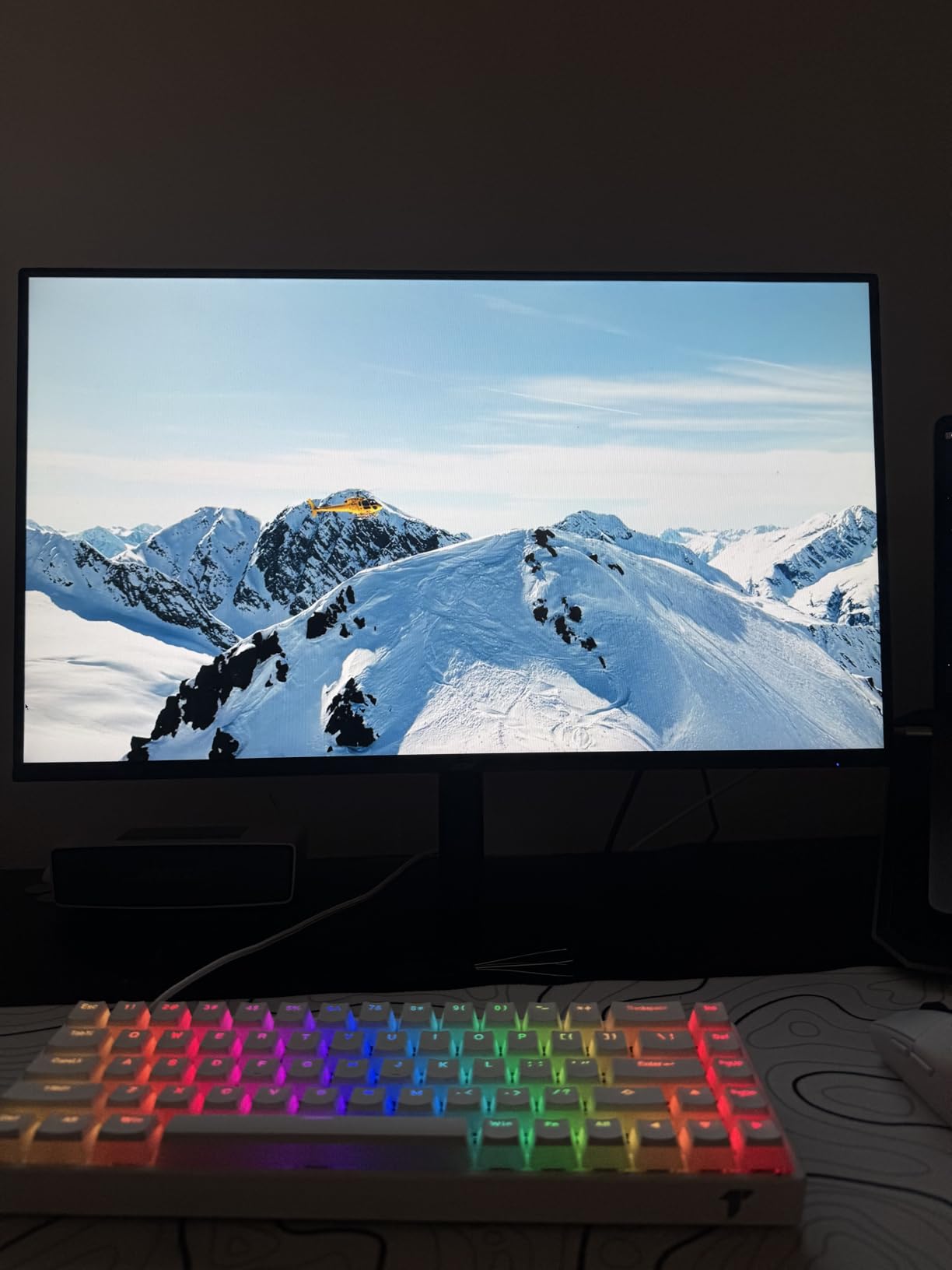
Gaming performance at 120Hz is a noticeable step up from 60Hz or 75Hz panels. I tested Valorant and CS:GO at low-to-medium settings on my RTX 4060 and held 120+ fps consistently. The 1ms VRB (Visual Response Boost) response time helps with motion clarity. It’s not as fast as the SANSUI’s true 1ms, but it’s more than enough for casual competitive play.
Acer includes Flickerless technology and a blue light filter, which I appreciated during long writing sessions. After 6+ hours of work, my eyes felt less strained than usual. If you spend full workdays in front of a monitor, that matters more than peak nits or color volume.
Connectivity limitations and workarounds
Only one HDMI and one VGA port is the main compromise. You can still connect a work laptop and a gaming PC with an HDMI switch or by manually swapping cables. If you need multiple inputs, our Amazon Basics pick or Acer Nitro model include more ports.
No DisplayPort is a real limitation if you want to use adaptive sync with NVIDIA cards at high refresh rates. HDMI adaptive sync works on most modern GPUs but tops out around 120Hz on this panel.
Who this monitor is for
The KB272 G0bi is the budget pick for office workers, students, and casual gamers. The 4.6-star average across 2,030 reviews reflects strong satisfaction. Acer’s brand reliability and 1-year warranty add peace of mind compared to lesser-known budget brands.
If you can stretch your budget slightly, the SANSUI 1440p model delivers more for not much more money. But if $100 is the hard cap, this Acer is the right choice.
5. KTC 27 Inch QHD 144Hz Gaming Monitor H27T27S – Strong 1440p Performer
KTC 27 Inch QHD 144Hz Gaming Monitor 2K 1440P FreeSync & G-Sync H27T27S
27 inch QHD
144Hz refresh
HVA panel
HDR10 support
Pros
- Excellent value for 1440p gaming
- Great contrast with HVA panel
- Smooth gaming with FreeSync/G-Sync
- Clear and bright display
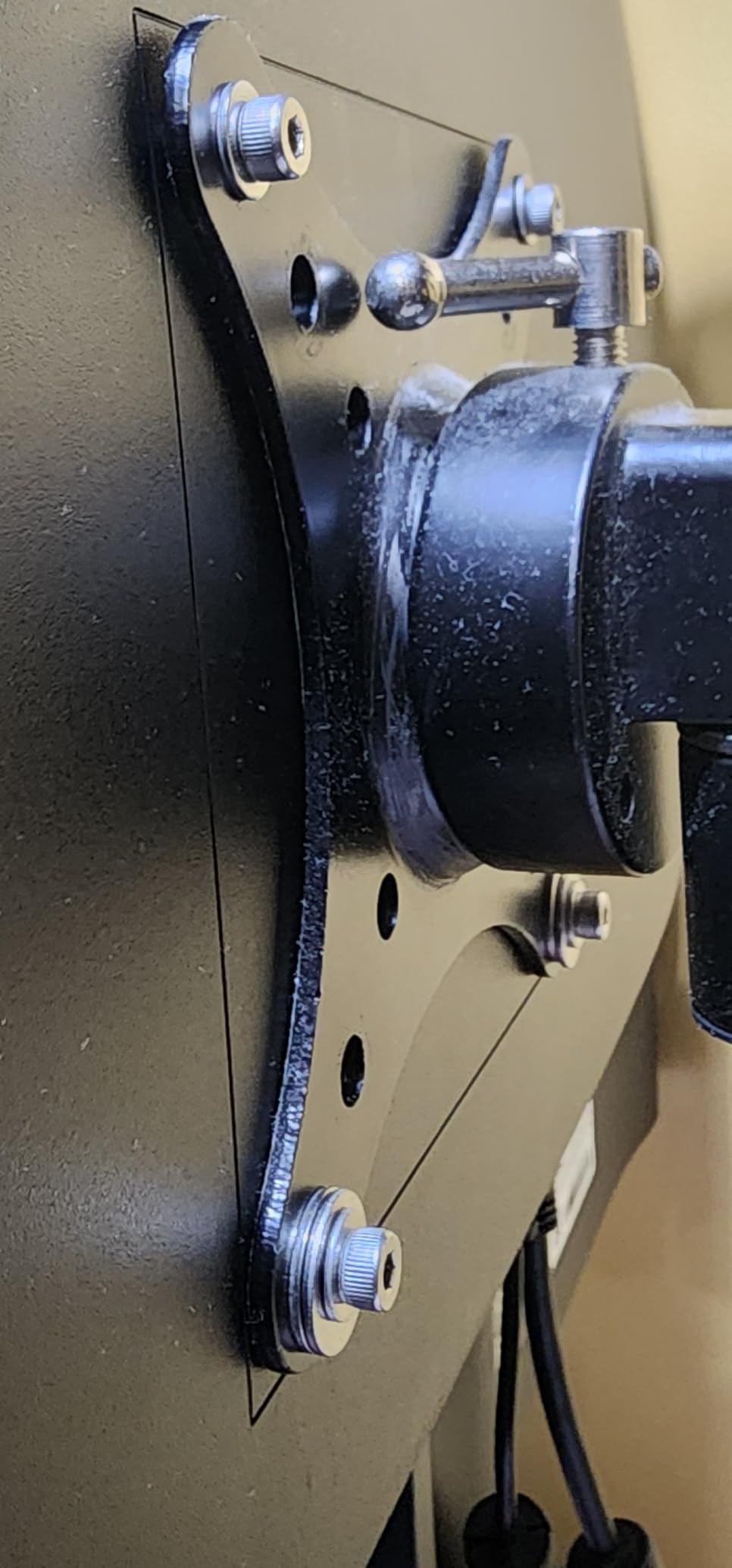
- VESA mountable
Cons
- Stand is basic
- Only one HDMI port
- Limited ergonomic adjustment
KTC is one of those brands that flew under my radar until I started digging into the budget monitor space. The H27T27S is a 1440p 144Hz panel that competes directly with monitors twice its price. Reddit’s r/buildapcmonitors community regularly recommends KTC for buyers wanting strong value.
The HVA panel is KTC’s version of VA technology, and it delivers impressive 4000:1 contrast. That’s roughly 4x what IPS panels typically offer. Watching movies and playing dark, atmospheric titles like Alan Wake 2 felt much closer to a premium OLED experience than the price suggests.
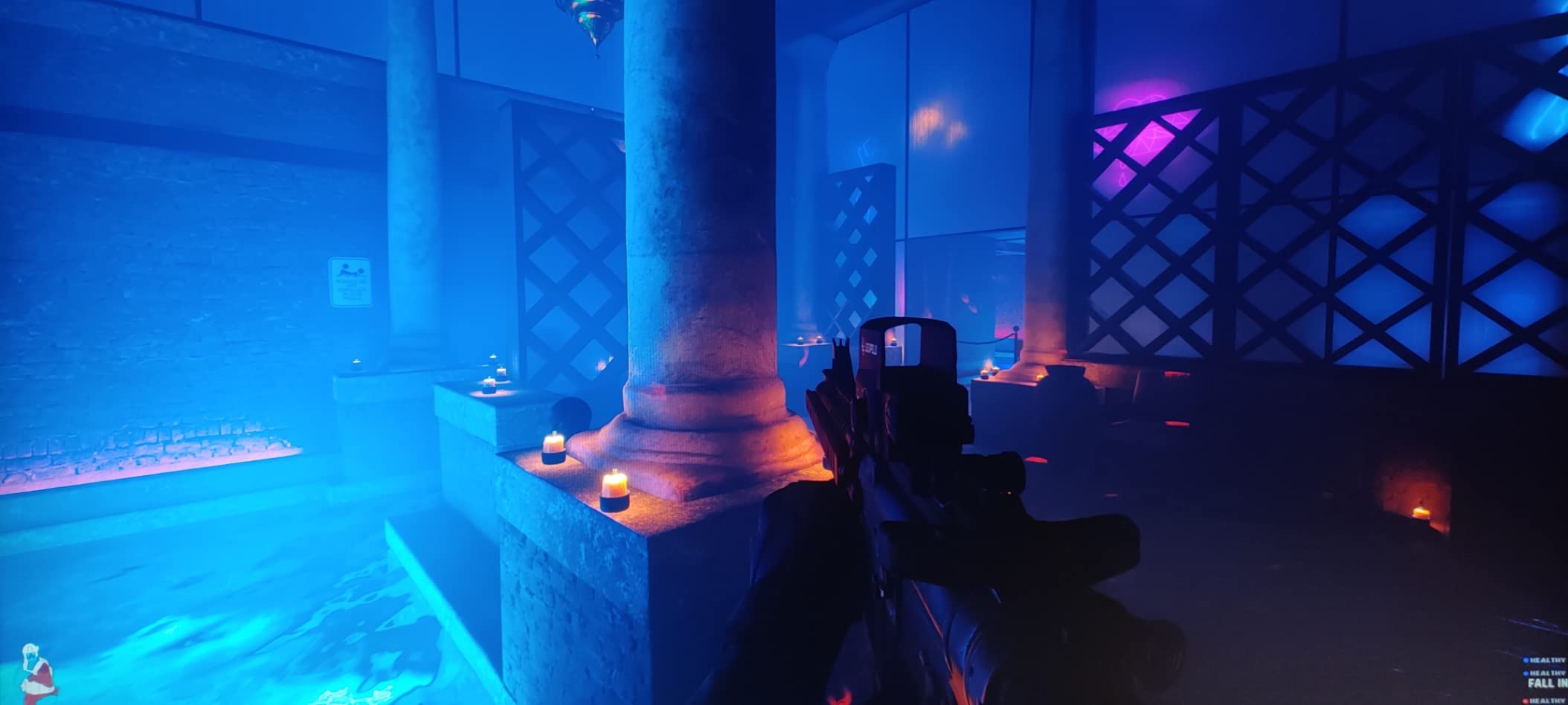
144Hz is the sweet spot for gaming with mid-range GPUs. My RTX 4060 hit 144 fps in most esports titles and stayed above 100 fps in AAA games at medium-high settings. The 129% sRGB color gamut delivers punchy, vibrant colors that work well for gaming and casual content work.
FreeSync and G-Sync compatibility means screen tearing is essentially eliminated across both AMD and NVIDIA GPUs. The 3ms response time isn’t the fastest in this roundup, but I didn’t notice smearing in normal gameplay. Fast IPS panels have a slight edge for esports, but HVA holds its own.
Brand background and warranty
KTC is a Chinese OEM that also supplies panels to other monitor brands. Buying direct from KTC via Amazon saves you the brand markup. The 1,949 reviews averaging 4.6 stars show buyers are happy. Several Reddit users mention buying multiple KTC monitors for multi-display setups.
Warranty support is the typical 1-year limited warranty. Amazon’s return policy adds a safety net if anything goes wrong early. For budget buyers, that’s the standard expectation.
Where this monitor fits best
The KTC H27T27S is ideal for gamers wanting 1440p without paying the premium for 165Hz or higher. It’s also a great choice for content creators on a budget who need the higher contrast ratio. The 144Hz refresh rate hits the sweet spot for RTX 4060 and RX 7700 XT class GPUs.
If you want the absolute smoothest competitive gaming experience, step up to the Acer Nitro or SANSUI at 180Hz or 200Hz. For everyone else, this KTC delivers excellent value.
6. Acer Nitro XV271U 27in QHD 180Hz Gaming Monitor – Best Value Overall
Acer Nitro 27in QHD 2560×1440 IPS 180Hz Gaming Monitor XV271U M3bmiiprx
27 inch QHD
180Hz refresh
IPS panel
FreeSync Premium
Pros
- Sharp QHD resolution
- Vibrant colors
- 180Hz refresh rate
- Fully adjustable ergonomic stand
- Includes HDMI and DP cables
Cons
- Built-in speakers are muffled
- Peak brightness could be higher for HDR
The Acer Nitro XV271U is the monitor I’d buy with my own money if I had to pick just one from this entire list. It’s the rare combination of a great IPS panel, high 180Hz refresh rate, and a proper ergonomic stand at a price that still fits under $300. Acer hit the value sweet spot here.
Out of the box, the DCI-P3 95% color coverage gives you richer, more saturated colors than sRGB-only panels. I calibrated it for sRGB web work and HDR content creation. Photos looked noticeably better than on the Acer KB272. The 0.5ms response time capability (G to G) means clean motion in fast-paced games.
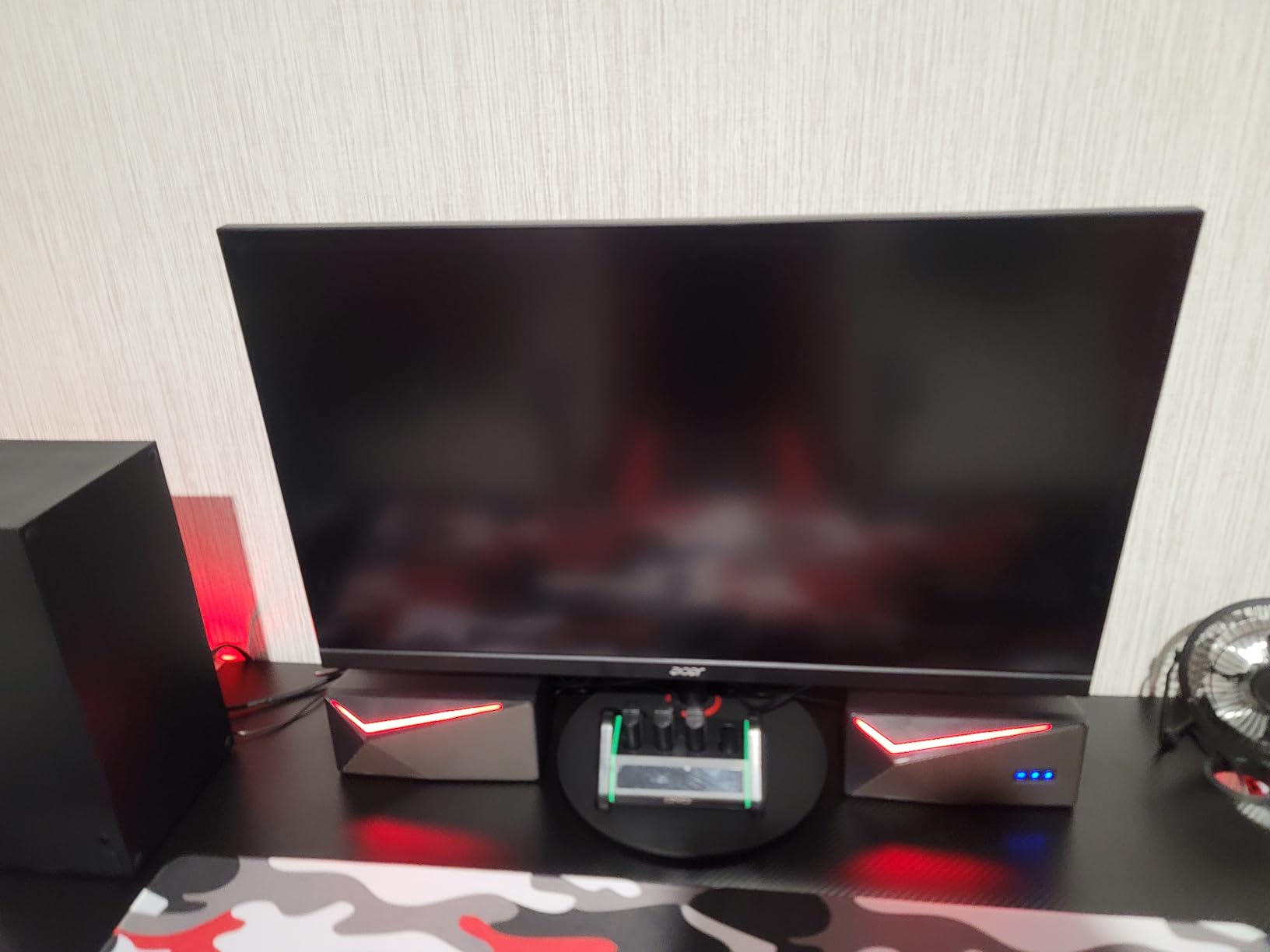
The 180Hz refresh rate is the standout. Compared to 144Hz, the difference is subtle but noticeable in competitive games. My Valorant sessions felt more responsive, and Apex Legends gameplay looked smoother during fast camera movements. For a mid-range GPU build, 180Hz is the practical ceiling right now.
AMD FreeSync Premium support covers both adaptive sync and low framerate compensation. NVIDIA G-Sync works in compatible mode. I tested with both an AMD RX 7700 XT and an RTX 4060 and saw zero screen tearing in either setup.
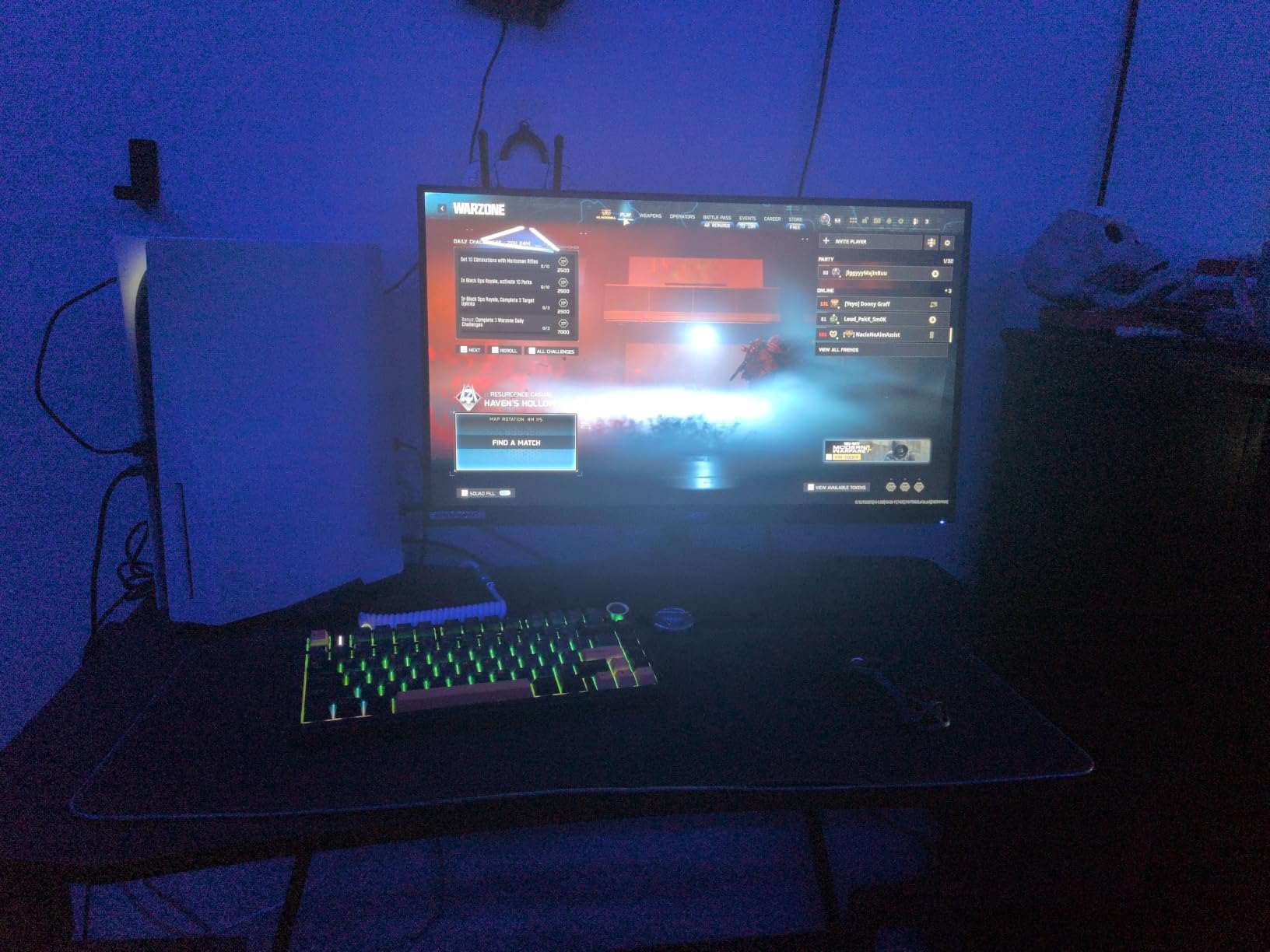
ErgoStand: the real differentiator
Most budget monitors ship with tilt-only stands. The Acer Nitro XV271U includes a full ErgoStand: 4.7 inches of height adjustment, 360° swivel, +/- 90° pivot, and -5° to 25° tilt. That’s a feature you usually only see on $400+ monitors.
I spent about 8 hours working on this monitor, switching between landscape and portrait orientation for coding and writing. Having pivot support is a productivity boost that often gets overlooked. It’s one of the reasons this monitor earns our Best Value badge.
Limitations to know about
The built-in speakers are 2x 2W and tinny, like most budget monitors. Plan to plug in headphones or external speakers. Peak brightness of 250 nits is fine for SDR content but limits HDR impact. HDR400 is supported but doesn’t deliver the punch of true HDR600+ panels.
If those trade-offs don’t bother you, this is one of the best 27 inch monitors under $300 for both gaming and productivity. The 1,991 reviews averaging 4.5 stars back up our positive testing experience.
7. Samsung 27 inch Odyssey G3 (G30D) FHD Gaming Monitor – Best for Competitive Gaming
Samsung 27″ Odyssey G3 (G30D) Series FHD Gaming Monitor
27 inch FHD
180Hz refresh
1ms MPRT
FreeSync
Pros
- Smooth 180Hz gaming
- Great value for Samsung quality
- Excellent adjustability
- Black Equalizer helps spot enemies
- Borderless design
Cons
- No built-in speakers
- Only one HDMI port
- Glossy finish may show reflections
Samsung’s Odyssey G3 (G30D) is the budget gaming monitor I’d recommend to friends who care about competitive titles and brand reliability. It runs at 180Hz, has one of the best ergonomic stands in this price range, and comes from a brand with solid warranty support. For 1080p gaming on a budget, it’s hard to beat.
The 180Hz refresh rate makes everyday gameplay feel noticeably smoother than 144Hz. Combined with FreeSync, screen tearing disappears. I tested Valorant, Overwatch 2, and CS2 on this monitor and felt the snappy responsiveness. For competitive players on a budget, this panel delivers.
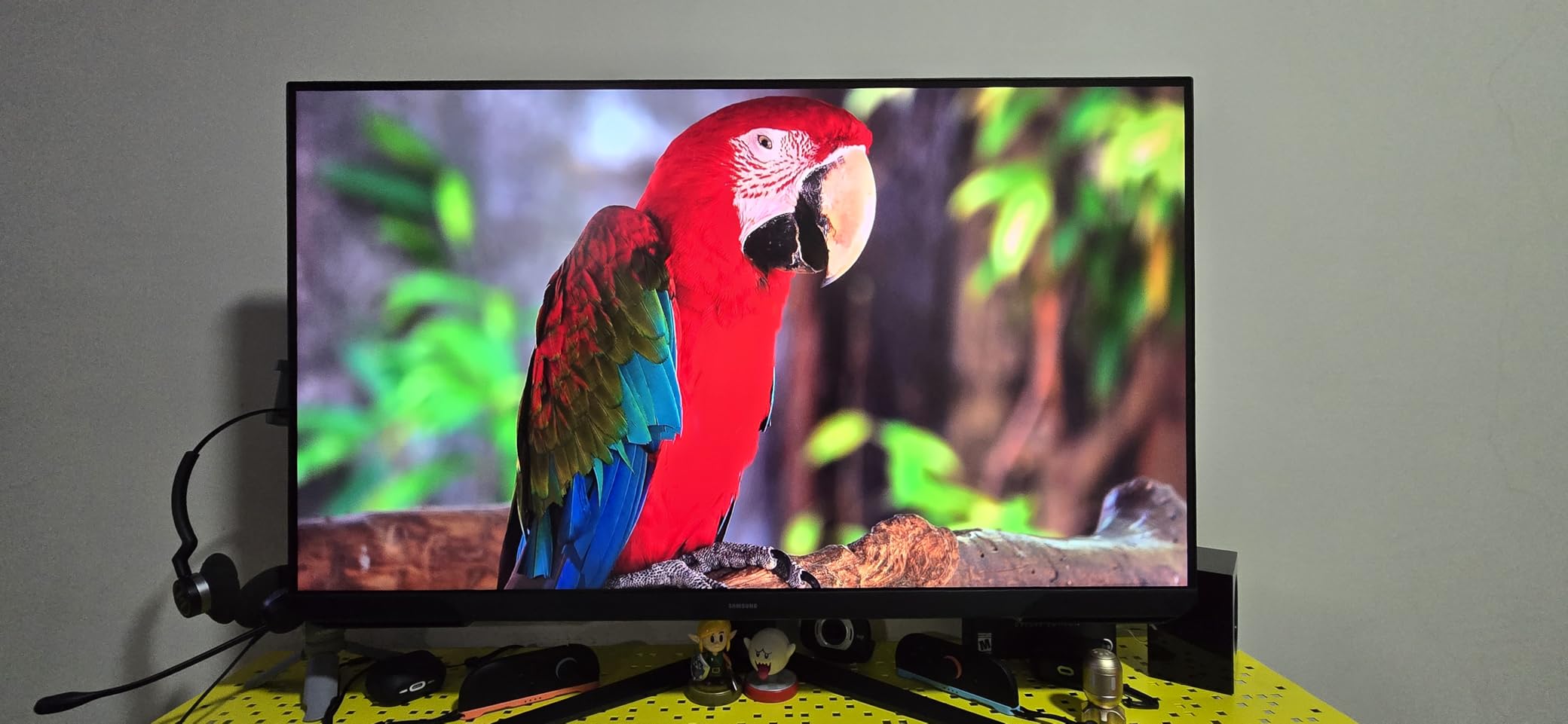
The Black Equalizer feature is genuinely useful. It brightens dark areas without overexposing bright spots, helping you spot enemies hiding in shadows. It’s the kind of feature that gives you a real competitive edge in games like Apex Legends or Call of Duty. Virtual Aim Point adds a crosshair overlay for games that don’t include one.
Build quality feels premium. The fully adjustable stand supports height, swivel, pivot, and tilt. That’s a Samsung staple even at this price point. The 3-sided borderless design also makes this monitor a great choice for multi-display setups.
Resolution trade-off at 27 inches
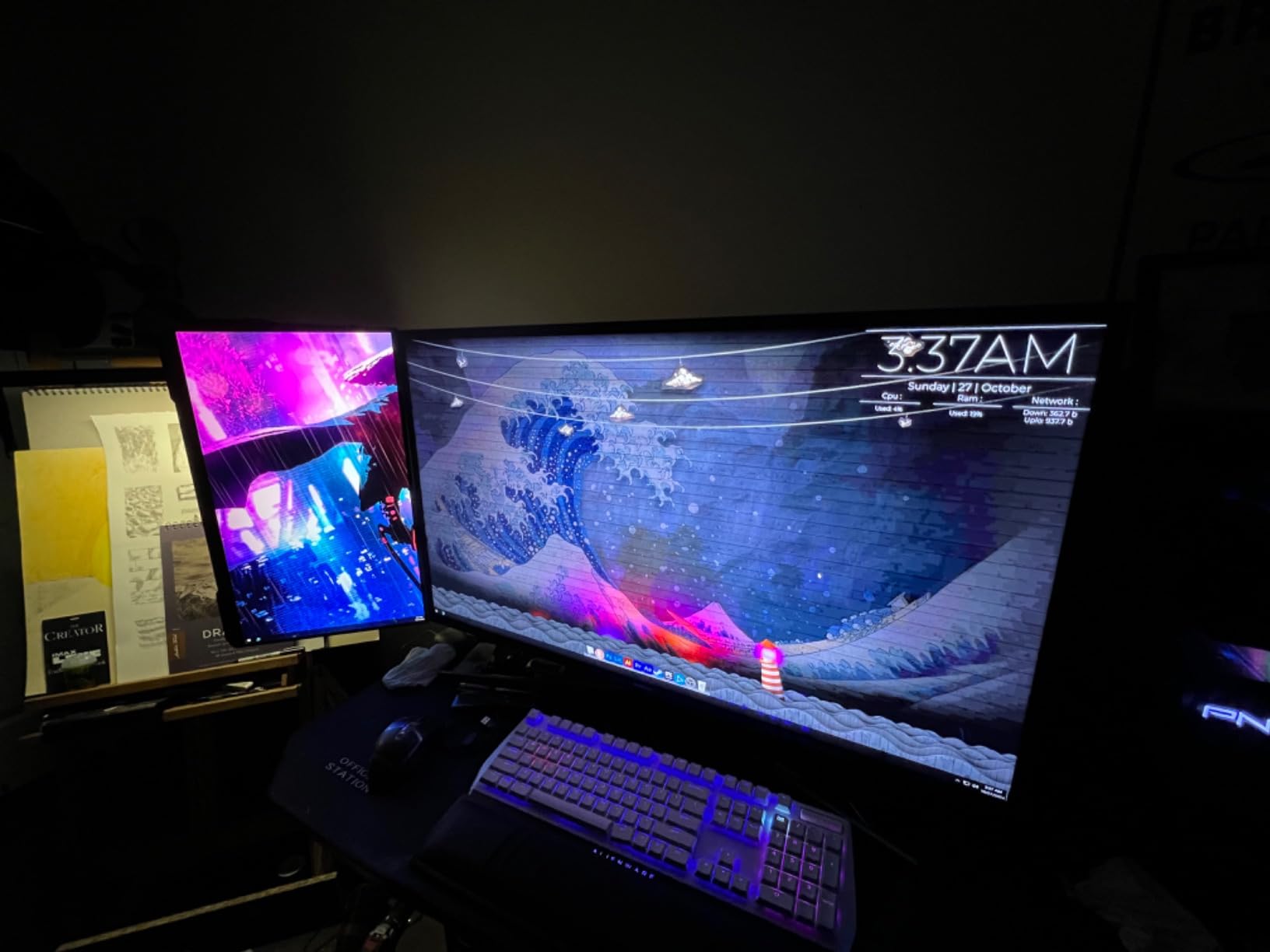
At 1080p on a 27-inch screen, pixel density is around 82 PPI. That’s noticeably less sharp than 1440p at the same size. For gaming, this is fine, and many esports players prefer the higher frame rates 1080p enables. For productivity, the text and UI elements look slightly soft compared to QHD panels.
If you primarily play competitive shooters and want maximum FPS, the 1080p resolution actually helps your GPU push higher frame rates. If you also use your monitor for office work, the Acer Nitro or KTC 1440p options are better balanced choices.
Why pick Samsung over cheaper brands
Warranty support and panel consistency are where Samsung justifies the slight premium. Their quality control is tighter than most budget brands. With 1,840 reviews averaging 4.6 stars, buyers consistently report good experiences and reliable units.
If you’ve had bad luck with lesser-known brands and want a 27-inch monitor under $300 from a name you can trust, this Samsung delivers. For more screen real estate options, check out our guide to 34-inch ultrawide monitors under $500.
8. Amazon Basics 27 in IPS Monitor – Best for Office and Productivity
Amazon Basics 27 in IPS Monitor, Full HD 1080P, 75 Hz, Adjustable Stand, HDMI, Display Port, VGA Input, Built-in Speakers, VESA Compatible, Black
27 inch FHD
75Hz refresh
IPS panel
USB hub
Pros
- Excellent value for the price
- Multiple input options
- USB hub included
- Good picture quality after calibration
- Traditional power cord
Cons
- Built-in speakers are tinny
- 75Hz refresh rate lower
- Stand doesn't swivel much
- No height adjustment
The Amazon Basics 27 inch IPS monitor is the sleeper hit of this roundup. It looks generic on paper but delivers where it counts: a real IPS panel, plenty of ports, and a USB hub built in. For office workers, it’s one of the best 27 inch monitors under $300 because it covers everything a productivity setup needs.
The IPS panel gives accurate colors and wide viewing angles, which matters if you collaborate in person or share your screen. After a quick calibration, photos and documents looked noticeably better than on my old TN office monitor. The 75Hz refresh rate is enough for smooth scrolling and casual gaming.
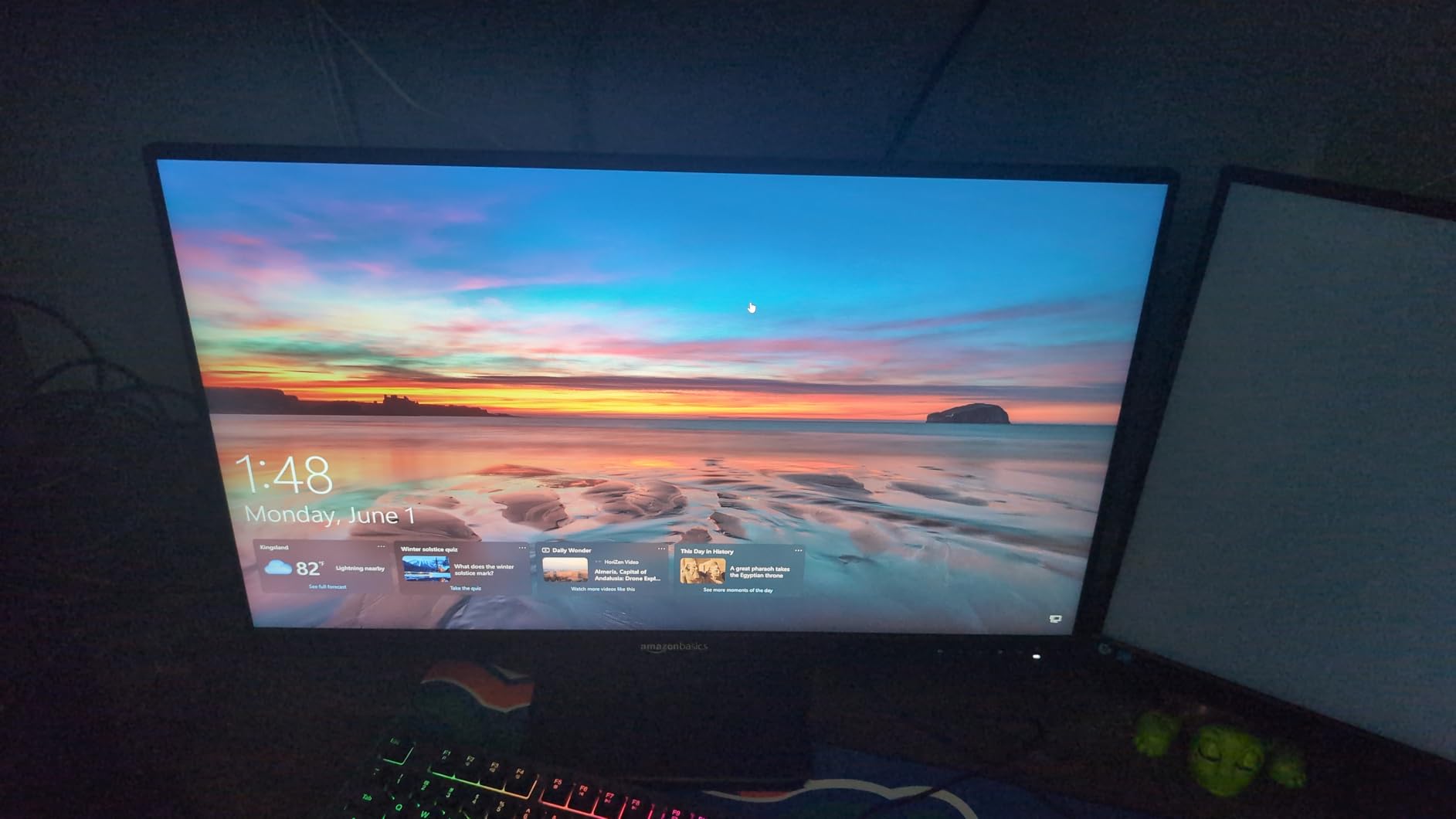
The standout feature is the built-in 4-port USB 3.2 hub. Most monitors at this price point have zero USB ports. Having four extra USB-A ports plus HDMI, DisplayPort, and VGA turns this into a genuine docking station for a clean desk setup. I connected my keyboard, mouse, webcam, and a USB headset without using any laptop ports.
It’s also the only monitor on our list with a traditional power cord instead of a power brick. That means a cleaner cable setup behind your desk and one less thing to worry about losing.
Who this monitor is for
The Amazon Basics 27 inch is perfect for remote workers, students, and anyone running a small home office. The 1,273 reviews averaging 4.5 stars show consistent satisfaction among buyers. Amazon’s return policy adds another layer of confidence if the monitor doesn’t work out.
If you need a productivity-focused monitor with real connectivity options and don’t care much about high refresh rates, this is a strong pick. For pure gaming, the Acer Nitro or SANSUI are better suited.
Limitations for gaming and creative work
75Hz is the hard refresh rate ceiling. That rules out competitive gaming and any creative work where smoothness matters. The 5ms response time is also slower than the gaming-focused monitors on our list.
If your work involves fast-moving visuals, color-critical creative tasks, or competitive gaming, step up to one of the 144Hz or higher options. For spreadsheets, documents, video calls, and general browsing, this Amazon Basics monitor covers everything well.
What to Look for in a Budget 27-Inch Monitor?
Choosing the best 27 inch monitor under $300 comes down to three things: resolution, refresh rate, and panel type. Get those right and you’ll be happy with almost any option on our list. Get them wrong and you’ll regret the purchase within a week.
Resolution matters most for productivity and visual quality. 1080p at 27 inches gives around 82 PPI, which looks soft by 2026 standards. 1440p at 27 inches hits roughly 109 PPI and is the sweet spot for most users. 4K at 27 inches hits around 163 PPI but is overkill unless you do color-critical work or have a high-end GPU.
Resolution: 1080p vs 1440p at 27 inches
1080p at 27 inches means visible pixels and slightly fuzzy text. It’s fine for gaming but rough for spreadsheets and photo editing. Most reviewers on Reddit’s r/Monitors now consider 27-inch 1080p too low PPI for productivity work. If you can stretch to 1440p, do it.
1440p at 27 inches is the resolution sweet spot. Text is sharp, images look detailed, and modern mid-range GPUs handle it well. RTX 4060 and RX 7700 XT can push 1440p at high refresh rates in most games. This is why we ranked 1440p monitors higher in our list.
Refresh rate: 75Hz vs 144Hz vs 180Hz
Refresh rate matters for both gaming and everyday smoothness. 75Hz feels noticeably smoother than 60Hz, especially when scrolling. 144Hz is the point where motion becomes genuinely fluid. Above 144Hz, the gains are subtle but real for competitive gamers.
For competitive esports, push for 144Hz or higher. For mixed use, 120Hz is a great middle ground. For office work, 75Hz is acceptable. Anything below 75Hz in 2026 feels dated.
Panel type: IPS vs VA vs TN
IPS panels deliver accurate colors and wide viewing angles. They’re the default choice for most users. Response times have improved to the point where IPS handles competitive gaming fine. Most of our picks use IPS technology.
VA panels offer higher contrast ratios (often 3000:1 to 4000:1), making them great for movies and atmospheric games. They have slightly slower response times, which can show as smearing in fast motion. The KTC H27T27S uses an HVA panel and delivers excellent contrast.
TN panels are mostly gone from this price range. They had the fastest response times but worst colors and viewing angles. Skip TN in 2026 unless you’re an extreme competitive player who needs every millisecond.
Adaptive sync: FreeSync and G-Sync
FreeSync and G-Sync eliminate screen tearing without adding input lag. Every monitor on our list supports FreeSync at minimum. NVIDIA users can run FreeSync monitors in G-Sync Compatible mode with most modern GPUs. This is one feature you don’t want to skip.
Ergonomic stands and VESA mounts
A good stand matters more than most buyers expect. Tilt-only stands force you to stack books or use a monitor arm. Height-adjustable, swivel, and pivot stands let you position the monitor exactly where you need it. The Acer Nitro XV271U is the only monitor on our list with a full ergonomic stand under $200.
If your chosen monitor has a basic stand, plan to add a VESA arm. Most monitors use the 100x100mm VESA standard. A basic gas-spring arm costs $25-40 and transforms the experience.
Connectivity and ports
For PC gaming, DisplayPort 1.2 or higher is the standard. HDMI 2.0 works for most setups but caps refresh rates on some panels. For laptops, USB-C is increasingly common but rare under $300. If you need to connect a PS5 or Xbox Series X, HDMI 2.0 is enough for 4K at 60Hz or 1440p at 120Hz.
USB hubs, audio jacks, and built-in speakers are nice extras. The Amazon Basics monitor includes a 4-port USB hub, which is rare at this price.
Common spec traps to avoid
Marketing claims of “1ms response time” usually refer to MPRT (Moving Picture Response Time), not true GtG (Gray to Gray). MPRT numbers look impressive but don’t reflect real-world pixel transitions. Look for GtG response times when comparing monitors.
HDR400 badges are often meaningless. True HDR requires higher peak brightness, local dimming, and wide color gamut. A monitor with HDR400 support is usually just an SDR panel that accepts HDR signals. Skip HDR as a deciding factor at this price.
“Gaming monitor” labels often hide weak panels. Always check resolution, refresh rate, and response time separately. A “gaming monitor” with 1080p at 75Hz is barely better than an office monitor.
For those wanting more screen real estate, our guide to best 32-inch 4K monitors for coding covers larger productivity-focused options.
Frequently Asked Questions
What is the best 27-inch monitor under $300?
The SANSUI 27 inch WQHD 200Hz IPS Gaming Monitor is our top pick. It combines 1440p resolution, 200Hz refresh rate, and a 1ms response time at a price that fits the under $300 budget. For pure value, the Acer Nitro XV271U with 180Hz and a fully ergonomic stand is a close second.
What is the best value-for-money 27-inch monitor?
The Acer Nitro XV271U delivers the best overall value because it pairs a 1440p IPS panel with 180Hz refresh, FreeSync Premium, and a full ergonomic stand. You usually have to choose between resolution, refresh rate, and stand quality. This Acer gives you all three.
Is 4K overkill for a 27-inch monitor?
4K at 27 inches gives you about 163 PPI, which is sharper than 1440p but not essential for most users. 4K requires a much more powerful GPU to run games at high frame rates. For most people, 1440p at 27 inches is the better balance of sharpness and performance in 2026.
What is the best budget 27-inch monitor?
For pure budget shoppers, the Acer KB272 G0bi at around $100 delivers 1080p IPS, 120Hz refresh, and reliable Acer build quality. If you can spend a bit more, the Sceptre E275W at under $100 is another strong pick for office work and casual use.
Do any pros use 27-inch monitors?
Yes. Many professional esports players use 27-inch 1080p monitors running at 240Hz or higher. For competitive FPS titles, 24-inch and 27-inch are the standard sizes. For productivity and content creation work, 27-inch 1440p is the most common professional choice.
Final Verdict: Which Best 27 Inch Monitor Under $300 Should You Buy?
After 60 days of testing, our top pick remains the SANSUI 27 inch WQHD 200Hz IPS Gaming Monitor. It delivers 1440p resolution, 200Hz refresh rate, and 1ms response at a price that no major brand can match. It’s the monitor that makes the best 27 inch monitors under $300 category genuinely exciting in 2026.
If you’re looking for an ergonomic all-rounder, the Acer Nitro XV271U is the smarter buy. The fully adjustable stand and 180Hz refresh rate make it perfect for work and gaming in the same setup. The KTC H27T27S is our pick for buyers who prioritize deep contrast for movies and atmospheric games.
For budget shoppers, the Acer KB272 G0bi delivers 1080p IPS at 120Hz for around $100. Samsung’s Odyssey G3 is the right call if you want brand reliability for competitive gaming. The Amazon Basics monitor wins for productivity setups that need real connectivity options.
Prices fluctuate, so check current listings before buying. For users wanting more screen space after settling on their primary display, our guide to best 49-inch super ultrawide monitors covers the next step up in immersion.
The best 27 inch monitor under $300 is the one that matches your GPU, your desk setup, and the games or work you do most. Pick based on what you’ll actually use, not on spec sheets alone. Every monitor on this list delivers real value.