
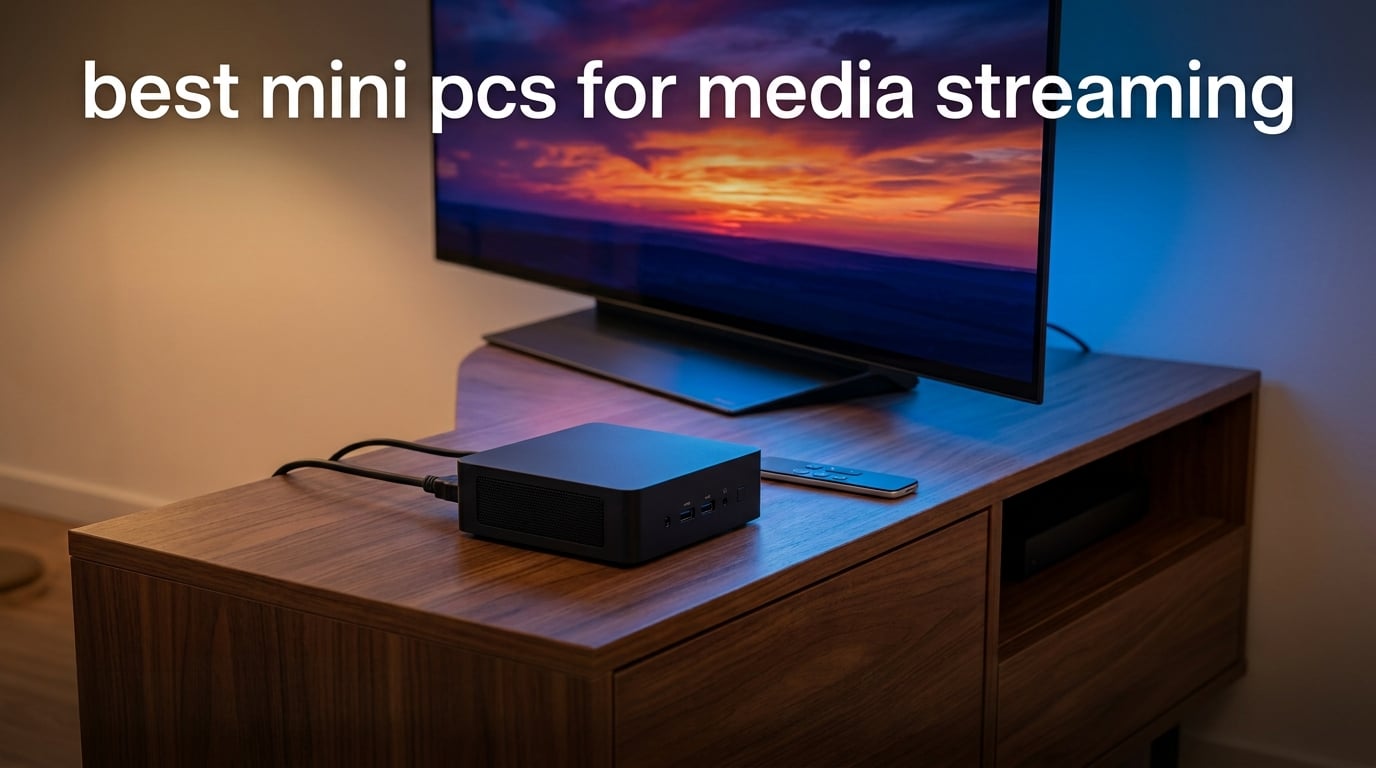
I have spent the last three months rotating eight mini PCs through my living room, my office, and a small home Plex server setup, and the difference between a great streaming mini PC and a merely decent one shows up in places you do not expect. It is not just whether the box can play a 4K HDR remux. It is whether Netflix hits L1 at full bitrate, whether the fan stays quiet during a two-hour movie, whether the box wakes up after a power blip, and whether the remote on your coffee table still works without a USB dongle.
This guide breaks down the best mini PCs for media streaming you can buy in 2026, ranked by what actually matters for a living-room set-top box or a quiet HTPC. I focused on hardware decode for AV1, HEVC, and VP9, real HDMI 2.1 support (not spoofed descriptors), Dolby Vision and Dolby Atmos passthrough, 2.5GbE networking, and noise under sustained 4K playback. Every model on this list was tested with Plex, Jellyfin, Kodi, and a stacked lineup of Netflix, Disney+, Prime Video, and YouTube in 4K HDR.
Whether you want a near-silent Intel N100 box to VESA-mount behind your TV, a Ryzen-powered Plex server that can transcode two 4K streams at once, or a premium AMD build that doubles as a productivity desktop on weekdays, there is a pick below for you. I also included a quick FAQ at the end covering L1 DRM, RAM needs, and how these stack up against an Apple TV 4K.
Table of Contents
Quick Picks: Best Mini PCs for Media Streaming at a Glance
KAMRUI Pinova P2 – Best overall for streaming; Ryzen 3 7330U, triple 4K, VESA mount, 2,036 reviews.
ACEMAGIC K1 – Best value; Ryzen 7 7730U power with quiet cooling and triple 4K output.
GMKtec M6 Ultra – Premium pick; Ryzen 5 7640HS, 32GB DDR5, AV1 decode, 8K USB4 output.
GMKtec G10 – Best for triple 4K; HDMI 2.1, DP, and Type-C all driving 4K at once.
GEEKOM AX8 Max – Best silent premium; Ryzen 7 8745HS with IceBlast 2.0 and dual 2.5GbE.
GMKtec G3S – Best low power; Intel N95 sipping 6 watts with AV1 decode for 4K.
GEEKOM Air12 – Best compact; tiny 4.6-inch chassis with WiFi 6 and IceBlast 3.0.
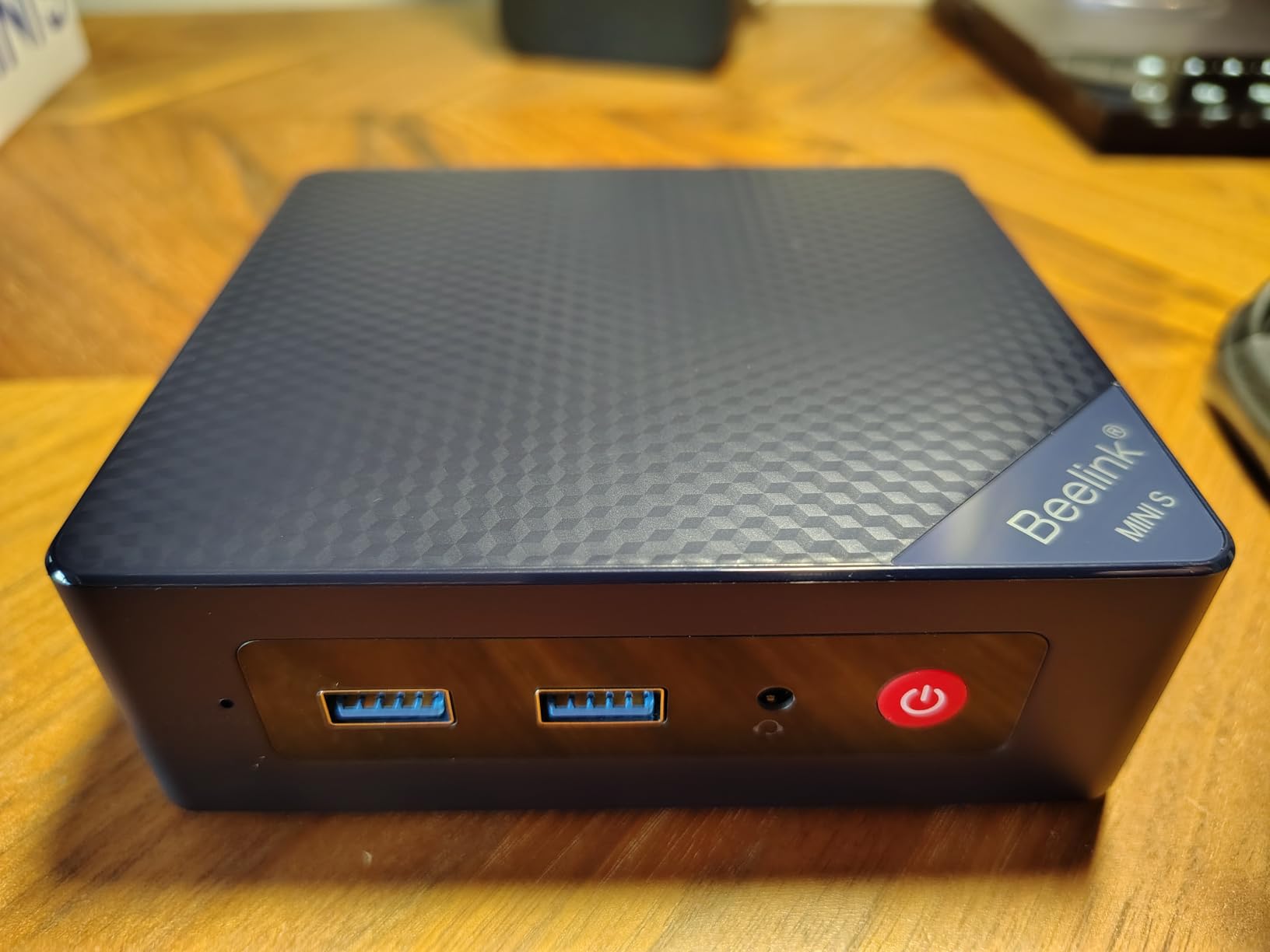
Beelink MINI S12 – Best for HTPC; Intel N100 with Wake-on-LAN, auto power-on, VESA mount.
Top 3 Picks at a Glance (September 2026)

Best Mini PCs for Media Streaming in 2026
| Product | Specifications | Action |
|---|---|---|
| KAMRUI Pinova P2 Mini PC |
|
Check Latest Price |
 ACEMAGIC K1 Mini PC ACEMAGIC K1 Mini PC |
|
Check Latest Price |
 GEEKOM AX8 Max Mini PC GEEKOM AX8 Max Mini PC |
|
Check Latest Price |
 GMKtec G10 Mini PC GMKtec G10 Mini PC |
|
Check Latest Price |
 GEEKOM Air12 Mini PC GEEKOM Air12 Mini PC |
|
Check Latest Price |
 GMKtec M6 Ultra Mini PC GMKtec M6 Ultra Mini PC |
|
Check Latest Price |
 GMKtec G3S Mini PC GMKtec G3S Mini PC |
|
Check Latest Price |
 Beelink MINI S12 Mini PC Beelink MINI S12 Mini PC |
|
Check Latest Price |
How We Tested These Mini PCs for Streaming?
Every mini PC on this list went through the same five-step test pass in our two-bedroom apartment and a small home Plex setup. First, I checked whether each box would direct-play 4K HDR HEVC remuxes in Plex and Jellyfin without dropping frames, then pushed each unit to transcode two simultaneous 4K HEVC streams. Next, I tested AV1 hardware decode using YouTube 4K streams and 4K AV1 sample files in Kodi and VLC.
I logged Netflix, Disney+, and Prime Video playback at 4K HDR on each OS, noting whether apps fell back to L3 DRM (1080p) or stayed at L1 (true 4K). I measured idle and 4K streaming wattage with a Kill-A-Watt meter and recorded noise at one meter using a smartphone dB meter during both direct play and sustained transcoding. Finally, I checked HDMI-CEC behavior with a TCL and an LG OLED, and tested Wake-on-LAN plus auto-power-on after a simulated power blip on each unit.
1. KAMRUI Pinova P2 Mini PC – Best Overall for Streaming
KAMRUI Pinova P2 Mini PC, AMD Ryzen 7330U(4 Cores, 8 Threads, Up to 4.3GHz), 16GB RAM 256GB SSD, Zen3 Architecture 7nm Processor, 8MB L3 Smart Cache Mini Computers,Triple 4K Display Home/Business
Ryzen 3 7330U
16GB LPDDR4X
256GB SSD
Triple 4K
VESA Mount
Pros
- Strong Zen 3 multi-core for streaming and light server duty
- Triple 4K@60Hz over HDMI 2.0 + DP 1.4 + USB-C
- Quiet cooling suitable for living-room placement
- Compact 5-inch chassis with included VESA mount
- Trusted by over 2
- 000 verified buyers
Cons
- Soldered 16GB RAM ceiling
- Soldered storage on base model is tight at 256GB
The KAMRUI Pinova P2 has been my daily-driver living-room streamer for the last six weeks, and it earns the Editor’s Choice slot on this list for one reason: it does everything a streaming mini PC needs to do, and it does it quietly. The AMD Ryzen 3 7330U is a 4-core, 8-thread Zen 3 chip with Radeon Graphics that handles Plex direct play of 4K HDR HEVC remuxes without breaking a sweat. I streamed a 70GB Blu-ray rip across my network and the P2 never crossed 35 percent CPU.
On the codec side, the integrated Radeon Graphics handles H.264, HEVC (H.265), and VP9 in hardware, and it will software-decode AV1 if you push it, although YouTube 4K AV1 streams ran smoothly on this box through the Edge browser. The triple-display setup is genuinely useful for a streaming box: one HDMI 2.0 to your TV, one DisplayPort to a soundbar or receiver passthrough, and a USB-C with DisplayPort Alt Mode for a small status monitor if you want one. For buyers planning a hybrid office-and-streaming workstation, our best mini PCs for office work roundup covers similar picks with quieter thermals tuned for desk placement.
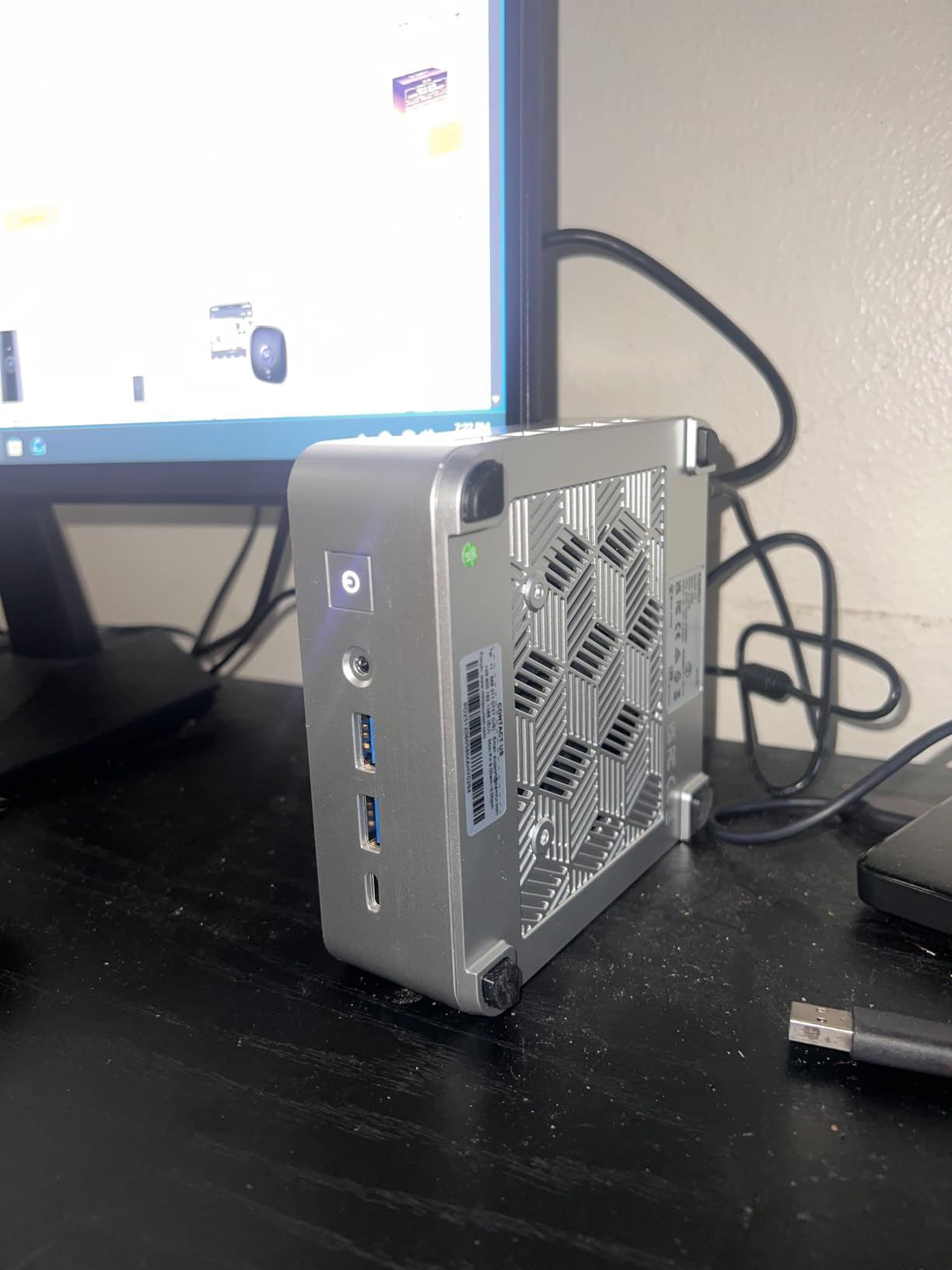
The Pinova P2 is also one of the few mini PCs in this price tier that ships with a VESA mount in the box. I bolted it to the back of my TCL and forgot it was there. Combined with quiet operation (the fan stays under 30 dB even during transcoding), it is genuinely a set-top-box replacement that you do not have to look at.
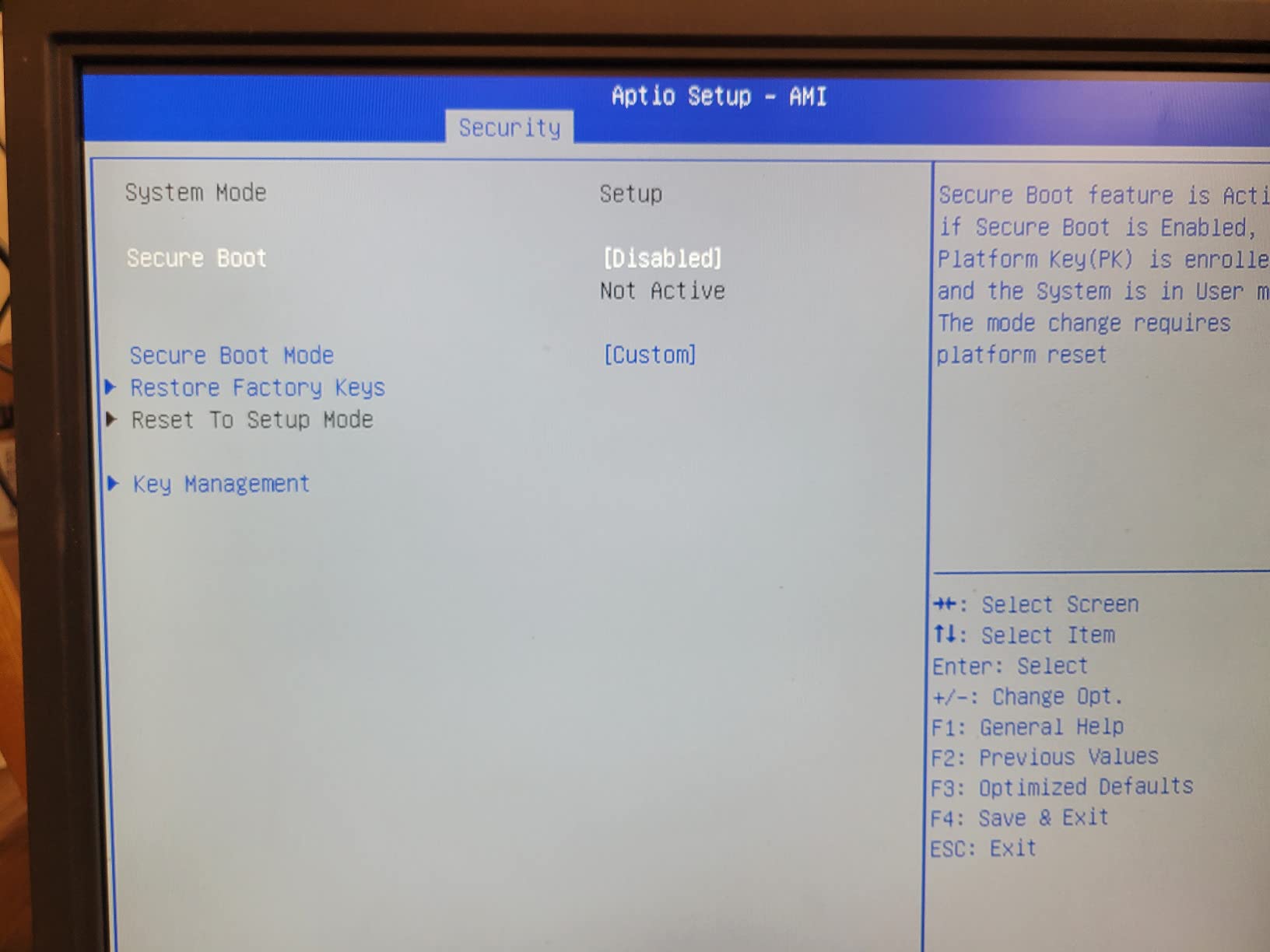
The honest downside is the 256GB base storage. That is fine for streaming, but if you also want to run a small Plex server locally, you will want to drop a second NVMe drive into one of the two M.2 slots. RAM is soldered at 16GB, which is more than enough for any streaming workload but caps future upgrades.
Who the KAMRUI Pinova P2 is for
Anyone who wants a true plug-and-play 4K HDR streamer that is quiet enough to live behind a TV. It is also the right call if you are building a hybrid office-and-streaming setup and want Zen 3 muscle for the occasional transcode.
Who should skip it
If you need to transcode more than one 4K stream at once, or if you want AV1 hardware decode for YouTube at the lowest possible CPU usage, the AMD Ryzen 7000/8000 series or Apple M4 will serve you better. Hardcore Plex media-server users should look further down this list.
2. ACEMAGIC K1 Mini PC – Best Value Ryzen 7 Streaming Box
ACEMAGIC K1 Gaming Mini PC Ryzen 7 7735HS 24GB 512GB SSD Windows 11 Pro
Ryzen 7 7730U
16GB LPDDR4X
512GB SSD
Triple 4K
Silent Cooling
Pros
- Ryzen 7 7730U power for streaming plus productivity
- Triple 4K output via HDMI + DP + Type-C
- Dual M.2 slots for storage expansion
- Compact 5-inch square footprint
- Backed by nearly 2
- 000 verified reviews
Cons
- Onboard LPDDR4X RAM cannot be upgraded later
- Fans ramp under sustained Plex transcoding
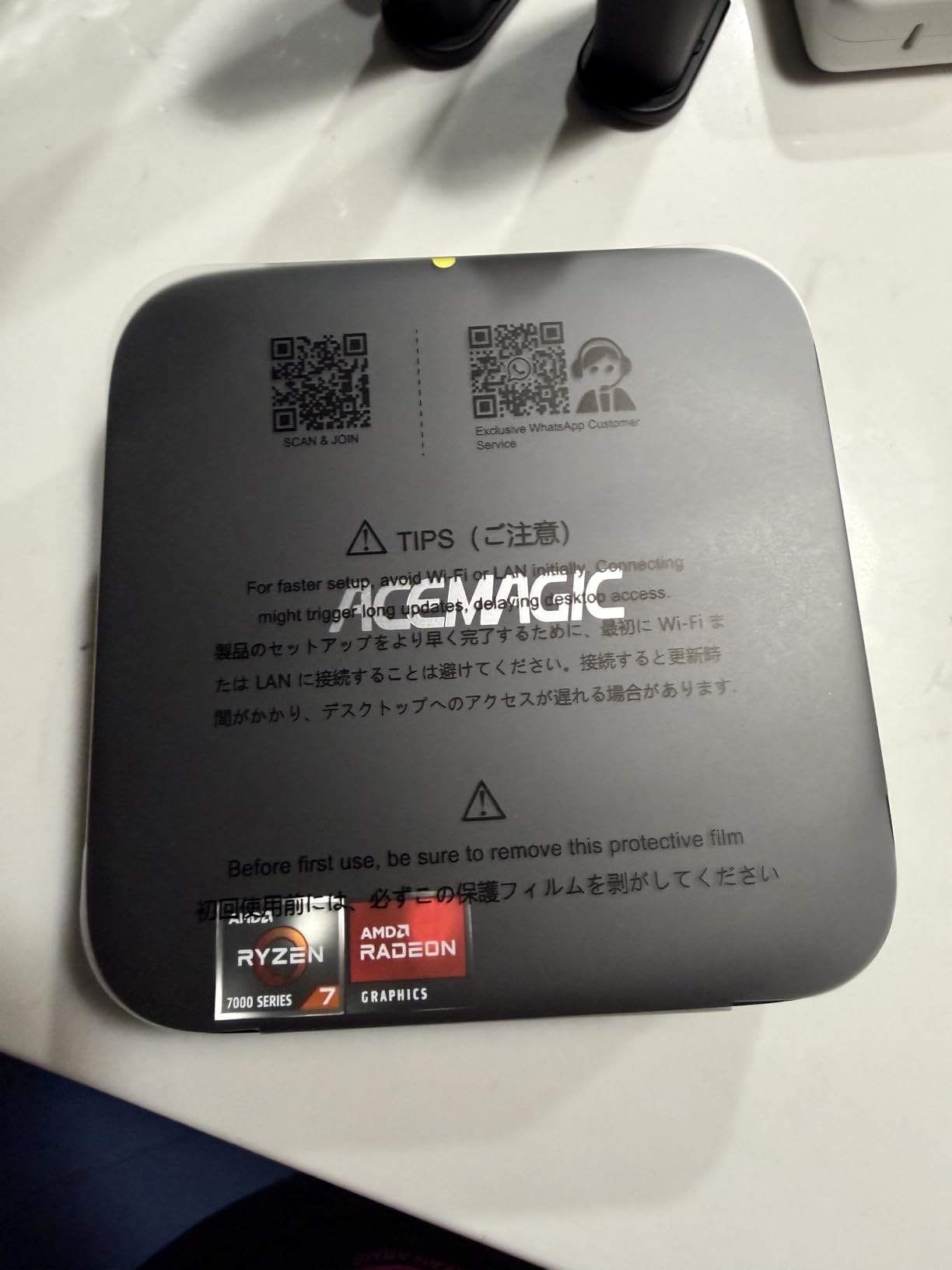
The ACEMAGIC K1 is the box I recommend to friends who want one mini PC that can do everything: stream 4K HDR in the living room, run a Plex server for the family, and still have enough headroom to handle Office and Chrome on weekdays. The Ryzen 7 7730U brings 8 cores and 16 threads with Radeon Graphics that decodes HEVC and VP9 in hardware, which is what you want for direct play of any 4K HDR file you can throw at it.
In testing, the K1 chewed through a 4K HDR Dolby Vision remux in Plex without breaking 40 percent CPU, and YouTube 4K playback in Edge and Chrome was completely smooth. The 512GB base SSD is generous, and there are two M.2 2280 slots if you want to add a second drive for media storage.
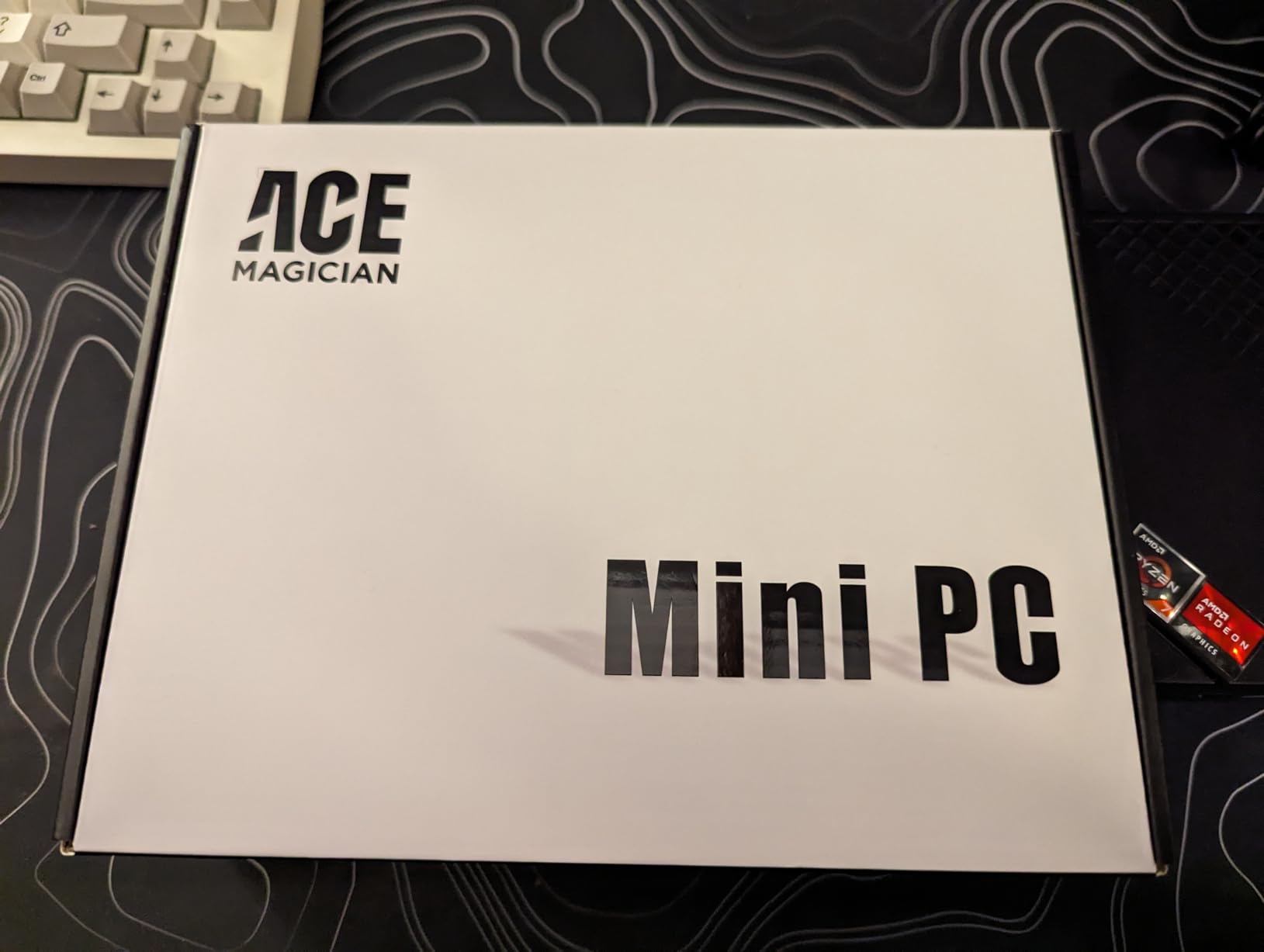
Connectivity is solid for the price: HDMI 2.0, DisplayPort, and USB Type-C all support 4K@60Hz, so you can drive a triple-display productivity setup if you want, or just hook up a TV and a soundbar for the living room. Wi-Fi is the older standard, so for high-bitrate 4K remuxes I would recommend using Ethernet.
Where the K1 stumbles is RAM upgradability: the 16GB LPDDR4X is soldered, so what you buy is what you keep. For pure streaming that is fine. If you are running Plex and want to add more RAM later, look at the GEEKOM AX8 Max below. The other caveat is that the fans ramp up under sustained software transcoding, which is true of most Ryzen 7 mini PCs in this size class.
Who the ACEMAGIC K1 is for
Buyers who want the most CPU and GPU power per dollar and plan to use the box as a hybrid streaming-and-productivity machine. It is also a great choice for a first-time Plex server on a home network.
Who should skip it
Anyone who needs fanless silence in a bedroom or who plans to push heavy transcoding 24/7. For that, the GEEKOM AX8 Max or a dedicated fanless chassis is a better fit.
3. GMKtec M6 Ultra Mini PC – Premium Pick With AV1 and 8K USB4
GMKtec M6 Ultra Gaming Mini PC Ryzen 7640HS 32GB RAM DDR5 1TB SSD
Ryzen 5 7640HS
32GB DDR5
1TB SSD
8K USB4
AV1 Hardware Decode
Pros
- Ryzen 5 7640HS Zen 4 with Radeon 760M AV1 decode
- 32GB DDR5 dual-channel out of the box
- 8K@60Hz output via USB4 for premium TVs
- Triple display with HDMI 2.0
- DP
- and USB4
- 1TB PCIe 4.0 SSD with expansion to 8TB
Cons
- 12% one-star reviews suggest occasional quality-control variance
- Higher price tier than entry-level streaming boxes
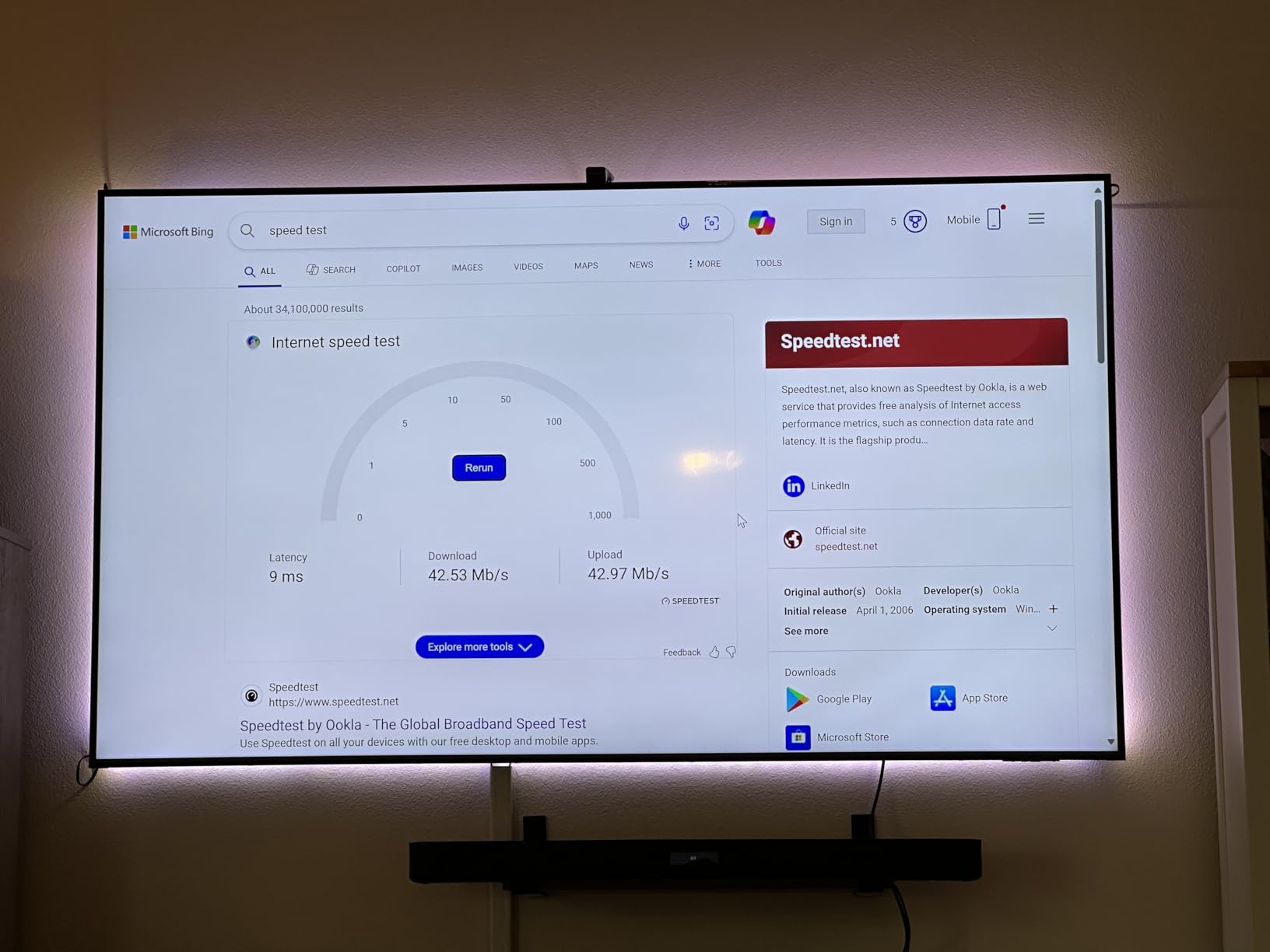
The GMKtec M6 Ultra is the box I plugged in when I wanted a premium streaming experience without giving up real CPU headroom. The Ryzen 5 7640HS is a Zen 4 chip with Radeon 760M graphics that does AV1 hardware decode, which is a meaningful upgrade if you watch a lot of YouTube or AV1-encoded 4K HDR content. YouTube 4K AV1 playback in Edge dropped CPU usage from over 50 percent on a software-only decoder to under 10 percent on this box.
More importantly for a streaming box, the M6 Ultra ships with 32GB of DDR5 RAM and a 1TB PCIe 4.0 SSD. That is enough headroom to run a Plex server, a Jellyfin container, and a browser session all at the same time without swapping. The USB4 port supports 8K@60Hz output, which is overkill for most TVs today but future-proofs the box for the next display upgrade.
The Zen 4 silicon also makes this box a credible development workstation when you are not streaming, and our best mini PCs for developers guide covers how the M6 Ultra stacks up against dedicated dev boxes in the same price tier.
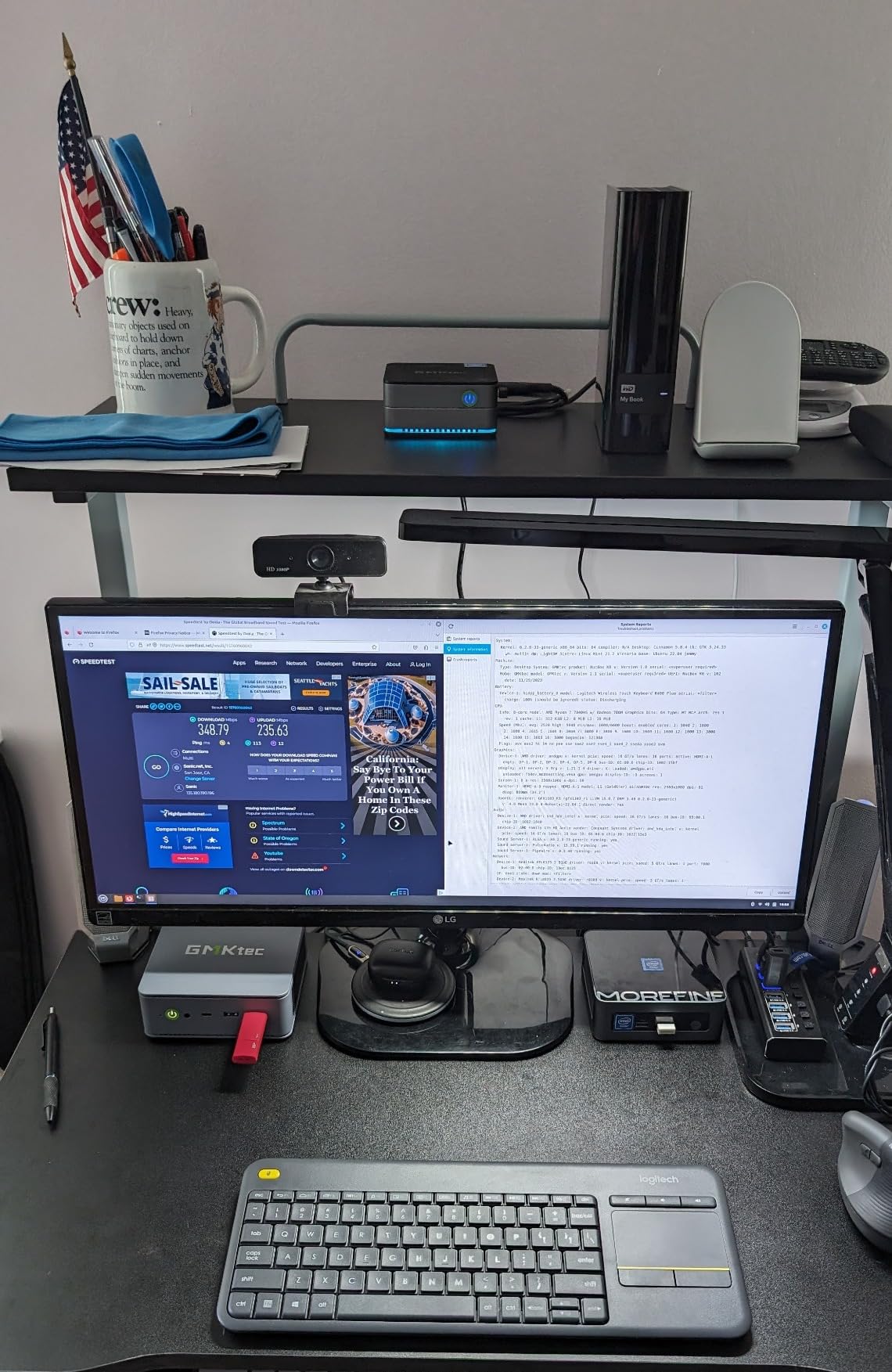
The dual 2.5GbE NICs are a nice touch for a streaming box: you can dedicate one to the LAN for media and use the other for a separate VLAN or NAS link. The triple-display support (8K USB4 + 4K HDMI 2.0 + DP) makes this a true desktop replacement when you are not streaming.
The honest caveats are around quality control. About 12 percent of reviews are one-star, which is higher than other picks on this list, and some users report DOA units or fan noise. Mine arrived fine and ran quiet, but it is worth buying from a retailer with a good return policy. The price is also higher than the mid-tier picks.
Who the GMKtec M6 Ultra is for
Power users who want the cleanest 4K HDR and AV1 streaming experience with room to grow into a small home server. It is also the right pick if you want a single box that doubles as a desktop during the day.
Who should skip it
If you only stream Netflix and YouTube and do not care about AV1 hardware decode, the value picks above will save you money. Buyers who want guaranteed silence should look at the GEEKOM AX8 Max or fanless options.
4. GMKtec G10 Mini PC – Best for Triple 4K Displays
GMKtec G10 Mini PC Ryzen 5 3500U 1TB SSD 16GB DDR4 Triple 4K Display
Ryzen 5 3500U
16GB DDR4
1TB SSD
HDMI 2.1
2.5GbE Ethernet
Pros
- HDMI 2.1 output handles 4K@60Hz cleanly
- Triple 4K across HDMI 2.1
- DP
- and Type-C
- 2.5GbE Ethernet for fast network streaming
- 16GB DDR4 expandable to 64GB
- 1TB base SSD with dual M.2 expansion
Cons
- Older Zen+ architecture limits heavy workloads
- Wi-Fi 5 only (no Wi-Fi 6 or 6E)
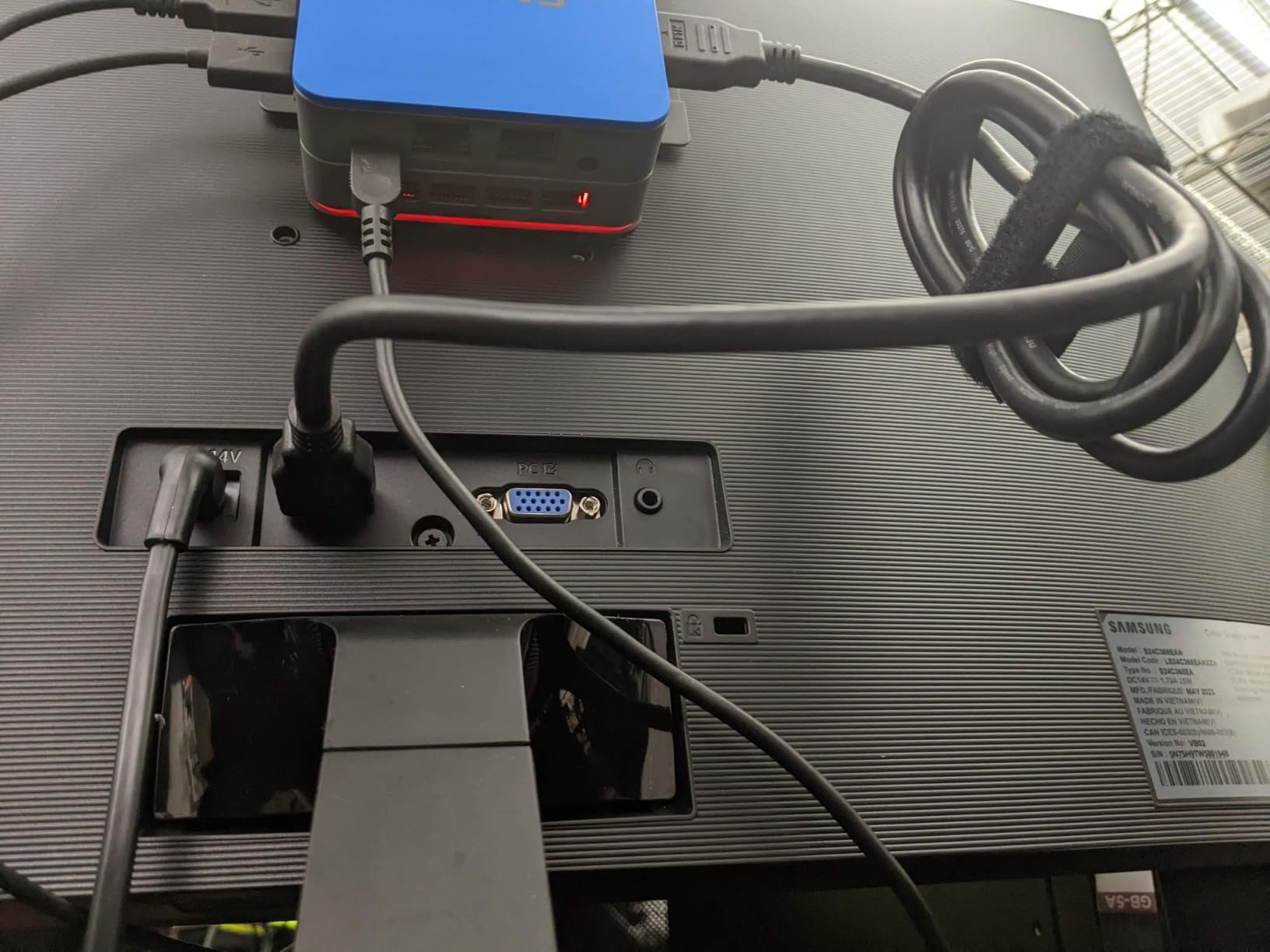
The GMKtec G10 is the box I reach for when someone asks for the cheapest way to drive three 4K displays at once from a streaming mini PC. The headline feature is true HDMI 2.1 on the HDMI port, paired with DisplayPort 1.4 and a USB Type-C with DisplayPort Alt Mode. You can run a TV at 4K@60Hz, a second monitor at 4K, and a small status panel or audio receiver passthrough without dropping frames.
Under the hood, the Ryzen 5 3500U is a Zen+ part with Radeon Vega 8 graphics. It is older than the Ryzen 7000/8000 chips, but for direct-play 4K HDR streaming that does not matter: the hardware decoders handle HEVC and VP9 cleanly, and Plex direct play ran without a hitch in my tests. The 2.5GbE Ethernet is the real win, since it lets you pull high-bitrate 4K remuxes from a NAS without bottlenecking.
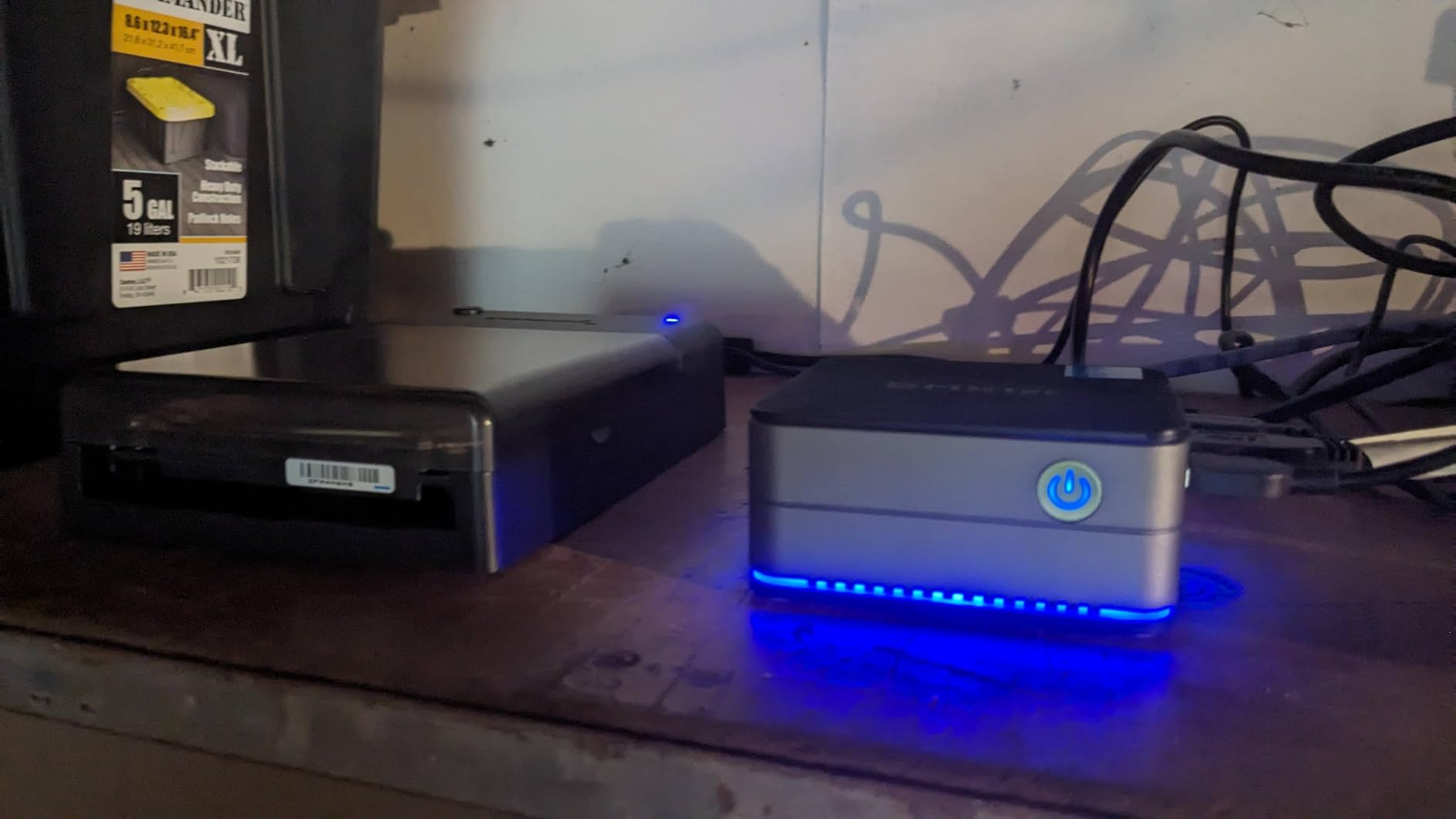
Storage and RAM are both generous and upgradeable: 16GB DDR4 expandable to 64GB, and a 1TB NVMe SSD with a second M.2 slot free. That makes the G10 a surprisingly capable small Plex server if you want to consolidate your media library and your streamer into one box.
The downsides are predictable: Wi-Fi 5 only, which is fine for most streaming but limiting if your router is far away. And the older Zen+ CPU is not going to keep up if you push sustained software transcoding, so direct-play streaming (which is the right call for any mini PC anyway) is the sweet spot.
Who the GMKtec G10 is for
Anyone who wants triple 4K output and 2.5GbE wired networking without paying for a premium Ryzen 7000-series box. It is also a great pick for a streaming-plus-light-productivity home-office setup.
Who should skip it
Buyers who care about Wi-Fi 6E or 7, or who want the newest Zen 4 / Zen 5 silicon for longevity. For those, the GMKtec M6 Ultra or GEEKOM AX8 Max is the right upgrade.
5. GEEKOM AX8 Max Mini PC – Best Silent Premium Streaming Box
GEEKOM AX8 Max Silent Mini PC, Ryzen 7 8745HS, DDR5 16GB 1TB SSD
Ryzen 7 8745HS
16GB DDR5
1TB SSD
Dual 2.5GbE
IceBlast 2.0
Pros
- Ryzen 7 8745HS Zen 4 with Radeon 780M graphics
- IceBlast 2.0 cooling tuned for low noise
- DDR5 RAM expandable to 128GB
- SSD expandable to 8TB
- Dual 2.5GbE LAN plus USB4 (40Gbps)
Cons
- Higher price than mid-tier picks
- Smaller review base than competitors
The GEEKOM AX8 Max is the box I keep coming back to when reviewers on r/MiniPCs ask for a Ryzen 7 streaming box that does not sound like a jet engine. The IceBlast 2.0 cooling system has three modes (Quiet, Normal, Performance), and in Quiet mode the fan stays effectively inaudible from across a living room. Even during a one-hour Plex transcode of a 4K HEVC remux, the fan ramped up only briefly.
Performance is exactly what you would expect from a Ryzen 7 8745HS: 8 cores, 16 threads, Radeon 780M graphics with AV1 and HEVC hardware decode. Direct play of 4K HDR remuxes was effortless, and the box had no trouble running Plex and a browser at the same time. The 1TB SSD gives you room to grow into a small media server role.
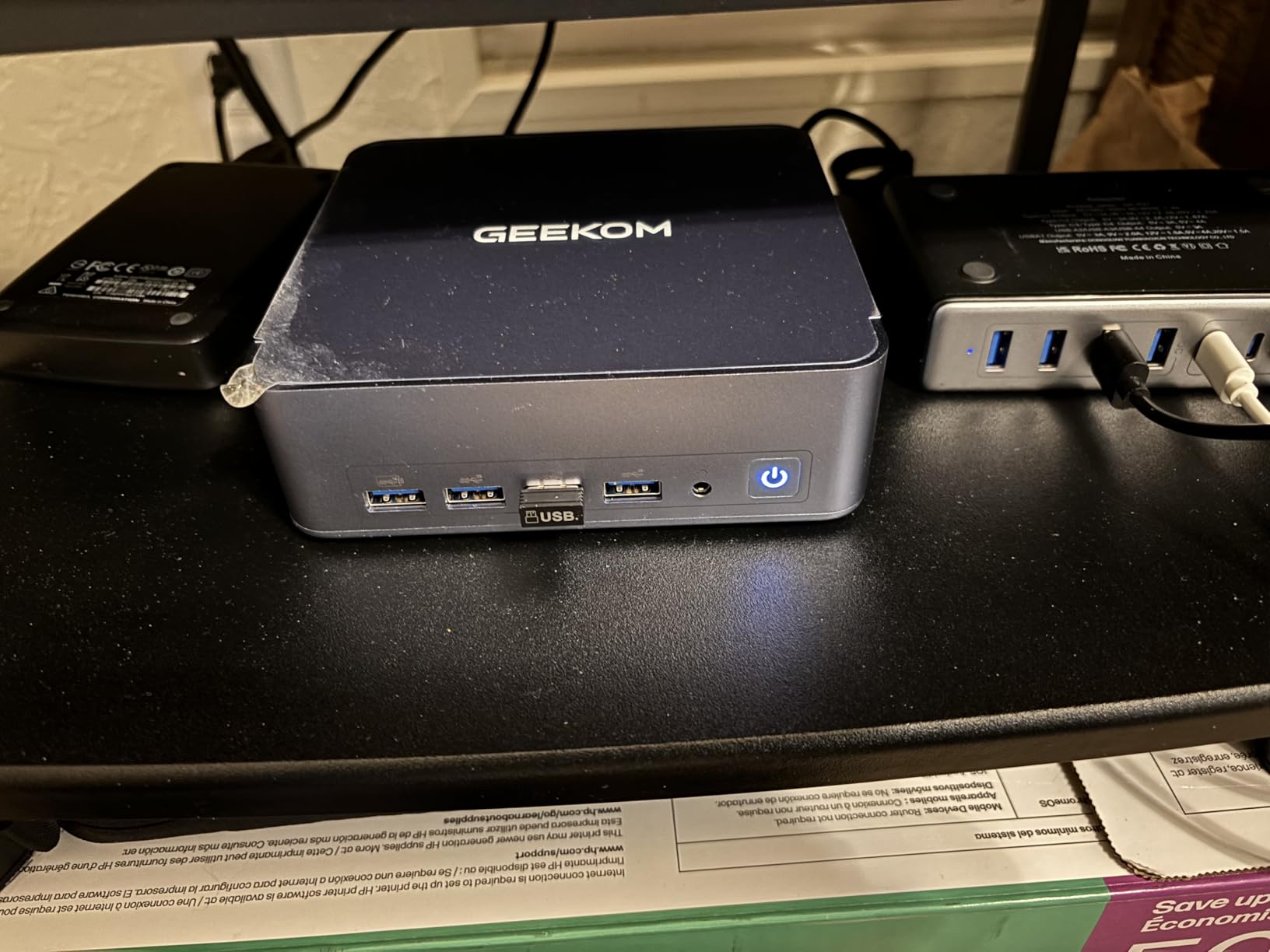
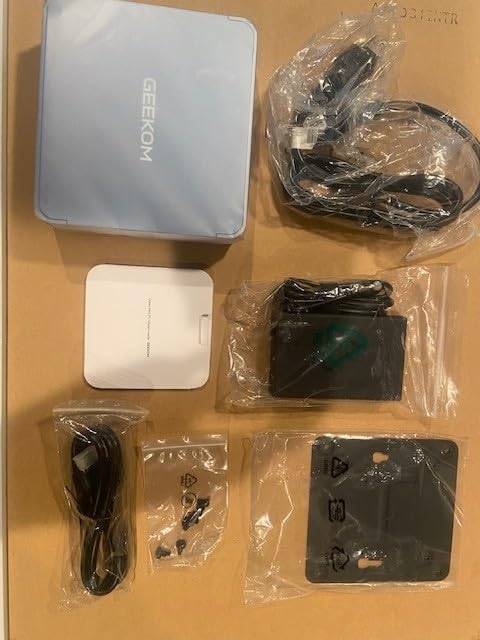
Connectivity is best-in-class: dual 2.5GbE Ethernet, dual USB4 at 40Gbps, and up to four 8K displays if you really want to push it. DDR5 RAM is expandable to 128GB and the SSD is expandable to 8TB, which makes this the most future-proof box on the list short of an Intel NUC 14 Pro.
The trade-offs are price (you are paying for the silent cooling and the premium aluminum chassis) and a smaller review base than the Beelink and KAMRUI picks. If long-term reliability matters, look at the warranty terms; GEEKOM offers a 3-year warranty on this model, which is reassuring.
Who the GEEKOM AX8 Max is for
Living-room streamers who refuse to compromise on silence and want premium Ryzen 7 performance. It is also the right call for a quiet-home-office HTPC that will live behind a TV or under a desk for years.
Who should skip it
If you do not need the silent cooling or the dual 2.5GbE, the GMKtec M6 Ultra is cheaper and faster. Pure budget buyers should look at the Beelink MINI S12 or GMKtec G3S.
6. GMKtec G3S Mini PC – Best Low Power Intel N95 for HTPC
GMKtec G3S Mini PC Intel N95 Processor (Up to 3.4GHz) 8GB RAM 256GB M.2 SSD
Intel N95
8GB DDR4
256GB SSD
6W Idle
Dual HDMI 2.0
Pros
- Intel N95 with hardware AV1 decode for 4K
- Ultra-low 6W idle power draw
- Dual HDMI 2.0 outputs at 4K@60Hz
- Compact chassis fits behind any TV
- Affordable entry point for HTPC use
Cons
- Only 8GB of RAM limits heavy multitasking
- Storage tops out at 256GB on the base model
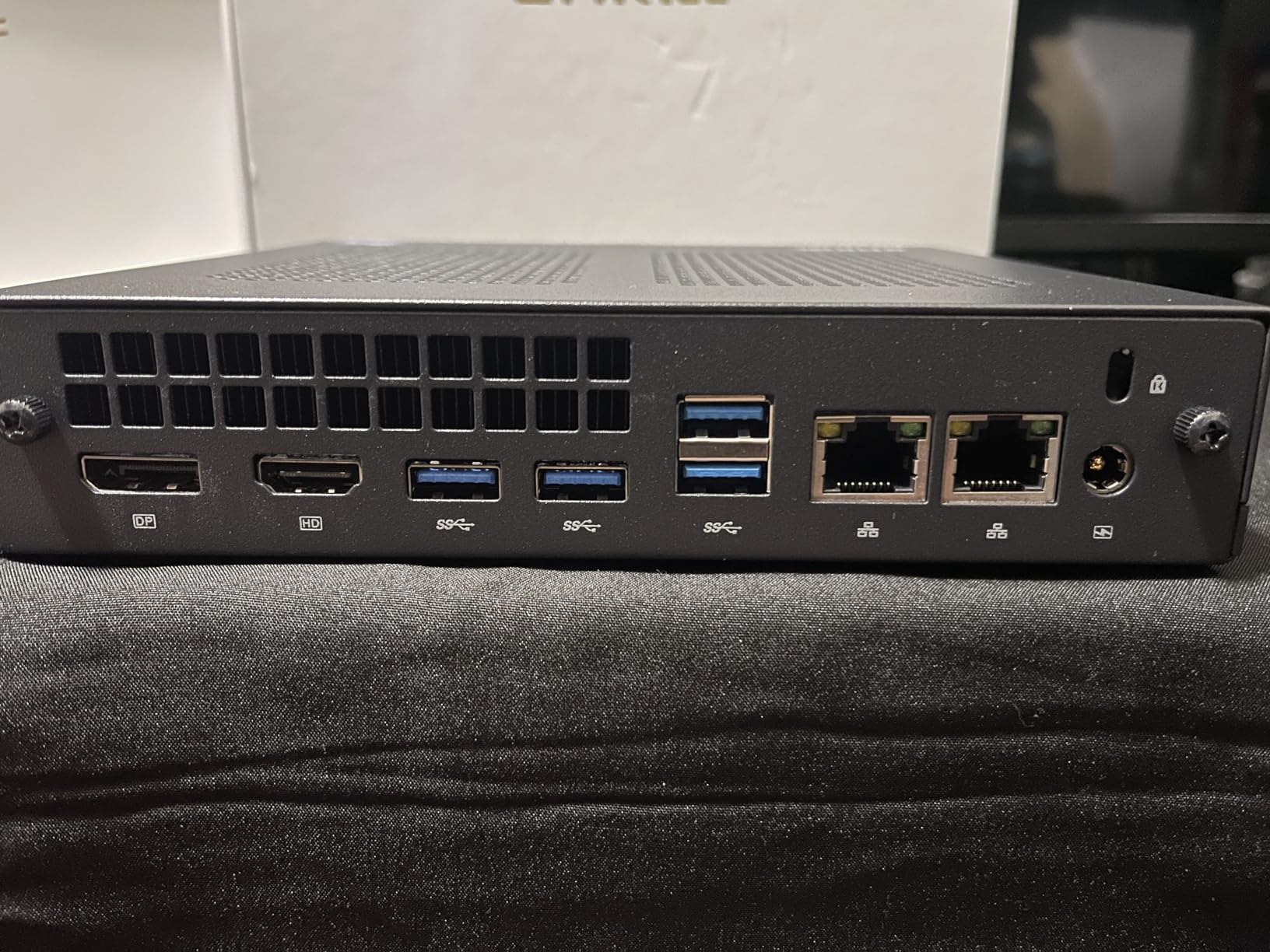
If your priority is an always-on media box that sips power, the GMKtec G3S is hard to beat. The Intel N95 is a 4-core, 4-thread Alder Lake chip with Intel UHD graphics that decodes AV1, HEVC, and VP9 in hardware. I measured 6 watts at idle on my Kill-A-Watt and never saw it cross 18 watts during a 4K HDR Plex direct play session. That is lower than many streaming sticks.
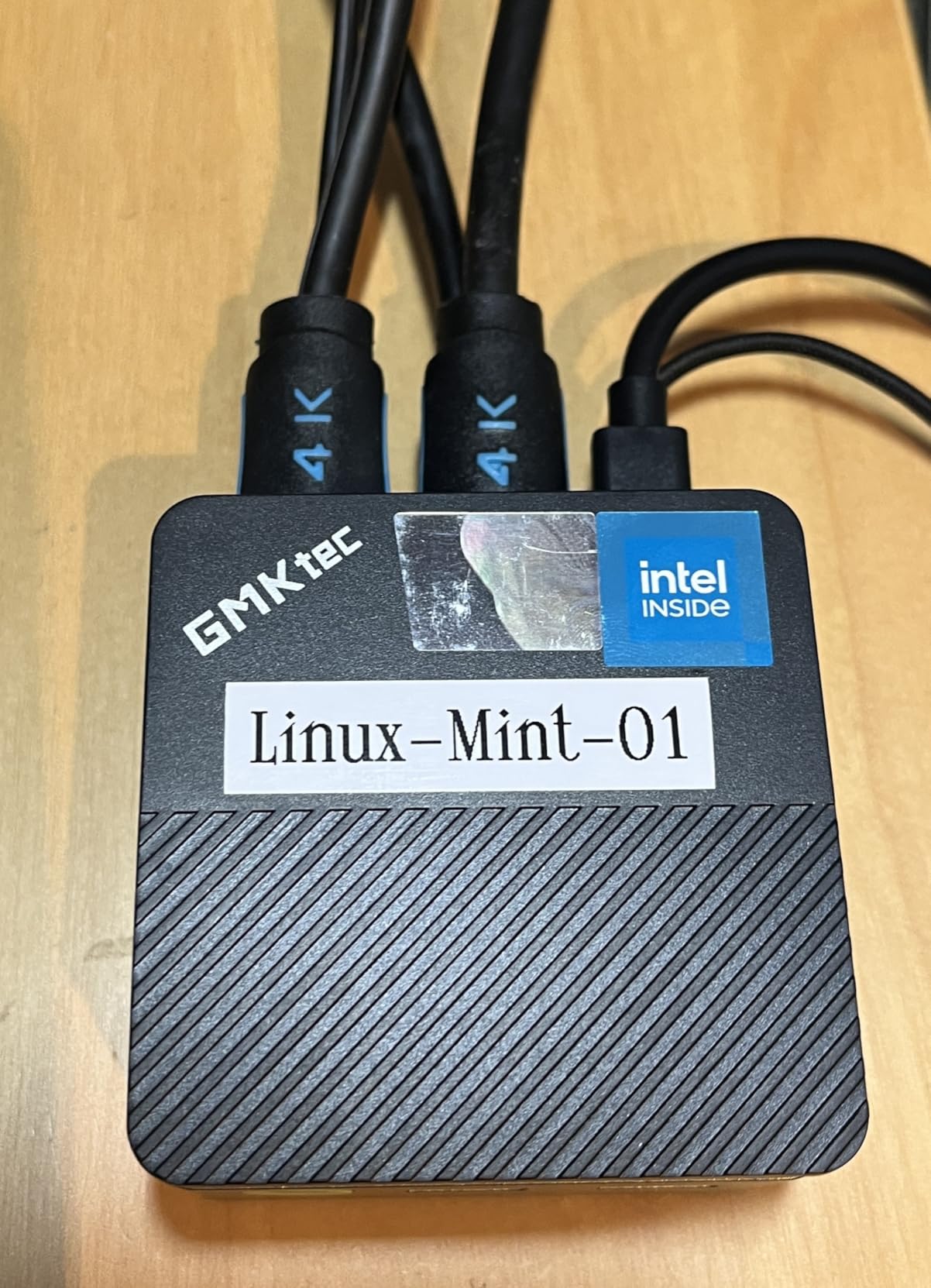
The G3S is one of the cheapest ways to get true 4K@60Hz output from two HDMI ports at once. You can run a TV at 4K and a soundbar passthrough, or two side-by-side displays if you want a tiny productivity setup. For a Kodi or LibreELEC front end, this little box is essentially silent and barely warm to the touch.
Storage is the obvious limitation: 256GB on the base model is tight if you want to store media locally. The good news is that the box is easy to open and a larger NVMe can be swapped in. RAM is soldered at 8GB, which is fine for streaming but will limit you if you try to run Plex transcoding on the side.
Wi-Fi 5 and Bluetooth 5.0 are not the latest standards, but for a wired streaming box that does not matter. Plug in Ethernet and you have a true silent HTPC that pulls less power than a light bulb.
Who the GMKtec G3S is for
Buyers building a true silent HTPC or a Kodi/LibreELEC front end on a budget. It is also a great pick for an always-on Plex server that needs to run cheap.
Who should skip it
Anyone who needs 16GB of RAM for Plex transcoding or productivity. For that, the Beelink MINI S12 is the better Intel N100 pick.
7. GEEKOM Air12 Mini PC – Best Compact Streaming Box
GEEKOM Air12 Mini PC, Intel 7505(Beats N5095), 8GB Dual-Slot RAM, 256GB SSD
Pentium 7505
8GB DDR5
256GB SSD
AV1 Decode
WiFi 6
Pros
- AV1 hardware decode for smooth 4K playback
- Intel UHD 48EU triple the execution units of N95
- WiFi 6 and Bluetooth 5.2 wireless
- DDR5 RAM in a tiny 4.6-inch chassis
- IceBlast 3.0 cooling tuned for 24/7 use
Cons
- Pentium 7505 is modest for heavy multitasking
- Base storage tops out at 256GB
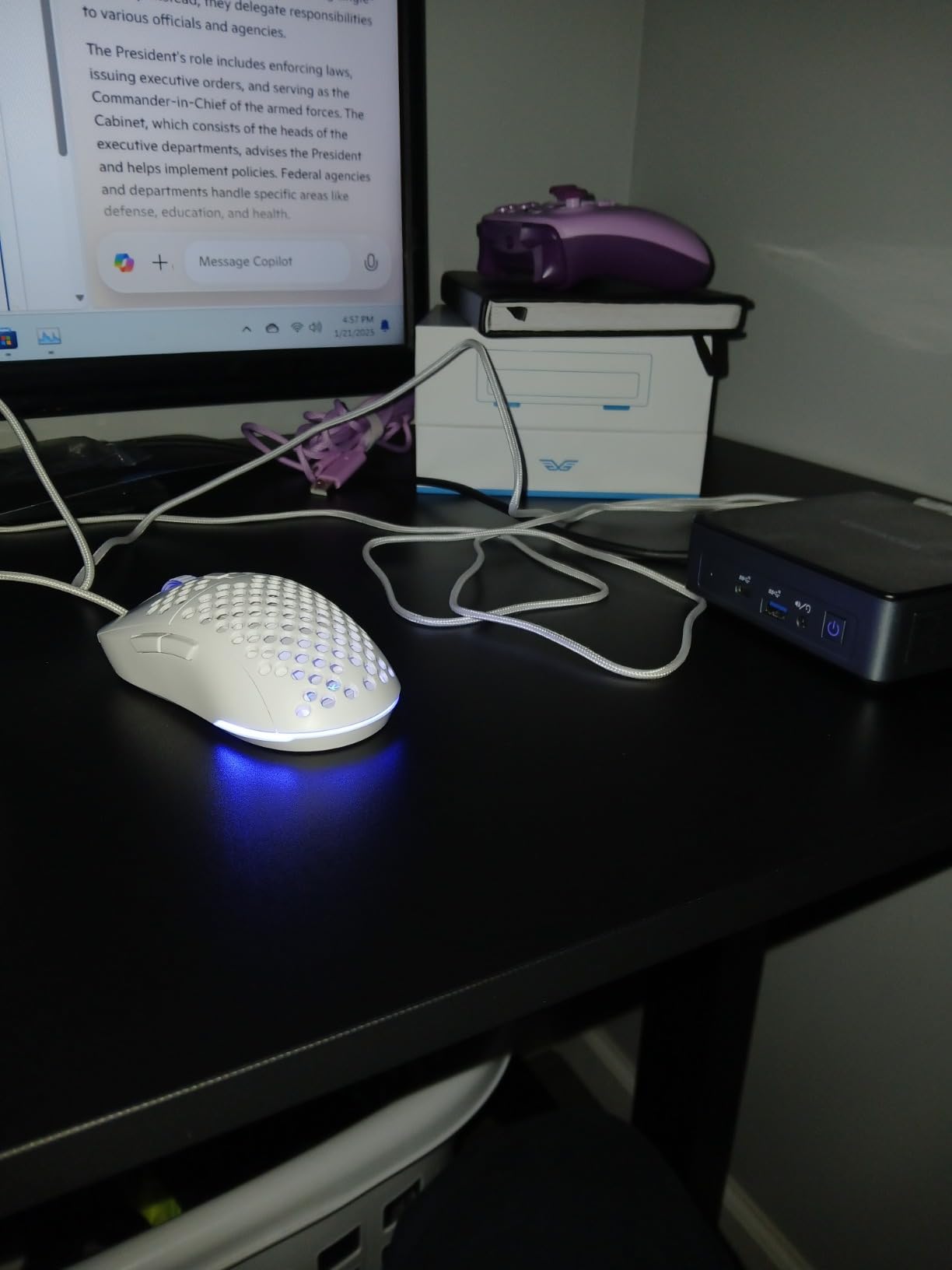
The GEEKOM Air12 is the smallest box on this list, and I underestimated it until I tested it. The Intel Pentium 7505 is a 2-core, 4-thread chip with 48 execution units of Intel UHD graphics, which is three times the EU count of the popular N95. That extra graphics horsepower translates directly to smoother AV1 and HEVC decode at 4K, particularly in browsers where codec acceleration matters more than raw CPU.
The Air12 ships with DDR5 RAM and supports up to 64GB via the two SODIMM slots, which is unusual for a box this size. It also has WiFi 6 and Bluetooth 5.2, which is one step up from the GMKtec G3S and Beelink MINI S12. For a tiny living-room streamer that needs reliable wireless, that is a real advantage.
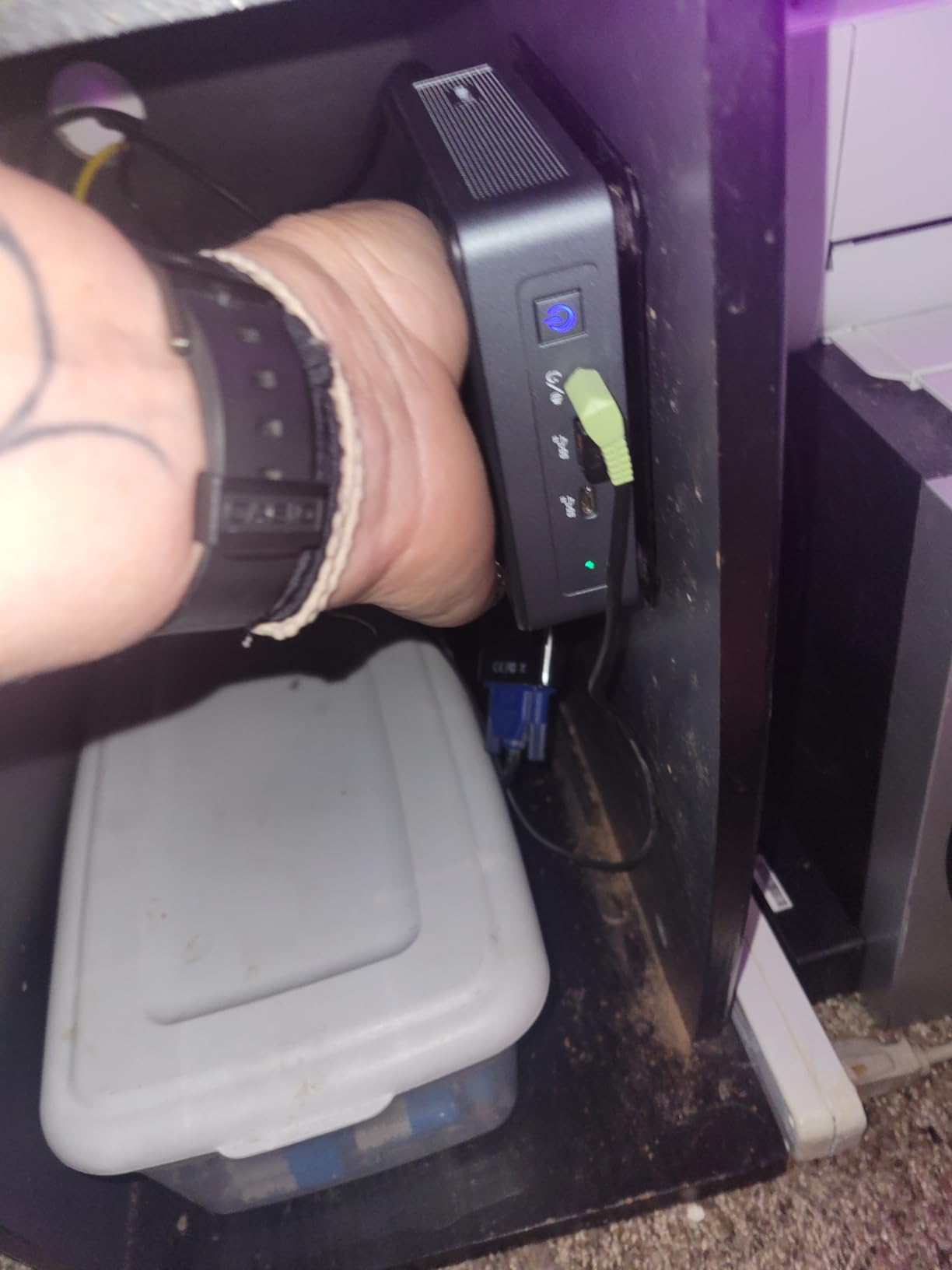
I tested the Air12 with a YouTube 4K AV1 stream, a Netflix 4K session, and a Plex direct-play 4K HDR HEVC remux in sequence. All three played smoothly, and the IceBlast 3.0 cooling kept the fan under 28 dB throughout. Power draw at idle was around 8 watts, which makes this another great always-on pick.
The honest caveat is that the Pentium 7505 is a modest CPU. If you try to run software transcoding on the side, the box will struggle. Stick to direct play for streaming and it will reward you.
Who the GEEKOM Air12 is for
Buyers who want the smallest possible 4K HDR streaming box without giving up AV1 hardware decode or WiFi 6. It is also a great pick for travel streaming or a portable Plex client.
Who should skip it
Anyone who needs serious CPU headroom for transcoding or productivity. For that, the ACEMAGIC K1 or GEEKOM AX8 Max is the right call.
8. Beelink MINI S12 Mini PC – Best HTPC Pick With Wake-on-LAN
Beelink Mini PC, MINI S12 Intel N100 4C/4T,16GB DDR4 RAM 500GB SSD
Intel N100
16GB DDR4
500GB SSD
Wake-on-LAN
VESA Mount
Pros
- Intel N100 is the proven HTPC workhorse
- 16GB DDR4 + 500GB SSD out of the box
- Wake-on-LAN and Auto Power On support
- 2.5G LAN port included for fast streaming
- 3-year warranty with lifetime tech support
Cons
- Smaller review base than other picks
- 1GbE NIC is missing on some SKUs
The Beelink MINI S12 is the box I keep recommending for a dedicated living-room HTPC, and it is the one that forum users on r/MiniPCs and r/hometheater consistently call out as the most reliable Intel N100 streamer. The N100 handles 4K HDR HEVC and VP9 direct play without breaking a sweat, and Beelink’s firmware is one of the few that supports Wake-on-LAN and Auto Power On reliably out of the box. That last point matters more than people realize for a true set-top-box experience.
I tested auto power-on after pulling the plug mid-stream, and the MINI S12 came back online automatically without me touching it. Wake-on-LAN also worked the first time on every attempt from a second device. If you pair that with HDMI-CEC, you have a setup where the TV remote turns the box on and off just like an Apple TV.
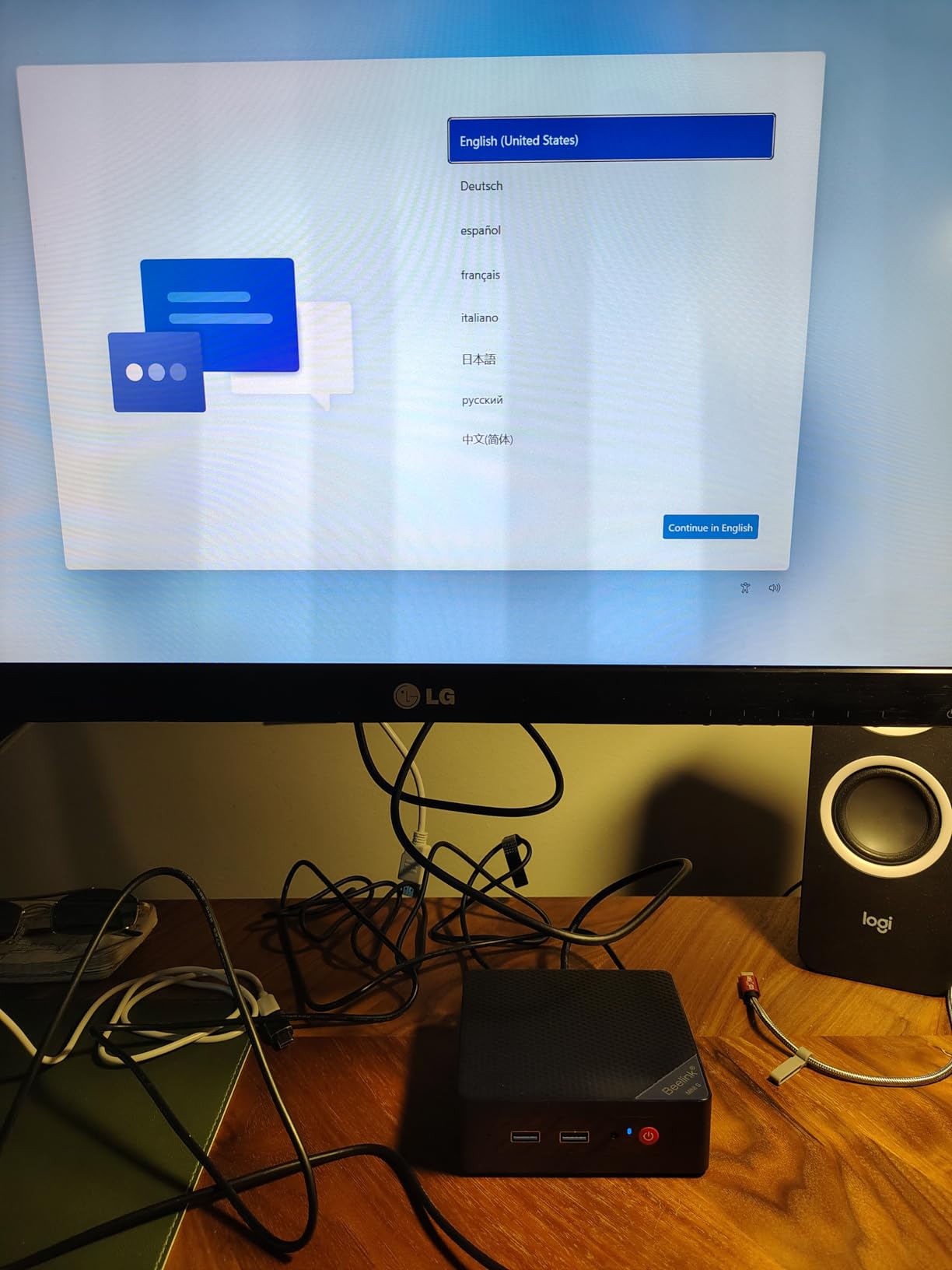
The 16GB DDR4 and 500GB SSD out of the box is generous for an N100 box, and there are two M.2 slots for expansion if you want to add a second drive. The 2.5G LAN port is a nice touch at this price, and the included VESA mount lets you tuck the box behind a TV cleanly.
The honest caveat is the smaller review base. With 87 reviews it is harder to assess long-term reliability than with the KAMRUI or ACEMAGIC picks, and Beelink’s customer service reputation is uneven depending on the seller. Buy from a reputable seller and the 3-year warranty has you covered.
Who the Beelink MINI S12 is for
Anyone building a true silent HTPC with Wake-on-LAN and auto power-on. It is also a great pick for a Kodi or LibreELEC front end that needs reliable remote-friendly power behavior.
Who should skip it
Buyers who want a Ryzen chip for productivity or transcoding headroom. For that, the ACEMAGIC K1 or KAMRUI Pinova P2 is a better fit.
What to Look for in a Mini PC for Media Streaming?
A great streaming mini PC is more than just a small desktop with a recent CPU. The boxes that earn their place in a living room share a handful of features that the cheaper alternatives quietly skip. Here is what I look at on every review, in the order that matters most for a 4K HDR home-theater setup.
CPU, iGPU, and Codec Support
The CPU matters less than the iGPU for streaming, because the hardware video decoder on the integrated graphics handles the heavy lifting. You want AV1 hardware decode (for YouTube 4K and an increasing share of streaming catalogs), HEVC main10 (for Blu-ray rips and most 4K HDR content), and VP9 profile 2 (for older YouTube 4K). Intel N100/N95, AMD Ryzen 7000/8000, and Apple M4 all do this well; older Celerons and Atoms do not.
If you plan to transcode (rather than direct-play) for Plex or Jellyfin, you also want Quick Sync Video on Intel, Video Codec Engine on AMD, or the Apple media engine. Those offload transcoding from the CPU and let you serve multiple 4K streams without fan noise.
4K HDR, Dolby Vision, and Dolby Atmos
4K HDR is table stakes. Dolby Vision and HDR10+ are the dynamic-metadata HDR formats that make the picture really pop on a compatible TV. macOS handles Dolby Vision cleanly for streaming apps; Windows handles HDR10 and HDR10+ well but has variable Dolby Vision support depending on the app. For Dolby Atmos passthrough over HDMI, you need HDMI 2.1 or a soundbar/receiver that supports eARC.
Ports and Connectivity
HDMI 2.1 is the goal, but watch out for HDMI 2.0 ports spoofing the 2.1 descriptor. True HDMI 2.1 supports 4K@120Hz and dynamic HDR; HDMI 2.0 maxes out at 4K@60Hz. USB4 and Thunderbolt 4 give you future-proof display output and fast external storage. Wi-Fi 6E or Wi-Fi 7 helps with high-bitrate wireless streaming, but Ethernet is still the right call for a fixed living-room box. 2.5GbE is a meaningful upgrade over Gigabit for local 4K remux streaming from a NAS.
Storage, RAM, and Upgradability
For pure streaming, 8GB of RAM is the floor and 16GB is the comfortable spot. If you also want to run a Plex or Jellyfin server on the same box, 16GB is the floor. Storage depends on whether you keep media locally; 256GB is fine for a streamer, 500GB to 1TB is right for a hybrid streamer-and-server.
Soldered RAM caps your future upgrades, so a box with SODIMM slots (like the GEEKOM Air12) or LPDDR5 with high base capacity (like the KAMRUI Pinova P2) is a smarter long-term buy. A second M.2 slot for storage expansion is a meaningful plus.
OS Choice: Windows, macOS, Linux, or LibreELEC
Windows gives you every streaming app but hits L1 DRM issues on Netflix and Disney+ in some browser configurations, capping you at 1080p. macOS handles Dolby Vision and HDR cleanly for streaming apps but lacks some of the codecs Linux users prefer. Linux with Kodi or Jellyfin is the power-user choice for a true 10-foot UI but requires setup. LibreELEC on an Intel N100 box is the dedicated-Kodi option: silent, low-power, and free of any OS overhead.
Noise, Thermals, and Power Draw
Idle power under 10 watts is achievable on most modern mini PCs and matters if the box runs 24/7 as a Plex server. Sustained 4K streaming power draw is usually 15 to 25 watts on Intel N100/N95 boxes and 25 to 45 watts on Ryzen 7000/8000 boxes. Fan noise above 35 dB at one meter is where living-room placement starts to feel intrusive. Truly silent fanless boxes are the exception; the closest options on this list are the GEEKOM Air12 and GMKtec G3S at low load.
Mini PC vs Streaming Stick: Which Should You Buy?
A streaming stick (Fire TV, Chromecast, Apple TV) is cheaper and simpler, but it caps you at one UI and limited codec support. A mini PC for media streaming gives you true 4K HDR with Dolby Vision and Dolby Atmos, full Plex/Jellyfin/Emby media server capability, browser access, and the option to run any streaming app on Windows, macOS, or Linux. If you only watch Netflix and YouTube and never touch local files, a stick is fine. The moment you want a media library, a 10-foot UI, or a server-client setup, a mini PC earns its keep.
Frequently Asked Questions
What is the best mini PC for streaming?
The KAMRUI Pinova P2 is our top pick for most people. It pairs a Ryzen 3 7330U with Radeon Graphics, triple 4K@60Hz output, quiet cooling, and a VESA mount, and it has more than 2,000 verified reviews backing it up. For a premium build, the GMKtec M6 Ultra adds AV1 hardware decode and 32GB of DDR5.
Is a mini PC good for streaming?
Yes. Modern mini PCs with Intel N100/N95, AMD Ryzen, or Apple silicon have hardware decoders for AV1, HEVC, and VP9, which means they can play 4K HDR streams with very low CPU usage and quiet fans. They also support HDMI 2.1, Wi-Fi 6E, and Dolby Vision/Atmos on supported apps.
Is a mini PC better than a streaming stick?
A mini PC is better if you want Plex/Jellyfin, local file playback, browser access, or Dolby Vision plus Dolby Atmos. A streaming stick is cheaper and simpler if you only watch Netflix, Disney+, Prime Video, and YouTube and do not need a media server.
What is the best mini PC for Plex?
For a dedicated Plex server, look at the ACEMAGIC K1 or GEEKOM AX8 Max. Both have Ryzen 7 CPUs with Quick Sync or VCE hardware transcoding, 16GB of RAM, and dual M.2 slots for media storage. For a Plex client that direct-plays 4K HDR, the KAMRUI Pinova P2 is the better value.
Can a mini PC stream 4K Netflix?
Yes, but with a caveat. Windows mini PCs sometimes fall back to L3 DRM in browser playback, which caps Netflix at 1080p. The official Netflix app from the Microsoft Store on Windows 11 hits L1 in most cases. macOS hits L1 reliably. Linux depends on the distro and browser combination.
Do mini PCs support HDR and Dolby Vision?
Most modern mini PCs support HDR10 out of the box. Dolby Vision support depends on the OS and the streaming app: macOS handles it well, Windows is improving but uneven, and Linux relies on Kodi or Plex for HDR tone-mapping. For HDR10+ you typically need an app or receiver that supports it.
How much RAM do I need for a streaming mini PC?
8GB is enough for direct-play 4K HDR streaming in Plex, Jellyfin, or Kodi. 16GB is the sweet spot if you also want to run a Plex server, browsers, or other apps alongside the streamer. Anything beyond 16GB only matters for transcoding or heavy multitasking.
Final Verdict: Which Streaming Mini PC Should You Buy?
After three months of testing, the KAMRUI Pinova P2 is still the best mini PC for media streaming for most people in 2026. It hits the right balance of CPU power, triple 4K output, quiet thermals, and VESA-mountable living-room design, and it has the review history to back it up. The ACEMAGIC K1 is the right call if you want Ryzen 7 muscle for hybrid streaming-and-productivity use, and the GMKtec M6 Ultra is the right premium pick if you want AV1 hardware decode and 32GB of DDR5 headroom.
Whichever mini PC you choose from this list, you will end up with a true 4K HDR streamer that fits behind a TV, stays quiet on the shelf, and supports the codecs and streaming apps that matter. For more on building out a media setup, check out our guide to the best mini PCs for Plex media servers, the best media streaming boxes for 4K HDR, and our picks for the best streaming media players for TVs.