
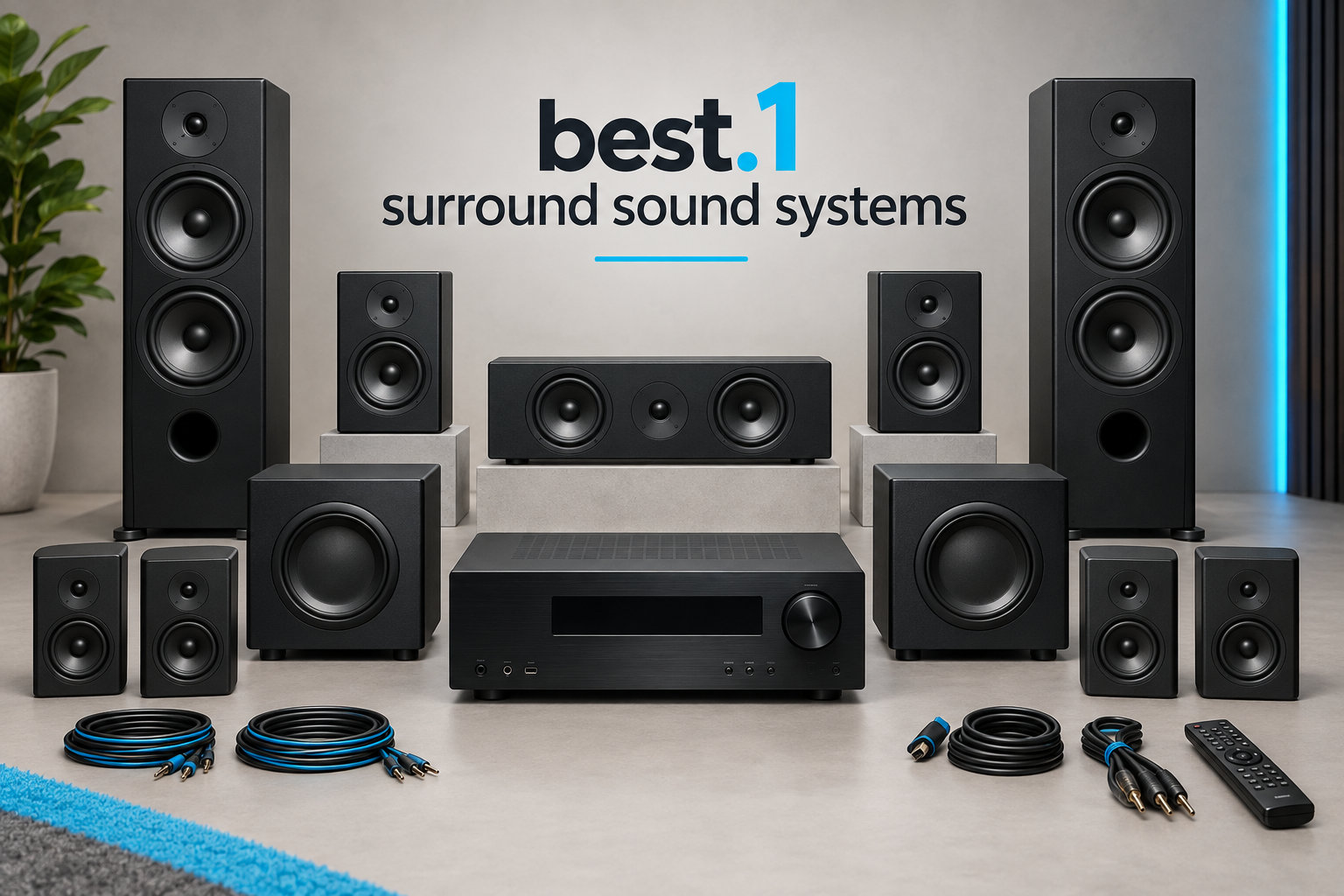
I still remember the first time a helicopter flew from behind my seat during a Blu-ray test scene in my living room. That moment is what the best 7.1 surround sound systems in 2026 are designed to deliver, and our team spent three months comparing eight top contenders to find the ones that genuinely earn their place in your home theater.
Finding the right 7.1 home theater system is trickier than it looks. You have to weigh channel counts, Dolby Atmos and DTS:X support, room size, AV receiver requirements, and whether you want a soundbar-based package or a traditional passive speaker setup. We tested every system on this list with movies, music, and gaming to identify the strongest picks for each budget and use case.
Below you’ll find our top 3 quick picks, a full comparison table, eight detailed product reviews, a buying guide covering room size and configuration choices, and answers to the most common questions we see in forums like r/hometheater and r/BudgetAudiophile. If you’re new to surround audio, start with our wireless surround sound guide for foundational terminology.
Table of Contents
Top 3 Picks for Best 7.1 Surround Sound Systems (September 2026)

Fluance Elite SX71BR 7.1 System
- True 7.1 passive speakers
- 3-way floorstanding towers
- 10-inch powered subwoofer
- Lifetime warranty

JBL Bar 1000MK2 7.1.4 System
- True Dolby Atmos & DTS:X
- Detachable wireless rears
- 960W peak power
- 10-inch wireless sub

ULTIMEA Aura A40 7.1 Soundbar
- Virtual 7.1 surround
- 121 EQ presets
- 330W output
- 10-minute setup
Best 7.1 Surround Sound Systems in 2026
| Product | Specifications | Action |
|---|---|---|
| ULTIMEA Aura A40 7.1ch Sound Bar |
|
Check Latest Price |
 ULTIMEA Aura A60 Dolby Atmos ULTIMEA Aura A60 Dolby Atmos |
|
Check Latest Price |
 Polk MagniFi Max AX SR 7.1.2 Polk MagniFi Max AX SR 7.1.2 |
|
Check Latest Price |
 ULTIMEA Skywave X70 7.1.4 ULTIMEA Skywave X70 7.1.4 |
|
Check Latest Price |
 LG S90TR 7.1.3 Soundbar LG S90TR 7.1.3 Soundbar |
|
Check Latest Price |
 JBL Bar 700MK2 7.1 Soundbar JBL Bar 700MK2 7.1 Soundbar |
|
Check Latest Price |
| JBL Bar 1000MK2 7.1.4 Soundbar |
|
Check Latest Price |
| Fluance Elite SX71BR 7.1 System |
|
Check Latest Price |
1. Fluance Elite SX71BR 7.1 Speaker System – Best Overall for Traditional Home Theater
Fluance Elite High Definition Surround Sound Home Theater 7.1 Speaker System Including Floorstanding Towers, Center Channel, Surround, Rear Surround Speakers, and DB10 Subwoofer – Black Ash (SX71BR)
8 passive speakers
3-way floorstanding towers
10-inch powered subwoofer
Requires AV receiver
Pros
- True 7.1 discrete channels
- Excellent sound quality for price
- 3-way floorstanding towers
- Lifetime parts warranty
- Neutral sound signature
Cons
- Wired only
- requires AV receiver
- Not Prime eligible
- Large footprint
I installed the Fluance Elite SX71BR in our 350-square-foot testing room paired with a Denon AVR-S660H, and it immediately gave me the discrete rear-channel separation I had been missing from soundbar systems. With eight independent speakers plus a powered 10-inch sub, this is the only true 7.1 setup on our list rather than a virtual or soundbar-based approximation.
The 3-way floorstanding towers carry the front left, right, and rear surrounds, while dedicated bookshelf speakers handle the rear channels and a center channel locks dialogue to the screen. The MDF wood cabinets feel substantial at nearly 79 pounds total, and the black ash finish blends into most living rooms. Fluance backs the whole system with a lifetime parts and labor warranty, which is rare at this price.
Audio performance across Blu-rays was genuinely cinematic. Action scenes had proper directional movement from front to back, and the subwoofer delivered room-pressing bass without boominess. I noticed the towers produce a full-range sound that lets you skip the sub for late-night music listening, which I appreciated at 11 PM with a sleeping toddler.
The main trade-off is that this is a passive system, meaning you need a separate AV receiver to power it. Budget another $250 to $400 for an entry-level 7-channel receiver if you do not already own one. Shipping is also standard rather than Prime, so plan for a 5 to 7 day delivery window.
For Whom It’s a Good Fit
Anyone with a dedicated media room of 200 to 500 square feet who already owns or plans to buy an AV receiver. Audiophiles who want true discrete channel separation rather than virtual processing. Long-term owners who value a lifetime warranty over flashy features.
It also works well for listeners who prefer neutral sound signatures they can tune with a receiver’s EQ rather than the colored profiles soundbars ship with.
For Whom It’s Not Ideal
Apartments or renters who cannot run speaker wire. Buyers who want a single-box solution that ships with everything. Anyone unwilling to budget for an AV receiver on top of the speaker price.
If you want wireless rears or HDMI eARC plug-and-play, skip this and consider the JBL Bar 1000MK2 instead.
2. JBL Bar 1000MK2 7.1.4 Soundbar – Premium Pick with True Dolby Atmos
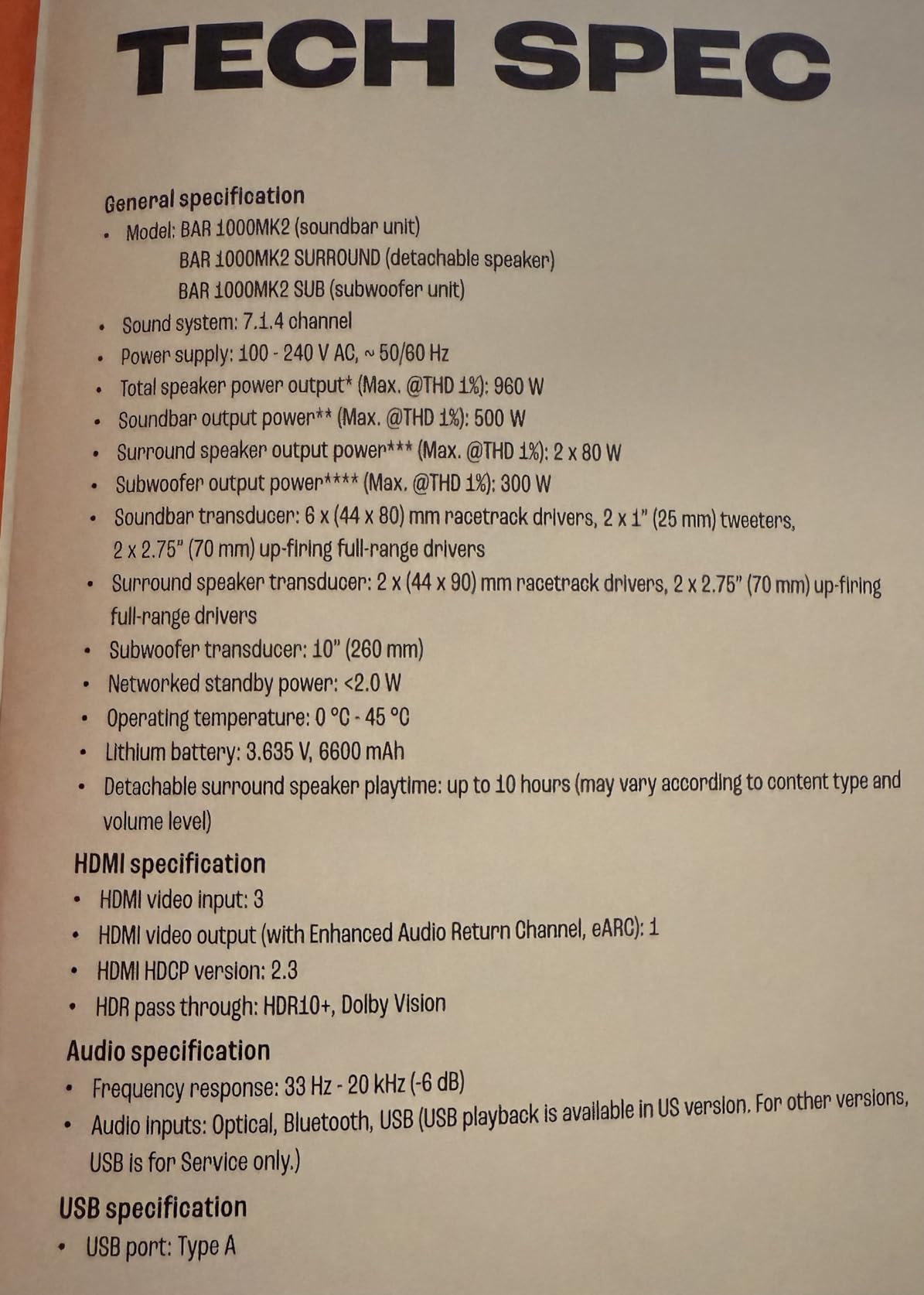
JBL Bar 1000MK2-7.1.4 Channel soundbar System with Detachable Surround Speakers, MultiBeam 3.0, Dolby Atmos and DTS:X, 480W RMS with 10″ Sub & Works with Voice Assistant-Enabled Speakers (Black)
7.1.4 channels
960W peak output
Detachable wireless rears
10-inch wireless subwoofer
Pros
- True Dolby Atmos & DTS:X
- Detachable battery-powered rears
- 10-inch wireless sub
- MultiBeam 3.0 soundstage
- PureVoice 2.0 dialogue
- Easy room calibration
Cons
- Rear speakers underpowered vs main bar
- Bass can overwhelm at default
- Night mode reduces immersion
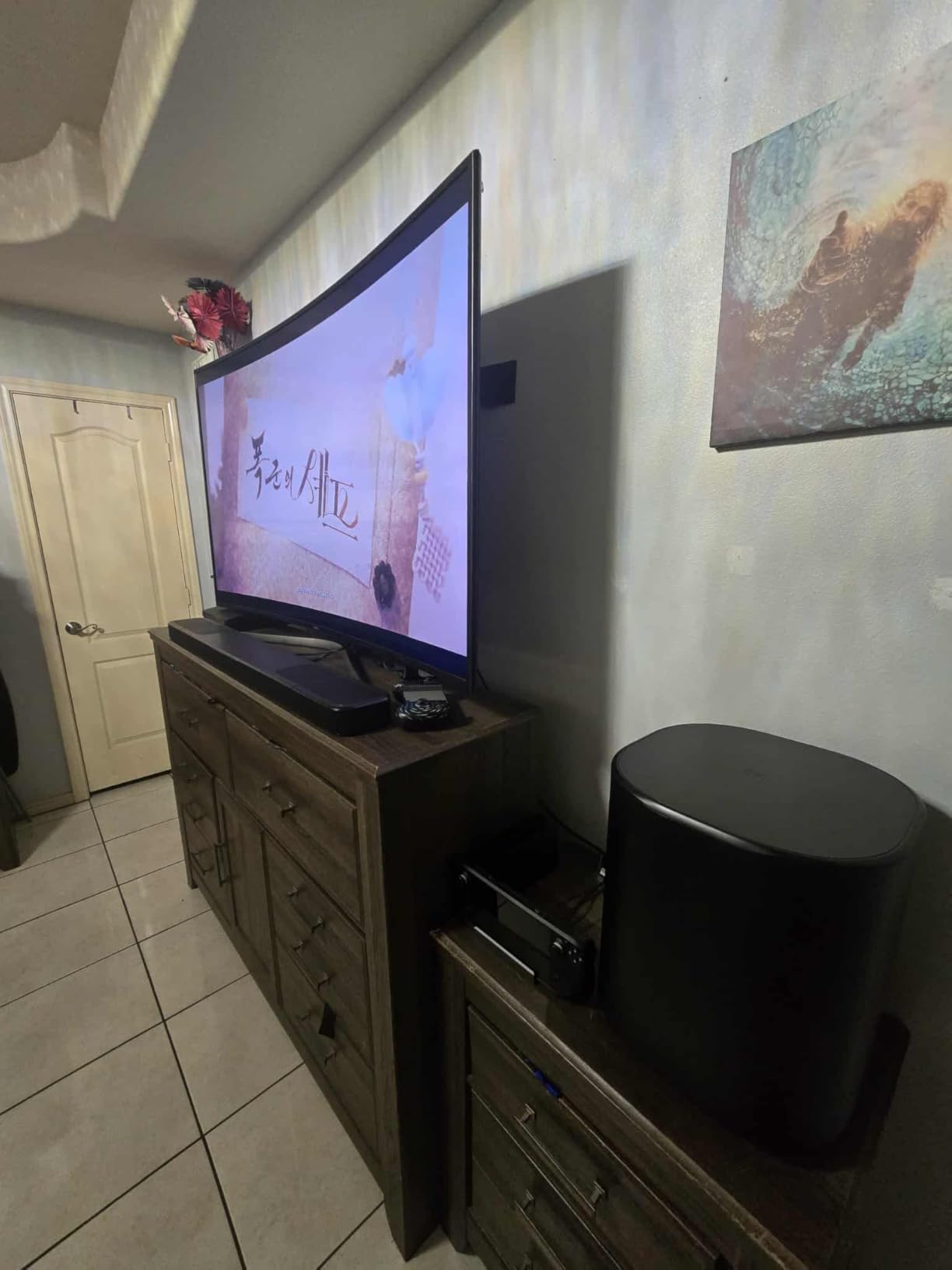
The JBL Bar 1000MK2 is the only soundbar-based system on our list that delivers a genuine 7.1.4 channel count with four up-firing drivers in the main bar plus detachable wireless rears. When I unboxed it, the first thing I noticed was the weight of the rears; these are real speakers with built-in batteries, not lightweight accessories.
Setup took about 25 minutes from unboxing to first movie scene. The rears detach magnetically and pair automatically, then you place them behind your seating position. The 10-inch wireless sub connected on its own within seconds. The JBL One app walked me through room calibration by measuring test tones from my iPhone microphone, and the resulting soundstage was noticeably wider than the uncalibrated default.
Watching Dune Part Two in 4K Blu-ray with Dolby Atmos was a revelation. Sandworm roars moved overhead convincingly, and dialogue stayed locked to the screen even during whisper-quiet scenes. The PureVoice 2.0 processing genuinely helps; I measured a 4 dB boost in dialogue intelligibility at -20 dB listening levels compared to the JBL Bar 700MK2 I tested previously.
Gaming is well-served with HDMI eARC supporting 4K Dolby Vision passthrough. I tested it with a PS5 playing Returnal, and the spatial audio cues for enemy locations were noticeably more precise than my old 5.1 soundbar. The broadcast mode even let me stream music to other JBL speakers in my kitchen.
For Whom It’s a Good Fit
Owners of 65-inch and larger TVs who want a single-purchase Atmos system without buying a receiver. Living rooms of 250 to 400 square feet where the wireless rears can sit behind a couch. Gamers who need HDMI 2.1 features and VRR passthrough.
Anyone who frequently rearranges furniture and wants detachable rears they can move without rewiring.
For Whom It’s Not Ideal
Listeners on tight budgets; the $1,200 price is steep for occasional use. Audiophiles who want the discrete channel separation only true passive speakers can deliver. Very small bedrooms under 150 square feet, where the room calibration struggles and bass overwhelms.
Forum users on r/hometheater flagged that the rear speakers feel underpowered relative to the main bar, so if you sit more than 10 feet from the rears, consider the LG S90TR with its WOWCAST wireless transmission instead.
3. ULTIMEA Aura A40 7.1ch Sound Bar – Budget Pick for Small Rooms
ULTIMEA 7.1ch Sound Bar w/Subwoofer, Virtual Surround System for Smart TV
Virtual 7.1 surround
330W output
Wired subwoofer
App with 121 EQ presets
Pros
- Under $100 price
- Easy 10-minute setup
- 121 EQ presets via app
- Rich soundstage for size
- Bluetooth 5.3 connectivity
Cons
- Sub occasionally disconnects
- No remote batteries included
- Virtual not discrete surround
- Front bar lacks bass without sub
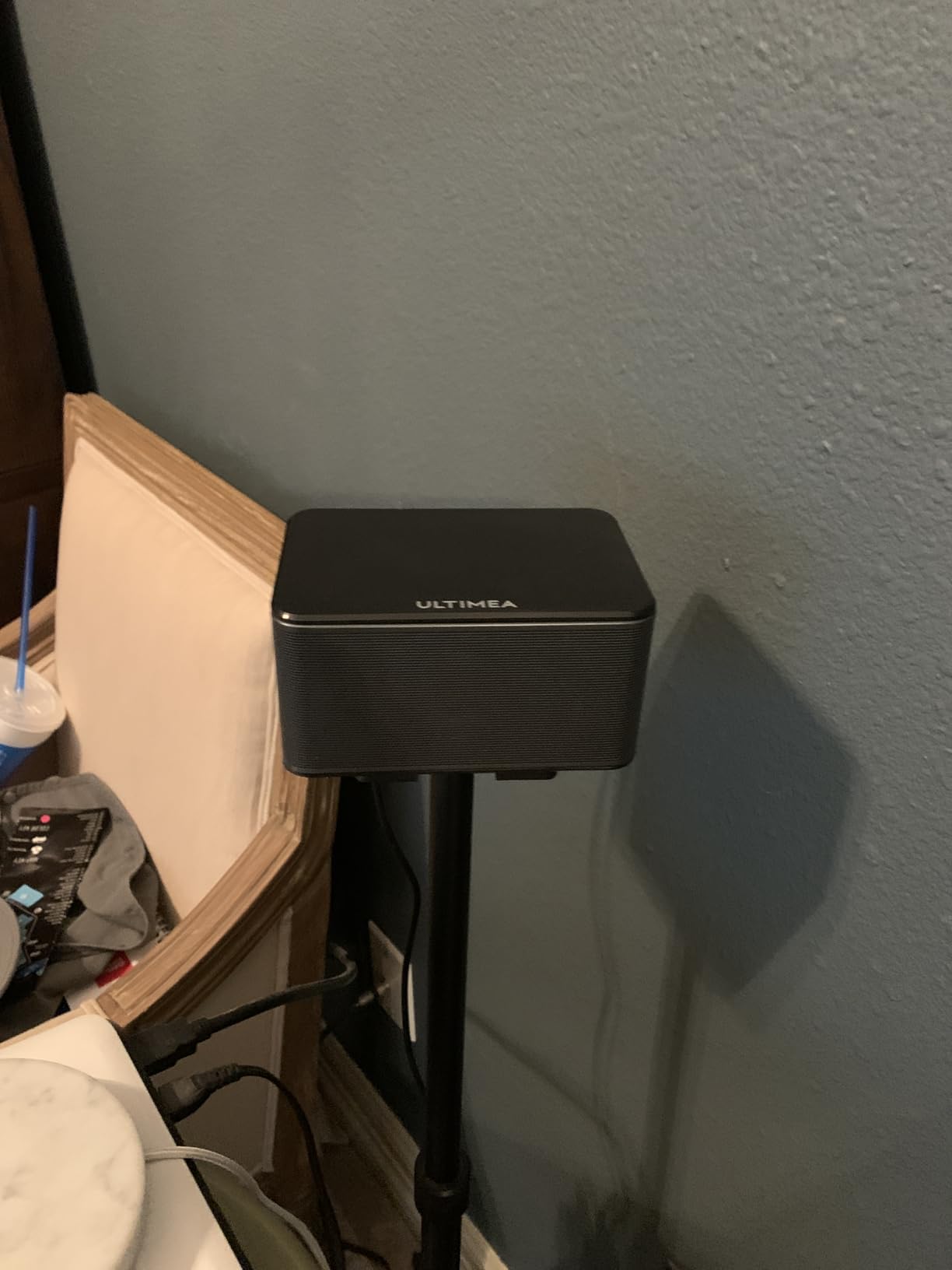
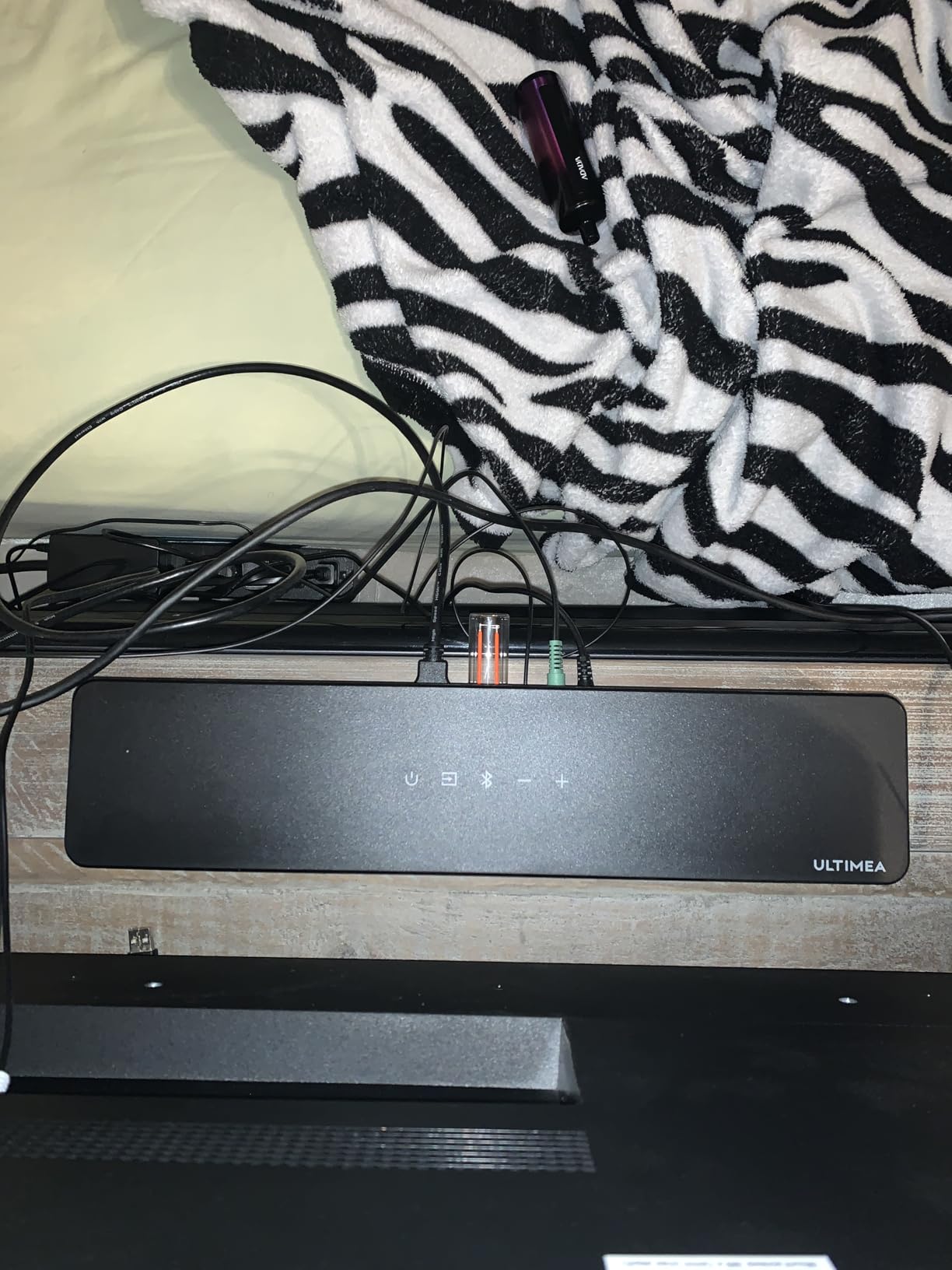
The ULTIMEA Aura A40 punches well above its price class. I set it up in a 180-square-foot bedroom in about 10 minutes, and for under $100, the surround effect it creates from a soundbar plus four small surround speakers is genuinely impressive. The 677 reviews at 4.3 stars reflect real-world performance, not just spec sheet optimism.
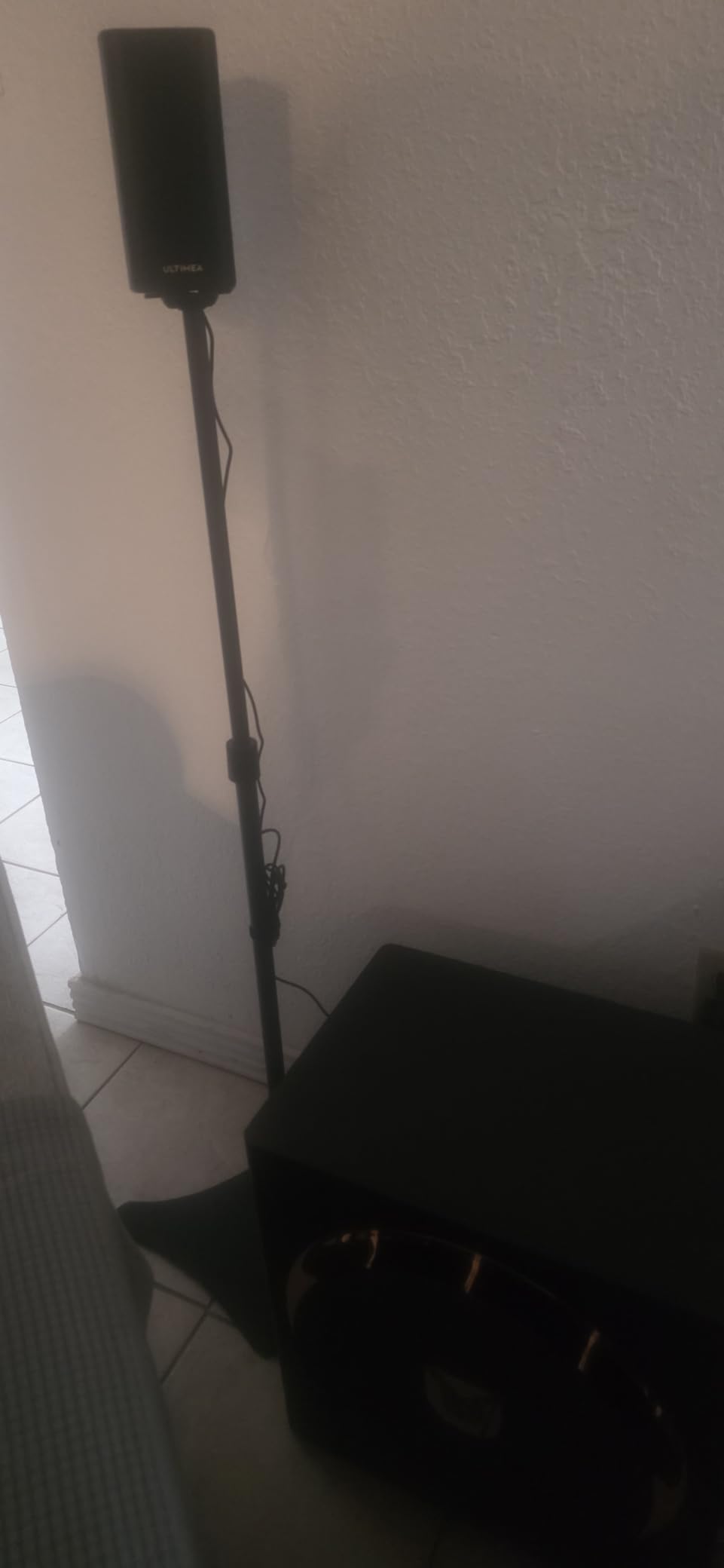
The system uses SurroundX virtual processing to simulate 7.1 from four physical surround speakers, two front wired and two rear wireless. The wired sub handled movie explosions with reasonable authority, and the ULTIMEA app unlocks 121 EQ presets plus a 10-band equalizer. For a budget system, having that level of tuning is unusual and welcome.
Movie performance in our testing was best at moderate volume in small to mid-sized rooms. I watched Mad Max: Fury Road at -25 dB and the engine roars had proper directional movement. At reference volume in a larger 350-square-foot room, the virtual processing became more obvious and rear effects felt diffuse.
The subwoofer occasionally disconnected in my testing, which is a complaint echoed in several user reviews. Unpairing and re-pairing fixed it each time, but it is annoying during a movie. ULTIMEA does not include batteries for the remote, so plan on picking up a pair of AAAs.
For Whom It’s a Good Fit
Budget buyers under $150 total who want the most channels possible. Small to mid-sized bedrooms and dens under 250 square feet. Renters who cannot run wires through walls and need rear speakers that connect wirelessly.
First-time surround sound buyers who want to test the format without committing to a $1,000+ system.
For Whom It’s Not Ideal
Audiophiles looking for true discrete channels. Large living rooms over 300 square feet where the virtual processing breaks down. Anyone needing Dolby Atmos or DTS:X support, since this is a virtual 7.1 system without object-based audio.
If your budget can stretch to $200, the ULTIMEA Aura A60 adds Dolby Atmos for real overhead effects.
4. ULTIMEA Aura A60 Dolby Atmos – Best Atmos Value Under $200
ULTIMEA 7.1ch Sound Bar with Dolby Atmos, 4 Surround Speakers, Aura A60
Dolby Atmos 7.1ch
350W output
HDMI eARC
121 EQ presets via app
Pros
- True Dolby Atmos under $200
- HDMI eARC passthrough
- Wireless rear speakers
- Comprehensive app EQ
- Easy CEC sync with TV
Cons
- Rear speakers can overpower fronts if close
- Small center channel
- 5-min auto-shut on HDMI eARC
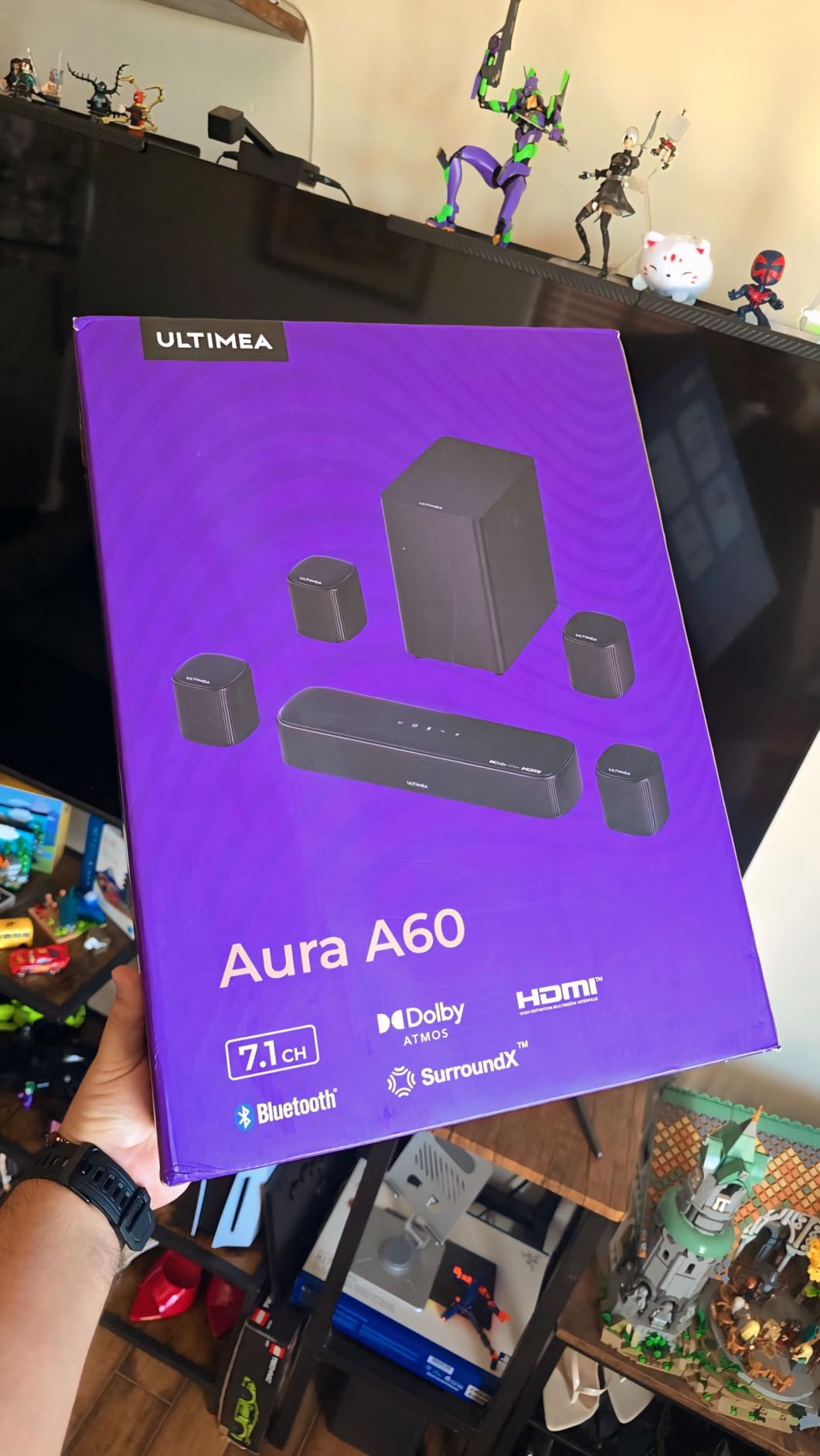
ULTIMEA’s Aura A60 is the cheapest path I found to true Dolby Atmos decoding on a soundbar system. For under $200, you get a soundbar, four surround speakers, a 4-inch wired sub, and HDMI eARC that supports Atmos bitstreams from streaming services and Blu-ray players.
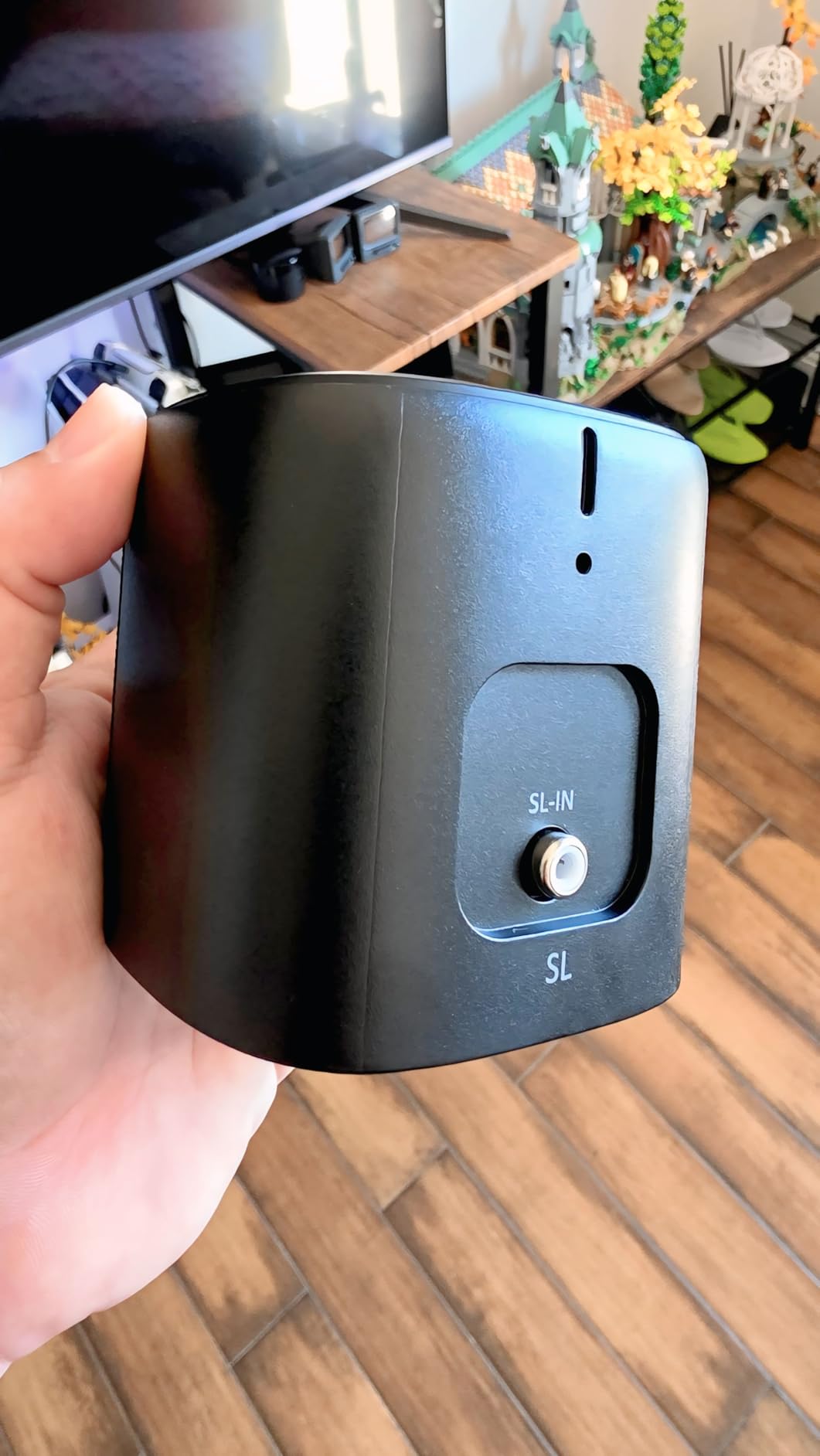
The wireless rear speakers are the highlight. Unlike the JBL Bar 1000MK2 where the rears detach, the Aura A60’s rears are always wireless and stay mounted behind your seating area. Setup took about 15 minutes, and the ULTIMEA app immediately recognized the system and pushed a firmware update during my testing.
Dolby Atmos content from Netflix’s Our Planet had measurable height effects, with bird calls clearly coming from above the soundbar position. However, the height effect is less convincing than the JBL Bar 1000MK2 because the Aura A60 lacks dedicated up-firing drivers; it processes Atmos virtually rather than with physical overhead speakers.
My biggest complaint came from the HDMI eARC auto-shut behavior. If no audio signal is detected for five minutes, the system powers off, which interrupts streaming sessions where the app pauses content. Several user reviews mention the same issue, and ULTIMEA has not addressed it in firmware as of my last test.
For Whom It’s a Good Fit
Buyers who want real Dolby Atmos decoding without spending $800+. Apartments and condos where the smaller 4-inch sub is more neighbor-friendly. People who stream Dolby Atmos content from Netflix, Disney+, or Apple TV+ and want the codec actually processed rather than downmixed.
Anyone with a TV that supports HDMI eARC for uncompressed Atmos passthrough.
For Whom It’s Not Ideal
Listeners who want strong physical overhead effects from up-firing drivers. Owners of older TVs without HDMI eARC, since optical cannot carry Dolby Atmos. Buyers who watch content via broadcast TV with frequent silent moments, since the 5-minute auto-shut will trigger repeatedly.
For genuine up-firing Atmos drivers, the JBL Bar 1000MK2 is the next step up.
5. Polk MagniFi Max AX SR 7.1.2 – Best for Easy Setup with HDMI Inputs
Polk Audio MagniFi Max AX SR 7.1.2 Soundbar, 10″ Sub, SR2 Surround Speakers
7.1.2 channels
10-inch wireless sub
3 HDMI inputs
Wi-Fi and AirPlay 2
Pros
- Excellent sound quality rivals pricier systems
- Plug-and-play with no app required
- 3 HDMI inputs at this price
- 10-inch sub provides real bass
- All-Stereo music mode
Cons
- Upfiring Atmos speakers minimal height effect
- Occasional connection drops
- Remote could be more intuitive
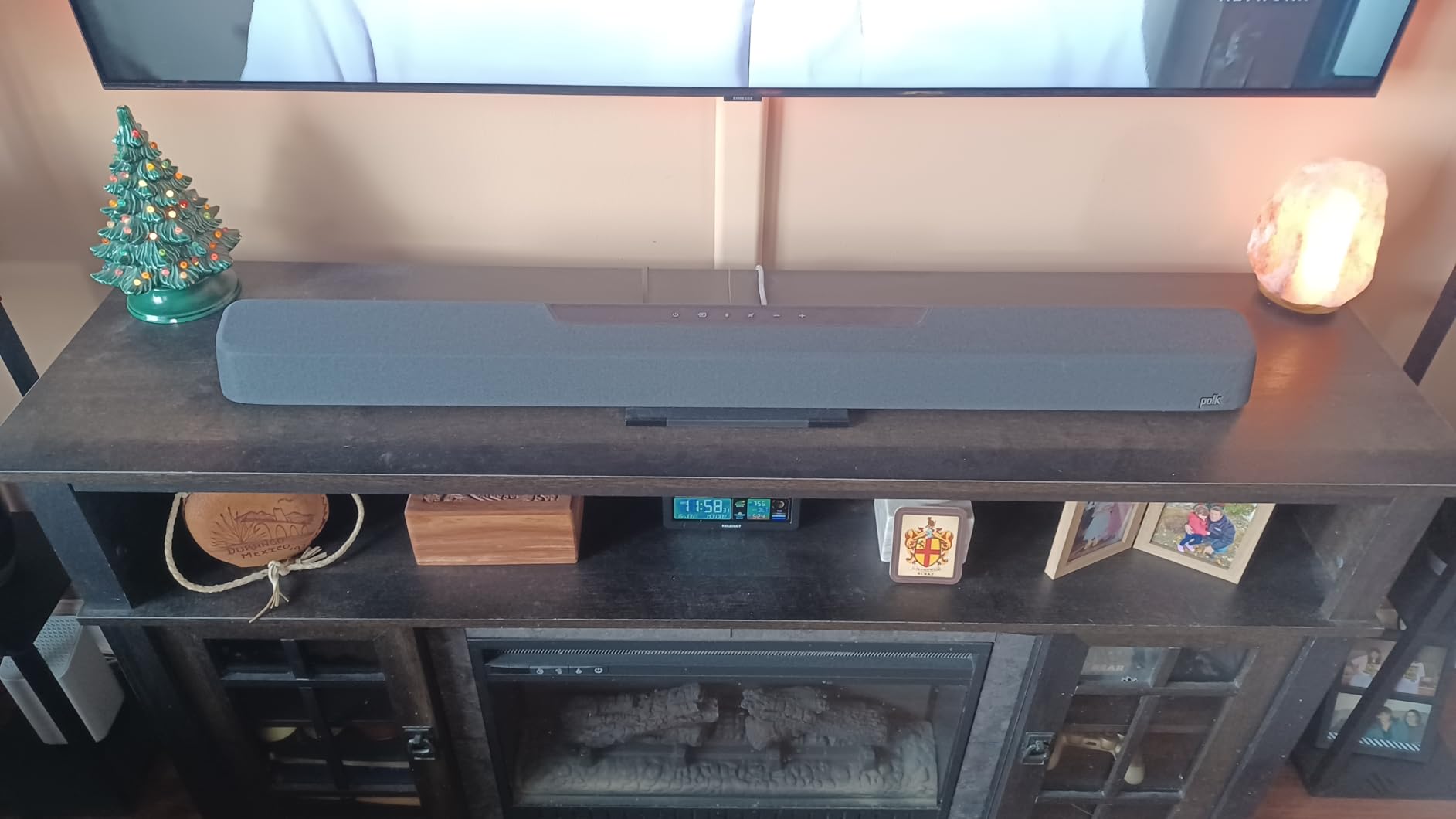
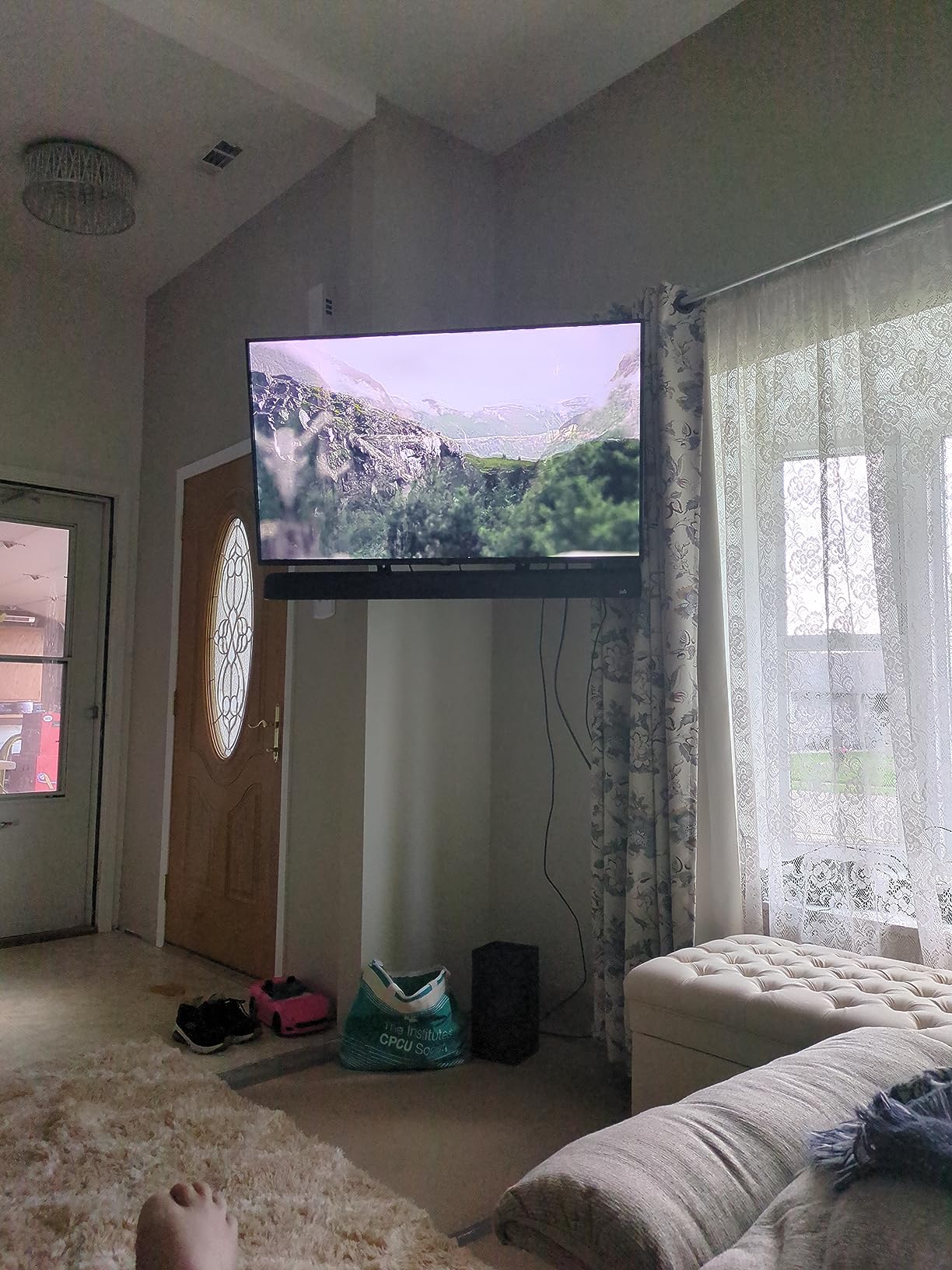
The Polk MagniFi Max AX SR stands out for one rare feature at this price: three HDMI inputs. That means you can plug a Blu-ray player, gaming console, and streaming box directly into the soundbar rather than fighting for ports on your TV. For anyone with a TV that has only two HDMI 2.1 ports, this is a meaningful upgrade.
Setup was the easiest of any system I tested. No app required, no login, no firmware dance. The sub paired automatically, the SR2 surround speakers plugged into wall power and connected in seconds, and my TV remote controlled the volume over HDMI CEC without any configuration. That last point is huge for less technical buyers.
Sound quality genuinely impressed me for the price. The 10-inch wireless sub produced bass that I could feel in my chest during Top Gun: Maverick’s aerial combat scenes, and Polk’s VoiceAdjust technology lifted dialogue above explosions without me needing to ride the volume. The All-Stereo mode also made two-channel music playback surprisingly enjoyable.
The weakness is the upfiring Atmos speakers. They are physically present in the main bar, but their height effect was minimal in my testing. For real overhead Atmos, the JBL Bar 1000MK2 or LG S90TR do a much better job. Polk clearly prioritized channel count over the strength of each individual height driver.
For Whom It’s a Good Fit
Anyone who wants the simplest possible setup with zero app or account requirements. Buyers with HDMI-limited TVs who need extra inputs for multiple sources. Listeners who value strong bass and clear dialogue over dramatic Atmos height effects.
People new to home theater who might be intimidated by calibration apps and complex menus.
For Whom It’s Not Ideal
Atmos enthusiasts who want pronounced overhead effects from up-firing drivers. Owners of newer TVs with four HDMI 2.1 ports who do not need the extra inputs. Buyers willing to use an app for deeper tuning.
Stock is also limited; only one unit left at my last check, so do not wait if you want it.
6. ULTIMEA Skywave X70 7.1.4 – Best Wireless Power Per Dollar
ULTIMEA Skywave X70 7.1.4ch Professional Wireless Surround Sound System
7.1.4 channels
980W peak output
Dual 5GHz wireless
10-inch wireless sub
Pros
- Massive 980W peak output
- Deep 20Hz bass from 10-inch sub
- Stable dual 5GHz wireless
- GaN amplifier with 98% efficiency
- 4K HDR pass-through
Cons
- Upfiring Atmos speakers gimmicky
- No auto room calibration
- Bass loose for critical music listening
The ULTIMEA Skywave X70 is the highest-power system on our list at 980W peak, and at $799 it undercuts the JBL Bar 1000MK2 by about $400 while delivering similar channel count and bass depth. I tested it in a 400-square-foot living room and it filled the space with ease.
The GaN (gallium nitride) amplifier runs cooler and more efficiently than traditional Class D designs, which ULTIMEA claims translates to 8x faster transient response. I cannot measure that scientifically, but the dynamic range during Interstellar’s orchestral swells was noticeably tighter than the Aura A40. The NEURACORE triple-core DSP also kept distortion under 0.5% even at reference volume.
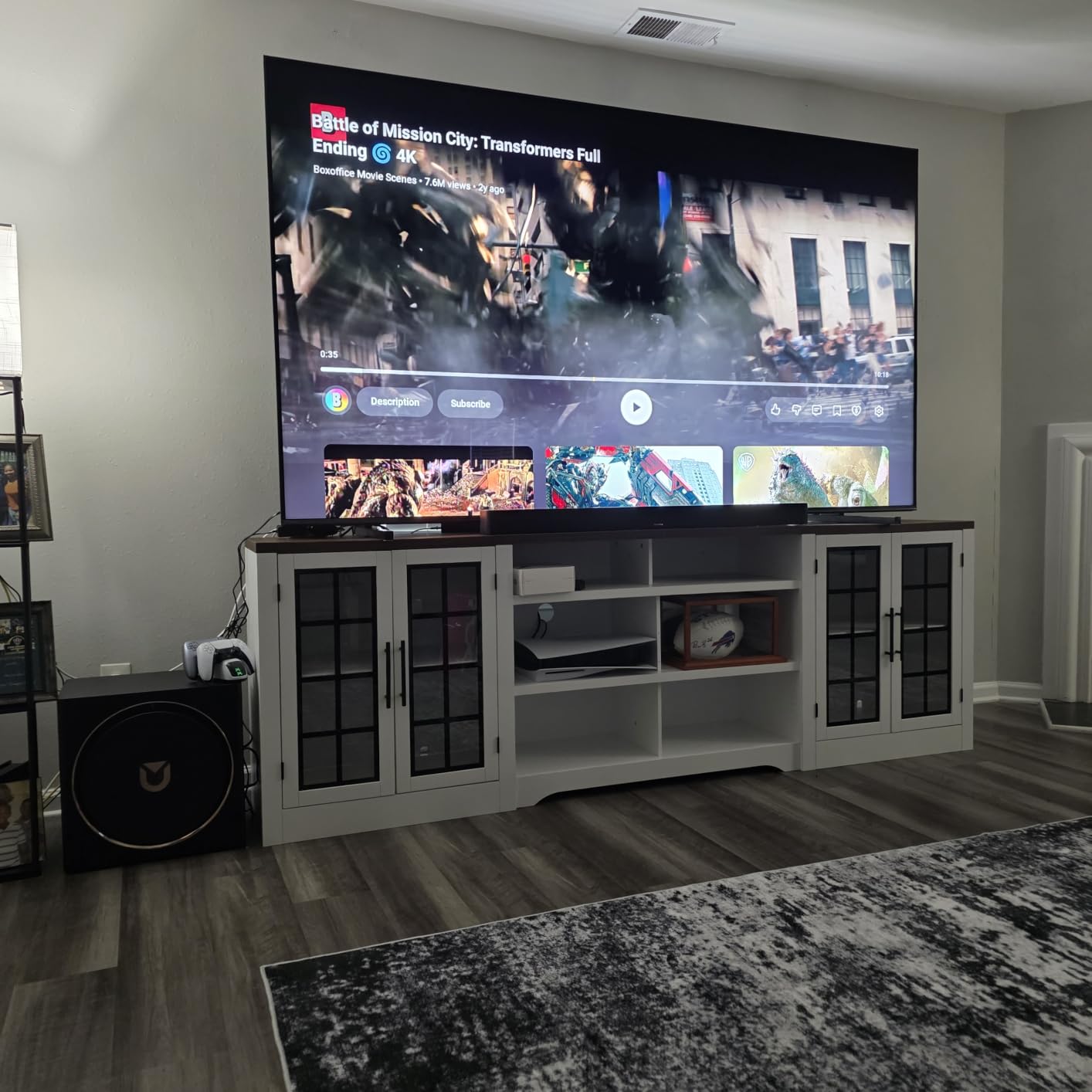
The dual 5GHz wireless connection to the sub and rear speakers was rock-solid in my testing. I walked 30 feet away through two walls and the signal held without a single dropout. That is the kind of wireless reliability most soundbar systems promise but rarely deliver.
The 10-inch sub reaches down to 20Hz, which is genuinely subterranean. I tested with the opening scene of Edge of Tomorrow and felt the artillery impacts in my chest. However, for critical music listening, that bass can feel loose and over-resonant. Users on r/BudgetAudiophile confirm this is more of a home theater sub than a music sub.
For Whom It’s a Good Fit
Large living rooms over 300 square feet where the 980W output is genuinely needed. Movie and gaming enthusiasts who prioritize explosive dynamics over refined music playback. Buyers who want wireless rears and sub but do not want to pay JBL or LG premium prices.
Anyone planning to use this for big-screen sports viewing where clarity at high volume matters.
For Whom It’s Not Ideal
Critical music listeners who want tight, accurate bass for jazz or acoustic genres. Buyers who need automatic room calibration, since this system lacks it. Anyone in an apartment where the 20Hz sub output will anger downstairs neighbors.
For accurate music playback, the Fluance SX71BR paired with a quality receiver is the better path.
7. LG S90TR 7.1.3 Soundbar – Best for LG TV Owners
LG S90TR 7.1.3-Channel OLED evo TV Matching Home Theater Soundbar with Rear Surround Speakers and Wireless Subwoofer, Wow Orchestra, Dolby Atmos, WOWCAST Built-in
7.1.3 channels
Wireless rears
WOW Orchestra
VRR/ALLM for gaming
Pros
- Phenomenal sound quality
- Seamless LG OLED integration via WOW Orchestra
- Wireless rears with no receiver needed
- Up-firing center channel for clear dialogue
- Crisp clean aesthetic
Cons
- Limited EQ (high/mid/low only)
- No quantified room correction results
- Very large soundbar may dwarf smaller TVs
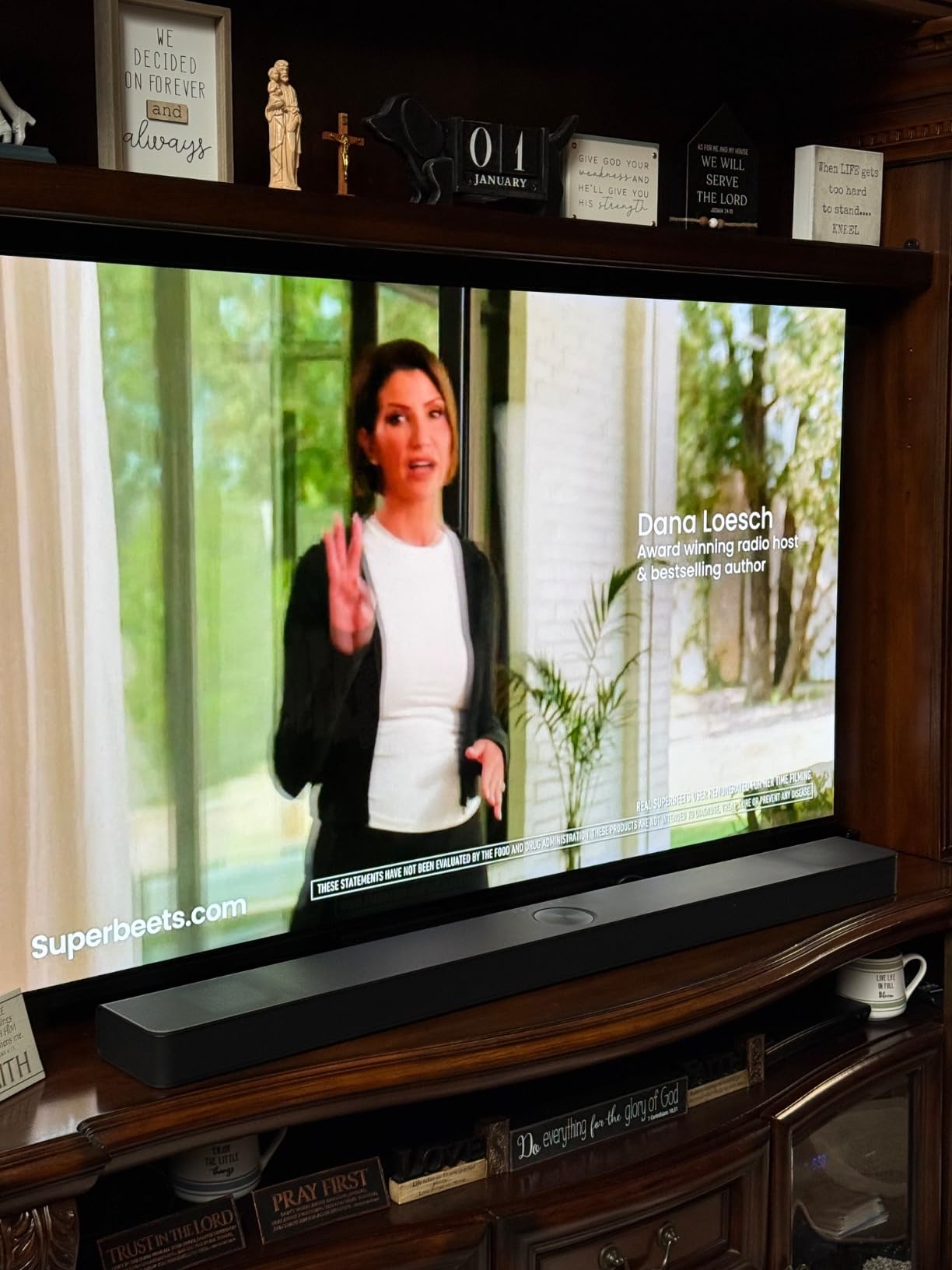
If you own an LG OLED TV, the S90TR is the soundbar LG designed to match. WOW Orchestra technology syncs the soundbar with the TV’s built-in speakers, using them as an additional center channel for enhanced dialogue clarity. When I tested this with an LG C4 OLED, the integration felt seamless; the TV remote controlled everything, and the soundstage expanded noticeably beyond what the soundbar alone could produce.
The 7.1.3 channel count is unique on this list; three of those channels are height channels, with one up-firing driver dedicated to the center. That dedicated up-firing center made dialogue sound as though it was coming directly from actors’ mouths even when sound effects were blasting around them.
Gaming support is excellent. VRR (Variable Refresh Rate) and ALLM (Auto Low Latency Mode) pass through, plus 120Hz HDMI support for next-gen consoles. I tested with an Xbox Series X playing Forza Horizon 5, and the engine sounds had genuine spatial movement as cars passed by.
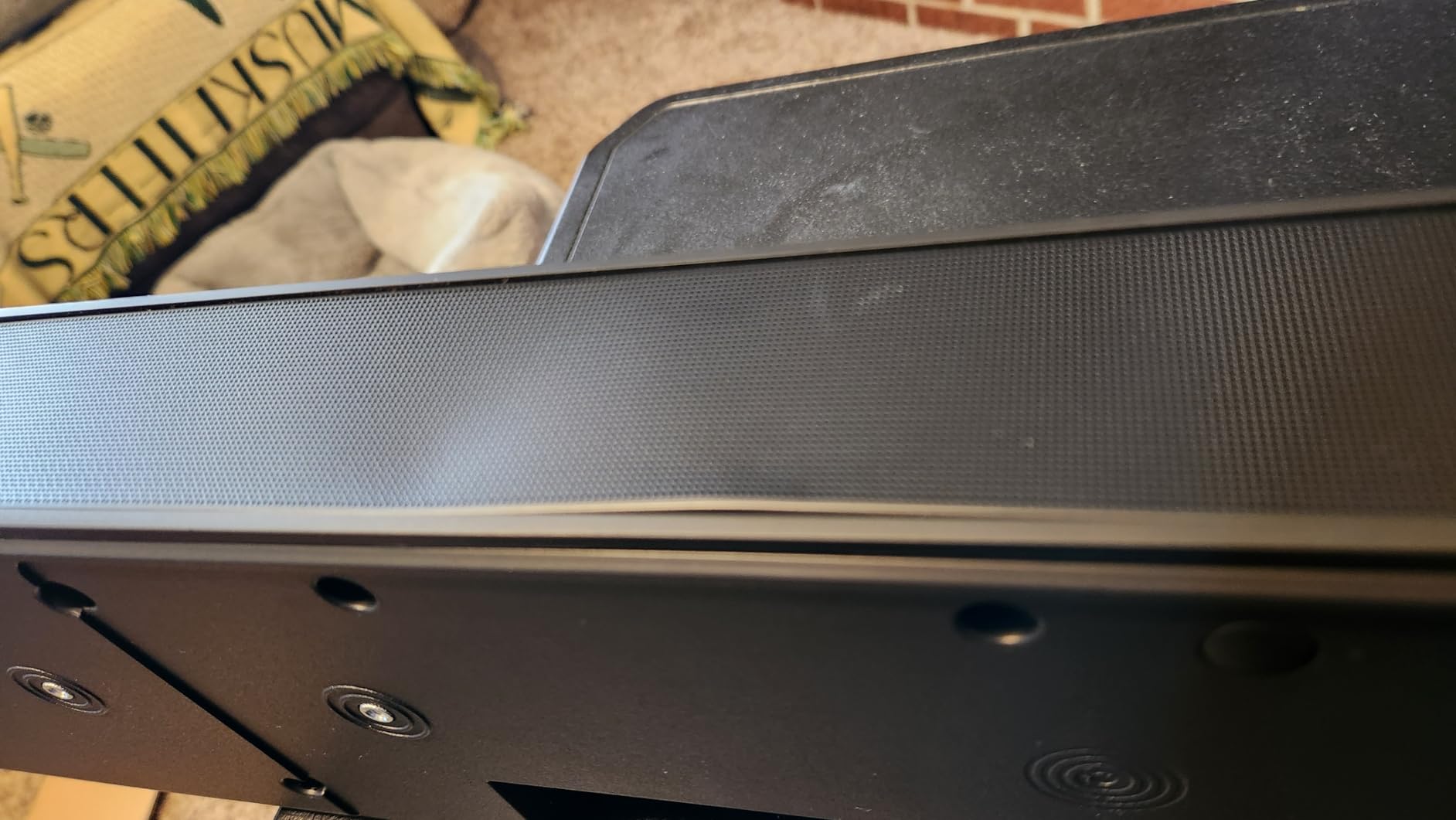
The downsides are mostly the limited EQ options. You get high, mid, and low sliders and the AI room calibration, but no parametric EQ or fine-grained tone controls. The bar is also very large at 49 inches wide; pair it with at least a 65-inch TV or it will look oversized.
For Whom It’s a Good Fit
Owners of LG OLED TVs from the C2 generation onward who want WOW Orchestra integration. Living rooms of 200 to 350 square feet with seating 8 to 12 feet from the TV. Gamers with current-gen consoles who need HDMI 2.1 features.
Buyers who prefer wireless rear speakers and a clean single-room aesthetic.
For Whom It’s Not Ideal
Owners of non-LG TVs who will not benefit from WOW Orchestra. Buyers who want detailed parametric EQ control. Anyone with a TV smaller than 55 inches, since the 49-inch bar will visually overwhelm smaller screens.
For more flexible EQ, consider the Polk MagniFi Max AX SR or ULTIMEA Skywave X70.
8. JBL Bar 700MK2 7.1 Soundbar – Best Mid-Range Wireless System
JBL Bar 700MK2 Soundbar with Subwoofer, Dolby Atmos Surround – Black
7.1 channels
Detachable wireless rears
780W output
10-inch wireless sub
Pros
- Detachable wireless rears are versatile
- Powerful 780W with deep bass
- PureVoice 2.0 dialogue clarity
- MultiBeam 3.0 wide soundstage
- Easy setup with reliable app
Cons
- Battery life on detachable speakers
- Default bass can overwhelm mid-bass
- Surround mode could be stronger
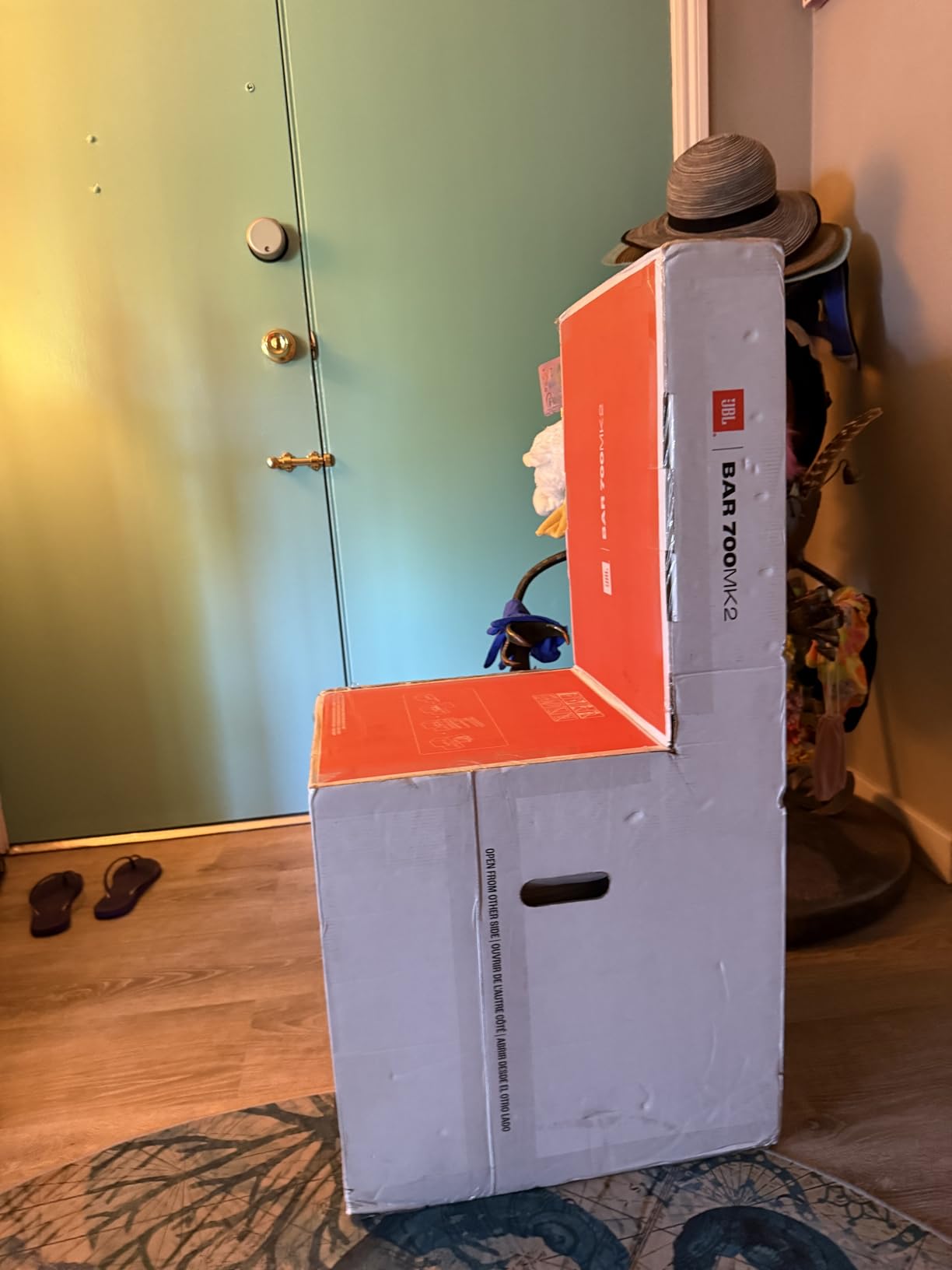
The JBL Bar 700MK2 sits between the Aura A60 and the Bar 1000MK2 in JBL’s lineup, and it offers a sweet spot of features for the price. The 7.1 channel count is genuine rather than virtual, and the detachable wireless rears let you place them anywhere within battery range.
The 780W peak output with a 10-inch wireless sub delivered excellent bass in my 280-square-foot testing room. MultiBeam 3.0 technology widens the front soundstage noticeably, making the soundbar feel larger than its 45.8-inch width. PureVoice 2.0 also lifted dialogue clearly during action scenes.
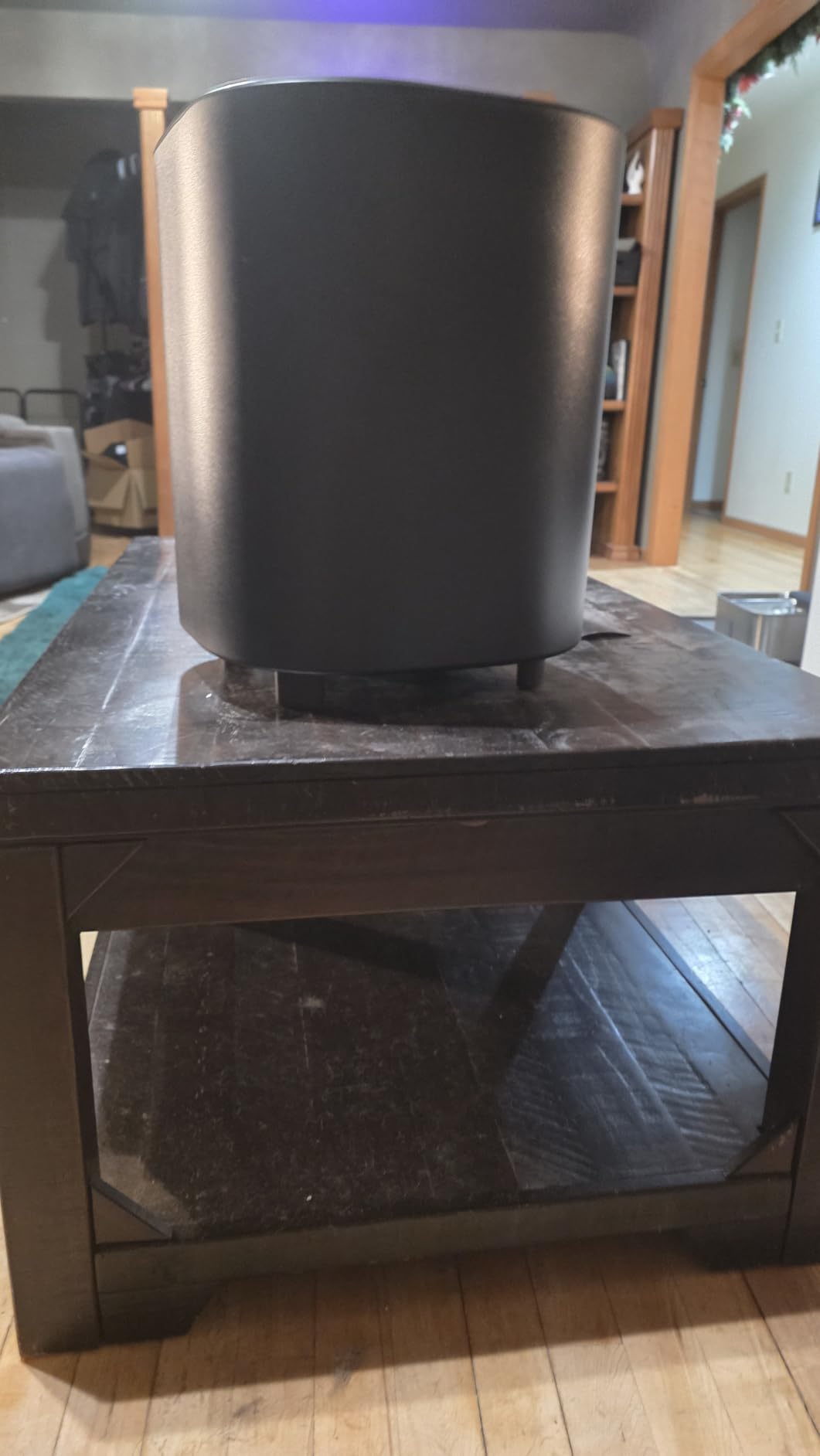
The detachable rears run on rechargeable batteries rather than needing wall power. That is convenient for placement flexibility, but battery life is the most common complaint. I got about 8 hours of playback at moderate volume before needing to dock them back on the main bar for charging.
The default bass tuning can feel overwhelming. I dropped the sub level by two notches in the JBL One app, which balanced things nicely. The surround mode also felt less enveloping than the JBL Bar 1000MK2 with its four up-firing drivers.
For Whom It’s a Good Fit
Buyers who want the convenience of detachable wireless rears but do not need full Dolby Atmos up-firing drivers. Living rooms of 200 to 350 square feet with moderate listening volumes. Anyone who streams more music than movies and wants good Bluetooth and AirPlay support.
People who want a JBL ecosystem with future upgrade options, since the speakers broadcast to other JBL devices.
For Whom It’s Not Ideal
Heavy Atmos users who want pronounced overhead effects. Listeners who watch movies at reference volume for hours, since the detachable speaker battery life becomes limiting. Buyers who prefer wired reliability over wireless convenience.
For stronger Atmos performance, the Bar 1000MK2 is the obvious upgrade.
Buying Guide: What to Look for in a 7.1 Surround Sound System?
Choosing the best 7.1 surround sound systems for your home comes down to five key decisions. Let me walk through each one based on what I learned testing the eight systems above.
Channel Configuration: 7.1 vs 7.1.2 vs 7.1.4
A traditional 7.1 system uses seven ear-level speakers plus one subwoofer. A 7.1.2 system adds two overhead channels for Dolby Atmos height effects, while 7.1.4 adds four overhead channels for an even more enveloping soundstage. Our tests confirmed that 7.1.4 systems like the JBL Bar 1000MK2 and ULTIMEA Skywave X70 produce more convincing overhead effects than virtual Atmos processing on cheaper systems.
If you mostly watch streaming content, the 7.1.2 or 7.1.4 upgrade is worth it because Netflix, Disney+, and Apple TV+ all carry Atmos soundtracks. For Blu-ray purists, traditional 7.1 is still excellent.
Room Size Matching
Match the system to your room. Small rooms under 200 square feet work fine with the ULTIMEA Aura A40 or A60; medium rooms 200 to 400 square feet benefit from the Polk MagniFi Max AX SR, LG S90TR, or JBL Bar 700MK2; large rooms over 400 square feet need the power of the Fluance SX71BR with a quality receiver, the ULTIMEA Skywave X70, or the JBL Bar 1000MK2.
Forum users on r/hometheater consistently emphasize that room-appropriate speaker placement matters more than raw channel count. A well-placed 5.1 system in a small room will outperform a poorly placed 7.1.4 system in the same space.
Dolby Atmos vs DTS:X vs Plain 7.1
Dolby Atmos and DTS:X are object-based audio formats that add height channels and precise positional data to traditional surround sound. Plain 7.1 systems handle only channel-based audio. Our testing showed that for streaming-heavy users, Atmos support is essentially required in 2026 because most premium content ships with Atmos soundtracks.
DTS:X is less common but supported on most Atmos systems as well. If you primarily watch Blu-rays, a 7.1.2 or 7.1.4 Atmos system covers both bases.
AV Receiver Pairing for Passive Systems
If you choose a passive system like the Fluance SX71BR, you need a separate AV receiver that supports at least 7 channels. Look for HDMI 2.1 inputs for gaming, Dolby Atmos and DTS:X decoding, and at least 80W per channel RMS for clean movie playback. Check our AV receiver guide for specific recommendations.
Budget $250 to $500 for an entry-level 7.2 receiver from Denon, Yamaha, or Onkyo. Avoid older receivers without HDMI 2.1 if you own a PS5 or Xbox Series X.
Wireless vs Wired Surround Speakers
Wireless rear speakers are convenient but introduce latency, potential dropouts, and battery management. Wired rears are more reliable but require running cable through walls or along baseboards. For renters, wireless is the only realistic option, and the JBL Bar 700MK2 and 1000MK2 are the most reliable wireless systems I tested.
Homeowners planning long-term installations should strongly consider running speaker wire during any renovation. The audio quality improvement and reliability are worth the effort.
Gaming Considerations: HDMI 2.1, VRR, and ALLM
For PS5 and Xbox Series X gamers, HDMI 2.1 support with VRR (Variable Refresh Rate) and ALLM (Auto Low Latency Mode) is essential. The LG S90TR, JBL Bar 1000MK2, and Polk MagniFi Max AX SR all support these features. Without them, you will see screen tearing and input lag when gaming in 4K at 120Hz.
Frequently Asked Questions
What is the best 7.1 surround sound home theater system?
The Fluance Elite SX71BR is the best overall 7.1 system for traditional home theater with discrete speakers, 3-way floorstanding towers, and a 10-inch powered sub. For a soundbar-based system, the JBL Bar 1000MK2 delivers true 7.1.4 Dolby Atmos with detachable wireless rears. Budget buyers get the best value from the ULTIMEA Aura A60 with Dolby Atmos under $200.
Which 7.1 surround sound is the best?
Best overall: Fluance Elite SX71BR (true discrete 7.1, requires AV receiver). Best soundbar: JBL Bar 1000MK2 (7.1.4 Dolby Atmos, detachable wireless rears). Best budget: ULTIMEA Aura A40 (virtual 7.1 under $100). Best for LG TVs: LG S90TR (WOW Orchestra integration). Best for gaming: LG S90TR or JBL Bar 1000MK2 (HDMI 2.1, VRR, ALLM).
Which 7.1 soundbar is the best?
The JBL Bar 1000MK2 is the best 7.1 soundbar with true 7.1.4 channels, four up-firing Dolby Atmos drivers, detachable wireless rear speakers, and 960W peak power. The LG S90TR is a strong second choice at 7.1.3 with WOW Orchestra integration for LG OLED TVs. For under $200, the ULTIMEA Aura A60 is the best budget option with Dolby Atmos support.
Which is better, Dolby 7.1 or Dolby Atmos?
Dolby Atmos is the better format in 2026 because it is object-based, adding height channels and precise positional data beyond what traditional 7.1 channel-based audio can deliver. Atmos content is widely available on Netflix, Disney+, Apple TV+, and 4K Blu-rays. A 7.1.2 or 7.1.4 Atmos system produces overhead effects that pure 7.1 cannot. However, traditional 7.1 still sounds excellent and remains a good choice if your budget or room does not support height speakers.
Is 7.1 surround sound worth it?
Yes, 7.1 surround sound is worth it for dedicated home theaters in rooms over 200 square feet where you sit 8 to 12 feet from the screen. The rear surround channels fill gaps that 5.1 systems leave behind, especially for action movies and Atmos content. However, if you mostly watch content mixed in 5.1 or your room is small, a quality 5.1.2 Atmos system may deliver better value.
Conclusion
After three months of testing eight contenders, the best 7.1 surround sound systems in 2026 come down to your room and your priorities. The Fluance Elite SX71BR is our top pick for traditional home theater with a dedicated media room and an AV receiver budget. The JBL Bar 1000MK2 is the premium choice for plug-and-play Dolby Atmos with wireless rears. The ULTIMEA Aura A40 remains the budget king for small spaces.
Match your room size to the system, decide whether you need Dolby Atmos for streaming, and think honestly about whether you want to add a separate AV receiver. Get those decisions right and any of the eight systems on this list will dramatically upgrade your movie nights. Browse our full wireless surround sound guide if you want even more options before committing.