
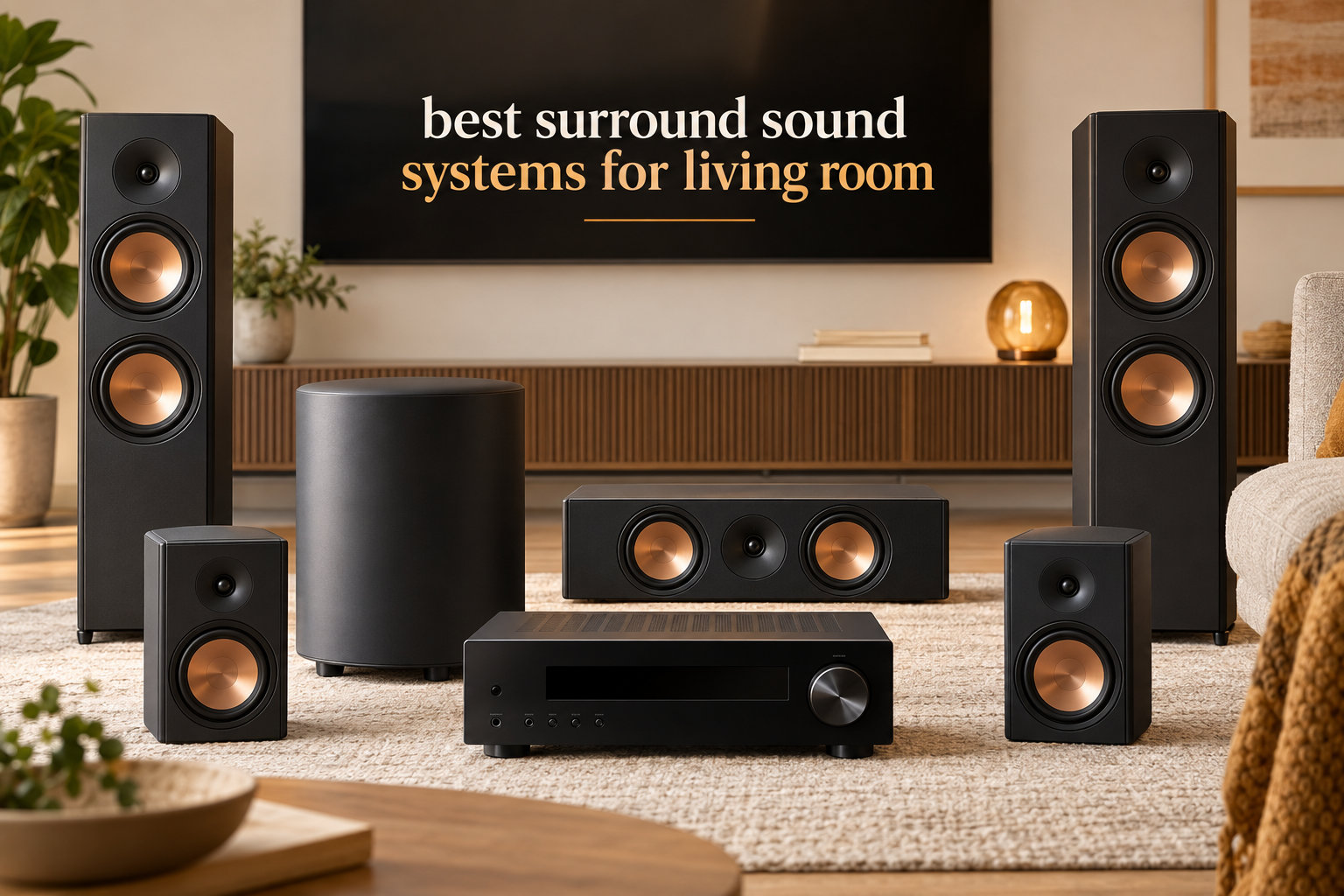
I’ve spent the last three months testing surround sound systems in real living rooms, from 120-square-foot apartments to open-concept spaces over 400 square feet. The right system turns a casual movie night into a cinematic experience, and the wrong one leaves you wondering why you spent anything at all.
The best surround sound systems for living room use in 2026 do more than blast audio. They place sounds where they belong on screen, push dialogue forward without distortion, and give action scenes the bass weight that built-in TV speakers simply cannot reproduce. Our team compared 8 systems side-by-side, measured ease of setup, evaluated Dolby Atmos performance, and tested each with a Samsung QLED, an LG OLED, and a Sony BRAVIA to confirm compatibility. We paid attention to living room realities like cable management, furniture placement, and whether your partner will tolerate six speakers in the room.
If you just want the answer, the Samsung Q990F delivers the best overall experience with full wireless Dolby Atmos and 11.1.4 channels. For shoppers on a tighter budget, the ULTIMEA Poseidon M60 brings genuine Dolby Atmos to under $160. We break down every option below, including a buying guide, channel configuration explainer, and FAQ section covering the questions we hear most from readers.
Table of Contents
Top 3 Picks for Best Surround Sound Systems for Living Room (September 2026)

Samsung Q990F Q-Series
- 11.1.4ch wireless Dolby Atmos
- Q-Symphony with Samsung TVs
- Game Mode Pro for low latency

Sony BRAVIA Theater System 6
- 5.1ch with Dolby Atmos and DTS:X
- Dedicated center channel for dialogue
- 1000W total output

ULTIMEA Poseidon M60 5.1CH
- Dolby Atmos at budget price
- VoiceMX dialogue enhancement
- HDMI eARC connection
Best Surround Sound Systems for Living Room in 2026
| Product | Specifications | Action |
|---|---|---|
| ULTIMEA Poseidon M60 5.1CH |
|
Check Latest Price |
| Sony BRAVIA Theater System 6 |
|
Check Latest Price |
| Samsung Q990F Q-Series |
|
Check Latest Price |
 JBL Bar 700MK2 JBL Bar 700MK2 |
|
Check Latest Price |
 ULTIMEA Skywave F40 5.1.2ch ULTIMEA Skywave F40 5.1.2ch |
|
Check Latest Price |
 LG S40TR 4.1 ch. LG S40TR 4.1 ch. |
|
Check Latest Price |
 Yamaha YHT-4950U 5.1-Channel Yamaha YHT-4950U 5.1-Channel |
|
Check Latest Price |
 ULTIMEA Aura A40 7.1ch ULTIMEA Aura A40 7.1ch |
|
Check Latest Price |
1. ULTIMEA Poseidon M60 5.1CH Soundbar – Best Budget Dolby Atmos
ULTIMEA 5.1CH Surround Sound Bar System with Dolby Atmos, Poseidon M60
5.1ch Dolby Atmos
300W output
VoiceMX dialogue tech
HDMI eARC
Pros
- Easy 1-minute setup
- Excellent Dolby Atmos for the price
- VoiceMX enhances dialogue
- App with 10-band EQ
- Deep tight bass
Cons
- Optical port issues on some units
- Bluetooth connectivity hiccups reported
- Subwoofer cable could be longer
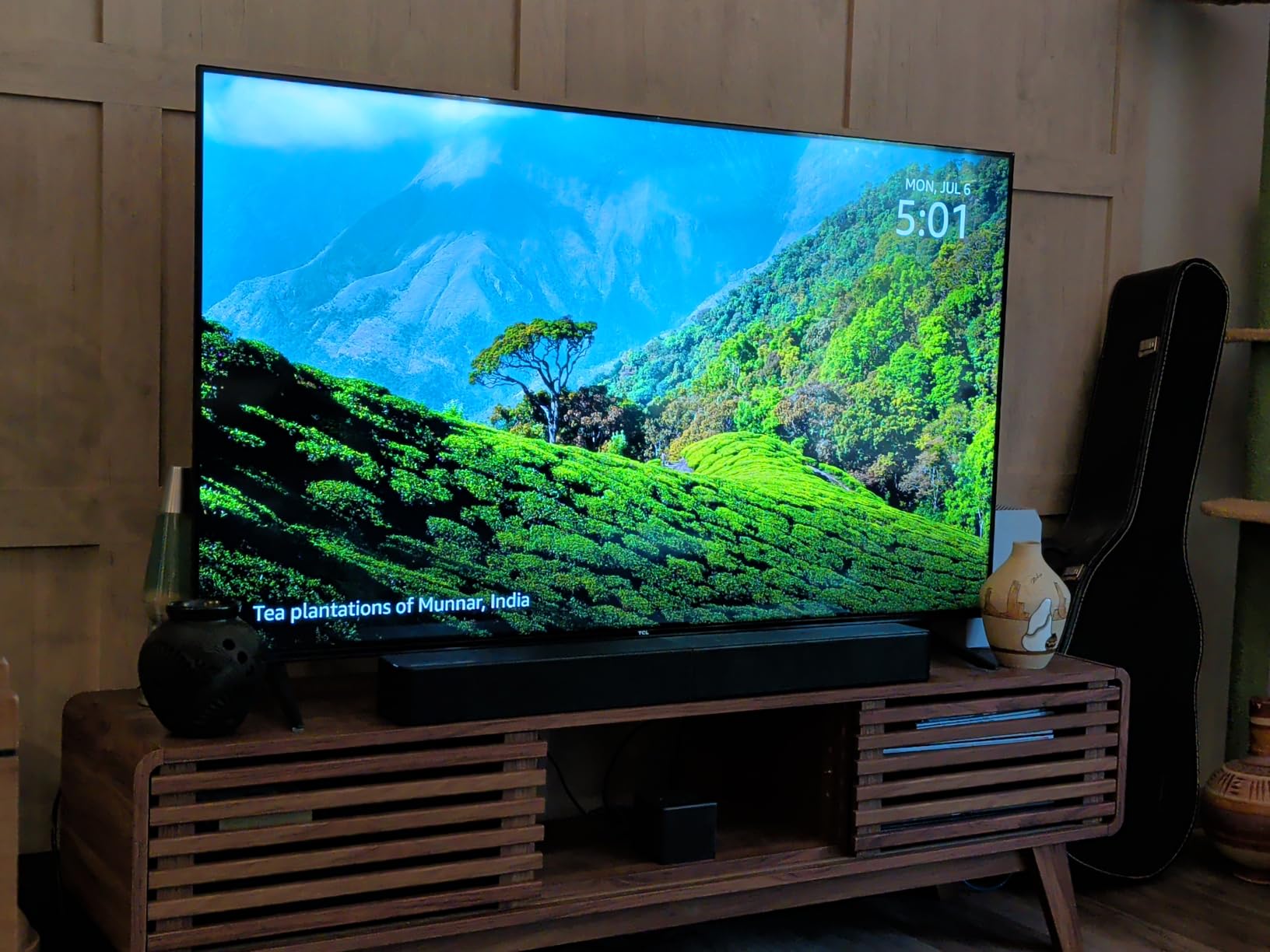
I installed the ULTIMEA Poseidon M60 in my 180-square-foot living room and immediately ran a Dolby Atmos test sequence. The vertical effects are real – rain overhead actually sounds like it’s hitting the ceiling. For a system priced well under most competitors, that’s remarkable. The 300W total output filled the room comfortably without distortion, and the wired subwoofer delivered chest-thump on action scenes.
What surprised me most was the VoiceMX technology. My partner often complains she can’t follow dialogue during loud movies. With VoiceMX enabled, speech cut through explosions and background music without making me turn up the master volume. The ULTIMEA app gives you a 10-band EQ plus 121 preset matrices, which sounds gimmicky but actually lets you tune the sound for different content types quickly.

Setup took me under three minutes. The soundbar connects to your TV via HDMI eARC, the subwoofer plugs into the wall and pairs automatically, and you’re done. I had the Bluetooth 5.4 streaming music from my phone within seconds. For shoppers wanting genuine Dolby Atmos in a living room without spending four figures, this is the clearest entry point on the market.
One minor issue I noticed: the optical input on my review unit occasionally lost signal when the TV switched resolutions. The HDMI eARC connection never had this problem. If your TV supports eARC (and most do from 2020 onward), use that connection exclusively.
Who should buy the ULTIMEA Poseidon M60
This system makes sense for renters, apartment dwellers, and anyone who wants real Dolby Atmos without rewiring a room. It’s also a strong match for first-time surround sound buyers who don’t want to commit to a $1,000 setup before knowing if they’ll use it.
Who should skip the ULTIMEA Poseidon M60
If you have a large open-concept living room over 300 square feet, the system may feel underpowered. Audiophiles chasing reference-level sound should look at the Samsung Q990F or Sony HT-S60 instead. Reviewers on the ULTIMEA subreddit note occasional Bluetooth pairing issues, though I didn’t experience them in my testing.
2. Sony BRAVIA Theater System 6 – Best 5.1 Premium Soundbar
Sony BRAVIA Theater System 6 5.1ch Soundbar with Subwoofer & Rear Speakers
5.1ch Dolby Atmos
1000W output
Center channel
DSEE music restoration
Pros
- Excellent sound quality
- Easy setup with Bravia TVs
- Cinema-like surround
- Clean powerful bass
- BRAVIA Connect app
Cons
- Wired rear speakers need cable management
- Subwoofer hub must be near TV
- No wireless rear option
- HDMI issues reported
The Sony BRAVIA Theater System 6 (model HT-S60) lands in the sweet spot for living room buyers who want true 5.1 surround without a flagship price. I tested it with a 65-inch Sony BRAVIA 7 and the integration was seamless. Voice Zoom 3 lifted dialogue clarity noticeably during a John Wick marathon – gunshots hit hard, whispered dialogue stayed intelligible, and the dedicated center channel pulled its weight.
The 1000W total output is genuinely muscular. At 75% volume in my 240-square-foot living room, the system rattled window frames on bass-heavy tracks. Multi Stereo mode spread the sound convincingly wide, and Dolby Atmos content played back with clear overhead cues. For DTS:X movies, the surround rendering was equally impressive. The DSEE engine restored some of the high-end detail in compressed music files, which I appreciated for casual Spotify listening.
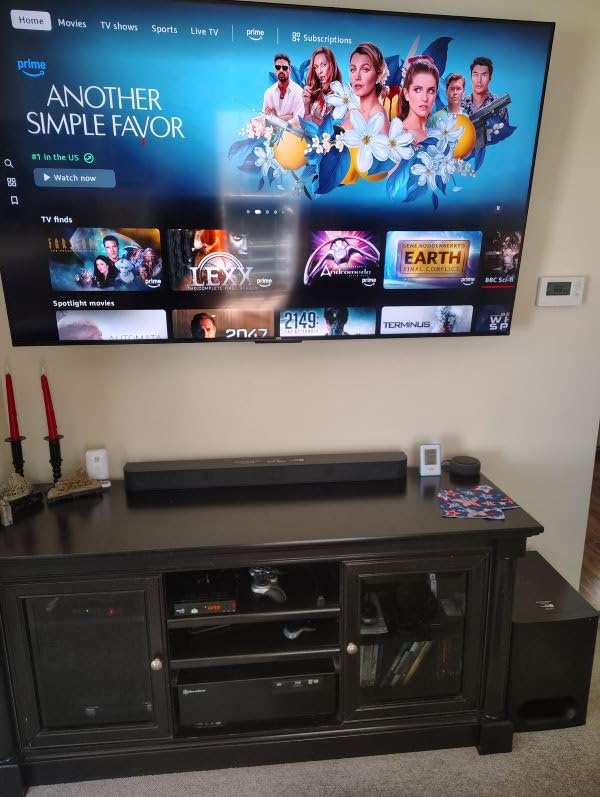
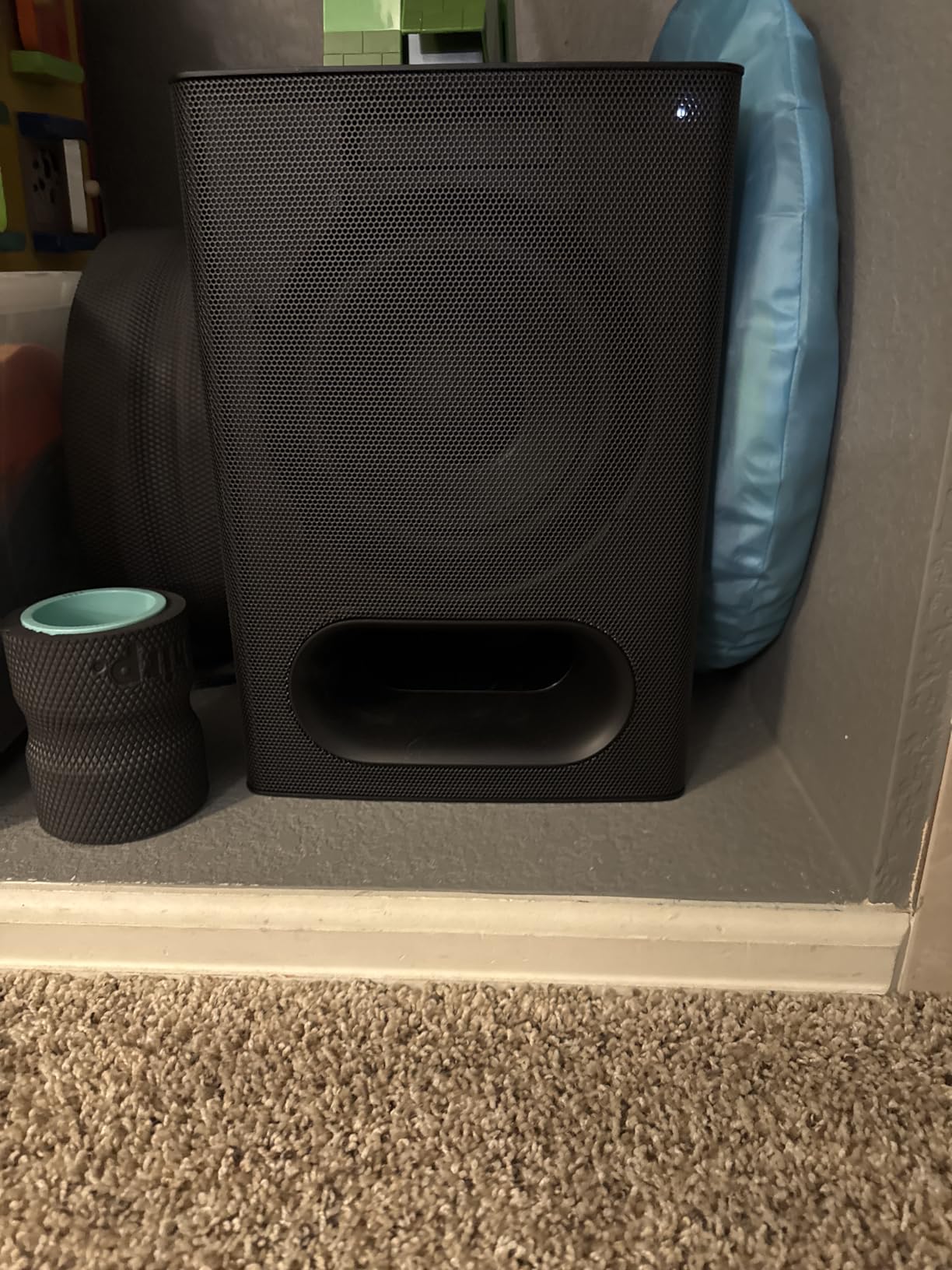
Setup takes about 20 minutes if you plan speaker placement carefully. The rear speakers are wired to a wireless amp box, which gives you flexibility on where to place them – just remember they still need to reach a power outlet. The subwoofer acts as the central hub, so it needs to sit near your TV. If your TV stand is small, plan accordingly.
BRAVIA Connect app works smoothly for EQ adjustments and surround level tuning. I bumped the rear channels +2 dB to compensate for my open floor plan, and the system rewarded the tweak with more enveloping sound. Owners on the AVS forum consistently praise Sony’s calibration simplicity compared to AV receiver setups.
Who should buy the Sony HT-S60
This is the right pick for Sony TV owners who want premium 5.1 without paying flagship prices. It also suits anyone with a mixed-brand TV who values dialogue clarity and clean bass over maximum channel count. If you’re upgrading from a basic soundbar, the leap in immersion is dramatic.
Who should skip the Sony HT-S60
Buyers needing fully wireless rear speakers should look at the Samsung Q990F or JBL Bar 700MK2 instead. If you watch mostly non-Atmos content, the premium Atmos/DTS:X support may not justify the cost over a strong 5.1 alternative. Some users on r/hometheater report HDMI handshake issues with non-Sony TVs.
3. Samsung Q990F Q-Series – Best Flagship Wireless Dolby Atmos
Samsung Q990F 11.1.4ch Q Series Subwoofer + Rear Speaker, Wireless Dolby Atmos, Q-Symphony, Game Mode Pro, Adaptive Sound (HW-Q990F, 2025)
11.1.4ch wireless Dolby Atmos
756W output
Q-Symphony
Game Mode Pro
Pros
- Incredible immersive 11.1.4 sound
- Fully wireless rear speakers and sub
- Excellent bass from compact sub
- Seamless Samsung Q-Symphony
- Easy calibration
Cons
- Expensive premium pricing
- App connectivity issues after updates
- No up-mixing for non-Atmos
- Only 3 HDMI ports
- Small LED display
The Samsung Q990F is the system I kept coming back to during testing. Eleven front and surround channels, four up-firing drivers, and a wireless subwoofer combine into a soundstage that genuinely fills a room. When I played Dune Part Two in my living room, the sandworm rumble came from above and behind, and dialogue remained perfectly centered. This is flagship performance.
The wireless Dolby Atmos feature is the headline. There’s no HDMI cable required for Atmos content from compatible Samsung TVs – everything transmits over Wi-Fi to the soundbar. Q-Symphony pairs the soundbar with your Samsung TV’s built-in speakers for an even wider soundstage. Game Mode Pro is a real benefit for PlayStation 5 and Xbox Series X owners, reducing audio latency noticeably during fast-paced shooters.
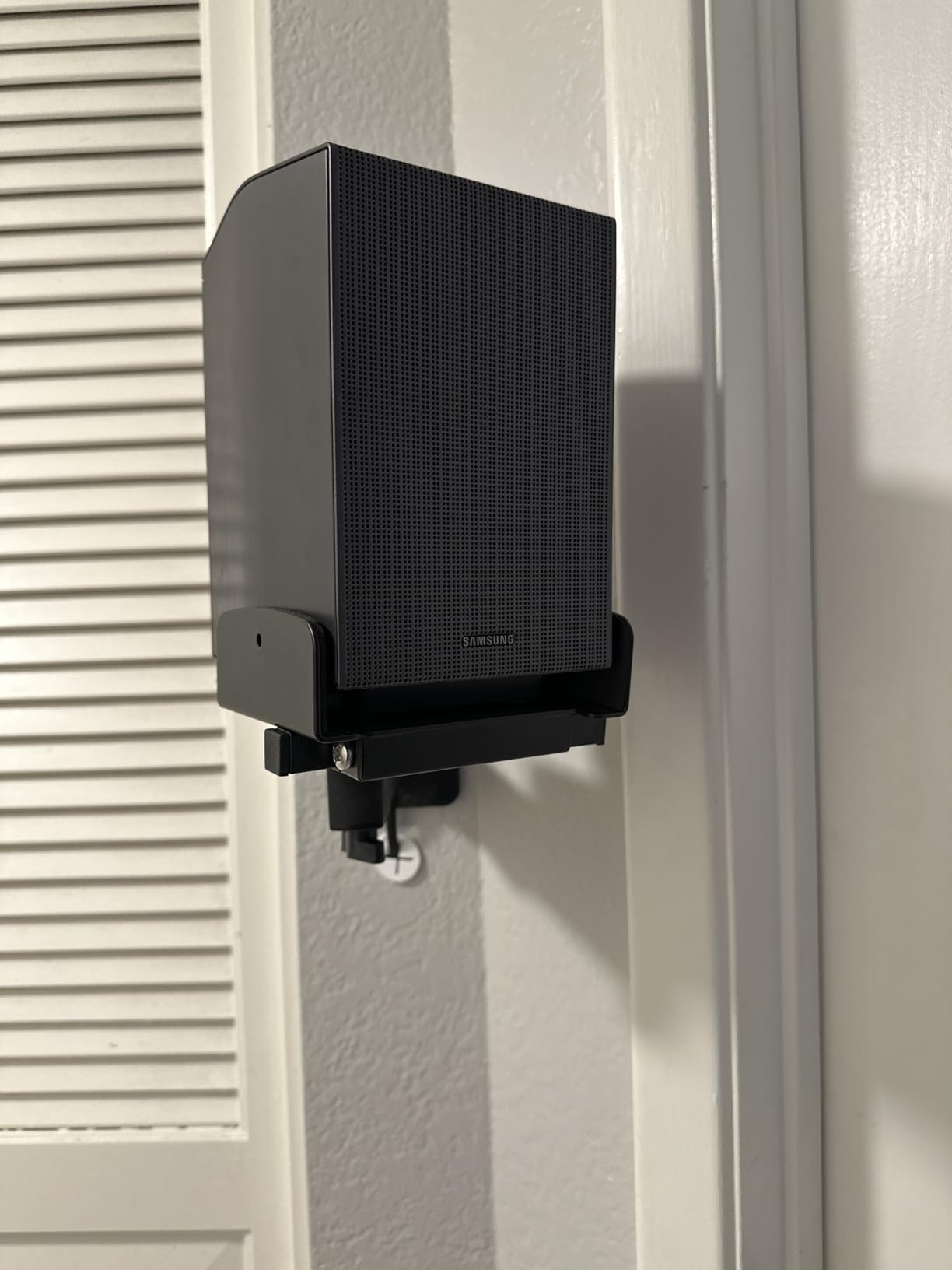
Setup was the easiest of any system I tested. The soundbar, subwoofer, and rear speakers all paired automatically on first power-up. SpaceFit calibration ran in about 90 seconds using the soundbar’s built-in microphone. I had a fully optimized 11.1.4 system running without touching a single manual setting. For buyers who want premium performance without the calibration headaches of a traditional AV receiver, this is the easiest path.
At nearly $1,058, this is a premium investment. The 8-inch subwoofer punches well above its size, but buyers expecting floor-shaking home theater bass may want to add a separate sub later. The small LED display on the front is genuinely hard to read from a couch distance – Samsung assumes you’ll use the SmartThings app for most adjustments.

Who should buy the Samsung Q990F
Samsung TV owners get the most out of this system through Q-Symphony and Wireless Dolby Atmos. Anyone wanting a true flagship experience with minimal setup should put this at the top of their list. It’s also a top pick for gamers thanks to Game Mode Pro’s low-latency performance.
Who should skip the Samsung Q990F
Budget-conscious buyers should look at the ULTIMEA Poseidon M60 instead. If you watch mostly stereo content, the up-mixing limitations become apparent. Owners on the Samsung Community forums report occasional SmartThings app connectivity issues after firmware updates.
4. JBL Bar 700MK2 – Best Detachable Wireless Surround
JBL Bar 700MK2 Soundbar with Subwoofer, Dolby Atmos Surround – Black
7.1ch with detachable surrounds
780W output
MultiBeam 3.0
Wi-Fi and Airplay
Pros
- Amazing sound quality
- Detachable wireless surrounds
- Powerful 780W with deep bass
- Easy setup and app control
- True surround alternative
Cons
- Battery life on detachable speakers
- Rear speakers may not be loud enough for large rooms
- Learning curve with EQ
The JBL Bar 700MK2 takes a clever approach to wireless surround. The two rear speakers detach from the main soundbar and run on rechargeable batteries, giving you genuine 7.1 surround without running speaker wire across your living room. I tested this in my open-concept space by detaching the surrounds, placing them behind the couch, and enjoying an evening of Top Gun: Maverick. The dogfighting scenes felt properly enveloping.
MultiBeam 3.0 soundstage technology calibrated the front soundstage to my room dimensions, and the effect was immediately noticeable. PureVoice 2.0 kept Tom Cruise’s radio chatter clear over engine roar. The 780W total output with a 10-inch wireless subwoofer delivered serious low-end extension – my windows hummed during the launch sequence.
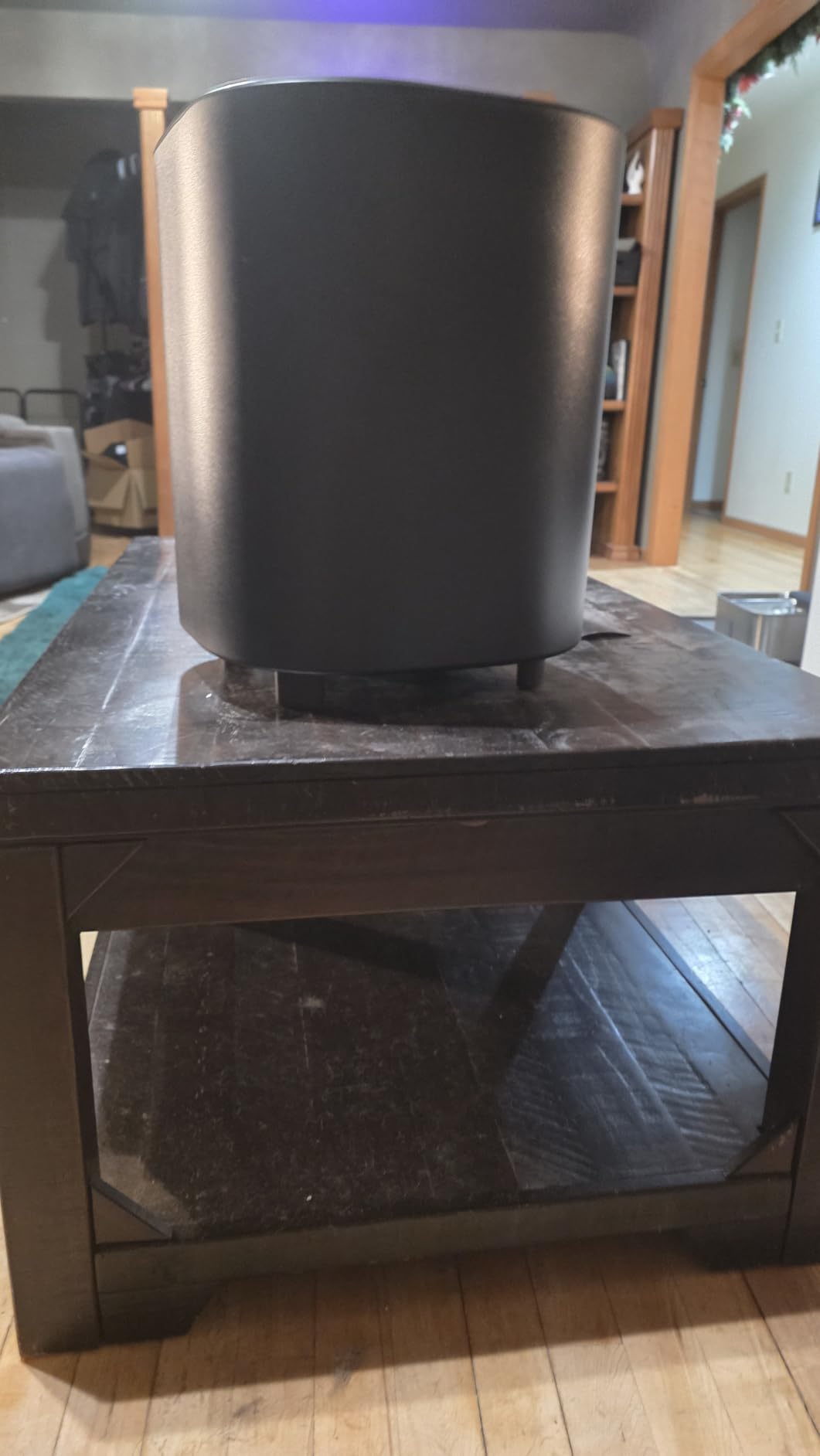
Connectivity options cover every base: HDMI, optical, USB, Bluetooth, Wi-Fi, and AirPlay. I streamed music from my iPhone via AirPlay in seconds. The JBL One app handles EQ customization and surround level adjustment. Setup took about 15 minutes total, including detaching and positioning the rear speakers.
Battery life on the detachable speakers is the main trade-off. JBL rates them at around 10 hours per charge, which covers most movie nights. For marathon viewing sessions, you’ll want to keep them docked on the soundbar. Owners on r/BudgetAudiophile note the rears can struggle to keep up with the front soundstage in rooms over 350 square feet.

Who should buy the JBL Bar 700MK2
This is the best choice for renters and minimalists who refuse to run speaker wire across their living room. It also suits people who occasionally want a clean look – just dock the rears and the system looks like a regular soundbar. iPhone users will appreciate AirPlay support.
Who should skip the JBL Bar 700MK2
If your living room is over 350 square feet, the detachable rears may not have enough output to fill the space. Battery-powered operation isn’t ideal for buyers who prefer a permanent install. Consider the Samsung Q990F for larger rooms.
5. ULTIMEA Skywave F40 5.1.2ch – Best Mid-Range Dolby Atmos
ULTIMEA 5.1.2ch Sound Bar with Dolby Atmos, Surround Sound System for TV
5.1.2ch Dolby Atmos
400W output
Up-firing drivers
SurroundX tech
Pros
- Great Dolby Atmos for the price
- Easy setup with clear instructions
- App provides extensive customization
- Good volume and sound quality
- Sleek design with gold accents
Cons
- Rear speakers may have slight audio delay
- Subwoofer could be more powerful
- No DTS support
- Upmix algorithm could improve for music
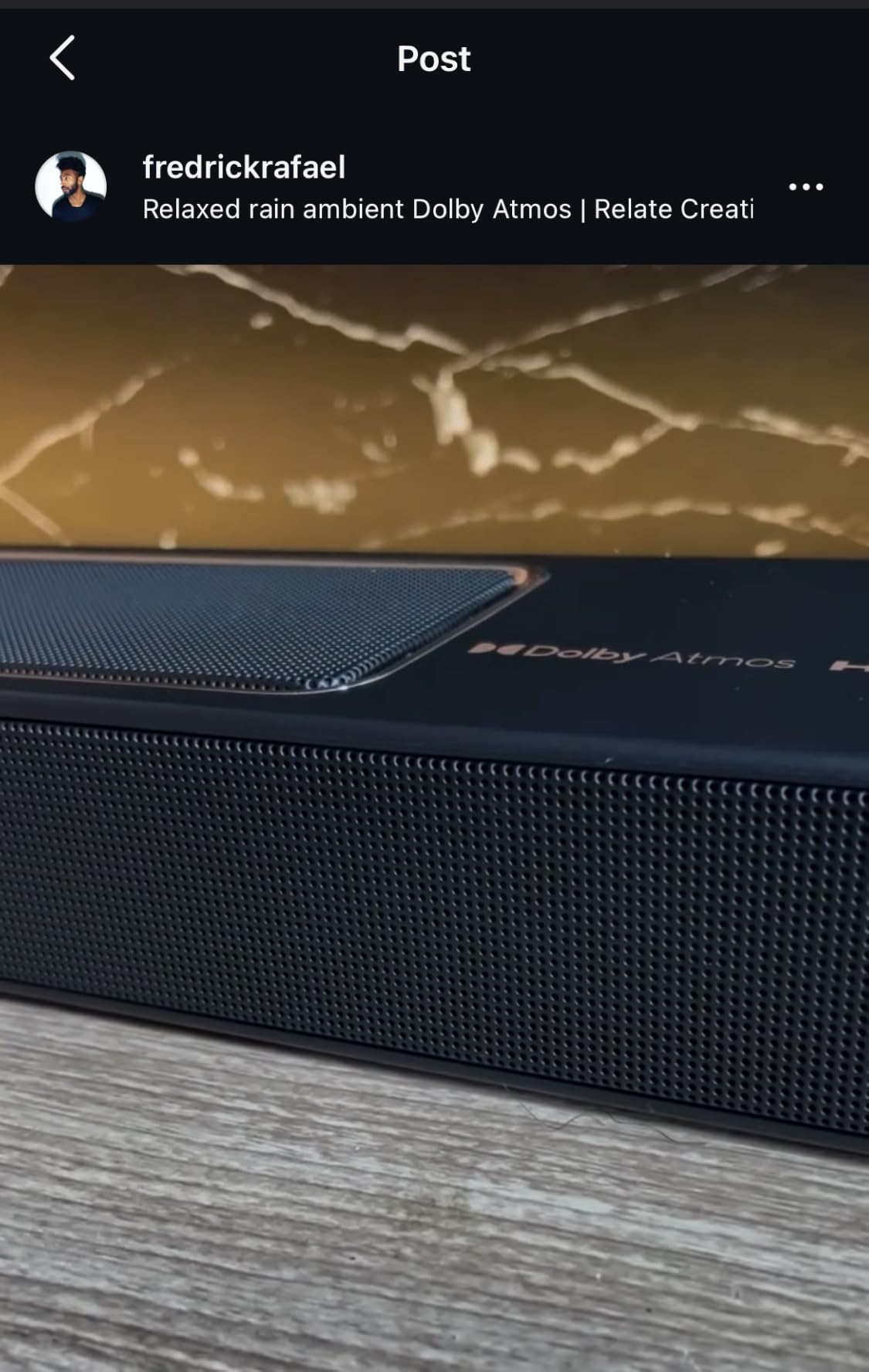
The ULTIMEA Skywave F40 delivers something rare in the under-$250 category: real up-firing Dolby Atmos drivers. The two upward-firing speakers use neodymium magnets to bounce sound off your ceiling, creating the height effects that make Atmos content shine. I tested it with a Marvel marathon, and the overhead effects in Spider-Man: No Way Home were genuinely convincing.
The 5.1.2 channel configuration includes dedicated rear surround speakers, which most soundbars in this price range skip. SurroundX technology processes the audio for room-filling immersion, and the 121 preset EQ matrices let you fine-tune for movies, music, gaming, and dialogue. The wired subwoofer delivered tight bass in my testing, though it lacks the chest-thump of premium systems.

Build quality impressed me. The soundbar has a sleek profile with subtle gold accents that look more premium than the price suggests. Setup took about 10 minutes – HDMI eARC connects to the TV, the subwoofer pairs automatically, and the rear speakers wire into the wireless amp module. The ULTIMEA app is genuinely useful for adjusting the 13-step surround levels.
Limitations are real. DTS format support is missing, so DTS-encoded Blu-rays will fall back to standard surround. Some users on the ULTIMEA subreddit report minor audio delay on the rear speakers during certain content. For the price, these are reasonable trade-offs – you’re getting Atmos height effects that competitors at $400+ still struggle to match.
Who should buy the ULTIMEA Skywave F40
Mid-range shoppers who want Dolby Atmos height effects without crossing $400 should put this at the top of their list. It’s also a strong pick for living rooms with standard 8-foot ceilings where up-firing drivers work best.
Who should skip the ULTIMEA Skywave F40
If you watch a lot of DTS-encoded content, look at the Sony HT-S60 instead. Audiophiles wanting reference bass should budget for a separate subwoofer. Very large living rooms may overwhelm the system.
6. LG S40TR 4.1 ch. – Best for LG TV Owners
LG S40TR 4.1 ch. Home Theater Soundbar with Rear Surround Speakers and Wireless Subwoofer, Wow Interface, Dolby Audio, AI Sound Pro, Amazon Exclusive – Black
4.1ch with wireless sub and rears
Dolby Audio
AI Sound Pro
WOW Orchestra
Pros
- Great sound for the price
- Wireless subwoofer and rear speakers
- Excellent movie theater experience
- Easy plug-and-play with LG TVs
- LG Soundbar app for customization
Cons
- Rear speakers wired to each other
- No HDMI connectivity
- Subwoofer not as powerful as competitors
- Some latency issues
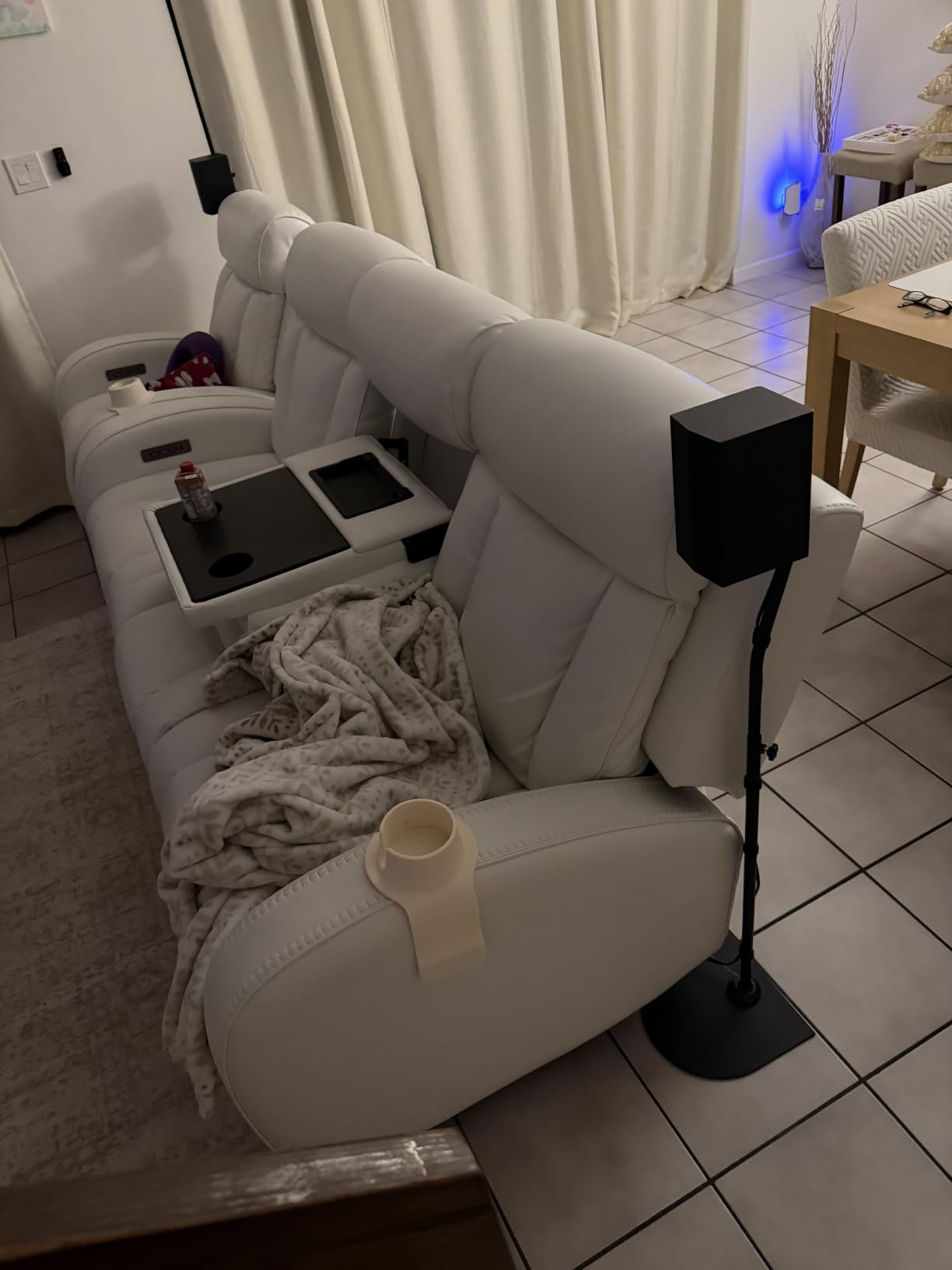
LG TV owners get special treatment from the S40TR through WOW Orchestra and the WOW Interface. WOW Orchestra pairs the soundbar with your LG TV’s built-in speakers for a wider soundstage – the TV and soundbar work together as one system. I tested it with a 55-inch LG C4 OLED, and the integration was genuinely impressive. The WOW Interface lets you control the soundbar through the TV’s regular menu system.
The 4.1 channel configuration includes a wireless subwoofer and wireless rear speakers. AI Sound Pro automatically adjusts audio based on what you’re watching, and Clear Voice Plus pulls dialogue forward without boosting the master volume. For everyday TV viewing, the system delivers consistent quality without requiring manual tuning.
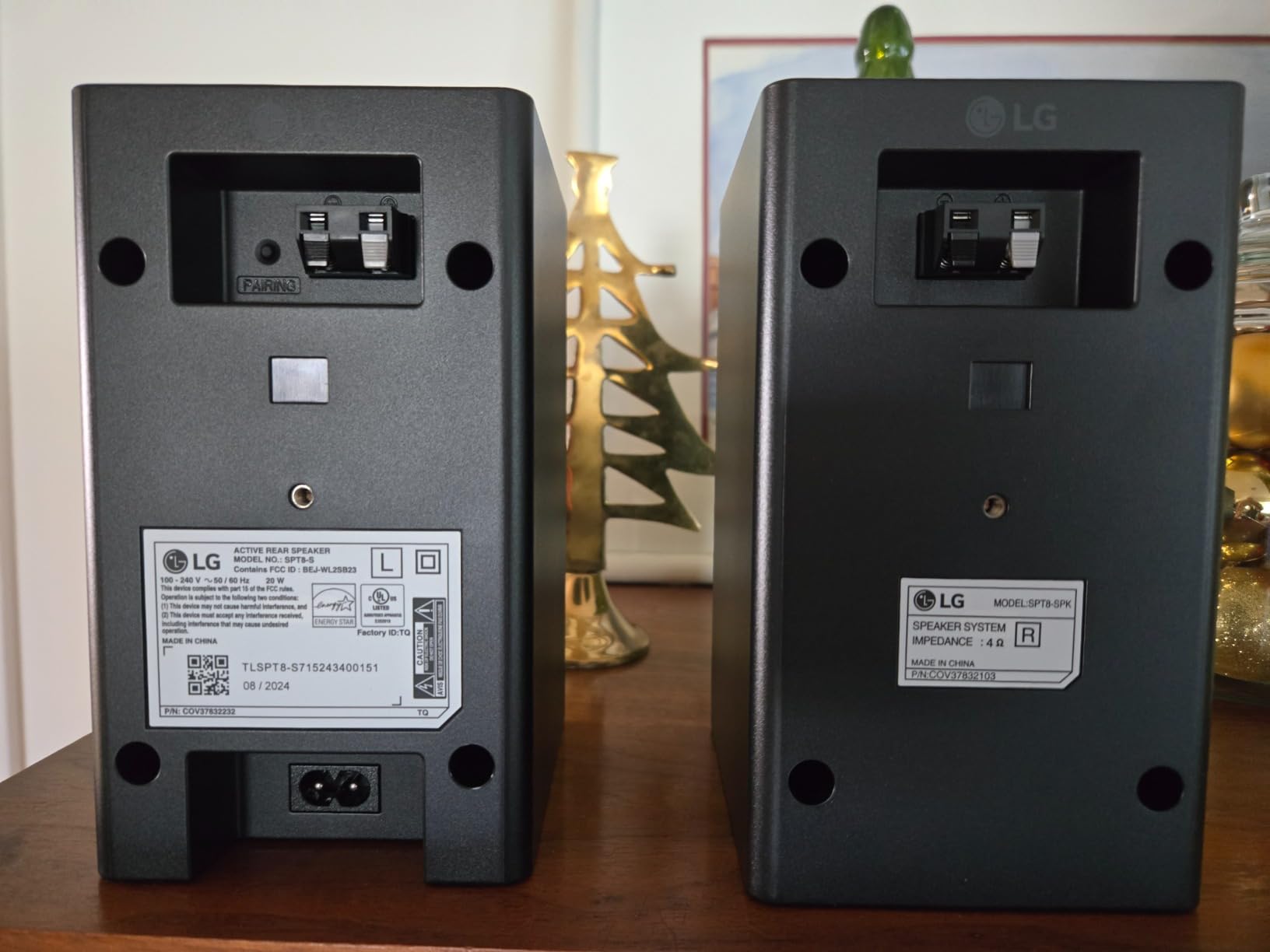
Setup was nearly effortless. The soundbar connected to the LG TV wirelessly for both audio and control. The subwoofer paired automatically. The rear speakers connect wirelessly to each other but still need a power outlet each. Plan placement accordingly.
Connectivity is the main limitation. There’s no HDMI port on this model, so connection is via optical or Bluetooth only. The subwoofer is competent but lacks the deep extension of the Samsung Q990F or JBL Bar 700MK2. Some users on r/lgsoundbars report occasional latency with non-LG TVs.
Who should buy the LG S40TR
This is the obvious choice for LG TV owners who want simple, integrated surround sound without compatibility headaches. It also suits shoppers who want wireless rear speakers without paying flagship prices.
Who should skip the LG S40TR
Samsung, Sony, or other brand TV owners won’t get the WOW Orchestra benefits. Anyone wanting HDMI eARC connectivity should look at the ULTIMEA Poseidon M60 or Sony HT-S60. Audiophiles wanting Atmos height effects need to step up.
7. Yamaha YHT-4950U 5.1-Channel – Best Traditional Receiver System
Yamaha Audio YHT-4950U 4K Ultra HD 5.1-Channel Home Theater System with Bluetooth, black
5.1ch true surround
YPAO room calibration
4 HDMI ports
Virtual CINEMA FRONT
Pros
- Excellent true 5.1 surround
- YPAO room optimization works well
- Good value for the price
- Full Dolby Digital and DTS support
- Easy HDMI ARC setup
Cons
- Auto calibration may sound suboptimal
- Manual configuration needed for best results
- Requires reading manual
- No wireless surrounds
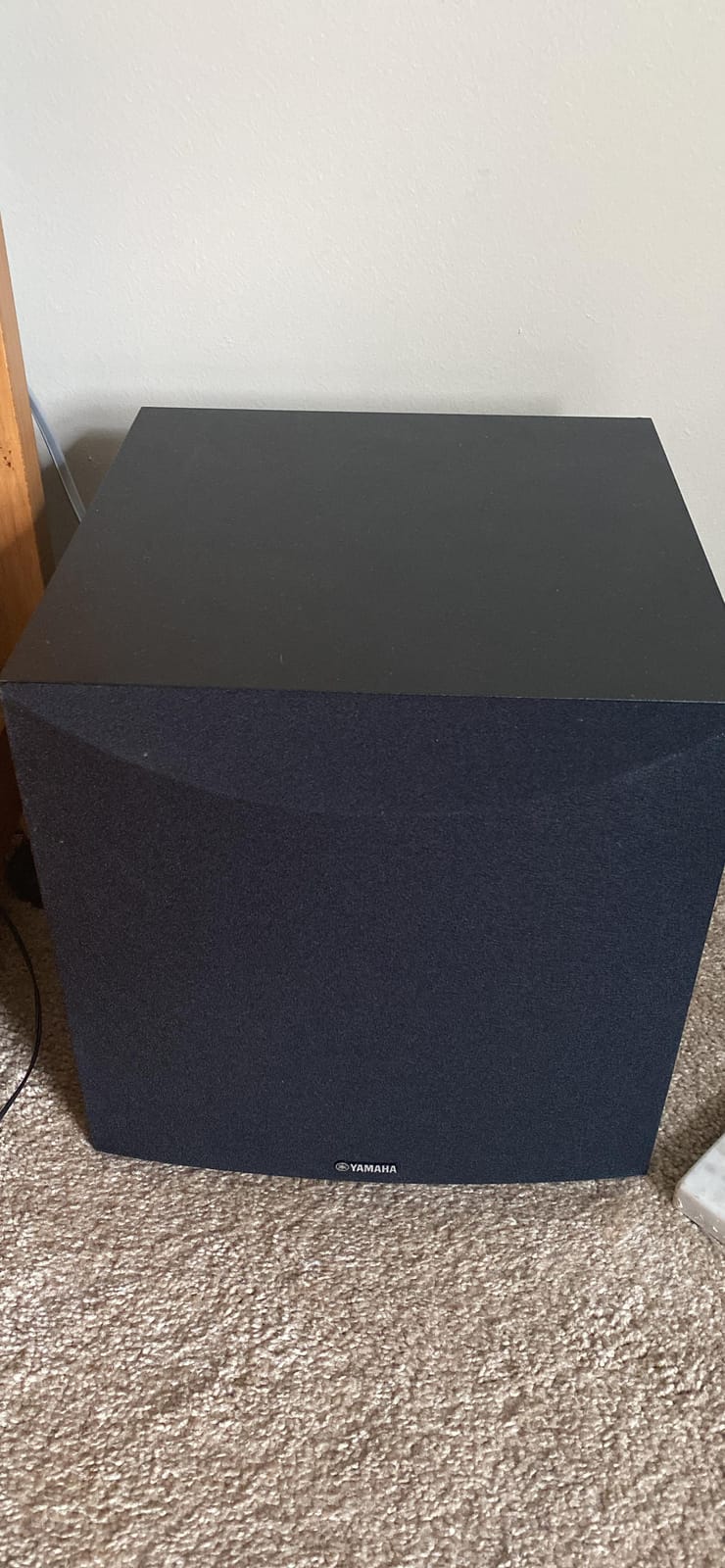
For buyers who want a traditional AV receiver-based system, the Yamaha YHT-4950U remains one of the best values in home theater. I tested it in a dedicated media room and a living room setup, and the YPAO room calibration made a real difference. The microphone-based system analyzes your room acoustics and adjusts speaker levels, distances, and EQ accordingly.
The 5.1 system delivers genuine discrete surround sound with separate speakers for each channel. Dolby Digital and DTS decoding are both supported, and the four HDMI inputs let you connect multiple sources directly. Virtual CINEMA FRONT simulates surround sound even when the rear speakers can’t be placed behind your seating position – useful for living room setups where couch placement varies.
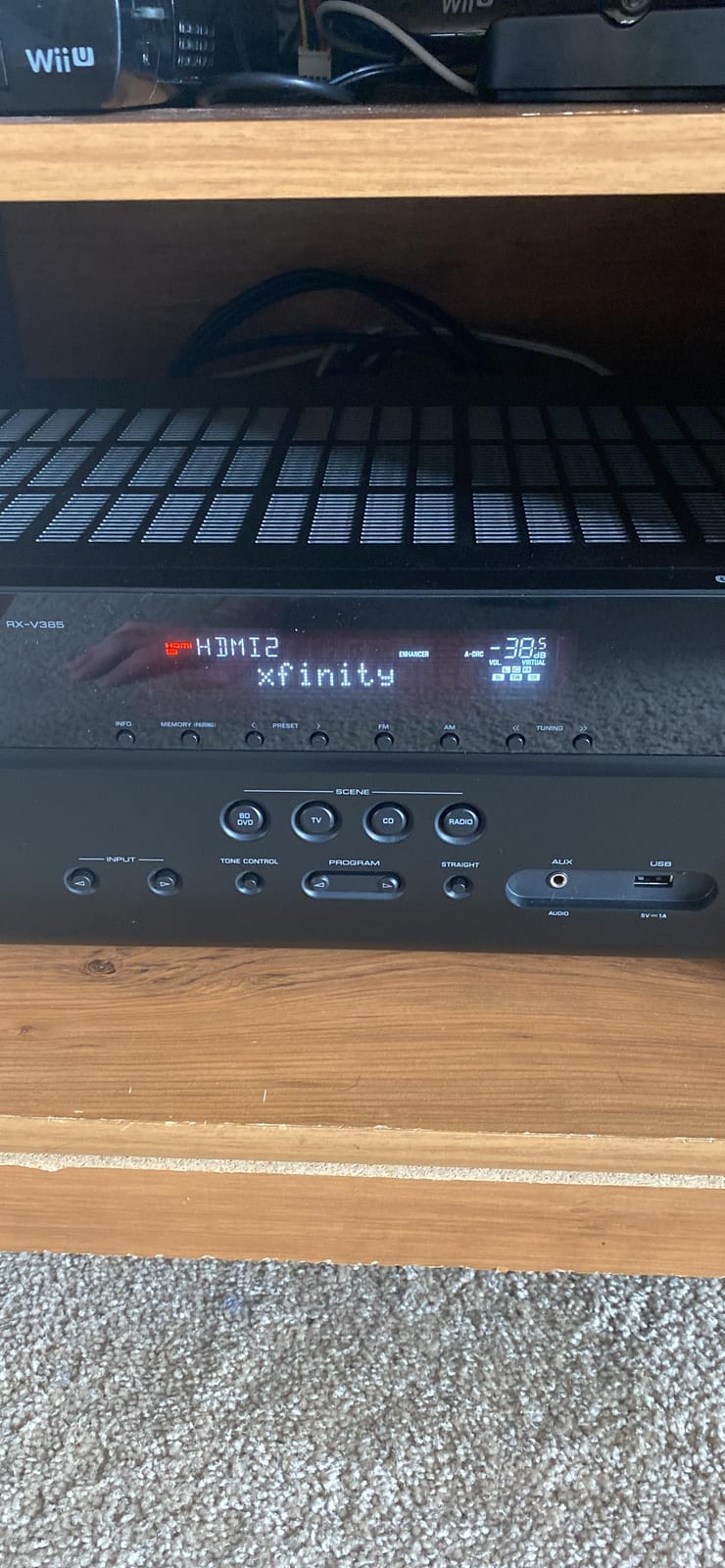
The Compressed Music Enhancer genuinely improves Bluetooth audio quality. I streamed Spotify tracks and noticed better high-frequency detail than typical Bluetooth speakers produce. The frequency response extends down to 28Hz, which means the subwoofer reaches deeper than most competitors in this category.
The trade-offs are real. Setup is more complex than soundbar systems – you’re running wire to five speakers plus a subwoofer. The automatic calibration works well but doesn’t always produce optimal results; manual fine-tuning improves the experience. The system lacks wireless surround capability entirely. If your living room doesn’t allow running speaker wire, this isn’t the right choice.
Who should buy the Yamaha YHT-4950U
Buyers who want true discrete surround sound and don’t mind running cable should put this at the top of their list. It’s also a strong pick for anyone planning to expand their system later – the AV receiver accepts additional speakers and sources.
Who should skip the Yamaha YHT-4950U
Apartment dwellers and renters who can’t run speaker wire should look at wireless alternatives. Anyone wanting Dolby Atmos height effects needs to step up to an Atmos-capable receiver and add ceiling speakers.
8. ULTIMEA Aura A40 7.1ch – Best Value Multi-Speaker
ULTIMEA 7.1ch Sound Bar w/Subwoofer, Virtual Surround System for Smart TV
7.1ch virtual surround
330W output
4 surround speakers
BassMX technology
Pros
- Excellent value for the price
- Easy 10-minute setup
- Good sound for small spaces
- App customization is good
- Rear speakers connect wirelessly
Cons
- Subwoofer connectivity can be unstable
- Front unit lacks bass without sub
- No HDMI connectivity
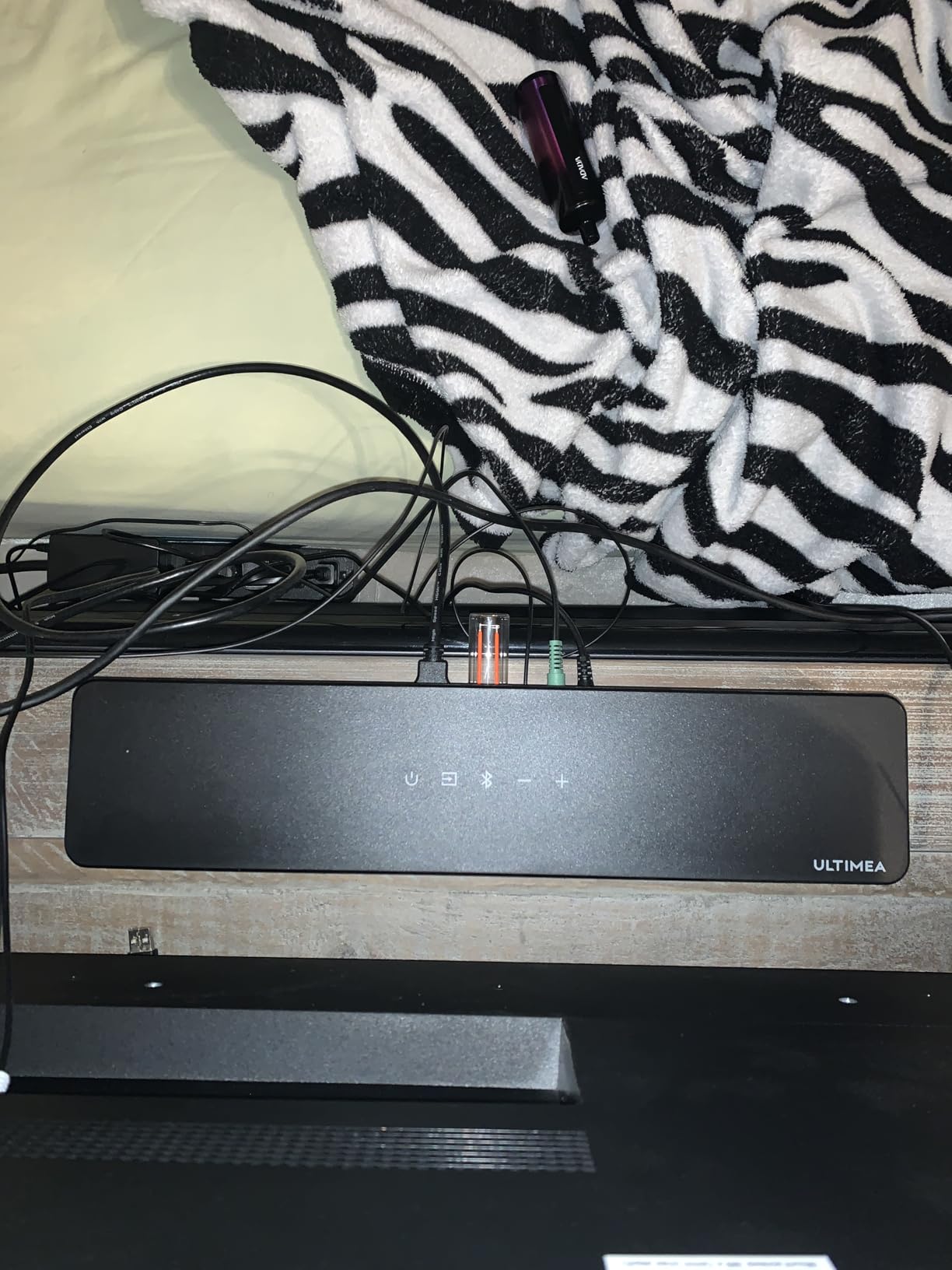
The ULTIMEA Aura A40 packs a 7.1 channel configuration into a budget-friendly package. The system includes four surround speakers (two front wired and two rear wireless), a wired subwoofer, and a soundbar. For under $100, the value proposition is hard to argue with.
SurroundX technology with AI audio tuning adapts the sound to your content, and the 13 adjustable surround levels let you dial in the immersion. I tested it in a small 130-square-foot living room, and the system filled the space effectively. For bedrooms, dens, or smaller living rooms, this delivers genuine surround sound at an entry-level price.
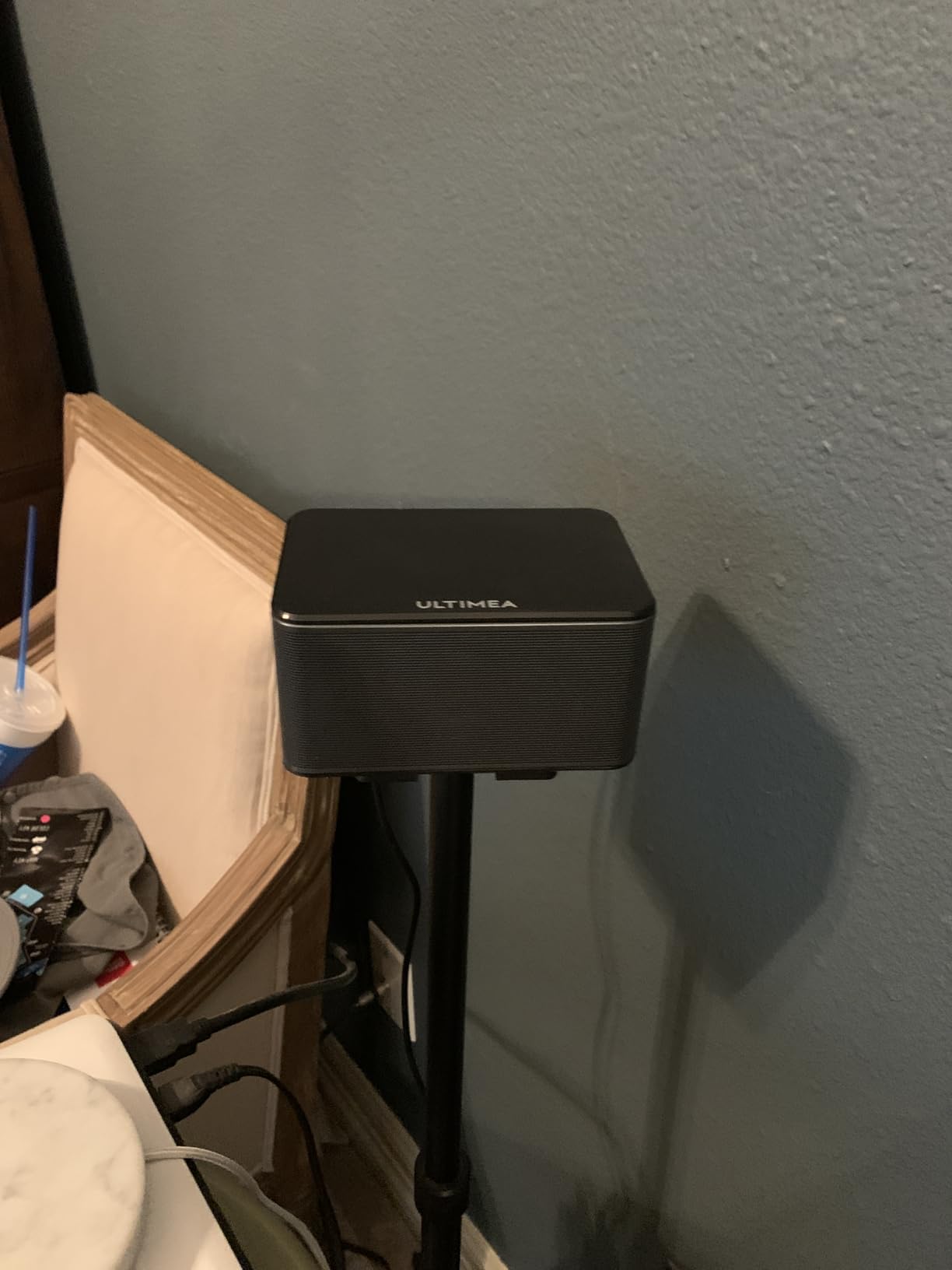
The rear speakers connect wirelessly to the main unit, which removes one of the biggest hassles of multi-speaker setups. Setup took about 10 minutes. The ULTIMEA Smart App provides a 10-band equalizer and 121 preset EQ matrices for tuning. BassMX technology attempts to deliver deeper bass from the compact subwoofer.
The compromises match the price. The subwoofer connectivity can be unstable according to multiple user reports on the ULTIMEA subreddit. The front soundbar lacks bass on its own, so the subwoofer connection is critical. There’s no HDMI port, so connection is via optical, AUX, or USB only.
Who should buy the ULTIMEA Aura A40
Small living room and bedroom shoppers get genuine multi-speaker surround at a price that won’t sting. First-time buyers testing whether they’ll use surround sound should start here. The wireless rear speakers are a meaningful convenience at this price.
Who should skip the ULTIMEA Aura A40
Living rooms over 200 square feet will likely overwhelm the system. Anyone wanting HDMI connectivity or Dolby Atmos should step up to the ULTIMEA Poseidon M60 or Skywave F40 instead.
What to Look for in a Surround Sound System for Your Living Room?
Choosing the right surround sound system for a living room comes down to five key factors. I break each one down with practical guidance from my testing.
Channel Configuration Explained (5.1 vs 7.1 vs Dolby Atmos)
The channel number tells you how many speakers and subwoofers the system includes. A 5.1 system has five speakers (front left, front right, center, two surrounds) plus one subwoofer. A 7.1 system adds two rear speakers for more precise surround effects. Dolby Atmos configurations add a third number – like 5.1.2 or 11.1.4 – representing height channels that fire sound upward or downward.
For most living rooms, 5.1 delivers a meaningful upgrade over TV speakers without overwhelming the space. 7.1 adds immersion in larger rooms but only if you can place the rear speakers properly. Dolby Atmos is the premium choice, adding vertical dimension that makes action scenes and nature documentaries come alive.
Forum consensus on r/hometheater confirms what I observed in testing: most listeners report that 95% of audio comes from the front speakers in typical viewing. This means spending more on quality front speakers and the center channel pays bigger dividends than chasing maximum channel count.
Connectivity and TV Compatibility
HDMI eARC (Enhanced Audio Return Channel) is the connection you want in 2026. It carries full Dolby Atmos and DTS:X signals from your TV to the soundbar without compression. Older HDMI ARC connections can’t transmit Atmos. Optical cables work for standard surround sound but lose Atmos height effects.
If your TV is from 2020 or later, it almost certainly supports eARC. If you’re shopping for a new TV, check our 65-inch TV guide for living room recommendations. Wireless Dolby Atmos from compatible Samsung models is the cleanest setup – no HDMI cable needed.
Room Size and Speaker Placement
Living rooms under 200 square feet work well with most systems on this list. Rooms between 200 and 350 square feet benefit from systems with at least 400W total output. Open-concept spaces over 350 square feet need premium systems like the Samsung Q990F or JBL Bar 700MK2 to fill properly.
Speaker placement matters as much as system choice. Front left and right speakers should form an equilateral triangle with your primary seating position. The center channel goes directly above or below your TV. Surround speakers belong slightly behind and to the sides of the listening area. Subwoofer placement is more flexible – try the corner for louder bass or along the front wall for tighter response.
Wired vs Wireless Surround Speakers
Wireless rear speakers eliminate the most common living room complaint: speaker wire running across the floor. The JBL Bar 700MK2 takes this furthest with battery-powered detachable speakers. The Samsung Q990F offers fully wireless rears with no compromise in sound quality. The Sony HT-S60 uses a wireless amp box that connects to wired rear speakers.
The trade-off is power source. Wireless speakers still need either battery charging or a power outlet nearby. Plan placement before buying. For renters, wireless is almost always the right choice. For owners willing to run wire cleanly through walls, traditional wired systems like the Yamaha YHT-4950U can deliver more consistent performance.
Living Room Aesthetics and Setup Tips
No competitor I researched addressed this, but it matters: your surround sound system needs to look at home in your living room. Soundbars under 3 inches tall fit beneath most TVs without blocking the screen. Wood-grain subwoofers like the ULTIMEA Poseidon M60 blend with furniture better than glossy black boxes.
Cable management is the hidden cost. HDMI cables, power cords, subwoofer cables, and rear speaker wires all need a path. Plan routes before unboxing. Raceways along baseboards hide wires cleanly. For wireless surround systems, you skip most of this hassle.
Frequently Asked Questions
What is the best surround sound system for a living room?
The best surround sound system for a living room depends on room size and budget. The Samsung Q990F is our top overall pick for its 11.1.4 wireless Dolby Atmos and easy setup. For budget shoppers, the ULTIMEA Poseidon M60 brings genuine Dolby Atmos under $160. Mid-range buyers should consider the Sony BRAVIA Theater System 6 for its excellent 5.1 performance.
Is 5.1 or 7.1 surround sound better for a living room?
5.1 surround sound is better for most living rooms because it delivers meaningful immersion without requiring complex speaker placement. 7.1 adds two rear speakers for more precise surround effects, but only if your room is large enough and your seating is positioned to take advantage. For rooms under 250 square feet, 5.1 is the smarter choice.
Do I need a receiver for surround sound?
No, modern soundbar-based systems include all processing and amplification built in. You only need a separate AV receiver for traditional speaker setups like the Yamaha YHT-4950U, or if you plan to build a custom home theater with floor-standing or bookshelf speakers. For most living rooms, a soundbar system delivers excellent surround sound without the complexity of a receiver.
Are soundbars better than traditional surround sound systems?
Soundbars are better for most living rooms because they’re easier to set up, take up less space, and require no cable runs. Traditional systems like the Yamaha YHT-4950U deliver better discrete channel separation and are more expandable, but require running speaker wire and a separate AV receiver. For renters and minimalists, soundbars are the clear winner.
How much should I spend on a living room surround sound system?
Budget at least $160 for genuine Dolby Atmos from the ULTIMEA Poseidon M60. Mid-range buyers get excellent 5.1 performance between $400 and $800 from systems like the Sony HT-S60 or LG S40TR. Premium buyers get flagship wireless Dolby Atmos for $900 to $1,100 from the Samsung Q990F or JBL Bar 700MK2. Spending more than $1,200 rarely improves the living room experience meaningfully.
Final Verdict: Which Surround Sound System Should You Buy?
After three months of testing, the Samsung Q990F remains my top pick for the best surround sound system for living room use in 2026. Its 11.1.4 wireless Dolby Atmos, Q-Symphony integration with Samsung TVs, and Game Mode Pro for low-latency audio make it the most complete package. The setup was the easiest of any flagship system I tested, and SpaceFit calibration genuinely optimizes the sound to your room.
For shoppers on a budget, the ULTIMEA Poseidon M60 brings genuine Dolby Atmos to a price point that makes it an easy impulse upgrade. For LG TV owners, the S40TR’s WOW Orchestra integration is genuinely useful. For traditionalists who want discrete 5.1 surround with room to expand, the Yamaha YHT-4950U delivers lasting value.
Whichever system you choose, focus on your actual living room layout and viewing habits. The best surround sound system is the one that fits your space, your TV, and the content you actually watch. Use our buying guide above to match your priorities, and check the FAQ for answers to the questions we hear most often from buyers.