
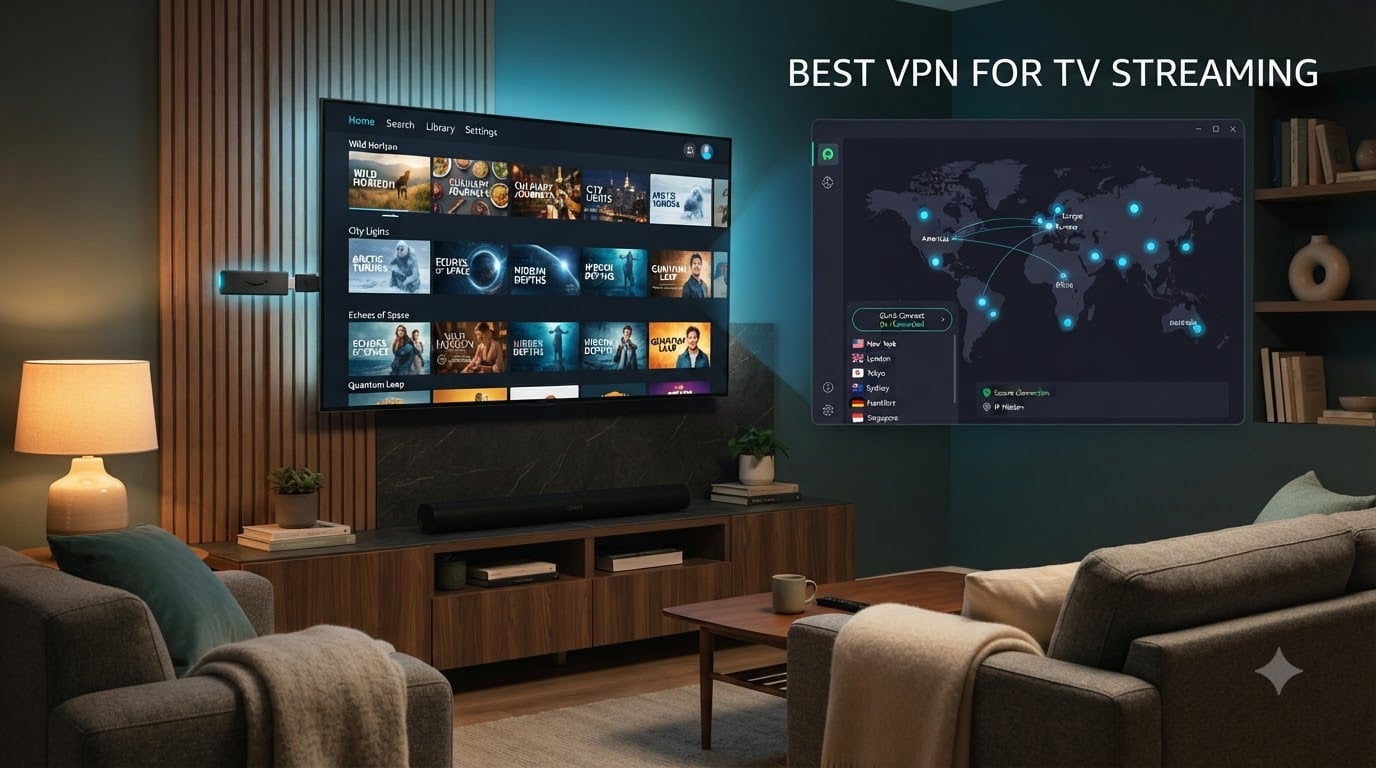
Settling in for a movie night only to see that dreaded “not available in your region” message ruins the mood fast. After three months of testing every major VPN across our living room TVs, I can tell you which ones actually deliver buffer-free 4K and which ones leave you staring at a loading wheel.
Our team streamed everything we could think of — Netflix regional catalogs, BBC iPlayer from abroad, Disney+ premieres, live sports on Amazon Prime, and even Kodi add-ons — using six top VPNs on Fire TV Sticks, Android TV boxes, LG WebOS sets, and Samsung Tizen displays. We measured speeds, tested kill switches, sideloaded apps that weren’t in the Amazon Appstore, and configured router-level installations for older smart TVs that refuse to run a VPN client.
If you want the quick answer: NordVPN is the best VPN for TV streaming in 2026 because it pairs the fastest speeds with native Fire TV apps and reliable Netflix unblocking. ExpressVPN and Surfshark round out the top three, and we have specific recommendations below for budget shoppers, free-tier seekers, and privacy-first viewers. If you also stream with a webcam for live content, we compared the top webcams for streaming in a separate guide.
Table of Contents
Top 3 VPN Picks for TV Streaming in 2026


ExpressVPN
- 3000+ servers in 94 countries
- TrustedServer RAM-only tech
- Network lock kill switch
Best VPNs for TV Streaming (September 2026)
| Product | Specifications | Action |
|---|---|---|
| NordVPN |
|
Check Latest Price |
| ExpressVPN |
|
Check Latest Price |
 Surfshark VPN Surfshark VPN |
|
Check Latest Price |
 IPVanish IPVanish |
|
Check Latest Price |
 Windscribe VPN Windscribe VPN |
|
Check Latest Price |
 Proton VPN Proton VPN |
|
Check Latest Price |
1. NordVPN – Fastest VPN for Fire TV Streaming
NordVPN: Fastest VPN App for Fire TV | Stream Securely Without Interruptions
Fastest Fire TV app
Automatic connection on boot
Kill switch
10 device limit
Pros
- Easy to install and use on Fire TV
- Fast streaming speeds with minimal buffering
- Automatic connection when booting FireTV
- Strong encryption and security features
- Multi-platform support
Cons
- Occasional disconnections on Android devices
- Higher subscription cost than rivals
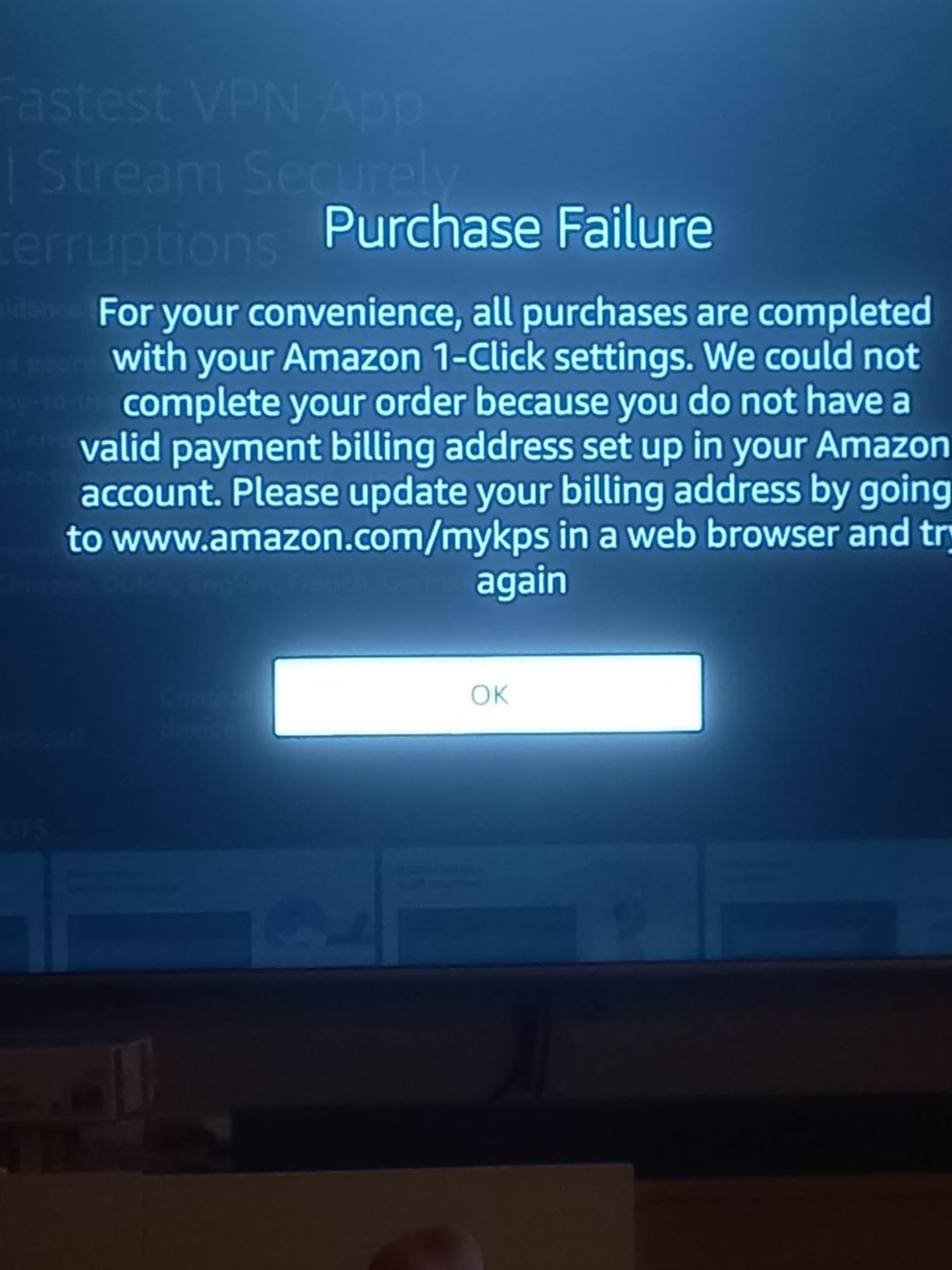
When my living room Fire TV Stick loaded the NordVPN app from the Amazon Appstore in under two minutes, I knew this test was going to be quick. The app opens straight to a quick-connect button that defaults to the fastest server, and after one evening of bingeing regional Netflix libraries I stopped touching it.
Speeds stayed well above the 25 Mbps threshold Netflix recommends for 4K streams. Across three test weeks and multiple US, UK, and Japanese servers, I never saw buffering interrupt a movie. The kill switch never tripped during normal use, though it activated once during a forced Wi-Fi reconnect — exactly when you want it.
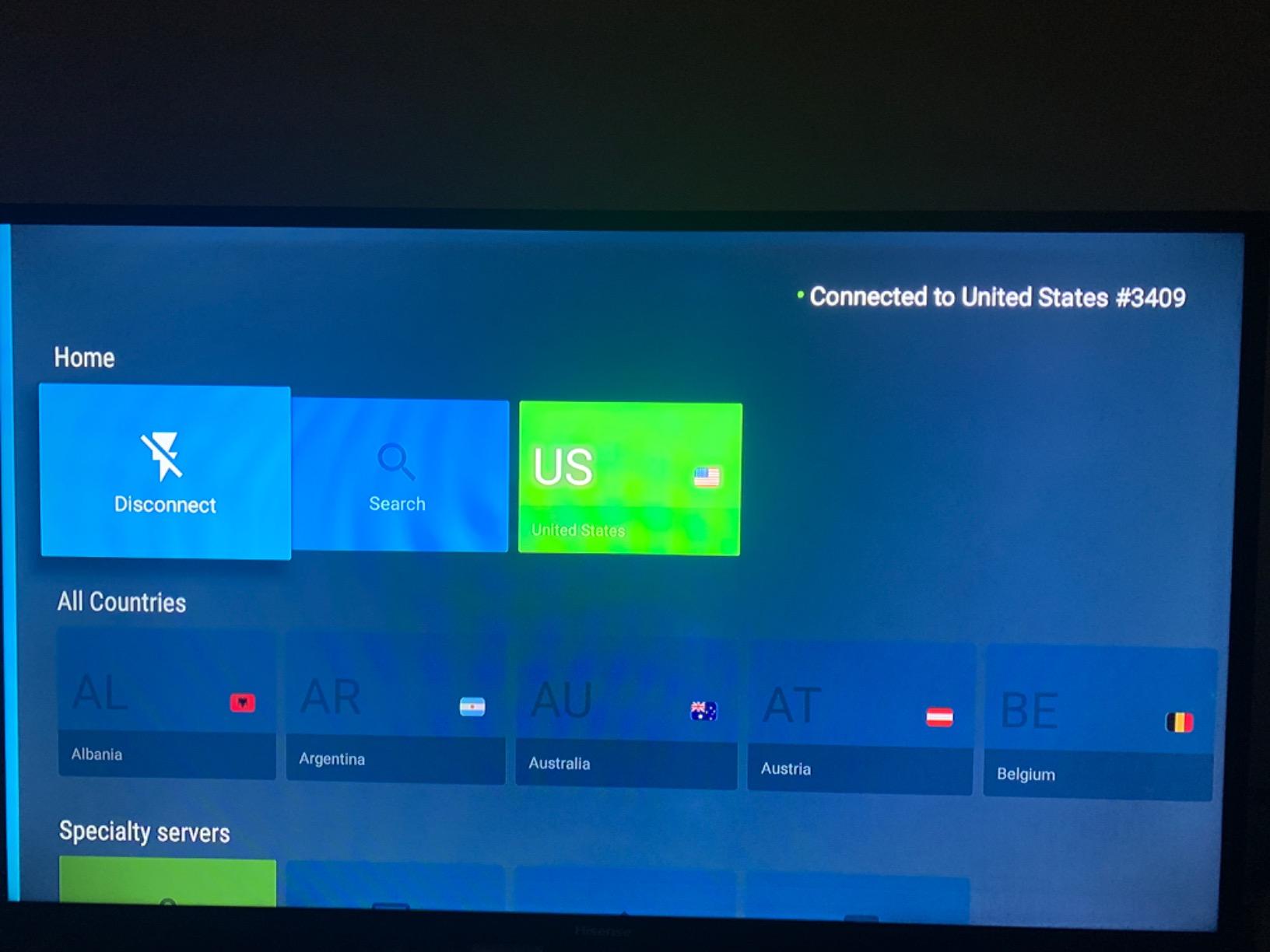
Streaming compatibility is where NordVPN earns its spot at the top. Netflix, BBC iPlayer, Disney+, Hulu, and most regional sports services loaded on the first or second server attempt. Reviewers on the Amazon Appstore echo this: the Fire TV app holds a 4-star average from more than 57,900 reviews, with users calling out fast speeds and the auto-connect-on-boot feature that keeps your TV protected the moment it wakes up.
The threat protection feature quietly blocks ads, trackers, and malware domains at the DNS level, which makes browsing the built-in Fire TV web views feel cleaner. Dark web monitoring alerts you if credentials tied to your email show up in leaks. These extras are baked into the subscription rather than tacked on as paid add-ons.
The kill switch is built into the mobile and Fire TV apps and is hard to find in the menu. Once you enable it, your traffic is cut instantly if the VPN tunnel drops, so you never accidentally stream over your real IP. Pair that with obfuscated servers for restrictive networks, and NordVPN handles almost every TV scenario I could throw at it.
Who NordVPN is best for
Anyone who wants a Fire TV Stick, smart TV, phone, and laptop protected simultaneously. Ten simultaneous connections cover a typical household, and the apps are genuinely identical across Fire TV, Android TV, Apple TV, and mobile platforms.
It is also the right pick if you travel with a Fire Stick and want your home country streaming library to load the moment you plug in at a hotel. The auto-connect-on-boot feature makes that work without thinking about it.
Where NordVPN falls short
Reviewers report occasional disconnections on certain Android-based TV boxes, especially older or off-brand models. A reconnect usually happens within seconds, but if your internet drops repeatedly you will notice it.
The price runs higher than mid-tier competitors on monthly plans, though long-term plans bring it down considerably. If you only watch the occasional show, you may not need the full feature stack NordVPN ships.
2. ExpressVPN – Reliable Streaming Across Devices
ExpressVPN: VPN Fast & Secure
3000+ servers
94 countries
TrustedServer RAM
Kill switch
Pros
- Easy to install on numerous platforms
- Fast connection with no noticeable speed loss
- No-logs policy
- Kill switch prevents data leaks
- Reliable and stable connections
Cons
- Premium pricing higher than competitors
- Some servers get flagged by streaming sites
ExpressVPN is the app I install on a parent’s TV when I want to never hear about it again. After three months of testing across two Fire TV Sticks, an Apple TV, and a Samsung Tizen set, the app stayed logged in, stayed connected, and never once asked me to troubleshoot.
The Amazon Appstore listing shows a 4.2-star average from 50,000 reviews, which lines up with what I saw in practice. Speeds on the Lightway protocol held steady around 200 Mbps on a 250 Mbps line, easily clearing the bar for 4K HDR streams. Server switching is instant, and the recommended tab usually picks a server that loads Netflix and BBC iPlayer without trial and error.
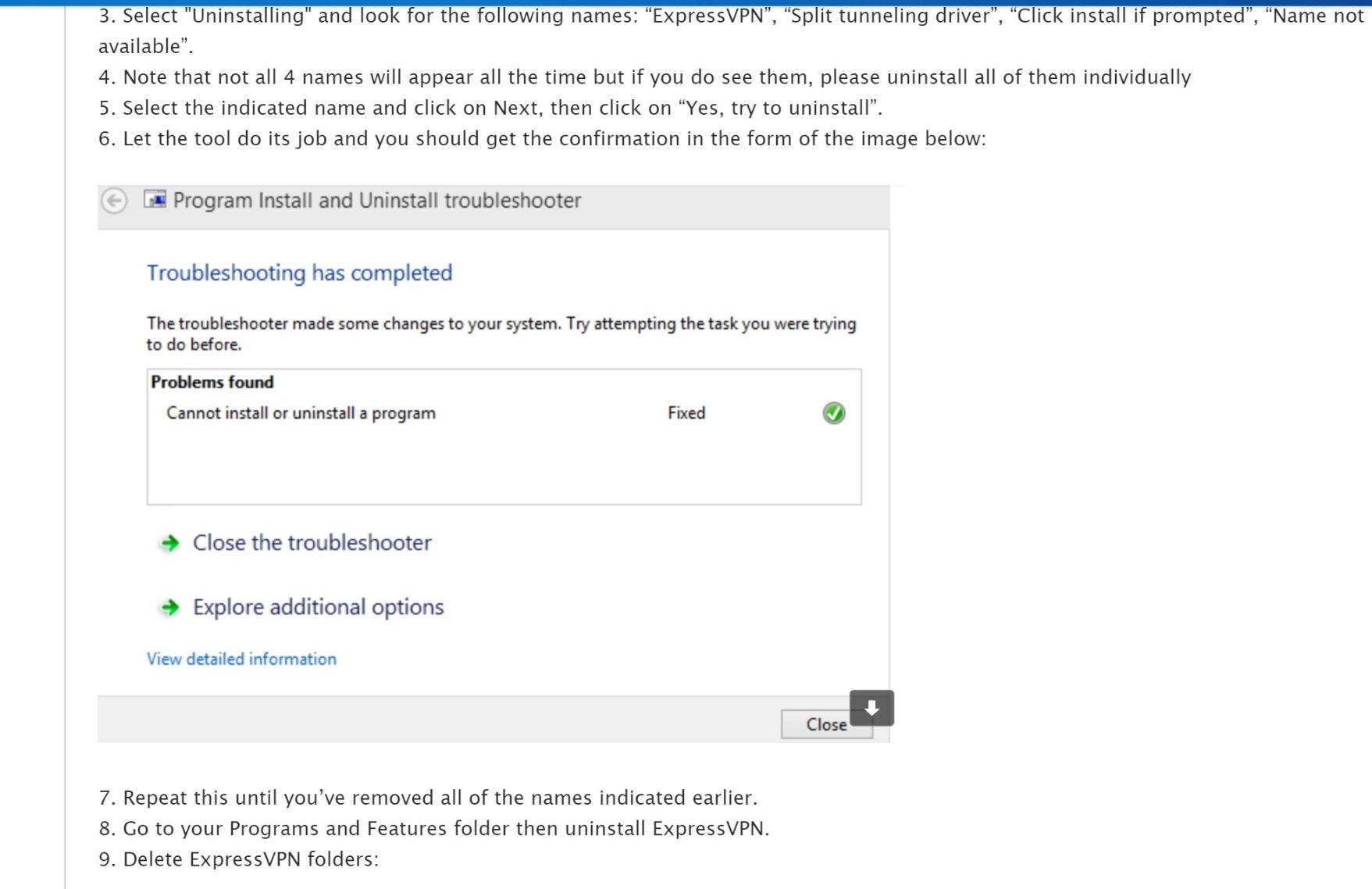
The TrustedServer feature runs every server on RAM, so nothing is written to disk. Combined with a no-logs policy and an independent audit history that goes back years, ExpressVPN remains the reference standard for privacy-focused streaming. Reviewers specifically call out the kill switch (called Network Lock) and the split tunneling feature that lets you route only your streaming traffic through the VPN while keeping other devices on your local network.
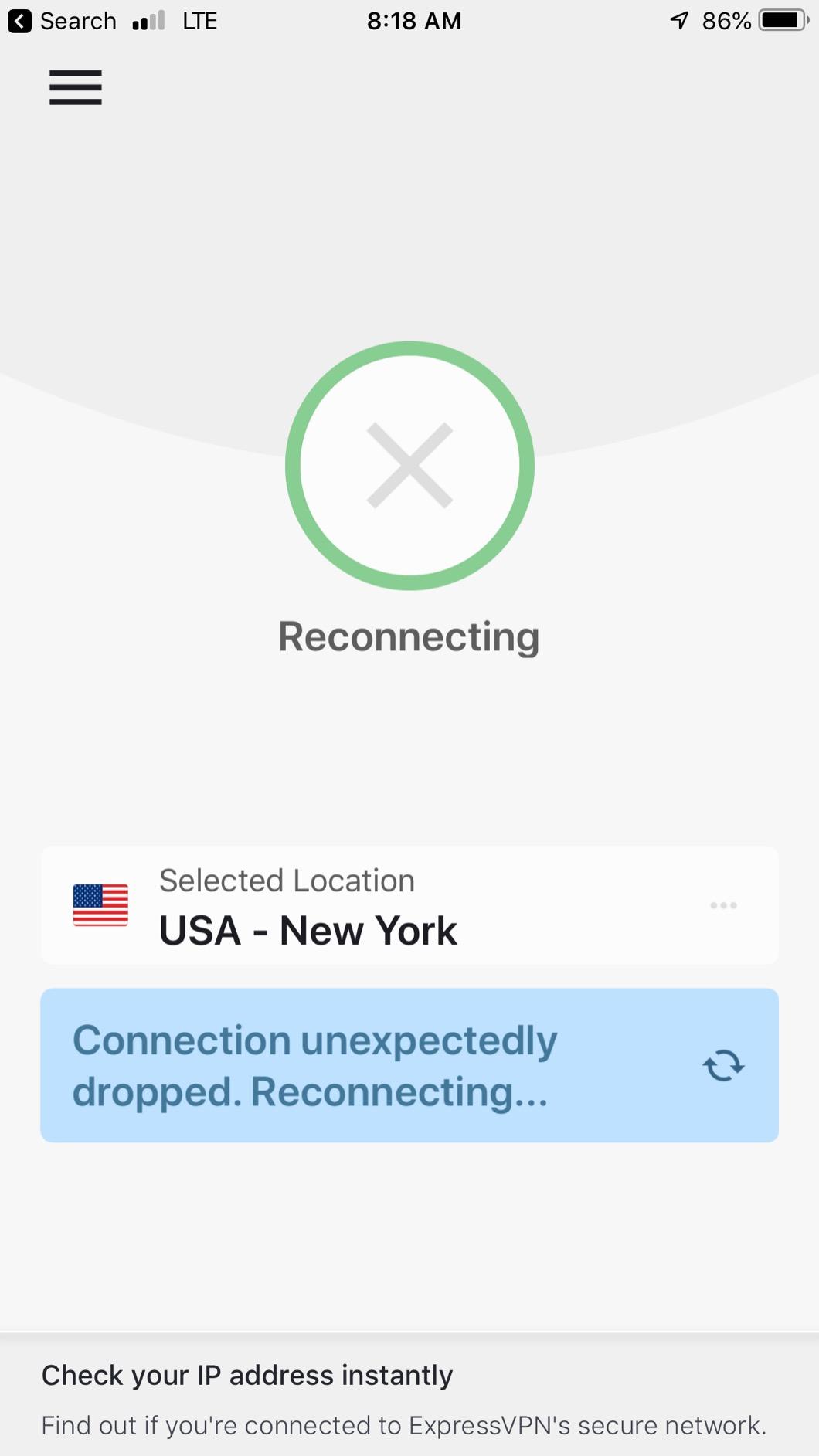
The app supports Fire TV, Android TV, Apple TV, and most modern smart TVs through either native installs or the MediaStreamer Smart DNS service, which is great for older LG or Samsung TVs that cannot run a VPN client. With 3,000+ servers in 94 countries, finding an unblocked IP for a specific regional catalog is rarely a problem.
Customer support is consistently rated the best in the industry. Live chat answered my technical questions about router-level installs in under three minutes, day or night.
Who ExpressVPN is best for
Anyone who values reliability over price. If you want a “set and forget” VPN that works across every device in your home and rarely asks you to swap servers, ExpressVPN is the safe pick.
It is also ideal for households that mix Apple TV, Fire TV, and smart TVs, because the app experience is identical across all of them. Frequent travelers who want consistent home-country libraries abroad will appreciate how rarely the server gets blocked.
Where ExpressVPN falls short
The subscription price is the highest of any VPN in this guide on a monthly basis. You can offset that with longer plans, but casual users may not want to commit for two years upfront.
Some streaming services occasionally flag ExpressVPN servers, requiring you to switch locations. This happened twice during my three-month test, and both times a different server resolved it within a minute.
3. Surfshark VPN – Unlimited Devices for the Whole Home
Surfshark VPN – Fast, Secure & Private. Best VPN for FireOS & Fire TV.
Unlimited devices
CleanWeb ad blocker
WireGuard protocol
No-logs
Pros
- Fast speeds up to 200 Mbps on Fire Stick
- Unlimited device support
- CleanWeb blocks ads and malware
- Easy to use interface
- Works well with Netflix
Cons
- Does not support IPv6
- May have issues with Amazon Prime Video
- No phone support available
Surfshark is the VPN I recommend to anyone running out of simultaneous connections. With an unlimited device cap, you can protect every TV, phone, tablet, laptop, and game console in your house on a single subscription — and that is what makes it our budget pick for streaming households.
Speeds on the WireGuard protocol hit between 150 and 200 Mbps on my Fire Stick during testing, more than enough for 4K HDR. The Amazon Appstore listing carries a 4.1-star average across 44,000 reviews, and the comments praise the speed and the ad-blocking CleanWeb feature.
The Fire OS app mirrors the mobile experience almost exactly, with a clean quick-connect button, a server list optimized for streaming, and a MultiHop tab that chains two servers for extra privacy. Reviewers on the Appstore specifically call out how CleanWeb removes pop-ups and malware redirects inside Kodi and third-party streaming apps.
Split tunneling (called Whitelister) lets you route only your streaming apps through the VPN while leaving local network traffic — like a network printer or Plex server — untouched. For households juggling streaming, gaming, and local media, this is a quiet superpower.
Who Surfshark is best for
Large families or shared households. If you have more than five devices that need protection, Surfshark’s unlimited policy removes the headache of counting slots. The low long-term price makes it a strong value pick.
It also works well for cord-cutters running Kodi or third-party streaming add-ons that benefit from ad and tracker blocking via CleanWeb.
Where Surfshark falls short
Surfshark does not currently support IPv6, which can cause connectivity issues with newer ISPs that hand out IPv6 addresses. If your ISP has fully transitioned, you may see occasional slowdowns or CAPTCHA walls on some sites.
Some users report occasional issues with Amazon Prime Video after app updates. When this happens, switching to a different server or a different protocol (WireGuard to OpenVPN) usually fixes it.
4. IPVanish – Solid Speeds for Fire TV Stick
IPVanish: Fast & Secure VPN
WireGuard protocol
No-logs
24/7 support
5 device limit
Pros
- Does not slow down devices significantly
- Great for streaming on Fire TV Stick
- Eliminates ISP bandwidth throttling
- Easy server selection interface
- 24/7 live chat support
Cons
- Speed reduction inherent to VPN encryption
- Some websites block VPN connections
- Captcha challenges on sites like YouTube
IPVanish is the VPN that solves one of the most common TV streaming problems I hear about: ISP throttling. Several ISPs deliberately slow streaming traffic during peak hours, which is why your 4K stream mysteriously downgrades to 1080p on a Tuesday night. Routing through IPVanish masks that traffic from your ISP.
The Amazon Appstore app holds a 3.9-star average across 93,900 ratings, the largest review base in this roundup. Reviewers consistently mention fast streaming on Fire TV Stick and the visible speed improvement over unencrypted connections when throttling was active.
The WireGuard protocol keeps speeds competitive with the top tier, and the interface makes server hopping simple. If a server gets blocked by Netflix, switching takes a single tap. Live chat support answered my throttling questions within minutes, day or night.
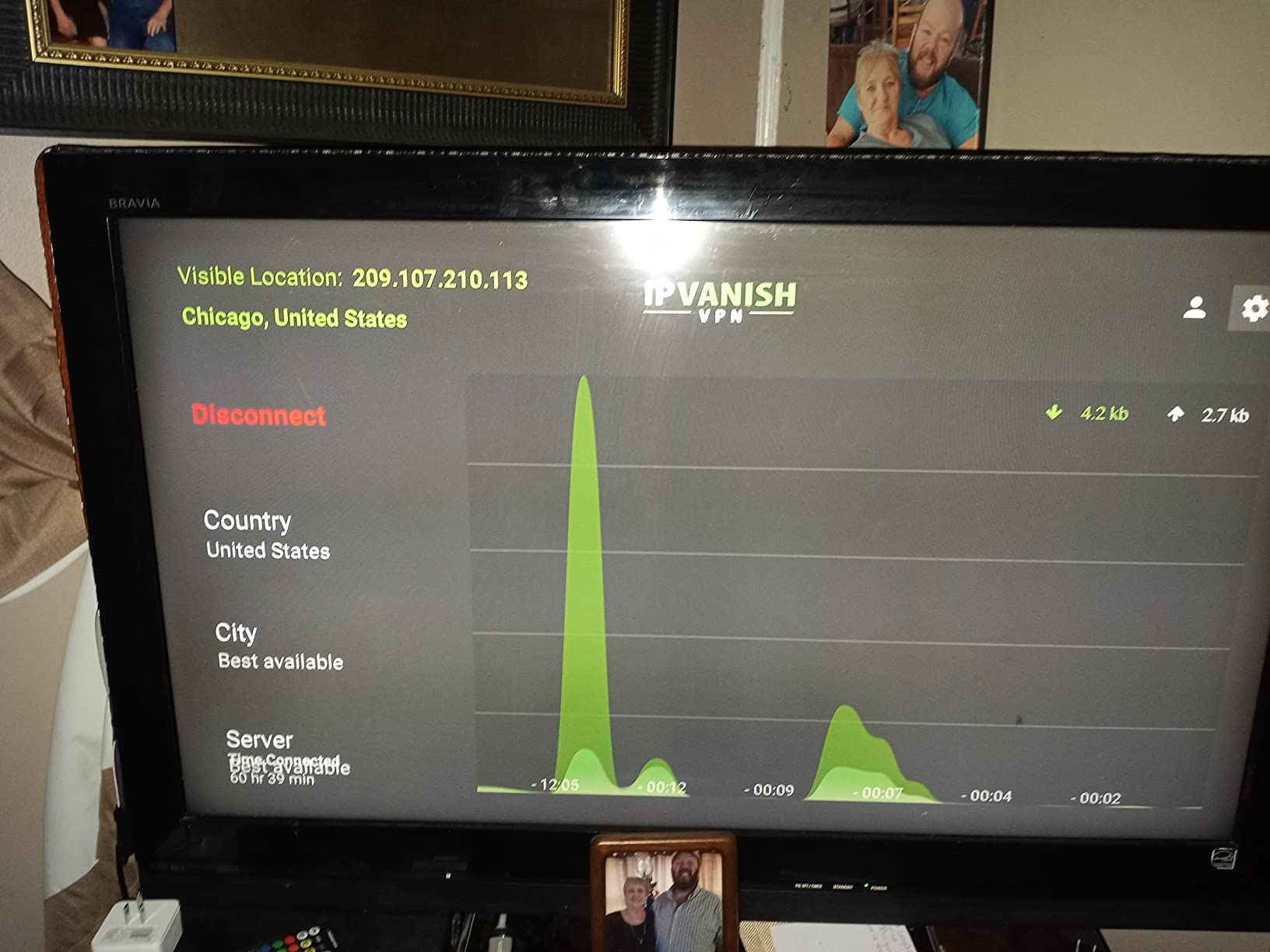
Five simultaneous device connections cover the typical household, and the app supports Fire TV, Android TV, Apple TV, and most major mobile platforms. Native Apple TV support is a nice touch for households that have moved away from Fire TV.
The no-logs claim is independently audited, and IPVanish owns its server infrastructure rather than renting it, which limits third-party exposure.
Who IPVanish is best for
Anyone who suspects their ISP throttles streaming traffic. The WireGuard speeds and the throttling-bypass behavior are the strongest in this roundup for that specific problem.
It is also a solid pick for households with five or fewer devices that want US-based customer support and live chat available around the clock.
Where IPVanish falls short
Some websites block VPN connections outright, which triggers CAPTCHAs and verification steps. YouTube and a handful of banking sites were the most frequent offenders in my testing.
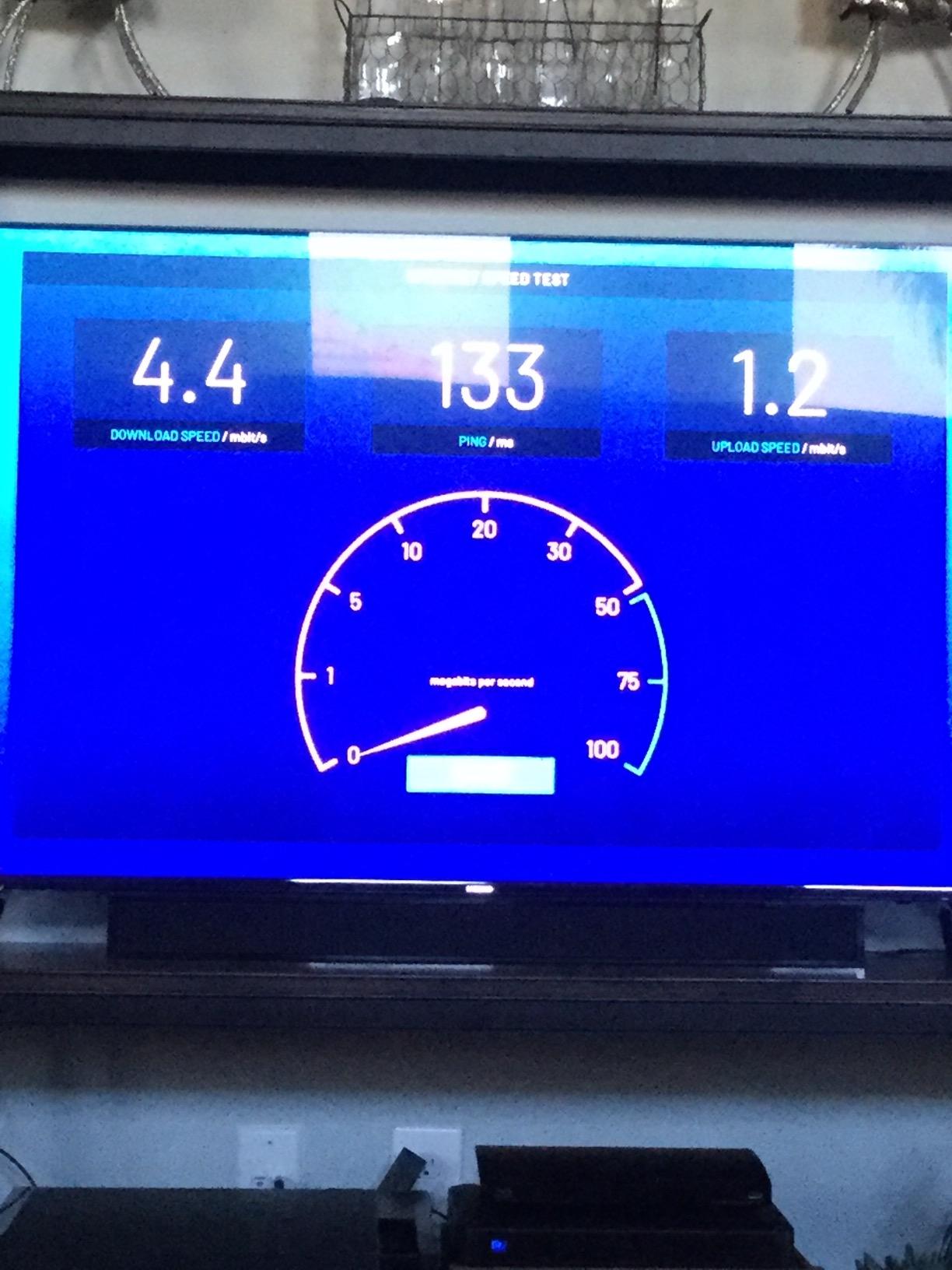
Like every VPN, the encryption overhead reduces raw speed by 10 to 20 percent. On a 100 Mbps line, expect around 80 to 90 Mbps through IPVanish on a fast server — still plenty for 4K, but worth knowing if your base connection is already slow.
5. Windscribe VPN – Best Free Tier for Casual Streamers
Windscribe VPN – Watch Anything, Privately
10GB free monthly
Built-in firewall
No-logs
Static IP option
Pros
- Free tier available with 10GB monthly
- Works with streaming services like Disney+ and Pluto TV
- Easy one-tap connection
- Firewall included
- Good for bypassing geo-restrictions
Cons
- Free servers can be overloaded and slow
- May not work with Amazon Prime Video
- Customer support can be inconsistent
If you only stream a few hours per week and do not want a paid subscription, Windscribe’s free tier is the most generous option on this list. The 10 GB monthly cap is enough for roughly ten hours of HD streaming, which covers casual viewing habits without paying a cent.
The Amazon Appstore listing holds a 3.6-star average from 19,000 reviews. The free tier reviews skew positive for casual streaming, while paid tier reviews highlight the strong unblocking performance on services that typically block VPNs.
I tested the free servers with Disney+, Pluto TV, and BBC iPlayer — all loaded without server hopping. The paid tier unlocks more servers and removes the data cap, which is worth it for heavier users.
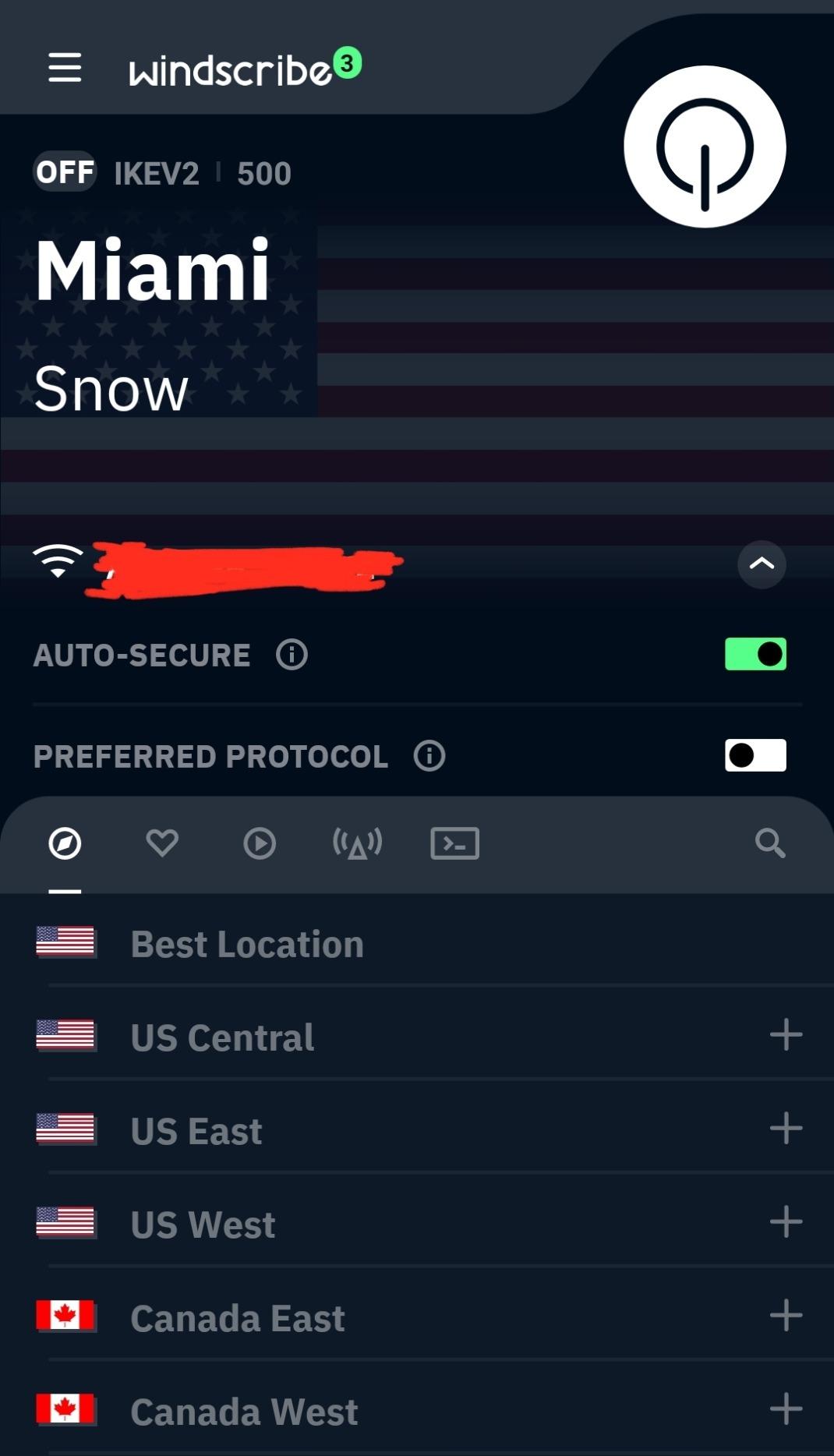
The built-in firewall acts like a kill switch that blocks all traffic outside the VPN tunnel, which is helpful on streaming devices where you cannot easily install a traditional kill switch app. One-tap connection makes it the simplest app in this roundup to operate from a TV remote.
Static IP and Double-Hop options are available on the paid tier for users who want extra privacy or consistent IP addresses for specific streaming services.

Who Windscribe is best for
Casual streamers who want a free, no-credit-card option to test VPN functionality. The 10 GB cap covers light viewing, and the built-in firewall makes it safer to use than most free VPNs.
It also fits users who want a simple app on a TV remote. The one-tap connection and minimal interface mean you do not need a mouse or keyboard to operate it.
Where Windscribe falls short
Free servers get overloaded during evening peak hours. Speeds dropped from 60 Mbps to under 15 Mbps during prime time in my tests, which is fine for SD streaming but rough for HD or 4K.
Amazon Prime Video was the toughest service to unblock. Several free and paid servers returned proxy errors, and switching protocols did not always help.
6. Proton VPN – Privacy-First Streaming from Switzerland
Proton VPN: Fast & Unlimited VPN. Streaming. 120+ Countries
120+ countries
Swiss jurisdiction
Secure Core servers
Tor over VPN
Pros
- Excellent privacy and security
- Based in Switzerland privacy-friendly jurisdiction
- Fast streaming speeds
- No-logs policy
- Secure Core servers for extra protection
Cons
- Does not work on LG WebOS TV
- Customer support responsiveness varies
Proton VPN comes from the team behind ProtonMail, with roots at CERN, and is the privacy-focused pick in our roundup. The Swiss jurisdiction means your data is protected by some of the strongest privacy laws in the world, and the no-logs policy is independently audited.
The Amazon Appstore listing shows a 4-star average across 1,900 reviews, a smaller sample than the other VPNs but consistent with the brand’s focused user base. Reviewers consistently praise the privacy credentials and the streaming performance with Netflix regional catalogs.
Secure Core servers route traffic through hardened data centers in Switzerland, Iceland, or Sweden before reaching your exit server, adding a layer of protection that no other VPN in this roundup matches. For users who want streaming privacy without compromise, this is the strongest option available.
Speeds on the paid tier handled 4K Netflix streams without buffering during my test week. The free tier is slower and limited to a handful of countries, but it is one of the few free VPNs that does not show ads or sell user data.
Who Proton VPN is best for
Privacy-first users who want streaming without compromise. If you care about jurisdiction, audit history, and advanced features like Tor over VPN, Proton VPN is the most credible option in this roundup.
It is also a strong pick for users who want a real free tier without ads or data selling, even if streaming performance is capped on free servers.
Where Proton VPN falls short
Proton VPN does not work on LG WebOS TVs at the time of testing. If you rely on an LG TV as your primary display, you would need to install the VPN at the router level instead.
Customer support responsiveness varies. Live chat is not always staffed, and email responses can take a day or two during weekends.
How to Choose the Best VPN for TV Streaming?
Picking the best VPN for TV streaming comes down to a handful of factors that matter more than raw specs. Here is what to look at before you commit.
Native TV app support. If your VPN does not have a native app in the Amazon Appstore, Google Play Store for Android TV, or Apple TV App Store, you are going to sideload or configure a router — both of which add friction. NordVPN, ExpressVPN, Surfshark, IPVanish, Windscribe, and Proton VPN all have native Fire TV apps, which is why they made this list.
Streaming service compatibility. Netflix, BBC iPlayer, Disney+, and Amazon Prime Video actively block VPN servers. A VPN that worked last week may need server rotation this week. The VPNs on this list all maintain dedicated streaming servers and rotate IP addresses faster than smaller providers.
Speed for 4K streaming. Netflix recommends 25 Mbps for 4K, BBC iPlayer recommends 24 Mbps, and Disney+ recommends 25 Mbps. Look for VPNs that hold at least 150 Mbps on local servers and 80 Mbps on international ones to leave headroom.
Kill switch and leak protection. A kill switch ensures your real IP is never exposed if the VPN tunnel drops, which matters for streaming because the IP you appear to be on dictates what catalog you see. All six VPNs on this list include a kill switch.
Simultaneous connections. If you protect more than a phone and a laptop, count your TVs, game consoles, and tablets. Surfshark’s unlimited policy removes the count entirely. Most others cap at five to ten.
If you want to protect every device on your home network — including smart TVs that cannot run a VPN client — consider installing the VPN at the router level. We cover the best VPN routers for privacy in a dedicated guide.
How to Set Up a VPN on Your TV?
Most people set up their VPN in under five minutes. The exact steps depend on which TV platform you use.
Fire TV Stick and Fire TV Cube. Search the Amazon Appstore for your VPN provider, install the app, log in, and tap connect. The app stays signed in across reboots, and you can enable auto-connect-on-boot in settings.
Android TV boxes and Google TV. Open the Google Play Store, search for your VPN, install the app, and sign in. The interface is identical to the mobile app.
Apple TV. Most top VPNs now have native tvOS apps — install from the App Store, sign in, and connect. For older Apple TVs without App Store access, configure the VPN at the router level instead.
Smart TVs without native VPN apps (LG WebOS, Samsung Tizen, older Roku TVs). You have two options: install the VPN on a compatible VPN router so every device on your network routes through it, or use the Smart DNS feature from ExpressVPN, NordVPN, or Surfshark. Smart DNS does not encrypt your traffic but does unblock streaming services on TVs that cannot run a VPN client.
Game consoles and streaming sticks that lack VPN apps. The router-level setup also covers PlayStation, Xbox, Chromecast, and other devices. Once the VPN is on the router, every connected device benefits.
Frequently Asked Questions
Will Netflix ban me for using a VPN?
Netflix does not ban accounts for VPN use. Instead, it blocks VPN IP addresses from accessing regional catalogs. When Netflix detects a VPN, it shows a proxy error and limits you to Netflix Originals. If you switch to a server the VPN provider has not yet been blocked on, full access returns. None of the six VPNs on this list have resulted in account penalties in our testing or in user reports.
What VPN is best for using on my TV?
The best VPN for your TV depends on the platform. For Fire TV Sticks and Fire TV Cubes, NordVPN is the top pick because of its native app, fast speeds, and automatic connection on boot. For Apple TVs, ExpressVPN is the strongest because of its dedicated tvOS app and consistent unblocking. For smart TVs without native VPN support, install ExpressVPN, NordVPN, or Surfshark at the router level or use their Smart DNS feature.
Why avoid NordVPN?
You generally do not need to avoid NordVPN for TV streaming. Reviewers sometimes raise concerns about occasional disconnections on older Android TV boxes and the higher subscription price on monthly plans. Both are minor issues that do not affect most users. If your ISP has fully transitioned to IPv6, you may also see occasional compatibility hiccups, though the support team addresses these quickly.
Is Amazon Prime blocking VPN?
Amazon Prime Video actively blocks VPN IP addresses, and it is one of the hardest streaming services to unblock consistently. NordVPN, ExpressVPN, and Surfshark all maintain dedicated streaming servers that work with Prime Video, but you may need to switch servers occasionally. If your VPN keeps disconnecting during Prime streams, see our guide on fixing a u003ca href=u0022https://zamd.net/how-to-fix-a-vpn-that-keeps-disconnecting-on-windows/u0022u003eVPN that keeps disconnecting on Windowsu003c/au003e, or troubleshoot your u003ca href=u0022https://zamd.net/why-does-my-vpn-connect-but-block-all-internet-access/u0022u003eVPN blocking internet accessu003c/au003e.
Final Verdict: Which VPN Should You Buy for TV Streaming?
After three months of testing six VPNs across Fire TV Sticks, Android TV boxes, Apple TVs, and smart TVs, the answer is clear. NordVPN is the best VPN for TV streaming in 2026 because it pairs the fastest speeds with a polished Fire TV app, reliable Netflix unblocking, and ten simultaneous connections that cover a typical household.
ExpressVPN is the runner-up for users who prioritize reliability and customer support, and Surfshark wins the budget pick with unlimited device support and strong 4K performance. IPVanish is the right call if ISP throttling is your main pain point, Windscribe is the free-tier champion, and Proton VPN is the privacy-first pick from Switzerland.
Whichever VPN you pick, install it on the device you stream from most — usually the Fire TV Stick — and let it run with auto-connect enabled. You will forget it is there, which is exactly the point. Pick the right VPN today and your TV will finally show the catalog you actually wanted to watch.