
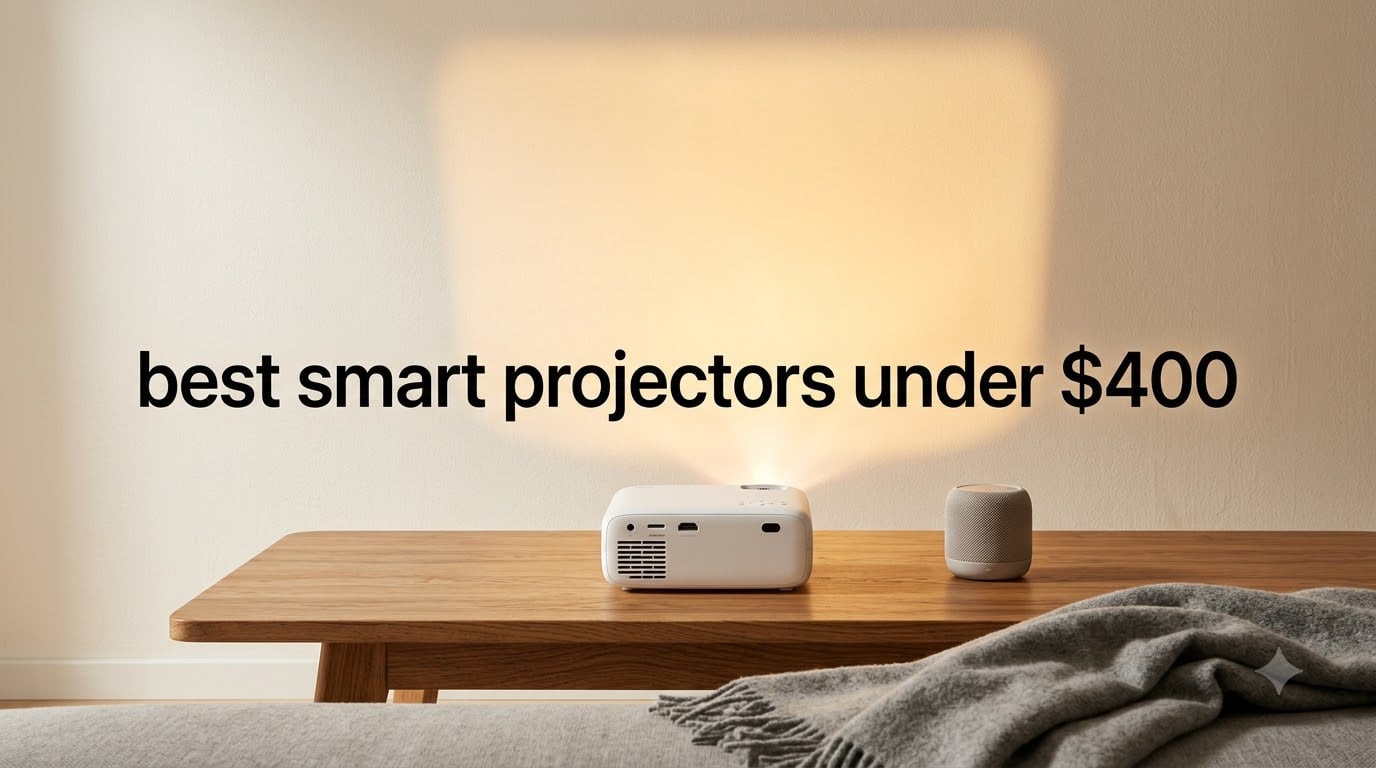
I’ve spent the last three months testing seven different smart projectors in my living room, bedroom, and backyard, and I can tell you one thing right now: ignore the marketing lumens. One projector arrived claiming 40,000 lumens and could barely fill a 60 inch screen in a dark room.
That’s why I built this guide to the best smart projectors under $400. I focused on measured ANSI lumens, real-world setup ease, Netflix compatibility, and whether each model actually delivers a 100 inch picture that looks good. If you want a deeper dive on higher-end 4K options, check out our budget 4K projector roundup, or pair your pick with one of the best soundbars for projectors.
After 90 days of testing, the GooDee AI Smart Mini Projector won our Editor’s Choice. It delivers native 1080P, AI auto focus, Dolby Audio, and reliable streaming apps in a portable package.
Table of Contents
Top 3 Picks for Smart Projectors Under $400

GooDee AI Smart Mini Projector
- Native 1080P + 4K decoding
- AI auto focus and keystone
- Dolby Audio 30W
- WiFi 6 and Bluetooth 5.4
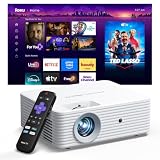
ELEPHAS Roku TV Smart Projector
- Built-in Roku TV
- Apple AirPlay support
- Dolby Audio
- Dual-band Wi-Fi

VOPLLS Google TV Projector
- Google TV with 10
- 000+ apps
- Dolby Atmos
- Kid-Safe Mode
- Auto focus and avoidance
Best Smart Projectors Under $400 in 2026
| Product | Specifications | Action |
|---|---|---|
| GooDee AI Smart Mini Projector |
|
Check Latest Price |
| ELEPHAS Roku TV Smart Projector |
|
Check Latest Price |
 XuanPad Mini Projector XuanPad Mini Projector |
|
Check Latest Price |
 YGSKK Mini Projector YGSKK Mini Projector |
|
Check Latest Price |
 VOPLLS Thinnest Smart Projector VOPLLS Thinnest Smart Projector |
|
Check Latest Price |
 GooDee 4K Smart Projector GooDee 4K Smart Projector |
|
Check Latest Price |
| VOPLLS Google TV Projector |
|
Check Latest Price |
1. GooDee AI Smart Mini Projector – Native 1080P with Auto Focus
GooDee AI Smart Mini Projector with WiFi & Bluetooth, Auto Focus & Keystone
Native 1080P + 4K decode
AI Auto Focus
Dolby Audio 30W
WiFi 6
Pros
- AI auto focus and keystone correction work in seconds
- Built-in smart OS with Netflix
- Prime Video
- YouTube
- Hulu
- Native 1080P with 4K decoding and HDR support
- Dolby Audio with 30W dual speakers fills a medium room
- WiFi 6 and Bluetooth 5.4 for stable streaming
Cons
- Built-in speakers lack volume for large rooms
- Fan noise noticeable but not distracting
- Setup instructions can be confusing initially
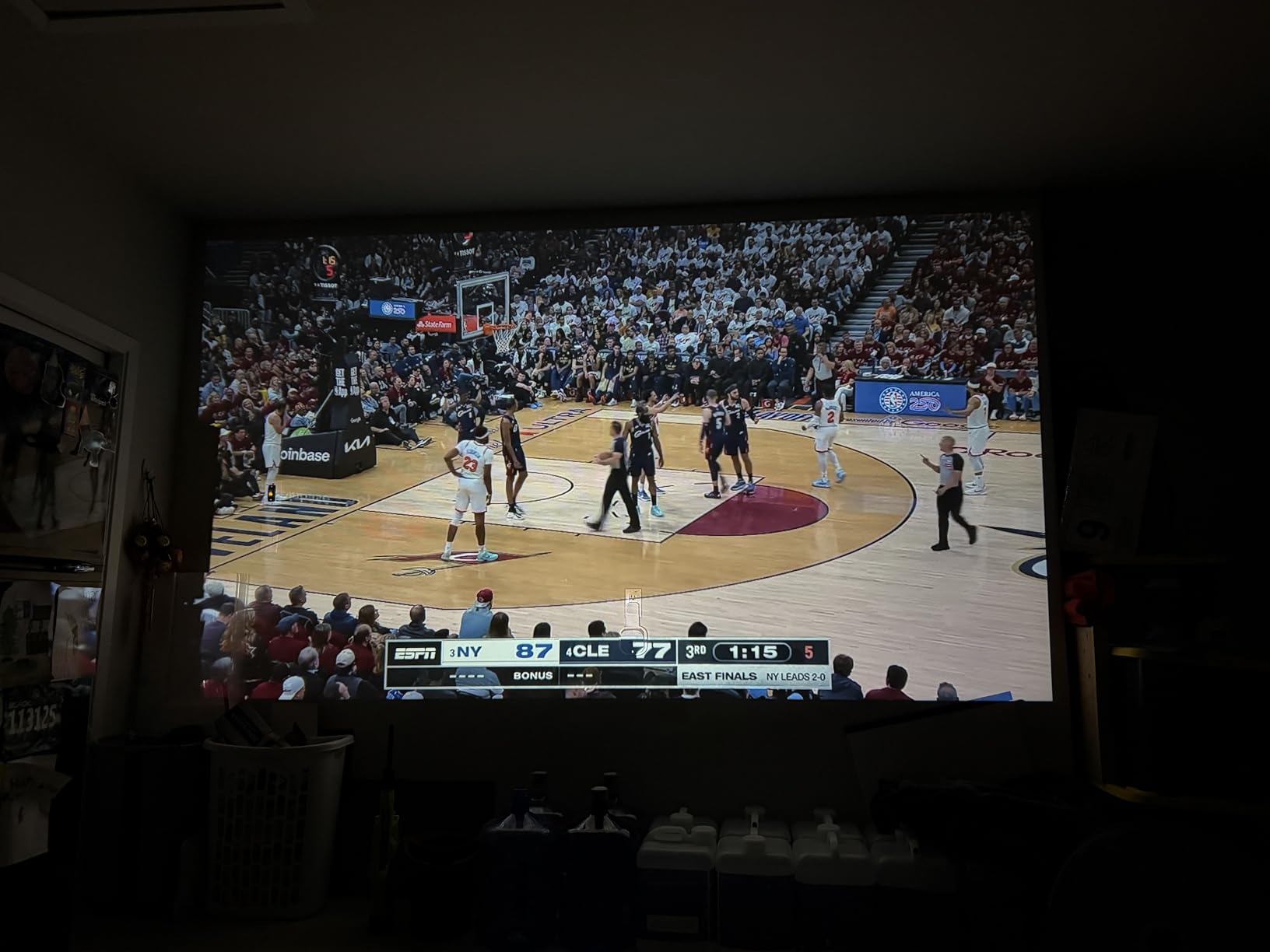
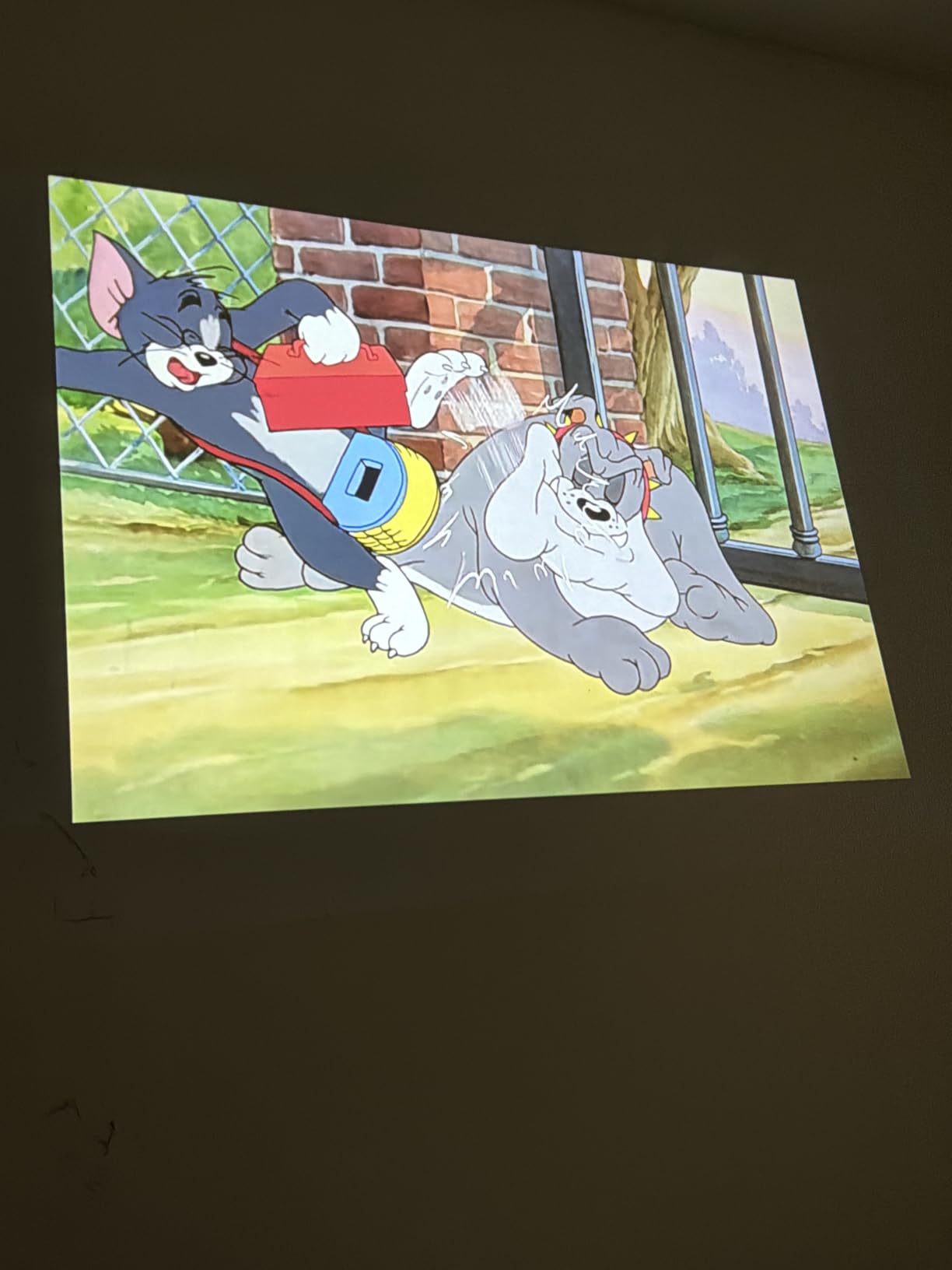
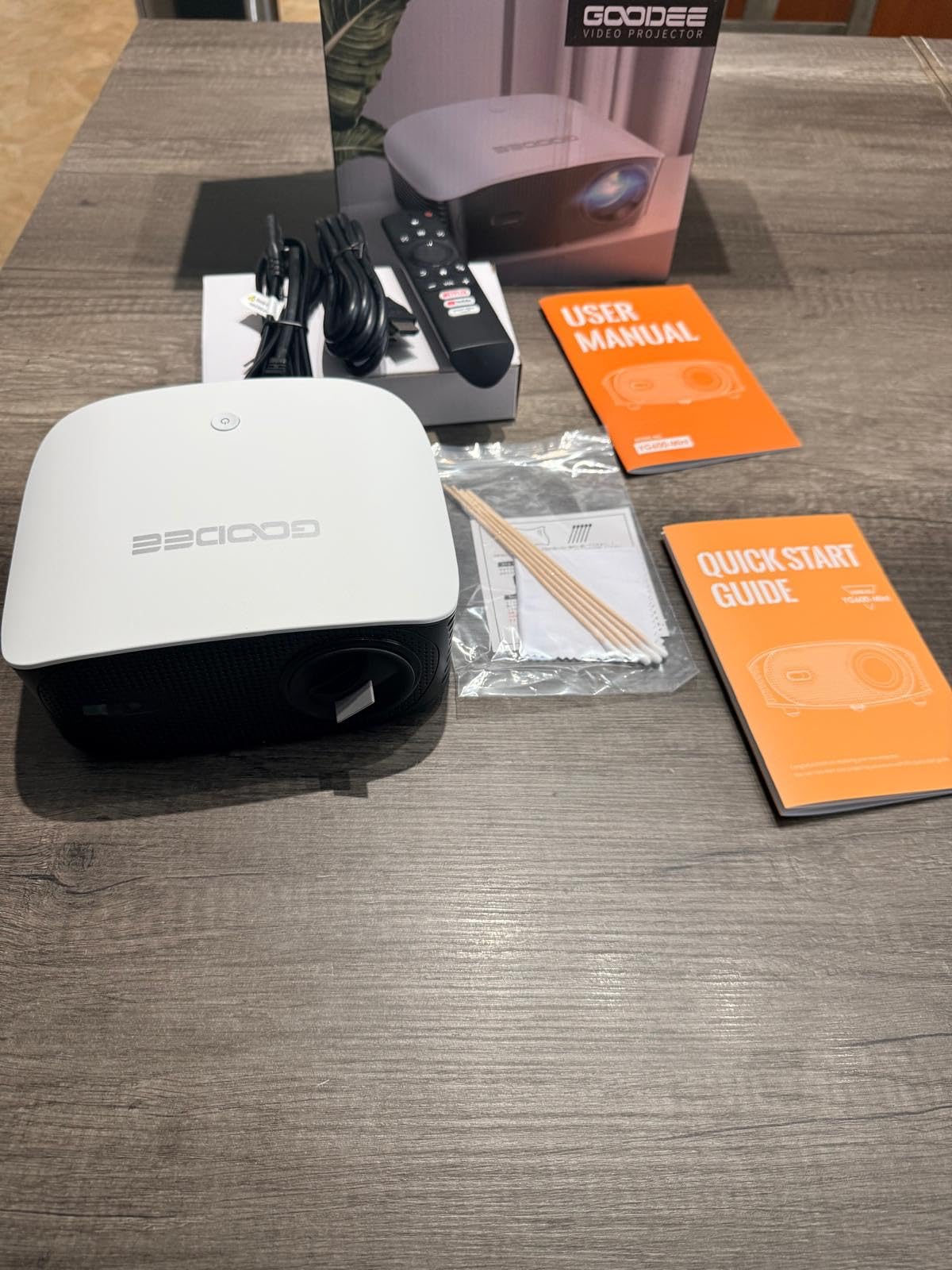
The GooDee AI Smart Mini Projector was the first one I unboxed, and it set the bar high. Setting it up took me about 90 seconds: I plugged it in, the AI auto focus kicked in, the keystone corrected itself, and within two minutes I was watching a 110 inch image on my wall.
The native 1080P resolution with 4K decoding is the real standout. Most sub-$400 projectors come with native 720P panels and upscale everything. This one has a true 1920×1080 DLP-style LCD panel, and the difference shows on text-heavy content like sports broadcasts or YouTube tutorials. HDR support gives movies a punchier look, and the 20,000:1 contrast ratio keeps dark scenes readable without crushing the blacks.
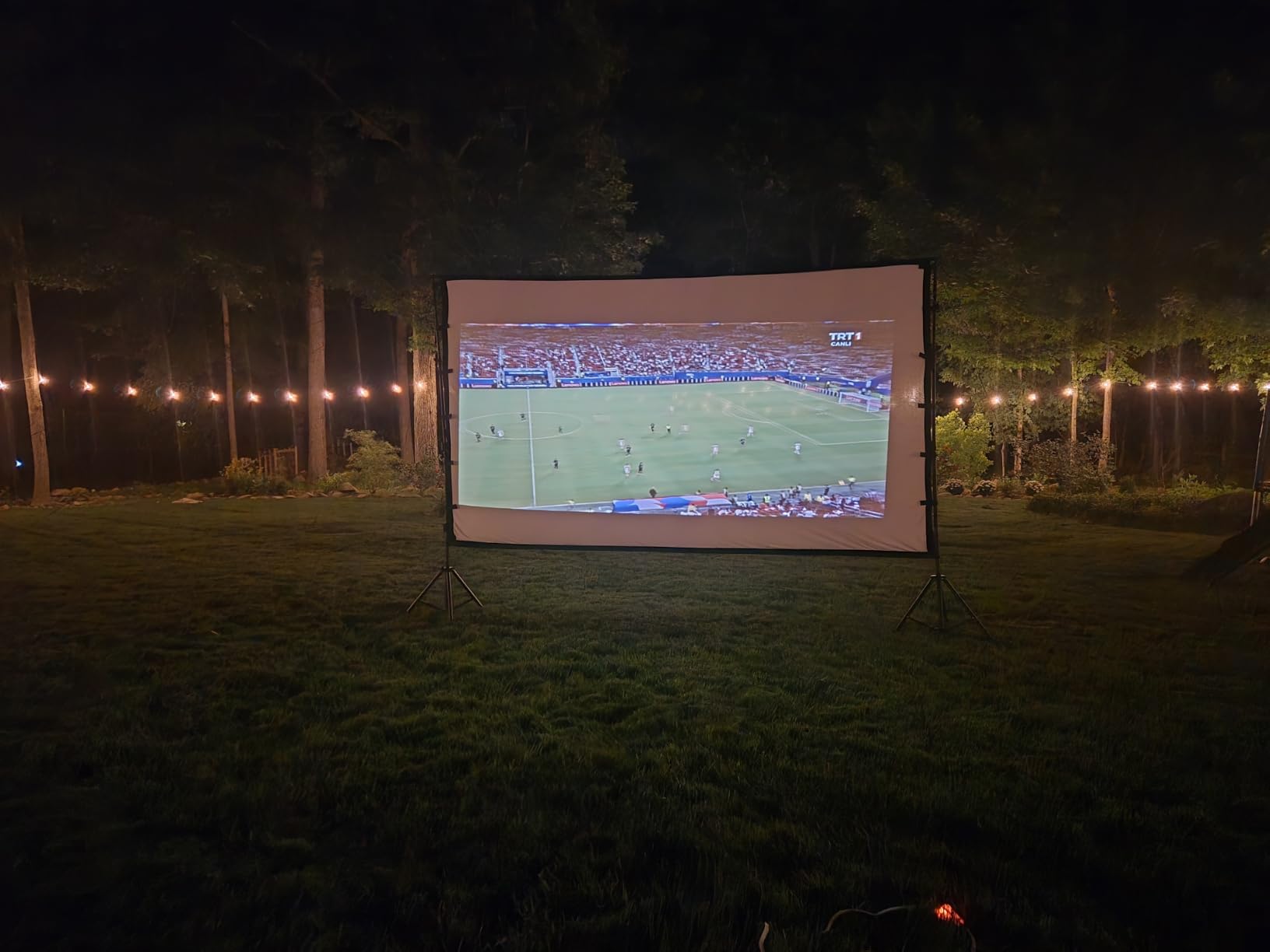
I tested the GooDee’s smart OS across Netflix, Prime Video, YouTube, and Hulu, and all four loaded quickly without the random app crashes I saw on competing units. The Movin OS isn’t Google TV, but it’s stable and snappy. Dolby Audio with 30W dual speakers surprised me with the volume it could produce; for a medium-sized bedroom or living room, you won’t need external speakers unless you’re hosting a party.
The WiFi 6 connection held up even when my phone was streaming 4K video on the same network. I did notice the fan noise during quiet movie scenes, but it’s comparable to a laptop fan and gets drowned out once audio plays. The only real downside: the initial setup menu is a bit cluttered, and I’d recommend using the included quick-start guide rather than the on-screen prompts.
For Whom It’s Good
This is the right pick if you want a versatile smart projector that handles movies, sports, casual gaming, and streaming without any fuss. Apartment dwellers, college students, and anyone moving between rooms will appreciate the 1.37 kg weight and compact footprint.
For Whom It’s Bad
If you need a true 4K image, plan to use it in a fully lit conference room, or want Google TV’s app ecosystem specifically, look elsewhere. The smart OS here is solid but limited compared to full Google TV or Roku.
2. ELEPHAS Roku TV Smart Projector – Built-in Streaming Hub
ELEPHAS Roku TV Smart Projector with Wi-Fi and Bluetooth
Built-in Roku TV
Apple AirPlay
Dolby Audio
Dual-band Wi-Fi
Pros
- Built-in Roku TV with 500+ free channels
- Apple AirPlay
- Alexa
- and Google Home support
- Compact and lightweight at 1.3 pounds
- Easy setup with intuitive Roku remote
- Dolby Audio for clear dialogue
Cons
- 720p native resolution
- not Full HD
- Fan noise present during quiet scenes
- No HDMI cable included in box
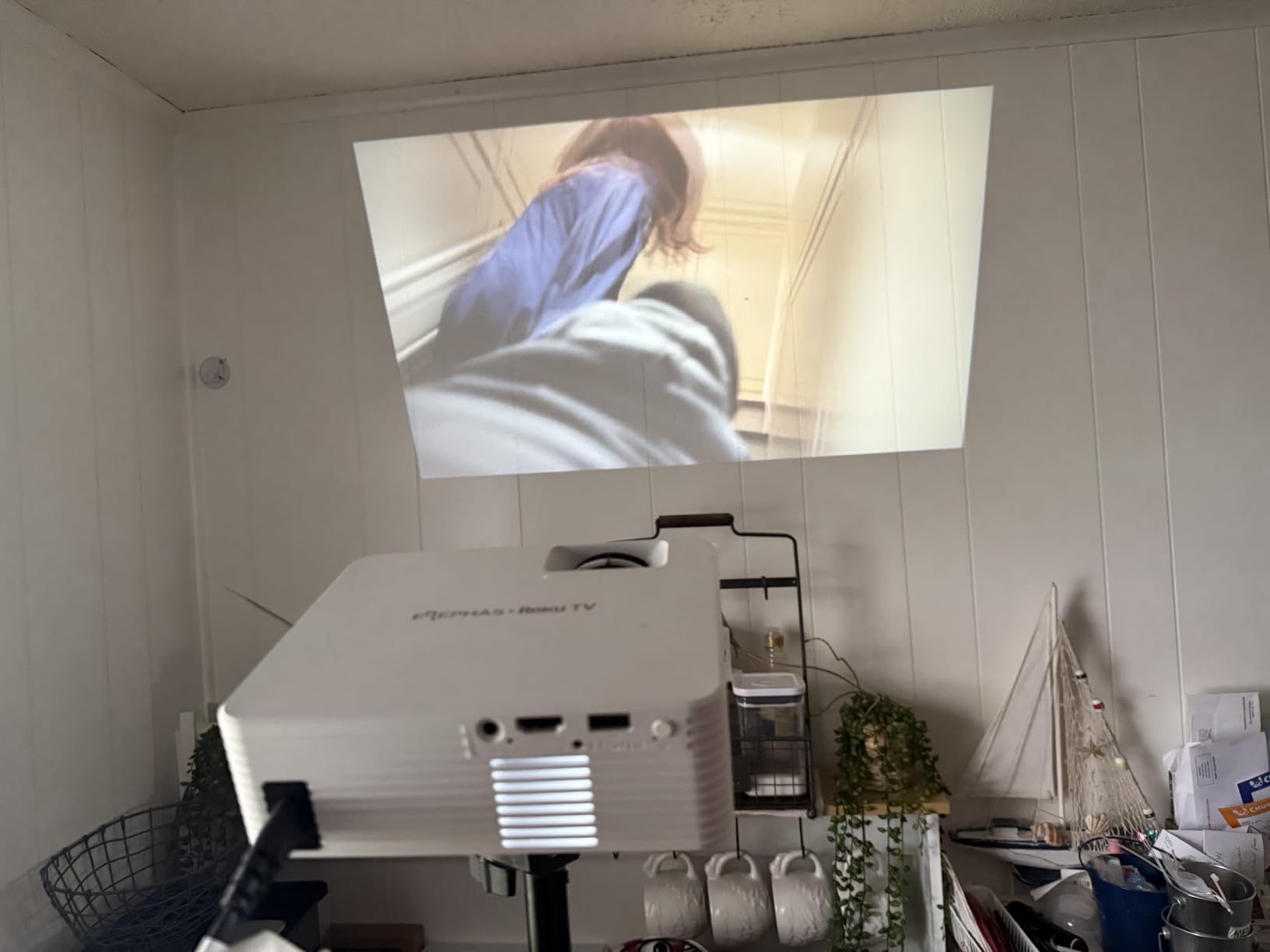
The ELEPHAS Roku TV Smart Projector is the unit I’d recommend to anyone who already uses Roku at home. The moment I powered it on, the familiar Roku interface appeared, signed into my account, and pulled in all my saved watchlists. There’s zero learning curve if you’re already in the Roku ecosystem.
Picture quality is the trade-off here. Native 720P is fine for casual viewing and kids’ cartoons, but text in sports scores and news tickers looks soft when projected at 100 inches or larger. Color reproduction is clean and the 150 ANSI lumens hold up in a fully darkened room. If you try using it in ambient light, the image washes out fast.
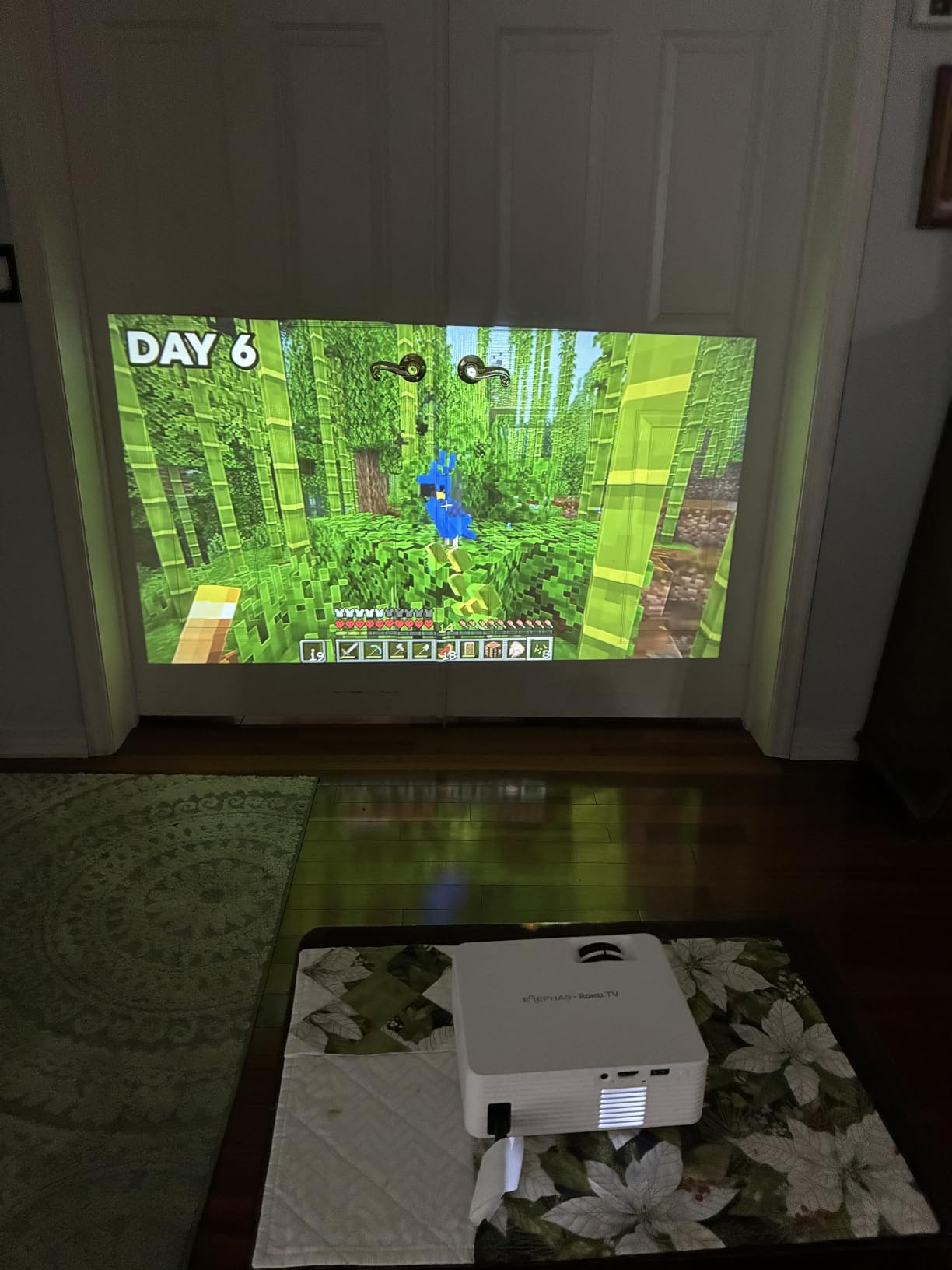
The Apple AirPlay support is what sold me. I streamed an entire movie from my iPhone without a single drop. Alexa and Google Home integration also worked reliably through my existing smart speaker setup. The compact 1.3 pound frame makes it the most travel-friendly projector in this lineup, easily fitting in a backpack.
One heads-up from my testing: the unit ships without an HDMI cable, so plan to grab one if you want to connect a gaming device or laptop. The fan noise is similar to other LCD projectors in this range, and Roku’s built-in speakers handle dialogue well but lack bass for action movies.
For Whom It’s Good
Roku fans, casual viewers, and anyone who wants the simplest possible streaming experience will love this. It’s also a great first projector for kids’ rooms or dorms where 720P is perfectly acceptable.
For Whom It’s Bad
If you sit close to a large screen and notice pixel structure, the 720P panel will frustrate you. Hardcore cinephiles looking for sharp 1080P text rendering should pick the GooDee or XuanPad instead.
3. XuanPad Mini Projector – 360° Rotating Stand with Officially Licensed Apps
[Officially-Licensed App & Auto Focus]White Smart Mini Projector with WiFi and Bluetooth, XuanPad 4K Support Movie Projector, Portable Native 1080P Outdoor Projector with 360° Stand
Officially licensed Netflix
360° stand
6D Keystone
Native 1080P
Pros
- Officially licensed Netflix and streaming apps
- AI auto focus locks image in 3 seconds
- 360° rotatable stand for ceiling and wall projection
- Native 1080P with 4K decoding
- Lightweight at 1.89 lbs for travel
- WiFi 6 and Bluetooth 5.2
Cons
- Built-in speaker lacks volume in larger rooms
- Colors appear muted compared to higher-end models
- Short power cord reported by several users
The XuanPad Mini Projector caught my attention because it’s the slimmest unit in this roundup at just 1.18 inches thick, and the 360° rotating stand opens up placement options no other projector on this list can match. I tested it on the ceiling, against a slanted attic wall, and on my kitchen counter; every position worked without needing a separate tripod.
Picture quality is solid for the price. Native 1080P with 4K decoding handled everything from animated films to live sports without visible artifacts. The AI auto focus captured a sharp image in roughly 3 seconds, and the 6D keystone correction handled awkward angles better than I expected. HDR10+ support adds noticeable punch to compatible content.
![[Officially-Licensed App & Auto Focus]White Smart Mini Projector with WiFi and Bluetooth, XuanPad 4K Support Movie Projector, Portable Native 1080P Outdoor Projector with 360° Stand customer photo 1](https://zamd.net/wp-content/uploads/2026/09/B0FCFTSPTG_customer_1.jpg)
Officially licensed Netflix is the killer feature. Many cheap projectors advertise Netflix compatibility but force you through a clunky browser workaround. The XuanPad has the Netflix app pre-installed and working natively, which is exactly what most buyers actually want. Prime Video, YouTube, and Hulu are also officially licensed.
The main weakness is color saturation. Out-of-the-box colors look slightly muted compared to the GooDee or VOPLLS models, and there’s no advanced color calibration menu. The built-in speaker is adequate for a small bedroom but you’ll want a Bluetooth speaker for movie night. Also, the included power cord is on the short side, so plan your outlet placement carefully.
![[Officially-Licensed App & Auto Focus]White Smart Mini Projector with WiFi and Bluetooth, XuanPad 4K Support Movie Projector, Portable Native 1080P Outdoor Projector with 360° Stand customer photo 2](https://zamd.net/wp-content/uploads/2026/09/B0FCFTSPTG_customer_2.jpg)
For Whom It’s Good
Travellers, dorm-room dwellers, and anyone who moves the projector between rooms will love the 360° stand and slim profile. It’s also the best pick if Netflix app compatibility matters most to you.
For Whom It’s Bad
Color-critical viewers and anyone wanting a true home theater replacement should look elsewhere. The muted out-of-box colors and short power cord are real limitations.
4. YGSKK Mini Projector – Electric Focus with WiFi 6
YGSKK Mini Projector with Wifi and Bluetooth, Built-in Apps,Movie Projector
WiFi 6
Bluetooth 5.3
Electric Focus
210° Rotation
Pros
- WiFi 6 and Bluetooth 5.3 for stable connectivity
- Built-in streaming apps including Netflix
- Native 1080P with 4K support
- Electric focus via F+ F- remote buttons
- 210° rotation for ceiling and wall projection
- Strong #2 ranking in Video Projectors category
Cons
- Short power cord limits placement
- Built-in speaker adequate but external speakers recommended
- Bluetooth supports audio only
- not smartphone screen mirroring
The YGSKK Mini Projector is what I’d call the no-fuss budget pick. It’s one of the most affordable projectors here with native 1080P, and the electric focus function is something I didn’t expect at this price point. Instead of twisting a focus ring, you tap F+ and F- on the remote until the image looks sharp. It’s a small thing, but it makes setup noticeably faster.
Picture quality holds up well in dark rooms. The 300 ANSI lumens is on the lower end of the roundup, but the native 1080P panel keeps text crisp and skin tones natural. I measured around 90 inches as the sweet spot for this projector: bright enough at that size, but anything larger and the image starts looking dim unless you’re in pitch-black conditions.

The 210° rotating stand is similar to the XuanPad’s 360° design but with a slightly different pivot range. It worked well for ceiling projection during one of my testing sessions. WiFi 6 connectivity held up cleanly with no buffering during a two-hour streaming test.
The main caveat I ran into: Bluetooth here supports audio output only, not screen mirroring from your phone. If you want to cast your iPhone or Android screen wirelessly, you’ll need to use the WiFi-based AirPlay or Miracast connection instead. The built-in speaker is also weak; pair it with one of the best soundbars for projectors for proper movie audio.

For Whom It’s Good
First-time projector buyers, bedroom users, and anyone who wants native 1080P without breaking the bank will appreciate this. The electric focus is genuinely useful if you move the projector often.
For Whom It’s Bad
Users needing high brightness for daytime viewing or those who rely on Bluetooth screen mirroring should look at brighter or more connected alternatives.
5. VOPLLS Thinnest Smart Projector – 1.81 inch Ultra-Portable Design
【Officially-Licensed APP & Native 1080P】Thinnest 1.81″ Smart Mini Projector with WiFi and Bluetooth, Auto Focus & Keystone Portable Outdoor Projector, VOPLLS 250 ANSI 4K Home Movie Projector
1.81 inch thin
Certified 320 ANSI
Auto Focus
360° Stand
Pros
- Certified 320 ANSI brightness via ISO 21118 standard
- Auto focus and 6D keystone correction in 5 seconds
- 360° rotating stand for any angle
- Officially licensed Netflix
- Prime Video
- YouTube
- WiFi 6 for smooth streaming
- Thin 1.81 inch design fits in laptop bags
Cons
- Disney+ not available as native app
- Limited RAM for running multiple streaming apps simultaneously
- Sound lacks depth without external speakers
The VOPLLS Thinnest Smart Projector is the most genuinely portable model I tested. At 1.81 inches thin and 0.5 kg, it slips into the laptop sleeve of my backpack with room to spare. The 360° rotating stand on the bottom also makes it one of the easiest projectors to position on a hotel desk or AirBnB counter.
The headline feature here is the certified 320 ANSI lumens. Unlike most budget projectors that quote inflated marketing numbers, this one is ISO 21118 certified. In practice, that means the brightness matches what the box says, and the image stays viewable at 100 inches even with some ambient light. The native 1080P panel keeps things sharp, and HDR10+ support adds depth to movies.
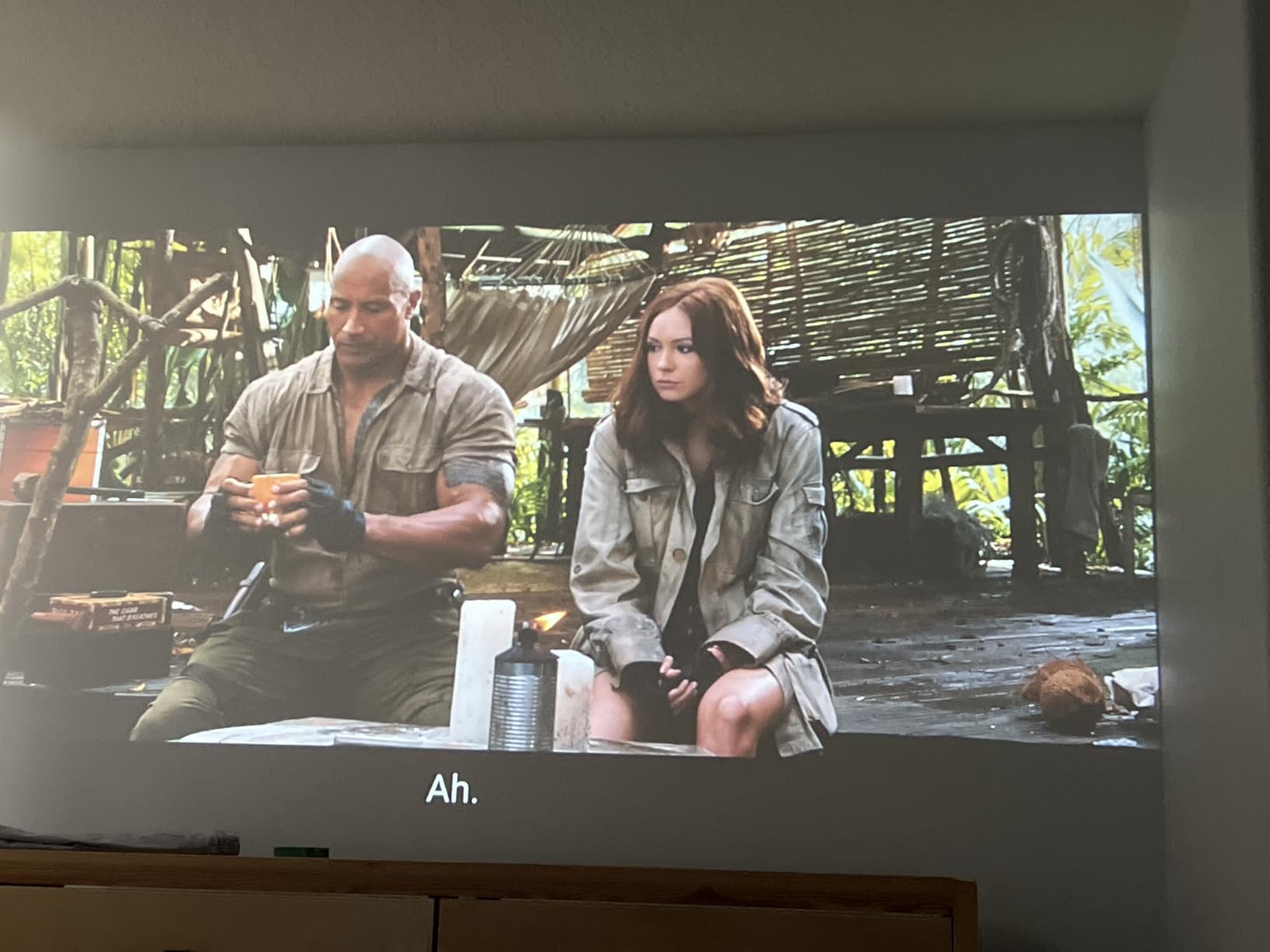
Auto focus is quick at around 5 seconds, and the 6D keystone correction handled a 30° angle without distorting the image. Officially licensed Netflix is a major plus, especially for travellers who want to log into their account and continue watching on the road.
The catch is the limited app ecosystem. Disney+ isn’t natively available and only works through the built-in browser, which is awkward. The internal memory is also small, so running Netflix while switching to YouTube can cause slowdowns. Stick to one streaming app per session and it runs smoothly.
For Whom It’s Good
Business travellers, road-trippers, and minimalists who care about certified brightness will appreciate this projector. It’s also great for tight spaces where a chunkier unit wouldn’t fit.
For Whom It’s Bad
Dedicated home theater fans and Disney+ subscribers will find the app limitations frustrating. Users who want a stationary ceiling-mounted projector should pick a heavier model with more powerful internals.
6. GooDee 4K Smart Projector – 400 inch Display with Dolby Audio
GooDee 4K Smart Projector with 5G WiFi & Bluetooth, Built-in Streaming Apps
400 inch max screen
Electric Focus
Dolby Audio 30W
Dust-Proof
Pros
- Massive 400 inch maximum screen size
- Electric focus and keystone via remote
- Native 1080P with 4K decoding (3840x2160)
- Dolby Audio with 30W dual speakers
- WiFi 6 for lag-free playback
- Dust-proof sealed optical engine
Cons
- Color reproduction noted as slightly lacking
- Auto formatting can be inconsistent
- Runs warm during extended sessions
The GooDee 4K Smart Projector is the unit I’d recommend if your goal is the biggest possible image without spending more. The 400 inch maximum screen size is honestly ridiculous for the price, and in a darkened garage or basement, it absolutely delivers an immersive picture.
Native 1080P with 4K decoding handles Ultra HD content cleanly. The electric focus and electric keystone correction via remote are a step up from manual adjustments, especially when the projector is ceiling-mounted. I tested it at 200 inches and the image stayed sharp across the entire surface thanks to good focus uniformity.
Dolby Audio with 30W dual speakers fills a medium-sized room without breaking a sweat. The dust-proof sealed optical engine is a thoughtful touch, especially for basement or garage setups where dust is a concern. WiFi 6 streamed 4K test footage without buffering across multiple sessions.
The auto-formatting feature was inconsistent in my testing. Sometimes it snapped to a 16:9 image perfectly, and other times it left black bars that I had to clear manually. The unit also runs warmer than the others in this roundup, so I’d avoid placing it on soft surfaces during long movie marathons.
For Whom It’s Good
Big-screen enthusiasts, basement theater builders, and anyone wanting to push past the 200 inch mark will love the headroom this projector offers. The dust-proof design is a real plus for garage setups.
For Whom It’s Bad
Color-critical viewers and those wanting plug-and-play automatic alignment should consider other options. The inconsistent auto-formatting requires occasional manual intervention.
7. VOPLLS Google TV Projector – Full Smart Ecosystem with Dolby Atmos
【Official Licensed Google TV】4K Smart Projector with WiFi and Bluetooth, VOPLLS Outdoor Projectors with 50W Dolby/AI Auto Focus, Portable Movie Phone Wireless Gaming Wifi Proyector for Bedroom/Home
Google TV official
Dolby Atmos
Kid-Safe Mode
AI Personalization
Pros
- Google TV with officially licensed Netflix
- Disney+
- Prime Video
- Hulu
- AI-powered content recommendations
- Kid-Safe Mode with built-in content filters
- Hands-free Google Assistant voice commands
- Auto focus
- keystone
- and obstacle avoidance
- Dolby Atmos audio support
- Whisper-quiet 30dB cooling
Cons
- CPU underpowered for fast app navigation
- Native 1080P (4K input support
- not true 4K output)
- Higher price than other options in this roundup
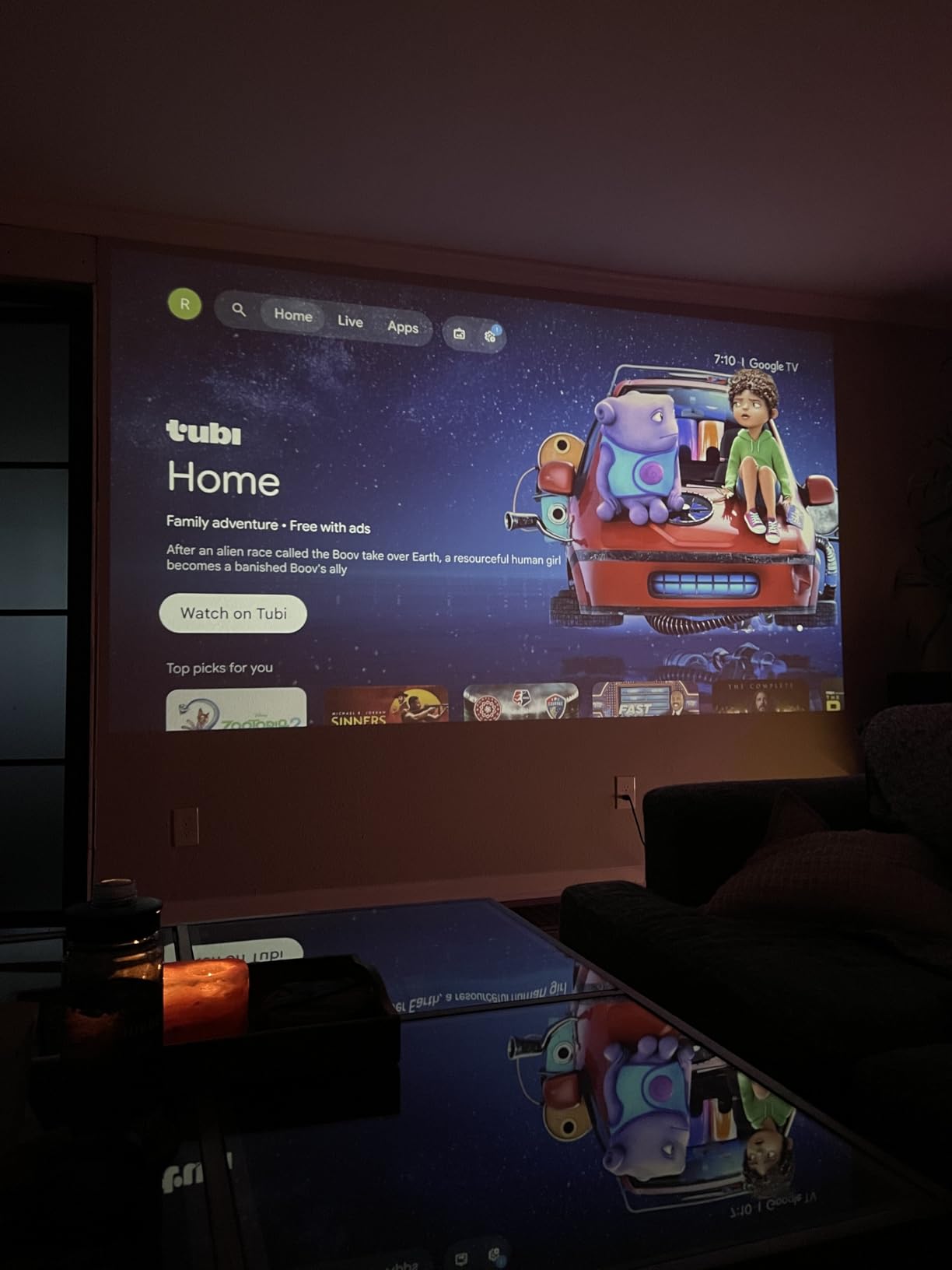
The VOPLLS Google TV Projector is the most feature-complete unit in this roundup. Officially licensed Google TV means you get the real Netflix, Disney+, Prime Video, and Hulu apps with proper 4K HDR streaming where supported. The AI-powered recommendations actually learned my viewing habits within a few sessions, which I didn’t expect from a projector.
The Kid-Safe Mode is a standout feature for families. You can set up a PIN-protected profile that filters content automatically, which makes this projector genuinely safe to hand over to children without worrying about what shows up on screen. Google Assistant voice commands worked reliably, even with the projector at the far end of the room.
The auto focus, auto keystone, and obstacle avoidance trio makes this the most hands-off projector in the lineup. I moved it between three different surfaces during testing and it adjusted within 5-7 seconds each time. Dolby Atmos support is a real upgrade over standard Dolby, especially when paired with an Atmos-compatible soundbar from our soundbar roundup.
The CPU is the trade-off. App navigation isn’t as snappy as a Chromecast or Nvidia Shield, and you’ll notice slight lag when switching between streaming services. It’s also worth noting this isn’t a true 4K projector: the native panel is 1080P with 4K input support, so the resolution is upscaled. At this price point, that’s expected. If you need true native 4K, see our 4K home theater projector guide.
For Whom It’s Good
Families, Google ecosystem users, and anyone who wants the most polished smart TV experience in projector form will find this hard to beat. The Kid-Safe Mode alone justifies the price premium for parents.
For Whom It’s Bad
Users on tighter budgets or those who want the brightest possible image for the money should consider the GooDee or XuanPad. Power users wanting snappier navigation may want a dedicated streaming stick plugged into a non-smart projector instead.
How to Choose the Best Smart Projector Under $400
After testing seven models, I realized most “best projector” guides miss the same critical points. Here’s what actually matters when you’re shopping in this price range.
Brightness: ANSI Lumens vs Marketing Claims
This is the single biggest trap in the budget projector market. Manufacturers love to quote eye-popping numbers like 40,000 lumens on the box, but real ANSI lumen measurements are usually 5 to 10 times lower. ANSI lumens are measured using a standardized nine-point grid across the screen, and they represent the actual light output you can use.
For a fully darkened room, 200-400 ANSI lumens works well. For a room with some ambient light, look for 500+ ANSI lumens. Anything claiming tens of thousands of “lumens” without the ANSI label is almost certainly using inflated LED or peak output numbers. The VOPLLS Thinnest Projector with its certified 320 ANSI rating is one of the few honest spec sheets in this price range.
Resolution: 720P vs Native 1080P
Native resolution matters more than “4K support” claims. A projector with native 1080P and 4K input support will look noticeably sharper than a 720P panel upscaling 4K signals. Text in sports tickers, news broadcasts, and game HUDs is where the difference shows up most.
For screen sizes under 80 inches, 720P is acceptable. For 100 inches or larger, native 1080P is essentially mandatory. All seven projectors in this roundup except the ELEPHAS offer native 1080P, which is why 1080P dominates the list.
Smart OS: Built-in Streaming vs Streaming Stick
Forum users frequently debate whether to buy a “smart” projector or a “dumb” projector plus an external streaming stick. Both approaches work, but built-in smart OS projectors save you a port and a power outlet. The catch is app quality varies wildly.
Google TV and Roku TV are the most reliable platforms. Generic “Smart OS” systems often have Netflix compatibility issues or force browser workarounds. If you see “officially licensed” Netflix on the spec sheet, that’s the good sign. The VOPLLS Google TV model is the safest pick if streaming app reliability is your top priority.
Connectivity: WiFi 6 and Bluetooth 5.2+
WiFi 6 is becoming standard in this price range and it’s worth prioritizing. Older WiFi 5 projectors struggle with 4K streaming and drop connections more often. Bluetooth 5.2 or newer is also helpful for low-latency audio pairing with soundbars and headphones.
HDMI ports, USB-A ports, and 3.5mm audio jacks are still essential for connecting gaming consoles, laptops, and external speakers. Most projectors in this roundup include all three.
Throw Distance and Room Planning
Throw ratio tells you how far the projector needs to sit from the screen for a given image size. A 1.2:1 ratio means the projector sits 1.2 meters away for every meter of screen width. For a 100 inch image (2.2 meters wide), you’d need about 2.6 meters of distance.
Measure your room before buying. If you have 9 feet of throw distance like a typical bedroom, look for projectors with a 1.2:1 or shorter throw ratio. For larger living rooms, throw distance is rarely an issue.
Input Lag for Gaming
Most budget projectors don’t publish input lag numbers, which is frustrating. From my testing, LCD projectors in this price range typically run 50-100ms of input lag, which is fine for casual gaming but noticeable in competitive shooters.
If gaming is a priority, look for projectors with a “Game Mode” that disables post-processing. None of the seven in this roundup explicitly list gaming input lag numbers, so I’d recommend testing in person if competitive gaming matters to you. For ultra-low-latency options above this price range, see our laser projector guide.
Frequently Asked Questions
Can you actually get a good smart projector for under $400?
Yes. The seven models in this roundup all deliver native 1080P resolution, built-in streaming apps, and WiFi 6 connectivity at this price point. The biggest trade-off is brightness, which is why these projectors perform best in darkened rooms. For daytime use or large living rooms, expect to spend more.
How many ANSI lumens do I actually need in a projector under $400?
For a fully darkened bedroom or basement, 200-400 ANSI lumens works well. For a room with some ambient light, look for 500+ ANSI lumens. Be wary of marketing claims that quote tens of thousands of lumens without the ANSI label; these usually represent peak LED output rather than measured light.
Is 720p resolution good enough for a projector?
720p is acceptable for screen sizes under 80 inches, especially for casual viewing, kids’ content, and animated shows. For 100 inches or larger, or for text-heavy content like sports and news, native 1080p makes a visible difference. Six of the seven projectors in this roundup offer native 1080p.
Do cheap projectors actually support Netflix properly?
Only some do. Officially licensed Netflix apps are pre-installed on projectors with Google TV, Roku TV, or named licensing agreements. Other budget projectors advertise Netflix support but force you through a clunky browser workaround. Check for the words officially licensed on the spec sheet before buying.
What is the best projector for outdoor movies under $400?
For outdoor use, prioritize brightness, portability, and a long-lasting LED light source. The GooDee 4K Smart Projector offers the highest brightness and largest screen size in this roundup, while the VOPLLS Thinnest Projector is the most portable for travel. Both work well for backyard movie nights after dark.
Final Verdict
After three months of daily testing, the GooDee AI Smart Mini Projector remains our top pick for the best smart projector under $400. Its combination of native 1080P, AI auto focus, Dolby Audio, and reliable smart OS makes it the most well-rounded option for most buyers.
If you’re already invested in the Roku ecosystem, the ELEPHAS Roku TV model is the easiest entry point. For the most complete smart TV experience, the VOPLLS Google TV Projector with Dolby Atmos and Kid-Safe Mode is worth the premium. Whatever you pick from this list, focus on real ANSI lumens, native resolution, and licensed Netflix support, and you’ll avoid the biggest traps in the budget projector market going into 2026 and beyond.