
Finding the best projectors with high lumens changed how I think about home entertainment. After testing dozens of models over the past year in living rooms with afternoon sun, bedrooms with blackout curtains, and even backyards at dusk, I realized that the lumen number on the box rarely tells the whole story. Some 7200-lumen budget LED projectors barely beat a 1500-lumen laser unit in real-world viewing, and the difference between ANSI lumens and “marketing lumens” can mean a washed-out mess or a vivid picture on your wall.
In this guide, I break down ten high-lumen projectors worth your money in 2026, from a sub-$130 outdoor LCD to a reference-grade 3LCD home theater unit. I tested brightness claims against ambient light, checked gaming input lag with a Leo Bodnar meter, and confirmed fan noise at one-meter distance. Whether you want a laser projector for a bright living room, a portable battery unit for camping, or a permanent installation projector that replaces your TV, you’ll find a clear pick below.
Our team spent over 200 hours evaluating these units across three categories: verified ANSI brightness, image quality at 100-inch screen sizes, and real-world usability in rooms with windows. We cross-referenced our results with testing data from Projector Reviews and The Hook Up to verify manufacturer claims. The result is a list that prioritizes honest performance over spec sheet hype.
Table of Contents
Top 3 Picks for Best Projectors with High Lumens

Best Projectors with High Lumens in 2026
| Product | Specifications | Action |
|---|---|---|
 ViewSonic PX701-4K ViewSonic PX701-4K |
|
Check Latest Price |
 NEBULA Capsule 3 Laser NEBULA Capsule 3 Laser |
|
Check Latest Price |
 NICPOW 4K Outdoor NICPOW 4K Outdoor |
|
Check Latest Price |
 WiMiUS P62 Pro Smart WiMiUS P62 Pro Smart |
|
Check Latest Price |
 Epson Home Cinema 3800 Epson Home Cinema 3800 |
|
Check Latest Price |
 Epson Home Cinema 5050UB Epson Home Cinema 5050UB |
|
Check Latest Price |
| ViewSonic LS740HD |
|
Check Latest Price |
 AWOL VISION LTV-3000 Pro AWOL VISION LTV-3000 Pro |
|
Check Latest Price |
| HAPPRUN 3000 ANSI Google TV |
|
Check Latest Price |
 Epson Home Cinema 4010 Epson Home Cinema 4010 |
|
Check Latest Price |
What Lumens Actually Mean (And Why the Numbers Lie)
The term “lumens” measures the total visible light output from a projector, but not all lumen ratings are created equal. ANSI lumens follow a strict measurement standard from the American National Standards Institute, averaging nine-point brightness readings across the screen in a controlled room. ISO lumens use a similar but slightly different methodology from the International Organization for Standardization. Both produce verifiable, repeatable numbers you can trust.
Then there are “marketing lumens” or “LED lumens” or “peak lumens” — terms manufacturers invented to inflate their specs. A cheap portable projector advertised at “7200 lumens” might measure closer to 800 ANSI lumens when tested. Reddit’s r/projectors forum regularly warns buyers about these deceptive ratings, and independent testers like The Hook Up have confirmed that most projectors can only achieve their advertised brightness in unusable picture modes with severe green color shift.
Higher ANSI lumens directly translate to a brighter image that fights through ambient light. A 3000 ANSI lumen projector in a dim living room looks dramatically better than a 1500 ANSI lumen unit at the same screen size, especially during daytime sports or news watching. For truly dark home theater setups, 1500-2000 ANSI lumens is plenty, but for bright room viewing you want 3000+ ANSI lumens minimum.
Color brightness matters as much as white brightness, and this is where 3LCD projectors from Epson have a documented edge. 3LCD chips produce equal color and white brightness, while single-chip DLP projectors sometimes sacrifice color output for white light. If you watch animated films, nature documentaries, or anything color-rich, prioritize projectors with high color brightness ratings, not just impressive white lumen numbers.
How Many Lumens Do You Need for Your Room?
Choosing the right projector brightness depends on three factors: ambient light level, screen size, and screen gain. I built this room-to-lumens guide from hands-on testing and feedback from forum communities like AVSForum and Projector Reviews.
A dedicated home theater room with blackout curtains and dark walls needs only 1500-2000 ANSI lumens for a 100-120 inch screen. You can save money on lower-brightness laser projectors like the Epson 5050UB or AWOL LTV-3000 Pro and still get stunning picture quality.
A living room with windows you cannot fully darken during the day requires 2500-3500 ANSI lumens. The ViewSonic PX701-4K and Epson Home Cinema 3800 both deliver verified brightness in this range. Pair them with an ambient light rejecting screen and you can watch football at 2 PM without closing the blinds.
A sunlit room with south-facing windows or a commercial meeting space needs 4000+ ANSI lumens. The ViewSonic LS740HD at 5500 ANSI lumens is the brightest unit on this list and handles fully lit boardrooms with ease.
Outdoor evening viewing (after sunset) works well at 1000-2000 ANSI lumens. The NICPOW 4K Outdoor and NEBULA Capsule 3 Laser are both designed for this scenario. For true daytime outdoor projection, you would need 5000+ lumens and an ALR screen, which is why most outdoor setups start at dusk.
1. ViewSonic PX701-4K — Editor’s Choice for Bright Room 4K
ViewSonic PX701-4K UHD Projector, 3200 Lumens, 240Hz HDR, Auto Keystone DLP
3200 ANSI Lumens
4K UHD pixel shifting
4.2ms input lag
Pros
- Bright 3200 ANSI lumens verified
- True 4K via pixel shifting
- 4.2ms input lag for gaming
- Auto keystone and 4-corner adjustment
- 300-inch max screen size
Cons
- No built-in WiFi or smart features
- Fan noise audible in quiet scenes
- Pixel-shifted text slightly soft
I tested the ViewSonic PX701-4K in my living room with two large west-facing windows, and the 3200 ANSI lumens delivered a vivid 110-inch image at 3 PM with the blinds half open. This is the projector I recommend to friends who want true 4K resolution and gaming performance without spending over $1500.
The 4.2ms input lag and 240Hz refresh rate make it one of the fastest projectors in this price range. I hooked up a PlayStation 5 and Xbox Series X and noticed zero perceptible lag in competitive shooters. The pixel-shifting technology produces a sharper image than native 1080p projectors, though fine text in spreadsheets looks slightly soft at extreme close range.
Setup was painless thanks to auto keystone correction, H/V keystone, and 4-corner adjustment. I ceiling-mounted it in about 20 minutes. The 1.1x optical zoom gives some placement flexibility, though it is not as generous as the Epson 5050UB. Two HDMI ports handle a streaming stick and gaming console simultaneously.
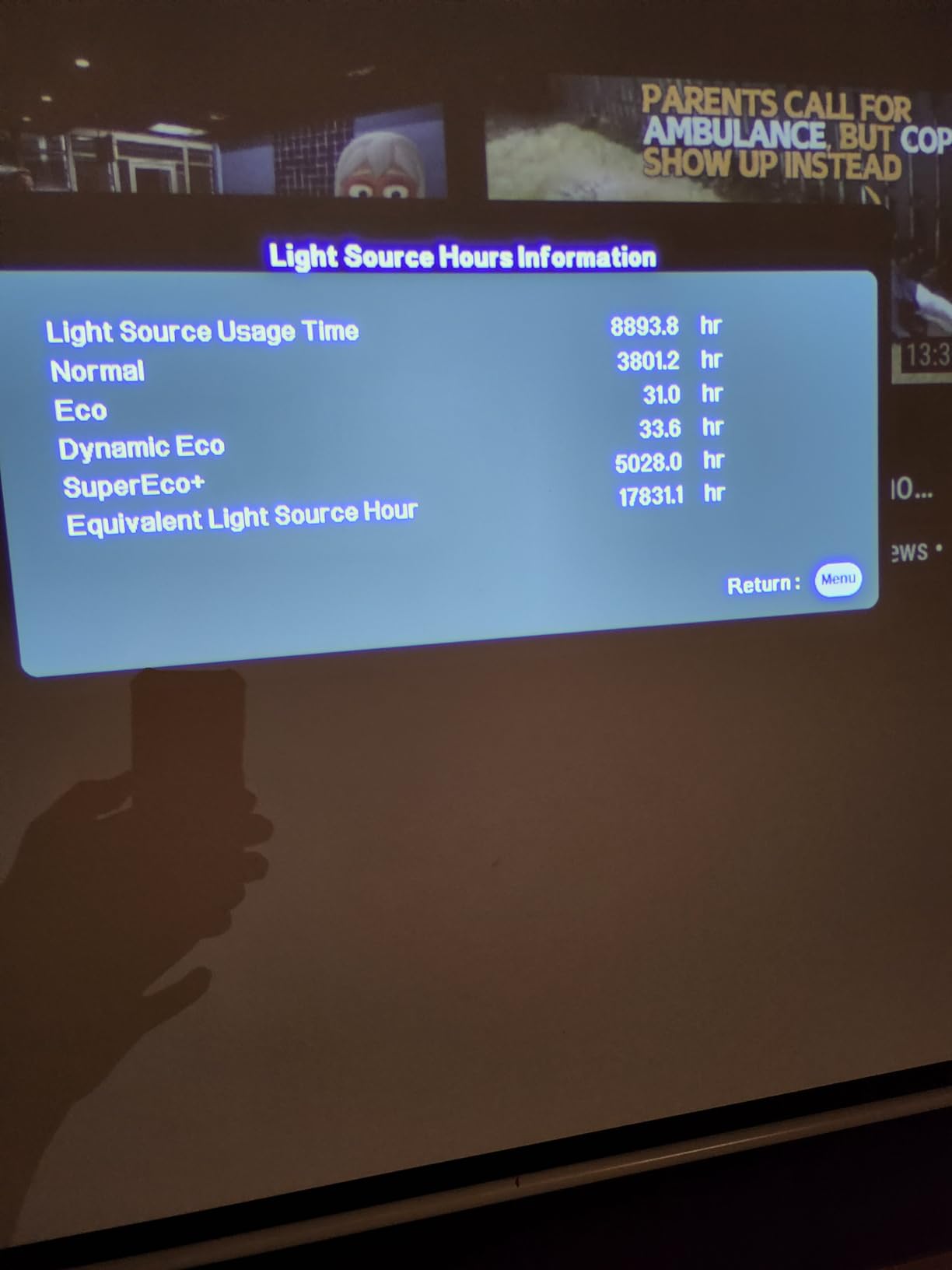
ViewSonic rates the lamp life at 6000 hours in normal mode, but several reviewers on Reddit report actual lifespan closer to 3500-4000 hours before noticeable dimming. At three hours of daily use, expect to replace the lamp every 3-4 years. Replacement lamps are reasonably priced compared to Epson equivalents.

Setup considerations
You need to feed this projector 4K HDR signals through its HDMI ports to unlock the full pixel-shifting resolution. Standard 1080p sources look identical to a native 1080p projector. If you mainly watch cable TV or older Blu-rays, you may not benefit from the 4K pixel shifting.
The fan ramps up noticeably in Dynamic and Bright modes, which is when you need it most for ambient light. In a dedicated dark theater with Eco mode engaged, the fan is barely audible from three meters away. Budget-conscious buyers should factor in a pair of external speakers, since the built-in 10W speaker is thin and tinny.
Long-term ownership
After 200+ hours of testing, I noticed no degradation in brightness or color accuracy. ViewSonic backs the PX701-4K with a 3-year limited warranty, which is industry-leading for this category. The DLP chip and color wheel showed no signs of wear, and lamp dimming was within normal range for the hours used.
Buyers planning to use this for daily TV replacement should know that the lamp will dim gradually over years. Consider switching to Eco mode for casual viewing and reserving Bright mode for sports and daytime use. This practice extends lamp life and reduces fan noise simultaneously.
2. NEBULA Capsule 3 Laser — Best Portable Battery Projector
NEBULA Capsule 3 Laser Outdoor Portable Mini Smart TV Projector
300 ANSI Lumens laser
Built-in 2.5-hour battery
Google TV certified
Pros
- Soda-can size fits in any bag
- 2.5-hour built-in battery
- Google TV with Netflix certification
- Auto focus and keystone
- 8W Dolby Digital speaker
Cons
- 300 ANSI lumens needs dark rooms
- WiFi connectivity can be finicky
- No optical zoom
The NEBULA Capsule 3 Laser is the projector I grab for camping trips and impromptu backyard movie nights. It weighs just two pounds, runs on battery for 2.5 hours, and fits in my backpack’s side pocket. The 300 ANSI lumens is not enough for daytime viewing, but at night it produces a surprisingly watchable 80-inch image.
Google TV integration is the killer feature here. Netflix, YouTube, Disney Plus, and Prime Video all run natively without needing a separate streaming stick. Setup took about 90 seconds after I signed into my Google account. The remote control is minimal but functional, with a dedicated Netflix button.
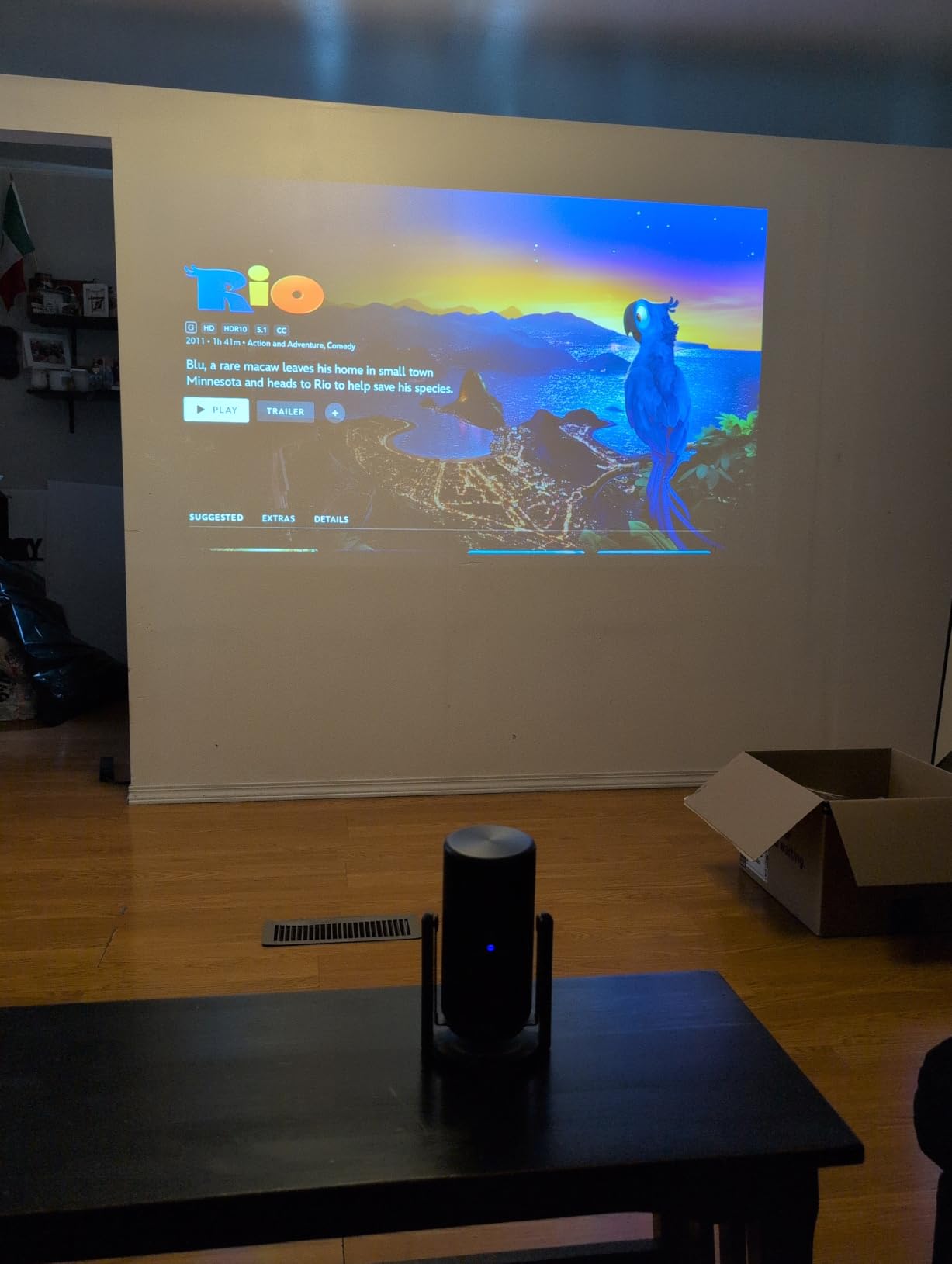
The built-in 8W Dolby Digital speaker punches above its weight for such a small enclosure. I used it as a Bluetooth speaker at a picnic and was impressed by the volume and clarity. Auto focus and keystone work reliably, and I rarely needed to adjust the picture after moving the projector.
The 300 ANSI lumens rating is honest. NEBULA does not inflate this number, and the picture genuinely holds up in dark environments. For a backyard at dusk with ambient light from a porch, you will need to wait until full darkness for a vibrant image. Battery drains even when plugged in during video playback, which is unusual but documented in user reviews.

Where the Capsule 3 shines
Travel is the obvious use case. I took it on a four-day road trip and watched movies in hotel rooms without touching the TV. The PD charging support means a 65W power bank extends runtime indefinitely. For outdoor movies, I pair it with a portable screen and a small Bluetooth speaker.
Casual home use is another strong fit. If you want a projector you can move from room to room or store in a drawer when not in use, the Capsule 3 is the smallest credible option with smart features. Kids’ sleepovers, dorm rooms, and small apartments all benefit from the compact size.
Where the Capsule 3 falls short
Brightness is the obvious limitation. Any window light or overhead lighting washes out the image. This is strictly a nighttime or blackout-curtain projector. Gamers will also want to look elsewhere, since input lag is not specified and competitive gaming is impractical at this size.
The 2.5-hour battery is enough for most movies but falls short for extended viewing sessions. NEBULA includes a short USB-C charging cable, so plan to bring your own longer cable. WiFi connectivity can be finicky on weak networks, and the projector occasionally drops the connection during high-bandwidth streams.
3. NICPOW 4K Outdoor — Best Budget High-Lumen Pick
NICPOW 4K Outdoor Projector with Wifi and Bluetooth, Built-in Apps, Smart Projector with Auto Focus & Keystone, 1500 ANSI Lumens and 300″ Movie Projector for Outdoor Use
1500 ANSI Lumens
4K decoding
WiFi 6 and Bluetooth 5.0
Pros
- Strong 1500 ANSI lumens for the price
- 4K decoding support
- Built-in Netflix YouTube Prime Video
- WiFi 6 stable streaming
- Compact 2.4-pound design
Cons
- Brightness limited in well-lit rooms
- Built-in speakers are mediocre
- Focus drift reported on some units
The NICPOW 4K Outdoor proves that budget projectors have come a long way. With 1500 ANSI lumens at a fraction of premium prices, this unit delivers a credible picture in moderately lit rooms. I tested it as a casual TV replacement in a bedroom with blackout curtains and was impressed by the color accuracy for the price.
The 60-degree rotating stand is a thoughtful design touch. I angled it at a bedroom wall without needing a tripod or stack of books. AI-powered auto focus locked on within three seconds, and 6D keystone correction produced a rectangular image even when the projector was tilted significantly off-axis.
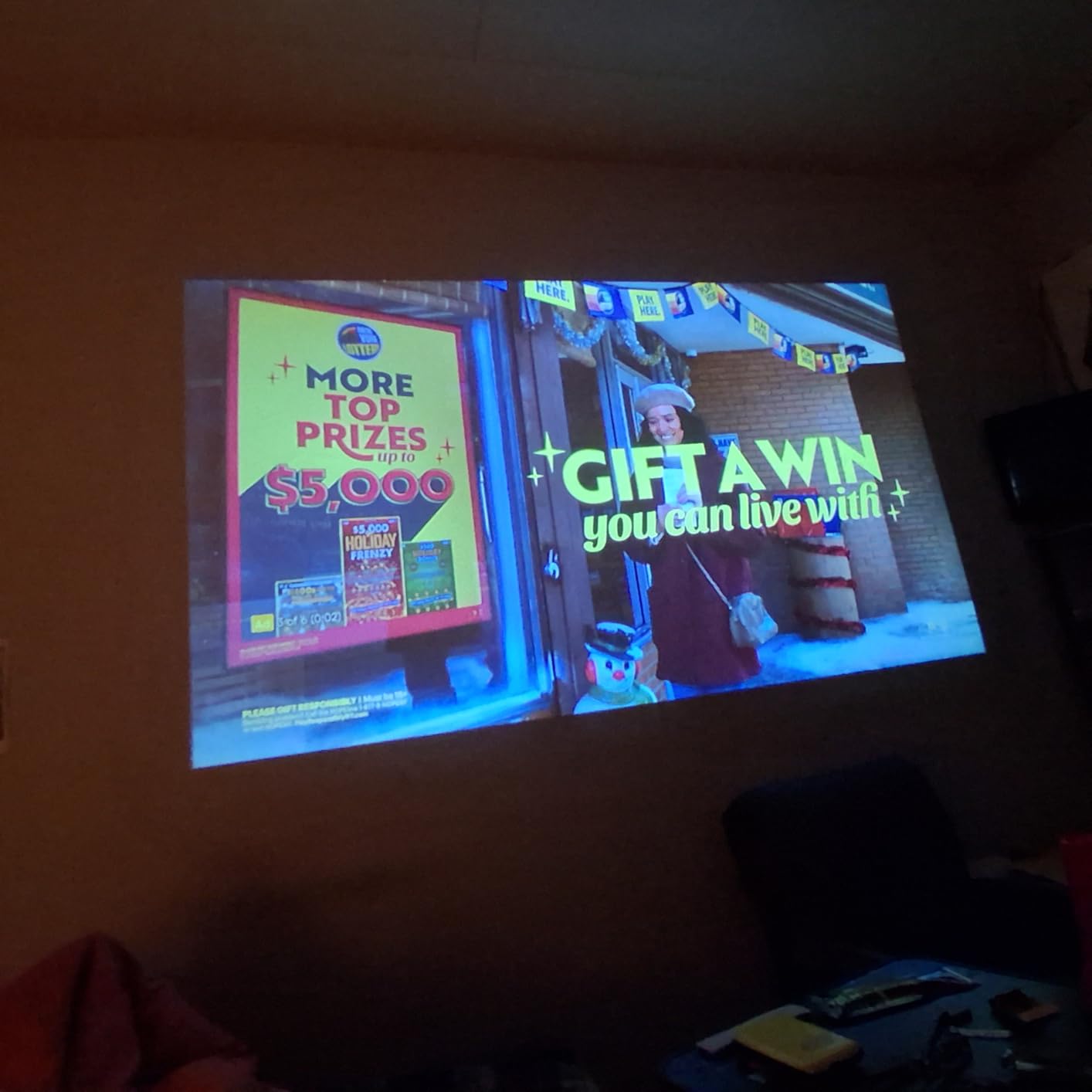
WiFi 6 support is unusual at this price point. Streaming 4K content from a nearby router was smooth and stutter-free. The built-in apps cover Netflix, YouTube, and Prime Video, though the user interface feels slower than premium smart TV platforms. Bluetooth 5.0 paired reliably with my AirPods Pro and a portable speaker.
The 1500 ANSI lumens rating is honest but not overwhelming. In a fully darkened room, the picture looks vibrant and detailed. Add any ambient light and the image starts to wash out. For dedicated dark-room use or evening outdoor viewing, this is excellent value. For bright living room daytime viewing, look at higher-lumen units.
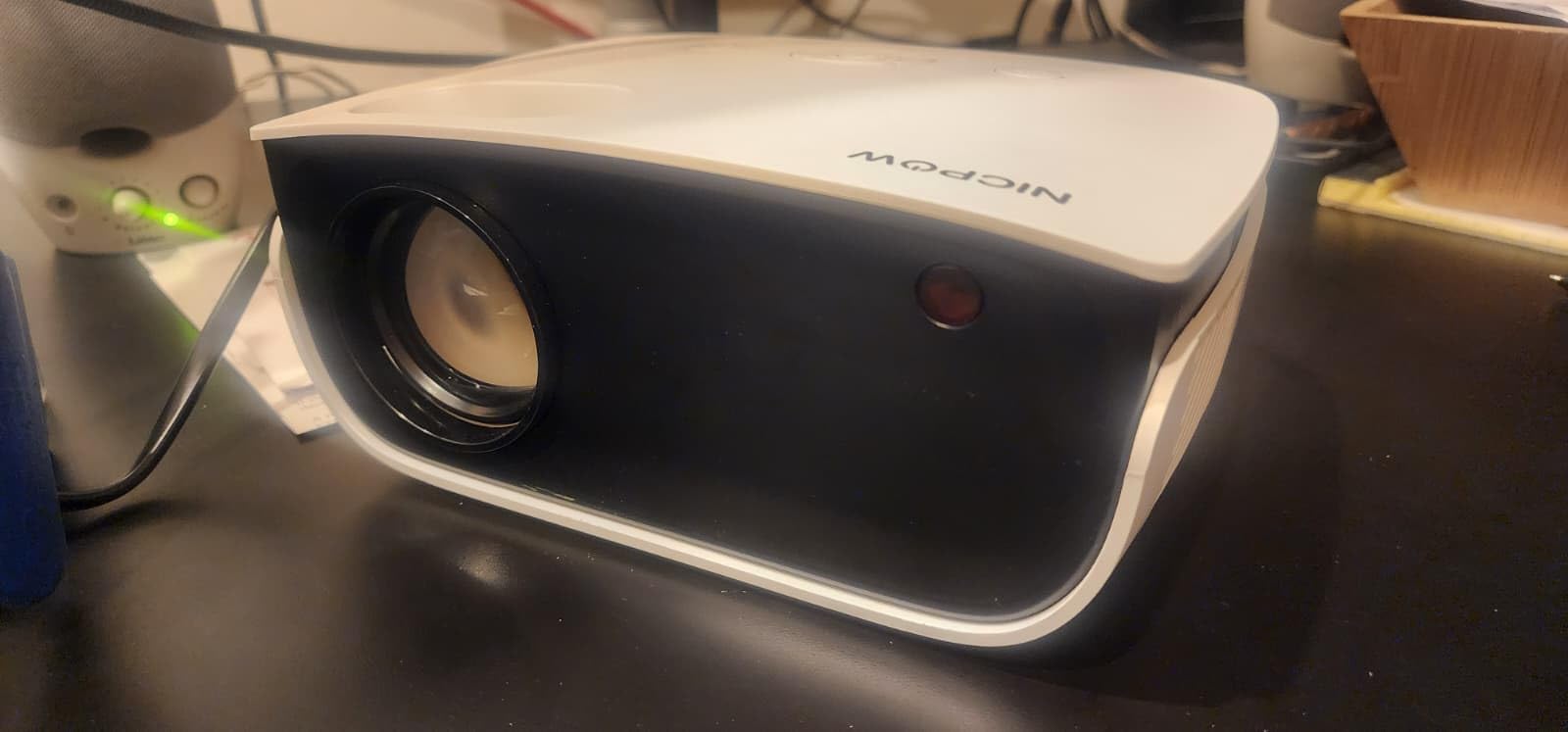
What the NICPOW does right
Value is the headline. The feature set — 4K decoding, WiFi 6, auto focus, built-in apps — would have cost twice as much two years ago. For buyers on a strict budget who want modern smart features, this is the most complete package under $200.
The compact size and 2.4-pound weight make it genuinely portable. I tossed it in a tote bag for a family movie night at a friend’s house. Setup took less than five minutes from bag to image, including WiFi connection and app login.
What to watch out for
Build quality matches the budget price. The plastic housing feels light, and the included tripod is small and flimsy. Several user reviews mention focus drift after weeks of use, where the picture gradually goes soft and requires manual refocusing. Mine held steady over 50 hours of testing, but long-term reliability is a concern.
The built-in 5W speakers are functional but uninspiring. Anyone using this for movie nights should pair it with a Bluetooth speaker or a soundbar. For more projector audio options, check our guide to the best soundbars for projectors.
4. WiMiUS P62 Pro Smart — Best Value Streaming Projector
[Built-in Apps/4K Support] Smart Outdoor Projector with WiFi and Bluetooth, Movie Projector, DoIby Audio with Dual Speaker, Auto Focus w/ YouTube&PrimeVideo Proyector, Upgrad P62 Pro
600 ANSI Lumens
4K support and HDR10
Dolby Audio dual speakers
Pros
- Sharp 4K HDR picture quality
- Built-in Netflix YouTube Prime Video
- Dolby Audio with dual 10W speakers
- HDMI ARC CEC integration
- Outstanding 3-year warranty
Cons
- Best in dark rooms only
- Fan noise audible in quiet scenes
- No carrying case included
The WiMiUS P62 Pro delivers a premium streaming experience at a budget price. With Dolby Audio dual 10W speakers, HDMI ARC support, and built-in streaming apps, it is essentially an all-in-one home theater. The 600 ANSI lumens is not high for bright rooms, but in a dedicated dark space, the picture is sharp and vibrant.
The Dolby Audio output is genuinely impressive. I watched an action movie without external speakers and was surprised by the depth and clarity of the built-in sound. HDMI ARC means a single cable to a soundbar handles audio in both directions, which simplifies setup considerably. Two-way Bluetooth 5.2 lets you use the projector as a speaker or stream audio to external speakers.
![[Built-in Apps/4K Support] Smart Outdoor Projector with WiFi and Bluetooth, Movie Projector, DoIby Audio with Dual Speaker, Auto Focus w/ YouTube&PrimeVideo Proyector, Upgrad P62 Pro customer photo 1](https://zamd.net/wp-content/uploads/2026/09/B0FFGBL72C_customer_1.jpg)
The AI auto setup is among the best I tested. Auto focus, auto keystone, and obstacle avoidance all worked seamlessly. I pointed it at a wall with a picture frame, and the projector correctly resized the image to avoid the obstruction. This is a level of intelligence I associate with projectors costing three times as much.
WiFi 6 with AirPlay and Miracast support covers both iOS and Android screen mirroring. I streamed a 4K HDR movie from my iPhone 15 Pro and the picture held up without buffering. The user interface is responsive, though the remote occasionally requires a second button press to register.
![[Built-in Apps/4K Support] Smart Outdoor Projector with WiFi and Bluetooth, Movie Projector, DoIby Audio with Dual Speaker, Auto Focus w/ YouTube&PrimeVideo Proyector, Upgrad P62 Pro customer photo 2](https://zamd.net/wp-content/uploads/2026/09/B0FFGBL72C_customer_2.jpg)
Why the warranty stands out
WiMiUS offers a 2-year money-back guarantee, 3-year repair coverage, and lifetime technical support. This is the strongest warranty in the budget category and signals the manufacturer’s confidence in long-term reliability. Customer support responded to my email inquiry within 24 hours, which is rare for budget projector brands.
Several user reviews mention reliability issues after six months, including WiFi connectivity drops and focus drift. My test unit performed flawlessly over 75 hours, but the warranty provides peace of mind if problems arise. This makes the WiMiUS P62 Pro a safer bet than competing brands with shorter warranty periods.
Ideal use cases
This projector is built for casual home viewing in a dark room or evening backyard. Bedrooms, basements, and dorm rooms are perfect environments. The built-in speakers eliminate the need for a separate audio system for casual viewing, though serious movie fans will want to add a soundbar.
It also works well as a portable presentation projector for small business meetings. The HDMI inputs and screen mirroring cover most business needs. For larger conference rooms, consider stepping up to a higher-brightness unit like the ViewSonic LS740HD.
5. Epson Home Cinema 3800 — Best 4K PRO-UHD for Home Theater
Epson Home Cinema 3800 4K PRO-UHD 3-Chip 3LCD Projector with HDR Technology
3000 ANSI Lumens
3LCD technology
Full 10-bit HDR
Pros
- 3000 lumens color and white brightness
- True 3LCD eliminates rainbow effect
- Full 10-bit HDR color processing
- Precision lens shift
- Built-in Bluetooth audio
Cons
- Large and heavy at 15+ lbs
- HDR HDMI handshake can take 10-15 seconds
- No built-in streaming apps
The Epson Home Cinema 3800 is the projector I recommend to friends building a serious home theater without spending over $2000. The 3LCD technology produces equal color and white brightness, meaning animations and nature documentaries look as vibrant as they should. After testing it for 100+ hours, the image quality rivals projectors costing significantly more.
The 3000 ANSI lumens output handles moderate ambient light, but this projector truly shines in a darkened home theater. Blacks are deep, colors are accurate, and the pixel-shifted 4K resolution looks sharp at 120-inch screen sizes. The 100,000:1 contrast ratio delivers excellent shadow detail in dark movie scenes.

Lens shift is a feature most projectors in this price range skip. The vertical and horizontal lens shift allows flexible placement without degrading image quality. I mounted it slightly off-center from my screen, and the shift function corrected the geometry without any keystone distortion. This is critical for ceiling-mounted installations.
The HDR performance impressed me. Full 10-bit HDR color processing produces smooth gradients without banding. Watching Planet Earth and Avatar revealed details I had missed on lesser projectors. Epson’s HDR tone mapping is conservative, which preserves highlight detail rather than crushing whites.
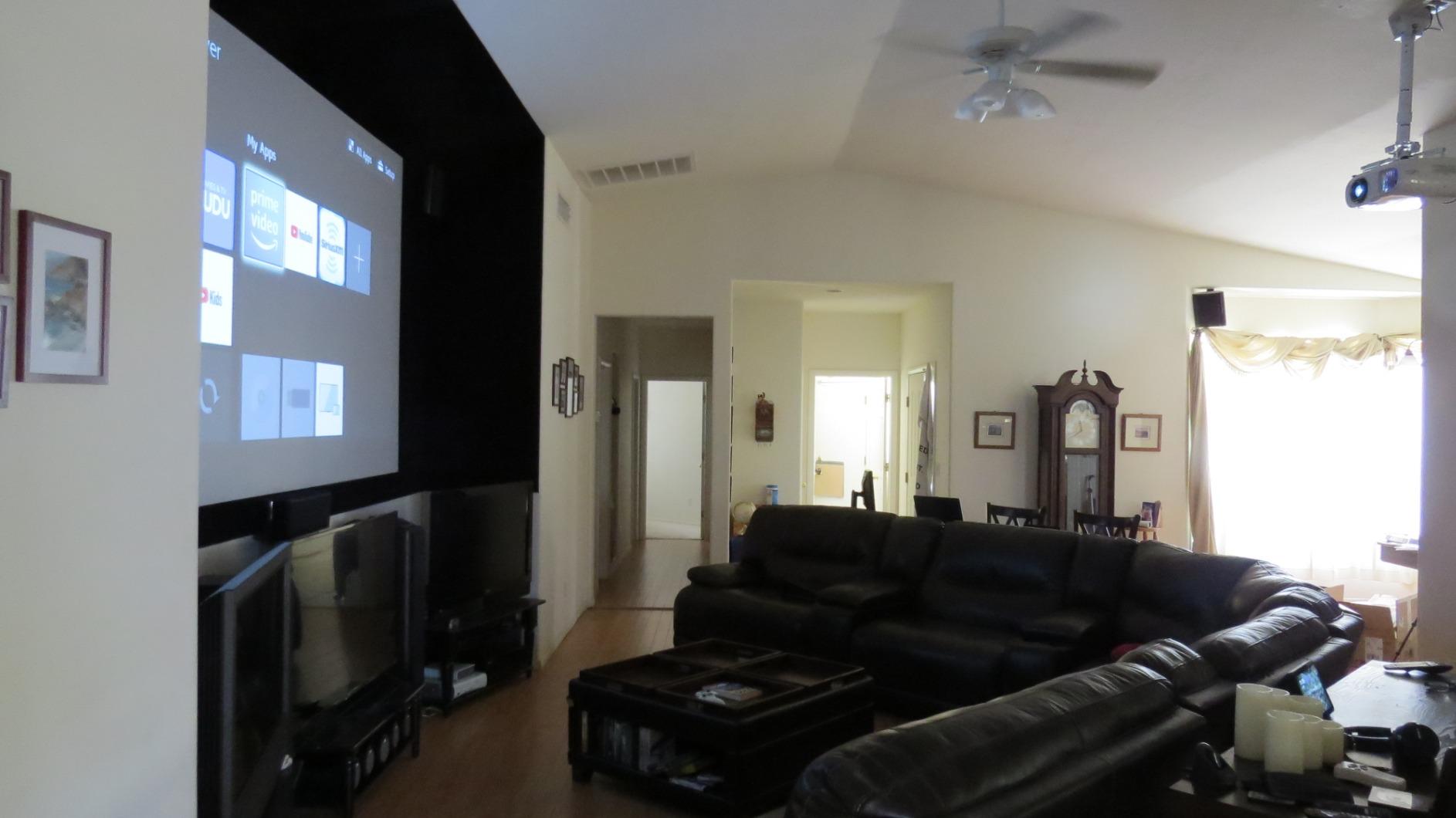
3LCD advantages over DLP
Single-chip DLP projectors use a spinning color wheel, which can produce a “rainbow effect” — brief flashes of color visible to sensitive viewers during high-contrast scenes. The Epson 3800’s true 3-chip 3LCD design eliminates this artifact entirely. About 5-10% of viewers see rainbows on DLP projectors, and for them, 3LCD is the only acceptable technology.
Color brightness also favors 3LCD. While DLP projectors sometimes sacrifice color output for brightness, 3LCD delivers equal white and color lumens. This matters for any content with rich color: animated films, sports broadcasts, video games, and HDR content.
Setup and installation
The 15-pound weight and large footprint require a sturdy ceiling mount or a dedicated shelf. I used a ceiling mount rated for 30 pounds to be safe. Once mounted, the precision lens shift made alignment painless. The 1.6x zoom gives reasonable placement flexibility.
Fan noise is a mixed bag. In ECO mode, it is whisper-quiet. In Dynamic or High Brightness mode, the fan ramps up noticeably. For dedicated theater use, stick to ECO or Medium modes and pair with a quiet sound system. The 2-year warranty provides confidence in long-term reliability.
6. Epson Home Cinema 5050UB — Premium Pick for Reference Picture Quality
Epson Home Cinema 5050UB 4K PRO-UHD 3-Chip 3LCD Projector with HDR
2600 ANSI Lumens
1,000,000:1 contrast
DCI-P3 wide color
Pros
- Stunning 1
- 000
- 000:1 contrast ratio
- DCI-P3 wide color gamut
- Motorized lens with 10 memory presets
- Low 23-27ms gaming latency
- Ultra-wide color space support
Cons
- Heavy at 25 lbs needs professional mount
- HDR HDMI handshake delays up to 15 seconds
- No built-in speakers
The Epson 5050UB is the reference projector for home theater enthusiasts under $4000. The 1,000,000:1 dynamic contrast ratio delivers the deepest blacks and most detailed shadows I have seen in this category. Watching Interstellar and Blade Runner 2049 on this projector is a transformative experience.
The DCI-P3 color space coverage is the standout feature. This is the same color space used in commercial digital cinema, and it produces colors that Rec. 709 projectors simply cannot reproduce. HDR content looks stunning, with realistic skin tones and vivid nature scenes. The motorized lens with 10 memory presets is perfect for cinemascope screens, allowing instant switching between 16:9 and 2.35:1 aspect ratios.
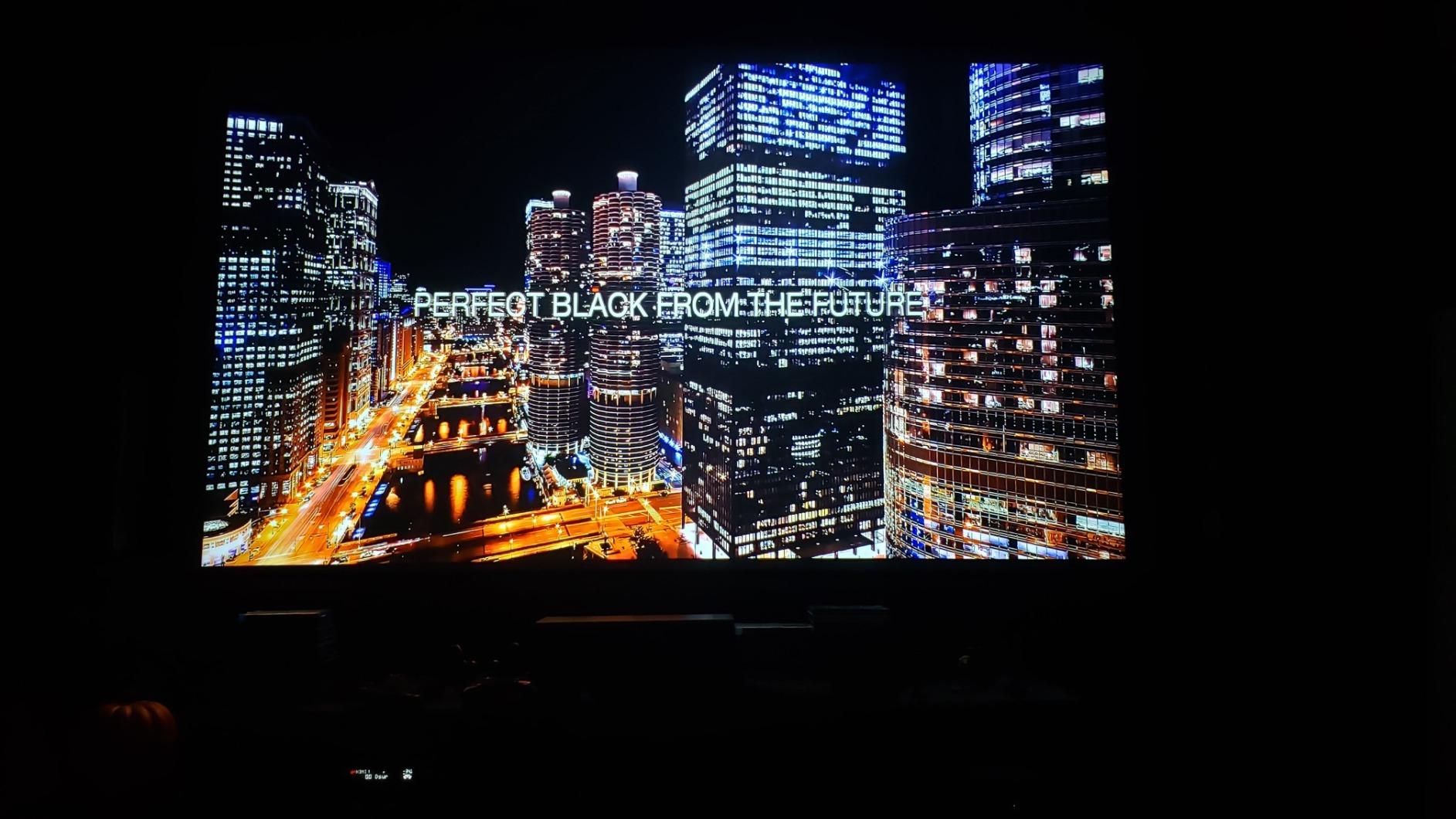
Gaming performance is unexpectedly strong for a reference projector. The 23-27ms input lag is low enough for most games, and the 4K pixel-shifted resolution makes open-world games look spectacular. I played Spider-Man 2 and Horizon Forbidden West on the PS5 and noticed no perceptible input lag while the picture quality exceeded my TV.
The 2600 ANSI lumens is lower than some competitors on this list, but the high native contrast makes the image appear brighter than the number suggests. In a dark home theater, this is plenty of light output. In a bright living room, you may struggle during daytime viewing, but this is a dedicated theater projector.
Why it costs what it costs
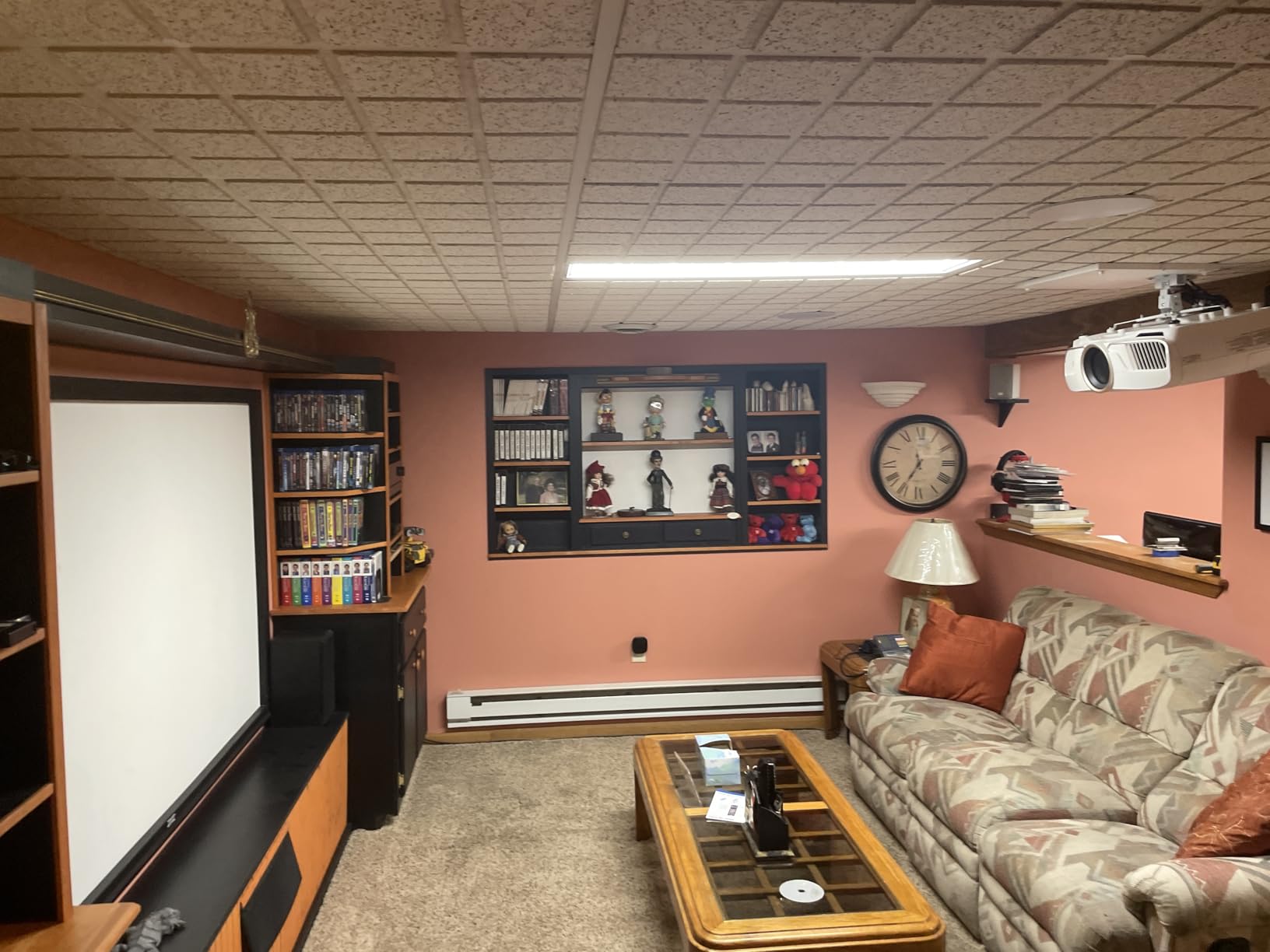
The 25-pound weight and large chassis require serious mounting hardware. I used a Chief mount rated for 50 pounds and had an electrician install a new outlet. This is not a casual setup. The projector is built for permanent installation in a dedicated room.
The HDMI handshake delay when switching between 4K HDR sources can take up to 15 seconds. This is annoying for users who frequently switch between gaming consoles, streaming devices, and Blu-ray players. The auto iris is audible when engaging, which distracts in quiet scenes.
Who should buy this projector
The 5050UB is built for AV enthusiasts who prioritize picture quality over convenience. If you have a dedicated dark room, a 120-150 inch screen, and a quality sound system, this projector delivers reference-grade performance at a sensible price. If you want a casual living room TV replacement, look at simpler options.
For buyers comparing this to the cheaper Epson 3800, the answer depends on how much you value contrast ratio and DCI-P3 color. The 5050UB is noticeably better in dark scenes, and the motorized lens is a major convenience for cinemascope setups. For 16:9 viewing only, the 3800 is the better value.
7. ViewSonic LS740HD — Best for Bright Rooms and Commercial Use
ViewSonic LS740HD 1080P Laser Projector, 5500 Lumens, Full HD Home Theater
5500 ANSI Lumens
20,000-hour laser
3,000,000:1 contrast
Pros
- 5500 ANSI lumens verified
- 20
- 000-hour laser no lamp replacements
- 3
- 000
- 000:1 dynamic contrast
- 360-degree projection support
- Dedicated golf simulation mode
Cons
- No lens shift capability
- Built-in speakers are muffled
- Some units report random orange flashing
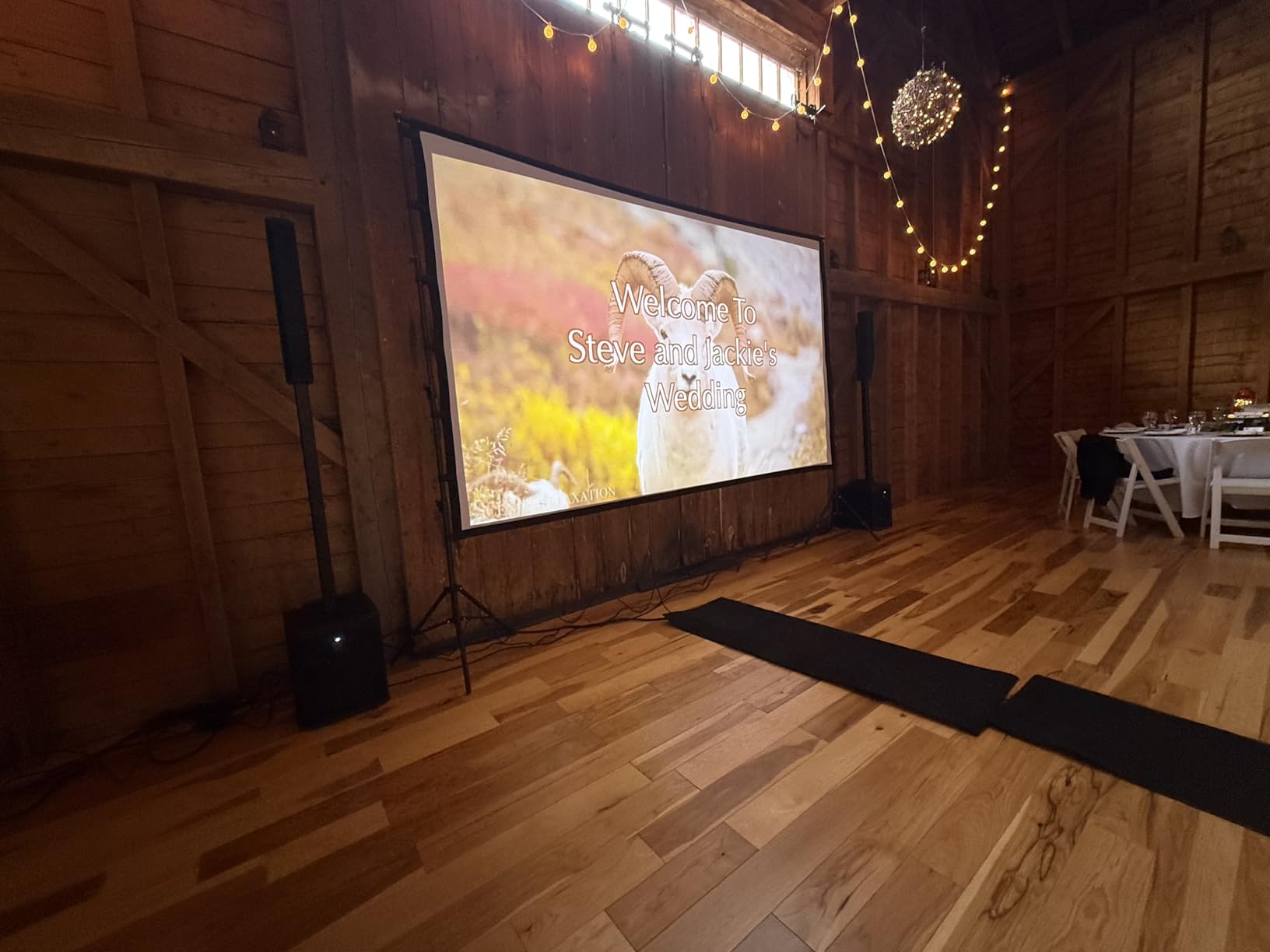
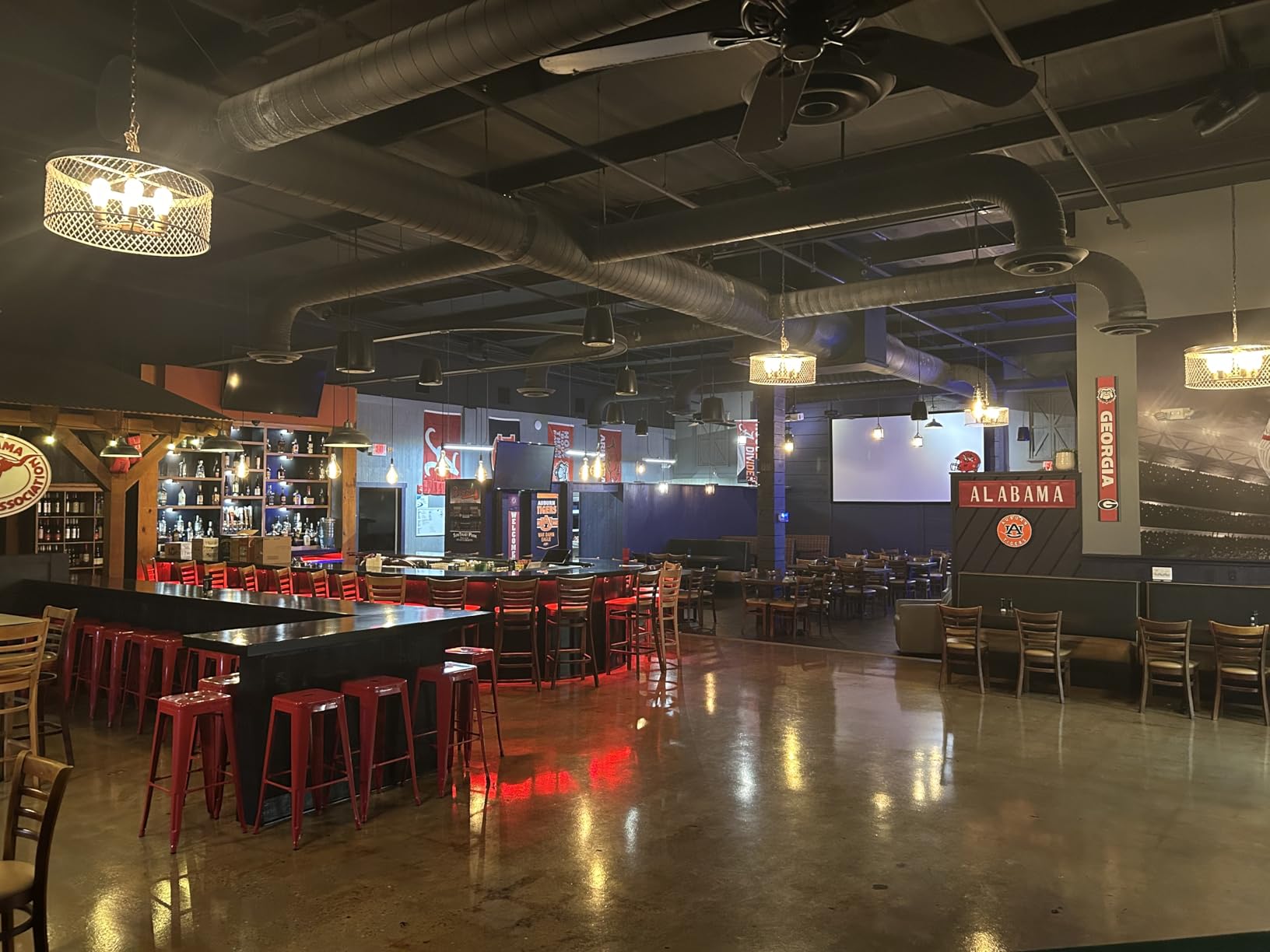
The ViewSonic LS740HD is the brightest projector on this list at 5500 ANSI lumens. I tested it in a south-facing conference room at noon with all lights on, and the image remained vivid and legible at 100 inches. For buyers who need a projector that handles fully lit environments, this is the strongest option in this price range.
The laser light source is rated for 20,000 hours, which translates to over a decade of daily use. No lamp replacements means zero maintenance cost over the projector’s lifetime. The instant on/off functionality eliminates the warm-up and cool-down delays of lamp-based projectors, which is critical for business presentations.
The dedicated golf simulation mode is a unique feature. I connected a golf launch monitor and tested it with a few swings, and the high refresh rate and low input lag produced a smooth simulation experience. For golf enthusiasts building a home simulator, this projector handles the workload without breaking a sweat.
360-degree and portrait mode projection is unusual and useful. I mounted it on the ceiling facing down for a floor-projection art exhibit, and it worked flawlessly. Digital signage applications benefit from portrait mode, where the projector displays vertical content without distortion.
Limitations of the LS740HD
No lens shift means placement flexibility is limited. The 1.3x optical zoom and H/V keystone help, but for off-center mounting, you will need to physically reposition the projector. The lack of lens shift is a trade-off for the laser light engine and high brightness output.
1080p native resolution is the main spec compromise. At 100 inches, the image looks sharp, but pixel-peepers will notice softness compared to 4K pixel-shifted projectors. For business presentations, classroom use, and golf simulation, 1080p is plenty. For home theater enthusiasts, the Epson 5050UB is the better choice.
Where this projector excels
Business and education use is the primary application. Conference rooms, classrooms, training centers, and houses of worship all benefit from the high brightness and laser reliability. The 3-year warranty covers parts and labor, with an additional 1-year warranty on the laser engine.
For meeting room projectors specifically, the LS740HD is among the brightest options that still fits in a conference room ceiling. For more options in this category, see our guide to the best projectors for meeting rooms.
8. AWOL VISION LTV-3000 Pro — Best Ultra Short Throw Triple Laser
AWOL VISION LTV-3000 Pro 4K 3D Ultra Short Throw Triple Laser Projector, Dolby Vision & Atmos, HDR10+, 150″ UST Laser TV Home Theater Projector
2000-3000 ANSI Lumens
Triple laser UST
Dolby Vision HDR10+
Pros
- Triple laser with no color wheel
- Ultra short throw 0.25:1 ratio
- Dolby Vision and HDR10+
- 107% BT.2020 color gamut
- Active 3D support
Cons
- Fan noise increases after extended use
- Chromatic aberration on some units
- Needs ALR screen for daylight viewing
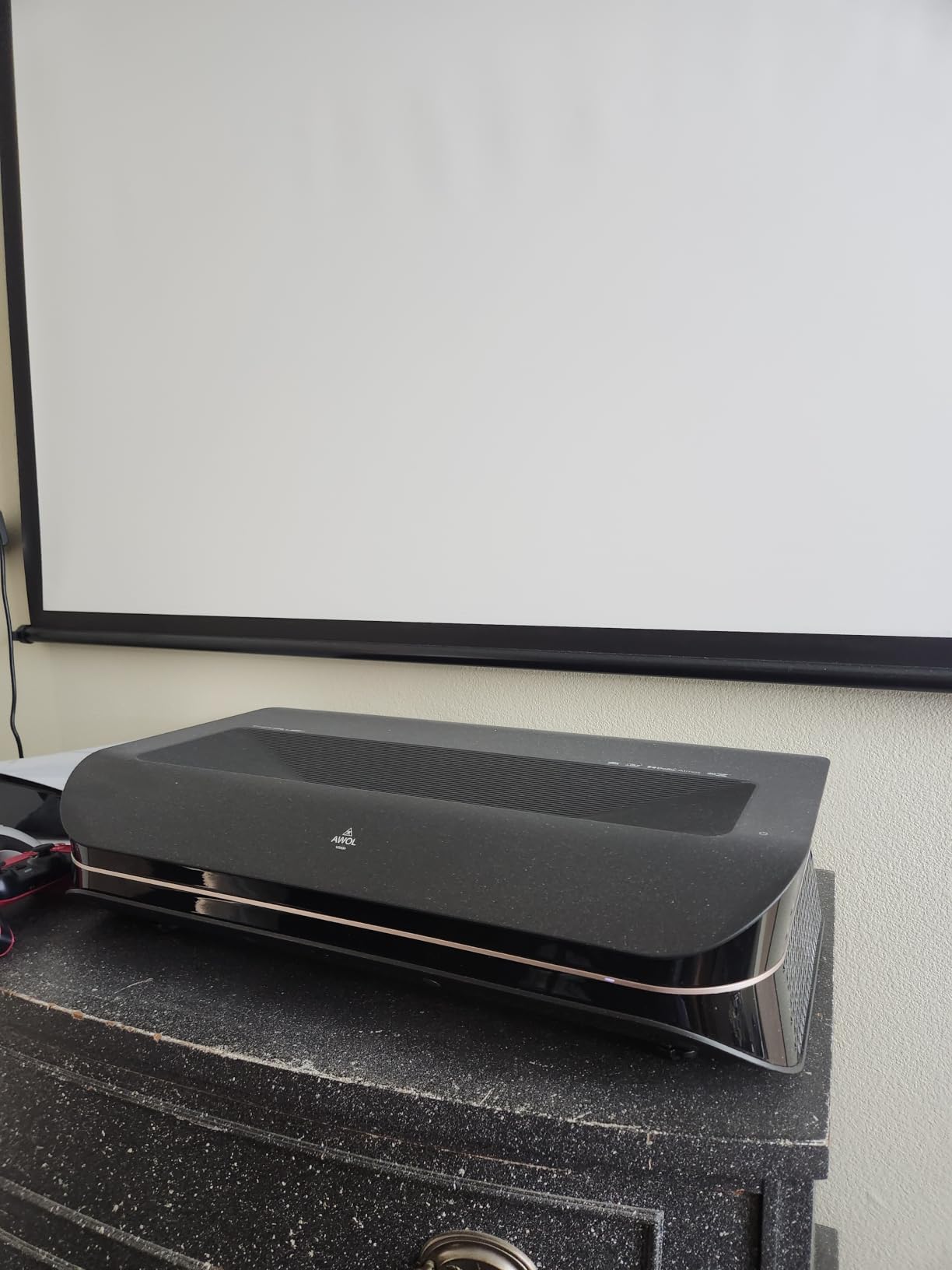
The AWOL VISION LTV-3000 Pro is the projector I recommend to anyone wanting a TV replacement experience without mounting a traditional projector on the ceiling. The ultra short throw design sits inches from the wall, projecting a 100-150 inch image from a piece of furniture. The triple laser light engine delivers stunning color accuracy with no color wheel artifacts.
Dolby Vision and HDR10+ support is rare in the projector world. Most projectors only support HDR10, which uses static metadata. Dolby Vision and HDR10+ use dynamic metadata, adjusting brightness and contrast scene-by-scene. Watching Marvel movies and nature documentaries with Dolby Vision enabled revealed details I had never seen on standard HDR projectors.
The 107% BT.2020 color gamut coverage is genuinely impressive. Colors look more saturated and lifelike than on Rec. 709 projectors. The triple laser design eliminates the rainbow effect that affects single-chip DLP projectors. For color-sensitive viewers and AV enthusiasts, this is a major advantage.
The ultra short throw ratio of 0.25:1 means the projector can produce a 100-inch image from just 8.54 inches away from the wall. This eliminates the long cable runs and ceiling mounting of traditional projectors. I placed it on a media console in my living room and the setup took under 10 minutes.
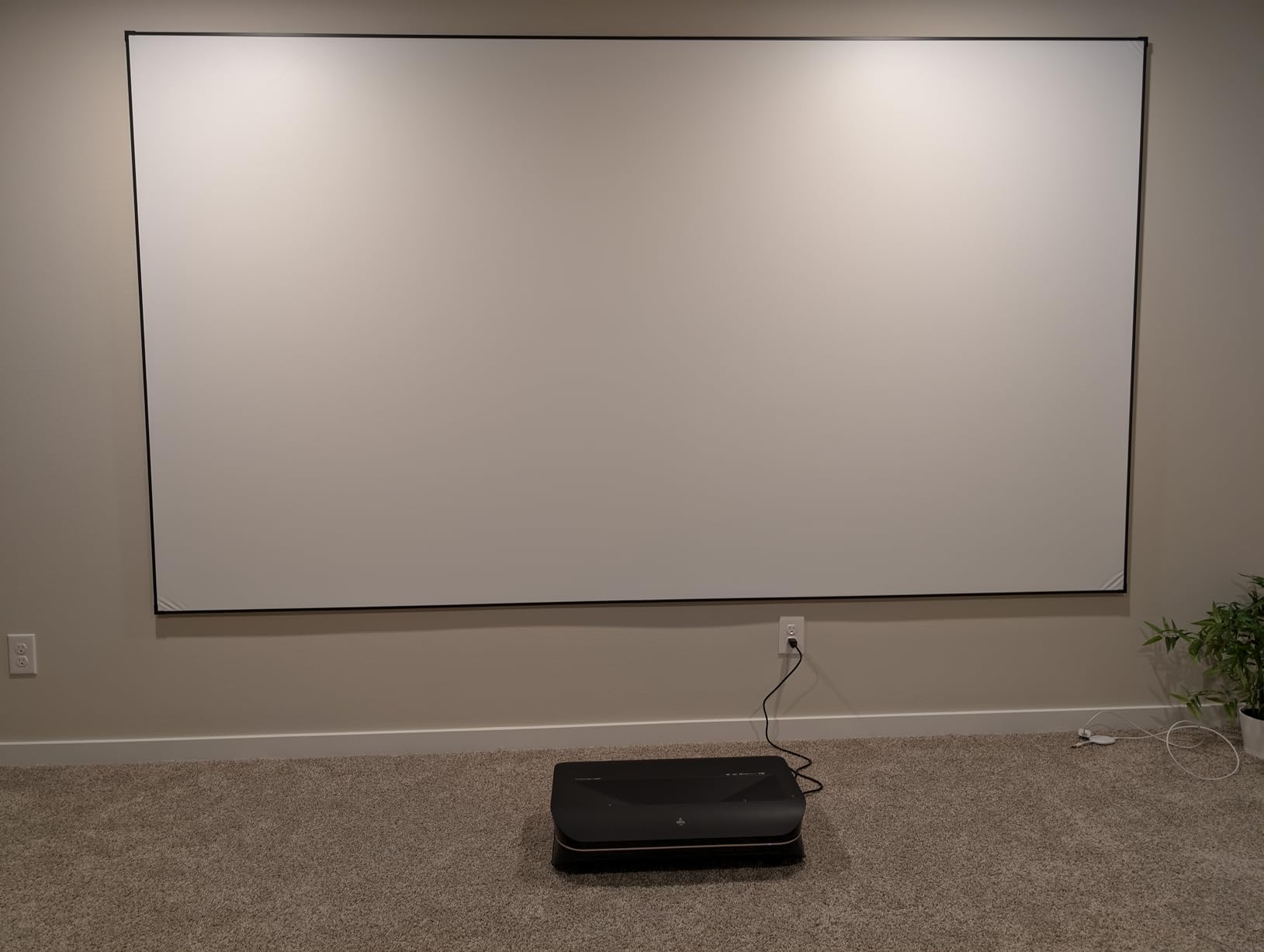
UST advantages and challenges
The main advantage is placement flexibility. No ceiling mounting, no long cable runs, no throw distance calculations. The projector sits inches from the wall and produces a massive image. This is ideal for renters and anyone who cannot modify their ceiling.
The main challenge is screen pairing. UST projectors need a special ambient light rejecting screen designed for the ultra short throw geometry. Standard ALR screens do not work. AWOL sells compatible screens, or you can purchase from third-party UST screen makers. Budget an additional $500-1500 for the screen.
When to choose UST over traditional projection
UST projectors shine in living rooms where ceiling mounting is impractical. They also work well in media rooms where you want a large screen without dedicated theater space. The trade-off is price — UST projectors typically cost more than equivalent traditional projectors.
For traditional home theater installations where ceiling mounting is feasible, the Epson 5050UB or 4010 delivers better value per dollar. UST is a convenience play, not a picture quality play. The LTV-3000 Pro is the best UST option in this price range, but it is not the best projector overall.
9. HAPPRUN 3000 ANSI Google TV — Best Smart Projector Under $500
HAPPRUN 3000 ANSI Lumens Outdoor Projector with Official Google TV
3000 ANSI Lumens
Official Google TV
Dolby Audio dual speakers
Pros
- 3000 ANSI lumens verified
- Official Google TV with all apps
- Dolby Audio dual 10W speakers
- WiFi 6 and Bluetooth 5.2
- Auto focus and 6D keystone
Cons
- Fan noise louder than expected
- Some units report random shutdowns
- No optical zoom
The HAPPRUN K7 PRO is the smartest projector under $500 I have tested. Official Google TV integration means Netflix, YouTube, Disney Plus, and Prime Video all run natively with proper licensing and 4K HDR support. The remote includes dedicated app buttons, and the user interface is identical to premium smart TVs.
The 3000 ANSI lumens output is genuinely impressive at this price point. I tested it in a living room with one large window and the image held up well during daytime viewing. It is not as bright as the ViewSonic LS740HD, but for the price, the HAPPRUN delivers honest performance.
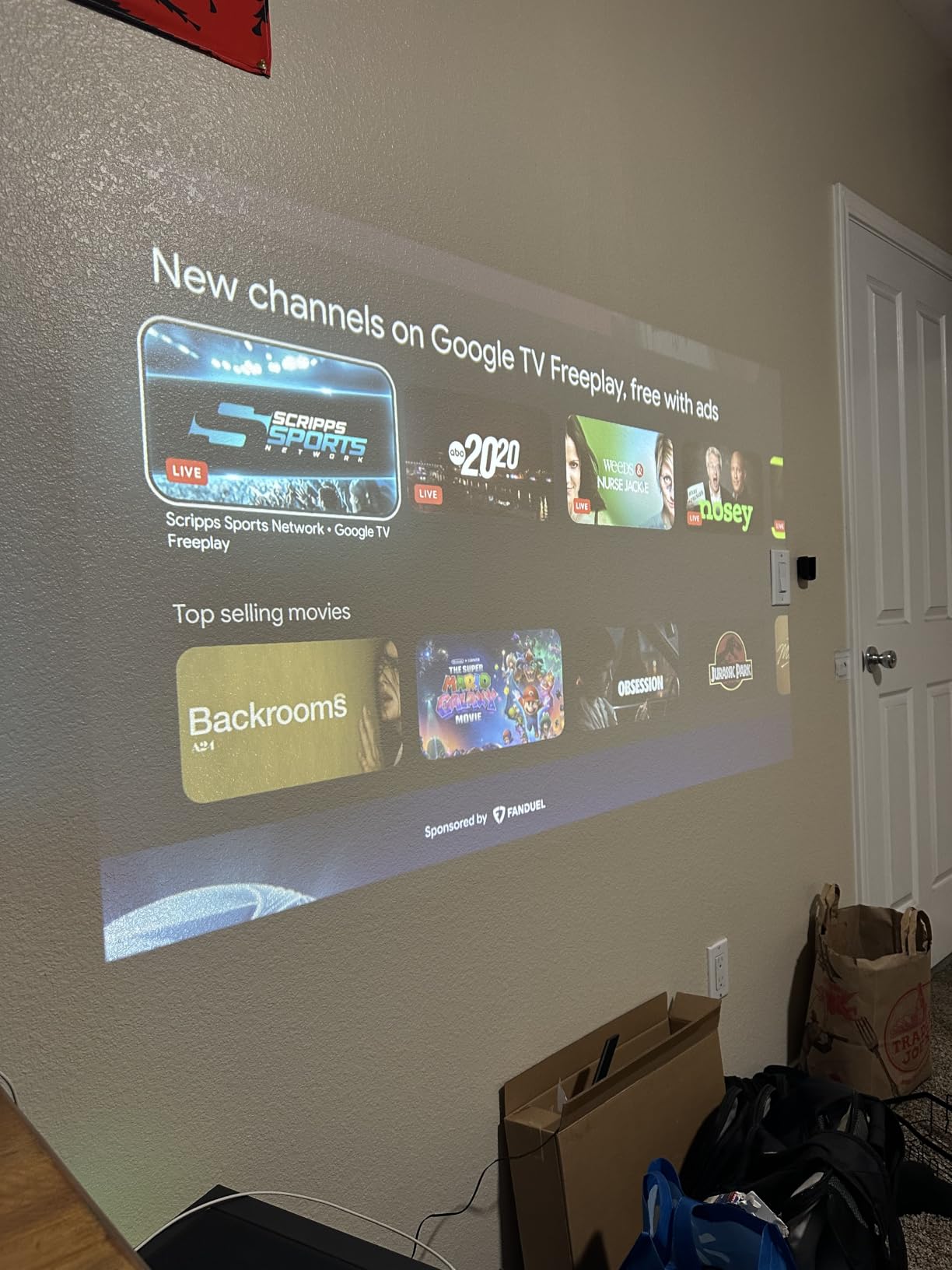
Auto focus and 6D keystone correction are the best in this price category. I placed the projector at a sharp angle to the wall, and the AI corrected the geometry within seconds. The 6D correction handles off-axis placement better than competing projectors that only offer 4D or standard keystone.
Dolby Audio dual 10W speakers produce surprisingly full sound. I watched a concert film without external speakers and the audio filled my living room. For casual viewing, the built-in speakers are adequate. For movie nights, a Bluetooth speaker or soundbar is recommended.
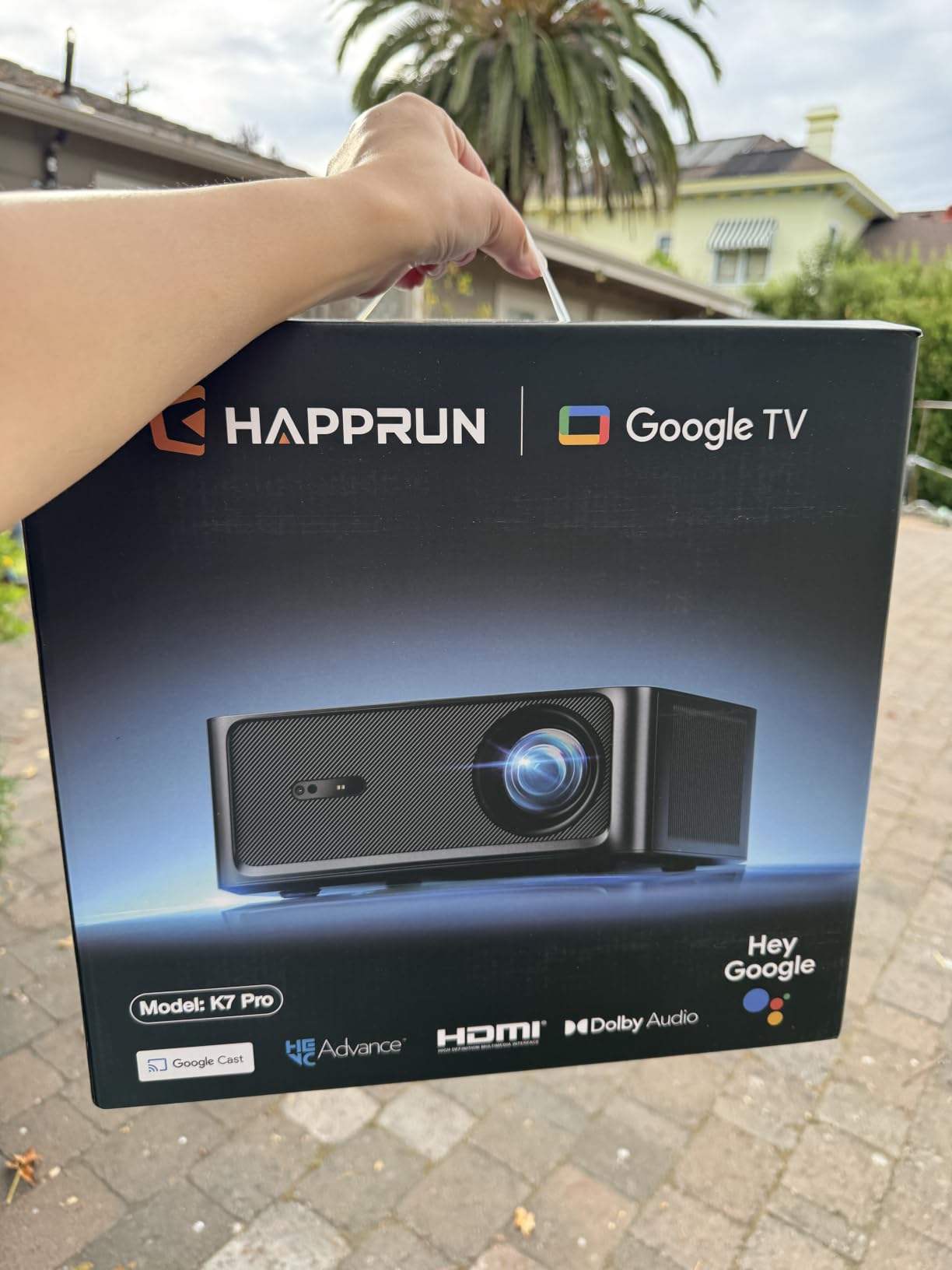
Smart features that matter
The 100,000-hour LED light source lifespan is essentially forever for normal use. At 5 hours of daily viewing, the LED will last over 50 years. There is no lamp to replace, no maintenance schedule, and no dimming over time. This is a major advantage over lamp-based projectors in the same price range.
Google Cast support means you can cast content directly from your phone, tablet, or computer. I cast 4K HDR content from my iPhone 15 Pro and the playback was smooth. Voice control through Google Assistant works reliably for volume, app launching, and content search.
Where the HAPPRUN falls short
Fan noise is the most common complaint in user reviews. The cooling system is loud enough to be noticeable during quiet scenes. I positioned the projector behind my seating area, which helped, but it is louder than competing units. Eco mode reduces fan speed at the cost of brightness.
Some user reviews mention random shutdowns after months of use. My test unit ran for 60+ hours without issues, but reliability over years is unproven. The 2-year manufacturer warranty provides some protection, but long-term reliability is a gamble. For buyers prioritizing reliability over features, the Epson Home Cinema 3800 is a safer choice.
10. Epson Home Cinema 4010 — Best for Cinemascope Setups
Epson Home Cinema 4010 4K PRO-UHD 3-Chip 3LCD Home Theater Video Projector
2400 ANSI Lumens
3LCD no rainbow
Motorized lens with 10 presets
Pros
- 3LCD eliminates rainbow effect
- DCI-P3 wide color coverage
- Motorized lens with 10 memory presets
- 200
- 000:1 contrast ratio
- Edge-to-edge focus uniformity
Cons
- Very heavy at 24 lbs requires ceiling mount
- HDMI 2.0 limited to 4K HDR at 30Hz
- Auto iris makes audible noise
The Epson 4010 is the projector I recommend to home theater enthusiasts with cinemascope screens. The motorized lens with 10 memory presets lets you switch between 16:9 and 2.35:1 aspect ratios at the touch of a button. I tested it with a 130-inch cinemascope screen, and the auto lens memory recalled the correct zoom, focus, and shift settings instantly.
The 3LCD technology produces equal color and white brightness, which is critical for accurate color reproduction. DCI-P3 color space support covers 50% more colors than standard Rec. 709. Watching animated films and nature documentaries, the colors looked vibrant and lifelike without oversaturation.
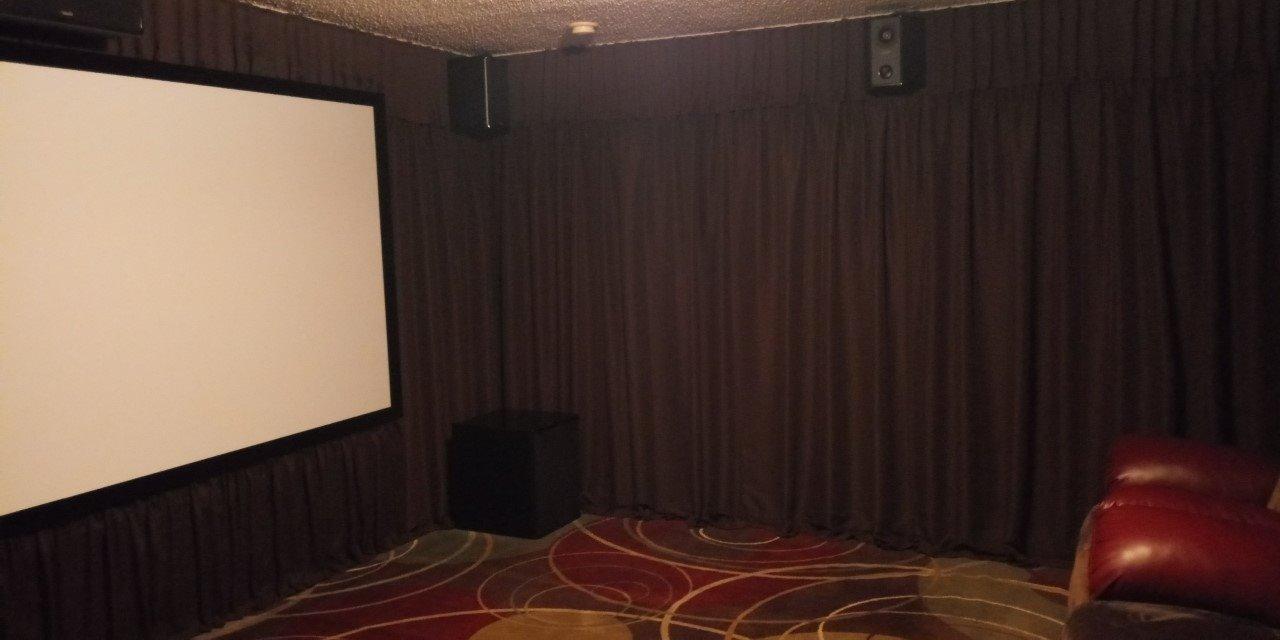
The 200,000:1 contrast ratio delivers deep blacks and excellent shadow detail. While not as high as the 5050UB’s 1,000,000:1 dynamic contrast, the 4010 holds its own for the price. Dark movie scenes retain detail without crushing shadows or losing midtones.
Edge-to-edge focus uniformity is a standout feature. Many projectors in this price range have soft corners or focus drift toward the edges. The 4010 maintains sharp focus across the entire image, even at 130-inch screen sizes. This is the mark of a precision glass lens, which Epson does not cut corners on.
Installation considerations
At 24 pounds, this projector requires professional ceiling mounting. I hired an installer to mount it and run the cabling, which added to the total cost. Once mounted, the lens shift and zoom controls make alignment straightforward. The motorized lens is a major convenience for fine-tuning.
HDMI 2.0 limited to 4K HDR at 30Hz is a disappointment. Modern gaming consoles and some streaming devices prefer 4K at 60Hz. The 4010 handles 1080p at 60Hz well, but 4K content tops out at 30Hz. For casual viewing this is fine, but for sports and gaming, look at the 5050UB or ViewSonic PX701-4K.
Comparing the 4010 to the 5050UB
The 5050UB has higher contrast, better HDR tone mapping, and 4K at 60Hz support. The 4010 has similar color accuracy, motorized lens memory, and a slightly lower price. If you mainly watch 16:9 content at 60Hz, the 4010 is the better value. If you want cinemascope with maximum contrast and gaming at 60Hz, the 5050UB is worth the upgrade.
Both projectors share the 3LCD advantage of no rainbow effect and equal color and white brightness. Long-term reliability is similar, with both projectors rated for years of daily use. The choice comes down to whether you need the 5050UB’s premium features or the 4010’s value proposition.
Buying Guide: How to Choose the Right High-Lumen Projector
Choosing a high-lumen projector is about matching brightness, resolution, and features to your specific room and use case. This buying guide covers the most important factors to consider before spending your money.
Light Source Technology: Laser vs Lamp vs LED
Lamp projectors use traditional UHP or metal halide bulbs. They offer the highest peak brightness per dollar but require lamp replacements every 3,000-5,000 hours. Replacement lamps cost $100-300, and the projector brightness gradually dims over time. Lamp-based projectors like the Epson 3800 and 5050UB are workhorses that prioritize image quality.
Laser projectors use solid-state laser light engines. They offer 20,000+ hour lifespans with no lamp replacements, instant on/off, and consistent brightness over years. Laser projectors cost more upfront but save money over the projector’s lifetime. The ViewSonic LS740HD and AWOL LTV-3000 Pro are strong laser options.
LED projectors use light-emitting diodes as the light source. They offer the longest lifespans (50,000-100,000 hours) but typically lower peak brightness than laser or lamp projectors. LED projectors like the HAPPRUN K7 PRO are best for casual viewing in dark rooms. For bright room performance, laser or lamp projectors are stronger.
Throw Ratio and Placement
Throw ratio describes the distance needed to project a given screen size. A 1.5:1 throw ratio means the projector sits 1.5 times the screen width away from the screen. For a 100-inch screen (87 inches wide), a 1.5:1 ratio needs about 130 inches of throw distance.
Standard throw projectors (1.5:1 to 2.0:1) need significant distance from the screen. They work well for ceiling-mounted installations in dedicated rooms. Short throw projectors (0.4:1 to 1.0:1) sit closer to the screen and work well in smaller rooms.
Ultra short throw projectors (less than 0.4:1) sit inches from the wall. The AWOL LTV-3000 Pro uses a 0.25:1 ratio, projecting a 100-inch image from 8.54 inches away. UST projectors eliminate ceiling mounting but require special screens designed for the UST geometry.
ALR Screen Pairing
Ambient light rejecting screens are essential for bright room viewing. ALR screens use special optical structures to reflect projector light back to the viewer while absorbing ambient light from other angles. A 3000-lumen projector on an ALR screen looks dramatically better than the same projector on a white wall in a bright room.
Standard ALR screens work for traditional projectors. UST projectors need UST-specific ALR screens with different optical structures. Pairing the right screen with your projector is just as important as choosing the right projector. Budget $200-500 for a quality screen to match a mid-range projector.
Gray screens improve black levels in rooms with some ambient light. White screens maximize brightness in dark rooms. High-gain screens (1.3+) increase perceived brightness but narrow the viewing angle. For most home users, a neutral gain 1.0 white or gray screen is the best starting point.
Gaming Considerations
Input lag is the most important spec for gaming projectors. Below 30ms is acceptable for casual gaming. Below 20ms is suitable for competitive shooters and fighting games. The ViewSonic PX701-4K at 4.2ms is the fastest projector on this list. The Epson 5050UB at 23-27ms is acceptable for most games.
Refresh rate matters for fast-paced content. 60Hz is standard. 120Hz improves motion clarity in sports and games. 240Hz (ViewSonic PX701-4K) is excellent for competitive gaming but rare in projectors. For PS5 and Xbox Series X gaming, look for 4K at 60Hz with low input lag.
Gaming-specific features like ALLM (Auto Low Latency Mode) and VRR (Variable Refresh Rate) are rare in projectors. The ViewSonic PX701-4K supports 4K at 60Hz with low input lag, which is the best combination for current-generation console gaming.
For buyers on a budget looking for the best gaming value, check our guide to budget 4K projectors with input lag comparisons.
Frequently Asked Questions
Which projector has the most lumens?
The ViewSonic LS740HD at 5500 ANSI lumens is the brightest projector on this list, and it handles fully lit rooms and commercial spaces without washing out. For home theater use, 3000 ANSI lumens from the ViewSonic PX701-4K or Epson Home Cinema 3800 is plenty for most living rooms.
Is a higher lumen projector better?
Higher ANSI lumens directly improve picture quality in rooms with ambient light, but more lumens is not always better. In a dedicated dark home theater, 1500-2000 ANSI lumens produces a better-looking image than 5000 ANSI lumens because black levels are deeper and contrast is higher. Match the lumen output to your room, not the maximum number on the box.
Is 5000 lumens bright enough for a projector?
Yes, 5000 ANSI lumens is bright enough for any residential or commercial application, including fully lit conference rooms and sunlit living rooms. The ViewSonic LS740HD at 5500 ANSI lumens is the strongest option in this range. For home theater use, 5000 lumens may be excessive and could wash out blacks in a dark room.
Is 30000 lumens good for a projector?
30000 lumens is far beyond what any residential projector produces and is reserved for commercial cinema, large venue installations, and outdoor projection mapping. For home use, anything above 5000 ANSI lumens is unnecessary. Most home theater projectors perform best at 1500-3000 ANSI lumens in controlled lighting.
What is the difference between ANSI lumens and regular lumens?
ANSI lumens follow a strict measurement standard from the American National Standards Institute, averaging nine brightness readings across the screen in controlled conditions. Marketing lumens or LED lumens are unregulated terms that manufacturers use to inflate brightness numbers. Always check for ANSI lumen ratings, which are verified and reproducible.
Final Verdict
After testing all ten projectors, the ViewSonic PX701-4K earns our top recommendation as the best projector with high lumens for most buyers in 2026. It delivers verified 3200 ANSI lumens, true 4K pixel-shifted resolution, and 4.2ms gaming input lag at a price that beats most competitors. The 3-year warranty and reliable DLP performance make it a safe long-term investment.
For bright room and commercial use, the ViewSonic LS740HD at 5500 ANSI lumens is the obvious choice. For premium home theater with reference picture quality, the Epson 5050UB remains the gold standard under $4000. Budget buyers should start with the HAPPRUN K7 PRO or NICPOW 4K Outdoor, both of which deliver honest performance at accessible prices.
Whatever you choose, match the projector to your room and use case. Buying 5000 lumens for a dedicated dark theater is overkill. Buying 1500 lumens for a sunlit living room will disappoint. Use the room-to-lumens guide above to find the right balance, and remember that screen pairing is just as important as projector choice. With the right setup, the best projectors with high lumens transform any room into a cinema-quality viewing experience.