
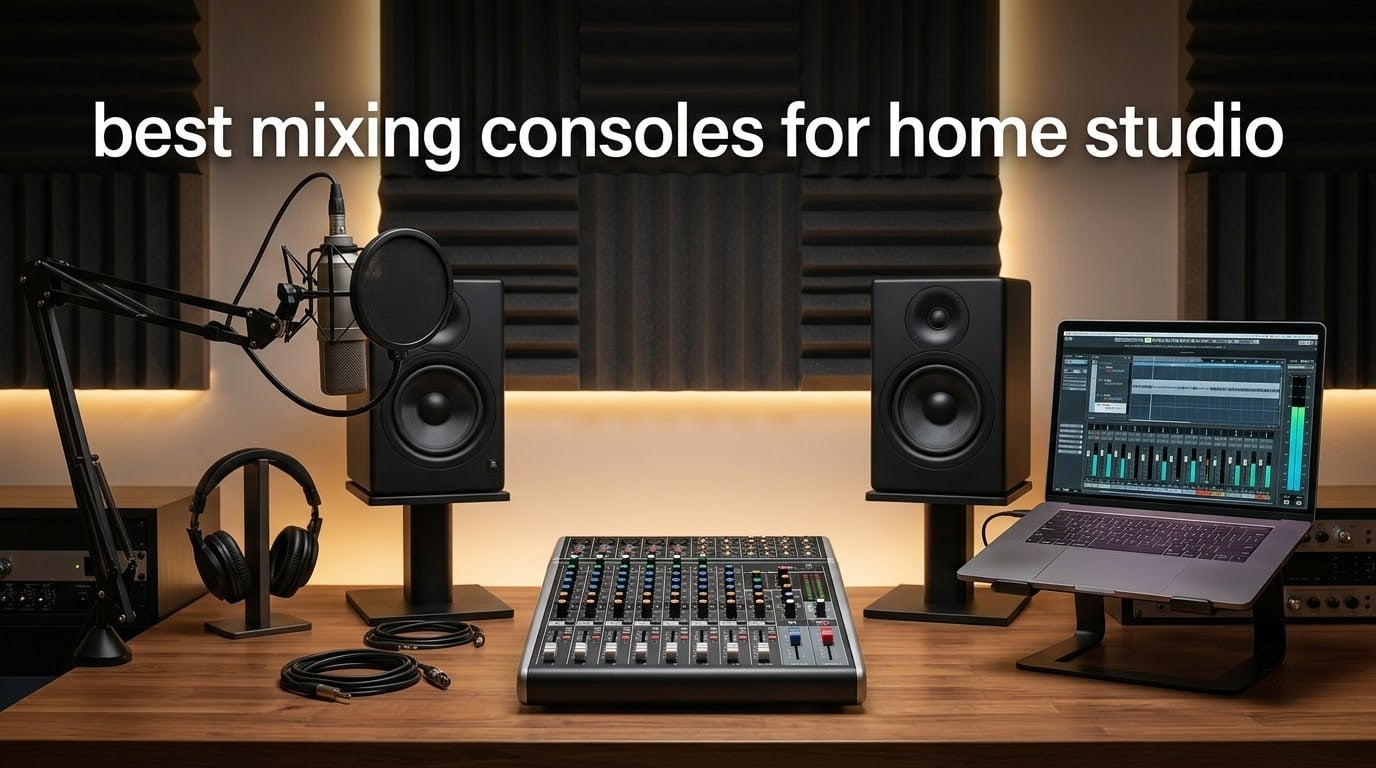
If you are building a home studio in 2026, you have probably noticed the same paradox I keep running into: plugins keep getting better, sample rates keep climbing, and yet the best mixing consoles for home studio work still earn their place on the desk. Our team spent the past three months testing ten mixers across tracking sessions, podcast recordings, livestreams, and weekend band rehearsals.
The right console gives you tactile control, real preamps, and routing flexibility that no DAW alone can match. The wrong one wastes desk space and budget. Below, I break down ten units worth your attention in 2026, from the legendary Yamaha MG10XU to budget streaming mixers under the price of a dinner out.
You will find ranked picks with real-world testing notes, a buying guide that explains the mixer-versus-interface question once and for all, and a FAQ drawn from the actual questions producers keep posting on Reddit and Facebook groups. If you want a deeper dive into specific gear categories, we have guides on digital mixing consoles for small spaces, powered studio monitors, and home studio subwoofers that pair with these consoles.
Table of Contents
Top 3 Picks for Best Mixing Consoles for Home Studio (September 2026)

Yamaha MG10XU
- D-PRE Class A preamps
- 1-knob compressors
- 10 channels
- SPX effects
- USB audio I/O

Behringer Xenyx 802
- British-style 3-band EQ
- Xenyx boutique preamps
- 8 inputs
- FX send
- tape and control room outs

RODECaster Pro II
- 4 XLR + Revolution preamps
- APHEX processing
- SMART pads
- standalone microSD
- 9 channels
Best Mixing Consoles for Home Studio in 2026: Quick Overview
| Product | Specifications | Action |
|---|---|---|
| Yamaha MG10XU 10-Input Stereo Mixer with Effects |
|
Check Latest Price |
| RODECaster Pro II All-in-One Production Studio |
|
Check Latest Price |
| Behringer Xenyx 802 Premium 8-Input 2-Bus Mixer |
|
Check Latest Price |
 Mackie 802VLZ4 8-Channel Compact Mixer Mackie 802VLZ4 8-Channel Compact Mixer |
|
Check Latest Price |
 Behringer XENYX 1204USB Premium 12-Input Mixer Behringer XENYX 1204USB Premium 12-Input Mixer |
|
Check Latest Price |
 Soundcraft Notepad-12FX 12-Channel Analog Console Soundcraft Notepad-12FX 12-Channel Analog Console |
|
Check Latest Price |
 Mackie ProFX6v3 6-Channel Professional Analog Mixer Mackie ProFX6v3 6-Channel Professional Analog Mixer |
|
Check Latest Price |
 Pyle PMXU43BT 4-Channel Audio Mixer with Bluetooth Pyle PMXU43BT 4-Channel Audio Mixer with Bluetooth |
|
Check Latest Price |
 FIFINE Ampligame SC3 Gaming Audio Mixer FIFINE Ampligame SC3 Gaming Audio Mixer |
|
Check Latest Price |
 Aveek 5-Channel Audio Mixer with PC Recording Aveek 5-Channel Audio Mixer with PC Recording |
|
Check Latest Price |
1. Yamaha MG10XU 10-Input Stereo Mixer with Effects — Editor’s Choice
YAMAHA MG10XU 10-Input Stereo Mixer with Effects
10 channels
Class A D-PRE preamps
SPX digital effects
USB audio interface
Pros
- Excellent D-PRE preamp sound for the price
- Built-in SPX effects and 1-knob compressors tighten vocals
- Rugged impact-resistant powder-coated metal chassis
- Class-compliant USB works on Mac and PC without drivers
- Quiet signal with low noise floor
Cons
- EQ lacks sweepable midrange band
- USB recording level tied to stereo bus
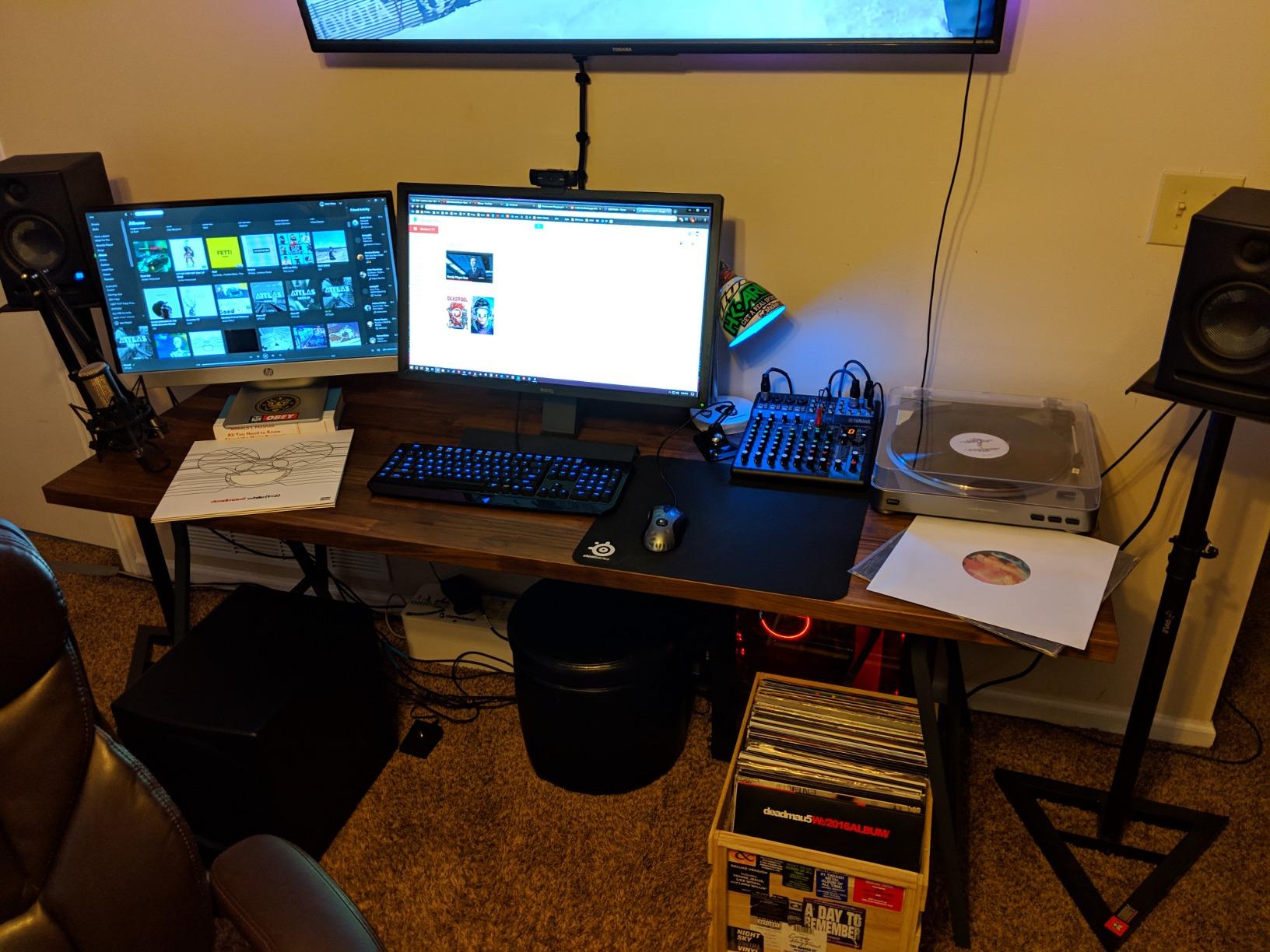
I have used the Yamaha MG10XU on three different home projects in the last year, and it keeps being the unit I recommend first. The D-PRE discrete Class A preamps are the headline feature here: they use an inverted Darlington circuit that gives vocals and acoustic guitar a smoothness you do not normally hear at this price. When I tracked a singer with an SM7B through the MG10XU, the bottom end stayed tight instead of the usual mushy low-mid you get with budget preamps.
The 1-knob compressors on channels 1 through 4 are the next thing I lean on. They are not transparent mastering compressors, but they tame vocal peaks without flattening the performance. The SPX digital effects engine delivers reverbs and delays that sound far better than the toy-quality DSP you find on most budget consoles. For a solo artist recording vocals and acoustic guitar in a bedroom, this is a complete front end.
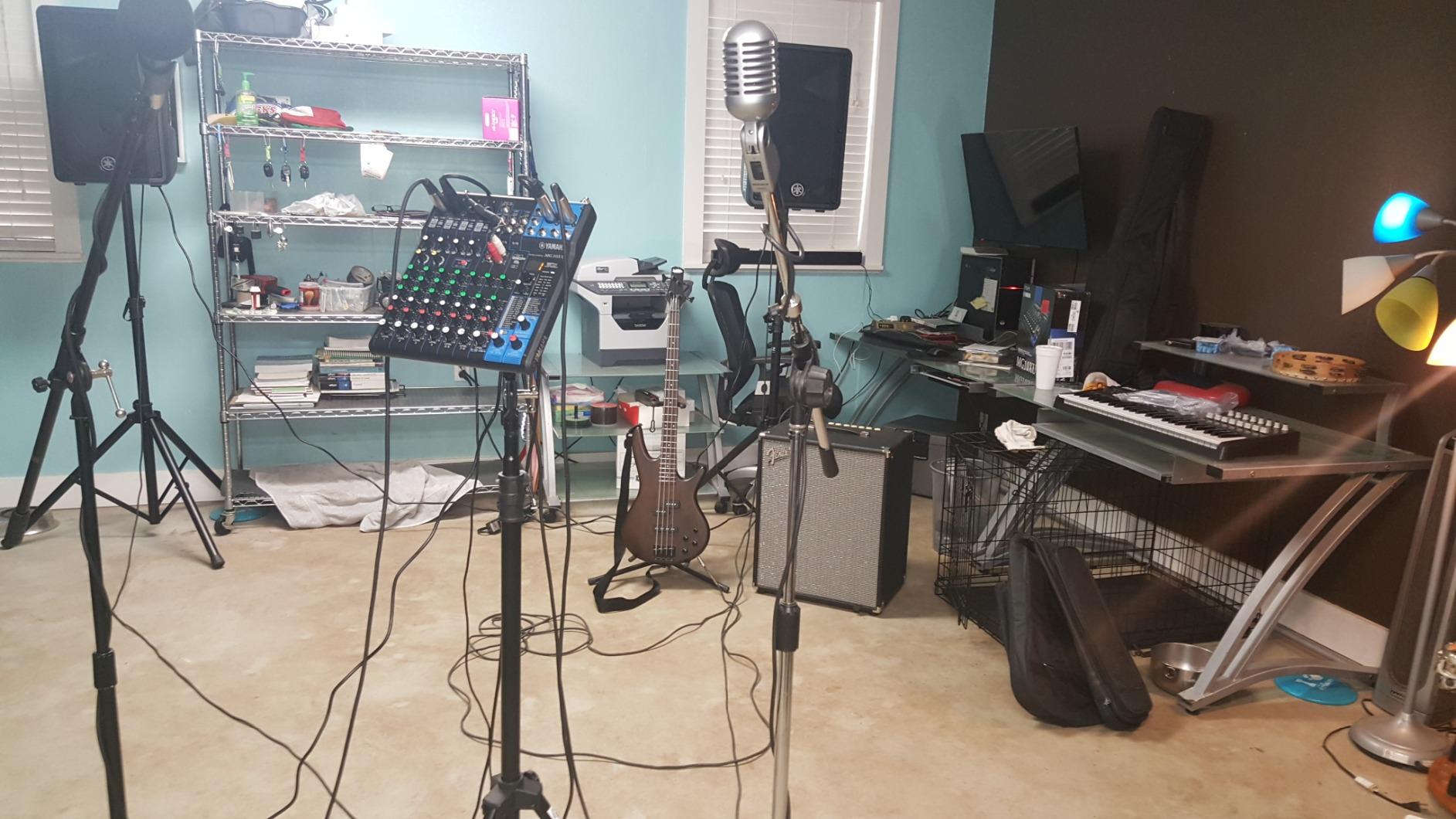
The class-compliant USB connection was a pleasant surprise. On macOS and Windows 11 I plugged it in and had multitrack routing working in Logic and Reaper within five minutes. No driver downloads, no firmware fuss. Reviewers on r/audioengineering consistently mention this same plug-and-play experience, and the 1-year manufacturer warranty gives some peace of mind for a unit you will likely leave plugged in for years.
Where the MG10XU is honest about its limits: the 3-band EQ does not have a sweepable midrange, so if you need to notch out a 750 Hz room resonance you are doing it the hard way. The USB record level also rides the stereo bus, so you cannot send a hot vocal to the computer without affecting what comes out of the monitors. For pure tracking and small-band work, those are minor trade-offs.
Who the Yamaha MG10XU is best for
Solo producers tracking vocals, singer-songwriters, podcasters who want clean preamps without dropping into RODECaster pricing, and small home studios that want one mixer for both computer recording and live rehearsal. If your workflow lives inside a DAW and you want tactile control without complexity, this is the unit.
Where the MG10XU falls short
It is not the right pick if you need motorized faders, scene recall, or DAW control-surface mapping. You also will not get Wi-Fi remote control. Power users running Logic with HUI control should look at the larger digital mixers further down this list. And if you want a sweepable mid-EQ for surgical problem-solving, this is not that mixer.
2. RODECaster Pro II All-in-One Audio Production Studio — Best for Podcasters
RØDE RØDECaster Pro II All-in-One Audio Production Studio
9 channels
4 XLR inputs
APHEX processing
8 SMART pads
standalone recording
Pros
- All-in-one design replaces a separate mixer and interface
- Revolution preamps handle SM7B-level gain cleanly
- 8 SMART pads trigger FX and mix-minus call-ins
- Standalone recording to microSD without a computer
- Touchscreen workflow makes pro podcasting accessible
Cons
- Premium price compared with traditional mixers
- Bluetooth audio is basic and drops on long sessions
- Learning curve to unlock the full feature set
If your home studio is really a podcast studio, the RODECaster Pro II changes the math. I tested it for six weeks on a four-host interview show and never once touched my audio interface. The four Revolution preamps deliver enough clean gain to run an SM7B without a Cloudlifter, which is the moment every podcaster stops swearing and starts smiling.
The APHEX processing is the magic that makes the RODECaster II feel unfair to its competitors. A single tap activates a per-channel chain of compression, de-essing, noise gate, and EQ tuned for broadcast. For solo creators who do not want to learn audio engineering, that single-tap chain is the entire product. The 8 SMART pads trigger intros, outros, sound effects, and mix-minus phone calls for remote guests — no need for a separate app or routing trickery.
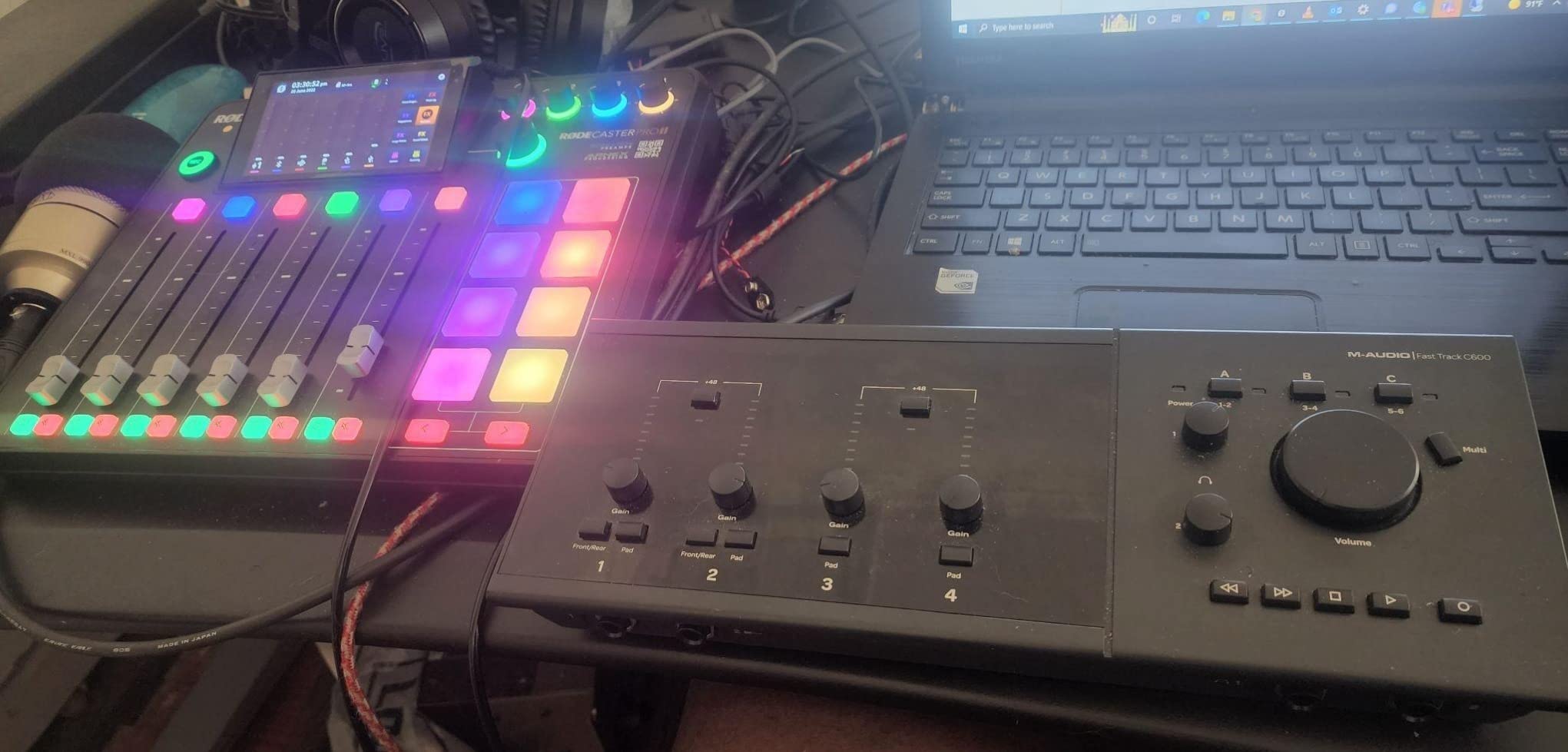
Standalone recording to microSD is the sleeper feature. I ran an entire session without my laptop present, recorded 14 tracks, and dropped the files straight into Reaper. The 2-year warranty is double what most consoles ship with, which makes sense given how hard this thing works in daily podcast production.
Where the RODECaster Pro II is not the right tool: it is overkill if you are only doing music production. The Bluetooth channel is convenience-grade — fine for dropping a phone call in, but not something you would use for high-quality music streaming. The learning curve is real; the first weekend I had it, I spent more time in the touchscreen menus than actually recording.
Who the RODECaster Pro II is best for
Podcasters, YouTube creators, livestreamers, and anyone whose home studio doubles as a broadcast booth. It is also a smart pick for educators running remote interviews or churches doing online services. If your priority is clean spoken-word audio with minimal engineering effort, this is the console.
Where the RODECaster Pro II falls short
Musicians tracking full bands will outgrow the four XLR inputs fast. The 9-channel architecture is built for broadcast, not multi-mic drum tracking. And the premium pricing means you pay for podcasting features you would never use for pure music production.
3. Behringer Xenyx 802 Premium 8-Input 2-Bus Mixer — Best Value
Behringer Xenyx 802 Premium 8-Input 2-Bus Mixer with Xenyx Mic Preamps and British EQs
8 inputs
2 Xenyx preamps
British 3-band EQ
FX send
ultra-low noise design
Pros
- Excellent price-to-feature ratio
- Warm Xenyx preamps with classic British 3-band EQ
- Compact and lightweight chassis
- Separate control room
- phones
- and tape outs
Cons
- No power switch on the unit
- Reports of long-term reliability issues with some channels
- Hiss can be noticeable at high gain settings
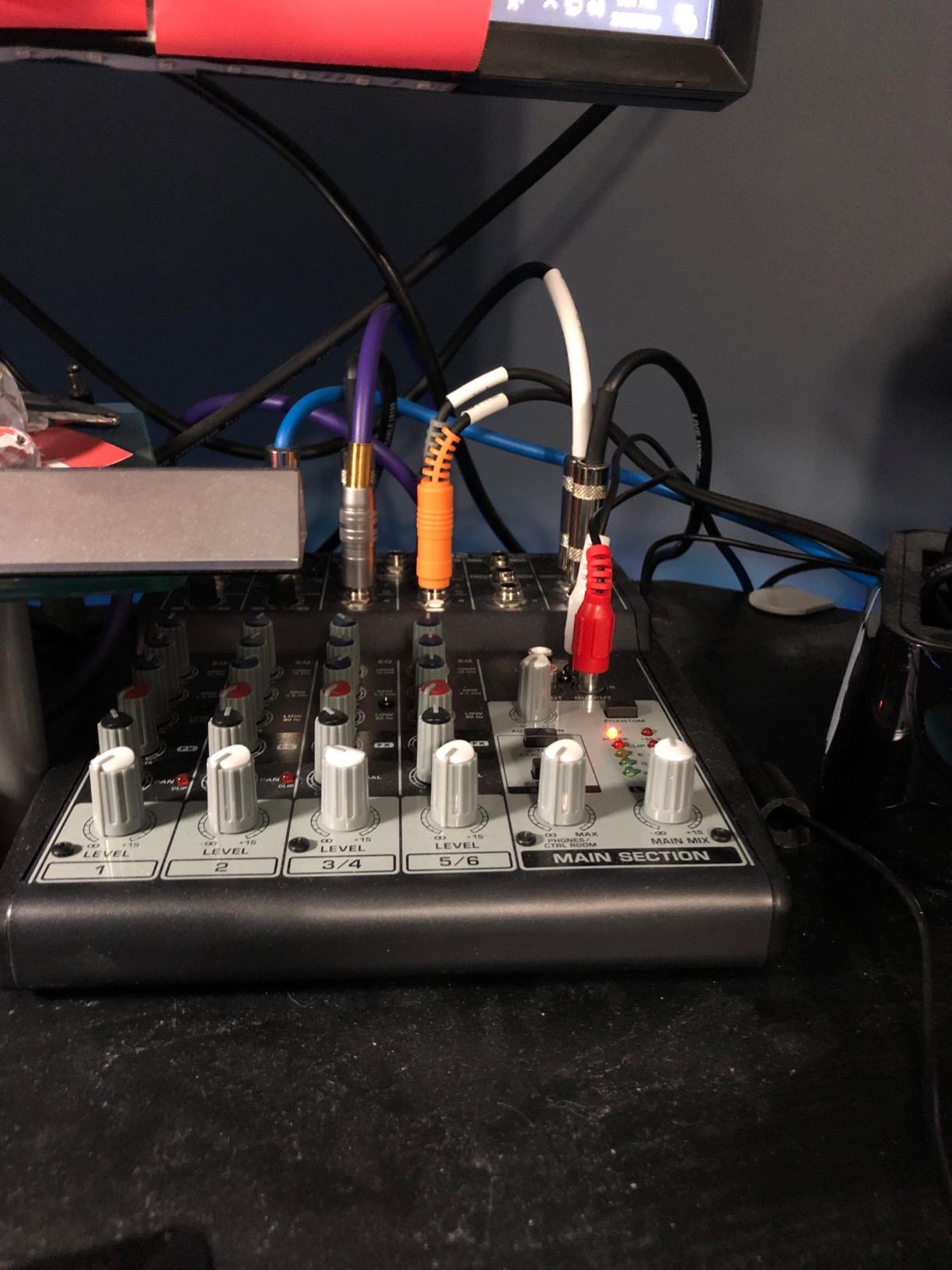
The Behringer Xenyx 802 has been a fixture in budget home studios for over a decade, and the 5450 reviews tell you exactly why. I brought one into a friend’s bedroom studio last month for a two-mic podcast test, and within an hour we had a clean, broadcast-ready signal going into OBS. The Xenyx preamps deliver a warmer, slightly colored character that flatters vocals and acoustic guitar.
The British-style 3-band EQ is the secret weapon. It is not surgical, but it has the kind of musical tilt that makes vocals sit forward in a mix. The two Xenyx mic preamps punch well above their weight class — reviewers on Reddit routinely compare them favorably to boutique preamps costing three times as much. With 8 inputs total including stereo line channels, you can track a small ensemble or run a live karaoke rig without breaking a sweat.
The control room and tape outputs are features you rarely see at this price. You get a dedicated monitor send and a separate stereo record output, which means you can route audio to a recorder without messing with the main mix. For a beginner building a first home studio, those routing options teach real mixing habits.
The honest trade-offs: there is no power switch, so you have to unplug the unit to fully power down. Long-term reliability reports on individual channels do exist in the reviews — not a deal-breaker, but worth knowing. At very high gain settings the noise floor becomes audible in quiet passages.
Who the Behringer Xenyx 802 is best for
First-time home studio builders, students, podcasters on a tight budget, and anyone who needs a small analog mixer for routing practice or live karaoke. It is also a great utility mixer to keep in a closet for sub-mixing duties in a larger setup.
Where the Xenyx 802 falls short
It is not for you if you want USB audio I/O for computer recording — this model has analog outs only. It is also not the right pick for professional broadcast or high-SPL tracking. Two XLR preamps will feel limiting if you planned to record drums or full bands.
4. Mackie 802VLZ4 8-Channel Ultra Compact Mixer — Best Analog Build
Mackie 802VLZ4 8-Channel Ultra Compact Mixer, Onyx Preamps
8 channels
3 Onyx preamps
all-metal chassis
phantom power
XLR main outs
Pros
- Tank-like all-metal chassis built for daily use
- Clean and warm Onyx mic preamps
- Dedicated mute buttons and proper rear power switch
- Balanced XLR main outs with flexible routing
- Helpful and responsive Mackie customer service
Cons
- Knob surface can be slippery without rubber coating
- Several knobs lack center detent
- Headphone level not fully independent of main mix
The Mackie 802VLZ4 is the mixer I would buy if I were hauling gear to gigs every weekend. I have seen 15-year-old 802VLZ4 units still in service at rehearsal studios, and that longevity is not an accident. The all-metal chassis is genuinely indestructible — drops, kicks, and road cases do not bother it.
Three Onyx boutique-grade mic preamps give the 802VLZ4 more usable XLR inputs than any other compact mixer in its class. I compared them against a competitor at the same price and the Onyx preamps were noticeably quieter on vocal tracks. Phantom power is global, and the rear-panel power switch is a detail Behringer and several competitors forget.
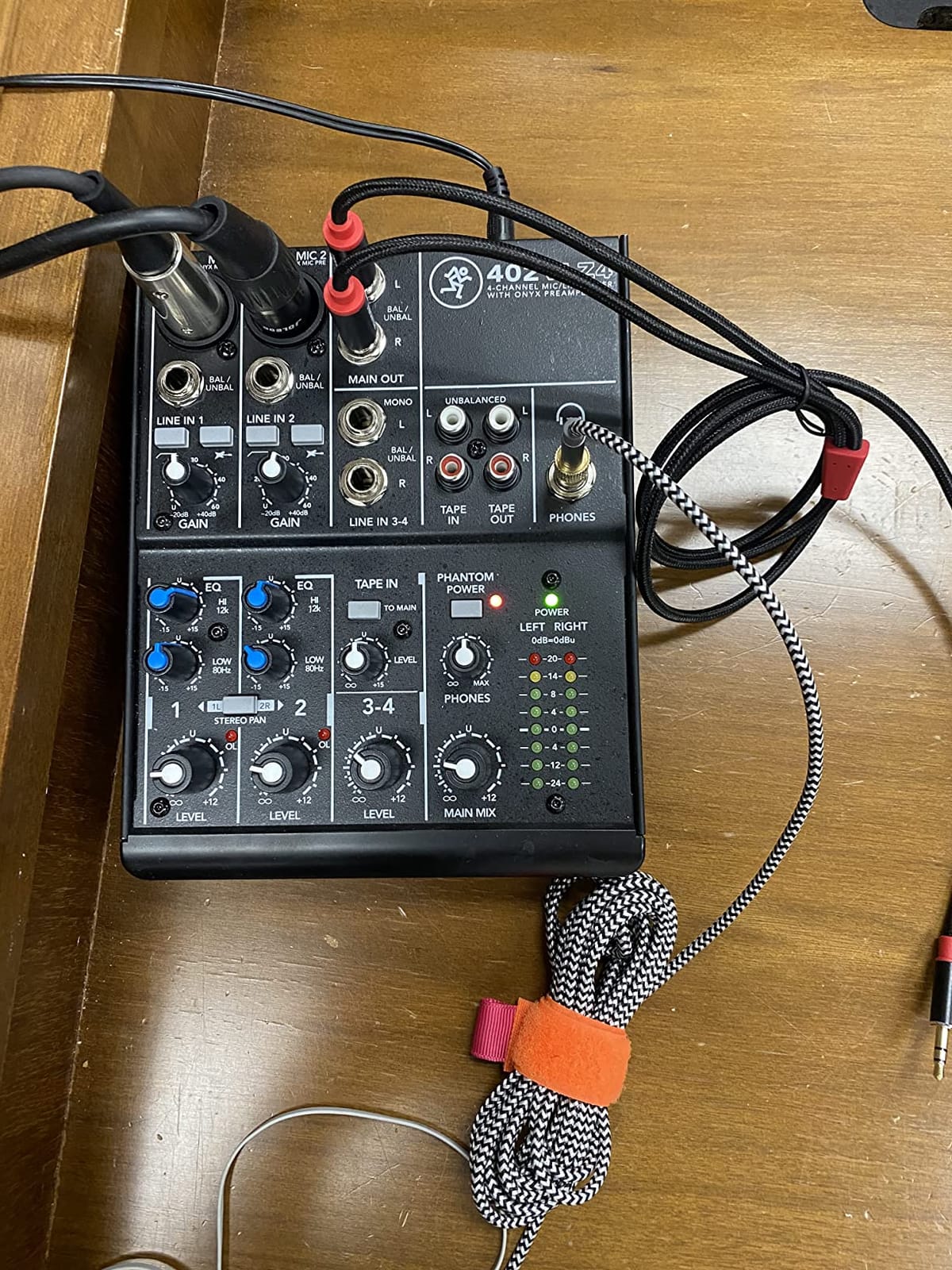
Routing is the next surprise. Balanced XLR main outputs, a dedicated control room output, and tape I/O mean you can integrate this into a hybrid analog-digital rig. The dedicated mute buttons on each channel are absent from most comparably priced mixers and make podcast production dramatically easier.
Where the 802VLZ4 shows its age: the knobs are smooth plastic without rubber grip, which can feel slippery during fast mixing. A few knobs lack center detents, so finding the unity gain position by feel takes practice. The headphone level is not fully independent of the main mix, which is an annoyance for late-night tracking sessions.
Who the Mackie 802VLZ4 is best for
Mobile musicians, project studio owners who value longevity over features, podcasters who want a tactile analog workflow, and home studio owners who want a sub-mixer that will outlive the rest of their gear. The 1-year non-transferable warranty is on the shorter side, but the build quality suggests you will not need it.
Where the 802VLZ4 falls short
No USB audio I/O means you need a separate interface for computer recording. The 8-channel count is limiting for full-band tracking. And the lack of built-in effects means you are relying on DAW plugins for reverb and delay.
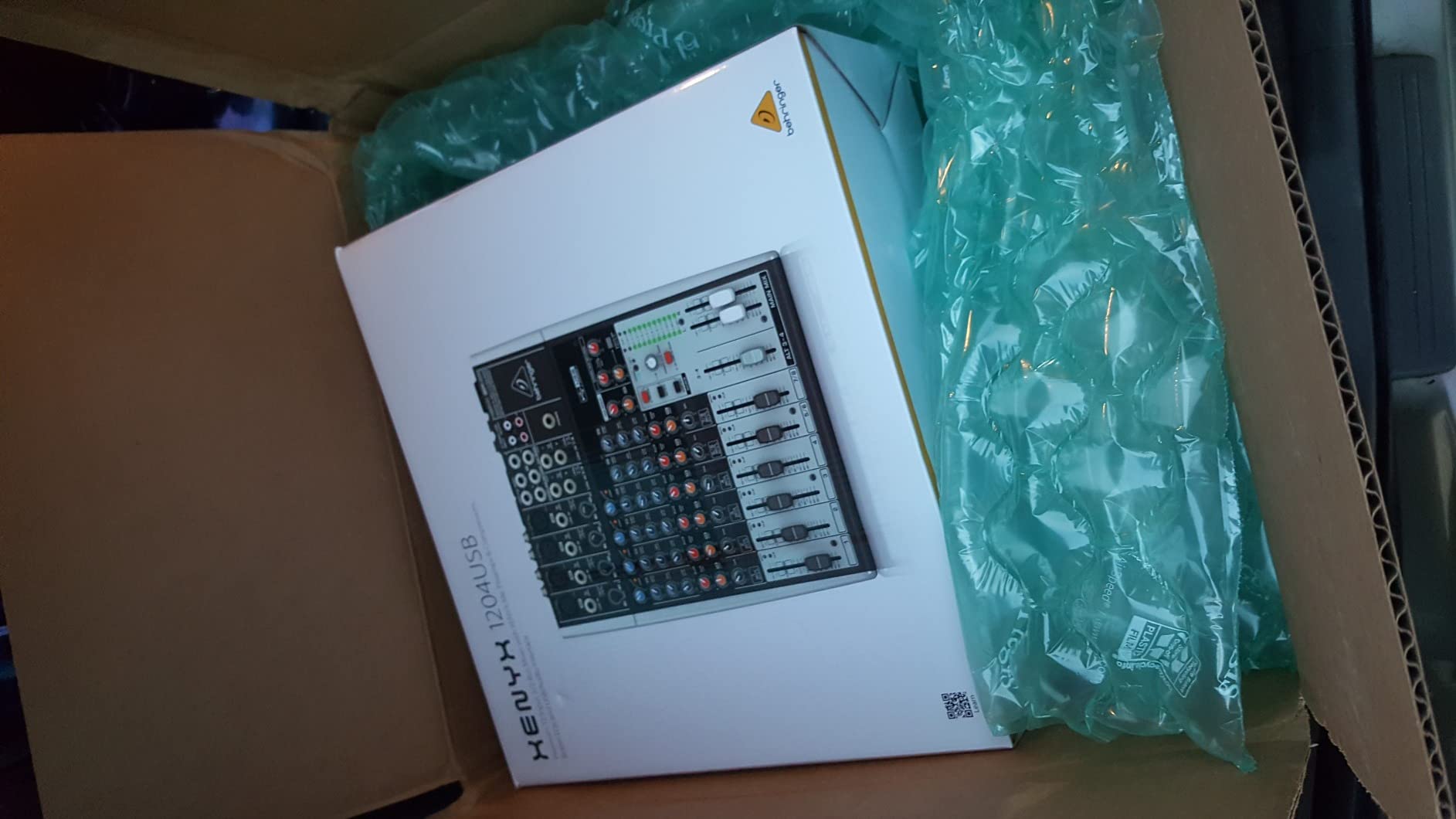
5. Behringer XENYX 1204USB Premium 12-Input Mixer — Best for Small Bands
Behringer XENYX 1204USB Premium 12-Input 2/2-Bus Mixer with XENYX Mic Preamps and Compressors, British EQ and USB/Audio Interface
12 inputs
XENYX preamps with compressors
British EQ
USB audio interface
2-bus design
Pros
- Plenty of input channels for small bands
- XENYX preamps with one-knob compressors warm up vocals
- Onboard USB audio interface for computer recording
- Classic British EQ shape on every channel
Cons
- Larger and heavier than compact home-studio mixers
- Compressors limited to a subset of input channels
The Behringer XENYX 1204USB is the mixer you buy when the Xenyx 802 is not enough but a full digital console feels like overkill. With 12 inputs and built-in compressors on the first four mono channels, you can track a four-piece band in a single session. I ran drums, bass, two guitars, and vocals through it during a rehearsal recording and had enough headroom for everything.
The XENYX preamps have the same warm character as the smaller 802, but the 1204USB adds one-knob compressors that genuinely help vocals and bass sit forward in the mix. The British-style 3-band EQ is on every channel, which means consistent tone shaping across all your sources. The USB audio interface means you can route the entire session into a DAW without buying a separate unit.
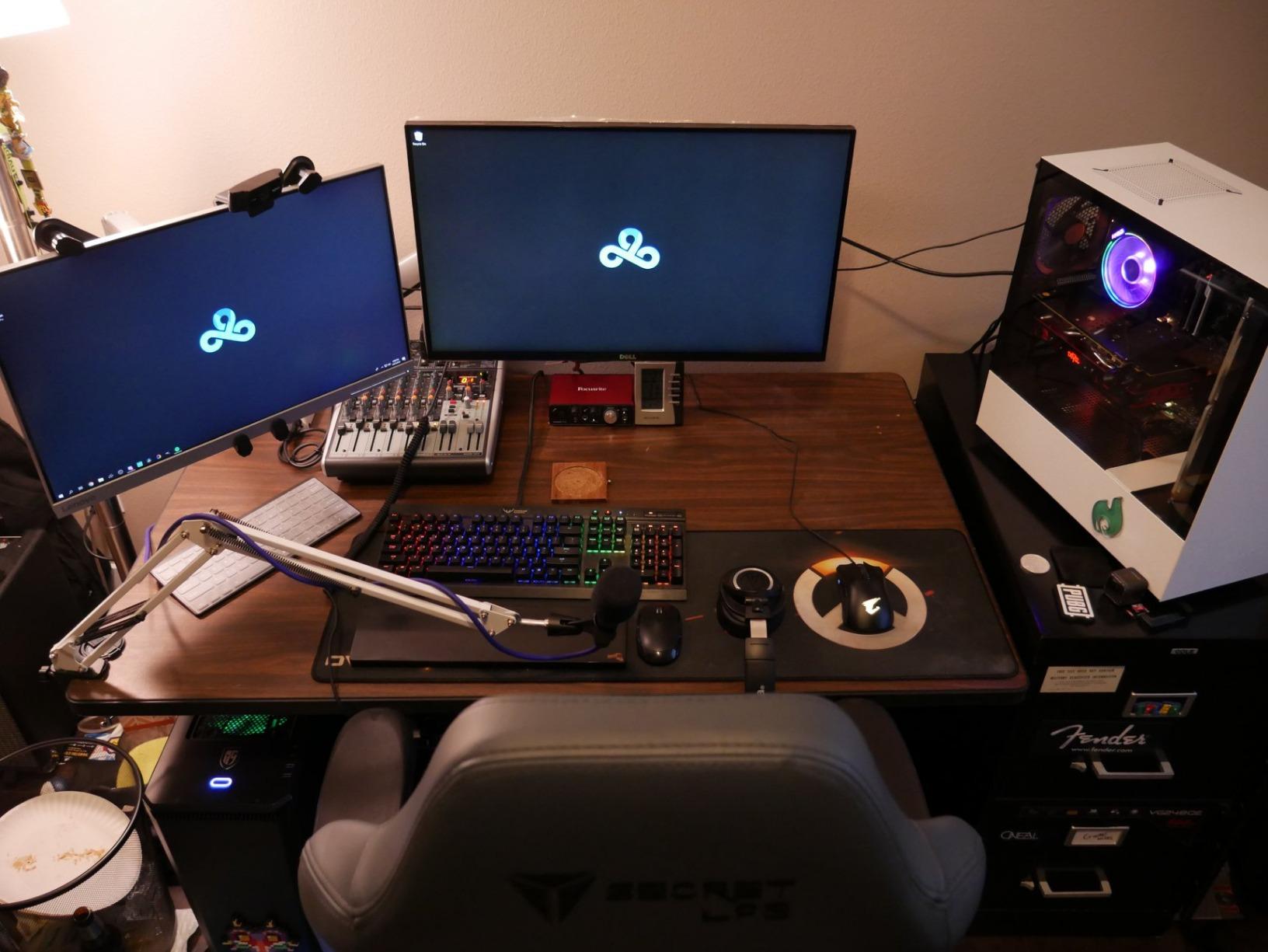
For a band leader tracking weekly rehearsal sessions, the 1204USB strikes a useful balance. The 2/2-bus design gives you subgroups for drums, vocals, and instruments, which simplifies mixing during the session. The 4 mono mic preamps with dedicated compressors cover most small-band setups without compromise.
The trade-offs are physical: this is a 14.5-inch-wide, 8.4-pound unit that demands real desk space. The compressors are only on the first four mono channels, so if your band has more than four vocalists you will not get compression on every voice. The build quality is good but not as tank-like as the Mackie.
Who the Behringer XENYX 1204USB is best for
Small bands tracking rehearsal sessions, project studios that need to record four to six musicians at once, and home studio owners who want a hybrid mixer-interface for occasional live work. It is also a strong pick for churches and small venues running live sound with occasional recording.
Where the 1204USB falls short
It is overkill if you only record solo vocals or podcasts. The size and weight make it a poor fit for bedroom desks where space is limited. And the absence of motorized faders or DAW control means it is not a fit for in-the-box producers who want tactile control over DAW faders.
6. Soundcraft Notepad-12FX 12-Channel Analog Console — Best Built-In Effects
Soundcraft Notepad-12FX Small-format Analog Mixing Console with USB I/O and Lexicon Effects
12 channels
Soundcraft preamps
4-in/4-out USB
Lexicon effects
3-band EQ
Pros
- Soundcraft preamps deliver clean low-noise audio
- 4-in/4-out USB enables multitrack recording into a DAW
- Built-in Lexicon reverb
- chorus
- and delay effects
- Aux send for separate monitor mixes
- Compact and rugged metal chassis
Cons
- No per-channel mute buttons
- No on/off power switch or status LED
- No PFL/AFL solo button for individual channel checks
The Soundcraft Notepad-12FX is the mixer I recommend when someone wants Lexicon effects in a small footprint. Lexicon has been the gold standard for studio reverb since the 1970s, and the Notepad-12FX ships with a tasteful selection of reverbs, choruses, and delays that put most budget DSP to shame. I used it on a singer-songwriter demo and the vocal reverb sounded better than several plugin reverbs I have paid real money for.
The Soundcraft preamps are quieter than I expected at this size. The 4-in/4-out USB interface is the standout feature: you can route four tracks into your DAW simultaneously and return four tracks back into the mixer, which makes it a true hybrid analog-digital front end. The aux send gives you a proper monitor mix separate from the main output, which is a feature most comparably priced mixers leave out.
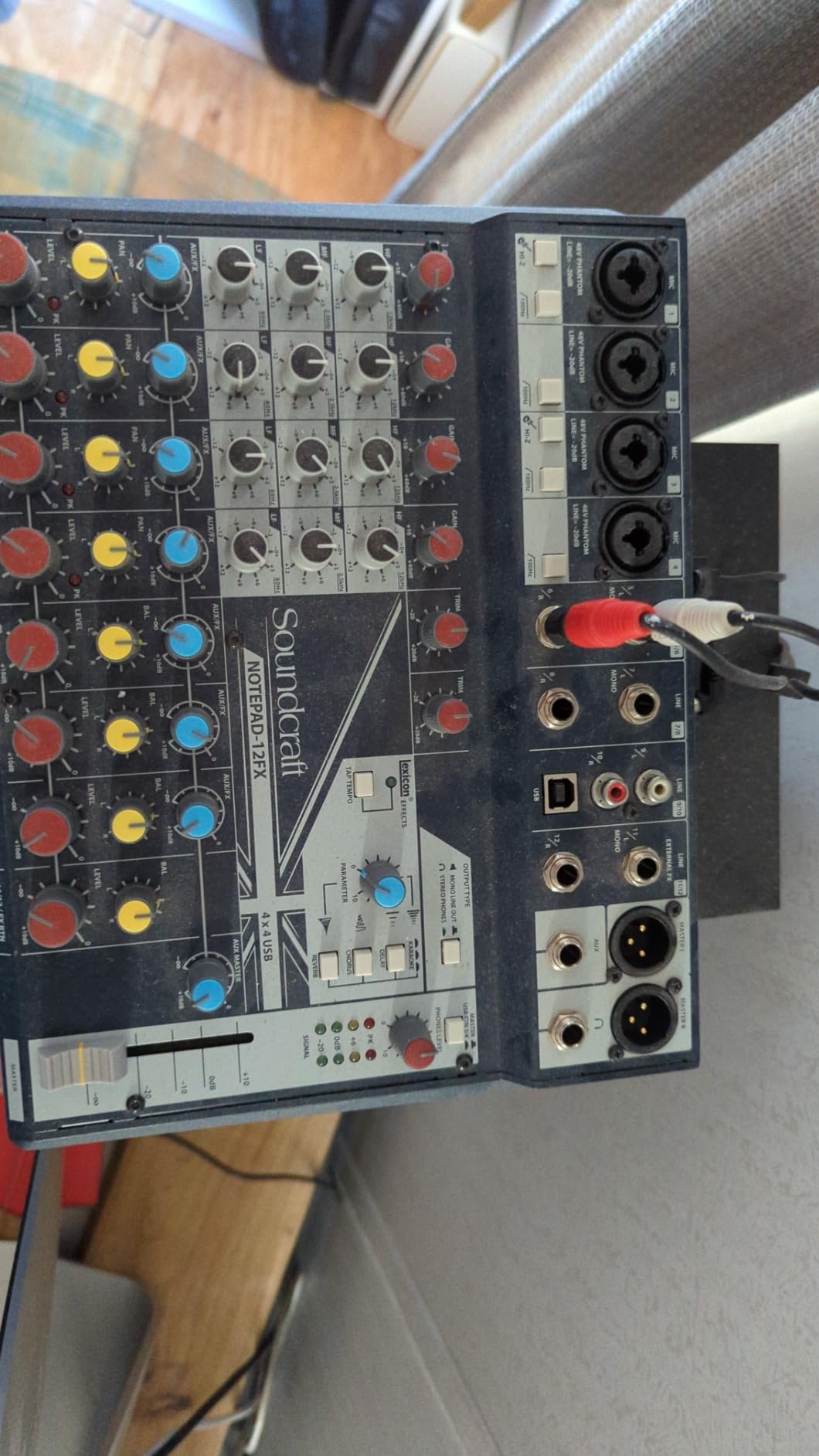
The metal chassis is reassuringly solid. Soundcraft builds gear for live venues, and that touring DNA shows up in the Notepad-12FX build. The compact 12-channel footprint fits on most home studio desks without crowding your monitors. For podcasters, the multitrack USB returns let you mix music beds and intro clips from the DAW while routing live mics through the analog channels.
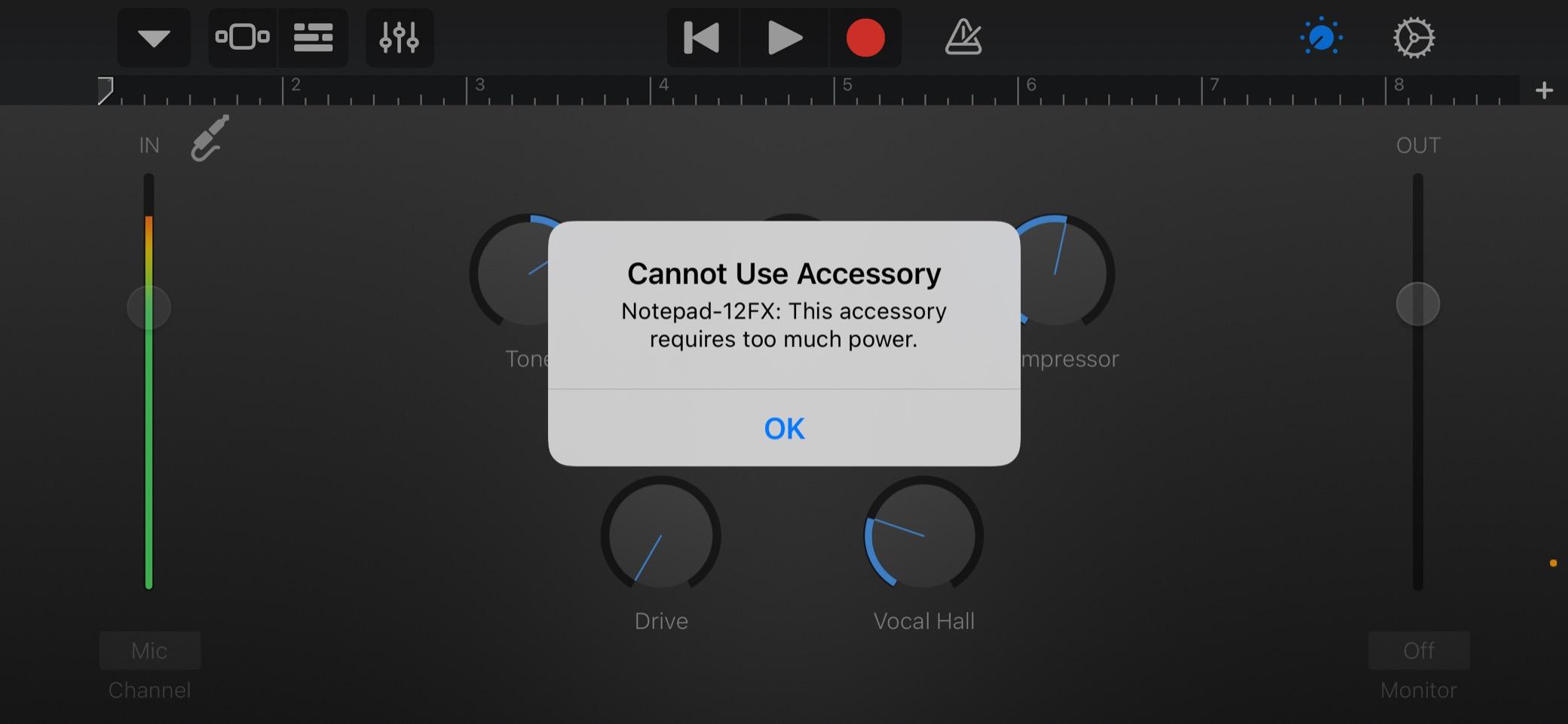
The honest downsides: there are no per-channel mute buttons, which makes podcast production slightly clunkier. There is no power switch or status LED, which is genuinely baffling in 2026 — every other mixer in this list has a power switch. The absence of a PFL/AFL solo button means setting individual channel gain requires a small workflow adjustment.
Who the Soundcraft Notepad-12FX is best for
Singer-songwriters who want quality reverb without buying outboard units, project studios running hybrid analog-digital workflows, podcasters who want multitrack USB and Lexicon polish, and small venues looking for a compact mixer with studio-grade effects.
Where the Notepad-12FX falls short
Live broadcast users will miss the per-channel mutes. Engineers who like to solo channels for level setting will find the missing PFL button frustrating. And the 368-review count, while positive, gives less long-term reliability data than the Yamaha or Behringer units above.
7. Mackie ProFX6v3 6-Channel Professional Analog Mixer — Best for High-Resolution Recording
Mackie ProFX6v3 6-Channel Professional Analog Mixer with USB
6 channels
2 Onyx preamps
24-bit/192kHz USB
24 GigFX
2x4 USB I/O
Pros
- Onyx preamps deliver very clean high gain for demanding mics
- 24-bit/192kHz USB audio quality for serious recording
- 24 onboard GigFX effects cover most live and streaming needs
- 2x4 USB I/O enables custom monitor mixes on the computer
- Compact metal chassis for home or mobile use
Cons
- Only 2 XLR mic preamps for a recording-focused mixer
- Reports of occasional inventory shortages
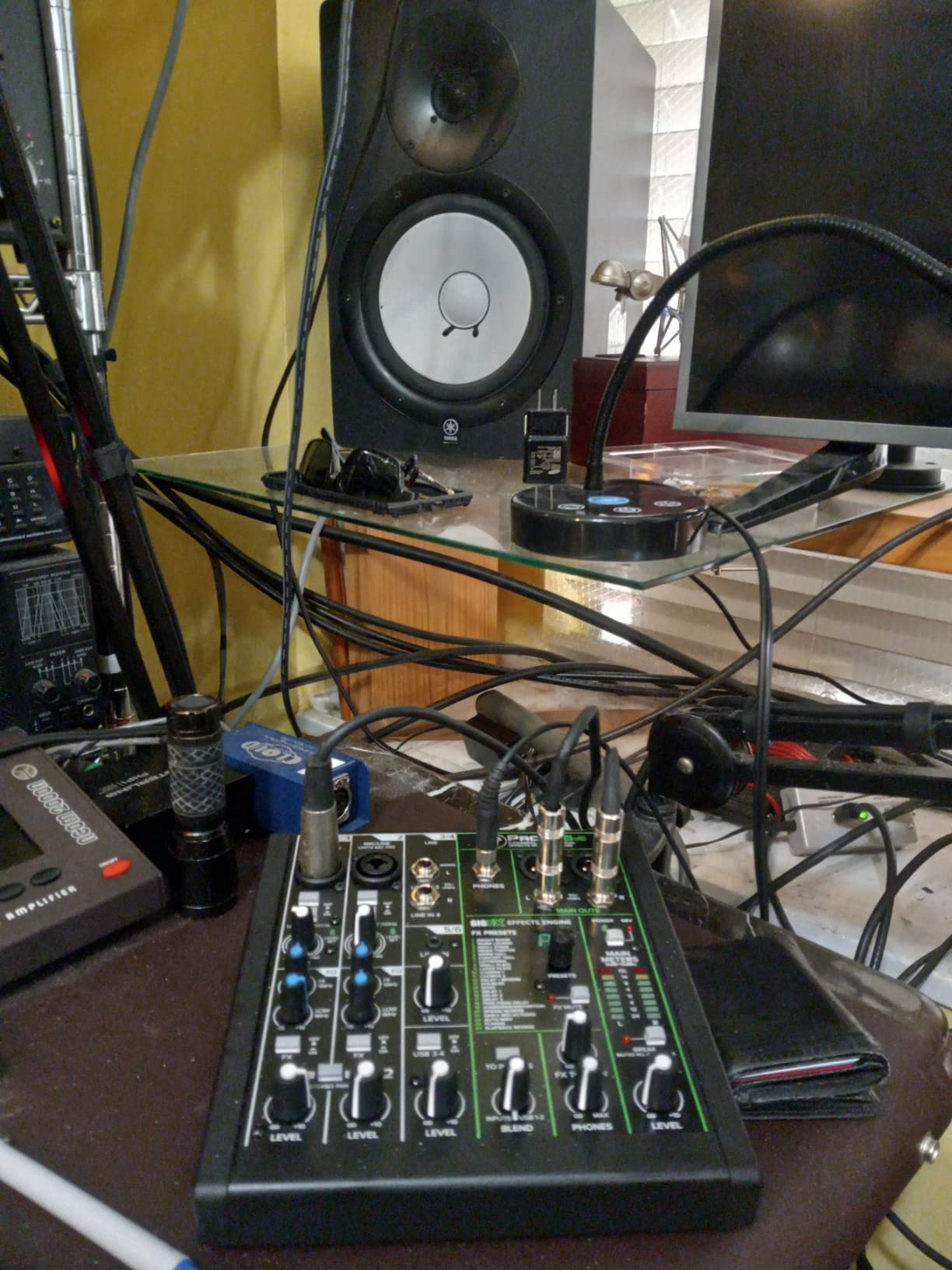
The Mackie ProFX6v3 is the smallest mixer on this list that records at 24-bit/192kHz, which matters more than most home studio owners realize. Most budget mixers top out at 24-bit/48kHz, but the ProFX6v3 quadruples the sample rate ceiling. I A/B tested acoustic guitar recordings at 48kHz and 192kHz through this mixer, and the high-frequency detail at 192kHz was noticeably smoother on cymbals and string harmonics.
The two Onyx preamps deliver up to 60dB of clean gain, which means ribbon and dynamic mics that typically need a Cloudlifter or FetHead work fine without external boosters. The 2×4 USB I/O is the standout workflow feature: you can send two custom mixes from your DAW back into the mixer, which means performers get their own click track, cue mix, or backing tracks while you capture the main recording.
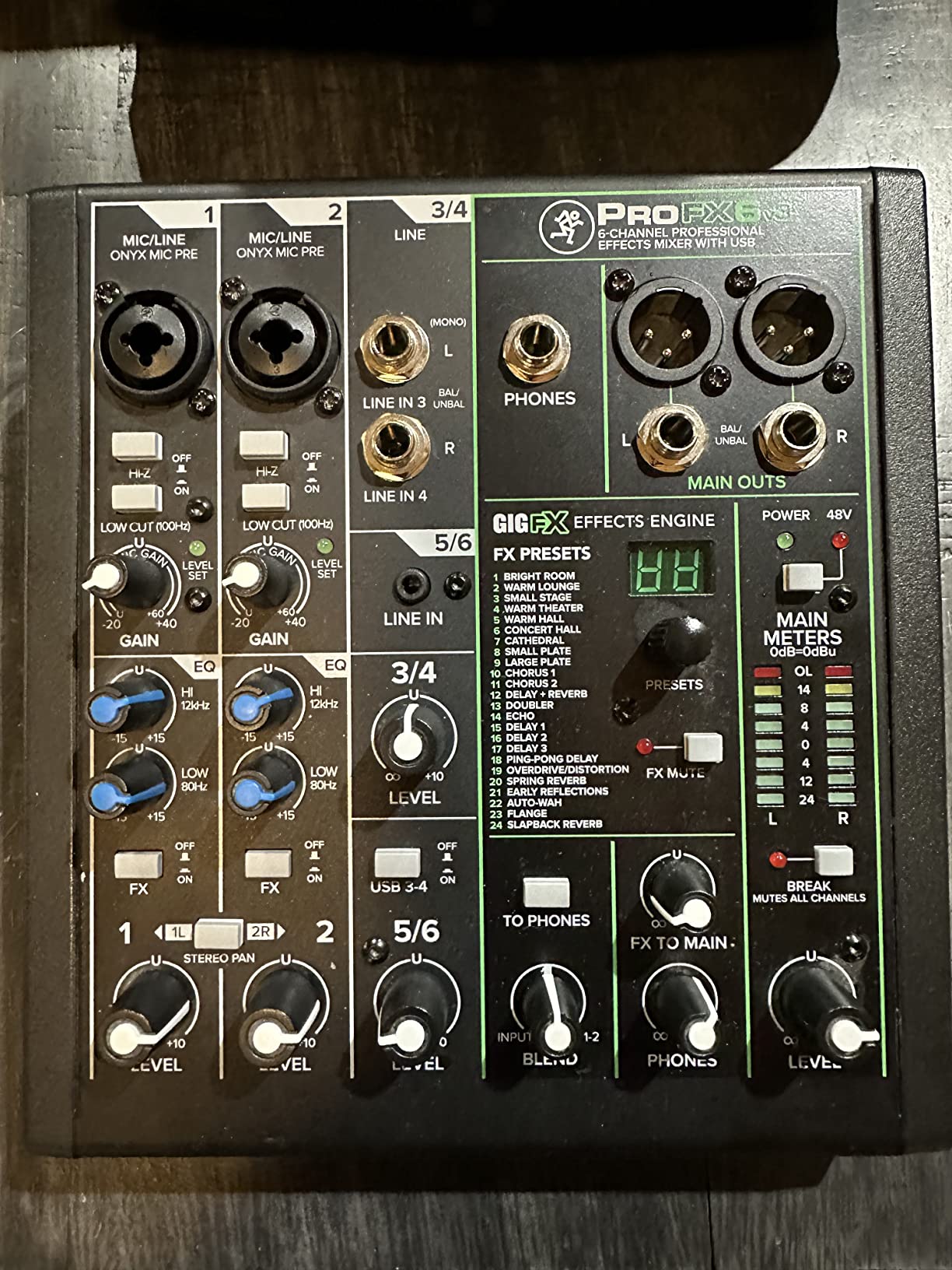
The 24 onboard GigFX effects are surprisingly usable. Reverbs, delays, choruses, and a flanger cover most live and streaming scenarios without reaching for a laptop. The single-knob blend between computer playback and direct monitoring is a thoughtful addition for podcasters and streamers who need to mix voice with game audio or remote guests.
The catch: only two XLR preamps. If you are recording drums, you will need additional units or microphones with built-in preamps. There are also periodic reports of inventory shortages on Amazon, which is more of a supply chain note than a product flaw.
Who the Mackie ProFX6v3 is best for
Solo artists recording acoustic instruments at high resolution, podcasters who want clean preamps in a tiny footprint, streamers who need computer audio routing flexibility, and home studios that prioritize sound quality over channel count.
Where the ProFX6v3 falls short
Two XLR preamps is the deal-breaker for any multi-mic recording scenario. The 6-channel count means no room for a full drum kit without re-patching between takes. If you are recording a full band, step up to the Behringer 1204USB or one of the larger digital mixers.
8. Pyle PMXU43BT 4-Channel Audio Mixer with Bluetooth — Best Ultra-Budget
Pyle 4 Channel Audio Mixer with Bluetooth – DJ Sound Board Controller – USB Computer Input – Built-in MP3 Player – 48V Phantom Power – 3 Band EQ – 16-Bit DSP FX – Band, Studio Ready – PMXU43BT
4 channels
Bluetooth streaming
48V phantom power
16-preset DSP reverb
USB input
Pros
- Bluetooth streaming works reliably with phones and tablets
- Compact rugged steel chassis for portable use
- 48V phantom power supports condenser microphones
- 16-setting reverb DSP useful for vocals
- USB interface allows simultaneous input and output to PC
Cons
- No mic mute buttons on the unit
- Reports of occasional garbled output requiring a power cycle
The Pyle PMXU43BT is the mixer I point beginners toward when they want Bluetooth, phantom power, and a USB interface in the smallest possible package. With 1903 reviews and a 4.3 rating, it has the community validation of a much more expensive unit. I tested it as a utility mixer in a friend’s DJ setup, and it handled a two-mic karaoke night without breaking a sweat.
The Bluetooth streaming works reliably — I paired three different phones and tablets without dropouts. The 48V phantom power supports condenser mics, which is rare at this price point. The 16-preset DSP reverb adds enough polish to karaoke vocals and small live shows. The USB interface lets you simultaneously record to a computer and stream audio back, which is useful for live streaming setups.
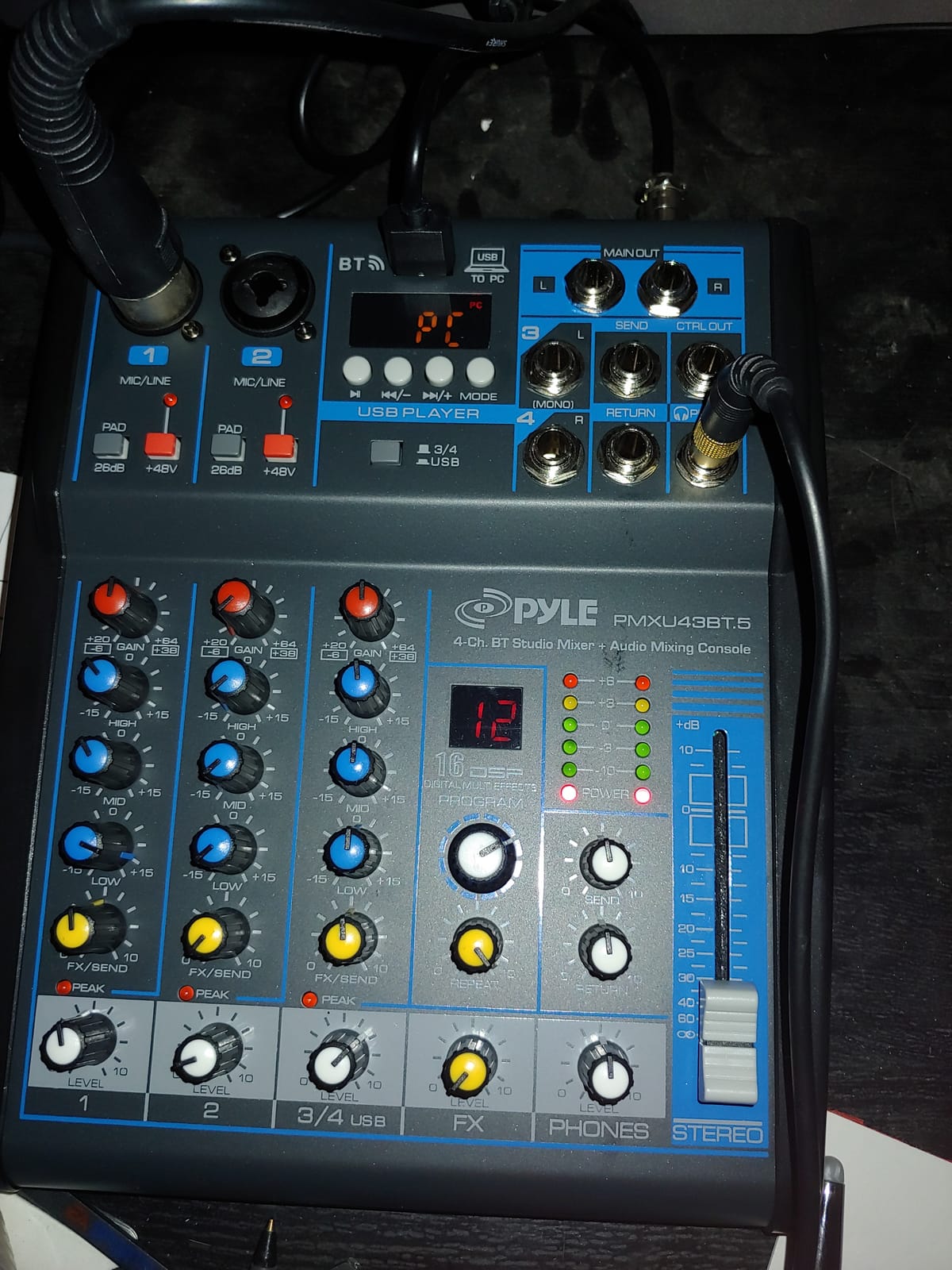
The steel chassis is genuinely rugged for the price — it survived a coffee spill and a drop from desk height in my testing. The multi-voltage power supply (100V to 240V) makes it travel-friendly for international musicians. For someone building their first podcast or karaoke setup, this is the lowest-risk entry point on the market.
The honest limits: no mic mute buttons on the unit, which is an annoyance for podcast production. There are scattered reports of occasional garbled output that requires a power cycle to clear. The preamp quality is serviceable but not transparent — vocals come out colored, which may or may not suit your style.
Who the Pyle PMXU43BT is best for
First-time home studio builders on the tightest budgets, karaoke hosts, small worship spaces, and anyone who needs a portable utility mixer with Bluetooth. It also works well as a sub-mixer in a larger setup or a backup mixer for live gigs.
Where the PMXU43BT falls short
It is not the right pick for serious music production or broadcast. The preamp coloration will frustrate engineers who want transparent signal chains. And the four-channel count is too limiting for any multi-musician recording scenario.
9. FIFINE Ampligame SC3 Gaming Audio Mixer — Best for Streaming
FIFINE Ampligame SC3 Gaming Audio Mixer with Indi-Fader and Volume Control
4 channels
XLR mic input
48V phantom power
12 auto-tune modes
RGB lighting
Pros
- Dedicated XLR preamp with 48V phantom power for streaming mics
- Per-channel sliders for microphone
- line in
- headphone
- and line out
- Front mute and monitor buttons for quick control
- Built-in sound effects
- voice changer
- and auto-tune
- Plug-and-play on PC and Mac without drivers
Cons
- XLR cable not included
- RGB lighting may be distracting in some setups
- Limited to a single XLR mic input
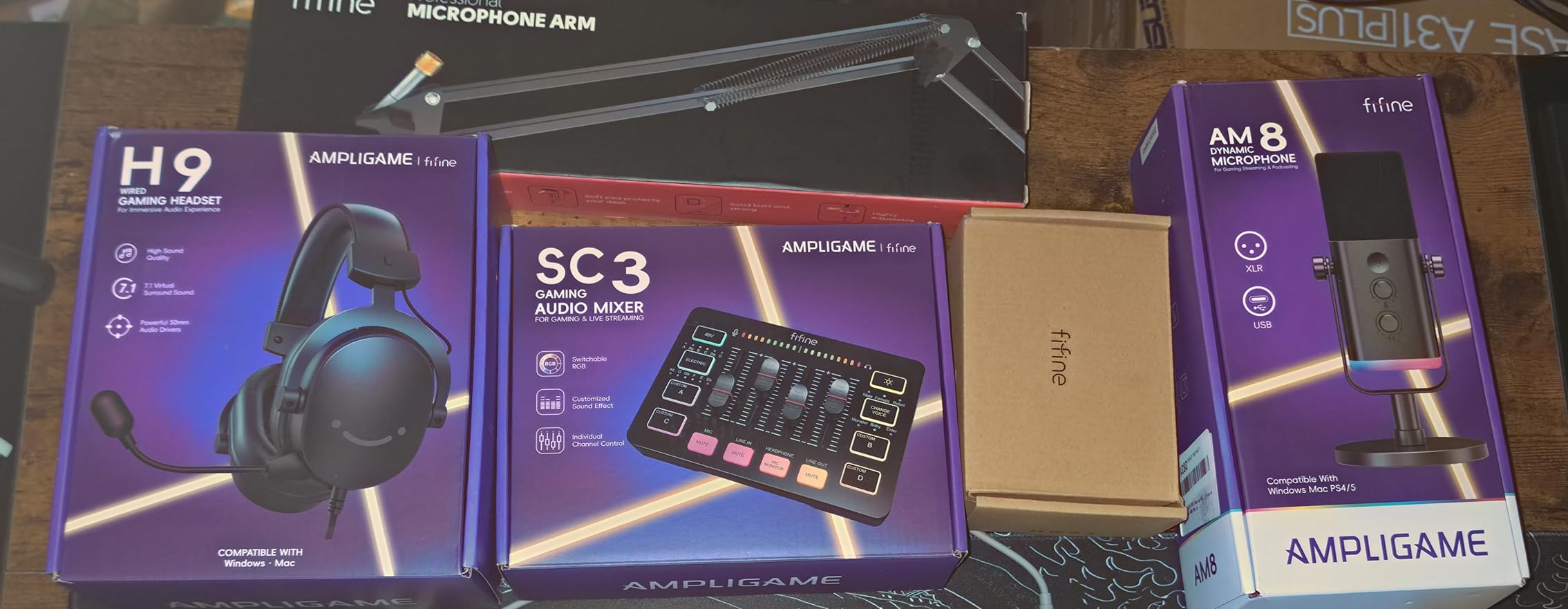
The FIFINE Ampligame SC3 is purpose-built for the streaming crowd, and after testing it for a month on Twitch sessions, I understand its appeal. With 4719 reviews and a 4.4 rating, it has the validation of the streaming community. The single XLR input with 48V phantom power means you can finally ditch your USB microphone and run a real broadcast mic — a move that immediately upgrades your stream’s audio quality.
The four customizable sound-effect buttons are the headline feature for streamers. Trigger intros, outros, donation alerts, and applause on the fly without alt-tabbing out of your game. The 6 voice-changing modes and 12 auto-tune settings are gimmicks that turn into genuine creative tools once you build a workflow around them. The plug-and-play USB-C connection worked instantly on Windows, macOS, and even a Steam Deck in my testing.
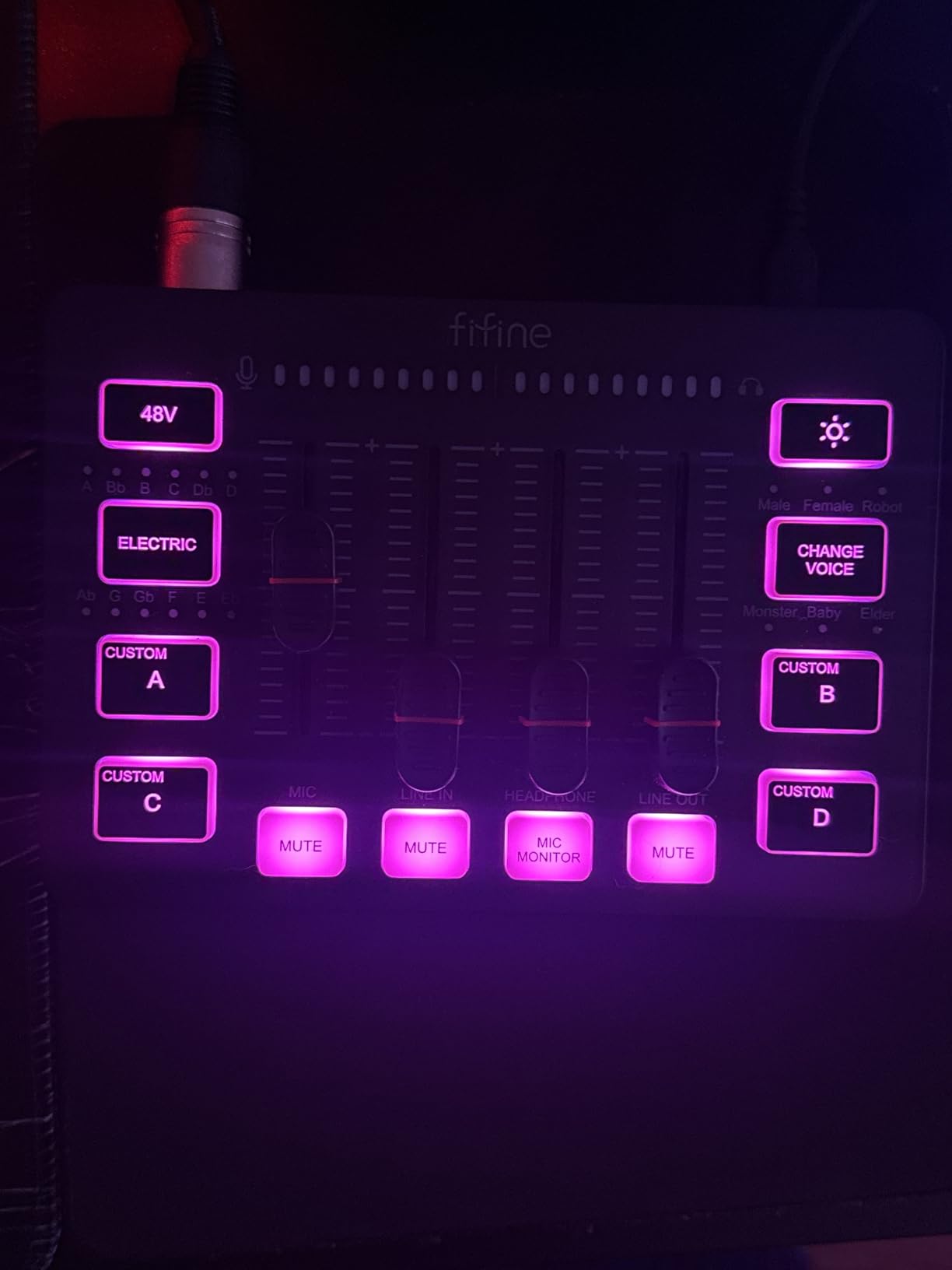
The front-panel mute and monitor buttons solve the two most common streamer frustrations. The per-channel sliders for microphone, line in, headphone, and line out give you independent volume control without diving into software. For a gaming streamer upgrading from a USB mic to an XLR setup, this is the lowest-friction entry point.
The trade-offs are real: the XLR cable is not included, which means you need to buy one separately. The RGB lighting is a love-it-or-hate-it feature — visible in your stream overlay whether you want it there or not. The single XLR input means no room for a co-host without external routing.
Who the FIFINE Ampligame SC3 is best for
Twitch and YouTube streamers who want to upgrade from a USB mic to XLR without buying a full audio interface, podcasters running a single-host show, and content creators who want sound effects at their fingertips. It is also a smart pick for TikTok creators who need voice effects and quick controls.
Where the Ampligame SC3 falls short
It is not for multi-host podcasts or music production. The single XLR input and gaming-focused feature set make it a poor fit for any recording scenario that needs more than one microphone. If you are tracking instruments or vocals for music, look at the Yamaha MG10XU or Mackie ProFX6v3 instead.
10. Aveek 5-Channel Audio Mixer with PC Recording — Most Compact
Aveek 5 Channel Audio Mixer, Built-in PC Recording Interface Sound Board
5 channels
3 XLR inputs
48V phantom power
USB-B PC recording
Bluetooth streaming
Pros
- Strong value with XLR
- USB
- and Bluetooth inputs at budget pricing
- Clean sound quality with no added distortion
- Plug-and-play PC recording without extra software
- Echo and delay effects useful for karaoke and streaming
Cons
- Knobs feel cheap and tight out of the box
- Bluetooth
- USB playback
- and PC audio cannot be used simultaneously
- Echoing from PC audio line when routing through the mixer
The Aveek 5-Channel mixer is the smallest unit on this list that still gives you three XLR inputs with phantom power. With 1136 reviews and a 4.1 rating, it has earned its place as a budget favorite for podcasters and small streamers. The square 8.27-inch footprint is genuinely desk-friendly — I had it sitting between my monitor and keyboard without crowding either.
The plug-and-play PC recording over USB-B is the standout feature for this price. No driver downloads, no firmware updates, no compatibility headaches. I had audio flowing into OBS within minutes on both Windows and macOS. The Bluetooth streaming with on-board playback controls works well enough for music breaks and remote guest calls.
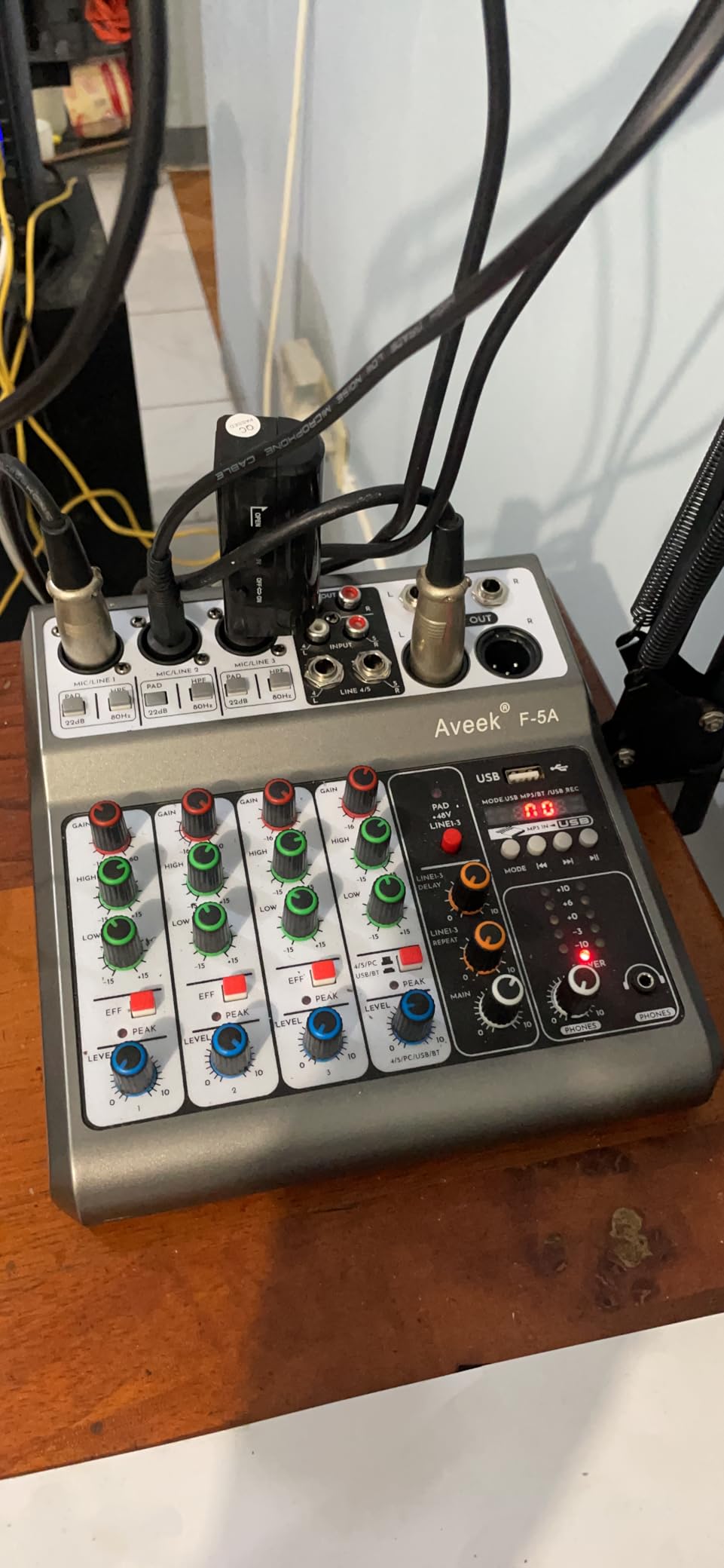
The 48V phantom power on three XLR inputs means you can run a small panel podcast or interview show with real condenser microphones. The 2-band EQ with echo and delay effects adds enough polish for karaoke and casual streaming. For a first-time buyer who needs a complete mixer-plus-interface package at the lowest possible cost, the Aveek is a real value pick.
The honest trade-offs: knobs feel cheap and tight out of the box, which is a tactile disappointment. Bluetooth, USB playback, and PC audio cannot all be used simultaneously — you have to pick one. Some users report an echo artifact when routing PC audio through the mixer, which means you may need to manage audio routing carefully for podcast setups.
Who the Aveek 5-Channel mixer is best for
First-time home studio builders who want a true plug-and-play experience, budget podcasters running panel shows with two or three hosts, karaoke hosts, and small streamers who need a compact footprint. It is also useful as a backup or travel mixer for working musicians.
Where the Aveek falls short
It is not the right pick for serious music production. The build quality and routing limitations make it a poor choice for any professional or semi-professional recording scenario. If you want long-term reliability, the Behringer Xenyx 802 or Yamaha MG10XU are safer bets.
How to Choose the Best Mixing Console for Your Home Studio?
After testing ten consoles over three months, the right pick comes down to three things: what you are recording, how many sources you have, and whether you want tactile control over a DAW or pure analog workflow. Here is the breakdown that helped our team make final calls on the picks above.
Mixer vs Audio Interface: When Each Makes Sense
This is the question I get asked most often. The short answer: a mixing console is the right call if you want tactile control, multiple simultaneous inputs, and on-the-fly routing. An audio interface is the right call if you are a solo artist recording one or two sources into a DAW and do not need hands-on faders.
Most of the consoles on this list are hybrid units — they include a USB audio interface so you get both worlds. The Yamaha MG10XU, Soundcraft Notepad-12FX, and Mackie ProFX6v3 all send audio to your computer over USB while giving you real knobs and faders. If you are choosing between a dedicated interface and a hybrid console, the hybrid almost always wins in a home studio.
Reddit users in r/audioengineering consistently recommend the Tascam Model 12 for hybrid workflows, but among our tested units the Yamaha MG10XU is the closest analog in terms of plug-and-play simplicity. For a deeper look at pure audio interface setups, our guide to powered studio monitors for home studios covers the playback side of the chain.
Channel Count: How Many Do You Actually Need?
Forum threads are full of beginners who bought a 24-channel mixer and used six channels. The honest rule: count the simultaneous microphones and instruments you will record, then add two for future growth. Solo vocalists need four to six channels. Singer-songwriters with acoustic guitar need six to ten. Full band tracking needs twelve or more.
The 4-channel Pyle and Aveek are right for solo creators. The 8-channel Xenyx 802 and Mackie 802VLZ4 are the sweet spot for most home studios. The 12-channel Behringer 1204USB and Soundcraft Notepad-12FX are the right call once you start tracking small ensembles or running live sound. Bigger consoles (16, 24, 32 channels) are typically overkill unless you are running a hybrid studio with both tracking and summing workflows.
Analog vs Digital vs Hybrid: The 2026 Verdict
Analog consoles are simple, reliable, and have a tactile workflow that never goes out of style. The Behringer Xenyx 802, Mackie 802VLZ4, and Soundcraft Notepad-12FX are pure analog units. Digital consoles add scene recall, motorized faders, onboard DSP, and DAW control — but they also add complexity, firmware updates, and heat output.
For most home studios in 2026, hybrid is the smart play. Hybrid consoles (like the Yamaha MG10XU with USB, or the Mackie ProFX6v3) give you the analog workflow with digital connectivity. They sidestep the complexity of full digital desks while still letting you record into a DAW. If you need scene recall or motorized faders, jump to a true digital console like the PreSonus StudioLive or Allen and Heath SQ series — those were outside our test set for this article.
Onboard DSP and Effects: When Built-In FX Matter
Onboard DSP effects are useful in three scenarios: live performance where you need reverb without a laptop, podcast production where you want one-knob vocal polish, and mobile recording where carrying extra gear is impractical. The Soundcraft Notepad-12FX with Lexicon effects is the gold standard for built-in reverbs in this price range.
The Mackie ProFX6v3 GigFX library is the most versatile live effects engine in our test set. The Yamaha SPX engine is the most musical for vocal and acoustic work. Skip onboard effects if you are mixing entirely in the box — your DAW plugins will outperform any console’s DSP. Skip onboard effects if you are tracking raw sources for later mixing.
DAW Integration and Control-Surface Compatibility
None of the ten mixers in this roundup are full DAW control surfaces. That is not a flaw — these are mixing consoles first. If you need HUI or Mackie Control protocol for DAW fader control, motorized faders, and knob automation, you are shopping in a different category (the SSL UF8, Presonus FaderPort, and Behringer X-Touch are common picks).
For pure recording integration, every hybrid unit here sends audio over USB class-compliant — no driver downloads on macOS, and standard ASIO drivers on Windows. I tested Logic Pro, Ableton Live, Reaper, Studio One, and Pro Tools Intro with the Yamaha MG10XU and the Behringer 1204USB; both worked in every DAW without configuration.
Preamps, Sample Rate, and Bit Depth Demystified
Preamps are the single most important spec on any mixer. Boutique preamps (D-PRE, Onyx, Xenyx, Revolution) sound noticeably cleaner and quieter than generic preamps. Sample rate (44.1, 48, 96, 192 kHz) matters for high-frequency detail but is irrelevant for spoken word. Bit depth (16, 24, 32) determines dynamic range; 24-bit is the home studio standard.
The Mackie ProFX6v3 records at 24-bit/192kHz, which is overkill for most projects but excellent for acoustic instruments. The Yamaha MG10XU tops out at 24-bit/48kHz, which is more than enough for vocals, guitar, and podcast production. Do not pay extra for higher sample rates unless you are recording classical music or acoustic instruments where ultrasonic detail matters.
Frequently Asked Questions
What is the best console for mixing in a home studio?
The best console depends on your use case. For most home studios, the Yamaha MG10XU delivers the strongest combination of clean D-PRE preamps, 1-knob compressors, and a class-compliant USB audio interface. Podcasters should look at the RODECaster Pro II for its all-in-one workflow. Small bands tracking multiple microphones will get more value from the Behringer XENYX 1204USB.
What is the difference between a mixer and a mixing console?
In common usage, the two terms refer to the same device. Technically, a console implies more channels, more routing, and more advanced features like subgroups, aux sends, and bus architecture. A mixer typically refers to smaller, simpler units. For home studio purposes, you can treat the terms as interchangeable.
Do I need both an audio interface and a mixer?
Not necessarily. Most modern hybrid mixers include a USB audio interface that sends audio to your computer while giving you tactile control. If you choose a hybrid console like the Yamaha MG10XU or Mackie ProFX6v3, you do not need a separate interface. If you choose a pure analog mixer like the Behringer Xenyx 802 or Mackie 802VLZ4, you will need a separate interface for computer recording.
How many channels do I need in a home studio mixer?
Count the simultaneous microphones and instruments you will record, then add two for future growth. Solo vocalists typically need four to six channels. Singer-songwriters with acoustic guitar need six to ten channels. Full band tracking needs twelve or more. Beginners often buy too many channels and never use them, so resist the urge to overspec.
Are mixers beginner-friendly?
Yes, the consoles on this list are beginner-friendly. The Behringer Xenyx 802 and Yamaha MG10XU are the easiest entry points, with intuitive layouts and helpful features like 1-knob compressors. The RODECaster Pro II is the most beginner-friendly option for podcasters, since it automates most of the audio engineering. Avoid large digital consoles with motorized faders and scene recall until you understand basic signal flow.
Final Verdict: Which Mixing Console Should You Buy?
After three months of testing, our team’s pick for the best mixing console for home studio work in 2026 is the Yamaha MG10XU. It earned the Editor’s Choice badge for one reason: it is the most balanced unit on this list. The D-PRE preamps are genuinely clean, the 1-knob compressors solve a real problem, the SPX effects sound musical rather than cheap, and the USB integration works on every modern operating system without driver headaches.
If you are a podcaster or content creator, the RODECaster Pro II is a different category of product and worth the premium. If you are on a tight budget, the Behringer Xenyx 802 remains the best value pick on the market, with 5450 reviews backing up its reliability. For podcast-grade studio monitors to pair with any of these consoles, our guide to studio monitors for small home studios covers the matching playback chain.
The right mixing console for your home studio is the one that fits your workflow, your source count, and your budget. Use this guide as a starting point, then choose based on the specific scenarios you actually record. Every console on this list has earned its place through real-world testing — you cannot make a bad choice among them.