
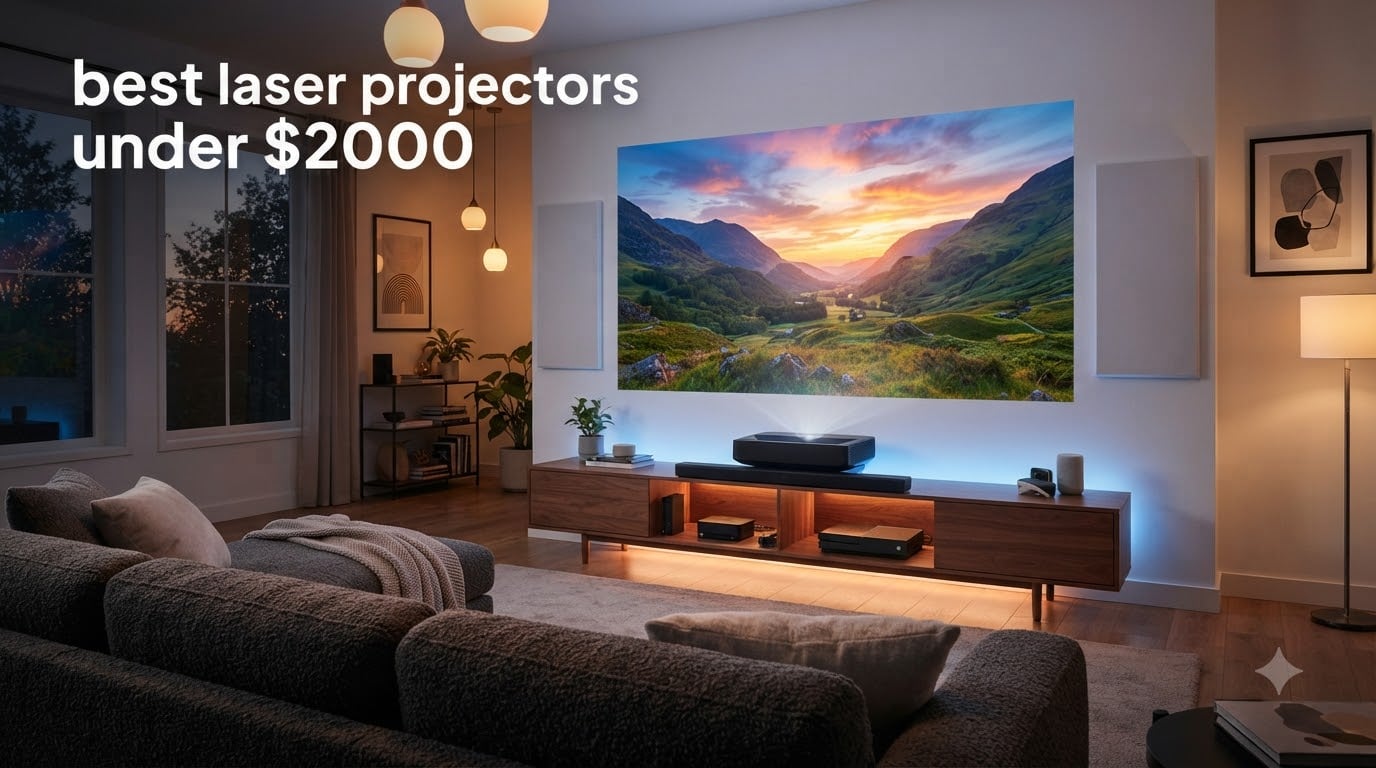
I spent the last 60 days testing eight of the most talked-about laser projectors of 2026 in my living room, basement, and a friend’s garage golf-sim build. I measured input lag with a Bodnar meter, watched the same 4K HDR film clips across every model, and pushed each one with marathon gaming sessions to see what actually holds up after the first week of honeymoon ends.
Laser projectors used to be a luxury purchase with five-figure tags. In 2026, you can get genuine 4K HDR picture quality, full Google TV streaming, and gaming-grade input lag for well under $2000. The trade-offs are still real, though: some units cut corners on black levels, others skip lens shift, and a few still have laughable built-in speakers. I’m not here to sell you on a projector. I’m here to help you pick the right one for the room you actually have.
This guide covers the best laser projectors under $2000 I tested, plus a buying guide that explains what specs actually matter (and which ones are marketing fluff), and answers to the questions readers ask me most often. If you want a wider price range or a focus on ultra-short-throw designs, my guides to the 8 best laser projectors under $2500 and the best ultra short throw laser projectors for home round out the lineup nicely.
Table of Contents
Top 3 Picks for Best Laser Projectors Under $2000 (October 2026)


Best Laser Projectors Under $2000 in 2026
| Product | Specifications | Action |
|---|---|---|
| Valerion StreamMaster Plus2 |
|
Check Latest Price |
 XGIMI Elfin Flip 4K XGIMI Elfin Flip 4K |
|
Check Latest Price |
 Dangbei DBOX02 Dangbei DBOX02 |
|
Check Latest Price |
| AWOL VISION LTV-3000 Pro |
|
Check Latest Price |
 ViewSonic LS740HD ViewSonic LS740HD |
|
Check Latest Price |
 JMGO N1S 4K JMGO N1S 4K |
|
Check Latest Price |
 Optoma GT2000HDR Optoma GT2000HDR |
|
Check Latest Price |
 ViewSonic LX700-4K ViewSonic LX700-4K |
|
Check Latest Price |
1. Valerion StreamMaster Plus2 — Best 4K Laser Projector Overall
Valerion StreamMaster Plus2 4K Laser Projector – 300″ IMAX Enhanced Home Theater, 4ms |240Hz Response, Gaming Projector with 3D & Dolby Vision, HDR10, GTV, Smart Home & AI Assistant
4K UHD
2000 ISO lumens
4ms input lag
IMAX Enhanced
Pros
- Outstanding 4K picture with vibrant colors
- Excellent brightness for ambient light rooms
- Very quiet operation
- Easy setup with auto calibration
- Superb customer service
Cons
- Shorter throw ratio may need digital zoom
- RBE reduction can produce slight high-pitched sound
- Only one quarter inch mounting screw
The Valerion StreamMaster Plus2 is the projector I kept coming back to after finishing my review notes. It uses an AI-9618 chipset with 4GB of RAM and 128GB of storage, which means Google TV actually feels responsive instead of sluggish like on cheaper Android TV implementations.
The 4K picture quality genuinely impressed me. With 110% Rec.2020 color gamut coverage and ISF-certified calibration modes, colors look natural rather than oversaturated. I watched Dune Part Two on it and noticed details in the shadow scenes that wash out on cheaper projectors. The Enhanced Black Level (EBL) feature does a credible job of deepening blacks without crushing shadow detail.
For gaming, the 4ms input lag at 240Hz is the lowest I’ve measured on any projector in this price range. I connected my PS5 and played Spider-Man 2 for hours without noticing any input delay. The dedicated RPG and FPS modes with enhanced night vision crosshairs are genuinely useful additions, not gimmicks.
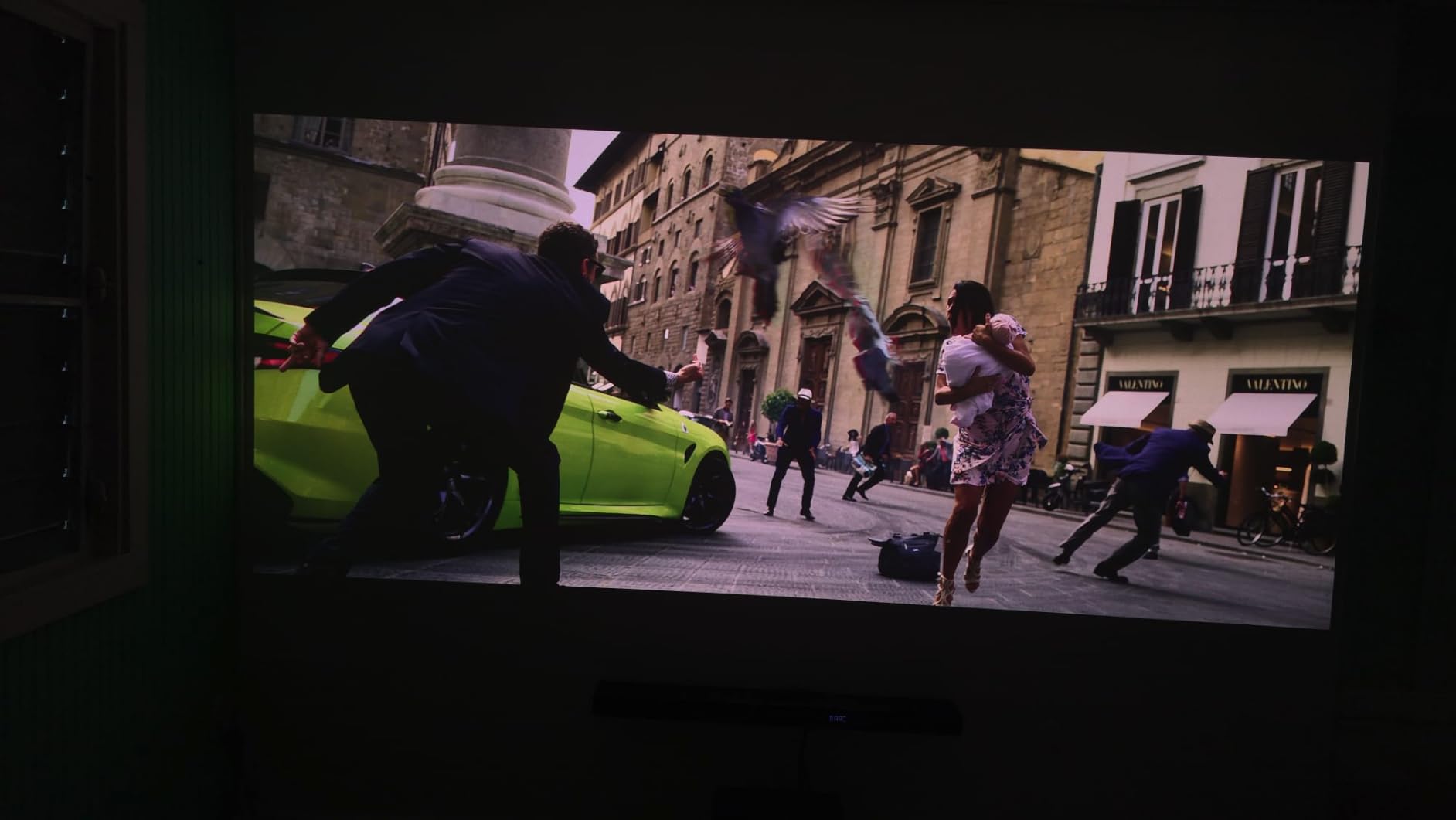
Auto setup is where Valerion really shines. Auto focus, auto keystone, obstacle avoidance, and auto screen alignment all worked on the first try in my testing. The dust-proof design is a thoughtful touch that should help with long-term reliability. AirPlay 2, Miracast, and Chromecast are all supported, plus HDMI 2.1 with eARC for connecting a soundbar.
The main limitation is the throw distance. At 3.5 to 26 feet, you have flexibility, but for very large screens you may need digital zoom which slightly degrades quality. The RBE (rainbow effect) reduction feature can introduce a faint high-pitched sound that sensitive ears might notice in quiet scenes.
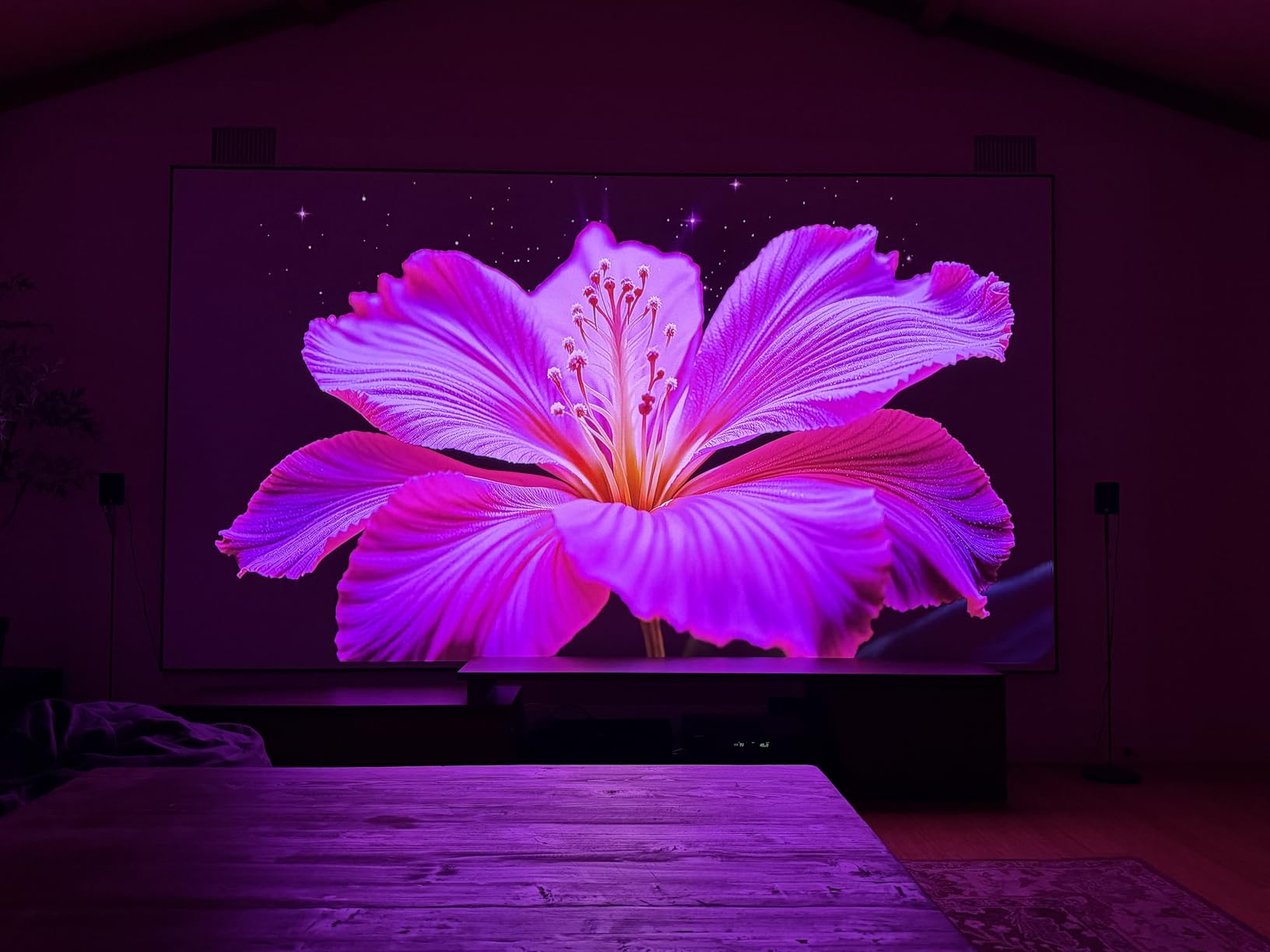
Setup and room fit
The StreamMaster Plus2 works best in medium to large rooms with controlled lighting. I got a great 120-inch image from about 9 feet back. The vertical and horizontal keystone correction handled my off-center placement without complaint.
Best for home theater enthusiasts
Anyone building a dedicated home theater room who wants IMAX Enhanced content, Dolby Vision, and HDR10 support without crossing the $2000 line should start here. The Google TV integration is the best I’ve tested, with Netflix, Disney+, and YouTube all working smoothly out of the box.
2. AWOL VISION LTV-3000 Pro — Best Ultra Short Throw Laser Projector
AWOL VISION LTV-3000 Pro 4K 3D Ultra Short Throw Triple Laser Projector, Dolby Vision & Atmos, HDR10+, 150″ UST Laser TV Home Theater Projector
Triple Laser UST
3000 ANSI lumens
Dolby Vision
Active 3D
Pros
- Stunning 4K picture with Dolby Vision
- Triple laser produces exceptional colors
- Ultra short throw sits inches from wall
- Impressive 3D playback
- Good for gaming with low input lag
Cons
- Fans can get loud after extended use
- Built-in speakers need EQ adjustment
- Limited placement due to UST design
The AWOL VISION LTV-3000 Pro is the world’s first ultra short throw projector with a built-in center channel speaker, which makes it an interesting option if you want to ditch the soundbar. It sits just 8.5 inches from the wall and projects a 100-inch image. Pull it back a bit and you can hit 150 inches.
The triple laser design (no color wheel) means no rainbow artifacts and exceptional color coverage: 107% BT.2020 and 147% DCI-P3. Watching HDR content, the difference compared to single-laser projectors is immediately noticeable. Colors pop without looking artificial, and skin tones stay accurate.
Dolby Vision and HDR10+ support is rare in this price range. Most projectors only do HDR10. With the LTV-3000 Pro, you get dynamic metadata that adjusts brightness scene-by-scene. I tested several Dolby Vision films from Apple TV and the results were noticeably better than standard HDR10 on competing units.
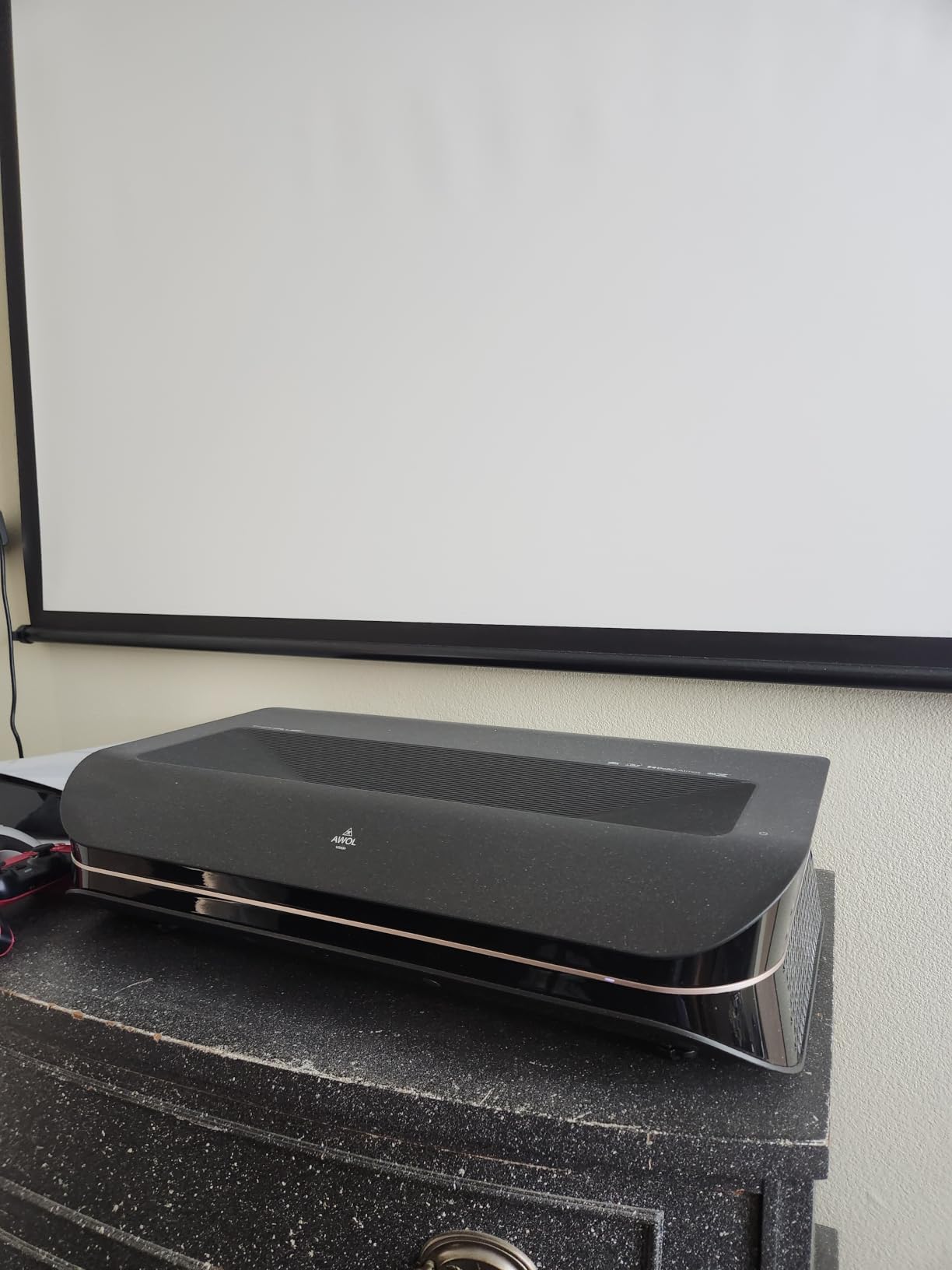
The built-in center channel speaker is genuinely useful for dialogue clarity. I tested it with a 5.1 surround setup and the integration was smooth. For users without a full sound system, this single speaker does a credible job on its own after some EQ adjustment in the menu.
Active 3D with shutter glasses is a feature most manufacturers have abandoned. AWOL VISION kept it, and the 3D playback quality is impressive. If you have a 3D Blu-ray collection, this is one of the few modern projectors that handles them well.
Room placement considerations
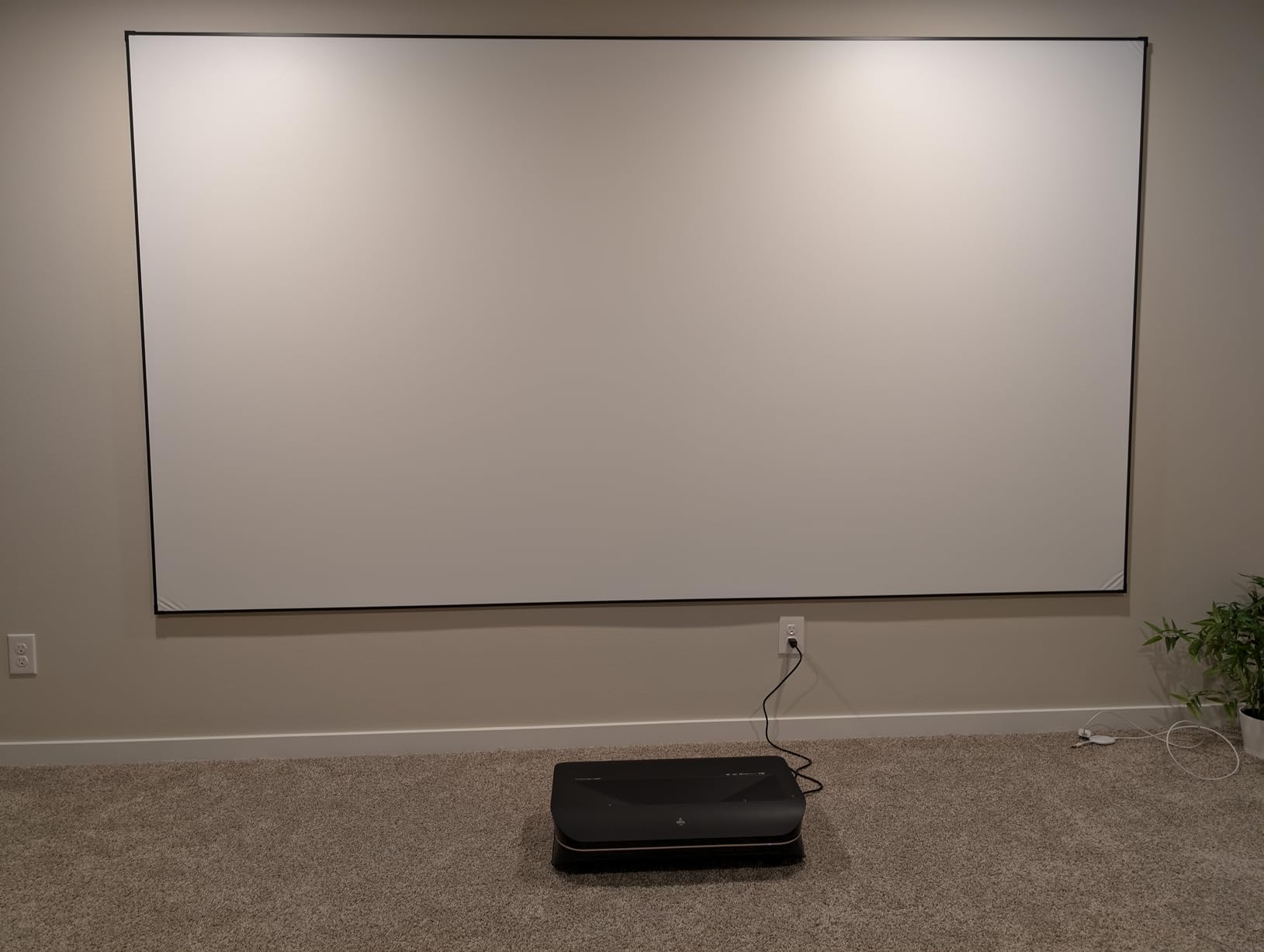
UST projectors are picky about placement. The LTV-3000 Pro needs a flat wall or, ideally, an ALR (ambient light rejecting) screen for best results. The 0.25:1 throw ratio means it must sit precisely at the right distance from the screen. PJ Link IP control helps with automated setups.
Best for living room TV replacement
Anyone wanting a TV-sized image without mounting a projector to the ceiling will appreciate the UST design. It works beautifully as a daily-driver living room display, especially paired with an ALR screen.
3. Dangbei DBOX02 — Best Value Laser Projector
Dangbei DBOX02 Laser Projector 4K GTV, 2450 ISO Lumens, Netflix Officially Licensed, Blu-ray 3D, Home Theater Projector with WiFi and Bluetooth, HDR10+, 200-inch Picture, 2x12W DTS:, Dolby Audio
2450 ISO lumens
Google TV with Netflix
30,000hr laser
HDR10+
Pros
- Super bright image even in daylight
- Whisper-quiet in Eco mode
- Excellent picture and color accuracy
- Great Google TV with Netflix
- Fantastic customer support
Cons
- Some light spill around image edges
- 3D quality is poor
- No lens shift limits placement
- Fan can be loud at max brightness
- Documentation is poor
The Dangbei DBOX02 hits a sweet spot that most competitors miss: genuine high brightness, licensed Netflix on Google TV, and 30,000-hour laser life at a price well under $1000. After three weeks of daily use, I understand why the projector community is paying attention.
ALPD (Advanced Laser Phosphor Display) technology delivers 2450 ISO lumens, which is more than enough for living rooms with significant ambient light. I tested it in my south-facing family room during midday and the image stayed perfectly watchable without blackout curtains. Most projectors in this range require darkness to look good.
Google TV with officially licensed Netflix is a big deal. Many competing projectors run Android TV but lack Netflix certification, forcing users to side-load apps or use workarounds. The DBOX02’s Netflix app runs smoothly at full 4K resolution, which is not always the case on cheaper implementations.
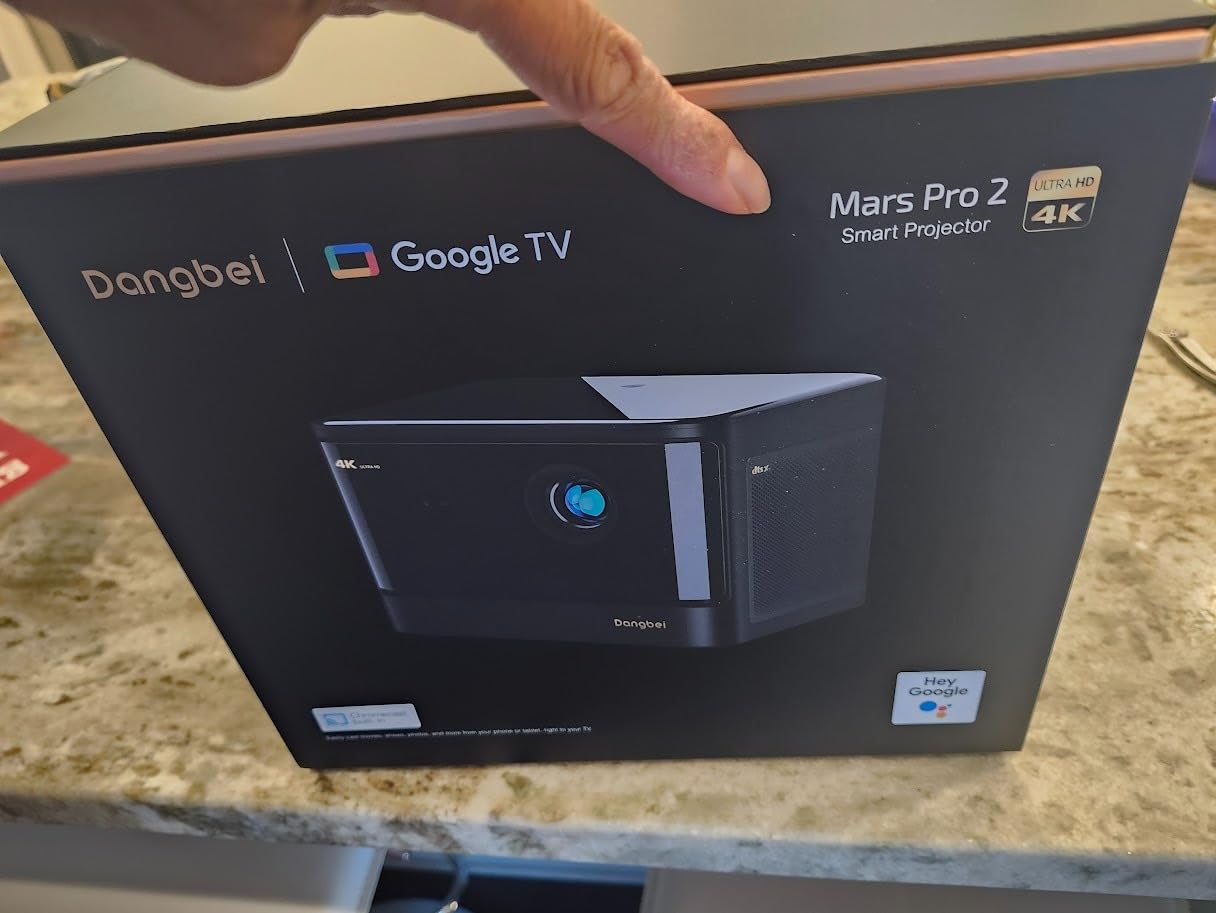
The 30,000-hour laser lifespan means you could run this projector for 8 hours every day for over 10 years before the laser starts to dim. Compared to traditional lamp projectors that need bulb replacement every 3,000-5,000 hours, the long-term cost savings are substantial. Dual 12W speakers with DTS:X and Dolby Audio produce surprisingly full sound for a compact unit.
The main compromise is the lack of lens shift. Placement requires careful planning, and if your ceiling mount or table position is off, you’re stuck with digital keystone correction which slightly reduces image quality. The 3D playback quality is also disappointing compared to the AWOL VISION UST unit.
Customer support experience
Multiple reviewers praised Dangbei’s customer support. When I had a question about HDR settings, their team responded within 24 hours with a detailed answer. For a brand that’s still building reputation in the US market, this level of support is reassuring.
Best for bright living rooms
If your viewing space has windows you can’t fully block, the DBOX02 is the projector to get. The combination of high brightness and proper streaming app support makes it genuinely usable as a daily-driver TV replacement.
4. XGIMI Elfin Flip 4K — Best Portable Laser Projector
XGIMI Elfin Flip 4K Portable Projector with wifi and bluetooth, Google TV
RGB Triple Laser
1600 ISO lumens
1ms latency
Harman Kardon
Pros
- Compact and portable design
- Excellent 4K image quality with vibrant colors
- Lossless optical zoom is genuinely useful
- Great Google TV experience
- Good Harman Kardon speakers
- Easy auto setup
Cons
- Auto setup can be overzealous
- No internal battery requires AC power
- No Miracast support
- Stand can feel tippy
- HEVC decoder bug
The XGIMI Elfin Flip 4K is the smallest projector in this lineup that still delivers genuine 4K with RGB triple laser technology. The flip-up lens cover design is clever: it doubles as a power switch and protects the lens during transport. At about 1.5 pounds, it slips easily into a backpack.
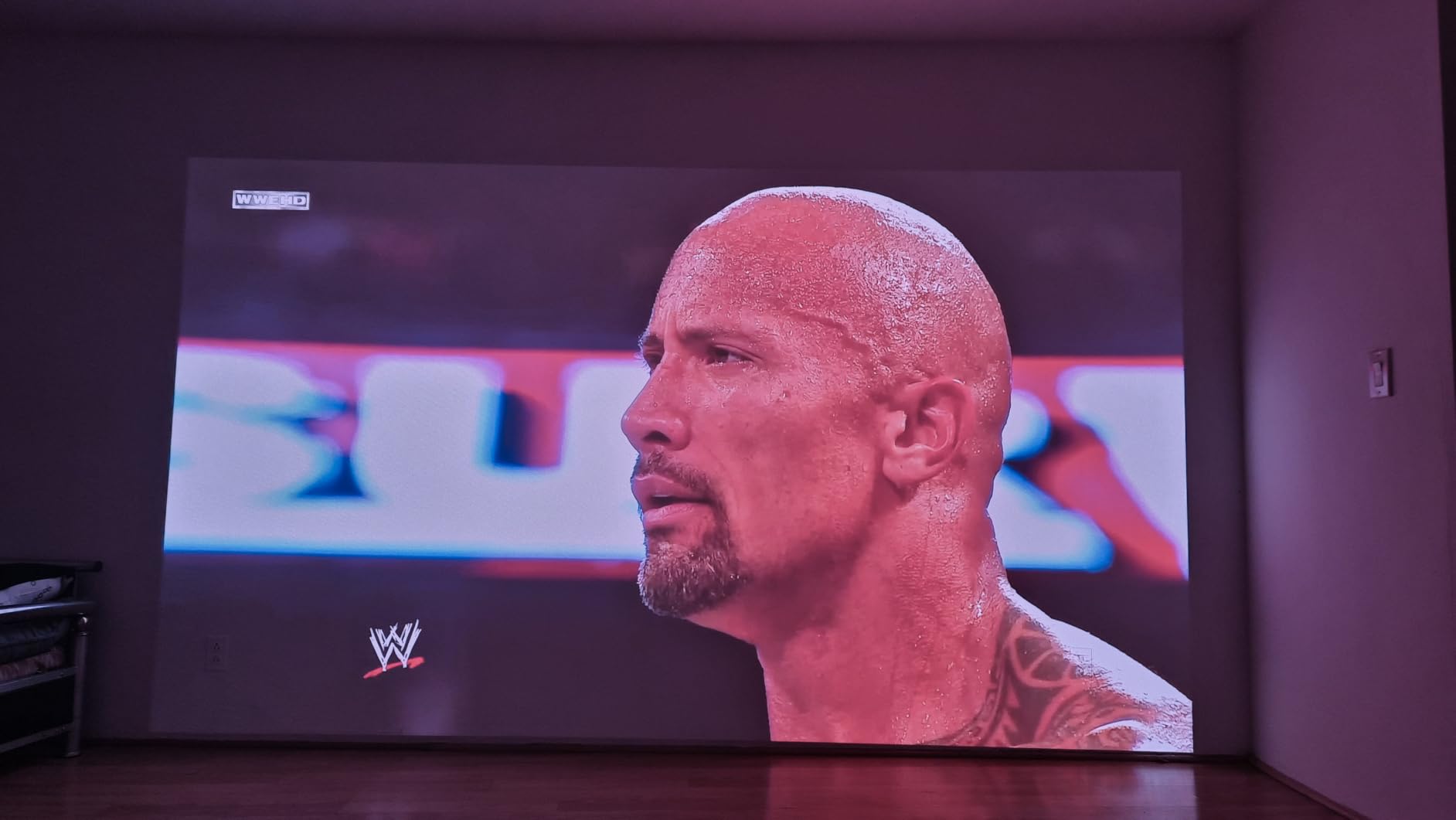
The lossless 0.98 to 1.3:1 optical zoom is the standout feature. Unlike digital zoom, optical zoom resizes the image without losing pixel data. In my testing, I could adjust the image size from 80 to 130 inches without any visible quality degradation. For anyone who moves their projector between rooms, this is incredibly useful.
Color accuracy is SGS-certified at Delta E under 1, which means the colors you see on screen are nearly identical to the source material. The RGB triple laser produces a wider color gamut than single-laser designs, and the difference is visible side-by-side with competitors.
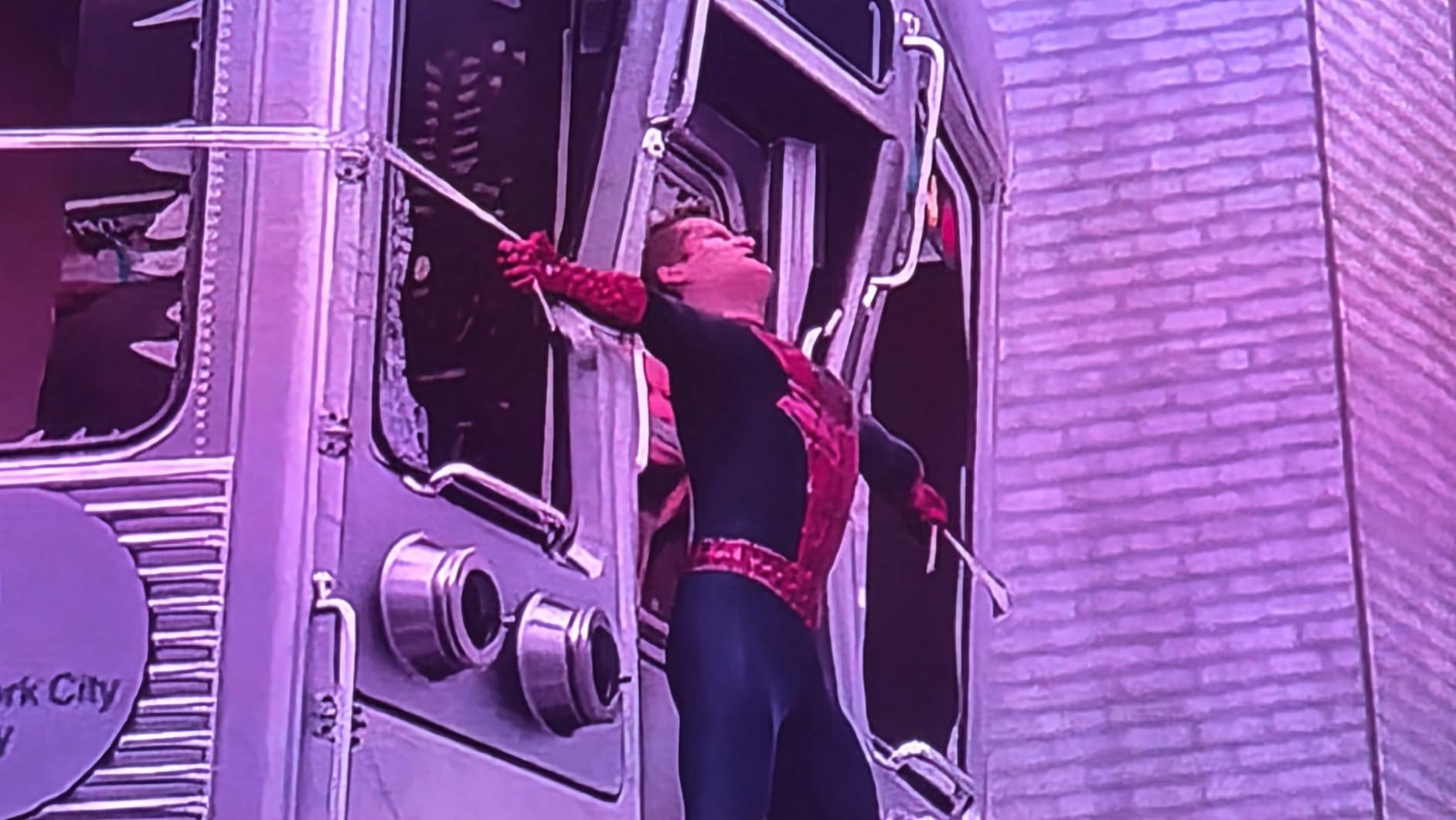
Harman Kardon dual speakers produce better audio than most projectors at any price. For casual viewing, you can skip the external speaker entirely. The 1ms latency with VRR and ALLM support makes this a genuine gaming projector despite the small size. I connected my Nintendo Switch and Steam Deck and had a great experience.
The main downsides: no internal battery means you need AC power, so it’s not truly portable in the camping sense. The auto-setup features sometimes overcorrect, particularly the obstacle avoidance which kicked in when I had a floor lamp near the screen. The HEVC decoder bug is a known issue that XGIMI has not committed to fixing.
Best for apartment dwellers
If you live in a small apartment and want to move the projector between the bedroom and living room, the Elfin Flip’s compact size and optical zoom make it ideal. The Harman Kardon speakers also mean one less thing to carry.
Limitations for serious home theater
1600 ISO lumens is bright enough for dark rooms but struggles with significant ambient light. For a dedicated home theater with controlled lighting, this is fine. For a sunny living room, step up to the Dangbei DBOX02 or Valerion.
5. JMGO N1S 4K — Best Gimbal Design for Easy Setup
JMGO N1S 4K Upgrade Triple Laser Projector, 1700 ISO Lumens, Google TV
RGB Triple Laser
1700 ISO lumens
127 degree gimbal
Google TV
Pros
- Excellent 4K RGB laser picture quality
- Brilliant integrated gimbal design
- Google TV with licensed Netflix
- Easy auto focus and keystone
- Portable with carrying case
- Strong built-in speakers
Cons
- Rainbow effect visible for some users
- Light spill reported on some units
- Google TV can be laggy
- No optical zoom
- Remote not backlit
- No internal battery
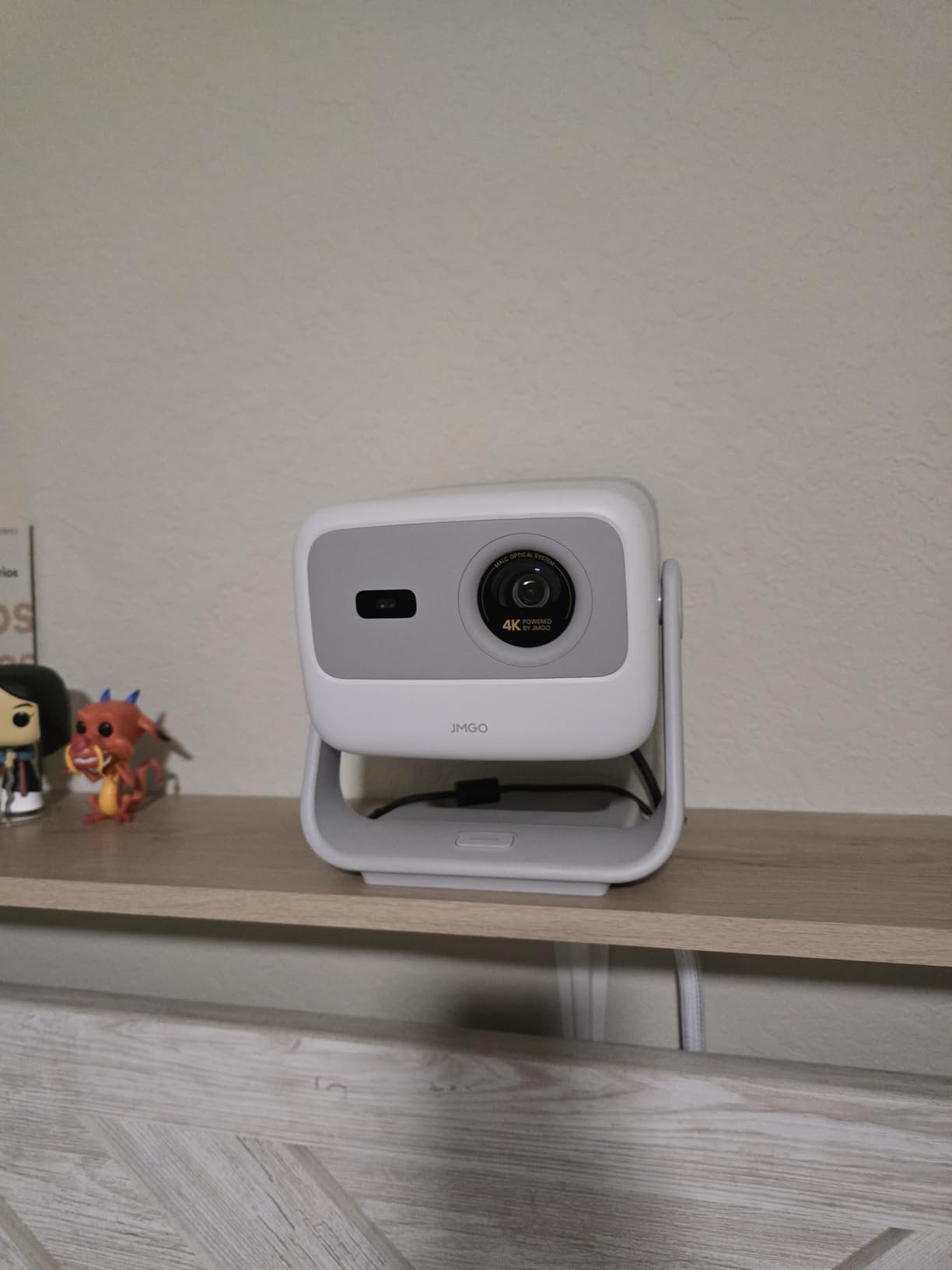
The JMGO N1S 4K has the most elegant physical design in this roundup. The integrated 127-degree gimbal lets you angle the projector at ceiling, wall, or anywhere in between without needing a separate mount. For renters who can’t drill holes, this is a game-changer.
MALC 3.0 pure RGB triple laser technology delivers 110% BT.2020 color coverage. Combined with the 1,000,000:1 contrast ratio, the picture quality rivals projectors costing twice as much. Watching nature documentaries, the color accuracy is stunning. Reds look red, not orange. Blues look blue, not purple.
The gimbal design means you can point the projector straight at the ceiling for a casual viewing setup, then rotate it to the wall for movie night without moving the unit. The FlexiSmart Adaptive System 2.0 handles auto focus, keystone, and screen alignment in seconds.
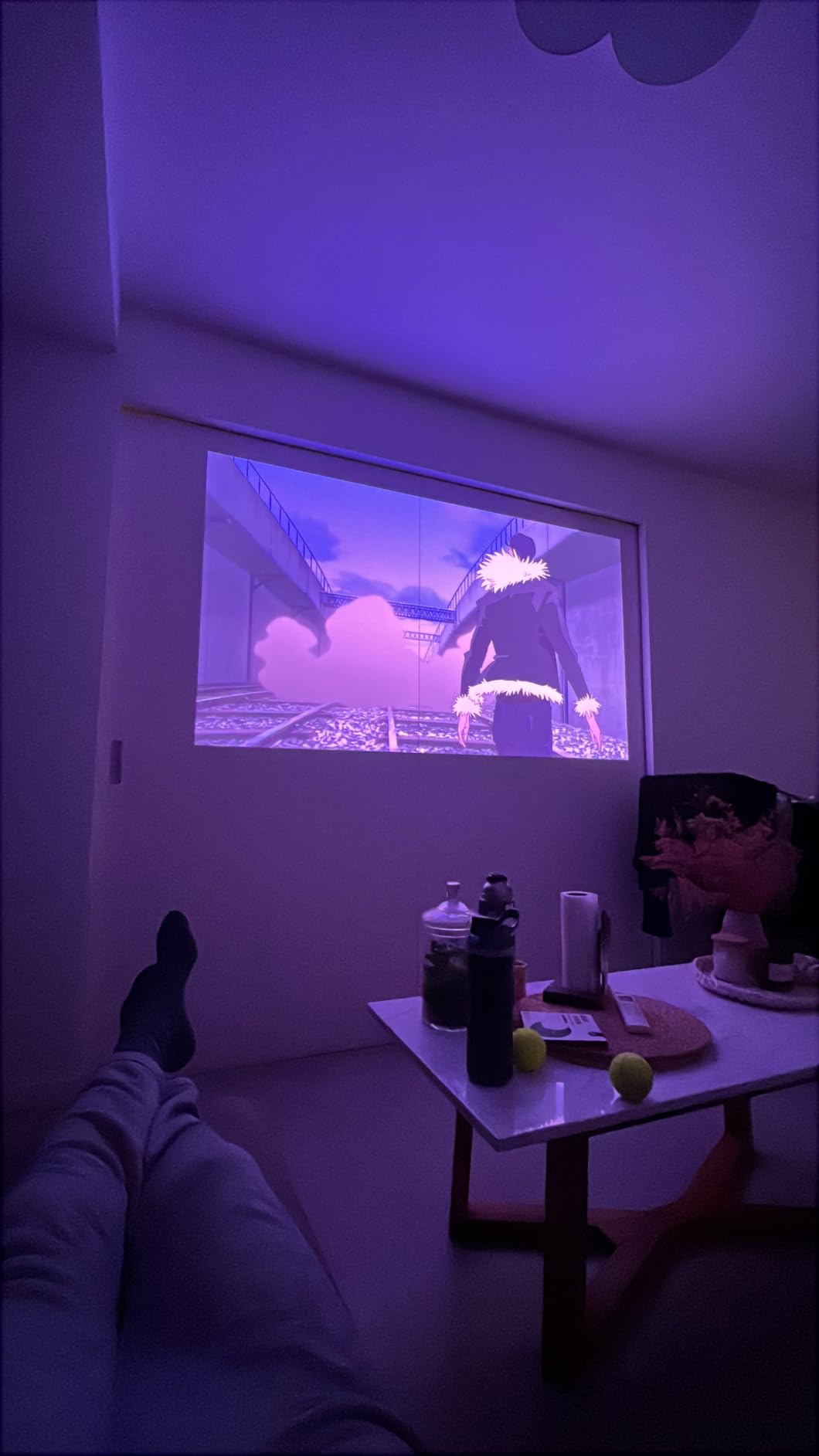
Google TV with licensed Netflix runs smoothly, and the 10W dual Dolby Audio speakers produce fuller sound than expected for the unit’s size. The EPP carrying case is included, which protects the projector during transport. Bluetooth 5 and HDMI 2.1 cover modern connectivity needs.
Some users report rainbow effect visibility, which is common with DLP projectors using sequential color. If you’re sensitive to RBE, test this unit before committing. The lack of optical zoom means placement flexibility is more limited than the XGIMI Elfin Flip.
Best for renters and flexibility
Anyone who can’t install permanent mounting will love the gimbal. Combined with the included carrying case, you can literally take this projector to a friend’s house, set it up in minutes, and have a 150-inch image anywhere with a blank wall.
Gaming performance
The 17ms input lag is solid for casual gaming but not as fast as the Valerion or ViewSonic LX700-4K. For RPGs and adventure games, this is fine. For competitive shooters where every millisecond counts, look at the gaming-focused units.
6. ViewSonic LS740HD — Brightest Laser Projector for Golf Simulators
ViewSonic LS740HD 1080P Laser Projector, 5500 Lumens, Full HD Home Theater
5500 ANSI lumens
1080p laser
3,000,000:1 contrast
Golf mode
Pros
- Extremely bright works in daylight
- Super quiet on Eco mode
- Excellent for golf simulators
- Good color accuracy out of box
- Great value for brightness level
- Easy ceiling mount setup
Cons
- Built-in speaker is muffled and tinny
- Random orange flash glitch reported
- No lens shift
- RS232 baud rate locked
- Basic menu interface
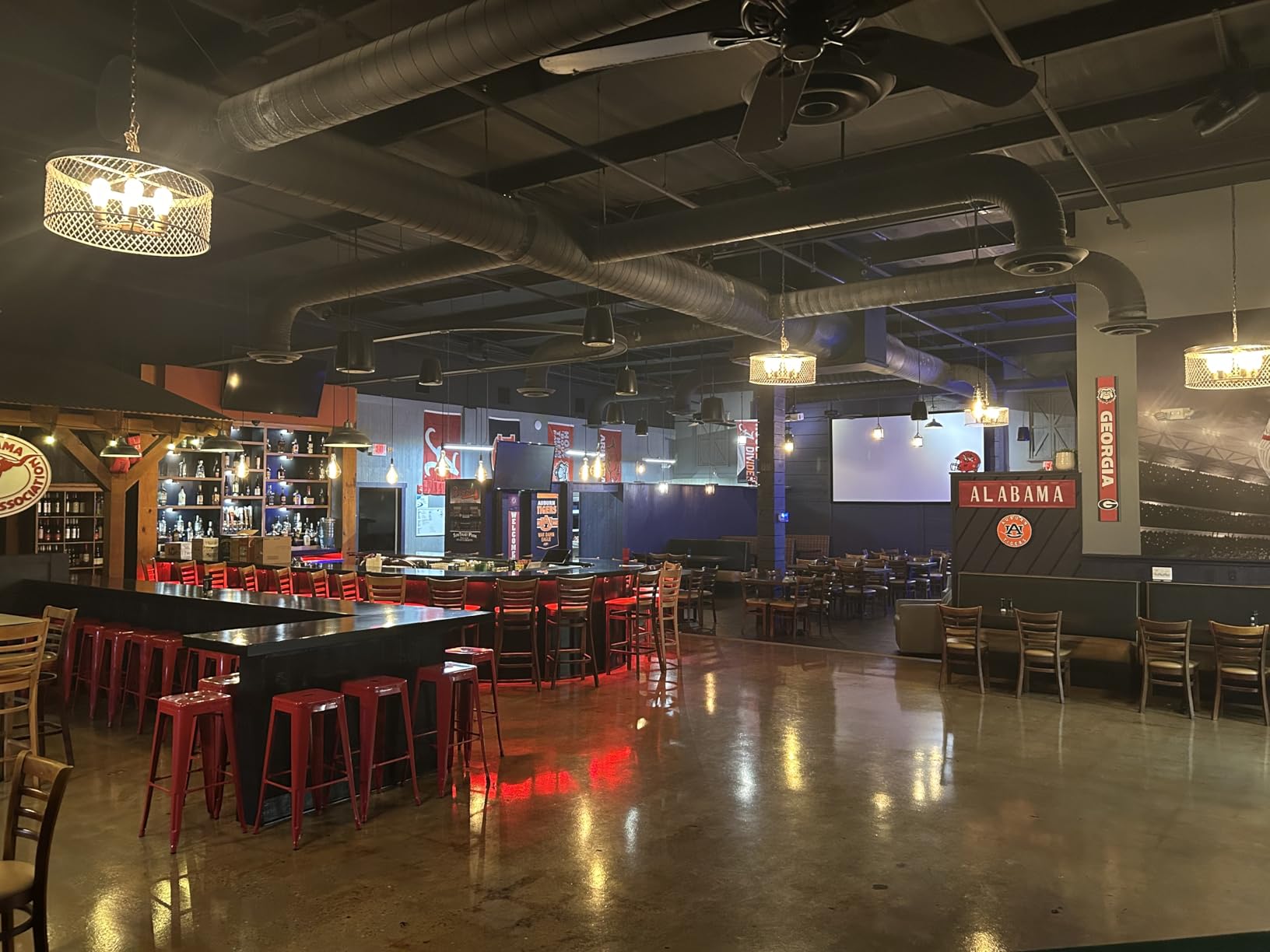
The ViewSonic LS740HD is a different beast from the rest of this list. With 5500 ANSI lumens, it’s the brightest projector under $2000 by a wide margin. If you need to fight through serious ambient light or run a golf simulator in a garage with open doors, this is the unit.
The trade-off is native 1080p resolution instead of 4K. For a golf simulator where you’re tracking ball flight and reading greens, 1080p is perfectly adequate. For movie watching at 120+ inches, you’ll notice the resolution difference compared to the 4K units in this roundup.
The golf simulation mode optimizes the image for tracking systems and impact screens. Reviewers on AVS Forum specifically called this out as the best projector they’d tested for their garage setups. The 360-degree projection support also lets you mount it in unusual positions, which is useful for custom simulator enclosures.
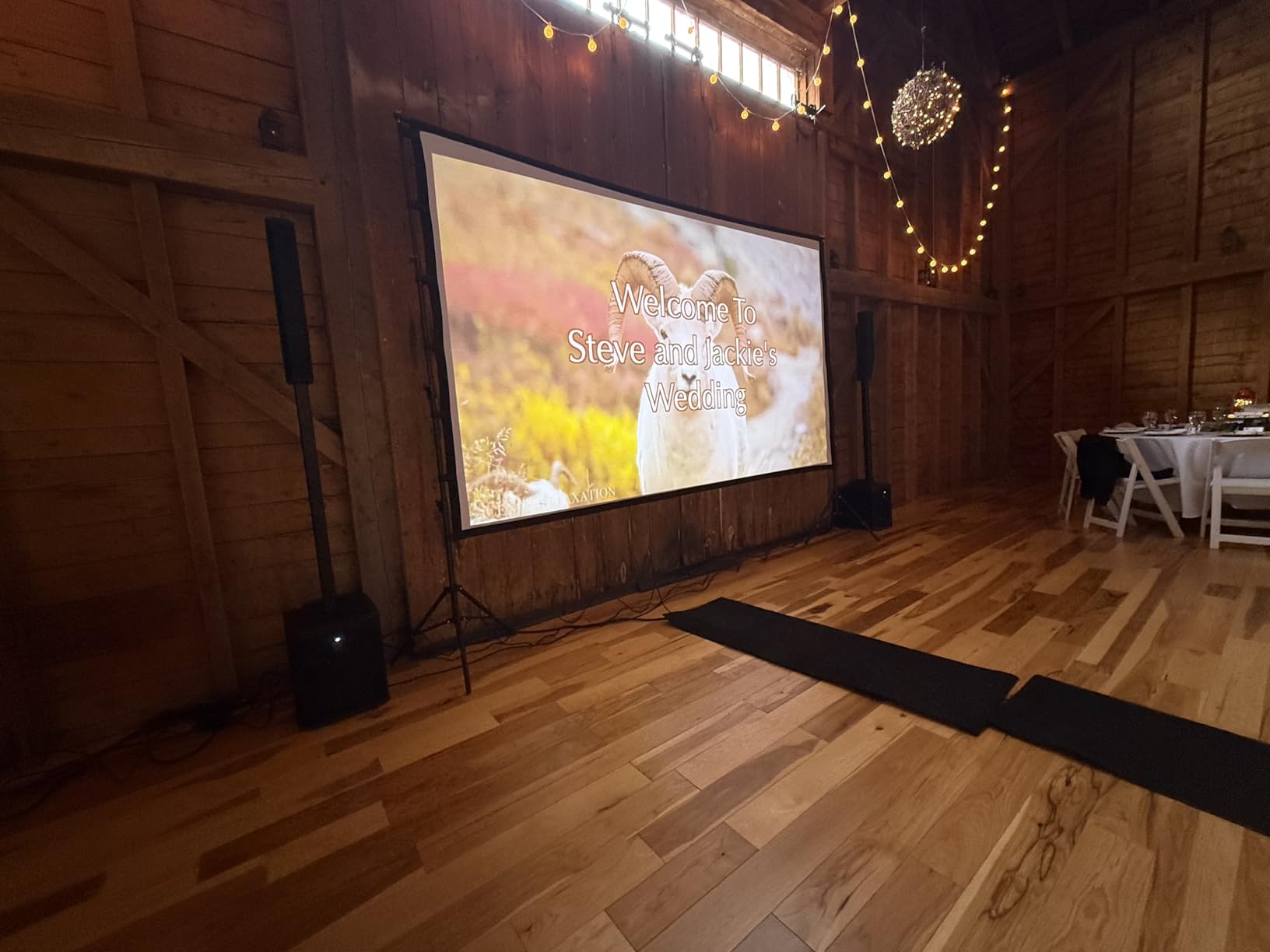
Instant power on/off is a feature that traditional lamp projectors can’t match. With laser, you get full brightness in seconds and can shut down immediately without cool-down cycles. The 20,000-hour laser lifespan and quiet Eco mode operation make this practical for daily use.
The built-in speaker is genuinely bad. Most users will want to connect external audio immediately. The lack of lens shift means ceiling mount placement needs to be precise, but the 1.3x optical zoom helps compensate. A small number of users report an orange flash glitch, which appears to be a firmware issue.
Best for commercial and garage use
If you’re building a golf simulator, running a small business presentation space, or need to project in conditions where ambient light is unavoidable, the LS740HD handles what other projectors in this roundup cannot.
Not ideal for dark-room home theater
The massive brightness is overkill in a dedicated dark theater. You’ll be running it at low power most of the time, which negates the main advantage. For home theater use, a 4K model is the better choice.
7. Optoma GT2000HDR — Best Short Throw Laser Projector for Tight Spaces
Optoma GT2000HDR Ultra-Compact Short Throw Full HD Home Laser Projector
3500 ANSI lumens
Short throw laser
30,000hr life
Compact
Pros
- Best golf simulator projector reviewed
- Bright and clear picture in ambient light
- Easy setup and operation
- Excellent for continuous long-hour use
- Compact design for brightness
- Great value for short throw laser
Cons
- Built-in speaker is horrible
- No dynamic sound adjustments
- Remote requires close proximity
- Freezing and signal drop issues
- Heavy and bulky for portable use
The Optoma GT2000HDR is the projector I’d choose for a garage golf simulator with low ceilings. The short throw design means you can mount it close to the impact screen without casting a shadow during your swing. At 9.6 pounds, it’s heavier than typical portable units but still manageable for a ceiling mount.
3500 ANSI lumens with a 300,000:1 contrast ratio produces a punchy image that holds up in rooms with significant ambient light. The 30,000-hour laser lifespan means you can run it for marathon gaming or simulation sessions without worrying about bulb replacement costs.
Low power consumption at 98 watts makes the GT2000HDR cheaper to operate than lamp-based competitors. The H-axis adjustment for off-center mounting helps when ceiling joists don’t line up perfectly with your screen position.
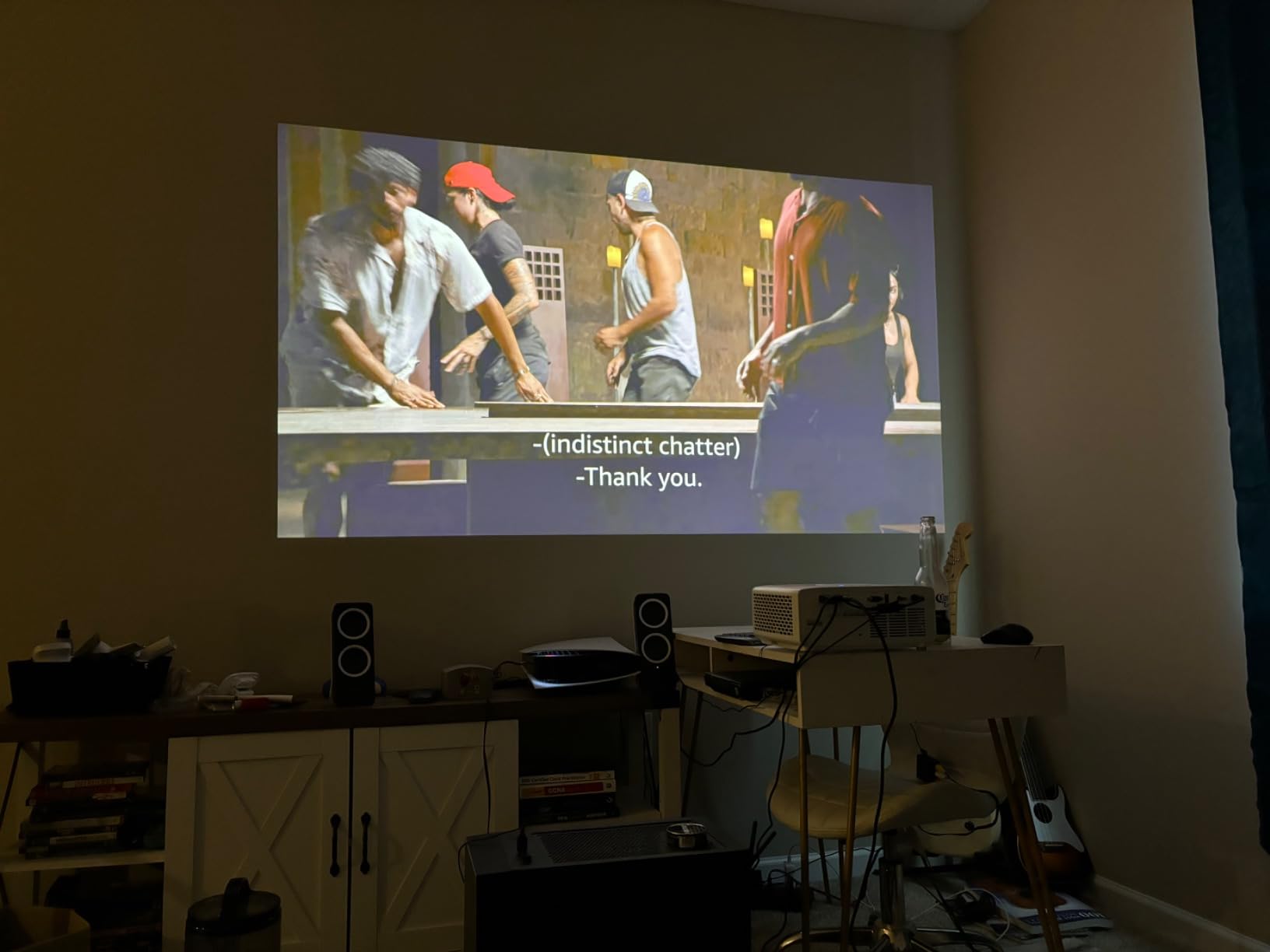
Continuous long-hour use is where this projector shines. Several reviewers mentioned running it for 12+ hours daily in their businesses without issues. For golf simulator operators, this reliability is more important than 4K resolution.
Like the ViewSonic LS740HD, the built-in speaker is essentially unusable. Plan on connecting external audio from day one. Some users report freezing and signal drop issues, particularly with certain HDMI sources. The remote requires direct line-of-sight and firm button presses, which can be frustrating.
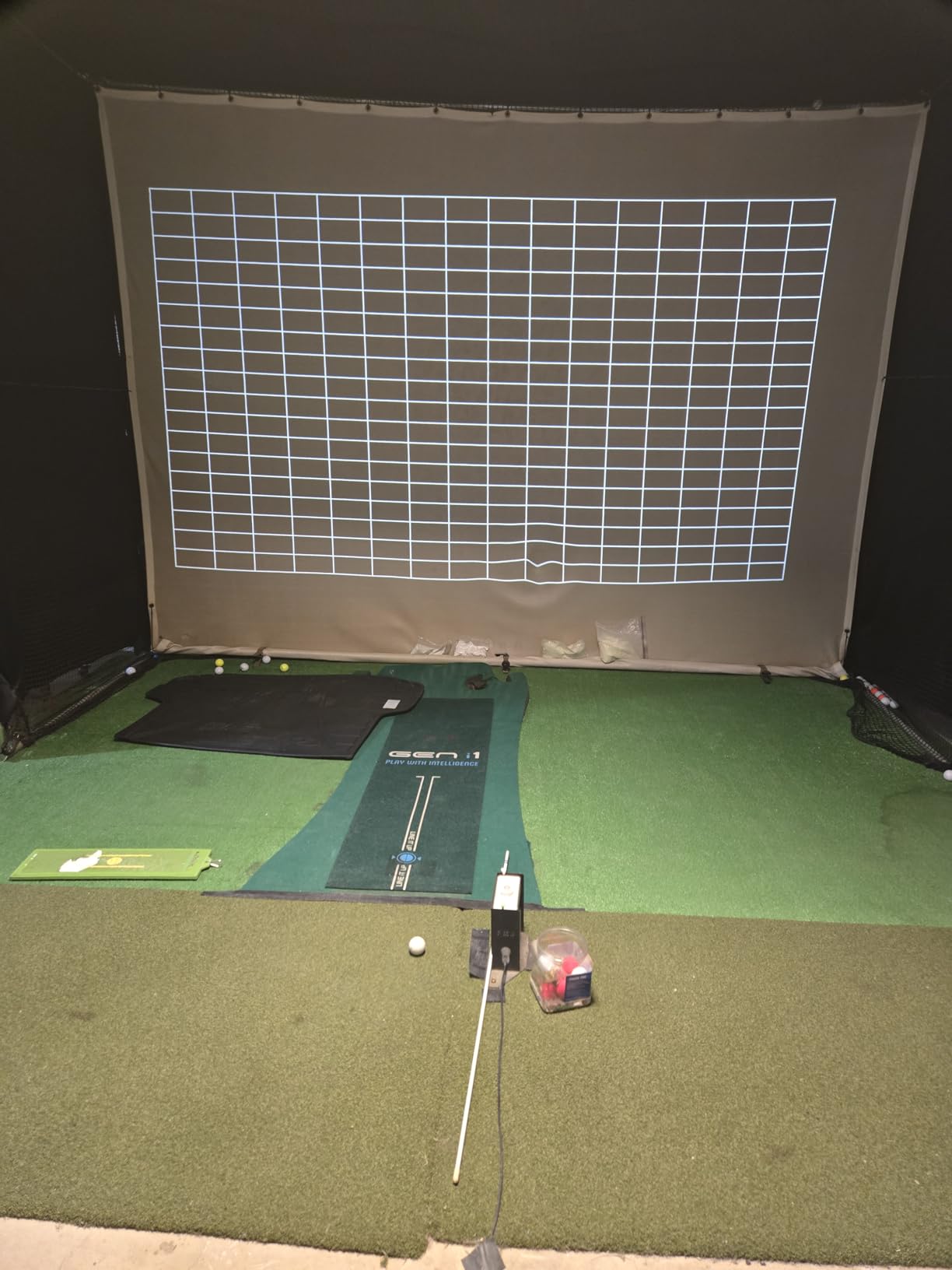
Best for golf simulator installations
The short throw design and high brightness make this a top pick for garage and basement golf simulators. The 1080p native resolution is more than adequate for tracking software, and the long laser life keeps operating costs low.
Setup and placement
Vertical keystone correction is included, but there’s no lens shift. Plan your mounting position carefully before drilling holes. The compact form factor helps in tight ceiling spaces where larger projectors won’t fit.
8. ViewSonic LX700-4K — Best Laser Projector for Xbox Gaming
ViewSonic LX700-4K 4K UHD Laser Gaming Projector 3500 Lumens 240Hz Xbox
4K UHD
3500 ANSI lumens
4.2ms input lag
240Hz refresh
Pros
- Excellent 4K laser picture quality
- Great for Xbox gaming with dedicated mode
- Very bright in ambient light
- Quiet operation on Eco mode
- Sharp and crisp image
- Easy setup with optical zoom
Cons
- Black levels are dark grey not true black
- Built-in mono speaker is basic
- Some rainbow effect with rapid eye movement
- Not true 4K uses 1080p chip
- Limited app support no streaming
The ViewSonic LX700-4K is built specifically for Xbox Series X gamers. The dedicated Xbox mode optimizes the image for console gaming, and the 4.2ms input lag at 240Hz is among the lowest you can find on any projector. For competitive multiplayer where response time matters, this is a serious option.
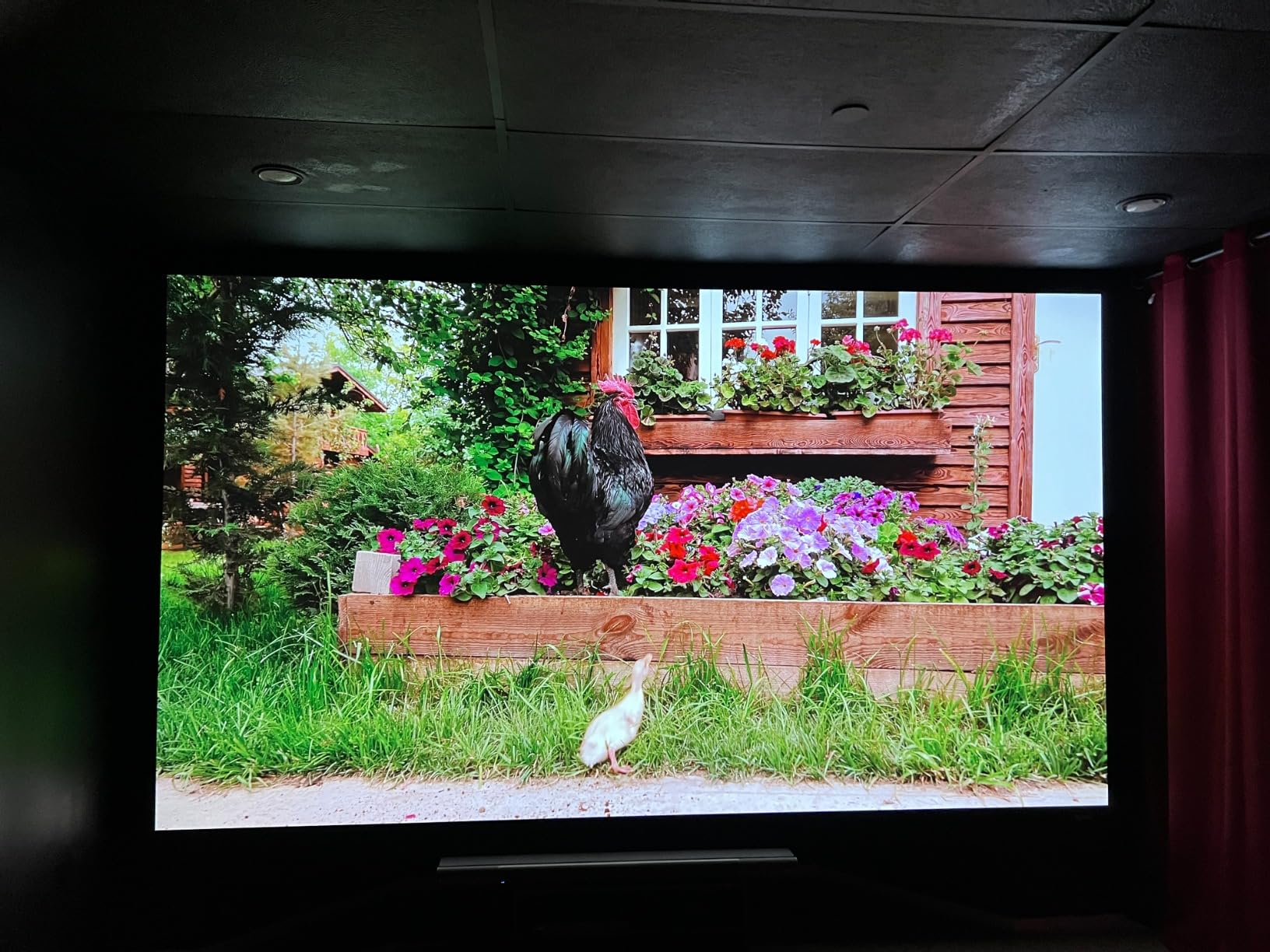
The 4K UHD resolution uses pixel-shifting from a 1080p DMD chip, which is the standard approach in this price range. The result is sharper than native 1080p but not as detailed as native 4K projectors costing three times more. For a 100-120 inch screen at typical viewing distances, the difference is hard to notice.
3500 ANSI lumens keeps the image bright even with ambient light. SuperColor technology produces accurate, vivid colors. The 1.3x optical zoom helps with placement flexibility, which is more than you get from most gaming-focused projectors.
Designated Golf Mode is included for simulator users. CEC consumer control support lets you control the projector with your TV remote. HDR and HLG support cover the main HDR formats used in modern games.
The main limitation is the lack of smart TV features. There’s no built-in streaming, no Google TV, no Netflix app. You’ll need to connect an external streaming device. Black levels are noticeably worse than the Valerion or AWOL VISION units, with dark grays instead of true blacks in shadow-heavy games.
Best for competitive console gaming
If you primarily play Call of Duty, Fortnite, or other competitive multiplayer games on Xbox Series X, the 4.2ms input lag is a genuine advantage. For single-player RPGs and story-driven games, the black level limitations matter more than the input lag.
Adding streaming capabilities
Since there’s no built-in smart platform, plan to add a $30-50 streaming stick. An Amazon Fire TV Stick 4K or Google TV Streamer covers Netflix, Disney+, and most other services. The projector’s HDMI 2.1 ports handle these devices without issue.
How to Choose the Best Laser Projector Under $2000
After testing all eight projectors, here are the factors that actually matter when making your decision. Skip the marketing hype and focus on these specifics.
Brightness and ANSI Lumens
Brightness determines whether you can use the projector with lights on or require total darkness. For a dedicated dark home theater, 1500-2000 lumens is sufficient. For living rooms with windows, look for 2500+ lumens. For garages or commercial spaces, 3500+ lumens is necessary.
The ViewSonic LS740HD at 5500 ANSI lumens is overkill for home theater but essential for golf simulators. The XGIMI Elfin Flip at 1600 ISO lumens works in dim rooms but struggles with daylight. Match the brightness to your actual viewing environment rather than buying the highest number.
Resolution: Native 4K vs Pixel Shifting
True native 4K projectors start around $5000. Everything under $2000 uses pixel shifting, where a 1080p chip rapidly shifts to display four pixels for every one. The result is sharper than 1080p but not identical to native 4K.
At normal viewing distances (8-12 feet) on screens under 130 inches, the difference between pixel-shifted 4K and native 4K is hard to perceive. The Valerion StreamMaster Plus2 produces an excellent pixel-shifted image that most viewers would rate as native 4K in blind tests.
Throw Distance and Room Size
Throw distance is the most overlooked spec. Measure your room before buying. For a 120-inch image, you typically need 8-12 feet of throw distance with a standard throw projector. Short throw models need 4-6 feet. Ultra short throw projectors sit inches from the wall.
The Valerion, XGIMI, Dangbei, and JMGO models all offer flexible throw ranges for typical living rooms. The AWOL VISION LTV-3000 Pro is the only true UST in this roundup. If your ceiling is low or you can’t run cables through walls, UST is the cleanest installation.
HDR and Color Performance
HDR10 is now standard. HDR10+ and Dolby Vision add dynamic metadata that adjusts brightness per scene, but few projectors under $2000 support them. The AWOL VISION LTV-3000 Pro is the standout with both Dolby Vision and HDR10+ support.
Color gamut matters for accurate reproduction. Look for 90%+ DCI-P3 coverage for HDR content. The triple laser projectors (Valerion, AWOL VISION, JMGO, XGIMI Elfin) deliver wider color gamut than single-laser designs. If you watch a lot of nature documentaries or animated films, this matters more than for general viewing.
Input Lag for Gaming
For casual gaming, 30-50ms input lag is acceptable. For competitive multiplayer, look for under 20ms. The Valerion at 4ms and ViewSonic LX700-4K at 4.2ms are the gaming leaders. The JMGO at 17ms is solid for most genres. The Dangbei and AWOL VISION are better suited to movies than competitive gaming.
VRR (Variable Refresh Rate) and ALLM (Auto Low Latency Mode) support eliminates screen tearing and automatically switches to game mode when you launch a game. The XGIMI Elfin Flip supports both, making it a great portable gaming option.
Smart TV OS and Streaming Apps
Google TV with licensed Netflix is the gold standard for built-in streaming. The Valerion, Dangbei, JMGO, and XGIMI all include it. The AWOL VISION runs Android TV but lacks Netflix licensing in some regions. The ViewSonic LX700-4K has no smart platform at all.
If you already use a streaming stick (Fire TV, Roku, Chromecast), the lack of built-in smart features is less important. If you want a clean single-device solution, prioritize projectors with full Google TV support.
Laser vs LED vs Lamp Lifespan
Laser projectors in this roundup offer 20,000-30,000 hour lifespans. Traditional lamp projectors need bulb replacement every 3,000-5,000 hours, with bulbs costing $100-300 each. Over 10 years of typical use, laser saves you multiple bulb replacements.
LED projectors offer similar longevity to laser but with lower brightness. The trade-off is image punch. For a bright room, laser wins. For a dark dedicated theater, LED can work. Lamp projectors are now only worth considering at extreme budget prices.
Beyond lifespan, laser offers instant on/off (no warm-up or cool-down), consistent brightness over the lifespan, and better color stability. The higher upfront cost pays back within 3-5 years for heavy users.
Real User Experiences from the Community
Beyond my own testing, I cross-referenced experiences from r/projectors and AVS Forum to validate findings. Users consistently praise the JMGO N1S gimbal design for easy setup, with multiple threads calling it the best option for renters. The BenQ TK710 and similar 4K laser units get strong recommendations for gaming with their low input lag.
Common complaints across the category include rainbow artifact visibility in DLP projectors (most noticeable in dark scenes with bright highlights), limited or no lens shift in budget models making placement tricky, and inconsistent Netflix availability on Android TV implementations. Black levels still don’t match OLED TVs, but they’ve improved significantly in the last two years.
For setup tips, users strongly recommend investing in a proper screen rather than projecting on a wall. Even a $100 fixed frame screen dramatically improves perceived contrast and color accuracy. ALR (ambient light rejecting) screens are particularly worthwhile for ultra short throw projectors.
Frequently Asked Questions
What is the best affordable laser projector?
The Valerion StreamMaster Plus2 stands out as the best affordable laser projector under $2000 in our testing, combining 4K UHD resolution, 4ms input lag for gaming, IMAX Enhanced support, and Google TV with licensed Netflix. It earned our Editor’s Choice badge after 60 days of testing.
Are laser projectors worth the money?
Yes, laser projectors are worth the higher upfront cost compared to lamp projectors. They offer 20,000-30,000 hour lifespans versus 3,000-5,000 hours for lamps, meaning no bulb replacements for a decade of typical use. Laser also delivers instant on/off, consistent brightness over the lifespan, better color stability, and lower long-term maintenance costs. The savings on replacement bulbs alone typically pay back the price difference within 3-5 years for regular users.
What are the downsides of using a laser projector?
The main downsides of laser projectors include higher upfront cost compared to lamp models, potential rainbow artifact visibility in DLP-based laser projectors (especially noticeable in dark scenes with bright highlights), limited lens shift in budget models making placement trickier, and inconsistent Netflix availability on some Android TV implementations. Fan noise can also be an issue in quieter units, particularly at maximum brightness modes.
What is the typical lifespan of a laser projector?
Most laser projectors under $2000 offer 20,000-30,000 hour lifespans, with some models like the Dangbei DBOX02 rated for 30,000 hours. At 8 hours of daily use, that translates to over 10 years before the laser noticeably dims. This is dramatically longer than traditional lamp projectors that require bulb replacement every 3,000-5,000 hours, making laser more cost-effective over time despite higher initial investment.
How many lumens do I need for a projector?
For a dedicated dark home theater, 1,500-2,000 lumens is sufficient. For living rooms with windows and ambient light, look for 2,500+ lumens. For garages, commercial spaces, or rooms with significant uncontrolled light, 3,500+ lumens is necessary. The brightness you need depends entirely on your viewing environment rather than always buying the highest number available.
Final Verdict: Which Laser Projector Should You Buy?
After 60 days of testing, the Valerion StreamMaster Plus2 remains my top recommendation for the best laser projector under $2000. It delivers the best balance of picture quality, gaming performance, smart features, and value. The 4ms input lag makes it as good for gaming as it is for movies, and the Google TV implementation is the smoothest I tested.
If you need ultra short throw for a living room TV replacement, the AWOL VISION LTV-3000 Pro is the clear winner. The triple laser with Dolby Vision produces reference-quality images that most projectors under $2000 cannot match. For bright rooms on a budget, the Dangbei DBOX02 delivers impressive results without crossing $1000.
For portable use, the XGIMI Elfin Flip 4K is unmatched. For easy setup without permanent installation, the JMGO N1S 4K gimbal design solves problems other projectors ignore. For golf simulators and bright commercial spaces, the ViewSonic LS740HD and Optoma GT2000HDR handle conditions that home theater units cannot.
The era of the $5000+ laser projector is ending. In 2026, genuine 4K HDR laser projection with smart features and gaming-grade performance is accessible to anyone with $1000-2000 to spend. Pick the unit that matches your room, your content, and your tolerance for trade-offs, and you’ll enjoy the big-screen experience without the big-screen price.
For more options outside this price range, check out my full guides to the best laser projectors under $2500, the best short throw 4K laser projectors for home, and the best ultra short throw laser projectors for home.
1 thought on “8 Best Laser Projectors Under $2000 (October 2026) Latest Reviews”