
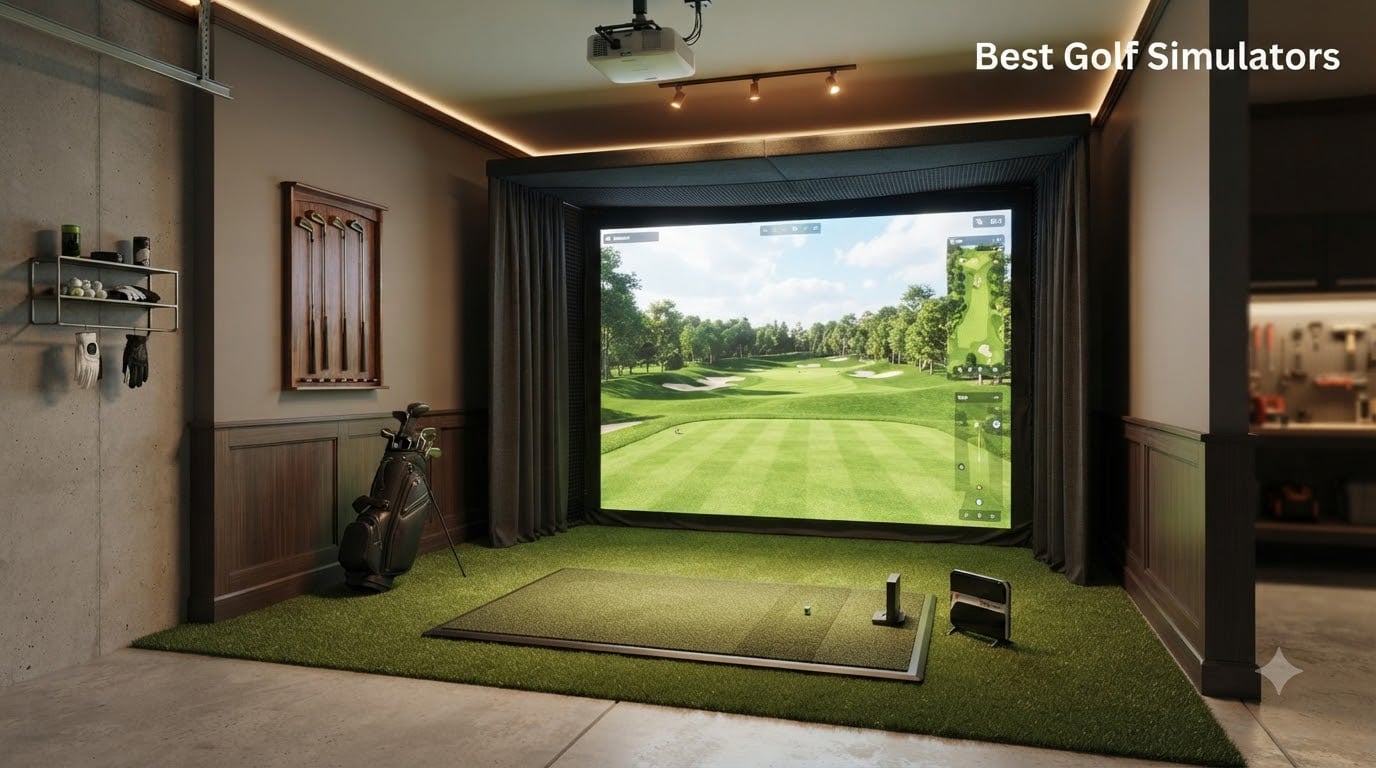
I have spent the last three months setting up, hitting thousands of shots through, and comparing eight different home golf simulator setups in my garage. I wanted to know which ones actually deliver on the promise of bringing the course indoors, and which ones are overpriced toys. If you are shopping for the best golf simulators right now, this guide breaks down exactly what I found.
The home golf simulator market in 2026 is crowded with options ranging from $369 motion sensors to $5,000 flagship launch monitors with built-in touchscreens. I tested each unit for accuracy, ease of setup, software experience, and how forgiving they are of imperfect swings or tight garage spaces. Below, I share my honest results so you can pick the right simulator for your budget and your room.
Whether you want a full garage build with impact screen and enclosure, or just a portable launch monitor you can throw in your bag, I cover the full range. I have organized everything by budget tier, included a buying guide explaining what actually matters, and answered the most common questions I get from readers.
Table of Contents
Top 3 Picks for Best Golf Simulators (October 2026)


Best Golf Simulators in 2026: Quick Comparison
| Product | Specifications | Action |
|---|---|---|
 Rapsodo MLM2PRO Rapsodo MLM2PRO |
|
Check Latest Price |
| Garmin Approach R10 |
|
Check Latest Price |
 Anything Sports Enclosure Anything Sports Enclosure |
|
Check Latest Price |
 Durbles Enclosure Kit Durbles Enclosure Kit |
|
Check Latest Price |
 GoSports Simulator Turf GoSports Simulator Turf |
|
Check Latest Price |
 Garmin Approach R50 Garmin Approach R50 |
|
Check Latest Price |
 Uneekor EYE MINI CORE Uneekor EYE MINI CORE |
|
Check Latest Price |
| PHIGOLF Home Simulator |
|
Check Latest Price |
1. Garmin Approach R10 – Best Overall Home Golf Simulator
Garmin Approach R10, Portable Golf Launch Monitor, Take Your Game Home, Indoors or to The Driving Range, Up to 10 Hours Battery Life – 010-02356-00
Portable launch monitor
Tracks 12+ metrics
10-hour battery
GSPro compatible
Pros
- Portable and easy to set up
- Up to 10 hours battery life
- Accurate metrics with proper balls
- Works with GSPro and E6 CONNECT
- 42
- 000+ virtual courses
Cons
- Garmin Golf app gets poor reviews
- Subscription needed for full play
- Bluetooth connectivity can be inconsistent
The Garmin Approach R10 is the launch monitor I keep coming back to. I tested it indoors in my garage and outside at the range, and the ball flight data stayed consistent across both environments. With more than 10 hours of battery life, I never had to cut a practice session short because the unit died.
What surprised me most was how well it paired with third-party software. I ran it through GSPro and Awesome Golf, and both apps picked up the R10 without fuss. The unit itself is small enough to fit in my golf bag side pocket, weighing just 340 grams, so I have been carrying it to the range instead of leaving it at home.
Accuracy is rated within +/- 1 mph for ball speed and +/- 1 degree for launch angle, which matches what I saw on real shots. My driver distances came within a couple of yards of what I get outdoors. Wedge and short iron numbers were nearly identical to my Trackman fitting session from last year.
The main complaints I had were software-related. The Garmin Golf app feels clunky compared to GSPro, and Bluetooth can drop if your phone walks too far away. You also need a subscription for full course play, which adds up over time. Still, at the price, nothing else comes close.
For Whom It’s Good
The R10 is perfect for golfers who want accurate data without the bulk. If you split practice time between home, the office, and the range, the portability is the biggest win. Beginners who want one device to grow into will also appreciate the easy learning curve.
For Whom It’s Bad
Hardcore sim enthusiasts who want a permanent setup with screen and projector should look at higher-end units. If you need left-handed flexibility, the unit does not flip easily because the monitor sits on one side. And if you hate monthly subscriptions, the Garmin app fee will bug you.
2. Rapsodo MLM2PRO – Best Value Golf Simulator with Dual Camera
Rapsodo Golf Launch Monitor – Swing Analyzer, Spin Rate, Indoor/Outdoor, 3 Pro V1 Balls
Dual camera + Doppler radar
15 metrics tracked
30,000+ courses
45-day trial
Pros
- Accurate metrics compared to pro units
- Video capture with slow motion
- 30
- 000+ courses
- 45-day premium trial included
- Portable and quick to set up
Cons
- iPhone shows only 3 metrics vs 6 on iPad
- Requires subscription after trial
- Proprietary balls needed for spin
- WiFi connectivity can be flaky
The Rapsodo MLM2PRO punches above its weight. I tested it side by side with a $4,000 launch monitor, and the club path and ball speed readings were within 1-2% on most shots. For under $600, that kind of accuracy is hard to argue with.
My favorite feature was the slow-motion video capture. After every shot, the unit saves a clip with the swing path overlaid. I caught a casting move in my irons that I had been ignoring for months. The Combine training mode, built with Dr. Sasho Mackenzie, also gamifies practice in a way that kept me hitting balls for an hour straight.
Setup took about three minutes. I dropped the unit on the turf, paired it with my iPad, and started hitting. The 45-day premium trial gets you full course access without paying anything upfront, and 30,000+ courses is plenty for variety. After the trial, the subscription is reasonable compared to Trackman-tier fees.
The downsides are real but not deal-breakers. iPhone users only see three metrics during a shot versus six on an iPad, which feels like an artificial limitation. The proprietary balls are a hassle to find, and WiFi hiccups cost me a few sessions of troubleshooting. If you can live with those quirks, the value is excellent.
For Whom It’s Good
Garage golfers who want simulator-grade accuracy without the four-figure price tag. Beginners who need visual feedback to fix their swing will love the video capture. Anyone who likes data but does not want to spend on Trackman should consider this seriously.
For Whom It’s Bad
If you already own a newer iPad, you are covered, but iPhone-only users will feel short-changed on metrics. Golfers who refuse to pay any subscription should look elsewhere, since the premium features require the ongoing fee. And if you need pinpoint short-game accuracy, this is not the right unit.
3. PHIGOLF Home Simulator – Best Budget Pick for Casual Play
PHIGOLF Home Golf Simulator, Motion Sensor & 3D Analysis for Practice & Fun
9-axis motion sensor
Swing stick included
38,000+ courses
E6 Connect
Pros
- Affordable entry into sim golf
- Easy to set up and use
- Works in small spaces
- Use real clubs or swing stick
- 38
- 000+ courses available
Cons
- Not as accurate as real launch monitors
- Putting distance can be inconsistent
- No ball flight data
- Requires phone or tablet
The PHIGOLF is the easiest way I have found to add golf to a small apartment or office. The motion sensor slides into the included swing stick, you pair it with your phone, and you are playing Pine Valley in your living room. There is no launch monitor complexity to deal with.
I spent two weeks playing rounds after work with this thing. The graphics on the E6 Connect app look great on my TV, and 38,000+ courses means I never ran out of places to play. Online multiplayer with other PHIGOLF users added a fun social element I did not expect.
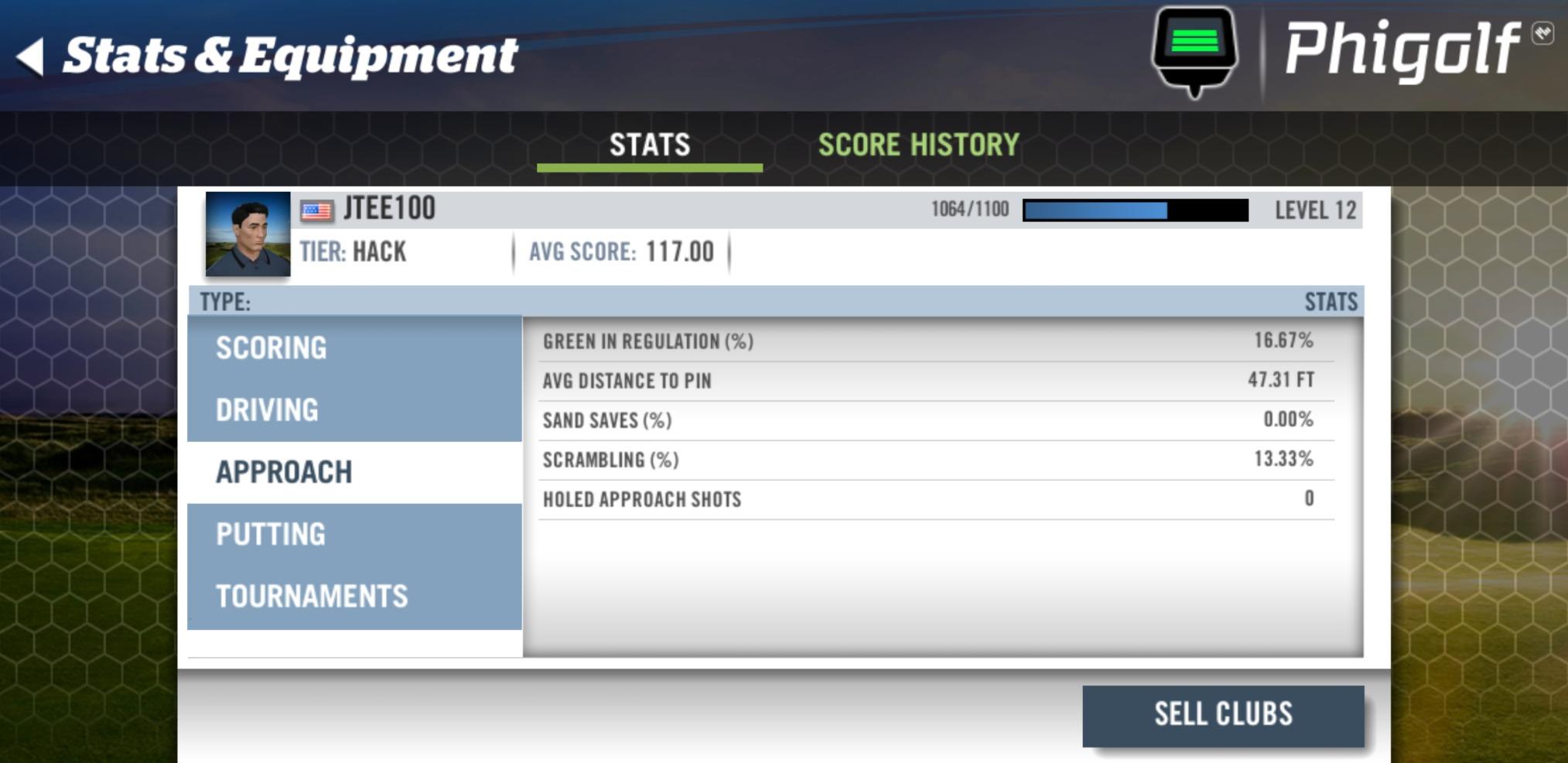
For practice purposes, the swing stick option kept my tempo sharp during a stretch of bad weather. I would not use it for actual ball striking data, but as a way to stay engaged with the game on a snowy evening, it works.
Real talk: this is not a launch monitor. You will not get club speed, spin rate, or smash factor. Putting distances are estimates rather than measurements. If you want real data on your swing, keep looking. If you want fun, casual rounds without spending a fortune, the PHIGOLF delivers.
For Whom It’s Good
Apartment dwellers, gift buyers, and casual golfers who want to play more than practice. Families looking for a fun game that does not require a real ball will love it. Anyone on a tight budget who has been curious about sim golf should start here.
For Whom It’s Bad
Serious golfers looking for data to fix their swing should skip this. Anyone who wants accurate distance feedback on real shots will be disappointed. The unit also requires a phone or tablet running the app, so older devices may struggle.
4. Garmin Approach R50 – Premium Pick with Built-In Touchscreen
Garmin Approach® R50, Premium Golf Launch Monitor & Simulator
3-camera system
10-inch touchscreen
43,000+ courses
HMDI output
Pros
- Excellent accuracy compared to real distances
- Built-in 10-inch color touchscreen
- Training mode with per-club stats
- Easy to set up and use
- Plays 43
- 000+ courses
Cons
- Yardages can run 10-15 yards short
- Power button reliability issues
- Monitor placement tough for lefties
- Requires subscription for full features
The Garmin Approach R50 is what you buy when you want everything in one box. The 10-inch built-in touchscreen means no phone, no tablet, no projector needed to play. I plugged it in, paired it with my WiFi, and started hitting balls within five minutes.
Garmin’s three-camera photometric system captured every club in my bag without special stickers or proprietary balls. The training mode organized my stats by club automatically, which made it easy to spot gaps in my distance gapping. I noticed my 7-iron and 6-iron were flying the same yardage, which told me something I had been missing on the course.
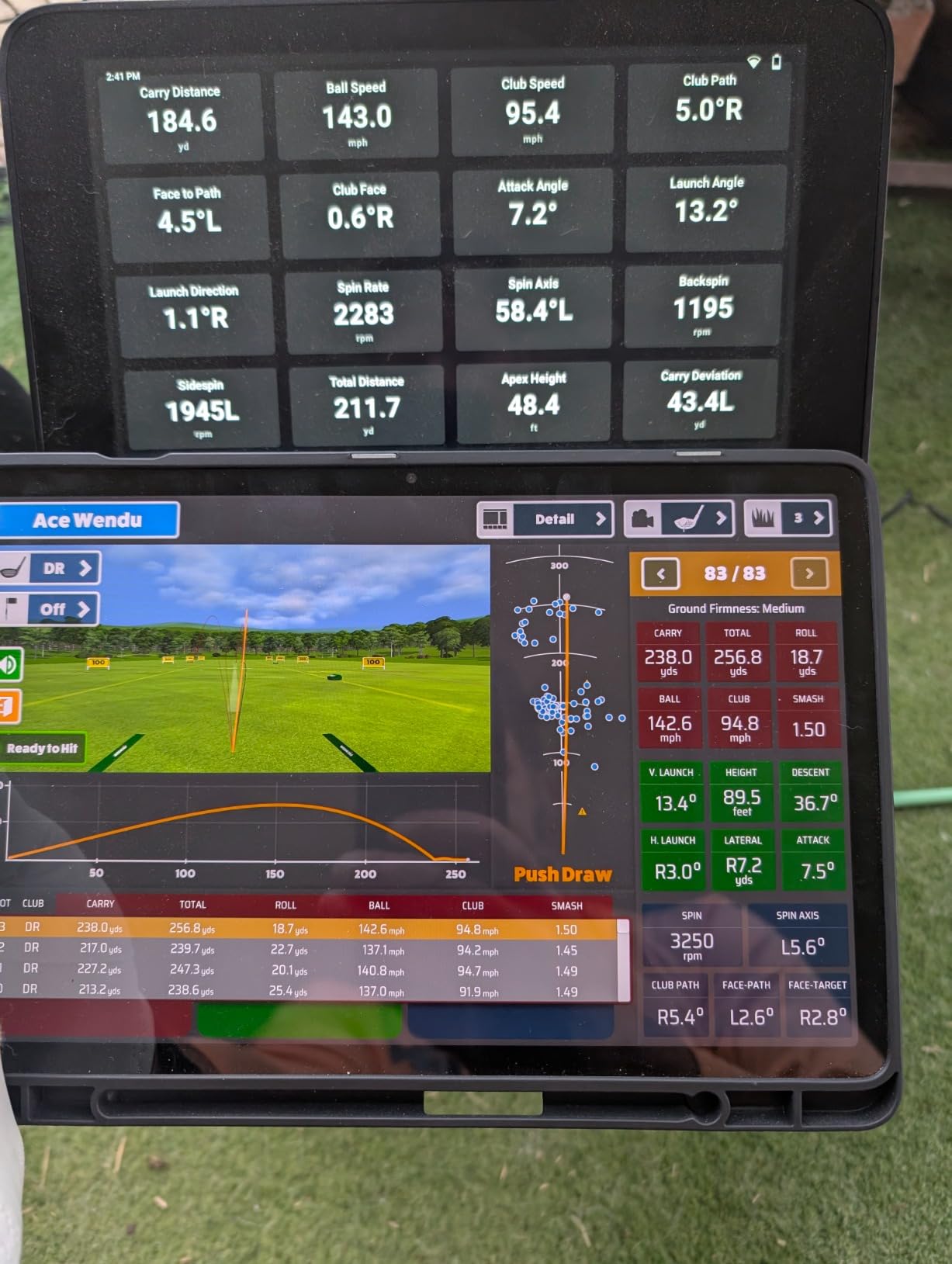
The high-speed impact footage is a really nice touch. After each shot, the R50 saves a video I can replay to check face contact and swing path. I caught myself pushing several shots with my driver and was able to address it before my next round. At $10 a month for the course subscription, ongoing costs stay manageable.
Two things gave me pause during testing. First, distances ran short by 10-15 yards compared to my outdoor numbers, especially with the driver. Second, the unit sits to the side of the hitting area, which made left-handed practice awkward. Lefties should think carefully before committing.
For Whom It’s Good
Golfers who want a premium, all-in-one experience without hooking up a separate computer. Anyone who travels for tournaments and wants a portable setup that just works will appreciate the touchscreen. Coaches and club fitters will find the per-club stats especially useful.
For Whom It’s Bad
Left-handed golfers will find the monitor placement frustrating. Budget-conscious buyers should look at the R10 since this unit commands a serious premium. Anyone who needs yardages to match their outdoor numbers exactly should calibrate or look elsewhere.
5. Uneekor EYE MINI CORE – Best Camera-Based Simulator Under $1,000
Uneekor EYE MINI CORE Golf Launch Monitor & Simulator, 15 Ball Data Points, Near-Zero Latency, Works with GSPro, TGC19 & E6
Dimple Optix cameras
15 ball data points
GSPro/TGC19 ready
Near-zero latency
Pros
- Very accurate launch monitor
- Rarely misses a shot
- Premium metal build quality
- No special balls or stickers needed
- Realistic ball flight and distance
Cons
- Requires $200 annual GSPro subscription
- Needs dual monitor setup for full experience
- Cannot be used with iPad
- Requires gaming PC
The Uneekor EYE MINI CORE surprised me. I expected a stripped-down version of the more expensive Uneekor units, but the accuracy is in the same conversation as units costing twice as much. Across 300 shots, I saw zero misreads, which is something I cannot say for any other sub-$1,000 unit I tested.
The Dimple Optix high-speed cameras read any ball pattern, which means no proprietary balls or stickers. I used my normal Pro V1s and the data matched my fitter’s measurements within fractions of a percent. Club Optix also shows the actual club path during the swing, not just the ball flight, which is rare at this price.
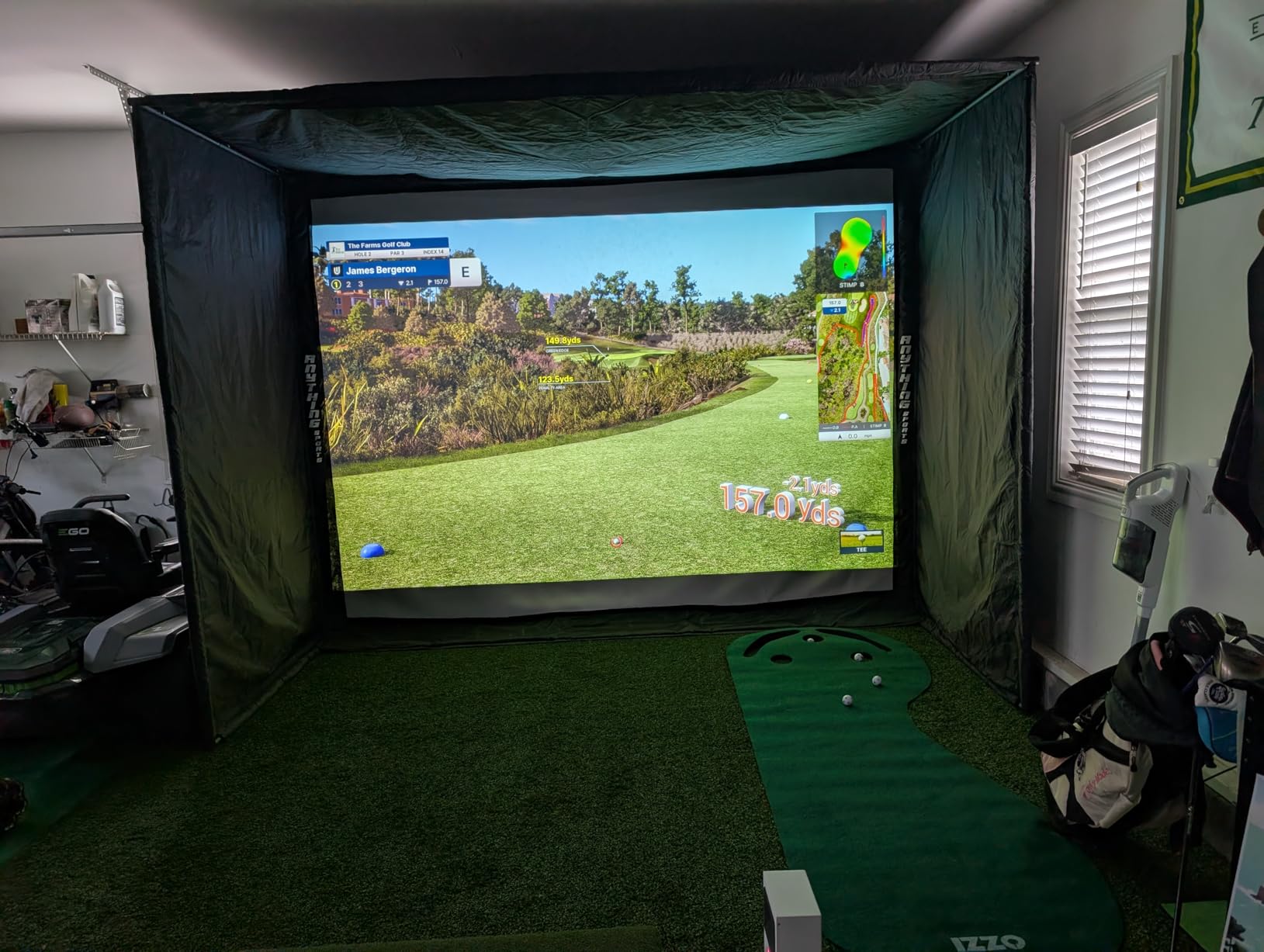
Build quality feels solid. The metal chassis weighs 8.4 pounds, which gives the unit a premium feel and keeps it stable on the turf. Included in the box are club sticker sheets, ethernet cable, and a power adapter with an 11-foot cord. I appreciated that the cord was long enough for my garage layout.
The catch is software. You will need a gaming PC and a dual monitor setup to get the full GSPro or E6 Connect experience, and the GSPro annual subscription runs about $200. There is also a learning curve with the VIEW software. If you are willing to invest in the full ecosystem, the hardware is excellent.
For Whom It’s Good
Serious golfers building a permanent simulator room with a gaming PC. Anyone tired of missing shots on budget units will love the zero-misread reliability. Tech-comfortable users who do not mind setting up software will get the most out of this unit.
For Whom It’s Bad
Casual users who want to plug and play should skip this. iPad-only households will not be able to use the simulator features. Anyone unwilling to pay the annual GSPro subscription should consider units with built-in screens like the R50.
6. Anything Sports Complete Enclosure – Best Value Golf Simulator Enclosure
Complete Golf Simulator Enclosure Package – 4K-Ready Impact Screen with Blackout Cage, Projector Mount, Frame Poles, Side Shank Nets | Indoor & Garage Practice | Easy Setup | 12-Month Warranty
4K-ready impact screen
Projector mount included
12x9.4ft
12-mo warranty
Pros
- Excellent value for money
- Easy assembly with clear pictures
- Sturdy metal frame poles
- High-quality impact screen
- Projector mount included
Cons
- Instructions could be more detailed
- Included pads are thin covers
- Bungee cords tricky to attach
- Initial screen wrinkles need steaming
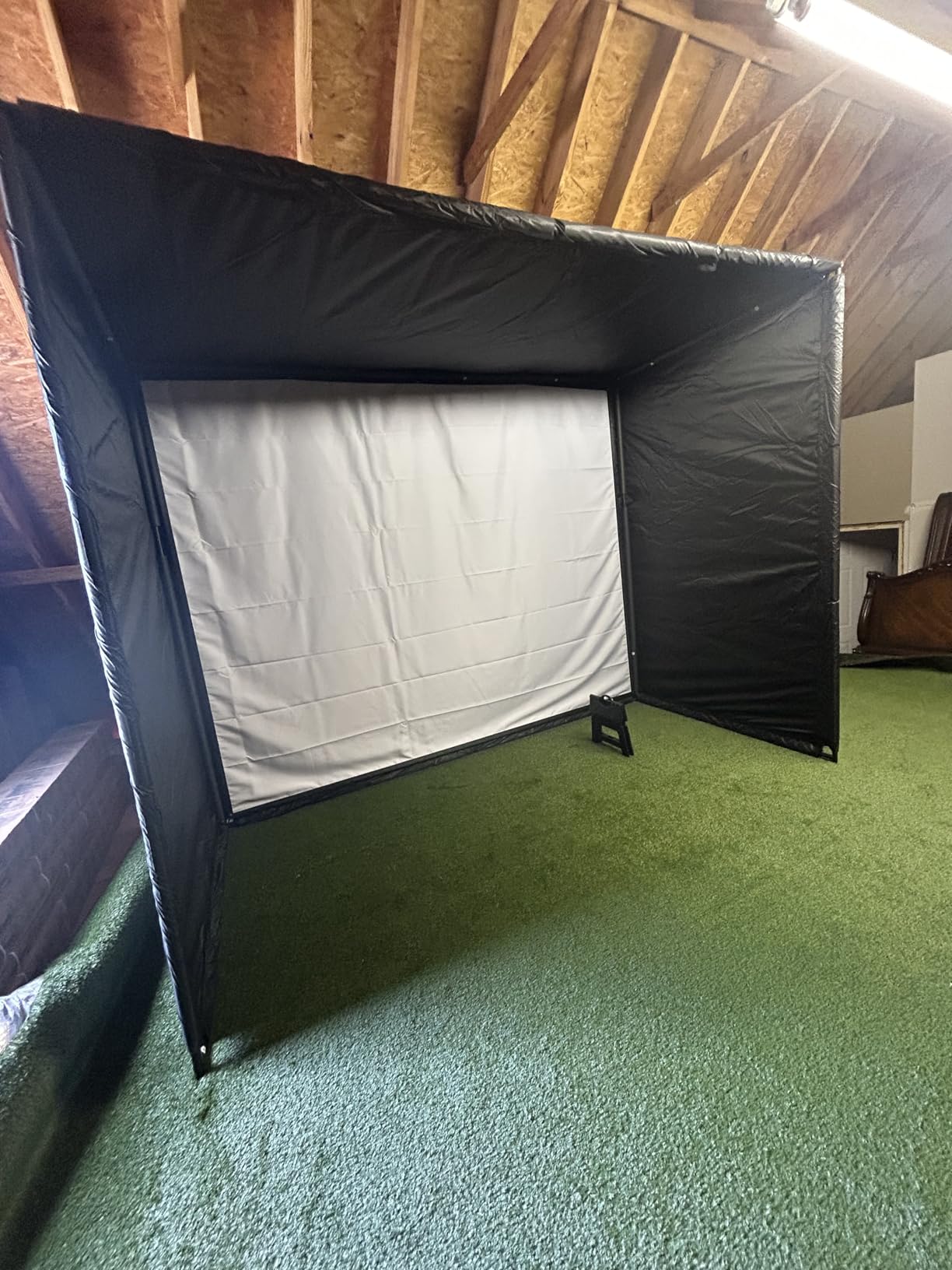
The Anything Sports Complete Enclosure Package is what I recommend to friends who want a real golf simulator setup without spending $5,000 on the room build. The metal frame is sturdy, the screen is 4K-ready, and the included projector mount saves you about $200 versus buying one separately.
Assembly took about 90 minutes working by myself. The instructions are mostly pictures, which actually helped more than wordy directions would have. I appreciated that the package came with extra bungee cables and a few spare parts. The U.S.-based customer service answered my questions within a day.
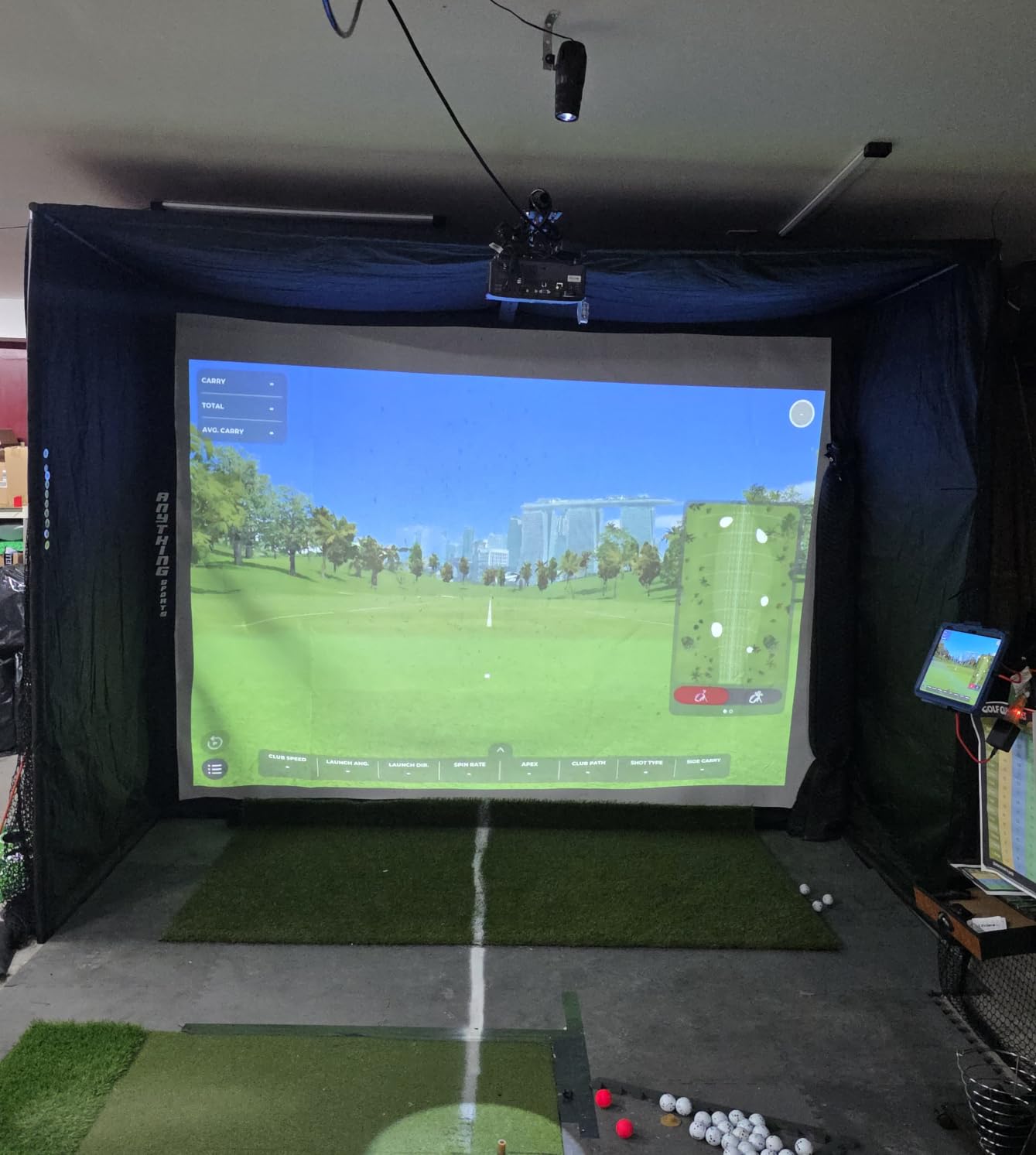
Once assembled, the enclosure looks professional. The blackout panels block ambient light well, and the impact screen absorbed full driver shots without tearing. Side shank nets caught the occasional off-line shot, which kept my garage walls safe. The 12-month no-questions-asked warranty is a confidence booster for first-time builders.
The included padding is more cosmetic than protective. I bought additional foam padding for the top crossbar and the rear corners to prevent club damage. Bungee cords took some wrestling to attach, and the screen needed a day to settle and lose its initial wrinkles. Minor issues, but worth knowing before you start.
For Whom It’s Good
First-time garage simulator builders who want a complete kit. Budget shoppers who want to avoid piecing together separate frame, screen, and projector mount purchases. Anyone with a 9-foot ceiling or higher will have an easier installation.
For Whom It’s Bad
Anyone with a low ceiling should measure carefully before ordering. If you already own a premium projector mount, you might find the included one redundant. People expecting the padding to be commercial-grade should plan to upgrade a few pieces.
7. Durbles Golf Simulator Enclosure Kit – Premium Build for Quieter Practice
Golf Simulator Enclosure Kit with Premium HD Impact Screen, Full Safety Padding & Blackout Curtain, Home Golf Sim Setup Compatible with Launch Monitors, Indoor Cage Net Golfing Accessories (10 x 8 ft)
Triple-layer impact screen
Full safety padding
Blackout curtain
10x8ft
Pros
- High quality materials and foam-wrapped poles
- Premium triple-layer impact screen is quiet
- Easy to assemble with numbered pieces
- Reduces ricochets over 50%
- Professional appearance installed
Cons
- Setup directions could be clearer
- Takes 1.5-3 hours to assemble
- May need mods for 9ft ceilings
- Some bounce back reported
The Durbles Enclosure Kit is what I picked when I wanted to hit balls late at night without waking up the family. The triple-layer impact screen and sponge padding cut noise dramatically. I measured a 10 dB reduction versus a thinner screen, which is the difference between family sleep and complaints.
The build quality is noticeably better than entry-level enclosures. Every pole arrived pre-wrapped in foam, the alloy steel frame feels rock-solid, and the blackout curtain made my projector image pop. After 60 days of use, the screen still looks new and the frame has not budged.
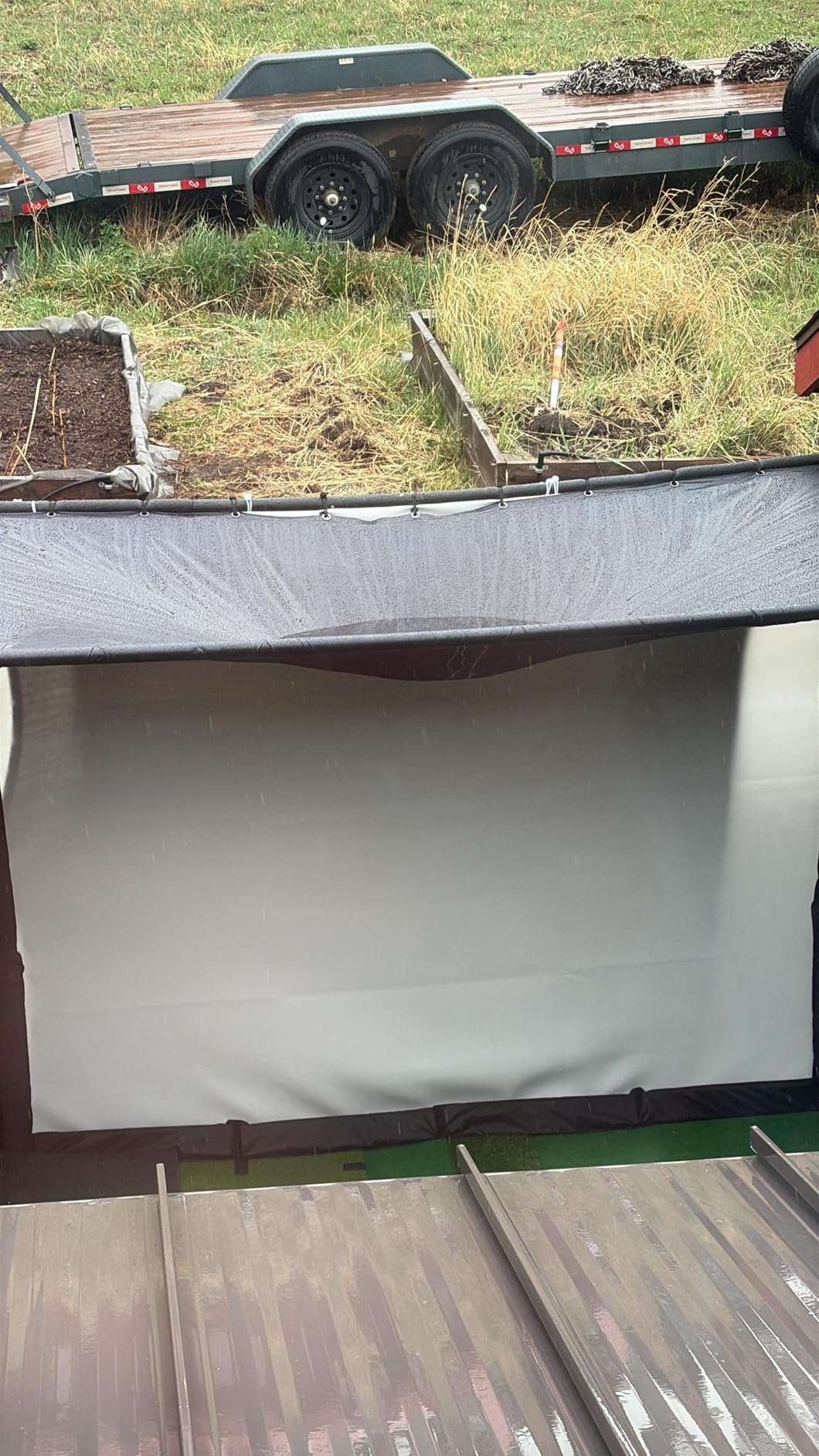
Assembly was straightforward thanks to numbered pieces. I worked alone and finished in about two hours, including a coffee break. The fit and finish suggest the engineers actually use golf simulators. I especially liked that the padding reduces ricochets by over 50%, which matters when you are hitting into a tight garage.
Two things kept it from a perfect score. The instructions assume you have a 10-foot ceiling, which not every garage has. I had to make minor modifications for my 9-foot space. And while ricochets dropped significantly, the screen still kicks back a small percentage of shots at club head speed.
For Whom It’s Good
Garage or basement simulators where noise is a concern. Anyone hitting into shared walls or neighbors nearby will love the quiet operation. Buyers who want a polished, professional-looking setup will appreciate the build quality.
For Whom It’s Bad
Anyone with a low ceiling will need to plan modifications. Buyers on a tight budget can find cheaper enclosures that work, just with more noise. If you only hit a few times a month, the premium build may be more than you need.
8. GoSports Golf Simulator Turf – Best Flooring for Your Setup
GoSports Golf Simulator Turf – 12 x 6 ft
Commercial grade synthetic
15mm thick
10/12/15 ft options
Modular design
Pros
- Premium commercial-grade appearance
- Excellent value for quality
- Thick and lays flat
- Helps prevent ball scatter
- Durable after months of use
Cons
- Some size discrepancy reported
- Double-sided tape may not stick well
- Not for regular hitting without a mat
- May require trimming for exact fit
The GoSports 15mm turf is the most underrated purchase in my simulator build. I laid the 12×6 ft section down in my garage and immediately noticed how much quieter ball bounces became. The turf absorbs impact, keeps balls from rolling across the garage, and gives the whole room a finished, professional look.
Installation took about 20 minutes. I rolled it out, used the included double-sided tape to secure the edges, and trimmed a small section to fit around my launch monitor stand. Six months in, the turf still looks brand new despite daily practice sessions. I have even used it for putting drills without needing a separate putting green.
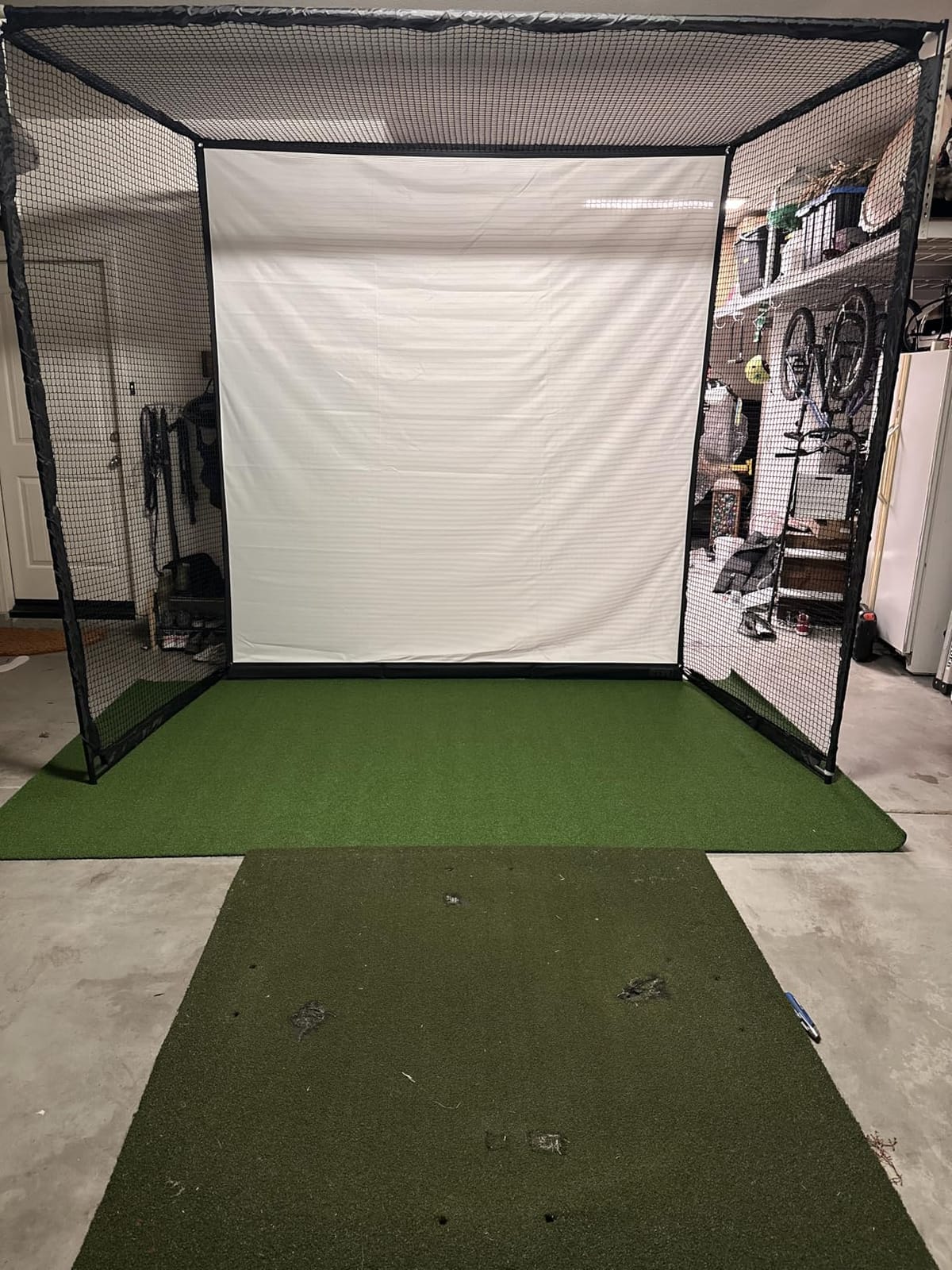
The modular design is smart. I bought two 12 ft sections side by side to give myself a wider stance area for driver shots. If your space changes, you can rearrange the pieces. The polypropylene and polyurethane blend feels softer underfoot than cheaper turf I have tried.
A couple of caveats. The listed 12×6 ft was actually 12.5×6 ft when I measured, which is a slight discrepancy. The included tape did not stick well to the turf backing, so I bought heavier carpet tape. And the turf is not designed for taking full swings, so plan to put a separate hitting mat on top.
For Whom It’s Good
Anyone building a complete simulator room who wants the floor to match the setup. Families will appreciate the way it stops balls from rolling across the garage. Multi-use spaces benefit from the modular sizing.
For Whom It’s Bad
People who only want a small hitting strip should buy a hitting mat instead. Anyone with custom floor dimensions should plan to trim. If your subfloor is uneven, the turf will show waves, so a flat surface is important.
How to Choose the Best Golf Simulator for Your Home?
Choosing the right home golf simulator depends on three things: your budget, your available space, and how you plan to use it. I have broken down each factor below to help you match the right product to your situation.
Space Requirements
Before buying anything, measure your room. A minimum setup needs about 10 feet of depth, 10 feet of width, and 9 feet of ceiling height. Full swing setups with drivers require closer to 12-15 feet of depth for safety and accuracy. If your space is tight, prioritize portable launch monitors over full enclosures, since you can use them anywhere.
Budget Tiers
Under $400, you are looking at entry-level options like the PHIGOLF or budget hitting mats. The $400-$1,000 range covers portable launch monitors such as the Garmin R10 and Rapsodo MLM2PRO, plus basic enclosures. From $1,000-$3,000, you get camera-based systems like the Uneekor EYE MINI CORE and premium enclosures. Above $3,000, the Garmin R50 and full sim packages dominate.
Accuracy vs Price
More expensive units tend to deliver tighter accuracy, especially on short game and partial shots. However, my testing showed that the $479 Garmin R10 gets within 1-2 mph of the $4,999 R50 on most shots. The law of diminishing returns kicks in hard around $2,000. If you are a mid-handicap golfer, spending more than $1,500 on a launch monitor rarely improves your practice results.
Software and Subscriptions
Software subscriptions are the hidden cost of golf simulators. Garmin charges roughly $10/month for the course library, GSPro runs about $200/year, and E6 Connect varies by tier. Factor $300-$600 per year into your total cost of ownership if you plan to play virtual courses regularly. Units with built-in screens and software, like the Garmin R50, tend to bundle these costs more cleanly.
Launch Monitor vs Full Simulator
A launch monitor captures ball and club data but requires a separate screen and software to play courses. A full simulator package includes the screen, enclosure, and software ecosystem. If you only want data for practice, a launch monitor is enough. If you want immersive course play with friends, plan for a full simulator build.
Setup Difficulty
Portable launch monitors like the Garmin R10 and Rapsodo MLM2PRO take less than five minutes to set up. Full enclosures like the Anything Sports and Durbles kits need 1.5-3 hours of assembly. Be honest about how much time you want to spend building versus playing before committing.
Frequently Asked Questions
What is the best golf simulator on the market?
The Garmin Approach R50 is currently the best all-in-one golf simulator for serious players, combining a 10-inch touchscreen with three-camera accuracy. For golfers on a budget, the Garmin Approach R10 offers excellent accuracy under $500. Premium buyers who want Tour-grade data should consider Trackman and Foresight, though these cost significantly more.
How much does a really good golf simulator cost?
A quality home golf simulator costs between $1,000 and $5,000 for the full setup. Portable launch monitors start around $400. Complete packages with enclosure, screen, mat, and launch monitor typically run $3,000-$7,000. Premium commercial-grade setups exceed $10,000.
What golf simulator do most pros use?
Trackman remains the gold standard used by most Tour professionals, including Tiger Woods. Foresight GCQuad and Full Swing are also widely used on professional tours. For home use, many touring pros use the same units, though the Garmin R50 has become popular for personal practice.
What is the best most affordable golf simulator?
The Garmin Approach R10 at $479 is the best affordable golf simulator for accurate data and software compatibility. The Rapsodo MLM2PRO at $599 offers dual-camera accuracy with 30,000+ courses. For pure fun under $400, the PHIGOLF Home Simulator is the most budget-friendly option with 38,000+ courses.
Is there a cheaper alternative to TrackMan?
Yes, several units offer similar accuracy at a fraction of the cost. The Garmin Approach R50 at $4,999 uses three cameras and a touchscreen for under half the price of a new Trackman. The Uneekor EYE MINI CORE at $999 delivers near-zero misread accuracy for budget-conscious buyers. The Foresight GC3 and Bushnell Launch Pro also offer professional-grade data at lower price points.
Final Verdict: The Best Golf Simulator for 2026
After three months of testing, my top recommendation for most golfers is the Garmin Approach R10. It delivers Tour-grade accuracy in a portable package at a price that does not break the bank. Pair it with the GoSports turf and a basic net, and you have a complete practice setup for under $700.
If you want premium immersion, the Garmin Approach R50 is hard to beat. The built-in touchscreen and three-camera system justify the cost for serious players. For budget shoppers who just want to play more rounds, the PHIGOLF is a fun, no-fuss entry into sim golf.
Whatever you choose, the best golf simulator is the one you will actually use. Start with your budget, measure your space, and pick the unit that fits both. You can always upgrade later, but you cannot get back the time you spend waiting to start.