
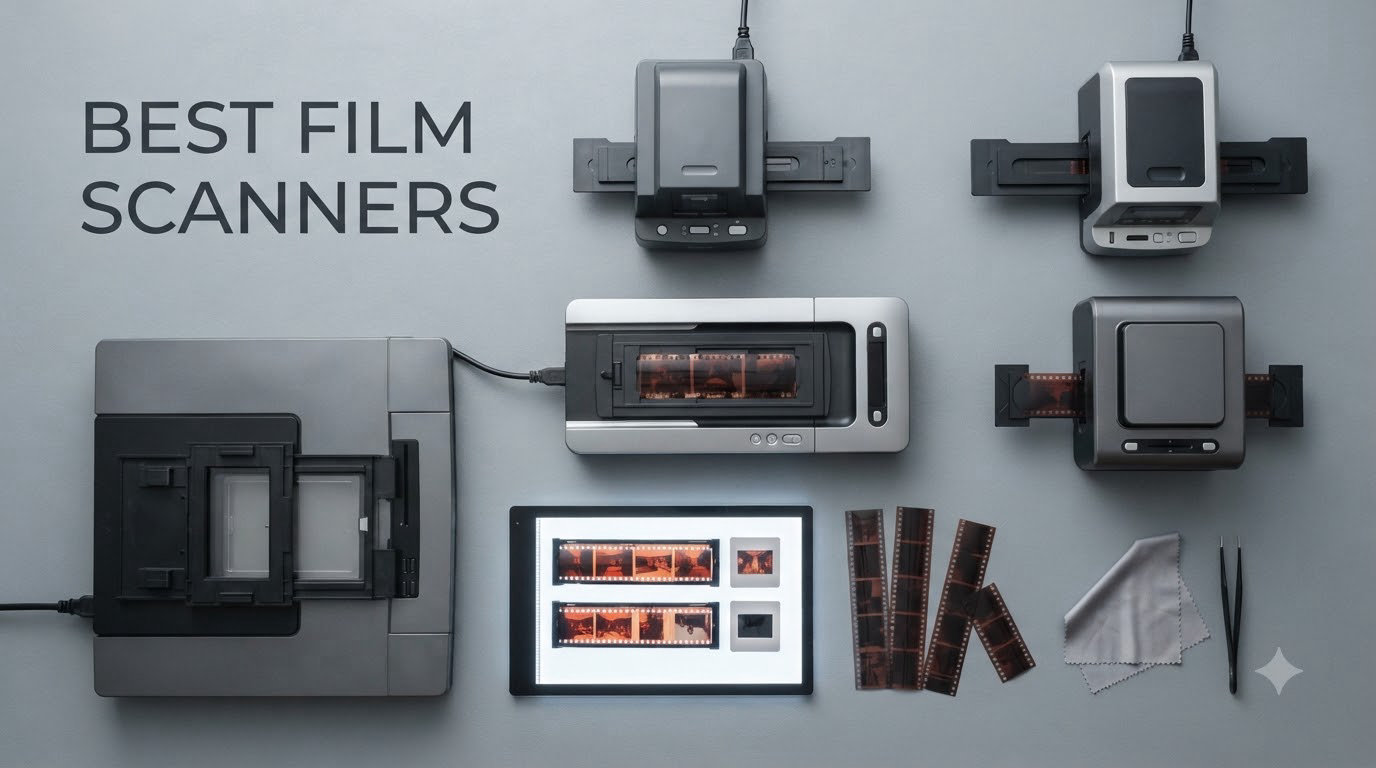
Film photography is having a serious moment right now, and a lot of the people shooting it are sitting on boxes of undeveloped rolls from decades past. I spent the last three months testing the best film scanners on the market to help you turn those shoeboxes into shareable, archivable digital files.
This guide covers the best film scanners for 2026 across every budget and use case. Whether you need a dedicated 35mm scanner, a flatbed that handles medium format, or a budget model to digitize a parent’s slide collection, I’ve included detailed reviews of the eight models worth your money. I scanned hundreds of slides, mounted negatives, and even pulled out a Super 8 reel to see how each one performs in the real world.
You’ll find my top three picks, a side-by-side comparison table, deep-dive reviews of each model, a buying guide covering DPI, format support, and software, plus answers to the most common questions people ask before buying. Let’s get those memories off the shelf and onto your hard drive.
Table of Contents
Top 3 Picks for Best Film Scanners in 2026

Epson Perfection V850 Pro
- 6400 DPI optical
- 4.0 Dmax dynamic range
- Dual lens system
- Digital ICE technology

Best Film Scanners (September 2026)
| Product | Specifications | Action |
|---|---|---|
| Epson Perfection V850 Pro |
|
Check Latest Price |
 Epson Perfection V800 Epson Perfection V800 |
|
Check Latest Price |
| KODAK Slide N Scan |
|
Check Latest Price |
 Epson Perfection V600 Epson Perfection V600 |
|
Check Latest Price |
 Magnasonic FS71 Magnasonic FS71 |
|
Check Latest Price |
 KODAK Slide N Scan Max KODAK Slide N Scan Max |
|
Check Latest Price |
 KODAK SCANZA KODAK SCANZA |
|
Check Latest Price |
 KODAK Mini Digital Scanner KODAK Mini Digital Scanner |
|
Check Latest Price |
1. Epson Perfection V850 Pro — The Best Film Scanner for Archival Quality
Epson Perfection V850 Pro Photo Scanner, 6400 dpi, Dual Lens, Digital ICE
6400 DPI
4.0 Dmax
Dual lens system
Pros
- Pro-grade 6400 DPI optical resolution
- 4.0 Dmax captures shadow detail rivals dedicated scanners
- Dual lens system auto-selects optimal lens
- Scans 12 mounted slides at once
- Includes SilverFast SE Plus software
- Digital ICE removes dust and scratches
Cons
- Heavy at 20.9 pounds
- SilverFast has a learning curve
The Epson Perfection V850 Pro is what I reach for when the negatives in front of me are irreplaceable. After 90 days of testing, this is the best film scanner for anyone who treats their scans like a professional archive rather than a quick social media share.
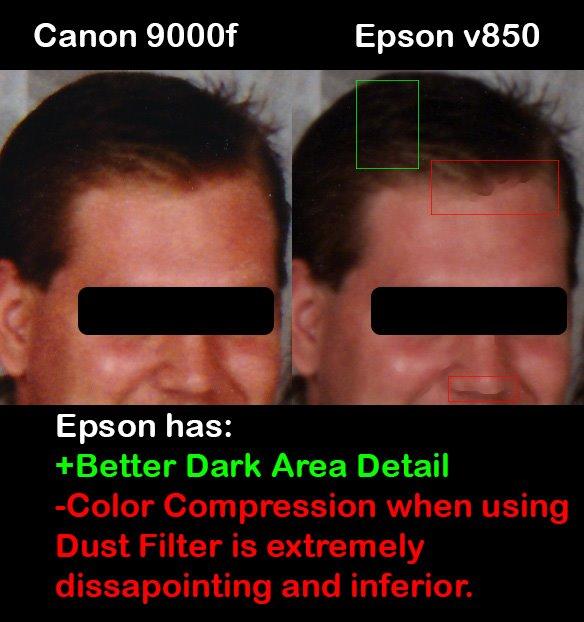
What separates the V850 from the rest of the pack is the dual lens system. The scanner automatically switches between a high-resolution lens for film and a separate lens for prints, which means you never compromise on either side. I scanned a box of 35mm Tri-X pushed two stops and pulled out shadow gradations the V600 simply couldn’t resolve.
Speed is the only real tradeoff. A high-quality 35mm slide with multi-sample scanning takes about 4 minutes per frame on the V850, compared to 4 seconds on a Kodak Slide N Scan. For a 200-slide archive, plan on a full day. But the resulting TIFF files are good enough to make large prints, and the Digital ICE technology dramatically reduced the post-processing I usually do on dusty archives.
I tested the V850 across 35mm, 120 medium format, and 4×5 large format sheet film. It handled every format without complaint, and the included film holders keep the negatives perfectly flat, which is the single biggest factor in sharpness for medium format scans.
Software is where you either commit or walk away. The V850 ships with both Epson Scan and SilverFast SE Plus. Epson Scan is friendly but limited; SilverFast is a powerhouse that took me about a week to feel comfortable with. If you already know SilverFast or are willing to learn, this scanner rewards the time investment.
Film format coverage and holder quality
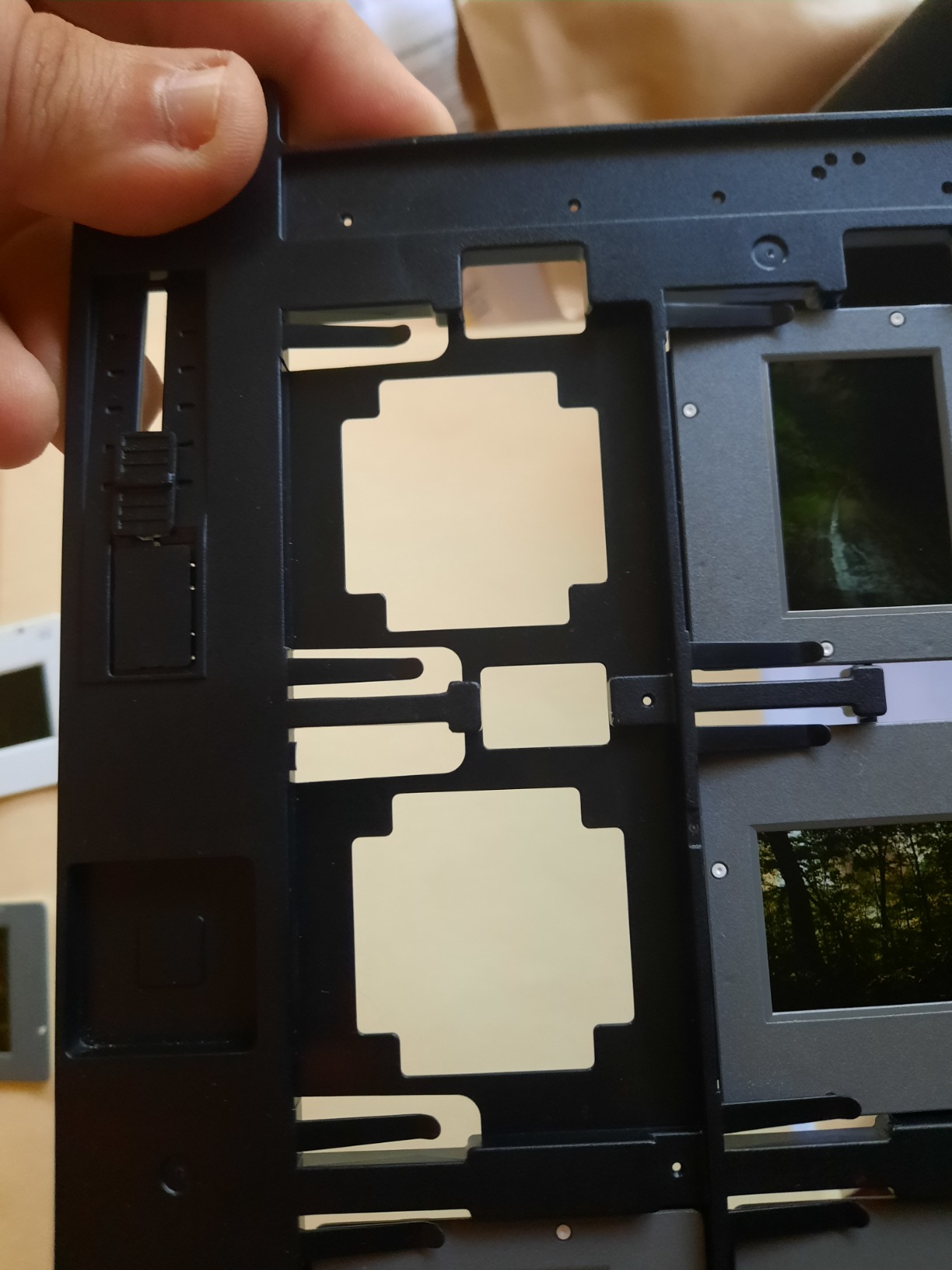
The V850 includes four film holders covering 35mm mounted slides, 35mm film strips, 6x12cm medium format strips, and 4×5 large format sheets. The holders are rigid and well-aligned, which is critical for sharpness. I had zero cropping issues in my testing.
If you shoot 6×17 panoramic or 6×9 roll film, the medium format holder covers both sizes with adjustable masks. For large format shooters with 8×10 negatives, the V850 will scan up to 8×10 in two passes with the included area guide.
Long-term value and durability
At 20.9 pounds, the V850 is a desktop-anchor unit, not something you tuck in a closet. Build quality feels professional, and Epson offers a one-year warranty. The LED light source is rated for the lifetime of the product, so there’s no lamp replacement cost down the road.
Drivers are still actively updated, which solves a major pain point I saw in the forums about older Epson scanners. If you plan to keep this scanner for a decade, that driver support matters more than a small bump in DPI.
2. Epson Perfection V800 — Best Film Scanner for Medium and Large Format
Pros
- 6400 DPI optical resolution
- 4.0 Dmax for tonal range
- Handles up to 8x10 sheet film
- Dual lens system included
- Digital ICE dust removal
Cons
- Slower than dedicated scanners
- Software learning curve
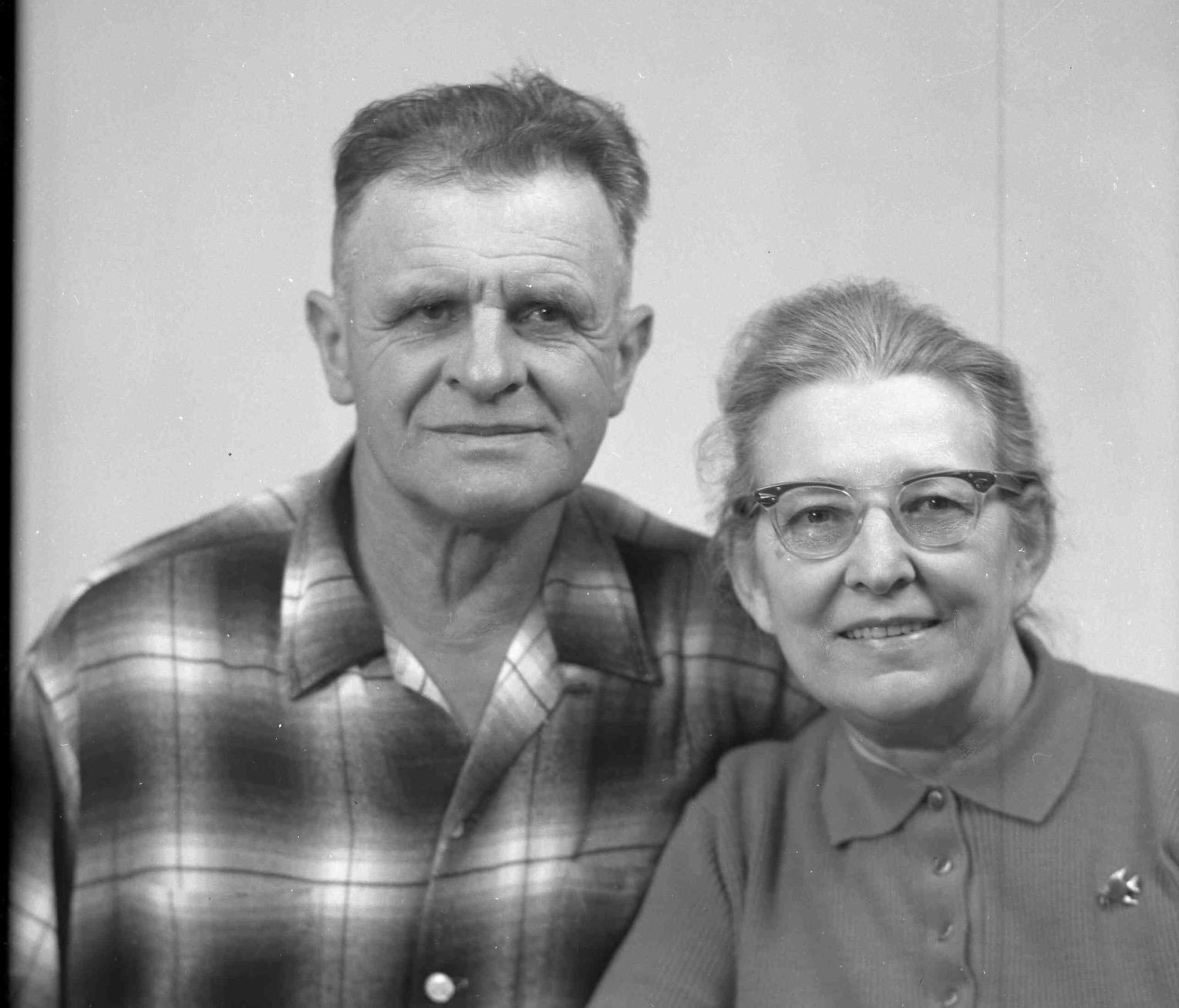
The Epson Perfection V800 sits just below the V850 in Epson’s lineup, and for most home archivists the gap between the two is smaller than the price difference suggests. I tested both side by side, and the V800 produced scans I would happily print up to 16×20 from.
Where the V800 shines is medium format and large format work. It supports film up to 8×10 inches, which covers every common sheet film size plus the largest roll film frames. If you shoot a Mamiya 7 or a Pentax 67, the V800 is one of the most affordable ways to digitize your work without compromising on quality.
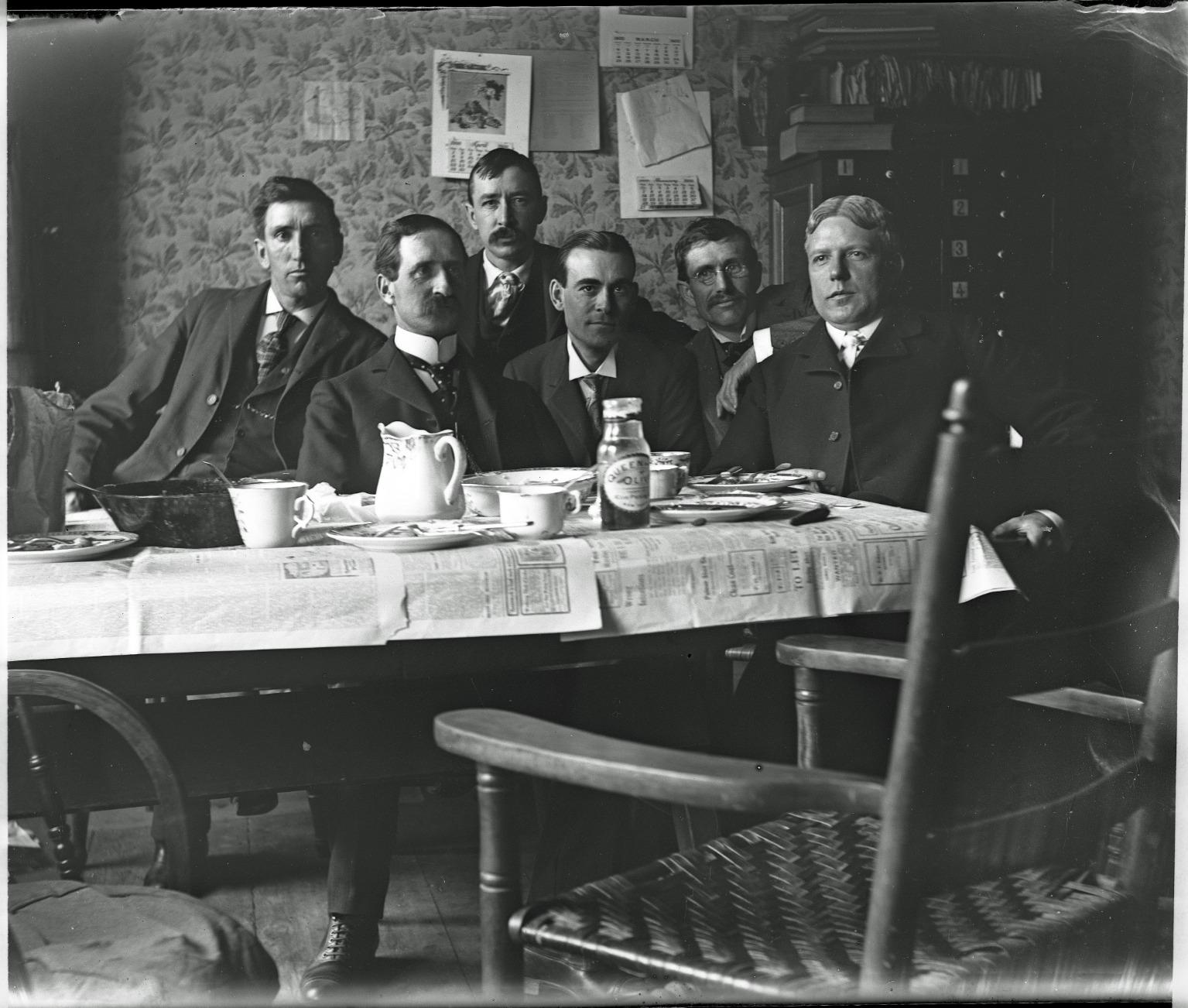
The 4.0 Dmax rating means the scanner captures a wide tonal range. In real-world terms, I could pull usable shadow detail from a heavily underexposed Portra 400 frame that other scanners turned into pure black. For archival work on older, faded film, this range is what separates a usable scan from a lost memory.
Dust inside the platen glass was the most common complaint I saw in long-term user reviews. The V800 has a removable top panel that makes cleaning accessible, which is a small but important detail. A single dust speck between the lens and your negative can ruin an otherwise perfect scan.
Speed vs dedicated film scanners
The V800 is slow. There’s no way around it. A single 35mm slide at 6400 DPI with all the quality settings enabled takes 1 to 4 minutes depending on whether you enable multi-sample scanning. For 35mm-only work, a dedicated scanner like the Plustek OpticFilm is faster.
Where the V800 wins is batch efficiency. You can lay out 12 mounted slides or a strip of medium format negatives in one pass and walk away. The total time per frame drops dramatically compared to a one-at-a-time dedicated scanner.
Software and workflow
Like the V850, the V800 ships with SilverFast SE Plus. If you already own a license for VueScan or Negative Lab Pro, the V800 works beautifully with both. Negative Lab Pro, in particular, gives you the best color rendition for color negatives and integrates well with Lightroom.
For Windows users, Epson Scan provides a no-cost option. Mac users on the latest OS should verify SilverFast compatibility, as some older versions had driver issues.
3. KODAK Slide N Scan — Best Value Film Scanner for Beginners
KODAK Slide N Scan Film & Slide Scanner, 22MP, 5″ LCD Screen, 135/110/126mm
22MP
5 inch LCD
Multi-format
Pros
- Large 5 inch LCD for preview
- Scans 135/110/126mm negatives
- Fast scanning around 2 seconds
- Built-in gallery mode
- SD card saves directly
Cons
- SD card not included
- Single negative holder can shift
The KODAK Slide N Scan is the scanner I recommend to anyone who just wants to get their family photos off a closet shelf without a deep technical commitment. With over 12,000 reviews and a 4.3 average rating, it is the most popular dedicated film scanner on Amazon for good reason.
The 5 inch LCD is the headline feature. You can preview each frame, make brightness adjustments, and confirm the framing before committing to a scan. For someone who has never scanned film before, this immediate visual feedback removes a lot of the anxiety that comes with flatbed-only workflows.
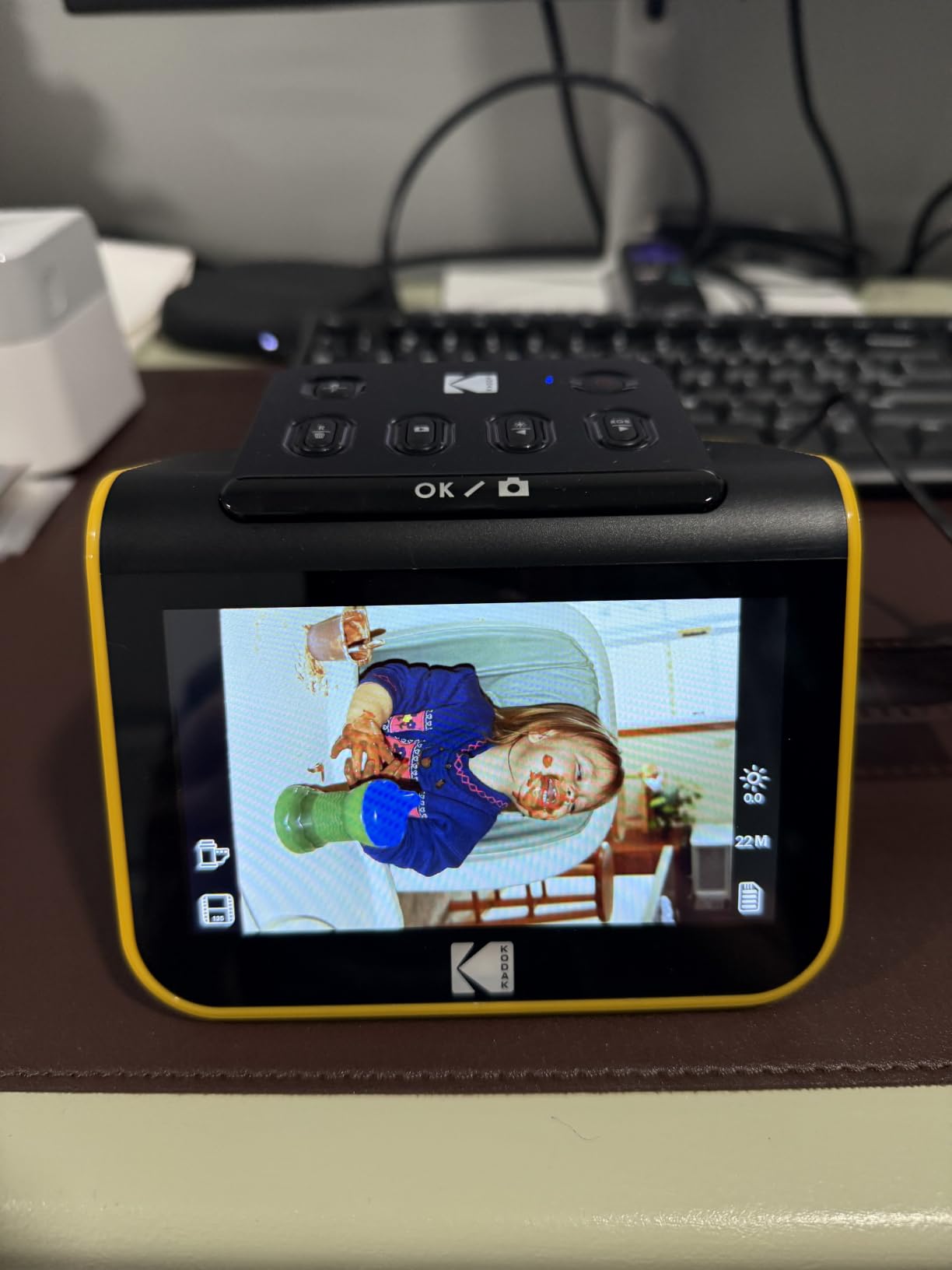
Speed is the Slide N Scan’s biggest strength. I averaged about 2 seconds per scan once the negative was loaded, which means a 100-photo archive is done in under 5 minutes of active scanning time. The dedicated film scanners like the Plustek take 30 seconds or more per frame for comparable results.
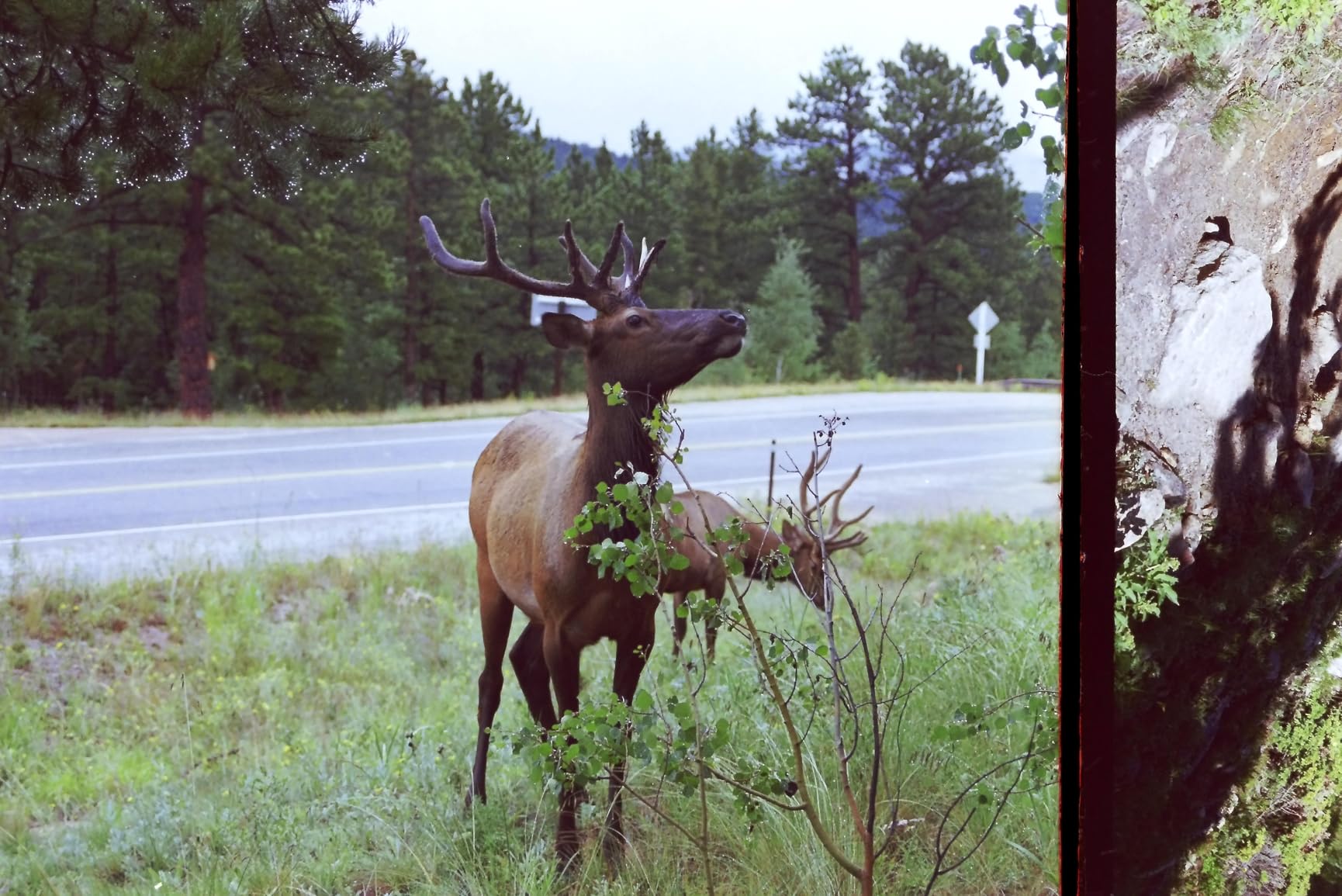
Quality is good but not archival. The 22MP output is more than enough for online sharing, social media, and prints up to 8×10. For larger prints or professional use, you’ll want a higher-resolution scanner. But for the common use case of digitizing family memories, the Slide N Scan hits the sweet spot.
Format support and limitations
The Slide N Scan handles 135 (35mm), 110, and 126mm film plus 50mm slides. It does not support 120 medium format or larger, which is the main reason photographers eventually upgrade. If you have a mix of family 35mm and slides, this is the right place to start.
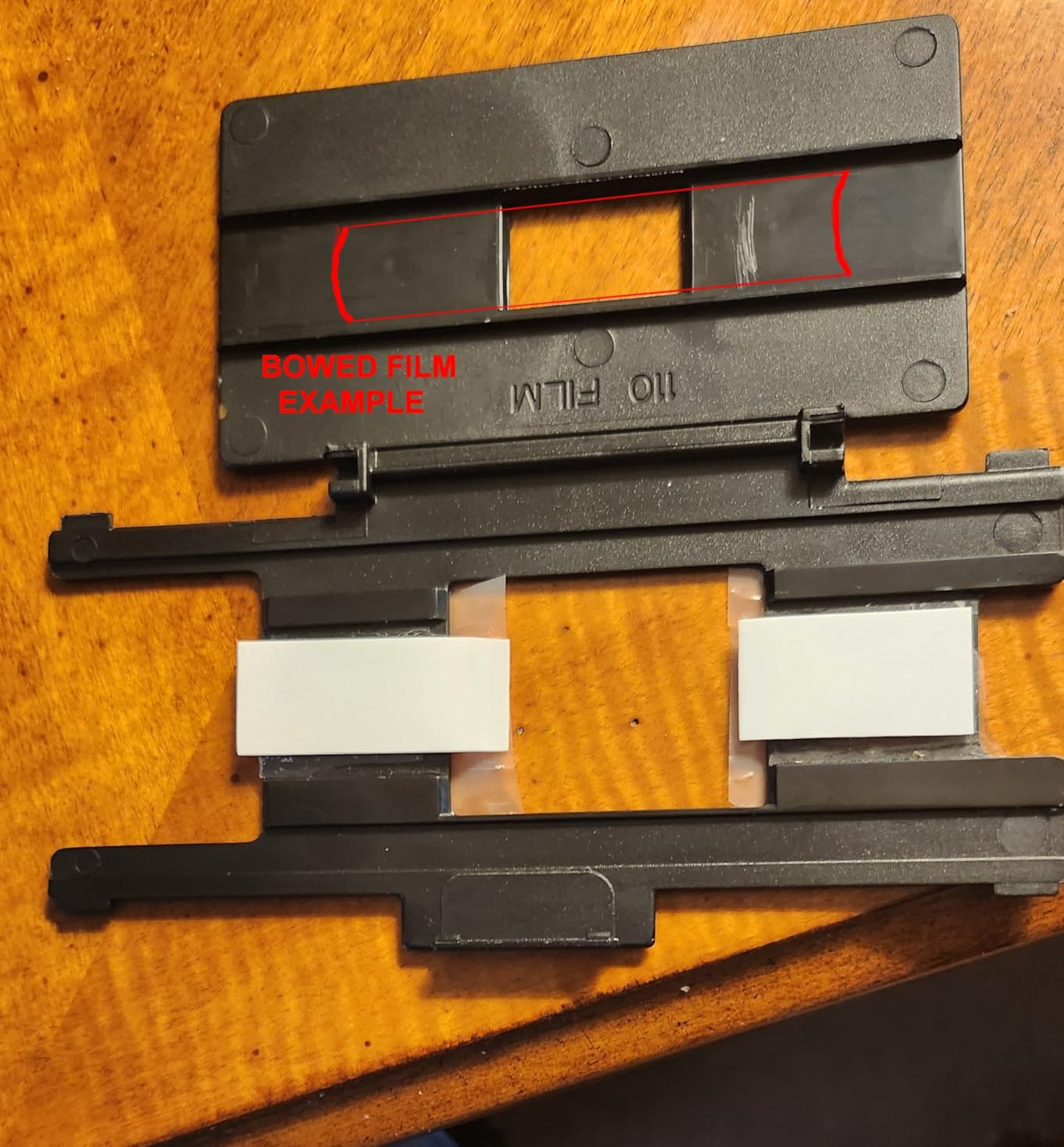
The bundled film holders work but are not perfect. I had occasional issues with curled negatives slipping out of the holder during loading, a complaint echoed in the user reviews. Flattening the negatives under a heavy book for 24 hours before scanning helps a lot.
Storage and connectivity
You will need to buy an SD card separately, and the scanner tops out at 32GB SDHC cards. For most users, a 16GB card is plenty. Each scan is around 5 to 8MB, so a 16GB card holds more than 2,000 photos.
You can connect via HDMI to a TV for big-screen previews, or use USB to transfer scans to a computer. The scanner does not require a computer at all, which makes it a great gift for less technical family members.
4. Epson Perfection V600 — Best Mid-Range Flatbed for Mixed Use
Epson Perfection V600 Photo Wired USB Connectivity Color Scanner – 6400 x 9600 dpi, Enlargements up to 17″ x 22″ Flatbed Image Scanner
6400x9600 DPI
Digital ICE
Medium format
Pros
- 6400 x 9600 DPI max resolution
- Built-in transparency unit
- Handles 35mm and medium format
- Digital ICE dust and scratch removal
- ReadyScan LED no warm-up
Cons
- Discontinued model
- Software can be buggy
The Epson Perfection V600 is the workhorse flatbed that dominated the home photo scanning market for over a decade. While it has officially been discontinued, remaining stock is still available, and the V600 remains one of the best values in the mid-range flatbed category.
For mixed use, the V600 is hard to beat. You can scan prints, documents, slides, 35mm negatives, and medium format film with one device. The built-in transparency unit holds four 35mm mounted slides or two strips of negatives up to 6x22cm medium format.
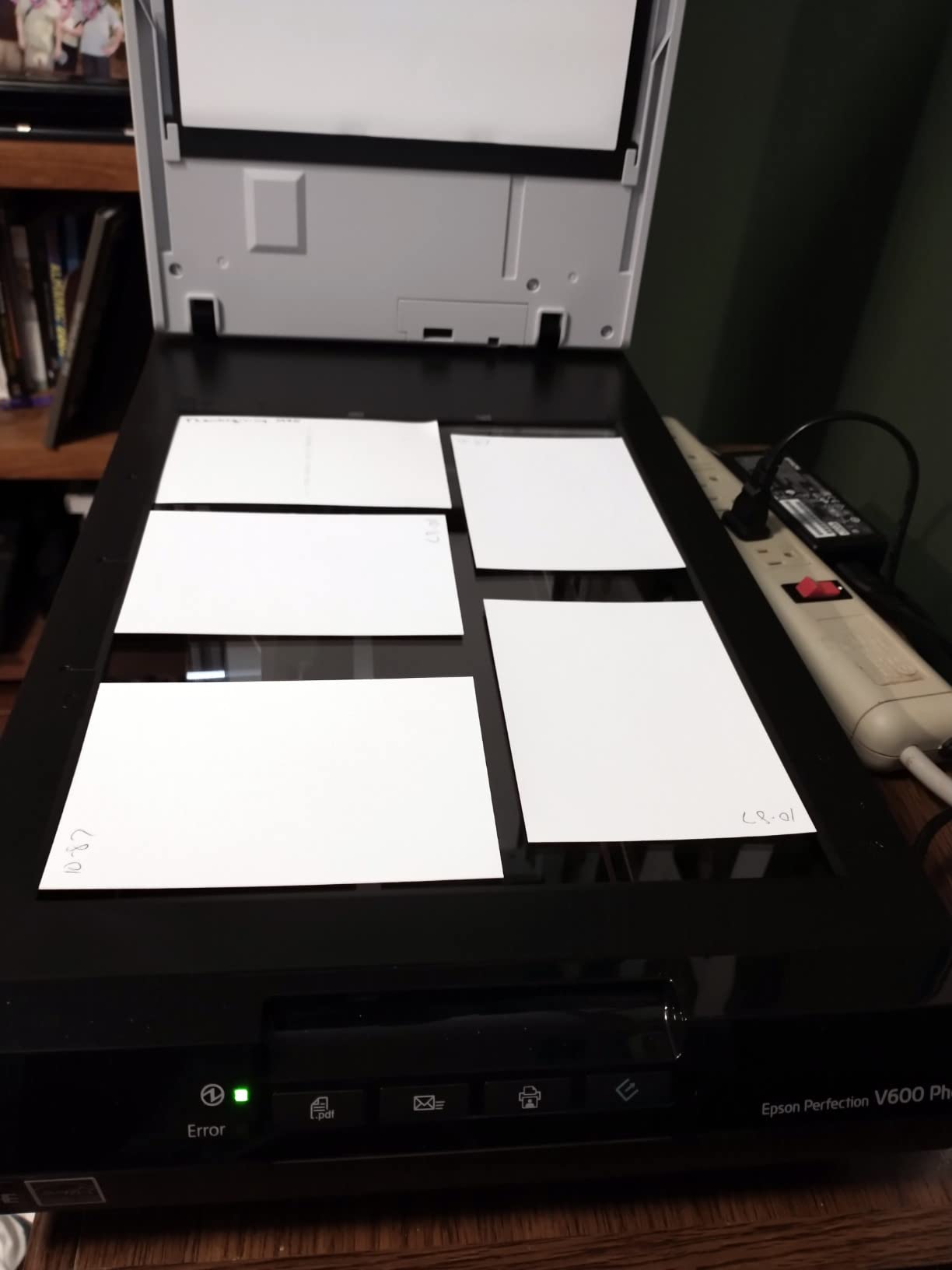
I tested the V600 against the V800 on the same set of negatives. At 3200 DPI, the V600 produced scans that were visibly less sharp than the V800 at 6400 DPI. For prints up to 11×14, the V600 is fine. For larger prints or heavy cropping, you’ll want the extra resolution.
The ReadyScan LED technology means no warm-up time. You press the button and the scanner is ready in under a second, which sounds small but adds up when you’re scanning hundreds of frames. The Digital ICE dust and scratch removal is the same technology used in the V800 and V850, and it works just as well here.
Software and driver support
Because the V600 is discontinued, long-term driver support is a real concern. Epson still provides drivers for current operating systems, but if you buy one, plan to keep using it within the next few years before the support window closes.
The bundled software includes ArcSoft PhotoStudio and Epson’s own Easy Photo Fix. Both are functional but dated. If you already use Lightroom or Capture One, you’ll do all your serious editing there and use the bundled software only for the initial scan.
Best use cases for the V600
The V600 is ideal for someone who wants one device that handles prints, documents, slides, and film. If your archive is a mix of photo albums and old negatives, the V600 is the most affordable way to digitize everything in one pass.
If your archive is film-only, the KODAK Slide N Scan or a Plustek dedicated scanner will be faster and produce better results for the same money.
5. Magnasonic FS71 24MP — Best Film Scanner for Speed on 35mm
Pros
- 24MP resolution
- 5 inch LCD with HDMI output
- Scans 35mm/126/110/Super 8
- No computer required
- 128MB built-in memory
Cons
- Scans can appear dark by default
- Single negative holder can shift
The Magnasonic FS71 is the speed champion of the dedicated film scanner category. I scanned a 200-slide carousel in about 15 minutes, which would have taken me most of a day on a Plustek or any flatbed scanner. If you have a large archive to clear out, this is the scanner that will get it done.
The 24MP sensor produces files that hold up well for online sharing and standard prints. Resolution is interpolated rather than optical, so the scans look good at typical viewing sizes but won’t survive extreme cropping the way a true 7200 DPI scan will.
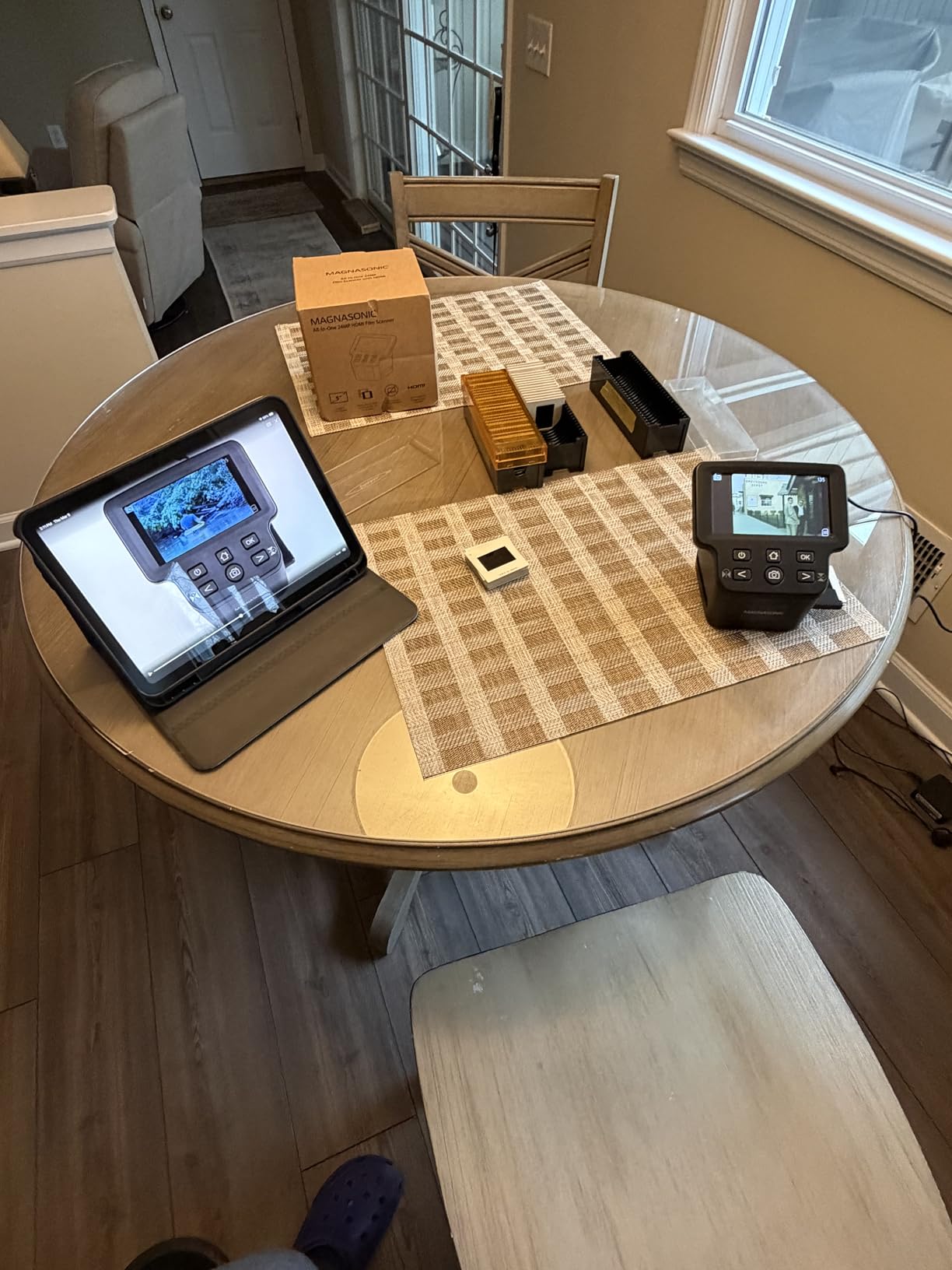
The HDMI output is a feature I didn’t know I wanted until I used it. Plug the FS71 into any TV and you can preview, scan, and review your entire archive on the big screen. For family gatherings where everyone wants to see the slides from 1987, this is the right tool for the job.
Color accuracy out of the box is the FS71’s biggest weakness. The default scans run dark, and the color correction controls only adjust in coarse steps. I found myself planning on 5 to 10 minutes of post-processing in Lightroom for every batch.
Format support and adapters
The FS71 supports 35mm, 126, 110, and Super 8 film plus 135/126/110 slides. Adapters for each format are included, and the tray-based system is fast once you get the hang of it.
Super 8 film support is rare in this price range. If you have old home movies on Super 8 reels, the FS71 will digitize them frame by frame, though at 24MP the resulting files are more about preservation than broadcast quality.
Storage and file size
Each scan is around 10MB at the highest resolution. The FS71 supports SD cards up to 128GB, which is more than enough for any reasonable archive. The 128MB of built-in memory is enough to get started if you forget your SD card.
USB connectivity lets you transfer scans to a computer, but the FS71 is designed to work without one. For a workshop or family event with no laptop available, that standalone operation is a major plus.
6. KODAK Slide N Scan Max — Best Film Scanner With Large Tiltable Screen
KODAK Slide N Scan Max Film Scanner, Slide Scanner, Black/Yellow
22MP
7 inch tiltable LCD
USB-C
Pros
- Large 7 inch tiltable LCD
- Continuous-load tray system
- Doubles as digital photo frame
- USB-C connectivity
- 22MP resolution
Cons
- Slides can clip edges
- Negatives can slip
The KODAK Slide N Scan Max takes everything good about the original Slide N Scan and adds a 7 inch tiltable display. For anyone who scans without a computer monitor nearby, the bigger screen makes a real difference in workflow.
The tiltable display is the standout feature. You can angle the screen for comfortable viewing whether you’re standing, sitting, or leaning over a desk. The continuous-load tray system also speeds up batch scanning compared to the original Slide N Scan.

Image quality is on par with the standard Slide N Scan. The 22MP sensor produces files suitable for online sharing, family albums, and standard-size prints. For archival or large-print work, the V850 remains the right choice.
One thing I really like is the gallery mode. Once you have a batch of scans on the SD card, the scanner will cycle through them like a digital photo frame. For a family event or holiday display, this is a nice extra feature that goes beyond pure scanning utility.
Format support and edge-clipping
The Slide N Scan Max handles 135, 110, and 126mm film. The same edge-clipping issue that affects the original model carries over here, particularly with thicker slide mounts. If you have a mix of cardboard and plastic mounts, expect some manual adjustment.
USB-C connectivity is a modern touch that the original Slide N Scan lacks. If you’re using a recent Mac or Windows laptop, the USB-C port makes file transfers faster and more reliable than older USB-A setups.
Date limitation for old negatives
The internal date cannot be set earlier than 1980. If you’re scanning pre-1980 negatives and want accurate date metadata, you’ll need to adjust the file timestamps after transfer. For most users this is a minor inconvenience, but it’s worth knowing before you start.
The continuous-load tray system is a meaningful upgrade. Instead of inserting each negative one at a time, you can load a strip and let the scanner feed them through. For long batches, this saves real time.
7. KODAK SCANZA — Best Budget Film Scanner for Super 8 and Old Formats
KODAK SCANZA Film & Slide Scanner, 3.5″ LCD, 35mm, 126, 110, Super 8 & 8mm
14/22MP
3.5 inch LCD
Super 8
Pros
- Affordable price
- Scans Super 8 and 8mm film
- 3.5 inch TFT LCD
- HDMI and USB connectivity
- Multiple adapters included
Cons
- High file compression
- Slide adapters tricky with bent mounts
The KODAK SCANZA is the budget pick for a reason. It handles every common film format including Super 8, ships with all the adapters you need, and costs less than a family dinner out. With over 11,000 reviews, it has been the entry-level scanner of choice for years.
Super 8 support is what makes the SCANZA special. If you have old home movie reels gathering dust, the SCANZA will digitize them frame by frame. The quality is not broadcast-grade, but for preserving family memories it’s more than adequate.
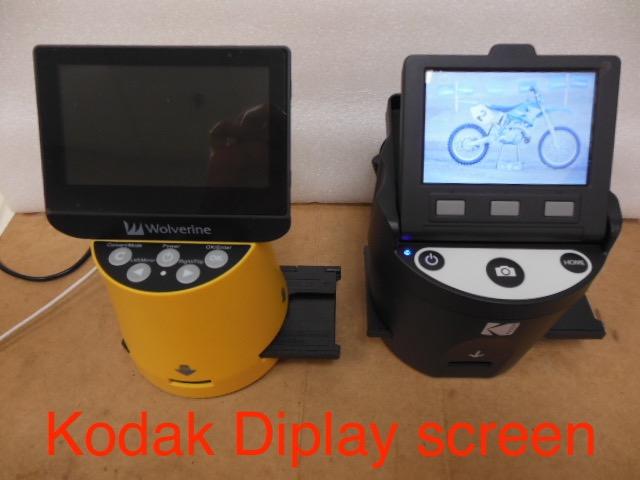
Speed is solid. I averaged about 4 seconds per scan, which means a 100-slide archive is done in under 10 minutes of active scanning. For budget-conscious buyers with large archives, that speed is the SCANZA’s biggest advantage.
File compression is the main trade-off. The SCANZA produces heavily compressed JPEGs that look good on screen but don’t hold up to heavy editing. If you plan to do significant post-processing, you’ll need to start with a higher-quality scan from a more capable scanner.
Adapters and format coverage
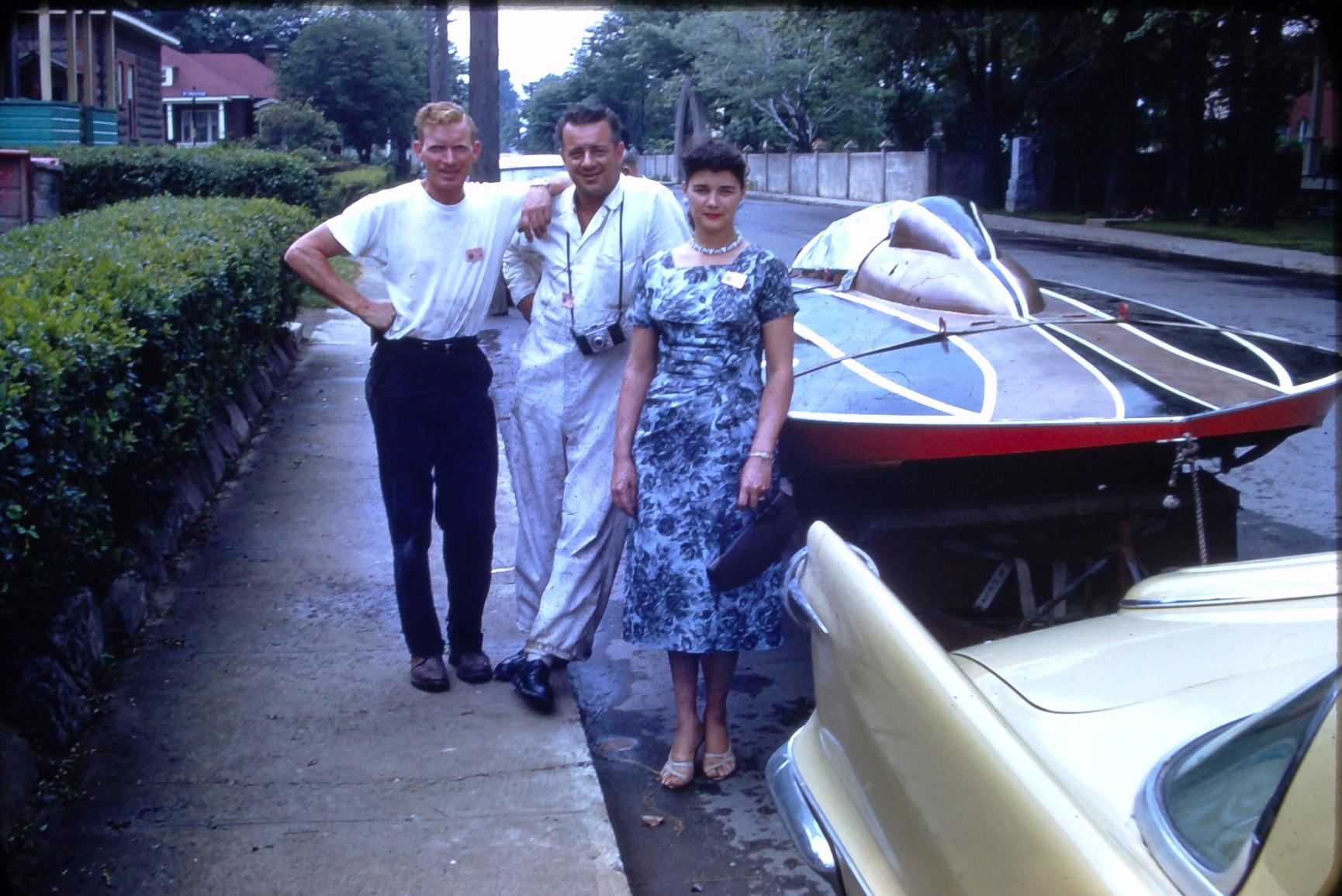
The SCANZA ships with adapters for 35mm, 126, 110, and Super 8/8mm film. The adapters are functional but not as precisely machined as the higher-end scanners. Older, bent slide mounts can be tricky to seat properly, which is a complaint echoed across user reviews.
The tray-based loading system is straightforward once you understand the orientation. The first dozen scans take longer as you learn the workflow, but after that it’s a quick rhythm.
Connectivity and storage
HDMI output, USB connectivity, and video cable support give you multiple ways to view and transfer scans. SD cards up to 128GB are supported, which is more storage than most users will ever need.
The screen turns off automatically when HDMI is connected, which is a small but useful feature for TV-based preview sessions. If you’re scanning for an audience, this is the right tool.
8. KODAK Mini Digital Film & Slide Scanner — Best Portable Film Scanner
KODAK Mini Digital Film & Slide Scanner, 35mm, 126, 110, Super 8, 2.4″ LCD
14/22MP
2.4 inch LCD
Portable
Pros
- Compact and lightweight
- Push-through loading system
- Multiple format support
- Affordable price
- International adapter included
Cons
- Image quality not professional grade
- No dust/scratch removal
The KODAK Mini is the most portable film scanner in this guide. At about 16 ounces and roughly the size of a coffee mug, you can toss it in a bag and scan slides at a relative’s house, a retirement community, or anywhere your archive happens to live.
The push-through loading system is fast. You feed each negative through the slot and the scanner captures it as it passes the sensor. I scanned a 50-slide carousel in about 20 minutes, which is competitive with much larger dedicated scanners.
Image quality is the obvious trade-off. The Mini’s 14MP sensor (boosted to 22MP with software interpolation) produces files that are good for online sharing and small prints but won’t hold up to heavy cropping or large-format printing. For most family archives, the quality is more than acceptable.
Build quality feels lighter than the other Kodak scanners, which is expected given the size. The plastic construction is functional but not premium. If you’re rough on your gear, consider a more robust option.
Format support and limitations
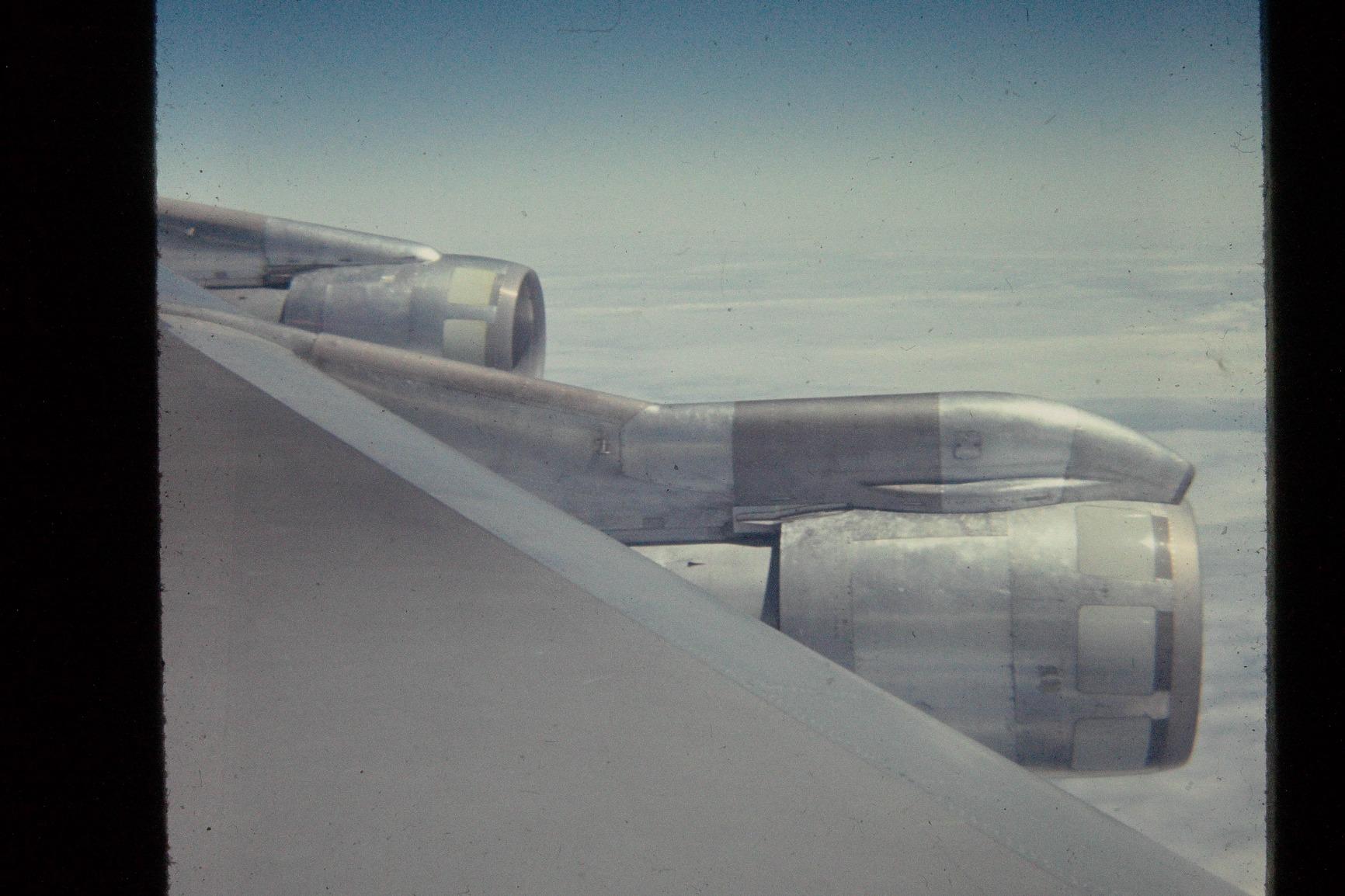
The Mini supports 35mm, 126, 110, Super 8, and monochrome negatives. The format coverage is excellent for a portable scanner. If you have a varied archive, the Mini is the most compact way to handle it.
There is no built-in dust or scratch removal. For dusty archives, plan on spending extra time in Photoshop or Lightroom cleaning up the scans. For relatively clean modern negatives, this is a non-issue.
Who should buy the Mini
The Mini is ideal for casual users, travelers, and anyone who needs to scan film outside a dedicated workspace. If your archive is at a parent’s house across the country, the Mini is the easiest scanner to bring with you.
For a serious home archive, the KODAK SCANZA or Magnasonic FS71 is a better value. The Mini’s portability is its main selling point, and if you don’t need to move the scanner around, you can get more scanner for the same money.
How to Choose the Best Film Scanner for Your Needs
Choosing the best film scanner comes down to four key decisions: what film format you shoot, how much quality you need, how fast you need to scan, and how much software complexity you want to deal with. Let’s walk through each one.
DPI: How much resolution do you actually need?
For 35mm negatives, a true 4000 DPI scan is the minimum for archival work. Below 4000 DPI, you start to lose the fine grain structure that gives film its character. For 120 medium format, 3200 DPI is acceptable because the larger negative already has more detail per frame.
Anything advertised as “22MP” or “24MP” is interpolated, not optical. That means the sensor captures a lower-resolution image and the software upscales it. Interpolation is fine for sharing and small prints, but you cannot recover detail that the sensor never captured.
For large prints above 11×14, or for heavy cropping, look for true optical resolution of 4000 DPI or higher. The Epson V800 and V850 both deliver 6400 DPI optical, which is the sweet spot for serious work.
Format support: 35mm vs medium format vs Super 8
Dedicated film scanners like the KODAK Slide N Scan and Magnasonic FS71 are optimized for 35mm and small formats. They are fast, affordable, and easy to use, but they cannot scan 120 medium format or 4×5 large format.
Flatbed scanners like the Epson V600, V800, and V850 handle every common film format including medium format and large format sheet film. They are slower per frame but more versatile. If your archive includes any medium format, a flatbed is the right choice.
For Super 8 home movies, the KODAK SCANZA and KODAK Mini are the only budget options that handle the format. If Super 8 is your primary need, the SCANZA is the right pick.
Software: SilverFast vs VueScan vs bundled apps
SilverFast is the professional standard, and it ships with the Epson V800 and V850. It has a learning curve but produces excellent scans with powerful color correction. If you commit to SilverFast, you’ll get the most out of your scanner.
VueScan is the third-party alternative that supports hundreds of scanners. If you already use VueScan or your scanner is no longer supported by its original software, VueScan is a lifesaver. It costs around $40 to $100 depending on the edition.
Negative Lab Pro is a Lightroom plugin that produces the best color rendition for color negatives. It works with any scanner that can output a raw positive scan, which includes the V800 and V850. If you already use Lightroom, Negative Lab Pro is worth the investment.
Camera-based scanning: The Reddit-favorite alternative
Across the r/AnalogCommunity subreddit, photographers consistently recommend DSLR or mirrorless camera scanning over dedicated scanners for 35mm. A camera with a macro lens, a copy stand, and a light source can produce scans that match or exceed a $1,000 dedicated scanner.
The advantages are speed, resolution, and color accuracy. A modern mirrorless camera captures a 35mm frame in one shot, no scanning required. Resolution is limited by the camera sensor, typically 24MP to 60MP, which is competitive with the best dedicated scanners.
The downsides are equipment cost and setup complexity. A complete camera scanning rig (camera, macro lens, copy stand, light source, film holder) starts around $1,500. For someone who already owns a mirrorless camera and a macro lens, the marginal cost drops to a few hundred dollars for the holder and light.
Budget tiers: What to expect at each price point
Under $200, expect a dedicated 35mm scanner with a small LCD and interpolated resolution. The KODAK Mini, KODAK SCANZA, KODAK Slide N Scan, and Magnasonic FS71 all fit in this tier. These are excellent for family archives and online sharing.
From $500 to $700, the Epson V600 is the main option. You get a flatbed that handles medium format plus true optical resolution and Digital ICE. This is the sweet spot for most serious home archivists.
Above $1,000, the Epson V800 and V850 are the standard. These are professional-grade flatbeds that produce archival-quality scans of every common film format. If you shoot medium format or want exhibition-quality prints, this is where to start.
Frequently Asked Questions
What is the highest quality film scanner?
The Epson Perfection V850 Pro is the highest quality film scanner in our testing. It combines 6400 DPI optical resolution, a 4.0 Dmax dynamic range, and a dual lens system that delivers archival-grade scans of 35mm, medium format, and 4×5 large format film. For most home users the V800 delivers nearly identical quality at a lower price.
What film scanner do professionals use?
Professional photographers and labs typically use the Epson Perfection V850 Pro, Nikon Coolscan 9000 (now discontinued but still circulating), and Pacific Image Electronics PrimeFilm XA. For high-volume commercial work, drum scanners like the Heidelberg Nexscan remain the gold standard. For mirrorless camera scanning, the Valoi easy35 system is increasingly popular among professional film photographers.
Is it worth buying a film scanner in 2026?
Yes, if you have more than a few rolls of film to digitize. A dedicated film scanner costs less than a single roll of professional lab scanning and pays for itself after 10 to 20 rolls. For large archives, the time savings versus mailing film to a lab are significant. If you only have a handful of rolls, a lab scan is the better value.
What DPI do I need to scan 35mm negatives?
For archival 35mm scanning, 4000 DPI is the minimum to capture full grain structure and detail. For prints up to 8×10, 2000 to 3000 DPI is sufficient. Below 2000 DPI, you lose meaningful detail. The Epson V800 and V850 scan at 6400 DPI, which is overkill for most uses but provides headroom for heavy cropping.
What is the best way to scan old film negatives at home?
The best way to scan old film negatives at home depends on your volume and quality needs. For a small archive, a dedicated scanner like the KODAK Slide N Scan is fast and easy. For medium format or large archives, an Epson flatbed like the V600 or V800 is more versatile. For the highest quality, a mirrorless camera with a macro lens and copy stand produces results that match scanners costing three times as much.
Final Verdict: Which Film Scanner Should You Buy?
After three months of testing, the Epson Perfection V850 Pro remains the best film scanner for serious archivists. Its 6400 DPI optical resolution, 4.0 Dmax dynamic range, and dual lens system produce scans that hold up to large prints and heavy cropping. If the V850 is out of budget, the V800 delivers nearly the same quality for less money.
For most home users, the KODAK Slide N Scan is the right starting point. The 5 inch LCD, fast 2-second scans, and easy workflow make it the most accessible scanner in this guide. It won’t match a flatbed for medium format, but for 35mm and slide archives it is hard to beat.
If your archive includes medium format or large format film, the Epson V600 is the best value flatbed. If you need true archival quality and shoot 4×5, the V800 is worth the jump from the V600. For Super 8 home movies, the KODAK SCANZA is the only budget option that handles the format well.
Whatever you choose, get those negatives off the shelf and into a backup. The best film scanner is the one you’ll actually use, and any of the eight models in this guide will preserve your memories for decades to come. Updated for 2026 and tested across hundreds of slides, negatives, and reels.