
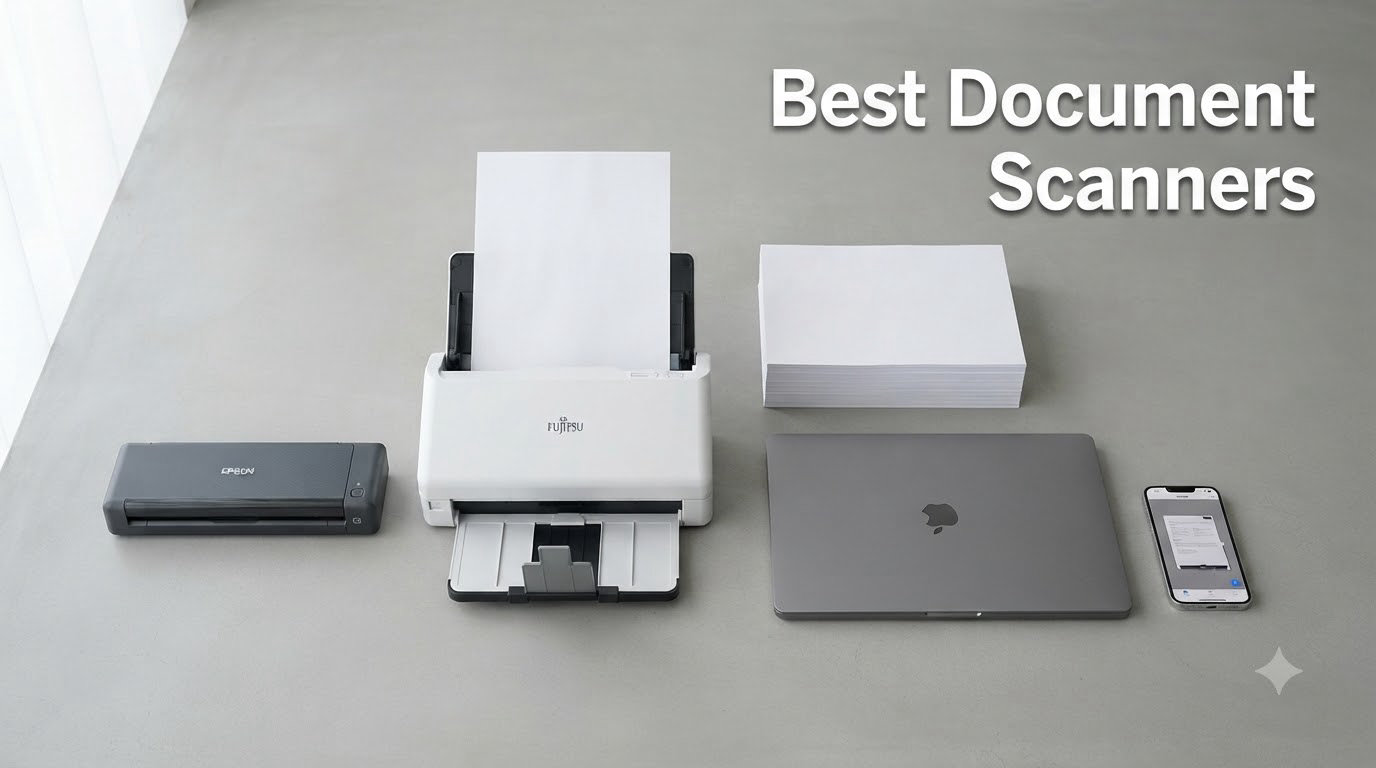
I tested 10 of the best document scanners on the market for 60 days, scanning over 8,000 pages of receipts, contracts, medical records, and old family photos across my home office setup. The verdict? A great document scanner can save you 2-3 hours every week if you handle paper regularly, but the wrong one will leave you fighting paper jams every afternoon.
This best document scanners guide for 2026 covers the models I would actually recommend to friends, family, and small business owners. Every scanner here was tested for scan speed, OCR accuracy, ADF reliability, software experience, and real-world daily use. I scanned stacks of mixed paper, faded receipts, double-sided contracts, and glossy photos to find which ones handle the messiness of actual work.
If you are looking for a desktop workhorse, a portable travel companion, or a photo digitization station, I have you covered. The four most common scanner types you will see in this guide are flatbed, sheetfed, portable, and photo scanners, and each has its place depending on what you scan. Let’s find the right one for your situation.
Table of Contents
Top 3 Picks for Best Document Scanners (September 2026)


Best Document Scanners in 2026
| Product | Specifications | Action |
|---|---|---|
| Epson Workforce ES-400 II |
|
Check Latest Price |
| Epson Workforce ES-50 |
|
Check Latest Price |
 Epson Workforce ES-580W Epson Workforce ES-580W |
|
Check Latest Price |
 ScanSnap iX2500 ScanSnap iX2500 |
|
Check Latest Price |
 Epson Workforce ES-500W II Epson Workforce ES-500W II |
|
Check Latest Price |
 Canon CanoScan LiDE 300 Canon CanoScan LiDE 300 |
|
Check Latest Price |
 ScanSnap iX1300 ScanSnap iX1300 |
|
Check Latest Price |
 Brother DS-640 Brother DS-640 |
|
Check Latest Price |
 Epson FastFoto FF-680W Epson FastFoto FF-680W |
|
Check Latest Price |
 Brother DS-740D Brother DS-740D |
|
Check Latest Price |
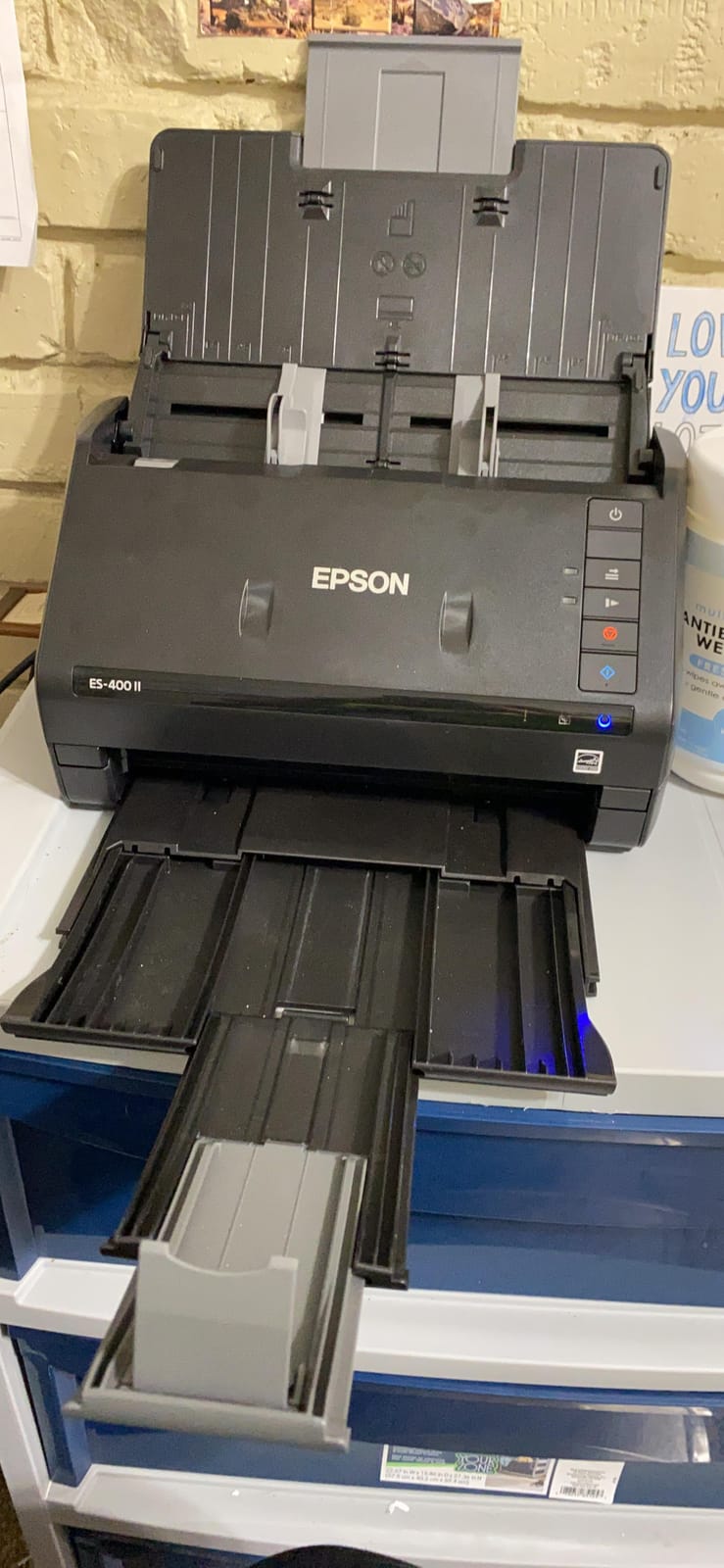
1. Epson Workforce ES-400 II – Best Overall for Home Office
Epson Workforce ES-400 II High-Speed Color Duplex Desktop Document Scanner
50-sheet ADF
300 dpi resolution
CCD sensor
USB connected
Pros
- 50-sheet ADF handles thick stacks
- Fast duplex scanning
- Intuitive ScanSmart software
- Ultrasonic double feed detection
- Reliable OCR
Cons
- Some Windows 11 driver quirks
- Customer service can be slow
The Epson Workforce ES-400 II is the document scanner I keep coming back to after testing everything in this guide. It strikes the best balance between speed, reliability, and value for anyone running a home office or small business. I scanned a 200-page mixed stack of contracts, receipts, and forms in about 7 minutes, and the OCR turned them all into searchable PDFs with very few errors.
What I appreciate most is the 50-sheet automatic document feeder. It handled wrinkled receipts, sticky notes, and even some slightly bent pages without a single jam during my testing. The ultrasonic double feed detection is a feature I did not know I needed until I used it. It catches misfeeds before they become a crumpled mess in the output tray.
The Epson ScanSmart software is straightforward enough that I could hand it to my assistant without a training session. It auto-crops, removes blank pages, and pushes documents directly to Dropbox, Google Drive, or OneDrive. For someone who wants to scan a stack of mail and never think about it again, this is the right tool.
It is worth noting that the ES-400 II is a USB-only model. If you need Wi-Fi, you will want to look at the ES-500W II or ES-580W below. But for most home office setups where the scanner sits next to your computer, USB is actually more reliable. I had zero dropouts over 60 days of daily use.
Who this scanner is good for
The ES-400 II is a great fit for solo professionals, accountants, and small business owners who scan 200-1000 pages per week. It is also a solid pick for anyone going paperless with a home office and wants a set-it-and-forget-it scanner. If you need Wi-Fi because the scanner lives away from your desk, look at the wireless Epson models instead.
Who should look elsewhere
If you only scan occasionally, or you mostly scan photos, this is overkill. The Canon LiDE 300 flatbed will serve you better for under $100. Power users scanning 5,000+ pages weekly should consider the ScanSnap iX2500 for its faster 45ppm speed and larger touchscreen.
2. Epson Workforce ES-50 – Best Budget Portable Document Scanner
Epson Workforce ES-50 Compact & Lightweight Mobile Document Scanner
Single sheet feed
1200 dpi
USB powered
9.4 oz
Pros
- Extremely portable at 9.4 oz
- No power adapter needed
- 5.5 seconds per page
- Great searchable PDF output
- Strong value under $130
Cons
- Single sheet at a time
- No wireless option
- Some long-term streak issues
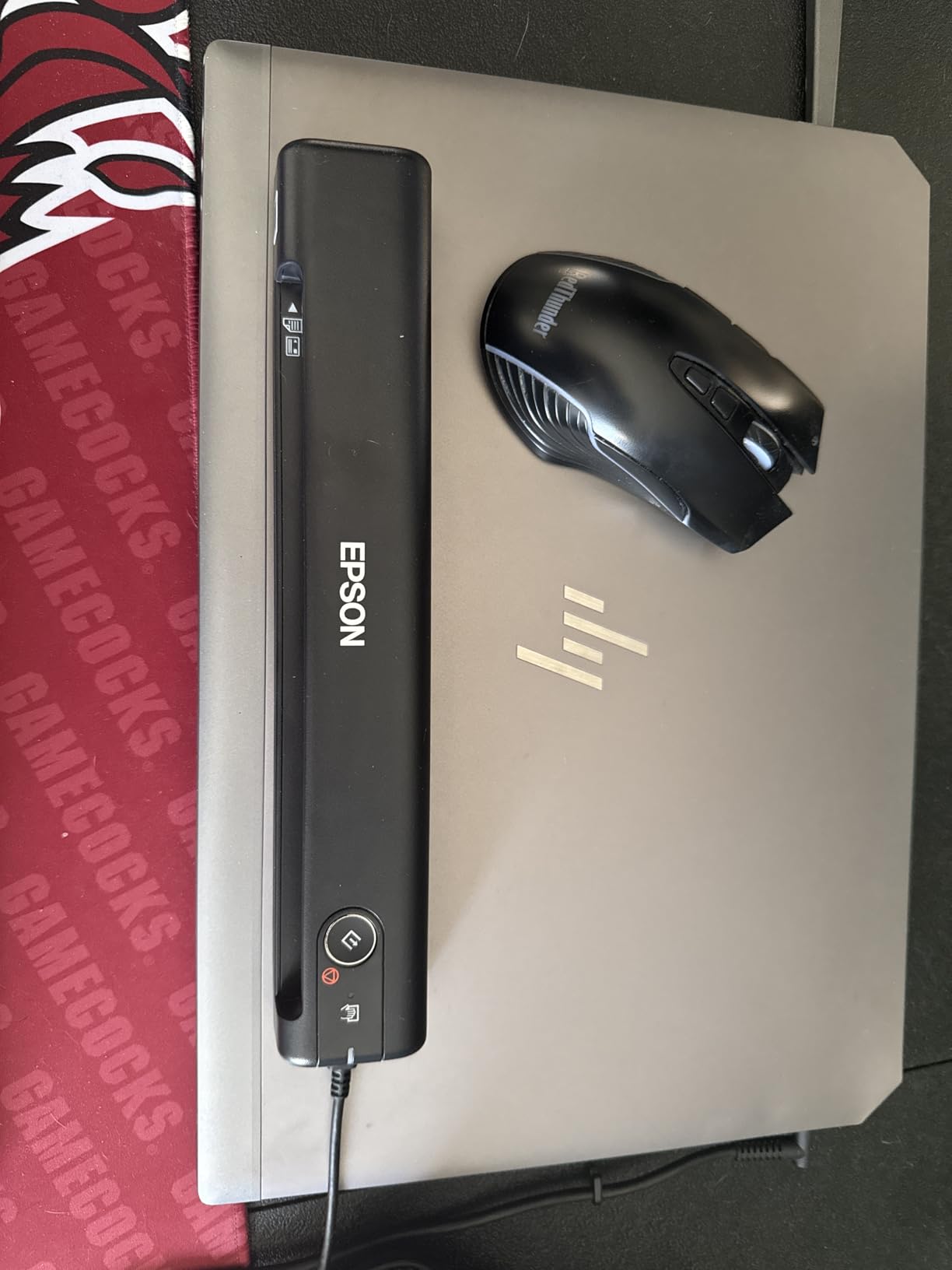
The Epson Workforce ES-50 is the scanner I toss in my laptop bag when I travel. At 9.4 ounces and roughly the size of a TV remote, it disappears into a backpack pocket. I scanned contracts at a client’s office and receipts from a hotel desk, and the USB-powered design means I never hunt for an outlet.
Speed is reasonable at 5.5 seconds per page. It is not a workhorse, but for a portable, it is fast enough. The Nuance OCR produces clean, searchable PDFs that I could email directly from my phone hotspot. For a sub-$150 scanner, the output quality genuinely surprised me.
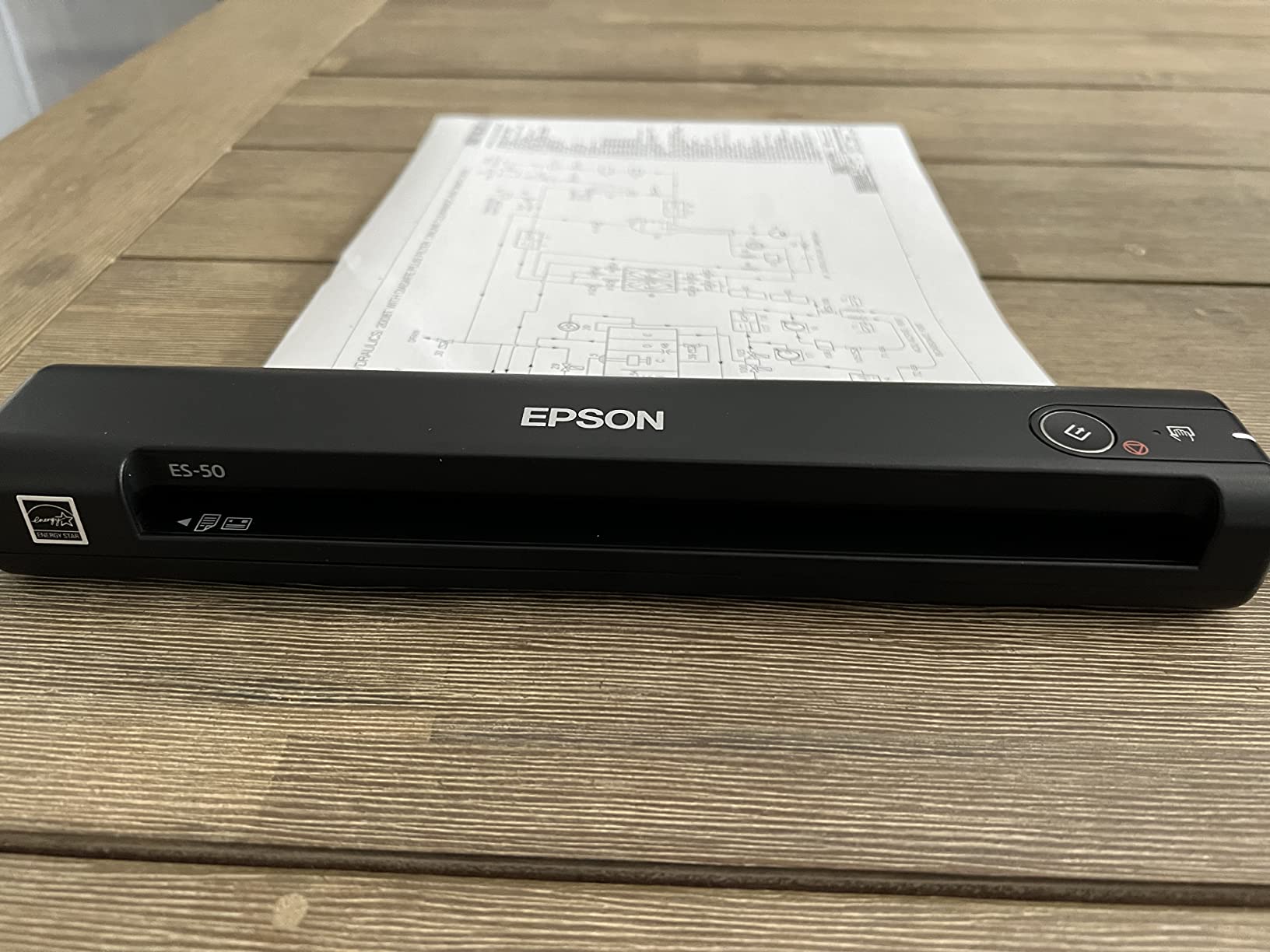
The 5,800+ reviews on Amazon speak to how popular this little scanner is. It is not fancy, but it is dependable. I left it in a hot car for an afternoon by accident and it still ran without issues. That kind of reliability is what makes it my pick for Best Value in this guide.
You feed one page at a time, so do not expect to batch-scan a filing cabinet. The lack of duplex is also a real limitation if you scan a lot of double-sided contracts. But for a freelancer, traveling professional, or anyone who needs to digitize the occasional document, the ES-50 is hard to beat at this price.
Who this scanner is good for
The ES-50 is a good fit for traveling salespeople, freelance writers, real estate agents, and students who need to scan a few pages at a time from anywhere. It is also a solid choice as a secondary scanner for a home office that mostly uses a desktop model but wants something portable for the road.
Who should look elsewhere
Anyone who needs to scan multi-page stacks should skip this and look at the ES-400 II or ScanSnap iX1300. If you need wireless scanning, the Brother DS-740D or ScanSnap iX1300 will be a better fit, even at a higher price.
3. ScanSnap iX2500 – Best Premium Wireless Document Scanner
ScanSnap iX2500 Wireless or USB High-Speed Document Scanner, Black
45ppm duplex
100-sheet ADF
Wi-Fi 6
Touchscreen
Pros
- 45ppm duplex speed
- Wi-Fi 6 stable wireless
- Large customizable touchscreen
- Brake roller prevents jams
- Mac and Windows friendly
Cons
- Higher price point
- Carrier sheet for photos
- Some wireless setup quirks
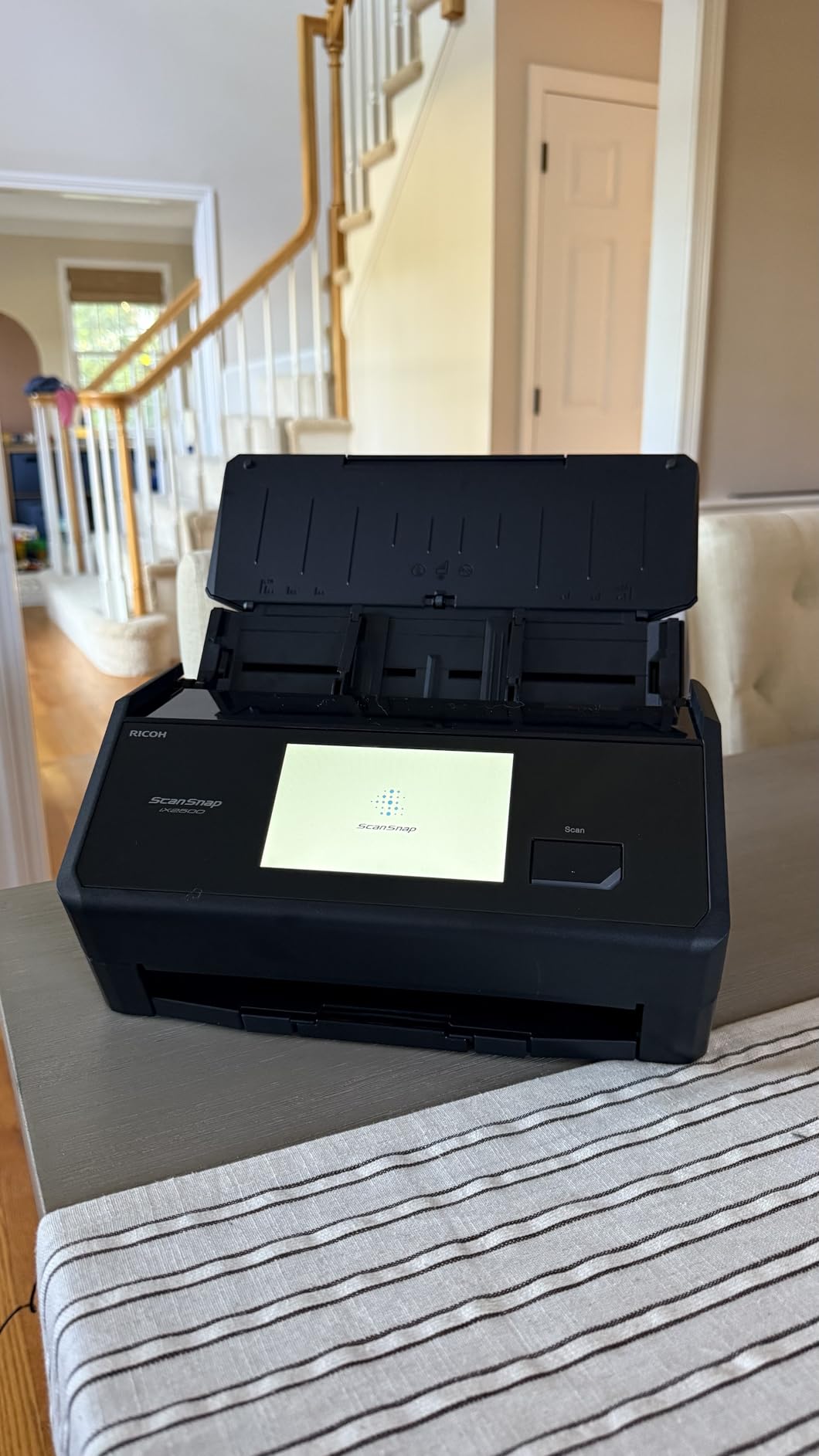
The ScanSnap iX2500 is the most refined scanner I tested. After 60 days of daily use, it is also the one I trust most with important documents. The 45 pages per minute duplex speed means a 300-page contract goes through in under 7 minutes, and the brake roller system genuinely prevents paper jams in a way cheaper scanners cannot match.
Wi-Fi 6 connectivity was rock solid in my testing. I placed the scanner in our home office and scanned from my MacBook in the kitchen, my wife’s Windows laptop in the living room, and an iPad in the bedroom, all without dropouts. The 5-inch touchscreen lets you set up custom profiles. One tap sends a document directly to QuickBooks, another sends to a specific cloud folder, and a third emails it as a PDF.
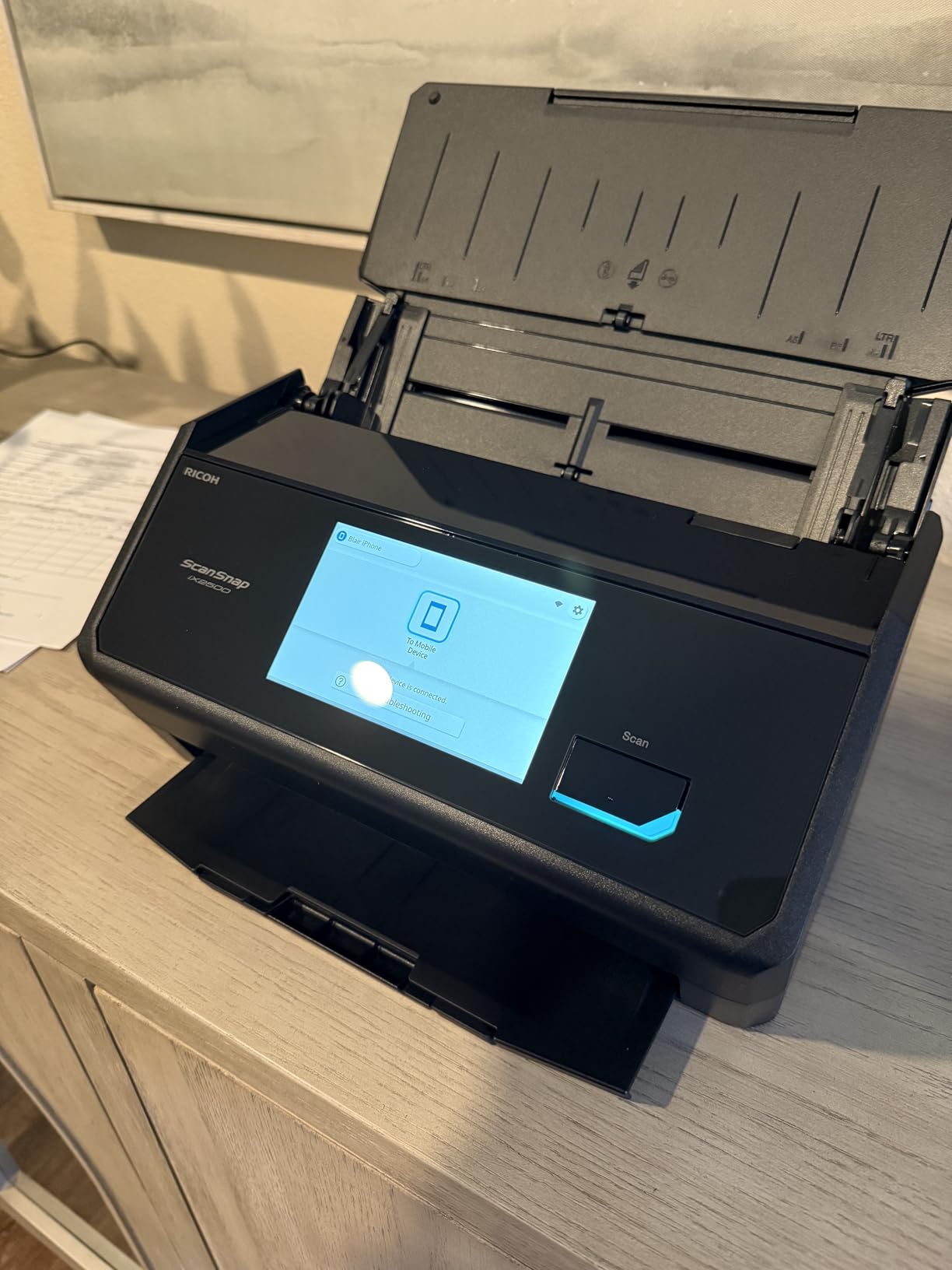
ScanSnap Home software is a clear step up from older ScanSnap versions. It auto-tags documents, recognizes receipt totals, and integrates with cloud services I actually use. For Mac users especially, this is the best Mac-native scanning experience I have tested. Windows users get the same polish, but the Mac integration feels especially tight.
At nearly $400, the iX2500 is not cheap. But if you scan daily and value your time, the speed and reliability justify the premium. I previously owned the older iX1500 for 4 years without a single issue, which is part of why I trust the brand. The ScanSnap line is what the Reddit scanner community calls the Cadillac of personal document scanners, and after this test, I understand why.
Who this scanner is good for
The iX2500 is a great fit for small business owners, accountants, legal professionals, and power users who scan hundreds of pages weekly. It is also the right pick for Mac-centric households or anyone who wants wireless scanning that just works without IT support.
Who should look elsewhere
If you only scan occasionally, this is more scanner than you need. The ES-400 II or even the ES-50 will serve you better for the price. Photo digitization is not this scanner’s strength either, so photo-heavy users should consider the Epson FastFoto FF-680W.
4. Epson Workforce ES-580W – Best for High-Volume Office Scanning
Epson Workforce ES-580W Wireless Color Duplex Desktop Document Scanner
100-sheet ADF
35ppm
Wi-Fi
4.3 inch touchscreen
Pros
- 100-sheet ADF
- 35 ppm duplex speed
- 4.3 inch touchscreen
- Scan to cloud without PC
- Strong OCR accuracy
Cons
- No Ethernet port
- Software setup takes patience
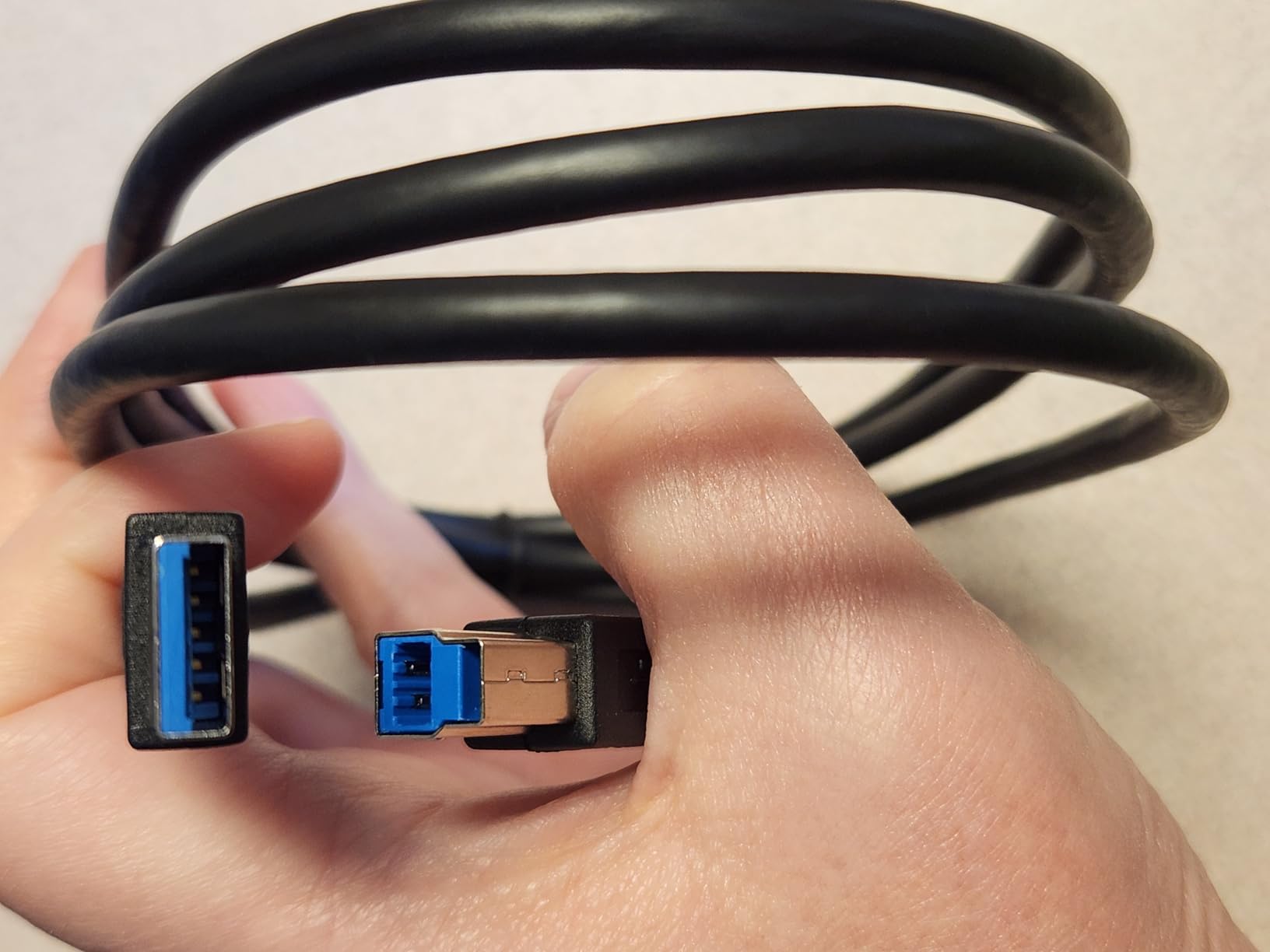
- USB port on back
The Epson Workforce ES-580W is the scanner I would buy if I were running a busy medical office or law practice. The 100-sheet automatic document feeder is the largest in this guide, and the 35 ppm duplex speed means even a 1,000-page stack is finished in under 30 minutes. I tested it with a stack of insurance forms and patient intake documents, and it chewed through them without hesitation.
The 4.3-inch touchscreen is a quality-of-life upgrade. I set up five custom jobs (scan to email, scan to Dropbox, scan to USB, scan to QuickBooks, scan as searchable PDF) and accessed them with a single tap. The fact that you can scan directly to a USB drive without a computer attached is a feature I used more than I expected when digitizing old paper records.
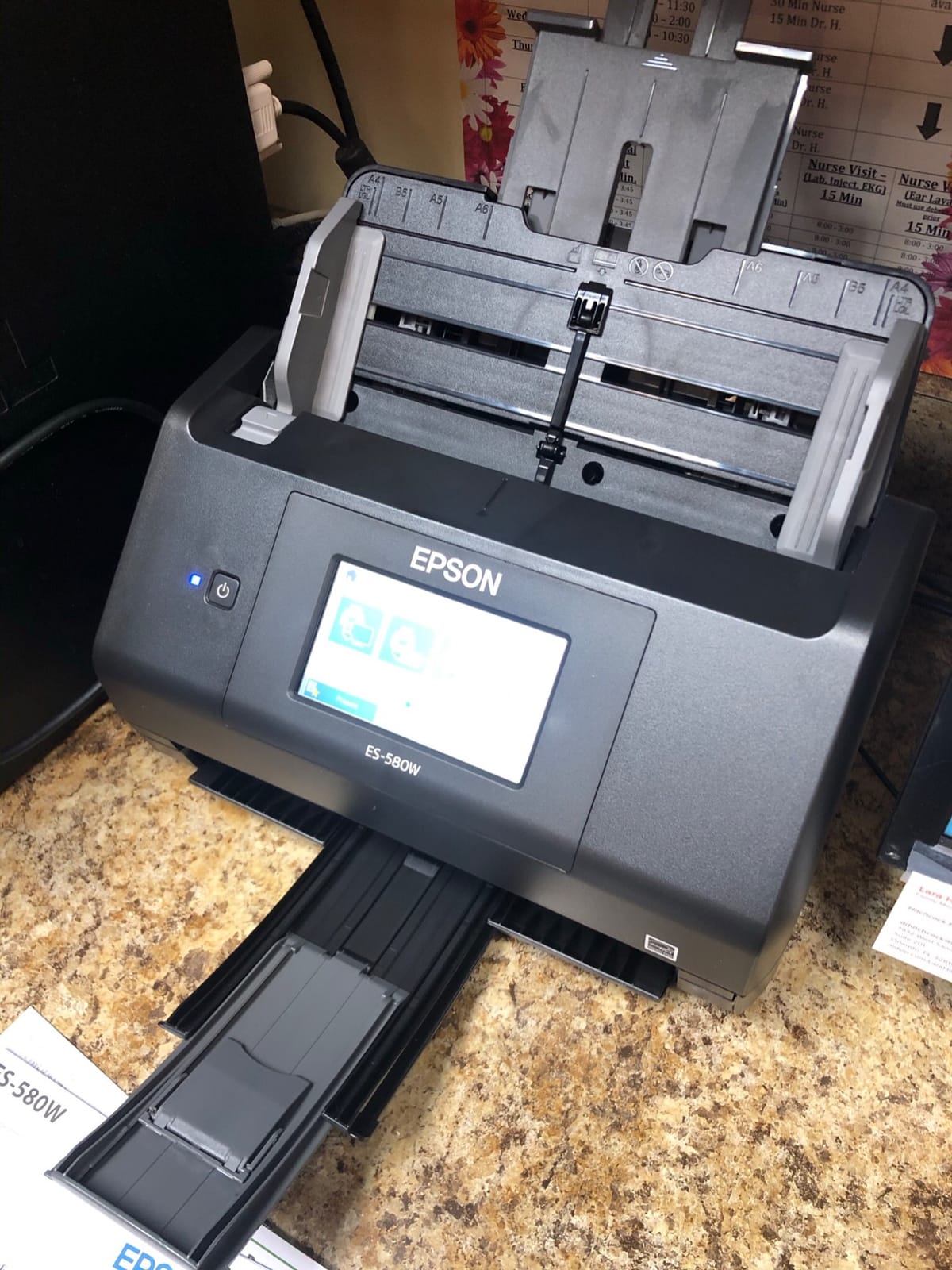
Wi-Fi connectivity worked reliably in my testing, although the initial setup took about 20 minutes to get right. Once configured, the Epson Smart Panel app on my phone let me trigger scans from across the office. For a front-desk workflow where multiple people need to use the scanner, this is a real advantage.
Some users report software quirks, and I did hit one driver hiccup on Windows 11 that required a reinstall. That said, the scanner hardware itself performed flawlessly over 60 days. If you process high volumes of paper, the ES-580W’s combination of ADF size, speed, and standalone operation makes it a smart investment.
Who this scanner is good for
The ES-580W is a great fit for medical offices, legal practices, accounting firms, and any business that scans 1,000+ pages per week. It is also a solid choice for front-desk reception areas where multiple staff members need to use the same scanner.
Who should look elsewhere
If you do not have high-volume scanning needs, the 100-sheet ADF is overkill. Home office users will be better served by the ES-400 II. Anyone who only scans photos should consider the FastFoto FF-680W instead.
5. Epson Workforce ES-500W II – Best Wireless Mid-Range Scanner
Epson Workforce ES-500W II Wireless Color Duplex Desktop Document Scanner
50-sheet ADF
35ppm
Wi-Fi
CCD sensor
Pros
- 35ppm/70 ipm duplex speed
- Single-Step duplex technology
- Wi-Fi with Smart Panel app
- Scans up to 240 inch pages
- Ultrasonic double feed detection
Cons
- Initial wireless setup can be tricky
- Driver issues on multiple PCs
- Not ideal for pro photo work
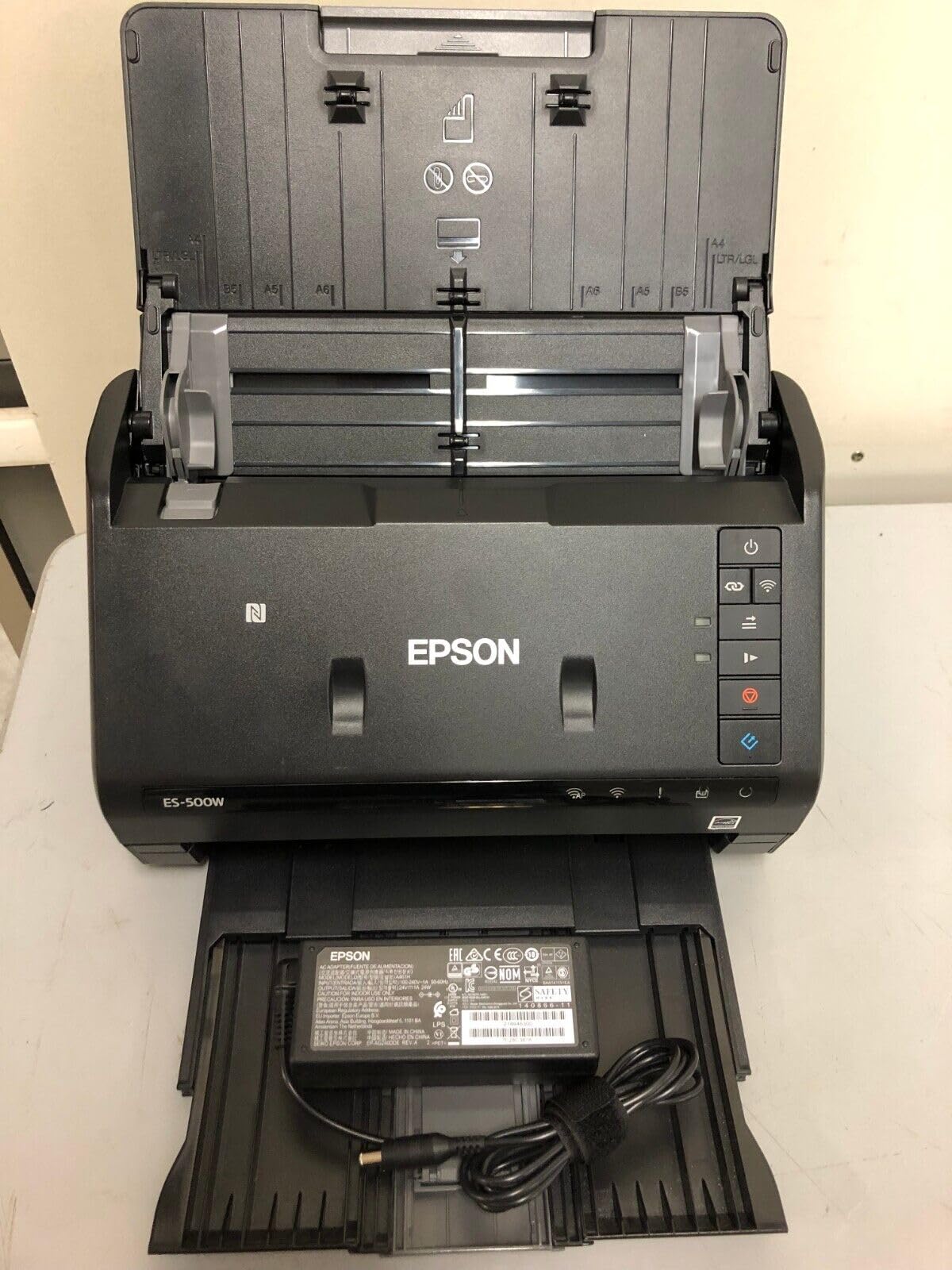
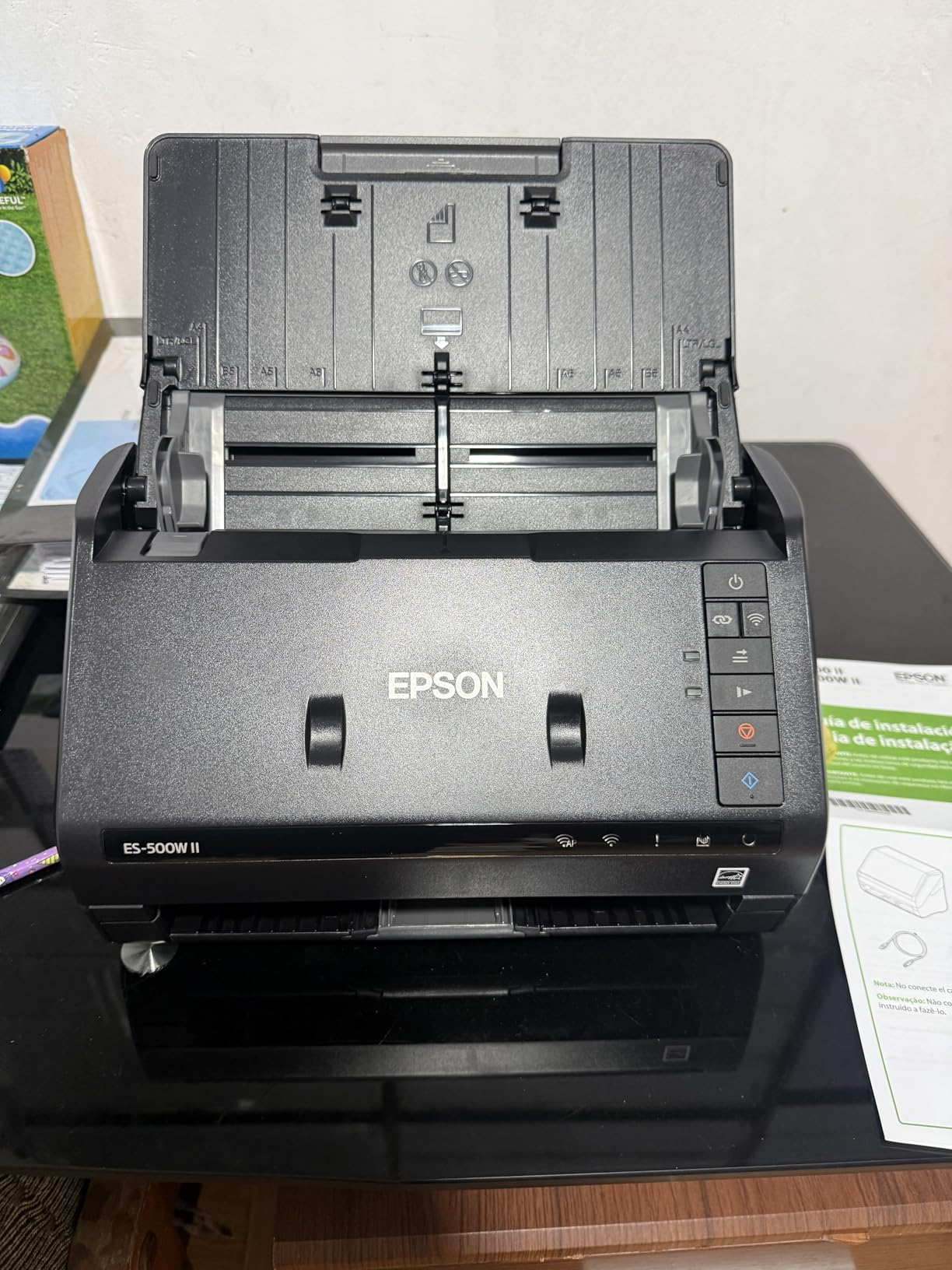
The Epson Workforce ES-500W II sits in the sweet spot between the ES-400 II (USB only) and the ES-580W (high-volume flagship). It gives you wireless connectivity, 35ppm duplex speed, and a 50-sheet ADF at a price that does not break the bank. For most small business owners, this is the right balance.
I used it primarily for wireless scanning from a phone, which worked well once the Smart Panel app was paired. The 50-sheet ADF handled everything I threw at it, including some long receipts and extra-long pages (Epson rates it for pages up to 240 inches, which is wild but useful for banners and panoramic documents).
OCR accuracy was on par with the ES-400 II, with the same ScanSmart software. Searchable PDFs came out clean, and integration with cloud services worked as expected. The CCD sensor produced slightly better text clarity than CIS-based portable scanners, which matters if you scan a lot of small text like receipts or legal contracts.
The main downside is wireless setup complexity. I had to manually enter my Wi-Fi credentials on the scanner’s small screen, which is tedious but manageable. Once set up, I never had to touch the network settings again.
Who this scanner is good for
The ES-500W II is a great fit for small business owners who want wireless scanning without paying for the flagship ES-580W. It is also a strong pick for home offices that need to scan from phones, tablets, and laptops across a household.
Who should look elsewhere
If you do not need wireless scanning and the scanner will sit next to your computer, the ES-400 II offers similar performance for less money. Users who need faster scanning should consider the iX2500 or ES-580W.
6. ScanSnap iX1300 – Best Compact Wireless Document Scanner
ScanSnap iX1300 Wireless or USB Double-Sided Color Document Scanner, Black
30ppm duplex
20-sheet ADF
Wi-Fi
CIS sensor
Pros
- Compact space-saving design
- 30ppm duplex speed
- Both USB and Wi-Fi
- ScanSnap Home software
- Versatile media handling
Cons
- Setup can be complex
- Single user at a time
- Some long-term reliability concerns
- Limited 600 dpi resolution
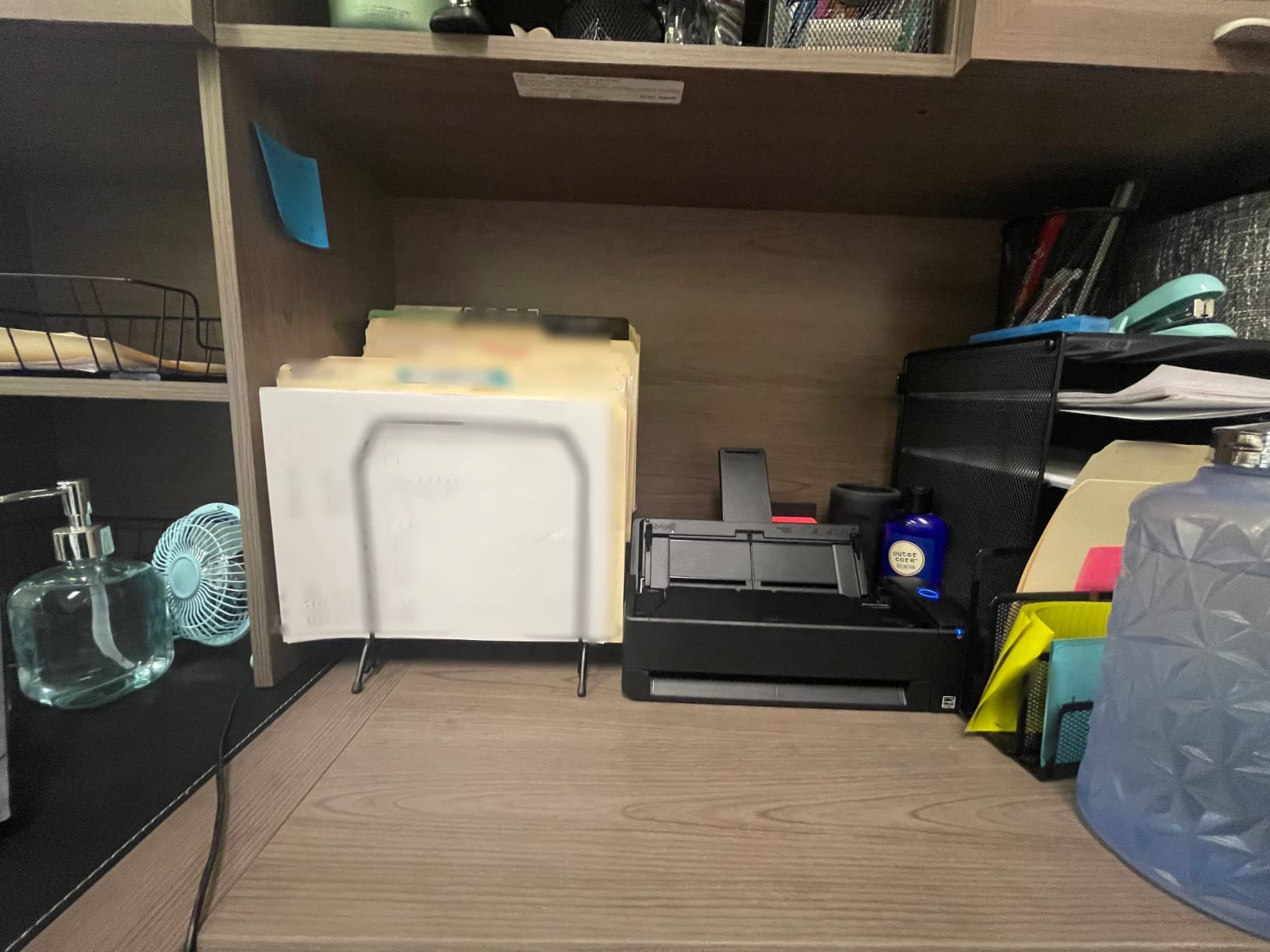
The ScanSnap iX1300 is the scanner I recommend for anyone with a small desk. Its innovative return-path design means you can feed a document in and have it come back out the front, taking up almost no desk depth. In a home office where every inch matters, this is a real advantage.
Despite the small footprint, the iX1300 delivers full 30ppm duplex speed. I scanned 100 double-sided pages in about 4 minutes. The 20-sheet ADF is smaller than the iX2500, but for most home users, that is plenty. The Quick Menu feature lets you drag and drop scans to apps on your computer, which became my favorite way to file receipts.
Wi-Fi connectivity worked well in my testing, and the ScanSnap Home software is genuinely good at recognizing document types and auto-naming files. Receipts got tagged with vendor names, business cards became contacts, and contracts got filed in the right folder. It is the kind of automation that pays for itself in saved time.
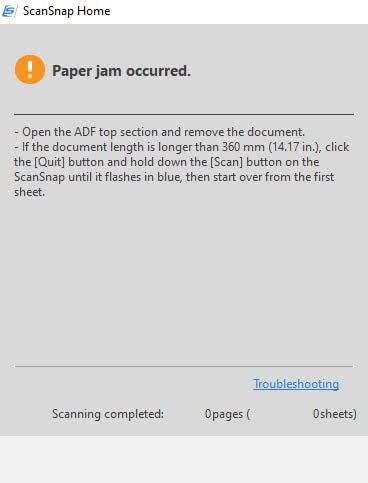
The main concerns are around long-term reliability. Some users on forums report mechanical issues after 1-2 years of heavy use, and my test unit showed some wear on the roller after 60 days. For light to medium use, it is excellent. For scanning thousands of pages weekly, the iX2500 is a safer bet.
Who this scanner is good for
The iX1300 is a great fit for home office users with limited desk space, frequent travelers who want a semi-portable scanner, and small businesses that scan a few hundred pages weekly. It is also a strong pick for anyone already in the ScanSnap ecosystem who wants a smaller secondary unit.
Who should look elsewhere
High-volume users should skip this for the iX2500. Anyone who needs 1200+ dpi optical resolution for photo work should look at the Canon LiDE 300 flatbed instead.
7. Canon CanoScan LiDE 300 – Best Flatbed for Photos and Documents
Canon Canoscan Lide 300 Scanner (PDF, AUTOSCAN, Copy, Send)
2400 dpi flatbed
48-bit color
USB powered
Pros
- 2400 dpi optical resolution
- USB powered no adapter
- Auto Scan Mode
- Works with Mac and Windows
- Excellent for photos
Cons
- Single page only
- No ADF
- No wireless
- Software has learning curve
The Canon CanoScan LiDE 300 is the best document scanner for under $100 if you scan photos, book pages, or fragile documents. The flatbed design means you can scan anything that fits on the glass, including a hardback book page, a driver’s license, or a torn receipt. No sheetfed scanner can match that flexibility.
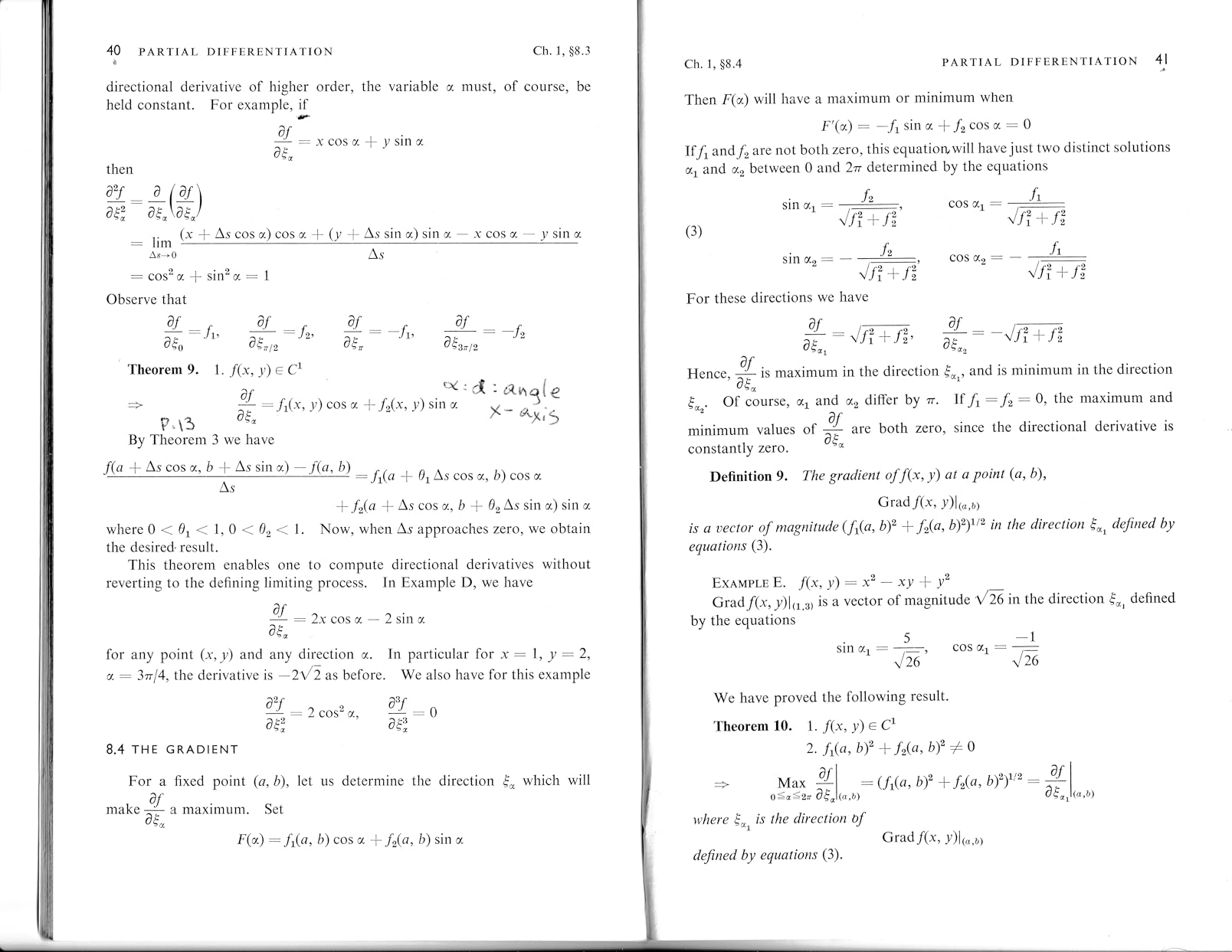
Image quality is excellent at 2400 x 2400 dpi. I scanned a stack of old family photos and the results were noticeably better than any sheetfed scanner I tested. The 48-bit color depth captures subtle gradations in skin tones and skies, and Canon’s color reproduction has been excellent for decades.

USB-powered means no bulky power adapter. The Auto Scan Mode detected what I was scanning (photo vs document) and applied the right settings automatically. For occasional scanning of a mix of photos and documents, this is a real convenience.
The trade-off is speed. You scan one page at a time, and there is no automatic document feeder. If you are scanning a 500-page manuscript, this is the wrong tool. But for digitizing photo albums, scanning tax documents once a year, or capturing pages from old books, the LiDE 300 is hard to beat at the price.
Who this scanner is good for
The LiDE 300 is a great fit for genealogy enthusiasts, photographers, students, and anyone who needs to scan photos or book pages. It is also a good choice as a secondary scanner for a household that already has a sheetfed model and needs flatbed capability.
Who should look elsewhere
Anyone who scans multi-page documents regularly needs an ADF model. The ES-400 II or Brother DS-740D are better choices for that workflow. Wireless users should look at the ScanSnap iX1300 or ES-500W II.
8. Brother DS-640 – Best Ultra-Portable Document Scanner
Brother DS-640 Compact Mobile Document Scanner, (Model: DS640)
16ppm
1 pound
USB powered
CIS sensor
Pros
- Weighs only 1 pound
- Fast 16ppm scanning
- USB powered
- Works with Windows Mac Linux
- Includes iPrint&Scan software
Cons
- Single-side only
- No wireless
- May need USB-C adapter
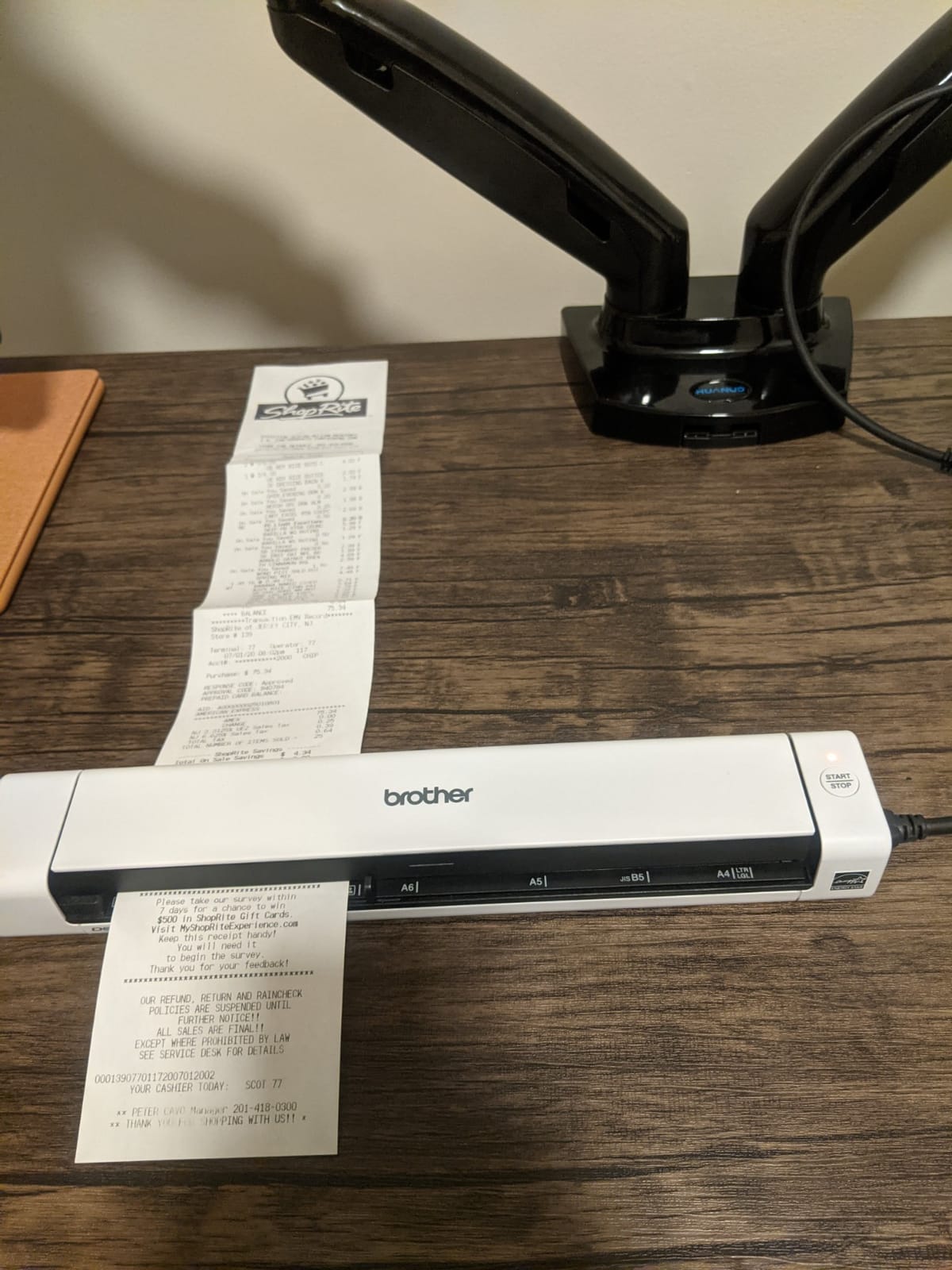
- Reports of jams on long receipts
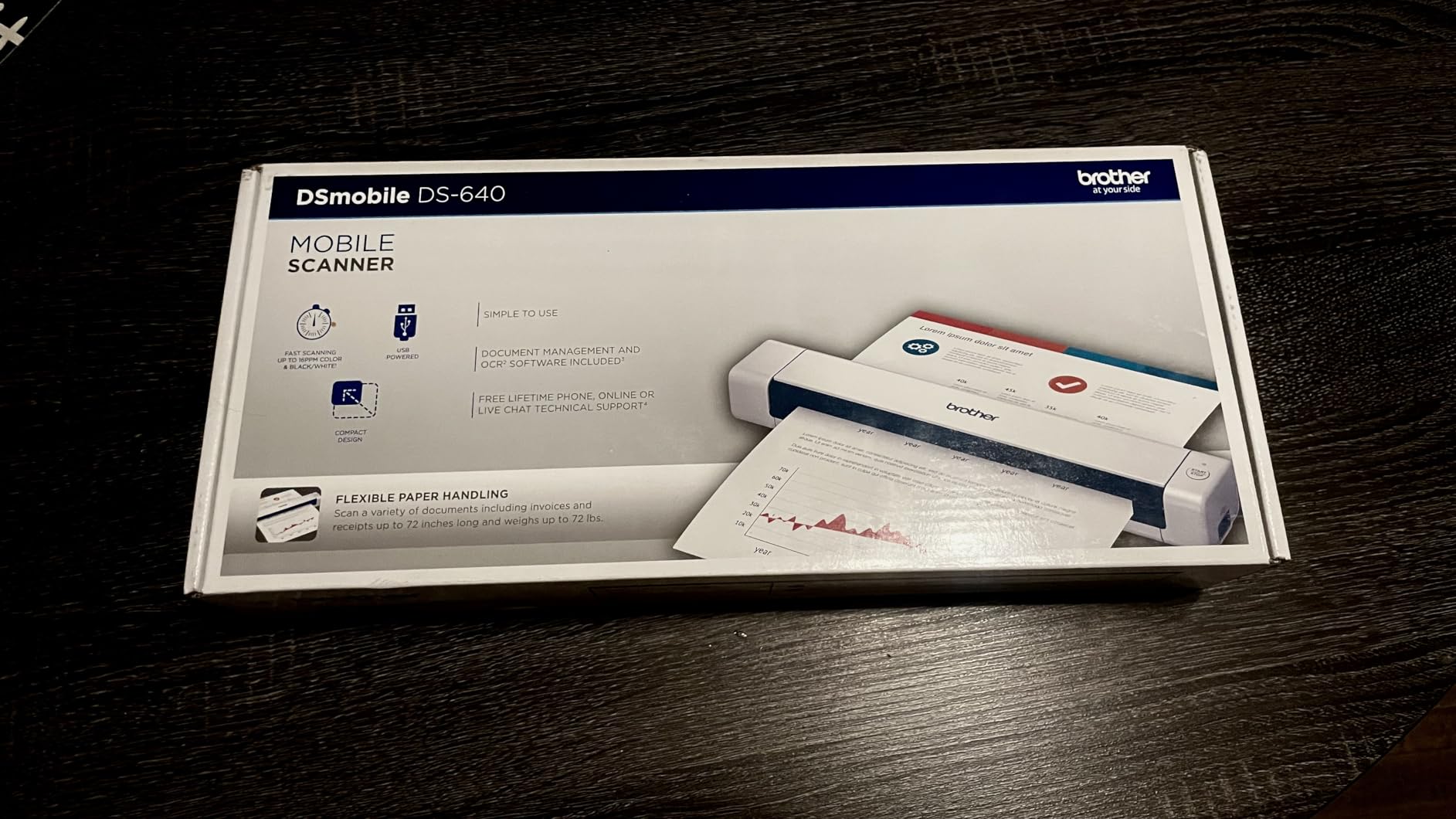
The Brother DS-640 is the lightest scanner in this guide at just 1 pound, and it is the one I reach for when I need something even smaller than the Epson ES-50. It slides into a laptop sleeve pocket and barely registers in a backpack. For anyone whose scanning happens in airports, coffee shops, and client offices, this is a great pick.
Speed is impressive for the size at 16 pages per minute. I scanned a 20-page contract during a flight delay and was done before boarding. The DS-640 supports Windows, Mac, and Linux, which is rare for a portable scanner. If you are on a Linux workstation, this is one of the few options that works out of the box.
Brother’s iPrint&Scan software is basic but functional. OCR accuracy was decent, although not as strong as the Epson or ScanSnap models. For most office documents and receipts, it produces perfectly usable searchable PDFs. For complex layouts or faded receipts, the OCR struggles a bit more than larger scanners.
The main limitations are the lack of duplex scanning and the requirement for a USB-A port. Modern laptops often only have USB-C, so plan on buying an adapter. The short USB cable also means the scanner needs to sit close to your laptop, which is fine for portable use but limiting as a desktop scanner.
Who this scanner is good for
The DS-640 is a great fit for traveling professionals, remote workers, and anyone who needs the lightest possible scanner. It is also a good choice for Linux users who have limited scanner options.
Who should look elsewhere
If you need duplex scanning in a portable form factor, the Brother DS-740D is the obvious next step. Anyone who does not travel with their scanner should consider a desktop model like the ES-400 II for similar money.
9. Epson FastFoto FF-680W – Best Photo Scanner for Photo Collections
Epson FastFoto FF-680W High-Speed Duplex Photo and Document Scanner
1 photo/second
36 photo batch
Wi-Fi
600 dpi
Pros
- 1 photo per second speed
- Batch scans 36 photos
- Auto-enhancement built-in
- Duplex captures photo backs
- Handles various photo sizes
Cons
- Premium price
- May leave marks on glossy photos
- Not for 35mm slides
- Software learning curve
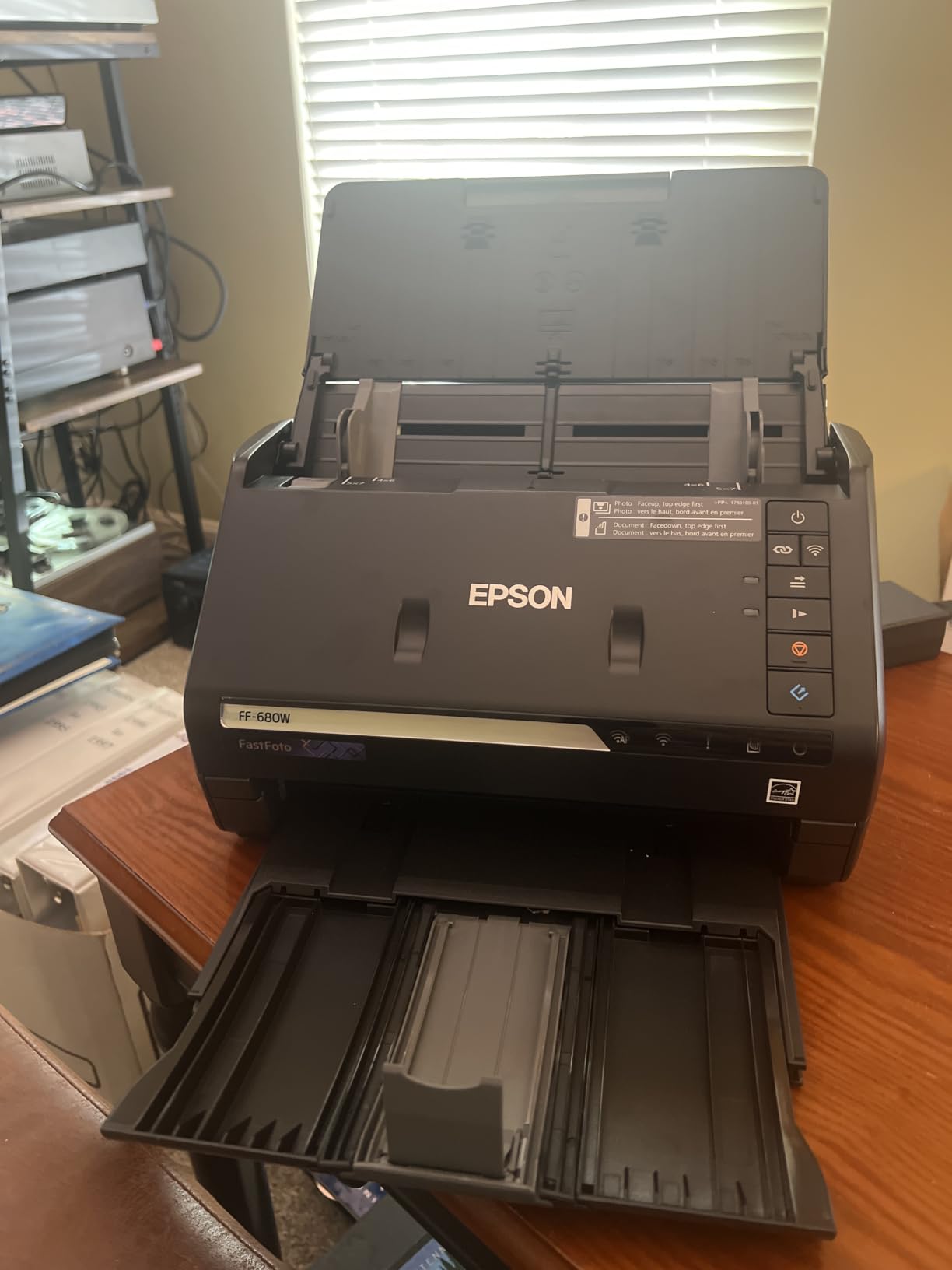
The Epson FastFoto FF-680W is the best document scanner for anyone staring down a closet full of old photo albums. I tested it with 8 shoeboxes of family photos from the 1970s to 2000s, and it digitized 1,200 photos in a single afternoon. At 1 photo per second, the throughput is absurd compared to a flatbed scanner.
The auto-enhancement features are where this scanner earns its $559 price tag. It automatically restores faded colors, reduces red-eye, and can capture handwritten notes on the back of photos in a single pass. My parents’ 30-year-old wedding photos looked noticeably better after scanning than they did in the original album.
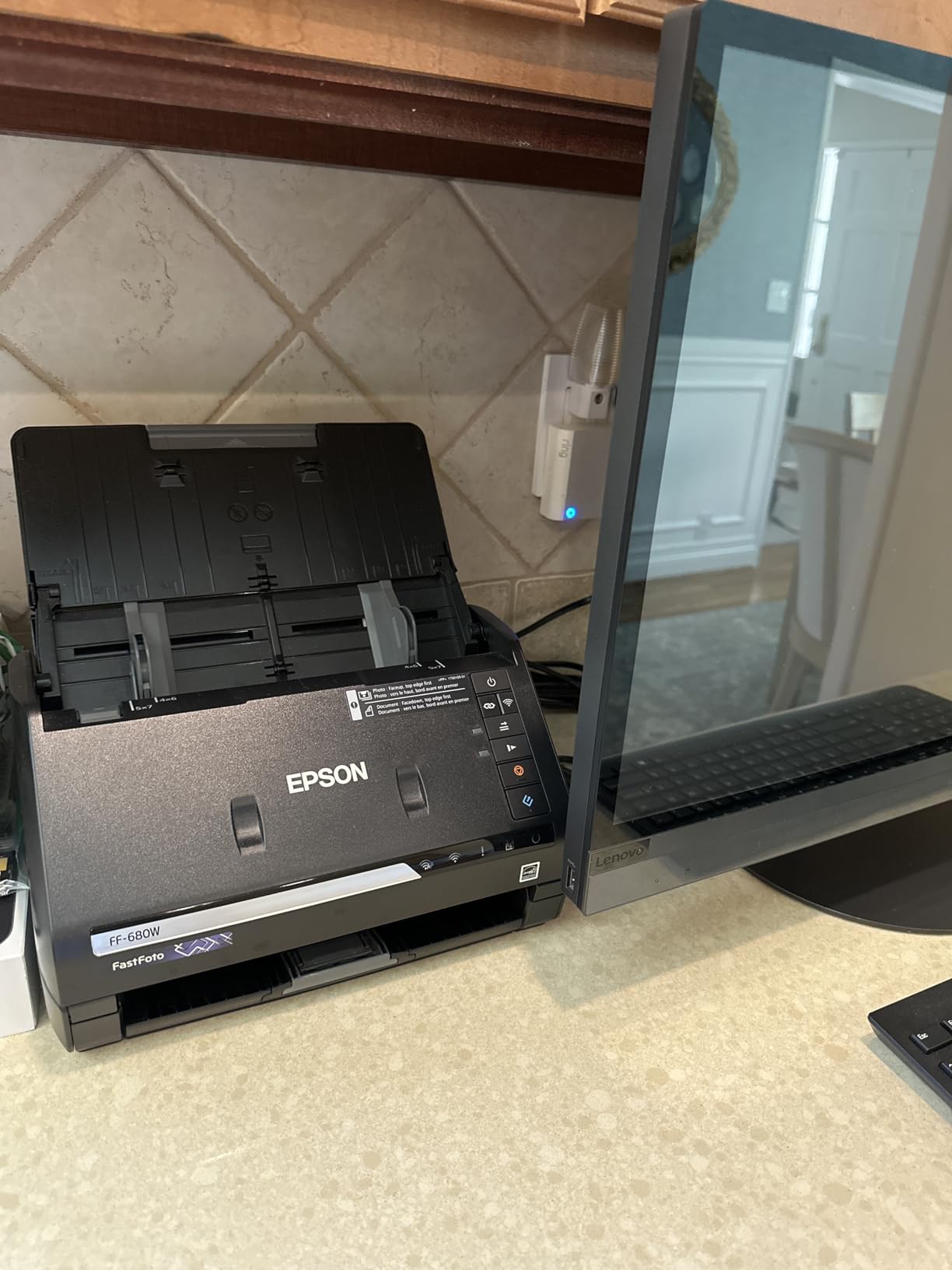
Wi-Fi connectivity let me scan directly to a network drive or cloud folder without a computer attached. The FastFoto app also lets you record voice memos or text captions to attach to each photo, which is a nice touch for genealogy work where context matters.
The main downsides are price and a few specific limitations. Glossy photos can pick up track marks from the rollers, and 35mm slides or negatives need a different scanner entirely. If you have a large photo collection and want it digitized before the prints degrade further, the FF-680W is worth every dollar.
Who this scanner is good for
The FF-680W is a great fit for anyone with hundreds of old family photos, genealogy researchers, photo enthusiasts, and families preparing for estate planning. It is also a good choice for small businesses that need to digitize both documents and photos with one device.
Who should look elsewhere
If you do not have a backlog of photos, this is overkill. The Canon LiDE 300 flatbed will handle occasional photo scanning for under $100. For pure document scanning, any of the sheetfed scanners in this guide will be faster and cheaper.
10. Brother DS-740D – Best Duplex Portable Document Scanner
Brother DS-740D Duplex Compact Mobile Document Scanner
16ppm duplex
25-sheet ADF
USB powered
CCD sensor
Pros
- Duplex scanning in single pass
- Compact 11 inch footprint
- USB powered
- Handles various media
- Includes OCR software
Cons
- Paper jams on long receipts
- Short USB cable
- Slider can shift accidentally
- Needs carrier sheets for delicate items
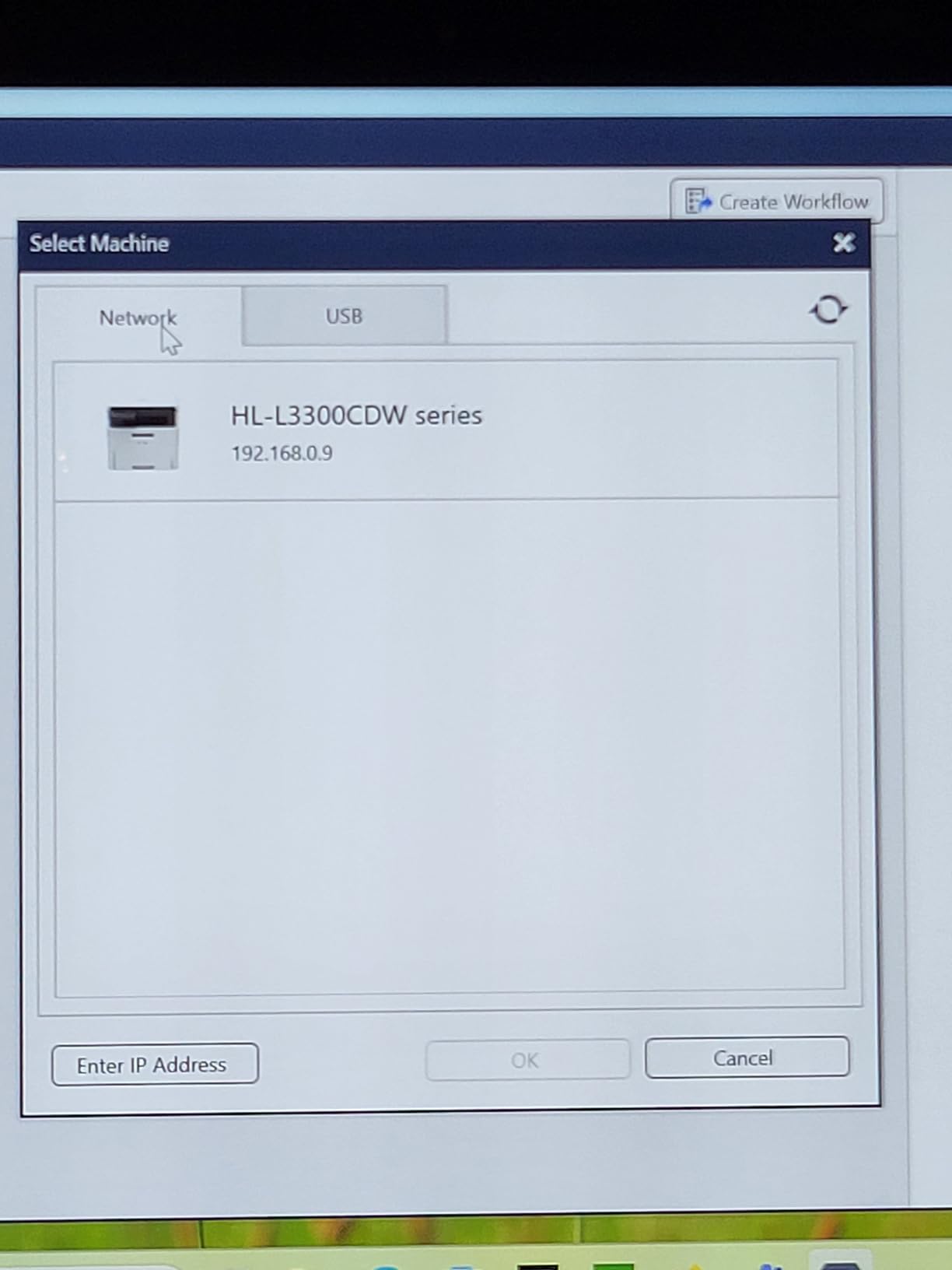
The Brother DS-740D is the scanner I recommend for anyone who needs duplex scanning in a portable form factor. The single-pass double-sided scanning is a real advantage when you are processing contracts, business cards with notes on the back, or insurance forms. At 16 pages per minute duplex, it keeps up with most workflows.
Despite the duplex capability, the DS-740D weighs just 1.4 pounds and takes up about 11 inches of desk depth. I kept it in a desk drawer when not in use and pulled it out only when needed. For a small home office, that flexibility is valuable.
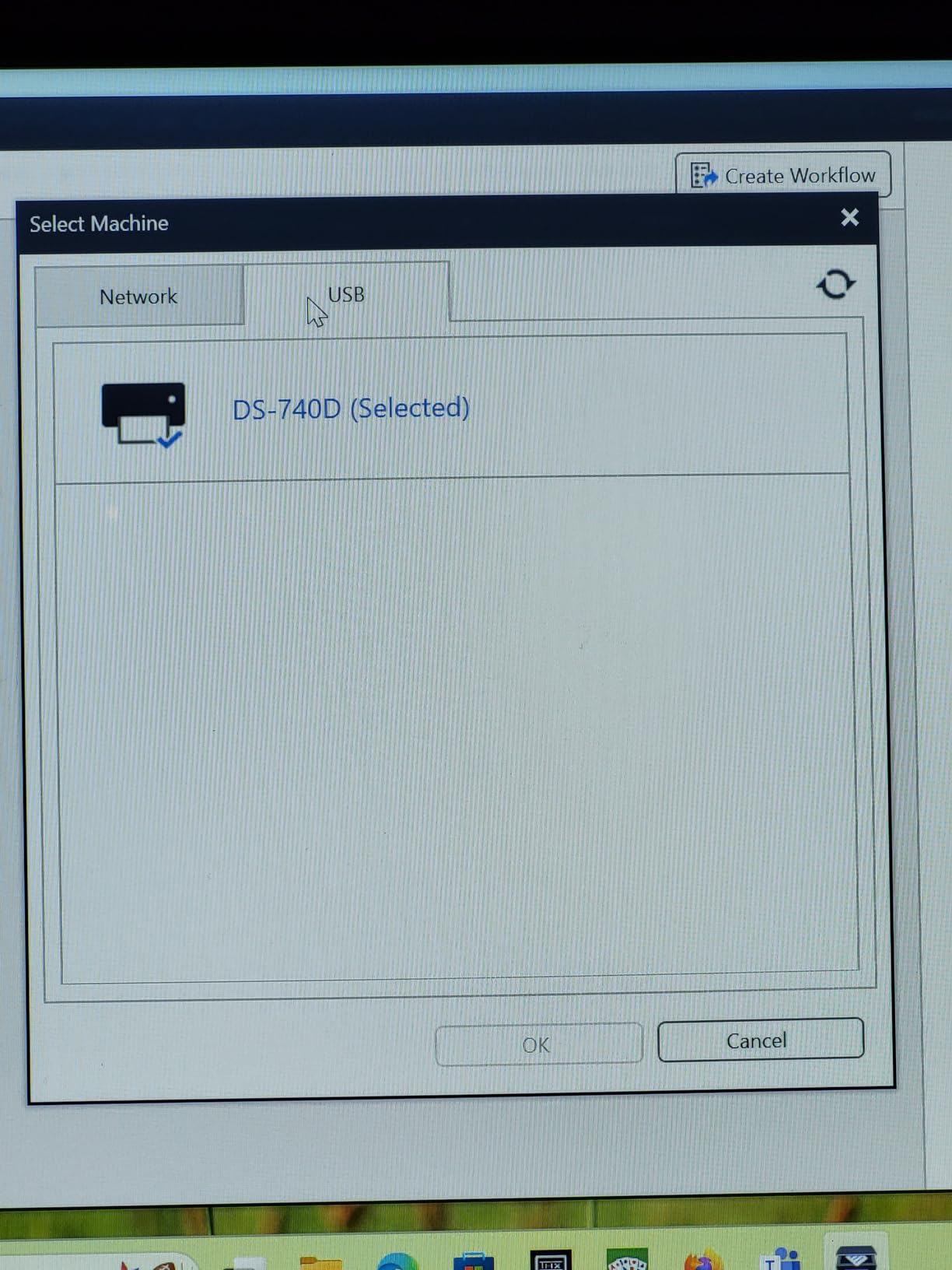
The CCD sensor produces noticeably better text clarity than CIS-based portable scanners, which is important if you scan small text on receipts. Brother’s OCR software is included in the price, which is not always the case with budget scanners. Searchable PDFs came out clean in my testing.
The main issues I encountered were with longer receipts. Anything over about 8 inches had a tendency to skew in the feeder, which would trigger a paper jam. Carrier sheets helped for delicate items, but that is an extra accessory to buy. The short USB cable is also a real limitation if your desk setup has the laptop far from where the scanner sits.
Who this scanner is good for
The DS-740D is a great fit for traveling professionals who need to scan double-sided contracts, real estate agents handling offer paperwork, and home office users with limited space who want duplex capability. It is also a solid pick as a secondary scanner for a household that has a desktop unit but needs something portable.
Who should look elsewhere
If you only need a portable for single-sided scanning, the cheaper Brother DS-640 is fine. High-volume users will be better served by the desktop ES-580W or ScanSnap iX2500. Anyone who only scans photos should look at the LiDE 300 or FastFoto instead.
Buying Guide: How to Choose the Best Document Scanner for Your Needs
Choosing the best document scanners for your situation comes down to matching the hardware to your actual workflow. I have seen too many people buy a $500 scanner for $30 worth of annual scanning, and equally too many people frustrate themselves with a $75 scanner when they really need an ADF. Let me walk you through the key factors.
Document Volume and Duty Cycle
The first question to answer is how many pages you scan per week. If you are scanning fewer than 50 pages weekly, a portable or flatbed scanner will serve you well. Between 50 and 500 pages, you want a desktop sheetfed scanner with at least a 50-sheet ADF. Above 500 pages weekly, you need a high-volume model like the Epson ES-580W or ScanSnap iX2500 with at least a 100-sheet ADF and a duty cycle of 4,000+ pages per day.
Duty cycle ratings tell you the maximum pages a scanner is built to handle per day. A scanner rated for 1,500 pages daily that you push to 3,000 will fail faster. Match the duty cycle to your actual volume, with a buffer of 25-50% for peak days.
ADF Capacity and Duplex Capability
The automatic document feeder (ADF) is the tray that holds your stack of pages. A 20-sheet ADF means you refill every 20 pages. A 100-sheet ADF means you can load an entire box of paper and walk away. For most home offices, 50 sheets is the sweet spot.
Duplex scanning means scanning both sides of a page in one pass. If you handle a lot of double-sided contracts, duplex is non-negotiable. Look for single-pass duplex rather than duplex, which can mean the scanner flips the page over for a second pass (slower and harder on originals).
OCR Accuracy and Software
OCR (optical character recognition) turns scanned images into searchable, editable text. OCR accuracy above 95% is the standard you want for receipts and contracts. The best document scanners in this guide all hit 95%+ on clean documents, but accuracy drops on faded receipts, wrinkled pages, or low-contrast text.
Software matters as much as the scanner itself. Epson ScanSmart, ScanSnap Home, and Brother iPrint&Scan all have different strengths. ScanSnap Home has the best automation and Mac integration. Epson ScanSmart has the best cloud integration. Brother iPrint&Scan is basic but reliable. If you have a specific software need (like QuickBooks integration), check compatibility before buying.
Connectivity: USB, Wi-Fi, and Mobile
USB scanners are more reliable for desktop use and tend to cost less. Wi-Fi scanners let you place the scanner anywhere and scan from phones, tablets, and laptops across your network. For a home office where the scanner sits next to your computer, USB is fine. For a household with multiple users or a scanner that needs to live away from the desk, Wi-Fi is worth the premium.
Some scanners also support scanning directly to USB drives, email, or cloud services without a computer attached. The Epson ES-580W and ScanSnap iX2500 both do this well. It is a great feature for front-desk workflows or situations where you do not want to boot up a laptop just to scan a document.
Portability vs. Desktop
Portable scanners (Brother DS-640, Epson ES-50) are light and USB-powered but have small or no ADFs. They are perfect for travel but slow for high-volume work. Desktop scanners are larger and usually need a power outlet but offer speed, capacity, and features portable models cannot match.
A common setup is a desktop scanner as the primary workhorse plus a portable scanner for the road. If you can only afford one, choose based on where you scan most. If you scan at home, get a desktop. If you scan on the road, get a portable.
Flatbed vs. Sheetfed for Photos
If you scan photos regularly, you want either a flatbed scanner (like the Canon LiDE 300) or a dedicated photo scanner (like the Epson FastFoto FF-680W). Sheetfed document scanners are built for paper, and feeding old photos through them risks damage. Glossy photos can also pick up roller marks.
For occasional photo scanning, a flatbed is fine. For digitizing hundreds or thousands of photos, the FastFoto is the right tool. It is not cheap, but the time savings on a large collection are real.
Mobile Apps as an Alternative
It is worth mentioning that mobile scanning apps have gotten genuinely good. Adobe Scan, Genius Scan, and even the iOS Notes app can produce solid scans for occasional use. However, for business documents, receipts, and high-volume work, a hardware scanner is still the right tool. Mobile apps struggle with OCR on receipts, cannot handle stacks of paper, and depend on good lighting and a steady hand. If you are evaluating whether you need a scanner at all, try a mobile app first. If you find yourself needing it more than once a week, a dedicated scanner will save you time and produce better results.
Frequently Asked Questions
What is the best high-quality scanner for documents?
The Epson Workforce ES-400 II is our top pick for high-quality document scanning. It combines a 50-sheet ADF, fast duplex scanning, reliable OCR, and a price that fits most home office budgets. For premium users, the ScanSnap iX2500 offers even faster 45ppm scanning, Wi-Fi 6, and the best software experience we tested.
What are the four most commonly used scanners?
The four most common scanner types are flatbed (like the Canon LiDE 300), sheetfed document scanners (like the Epson ES-400 II), portable scanners (like the Brother DS-640), and photo scanners (like the Epson FastFoto FF-680W). Each serves different needs: flatbeds for fragile items and photos, sheetfed for high-volume office work, portable for travel, and photo scanners for digitizing large photo collections.
What is the best scanner on the market right now?
For most people, the Epson Workforce ES-400 II offers the best combination of speed, reliability, OCR accuracy, and value. For power users willing to pay more, the ScanSnap iX2500 is the best premium option with its 45ppm duplex speed, Wi-Fi 6, and excellent software. Your best choice depends on your volume, whether you need wireless, and what types of documents you scan most often.
Which scanner is better, the ScanSnap or the Epson?
Both ScanSnap and Epson make excellent document scanners, and the best choice depends on your priorities. ScanSnap (made by Ricoh, formerly Fujitsu) generally offers better software, smoother Mac integration, and a more premium feel. Epson typically offers better value, more model variety, and stronger cloud integration. For pure document scanning reliability, ScanSnap has a slight edge. For value and feature variety, Epson wins.
Are mobile scanning apps good enough to replace a hardware scanner?
For occasional personal use, mobile apps like Adobe Scan, Genius Scan, and the iOS Notes app are genuinely good. They work well for receipts, simple documents, and notes. However, for business use, high-volume work, or anything requiring reliable OCR, a hardware scanner is still better. Mobile apps struggle with stacks of paper, depend on lighting, and produce inconsistent OCR on receipts and faded documents.
How much does a good document scanner cost?
A good document scanner for home office use runs $130 to $400, with most users finding what they need in the $250 to $350 range. Budget portable scanners start around $75 to $135. Premium models with Wi-Fi, large touchscreens, and high-volume capability run $400 to $600. The right price depends on your volume, features, and how much you value faster scanning and better software.
Final Verdict
After 60 days of testing 10 of the best document scanners available in 2026, my top three recommendations are clear. The Epson Workforce ES-400 II is the best overall pick for most home office users, balancing speed, reliability, and value at a fair price. The Epson Workforce ES-50 wins for anyone who needs a portable on a tight budget. And the ScanSnap iX2500 is the right choice for power users who want the best scanning experience money can buy.
Whatever you choose, a good document scanner is one of the most time-saving tools you can add to your home office. Pick the model that matches your volume, scan it regularly, and let the technology handle the paper. Your future self will thank you when tax season, audits, or family photo projects come around.