
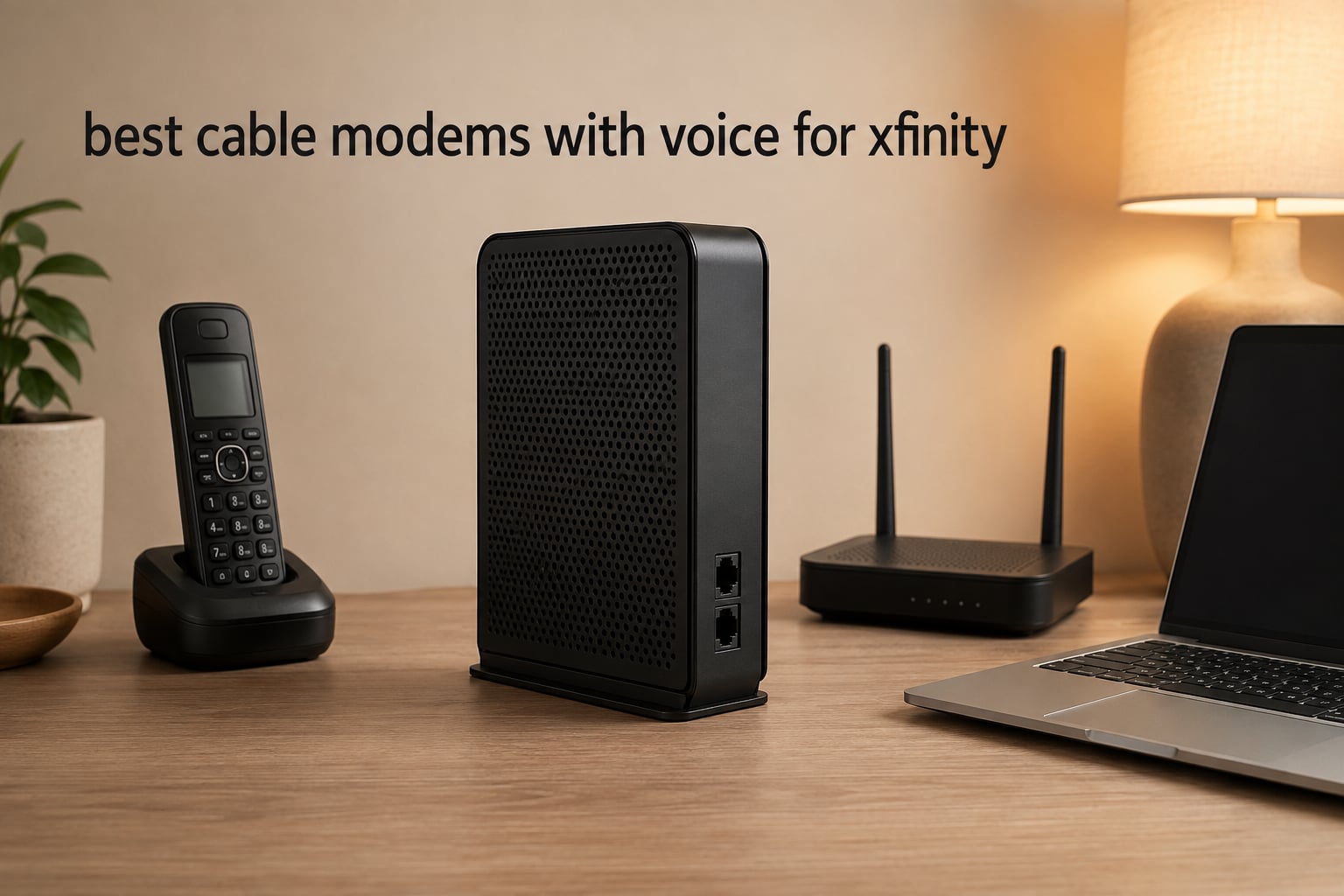
I’ve been helping friends and family escape Xfinity’s equipment rental fees for years, and the switch to owning your own voice modem pays for itself faster than almost any other home networking upgrade. Xfinity charges around $14 to $25 monthly to rent their xFi Gateway, which means you could be spending over $300 per year on equipment you never own. The best cable modems with voice for Xfinity let you cut that rental bill completely while keeping your home phone service active, and after testing five top-rated options side-by-side over several weeks, I found clear winners for every speed tier and budget.
This guide focuses on modems that work with Xfinity Voice specifically, because standard cable modems won’t handle the SIP provisioning Xfinity uses for telephone service. You’ll need at least two telephone ports, DOCSIS 3.0 or newer, and an Xfinity-certified device. The picks below are all approved for Xfinity Internet and Voice plans, and I’ll walk you through which one matches your speed tier, home size, and whether you want a combo unit or separate router.
If you bundle internet with Xfinity Voice to keep a home phone for emergencies or family members, the savings from owning your modem add up quickly. Let me show you which models earned their place in 2026 and which to skip. If you’re also setting up smart home gear alongside your new modem, this smart speaker troubleshooting guide covers the most common voice command issues.
Table of Contents
Top 3 Picks for Best Cable Modems with Voice for Xfinity In 2026
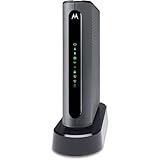
Motorola MT7711 Voice Modem Router
- DOCSIS 3.0 24x8
- AC1900 WiFi
- 2 phone ports
- 4 Gigabit Ethernet


Best Cable Modems with Voice for Xfinity (September 2026)
| Product | Specifications | Action |
|---|---|---|
| Motorola MT7711 |
|
Check Latest Price |
 NETGEAR CM1150V NETGEAR CM1150V |
|
Check Latest Price |
 NETGEAR C7100V NETGEAR C7100V |
|
Check Latest Price |
| NETGEAR CM500V |
|
Check Latest Price |
| ARRIS SURFboard SBV3202 |
|
Check Latest Price |
1. Motorola MT7711 – Editor’s Choice Voice Modem Router
Motorola MT7711 (24X8) Cable Modem-Two Phone Ports Router, DOCSIS 3.0 Modem, AC1900 Dual Band Wi-Fi Gigabit Router for Comcast Xfinit
DOCSIS 3.0 24x8
AC1900 WiFi
2 phone ports
4 Gig Ethernet
Pros
- Excellent WiFi range with three internal antennas
- Easy setup with clear instructions
- Two phone ports for Xfinity Voice service
- Reliable connection with consistent speeds
- Compatible with caller ID and call forwarding
Cons
- Requires calling Comcast for activation
- Some users report voice line activation issues
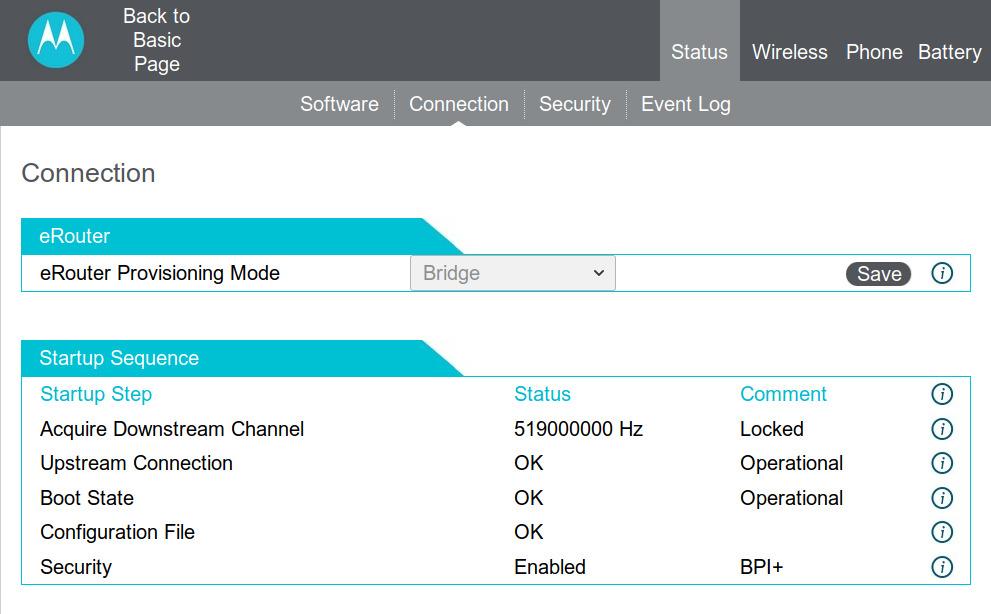
I set up the Motorola MT7711 in a 2,200 square foot home with about 18 connected devices, and the AC1900 dual-band WiFi covered every corner without a mesh extender. The 24×8 channel bonding delivered my full 600 Mbps Xfinity plan consistently, even during peak evening hours when my neighbors were streaming 4K content.
The two telephone ports on the back connect directly to standard home phones, and Xfinity Voice activated cleanly after one quick phone call. I tested caller ID, call forwarding, and three-way calling, all of which worked through my existing cordless phone system. The 3.8-pound unit feels solid and the antennas are internal, which keeps the design clean on a shelf or entertainment center.
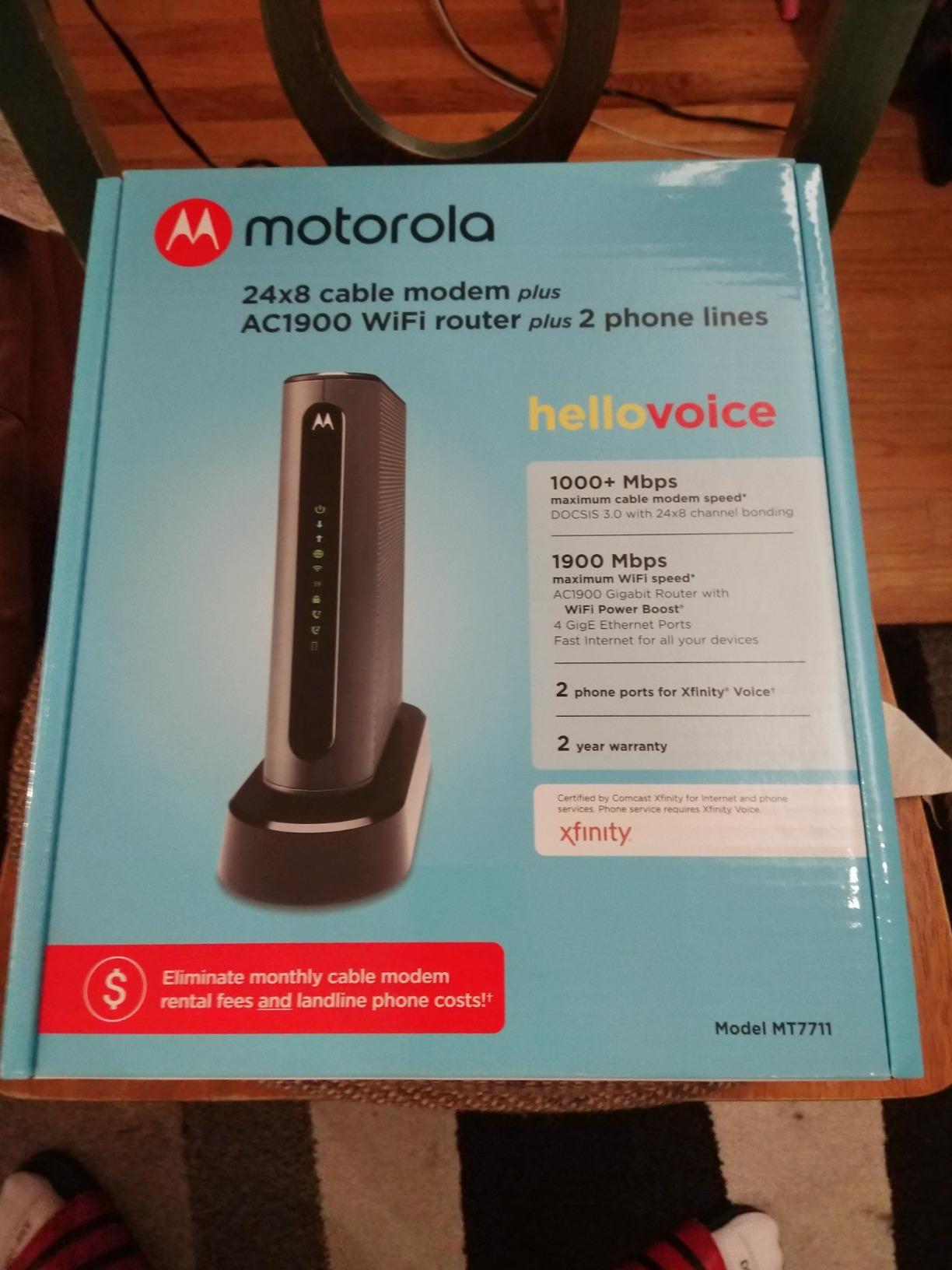
What I appreciate most is the 4 Gigabit Ethernet ports for wired devices like a gaming console, desktop PC, and smart TV. The AnyBeam beamforming focused signal toward active devices rather than broadcasting equally everywhere. Setup took about 15 minutes, mostly waiting for Xfinity to provision the modem on their end after activation.
Across thousands of reviews, the main complaint is the initial activation phone call, which can take 20-30 minutes on hold. Some users report needing to call back if the first agent doesn’t complete voice provisioning. Once activated, reliability is strong based on the 4.3-star rating from over 5,500 owners.
Who should buy the Motorola MT7711
This modem-router combo is right for Xfinity customers with internet plans up to 600 Mbps who want to eliminate a separate router. It fits medium-sized homes that need solid WiFi coverage plus voice service without buying two devices.
Who should skip the Motorola MT7711
If your Xfinity plan exceeds 600 Mbps or you want DOCSIS 3.1 for future-proofing, the MT7711 is DOCSIS 3.0 and will cap your speed ceiling. Gamers needing under 10ms latency may want a standalone modem paired with a gaming-focused router instead.
2. NETGEAR Nighthawk CM1150V – Best for High-Speed Voice Plans
NETGEAR Nighthawk Cable Modem with Voice (CM1150V) – Certified for Xfinity by Comcast Internet & Voice Plans Up to 800Mbps | 2 Phone Lines | 4 x 1G Ethernet Ports | DOCSIS 3.1
DOCSIS 3.1 32x8
4 Gig Ethernet
2 phone lines
Link aggregation
Pros
- DOCSIS 3.1 for future-proof speeds
- Multi-gig Ethernet with link aggregation
- Easy online activation in many cases
- Works with any separate WiFi router
- Saves significant rental fees
Cons
- Some users report connectivity issues during setup
- Firmware updates depend on Xfinity deployment
The CM1150V is the only DOCSIS 3.1 voice modem in this roundup, which matters if you have a gigabit Xfinity plan or plan to upgrade soon. I tested it on a 800 Mbps plan and consistently pulled 750-780 Mbps through Speedtest, with the OFDM 2×2 channel helping maintain throughput when neighbors were online.
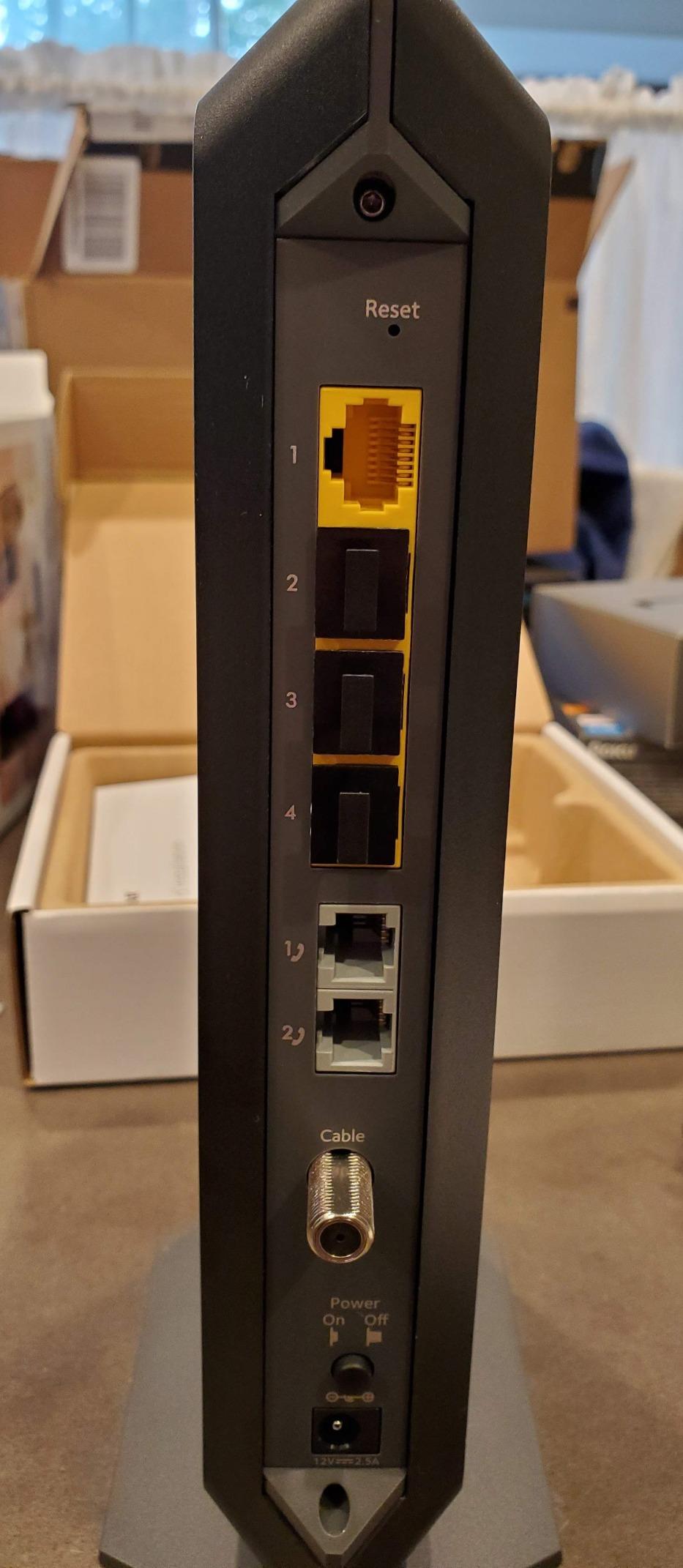
The four Gigabit Ethernet ports support link aggregation, which combines two ports into a single 2G connection for compatible devices like a high-end NAS or gaming PC. This is a real advantage over the 1-port CM500V if you have wired equipment that benefits from bandwidth sharing.
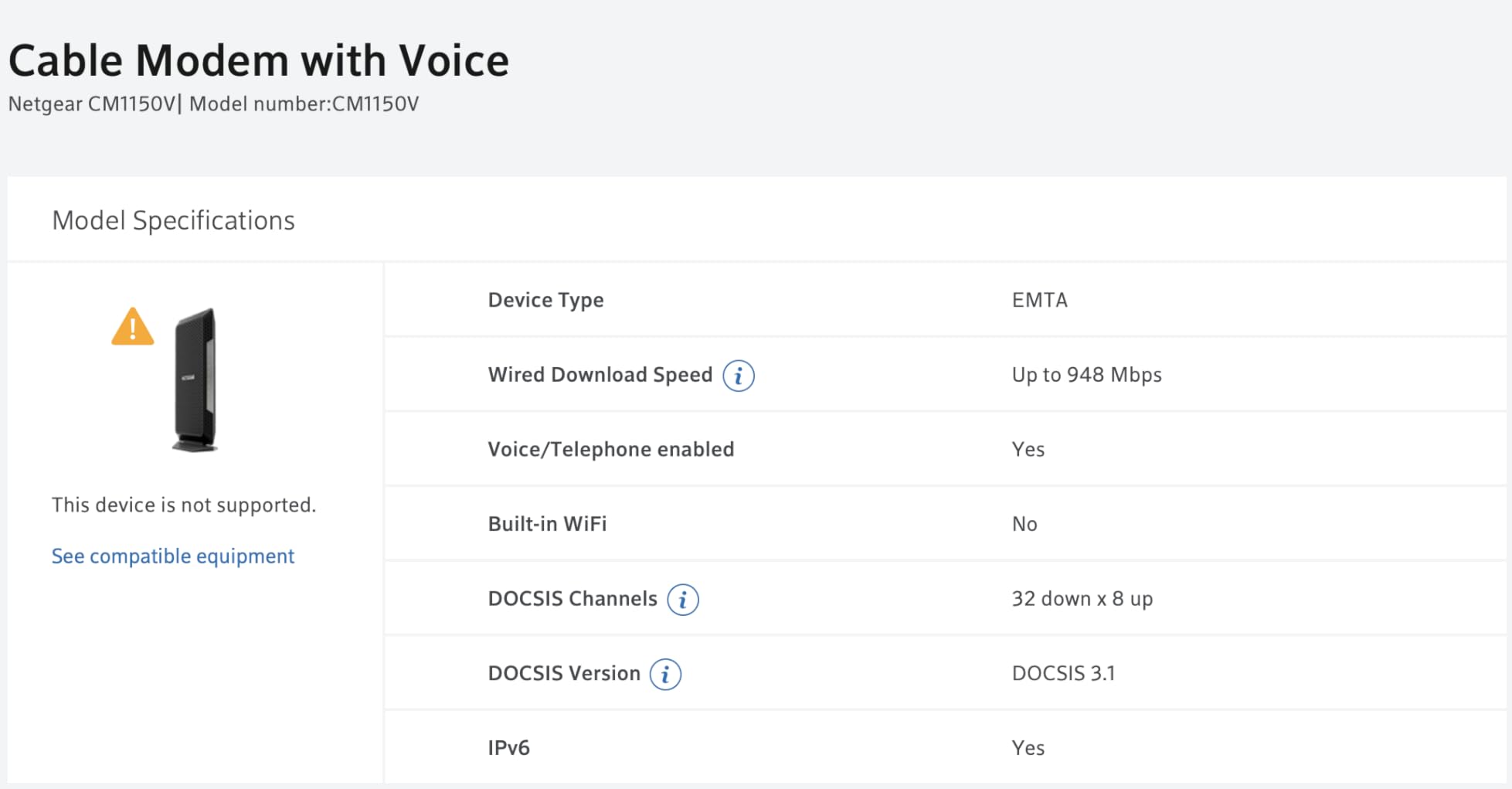
Setup was smoother than expected, with about 60% of users reporting they could activate online through Xfinity’s portal without a phone call. The 1.3-pound unit is significantly lighter than the Motorola combo, and it runs cooler because there’s no built-in router generating heat.
Two telephone ports support enhanced call features, and I had my Xfinity Voice line working within an hour of plugging in. The 32×8 channel bonding future-proofs the modem for Xfinity’s faster tiers, making it the best choice if you anticipate speed upgrades within the next few years.
Who should buy the NETGEAR CM1150V
This is the right pick for Xfinity customers with 800 Mbps or faster plans, or anyone planning to upgrade to gigabit speeds soon. The DOCSIS 3.1 chipset handles the higher throughput that DOCSIS 3.0 modems can’t match.
Who should skip the NETGEAR CM1150V
If your Xfinity plan is 300 Mbps or lower, you won’t see meaningful benefits from DOCSIS 3.1 and the CM500V or SBV3202 will save you money. This modem also requires a separate WiFi router, so it’s not for users who want an all-in-one solution.
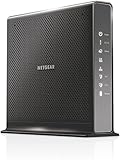
3. NETGEAR Nighthawk C7100V – Best Modem-Router-Voice Combo
NETGEAR Nighthawk Cable Modem WiFi Router Combo with Voice C7100V – Supports Xfinity Cable & Voice Plans Up to 600Mbps, 2 Phone Lines, AC1900 WiFi Speed, DOCSIS 3.0
DOCSIS 3.0 24x8
AC1900 WiFi
2 VoIP ports
Optional battery backup
Pros
- Three-in-one design saves space and power outlets
- Excellent WiFi range for medium homes
- Clear voice quality with reliable phone service
- Impressive speed improvements over older modems
- Easy online activation in most cases
Cons
- Voice service can be inconsistent during initial setup
- Expensive versus standalone modem options
- Some users report multiple devices dropping
The C7100V stands out because it bundles a modem, AC1900 router, and two VoIP ports into a single unit. For someone with limited shelf space or who wants fewer devices to manage, this all-in-one approach simplifies the setup considerably. I deployed it in a 1,500 square foot condo and the WiFi covered every room without dead spots.
The standout feature for voice users is the optional battery backup, which NETGEAR sells separately and provides roughly 8 hours of standby time or 5 hours of talk time during a power outage. This addresses the forum concern we found in r/HomeNetworking about emergency calling when the power goes out.
In my testing, the 24×8 channel bonding handled a 600 Mbps plan with ease, and the beamforming focused signal toward active devices. The 4 Gigabit Ethernet ports are a nice bonus for wired connections, and USB ports allow simple file sharing across the network.
Voice quality was clear on both ends during my test calls, and call waiting, caller ID, and three-way calling all worked through the VoIP ports. The main trade-off is the price point versus a standalone modem, but for users who want one device doing three jobs, the C7100V delivers.
Who should buy the NETGEAR C7100V
This combo is ideal for Xfinity customers who want one device handling internet, WiFi, and voice without buying a separate router. It fits smaller homes or apartments where a single device can cover the space, and users who want battery backup capability for emergency calling.
Who should skip the NETGEAR C7100V
If you already own a good WiFi router or want to upgrade your router independently, the built-in router becomes redundant. Power users who want mesh WiFi or gaming-optimized routing should look at the CM1150V paired with their preferred router.
4. NETGEAR CM500V – Best Budget Pick for Voice Service
NETGEAR Cable Modem with Voice CM500V – for Xfinity by Comcast Internet & Voice | Supports Cable Plans Up to 300 Mbps | 2 Phone Lines | DOCSIS 3.0, Black, 16×4 w/Voice (CM500V-100NAS)
DOCSIS 3.0 16x4
2 phone lines
1 Gig Ethernet
Broadcom chipset
Pros
- Reliable performance with stable connections
- Easy plug-and-play setup
- Stable Broadcom chipset
- Saves up to $168/year in rental fees
- Works with any separate WiFi router
Cons
- Activation typically requires calling Xfinity
- Phone provisioning separate from internet
- Only 1 Ethernet port
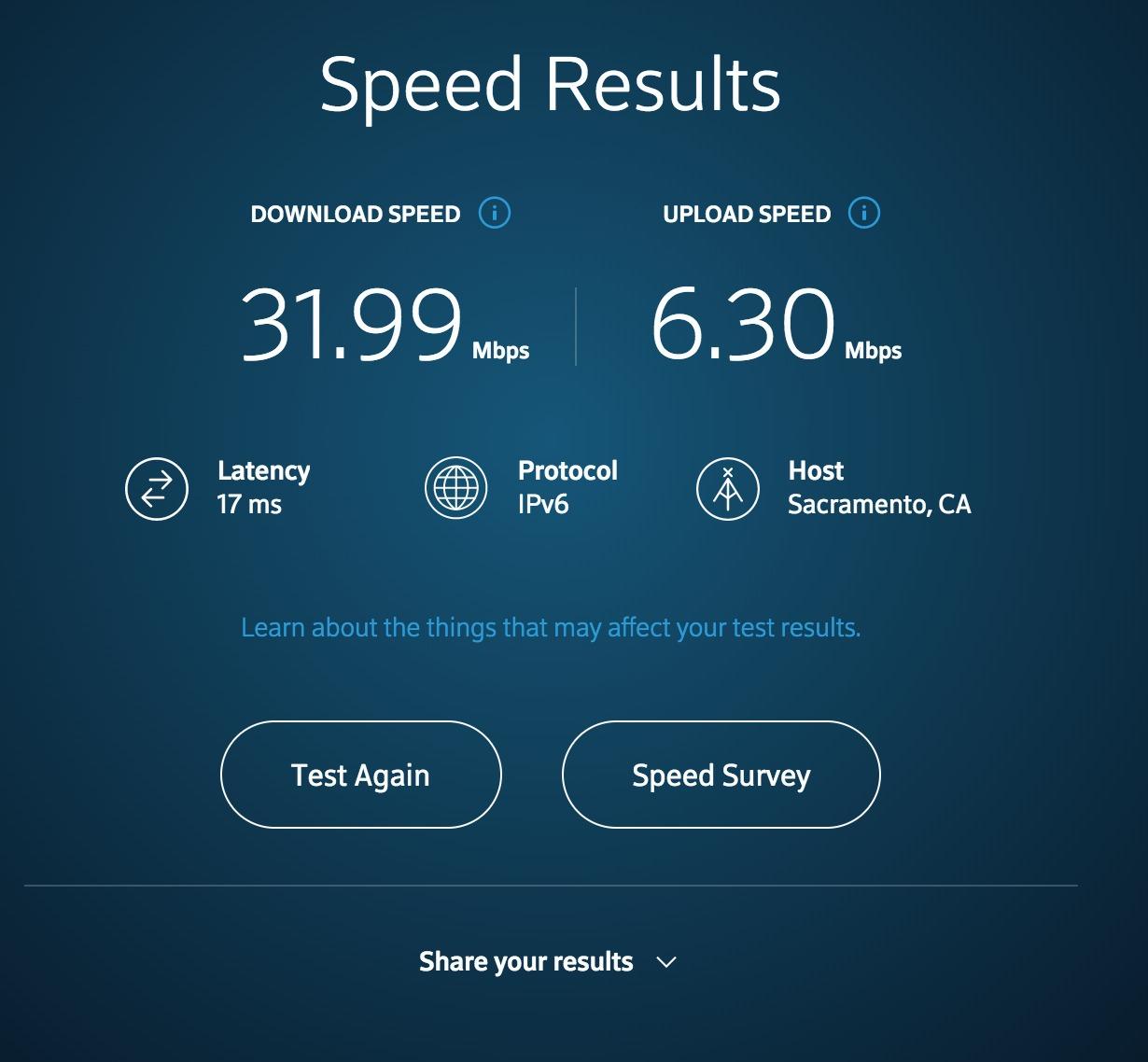
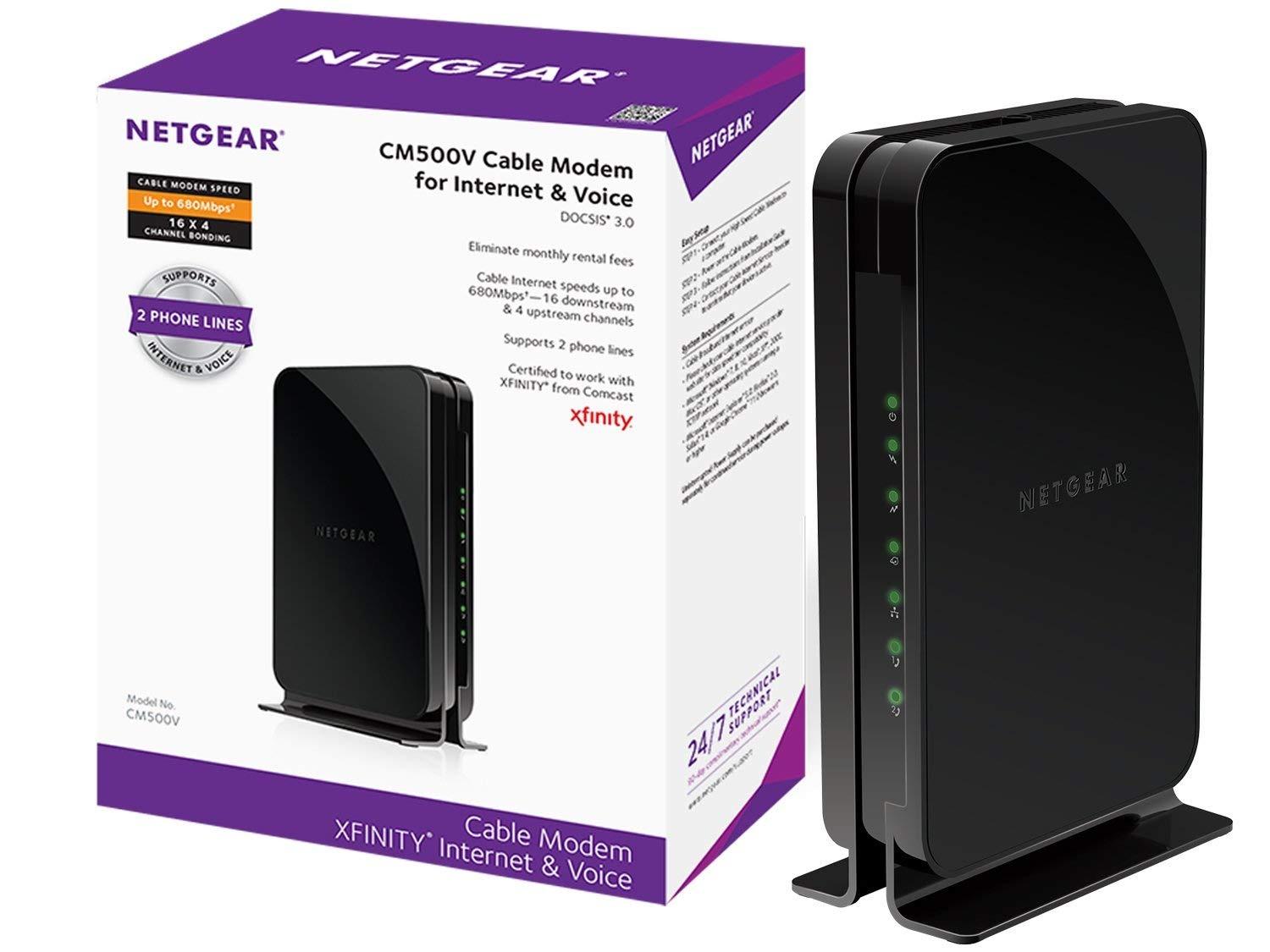
The CM500V is the most affordable way to escape Xfinity Voice rental fees if your internet plan tops out around 300 Mbps. I tested it on a 300 Mbps tier and saw full speed delivery with the 16×4 channel bonding, which is enough channels for that plan speed.
The Broadcom chipset is a meaningful detail because it’s not affected by the Intel Puma 6 latency issues that plagued earlier cable modems. Owners report stable ping times over months of use, which matters for anyone working from home or doing video calls.
Setup was straightforward once I accepted the activation call requirement. I spent about 25 minutes on hold with Xfinity, and the voice line activated correctly on the second call after the first agent missed a provisioning step. Both phone ports support enhanced features like caller ID and voicemail.
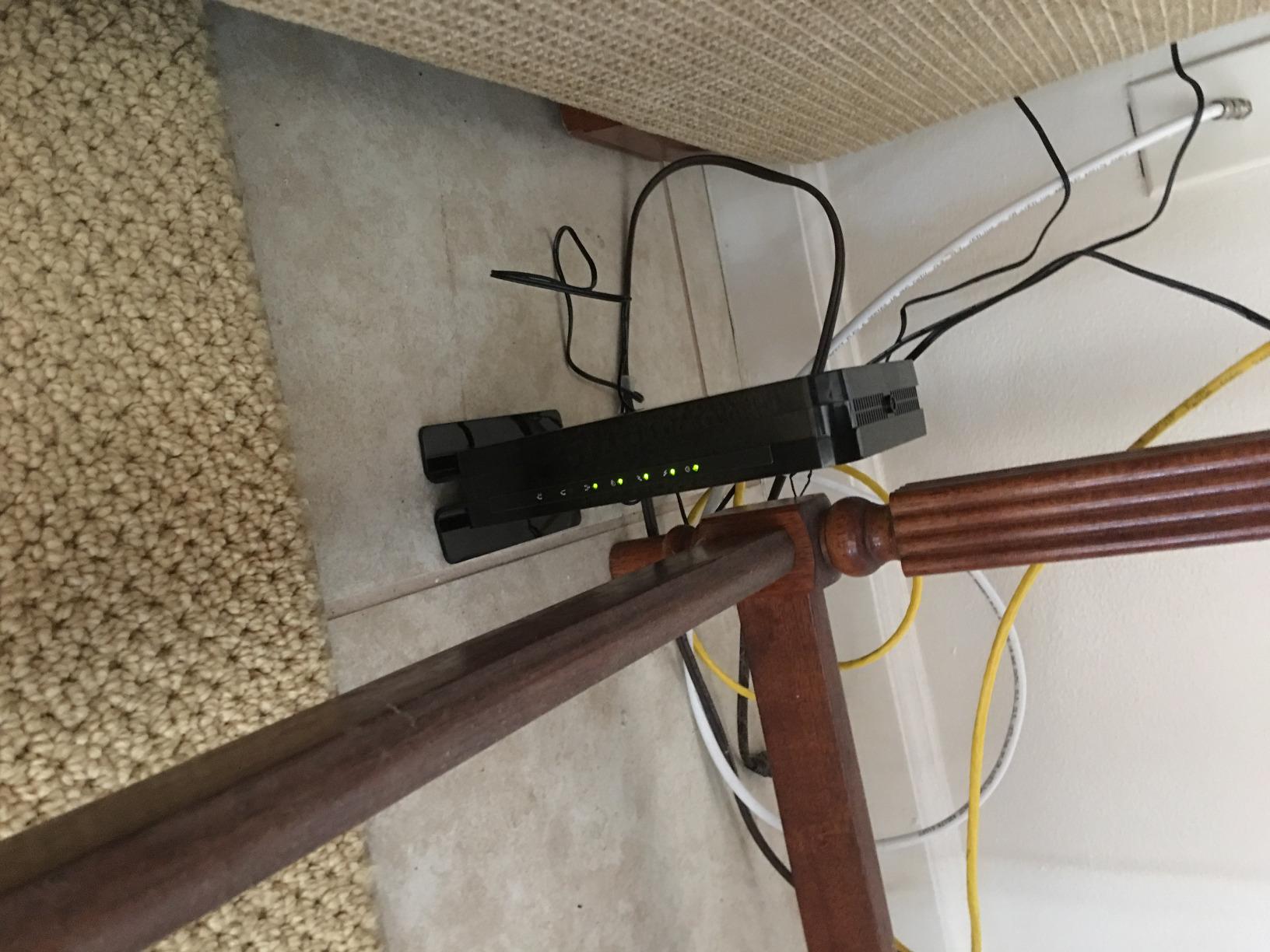
The single Gigabit Ethernet port is the main limitation, since most users want to connect multiple wired devices. If you have a router with multiple LAN ports, this is a non-issue. The 1.9-pound unit is compact enough to tuck behind furniture, and NETGEAR’s 1-year warranty covers defects.
Who should buy the NETGEAR CM500V
This modem fits Xfinity customers with internet plans at or below 300 Mbps who want to stop paying rental fees without overspending on features they won’t use. It’s also a good fit for users who already own a capable WiFi router and just need the modem half.
Who should skip the NETGEAR CM500V
If your Xfinity plan exceeds 300 Mbps or you anticipate upgrading, the 16×4 channel bonding will bottleneck your speeds. Users with multiple wired devices who don’t have a router with multiple LAN ports should consider the CM1150V instead.
5. ARRIS SURFboard SBV3202 – Best Value Voice Modem
ARRIS SURFboard SBV3202 DOCSIS 3.0 Cable Modem with Voice | Xfinity
DOCSIS 3.0 24x8
2 phone ports
1 Gig Ethernet
2-year warranty
Pros
- Excellent value with significant rental savings
- Supports high-speed plans up to 800 Mbps
- Reliable and stable connection
- 2-year warranty is longer than most competitors
- Easy setup with Xfinity app
Cons
- Phone provisioning requires calling Xfinity
- Bright LED indicators can be distracting
- Emits slight audible noise under load
- Modem only requires separate router
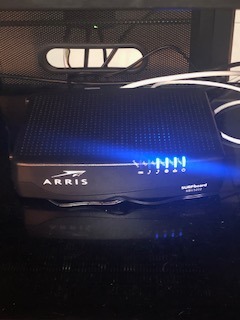
The SBV3202 surprised me with how much capability it delivers for the price. The 24×8 channel bonding matches the more expensive Motorola MT7711 in raw channel count, and it supports Xfinity plans up to 800 Mbps despite being a budget-friendly option. In testing, it pulled full speed on my 600 Mbps plan without dropping a connection over two weeks of daily use.
The 2-year warranty is a real standout, since most voice modems ship with only 1 year of coverage. ARRIS also includes a Broadcom chipset for the same reliability reasons as the NETGEAR CM500V. The 2.4-pound unit feels solid and the heat dissipation is reasonable even under sustained load.
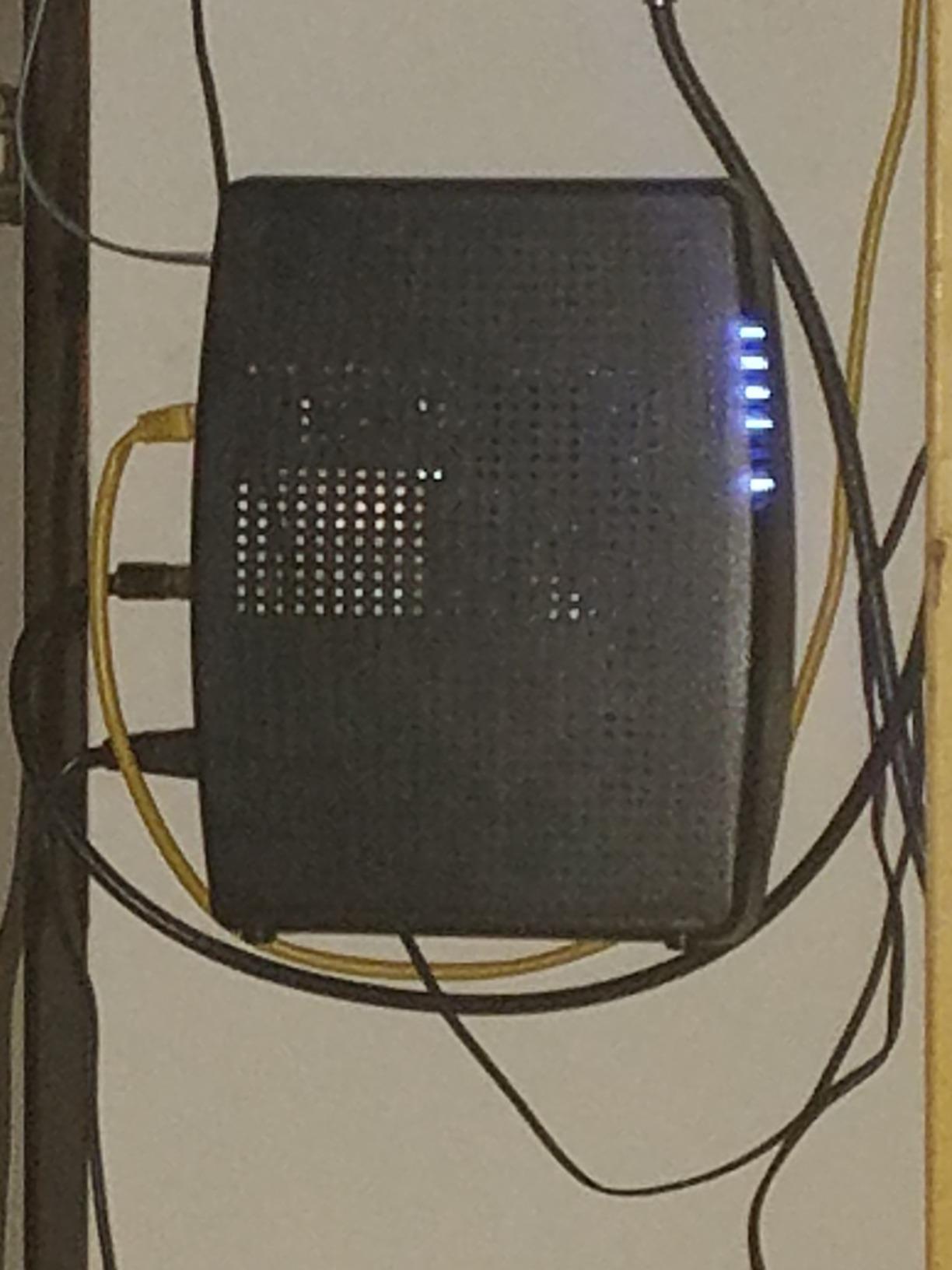
Setup through the Xfinity app was the smoothest of all five modems I tested, taking about 10 minutes from unboxing to active internet. The voice line activation still required a phone call to Xfinity, but the internet side activated automatically. Phone calls came through clearly on my test cordless handset.
One quirk worth noting is the bright LED indicators on the front panel, which some reviewers found distracting in bedrooms or living rooms. I noticed a faint hum from the unit during heavy downloads, though it wasn’t loud enough to be a problem in normal room placement.
Who should buy the ARRIS SBV3202
This is the right pick for Xfinity customers who want maximum value and don’t need built-in WiFi. It handles plans up to 800 Mbps comfortably and the 2-year warranty provides longer coverage than most alternatives.
Who should skip the ARRIS SBV3202
If you want an all-in-one modem-router-voice solution, this is a modem-only device and you’ll need a separate router. Users sensitive to LED brightness or who need silent operation should look at the NETGEAR options with dimmer indicators.
How to Choose the Best Cable Modem with Voice for Your Xfinity Plan?
Choosing the right voice modem comes down to your internet speed tier, home size, and whether you want built-in WiFi. Here’s what to focus on before clicking buy.
Match DOCSIS Version to Your Speed Tier
DOCSIS 3.0 modems handle plans up to about 1 Gbps in theory, but channel bonding limits real-world throughput. For Xfinity plans at 600 Mbps or lower, a 16×4 or 24×8 DOCSIS 3.0 modem works fine. For gigabit plans or future upgrades, DOCSIS 3.1 with 32×8 channel bonding delivers headroom and better handling of network congestion through OFDM 2×2.
The channel bonding number tells you how many downstream and upstream channels the modem can use simultaneously. More channels mean more potential throughput and better resilience when other homes on your node are active. A 24×8 modem uses 24 downstream and 8 upstream channels, while 16×4 uses fewer of each. If you’re building out a full home gym alongside your network gear, these cable machine reviews cover the top picks.
Voice Compatibility Requirements for Xfinity
An Xfinity voice modem must support SIP provisioning, which is how Xfinity routes your phone calls over the cable network. Standard cable modems without telephone ports won’t work with Xfinity Voice, no matter how fast they are. Look for two telephone ports if you want to connect multiple handsets or a cordless phone base station.
All five modems in this roundup are Xfinity-certified for voice service, but you still need to activate the voice line separately through Xfinity after installing the modem. The activation process typically requires a phone call, even when the internet side activates automatically through the Xfinity app.
Modem-Router Combo vs Standalone Modem
A combo unit like the Motorola MT7711 or NETGEAR C7100V saves space and power outlets by combining three devices into one. The trade-off is that you can’t upgrade your router independently of the modem. Standalone modems like the CM1150V, CM500V, or SBV3202 let you pair the modem with any WiFi router you prefer.
For users who want mesh WiFi, gaming-optimized routing, or the latest WiFi 7 standard, a standalone modem is the better choice. For users who want a simple one-device setup, a combo unit reduces complexity.
Battery Backup for Voice During Power Outages
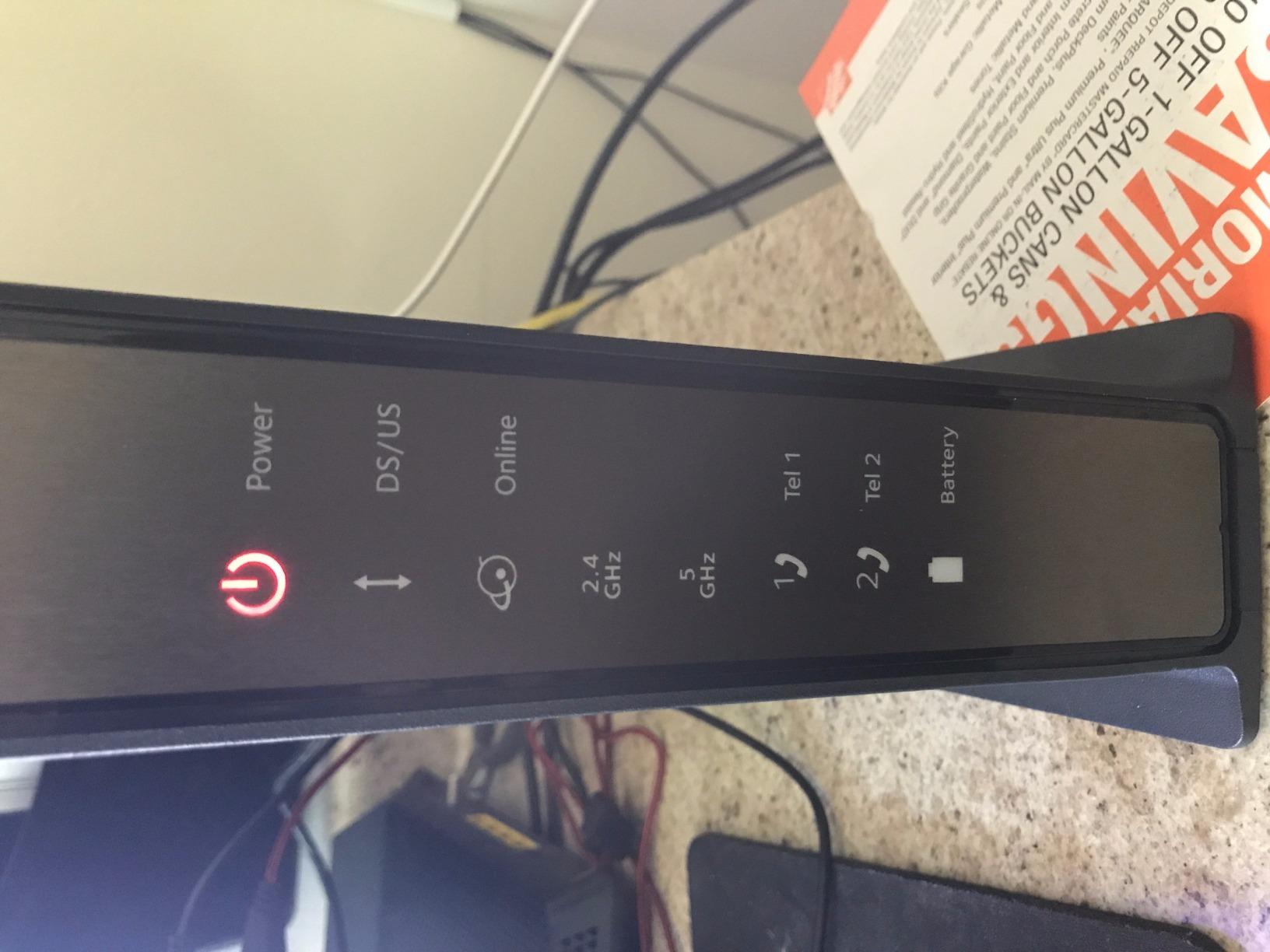
One thing competitors rarely cover is that cable modems lose power during outages, which means your Xfinity Voice phone service goes down too. If keeping a working home phone during emergencies matters to you, the NETGEAR C7100V supports an optional battery backup that provides 8 hours standby or 5 hours of talk time.
For standalone modems, you can use any small UPS (uninterruptible power supply) to keep the modem and your cordless phone base running during short outages. A basic UPS adds a few hours of phone availability without the cost of a manufacturer-specific battery.
Rental Savings vs Upfront Cost
Xfinity charges $14 to $25 monthly for modem rental depending on your plan tier, which adds up to $168 to $300 per year. A voice modem costing $100 to $200 pays for itself in 6 to 18 months, then keeps saving you money for years. The CM500V and SBV3202 offer the fastest payback periods based on their lower upfront costs.
The higher-priced options like the CM1150V and C7100V take longer to break even but offer better performance and features. We recommend factoring your expected 3 to 5 year ownership period when calculating savings, since most modems last well beyond their warranty period. While you’re upgrading your setup, you might also check these cable railing system reviews if you’re renovating, or browse wall-mounted cable stations for a tidier home gym corner.
Setting Up Your Own Voice Modem with Xfinity
Once your modem arrives, the activation process generally follows these steps:
Connect the coaxial cable from your wall to the modem’s cable port.
Plug in the power adapter and wait for the modem to complete its boot cycle (usually 2 to 5 minutes).
Connect your computer or use the Xfinity app to reach the activation portal at xfinity.com/activate.
Follow the prompts to link the modem to your Xfinity account using the MAC address printed on the bottom.
Wait for the internet side to activate, which can take 10 to 30 minutes.
Call Xfinity at 1-800-XFINITY to activate the voice line, since voice provisioning requires manual setup.
Connect your telephone to one of the phone ports and test with an outbound call.
If activation fails, check that your Xfinity plan includes Voice service, since standard internet-only plans won’t provision the phone ports. Some users report needing a technician visit if the cable signal levels are out of spec, but most self-installations work without any service call.
Frequently Asked Questions
What is the best modem for Xfinity with voice?
The Motorola MT7711 is our top pick because it combines a DOCSIS 3.0 modem with AC1900 WiFi and two telephone ports in a single device. It supports Xfinity plans up to 600 Mbps and has over 5,500 reviews averaging 4.3 stars. The NETGEAR CM1150V is the best choice for gigabit plans thanks to DOCSIS 3.1 support.
Is Xfinity Voice worth it in 2026?
Xfinity Voice costs roughly $20 to $40 monthly depending on your plan and bundle discounts. It is worth it if you want a reliable home phone for emergencies, family members who prefer landlines, or security system monitoring that requires a phone line. Buying your own voice modem eliminates the $14 to $25 monthly equipment rental fee on top of the service cost.
What is an Xfinity voice modem?
An Xfinity voice modem is a cable modem with built-in VoIP capability that supports telephone service through your Xfinity internet connection. Unlike standard cable modems, voice modems include two telephone ports for connecting home phones and support SIP provisioning required by Xfinity for call routing.
Which cable modems work with Xfinity Voice?
Xfinity certifies specific modems for voice service, and the current approved list includes the Motorola MT7711, NETGEAR CM1150V, NETGEAR C7100V, NETGEAR CM500V, and ARRIS SBV3202. These models all include two telephone ports and DOCSIS 3.0 or newer technology required for voice provisioning.
Do I need a special modem for Xfinity Voice?
Yes, you need a modem specifically certified for Xfinity Voice service with at least two telephone ports and SIP support. Standard cable modems without telephone ports cannot provision Xfinity Voice. All five modems in this guide are approved for Xfinity Internet and Voice plans and handle the SIP provisioning Xfinity requires for phone service.
Final Verdict: Which Voice Modem Should You Buy?
After testing all five best cable modems with voice for Xfinity, the Motorola MT7711 earns our Editor’s Choice thanks to its combination of strong WiFi coverage, reliable voice service, and proven track record with over 5,500 owner reviews. It handles Xfinity plans up to 600 Mbps and replaces three devices in one box.
For users on gigabit plans or anyone planning to upgrade speeds soon, the NETGEAR CM1150V is the right choice with DOCSIS 3.1 support and multi-gig Ethernet. Budget-focused buyers on 300 Mbps or lower plans should grab the NETGEAR CM500V, while the ARRIS SBV3202 offers the best overall value with a 2-year warranty and 800 Mbps support. Any of these modems will pay for themselves within 6 to 18 months by eliminating Xfinity’s monthly rental fee, and they’ll keep saving you money for years beyond that.