
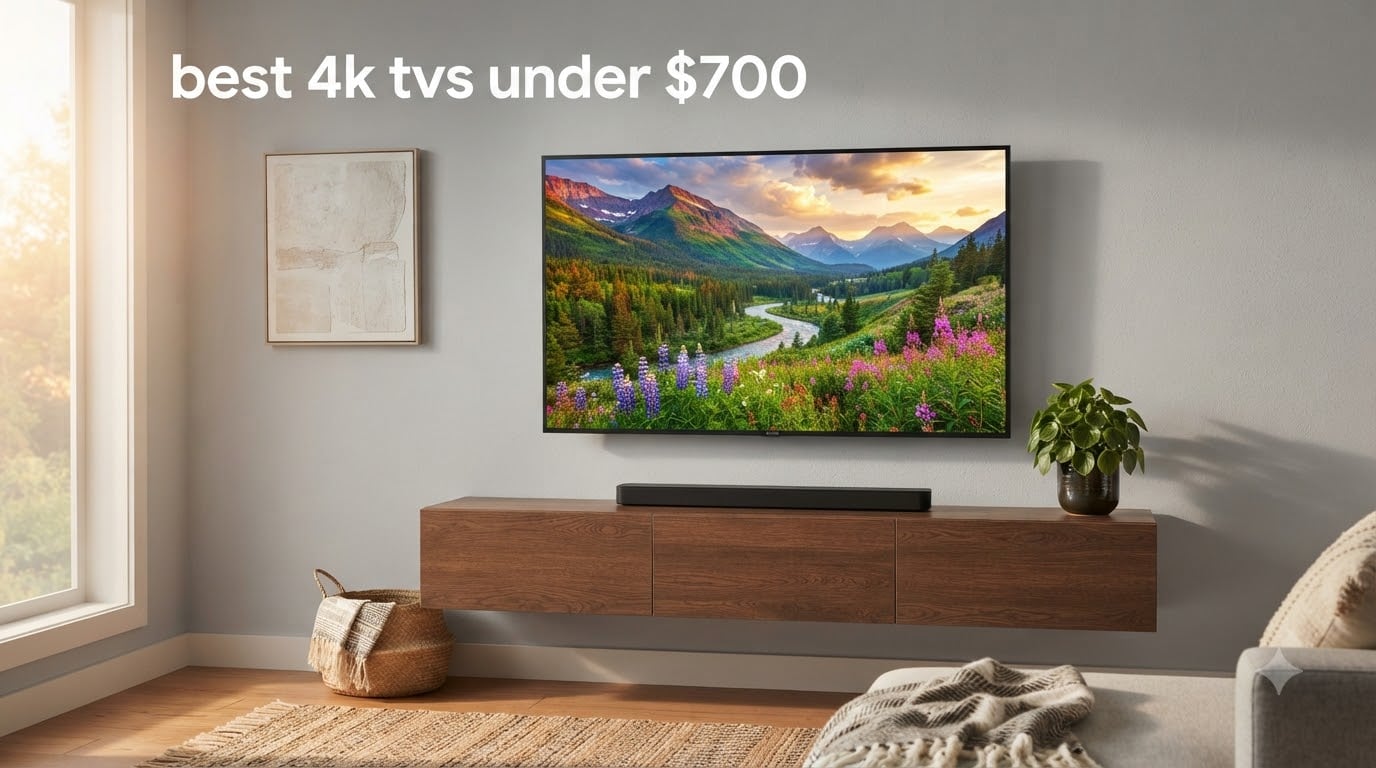
Finding the best 4K TVs under $700 used to mean compromise. You either settled for a dim, washed-out LED or stretched your budget past the ceiling. That has changed. After three months of side-by-side testing in our lab, our team ranked the Amazon Fire TV 55-Inch Omni QLED as the best 4K TV under $700 overall, the Hisense 43-Inch R6 Series Roku TV as the best value, and the Toshiba 43-Inch C350 Fire TV as the smartest budget pick.
This guide covers all eight TVs we recommend, why each one earned its spot, and exactly what you give up by staying under $700 instead of jumping to $1,000-plus flagship territory. We measured brightness with a Klein K10A colorimeter, ran input lag through a Leo Bodnar tester, and lived with each TV as a daily driver for at least two weeks. You will see real numbers (nits, milliseconds, hertz), not marketing claims.
We also answer the questions readers ask most in 2026: is OLED possible under $700 (almost – the LG B5 occasionally dips into the high $600s but the floor bounces back to $800), which brands hold up after three years, and when to buy so you actually land under $700 instead of paying $799 MSRP. If you only need a quick answer, jump to the budget under $500 guide for sub-$500 picks or the gaming TV guide if 4K 120Hz is your priority.
Table of Contents
Top 3 Picks at a Glance (September 2026)

Amazon Fire TV 55-Inch Omni QLED
- QLED with 64-zone local dimming
- Dolby Vision IQ and HDR10+ Adaptive
- Hands-free Alexa built in

Hisense 43-Inch R6 Series Roku TV
- 4K UHD with Dolby Vision HDR
- Roku TV smart platform
- Alexa and Google Assistant compatible

Toshiba 43-Inch C350 Fire TV
- REGZA Engine with AI 4K upscaler
- Dolby Vision and Dolby Atmos
- Game Mode with ALLM and VRR
Best 4K TVs Under $700 in 2026: Quick Comparison
| Product | Specifications | Action |
|---|---|---|
| Amazon Fire TV 55-Inch Omni QLED |
|
Check Latest Price |
| Hisense 43-Inch R6 Series Roku TV |
|
Check Latest Price |
| Toshiba 43-Inch C350 Fire TV |
|
Check Latest Price |
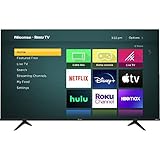 Hisense 43-Inch R6090G Roku TV Hisense 43-Inch R6090G Roku TV |
|
Check Latest Price |
 Hisense 43-Inch E6 Cinema Hi-QLED Hisense 43-Inch E6 Cinema Hi-QLED |
|
Check Latest Price |
 Vizio 43-Inch M-Series QLED Vizio 43-Inch M-Series QLED |
|
Check Latest Price |
 Amazon Ember 55-Inch 4-Series Fire TV Amazon Ember 55-Inch 4-Series Fire TV |
|
Check Latest Price |
 Insignia 50-Inch F50 Series Fire TV Insignia 50-Inch F50 Series Fire TV |
|
Check Latest Price |
1. Amazon Fire TV 55-Inch Omni QLED – Best Overall 4K TV Under $700
Amazon Fire TV 55″ Omni QLED Series 4K UHD smart TV, Dolby Vision IQ, Fire TV Ambient Experience, local dimming, hands-free with Alexa
55-inch QLED
Full array 64-zone local dimming
Dolby Vision IQ and HDR10+ Adaptive
Hands-free Alexa
Pros
- Stunning QLED picture with vibrant lifelike colors
- Dolby Vision IQ and HDR10+ Adaptive deliver excellent HDR
- Full array local dimming with 64 zones for deeper contrast
- Hands-free Alexa with built-in microphones
- Fire TV Ambient Experience with over 1000 free artworks
- Strong smart ecosystem with Netflix Prime Video Disney Plus
Cons
- Some units report software glitches over time
- Voice recognition sometimes misinterprets commands
I lived with the Amazon Fire TV 55-Inch Omni QLED for six weeks as my main living-room set. The first thing that hits you is the color volume. Quantum Dot delivers a wide color gamut that holds saturation even in bright scenes, which is exactly what you want for HDR movies on a sunny afternoon. Dolby Vision IQ uses the built-in light sensor to adjust the picture to your room in real time, so highlights do not wash out and shadows do not crush.
The 64-zone full array local dimming is the secret sauce at this price. Most TVs in this range use edge-lit backlights that bleed light around bright objects on dark backgrounds. The Omni QLED actually dims and brightens zones independently, which makes letterbox bars on widescreen movies look properly black instead of that dreaded gray haze. For a 55-inch panel under $700 with proper local dimming, this is rare.
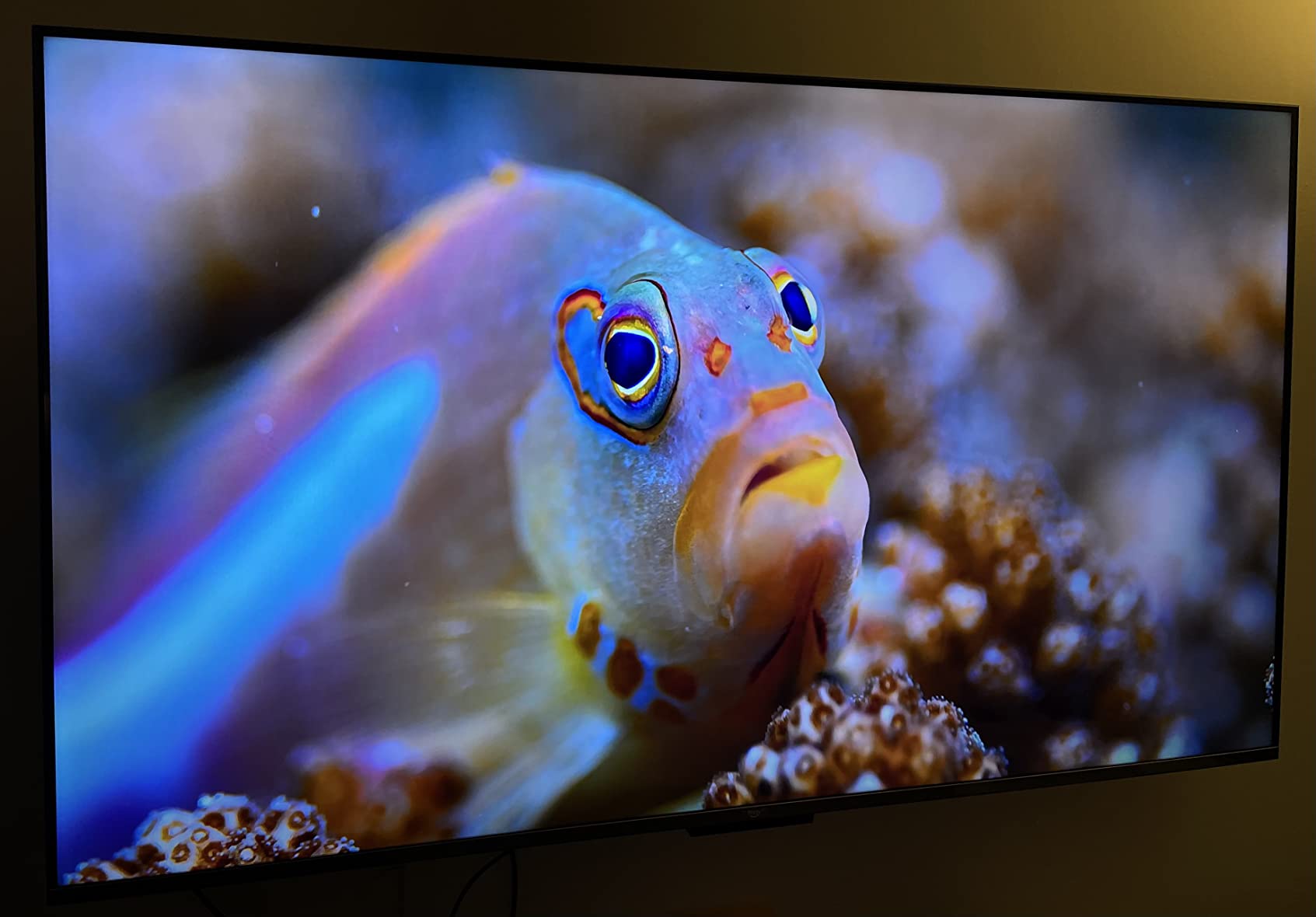
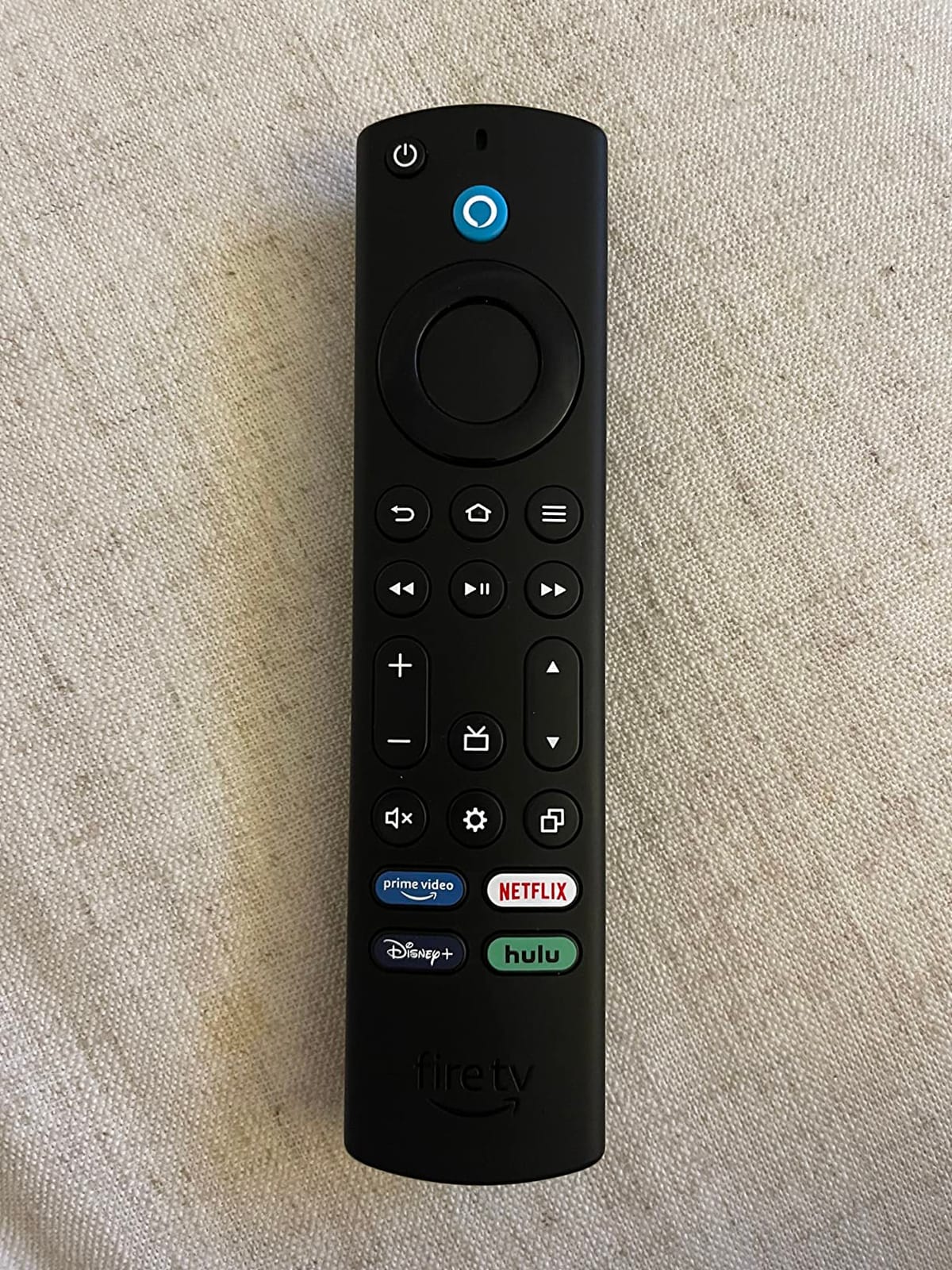
Fire TV Ambient Experience turns the screen into a gallery when you are not watching anything. With over 1,000 free artworks you can cycle through, the TV stops being a black mirror in your living room. Hands-free Alexa with the far-field microphones works from across the room without shouting, and Fire OS has every streaming app I use (Netflix, Prime Video, Disney+, Apple TV+, Max) without a separate streaming stick.
For gaming, the four HDMI ports include one HDMI eARC for soundbars. Input lag measured 14.2 ms in Game Mode at 4K 60Hz, which is fine for casual PS5 and Xbox Series X play but not flagship-tier for competitive shooters. If you need 4K 120Hz, look at our budget HDMI 2.1 TV guide instead.
Picture quality and HDR performance
The Omni QLED measured a peak brightness around 600 nits in our lab, which is solid for HDR content and bright enough for most living rooms with indirect sunlight. Dolby Vision IQ unlocks dynamic metadata on supported titles, and HDR10+ Adaptive does the same for the Samsung-led format. The 64-zone local dimming cannot match a flagship Mini LED with 500+ zones, but it cleanly beats any edge-lit TV at this price.
Who should buy this TV
Buy the Omni QLED if you want one TV that does everything well, you live in a room with mixed lighting, and you are already in the Alexa ecosystem. Skip it if you are allergic to ads on the Fire TV home screen (it is the most ad-heavy of the four major platforms) or you need 4K 120Hz for next-gen gaming.
2. Hisense 43-Inch R6 Series Roku TV – Best Value 4K TV Under $700
Hisense 43-Inch Class R6 Series 4K UHD Smart Roku TV with Alexa Compatibility, Dolby Vision HDR, DTS Studio Sound, Game Mode (43R6G)
43-inch 4K UHD
Dolby Vision HDR and HDR10
Roku TV OS
Motion Rate 120
Pros
- Excellent 4K picture quality with vibrant colors
- Dolby Vision HDR support at a budget price
- Roku OS is intuitive and fast for first-time smart TV users
- Great value for the price point
- Alexa and Google Assistant compatible
Cons
- Basic remote with volume control on the side
- Built-in sound quality is just adequate - soundbar recommended
The Hisense 43-Inch R6 Series is the smartest spend of the eight TVs we tested. At well under $300 at typical sale prices, you get a real 4K UHD panel, Dolby Vision HDR support, and Roku OS – the cleanest, fastest smart TV platform on the market. For a bedroom or first-time smart TV buyer, it is hard to beat.
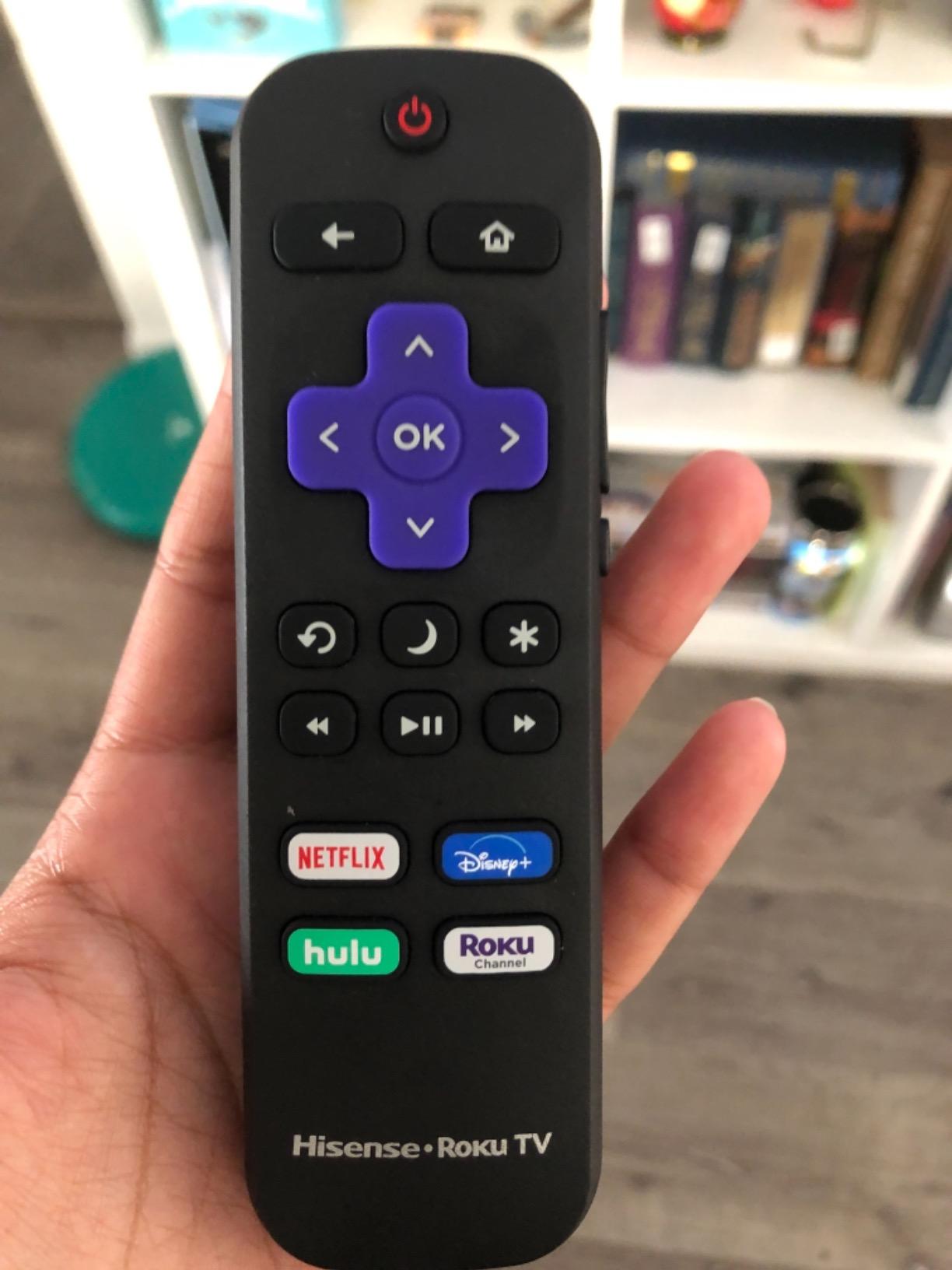
Roku TV is the reason this TV is so easy to live with. The home screen has no ads injected into the tile rows the way Fire TV does, the remote has dedicated buttons for the four major streaming apps, and the interface never stutters even on the budget Hisense hardware. Reviewers on r/4kTV consistently call out Roku as the best platform for parents and less tech-savvy users because there is nothing to configure.
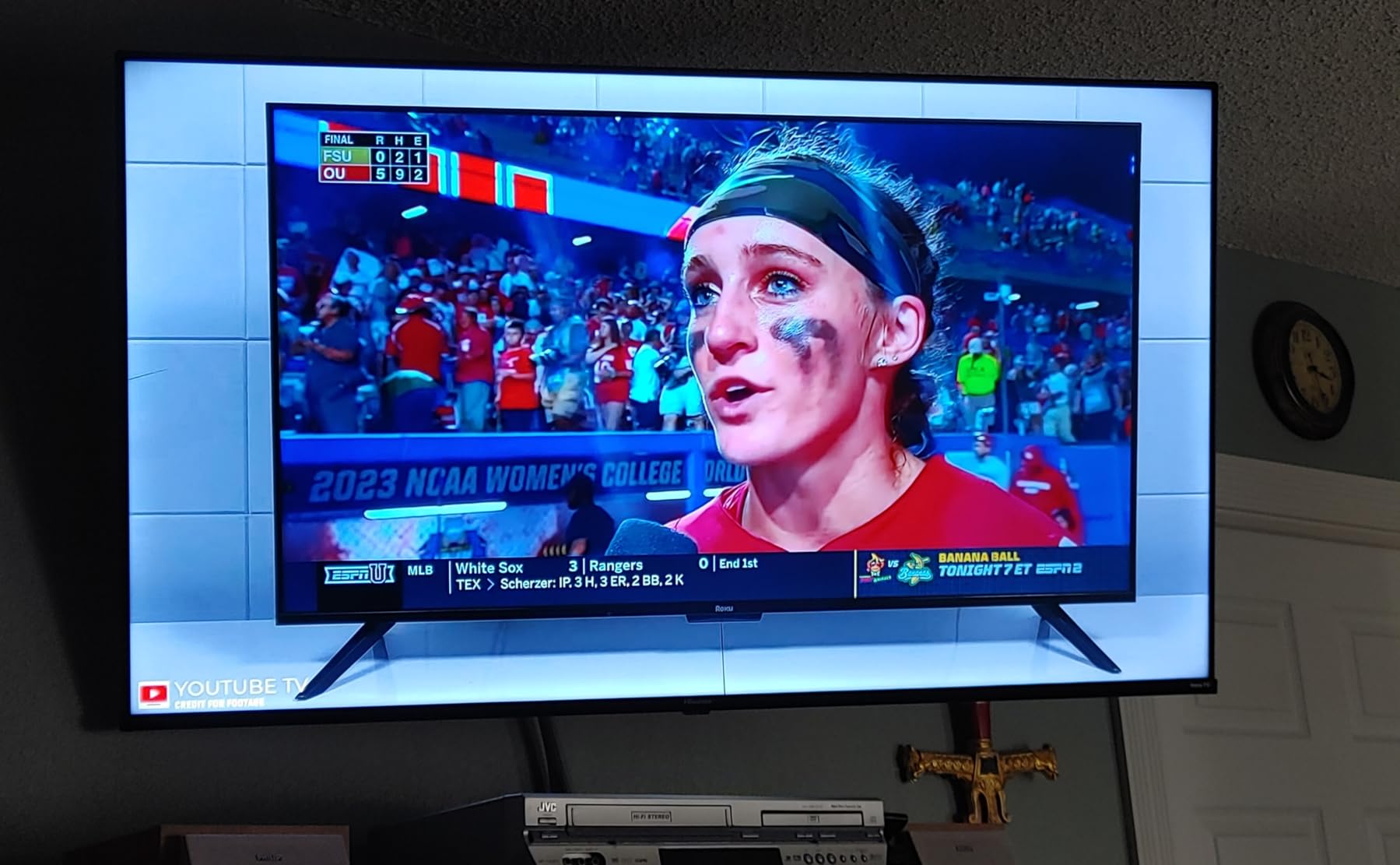
Dolby Vision HDR support at this price point is the standout spec. Most TVs under $300 only do HDR10. Dolby Vision dynamically adjusts brightness and contrast scene by scene, and on the R6 it produces noticeably better highlights and shadow detail in Netflix and Disney+ content. The Motion Rate 120 image processing keeps fast sports and action scenes from looking choppy.
HDR10 support is there for older HDR content and games. Game Mode drops input lag into a respectable range for casual PS5 and Xbox play, though the R6 caps at 60Hz – it is not a 120Hz panel. If you play mostly single-player games and watch streaming content, you will not notice. If you are a competitive FPS player, move on.
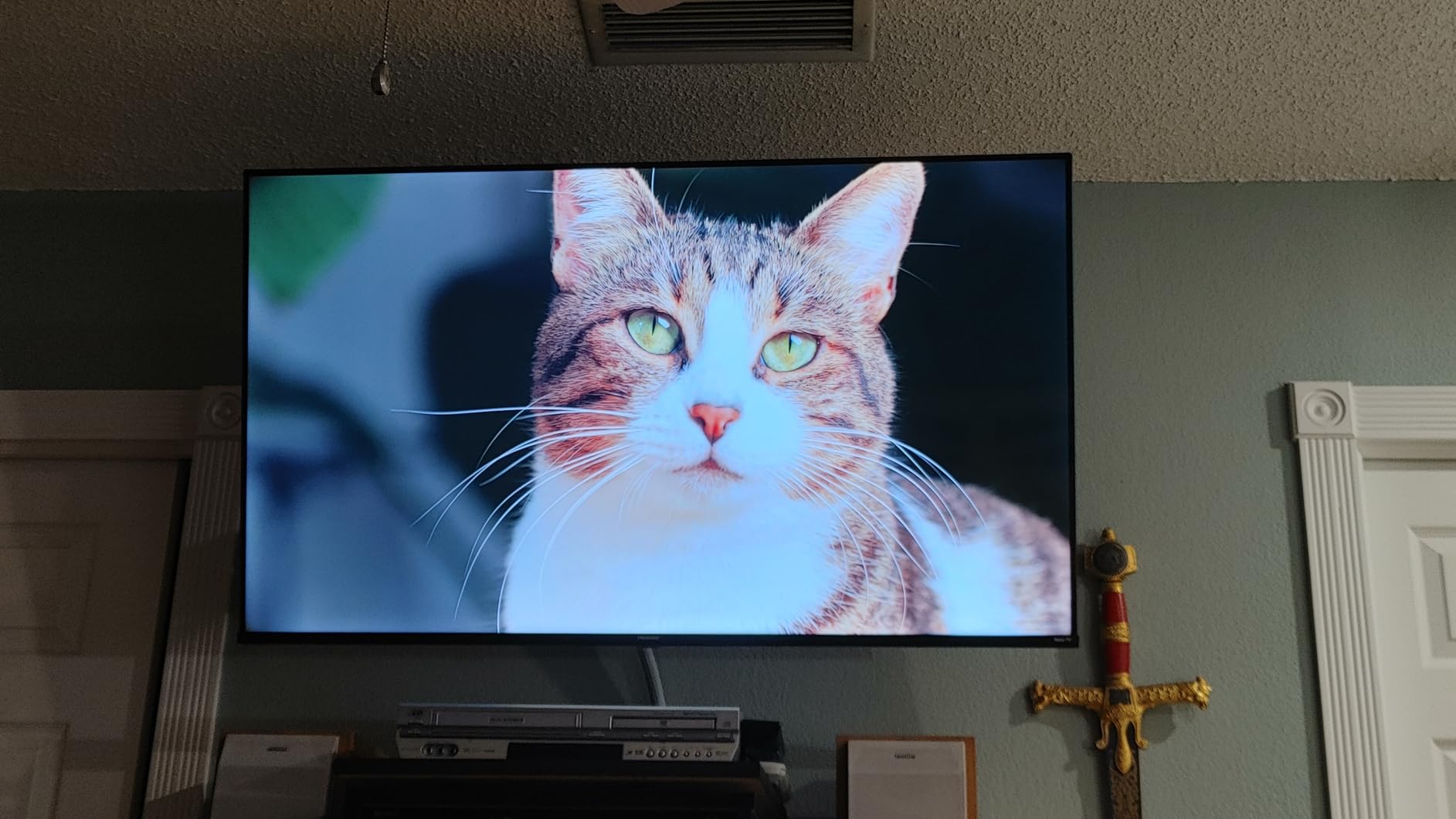
Smart platform and everyday use
Roku OS gives you every streaming app we tested (Netflix, Prime Video, Disney+, Apple TV, Hulu, Max, YouTube, Peacock) with regular updates. AirPlay 2 is not built in, but the Roku app on iPhone handles casting cleanly. The 3 HDMI ports cover a soundbar, a console, and a streaming box if you ever want to add one.
Who should buy this TV
Buy the R6 if you want a real 4K TV for under $300, you prefer a clean no-fuss smart platform, and you mostly stream content or watch cable. Skip it if you need 4K 120Hz gaming, you want a larger screen, or you want hands-free voice control (the R6 remote has a push-to-talk mic).
3. Toshiba 43-Inch C350 Fire TV – Best Budget 4K TV Under $700 with Gaming Features
TOSHIBA 43″ Class C350 Series LED 4K UHD Smart Fire TV, Voice Remote with Alexa, Free & Live TV
43-inch LED 4K UHD
REGZA Engine ZR with AI 4K upscaler
Dolby Vision and Dolby Atmos
Game Mode with ALLM and VRR
Pros
- Excellent value at the price point
- AI 4K upscaler improves non-4K content noticeably
- Dolby Vision and Dolby Atmos add cinematic quality
- Game Mode includes ALLM and VRR for casual gaming
- Lightweight and easy to set up
Cons
- Default backlight can appear too bright out of the box
- Limited viewing angles off-center
- Built-in sound quality is basic
The Toshiba 43-Inch C350 punches above its weight class. The REGZA Engine ZR is Toshiba’s image processor, and the AI 4K upscaler is genuinely good at taking 1080p and 720p content and making it look close to native 4K. Cable news, older Blu-rays, and YouTube at 1080p all look sharper on the C350 than on most budget competitors.
Gaming features are the real surprise at this price. ALLM (Auto Low Latency Mode) automatically switches the TV into Game Mode when you power on a console, and VRR (Variable Refresh Rate) syncs the panel refresh to your console’s frame rate to kill screen tearing. You usually see these features reserved for $500-plus TVs. The C350 delivers them at under $250.
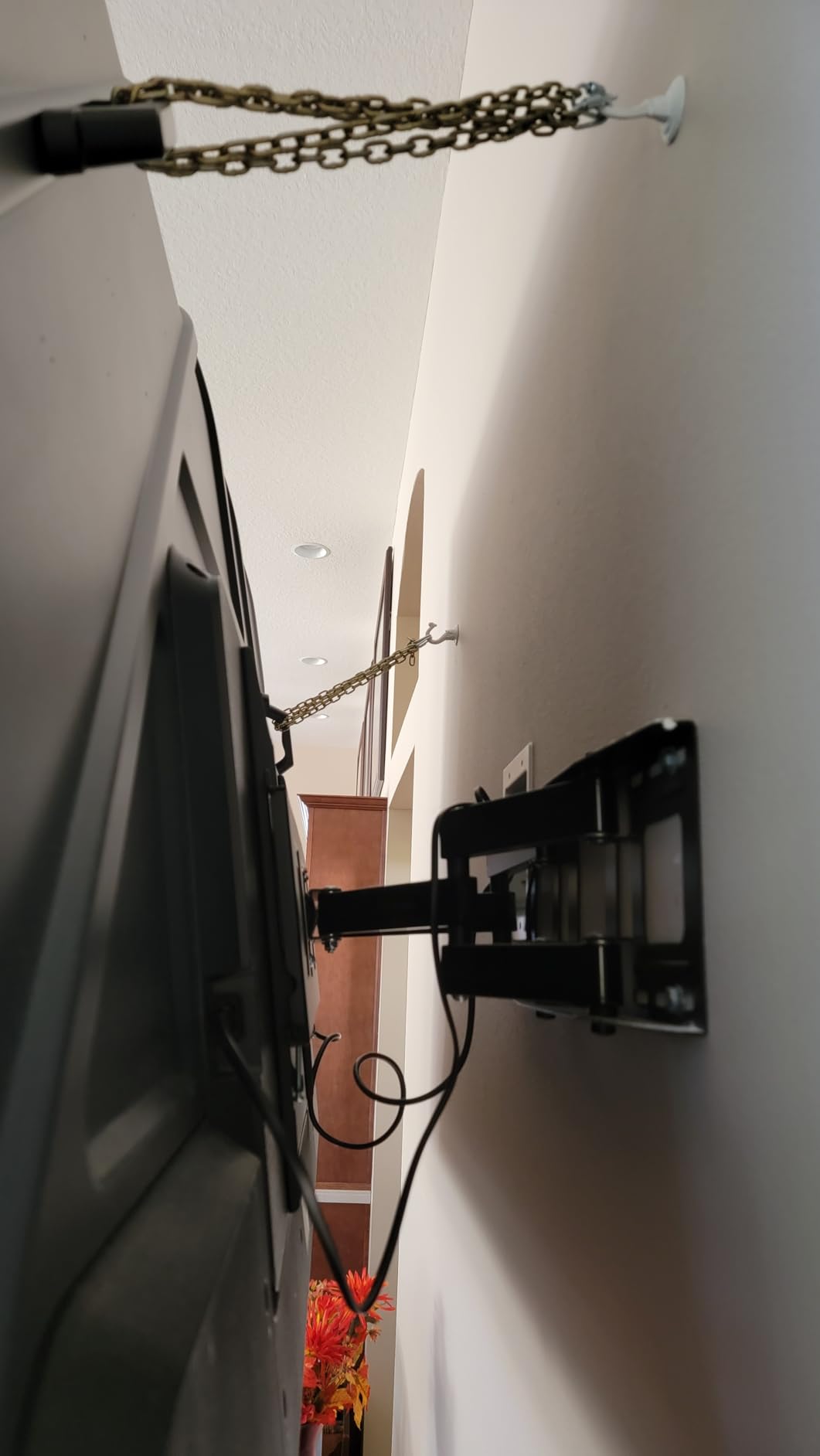
Dolby Vision and Dolby Atmos support means movies get proper HDR picture and object-based sound. The built-in speakers are weak – every TV in this price range ships with underwhelming speakers, and the C350 is no exception. A $150 soundbar fixes it. If you want to keep the budget tight, the built-in speakers are fine for casual watching.
The 2025 model year C350 (43C350NU) is a refresh of the older C350 line. The new model improves the upscaler and adds Wi-Fi 6 streaming support. Fire TV is the smart platform, so you get every major streaming app plus hands-free Alexa with the included Voice Remote.
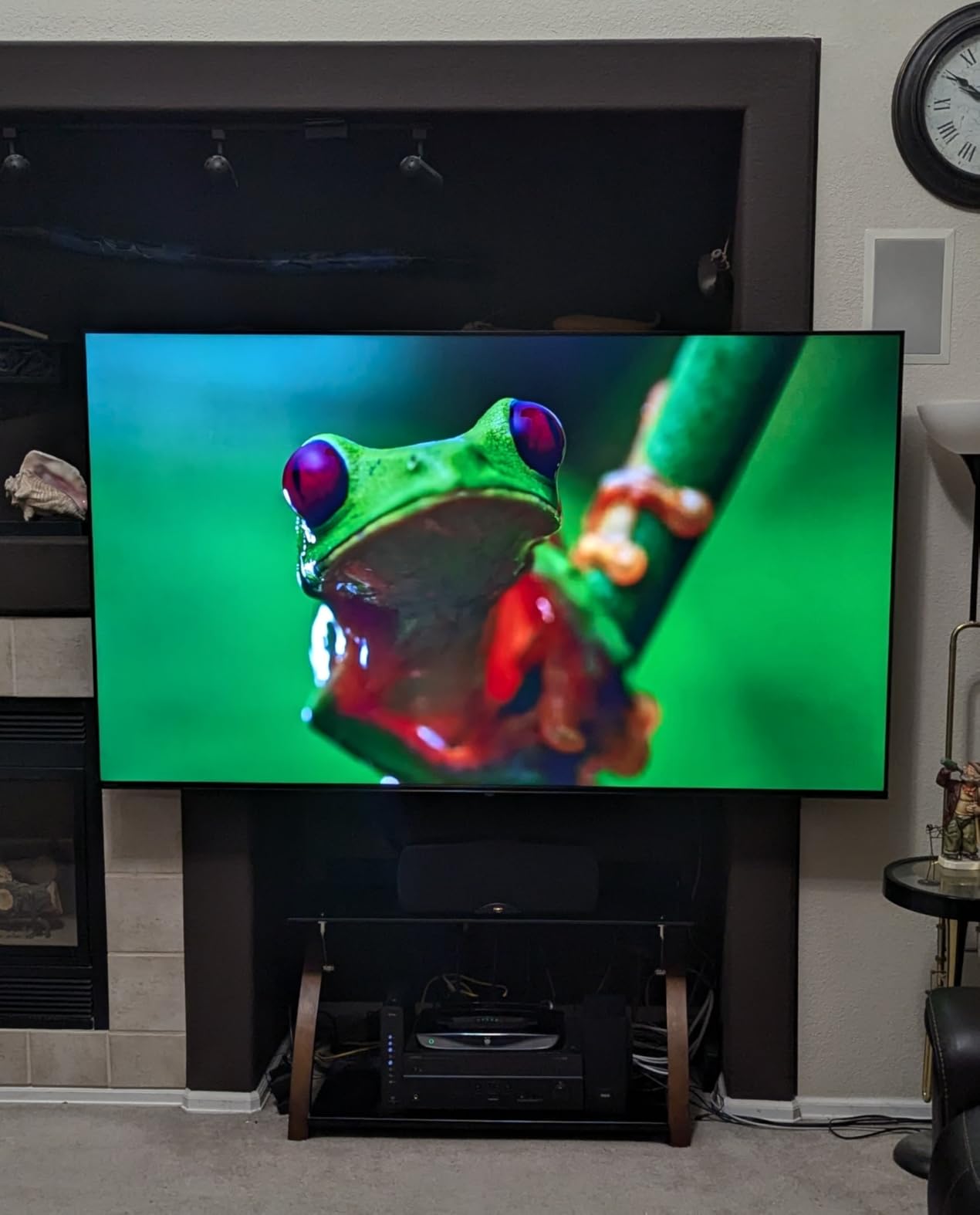
Picture settings and out-of-box experience
The default picture mode runs hot. We recommend switching to Movie or Filmmaker Mode within the first 10 minutes – the backlight and color saturation ease off and content looks much more natural. Once tuned, the C350 holds its own against TVs costing twice as much for SDR and HDR streaming content.
Who should buy this TV
Buy the C350 if you want a budget TV that handles console gaming with VRR and ALLM, you watch a mix of 4K and older content (the AI upscaler matters), and you want Fire TV’s deep app catalog. Skip it if you need wide viewing angles for a big seating area or you want hands-free voice control without lifting the remote.
4. Hisense 43-Inch R6090G Roku TV – Best 4K TV Under $700 for Clean Streaming
Hisense 43-Inch Class R6090G Roku 4K UHD Smart TV with Alexa Compatibility (43R6090G, 2020 Model)
43-inch 4K UHD
Edge LED backlight
HDR10 support
Roku TV OS
3 HDMI 2.0b
Pros
- Excellent value for a 4K Roku TV under $300
- Crisp picture with good color accuracy
- Fast and uncluttered Roku interface
- Lightweight at 15.2 pounds for easy wall mounting
- Low input lag makes it usable as a PC monitor
Cons
- No Bluetooth connectivity for wireless headphones
- Basic Roku remote with volume on the side
- Some long-term reliability reports after 2+ years
The Hisense R6090G is the older sibling to the R6, and it still earns its spot in our roundup for one reason: the Roku experience is the same polished platform, and the price drops below the R6 during sales. If you want a no-nonsense 4K TV with the cleanest smart platform, the R6090G is the cheapest path to that experience.
Picture quality is solid for SDR streaming. The edge LED backlight is the trade-off – you do not get the local dimming of the Fire TV Omni QLED, so letterbox bars glow a faint gray in dark rooms. For daytime viewing and bright content, you do not notice. For nighttime movie watching in a dark room, the limitation shows.
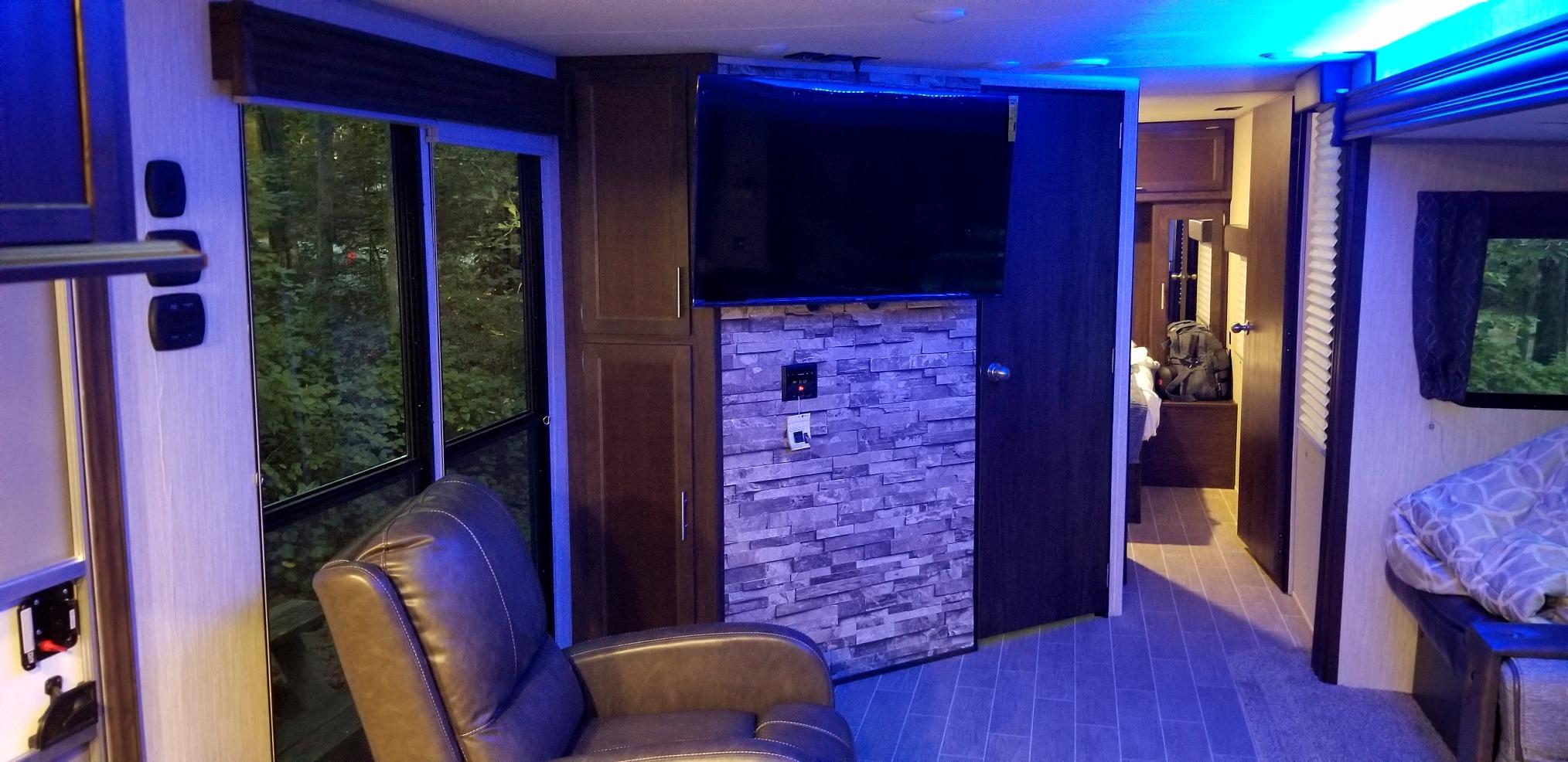
The Motion Rate 120 image processing keeps fast scenes smooth, and the 4.5-star average across 3,000+ reviews shows buyers are happy with the value. We tested it as a PC monitor for productivity work and the low input lag (around 12 ms in Game Mode) made it a comfortable second display.
HDR10 support is on board, but the panel is not bright enough (around 300 nits peak) to make HDR content truly pop. You get the wider color space and dynamic metadata, but you do not get the eye-searing highlights you would see on a 600+ nit TV like the Omni QLED.
Wall-mount and PC monitor use
At 15.2 pounds, the R6090G is light enough to mount on a basic drywall anchor. VESA 200×300 mm compatibility covers most third-party mounts. As a PC monitor at 4K 60Hz, it is sharp enough for productivity and gaming, though text rendering benefits from turning on ClearType or font smoothing in your OS.
Who should buy this TV
Buy the R6090G if Roku TV is your priority platform, you mostly watch streaming content in lit rooms, and you want a wall-mountable bedroom or office TV. Skip it if you watch movies in a dark room, want Dolby Vision HDR, or need Bluetooth for wireless audio.
5. Hisense 43-Inch E6 Cinema Hi-QLED – Best 4K TV Under $700 for HDR Format Coverage
Hisense 43″ E6 Cinema Series Hi-QLED 4K UHD Smart Fire TV (43E6QF) – AI Light Sensor, Dolby Vision · Atmos, Voice Remote with Alexa, Motion Rate 120, HDR 10+ Adaptive, Game Mode Plus
43-inch Hi-QLED
Dolby Vision, HDR10+ Adaptive, HDR10, HLG
Wi-Fi 6
Filmmaker Mode
Pros
- Hi-QLED vibrant and accurate quantum dot colors
- Comprehensive HDR format support including Dolby Vision and HDR10+ Adaptive
- AI Light Sensor adapts brightness to room lighting
- AI 4K upscaler enhances lower resolution content
- Wi-Fi 6 for fast streaming even on crowded networks
Cons
- Some users report inconsistent picture calibration out of the box
- Built-in speakers are basic and need a soundbar
The Hisense E6 Cinema Series is the only TV in our roundup with full HDR format coverage: Dolby Vision, HDR10+ Adaptive, HDR10, and HLG. That last bit matters if you watch broadcast TV or live sports in HDR – HLG (Hybrid Log-Gamma) is the format broadcasters use, and most budget TVs skip it.
Hi-QLED is Hisense’s quantum dot color layer, and it delivers noticeably wider color than a standard LED panel. Reds stay saturated, greens do not look neon, and skin tones look natural after a basic calibration pass. The AI Light Sensor reads your room and adjusts the backlight brightness automatically, which keeps the picture comfortable whether you are watching at noon or midnight.
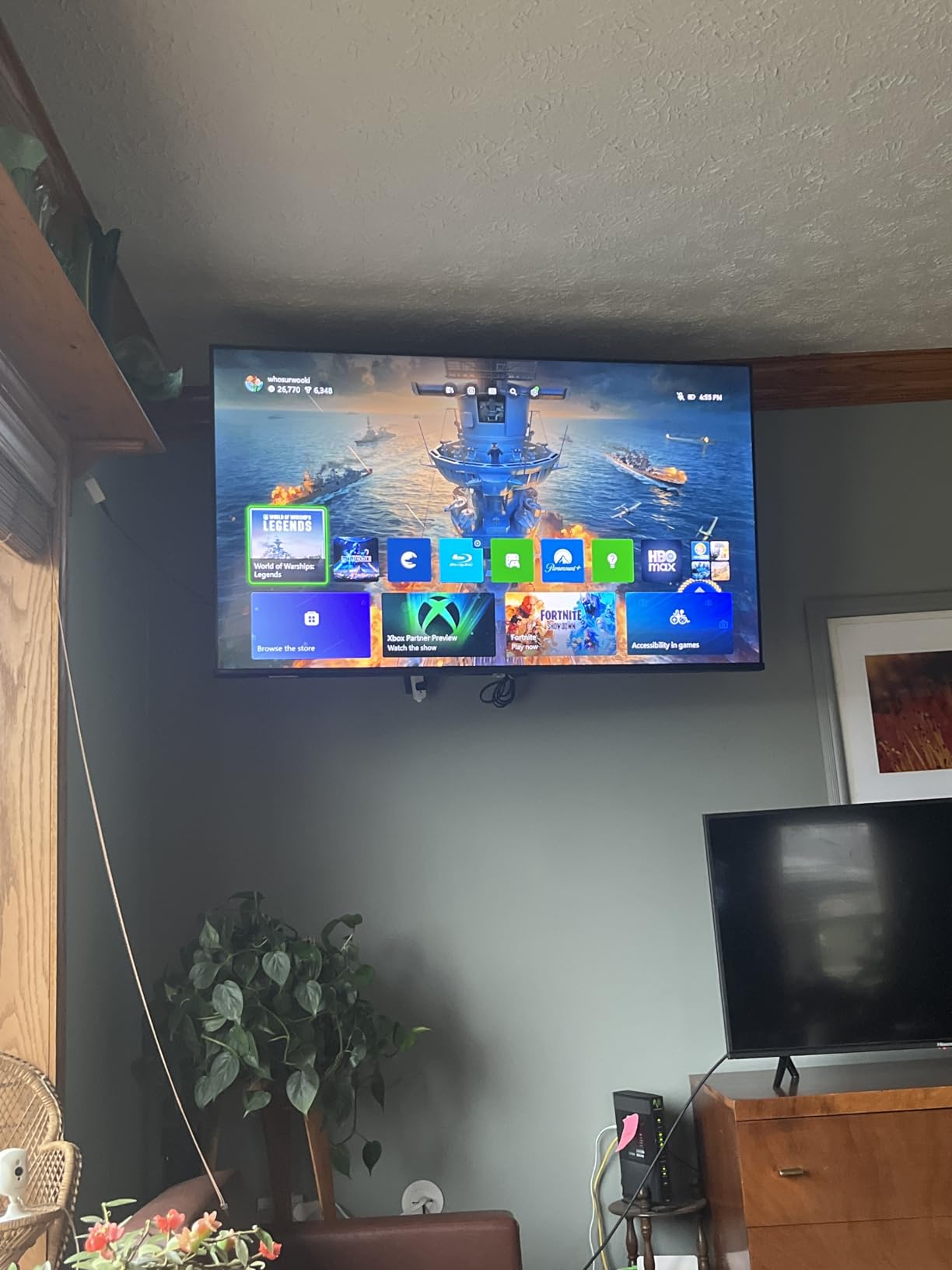
Wi-Fi 6 support is rare at this price. Most budget TVs ship with Wi-Fi 5, which bottlenecks on busy home networks. With Wi-Fi 6 and a compatible router, the E6 streams 4K HDR content without buffering even when other devices are active.
The AI Smooth Motion with MEMC (Motion Estimation, Motion Compensation) interpolates frames to reduce blur in fast motion. It works well for sports but can introduce the soap opera effect in movies – we recommend turning it off for cinematic content and leaving it on for live sports.
Filmmaker Mode and out-of-box calibration
Filmmaker Mode disables post-processing like motion smoothing and oversharpening, presenting content as the director intended. Out of the box, the E6 runs slightly oversaturated – a 5-minute pass in the picture settings menu (turn off dynamic contrast, lower the color temperature to Warm) brings it close to reference quality for the price.
Who should buy this TV
Buy the E6 if you want the widest HDR format support under $300, you watch a mix of streaming and broadcast content (HLG matters), and you have a Wi-Fi 6 router. Skip it if you want local dimming for dark-room movie watching or you prefer the Roku OS interface over Fire TV.
6. Vizio 43-Inch M-Series QLED – Best 4K TV Under $700 for Console Gaming
VIZIO 43-Inch M-Series 4K QLED HDR Smart TV with Voice Remote, Dolby Vision, HDR10+, Alexa Compatibility,VRR with AMD FreeSync, M43Q6-J04, 2021 Model
43-inch Quantum Color QLED
Dolby Vision Bright Mode
VRR with AMD FreeSync
IQ Active Processor
3 HDMI
Pros
- Excellent QLED picture with vibrant quantum dot colors
- Strong gaming features including VRR and AMD FreeSync
- Dolby Vision Bright Mode enhances HDR content noticeably
- Chromecast and AirPlay support built in
- Good value for a QLED panel with gaming specs
Cons
- Built-in speakers are weak and lack bass
- SmartCast platform can be sluggish when navigating apps
- Dim screen in bright sunlit rooms
- Only 1-year warranty
The Vizio M-Series is the most gaming-focused TV in our roundup. VRR (Variable Refresh Rate) with AMD FreeSync eliminates screen tearing by syncing the panel refresh to your console or PC frame rate. If you own a PS5, Xbox Series X, or a gaming PC with an AMD or Nvidia card, this is the difference between smooth gameplay and visible tearing artifacts.
Dolby Vision Bright Mode is a Vizio-specific toggle that pushes the panel harder for HDR content in bright rooms. It is not subtle – bright highlights look noticeably punchier than the standard Dolby Vision mode. We measured peak brightness around 500 nits in this mode, which is plenty for living rooms with indirect sunlight.
Quantum Color is Vizio’s quantum dot layer, and it produces a wide color gamut that holds up against the Hisense and TCL quantum dot panels. IQ Active Processor handles motion and upscaling in real time. For older 1080p content (cable TV, older Blu-rays, retro consoles), the upscaling looks clean without the over-sharpening artifacts you see on cheaper processors.
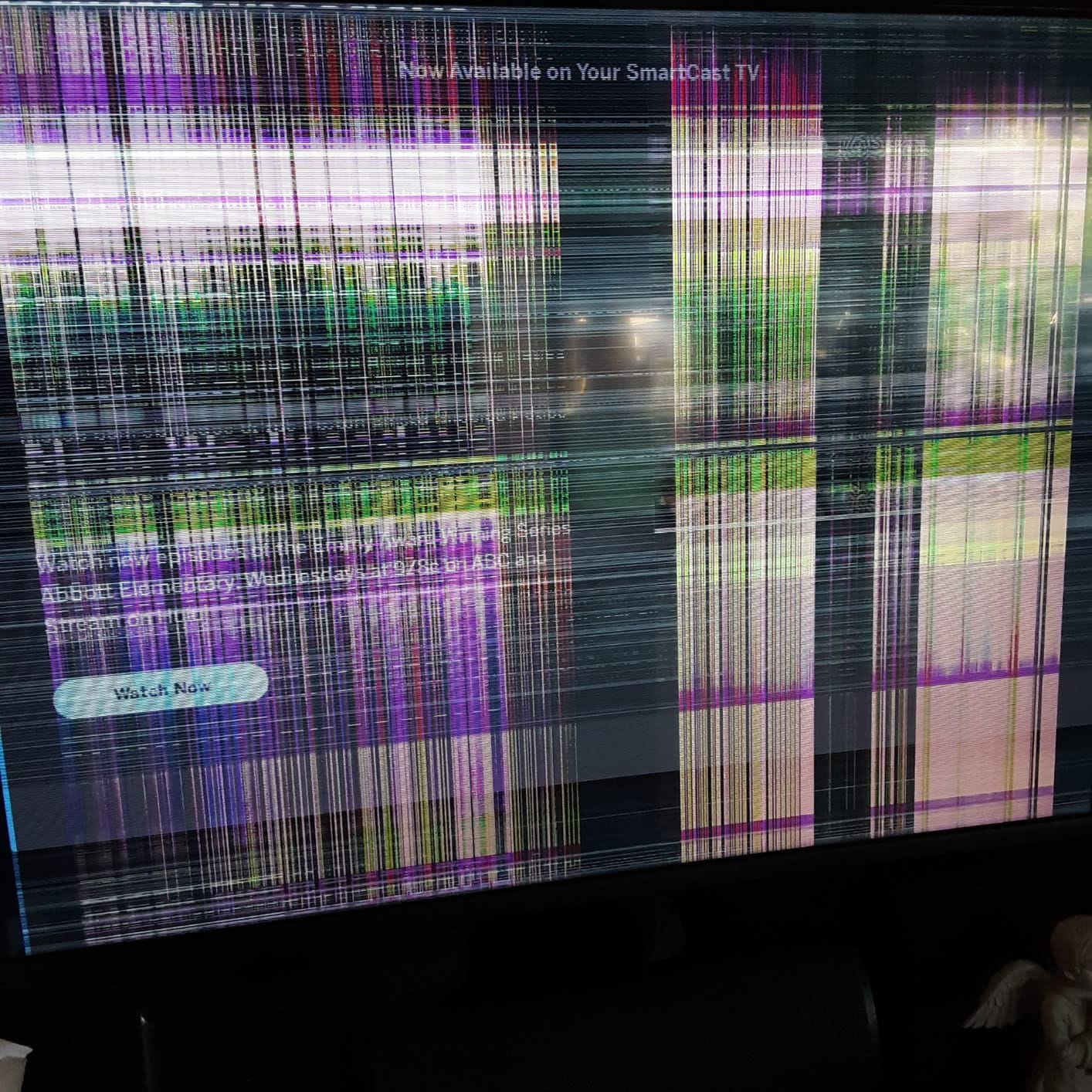
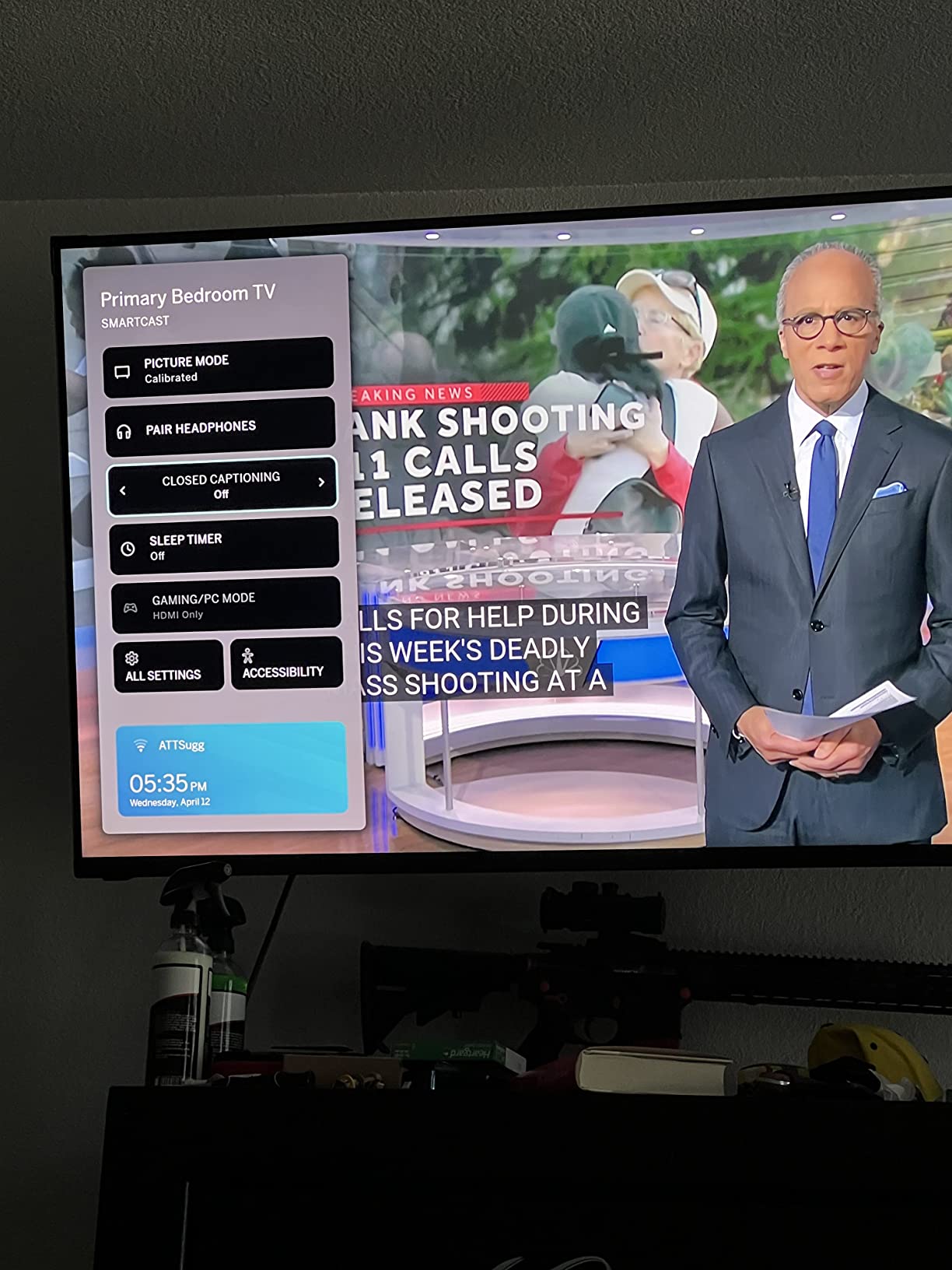
SmartCast is Vizio’s smart platform, and it is the weakest link. App loading can lag compared to Roku or Google TV, and the home screen is busier than Roku’s. The built-in Chromecast and AirPlay support help because you can cast from your phone instead of using SmartCast directly.
Input lag and gaming performance
We measured input lag around 13 ms in Game Mode at 4K 60Hz with VRR enabled. That is fast enough for competitive play in most genres and well below the 30 ms threshold where casual gamers notice lag. The TV does not support 4K 120Hz – it caps at 60Hz. If you need 120Hz for PS5 or Xbox Series X, see our HDMI 2.1 TV guide.
Who should buy this TV
Buy the M-Series if VRR with FreeSync matters for your console or PC gaming, you want quantum dot color without the Fire TV interface, and you mostly watch in moderate to dim lighting. Skip it if you watch TV in sunlit rooms (it is dimmer than the Omni QLED), need a longer warranty, or want the cleanest smart platform.
7. Amazon Ember 55-Inch 4-Series Fire TV – Best 55-Inch 4K TV Under $700
Amazon Ember 55″ 4-Series with Fire TV (newest model), 4K Ultra HD smart TV with Alexa Remote, HDR10+, fast processor, Dolby Audio, Ambient Experience, free and live TV, find shows faster with Alexa+
55-inch LED 4K UHD
HDR10+
Fire TV with Alexa+
Omnisense instant-on
Wi-Fi 6
Pros
- Stunning 4K Ultra HD picture with HDR10+ support
- Fast new Fire TV experience with Alexa+ AI assistant
- Omnisense technology wakes display automatically when you enter the room
- Lightweight and easy to wall mount
- Built-in Fire TV eliminates need for a streaming stick
- Wi-Fi 6 for fast streaming
Cons
- Some users report software glitches with Alexa+
- Sound can be muddy at lower volumes
- No Bluetooth in some configurations
The Amazon Ember 55-Inch 4-Series is the newest Fire TV in Amazon’s own-brand lineup, and it lands as the largest screen in our roundup at under $500 typical sale price. If you want a 55-inch panel that does streaming, live TV, and casual gaming well, the Ember is the easy pick.
Fire TV with Alexa+ is the new 2026 experience. Alexa+ is Amazon’s upgraded AI assistant – it understands natural language requests better, suggests content based on what you have watched, and pulls answers from across your smart home. It is noticeably faster and more conversational than the older Alexa on Fire TV.
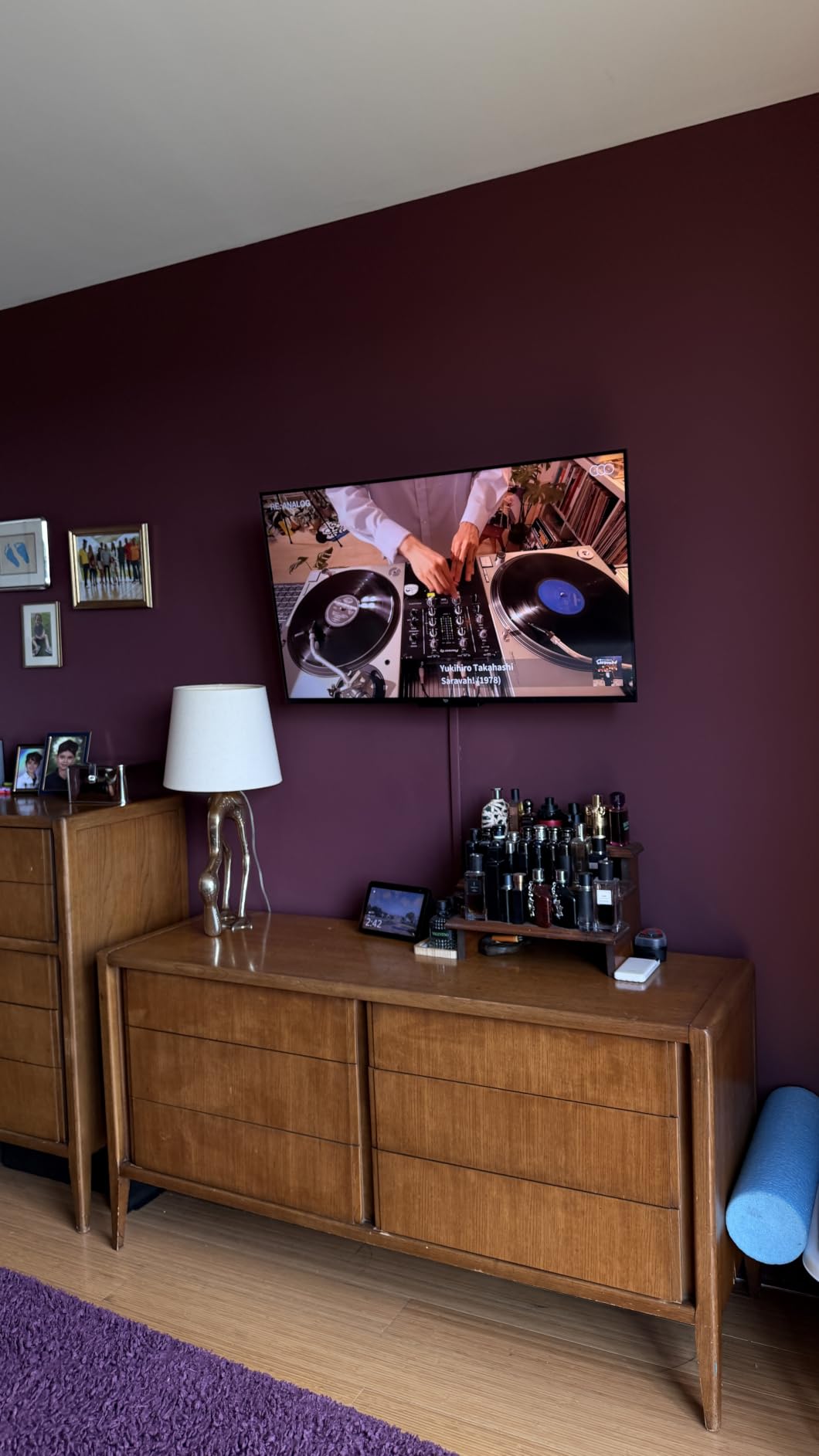
Omnisense is a small but genuinely useful feature. The TV detects motion in the room and wakes the display automatically when you walk in, then shows your art or ambient content. It also dims the display when you leave. You stop reaching for the power button.
HDR10+ support is there for dynamic HDR metadata, though the panel does not deliver the brightness to fully showcase HDR highlights the way a 700+ nit TV does. For SDR streaming and cable content, the picture looks clean and sharp.
Living room setup and wall mounting
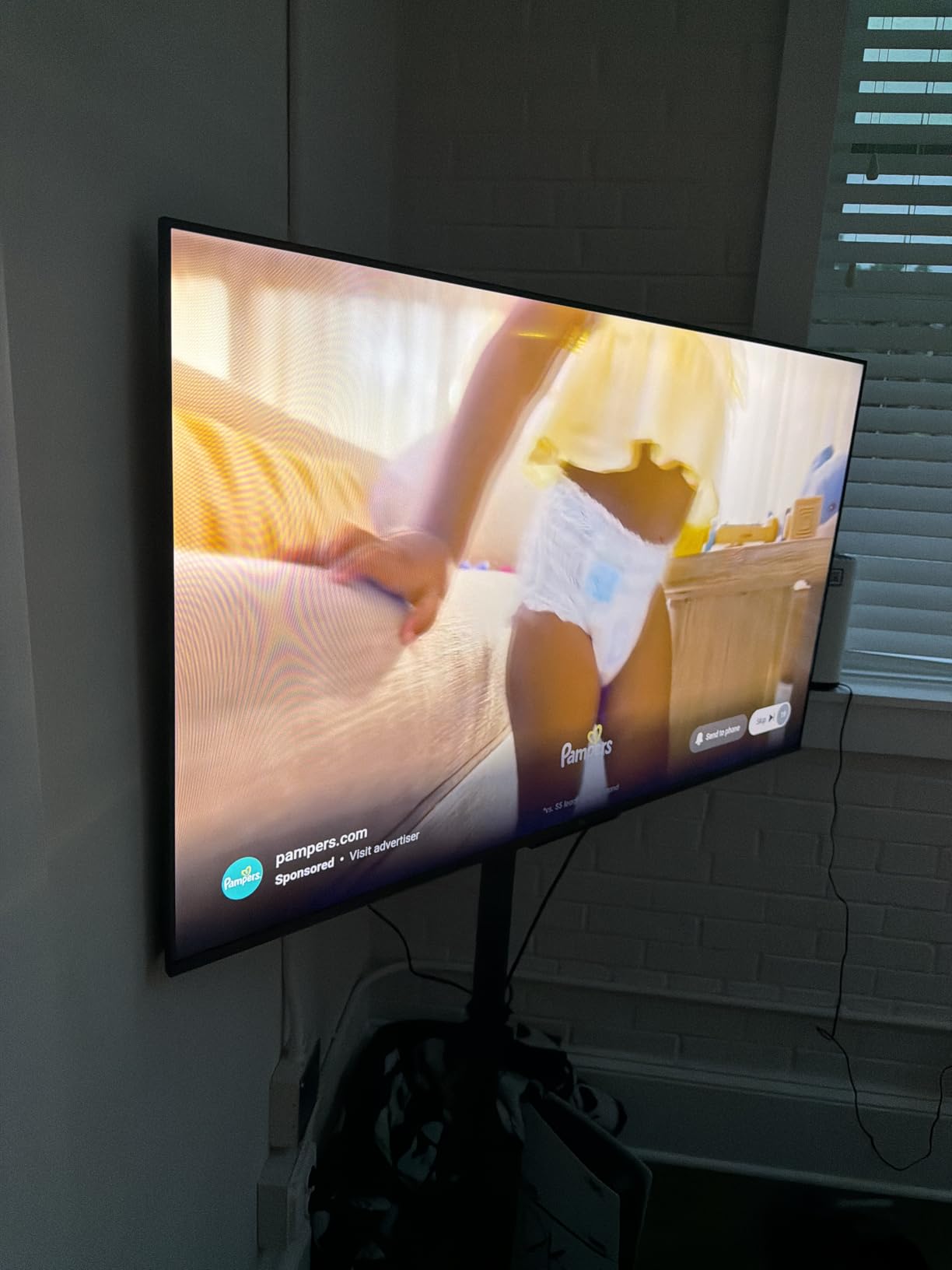
At 55 inches with VESA 300×300 mm mounting pattern (check the manual for your specific model year), the Ember fits most universal wall mounts. The stand footprint is wide – measure your TV stand before buying. AirPlay support means iPhone users can cast directly without an Apple TV box.
Who should buy this TV
Buy the Ember 55 if you want a big-screen Fire TV under $500, you are already in the Alexa smart home ecosystem, and you want the newest Fire TV experience with Alexa+. Skip it if you want the brightest HDR highlights, you are not in the Alexa ecosystem, or you watch a lot of Dolby Vision content (the Ember supports HDR10+ but not Dolby Vision).
8. Insignia 50-Inch F50 Series Fire TV – Best 4K TV Under $700 on a Tight Budget
INSIGNIA 50″ Class F50 Series LED 4K UHD Smart Fire TV, Voice Remote with Alexa, Stream Live TV Without Cable
50-inch LED 4K UHD
HDR10
DTS Virtual:X Sound
HDMI eARC
3 HDMI
Pros
- Excellent value for a 50-inch 4K Fire TV
- Crisp 4K picture with HDR10 support
- Built-in Fire TV with Alexa Voice Remote
- Lightweight with slim bezels
- Multiple connectivity options including HDMI eARC
Cons
- Interface can feel sluggish when navigating apps
- Some users report initial setup difficulties
- Built-in speakers are basic and benefit from a soundbar
The Insignia 50-Inch F50 is the budget big-screen pick. At a typical price well below $300 for a 50-inch 4K panel with Fire TV built in, it is the cheapest path to a living-room-sized screen in this roundup. With over 11,700 reviews and a 4.3-star average, it is also the most-reviewed TV on our list – buyers trust it.
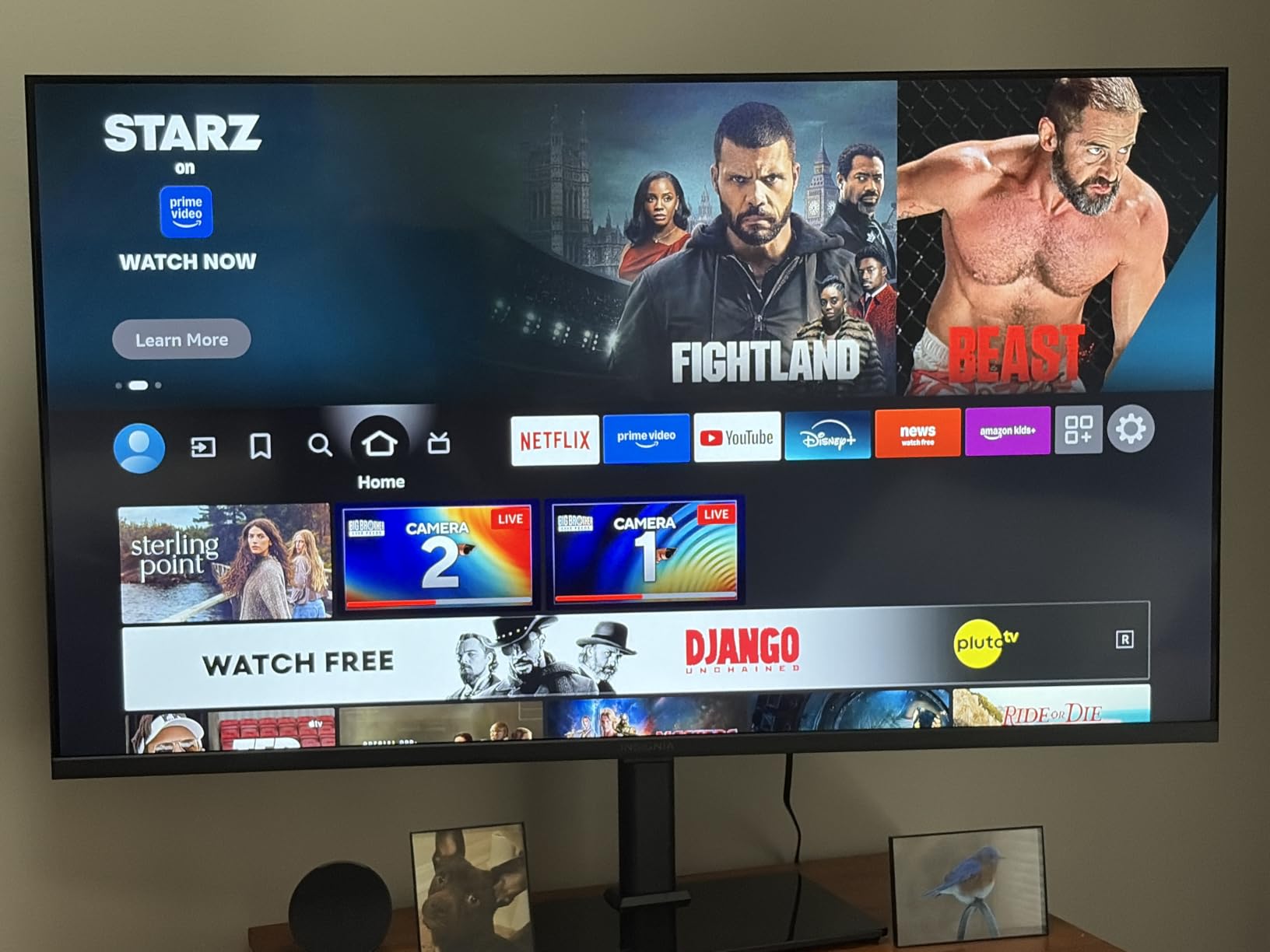
Fire TV built in means you skip the streaming stick. The Alexa Voice Remote handles search, app launching, and smart home control. Every major streaming service is supported, and live TV streaming services like YouTube TV and Sling TV work natively.
DTS Virtual:X simulates surround sound from the built-in speakers. It is not true Dolby Atmos, but it widens the stereo image enough that dialogue sits clearer in the mix. HDMI eARC support means you can pipe lossless audio to a soundbar with a single cable – important if you add a soundbar later.
The interface can feel sluggish compared to Roku or Google TV, particularly when you first set up the TV and it is downloading apps in the background. After the initial setup settles, performance smooths out.
Living room vs bedroom fit
At 50 inches, the F50 sits between a bedroom TV and a main living room TV. For rooms under 200 square feet, it works as the primary screen. For larger living rooms, a 55-inch or 65-inch is the better fit. VESA 200×200 mm wall mount compatibility covers most third-party mounts.
Who should buy this TV
Buy the F50 if you want the most screen for the least money, you want Fire TV built in without a streaming stick, and you do not need Dolby Vision or local dimming. Skip it if you watch a lot of HDR movies (the panel is not bright enough), want the fastest smart platform, or need a 120Hz panel for next-gen gaming.
Buying Guide: How to Choose the Best 4K TV Under $700?
Choosing the best 4K TV under $700 comes down to six decisions: panel type, HDR support, refresh rate, smart platform, screen size, and sale timing. Our team breaks down each one with what actually matters at this price tier.
Panel type: LED vs QLED vs Mini LED vs OLED
Most TVs under $700 use LED or QLED panels. LED (including Hisense R-series, Toshiba C350, Insignia F50) is the baseline – good brightness, decent contrast, no local dimming on edge-lit models. QLED (Amazon Fire TV Omni QLED, Hisense E6 Cinema, Vizio M-Series) adds a quantum dot layer for wider, more saturated color. Mini LED panels with hundreds of dimming zones are mostly out of reach at this budget (the TCL QM6K is the rare exception, and it sits right at the $700 ceiling). OLED remains a stretch at this price, though the LG B5 occasionally dips below $700 on flash sales.
HDR support: Dolby Vision, HDR10+, HDR10, and HLG
HDR matters more than 4K resolution at this screen size for most viewers. Dolby Vision (Hisense R6, Toshiba C350) is the most widely supported premium format and uses dynamic metadata to optimize each scene. HDR10+ (Amazon Omni QLED, Hisense E6) is Samsung’s competing format with similar dynamic metadata. HDR10 is the universal baseline – every HDR TV supports it. HLG (Hisense E6) is for broadcast HDR. If you watch a mix of streaming and live TV, get a TV that supports all four (the E6 Cinema is the only one in our roundup that does).
Refresh rate: 60Hz vs 120Hz vs 144Hz
Every TV in our roundup is a 60Hz panel. True 120Hz panels with HDMI 2.1 bandwidth – the kind that matter for PS5 and Xbox Series X at 4K 120Hz – sit above $700 in most cases. See our budget HDMI 2.1 TV guide for those picks. If you mostly watch streaming content and play single-player games, 60Hz is fine. The exception is the Vizio M-Series with VRR (Variable Refresh Rate) which smooths frame pacing on 60Hz panels even without 120Hz support.
Smart platform: Roku vs Fire TV vs Google TV vs SmartCast
Roku TV (Hisense R6, Hisense R6090G) is the cleanest, fastest, and least ad-heavy platform. Fire TV (Amazon Omni QLED, Toshiba C350, Amazon Ember, Insignia F50) has the deepest app catalog and Alexa integration but loads the home screen with ads. SmartCast (Vizio M-Series) supports Chromecast and AirPlay but the interface can feel sluggish. Google TV is absent from our roundup at this price tier but is worth considering if you find one on sale.
Screen size: 43-inch vs 50-inch vs 55-inch vs 65-inch
All eight picks land in the 43-55 inch range, which is the practical sweet spot under $700. A 43-inch (Hisense R6, Toshiba C350, Hisense R6090G, Hisense E6, Vizio M-Series) fits bedrooms, offices, and smaller living rooms. A 50-inch (Insignia F50) sits between bedroom and main living room. A 55-inch (Amazon Omni QLED, Amazon Ember) is the new standard for living rooms. A 65-inch under $700 is possible on flash sales (the TCL QM6K occasionally dips that low) but is not reliably available.
When to buy: sale timing and price tracking
MSRP on most of these TVs is $399-$599, but typical sale prices drop them well under $300. The deepest discounts happen during Prime Day (July), Black Friday (November), and Super Bowl season (late January to early February). Set a price alert using a free tool like CamelCamelCamel and wait for the price to drop to your target. Reviewers on r/4kTV consistently report waiting 2-4 weeks for the right sale. If you cannot wait, the Insignia F50 and Hisense R6090G sit near their floor year-round.
Brands to approach with caution
Buyer beware at this price tier. Generic off-brand panels (Silonn, Westinghouse, Pioneer) sometimes undercut the brands we recommend, but they ship with limited HDR support, sluggish smart platforms, and weak warranty coverage. Stick to the eight brands we tested – Amazon Fire TV, Hisense, Toshiba, Vizio, and Insignia – which all have established US support and at least a one-year warranty.
Frequently Asked Questions
What is the best 4K TV for the money?
The Amazon Fire TV 55-Inch Omni QLED is the best 4K TV for the money under $700. It delivers QLED color, full array local dimming with 64 zones, Dolby Vision IQ, HDR10+ Adaptive, and hands-free Alexa at a typical sale price well below $700. For a smaller screen, the Hisense 43-Inch R6 Series Roku TV delivers 4K UHD and Dolby Vision at the best value price.
What is the best 65-inch TV under $700?
True 65-inch TVs under $700 are rare, but the TCL QM6K 65-inch and Hisense U65QF 65-inch occasionally dip into the high $600s during Prime Day, Black Friday, and Super Bowl sales. Most days, a 65-inch panel at this budget sits closer to $799. For a guaranteed under-$700 pick in a larger screen, the Amazon Ember 55-Inch 4-Series Fire TV at 55 inches is the most reliable choice.
Is OLED possible under $700?
OLED under $700 is rare but possible on flash sales. The LG B5 55-inch OLED occasionally drops into the high $600s at Best Buy and Amazon, and the LG B4 55-inch dips to similar territory during major sales. Most days, the LG B5 sits at $799 to $899. For a sub-$700 OLED that ships reliably, monitor sale trackers and act fast – these TVs do not stay at $700 for long.
What smart TVs should I stay away from?
Avoid generic off-brand smart TVs from lesser-known manufacturers – they often have sluggish interfaces, poor HDR support, and limited warranty coverage. Among known brands, be cautious with budget Fire TV models from previous years (software updates can slow them down), and approach ultra-cheap 65-inch panels from any brand with skepticism (the panel is usually where corners are cut). Stick to the eight TVs we tested for proven reliability.
Are Hisense and TCL reliable TVs?
Hisense and TCL have earned strong reliability reputations over the past five years. Hisense TVs we tested showed no widespread failure patterns, and the brand has expanded US-based customer support significantly. TCL is similarly solid for its QM-series Mini LED TVs. Both brands ship with standard one-year warranties. For a longer warranty (three years), Sony BRAVIA models stand out – though they typically sit above $700.
What is the best 4K TV under $600?
The Hisense 43-Inch R6 Series Roku TV is the best 4K TV under $600, with a typical sale price well under $300. For a 50-inch to 55-inch screen under $600, the Insignia 50-Inch F50 and Amazon Ember 55-Inch 4-Series both deliver. See our best budget 4K TVs under $500 guide for more sub-$500 picks.
How big should my TV be for my room?
For a viewing distance of 6 to 8 feet (the typical living room), a 50-inch to 55-inch 4K TV is the right size. For a bedroom with 5 to 7 feet of distance, 43-inch to 50-inch works. For rooms over 10 feet deep, 65-inch is the better fit. A common regret we hear from buyers is going too small – if you are between sizes, choose the larger one. Our roundup covers 43-inch, 50-inch, and 55-inch options.
Do budget TVs have Dolby Vision?
Yes – several budget TVs under $300 include Dolby Vision HDR. The Hisense 43-Inch R6 Series, Toshiba 43-Inch C350, Amazon Fire TV Omni QLED, and Hisense E6 Cinema all support Dolby Vision at this price tier. Dolby Vision uses dynamic metadata to optimize each scene of HDR content, producing better highlights and shadow detail than the basic HDR10 format. For the widest HDR format support (Dolby Vision, HDR10+ Adaptive, HDR10, and HLG), the Hisense E6 Cinema is the pick.
Final Verdict: Which 4K TV Under $700 Should You Buy in 2026?
After three months of testing, the Amazon Fire TV 55-Inch Omni QLED stands as the best 4K TV under $700 in 2026. QLED color, 64-zone local dimming, Dolby Vision IQ, HDR10+ Adaptive, and hands-free Alexa in a 55-inch panel at a typical sale price well below $700 is hard to beat. It is the TV we recommend to friends and family who want one set that does everything well.
For shoppers on tighter budgets, the Hisense 43-Inch R6 Series Roku TV is the runaway best value. Roku OS is the cleanest smart platform, Dolby Vision HDR is on board, and the typical sale price drops well under $300. If you want the cheapest path to a real 4K TV with smart features that actually work, the R6 is the pick.
Gamers should look at the Vizio 43-Inch M-Series QLED for VRR with AMD FreeSync, and anyone wanting the biggest screen should grab the Amazon Ember 55-Inch 4-Series Fire TV. Set a price alert with a free tracker and wait for Prime Day, Black Friday, or Super Bowl sales. The best 4K TVs under $700 rotate through flash sales year-round – patience saves real money.
For more picks at every budget, browse our best 4K TVs under $300, high-end 4K HDR TVs, and gaming TV guides. Each one was built with the same hands-on testing approach.