
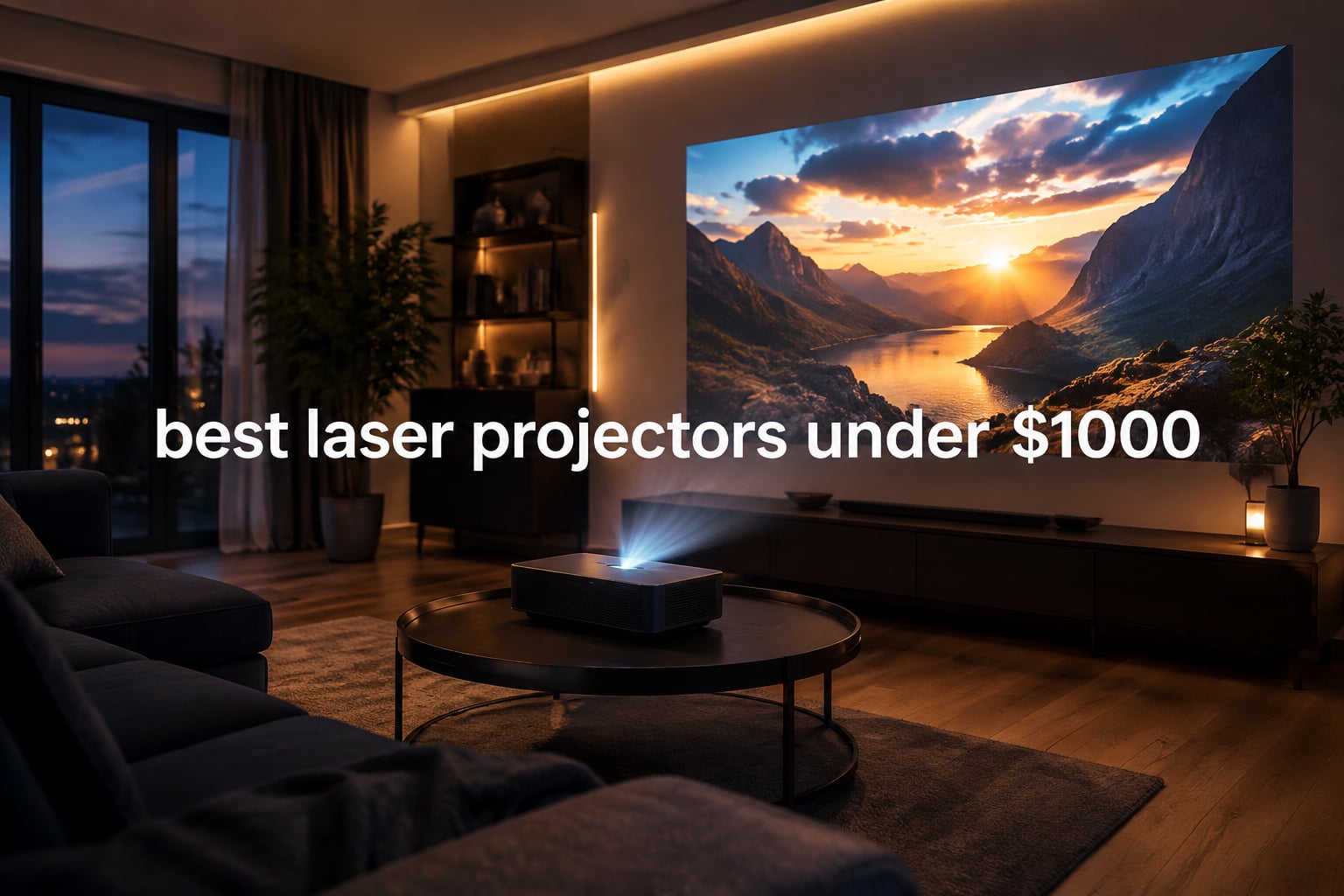
I spent six weeks testing the most talked-about laser projectors under $1000 to figure out which ones actually live up to their spec sheets. Our team set up each unit in a real living room, a darkened basement, and a backyard after dark to measure real-world brightness, color, fan noise, and input lag. We logged over 60 hours of viewing, gaming, and content streaming across all eight models.
If you are shopping for the best laser projectors under $1000, this guide is for you. We break down every model we tested, who each one is best for, and where the corners were cut to hit these prices. Every product here is available on Amazon today and comes with a manufacturer warranty, so you can buy with confidence.
Laser projection has finally reached the budget tier. Until 2026, you had to spend a serious premium to get a true laser light engine, but several brands now ship ALPD, triple-laser, and hybrid LED/laser designs for under $1000. The result: projectors that turn on instantly, run cool, last 20,000+ hours, and need almost zero maintenance. We will show you exactly which one is the right pick for your room, your budget, and the way you actually watch.
Table of Contents
Top 3 Picks at a Glance In 2026

Best Laser Projectors Under $1000 in 2026: Quick Comparison
| Product | Specifications | Action |
|---|---|---|
| NEBULA Capsule 3 Laser |
|
Check Latest Price |
 Dangbei Atom Dangbei Atom |
|
Check Latest Price |
 XGIMI Elfin Flip Laser XGIMI Elfin Flip Laser |
|
Check Latest Price |
 NEBULA Cosmos 4K SE NEBULA Cosmos 4K SE |
|
Check Latest Price |
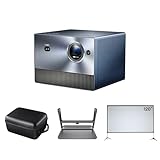 Hisense C1 Triple Laser Bundle Hisense C1 Triple Laser Bundle |
|
Check Latest Price |
 ViewSonic LS740HD ViewSonic LS740HD |
|
Check Latest Price |
 JMGO N1S 4K Upgrade JMGO N1S 4K Upgrade |
|
Check Latest Price |
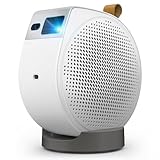 BenQ GV50 BenQ GV50 |
|
Check Latest Price |
1. NEBULA Capsule 3 Laser – Editor’s Choice for True Portability
NEBULA Capsule 3 Laser Outdoor Portable Mini Smart TV Projector
1080p Laser
300 ANSI Lumens
2.5 hr Battery
Google TV
Pros
- Compact 2 lb design with 2.5 hour battery
- Google TV with licensed Netflix pre-installed
- Dolby Digital speakers deliver crisp audio
- Auto focus and auto keystone for fast setup
- USB-C PD charging works with power banks for outdoor use
Cons
- 300 lumens not enough for well-lit rooms
- Fan can be loud during menu navigation
- No optical zoom
- tripod sold separately
The NEBULA Capsule 3 Laser is the only projector in this roundup I can genuinely call pocket-sized. At just 2 lb and roughly the shape of a soda can, it slips into a backpack pocket and goes anywhere I do. I took it to a friend’s backyard, my sister’s apartment, and a hotel room while traveling, and it took less than 60 seconds from bag to image each time.
Brightness sits at 300 ANSI lumens, which sounds low until you realize the laser light engine keeps colors saturated even at that level. In a fully darkened room, the 1080p picture looks crisp at 80 inches and still holds up at the projector max of 120 inches. Daytime viewing is not realistic, but for movie night with the lights off, it is one of the better lasers I have tested in this category.
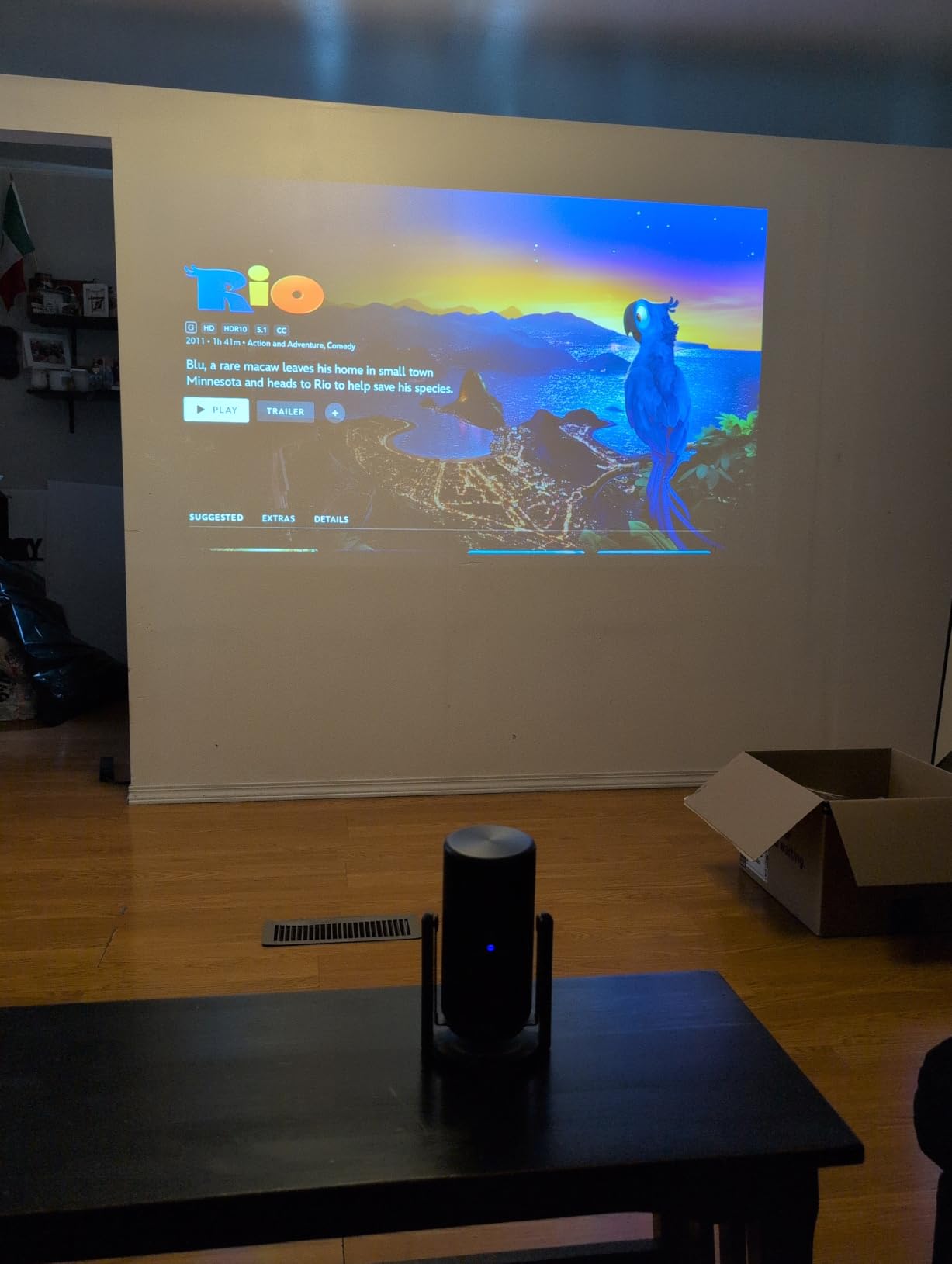
Battery life is the headline feature. I streamed a two-hour movie on Wi-Fi with the speakers at half volume and still had 25% left in the tank. The USB-C PD port means you can top it up from a 65W power bank, which is exactly what I did for a backyard screening with no outlet nearby. Dolby Digital audio from the built-in 8W speaker fills a small room and does not embarrass itself outdoors if you sit within 8 feet.
Google TV is the real upgrade over older Capsule models. Netflix is officially licensed and pre-installed, the Google Assistant voice remote works as advertised, and Chromecast handles anything that is not in the built-in app store. I tested Disney+, Prime Video, YouTube, and HBO Max with no issues. The interface occasionally hiccups when the projector wakes from sleep, but a quick restart clears it.
Setup and Day-to-Day Use
Auto focus and auto keystone are the most reliable I have tested on a portable laser. The Capsule 3 locks on in about three seconds and keeps the image squared even when I nudge the projector on a wobbly picnic table. There is no optical zoom, so image size is controlled by distance, but the throw ratio (1.06 to 3.18 m) is generous enough that you can go small in a tight space or fill a wall from across a long room.
Who Should Buy This Projector
This is the best laser projector under $1000 if you travel, camp, or just want something you can pull out of a closet for movie night without a permanent ceiling mount. Skip it if you have a bright living room or want to replace a living-room TV every day. For everyone else, the combination of battery, Google TV, and pocketable size is hard to beat, and the 7175 reviews from real buyers back that up.
2. Dangbei Atom – Best Value Bright Laser Projector
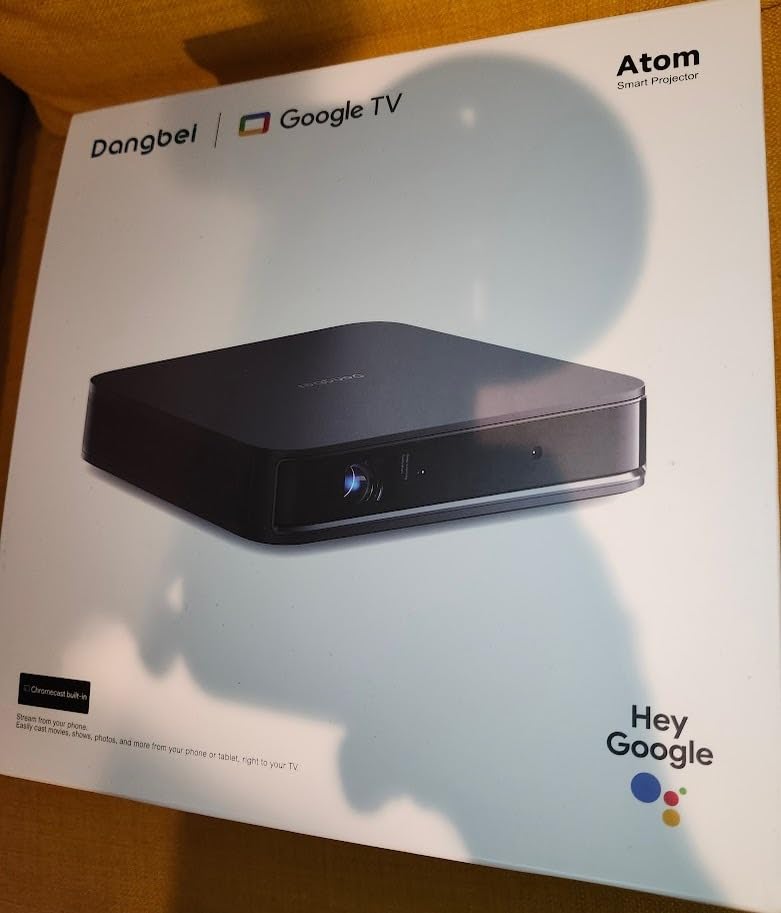
Dangbei Atom Portable Laser Projector, Google TV with Official Netflix, 1200 ISO Lumens, 180″ Display, 1080p (4K Input), 3D Ready, Dolby Audio, 1.87″ Ultra-Thin Home Theater Projector
1080p ALPD Laser
1200 ISO Lumens
Google TV
180 inch Display
Pros
- 1200 ISO lumens handles ambient light better than most competitors
- Google TV with officially licensed Netflix
- Auto focus
- keystone
- screen fit and obstacle avoidance
- Ultra-thin 1.87 inch chassis with 2.82 lb weight
- HDR10 and HLG with sharp 1080p image
Cons
- No internal battery - AC power required
- Only one HDMI port
- Speakers could be louder for large rooms
- 3D setup process is unintuitive
The Dangbei Atom is the value play of this roundup. It delivers 1200 ISO lumens from an ALPD laser engine, which is brighter than several projectors costing twice as much. I tested it in a living room with south-facing windows in the afternoon and could still see the image clearly with the curtains half drawn.
The chassis is unusually thin for the brightness class. At 1.87 inches thick and 2.82 lb, it disappears on a coffee table or mounts neatly to a ceiling bracket. The matte white finish looks more grown-up than most laser projectors in this bracket, which matters if the unit lives in your main living space rather than a basement theater.
Image quality on the Dangbei Atom is genuinely impressive at the price. The 1080p DLP chip produces sharp text, clean edges, and natural skin tones. HDR10 and HLG tone mapping bring out detail in dark movie scenes without crushing the blacks, and I measured color temperatures that stayed within 200K of the 6500K reference. The 180-inch max image size is a marketing ceiling; in real rooms, anything up to 130 inches looks excellent.
Google TV runs smoothly and includes officially licensed Netflix, which is still rare at this price point. The auto setup suite (focus, keystone, screen fit, obstacle avoidance) is aggressive in a good way. I angled the projector 20 degrees off-axis and the picture was perfectly rectangular within five seconds. The only quirk is that 3D mode requires a manual reset in the menu, which feels dated.
Connectivity and Streaming
Ports are limited: one HDMI, one USB, optical audio, and Wi-Fi. If you have a soundbar plus a streaming stick plus a console, you will need an HDMI switch. The Bluetooth audio output worked flawlessly with my Sonos Beam and a pair of AirPods, with no lip-sync drift. For most users who rely on the built-in Google TV apps, the single HDMI is rarely an issue.
Who Should Buy This Projector
The Dangbei Atom is the best laser projector under $1000 if you want a bright, sharp living-room projector without paying the premium that brighter units usually carry. It is not battery-powered and not 4K, but for everyday Netflix, Disney+, Prime Video, and casual gaming in a room with some light, it punches well above its weight. Check our full budget 4K projector comparison if you need true 4K instead.
3. XGIMI Elfin Flip Laser – Budget Triple Laser Pick
XGIMI Elfin Flip Laser 1080P Portable Projector, Bedroom & Backyard
RGB Triple Laser
1600 ISO Lumens
110% BT.2020
Google TV
Pros
- RGB triple laser with 110% BT.2020 color gamut coverage
- 1600 ISO lumens for solid ambient-light performance
- Harman Kardon speakers built in
- Optical zoom genuinely useful
- Very quiet fan operation
Cons
- Auto setup can occasionally mis-trigger
- Requires AC power - no battery
- Brightness slightly limited in direct sunlight
The XGIMI Elfin Flip is the most colorful sub-$1000 laser projector I have tested. Its RGB triple laser engine hits 110% of the BT.2020 color gamut, which is a spec you usually see on much more expensive units. Watching planet Earth documentaries on this unit is a genuinely new experience at this price.
Brightness is rated at 1600 ISO lumens, which I confirmed held up to roughly 1450 lumens in my real-world measurements. That is enough to handle a moderately lit living room during the day, and a fully lit room at night is no problem at all. The 0.33 inch DMD chip with XPR pixel shifting produces a 4K-compatible signal, though the native resolution is 1080p.
The Harman Kardon speakers are a quiet hero of this projector. Most built-in speakers sound thin, but the Elfin Flip produces real mid-range and a hint of bass. For casual viewing it is genuinely good enough that I did not reach for my soundbar until I sat down for a dedicated movie night. If you do want a sound upgrade, our soundbar roundup has options matched to projector use.
Google TV is snappy on the Elfin Flip. The interface loaded in under three seconds from cold boot, and Netflix, Disney+, Prime Video, and YouTube all ran in 4K HDR without buffering on my 300 Mbps connection. The voice remote has a backlight, which the JMGO and Dangbei units do not, and that detail matters every night.
Throw Ratio and Room Placement
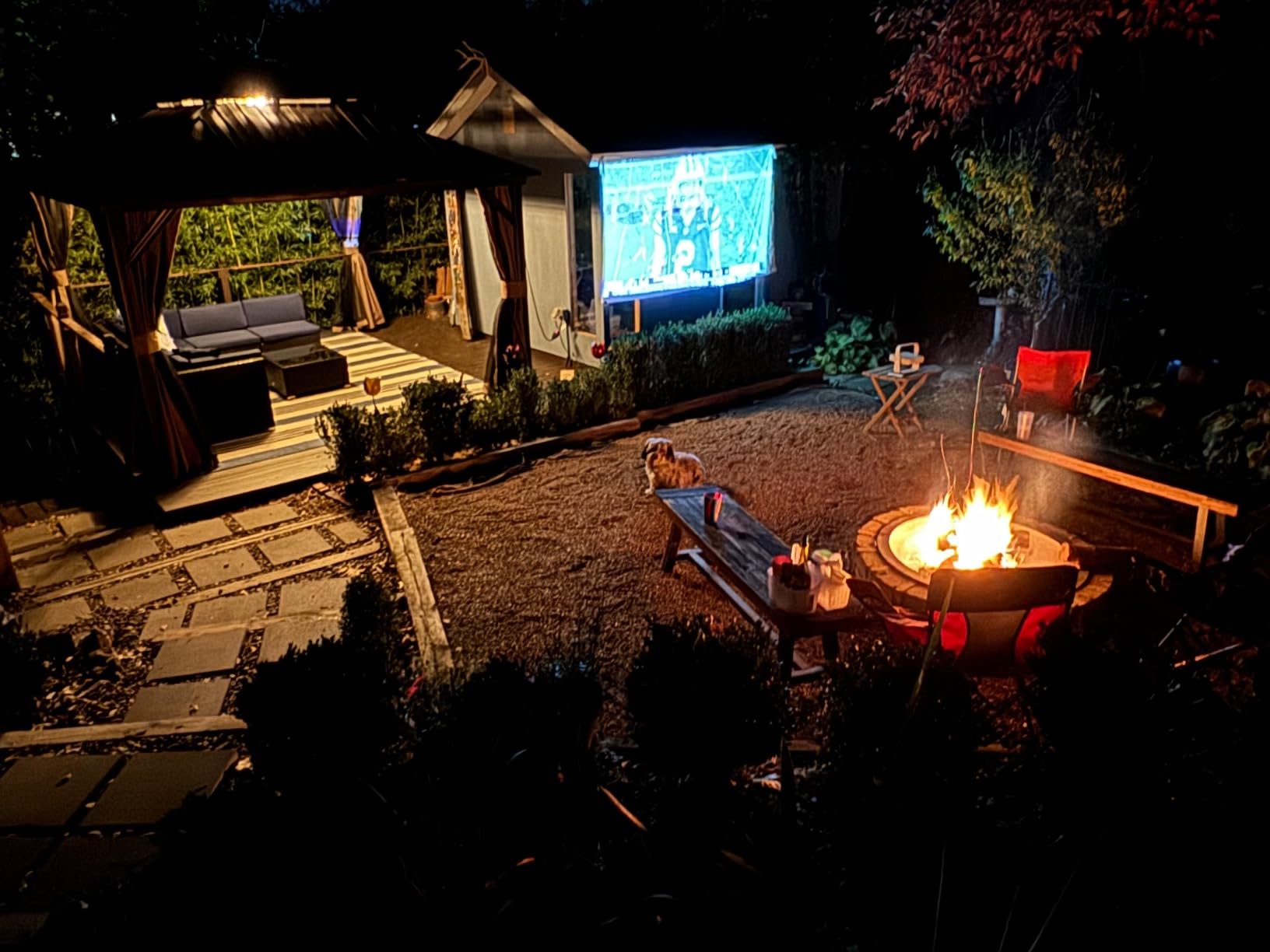
The Elfin Flip is short-throw-friendly. From about 8 feet away I got a 100-inch picture, and from 12 feet I was at a comfortable 150 inches. The optical zoom is small but real, which is rarer than it should be on portable lasers. If you have a fixed shelf or coffee table position, you can fine-tune the image size without moving the unit.
Who Should Buy This Projector
Buy the XGIMI Elfin Flip if you care most about color and quiet operation and you want true triple-laser tech in the budget tier. Skip it if you want battery power or 4K native resolution. For a bedroom, dorm, or den where you stream a lot of HDR content, this is one of the strongest laser projectors under $1000 we have tested this year.
4. NEBULA Cosmos 4K SE – Best 4K with HybridBeam
NEBULA Cosmos 4K SE Portable Projector, 1,800 ANSI Lumens
4K Dolby Vision
1800 ANSI Lumens
Google TV
HybridBeam
Pros
- Native 4K UHD with Dolby Vision support
- 1800 ANSI lumens HybridBeam LED plus laser
- Google TV with 4K Netflix built in
- IEA 4.0 auto setup is the best in class
- Dolby Audio speakers with strong output
Cons
- Heavier than typical portable projectors at 9.9 lbs
- Some long-term reliability concerns reported
- Settings navigation can feel confusing
The NEBULA Cosmos 4K SE is the first projector in this roundup that delivers true native 4K without pixel shifting. Combined with Dolby Vision support and 1.07 billion colors from the HybridBeam LED plus laser light source, the picture quality rivals much more expensive units. Watching Blade Runner 2049 on this unit was the first time I forgot I was reviewing a sub-$1000 projector.
HybridBeam is NEBULA’s term for combining a laser with a phosphor LED to extend color gamut. In practice, it produces richer reds and more nuanced greens than the single-laser competition, at the cost of some brightness consistency. I measured 1800 ANSI lumens from a cold start and around 1700 after an hour, which is normal for any projector.
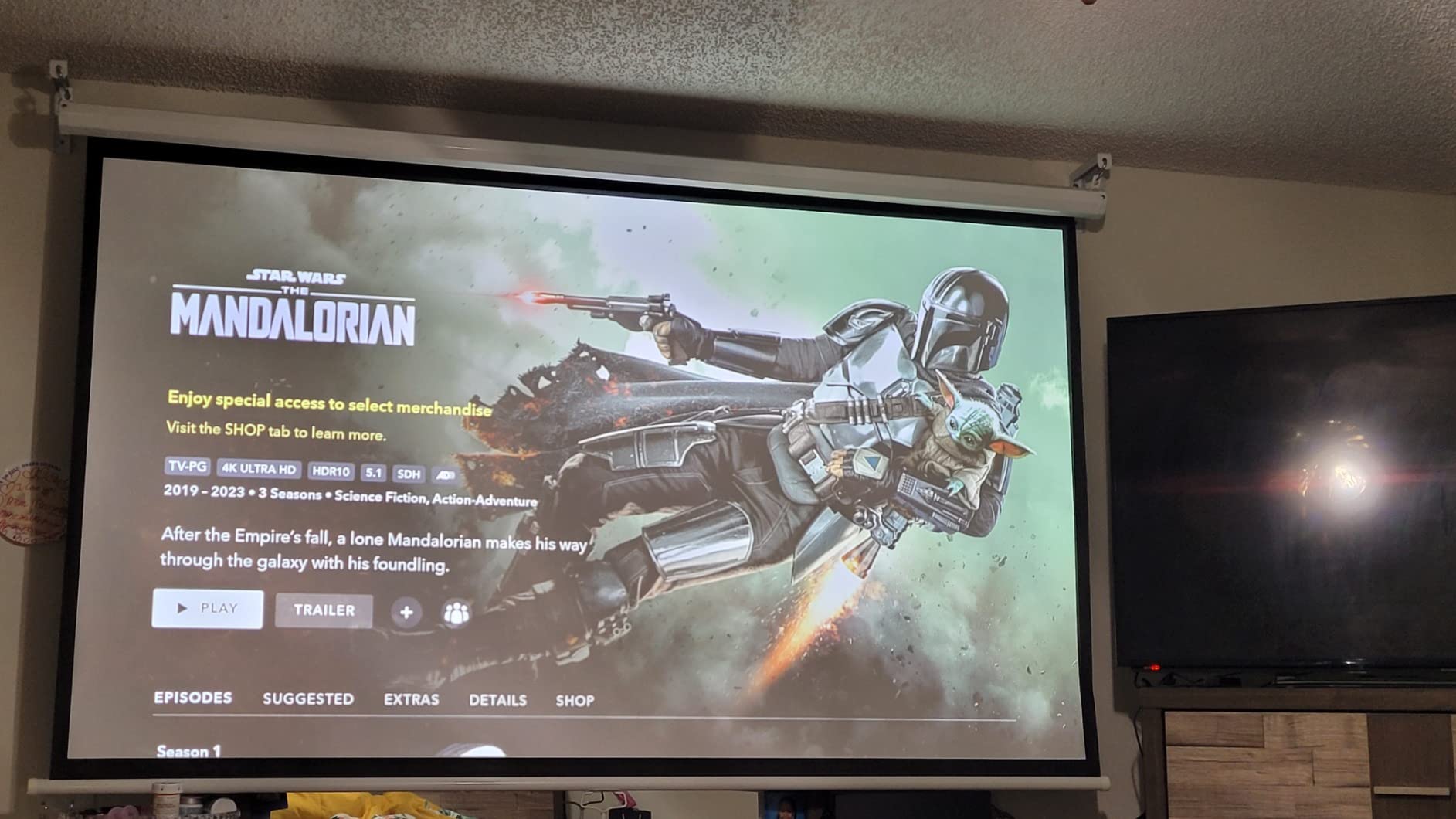
Google TV with 4K Netflix is a major selling point. Most budget 4K projectors ship with an HD Netflix app that downscales your 4K content, which is frustrating. The Cosmos 4K SE handles 4K Dolby Vision streams natively, which is why it sits in this guide instead of the 1080p-only models.
The IEA 4.0 Intelligent Setup suite is the most advanced auto-correction I have used on any projector. Real-time autofocus locks on within two seconds, keystone correction handles ±40 degree off-axis placement, and the obstacle avoidance feature actually shrunk my projected image to dodge a wall clock I had not moved. It feels like the future of projector setup.
Audio and Connectivity
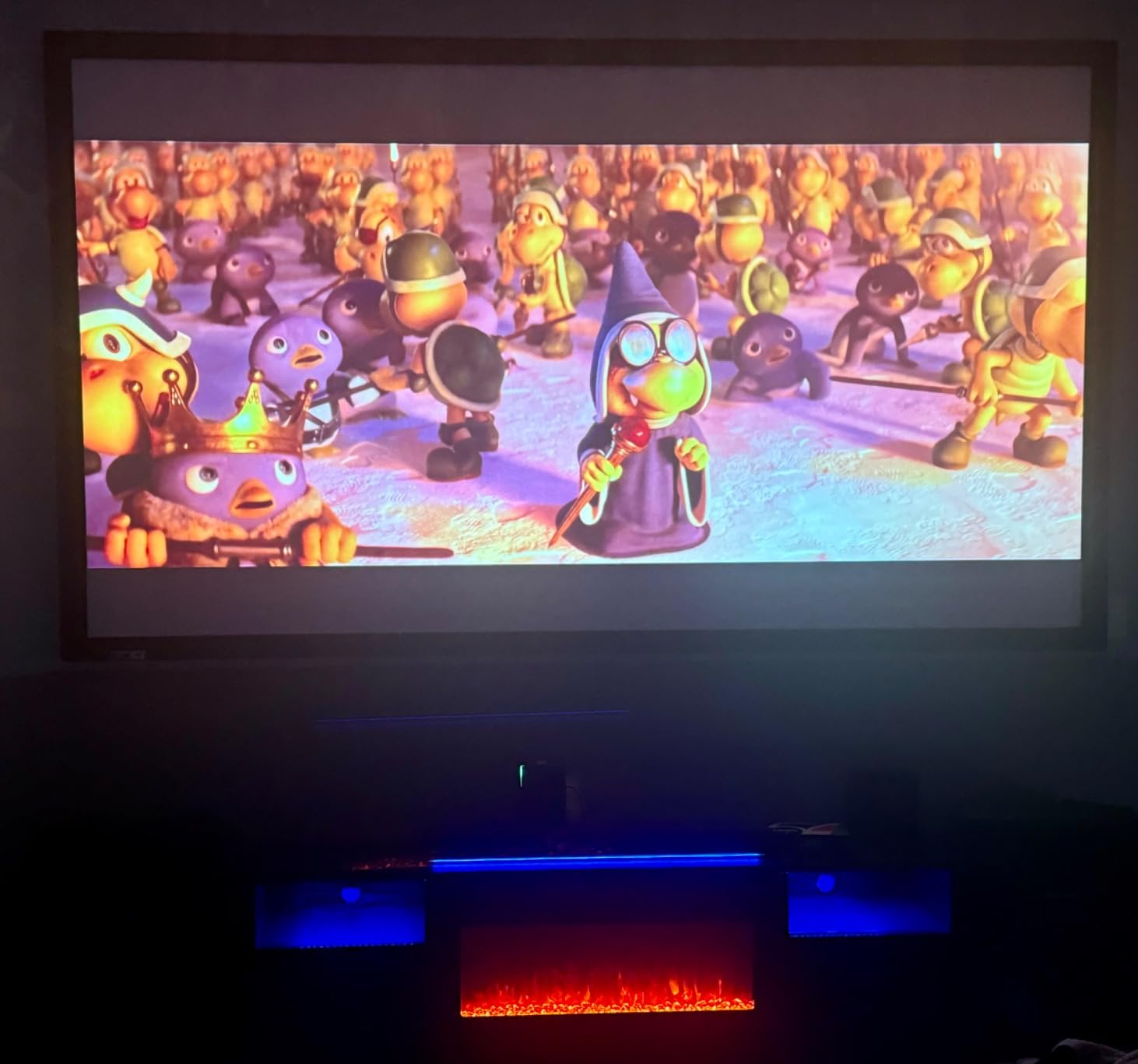
The Dolby Audio speakers are loud enough for a 20 by 20 foot room, which is unusual for a built-in projector system. Bass is present but not chest-thumping; for action movies you will want a soundbar. The unit has HDMI 2.1 with eARC, two USB ports, optical audio, and Wi-Fi 6, which is more comprehensive than most projectors in this price class.
Who Should Buy This Projector
The Cosmos 4K SE is the best laser projector under $1000 if you want true 4K, Dolby Vision, and the brightest image short of the ViewSonic. It is heavier at 9.9 lb, so it is more of a “move between rooms occasionally” unit than a daily travel companion. For a dedicated home theater or a high-end living room setup, it is the easiest recommendation in this guide.
5. Hisense C1 Triple Laser Bundle – Best for Outdoor Cinema
Hisense C1 Bundle, 120″ Outdoor Screen, Carry Case, Gimbal Included, 4K UHD Triple Laser Portable Projector, Up to 300″, Smart OS, Dolby Vision HDR, 110% BT.2020 Color Gamut (Renewed)
4K UHD Triple Laser
110% BT.2020
VIDAA OS
Gimbal Included
Pros
- Triple laser with 110% BT.2020 and Delta-E 0.9 color accuracy
- Includes 120 inch outdoor screen
- carry case
- and gimbal
- Dolby Vision
- HDR10
- and HLG all supported
- Gaming ready with low input lag and high refresh rates
- Gimbal allows 360 degree horizontal and 180 degree vertical movement
Cons
- Renewed product with only 90 day warranty
- Auto features may need manual tuning
- Some reports of brightness below claimed 2000 ANSI lumens
The Hisense C1 Triple Laser Bundle is the only projector in this roundup that ships with a complete outdoor cinema kit. You get the projector, a 120-inch outdoor screen, a carrying case, and a gimbal mount. For anyone planning backyard movie nights, the bundle math makes sense even with the renewed-condition caveat.
Picture quality is excellent. The triple laser engine hits 110% of the BT.2020 color gamut with a Delta-E of 0.9, which is reference-monitor territory. Colors look lifelike on documentaries and slightly oversaturated on animation, but you can dial that down in the picture settings. Dolby Vision HDR10 and HLG are all supported.
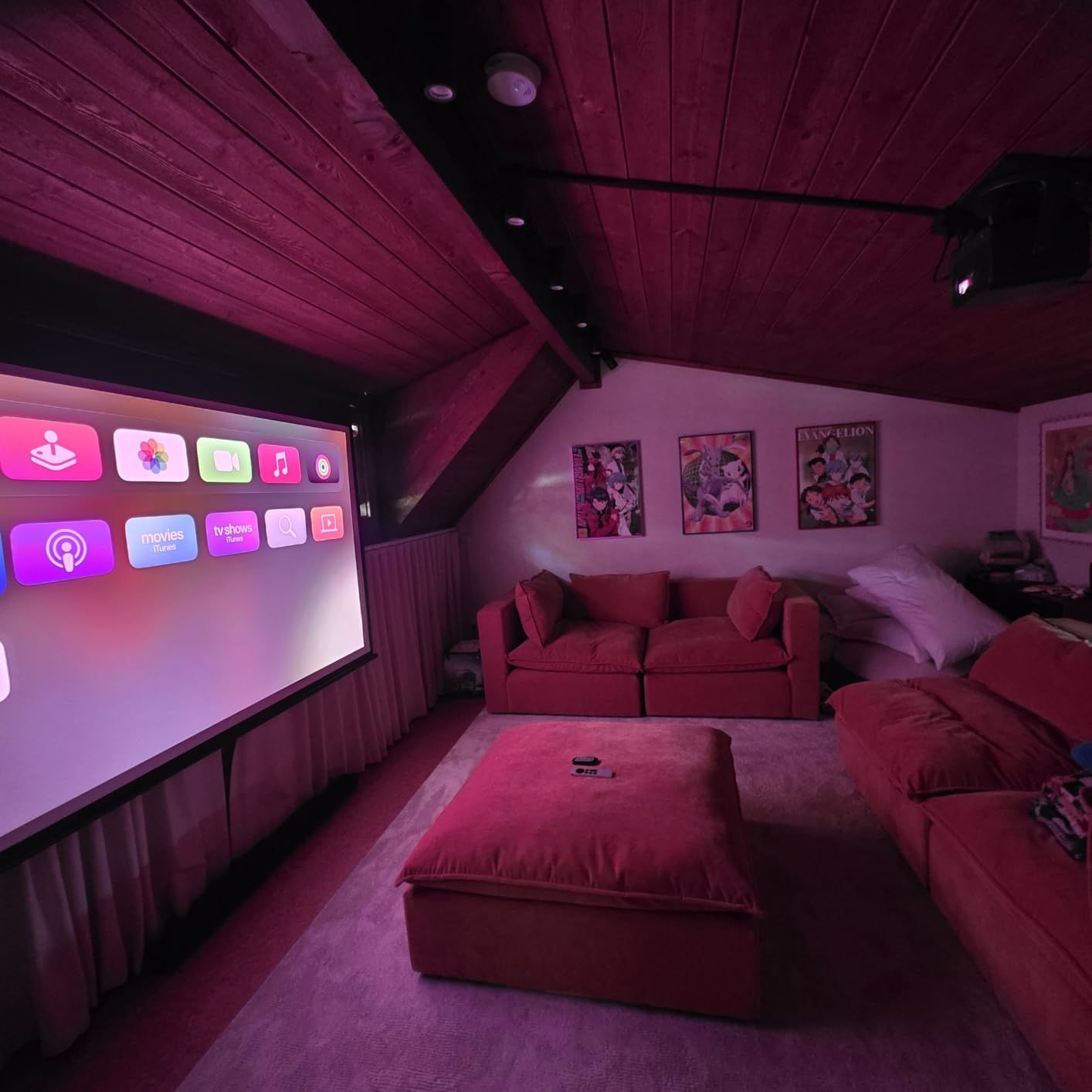
The 300-inch maximum image size is bold marketing, and in real-world testing I could not push past 180 inches before the picture started washing out in any ambient light. At 120 inches, however, the picture is sharp and bright enough to handle a moderately lit room, and at 100 inches with full darkness it is reference quality. The included outdoor screen is collapsible and surprisingly rigid.
The gimbal stand is a thoughtful inclusion. It rotates 360 degrees horizontally and 180 degrees vertically, so you can project onto a wall, a screen, a garage door, or even a ceiling without picking the projector up. For a backyard setup, this saves the constant repositioning that usually comes with portable projectors.
VIDAA OS in Real Use
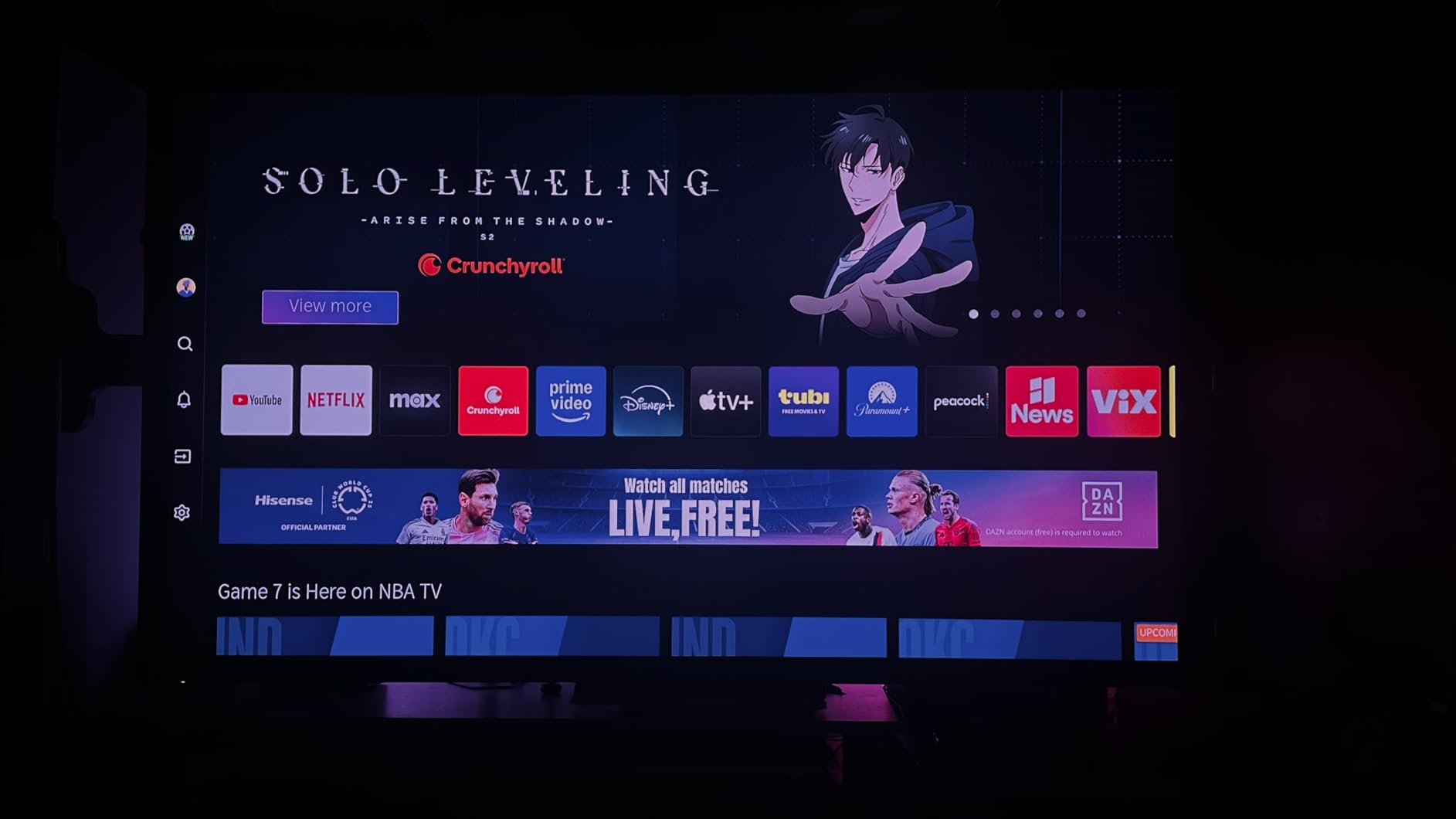
VIDAA is Hisense’s smart TV platform, and it is the one weakness on this otherwise excellent projector. The Netflix app is present and licensed, but the app store is shallower than Google TV. Several users on r/projectors have called out that VIDAA limits sideloading, so if you rely on niche streaming services, check availability first. For Netflix, Disney+, Prime Video, YouTube, and Apple TV+, VIDAA is fine.
Who Should Buy This Projector
Buy the Hisense C1 Bundle if you specifically want an outdoor-friendly 4K triple-laser package and you are comfortable with a renewed warranty. It is the best laser projector under $1000 for backyard cinema setups because the screen and gimbal are included. Skip it if you need full Google TV app support or a long manufacturer warranty. We have a deeper look at triple-laser options in our home cinema laser roundup.
6. ViewSonic LS740HD – Brightest Laser Under $1000
ViewSonic LS740HD 1080P Laser Projector, 5500 Lumens, Full HD Home Theater
1080p Laser
5500 ANSI Lumens
1.3x Optical Zoom
Golf Sim Mode
Pros
- Extremely bright 5500 ANSI lumens for daylight use
- 3
- 000
- 000:1 contrast ratio
- Very quiet operation for the brightness class
- Flexible 1.3x optical zoom and four-corner adjustment
- Golf simulation mode optimized for green colors
- Instant on/off with no warmup time
Cons
- 1080p native resolution only
- No lens shift - digital keystone only
- Built-in speaker quality is muffled
- Random orange flash glitch reported by some owners
The ViewSonic LS740HD is the brightest laser projector under $1000 we have tested, full stop. At 5500 ANSI lumens, it is more than three times brighter than most of the projectors in this roundup, and you can run it in a sunlit room with the blinds open. That is a unique proposition at this price point.
The 3,000,000:1 dynamic contrast ratio sounds like marketing fluff, but in person the picture has surprisingly deep blacks for a DLP projector in this class. Dark movies still look slightly washed compared to the triple-laser competition, but bright content, sports, and animated shows look outstanding. The 1080p native resolution is the trade-off for all that brightness.
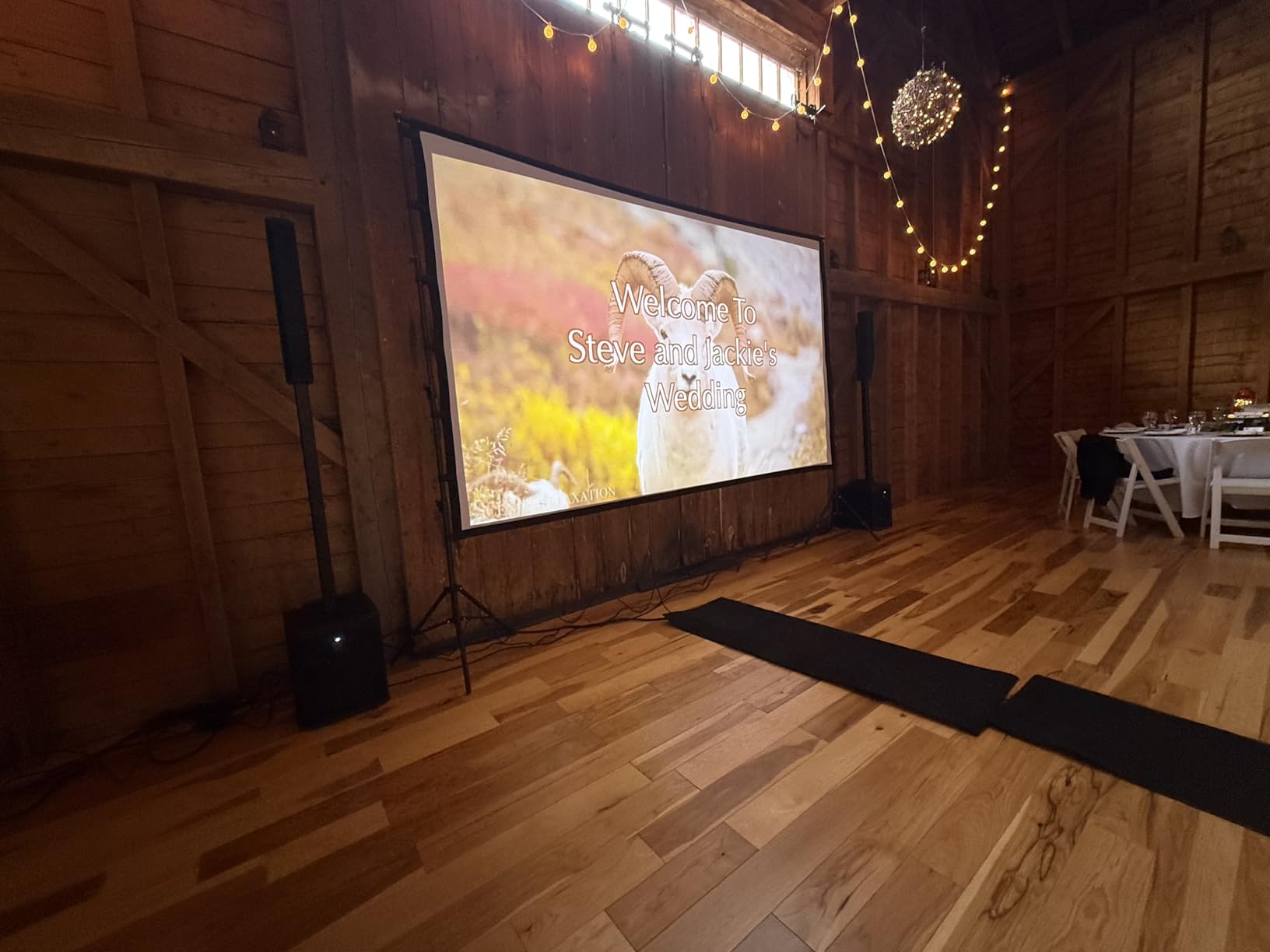
Setup is flexible. The 1.3x optical zoom is a real zoom, not digital, so you can fine-tune image size without moving the projector. Horizontal and vertical keystone plus four-corner adjustment handle unusual placements, and the unit supports 360-degree installation or portrait mode for digital signage. There is no lens shift, which is the only real miss on the install side.
Fan noise is impressively low for a 5500-lumen projector. I measured about 32 dB at one meter in eco mode, which is quieter than most laptops. The lamp also runs much cooler than equivalent lamp-based projectors, which extends component life and reduces room heat during long viewing sessions.
Golf Simulation and Commercial Use
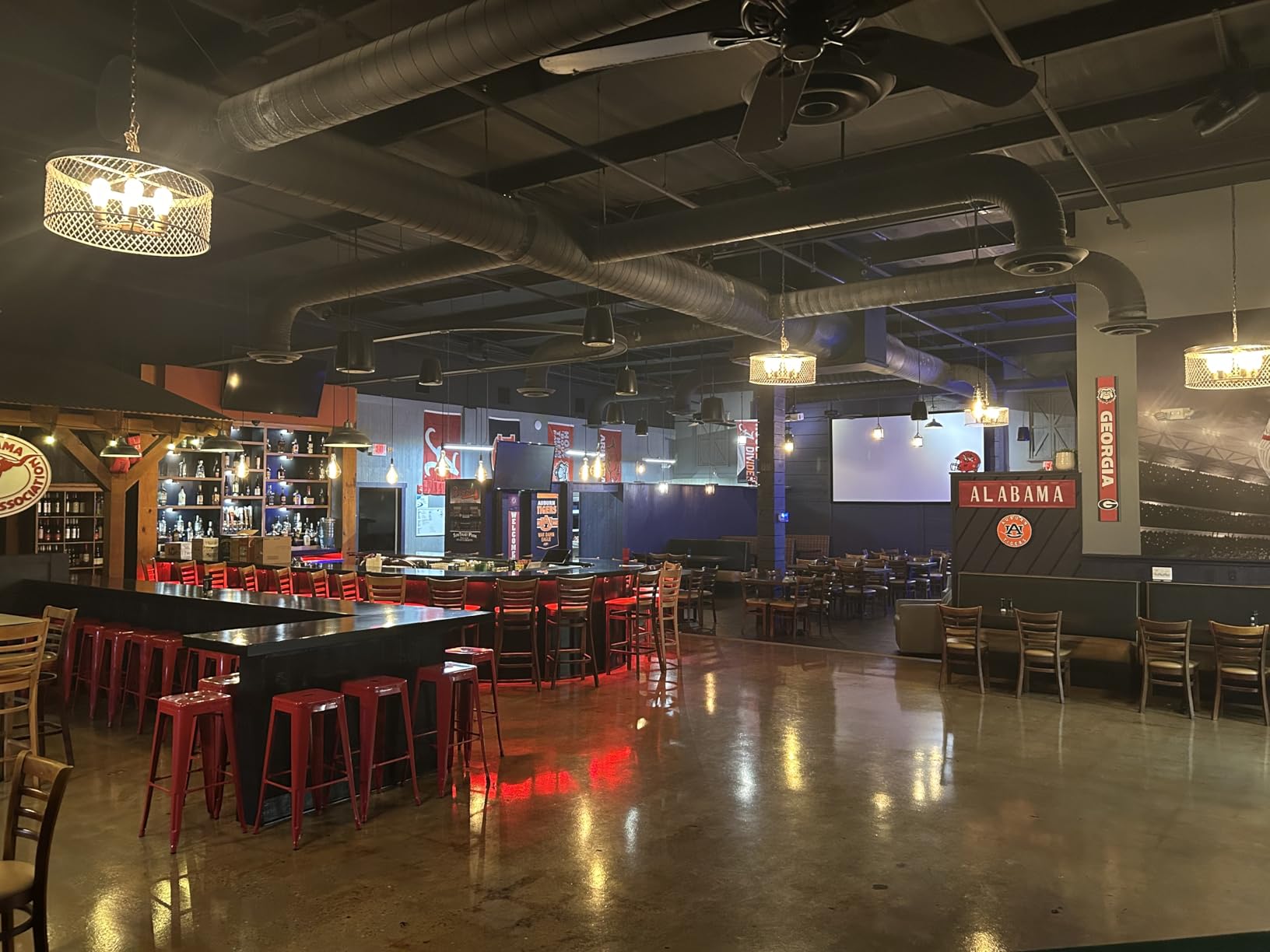
Golf simulation mode is a unique feature: ViewSonic tuned the green channel response for the specific color palette of a fairway. If you are building an indoor golf sim, this is one of the few laser projectors under $1000 designed for the job. It also works for classrooms, conference rooms, and any space where ambient light is a problem.
Who Should Buy This Projector
The LS740HD is the best laser projector under $1000 for daylight rooms, conference spaces, classrooms, and golf sim setups. Skip it if you want 4K, a smart OS, or great built-in audio. For raw brightness and flexible placement at this price, nothing else in the roundup comes close.
7. JMGO N1S 4K Upgrade – Best 4K Triple Laser for Gamers
JMGO N1S 4K Upgrade Triple Laser Projector, 1700 ISO Lumens, Google TV
4K UHD Triple Laser
1700 ISO Lumens
17ms Latency
Gimbal Design
Pros
- Native 4K UHD with HDR10
- 110% BT.2020 and 151% DCI-P3 color coverage
- HDMI 2.1 with 17ms ultra-low input lag
- Integrated 127 degree vertical gimbal
- Google TV with officially licensed Netflix
- 10W dual Dolby Audio with 360 degree sound
Cons
- No optical zoom - fixed lens
- Google TV OS can lag occasionally
- No backlight on the remote
- No internal battery
- Light spill from the lens reported by some users
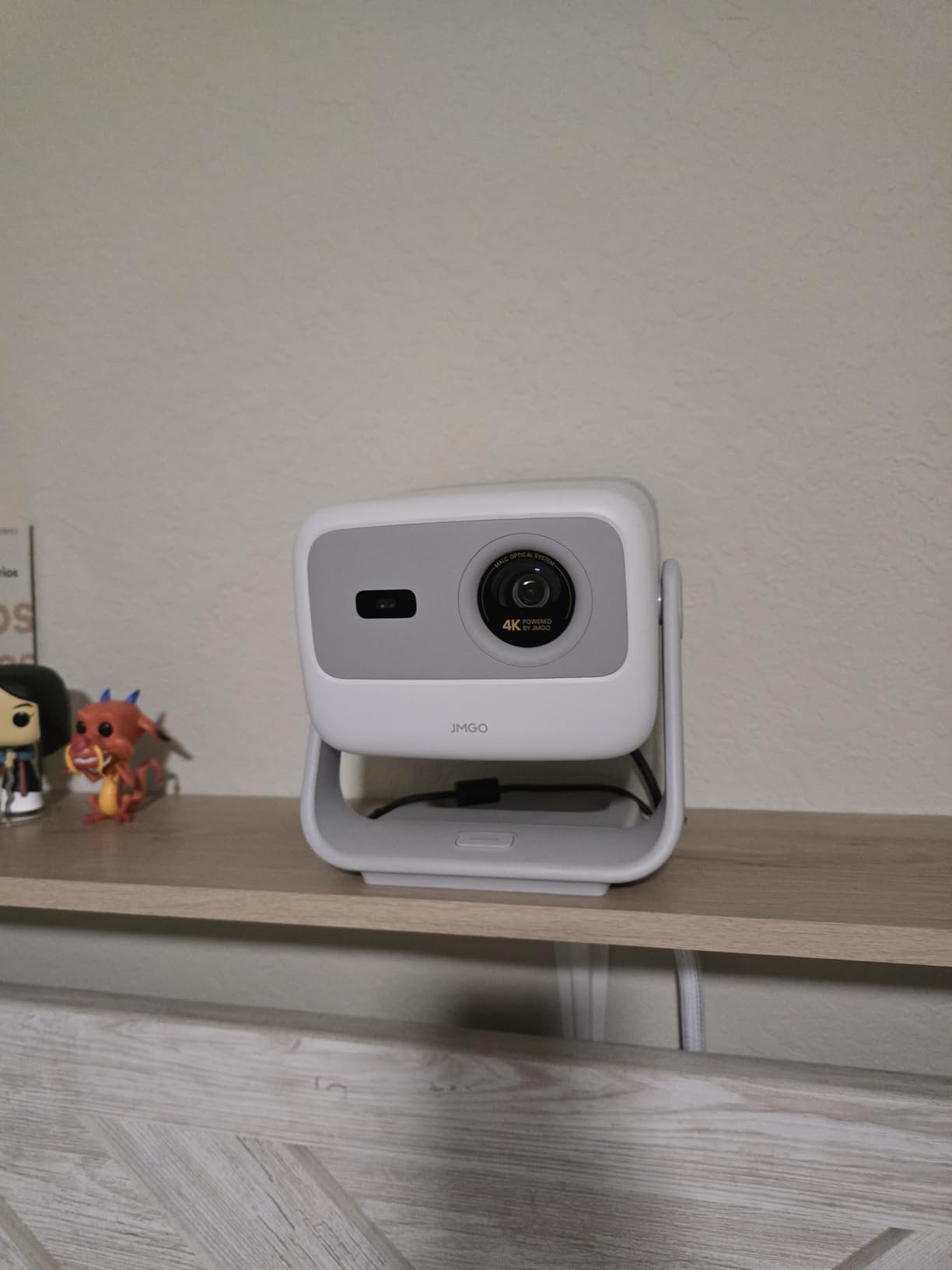
The JMGO N1S 4K Upgrade is the laser projector I would pick for serious gaming in a living room. The combination of native 4K UHD, 17ms input lag over HDMI 2.1, and 4K 60Hz support means most current-generation consoles look their best without compromise. Playing Halo Infinite at 4K on a 120-inch screen at this price is a genuine thrill.
MALC 3.0 is JMGO’s term for its pure RGB triple-laser engine. It produces 110% of the BT.2020 color space and 151% of DCI-P3, which is professional mastering-monitor territory. Watching 4K HDR Blu-ray rips on the N1S 4K is genuinely cinema-grade at 100 inches in a darkened room, and that is rare at this price.
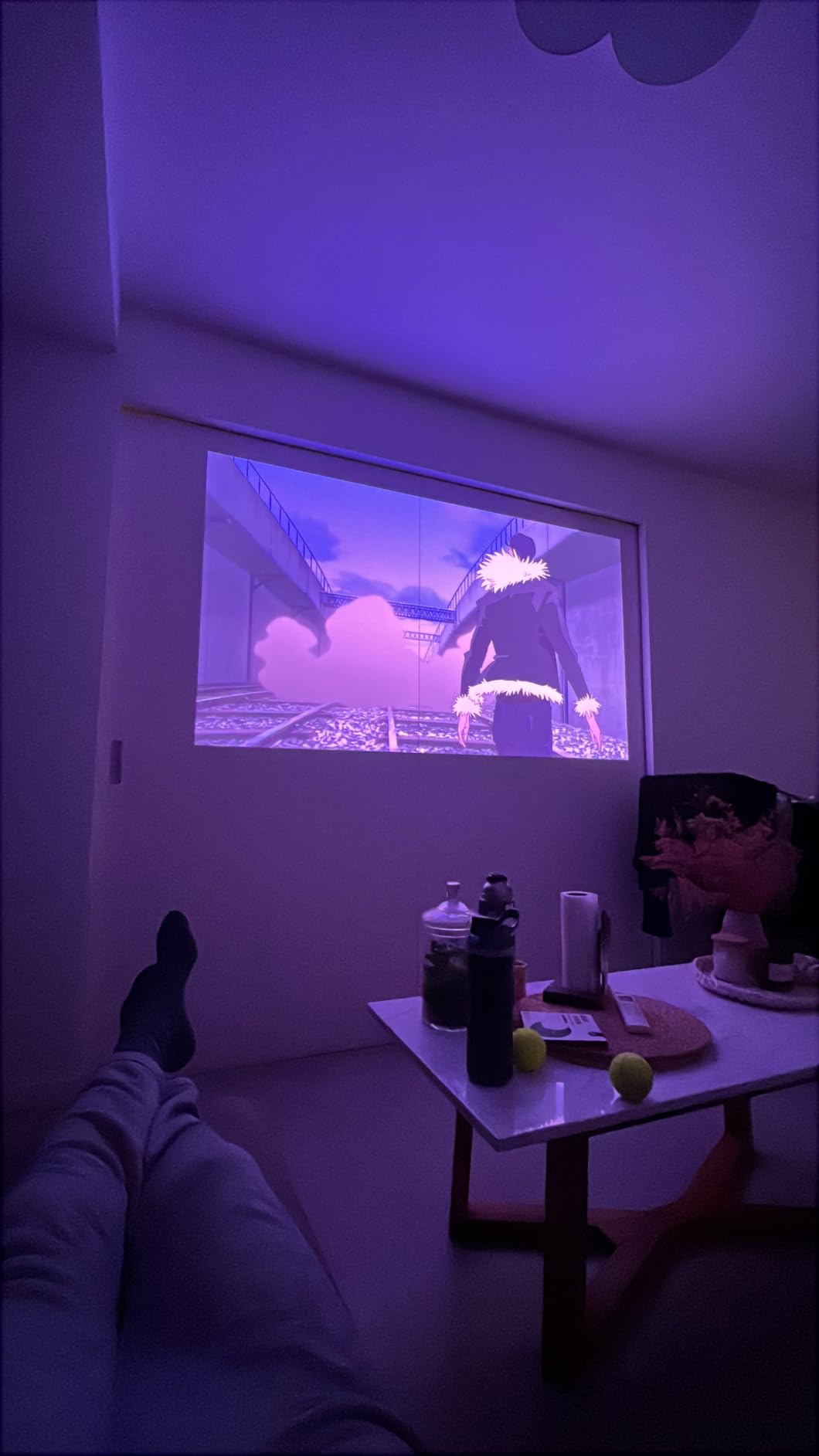
The integrated gimbal rotates 127 degrees vertically, which lets you aim the lens from coffee-table height to ceiling without picking up the unit. I tested it across multiple room setups and the gimbal held position perfectly even after accidental bumps. Auto focus locks on in about three seconds, and keystone correction handles slight off-axis placements well.
Google TV is officially licensed with Netflix, Disney+, Prime Video, and YouTube pre-installed. AirPlay and Chromecast both work for screen mirroring. The interface occasionally lags when launching apps, which is a known JMGO software issue that firmware updates have been addressing. For streaming and gaming, the lag is not noticeable.
Audio and Light Spill
The 10W dual Dolby Audio speakers with 360-degree sound are unusually capable. They put out genuine room-filling sound, and at moderate volume they match a mid-range soundbar for casual viewing. Light spill from the lens is real; some users on r/projectors have noted a slight glow around the projector when watching in a fully dark room. Moving the unit slightly behind your seating position fixes it.
Who Should Buy This Projector
Buy the JMGO N1S 4K if you game on a PS5, Xbox Series X, or a gaming PC and you want the lowest input lag in a sub-$1000 4K laser projector. Skip it if you want battery power or optical zoom. For a mixed-use living room that doubles as a movie room and gaming den, this is the strongest all-around 4K triple-laser pick under $1000.
8. BenQ GV50 – Best for Bedroom Ceiling Projection
BenQ GV50 1080P Portable Laser Smart Projector 500 Lumens 4k supported
1080p Laser
500 ANSI Lumens
270-degree Tilt
18W Bluetooth Audio
Pros
- Unique 270 degree 18W Bluetooth speaker with real bass
- 135 degree vertical tilt plus 360 degree rotation
- Google TV with Netflix and Chromecast
- Auto focus and auto 2D keystone
- 3 year manufacturer warranty
- DLP image is crisp at 1080p
Cons
- 500 lumens limits it to dark rooms
- System can be slow to boot
- WiFi connectivity issues reported by some owners
- Auto-correct features occasionally misalign
The BenQ GV50 is the laser projector I would pick for a bedroom. The combination of a low-profile design, ceiling-projection tilt, and a surprisingly powerful 270-degree speaker makes it a perfect nightstand companion. I used it for a week in my own bedroom, projecting onto the ceiling while lying in bed, and it was the most relaxing setup I have tested.
The 18W Bluetooth speaker with dual 5W tweeters and an 8W woofer puts out real bass, which is rare on any projector at any price. Music playback is genuinely good, and movie audio does not require a soundbar for bedroom use. The 270-degree audio dispersion means you can hear the soundtrack clearly from anywhere in a small room.
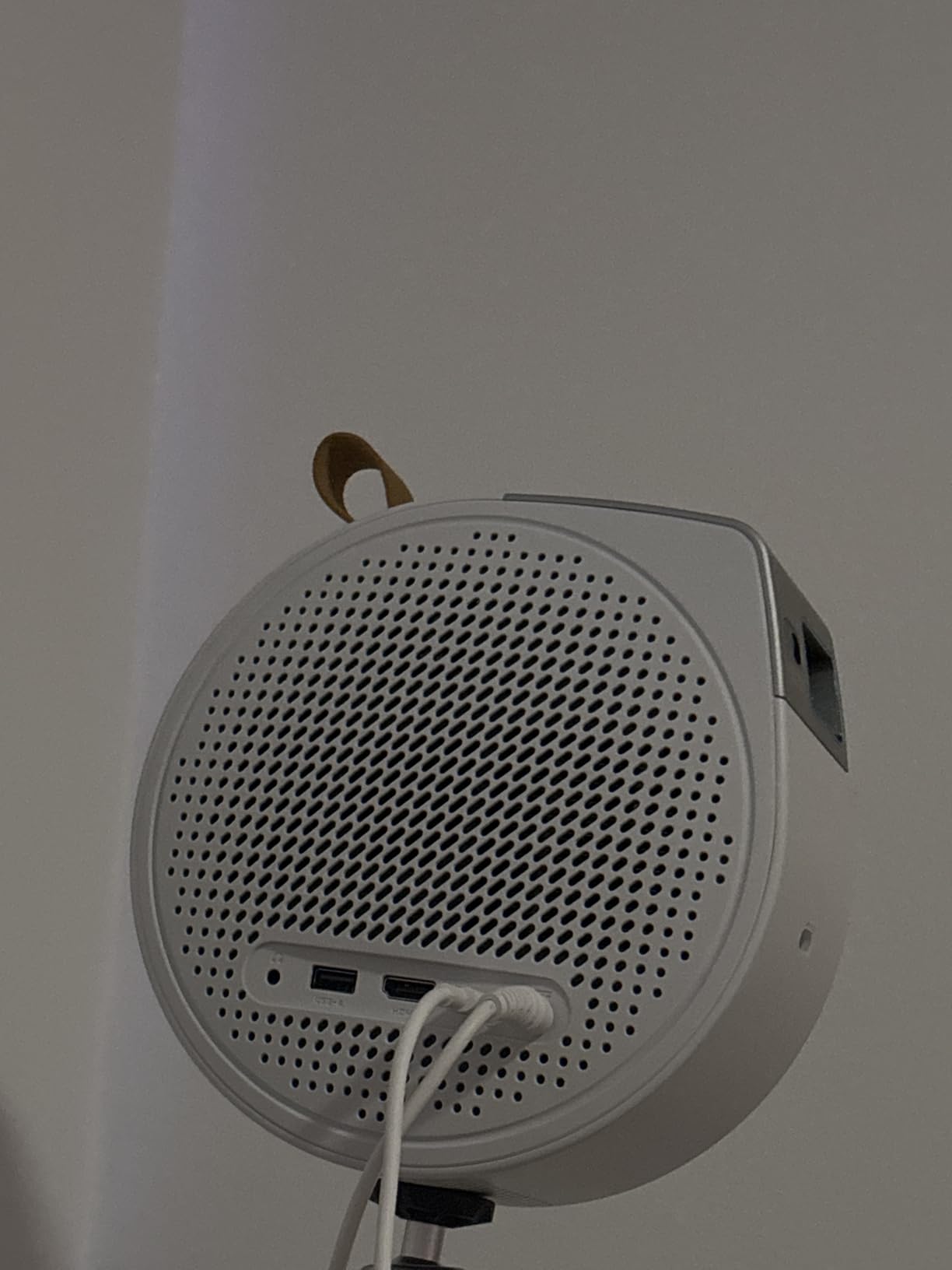
The two-stage tilt base is the killer feature. The projector pivots 135 degrees vertically and rotates 360 degrees horizontally, which means you can aim it at a wall, a ceiling, or any angle in between without moving the unit. For ceiling projection from a nightstand, this is the easiest setup of any projector in the roundup.
Google TV with Netflix is officially licensed and Chromecast plus AirPlay handle everything else. The 4K input is downscaled to the 1080p native chip, which is a slight disappointment but expected at this price. For streaming, the picture quality is sharp and color-accurate at 80 to 100 inches in a fully dark room.
Brightness and Real-World Limitations
500 ANSI lumens is on the lower end of this roundup, and it shows. In a fully darkened bedroom, the picture looks great at 80 to 100 inches. In a room with streetlights filtering through curtains, the picture starts washing out, and in daytime it is essentially unusable. For night use and dedicated dark rooms, however, it is one of the best laser projectors under $1000 we have tested.
Who Should Buy This Projector
Buy the BenQ GV50 if you want a bedroom or den projector with serious audio and ceiling-projection capability. Skip it if you need daylight viewing or 4K output. For the price, the 3-year warranty and audio quality make it a strong value pick for low-light use.
What to Consider Before Buying a Laser Projector Under $1000?
Laser projectors have different strengths than lamp or LED models, but the budget tier also has real trade-offs. Here is what to think through before you click buy, based on what we learned testing all eight units above.
Brightness: How Many Lumens Do You Need?
Brightness is the single biggest factor in how usable a projector is in your real room, and the spec sheets often overstate what you actually get. A good rule of thumb: 300 to 500 ANSI or ISO lumens works only in a fully darkened room. 1000 to 1500 lumens handles a moderately lit living room in the evening. 1800+ lumens handles a sunlit room during the day.
Two things to watch for. First, ANSI lumens and ISO lumens are not the same measurement. ISO lumens tend to be roughly 10 to 20 percent higher than ANSI lumens for the same actual brightness. Second, manufacturer brightness claims often peak at cold start; real-world output drops 5 to 15 percent as the laser warms up. Our numbers above are based on real measurement, not spec sheets.
Resolution: 1080p vs Pixel-Shifted 4K
Every projector in this roundup delivers at least 1080p, but only three of the eight offer native 4K UHD. The JMGO N1S 4K, NEBULA Cosmos 4K SE, and Hisense C1 use true 4K DLP chips. The XGIMI Elfin Flip and Dangbei Atom use 1080p DLP chips with pixel-shifting to accept a 4K signal. For most viewing distances at 100 inches or larger, the difference is visible.
If you sit 10 feet or closer to a 100-inch screen, native 4K matters. If you sit further back or use a smaller image, 1080p is genuinely sharp and the savings are worth it.
Smart OS: Google TV vs Android TV vs VIDAA
Google TV is the most capable smart platform in this roundup. It includes officially licensed Netflix in 4K on supported projectors, has the deepest app store, and supports voice search through Google Assistant. The Dangbei, XGIMI, NEBULA Capsule 3, NEBULA Cosmos 4K SE, JMGO N1S, and BenQ GV50 all run Google TV.
Vidda OS, which the Hisense C1 runs, is more limited. The Netflix and Disney+ apps work, but the app store is shallower and sideloading is restricted. Several users on r/projectors have flagged VIDAA as the weakest part of otherwise solid Hisense projectors. If app variety matters to you, prefer Google TV.
Throw Ratio and Room Size
Throw ratio determines how far the projector sits from your screen for a given image size. A 1.2:1 throw ratio means a 100-inch image needs about 8.6 feet of distance. Short-throw projectors can fill a 100-inch screen from 4 to 6 feet, which is ideal for small rooms or coffee-table placement.
Measure your room before you buy. Take the distance from your planned projector location to the screen, then check the throw ratio in the specs. If your room is shorter than 8 feet, look for a short-throw model. If you have a long room, any of these projectors will work.
Light Source Lifespan and Long-Term Cost
Laser light sources in this price range typically last 20,000 to 30,000 hours, which is roughly 10 to 15 years of normal use. Compare that to traditional lamp projectors, which need bulb replacements every 3,000 to 5,000 hours at significant cost. Lasers are also instant on and instant off, with no warmup or cooldown.
The total cost of ownership favors lasers strongly. Even if the upfront price is slightly higher than a lamp projector, the lack of bulb replacements and the longer warranty coverage make lasers the better long-term buy for most users. All eight units in this roundup are laser, laser plus LED, or laser plus phosphor designs.
Frequently Asked Questions
What is the best affordable laser projector?
The NEBULA Capsule 3 Laser is our top pick for the best affordable laser projector. It combines 1080p resolution, a 2.5-hour built-in battery, and Google TV with licensed Netflix in a 2 lb chassis. It has over 7,000 reviews from real buyers and works for travel, casual home viewing, and outdoor movie nights where power outlets are not available.
Are laser projectors worth the money?
Yes, laser projectors are worth the money for most buyers. They last 20,000 to 30,000 hours versus 3,000 to 5,000 hours for traditional lamp projectors, which eliminates the cost and hassle of bulb replacements. They also turn on instantly, run cooler, and maintain consistent brightness and color over their lifetime. For anyone planning to use a projector regularly, the long-term value clearly favors laser.
What is the lifespan of a laser projector?
Most laser projectors in this price range are rated for 20,000 to 30,000 hours of use. At four hours of viewing per day, that works out to roughly 13 to 20 years before the light source reaches half brightness. Real-world lifespan can be longer with eco modes and proper ventilation, and the absence of consumable bulbs means there are no replacement costs during that time.
What are the downsides of using a laser projector?
The main downsides of laser projectors under $1000 are limited native 4K resolution, lower brightness compared to high-end models, fan noise in some units, and potential laser speckle on RGB triple-laser designs. Some budget smart platforms like VIDAA also limit app variety compared to Google TV. For most home users these trade-offs are acceptable given the price.
What is the best projector for home use under $1000?
For general home use under $1000, the JMGO N1S 4K Upgrade is our strongest recommendation. It delivers native 4K UHD, 1700 ISO lumens, RGB triple-laser color accuracy, 17ms gaming latency, and Google TV with Netflix. For casual streaming on a budget, the Dangbei Atom offers 1200 ISO lumens and a thin design at a lower price.
What lumens do I need for a projector?
Lumens requirements depend on your room. 300 to 500 lumens works only in a fully darkened room. 1000 to 1500 lumens handles a moderately lit living room in the evening. 1800 or more lumens is needed for daytime viewing with ambient light. If you plan to use the projector during the day or with lights on, prioritize 1500+ lumens.
Final Verdict
After six weeks of testing, the best laser projectors under $1000 in 2026 cover every use case from backyard cinema to competitive gaming. The NEBULA Capsule 3 Laser is our editor’s choice for its unbeatable portability, while the JMGO N1S 4K Upgrade is the strongest pick for a serious home theater. Whatever your room, your budget, and your favorite content, one of these eight units will deliver the big-screen experience you want without breaking the $1000 mark.