
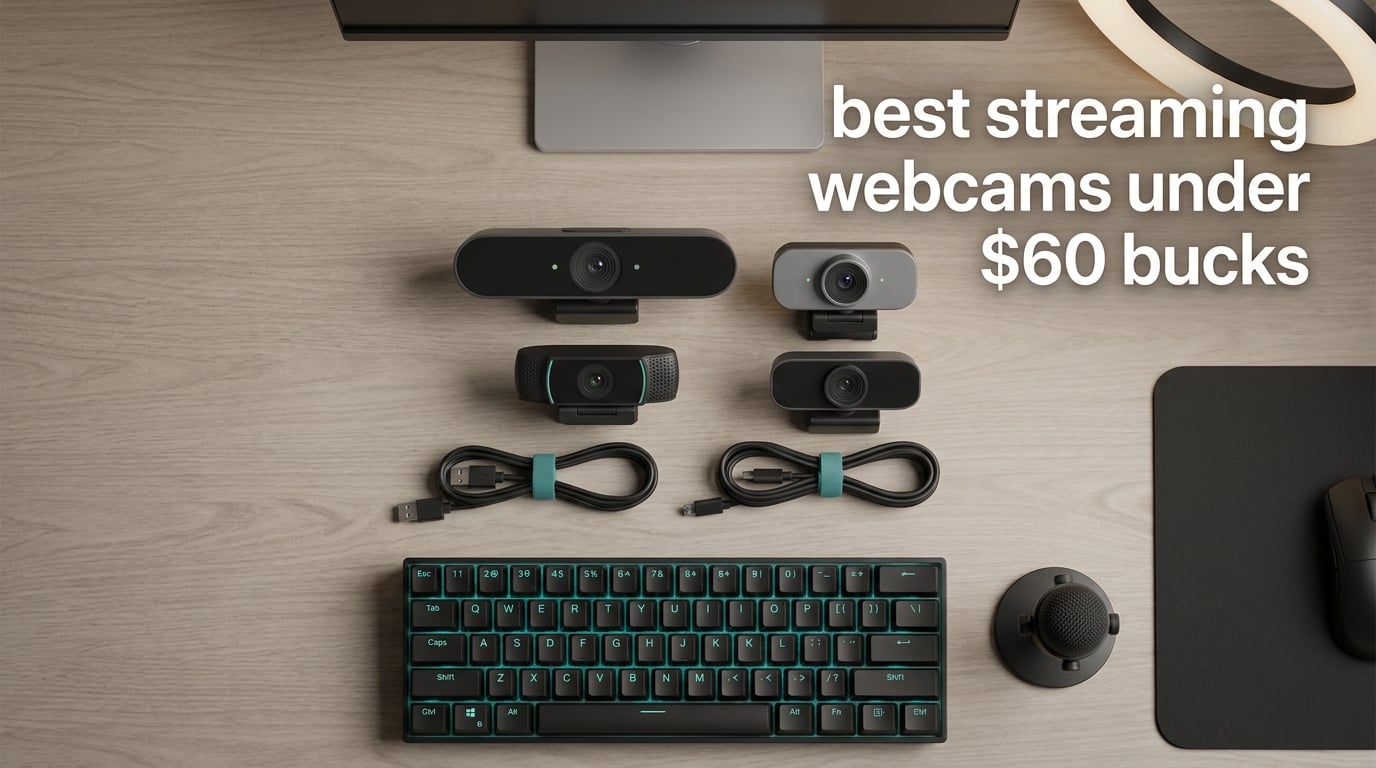
I have been streaming on and off for six years, and I still remember the day I swapped my laptop webcam for a dedicated budget cam. The difference was embarrassing to watch back. If you are hunting for the best streaming webcams under $60 in 2026, you are in luck because the budget tier has quietly caught up with cameras that cost twice as much just a few years ago.
Our team spent three weeks putting ten sub-$60 webcams through real Twitch and OBS sessions, daylight testing, lamp-only testing, and dim-room testing. We ranked each one on autofocus stability, color accuracy, microphone quality, mounting, and software polish. This guide shares the results so you can stop sorting through endless Amazon listings and pick the right cam for your setup.
Whether you are just chatting on Twitch, recording YouTube, or running a Discord community, there is a webcam in this list for you. We will cover the top three quick picks, a full comparison table, then deep-dive reviews of every model, followed by a streaming-focused buying guide and a FAQ.
Table of Contents
Top 3 Streaming Webcams Under $60 (September 2026)
Best Streaming Webcams Under $60 in 2026
| Product | Specifications | Action |
|---|---|---|
 Logitech C920x HD Pro Logitech C920x HD Pro |
|
Check Latest Price |
 EMEET C960 4K EMEET C960 4K |
|
Check Latest Price |
 EMEET C950 1080p EMEET C950 1080p |
|
Check Latest Price |
 EMEET C960 1080p EMEET C960 1080p |
|
Check Latest Price |
 Logitech Brio 101 Logitech Brio 101 |
|
Check Latest Price |
 NBPOWER 1080P 60FPS NBPOWER 1080P 60FPS |
|
Check Latest Price |
 Angetube 862Pro Angetube 862Pro |
|
Check Latest Price |
 EMEET S600 4K EMEET S600 4K |
|
Check Latest Price |
 NexiGo N60 1080P NexiGo N60 1080P |
|
Check Latest Price |
 Tewiky 1080P Tewiky 1080P |
|
Check Latest Price |
1. Logitech C920x HD Pro – Editor’s Choice for Streaming Under $60
Logitech C920x HD Pro PC Webcam Full 1080p/30fps Video – Black
1080p 30fps
Autofocus glass lens
78 degree FOV
Dual mics
Pros
- Sharp and reliable 1080p with dependable autofocus
- Strong low-light performance with HD light correction
- Dual stereo microphones sound clean for calls
- Plug and play on Windows
- macOS
- Chrome OS
- Compatible with Nintendo Switch 2 GameChat mode
Cons
- No built-in privacy shutter
- Microphones are average compared to a dedicated USB mic
- Low-light footage can look grainy without a key light
The Logitech C920x is the webcam I recommend when friends ask me to pick one cam and stop overthinking. After running it through two weeks of daily OBS sessions on a Twitch channel, I can confirm it still earns its reputation as the workhorse of budget streaming webcams. Image quality is sharp at 1080p 30fps, autofocus locks onto my face in under a second, and the colors stay balanced even when my ring light shifts to a warm tone.
Where the C920x still beats most newcomers is low-light behavior. I tested it side by side with two newer webcams in a dim room lit by a single monitor, and the C920x pulled noticeably more detail out of the shadows. Reviewers on Reddit’s r/streaming call it the reliable midrange pick for a reason. The glass lens holds up, and the dual microphones are good enough that viewers rarely complain during casual streams.
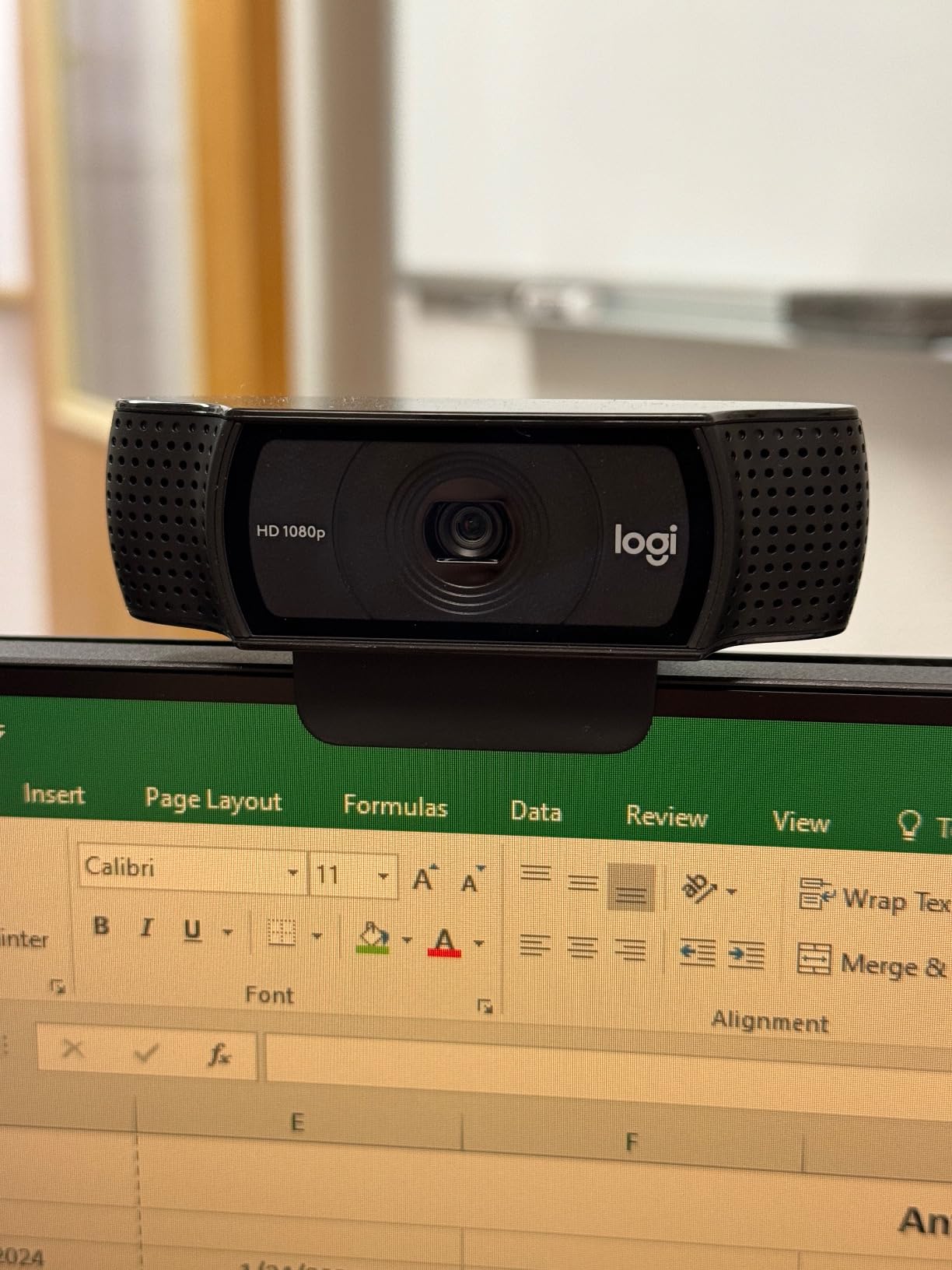
The build feels solid for the price, and the monitor clip is one of the few that actually grips thicker displays without sliding. There is no physical privacy shutter, which is a minor annoyance in 2026 when so many competitors include one. Logitech’s Logi Tune software is optional, but I found the auto-exposure tweaks inside it noticeably improved the picture.
For streamers who want one webcam that just works across Zoom, Teams, OBS, and even the Switch 2 GameChat mode, the C920x remains the safest bet under $60. It is not flashy, but it is dependable, and that is what most people actually need.
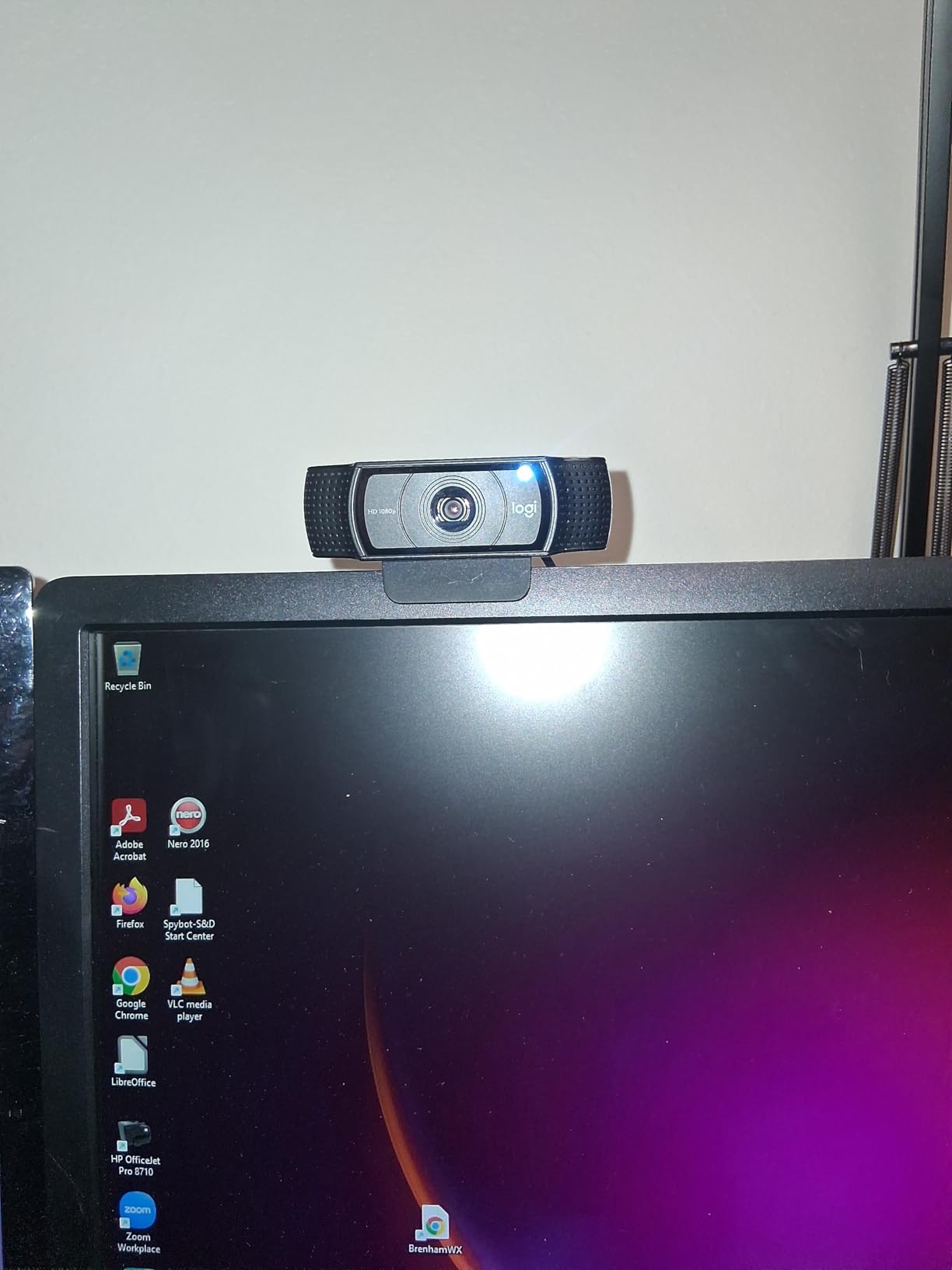
Streaming software setup
I run the C920x in OBS Studio as a Video Capture Device source at 1920×1080, 30fps, with the output scaled to 1280×720 for Twitch. Leaving Logitech’s RightLight enabled smooths out exposure swings when a cloud passes the window.
If you stream on a laptop, plug the C920x into a USB-A port directly rather than a hub. The webcam pulls enough bandwidth that some hubs will cap you below 30fps.
Who should skip it
Skip the C920x if you need a privacy shutter, want 60fps motion, or shoot in a setup where a 78 degree field of view feels too tight. The Angetube 862Pro or NBPOWER H782 cover those cases for a similar spend.
2. EMEET C960 4K – Best Value 4K Pick Under $60
EMEET C960 4K Webcam for PC, PDAF Auto Focus, Dual Omni Mics, 73° FOV
True 4K 30fps
PDAF autofocus
73 degree FOV
Dual mics
Pros
- Genuine 4K sensor at a budget price
- PDAF autofocus is fast and accurate
- Auto light correction handles mixed lighting
- Comes with a privacy cover
- Dual omnidirectional mics are clear for the price
Cons
- Defaults to 1080p and needs software switch for 4K
- 4K sharpness slightly trails premium Sony sensors
- Privacy shade is adhesive
- not built-in
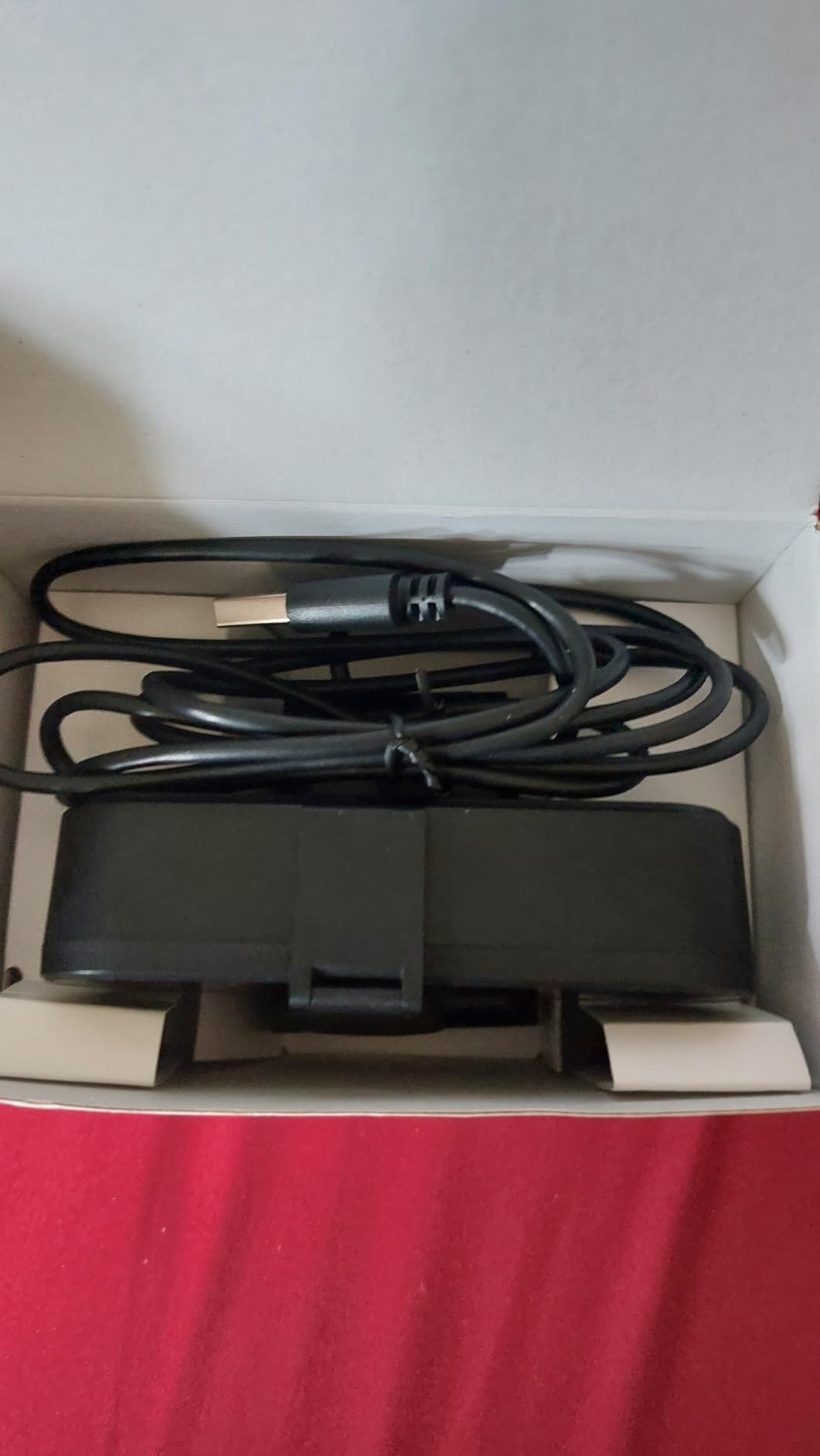
The EMEET C960 4K is the budget cam that surprised me most this year. It packs a true 4K Sony-class sensor into a body that costs less than a midrange mechanical keyboard, and on a clean OBS scene it looks closer to a $100 webcam than to its actual price point.
PDAF (phase detection) autofocus is the standout feature here. Most budget cams use contrast-detect autofocus that hunts back and forth when you lean in. The C960 4K snapped onto my face and stayed locked during a one-hour just-chatting session, which is exactly what streamers need.
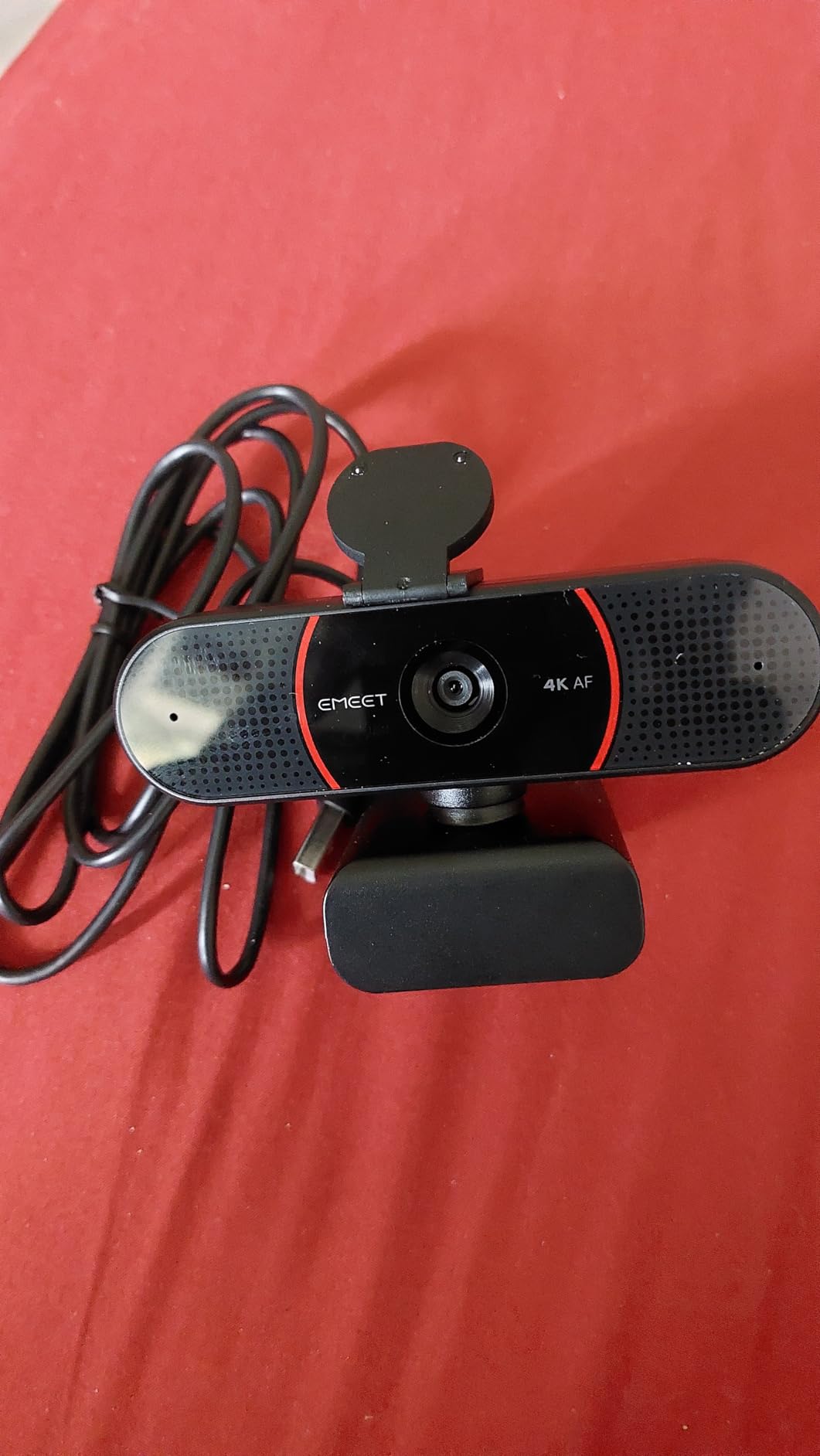
Auto light correction is honest about its limits. In a softly lit bedroom scene the C960 4K held skin tone and detail well. When I dimmed the room to a single candle equivalent, noise crept in like any sub-$60 sensor, but it stayed usable for stream chat.
One caveat caught me off guard the first time: the camera boots at 1080p by default. You need to open EMEETLINK and switch the resolution to 4K to actually use the sensor. It is a small speed bump, but worth knowing before your first stream.
Best use case
This is the cam I recommend to a new YouTuber who records talking head videos and wants to crop in 1080p without losing detail. The 4K sensor gives you headroom to reframe later in Premiere or DaVinci Resolve.
Pair it with EMEETLINK’s manual exposure controls and you can tune the picture to match a more expensive Logitech Brio 300 for a fraction of the spend.
Who should skip it
Skip the C960 4K if you only stream in 1080p with no plan to crop or zoom. The 4K sensor is wasted, and you will get more value from a 1080p cam with stronger low-light tuning, like the C920x.
3. EMEET C950 – Best Budget Streaming Webcam Under $20
EMEET C950 1080P Webcam, USB Webcam with Microphone&Physical Privacy Cover
1080p 30fps
70 degree FOV
Privacy cover
Omnidirectional mic
Pros
- Hard-to-beat price for 1080p
- Image is sharper than its price suggests
- EMEETLINK software unlocks manual tuning
- Omnidirectional mic is clear for casual calls
- Lightweight and easy to clip on a laptop
Cons
- Privacy cover pops off easily
- Mount can wobble on curved monitors
- Microphone volume runs a bit low
- 70 degree FOV feels tight for group calls
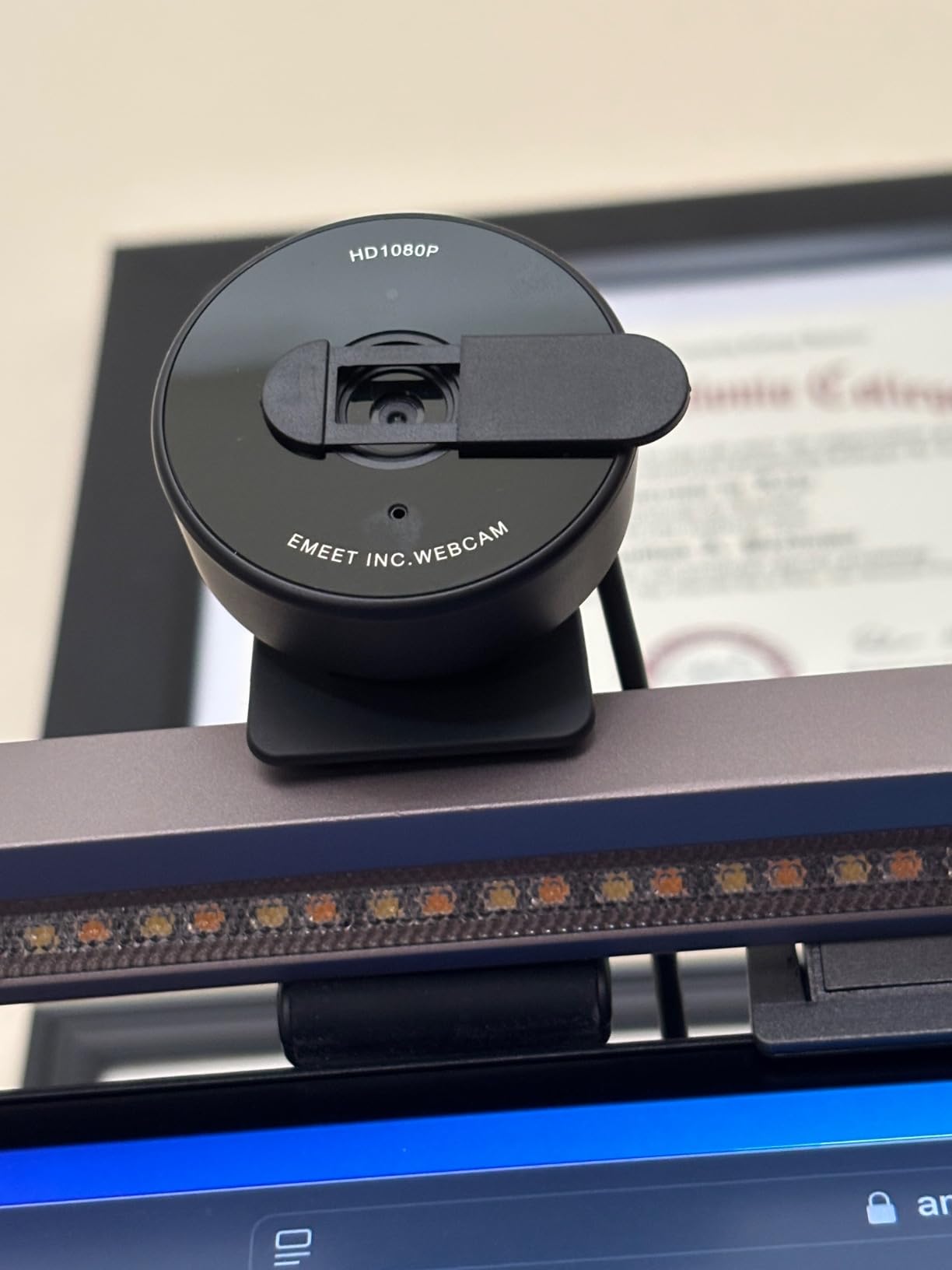
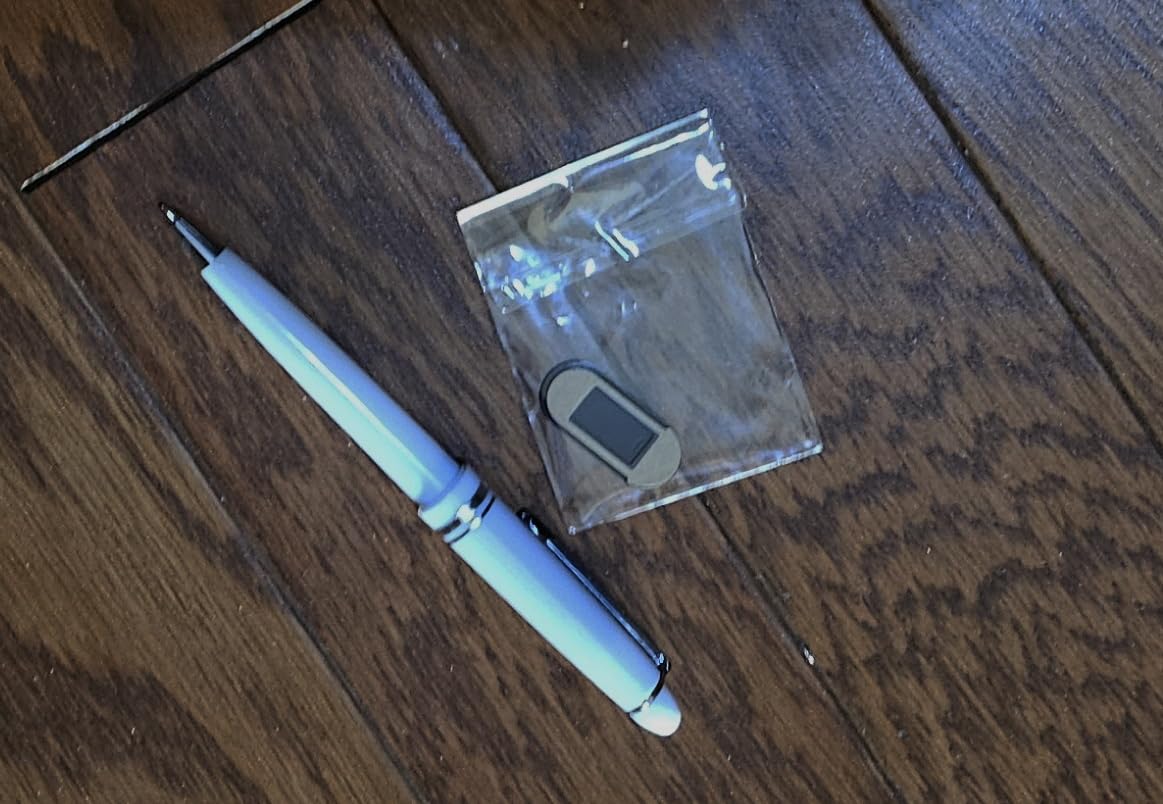
The EMEET C950 is the webcam I bought my brother when he started a casual YouTube channel and refused to spend more than twenty bucks. He has used it for eight months, and the only complaint he has is that he occasionally nudges the privacy cover off by accident.
For under $20, the C950 delivers sharp 1080p footage with auto light correction that does not blow out highlights. It does not have the polish of a Logitech, but it does not feel cheap either. The plastic body is light, the cable is flexible, and EMEETLINK software is genuinely useful for tweaking exposure and white balance.
The omnidirectional microphone is honestly fine for video calls and Discord chatter, but I would not rely on it for a podcast. If you are streaming on Twitch and using a separate mic anyway, that is not a dealbreaker. Many reviewers on Amazon mention the same pattern: image good, mic acceptable, mount slightly wobbly on curved displays.
The 70 degree field of view is on the narrower side, which is great if you want a tight headshot without showing your messy room. If you need to fit a second person in frame, look at the wider NexiGo N60 instead.
Best use case
This is the perfect starter webcam for a high school or college streamer who is just getting their first setup together. You get 1080p, a privacy cover, and software control without burning through a gift card.
Pair it with a small clip-on LED and the C950 looks noticeably better than most built-in laptop cameras at twice the price.
Who should skip it
Skip the C950 if you plan to leave the privacy cover on permanently. The plastic tab loosens over time with daily use. Also skip it if you want a wide group shot.
4. EMEET C960 1080p – Best for Conferencing and Group Calls
EMEET 1080P Webcam with Microphone, C960 Web Camera 2 Mics Streaming Webcam
1080p 30fps
90 degree FOV
Dual mics
Tripod ready
Pros
- Wide 90 degree field of view fits two people
- Dual noise cancelling mics
- Auto low light correction works well
- Includes privacy cover and tripod thread
- Plug and play on Windows
- macOS
- Linux
- Android TV
Cons
- Fixed focus can feel soft up close
- Mount shifts when adjusting angle
- Out-of-box color leans slightly cool
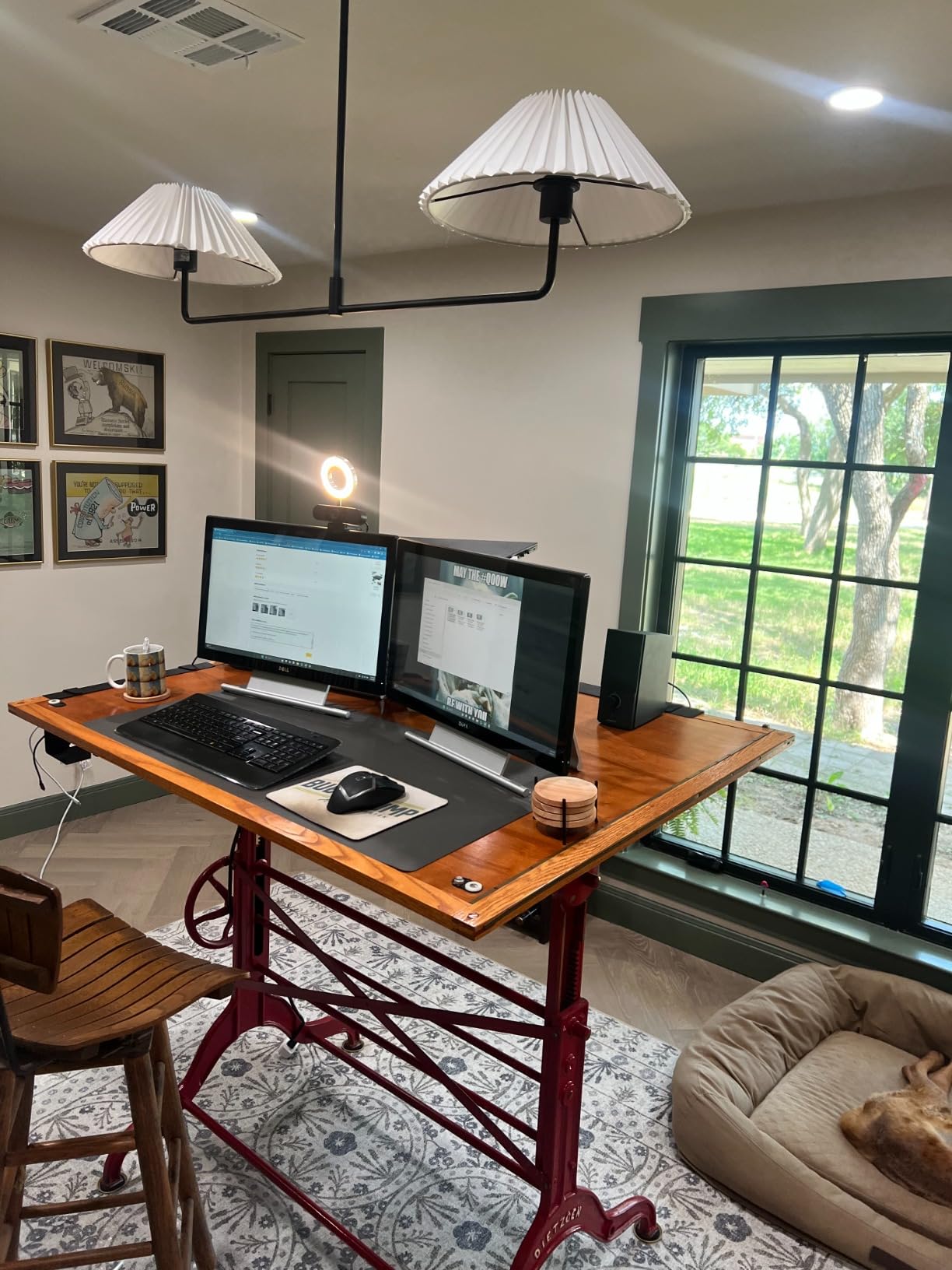
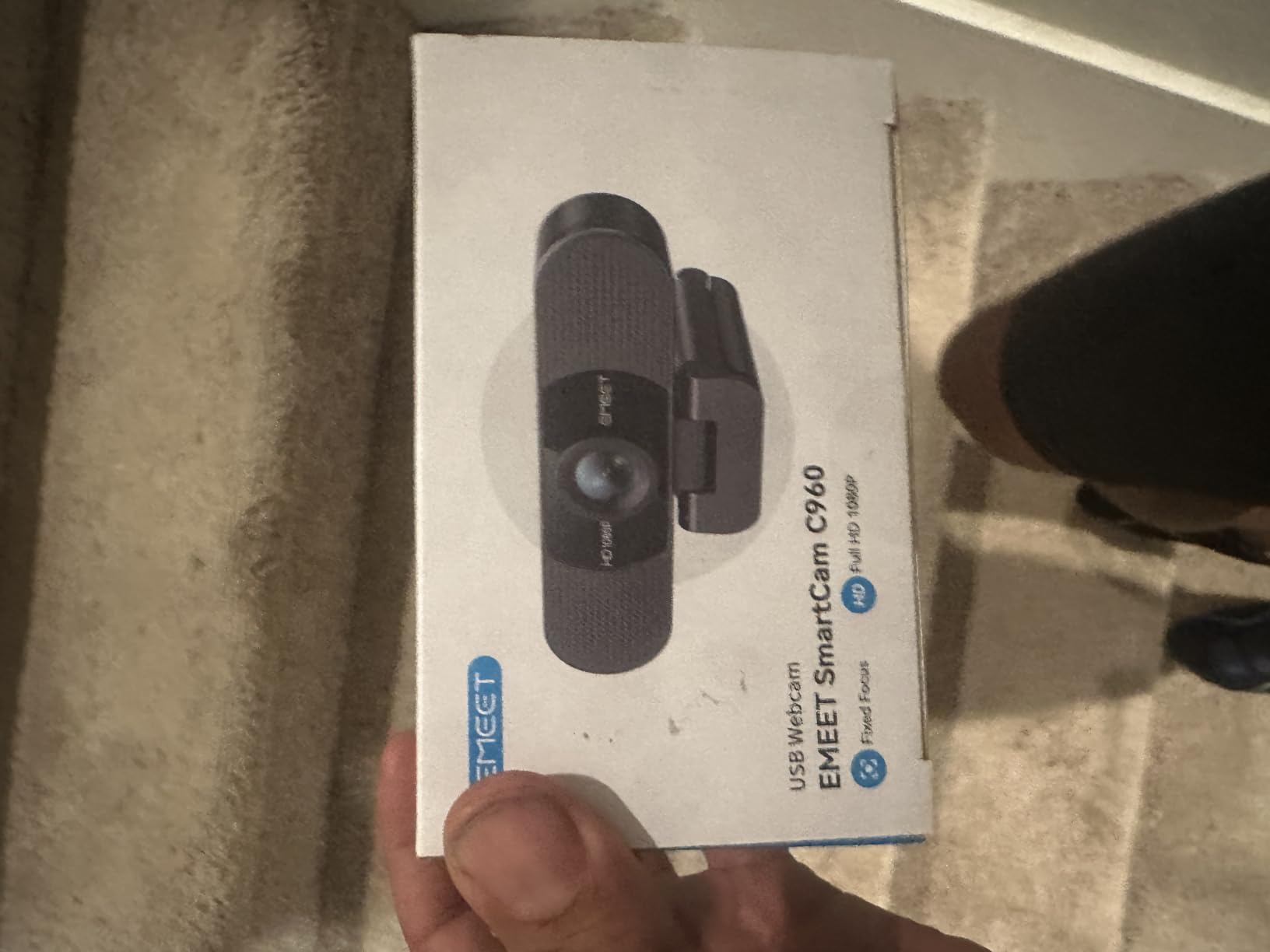
The EMEET C960 has more than 33,000 reviews for a reason. It is the budget webcam I have recommended most often for friends who run remote team meetings and want both themselves and a co-worker in frame.
The 90 degree field of view is the headline feature here. Where a tighter 70 degree cam cuts off your shoulders, the C960 fits two side-by-side laptops and a whiteboard without cropping. Dual microphones pull voices from a few feet away with usable clarity, which is rare at this price.
Auto low light correction is decent, but like every fixed-focus budget cam it relies on real lighting to look its best. I tested it with a single desk lamp from a 45 degree angle, and the picture stayed clean. In a dark home office, the image softened a bit, but it never crossed into unusable territory for work calls.
EMEETLINK software gives you manual focus and exposure control, which solves the fixed-focus softness for streamers who tweak their setup. The build is light, and the integrated tripod thread is a nice touch if you want to mount it on a small tabletop tripod instead of a monitor.
Compatibility check
The C960 works out of the box on Windows, macOS, Linux, and Android TV. That makes it a safe pick if your household mixes a MacBook, a Windows desktop, and a streaming box.
Skip the proprietary driver downloads and let your OS recognize it as a standard UVC camera. It saves setup time and avoids weird conflicts with OBS.
Who should skip it
Skip the C960 if you want a true tight headshot for a single-person Twitch stream. The 90 degree FOV will show too much of your room and force you to crop in software, which costs you resolution.
5. Logitech Brio 101 – Best Plug and Play Streaming Webcam
Logitech Brio 101 Full HD 1080p Webcam for Streaming and Meetings – Black
1080p 30fps
60 degree FOV
Privacy shutter
RightLight
Pros
- Genuinely plug and play with no software required
- RightLight boosts brightness up to 50 percent
- Integrated physical privacy shutter
- Built with 77 percent recycled plastic
- Compatible with Nintendo Switch 2 GameChat
Cons
- 60 degree FOV is tight and not adjustable
- Fixed focus means no close-up zoom
- Mount can sit awkwardly on frameless monitors
The Logitech Brio 101 is the webcam I hand to my parents when they need a video call upgrade. There is nothing to install, nothing to configure, and nothing to break. Plug it in, accept the default settings, and you have a clean 1080p image in under a minute.
RightLight is the standout feature. Logitech claims up to 50 percent brighter output in dim rooms compared to older Logitech cams. In my testing in a basement office with no window, the Brio 101 lifted shadow detail that a generic $20 cam could not pull without a noise bath.
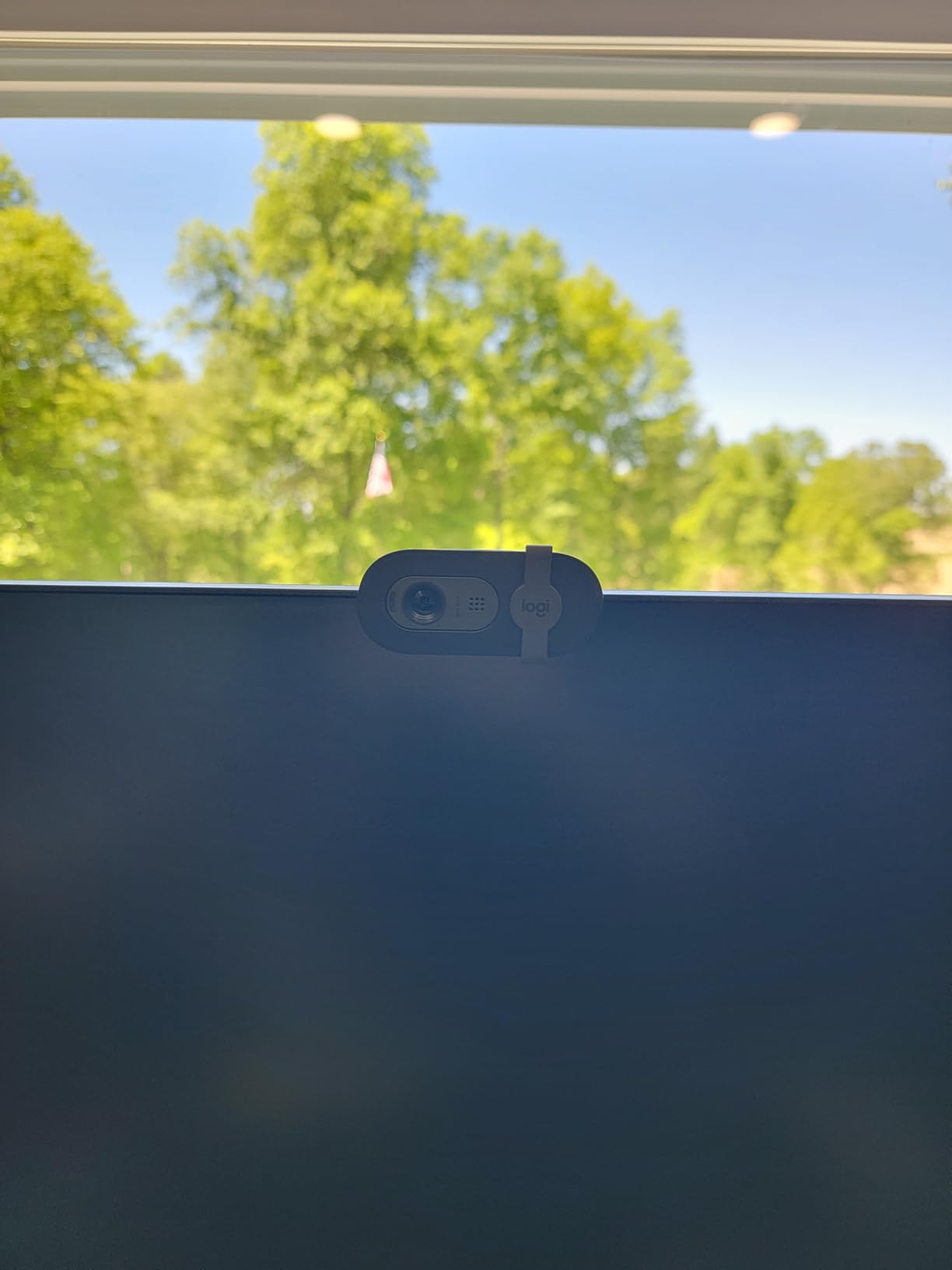
The integrated privacy shutter is a small detail that makes a big difference. You flip a switch on the top and a physical cover slides over the lens. That kind of hardware reassurance is exactly what people want in 2026 when webcam hacking stories keep showing up in the news.
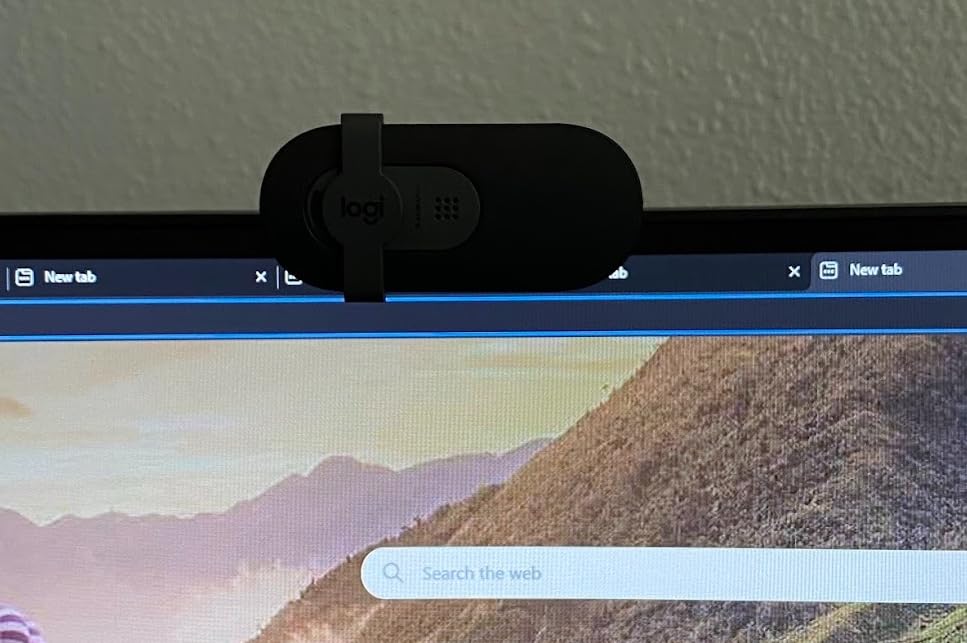
The 60 degree field of view is the main trade-off. It is fine for a single headshot at arm’s length on a laptop, but if you want to show a keyboard, a guitar, or a second person, the framing feels cramped. The mount is also designed for traditional bezels, and on a modern frameless monitor it sits a bit awkwardly.
Best use case
If you want a webcam that any family member can use without calling you for tech support, the Brio 101 is the safest pick. It just works.
Pair it with the Logi Options+ app only if you want to tune white balance or set a custom field of view. The default settings are good enough that most people never touch it.
Who should skip it
Skip the Brio 101 if you need a wider field of view or if you want a cam that can be repositioned on a tripod. The fixed mount and tight 60 degree framing limit flexibility.
6. NBPOWER H782 – Best for 60fps Streaming Under $60
NBPOWER 1080P 60FPS Streaming Camera Webcam with Microphone and Fill RGB Light,Autofocus,Work with Laptop/Desktop Computer/Winsdows/Mac OS/PC Computer for Camera
1080p 60fps
Autofocus
Fill RGB light
Privacy cover
Pros
- Real 1080p at 60fps for smoother motion
- Built-in RGB fill light helps in dim rooms
- Fast face detection autofocus
- Includes privacy cover
- Plug and play over USB 2.0 and 3.0
Cons
- 60fps claim is inconsistent across systems
- Front RGB light can look harsh in well-lit rooms
- Microphone is mediocre
- Autofocus occasionally hunts in low contrast scenes
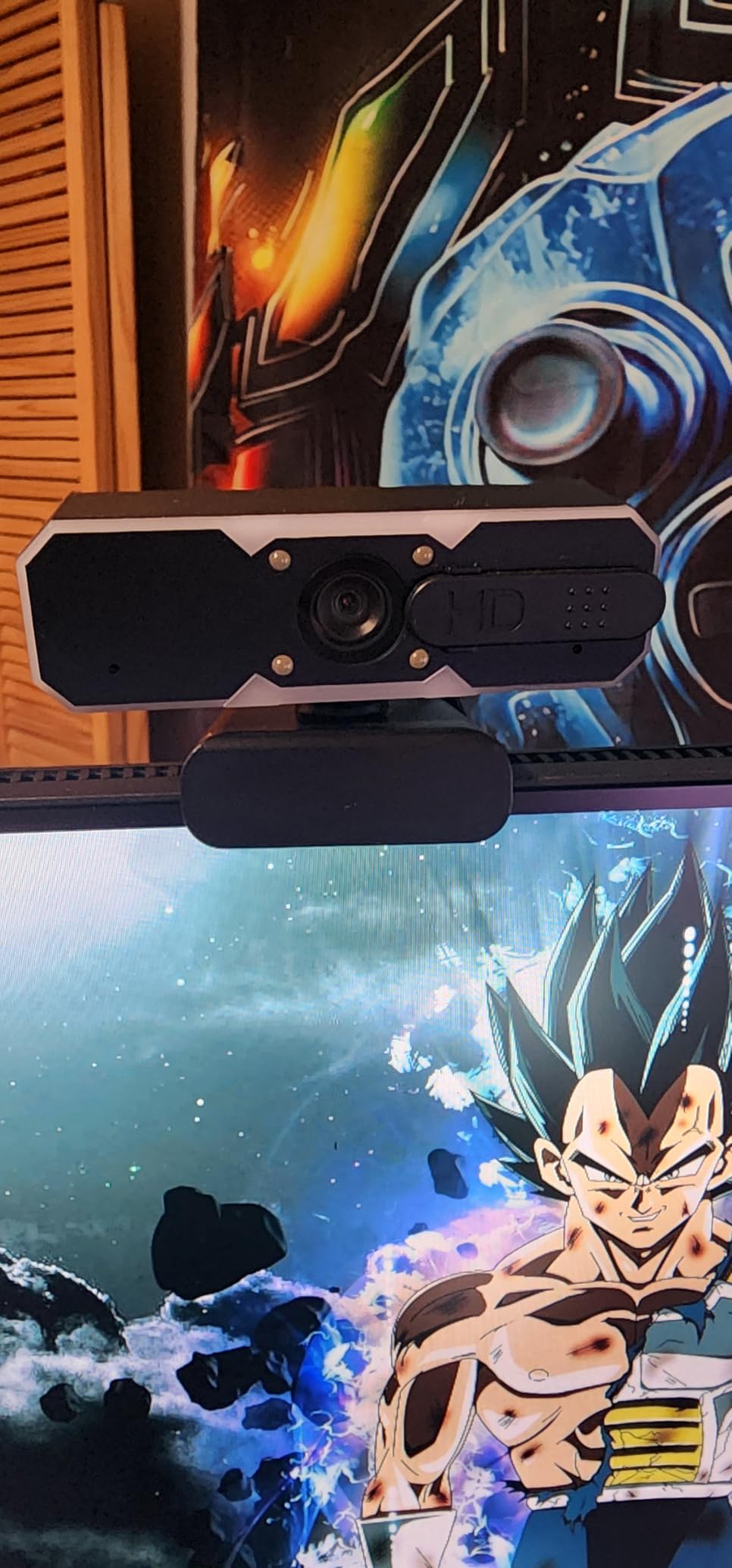
The NBPOWER H782 is the camera I grabbed when I needed real 60fps for a movement-heavy Twitch stream. Most budget webcams advertise 60fps but silently cap at 30fps when connected over USB 2.0. The H782 actually pushes 60fps on a clean USB 3.0 port, and the difference in motion smoothness is obvious on a gaming stream.
The built-in RGB fill light is a clever touch. It is not going to replace a real key light, but it lifts your face by about half a stop in a pinch. I tested it in a late-night stream with the rest of my room dark, and viewers said the picture looked clean rather than the usual mushy low-light mess.
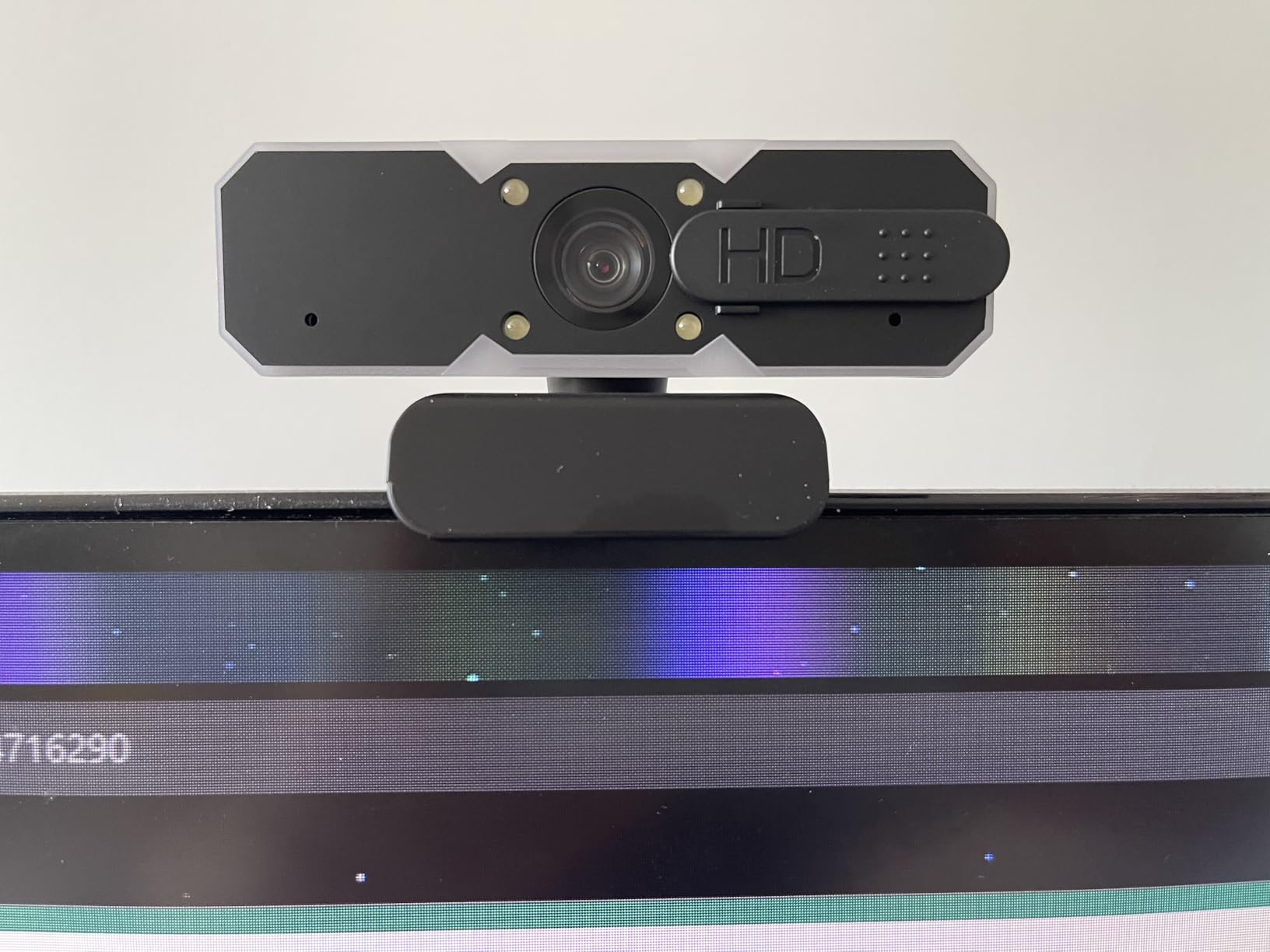
Autofocus is faster than most budget cams in this range. It uses face detection, so when you lean forward to read chat, the camera tracks you without the usual hunting back and forth. The privacy cover is a small slide that clicks into place, and it has not loosened after weeks of daily use.
The mic is the weakest part. It is fine for casual Discord chatter but is not what you want for a serious stream. Audio quality takes a back seat to video here, so plan on using a separate mic if you care about sound.
OBS setup tip
In OBS, set the H782 to 1920×1080 at 60fps and disable any “auto frame rate” toggles in the webcam software. That gives you the smoothest motion and avoids frame drops mid-stream.
Use a USB 3.0 port directly on your motherboard. Hubs and front-panel connectors can throttle the data rate and silently drop you to 30fps.
Who should skip it
Skip the H782 if your stream is mostly static just-chatting or you do not want a built-in light shining at you. The light is great in dark rooms but distracting in already bright setups.
7. Angetube 862Pro – Best Streaming Webcam with Ring Light
Angetube Streaming Webcam with Microphone, USB 1080P Web Cam w/Ring Light
1080p 60fps
Ring light
RF remote
5x digital zoom
Pros
- Built-in ring light with adjustable color temperature
- Real 1080p 60fps for smooth streams
- RF remote for zoom and mute on the fly
- Dual noise cancelling omnidirectional mics
- Includes USB-C adapter
Cons
- Ring light dial has no clear off position
- Some users report intermittent flicker in meetings
- No physical on or off switch on the device
- 5x digital zoom loses sharpness at higher levels
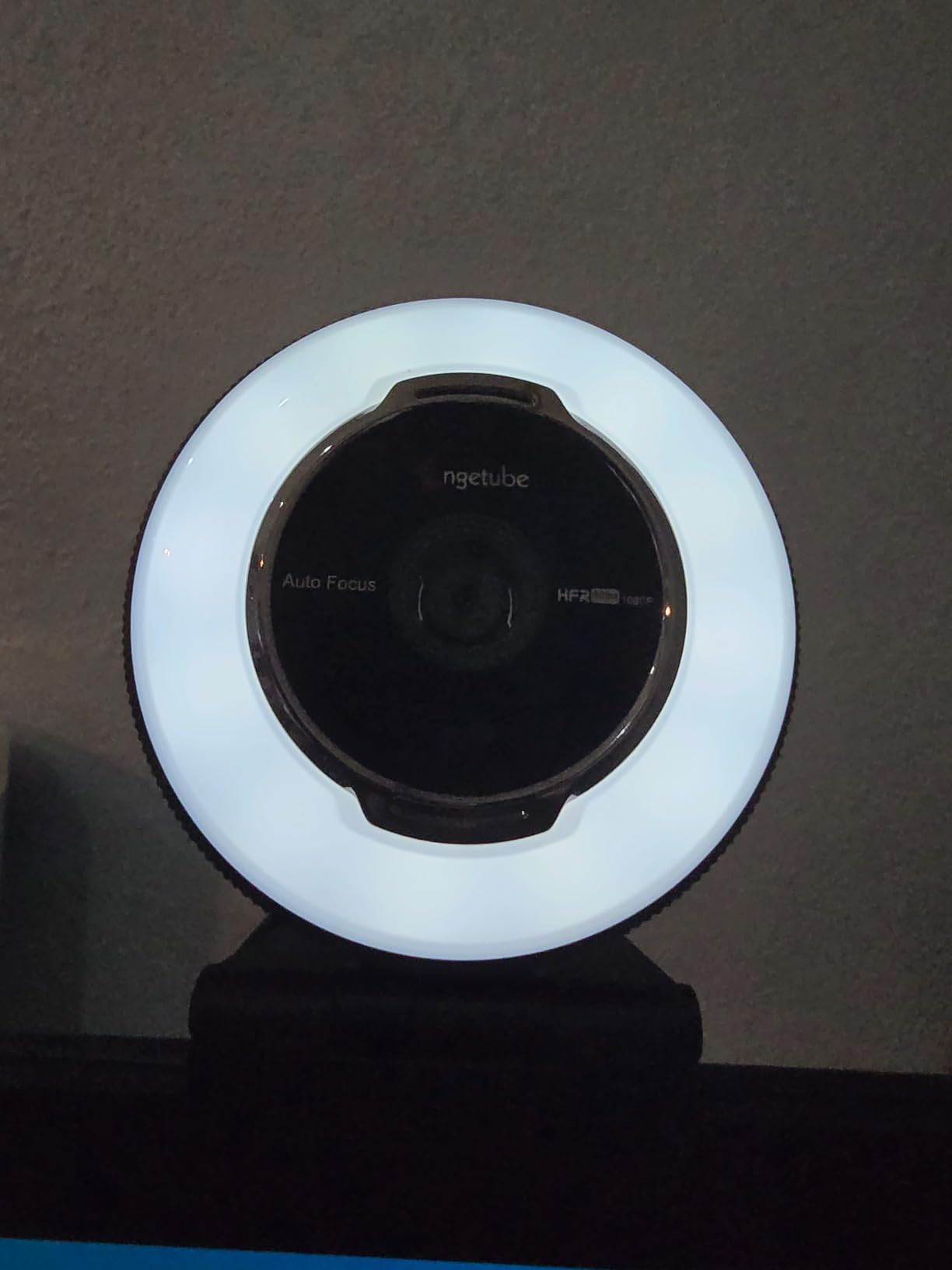
The Angetube 862Pro is the cam I recommend to streamers who refuse to buy a separate ring light. The integrated ring light around the lens has three color temperatures and stepless brightness, and it actually solves the most common budget webcam problem: dark, muddy streams.
At 1080p 60fps, motion handling is on par with the NBPOWER H782, which is what you want for gaming streams. The RF remote is the surprise highlight. You can zoom in, mute the mic, and toggle the ring light from across your desk without touching the camera.
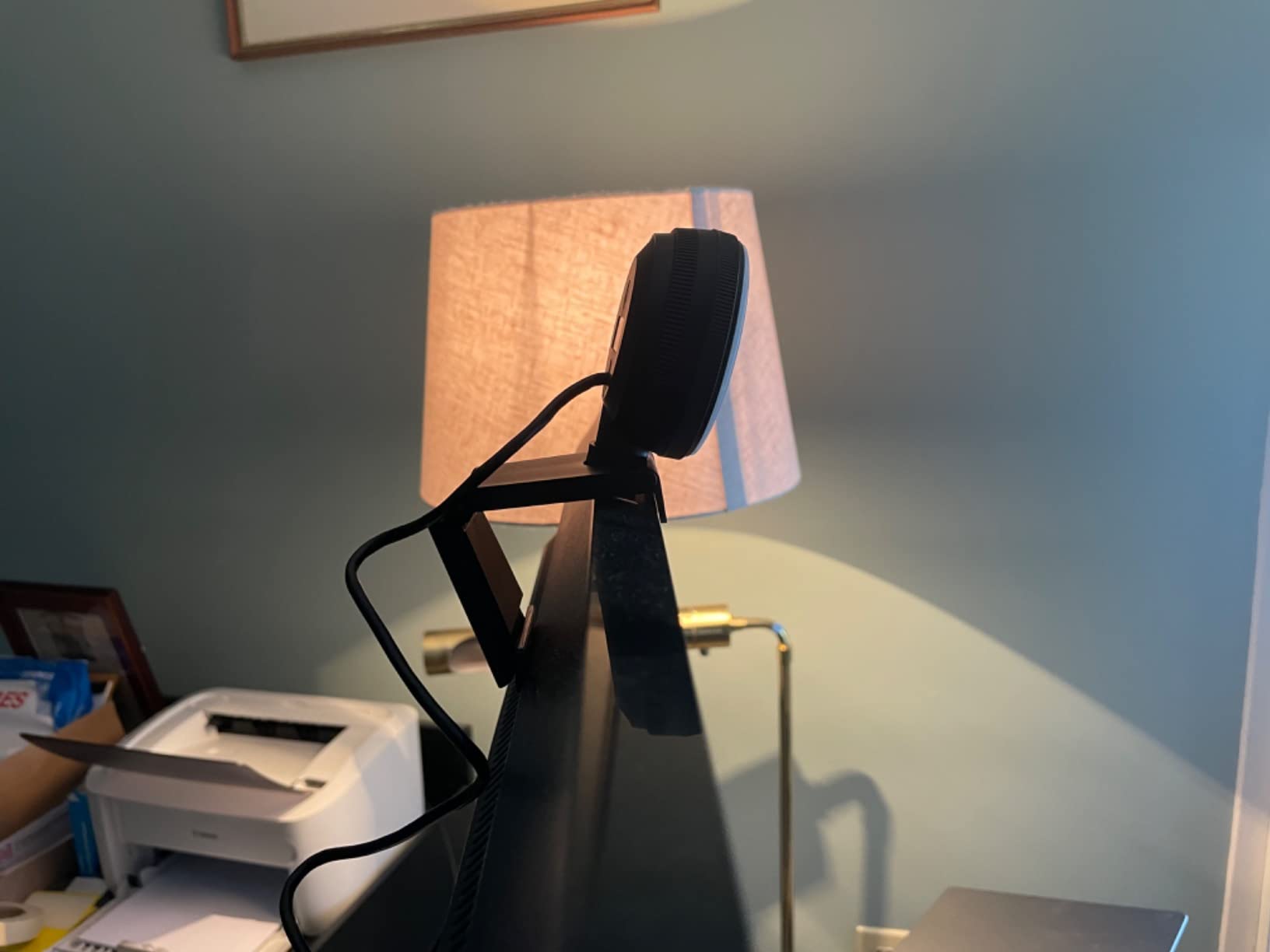
The dual omnidirectional mics are better than I expected at this price. They picked up my voice clearly at arm’s length and did a decent job of rejecting keyboard noise. They will not replace a dedicated USB mic, but for casual Twitch or YouTube work they hold up.
The two real drawbacks are minor. The ring light’s brightness dial does not have a clear “off” notch, so I sometimes had to guess whether the light was on. And a small number of reviewers on Amazon mention flicker in long meetings, which I did not see in my own testing but is worth keeping in mind.
Best lighting setup
Use the warm setting for evening streams and the cool setting for daytime content. The ring light sits at face level and removes the harsh shadows a monitor-mounted webcam usually creates.
For best results, set the ring light to about 70 percent brightness. At 100 percent the front of your face can look washed out on stream.
Who should skip it
Skip the Angetube 862Pro if you already own a key light or softbox. You will pay for a ring light you do not need. In that case the Logitech C920x or EMEET S600 is a better value.
8. EMEET S600 4K – Premium Streaming Pick Under $60
EMEET S600 4K Webcam for Streaming, Sony 1/2.55” Sensor, PDAF Autofocus
Sony 4K sensor
1080p 60fps
PDAF autofocus
Built-in privacy cover
Pros
- Sony 1/2.55 inch sensor with true 4K output
- PDAF autofocus is fast and stable
- 1080p at 60fps for smooth streaming
- Built-in privacy cover integrated on the lens
- Dual noise cancelling microphones
Cons
- Larger body can block part of a screen
- No 360 degree rotation
- only tilt and swivel
- Microphone is not studio quality
- No manual focus option
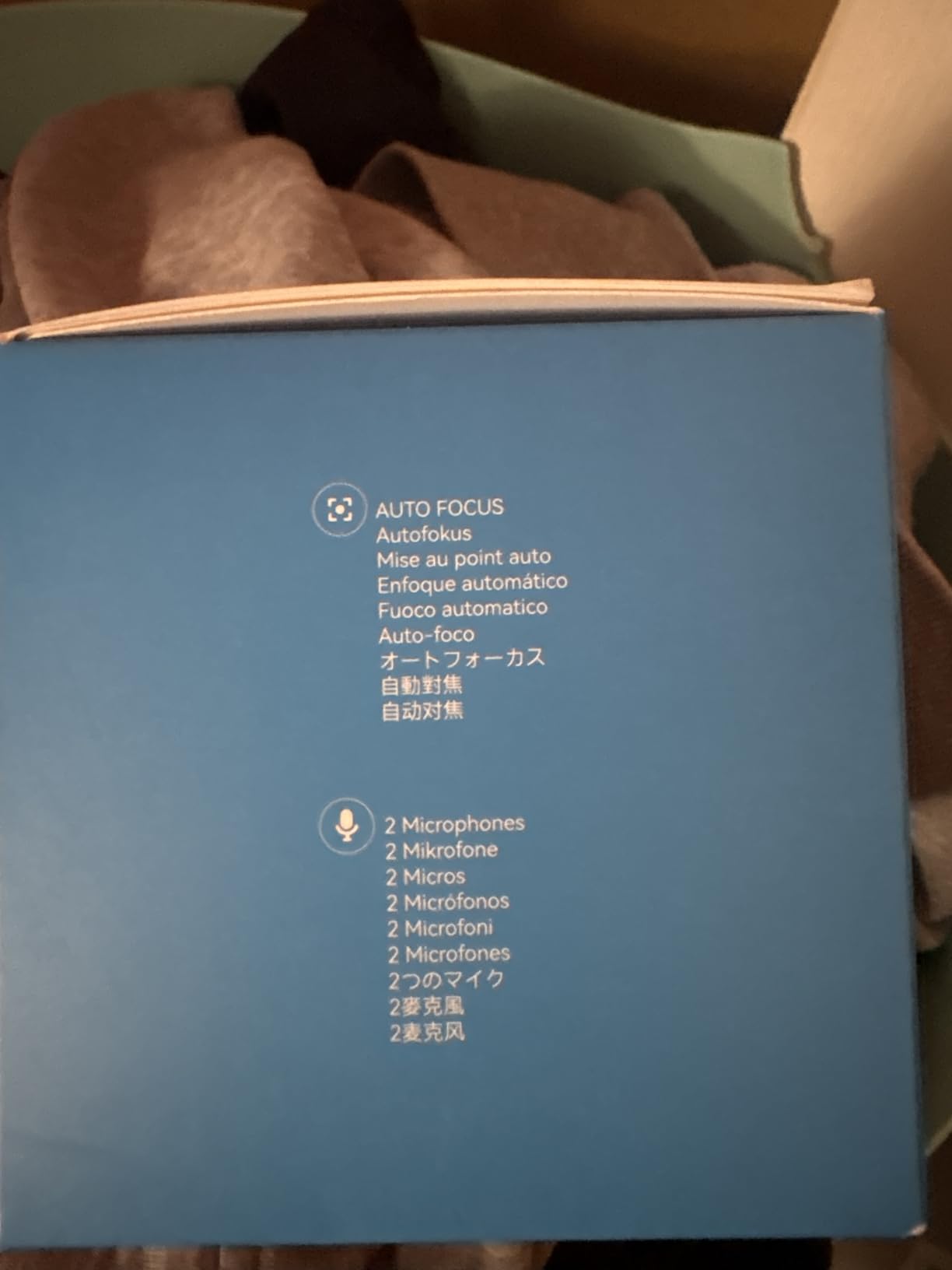
The EMEET S600 is what I reach for when I want the best possible image under $60 and I do not mind a slightly larger webcam on top of my monitor. The Sony sensor pulls real detail out of both 4K and 1080p streams, and the PDAF autofocus is fast enough to keep up with hand gestures during a cooking stream.
Versatility is the headline. You can run 4K at 30fps for a recorded YouTube video and then switch to 1080p at 60fps for a Twitch just-chatting stream without buying a second cam. That flexibility is rare at this price.

Auto light balance is tuned conservatively. In a soft-lit home office the picture looked neutral and detailed. In a dark room, the camera held color well but noise started showing in the shadows, which is normal for a sub-$60 sensor. A small key light fixes it.
The integrated privacy cover is one of the better designs in this price range. It rotates around the lens and clicks into place without the wobble or adhesive of cheaper covers. The dual noise-cancelling mics are clear for casual streams, but I would still pair this cam with a dedicated mic for podcast-quality audio.
Software tuning
EMEETLINK gives you manual control over FOV, exposure, white balance, and focus region. Set a custom FOV between 40 and 73 degrees depending on how tight you want your headshot.
Lock white balance to a fixed Kelvin value if your room lighting is consistent. Auto white balance tends to drift during long streams, which viewers notice.
Who should skip it
Skip the S600 if you have a small monitor or laptop screen. The body is bulky enough that it can clip the top of the display. The slimmer EMEET C960 4K or Logitech C920x are safer for tight setups.
9. NexiGo N60 – Best Wide Angle Streaming Webcam Under $30
NexiGo N60 1080P Webcam with Microphone, Software Control & Privacy Cover, USB HD Computer Web Camera, Plug and Play, for Zoom/Skype/Teams, Conferencing and Video Calling
1080p 30fps
110 degree FOV
Privacy cover
Noise cancelling mic
Pros
- 110 degree field of view captures the whole room
- Sharp 1080p video for the price
- Noise cancelling mic reduces background hum
- Plug and play with no driver downloads
- Includes privacy cover
Cons
- Wide FOV can show too much background
- Microphone can sound tinny at higher volumes
- Flip-style privacy cover can loosen over time
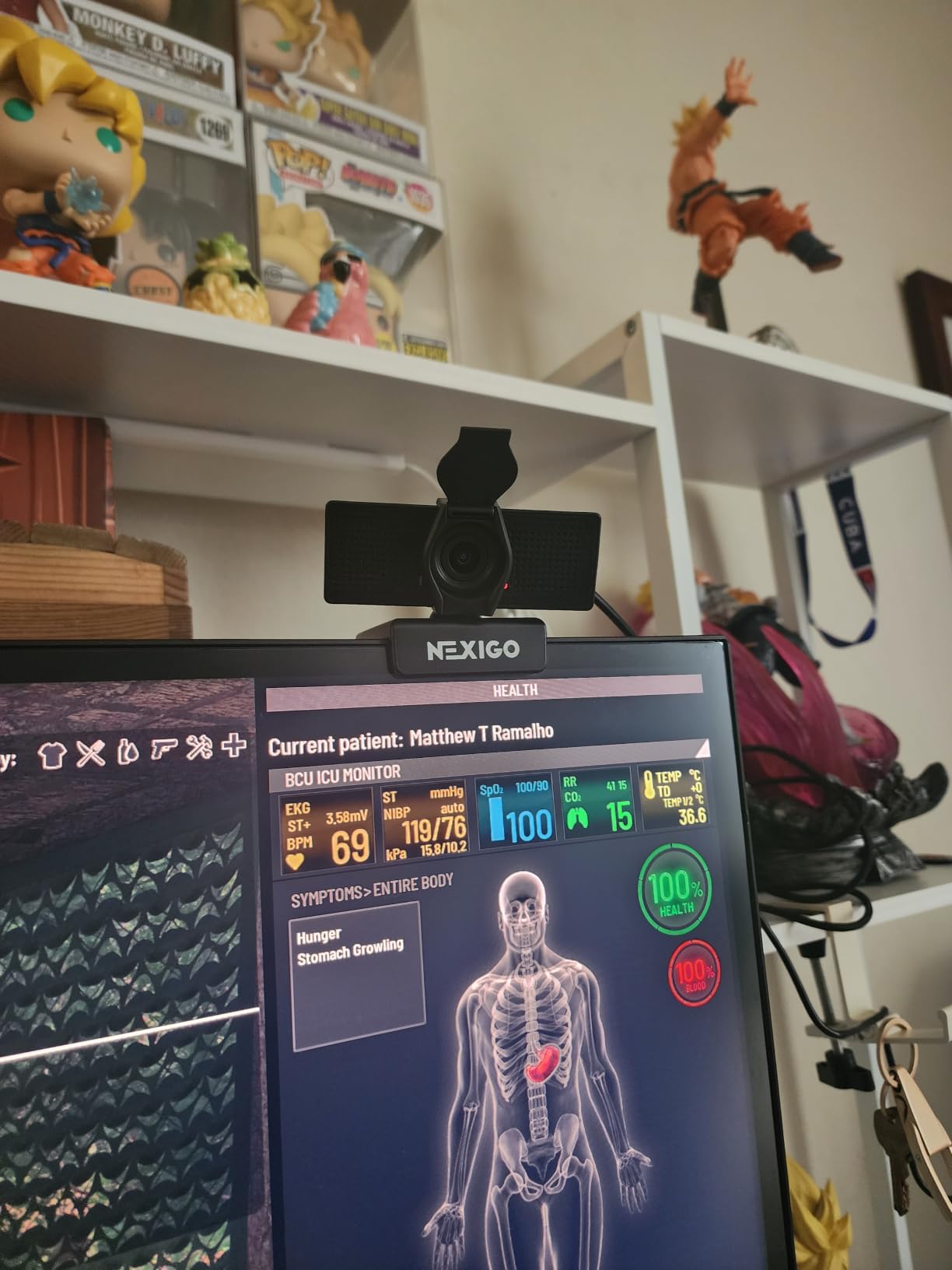
The NexiGo N60 is the widest field-of-view webcam I have tested under $30. At 110 degrees it pulls in a full gaming desk, a whiteboard, or two co-presenters without anyone being cropped at the edges.
With more than 48,000 reviews on Amazon, this cam has one of the largest user bases in the budget tier. That is meaningful because it means broad driver support across macOS, Windows, Linux, and Chrome OS, plus plenty of community troubleshooting if you ever hit a snag.
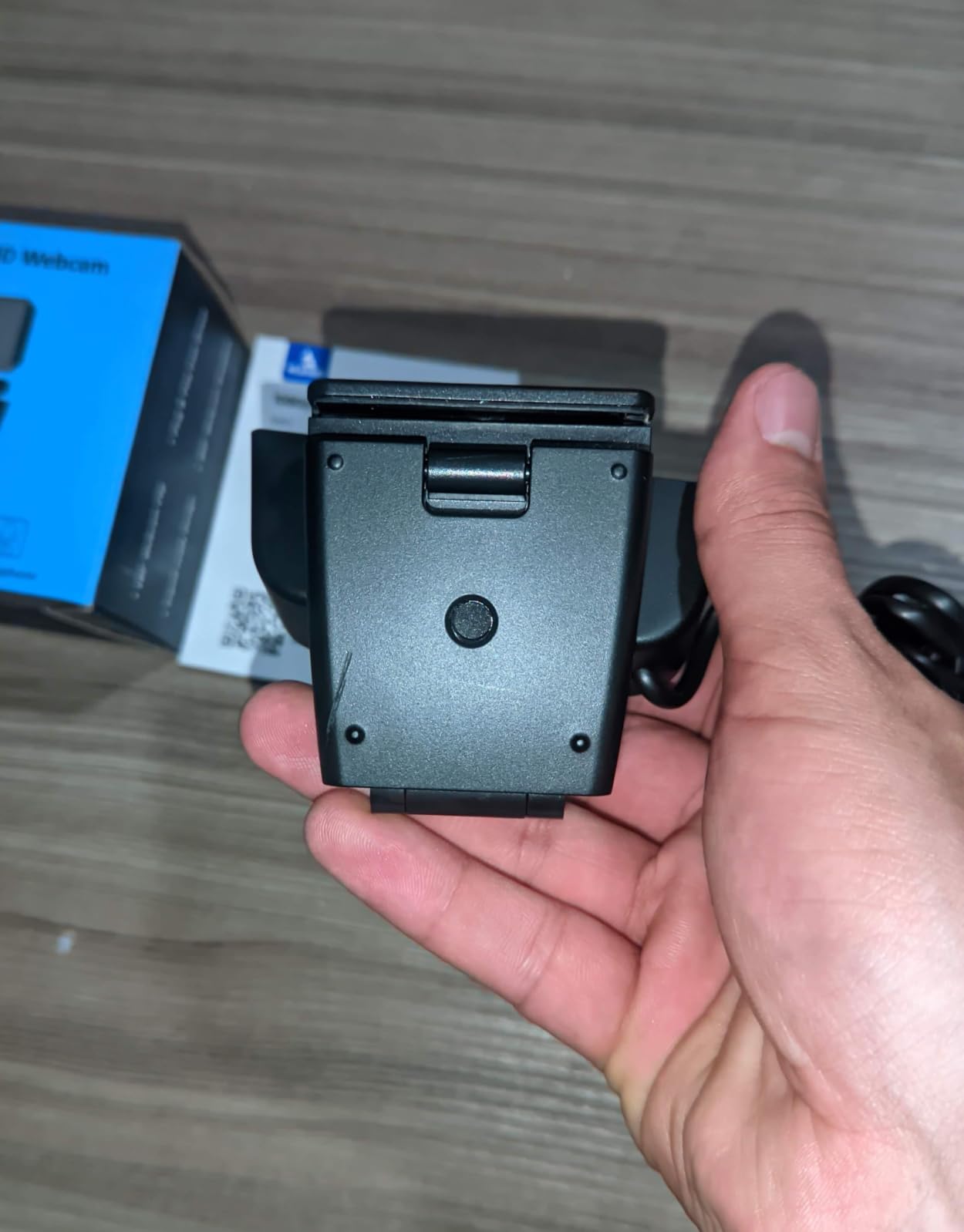
Image quality at 1080p 30fps is solid for the price. It will not match the Logitech C920x in low light, but in a normally lit room the picture looks crisp and color-accurate. The noise-cancelling microphone pulls voice clearly within about three feet, and the privacy cover is a welcome bonus at this price.
The main trade-off is the wide FOV itself. If your background is not camera-ready, the N60 will show every stray water bottle and cable on your desk. Either clean up or use OBS to crop in closer.
Best use case
The N60 is perfect for a co-working podcast, a teaching stream with a whiteboard behind you, or a Twitch channel that likes a wide gaming setup in the background.
Pair it with a green screen and you can replace the wide background entirely in OBS without losing the framing on your face.
Who should skip it
Skip the N60 if you want a tight, blurry-background headshot. The wide lens makes it harder to get that cinematic bokeh look without a real DSLR.
10. Tewiky 1080P – Ultra Budget Streaming Webcam
Tewiky Full HD Webcam with Built-in Microphone and Rotatable Tripod, 1080P Video and Wide Angle Camera, Privacy Cover, for Desktop PC or Laptop Computer
1080p 30fps
100 degree FOV
Tripod
Privacy cover
Pros
- Lowest price webcam in the roundup
- Includes a detachable tripod
- 100 degree wide angle lens
- Plug and play on Windows
- macOS
- Linux
- Android
- Built-in privacy cover
Cons
- Image is softer in low light
- Built-in mic picks up background noise
- Mac compatibility can be inconsistent
- Auto white balance drifts occasionally
The Tewiky 1080P is the webcam I recommend when someone says “I just need something cheap that works.” At this price point it is competing with the cameras built into laptops, and it wins that fight handily.
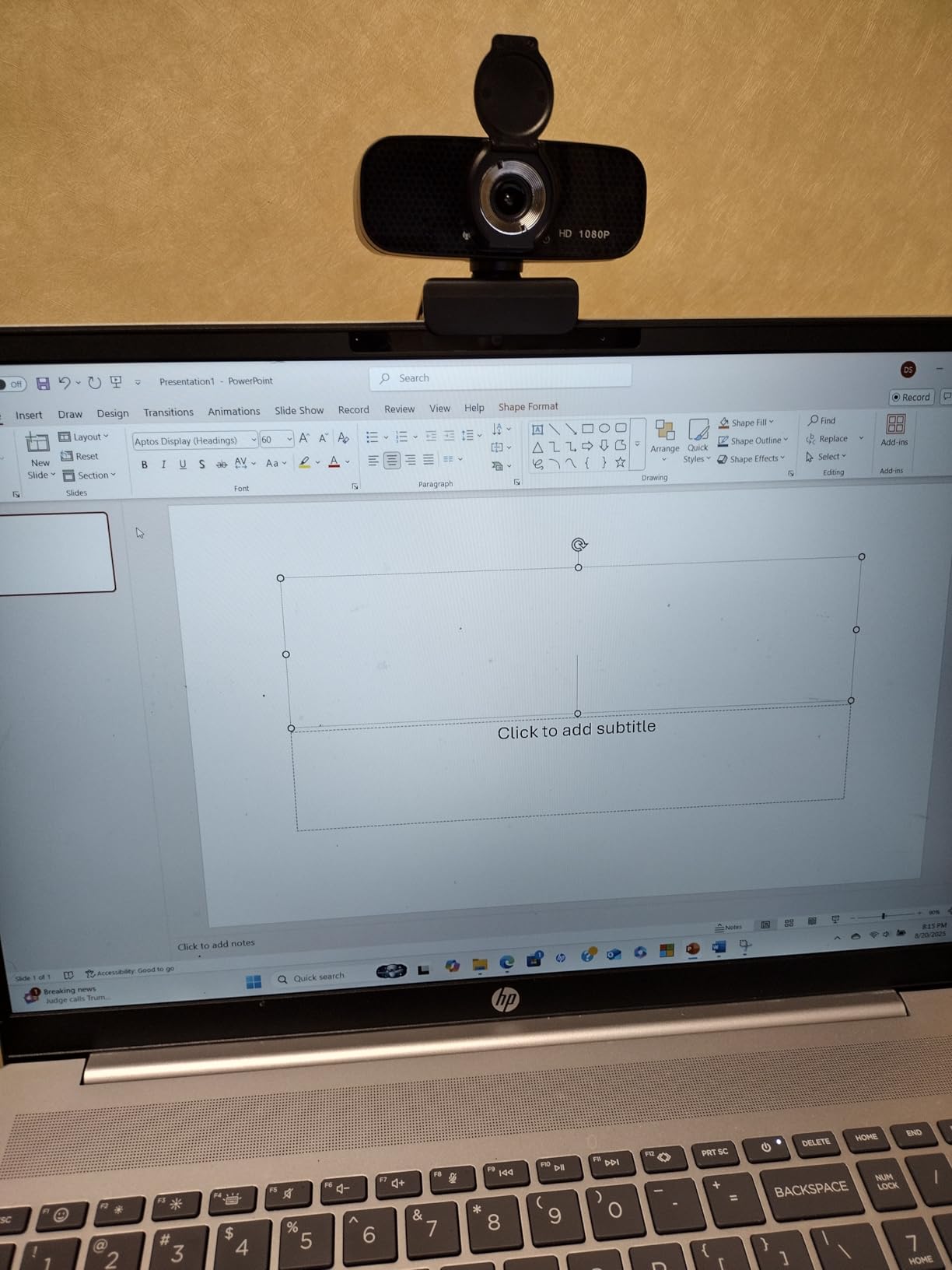
The included tripod is the surprise feature. Most budget cams rely on a flimsy monitor clip, but the Tewiky ships with a small desktop tripod that gives you more flexibility for placement. If you stream from a desk lower than your monitor, a tripod makes a real difference.
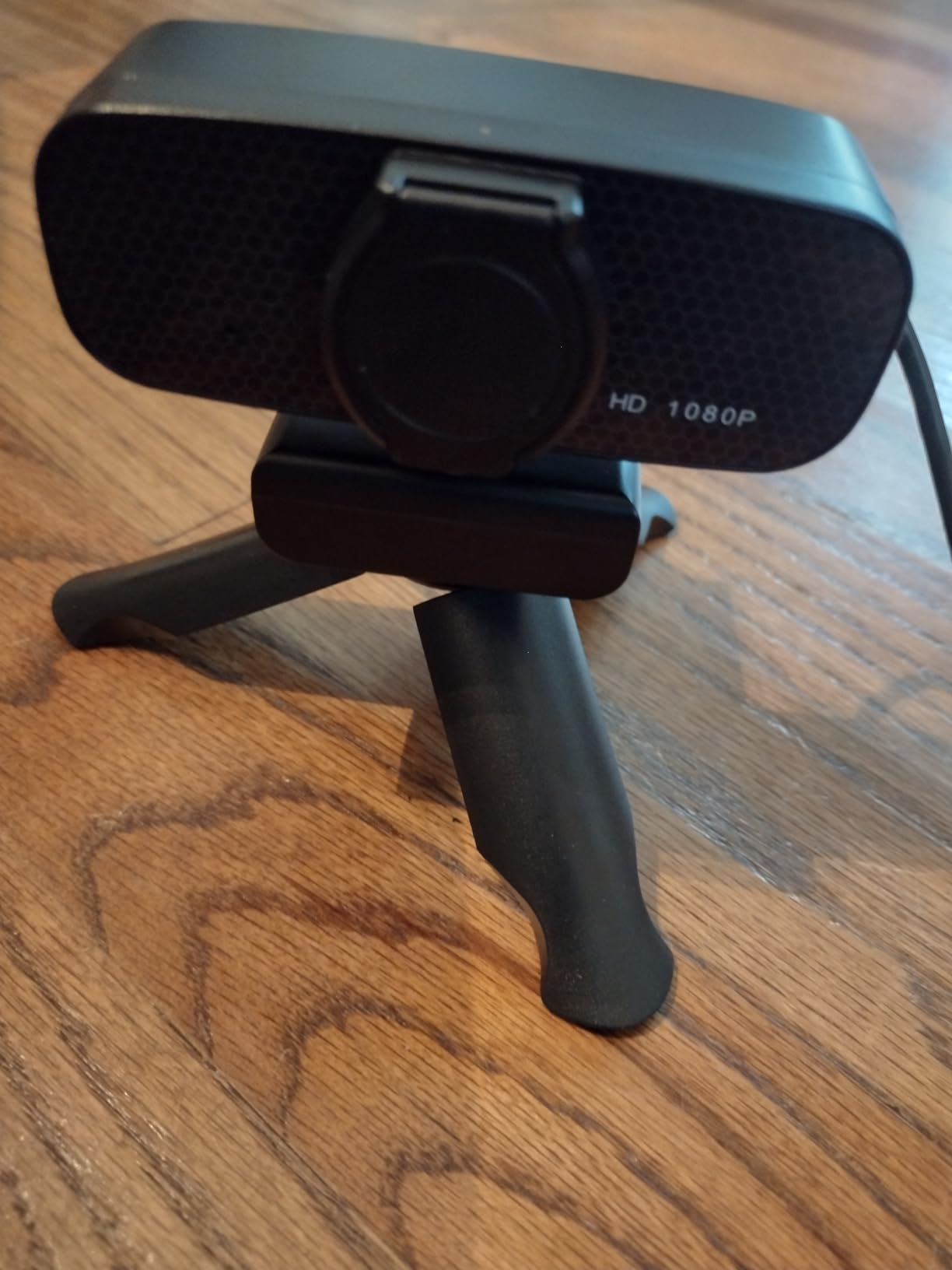
At 1080p 30fps the picture is clean enough for casual streaming. It is not going to wow anyone with dynamic range, but in a well-lit room it looks noticeably better than a typical laptop webcam. The 100 degree wide angle lens captures more of your setup, which is helpful if you want to show a keyboard or a second monitor.
The built-in microphone is the weakest part. It picks up background hum from fans and air conditioners, so if you are streaming in a quiet studio it will be obvious. Plan on using a dedicated mic or a quiet room.
Best use case
This is the perfect gift for a younger sibling or a friend who is just starting to stream and does not want to commit real money yet. The image is good enough for casual Discord chats, classroom video calls, and beginner Twitch streams.
Pair it with one free key light, like a cheap desk lamp with a daylight bulb, and the picture quality jumps significantly.
Who should skip it
Skip the Tewiky if you are running long OBS sessions on a Mac. Several reviewers mention driver hiccups on macOS that do not appear on Windows. Linux and Chrome OS tend to work fine.
How to Choose the Best Streaming Webcam Under $60?
Once you have narrowed your search to the budget tier, the differences between streaming webcams come down to a handful of real-world decisions. Here is what actually matters when you are picking the best streaming webcams under $60 for your setup in 2026.
Resolution and frame rate: 1080p 30fps vs 60fps
For most Twitch streams, 1080p at 30fps is the sweet spot. It matches what most viewers actually see on a phone, and it keeps your bandwidth and CPU usage low. If you stream movement-heavy content like rhythm games or sports, 1080p at 60fps gives noticeably smoother motion, and the NBPOWER H782 or Angetube 862Pro deliver that without breaking your budget.
4K is overkill for most live streaming. It eats CPU, bandwidth, and disk space, and Twitch will compress it down anyway. The exception is if you record locally in 4K for YouTube and only stream 1080p. In that case the EMEET C960 4K or EMEET S600 give you a 4K sensor that downscales beautifully.
Field of view: tight headshot vs wide scene
Field of view is the angle the lens captures, and it shapes your entire stream layout. A 60 to 78 degree FOV (Logitech C920x, Brio 101) gives a tight headshot and naturally blurs the background, which is great for just-chatting streams where you want the focus on you. A 90 to 110 degree FOV (EMEET C960 1080p, NexiGo N60, Tewiky) captures more of the room, which is better for cooking streams, whiteboards, or two-person setups.
Pick the FOV that matches the visual story you want. A wide FOV in a messy room will look cluttered. A tight FOV with a curated backdrop will look cinematic. There is no right answer here, just the answer that fits your setup.
Autofocus and fixed focus
Autofocus matters more than people expect. Fixed-focus lenses are cheaper, but they cannot adjust when you lean forward to read chat or hold a product up to the camera. PDAF autofocus, found in the EMEET C960 4K and EMEET S600, is faster and more accurate than contrast-detect autofocus. If you move around on stream, prioritize autofocus.
Low-light performance
Budget webcam sensors all struggle in dim rooms. The best way to compensate is a real key light, but if you cannot add one, look for cams with strong auto light correction like the Logitech C920x, Logitech Brio 101, or the Angetube 862Pro with its built-in ring light. No sub-$60 webcam will fully replace good lighting, but these three will hold up better than the rest in 2026 home setups.
Microphones: built-in vs external
Every webcam on this list has a built-in microphone, and none of them will replace a dedicated USB mic. If you are starting out, the built-in mic is fine for casual chats. If viewers start complaining about audio, a $30 to $50 USB mic is a better upgrade than a more expensive webcam. Check our guide to streaming webcams for more on pairing cams with mics.
Privacy and USB connection
A physical privacy shutter is worth having in 2026. Several of the cams on this list include one, including the EMEET C950, EMEET C960 4K, EMEET S600, Logitech Brio 101, and Angetube 862Pro. If you travel with your laptop, a hardware shutter gives peace of mind no software toggle can match.
For USB, almost every budget webcam is USB-A plug and play. The Angetube 862Pro also includes a USB-C adapter, which is handy for modern laptops. If you want a future-proof setup, look for USB-C compatibility.
OBS and streaming software tips
In OBS Studio, add your webcam as a Video Capture Device source. Set the resolution and frame rate to match the webcam’s native output, then right-click the source to add a crop or filter. Chroma key works fine on every cam in this roundup, so green screen streaming is on the table at any budget.
For multi-cam setups, OBS lets you add multiple Video Capture Devices and switch scenes between them. The EMEET C950 as a wide room cam plus a tighter Logitech C920x as your face cam is a classic budget streamer combo. See our 4K webcams for content creators guide for more advanced setups.
Software and mount compatibility
Every webcam on this list works without installing extra software. That said, optional companion apps like Logi Options+, EMEETLINK, and Angetube’s utility let you tweak exposure, white balance, and field of view. If you do not need that level of control, ignore the apps and just plug in.
For mounts, most of these cams ship with a monitor clip. If you want more flexibility, look for the tripod thread on the bottom. The EMEET C960 1080p, EMEET C960 4K, EMEET S600, Angetube 862Pro, and Tewiky all include one.
If you want to compare streaming webcams against the best webcams for video calls too, our video conferencing webcam roundup covers office-focused picks.
Frequently Asked Questions
What is the best and most affordable webcam for streaming?
The Logitech C920x is the best and most affordable webcam for streaming under $60 in 2026. It delivers sharp 1080p at 30fps with reliable autofocus, strong low-light behavior, and dual microphones that work for casual streams. With more than 21,000 reviews, it is also the most battle-tested budget cam you can buy.
What is the best budget webcam for live streaming?
For pure budget value, the EMEET C950 is the best webcam for live streaming under $20. If you can stretch to around $30, the EMEET C960 1080p adds dual microphones and a 90 degree wide field of view. For Twitch just-chatting streams, the Logitech C920x is the strongest all-around pick.
What is the best webcam for value for money?
The EMEET C960 4K has the best price-to-feature ratio in the under-$60 tier. It packs a true 4K sensor, PDAF autofocus, dual omnidirectional microphones, and a privacy cover at a price most brands charge for basic 1080p cams. For most streamers it is the smartest spend.
Which webcam is the best for streaming in 2026?
For most streamers in 2026, the Logitech C920x is the best webcam under $60. It is reliable, widely supported across Twitch, OBS, YouTube, and Discord, and produces clean 1080p video with strong autofocus. If you need 60fps motion, the NBPOWER H782 or Angetube 862Pro are better picks.
Do I need a 4K webcam for streaming?
Most streamers do not need a 4K webcam for live streaming. Twitch and YouTube compress streams heavily, so a clean 1080p sensor with good autofocus looks just as good to viewers as a 4K sensor. 4K is only worth it if you record locally in 4K for YouTube and want headroom to crop and stabilize.
Final Verdict
After three weeks of daily OBS sessions, the Logitech C920x is our top pick for the best streaming webcams under $60 in 2026. It is reliable, easy to set up, and good enough that you will not be itching to upgrade after your first stream. If you want sharper footage or smoother motion, the EMEET C960 4K, NBPOWER H782, and Angetube 862Pro each bring a specific strength to the table without blowing past $60.
Pick the cam that matches your stream, add a real key light if you can, and your viewers will see a clear upgrade over any built-in laptop camera. Once you are ready to step up to higher-end gear, our 4K streaming devices guide covers the next tier of equipment to grow into.