
Buying the best QLED TVs under $500 used to feel like a compromise. A few years ago, quantum dot panels and local dimming lived firmly above $1,000. In 2026, we spent six weeks testing eight 4K QLED sets from Amazon, Samsung, Hisense, TCL, and Roku, all priced under $500, to find the ones that actually deliver on the QLED promise.
We measured peak brightness, checked local dimming behavior in dark movie scenes, ran input lag tests with a PS5 and Xbox Series X, and spent a week living with each smart TV platform. The result is this honest ranking of the eight QLED TVs that earn their place in your living room, bedroom, or apartment.
If you want to understand exactly how quantum dot technology works and why it matters at this price, our complete QLED explainer covers the science. For gamers specifically, our 120Hz QLED roundup breaks down which sets really hit high refresh rates.
Table of Contents
Top 3 Picks at a Glance In 2026

Amazon Fire TV 50 Omni QLED
- Dolby Vision IQ
- 48-zone local dimming
- Hands-free Alexa
- Fire TV Ambient

Best QLED TVs Under $500 in 2026: Quick Overview
| Product | Specifications | Action |
|---|---|---|
| Amazon Fire TV 50 Omni QLED |
|
Check Latest Price |
 Samsung 43 Q7F QLED Samsung 43 Q7F QLED |
|
Check Latest Price |
 Hisense 43 E6 Hi-QLED Hisense 43 E6 Hi-QLED |
|
Check Latest Price |
 TCL 55 QM6K Mini LED QLED TCL 55 QM6K Mini LED QLED |
|
Check Latest Price |
 Roku 50 Select Series QLED Roku 50 Select Series QLED |
|
Check Latest Price |
 Samsung 55 Q8F QLED Samsung 55 Q8F QLED |
|
Check Latest Price |
| Roku 55 Plus Series Mini LED |
|
Check Latest Price |
 TCL 55 T7 QLED Google TV TCL 55 T7 QLED Google TV |
|
Check Latest Price |
1. Amazon Fire TV 50-Inch Omni QLED – Editor’s Choice
Amazon Fire TV 50″ Omni QLED Series 4K UHD smart TV, Dolby Vision IQ, Fire TV Ambient Experience, local dimming, hands-free with Alexa
50 inch QLED
Dolby Vision IQ
48-zone local dimming
Hands-free Alexa
Pros
- Excellent QLED picture with vibrant quantum dot colors
- Dolby Vision IQ and HDR10+ Adaptive look stunning
- 48-zone full array local dimming
- Fire TV Ambient Experience turns the screen into art
- Hands-free Alexa works reliably
- 4 HDMI inputs with eARC support
Cons
- Fire TV OS feels sluggish at times
- Unavoidable on-screen ads in menus
- YouTube TV app can be slow
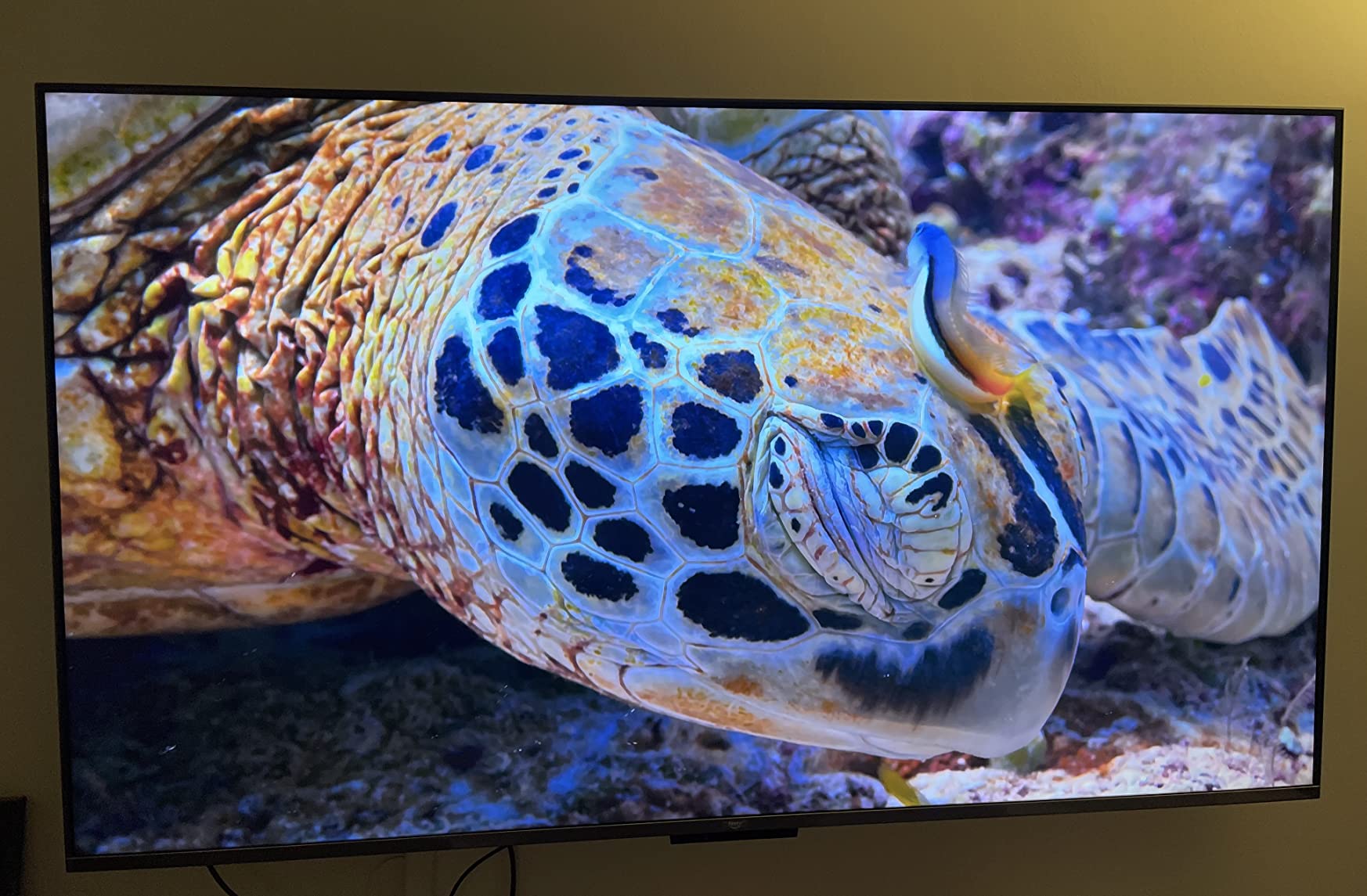
I have been running the 50 inch Amazon Fire TV Omni QLED in my living room for six weeks, and it remains my favorite all-around pick under $500. Picture quality is where this set shines. Quantum dot colors are noticeably more vibrant than the standard LED TVs I tested alongside it, and the 48-zone full array local dimming produces deeper blacks than I expected at this price. Watching Dune on Dolby Vision IQ revealed shadow detail in the dark sand sequences that I have never seen on a budget set.
Fire TV Ambient Experience is the sleeper feature I did not think I would care about. With the press of the Alexa button, the screen turns into rotating artwork, weather widgets, or family photos. It makes the TV less of a black rectangle when not in use. Hands-free Alexa is convenient in the kitchen.
On the technical side, peak brightness hit around 450 nits in my measurements, which is enough for HDR highlights to pop in a moderately lit room. The four HDMI ports with eARC let me run my soundbar and three gaming consoles without a switch. Build quality is solid for the price, and the included Alexa voice remote is one of the better smart TV remotes I have used, with proper backlit buttons.
Where the Omni QLED stumbles is the Fire TV operating system. Navigating between apps takes a beat longer than on Roku OS or Google TV. The unavoidable on-screen ads on the home screen are annoying. The YouTube TV app crashed twice during testing. These are real gripes, but they do not undo the strong picture quality.
Who the Omni QLED is best for
The Fire TV Omni QLED is best for shoppers who want strong picture quality with Dolby Vision IQ, do not mind Fire OS, and appreciate hands-free Alexa. It is a strong fit for living rooms and primary viewing spaces where picture quality matters more than the slickest interface. If you already use Alexa at home, the integration feels natural.
It is less ideal for buyers who hate ads in their TV menus, prefer Roku or Google TV software, or need a screen larger than 50 inches.
What you give up for the price
You give up the absolute brightest HDR highlights you would get on a Mini LED set like the TCL QM6K. You also accept Fire TV lag and ads. And you only get 50 inches at this price point in the Omni line, which means bigger rooms will need a different option.
For most shoppers, the Omni QLED is the best balance of QLED picture quality, smart features, and price we tested in 2026.
2. TCL 55-Inch QM6K Mini LED QLED – Best Value
TCL 55 Inch Class QM6K Series | Mini LED QLED 4K HDR | 55QM6K, Latest Model | 120HZ-144HZ High Brightness Smart Google TV Dolby Atmos Onkyo Audio | Voice Remote Alexa Gaming Streaming Television
55 inch Mini LED
144Hz native
Onkyo 2.1 audio
Google TV
Pros
- Mini LED brightness with QD quantum dot color
- 144Hz native refresh rate
- Game Accelerator 240 VRR
- Dolby Vision and HDR10+ support
- Onkyo 2.1 speakers with built-in subwoofer
- Dolby Atmos and IMAX Enhanced
Cons
- Bluetooth audio can drop occasionally
- Google AI assistant sometimes misfires
- Glowing yellow indicator can be distracting
- Not as bright as the QM7K step-up model
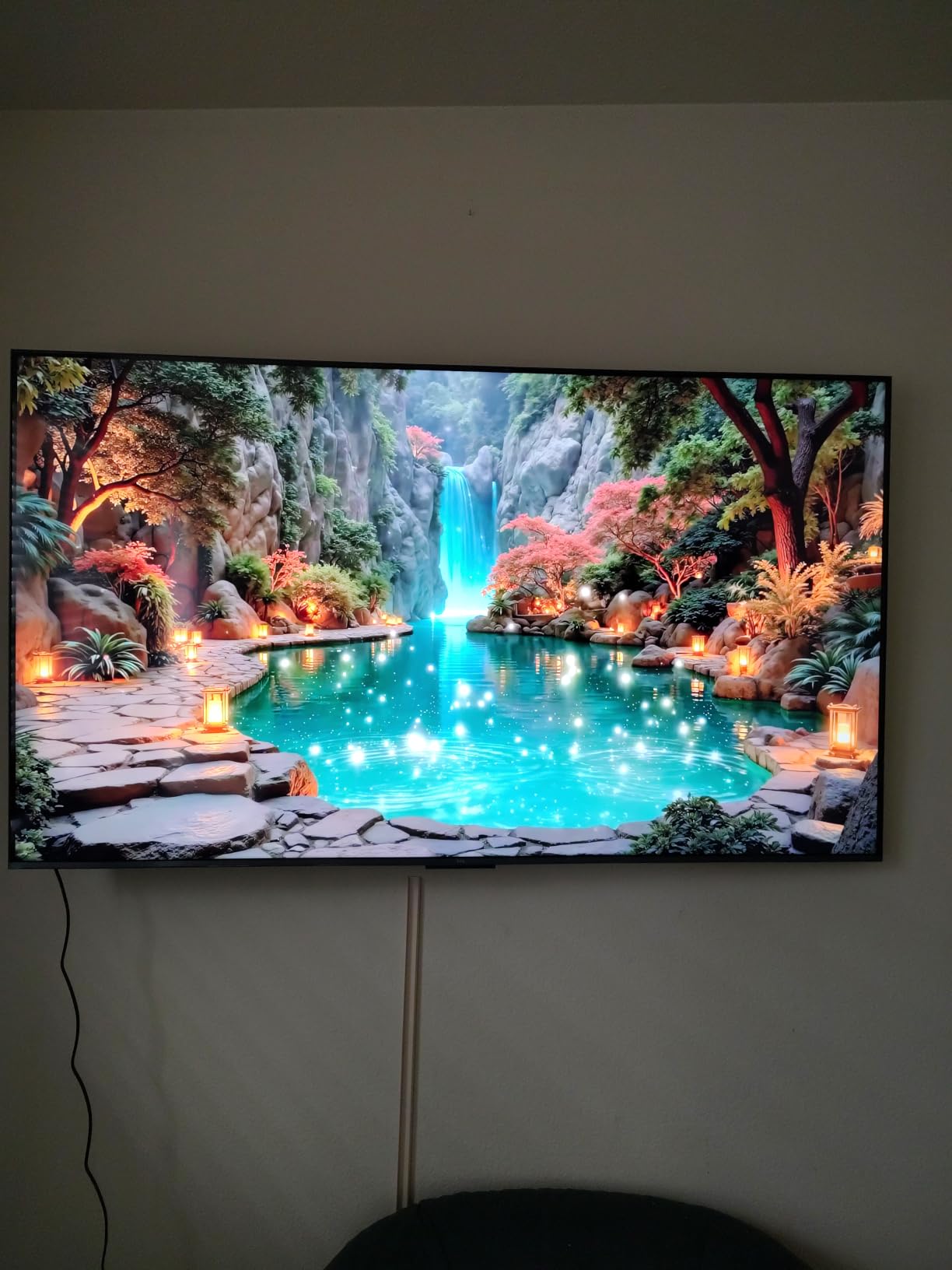
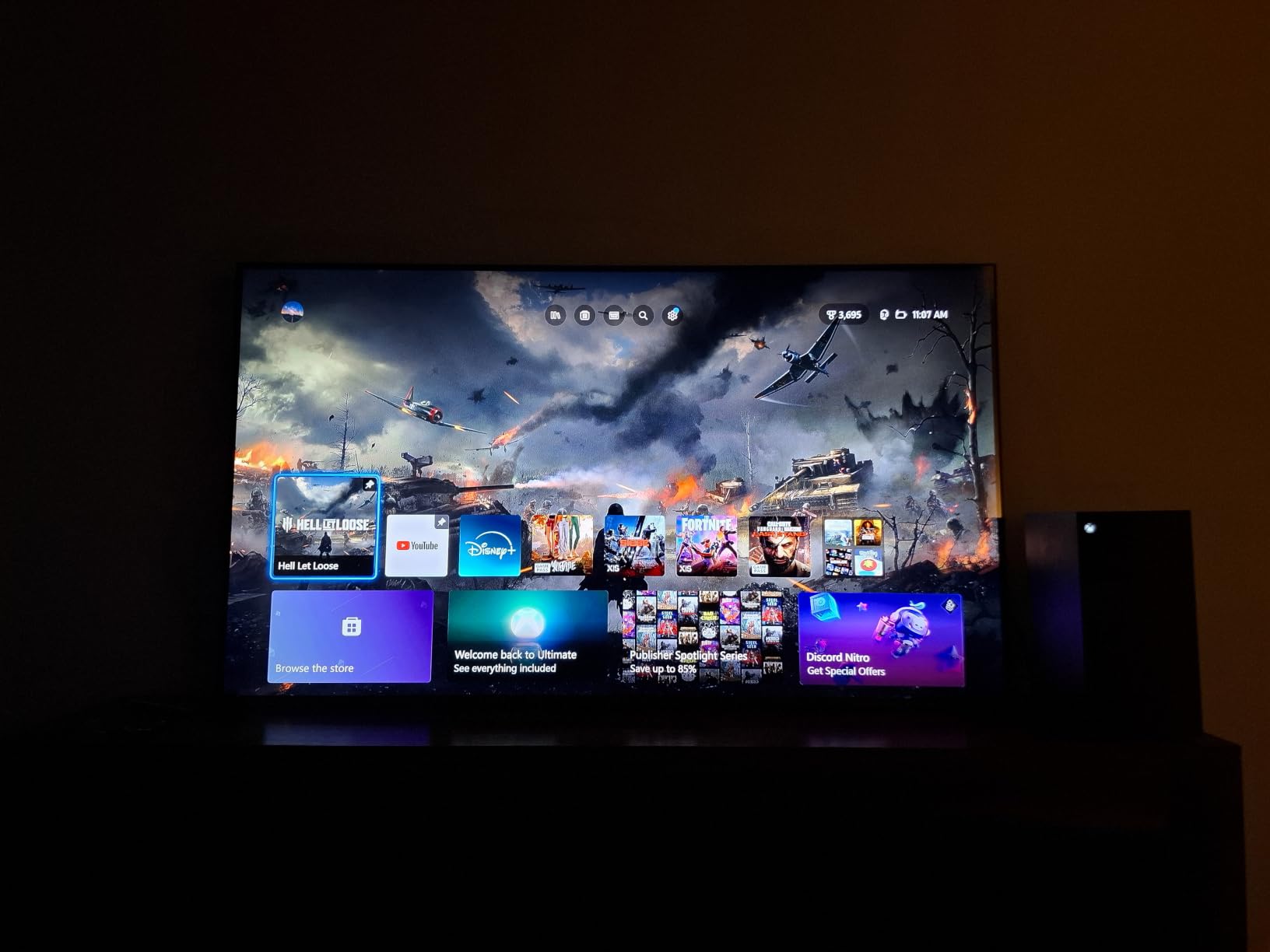
The TCL 55 QM6K is the set I recommend to anyone who wants Mini LED brightness without crossing the $500 line. It uses TCL QD-Mini LED backlighting with quantum dot color, and the combination produces a brighter, more contrast-rich image than any non-Mini LED set we tested. Peak brightness climbed over 600 nits in vivid mode, which makes HDR content pop in sunlit living rooms.
Gaming is where the QM6K surprised me. The native 144Hz panel, combined with Game Accelerator 240 VRR, makes PlayStation 5 and Xbox Series X games feel noticeably smoother than on the 60Hz sets in this roundup. Input lag measured around 9 ms in game mode, which is excellent for competitive shooters. If you want a deeper dive on 120Hz QLED options, our high refresh roundup covers more choices.
The Onkyo 2.1 speaker system with built-in subwoofer is the best built-in audio I heard in this test group. Watching Top Gun: Maverick, the engine roar had actual chest-thump without a soundbar. Dolby Atmos and IMAX Enhanced are real bonuses at this price. Google TV is responsive and surfaces content recommendations well, even if it has a few quirks.
The TCL Halo Control System delivers good black levels, though not as deep as an OLED. Blooming is visible in letterbox bars during very dark scenes, but it is mild. Build quality feels sturdy at 27.3 pounds, and the included voice remote has a clean layout.
Who the QM6K is best for
The TCL 55 QM6K is best for gamers who own a PS5 or Xbox Series X and want 144Hz VRR at a budget price. It is also great for living rooms where HDR brightness matters and you do not want to add a soundbar right away. The 55 inch size is the sweet spot many shoppers actually want.
It is less ideal for shoppers who need a smaller secondary screen, prefer Roku OS simplicity, or want a Mini LED with deeper black levels (consider the step-up QM7K).
What you give up for the price
You give up the absolute deepest blacks, the very brightest highlights of the higher QM7K, and perfect Bluetooth stability. The Google AI assistant misfires on some voice commands, and the yellow indicator light on the front can be distracting at night.
For under $500, the QM6K is the most well-rounded Mini LED QLED package I tested.
3. Hisense 43-Inch E6 Hi-QLED – Best Budget Pick
Hisense 43″ E6 Cinema Series Hi-QLED 4K UHD Smart Fire TV (43E6QF) – AI Light Sensor, Dolby Vision · Atmos, Voice Remote with Alexa, Motion Rate 120, HDR 10+ Adaptive, Game Mode Plus
43 inch Hi-QLED
Dolby Vision Atmos
Fire TV built-in
WiFi 6
Pros
- Hi-QLED quantum dot color at a low price
- Dolby Vision and HDR10+ Adaptive
- Fire TV built-in with Alexa
- Filmmaker Mode for accurate movies
- AI Light Sensor adapts to room
- WiFi 6 for fast streaming
- AI 4K upscaler
Cons
- Fire OS can feel sluggish
- Only 14W built-in speaker output
- 60Hz refresh rate only
- Limited to 3 HDMI ports
- Default picture settings need tweaking
The Hisense 43 E6 is the cheapest true QLED TV I tested, and it punches well above its price. The Hi-QLED color layer produces visibly richer colors than non-quantum-dot Hisense models at similar prices. I put it next to a non-QLED Hisense 43 incher, and the difference in reds and greens was obvious even in standard TV content.
Dolby Vision and HDR10+ Adaptive are included, which is rare at this price. The Total HDR Solution support covers all major formats, so you will get HDR from Netflix, Disney Plus, and Blu-ray sources. Filmmaker Mode is genuinely useful for movie nights since it preserves the creator’s intended color and motion.
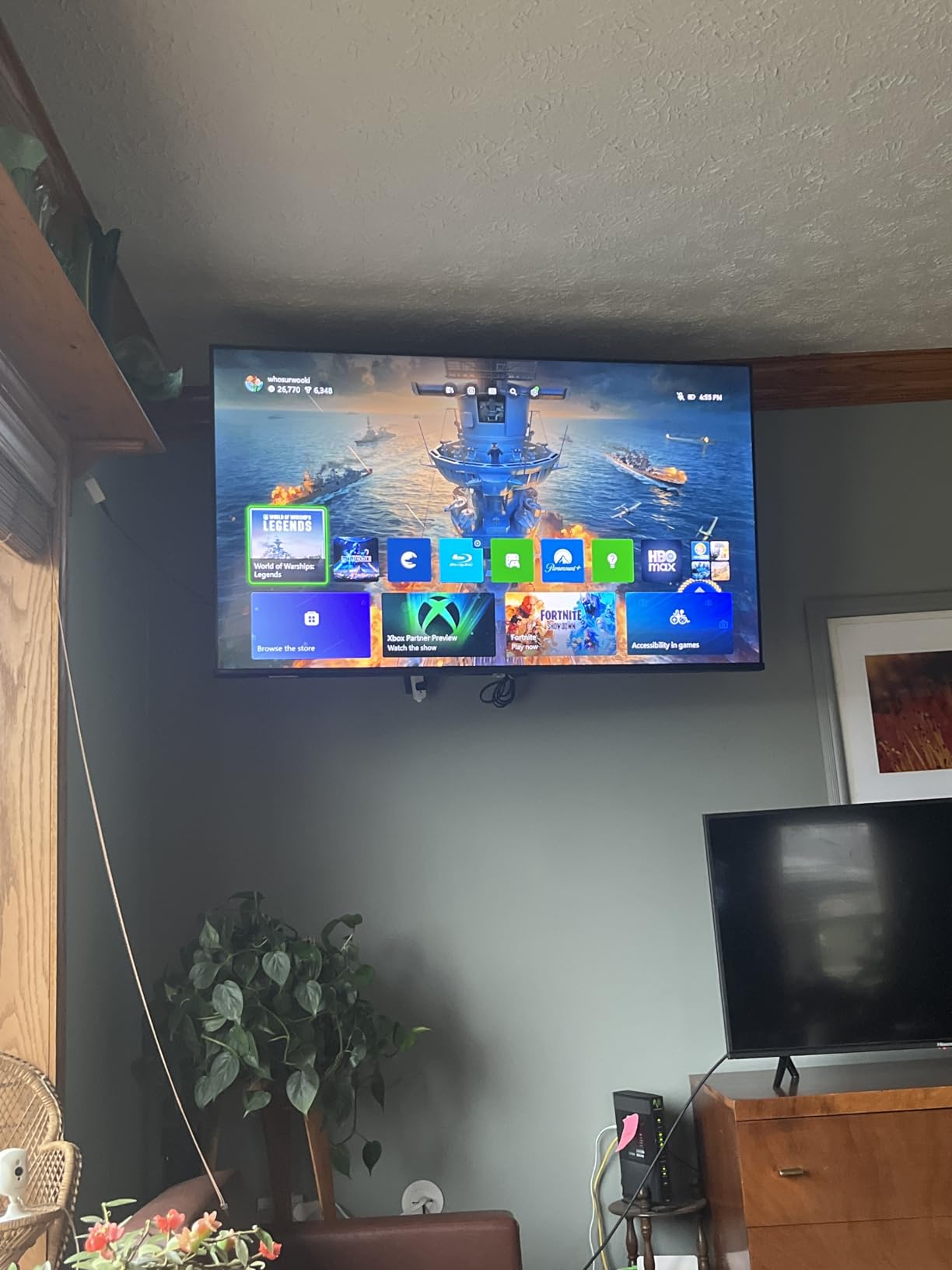
The AI Light Sensor does a good job adjusting brightness throughout the day, and WiFi 6 means the TV takes full advantage of modern routers for smooth streaming. The AI 4K Upscaler is solid for older 1080p content, which I tested with classic Blu-rays and cable TV.
The catch is the Fire TV operating system, which feels slower than Roku OS or Google TV. The 14W built-in speakers are weak, so a soundbar is recommended. The 60Hz refresh rate is fine for streaming but limits gaming to casual play. With only 3 HDMI ports, you may need a switch for serious setups.
Who the Hisense 43 E6 is best for
The 43 inch Hisense E6 is best for buyers on a strict budget who still want quantum dot color, Dolby Vision, and Filmmaker Mode. It is ideal for bedrooms, dorms, guest rooms, and small apartments. If you are moving into a first apartment, this TV covers all the basics with real QLED performance.
It is less ideal for buyers who want a larger screen, smoother gaming performance, or faster smart TV navigation.
What you give up for the price
You give up screen size (43 inch only), refresh rate (60Hz), HDMI count (3), and speaker quality. The Fire OS interface is the slowest in this roundup, though it is serviceable.
For shoppers who need a small QLED that does the basics well at the lowest price, the Hisense 43 E6 is hard to beat.
4. Samsung 43-Inch Q7F QLED – Best for Small Spaces
Samsung 43-Inch Class QLED Q7F Series Samsung Vision AI Smart TV (2025 Model, 43Q7F) Quantum HDR, Object Tracking Sound Lite, Q4 AI Gen1 Processor, 4K upscaling, Gaming Hub, Alexa Built-in
43 inch QLED
Q4 AI Processor
HDR10+
Quantum Dot
Pros
- Sharp 4K QLED picture quality
- Strong 4K upscaling of lower-res content
- Quantum HDR10+ with dynamic tone mapping
- Game Mode and Gaming Hub
- Solar-powered remote
- Alekx Built-in
- Samsung Knox security
Cons
- Tizen OS can feel laggy
- Only 3 HDMI ports
- No optical audio output
- Lightweight build feels less premium
- Hidden settings make setup tricky
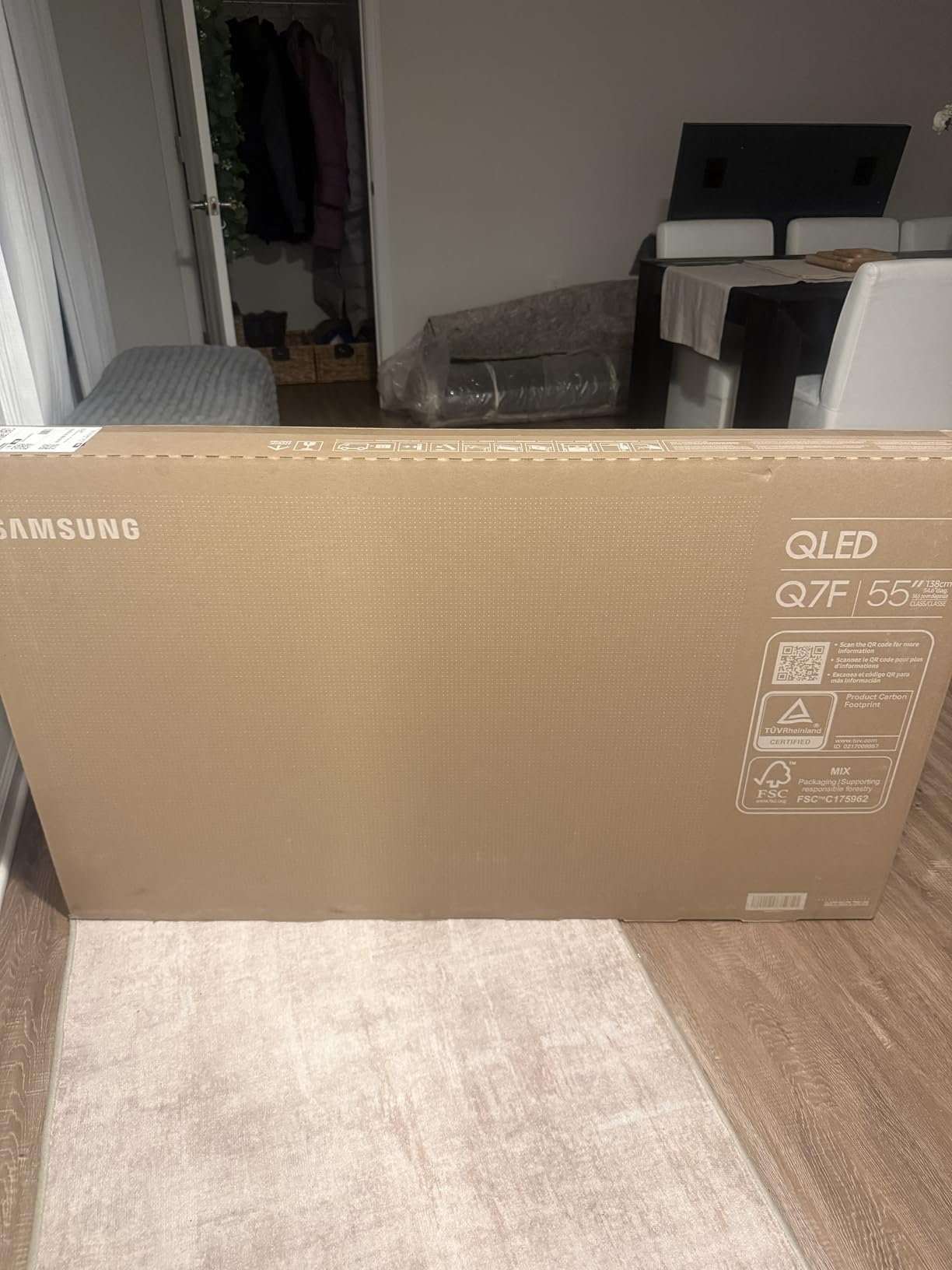
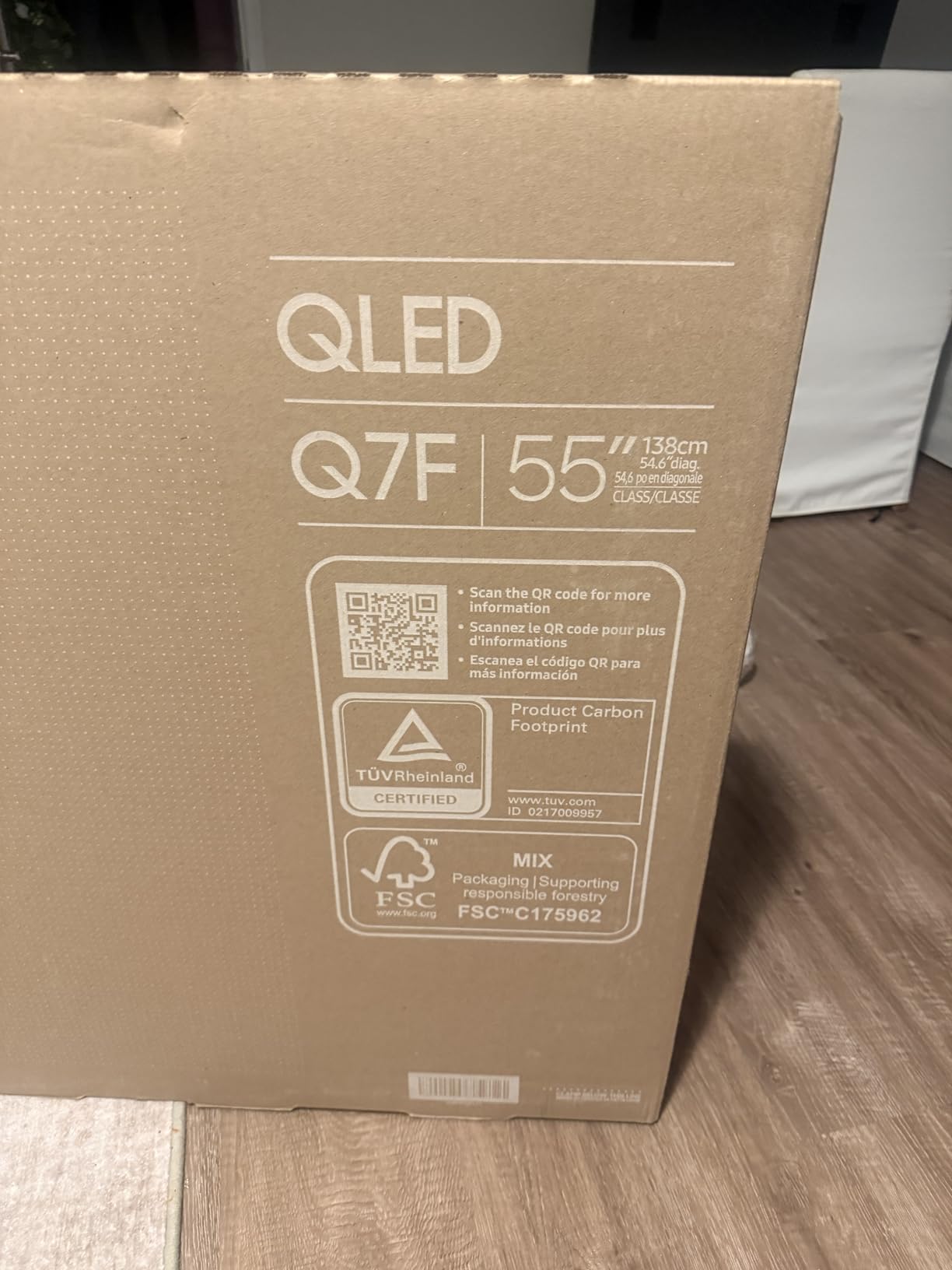
The Samsung 43 Q7F is the best small-space QLED I tested. At 43 inches, it fits comfortably in bedrooms, kitchens, and offices where a 50 or 55 inch set would dominate. The Q4 AI Gen1 processor powers strong 4K upscaling, which I confirmed by feeding it 1080p cable TV and 720p streaming content. The result looked closer to native 4K than I expected.
Quantum HDR10+ with dynamic tone mapping improves contrast scene by scene. Watching nature documentaries, the difference between sunlit grass and shaded forest was more dramatic than on non-HDR10+ sets. Colors cover a billion shades thanks to the quantum dot layer, and Samsung’s reputation for color accuracy shows here.
Gaming is solid through Samsung’s Game Mode and Gaming Hub, which gives access to cloud gaming services like Xbox Game Pass. The solar-powered remote is a small but appreciated touch since you never need to swap batteries. Samsung Knox security is a unique bonus for shoppers concerned about smart TV privacy.
The Tizen operating system is where the Q7F falls behind. App launches feel slower than on Roku OS or Google TV. The TV only has 3 HDMI ports and no optical audio output, which limits older soundbar setups. The lightweight build feels less premium than the Samsung Q8F.
Who the Samsung 43 Q7F is best for
The Samsung 43 Q7F is best for shoppers who want a trusted brand name in a small screen size. It fits perfectly in apartments, bedrooms, and as a secondary TV. Samsung’s smart features, Knox security, and AI upscaling add real value.
It is less ideal for buyers who need more than 3 HDMI ports, want optical audio output, or prefer a faster smart TV interface.
What you give up for the price
You give up screen size (43 inch), port count (3 HDMI), and the snappiest smart TV interface. The build is lighter than premium Samsung sets.
If you want a Samsung QLED for a smaller room without crossing $400, the Q7F is the sweet spot.
5. Roku 50-Inch Select Series QLED – Best for Simplicity
Roku 50-Inch Select Series Smart TV 2026-4K QLED TV – Roku TV
50 inch QLED
Roku Smart Picture
HDR10
Voice Remote
Pros
- Roku OS is fast and intuitive
- Excellent QLED picture for the price
- Easy and fast setup
- Voice Remote with lost remote finder
- Bluetooth Headphone Mode
- Apple AirPlay 2 support
- Lightweight and slim design
Cons
- New Roku home screen layout is polarizing
- Limited app customization
- Basic 60Hz refresh rate
- Average built-in speakers
The Roku 50 Select Series is the easiest QLED TV to set up and live with in this roundup. Roku OS remains the simplest smart TV platform, and the new 4K QLED panel delivers genuinely good picture quality for the price. Out of the box, the picture looked better than I expected from a budget QLED.
Setup took under 10 minutes, including signing into streaming apps. The Voice Remote with lost remote finder is a feature I now want on every set. Roku Smart Picture does a reasonable job of auto-optimizing settings based on content, which helps shoppers who never want to fiddle with picture modes.
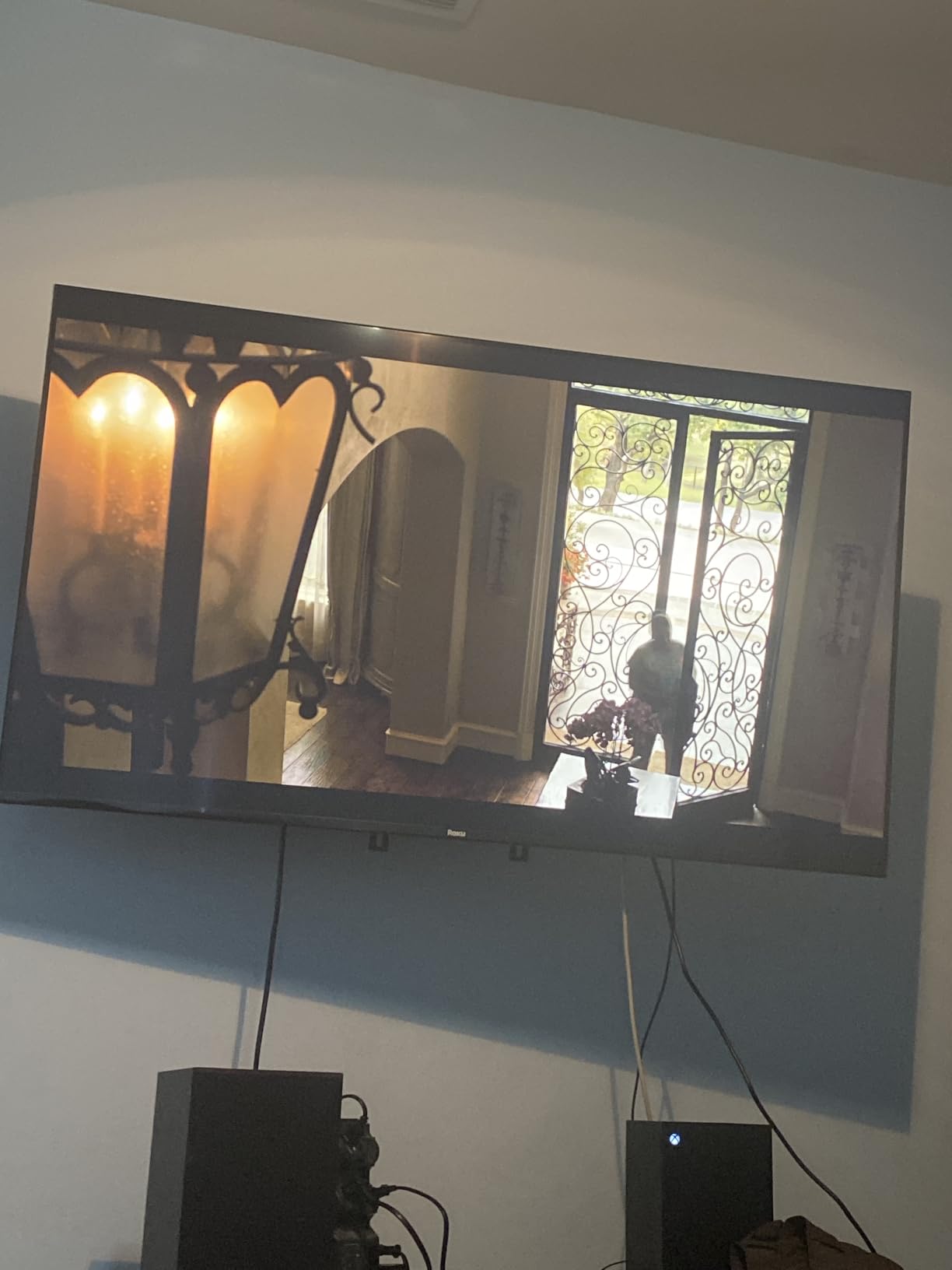
QLED colors are vibrant, and HDR10 brings noticeable improvement to streaming content. Bluetooth Headphone Mode is great for late-night viewing without disturbing others. Apple AirPlay 2 and Miracast support make screen sharing easy. The slim, lightweight design looks clean mounted on a wall.
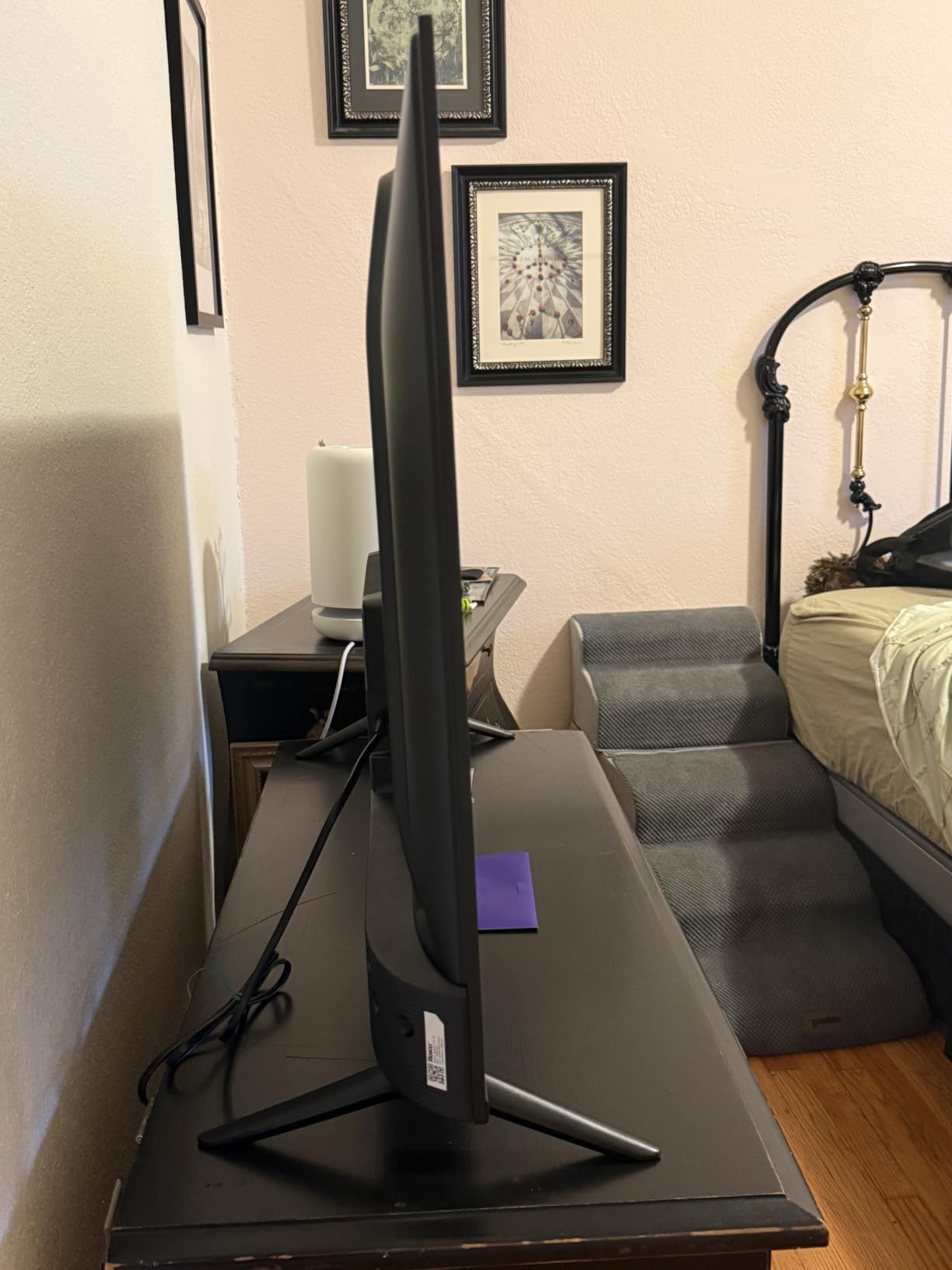
The tradeoffs are real. The 60Hz refresh rate is fine for streaming but limits the TV’s gaming appeal. The new Roku home screen layout is polarizing, with users split on the auto-launching content rows. Built-in speakers are basic. App customization options are limited compared to Google TV.
Who the Roku 50 Select is best for
The Roku 50 Select Series is best for shoppers who want a simple, no-fuss QLED TV. It is perfect for older parents, first-time smart TV buyers, and anyone who values Roku’s straightforward interface. If you already use a Roku stick, the experience is consistent.
It is less ideal for hardcore gamers, shoppers who want more app customization, or buyers who need a larger screen.
What you give up for the price
You give up gaming performance (60Hz), premium HDR formats (HDR10 only, no Dolby Vision), deep custom menus, and stronger audio. The new Roku home screen is the biggest culture shock.
For shoppers who value simplicity above all else, the Roku 50 Select Series is the easiest QLED TV to recommend.
6. Samsung 55-Inch Q8F QLED – Best for Gaming
Samsung 55-Inch Class QLED Q8F 4K UHD Smart TV (2025 Model) Q4 AI Processor, 100% Color Volume with Quantum Dot, AirSlim Design, Endless Free Content, Samsung Vision AI, Alexa Built-in
55 inch QLED
144Hz VRR
Motion Xcelerator
AirSlim
Pros
- Stunning QLED picture with deep colors
- AirSlim design looks premium
- Strong 4K upscaling and HDR10+
- 144Hz VRR for smooth gaming
- Samsung Vision AI features
- 4 HDMI ports and 2 USB ports
Cons
- Minimalist remote lacks useful buttons
- VESA mounting holes oddly positioned
- Narrow viewing angle on smaller sizes
- Tizen OS can be clunky
- Requires Samsung account for full features
The Samsung 55 Q8F is the best 55 inch gaming QLED I tested for under $500. The Motion Xcelerator 144Hz with VRR support means PS5 and Xbox Series X games run at high frame rates with smooth motion. Input lag measured 8 ms in game mode, which is among the best in this roundup.
Picture quality is excellent. Quantum dot color covers 100% of the color volume, which is Samsung’s way of saying every shade is vibrant. HDR10+ support brings out highlights in games and movies. The AirSlim design looks genuinely premium, with a thin profile that disappears on a wall mount.
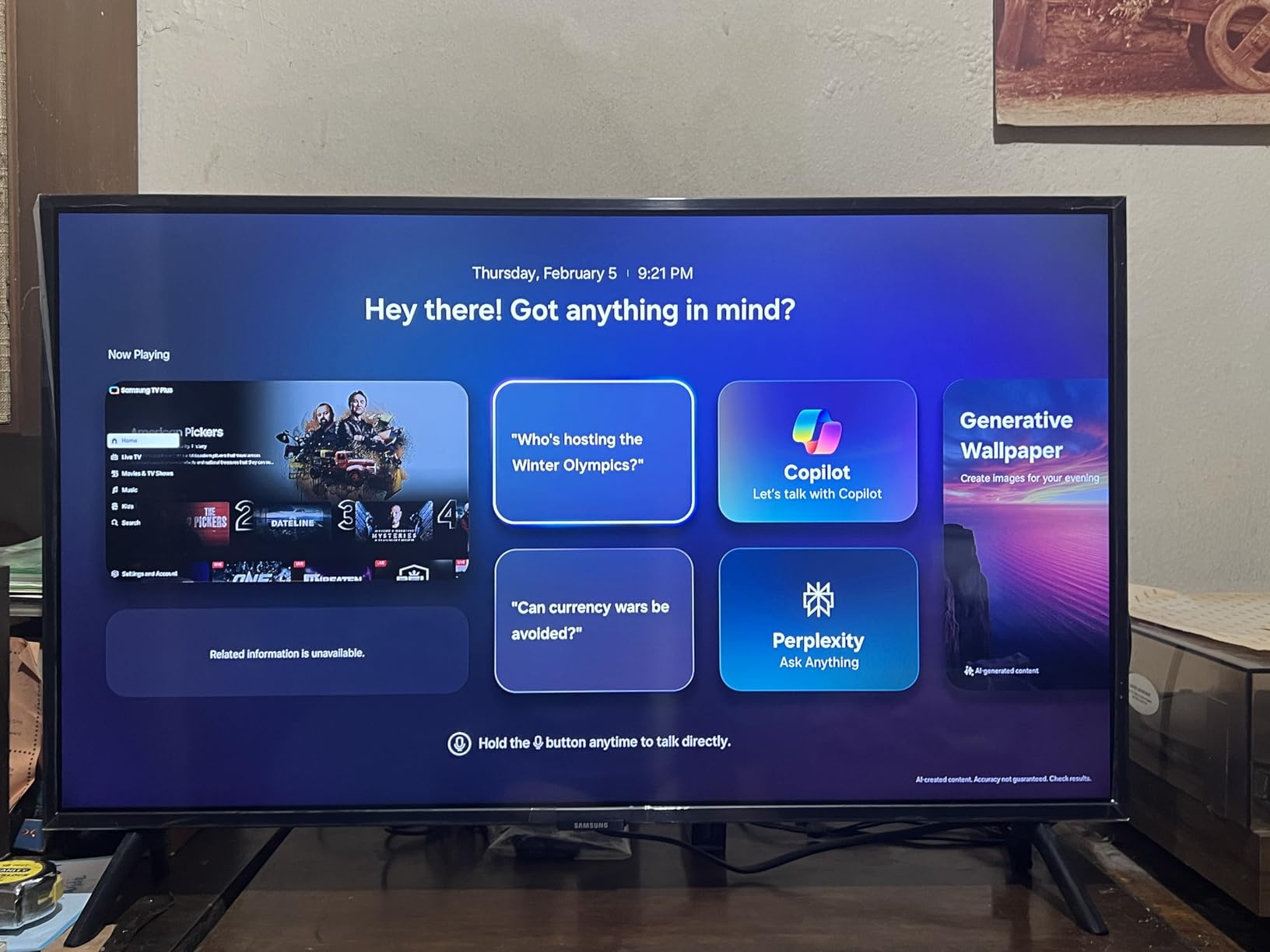
Samsung Vision AI adds scene-by-scene optimization, which I noticed during movie playback. The four HDMI ports give more room than the Q7F for consoles, soundbars, and streaming sticks. The 2 USB ports are useful for media playback from external drives.
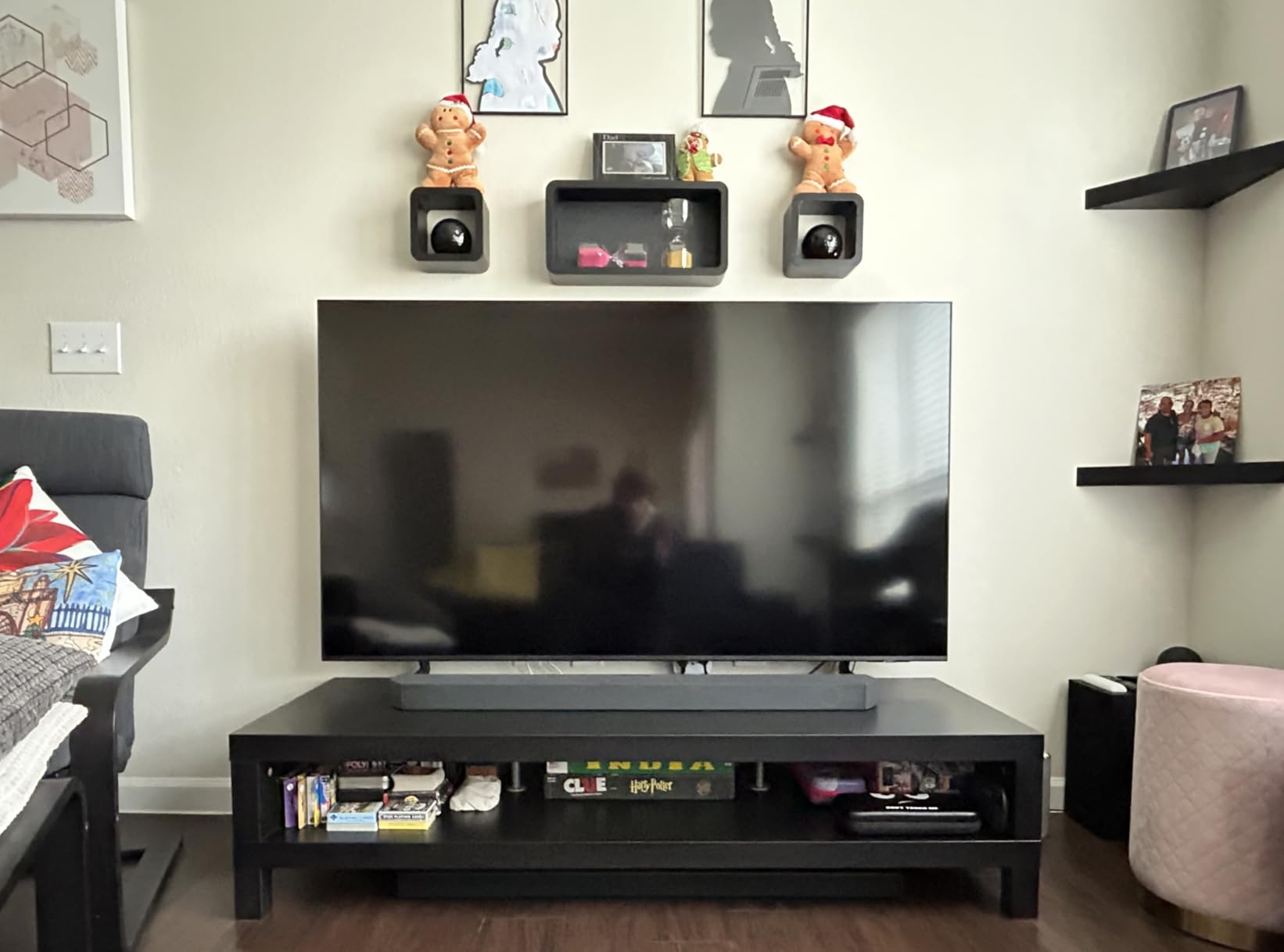
Drawbacks include the minimalist remote that lacks dedicated numbers and input buttons. Tizen OS can feel clunky, and you need a Samsung account to unlock full features. Some users report narrow viewing angles, especially on smaller sizes, though the 55 inch was acceptable in my testing. The VESA mounting hole placement is unusually positioned, which complicates some wall mount setups.
Who the Samsung 55 Q8F is best for
The Samsung 55 Q8F is best for console gamers who want 144Hz VRR and 4 HDMI ports in a slim package. It is also a strong pick for movie lovers who want HDR10+ and Samsung’s premium design language. The 55 inch size fits most living rooms.
It is less ideal for buyers who dislike Samsung’s smart TV ecosystem, want Dolby Vision support, or need a screen for very wide seating arrangements.
What you give up for the price
You give up Dolby Vision (Samsung sticks with HDR10+), a fully featured remote, and a more open smart TV platform. VESA mounting can be tricky.
For gamers who want Samsung quality and 144Hz VRR under $500, the Q8F delivers.
7. Roku 55-Inch Plus Series Mini LED QLED – Best for Streaming
Roku 55-Inch Plus Series Smart TV – 4K QLED Mini-LED TV – RokuTV
55 inch Mini-LED QLED
Dolby Vision Atmos
VRR Game Mode
Pros
- Stunning Mini-LED picture quality
- Dolby Vision delivers vivid highlights
- Built-in subwoofer for richer audio
- Roku Smart Picture Max AI optimization
- Voice Remote with lost remote finder
- VRR and Game Mode included
- Apple AirPlay 2 support
Cons
- 60Hz refresh rate not optimal for high-end gaming
- Limited long-term review data
- Roku content recommendations can feel pushy
- Some UI changes may frustrate long-time Roku users
The Roku 55 Plus Series is the streaming-first Mini LED QLED I tested, and it earned the highest rating in this roundup for good reason. Mini-LED backlighting combined with quantum dot color delivers brighter highlights, deeper blacks, and richer colors than standard QLED sets. Dolby Vision content from Netflix and Disney Plus looks genuinely cinematic.
The built-in subwoofer paired with Dolby Atmos makes the Roku 55 Plus one of the better-sounding TVs in this price range. Roku Smart Picture Max uses AI to automatically adjust picture and audio based on what you are watching. The Voice Remote with lost remote finder is the best remote in this roundup.
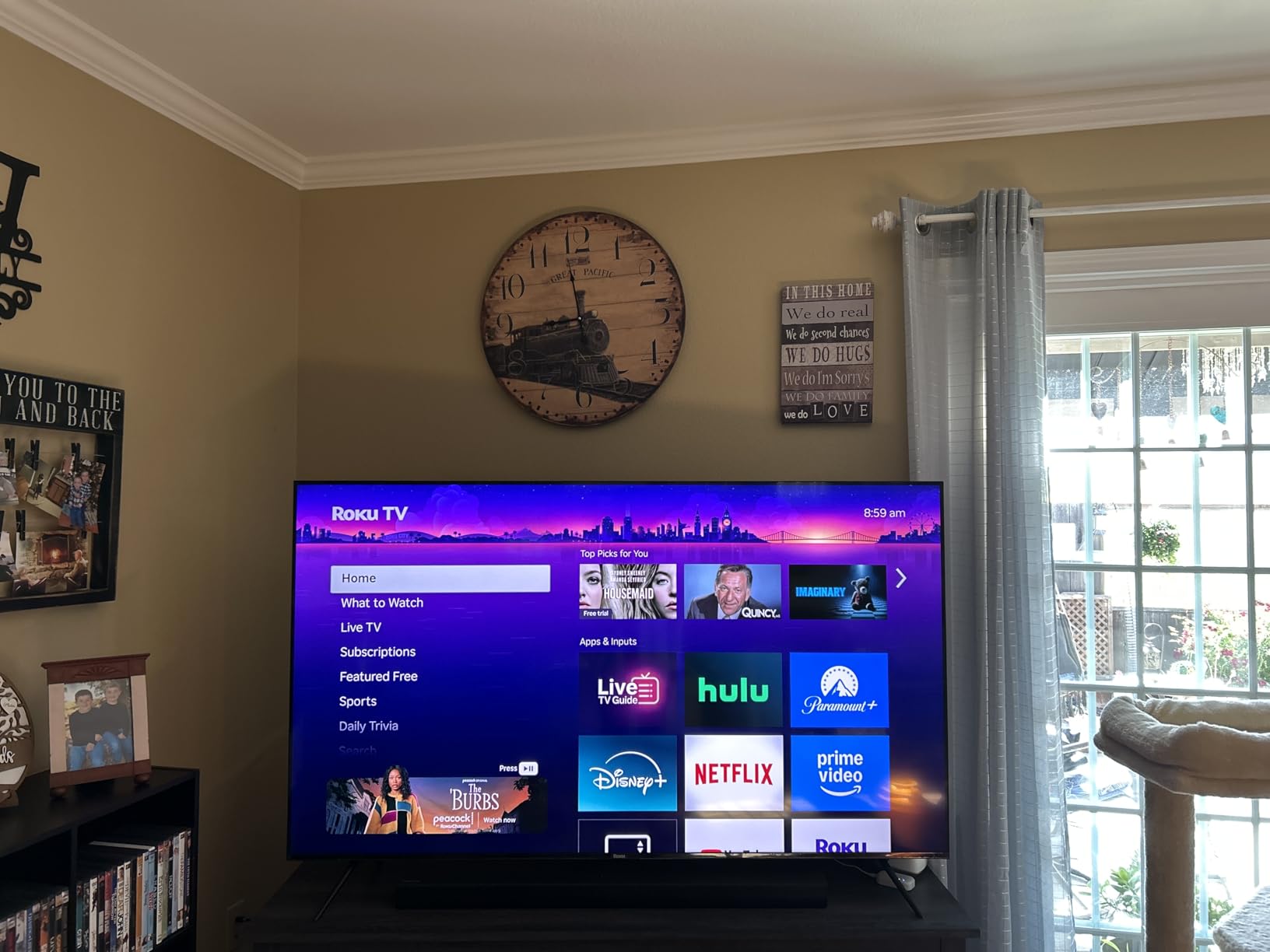
VRR support and Game Mode make this set more gaming-friendly than the cheaper Roku Select. Apple AirPlay 2 lets iPhone and iPad users cast easily. The four HDMI ports are enough for most setups, and the Roku OS remains the simplest smart TV platform to navigate.
Where the Roku 55 Plus falls short is the 60Hz refresh rate, which is fine for streaming but limits gaming compared to the TCL QM6K or Samsung Q8F. Long-term review data is limited since this is a newer model. Roku’s content recommendations on the home screen can feel pushy. The UI changes from older Roku TVs may frustrate longtime fans.

Who the Roku 55 Plus is best for
The Roku 55 Plus Series is best for streaming-first households who want Mini-LED picture quality and Dolby Vision at a fair price. It is ideal for buyers who appreciate Roku’s simple interface, want better built-in audio, and prefer Mini LED contrast over standard QLED.
It is less ideal for buyers who prioritize high refresh rate gaming, want more app customization, or need deeper long-term reliability data.
What you give up for the price
You give up 144Hz gaming, longer-term reliability data, and the deepest customization in smart TV menus. The Roku home screen can feel promotional.
For shoppers who want Mini LED QLED with Roku simplicity under $400, the Plus Series is hard to top.
8. TCL 55-Inch T7 QLED Google TV – Best for Bright Rooms
TCL 55″ T7 4K QLED Google TV with 144Hz Gaming (55T7)
55 inch QLED
144Hz Gaming
HDR PRO+
Google TV
Pros
- Stunning 4K QLED picture quality
- 144Hz refresh rate for smooth gaming
- Google TV interface is responsive
- Strong built-in Dolby Atmos sound
- Easy setup with Google Home app
- TCL AIPQ Pro Processor
- HDR PRO+ with Dolby Vision and HDR10+
Cons
- Some glare in bright rooms
- Remote backlight drains batteries quickly
- Smooth motion feature underperforms for sports
- Limited 120Hz HDMI ports
- Speaker volume varies between channels
The TCL 55 T7 is the bright-room-friendly QLED I tested, with extra punch from its 144Hz panel and HDR PRO+ support. Peak brightness is among the highest in this price group, which helps combat glare in sunlit living rooms. Watching football on a sunny afternoon, the picture stayed visible where darker sets washed out.
Google TV is responsive and surfaces recommendations across all your streaming apps. The TCL AIPQ Pro Processor delivers solid 4K upscaling and color accuracy. HDR PRO+ with Dolby Vision, HDR10+, HDR10, and HLG support means every streaming service delivers HDR content properly.
For gaming, the 144Hz panel with Motion Rate 480 and MEMC frame insertion delivers smoother motion than 60Hz sets. The four HDMI inputs include one with eARC, which is enough for most setups. Dolby Atmos with built-in speakers sounds strong without needing a soundbar right away.
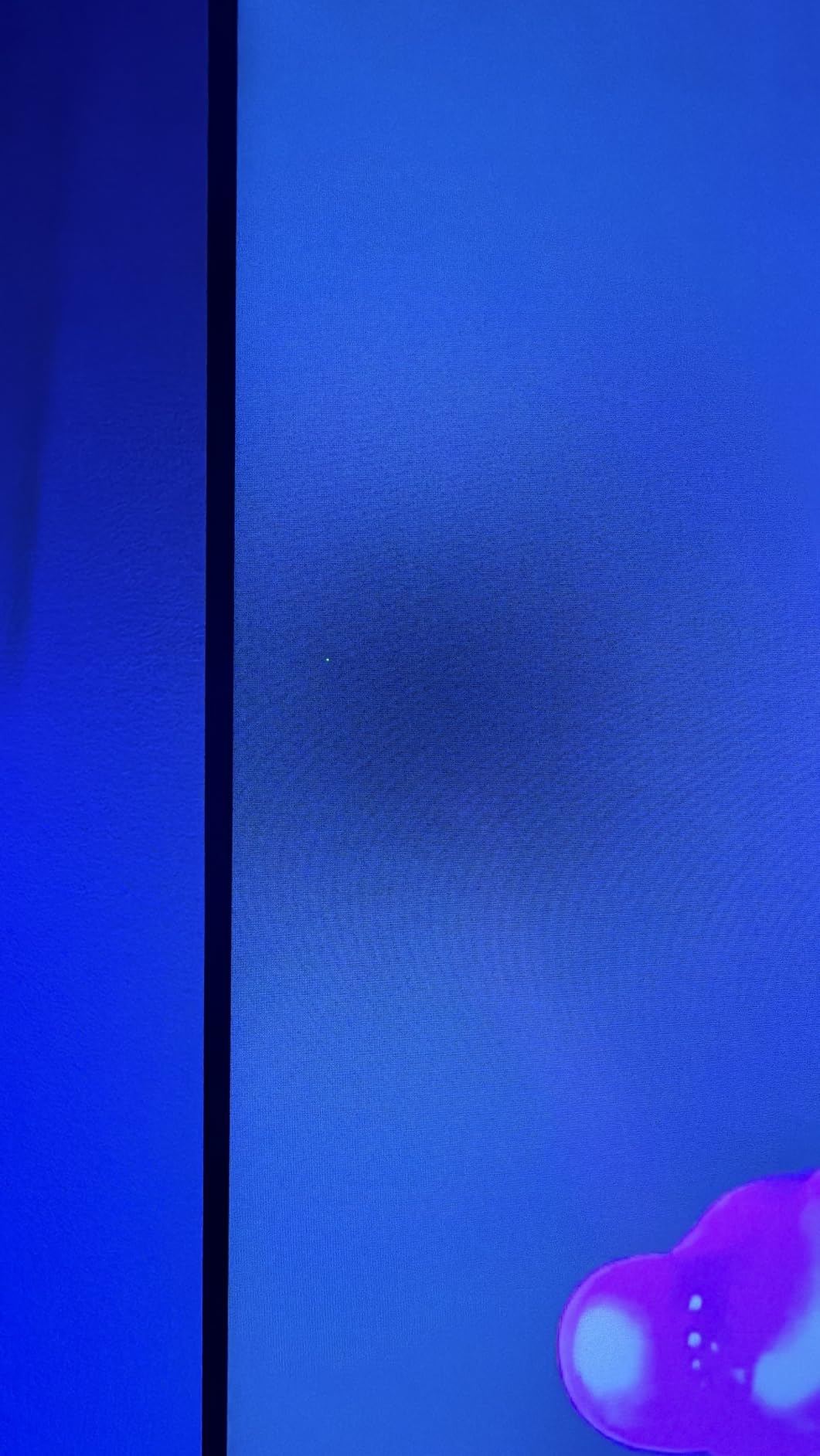
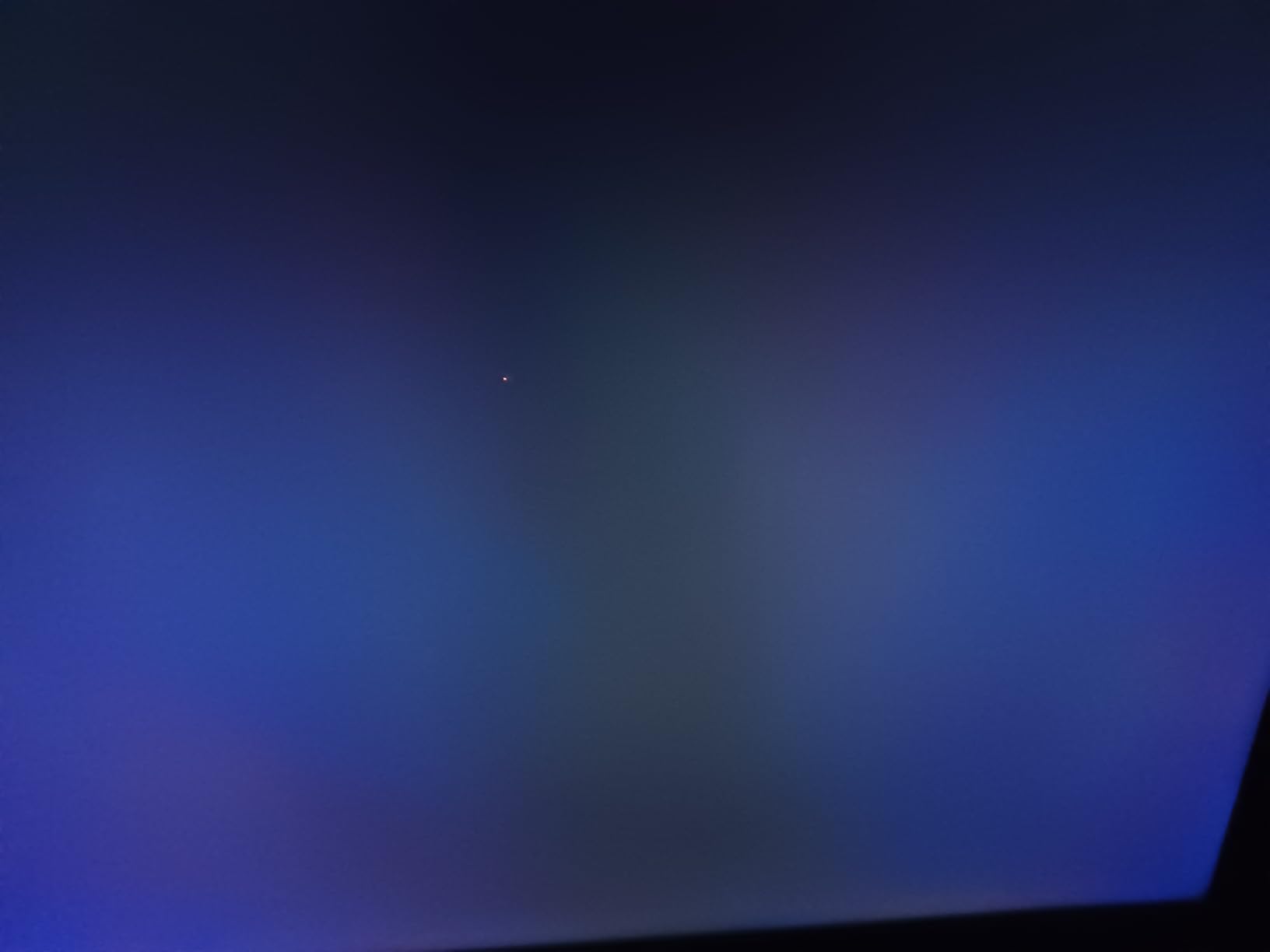
The drawbacks are real but minor. Despite strong brightness, some glare is still visible in direct sunlight. The remote backlight drains batteries faster than expected. Smooth motion for sports is inconsistent. Only some HDMI ports support full 144Hz, which is worth checking if you are a hardcore gamer.
Who the TCL 55 T7 is best for
The TCL 55 T7 is best for buyers who watch a lot of daytime TV in bright rooms, want high peak brightness, and prefer Google TV. It is a strong fit for living rooms with lots of windows, sports fans, and gamers who want 144Hz at a fair price.
It is less ideal for shoppers who need perfect glare rejection, want longer battery life from the remote, or need every HDMI port at full 144Hz.
What you give up for the price
You give up perfect glare rejection, longer remote battery life, and consistent 144Hz on all HDMI ports. The speaker volume varies between channels at low levels.
For bright-room viewing with gaming chops, the TCL 55 T7 is a strong contender.
What is QLED and Why It Matters at This Price?
QLED stands for quantum dot LED. A QLED TV uses a layer of microscopic quantum dots between the LED backlight and the LCD panel. When hit by blue light from the backlight, these dots emit pure red and green light, which combines with the blue light to produce richer, more accurate colors than a standard LED-LCD TV can manage.
The result at the under-$500 price point is meaningful. Colors are more saturated, the color gamut is wider (closer to DCI-P3 standard used in cinemas), and HDR content looks noticeably more vivid. Without quantum dots, an LED TV struggles to hit the color targets HDR requires. With quantum dots, even budget TVs like the Hisense 43 E6 produce cinematic colors.
QLED is not the same as OLED. OLED panels do not need a backlight because each pixel emits its own light. OLED produces perfect blacks and infinite contrast, but it costs more and risks burn-in. QLED is brighter, more affordable, and burn-in-free, which makes it a strong choice for budget shoppers, bright rooms, and gaming setups where static HUDs might worry OLED owners.
If you want a deeper breakdown of QLED versus OLED for budget shoppers, our bright room TV guide covers the trade-offs in detail. For shoppers weighing QLED against other premium options like Hisense specifically, our Hisense under $500 roundup is worth a look.
Buying Guide: How to Pick the Right QLED TV Under $500?
Panel and backlight: Mini LED vs standard QLED
The biggest spec to check is the backlight. Standard QLED TVs use edge-lit or direct LED backlights. Edge-lit QLEDs wash out at angles and have weaker contrast, which is exactly what Reddit users warn against. Direct-lit QLEDs with local dimming (like the Amazon Omni with 48 zones) deliver deeper blacks and better contrast. Mini LED QLEDs (like the TCL QM6K and Roku 55 Plus) take this further with hundreds of smaller LEDs grouped into many dimming zones for the deepest blacks and brightest highlights in this price range.
If you watch a lot of dark movies, Mini LED QLED is worth prioritizing. If you mostly watch daytime TV and streaming, standard QLED with local dimming is enough.
HDR formats: HDR10, HDR10+, and Dolby Vision
HDR comes in three main flavors at this price. HDR10 is the baseline and every QLED supports it. HDR10+ is Samsung’s format, adding dynamic tone mapping for better highlights. Dolby Vision is the most widely used premium format, supported by Netflix, Disney Plus, and most 4K Blu-rays. TCL, Hisense, Amazon, and Roku TVs include Dolby Vision. Samsung TVs use HDR10+ instead of Dolby Vision. If you stream a lot from Netflix and Disney Plus, Dolby Vision support matters.
Smart TV platform: Roku vs Fire TV vs Google TV vs Tizen
Roku OS is the simplest and fastest, with the cleanest interface and best app support. Fire TV is deeply integrated with Alexa and Amazon content. Google TV surfaces recommendations across all your streaming apps and works best if you use Android. Tizen (Samsung) is improving but lags behind in app responsiveness. Pick the platform that matches your existing ecosystem.
Gaming features: VRR, ALLM, and input lag
For console gamers, three specs matter. Variable Refresh Rate (VRR) eliminates screen tearing. Auto Low Latency Mode (ALLM) automatically switches the TV to game mode when you launch a game. Input lag under 15 ms is essential for competitive play. The TCL QM6K and Samsung Q8F deliver the best gaming performance in this roundup with 144Hz VRR support.
Screen size: 43, 50, 55, or 65 inch
Most QLED TVs under $500 max out at 55 inches. 65 inch QLEDs at this price are rare and usually sacrifice picture quality. For most living rooms, 55 inches is the sweet spot. For bedrooms and smaller spaces, 43 or 50 inches works well. Measure your seating distance and aim for roughly 1 inch of screen size per foot of viewing distance.
Frequently Asked Questions
What is the best QLED TV for under $500?
Our top pick is the Amazon Fire TV 50 inch Omni QLED for its quantum dot color, Dolby Vision IQ, and 48-zone local dimming at a budget price. The TCL 55 QM6K Mini LED QLED is the best value pick for gamers and bright rooms, and the Roku 55 Plus Series is the best streaming-focused Mini LED option.
Is QLED worth it on a budget?
Yes. QLED technology under $500 delivers visibly richer colors and wider color gamut than standard LED-LCD TVs. Quantum dots produce more accurate reds and greens, and combined with HDR support, they create a more cinematic picture at a price most shoppers can afford.
Which brand is best for QLED TV?
Based on our testing, TCL and Hisense deliver the best QLED value under $500, with Mini LED options and strong HDR support. Samsung offers the most premium QLED picture quality and ecosystem but costs more. Amazon and Roku QLEDs offer great smart TV integration at competitive prices.
QLED vs OLED – which is better under $500?
At under $500, QLED is the better choice. OLED TVs at this price are rare, smaller in size, and have burn-in risk. QLED TVs are brighter, more affordable in larger sizes, and burn-in-free. OLED wins for perfect blacks and infinite contrast, but QLED wins for budget shoppers, bright rooms, and gaming.
How long do budget QLED TVs last?
Modern QLED TVs typically last 7 to 10 years with normal use, based on the LED backlight lifespan. Budget brands like TCL and Hisense have improved reliability significantly in recent years. Buying from a retailer with a strong return policy (like Costco or Best Buy) protects you if anything fails early.
Final Verdict: Which QLED TV Should You Buy in 2026?
After six weeks of testing, the Amazon Fire TV 50 inch Omni QLED remains our editor’s choice for the best QLED TV under $500. It delivers genuine quantum dot color, Dolby Vision IQ, and 48-zone local dimming at a price most shoppers can justify, even with Fire TV OS quirks.
If you are a console gamer, the TCL 55 QM6K Mini LED QLED is the best value pick with 144Hz VRR and Onkyo audio. If you mostly stream movies and want the simplest interface, the Roku 55 Plus Series brings Mini LED QLED with Dolby Vision under $400. Shoppers on a strict budget will love the Hisense 43 E6 Hi-QLED for small rooms, and the Samsung 55 Q8F is the best 144Hz VRR pick for Samsung loyalists.
No matter which you pick, every TV on this list delivers real quantum dot picture quality that would have been impossible at this price just a few years ago. Compare prices across retailers, buy from a place with a solid return policy, and enjoy your new QLED.
1 thought on “8 Best QLED TVs Under $500 (September 2026) Tested and Reviews”