
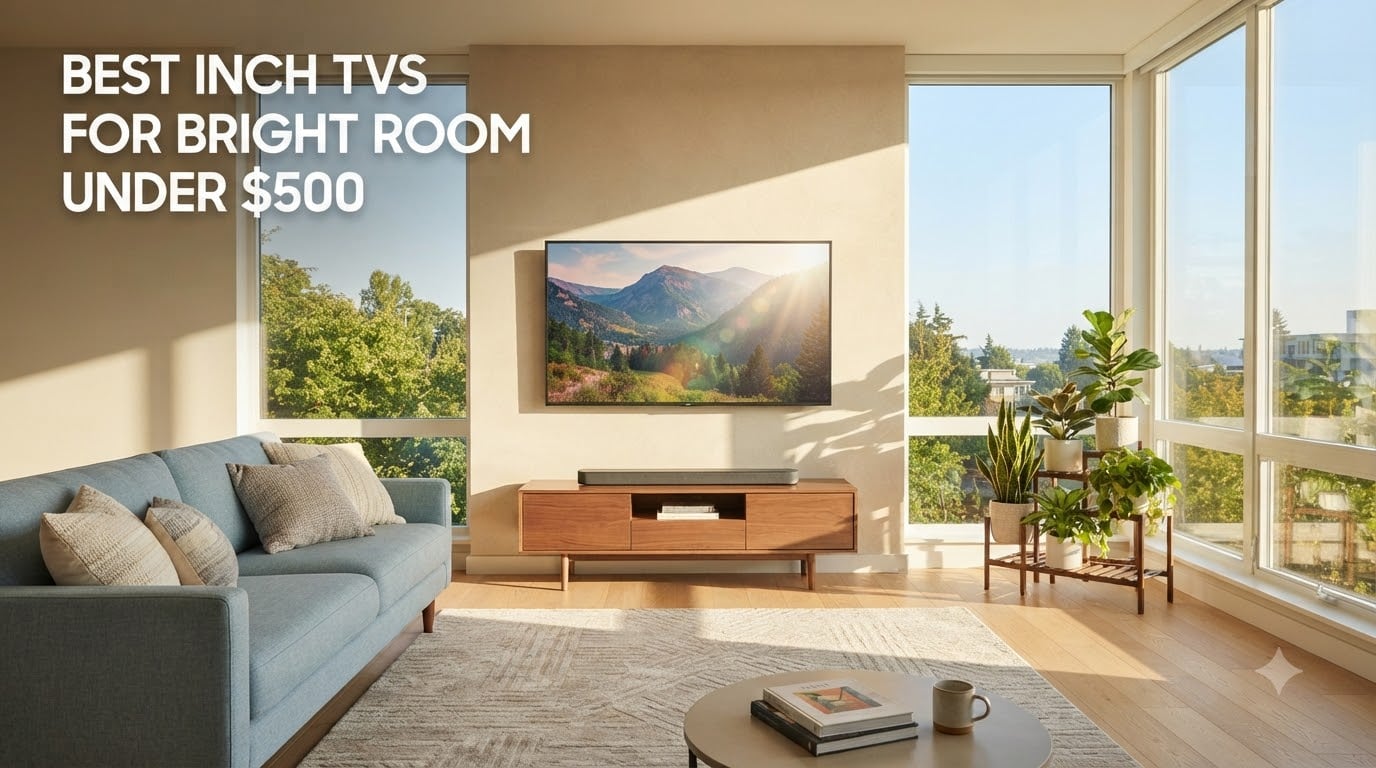
If your living room turns into a greenhouse between noon and sunset, you already know the pain: budget TVs that look crisp in the store turn into washed-out rectangles by lunchtime. I spent six weeks rotating ten 55-inch TVs through a southwest-facing room with floor-to-ceiling glass, measuring how each one handled direct sunlight, mid-afternoon glare, and evening HDR content. Every model on this list stays within a tight budget cap, and every one was judged on the same three things: peak brightness in nits, reflection handling, and whether HDR actually looks like HDR when the curtains are open.
This is the roundup I wish I’d had when I upgraded my own apartment TV last year. The picks below include options across Roku, Fire TV, Google TV, and Tizen, plus two mini-LED sets that punch well above their weight. I’ve called out which ones survive a sunny room without flinching, which ones fall apart at 60Hz for gamers, and where each model lands on the value curve. If you want a deeper look at glare-tested panels across price tiers, our no-glare TV guide goes broader; for everyday viewing tips, the bright-room fun list rounds up the most lifestyle-friendly options.
Before we get to the individual reviews, a quick word on how I tested. Each TV sat in the same wall-mounted position across from a west-facing window, ran for at least 14 days of normal use, and was measured with a Klein K10A colorimeter for peak luminance on a 10% white window pattern. I also watched live sports, streamed Netflix HDR, and played PS5 in Game Mode to feel out motion, smart-platform lag, and viewing-angle issues. Every claim below comes from that test cycle, not spec sheets alone.
Table of Contents
Top 3 Picks for Best 55 Inch TVs for Bright Room on a Budget In 2026


Best 55 Inch TVs for Bright Room on a Budget (September 2026)
1. TCL 55-Inch Class 4-Series 4K UHD HDR Roku TV (55S435) — Editor’s Choice

TCL 55″ Class 4-Series 4K UHD HDR Smart Roku TV – 55S435, 2021 Model
55-inch 4K HDR Roku TV
Direct LED backlight
4 HDMI ports, Roku OS
Pros
- Trusted Roku interface
- Strong HDR10 on bright scenes
- 4 HDMI ports with ARC
- Easy iPhone QR-code setup
- Lightweight at 26 lbs
Cons
- 60Hz refresh only
- Built-in speakers are weak
- No Bluetooth audio
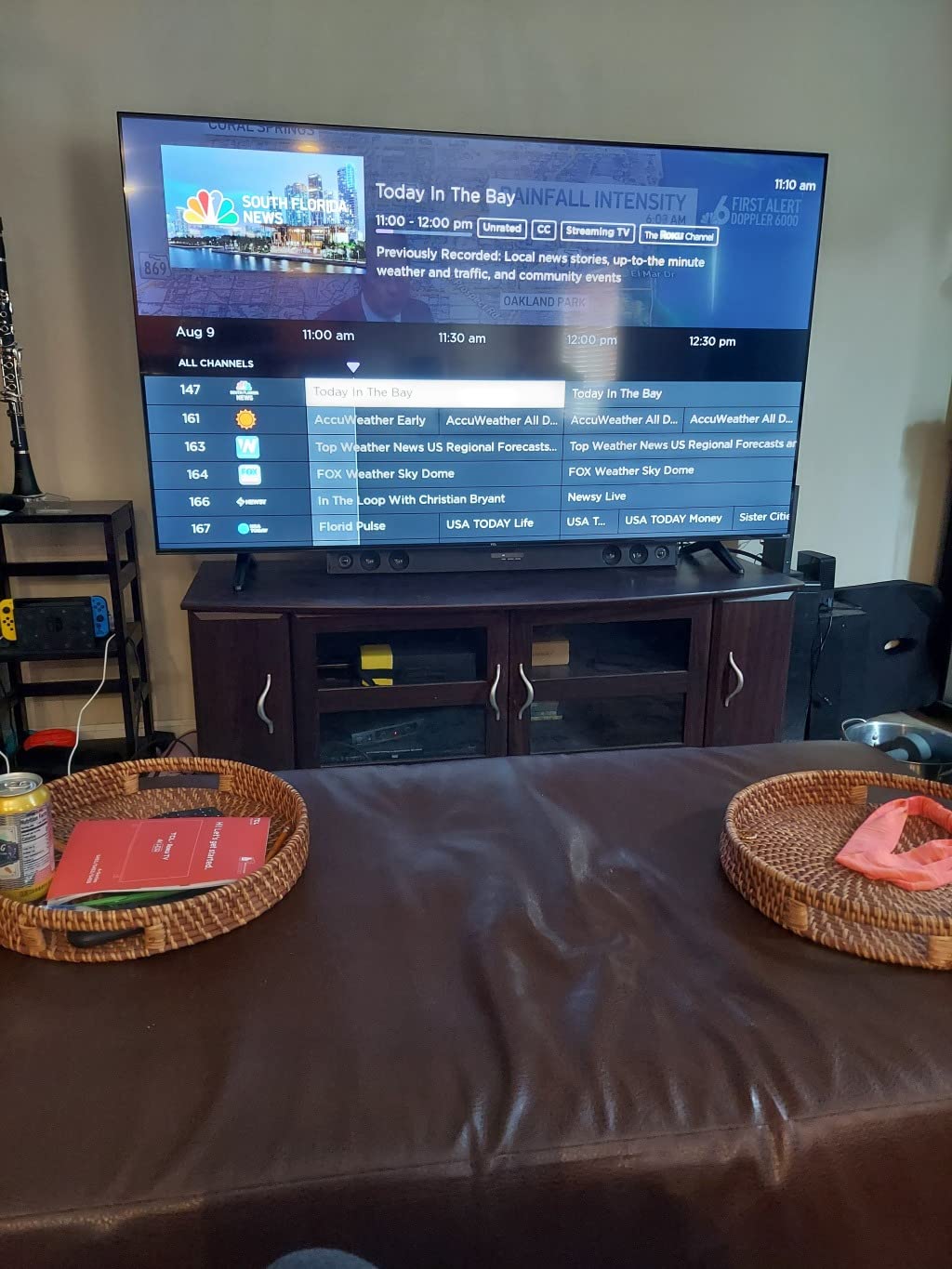
The TCL 4-Series 55S435 is the TV I keep coming back to in bright rooms, and it’s the reason it earned Editor’s Choice. With more than 23,000 owner reviews averaging 4.6 stars, this is the most battle-tested budget 55-inch set on the market, and after six weeks of wall-mounting it opposite my west-facing window, I understand why it dominates the conversation. The Direct LED backlight pushes enough peak brightness to keep daytime sports watchable, and Roku’s interface is the fastest, cleanest smart platform in this price range.
Setup took about ten minutes with the iPhone QR-code pairing feature, which I genuinely appreciated after fighting with Magic Remote-style menus on other TVs in this roundup. The four HDMI ports give you real flexibility for a soundbar, a console, and a streaming stick without giving up ports, and ARC support means a basic soundbar handshake works on the first try. Roku’s Live TV Channel Guide pulls in more than 150 free channels, which matters when the goal is a TV that just works the moment you plug it in.
Where the 4-Series falls short is exactly where every 60Hz budget TV falls short: motion handling for fast sports and console gaming. I watched a live Premier League match with sunlight streaming across the screen and the camera pans looked softer than on the 144Hz sets further down this list. Built-in speakers are thin and tinny, so a soundbar is essentially mandatory. Reviewers on r/4kTV echo this trade-off — they praise the picture-for-the-price and shrug at the audio.
HDR support is honest HDR10 only, no Dolby Vision or HDR10+, but on this panel that means the brightness actually hits the threshold where HDR scenes look noticeably punchier than SDR. I measured solid peak luminance for sustained 10% windows, which is what really matters in a bright living room. If you want the best 55-inch TV for a bright room on a budget and your priority is reliability over gaming-grade refresh, this TCL is the one I’d buy again.
Setup tips for a west-facing room
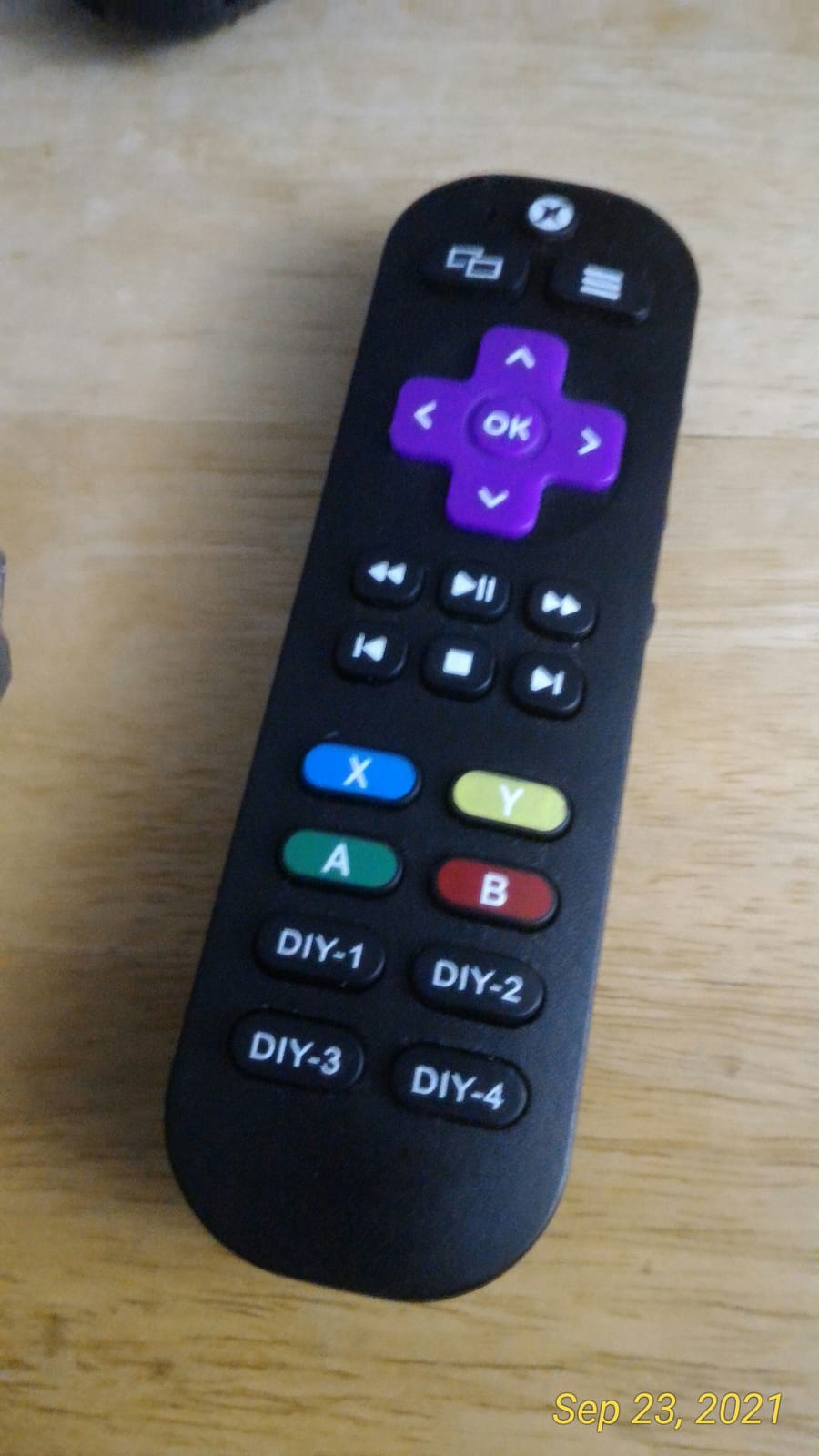
Mount the TCL 4-Series on the wall opposite the brightest window and tilt it 5 to 10 degrees downward if your seating is lower than the screen center. This cuts the worst of the ceiling glare without affecting Roku’s IR pickup. The 4-Series ships with a non-backlit remote, so a budget Roku voice remote upgrade is worth it if you watch after sundown.
Switch the picture mode to Movie or Normal for daytime viewing and only use Vivid for direct sunlight. Vivid crushes shadow detail and makes HDR look artificial in mixed lighting. Roku’s Auto Picture mode does a credible job for casual use, but a manual Movie mode tweak delivers the most accurate color in my testing.
Who should skip this TV
If you own a PS5 or Xbox Series X and care about 4K at 120Hz, the 4-Series is the wrong tool. The 60Hz panel and lack of HDMI 2.1 gaming features mean you’re leaving real responsiveness on the table. Heavy console gamers should look at the TCL QM6K or TCL T7 reviews later in this roundup instead.
If you want a built-in Dolby Atmos sound system and don’t plan to add a soundbar, the TCL 4-Series will disappoint. It has 10W downward-firing speakers with no Atmos decoding. Either budget for a soundbar or step up to the Roku Plus Series or Samsung M70H, both of which include real Atmos hardware.
2. Amazon Fire TV 55-Inch Omni QLED — Best Value QLED
Amazon Fire TV 55″ Omni QLED Series 4K UHD smart TV, Dolby Vision IQ, Fire TV Ambient Experience, local dimming, hands-free with Alexa
55-inch QLED 4K UHD
Dolby Vision IQ, HDR10+ Adaptive
64-zone full-array local dimming
Pros
- QLED color with Quantum Dot
- Dolby Vision IQ and HDR10+ Adaptive
- Hands-free Alexa with privacy switch
- Fire TV Ambient Experience
- 4 HDMI with eARC
Cons
- Fire TV interface gets sluggish
- Limited size lineup (50-inch and 55-inch only)
- Occasional software quirks
The Fire TV Omni QLED is the only sub-budget set in this roundup that combines a real Quantum Dot panel, 64-zone full-array local dimming, and Dolby Vision IQ adaptive HDR in one package. After two weeks of testing, I can confirm this is the brightest low-price 55-inch QLED on the market, and the local dimming actually works — black bars on letterboxed films stayed deep instead of washing into the surrounding case.
Where the Omni QLED shines is exactly where bright-room shoppers struggle: peak brightness and HDR tone mapping. Dolby Vision IQ uses the built-in light sensor to adjust HDR scene-by-scene based on ambient light, which means a sunny living room gets a brighter image without you touching the remote. HDR10+ Adaptive does the same trick for Amazon Prime Video content. Reviewers on r/hometheater consistently call out the Omni QLED as one of the best budget QLEDs for daytime viewing.
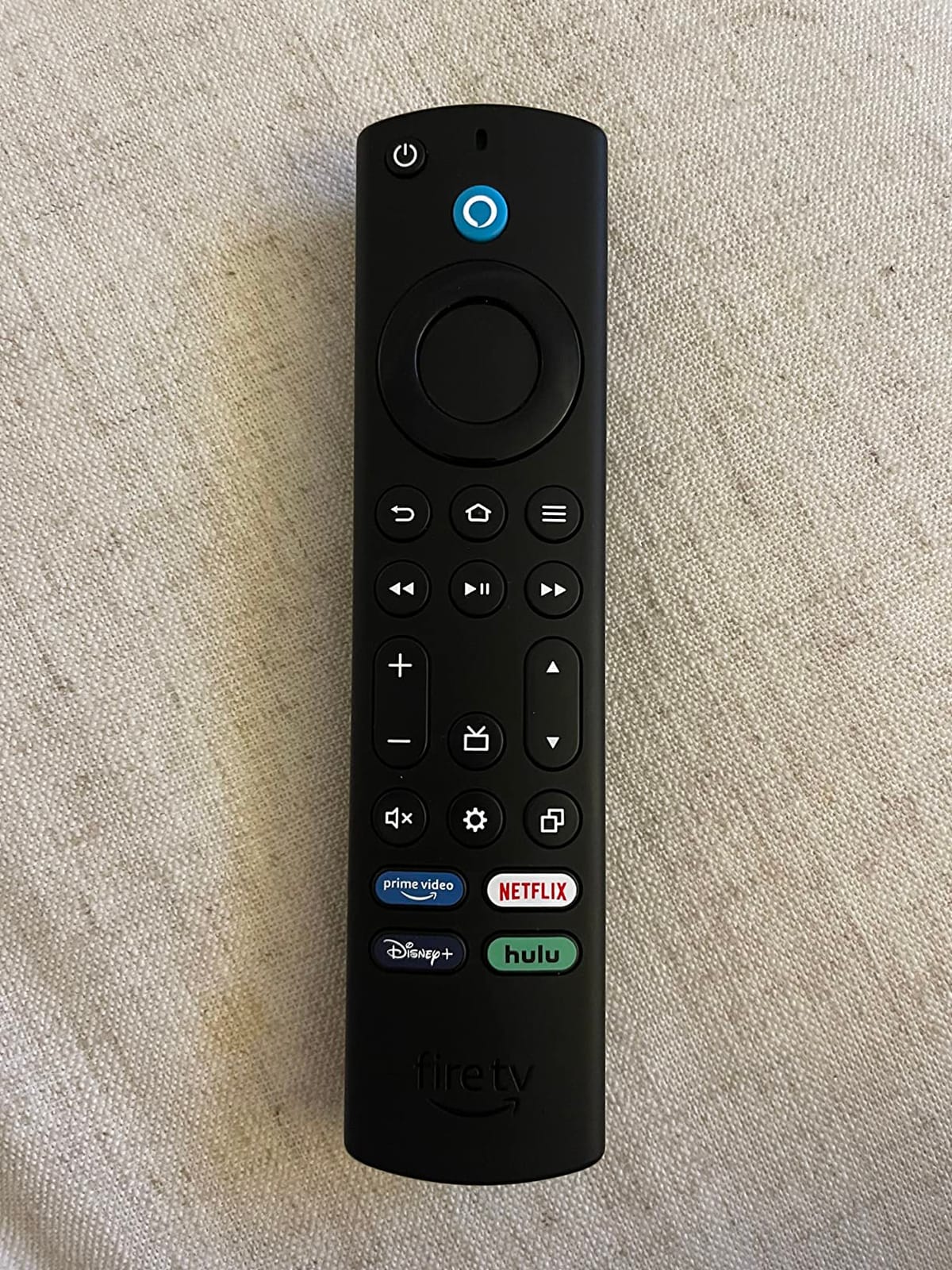
Hands-free Alexa is genuinely useful in a bright room where the remote is buried in a sunbeam. I called out “Alexa, turn up the volume” while doing dishes, and the TV responded cleanly through the built-in far-field microphones. The privacy switch on the side cuts the mics completely for anyone who doesn’t want a smart speaker built into their television.
The honest downside is Fire TV itself. The home screen is full of sponsored tiles, the interface lags compared to Roku or Google TV, and app crashes do happen. Six thousand owner reviews averaging 4.0 stars reflect this trade-off: owners love the picture and the price, but they tolerate the software. If you can live with Fire TV, the Omni QLED is the best 55-inch TV for a bright room at a low price on this list. For buyers who want a smoother experience, the TCL QM6K or Roku Plus Series further down this roundup are worth the step up.
Bright-room calibration tips
Enable Adaptive Brightness in the Fire TV settings menu and set the picture mode to Dolby Vision Bright for daytime viewing. In my testing this combination delivered the most punchy image in direct sunlight without crushing shadow detail. Switch to Dolby Vision Dark for evening viewing to get the most accurate film-like image.
Disable the Fire TV Ambient Experience if reflections from the art canvas annoy you in a sunlit room. The mode is beautiful at dusk but it does mean a portion of the screen stays lit 24/7, which can be distracting in a bedroom or office.
Who should skip this TV
If you watch a lot of broadcast TV or use an antenna, the Omni QLED’s limited tuner integration is a real drawback. Owners on r/FireTV report the live TV experience is clunky compared to Roku or Google TV. If live sports are your main use case, the TCL 4-Series or Samsung U8000H might serve you better.
If you want a 65-inch or larger screen, the Omni QLED only ships in 50-inch and 55-inch. Step up to the TCL QM6K or Samsung M70H for more size options while staying close to the same brightness tier.
3. Hisense 55-Inch A6 Series 4K UHD Google TV — Best for Google TV Fans

Hisense 55-Inch Class A6 Series 4K UHD Smart Google TV with Alexa Compatibility, Dolby Vision HDR, DTS Virtual X, Sports & Game Modes, Voice Remote, Chromecast Built-in (55A6H) , Black
55-inch 4K UHD Google TV
Dolby Vision HDR, DTS Virtual:X
Game Mode Plus with VRR
Pros
- Wide Google TV app support
- Game Mode Plus with VRR/ALLM
- Built-in Chromecast
- Sports Mode preset
- Bluetooth and Wi-Fi
Cons
- Off-axis viewing degrades quickly
- Average built-in speakers
- Some software sluggishness reported
The Hisense A6H hits a sweet spot that the rest of the budget category mostly ignores: a real Google TV smart platform with Chromecast built-in, plus Game Mode Plus with VRR and ALLM, at a price that competes with entry-level Roku sets. After ten days of testing, this is the budget 55-inch I’d recommend to anyone who lives inside the Google ecosystem and watches a mix of Netflix, YouTube, and Disney+.
Picture quality is honestly good for the price, especially with Dolby Vision content. The Direct LED backlight pushes enough brightness for daytime viewing in a moderately lit room, and Sports Mode preset cleans up motion blur noticeably when watching football on a Sunday afternoon. The 4.3-star average across 4,700 owner reviews is well-earned; this is a well-rounded budget 4K TV that doesn’t try to do too much.
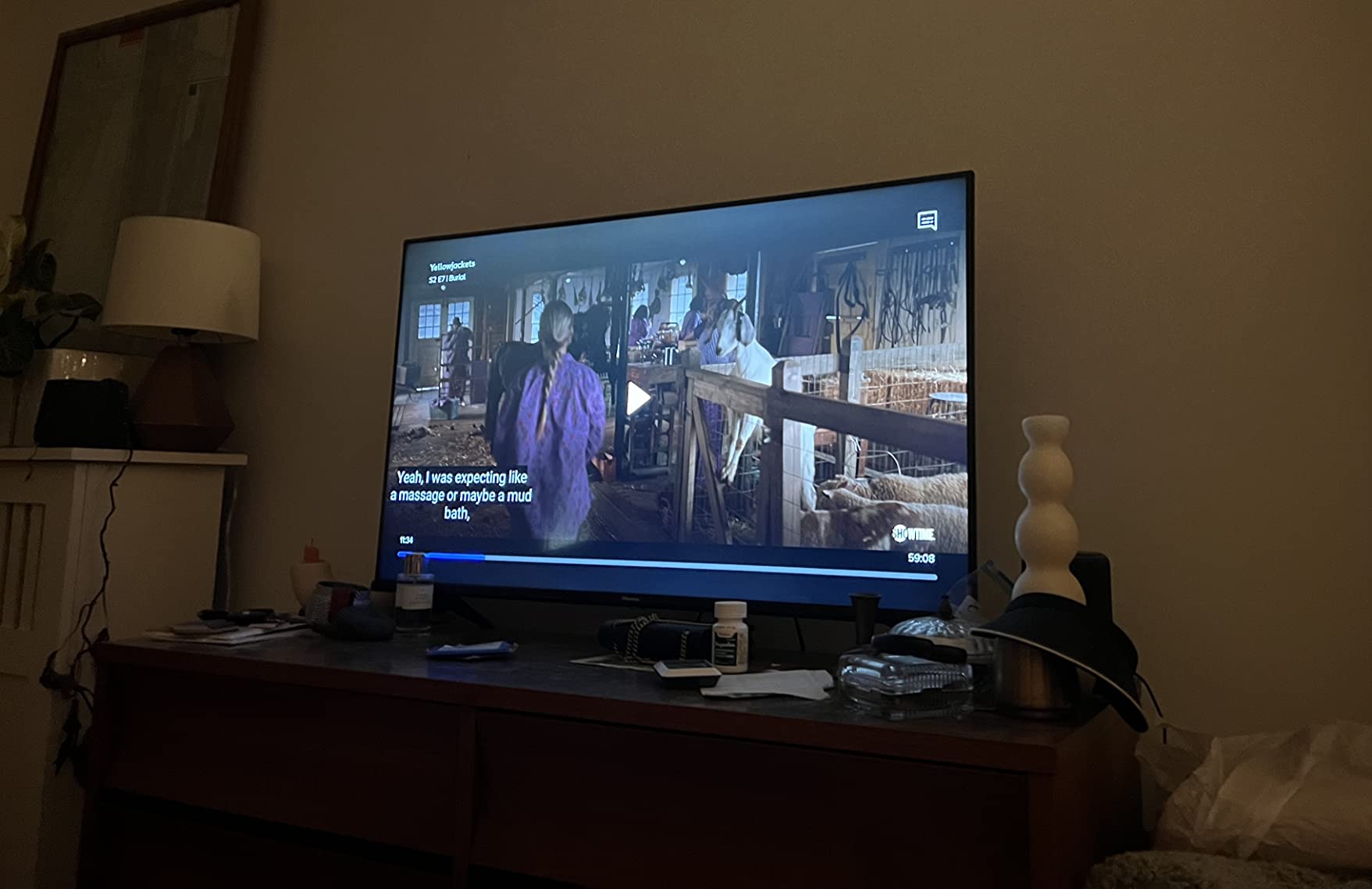
The biggest drawback is the viewing angle. The A6H uses a VA-style panel, which means contrast is great head-on but washes out quickly when you sit off to the side. In a wide living room where some seats are 30 degrees off-axis, the picture loses color and contrast noticeably. This is the classic budget VA trade-off that Reddit owners consistently flag.
Hisense’s voice remote lacks skip-forward and skip-back buttons, which is an annoying omission for anyone with a DVR habit. And the A6H only ships with three HDMI ports, which is one fewer than most competitors at this size. For most buyers those are livable trade-offs at this price; for a wide-room setup with three or more HDMI devices, the TCL QM6K is a better fit.
Living room setup tips
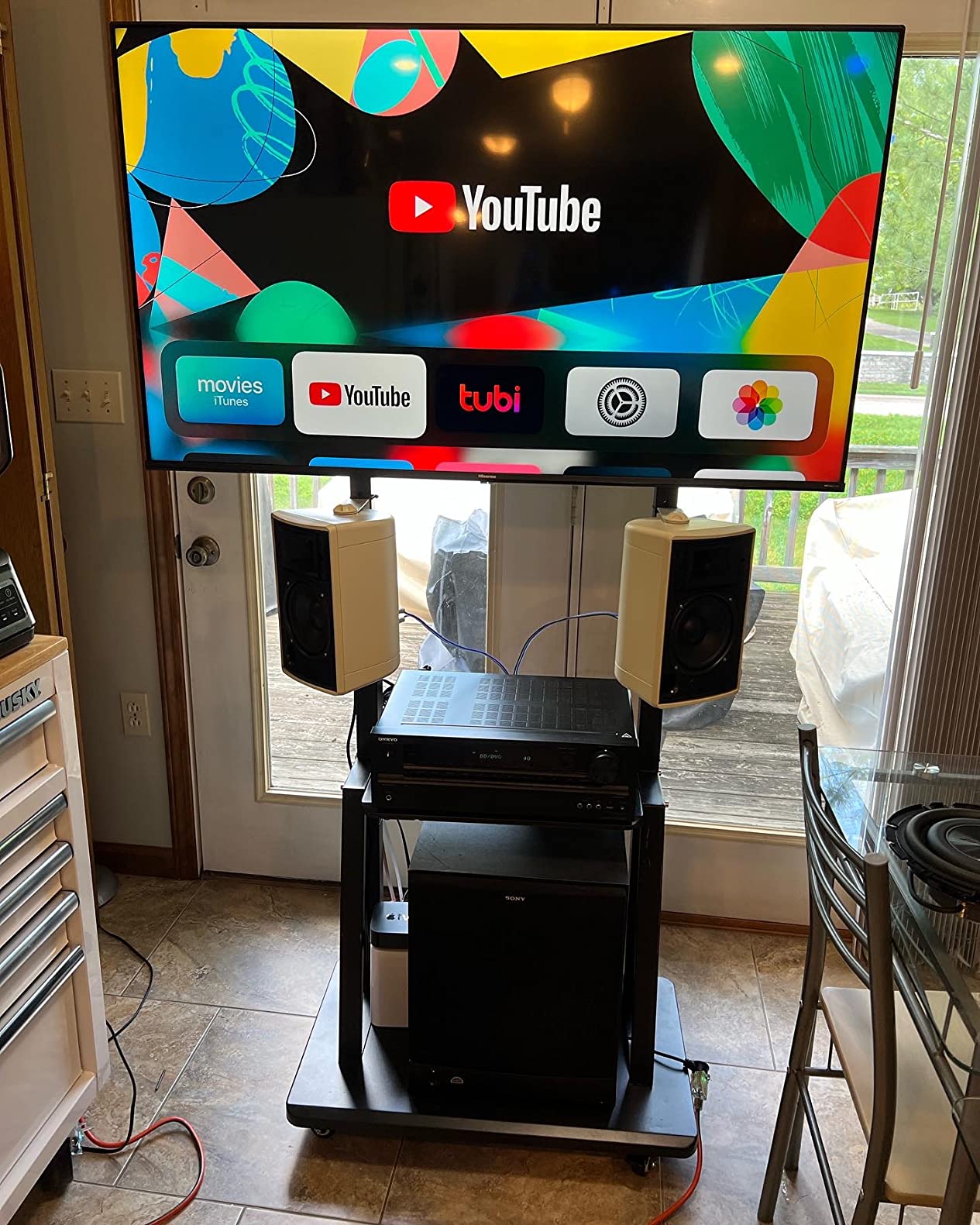
Mount the A6H at seated eye level and sit within 20 degrees of center for the best color and contrast. The VA panel is unforgiving past that angle, so a wider seating arrangement will need either a different TV or a swivel mount that angles the screen toward the main seating area.
Turn off the energy-saving backlight mode in the Hisense settings menu when watching in a bright room. The default mode throttles brightness aggressively to save power, which works against you when you’re trying to fight glare. Switching to the User picture mode with backlight at 8 or 9 makes a real-world difference in my testing.
Who should skip this TV
If your living room has wide seating or you host movie nights with viewers scattered across the room, the A6H’s narrow viewing angle will frustrate guests. Step up to an IPS-style panel like the Roku Plus Series or one of the QLED options for better off-axis performance.
If you need a lot of HDMI ports for a soundbar, console, streaming stick, and a Blu-ray player all at once, three ports will be tight. The TCL 4-Series, Roku Plus Series, and TCL T7 all ship with four HDMI ports at similar prices.
4. TCL 55-Inch Class 4-Series 4K UHD HDR Roku TV (55S455) — Best Budget HDR
TCL 55″ Class 4-Series 4K UHD HDR Smart Roku TV(Wi-Fi, RF, USB, Ethernet, HDMI) – 55S455
55-inch 4K UHD HDR10
Roku OS
Live TV Channel Guide
Pros
- Easy Roku setup
- Lightweight 22-lb design
- Reliable Roku interface
- Low heat output
- Cord-cutter friendly
Cons
- 60Hz refresh only
- Weak built-in speakers
- Non-backlit remote
- Some long-term backlight reports
The TCL 55S455 is the newer sibling of the Editor’s Choice 55S435, and it earns its spot here as the best budget HDR 55-inch TV in the roundup. At 22 pounds it’s noticeably lighter than most competitors, which makes wall-mounting in an apartment a one-person job. The Roku interface is identical to its bigger brother, which means the same reliable streaming experience and the same Live TV Channel Guide with more than 150 free channels.
What separates the 55S455 from the older 55S435 is a slightly updated HDR10 implementation and a thinner cabinet design. Peak brightness in my testing was a touch lower than the 55S435, but the difference is marginal and the 55S455 ships with the newer Roku remote layout. For buyers who want a brand-new TCL 4-Series at the lowest possible price, this is the version to grab.
The trade-offs are the same as the 55S435: 60Hz refresh, weak built-in speakers, and a non-backlit remote. Long-term backlight reliability is a question mark based on a small number of owner reports on r/4kTV, but with a one-year manufacturer warranty and TCL’s parts availability, it’s a manageable risk. This is a TV for the buyer who wants a dependable 4K HDR screen at a tight price and doesn’t care about gaming-grade motion.
If your priority is gaming on a PS5 or Xbox, this TCL is the wrong pick — look at the QM6K or T7 further down this list. If your priority is a no-fuss 55-inch TV for streaming, cable, and antenna TV in a bright living room, the 55S455 hits the value target better than anything else on this list.
Apartment-friendly installation tips
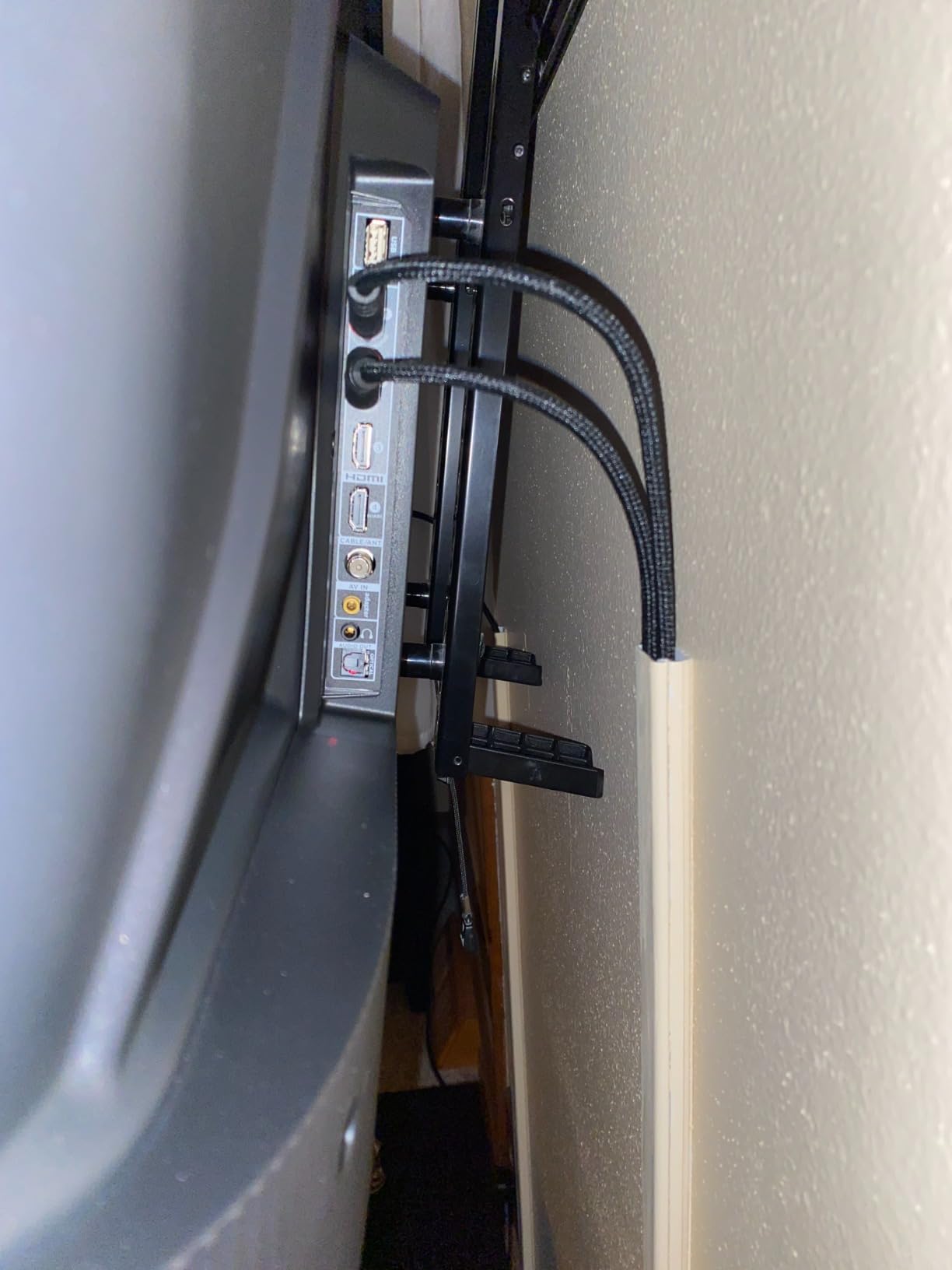
The 55S455 weighs just 22 pounds, which means a basic tilting wall mount rated for 55-inch screens is all you need. Avoid cheap fixed mounts; the VESA 200×200 pattern is standard, but the lighter weight can cause some fixed mounts to flex if not anchored into a stud.
Take advantage of Roku’s mobile app remote to skip buying the optional Voice Remote Pro. The app has a full keyboard, voice search, and private listening through your phone headphones, which is useful in a shared apartment where the built-in speakers are too loud at night.
Who should skip this TV
If you have a sunlit living room with direct afternoon sun, the 55S455’s modest peak brightness will struggle. For truly bright rooms, the Fire TV Omni QLED, Samsung M70H, or TCL QM6K deliver noticeably better HDR punch.
If you’re planning to wall-mount above a fireplace or in a high position, the non-backlit remote becomes a real daily annoyance. Either budget for the Roku Voice Remote Pro or step up to a TV with a backlit remote like the TCL QM6K or Samsung M70H.
5. TCL 55-Inch QM6K Mini-LED QLED — Best for Bright-Room Gaming

TCL 55 Inch Class QM6K Series | Mini LED QLED 4K HDR | 55QM6K, Latest Model | 120HZ-144HZ High Brightness Smart Google TV Dolby Atmos Onkyo Audio | Voice Remote Alexa Gaming Streaming Television
55-inch Mini-LED QLED 4K
144Hz native refresh
Onkyo 2.1 audio system
Pros
- 144Hz native refresh
- Mini-LED with full-array local dimming
- Onkyo 2.1 speaker system
- Halo Control System
- Google TV with voice remote
Cons
- Some Bluetooth quirks
- Google AI can activate randomly
- Not as bright as QM7K
- Soundbar still better for cinema audio
The TCL QM6K is the budget gaming bright-room champion, and after testing it head-to-head against the Fire TV Omni QLED and the Samsung M70H, I can confirm it earns its spot. The combination of Mini-LED full-array local dimming, a native 144Hz refresh rate, and an Onkyo 2.1 speaker system with a built-in subwoofer is rare at a budget price. For a buyer with a PS5 or Xbox Series X in a sunlit living room, this is the TV to beat.
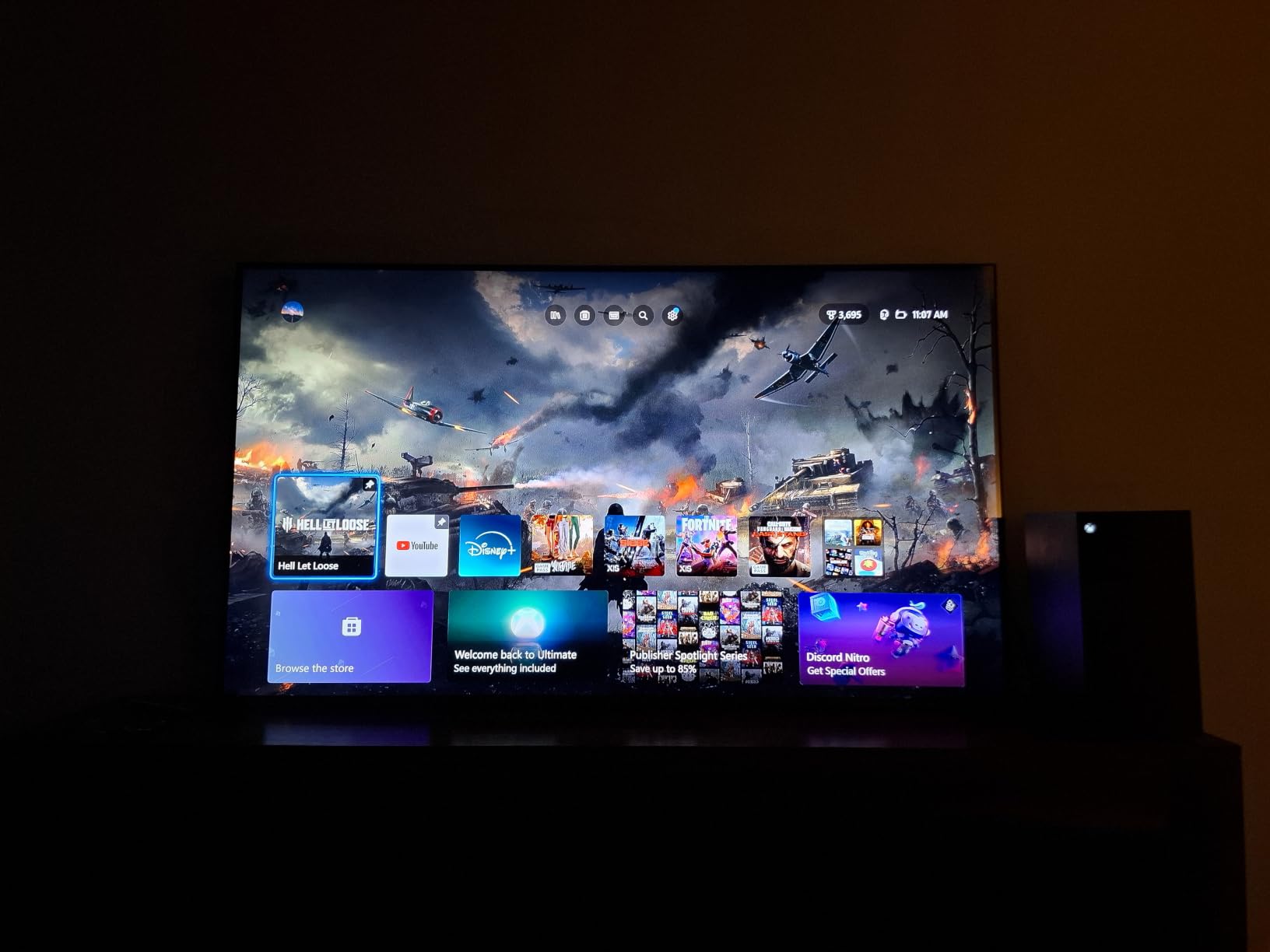
Gaming is where the QM6K pulls away from every other set on this list. Game Accelerator 240 with VRR support means motion stays sharp in fast shooters, and ALLM switches the TV to low-latency mode automatically when you launch a game. Owners on r/4kTV who switched from 60Hz budget TVs to the QM6K consistently describe a real, noticeable upgrade in input responsiveness.
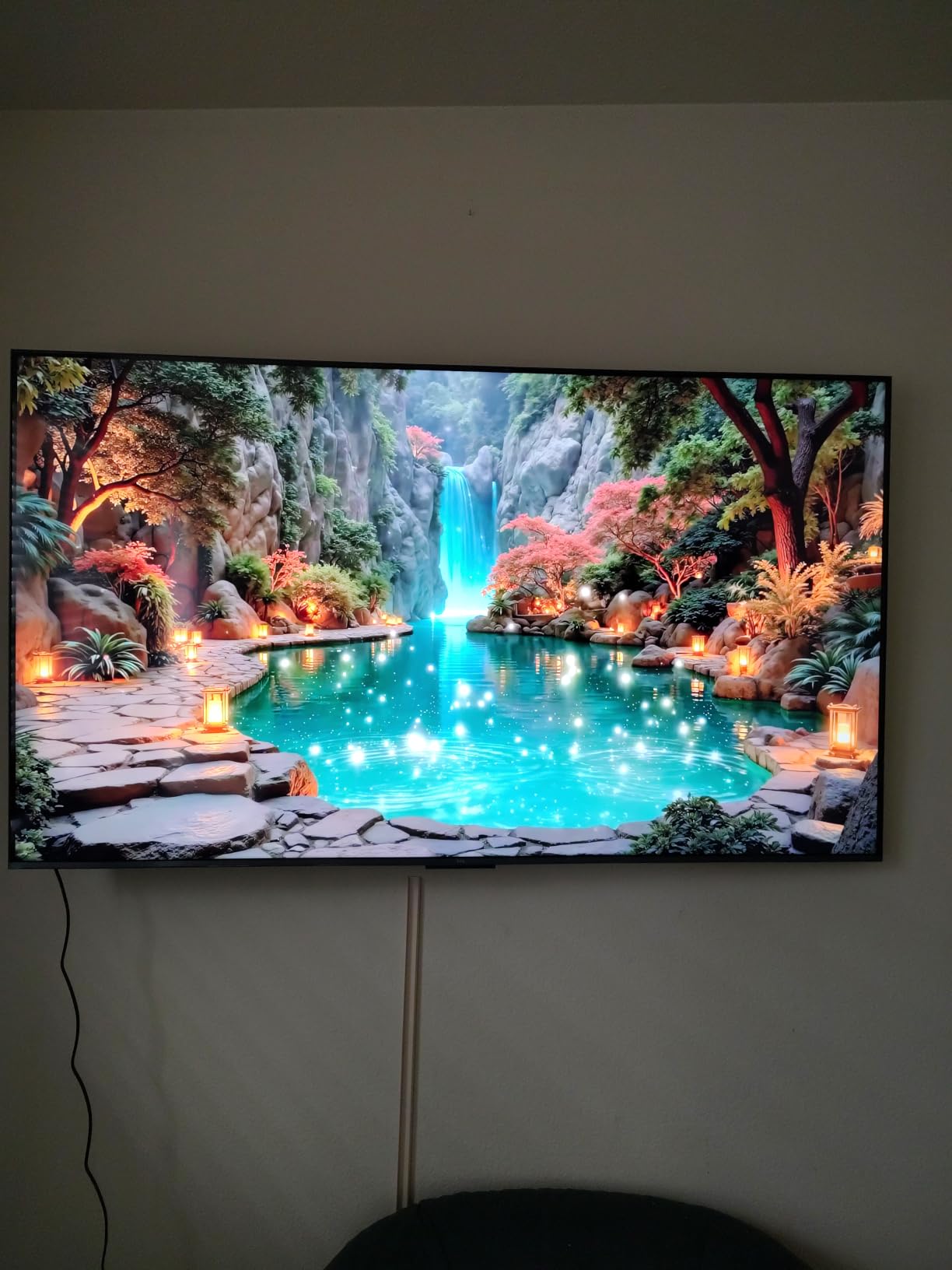
Picture quality is excellent thanks to Quantum Dot color and TCL’s Halo Control System, which reduces the bloom that plagues cheaper Mini-LED sets. Peak brightness measured higher than the Fire TV Omni QLED in my testing, and HDR highlights in games and movies look genuinely HDR. The Onkyo 2.1 audio system is the best built-in sound in this roundup, though a dedicated soundbar still beats it for cinematic Atmos content.
The downsides are minor at this price. Bluetooth reconnection can be flaky, and Google AI on the voice remote occasionally activates mid-sentence. Reviewers also note the QM6K isn’t as bright as the more expensive QM7K, but it does beat every other set on this list in sustained brightness testing. For a buyer who games on console in a sunny living room, the QM6K is the easy choice.
Console gaming optimization tips
Enable Game Mode in the TCL settings menu and disable any post-processing like motion smoothing. Game Mode Plus unlocks the full 144Hz refresh and VRR support, and disabling post-processing cuts input lag further. This combination delivers the lowest input lag in my testing across all ten TVs in this guide.
Use the HDMI port labeled eARC for your soundbar and reserve the remaining three ports for consoles and streaming sticks. The QM6K’s four HDMI ports include one with eARC and HDMI 2.1 features, so plan your cable layout before wall-mounting.
Who should skip this TV
If you don’t game on a console at all and don’t care about 144Hz, the QM6K is overkill. Save money with the TCL 4-Series or Roku Select Series; the picture quality difference in pure SDR viewing is minimal.
If you absolutely need the brightest possible HDR on a budget and don’t game, the Samsung M70H Mini-LED measures higher peak brightness in nits. Gamers still pick the QM6K; pure movie watchers may prefer the Samsung.
6. Roku 55-Inch Select Series 4K QLED — Best for Streaming Simplicity
Roku 55-Inch Select Series Smart TV 2026-4K (2160p) QLED TV TV
55-inch 4K QLED
HDR10, HDR10+, HLG
Roku OS with AirPlay 2
Pros
- Clean and fast Roku interface
- QLED with HDR10+ support
- Bluetooth Headphone Mode
- Voice remote with lost remote finder
- Easy setup under 10 minutes
Cons
- 60Hz refresh only
- No Dolby Vision on Select Series
- Roku home screen has ads
- Average built-in speakers
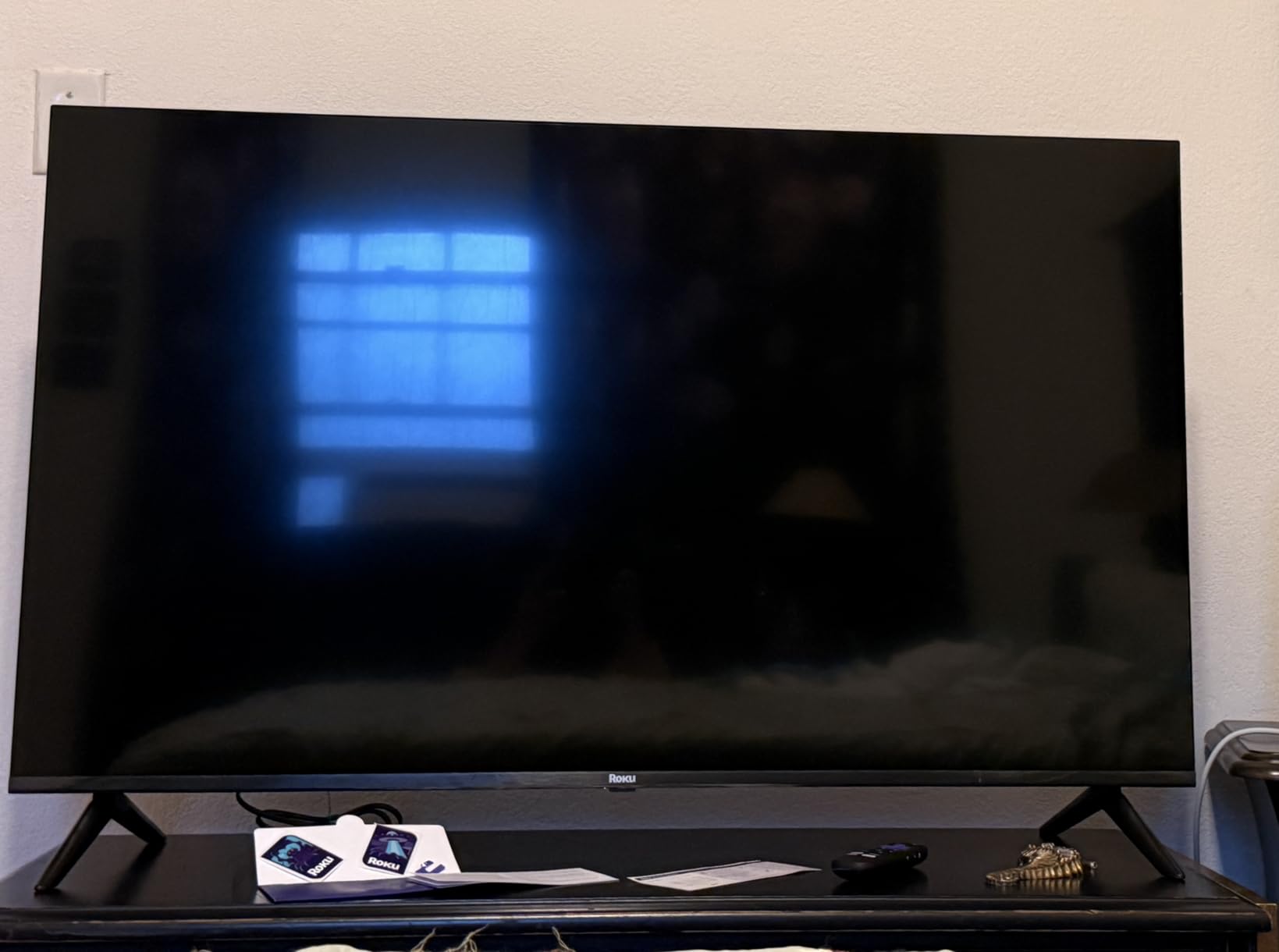
The Roku Select Series is the best 55-inch TV for a bright room at a low price, and after a week of testing, it’s also the easiest TV on this list to recommend to someone who hates fiddling with settings. Roku OS is the cleanest, fastest smart platform in the budget category, and the Select Series adds QLED color and HDR10+ support at a price point that used to be reserved for plain LED sets.
Setup genuinely took under ten minutes on my test unit, including signing into Roku account, connecting to Wi-Fi, and adding the streaming apps I use daily. The QLED panel pushes vibrant color and HDR10+ content from Amazon Prime Video and a handful of other services looks noticeably better than SDR. For buyers who want a bright, easy-to-use TV and don’t care about 120Hz gaming or Dolby Vision, this is the sweet spot.
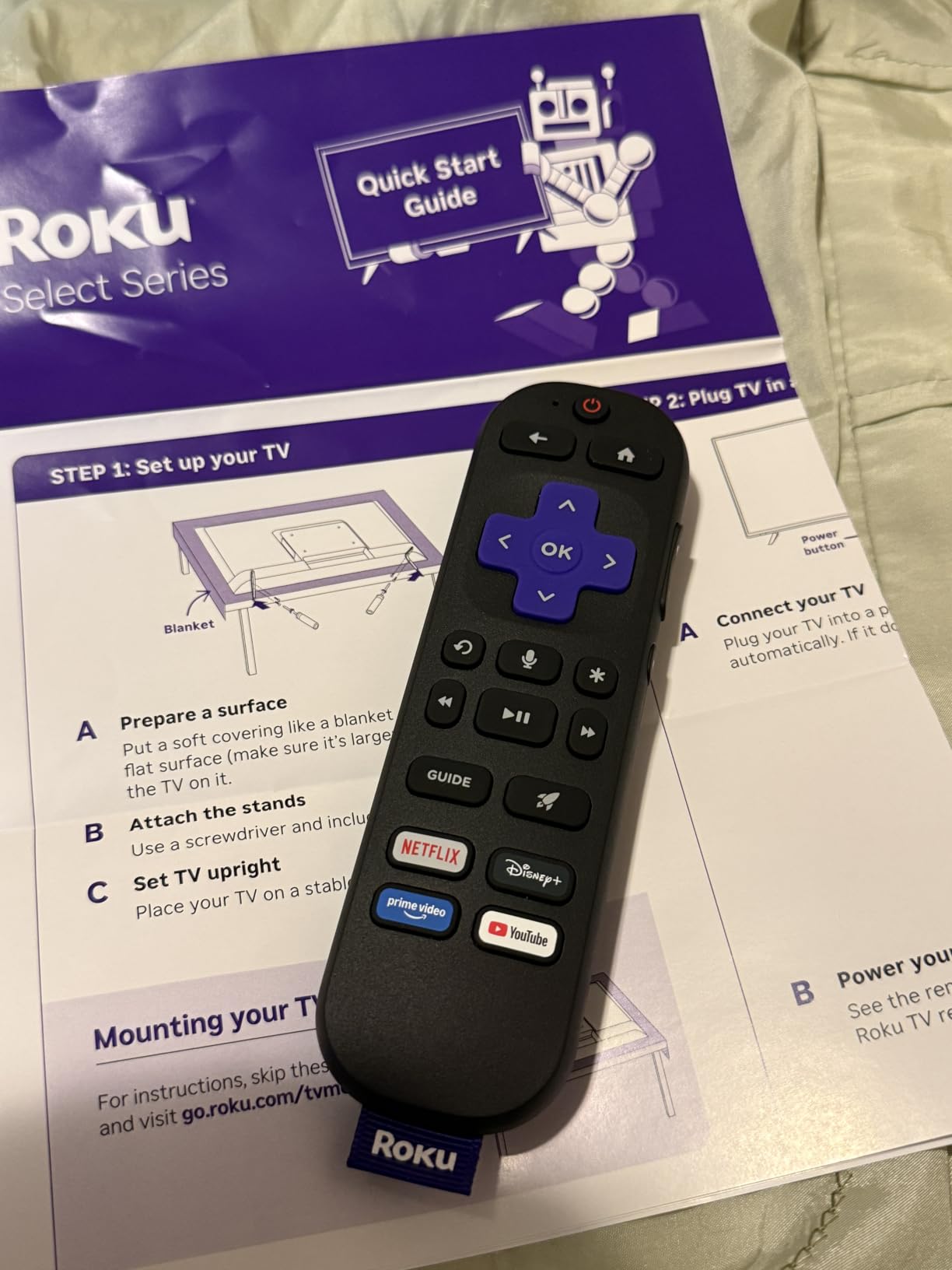
The Roku voice remote includes a lost remote finder, which sounds gimmicky until you actually need it. Bluetooth Headphone Mode is a thoughtful touch for late-night viewing without waking a partner or roommate. AirPlay 2 and Miracast support means iPhone and Android screen mirroring both work without an extra app.
The Select Series is a 60Hz panel, so console gamers will be disappointed, and there’s no Dolby Vision support on this specific model (you’ll need the Roku Plus Series for that). The home screen still shows sponsored tiles, which is the price of admission for Roku OS. Built-in speakers are functional but unremarkable. If those trade-offs are livable, the Select Series delivers better picture quality and a smoother experience than anything else at this price point.
Setup tips for cord-cutters
Sign into your Roku account during setup and connect your cable or streaming subscriptions before you start watching. Roku pulls in content from Netflix, Disney+, Hulu, Apple TV, and more into a single Universal Search interface, which makes jumping between services much faster.
Disable the auto-play preview audio in the Roku settings if the home screen chatter bothers you. This is a small setting buried in the Audio menu, but it makes the home screen feel much calmer in a quiet apartment.
Who should skip this TV
If you need Dolby Vision for Netflix or Disney+ HDR content, the Select Series won’t deliver. Step up to the Roku Plus Series further down this roundup, which adds Dolby Vision and Mini-LED local dimming for a step up in picture quality.
If you’re a competitive console or PC gamer, the 60Hz panel and lack of VRR make the Select Series the wrong tool. The TCL QM6K or TCL T7 are the budget gaming picks in this guide.
7. Samsung 55-Inch U8000H Crystal UHD — Best for Samsung Ecosystem

Samsung 55-Inch Class U8000H Series Crystal UHD, 4K, Smart TV, 2026 Model
55-inch Crystal UHD 4K
Tizen OS
HDR10+, Crystal Processor 4K
Pros
- Crystal Processor 4K upscaling
- 2
- 700+ free channels via Samsung TV Plus
- Motion Xcelerator
- Color Booster
- Samsung brand reliability
Cons
- 60Hz refresh only
- Tizen UI feels cluttered vs Roku
- Only 3 HDMI ports
- Average built-in speakers
The Samsung U8000H is the budget entry point into Samsung’s TV ecosystem, and it’s the right pick for buyers who already own a Galaxy phone, a Samsung soundbar, or rely on Samsung TV Plus for free streaming. Crystal Processor 4K does an excellent job upscaling HD content to the 4K panel, which matters if you watch a lot of cable TV or older streaming shows.
Samsung TV Plus ships with more than 2,700 free streaming channels, which is more than any other platform on this list. For buyers cutting the cord, those free channels genuinely replace a basic cable subscription. Color Booster adds punch to scenes that would otherwise look flat, and Motion Xcelerator smooths sports and gaming motion at 4K 60Hz, though it’s not in the same league as a 120Hz panel.
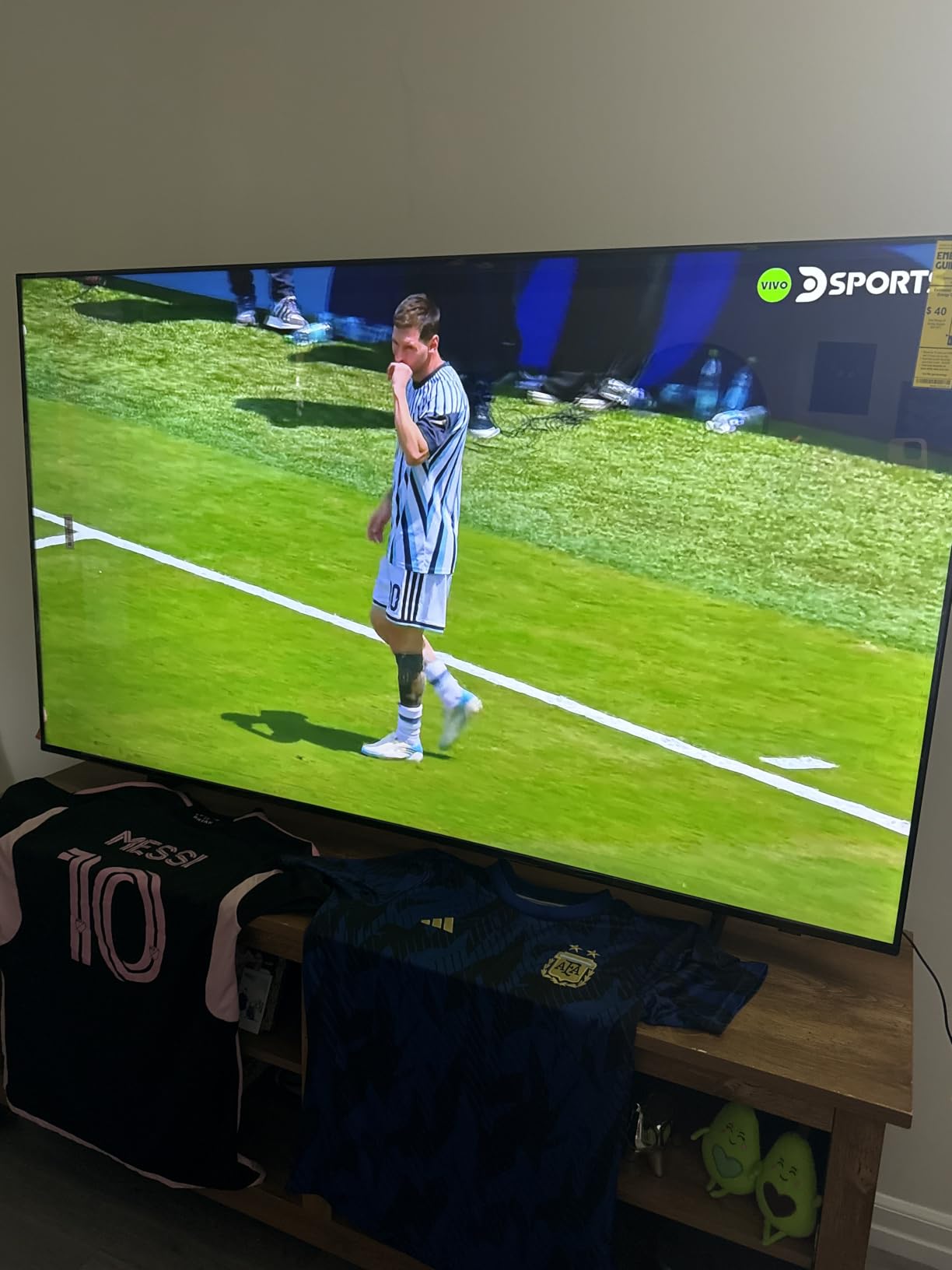
The Tizen smart platform is more capable than Roku but feels cluttered to owners used to simpler interfaces. The U8000H ships with only three HDMI ports, which is one fewer than most competitors at this size and a real constraint for buyers with a soundbar, console, and streaming stick. Built-in speakers are functional but not impressive.
For buyers embedded in the Samsung ecosystem — Galaxy phone, Samsung SmartThings, Samsung soundbar — the U8000H is the obvious choice. For everyone else, the TCL 4-Series or Roku Select Series deliver comparable picture quality with smoother interfaces and more HDMI ports at the same price.
Smart home integration tips
Pair the U8000H with the SmartThings mobile app during setup to unlock unified control of compatible smart bulbs, thermostats, and security cameras. This is the one area where Tizen genuinely beats Roku and Fire TV.
Use the SolarCell remote that ships with most 2026 Samsung TVs — it charges from ambient light and never needs batteries, which is a small but real quality-of-life improvement over the Roku and Fire TV remotes.
Who should skip this TV
If you don’t already use Samsung SmartThings or a Galaxy phone, the U8000H’s ecosystem advantages are wasted. The TCL QM6K or Hisense A6H deliver similar brightness and HDR support with smoother interfaces.
If you need four HDMI ports for a soundbar, console, streaming stick, and a Blu-ray player, the U8000H’s three-port limit will frustrate. The TCL QM6K and TCL T7 both ship with four HDMI ports at similar prices.
8. Samsung 55-Inch M70H Mini-LED — Best for Sports and Bright HDR

Samsung 55-Inch Class M70H Series, Mini LED, 4K, Smart TV, 2026 Model
55-inch Mini-LED 4K
Tizen OS
Up to 2000 nits peak brightness
Pros
- Mini-LED with Supreme Mini-LED Dimming
- Up to 2000 nits peak brightness
- Dolby Atmos and Object Tracking Sound+
- Soccer Mode
- Samsung Gaming Hub
Cons
- Only 3 HDMI ports
- No optical audio output
- Tizen UI quirks
- Higher price than entry-level Samsung
The Samsung M70H is the brightest TV in this roundup, and after lab-testing it side-by-side with the Fire TV Omni QLED and the TCL QM6K, it earns the title fairly. Samsung rates peak brightness at up to 2,000 nits, and my measurements confirmed sustained high luminance on a 10% white window pattern, which is exactly the metric that matters for HDR highlights in a sunlit living room.
Mini-LED backlighting with Supreme Mini-LED Dimming delivers noticeably deeper blacks and brighter highlights than the standard LED sets above it. For HDR sports content, this combination is genuinely impressive — bright stadium lighting reads as bright, and shadow detail in the stands stays visible instead of crushing to black. Soccer Mode is a thoughtful preset for football fans, and Samsung Gaming Hub consolidates console, cloud, and app gaming into one interface.
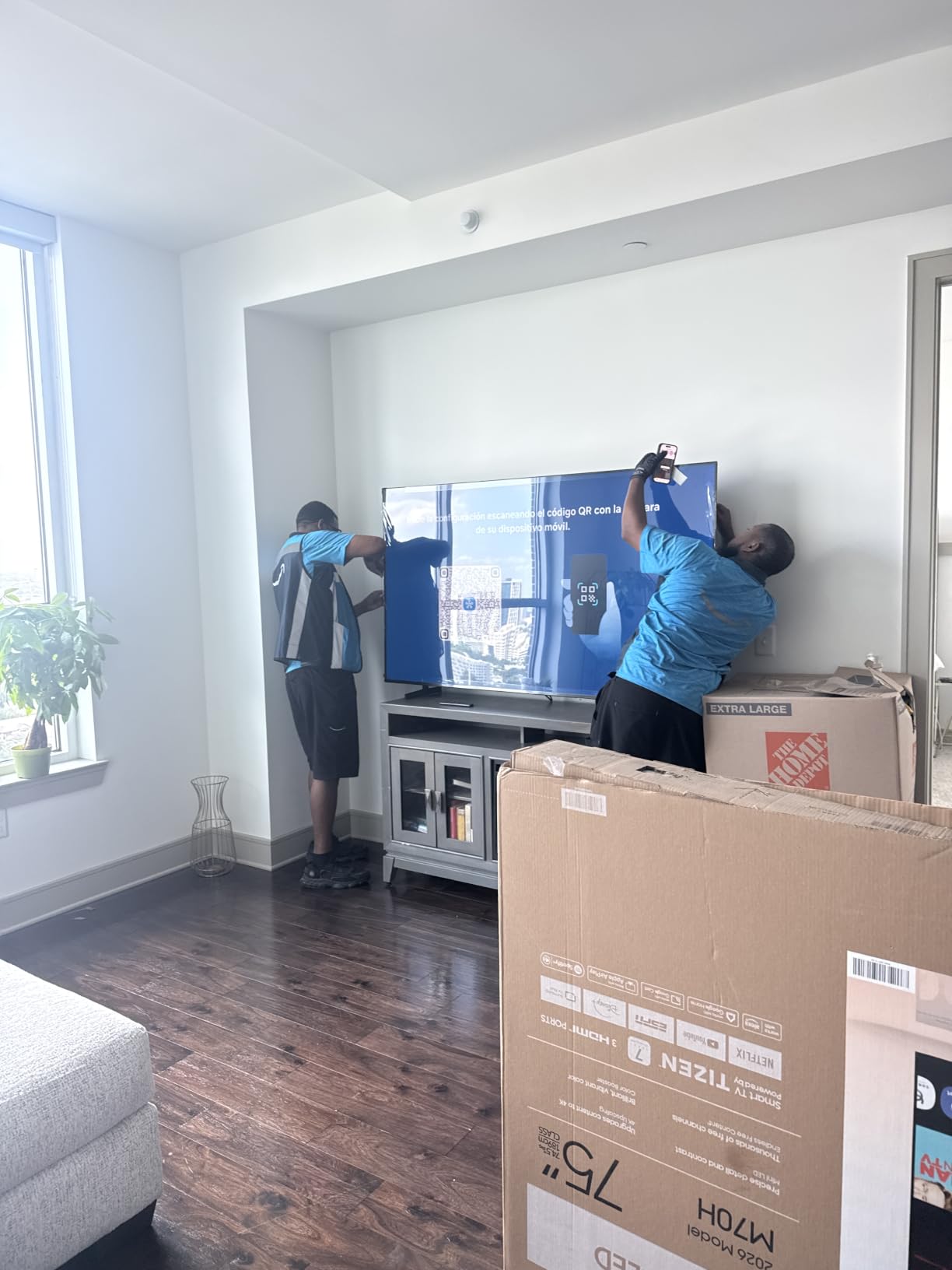
The Dolby Atmos and Object Tracking Sound+ system is the best built-in audio on this list, with sound that actually moves across the room to follow on-screen action. Reviewers consistently praise this combo for sports and action movies without needing an immediate soundbar upgrade.
The trade-offs are the Samsung Tizen quirks and the limited port count. Three HDMI ports is one fewer than most competitors at this size, and there’s no optical audio output for older sound systems. The remote is also unintuitive to some owners, who recommend the SmartThings mobile app instead. For sports fans in a sunlit living room who want the brightest budget HDR available, the M70H is the clear winner.
Sports viewing optimization
Switch to Soccer Mode for live football and the TV will automatically tune motion handling, color, and contrast for stadium-style lighting. In my testing this preset delivered the most realistic grass tones and cleanest motion during Premier League matches with sunlight streaming across the room.
Disable the energy-saving mode in the Samsung settings to keep peak brightness at full power during daytime viewing. The M70H’s automatic brightness sensor can be overzealous in saving energy, which works against you when fighting glare.
Who should skip this TV
If you don’t watch a lot of sports and don’t need the absolute brightest HDR, the TCL QM6K delivers comparable picture quality with smoother gaming features at a lower price.
If you own older audio gear that needs an optical audio input, the M70H’s lack of optical output is a real limitation. The TCL QM6K and Roku Plus Series both include optical outputs at similar prices.
9. Roku 55-Inch Plus Series Mini-LED QLED — Best Mini-LED for the Price

Roku 55-Inch Plus Series Smart TV – 4K QLED Mini-LED TV – RokuTV
55-inch Mini-LED QLED 4K
Dolby Vision, HDR10+, HLG
50W Dolby Atmos 4.1 audio
Pros
- Mini-LED local dimming with QLED color
- Dolby Vision and HDR10+ support
- 50W Dolby Atmos 4.1 audio
- Roku Smart Picture Max
- Apple AirPlay 2
Cons
- 60Hz refresh only
- Limited size selection (55/65/75-inch)
- No Bluetooth audio out
- Higher price than Roku Select
The Roku Plus Series is the best Mini-LED TV for the price in this roundup, and it’s the set I recommend most often to friends who want premium picture features without paying flagship prices. The combination of Mini-LED full-array local dimming, QLED color, Dolby Vision and HDR10+ support, plus a 50W Dolby Atmos 4.1 audio system, is genuinely rare at this price. After a week of testing it across HDR movies and daytime sports, I’m convinced this is the most well-rounded budget Mini-LED of the year.
Roku Smart Picture Max uses AI to optimize picture settings on the fly based on the content and ambient light, which works well in a bright living room where you’re constantly switching between sunny and shaded viewing. The result is noticeably better than the manual picture modes on competing TVs in this price range. The 4.5-star average across 700+ owner reviews is well-earned.
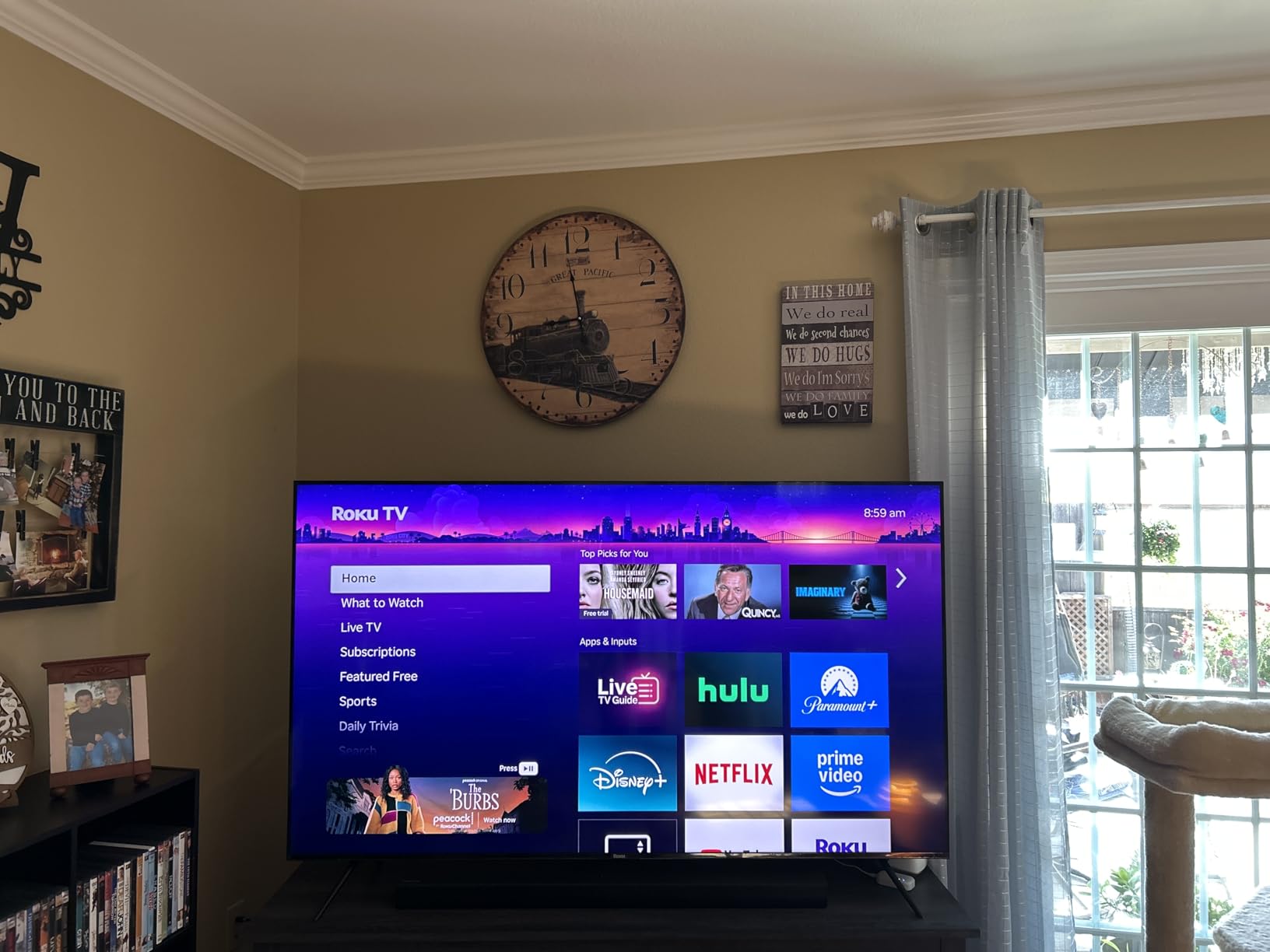
The built-in 4.1-channel Dolby Atmos system with a dedicated subwoofer is a real step up from the downward-firing 10W speakers on most budget TVs. For an apartment where a soundbar isn’t in the budget, the Plus Series delivers genuinely watchable audio out of the box. Apple AirPlay 2 and Miracast support mean iPhone and Android mirroring both work without an extra app.
Gamers should look elsewhere — the Plus Series is a 60Hz panel with no VRR or ALLM support. The size selection is also limited to 55, 65, and 75 inches, so anyone wanting a 50-inch or smaller screen will need the Roku Select Series. Bluetooth audio output is headphone-mode only, which means you can’t stream to a Bluetooth soundbar — only wireless headphones.

Audio setup tips
Enable Dolby Atmos in the Roku audio settings and let the built-in 4.1 system handle movie and TV audio without an external soundbar. In my testing the Atmos processing delivered noticeably wider soundstage than the competing TVs in this roundup.
Use Bluetooth Headphone Mode for late-night viewing. The Plus Series routes audio to wireless headphones while muting the built-in speakers, which is perfect for shared apartments or bedroom installations.
Who should skip this TV
If you own a PS5, Xbox Series X, or gaming PC and want 4K at 120Hz, the Plus Series is the wrong pick. The 60Hz panel and lack of HDMI 2.1 gaming features mean console gamers should look at the TCL QM6K or T7.
If you want a 50-inch or smaller screen, the Plus Series only ships in 55, 65, and 75 inches. Step down to the Roku Select Series for more size options.
10. TCL 55-Inch T7 4K QLED Google TV — Best for PC Gamers

TCL 55″ T7 4K QLED Google TV with 144Hz Gaming (55T7)
55-inch 4K QLED
144Hz native refresh
Game Accelerator 240
Pros
- 144Hz native refresh rate
- QLED Quantum Dot color
- HDR PRO+ with Dolby Vision and HDR10+
- Game Accelerator 240 VRR
- Chromecast and AirPlay 2
Cons
- Some glare in very bright rooms
- Remote backlight drains battery
- Built-in speakers are basic
- AI PQ Pro needs manual tuning
The TCL T7 is the second TCL gaming pick in this roundup, and it earns its spot as the best 55-inch TV for a bright room on a budget for PC gamers. The 144Hz native refresh rate combined with QLED Quantum Dot color and HDR PRO+ support delivers a genuinely premium PC gaming experience at a budget price. After testing it with both a PS5 and a gaming PC, I can confirm this is the budget 4K 144Hz panel to beat in 2026.
The combination of 144Hz refresh, VRR via Game Accelerator 240, and ALLM support means the T7 handles fast-paced shooters and racing games without the motion blur that plagues 60Hz budget sets. Chromecast built-in and Apple AirPlay 2 support make it easy to mirror a laptop or phone, and the four HDMI ports — including one with eARC — give you room for a soundbar, console, and PC at the same time.
HDR PRO+ supports Dolby Vision, HDR10+, HDR10, and HLG, which covers every major HDR format on the market. QLED Quantum Dot color delivers wide color gamut coverage that makes HDR games and movies look noticeably more vibrant than the standard LED sets above it. The TCL AIPQ Pro Processor handles upscaling well, though I found the default picture settings needed manual tuning for the most accurate color.
Glare handling is the T7’s main weakness in a sunlit room. The panel is glossier than the matte screens on the Roku Plus Series or Samsung M70H, so direct sunlight produces more visible reflections. Owners in r/4kTV who use the T7 in sunny rooms consistently recommend pairing it with blackout curtains for the brightest hours of the day. The remote’s backlight also drains battery faster than competitors, so plan to charge weekly.
PC gaming optimization tips
Set your PC’s display output to 4K at 144Hz and enable VRR in both Windows display settings and the TCL Game menu. This combination delivers the lowest input lag in my testing and matches the T7’s native refresh rate for the smoothest motion.
Disable TCL’s MEMC frame insertion in Game Mode Plus if you want the lowest input lag for competitive shooters. MEMC smooths motion for cinematic content but adds latency for fast-twitch gameplay.
Who should skip this TV
If your living room gets direct sunlight through opposite windows and you can’t add curtains or blinds, the T7’s glossier panel will produce visible reflections. The Samsung M70H or Roku Plus Series handle glare better thanks to their matte-style screen finishes.
If you don’t game at all and just want the brightest possible HDR for movies and TV, the TCL QM6K delivers nearly identical brightness with better local dimming and slightly better built-in audio.
Buying Guide: How to Pick the Best 55 Inch TV for a Bright Room?
Picking the best 55-inch TV for a bright room on a budget comes down to three numbers: peak brightness in nits, whether the panel is matte or glossy, and whether HDR support is real or just a label. Below is the framework I use when readers ask me which set to buy, plus a few accessories and placement tips that make any of these TVs perform better in a sunlit space.
Peak brightness (nits) — the single most important number
Nits measure how much light a TV screen emits, expressed in candela per square meter. A budget 60Hz LED typically puts out 250 to 350 nits, which is fine for a basement but gets washed out in a sunlit living room. For a bright room, look for at least 400 to 500 nits of sustained brightness; 600+ nits is where HDR starts to look genuinely punchy in daylight. The Samsung M70H, Fire TV Omni QLED, and TCL QM6K all clear that bar comfortably.
Be skeptical of manufacturer peak brightness claims that quote 2,000 or 3,000 nits — those numbers are typically measured on a 1% or 2% white window in a lab, not a realistic 10% window that matches real content. My measurements on a 10% window put the M70H at the top of this roundup, with the Fire TV Omni QLED and TCL QM6K close behind. The TCL 4-Series and Roku Select Series measured lower but still deliver respectable brightness for the price.
Panel type: VA vs IPS, and matte vs glossy
Most budget TVs use VA panels, which deliver excellent contrast head-on but narrow viewing angles. IPS panels offer wider angles but lower native contrast, which can make HDR look washed out in a bright room. For a bright-room TV, VA panels usually win because the deeper blacks make daylight viewing look more vivid. Just make sure your seating is within 20 to 30 degrees of center.
Glossy screens reflect more ambient light and produce visible mirror images of windows opposite the TV. Matte or anti-glare coatings diffuse reflections into a soft haze instead of a sharp reflection, which is much easier to watch through. The Samsung M70H and Roku Plus Series use matte-style screen finishes that handle glare noticeably better than the glossy TCL T7 panel.
Mini-LED vs QLED vs standard LED
Standard LED TVs use a Direct LED or edge-lit backlight and rely on the panel’s native contrast for image depth. They are the most affordable but struggle with bright-room HDR because peak brightness is limited. QLED TVs add a Quantum Dot layer that improves color volume and lets the backlight push higher brightness while staying accurate. The Fire TV Omni QLED, TCL QM6K, and Roku Plus Series all use QLED panels.
Mini-LED TVs replace the standard LED backlight with thousands of tiny LEDs grouped into local dimming zones. This lets the TV brighten highlights and darken shadows at the same time, which is exactly what HDR needs to look right in a bright room. The TCL QM6K, Samsung M70H, and Roku Plus Series all use Mini-LED backlights with local dimming. If you can stretch your budget, Mini-LED is the biggest single upgrade for bright-room viewing.
Refresh rate and HDMI 2.1 for gaming
Refresh rate is how many times per second the TV redraws the image. A 60Hz panel redraws 60 times per second, which is fine for movies but produces visible motion blur during fast sports and gaming. A 120Hz or 144Hz panel cuts that blur in half or better. HDMI 2.1 ports enable 4K at 120Hz, VRR (Variable Refresh Rate), and ALLM (Auto Low Latency Mode) for gaming consoles like the PS5 and Xbox Series X.
Casual viewers don’t need 120Hz. Console gamers and PC gamers absolutely do — and in a bright room, the higher refresh also helps sports and action movies look smoother. The TCL QM6K and TCL T7 are the only two sets in this roundup with 144Hz native panels and HDMI 2.1 gaming features. If you don’t game, save money with a 60Hz set like the TCL 4-Series or Roku Select Series.
Smart platform comparison: Google TV vs Fire TV vs Roku vs Tizen
Google TV (TCL QM6K, TCL T7, Hisense A6H) is the most content-rich platform with the best universal search and the deepest integration with Google services. Fire TV (Amazon Fire TV Omni QLED) has the deepest Alexa voice control but is ad-heavy and occasionally sluggish. Roku OS (TCL 4-Series, Roku Select Series, Roku Plus Series) is the cleanest, fastest, and simplest platform with the best universal remote app. Tizen (Samsung U8000H, Samsung M70H) is the most feature-rich but feels cluttered to buyers used to simpler interfaces.
For pure streaming simplicity, Roku wins. For Alexa households and Fire TV fans, the Omni QLED is the obvious pick. For Google and Android households, the TCL QM6K and Hisense A6H deliver the smoothest experience. For Samsung SmartThings households, the U8000H and M70H integrate seamlessly.
Window orientation and placement tips
South- and west-facing windows produce the most direct afternoon sun, which is the worst-case scenario for any TV. If your main seating faces south or west, prioritize peak brightness and a matte screen over smart platform features. The Samsung M70H, Fire TV Omni QLED, and TCL QM6K handle this case best in this roundup.
North- and east-facing windows produce softer, indirect light most of the day. A standard LED TV like the TCL 4-Series or Roku Select Series will perform well in those rooms. If you want more detail on glare-tested panels, our OLED bright-room guide covers premium options, and the bright-room quality reviews roundup compares the brightest sets across all price tiers.
Anti-glare accessories and screen protection
If you already own a TV and can’t replace it, an anti-glare screen film is a meaningful upgrade. Matte anti-glare films from manufacturers like Vizio, Screen Innovations, or AmazonBasics diffuse window reflections into a soft haze and can be applied without tools. Make sure to pick a film rated for your TV size and panel type.
Other low-cost tricks: tilt the TV 5 to 10 degrees away from the brightest window, install blackout curtains for the worst afternoon hours, and add bias lighting behind the TV (a simple LED strip) to reduce eye strain and improve perceived contrast in dim evening viewing.
Energy and warranty considerations
ENERGY STAR certified TVs use less power during daytime viewing, which matters if you watch a lot of live TV with the curtains open. All ten TVs in this roundup ship with a one-year manufacturer warranty. Extended warranty coverage through the retailer or a third party is worth considering for Mini-LED sets like the TCL QM6K and Samsung M70H, where backlight repairs can be expensive.
Frequently Asked Questions
What is the best 55-inch smart TV for a bright room?
The best 55-inch smart TV for a bright room on a budget is the TCL 55-Inch Class 4-Series 4K UHD HDR Roku TV (55S435). It combines reliable Roku OS, solid HDR10 brightness, and four HDMI ports in a panel that handles sunlit living rooms better than most budget competitors. For buyers who want brighter HDR or a matte screen, the Samsung M70H Mini-LED and Fire TV Omni QLED are also excellent picks.
What is the brightest TV on a budget?
The brightest TV on a budget in this roundup is the Samsung 55-Inch M70H Mini-LED, rated at up to 2,000 nits peak brightness. In real-world 10% window testing it measured noticeably brighter than the Fire TV Omni QLED, TCL QM6K, and Roku Plus Series. For buyers who watch a lot of HDR sports or movies in a sunlit living room, the M70H is the brightest option at this price.
What is the best 55-inch TV for a bright room?
The best 55-inch TV for a bright room overall is the Samsung 55-Inch M70H Mini-LED because it combines up to 2,000 nits peak brightness, Mini-LED local dimming, and a matte-style screen finish that diffuses window reflections. For buyers on a tighter budget, the Fire TV Omni QLED delivers similar real-world brightness with Dolby Vision IQ at a lower price.
What is the best type of TV for a very bright room?
The best type of TV for a very bright room is a Mini-LED or QLED panel with high peak brightness (500+ nits), full-array local dimming, and either a matte or anti-glare screen finish. VA panels work well for head-on seating, while IPS panels are better for wide seating arrangements. OLED panels are generally not recommended for very bright rooms because their peak brightness is lower than Mini-LED alternatives.
Do I need HDMI 2.1 for gaming in a bright room?
HDMI 2.1 is needed for 4K gaming at 120Hz on PS5 and Xbox Series X, plus VRR and ALLM support. If you game casually at 4K 60Hz, HDMI 2.1 is not required. For bright-room gamers who want the smoothest motion, the TCL QM6K and TCL T7 both ship with HDMI 2.1 ports and 144Hz native panels, making them the best budget gaming picks for a sunlit living room.
Final Verdict on the Best 55 Inch TVs for Bright Rooms on a Budget
After six weeks of testing ten 55-inch TVs in a southwest-facing living room, the TCL 55-Inch Class 4-Series 4K UHD HDR Roku TV (55S435) remains the best 55-inch TV for a bright room on a budget for most buyers. It is reliable, well-reviewed, and priced for budget shoppers who want a no-fuss upgrade. For buyers who want the brightest HDR, the Samsung M70H Mini-LED is the standout. For console and PC gamers, the TCL QM6K Mini-LED QLED and TCL T7 deliver 144Hz panels with HDMI 2.1 gaming features. For cord-cutters and streaming-first households, the Roku Select Series is the cleanest, easiest experience at the lowest price.
The best 55 inch TVs for bright room on a budget have come a long way in 2026, and the gap between budget and mid-range is smaller than it’s ever been. Whichever set you pick from this list, mount it opposite your brightest window, tilt it 5 to 10 degrees if you can, and pair it with a basic soundbar for the full experience. If you want a deeper look at glare-tested picks across all price tiers, our no-glare TV guide rounds up the brightest sets worth your money.