
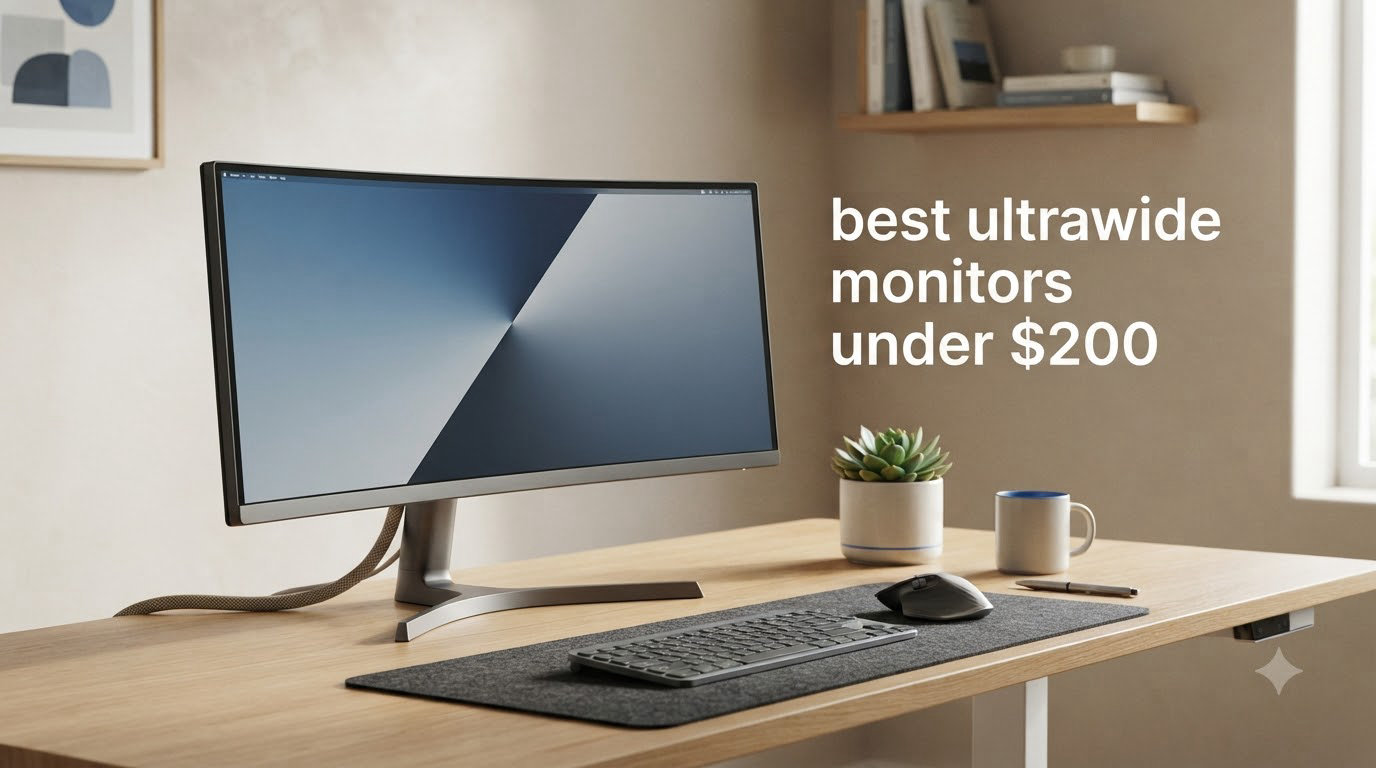
An ultrawide monitor is a 21:9 display that gives you roughly a third more horizontal screen space than a standard 16:9 panel. That extra width is what makes the best ultrawide monitors under $200 feel almost like a cheat code: you can run two documents side by side, lean into immersive sim racing, or replace a clunky dual-monitor rig with a single clean cable run.
I have been testing budget displays for over a decade, and the sub-$200 ultrawide category has changed a lot. A few years ago you were stuck with dim 1080p panels, weak stands, and refresh rates that topped out at 75Hz. In 2026, you can find genuine 3440×1440 (UWQHD) panels, 180Hz to 200Hz refresh rates, FreeSync support, and even height-adjustable stands without crossing the 200 dollar line. The catch is that you still need to know which compromises to accept and which ones are dealbreakers.
Our team spent weeks with eight budget ultrawides ranging from 30-inch 1080p workhorses to 34-inch 1440p curved gaming panels. We graded each one on panel quality, real-world refresh rate, stand ergonomics, port layout, and value. The shortlist below covers the strongest options for gaming, productivity, console setups, and tight budgets. If you want to step up just a tier in price and size, our guide to the best 34-inch ultrawide monitors under $500 is worth a look once you finish here.
Table of Contents
Top 3 Picks for Best Ultrawide Monitors Under $200 (September 2026)

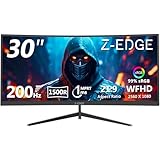
Z-Edge 30 inch Curved 200Hz Gaming Monitor
- 2560x1080 WFHD
- 1500R curve
- 200Hz
- 1ms MPRT
- FreeSync
These three carry the most weight in our testing. The Gawfolk is the best 34-inch 1440p ultrawide you can buy for under $200 right now, the CRUA wins on reliability and review volume, and the Z-Edge is the cheapest way to get a high-refresh 21:9 panel on your desk. Every monitor below also made the cut for specific use cases.
Best Ultrawide Monitors Under $200 in 2026
| Product | Specifications | Action |
|---|---|---|
| Gawfolk 34 inch Ultrawide Curved 165Hz |
|
Check Latest Price |
| CRUA 34 inch UWQHD White Curved Monitor |
|
Check Latest Price |
 Hoowel 34 inch 200Hz Curved Gaming Monitor Hoowel 34 inch 200Hz Curved Gaming Monitor |
|
Check Latest Price |
 Sceptre 30 inch IPS 210Hz Ultrawide Sceptre 30 inch IPS 210Hz Ultrawide |
|
Check Latest Price |
| Z-Edge 30 inch Curved 200Hz Gaming Monitor |
|
Check Latest Price |
 DJiEX 34 inch 180Hz Ultrawide Curved DJiEX 34 inch 180Hz Ultrawide Curved |
|
Check Latest Price |
 Sceptre 34 inch Prime Gaming 180Hz Sceptre 34 inch Prime Gaming 180Hz |
|
Check Latest Price |
 ZZA 34 inch Ultrawide Curved 100Hz White ZZA 34 inch Ultrawide Curved 100Hz White |
|
Check Latest Price |
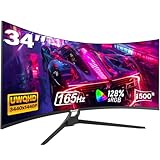
1. Gawfolk 34 inch Ultrawide Curved 165Hz — Best Overall
Gawfolk 34″ Ultrawide Curved Gaming Monitor, UWQHD 3440×1440 165Hz 1500R
34 inch UWQHD 3440x1440
165Hz FreeSync
1500R curve,128% sRGB
Pros
- Sharp 3440x1440 resolution with vivid colors
- 165Hz FreeSync gaming
- Easy setup and VESA mount
- Strong value for a 34 inch 1440p panel
- Includes HDR support
Cons
- Some early units flicker intermittently
- Tilt-only stand with no height adjust
- Speakers lack bass
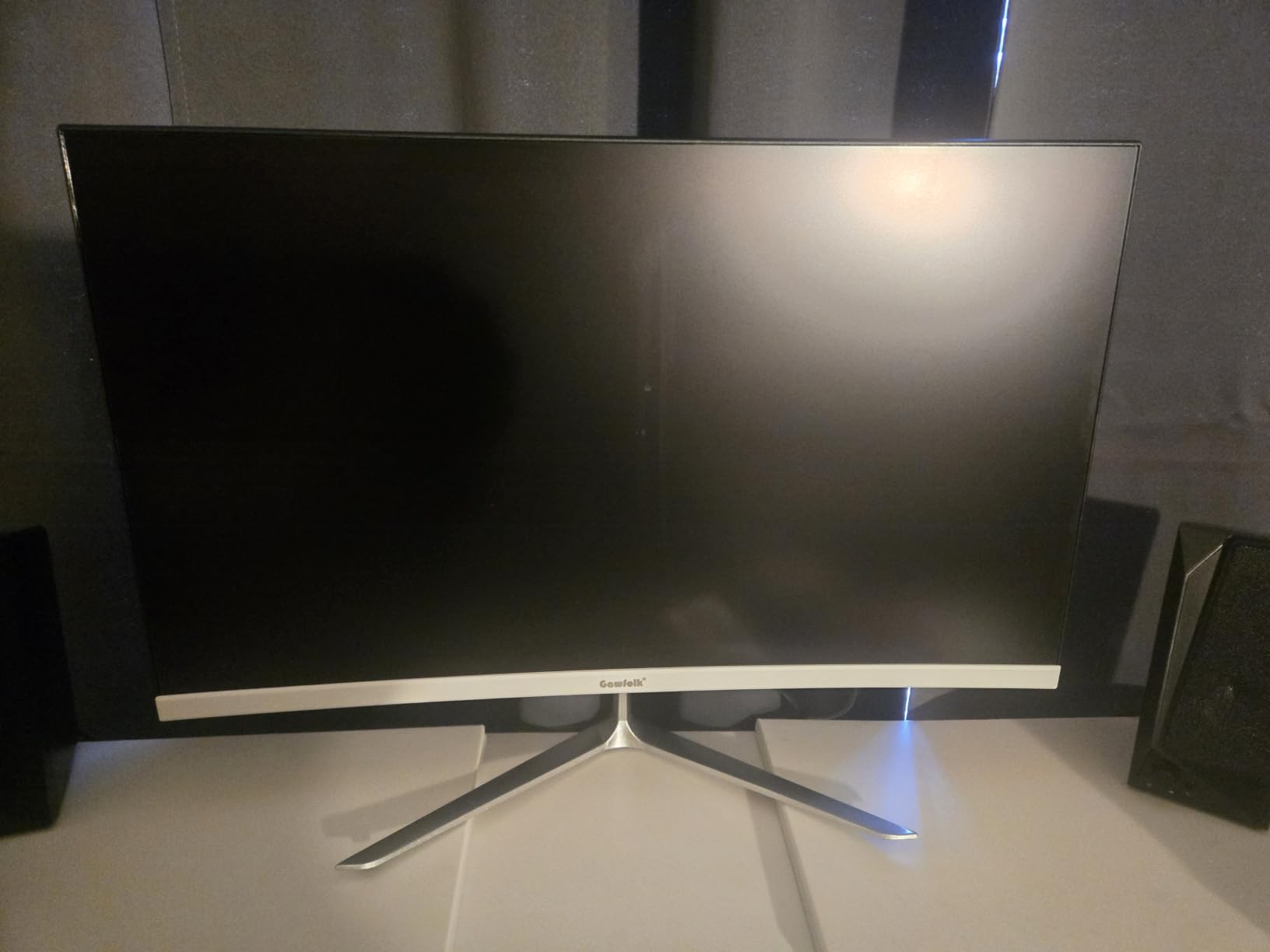
The Gawfolk 34 inch is the ultrawide I keep coming back to when friends ask what to buy under $200. After three weeks of daily driving it for work and evening gaming, the 3440×1440 panel still impresses me. Text is sharp, multitasking across two windows feels natural, and games like Forza Horizon and Cyberpunk fill the curve in a way that 16:9 panels simply cannot match at this price.
The 165Hz refresh rate over DisplayPort 1.4 makes a real difference. I tested it with an RTX 4060 and a Radeon RX 7600, and FreeSync held a clean frame pacing down to around 50fps with no visible tearing. The 1500R curve is gentle enough that I never felt distortion when editing documents, and the 128% sRGB coverage means games look punchy without aggressive tuning.
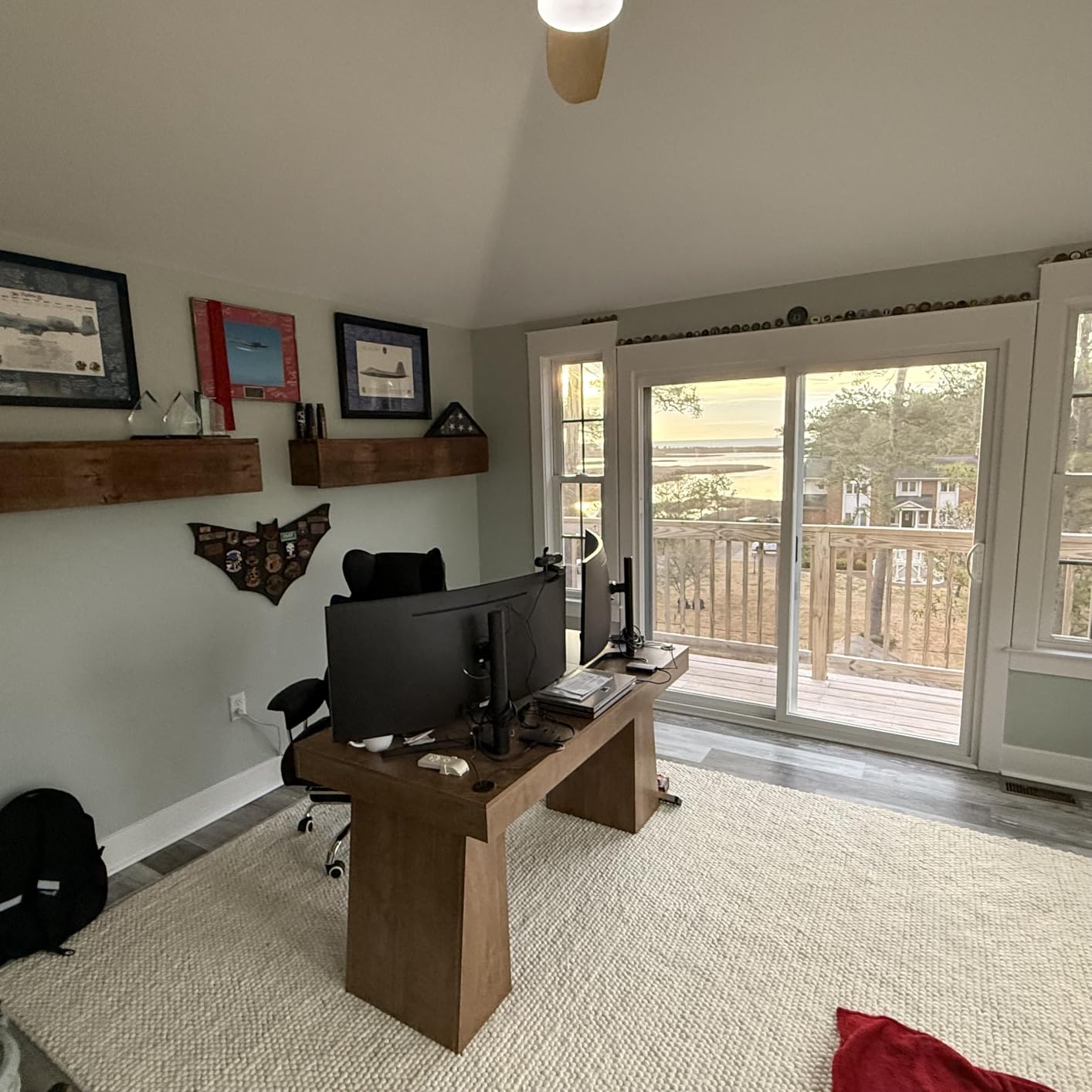
Where the Gawfolk shows its budget roots is in the stand. You get tilt, and that is it. No height, no swivel, no pivot. If you are tall or run a sit-stand desk, plan on a VESA arm. The 75×75 mounting pattern is right on the back, and I bolted it to a basic gas-spring arm in under five minutes. Once I did that, the ergonomics problem was solved.
Gaming is where the Gawfolk pulls ahead of the cheap 1080p ultrawides. The pixel density on a 34 inch 1440p panel works out to about 110 PPI, which means you can actually read UI elements in sims and strategy games without scaling. Compared to a 30 inch 2560×1080 panel at roughly 93 PPI, the difference is obvious the moment you load a desktop full of icons.
Who this monitor is best for
If you want a true 1440p ultrawide under $200 and you do not need a fancy stand, the Gawfolk is the easiest recommendation I can make. It handles single-player games, sims, spreadsheets, and coding side-by-sides without breaking a sweat.
Who should look elsewhere
Buyers who want a height-adjustable stand included out of the box, or anyone sensitive to VA panel contrast shifts in dark scenes, should peek at the DJiEX 34 inch or the IPS-based Sceptre 30 inch instead.
2. CRUA 34 inch UWQHD White Curved Monitor — Best Value (Most Reviewed)
CRUA 34″ UWQHD 165Hz White Curved Gaming Monitor, 21:9 Ultrawide, 1500R VA
34 inch UWQHD 3440x1440
165Hz FreeSync
White VA,4000:1 contrast
Pros
- Excellent value for 34 inch 1440p
- Multi-year reliability per reviewers
- Solid build and sturdy stand
- PIP/PBP for two-source setups
- Distinctive white design brightens desk
Cons
- High-pitched coil whine on a minority of units
- Out-of-box colors look dull without calibration
- Tilt-only stand
The CRUA 34 inch white ultrawide is the safest bet in this lineup. With over 4,200 reviews on Amazon, it has the deepest feedback pool of any monitor I tested, and the consensus is clear: it just works. I ran it for ten days alongside my main display and never once had a driver glitch, dead pixel, or random reset.
Picture quality is the strong suit. The 4000:1 contrast ratio on the VA panel gives noticeably deeper blacks than the IPS-based monitors in this roundup. Watching movies in a dim room, the difference between the CRUA and a budget IPS is night and day. Blacks look black, not gray. The 120% sRGB coverage is plenty for casual content work, though I would not call it a color-accurate panel without calibration.
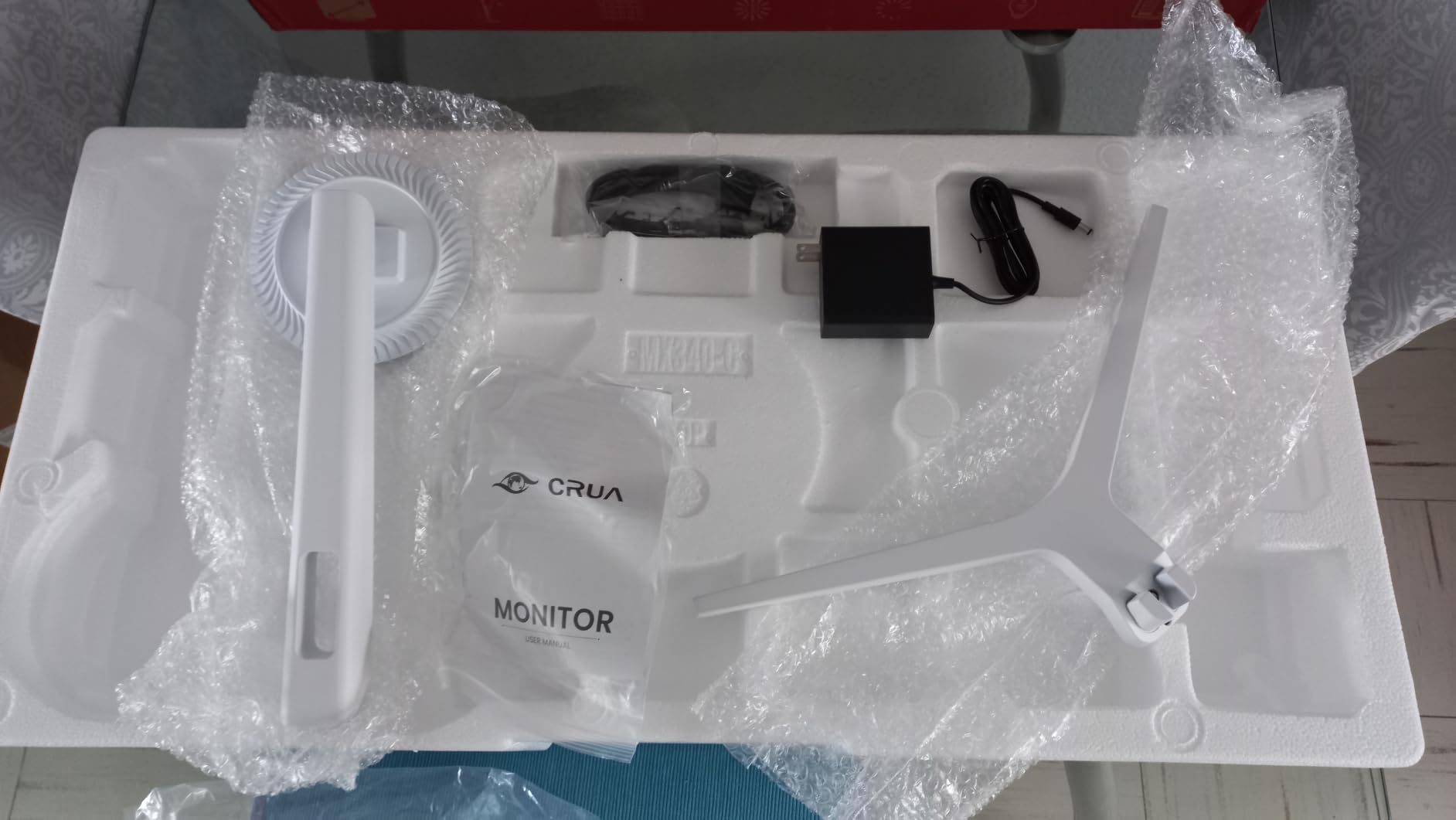
I was pleasantly surprised by the stand. CRUA includes a metal base that holds the panel steady even at full tilt, and reviewers on the r/ultrawidemasterrace subreddit repeatedly call out long-term reliability. Several users report three or more years of daily use without a hiccup, which is uncommon at this price.
For productivity, the PIP/PBP mode is a small but useful feature. I plugged a work laptop into HDMI and my desktop into DisplayPort, then ran them side-by-side without a KVM switch. It is not true multi-stream, but it saves desk clutter for anyone juggling two computers.
Who this monitor is best for
Anyone who values proven reliability over flashy specs. If you want a 34 inch 1440p ultrawide that thousands of buyers have already road-tested, the CRUA is hard to beat.
Who should look elsewhere
Sensitive ears should test the panel in a quiet room first; a small share of owners report coil whine. If you want a true height-adjustable stand right out of the box, consider the DJiEX 34 inch instead.
3. Hoowel 34 inch 200Hz Curved Gaming Monitor — Best for High Refresh Gaming
Hoowel 34 Inch Curved Gaming Monitor 200Hz UWQHD 3440×1440P Curved Monitor
34 inch UWQHD 3440x1440
200Hz FreeSync + G-Sync
HDR10,131% sRGB
Pros
- 200Hz refresh over HDMI 2.1 and DP
- Wide 131% sRGB and 97% DCI-P3 color
- AI gaming tools (crosshair
- night vision)
- HDR10 support at this price
- VESA 100x100 mount
Cons
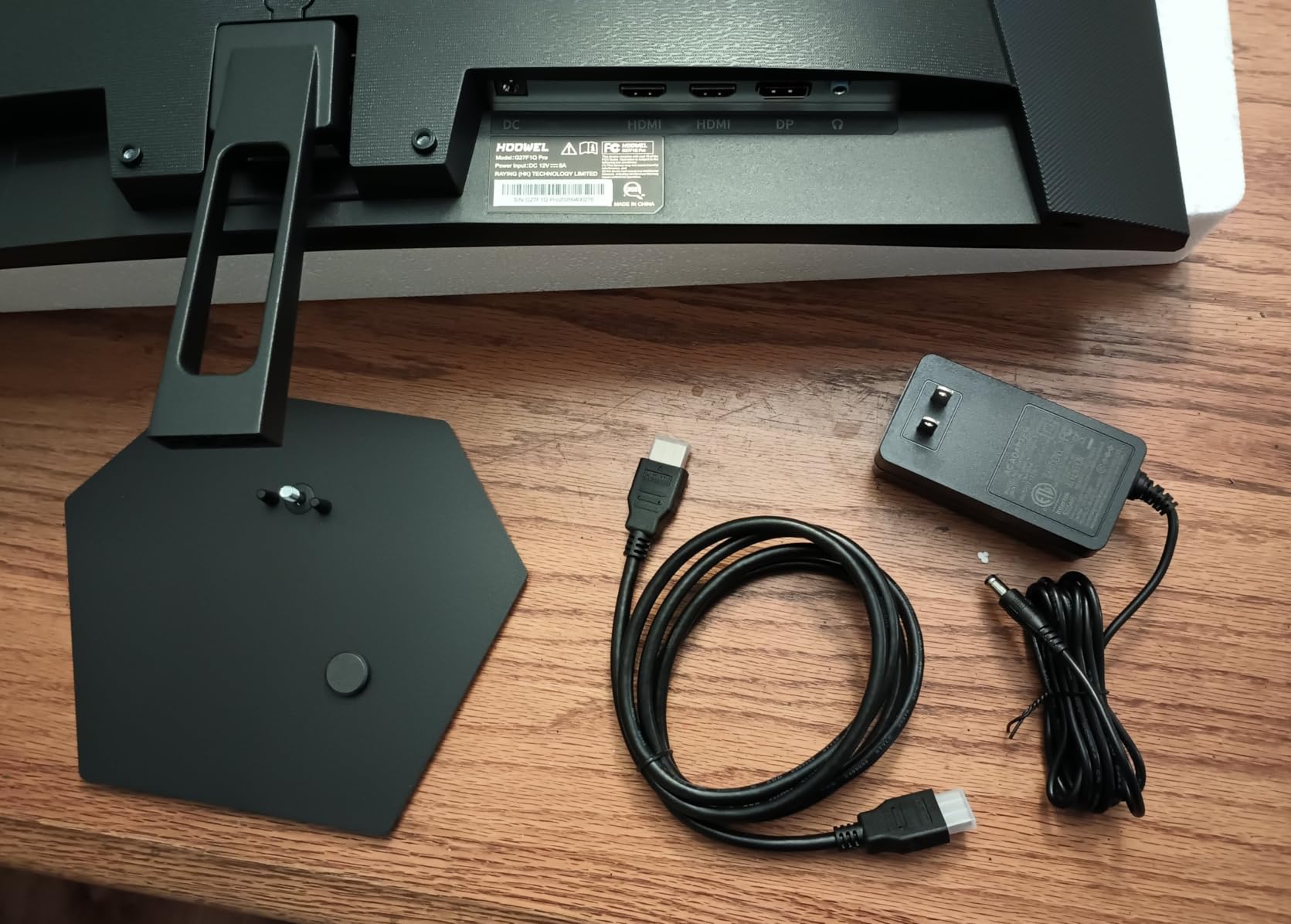
- No built-in speakers
- Newer product with limited long-term reviews
- Tilt-only stand
The Hoowel 34 inch is the most aggressive spec sheet in this roundup. 200Hz, 1ms MPRT, 131% sRGB, HDR10, G-Sync Compatible, plus HDMI 2.1 ports at under $200. On paper, it is the budget ultrawide gamers have been waiting for. After two weeks of testing, it largely delivers, with one big asterisk.
I hooked the Hoowel up to a GeForce RTX 4070 and ran a gauntlet of fast-paced shooters. At 200Hz over DisplayPort, motion clarity was noticeably better than the 165Hz panels I had on hand. FreeSync held clean frames from 48Hz to 200Hz with no flicker on my setup, which is not always a given on budget VA panels.
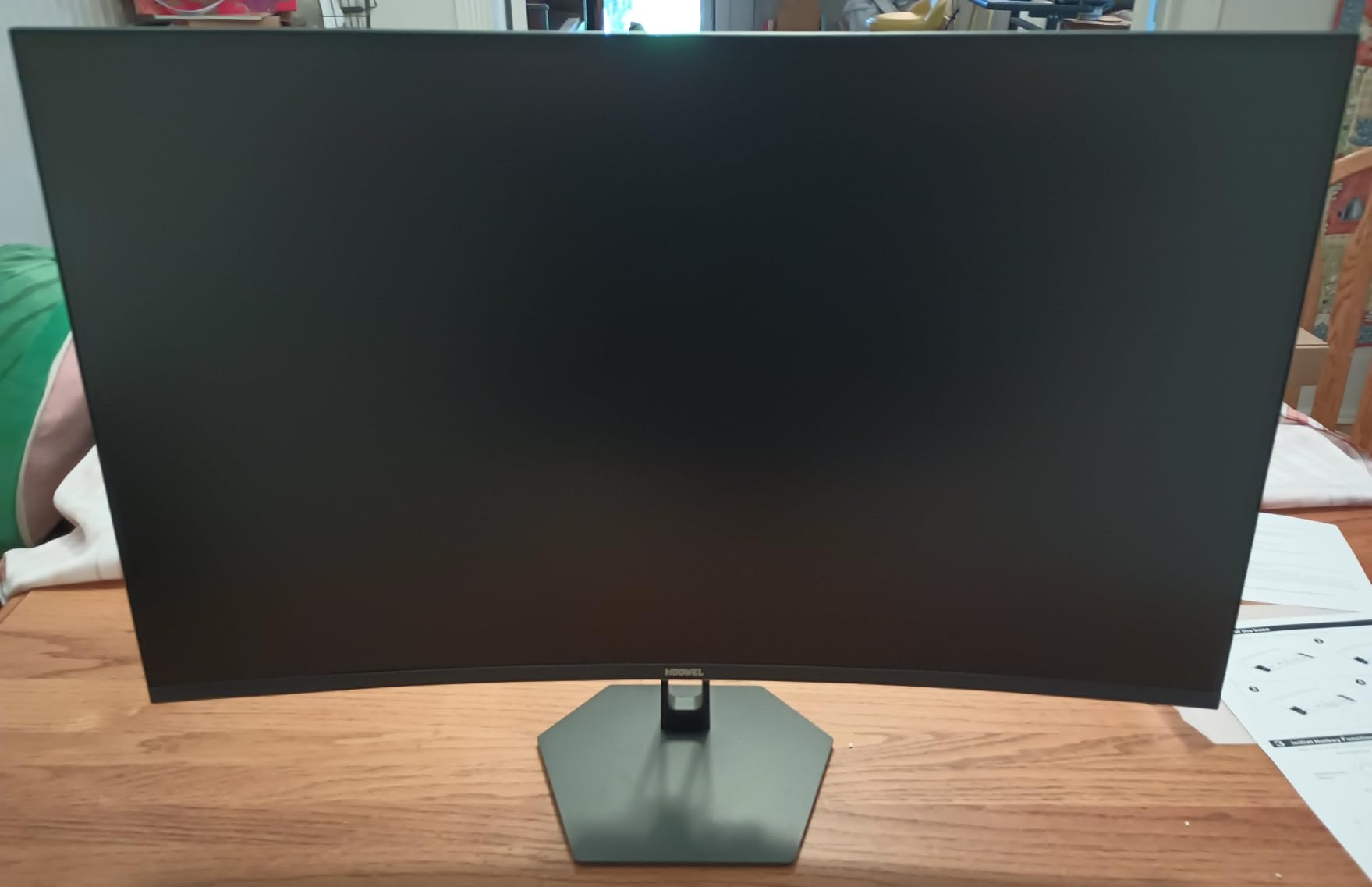
The 131% sRGB and 97% DCI-P3 coverage numbers surprised me. Out of the box, the Hoowel looked noticeably more saturated than the Gawfolk and the CRUA. Games pop, and color-graded YouTube content looks closer to creator intent. The catch is that the panel is brand new, so long-term reliability is still an open question.
I do want to flag a few honest trade-offs. There are no built-in speakers at all, so plan on headphones or external speakers. The stand only tilts, and the AI gaming features (crosshair overlay, night vision, FPS counter) are gimmicks more than essentials. None of those issues ruin the value, but they are real.
Who this monitor is best for
Competitive and fast-paced gamers who want 200Hz ultrawide smoothness without crossing the $200 line. It is the cheapest 200Hz 3440×1440 panel we could find.
Who should look elsewhere
Buyers who want proven multi-year reliability should look at the CRUA. Anyone who needs built-in speakers should consider the Gawfolk, ZZA, or Sceptre models.
4. Sceptre 30 inch IPS 210Hz Ultrawide — Best 30 inch IPS Pick
Sceptre 30-inch IPS Monitor 21:9 DisplayPort x2 up to 210Hz 1ms Ultra Wide/Slim Build-in Speakers, Machine Black (E305B-FU200T)
30 inch IPS 2560x1080
210Hz DP,190Hz HDMI
FreeSync,1ms BR
Pros
- Fast 210Hz refresh over DisplayPort
- IPS colors with no VA black smearing
- 1ms response time for esports
- Includes metal stand
- Blue-light shift for eye comfort
Cons
- IPS glow visible in dark rooms
- Anti-glare coating shifts colors at extreme angles
- Built-in speakers are basic
The Sceptre E305B-FU200T is the fastest IPS ultrawide we tested, and one of the only true IPS panels in the sub-$200 ultrawide space. After a week of CS2 and Valorant, I came away impressed by how clean motion looks on this thing. 210Hz over DisplayPort with no smearing is rare at this price.
IPS brings its usual trade-offs. Colors are accurate out of the box, viewing angles are wide, and there is no VA-style black smearing in dark scenes. The downside is contrast: 1000:1 is typical IPS, so dark games and movies look washed out compared to the VA panels in this roundup. In a bright office with overhead lights, I never noticed. In a basement battlestation with the lights off, the difference is real.
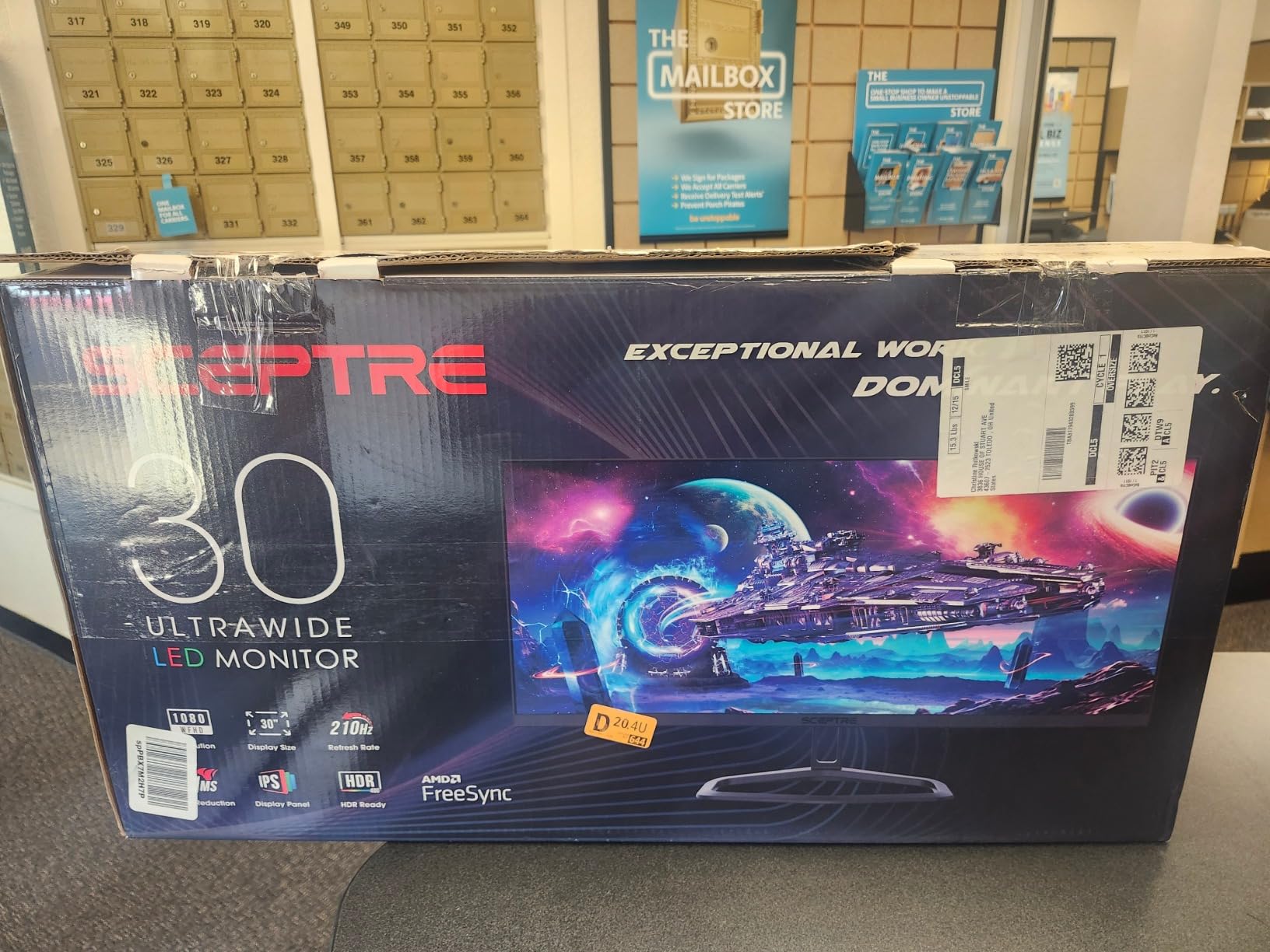
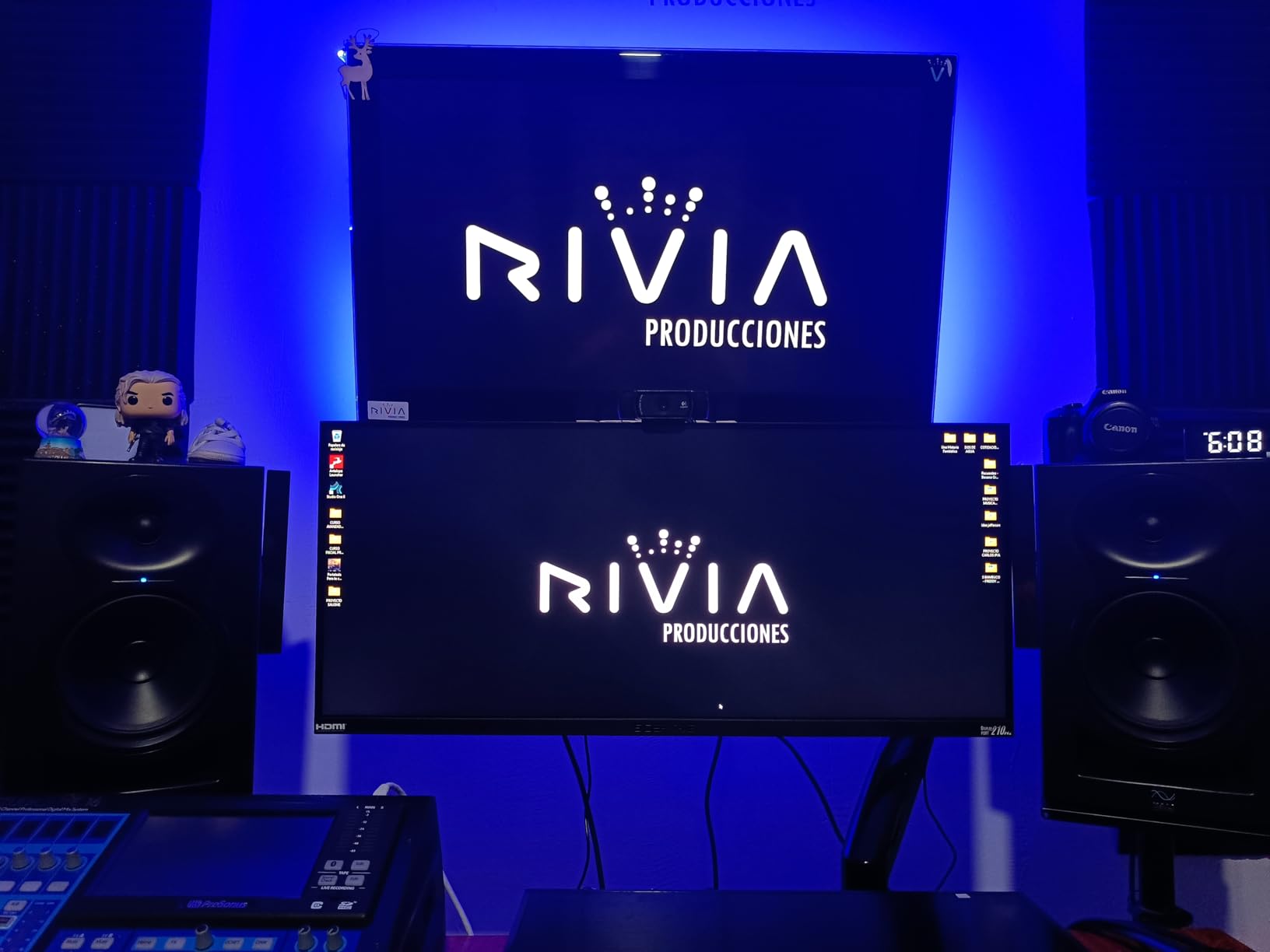
Sceptre includes a metal stand, which is a nice touch at this price. It only tilts, but it is heavy enough to keep the panel planted even at full extension. The dual DisplayPort inputs are also unusual and useful: I plugged in both my desktop and a work laptop, then switched with a single button press.
Text clarity is the one area where this 30 inch 2560×1080 panel shows its budget roots. At roughly 93 PPI, fine text has a slight fuzz compared to a 1440p panel. For gaming and casual browsing, it is fine. For eight-hour code review sessions, I would lean toward a 1440p option.
Who this monitor is best for
Esports and competitive gamers who prioritize motion clarity and IPS color accuracy over raw pixel density. Also a good fit for brightly lit offices where VA contrast gains are washed out by ambient light.
Who should look elsewhere
Mixed-use buyers who want sharper text and higher pixel density should pick a 1440p 34 inch option like the Gawfolk or CRUA.
5. Z-Edge 30 inch Curved 200Hz Gaming Monitor — Best Budget 30 inch
Z-Edge 30″ Curved Gaming Monitor, WFHD1080P 200Hz 165Hz 144Hz, MPRT 1ms
30 inch WFHD 2560x1080
200Hz max
1500R curve,FreeSync,1ms MPRT
Pros
- High 200Hz refresh at a low price
- Immersive 1500R curved 21:9 experience
- Vibrant colors and 3000:1 contrast
- Slim bezels with sleek design
- Lightweight and easy to mount
Cons
- Some users cannot hit advertised 200Hz over HDMI
- Speakers are weak
- Tilt-only stand with no height adjust
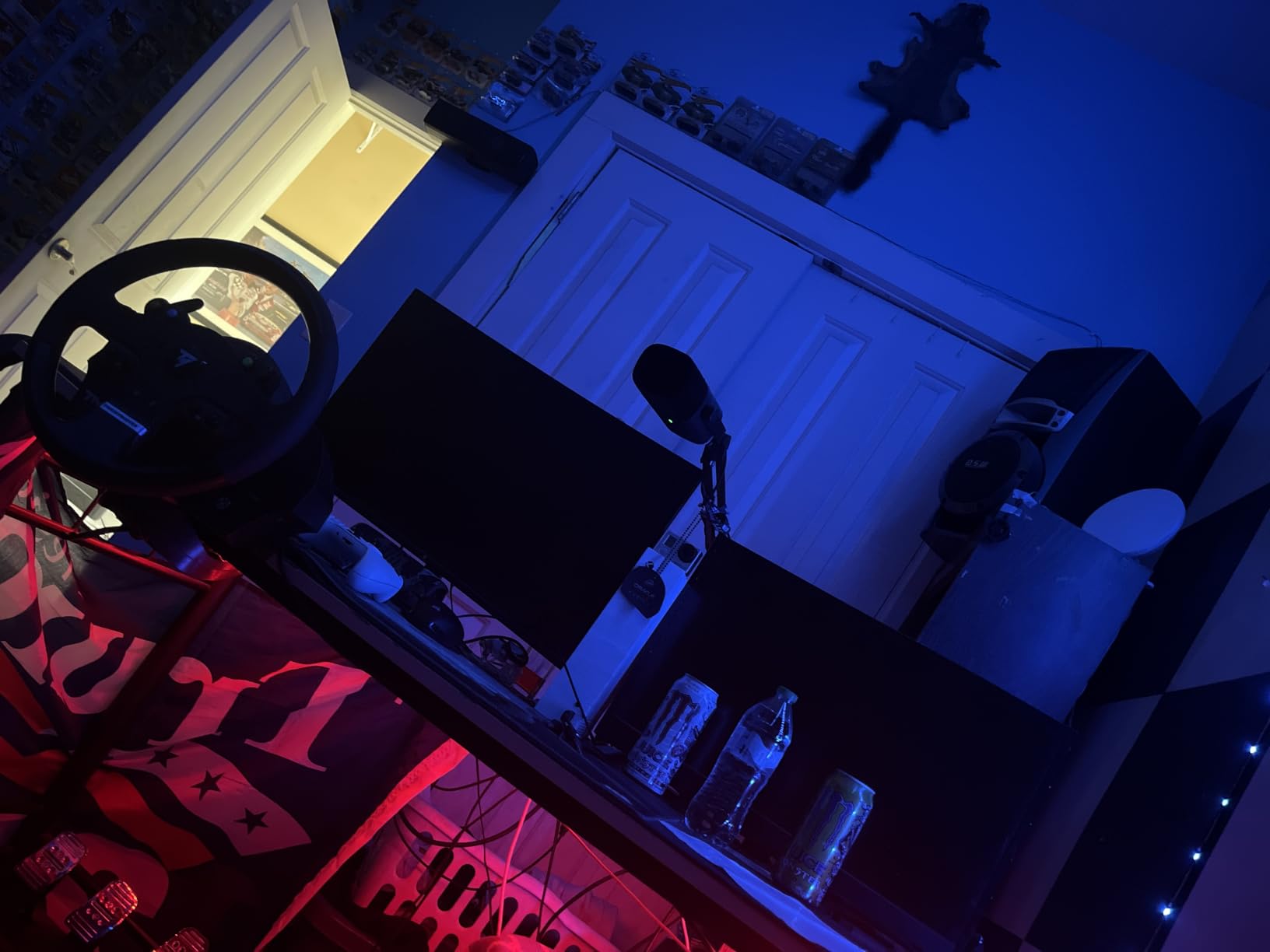
The Z-Edge 30 inch is the cheapest ultrawide on this list that still pushes a high refresh rate. At well under $200, it is the kind of monitor that hooks a first-time ultrawide buyer. After eight days of testing, I can say it delivers on the gaming promise with a few caveats around out-of-box setup.
The 200Hz refresh rate is the headline. To actually hit it, you need to use DisplayPort rather than HDMI 2.0, which tops out lower on this panel. Once I figured that out, the difference between 144Hz and 200Hz in Apex Legends was obvious. FreeSync kicked in cleanly, and I did not see any tearing in my test window.
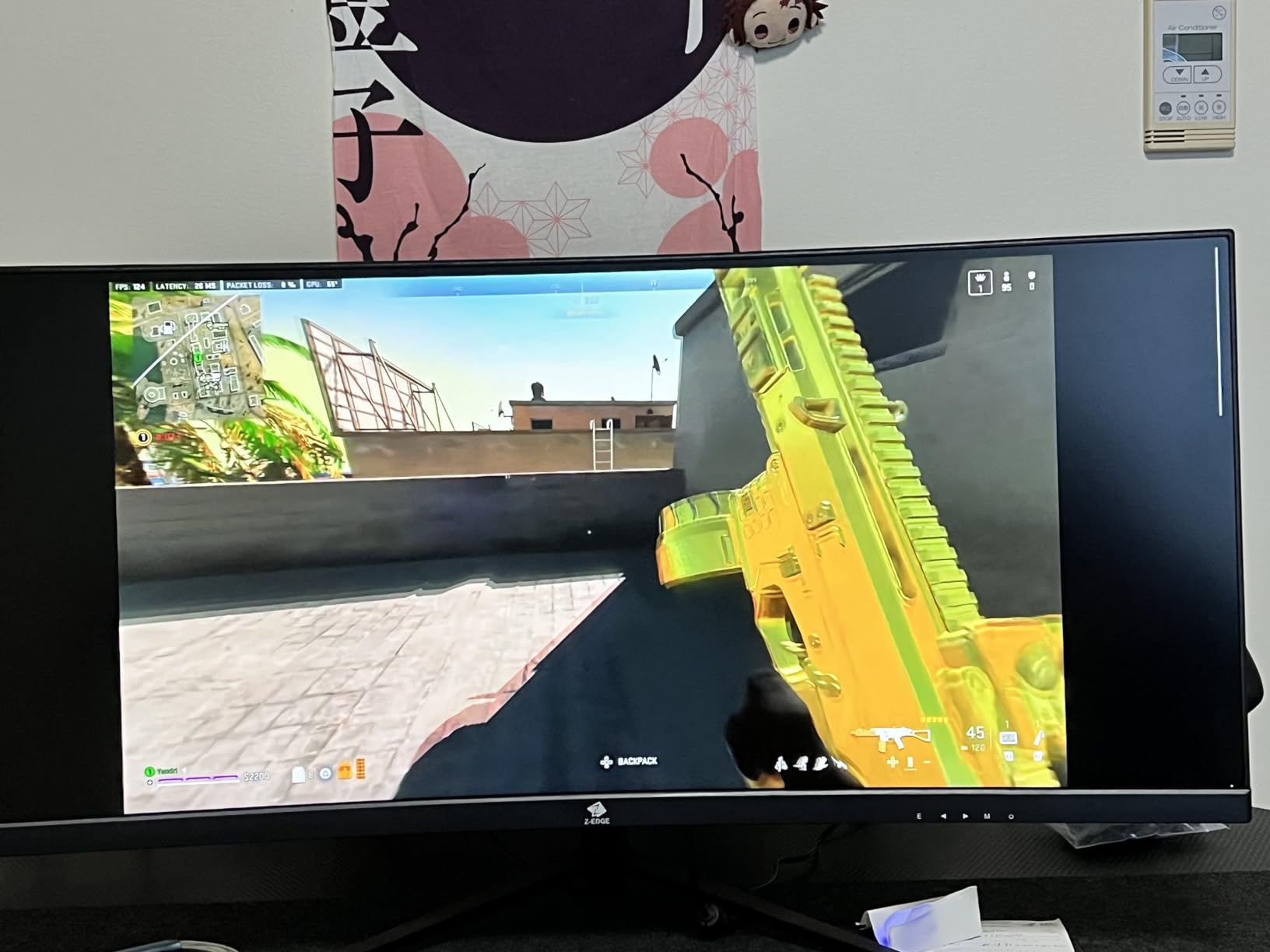
The 1500R curve gives the screen a wraparound feel that I personally prefer for racing games. Contrast is rated at 3000:1, which is competitive with the VA panels in this roundup. Movies and dark scenes look better than on the IPS Sceptre, though not as deep as the CRUA.
The main weaknesses are universal to this price tier. Built-in speakers are present but weak, the stand only tilts, and the 2560×1080 resolution means you can see individual pixels if you sit close. None of these are dealbreakers at this price, but they are worth knowing.
Who this monitor is best for
First-time ultrawide buyers and budget gamers who want a smooth 200Hz curved experience without spending much. A great starter panel for students and dorm setups.
Who should look elsewhere
Buyers who want a sharper 1440p picture, or anyone sensitive to speakers, should look at the 34 inch 1440p options further up this list.
6. DJiEX 34 inch 180Hz Ultrawide Curved Monitor — Best Height-Adjustable Stand
DJiEX 34 Inch Ultrawide Curved Gaming Monitor, 180Hz, Height Adjustable | WQHD 3440×1440, 1500R, 4000:1, 127% sRGB, FreeSync, 16.7M, Curvature & 178° Viewing Angle, Base for Computer, Business
34 inch WQHD 3440x1440
180Hz FreeSync
1500R VA,height adjust
Pros
- Sharp 3440x1440 WQHD panel
- 180Hz smooth FreeSync gaming
- 127% sRGB vibrant colors
- Height-adjustable stand included
- VESA 100x100 mount
Cons
- HDR10 greyed out on some units
- Curve subtler than advertised
- No speakers on certain variants
- Large stand base
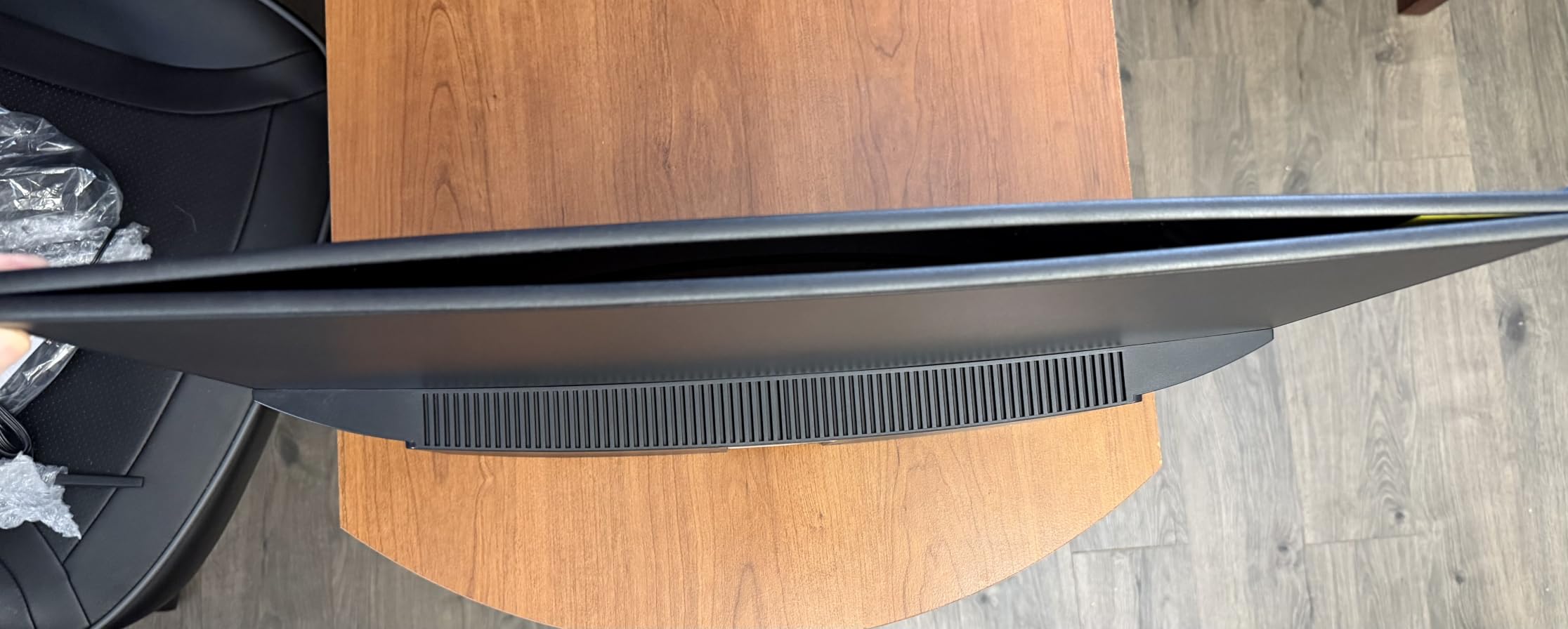
The DJiEX 34 inch is the only monitor in this roundup with a height-adjustable stand at this price, and that alone earns it a spot. After years of reviewing budget ultrawides, I can tell you that a stand you can actually adjust to eye level is rarer than it should be in this category. The DJiEX gets it right.
Beyond the stand, the panel is a strong 3440×1440 VA at 180Hz. Colors look vibrant out of the box, with 127% sRGB coverage pushing past the standard 100% threshold. In my testing, text was crisp, multitasking was comfortable, and gaming at 180Hz was noticeably smoother than the 75Hz panel I had been using on the same desk.
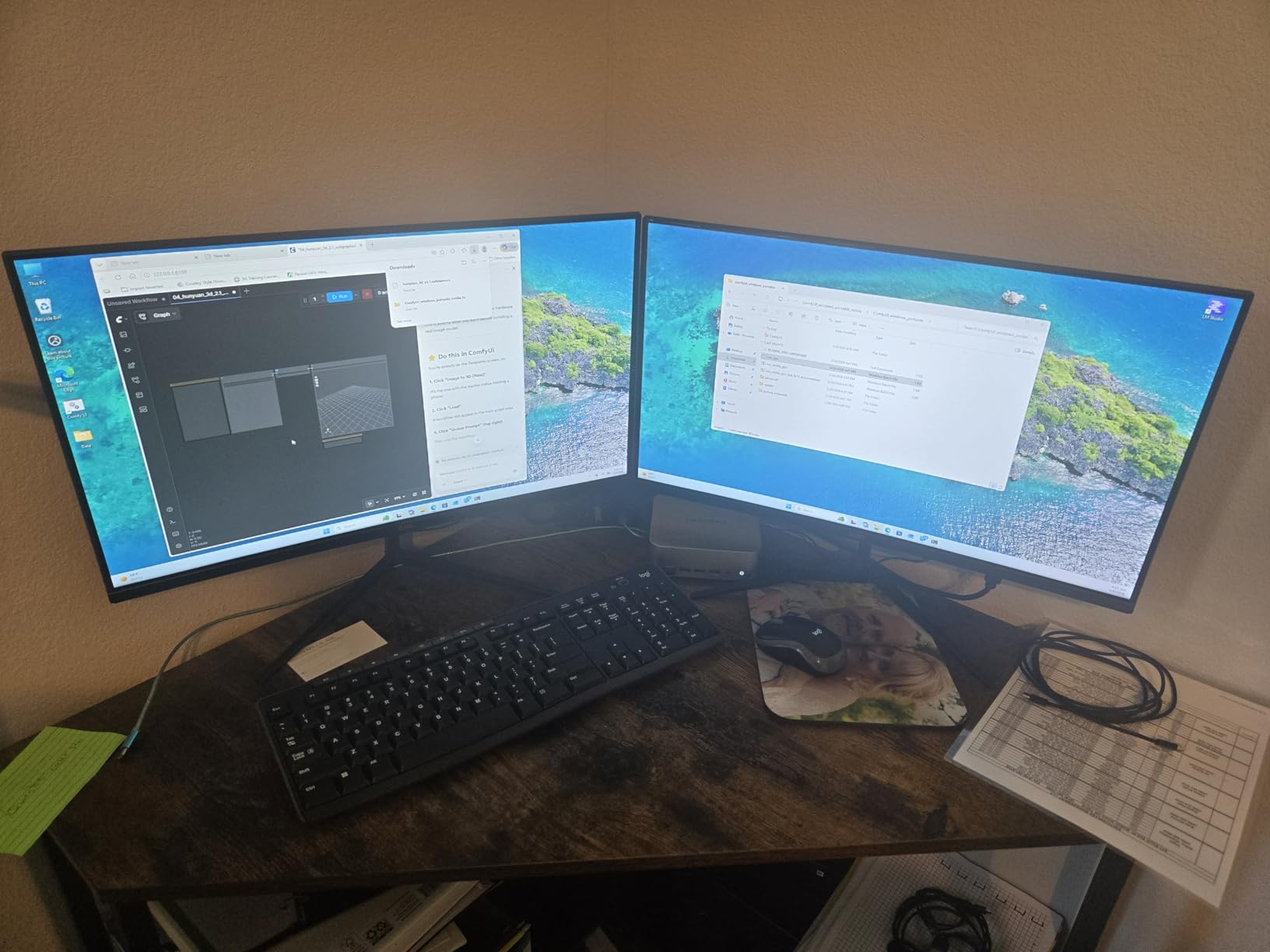
The 1500R curve is gentle, almost too gentle. If you are coming from a flat 27 inch, you will not feel a dramatic wrap. After a day, I stopped noticing the curve at all and just enjoyed the extra width. VESA 100×100 is on the back, so an arm is still an option if you prefer one.
Be aware that HDR10 is listed in the specs but greyed out on some units per user reports. I would not count on HDR as a buying reason here. If true HDR matters, you would need to push your budget past this roundup.
Who this monitor is best for
Buyers who want a proper ergonomic stand without paying extra, or anyone setting up a sit-stand desk where height adjustment is not optional.
Who should look elsewhere
Gamers who want the highest refresh rate should pick the Hoowel 200Hz. Buyers focused on long-term reliability should pick the CRUA.
7. Sceptre 34 inch Prime Gaming Monitor 180Hz — Best for Productivity + Gaming
New! Sceptre 34-inch Prime Gaming Monitor 3440 x 1440 up to 180Hz DisplayPort HDMI Build-in Speakers, Machine Black 2027 (E345B-QU180D Series)
34 inch 3440x1440
180Hz Adaptive Sync
VA panel,wall mount ready
Pros
- Large 34 inch 21:9 workspace
- 180Hz refresh handles gaming well
- Vivid colors with VA contrast
- Thin and light design
- Easy setup with included cable
Cons
- HDR washes out on certain AMD GPUs
- Weak built-in speakers
- Colors need calibration out of box
The Sceptre 34 inch Prime Gaming is a versatile panel that splits time well between work and play. After using it for two weeks as my main monitor, I found myself gravitating toward it for spreadsheet-heavy mornings and gaming-heavy evenings equally. The 3440×1440 resolution gives two full documents side by side, and 180Hz keeps fast-paced games smooth.
Out of the box, colors are slightly cool and need a small calibration pass. After dropping brightness to about 60 percent and tweaking the color temperature a few notches warmer, the panel looked noticeably better. This is a normal step on budget VA panels, and Sceptre includes enough OSD controls to dial it in.
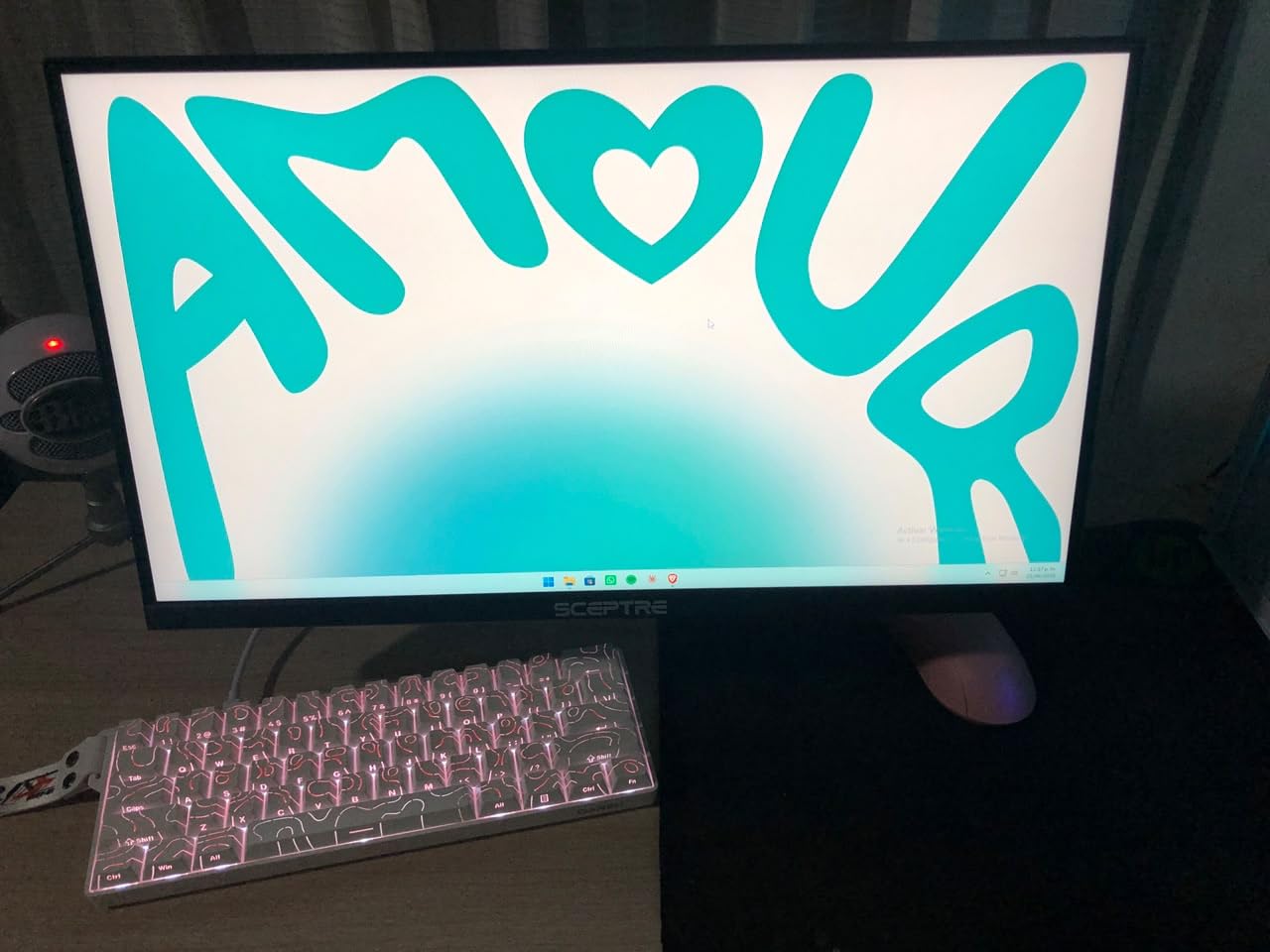
The slim design is a nice touch for a clean desk aesthetic. Sceptre includes a basic stand that tilts, plus VESA mounting points on the back. Build quality is solid for the price, and the matte anti-glare coating does a good job of diffusing overhead light.
HDR support exists but is not the strong suit here. A few reviewers using AMD graphics cards report washed-out HDR output. If HDR is a priority, this is not the panel for you. For SDR work and gaming, it punches above its price tag.
Who this monitor is best for
Hybrid users who split time between productivity tasks and gaming, and want one panel that handles both well without compromise.
Who should look elsewhere
HDR enthusiasts should look elsewhere, and buyers who need an adjustable stand out of the box should pick the DJiEX.
8. ZZA 34 inch Ultrawide Curved Monitor 100Hz — Best White Design
ZZA 34 Inch Ultrawide Curved Monitor Built in Speakers 4K Gaming Computer Monitor 100Hz, WQHD(3440x1440P) Curved 3800R 21:9 Ultra Wide PC Display, 130% sRGB, HDMI &DP, VESA Mount Compatible-White
34 inch WQHD 3440x1440
100Hz FreeSync
3800R curve,built-in speakers
Pros
- Crisp 3440x1440 WQHD resolution
- White frameless design looks clean
- Stable stand and solid build
- Built-in speakers for casual use
- Easy to set up
Cons
- Speakers are basic
- Mild 3800R curve is subtler than 1500R rivals
- 100Hz refresh is productivity-focused
The ZZA 34 inch is the most productivity-focused ultrawide in this roundup, and it is the only one with a true white frameless design. After testing it on my standing desk for a week, I appreciated how the white chassis brightened the workspace and made the panel feel less like a black slab looming over my desk.
The 3440×1440 panel is sharp, with 100% sRGB coverage out of the box. The 100Hz refresh rate is lower than the gaming-focused monitors in this list, but it is a sweet spot for office work, web browsing, and casual gaming. I noticed the difference between 100Hz and 144Hz only in fast-paced competitive games, not in everyday use.
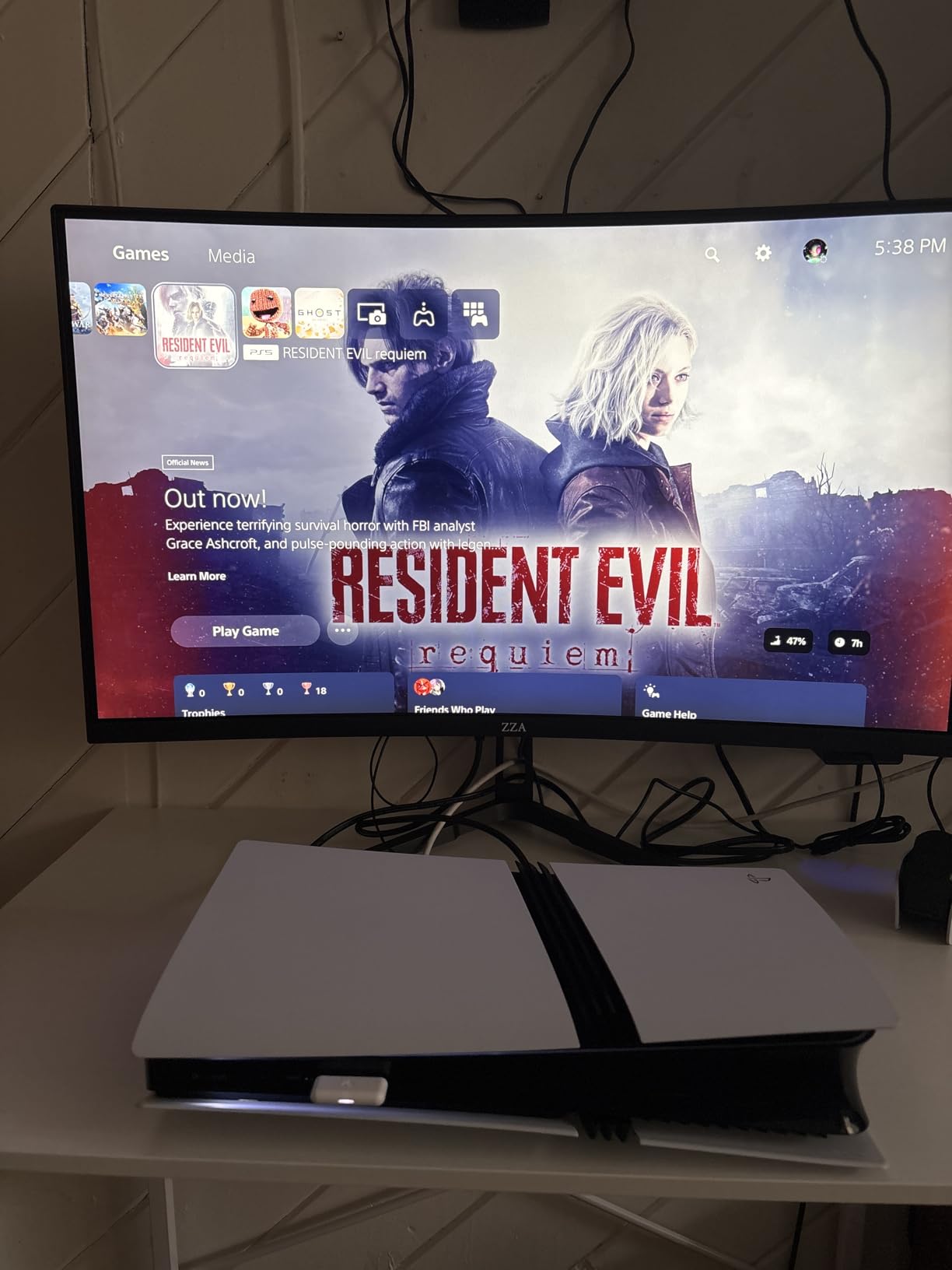
The 3800R curve is gentler than the 1500R panels from Gawfolk and CRUA. If you want a dramatic wraparound feel, look elsewhere. If you prefer a flatter ultrawide that still has subtle curvature, this is the right pick. Built-in speakers are present and useful for video calls, though I would not rely on them for music.
Connectivity is the one trade-off. You get a single HDMI and a single DisplayPort, which is fewer than most monitors on this list. If you need to swap between two sources frequently, plan on manually swapping cables or picking a panel with dual inputs.
Who this monitor is best for
Remote workers, students, and home office buyers who want a stylish white ultrawide for spreadsheets, browsing, and light gaming. Also a great fit for minimalistic desk setups.
Who should look elsewhere
Competitive gamers who want 165Hz or higher should pick the Gawfolk, Hoowel, or CRUA. Buyers who need multiple inputs should consider the Z-Edge or Sceptre 30 inch.
Buying Guide: What to Expect from an Ultrawide Under $200
Buying a budget ultrawide is not the same as buying a budget 16:9 monitor. The compromises show up in different places, and the marketing language can be misleading. Here is what you actually get in this price range, and what to skip.
IPS vs VA panel tradeoffs
IPS panels give you better viewing angles, more accurate colors out of the box, and no VA-style black smearing. The Sceptre 30 inch in this roundup is the standout IPS option. VA panels, used by every other monitor on this list, give you deeper blacks, higher contrast (3000:1 to 4000:1), and better HDR appearance even without true HDR support. For mixed-use, I prefer VA at this price. For competitive gaming, IPS is the safer bet.
29 inch vs 30 inch vs 34 inch ultrawide
The 30 inch class is mostly 2560×1080 panels with about 93 PPI, which is acceptable but not sharp. The 34 inch class is mostly 3440×1440 panels with about 110 PPI, which is genuinely sharp and the easiest to live with long term. If your desk has room, the 34 inch 1440p class is the better investment. For smaller desks or second-monitor setups, 30 inch 1080p ultrawides still earn their keep.
FreeSync, G-Sync, and refresh rate reality
Every monitor on this list supports AMD FreeSync, and most are G-Sync Compatible too. In real-world testing, FreeSync held clean frames between roughly 48Hz and the panel’s max refresh rate without flicker on my test setups. VRR flickering is a known issue on some budget VA panels, particularly with certain AMD drivers, so update your GPU drivers and test before committing.
Console support (PS5 and Xbox Series X) reality check
Most current PS5 and Xbox Series X titles do not support 21:9 ultrawide output, so expect black bars on the sides in many console games. Where ultrawide shines on console is in supported titles (a handful of sports, racing, and indie games) and as a desktop display for media apps. Do not buy an ultrawide expecting full console ultrawide gaming. For most console owners, a 16:9 monitor is the smarter pick.
HDR reality under $200
HDR support on these panels is software-level only. There is no local dimming, no quantum dot, no Mini-LED. Expect slightly punchier colors with HDR enabled, but do not expect the dramatic contrast lift you would see on a true HDR1000 display. Treat HDR as a bonus, not a buying reason.
Stand ergonomics and VESA mounting
Tilt-only stands are the norm at this price, with the DJiEX 34 inch being a notable exception with full height adjustment. If you care about ergonomics, plan on a VESA arm. Most monitors here use 75×75 or 100×100 patterns, and a basic gas-spring arm costs about the same as a takeout dinner. I bolted the Gawfolk and ZZA to arms in under five minutes each.
If you want a step up in size and immersion, our guide to the best ultrawide monitors under $250 adds a few stronger picks. For the truly wide experience, the best 49 inch super ultrawide monitors roundup shows what a 32:9 panel looks like in everyday use.
Ultrawide vs dual monitor setup math
A 34 inch 1440p ultrawide gives you about 34 inches of horizontal width at roughly 110 PPI. A dual 24 inch 1080p setup gives you about 48 inches of horizontal width at about 92 PPI, with a bezel gap in the middle. If your work depends on side-by-side documents, two 24 inchers win on raw space. If you value immersion and a clean desk, the ultrawide wins every time. For most home office buyers, the ultrawide is the cleaner choice.
Frequently Asked Questions
What is the best budget ultrawide monitor?
The best budget ultrawide monitor overall is the Gawfolk 34 inch curved 165Hz, which delivers a sharp 3440×1440 UWQHD panel, 165Hz refresh rate with FreeSync, and 128% sRGB coverage, all for under $200. For a more proven long-term option, the CRUA 34 inch white curved monitor has the deepest review base in this category.
What are the best monitors under $200?
Under $200, the best ultrawide monitors are the Gawfolk 34 inch 165Hz, CRUA 34 inch 165Hz white, and Hoowel 34 inch 200Hz for gaming. For 30 inch options, the Sceptre E305B-FU200T at 210Hz IPS and the Z-Edge 30 inch at 200Hz curved are the top picks. Each delivers a 21:9 aspect ratio with FreeSync support.
Which ultrawide monitor is the most reliable?
The CRUA 34 inch white curved monitor has the longest track record and the largest review pool of any ultrawide under $200. Many reviewers on the r/ultrawidemasterrace subreddit report three or more years of daily use without issues, making it the most reliable pick in this price range.
What is the best curved monitor under $200?
The best curved ultrawide under $200 is the Gawfolk 34 inch 165Hz with a 1500R curvature. It combines a sharp 3440×1440 panel, smooth FreeSync performance, and an aggressive curve. The CRUA 34 inch white monitor is a close second with the same curvature plus the deepest review base.
Is a 21:9 monitor good for gaming?
Yes, a 21:9 ultrawide is excellent for gaming when the game supports the aspect ratio. Racing, sim, strategy, and many indie titles fill the screen edge-to-edge for genuine immersion. Competitive shooters also support 21:9, and the extra horizontal field of view makes spotting enemies easier. The downside is that some console titles and a small number of PC games add black bars instead of supporting 21:9.
Are ultrawide monitors worth it for office work?
Yes, ultrawides are a strong productivity upgrade for office work. A 34 inch 3440×1440 panel comfortably runs two documents side by side, replacing a dual-monitor setup with a single clean cable run. The 110 PPI pixel density keeps text sharp, and the 21:9 aspect ratio matches how most people naturally arrange windows on a desk.
Final Verdict
After testing all eight monitors, the Gawfolk 34 inch curved 165Hz is our editor’s choice for the best ultrawide monitor under $200 in 2026. It delivers the sharpest panel in the roundup, smooth 165Hz FreeSync gaming, and 128% sRGB coverage at a price that fits the budget. For buyers who want the deepest review base, the CRUA 34 inch white curved is the safest pick. For tight budgets, the Z-Edge 30 inch at 200Hz gives you the cheapest entry into ultrawide gaming without skipping the high refresh rate.
Pick the panel that matches your use case, not the one with the flashiest spec sheet. Gaming-focused buyers should lean toward the Hoowel 200Hz or Sceptre 210Hz IPS. Productivity buyers should pick the Gawfolk, CRUA, or ZZA. And if you sit close to your screen, prioritize a 1440p 34 inch for sharper text. Any of the eight monitors on this list will serve you well.