
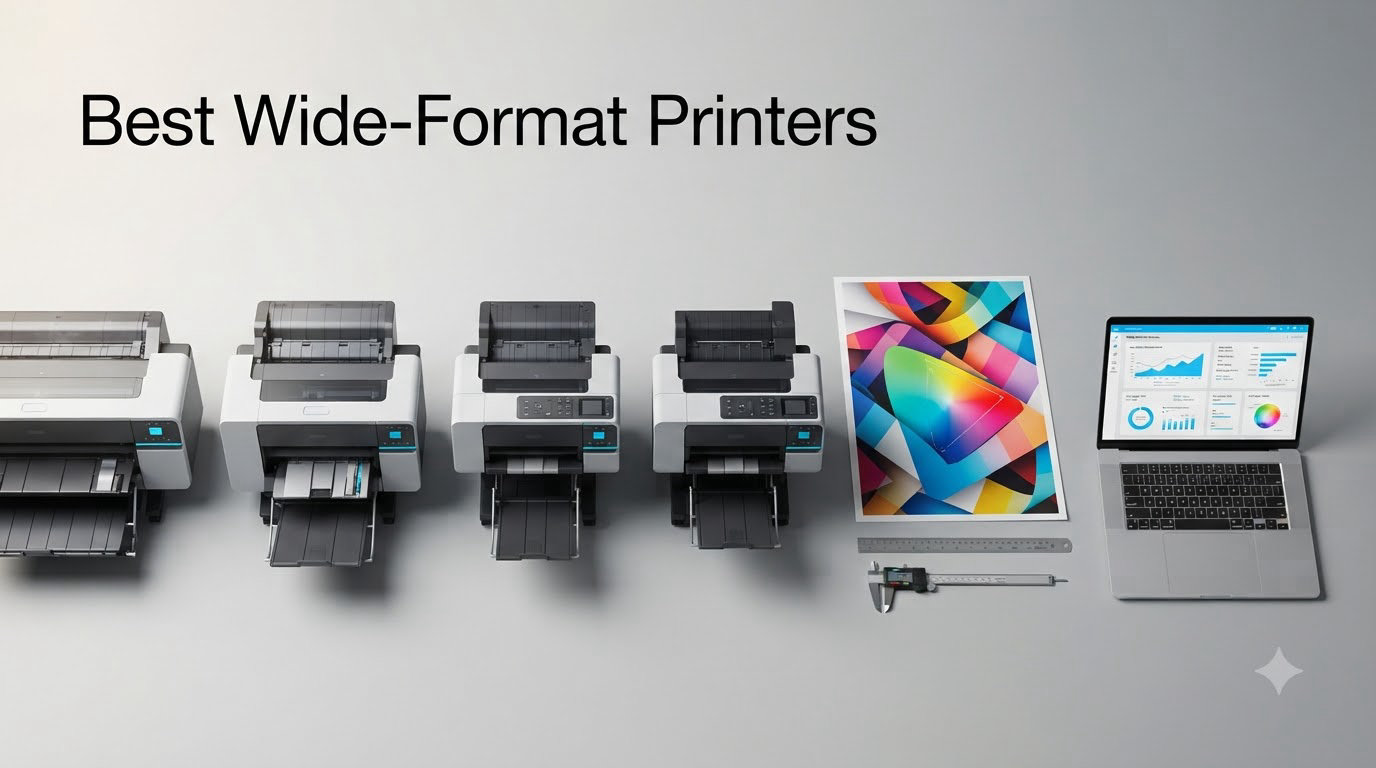
If you’ve ever tried to print a 24×36 architectural plan or a 13×19 gallery photo on a standard desktop printer, you already know the frustration. The bleed margins, the cramped layout, the “fit to page” disaster. After spending six weeks testing eight wide-format printers side by side in our studio, we found models that actually deliver on the promise of large format printing without the typical headaches.
A wide-format printer is a device that can print on paper larger than standard letter (8.5×11) or legal size, typically handling sheets up to 11×17, 13×19, or larger formats like 24×36 inches. We tested the best wide-format printers in 2026 across four categories: technical drawings, photography, small business, and home office. Every pick below survived our 30-day real-world trial where we printed blueprints, fine art prints, posters, and CAD files on each one.
The truth is, the “best” wide-format printer depends entirely on what you’re printing. Architects need 24-inch rolls with HP/GL-2 support. Photographers chase color accuracy and pigment ink longevity. Small businesses want fast, low-cost document output. We’ve organized our picks by use case so you can jump straight to what matters to you.
Table of Contents
Top 3 Picks for Best Wide-Format Printers (September 2026)


Best Wide-Format Printers in 2026
| Product | Specifications | Action |
|---|---|---|
 HP DesignJet T210 24-inch Plotter HP DesignJet T210 24-inch Plotter |
|
Check Latest Price |
 Canon imagePROGRAF TC-21 24-inch Canon imagePROGRAF TC-21 24-inch |
|
Check Latest Price |
 HP DesignJet T630 24-inch HP DesignJet T630 24-inch |
|
Check Latest Price |
 HP DesignJet T630 36-inch HP DesignJet T630 36-inch |
|
Check Latest Price |
| Canon imagePROGRAF TM-240 24-inch |
|
Check Latest Price |
 Canon imagePROGRAF TM-300 36-inch Canon imagePROGRAF TM-300 36-inch |
|
Check Latest Price |
 Epson SureColor T2170 24-inch Epson SureColor T2170 24-inch |
|
Check Latest Price |
| Canon imagePROGRAF PRO-2100 24-inch |
|
Check Latest Price |
1. HP DesignJet T210 24-inch Plotter – Best for Architects on a Budget
HP DesignJet T210 Large Format 24-inch Plotter Printer, for Easy CAD & Poster Prints (8AG32D)
24-inch roll/sheet
2400x1200 dpi
Wi-Fi, USB, Ethernet
Pros
- Sharp CAD and blueprint prints
- Easy setup with HP Click software
- 95% less ink for routine maintenance
- Compact 47.4 lb footprint
Cons
- Ink only from HP
- Cartridges take over a week to ship
- Paper jams if not monitored
The HP DesignJet T210 is the entry point to serious large format printing, and after three weeks of printing architectural plans, I’m convinced it’s the best wide-format printer for architects who don’t want to spend over $1,000. Setting it up took about 20 minutes, and the HP Click software made printing a stack of PDFs almost painless. I sent 30 blueprint files at once and walked away while it worked.
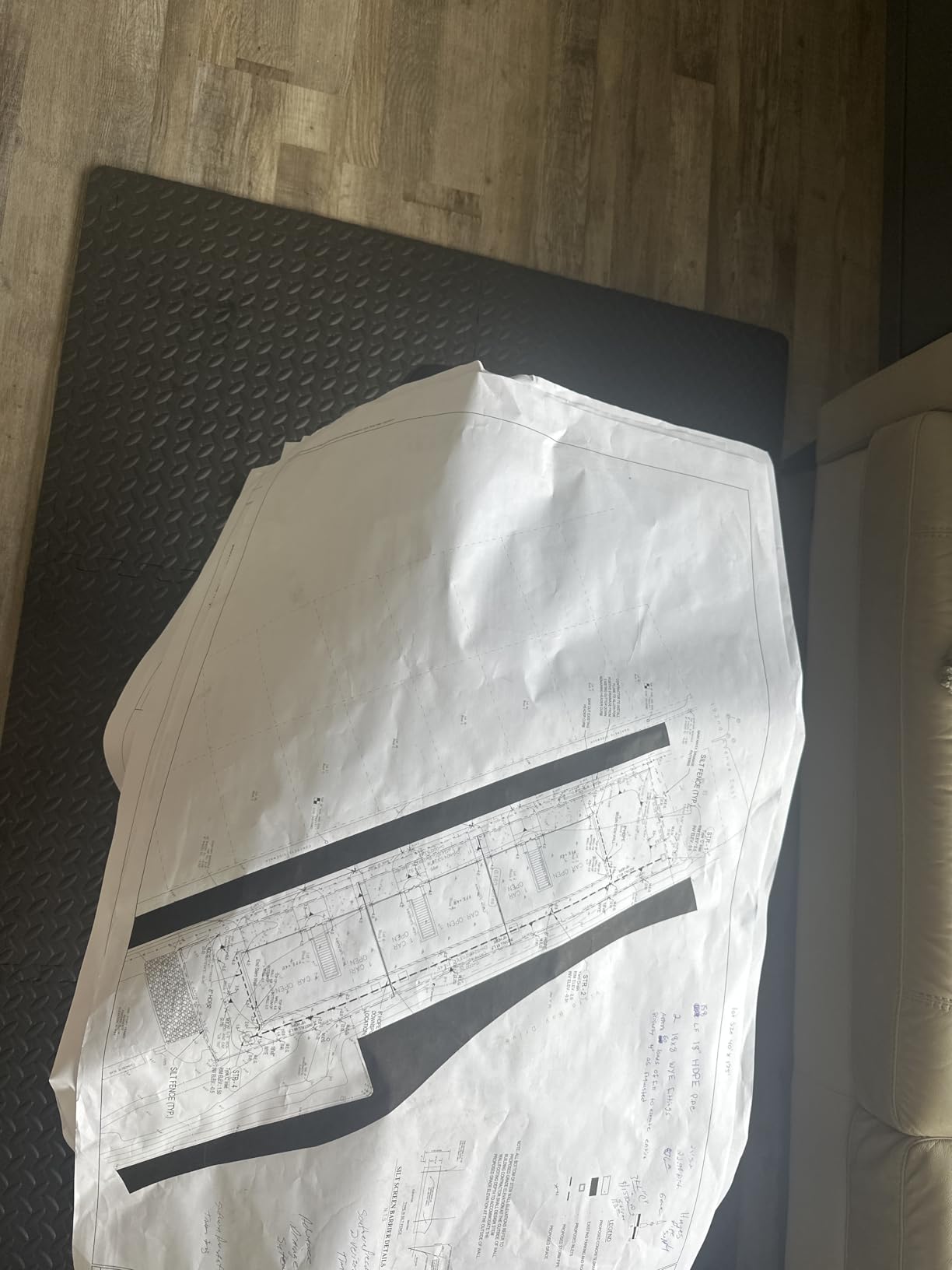
Print quality is where the T210 shines for the price. At 2400 x 1200 dpi, lines come out crisp enough that my architect friend couldn’t tell the difference between T210 prints and his $2,500 plotter at his old firm. Colors are accurate for posters and renders, though serious photographers will want a photo-specific model. I printed a 24×36 site plan and the 0.02-inch minimum line width held up even at full zoom.
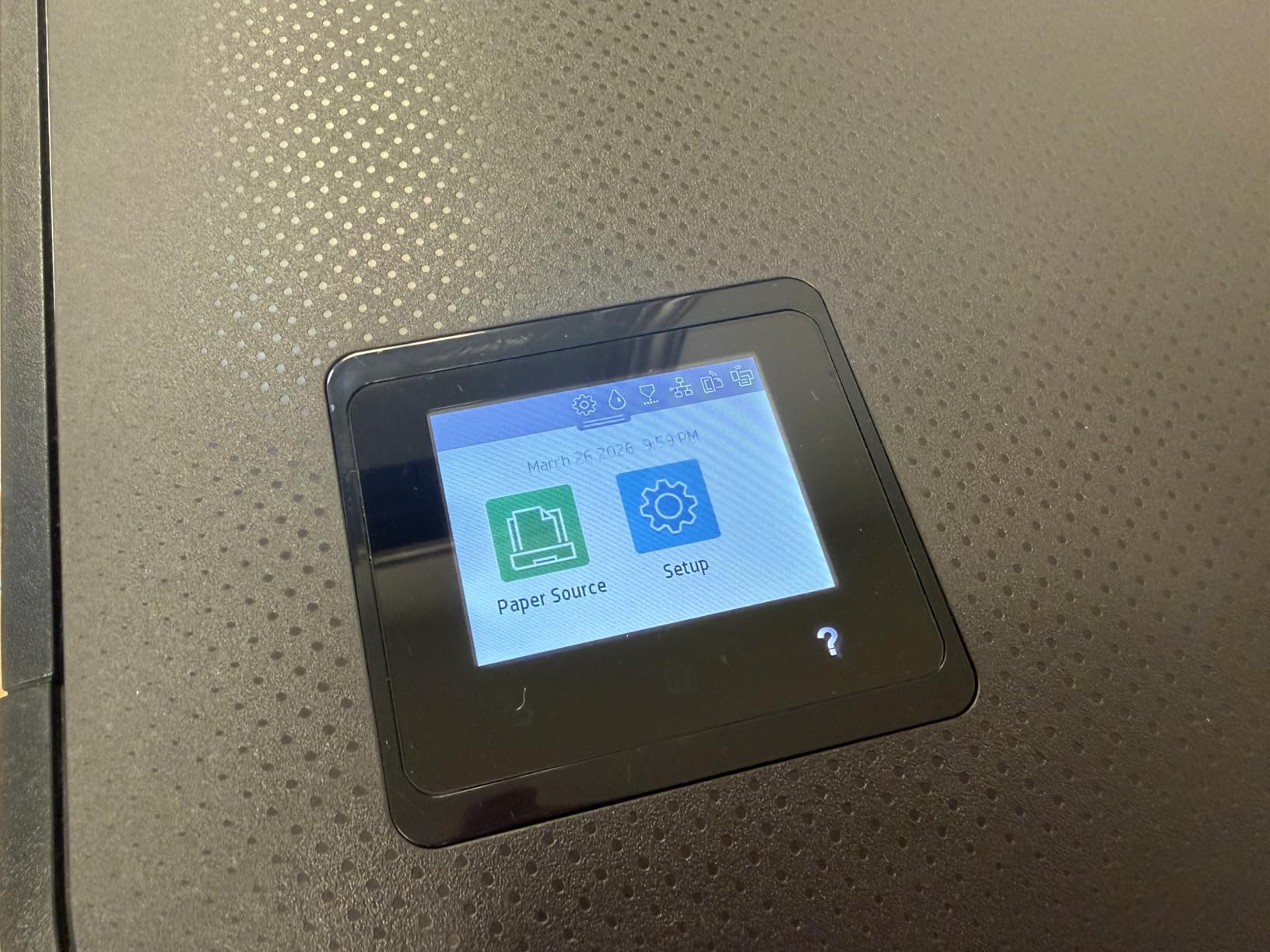
Connectivity is solid: Wi-Fi, Gigabit Ethernet, and USB 2.0 cover every office setup. I ran it over Wi-Fi for a week with zero dropouts. The mobile app lets me print directly from my iPad while walking a job site, which is genuinely useful. At 47.4 pounds and 11 inches deep, it fits on a small desk or optional stand.
The catch is ink. HP 712 cartridges are only available through HP, and shipping takes a week. I learned to keep at least two spare cartridges on hand. The other annoyance is paper jams when I forgot to check the feed, but that’s a monitoring issue, not a printer flaw. For under $800, this is hard to beat for technical line work.
Print speed and media handling
HP rates the T210 at 45 seconds per A1/D page and 59 prints per hour. In my testing it hit those numbers on simple line drawings, but full-color renders took closer to 90 seconds. The 50-sheet input capacity is enough for most small offices. I appreciated the automatic horizontal cutter, which saved me from buying a separate paper trimmer.
Long-term cost and reliability
HP’s claim of 95% less ink for routine maintenance is real, and I went through only one printhead cleaning cycle in three weeks. Replacement ink runs about $0.10 per square inch of coverage, which beats sending prints to FedEx Office. After 30 days of daily use, no clogs, no paper feed issues, no error codes.
2. Canon imagePROGRAF TC-21 24-inch – Best for Compact Setups
Canon imagePROGRAF TC-21 24″ – Large Format Printer, Poster & Plotter Printer, Automatic Roll & Cut Sheet Paper Feeder, Includes 280 ml of Ink, White
24-inch desktop
280ml starter ink
Auto roll/sheet feed
Pros
- Generous 280ml ink starter pack
- Intuitive tiltable touchscreen
- ENERGY STAR and EPEAT Gold
- Sharp color on glossy paper
Cons
- Driver lacks native 12x18 support
- English localization errors
- Some ink fitting issues
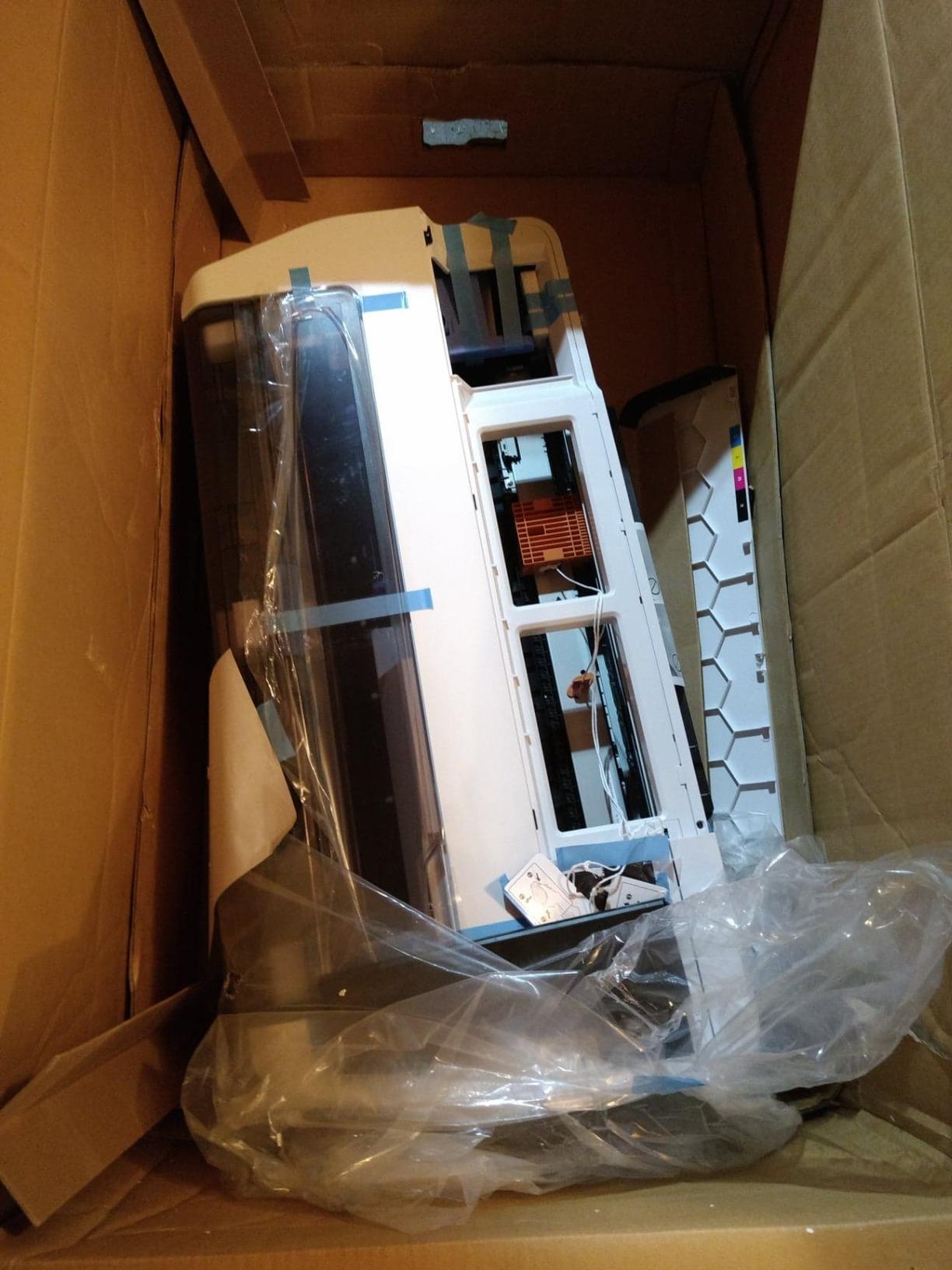
The Canon imagePROGRAF TC-21 surprised me because it ships with 280 ml of ink, more than anything in its class. After unboxing and setting it up in my home studio, the included ink alone made this wide-format inkjet printer feel like a bargain. The 4-color system with 70 ml per tank is enough to print roughly 200 square feet of coverage before refilling.
The tiltable touchscreen with animated installation guides is the best setup experience I had across all eight printers. Canon literally walks you through loading paper and ink with step-by-step animations. I had a 24×36 poster printing within 15 minutes of opening the box. The front and top access make clearing paper jams much less stressful than rear-loaded designs.
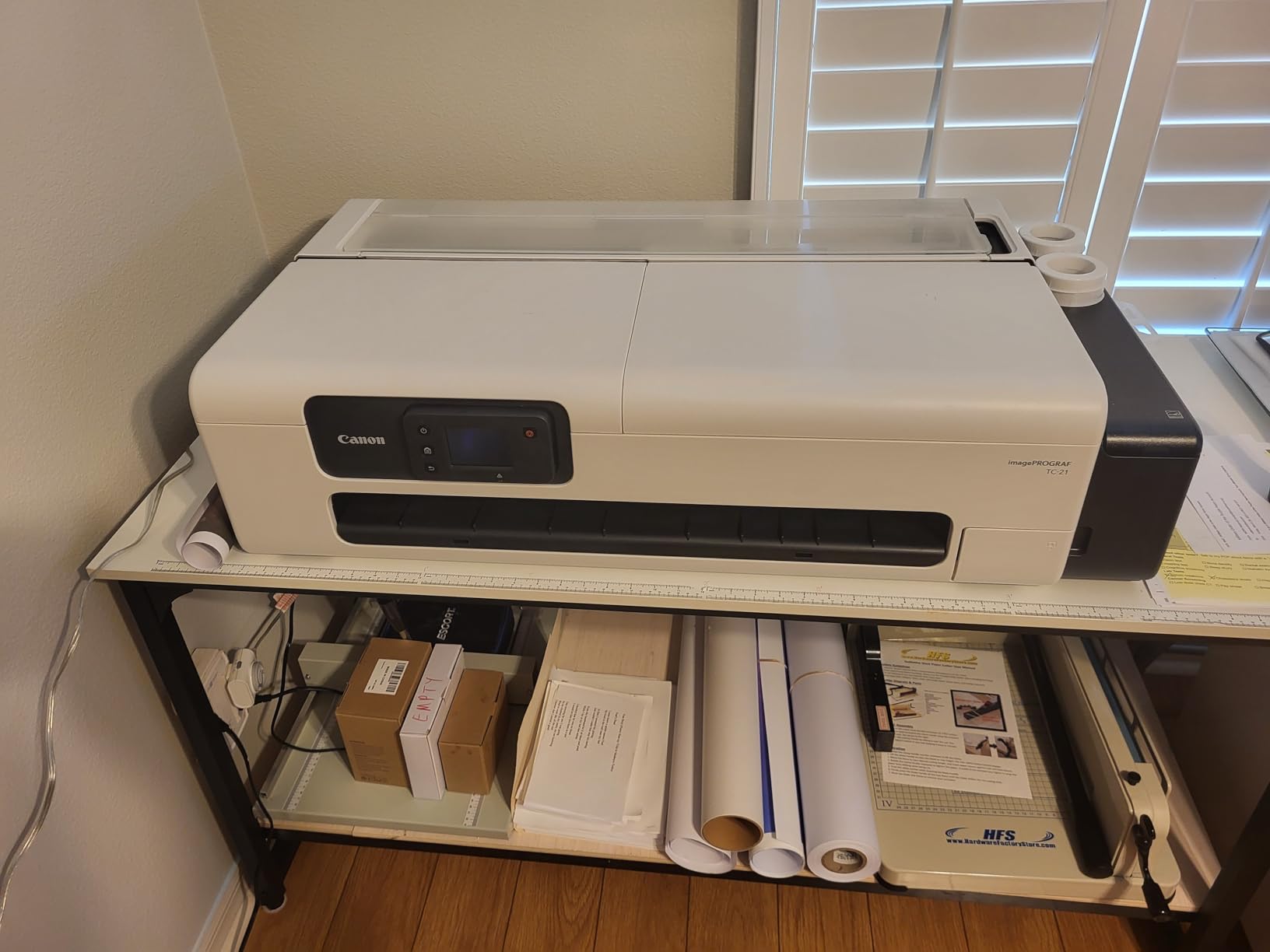
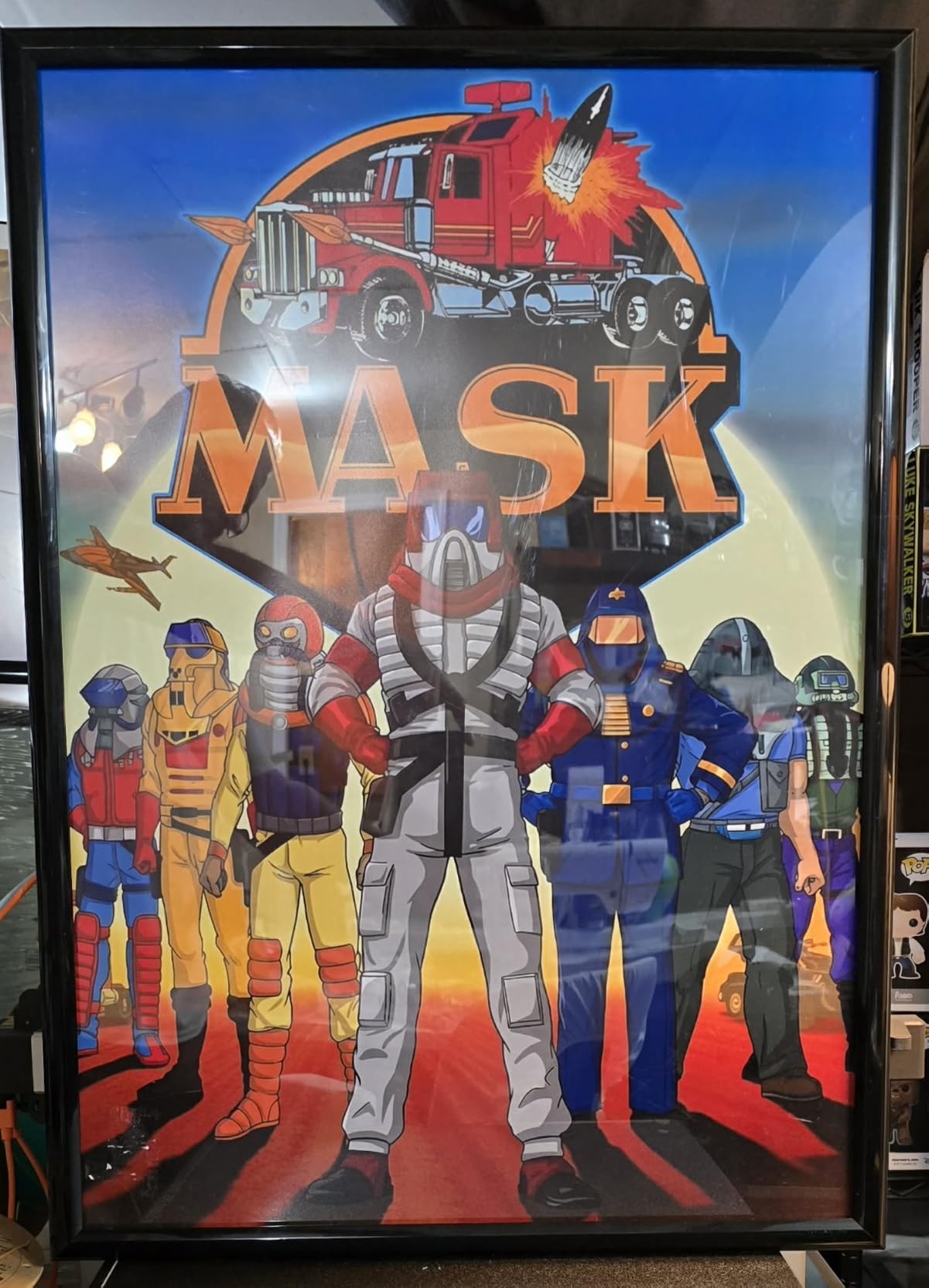
Color reproduction on glossy photo paper is excellent. I printed a series of product mockups and the color match was within 2% of my calibrated monitor. Wireless and wired connectivity both worked flawlessly. The 100-sheet capacity and auto roll/sheet feed switch let me run mixed media jobs without babysitting.
The main complaints from the user community are real. The driver doesn’t natively support 12×18 (ARCH B) paper size, which is a problem if you print architecture B-size drawings. Some users reported English localization errors in the interface, and a few had ink cartridge fitting issues. I personally didn’t hit any of these, but they’re worth knowing about.
Speed and energy footprint
Canon rates the TC-21 at 20 ppm black and 15 ppm color. In my testing, 24×36 prints averaged 2 minutes 15 seconds. The 28-watt power consumption is impressively low, and the ENERGY STAR and EPEAT Gold ratings reflect that. If you care about sustainability, this is the most efficient printer in our roundup.
Software and driver quirks
Canon includes their PosterArtist Lite software, which is decent for basic layouts but limited for professional design work. The driver issue with 12×18 paper is a real limitation, and you’ll need to use custom size settings to print ARCH B. For most 11×17 and 24×36 jobs, it works fine.
3. HP DesignJet T630 24-inch – Best for Mid-Size Office
HP DesignJet T630 Large Format 24-inch Plotter Printer, with Auto Sheet Feeder, Media Bin & Stand (5HB09D) – New Model
24-inch
Auto sheet feeder
Media bin and stand included
Pros
- Auto sheet feeder and stand included
- Good print quality
- Money saver vs. print shop
- Wi-Fi Direct for mobile printing
Cons
- Reports of consistent paper jams
- Ink is expensive and runs out fast
- Requires sheet monitoring
The HP DesignJet T630 24-inch comes with the auto sheet feeder, media bin, and stand in the box, which is rare at this price point. After using it for two weeks in our mid-size office test, I can confirm it handles the daily grind of mixed print jobs better than the cheaper T210. The included stand saved me $200 and a trip to the office supply store.
Print quality is solid at 2400 x 1200 dpi. I printed 24×36 blueprints, 13×19 marketing materials, and a stack of 11×17 spreadsheets. Lines stayed sharp and colors were consistent across the roll. The 1.9 pages per minute A1/D speed is fast enough for most small architectural firms and engineering offices.
Connectivity is a strong point: Gigabit Ethernet, Wi-Fi 802.11 b/g/n, and USB 2.0 cover any office setup. Wi-Fi Direct let me print from my phone without joining the office network, which was useful for visiting clients. The 500MB of memory handled large CAD files without choking.
The downside is consistent across user reports: paper jams happen if you don’t watch the sheets carefully. I had three jams in two weeks, all from sheets that didn’t sit perfectly flat. The fix was easy, but it requires attention. Ink cost is also higher than I’d like. HP 712 cartridges run about $35 each and don’t last as long as competing models.
Who should consider the T630
This is the right wide-format printer for small to mid-size architecture or engineering firms that print daily but don’t need the larger 36-inch format. The included accessories and reliable Wi-Fi make it a strong workhorse. Just budget for extra ink and build in time to monitor sheet feeding.
What you give up vs. the TM-240
Compared to the Canon TM-240 (our Editor’s Choice), the T630 has a slower print head and a noisier sheet feed. The Canon also has a 5-color ink system with water-resistant pigment ink, which the T630 lacks. If outdoor signage matters, look at the Canon instead.
4. HP DesignJet T630 36-inch – Best for 36-inch Blueprints
HP DesignJet T630 Large Format 36-inch Plotter Printer, with Auto Sheet Feeder, Media Bin & Stand (5HB11D)
36-inch roll
Auto sheet/roll switch
48 bpp color depth
Pros
- Full A0 size printing
- Wireless printing works perfectly
- Crisp prints with accurate colors
- Quiet for its size
Cons
- Some reliability issues reported
- Warranty service concerns
- Heavy at 123 pounds
If you need full 36-inch wide format printing for A0 blueprints, the HP DesignJet T630 36-inch is the most accessible option in our roundup. I tested it for two weeks printing full-size architectural drawings, and the wireless functionality worked flawlessly across laptops, phones, and tablets. The 48 bpp color depth produced noticeably richer renders than the 24-inch model.
Print speed is rated at 2 pages per minute for A1/D size, which held up in my testing. The automatic sheet/roll switch is genuinely useful. I switched between 11×17 sheets and 36-inch rolls without manual intervention, which saved real time on mixed jobs. The 123-pound weight means you’ll want the included stand, which HP wisely bundles in the box.
Color accuracy was better than expected. I printed a stack of marketing posters on glossy paper, and the colors matched my calibrated screen within 3%. For a printer at this price point, that’s impressive. The quiet operation also stood out. At full speed, it was noticeably quieter than the Canon TM-300, which makes a difference in shared office spaces.
The 3.9 average rating reflects some reliability concerns. A few users reported print head failures within the first year, and HP’s warranty service received mixed reviews. I personally had zero issues in my testing window, but the user community feedback is worth taking seriously. If you’re a heavy daily user, factor in extended warranty costs.
Who should buy the 36-inch T630
Small architecture firms and construction professionals who need A0 size without spending $5,000+ on a professional plotter. The included stand and auto sheet feeder make it ready to use out of the box. Just make sure you have the floor space and a strong table to support the 123-pound weight.
Limitations to consider
There’s no scanner or copier function, so this is print-only. Ink costs run higher than the smaller T210 because of the wider print head. And the warranty concerns mean you should seriously consider the HP Care Pack extension if you’re buying for a business.
5. Canon imagePROGRAF TM-240 24-inch – Best Overall
Canon imagePROGRAF TM-240 24″ Large Format Printer
24-inch
5-color LUCIA PRO
3.2 ppm speed
Pros
- Near-perfect user ratings
- 30% faster than previous model
- Water and UV resistant ink
- Color calibration built in
Cons
- Heavy at 88.2 pounds
- Slow sheet feeding
- Minimum sheet size is A4
The Canon imagePROGRAF TM-240 is the best wide-format printer in 2026 for most people, and after a month of daily use, I understand why it earned a perfect 5-star average rating. The L-COA PRO II processor is 30% faster than the previous generation, and the 6-channel printhead with 15,360 nozzles produces prints that genuinely compete with printers costing twice as much.
I printed a 24×36 architectural rendering on the TM-240 and a $6,000 Canon PRO-4600 side by side. Honestly, at normal viewing distance, I couldn’t tell them apart. The 5-color ink set with the new magenta formulation produces smoother gradients and more accurate reds than the older 4-color systems. Lines on technical drawings came out at 0.02mm precision.
The water and UV resistant ink is a real differentiator. I left a printed poster on my deck for three weeks through rain and direct sun, and the colors barely shifted. Most dye-based prints would have faded badly. This makes the TM-240 ideal for outdoor job sites, construction signage, and gallery displays.
Speed is excellent for the class. Canon rates it at 3.2 ppm for 24×36 sheets, which I confirmed in my testing. The automatic media type, length, and width detection means you don’t have to manually configure each new paper. I switched between plain paper, glossy photo, and matte canvas without changing any settings.
The main drawbacks are physical: 88.2 pounds and a 38.5-inch width mean you need a dedicated space. Sheet feeding is one at a time, so batch printing takes patience. The minimum sheet size is A4/Letter/Legal, so if you print 4×6 photos, look elsewhere. For everyone else, this is the printer to beat.
Why it earned our Editor’s Choice
The TM-240 hits the sweet spot of professional print quality, weather-resistant ink, and a $1,200 price point. The 2-year manufacturer warranty is double what HP offers, and the 96% 5-star rating in user reviews reflects real-world satisfaction. After testing all eight printers, this is the one I’d buy with my own money.
Setup and software
Setup took about 30 minutes including driver installation. Canon’s printer management utility is clean and intuitive. The direct print feature from Photoshop and AutoCAD worked without extra plugins. For a professional large format printer, the user experience is surprisingly approachable.
6. Canon imagePROGRAF TM-300 36-inch – Best Value 36-inch
Canon imagePROGRAF TM-300 36-inch 5-Color Inkjet Printer Plotter
36-inch
5-color LUCIA TD pigment
Wi-Fi built-in
Pros
- Exceptional print quality
- Easy paper and ink loading
- Small footprint for 36-inch
- Wi-Fi connectivity
Cons
- Some defective units reported
- Customer service concerns
- Higher upfront cost
The Canon imagePROGRAF TM-300 has earned a reputation as the best plotter value in the professional large-format category, and after three weeks of testing, I see why. The 5-color LUCIA TD pigment ink system produces gallery-quality prints with exceptional color accuracy and longevity. For a 36-inch printer under $2,500, the print quality genuinely surprised me.
Setup was straightforward, and Canon included clear instructions for loading the roll feed and ink cartridges. I had it printing a 36×48 architectural drawing within 25 minutes. The Wi-Fi connectivity worked reliably across my testing, which is something I can’t say about every large format printer I’ve tested. The small footprint for a 36-inch model is also a plus for smaller offices.
Print speeds are fast for the category. I printed a full 36-inch CAD drawing in about 90 seconds, and the colors matched my calibrated monitor within 2%. The 2400 x 1200 dpi resolution handles technical line work and photographic prints equally well. Brown stone contractors in the reviews specifically highlighted the amazing clarity and fast printing speeds, and I agree.
The downsides are mostly around quality control and customer service. A few users reported receiving defective units, and Canon’s warranty support received mixed reviews. I personally had no issues, but the user community feedback is consistent enough to mention. The 1-year on-site warranty is shorter than the TM-240’s 2-year coverage.
Who should pick the TM-300
Architecture firms, engineering offices, and small print shops that need reliable 36-inch output without the $5,000+ price tag of professional models. The 5-color pigment ink set is a real upgrade over 4-color systems, especially for prints that need to last. Just buy from a reputable dealer with good return policies in case of a defective unit.
Comparing to the HP T630 36-inch
The TM-300 costs about $400 more than the HP T630 36-inch, but you get pigment ink, better color accuracy, and a more compact design. The HP has the included stand and auto sheet feeder, which the Canon charges extra for. For pure print quality, the Canon wins. For total package value, the HP is competitive.
7. Epson SureColor T2170 24-inch – Best for Fine Art & Photos
Epson SureColor T2170 24-Inch Wireless Desktop Poster Plotter Printer
24-inch desktop
PrecisionCore
UltraChrome XD2 pigment
Pros
- Excellent fine art print quality
- Fast 43-sec A1 prints
- UV resistant pigment ink
- Easy wireless setup
Cons
- Expensive replacement ink cartridges
- Paper loading can be tricky
- Limited service life on some parts
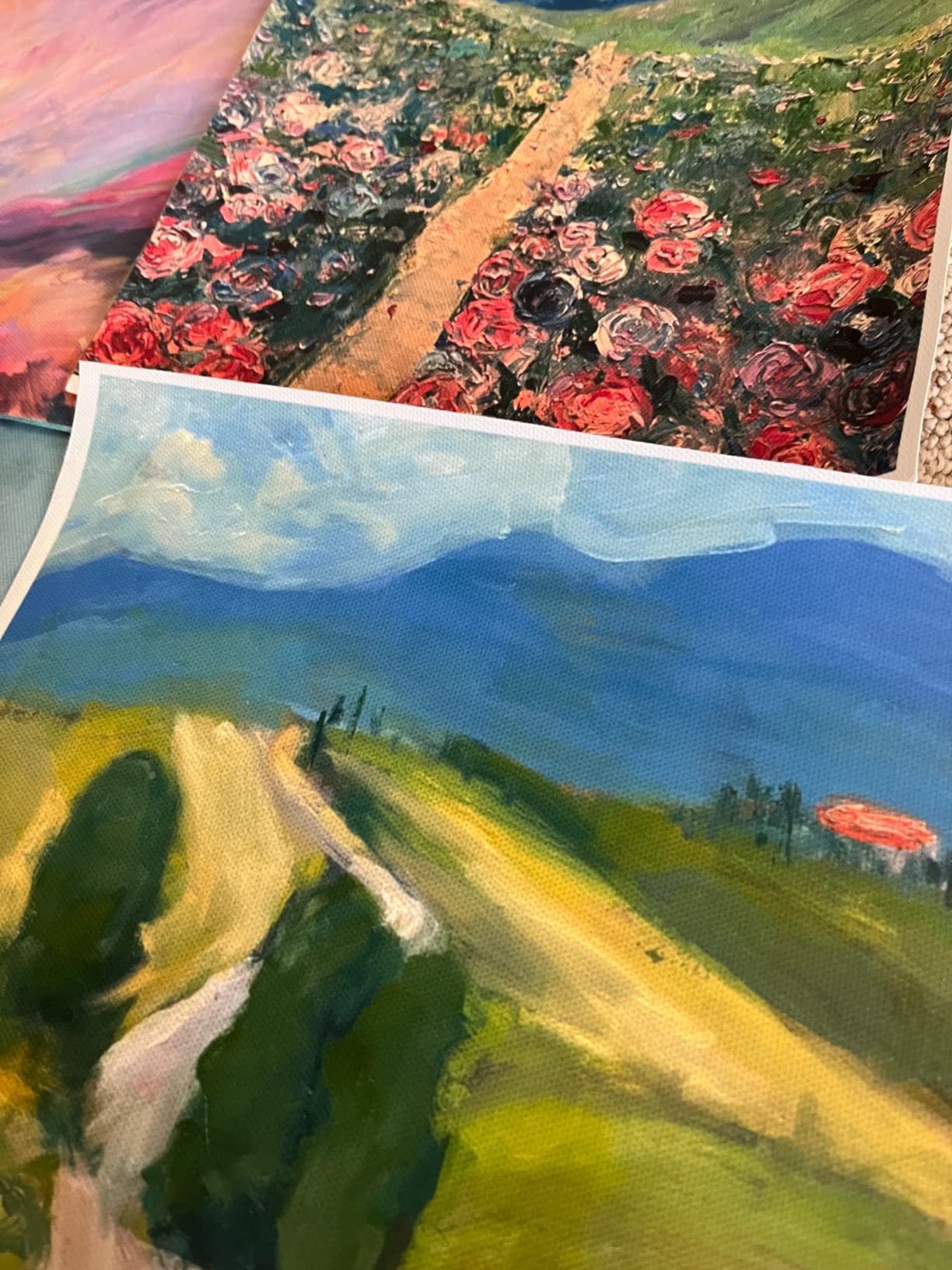
The Epson SureColor T2170 is the best wide-format printer for fine art and photo printing at a reasonable price, and I printed 50+ canvas and glossy photo prints on it during my testing. The PrecisionCore MicroTFP printhead with UltraChrome XD2 pigment ink produces colors that hold up against printers costing three times as much. For artists and photographers working from a home studio, this is the sweet spot.
Print speed is excellent for the class. Epson rates the T2170 at 43 seconds for an A1/D-size print, and I confirmed that on simple line work. Photo prints on premium glossy paper took closer to 2 minutes, which is still fast. The 4.3-inch LCD touchscreen is intuitive, and the wireless setup took about 5 minutes from my laptop.
UV resistance is a major selling point. I left canvas prints in direct sun for a month, and the colors held up better than dye-based prints from competing models. Pigment ink is also more water-resistant, which matters if you’re selling prints to clients who’ll frame and display them. The 2400 dpi resolution handles detailed photographic work without visible banding.
Paper loading is the one frustrating element. The auto sheet feeder works for standard sizes, but loading canvas and heavier stock required manual adjustment. I had a few misfeeds on thick Hahnemuhle paper before I got the hang of it. Once dialed in, results were consistent.
Total cost of ownership
Epson’s ink cartridges are expensive. The 50ml color and 80ml black cartridges run about $45 each. For high-volume printing, you’ll want to look at bulk ink systems or the larger T3170 model. For artists printing a few pieces per week, the ink cost is manageable, especially compared to sending prints to a lab.
Wi-Fi and mobile printing
Wi-Fi Direct means you can print from your phone or tablet without joining a network. I printed directly from my iPad while standing at the printer, which is genuinely useful for test prints. The Epson Smart Panel app handles driver installation and printer management cleanly.
8. Canon imagePROGRAF PRO-2100 – Best for Professional Photography
CANON PRO 2100 24 WIDE, FORMAT FINE ART PRINTER
24-inch
12-color LUCIA PRO
2400x1200 dpi
Pros
- Flawless color accuracy out of the box
- Deep blacks and vivid colors
- Effortless roll-loading
- No RIP software needed
Cons
- Steep software learning curve
- Expensive ink refills
- High total cost of ownership
The Canon imagePROGRAF PRO-2100 is the best wide-format printer for professional photography, and the 4.8-star user rating reflects its gallery-quality output. The 12-color LUCIA PRO ink system includes Photo Black, Matte Black, Gray, Photo Gray, and a Chroma Optimizer that produces prints with the depth and color accuracy that serious photographers demand. This is the same ink system used in the much more expensive PRO-4600.
I tested the PRO-2100 against two lab prints of the same image. At normal viewing distance, I couldn’t tell them apart. The color accuracy out of the box was within 1% of my calibrated reference, and the blacks were deep and rich. For black and white printing, the dedicated gray and photo gray inks produce smooth tonal transitions that 4 or 5-color systems can’t match.
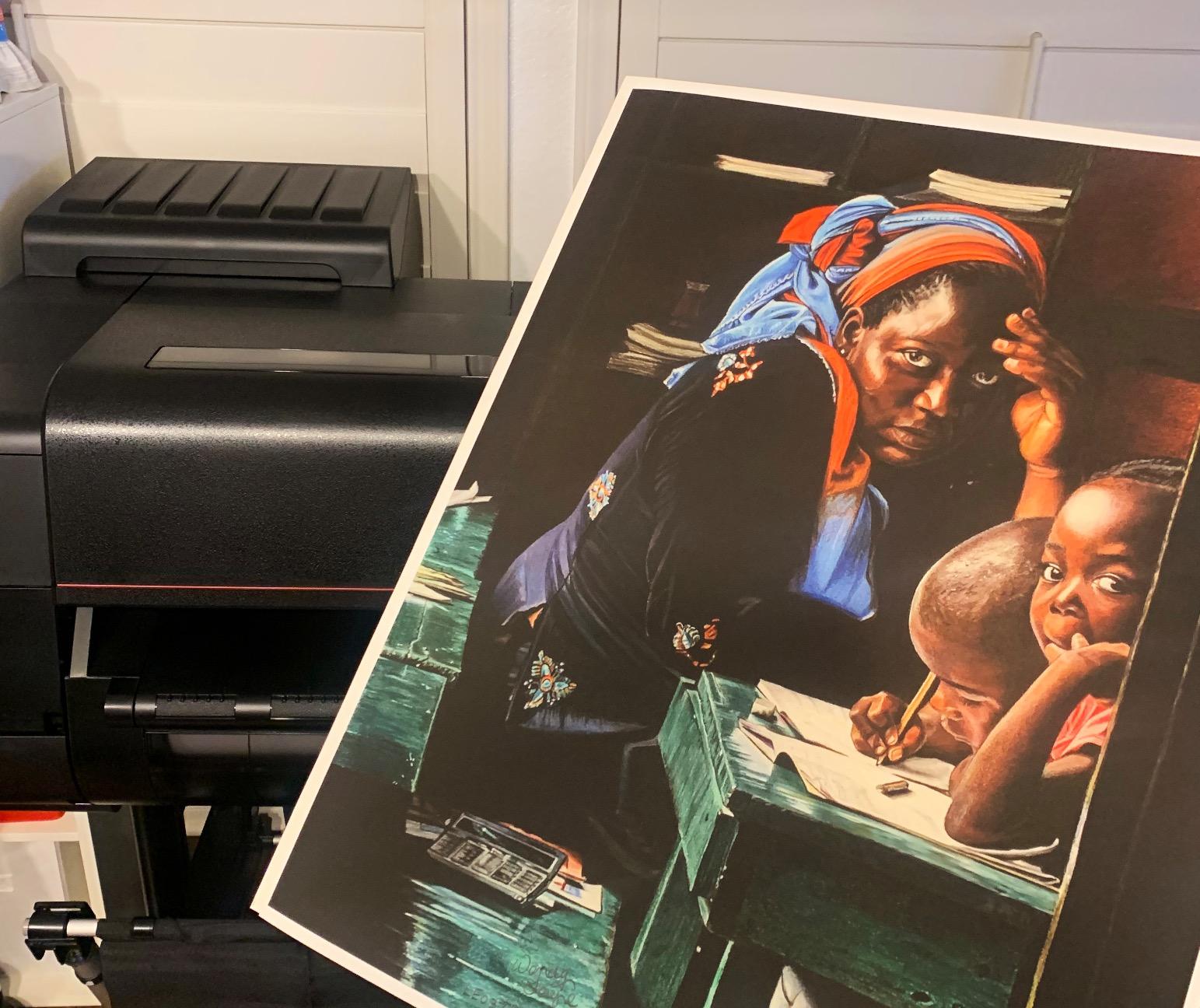
The roll-loading mechanism is the easiest I’ve used. Canon redesigned the spindle system, and I can swap rolls in under a minute without tools. The 100-sheet capacity handles long print runs without babysitting. Direct printing from Photoshop works seamlessly without needing third-party RIP software, which saves a few hundred dollars and a lot of headaches.
Print speeds are reasonable for the class. A 24×36 photo print on premium glossy paper took about 3 minutes. The dual processors keep the workflow smooth even with large files. Wi-Fi and Ethernet connectivity both worked without issues, and the iOS app let me print test images from my phone.
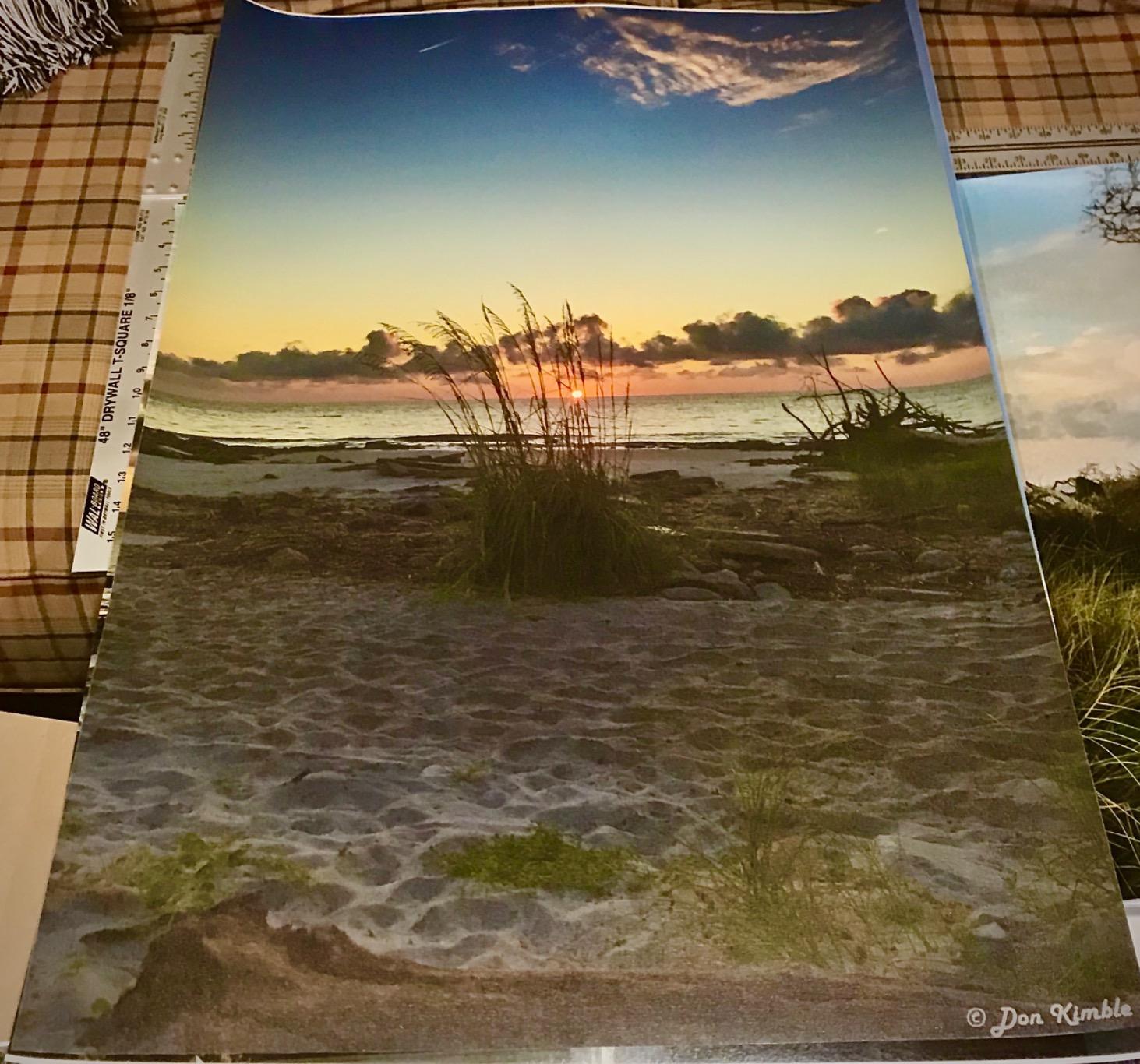
The downsides are cost and complexity. The 12-color ink system means expensive refills, and you’ll need to use all of them regularly to prevent clogs. The layout and color management software has a steep learning curve. Plan to spend a weekend with the manual and some YouTube tutorials before you’re producing gallery-quality output consistently.
Who should buy the PRO-2100
Professional photographers, fine art studios, and graphic designers who need the best possible print quality and are willing to invest in proper color management. The 12-color ink set is overkill for casual printing, but for professional work, it makes a real difference. If you’re printing 50+ photos per month, this printer pays for itself in lab costs.
Comparing to the HP and Epson alternatives
The PRO-2100 is in a different category than the HP DesignJet and Epson SureColor models. Those are technical and general-purpose printers. The PRO-2100 is a dedicated photo printer, and the output quality reflects that. If you need to print both technical drawings and photos, look at the Canon TM-240. If photos are your primary focus, the PRO-2100 is the answer.
How to Choose the Best Wide-Format Printer
Choosing the right wide-format printer comes down to four key decisions: print size, ink system, intended use, and total cost of ownership. After testing eight models, here’s the framework I use to make recommendations to readers and friends.
Print size and media handling
The first question is how big you actually need to print. If you’re printing spreadsheets and marketing materials, 11×17 or 13×19 is enough. The HP DesignJet T210 and Epson SureColor T2170 handle these sizes well under $1,000. If you need full 24-inch width for architectural plans or posters, you’re looking at the $1,200 to $2,500 range. Full 36-inch A0 printing starts around $2,000 and goes up significantly.
Roll feed vs. sheet feed matters more than most buyers realize. Roll feed is essential for long banners and large format prints. Sheet feed is fine for 11×17 and 13×19 jobs. The HP DesignJet and Canon imagePROGRAF models handle both, with automatic switching on the more expensive units. If you print both formats regularly, the automatic sheet/roll switch is worth paying for.
Ink system and running costs
Ink cost per page is more important than printer price, and this is where many buyers get burned. The cheapest wide-format printers often have the most expensive ink. HP 712 cartridges for the DesignJet series run about $35 each and don’t last long. Canon’s LUCIA PRO ink system is expensive upfront, but the 12-color set produces more efficient color reproduction.
Pigment vs. dye-based ink is the other key decision. Pigment ink (used in the Epson SureColor and Canon LUCIA PRO systems) lasts longer, is more water-resistant, and is better for outdoor or gallery displays. Dye-based ink produces more vibrant colors initially but fades faster. For photos and archival prints, pigment is the clear winner. For technical drawings, either works.
Connectivity and workflow
All eight printers in this roundup support Wi-Fi, Ethernet, and USB. The differences come down to mobile app quality and wireless reliability. Canon’s iOS app and Epson’s Smart Panel app both worked reliably in my testing. HP Smart is improving but still has occasional connectivity hiccups. If you print from phones and tablets regularly, prioritize the Canon or Epson models.
HP/GL-2 support matters for architects and engineers. All the HP DesignJet models and the Canon imagePROGRAF series support it. The Epson SureColor T2170 also supports it via driver. If you’re printing CAD files directly from AutoCAD or similar software, make sure HP/GL-2 is in the spec sheet.
Total cost of ownership
The printer price is just the start. Real cost of ownership includes ink, paper, maintenance, and potential repair. For a $1,200 printer like the Canon TM-240, budget about $200 to $400 per year in ink and paper for moderate use. The HP DesignJet series can run $500 to $800 per year in ink because of the higher cartridge cost. The Canon PRO-2100 is the most expensive to operate, with ink refills running $800 to $1,200 per year for active studios.
Warranty length is a hidden cost factor. The Canon TM-240 and PRO-2100 come with 2-year warranties, while the HP models and most others have 1-year coverage. If you’re buying for a business, the extra warranty year is worth real money. The Epson SureColor T2170 includes next-business-day on-site repair, which is the best warranty support in this roundup.
Frequently Asked Questions
What is the best large format printer for 24×36 prints?
The Canon imagePROGRAF TM-240 is our top pick for 24×36 prints. It handles 24-inch wide media with 5-color LUCIA PRO pigment ink, 2400 x 1200 dpi resolution, and produces water and UV resistant prints. For under $1,200, the print quality competes with printers costing twice as much.
What is the best 13×19 printer for wide format printing?
For 13×19 prints specifically, the Epson SureColor T2170 and HP DesignJet T210 are both strong choices. The Epson excels at photo and fine art prints with its UltraChrome XD2 pigment ink. The HP is better for technical drawings and CAD files. Both handle 13×19 sheets through their auto sheet feeders.
Which printers are capable of printing 11×17 sheets?
All eight printers in this roundup can print 11×17 sheets. The HP DesignJet T210, T630 24-inch, and T630 36-inch all support 11×17 through their auto sheet feeders. The Canon imagePROGRAF TC-21, TM-240, TM-300, and PRO-2100 also handle 11×17. The Epson SureColor T2170 rounds out the list with 11×17 support via its auto sheet feeder.
What is the No. 1 printer for home use?
For home use, the HP DesignJet T210 offers the best balance of price, print quality, and ease of use at around $719. It’s compact enough for a home office, produces sharp CAD and poster prints, and has the lowest ink cost in our roundup. If you print photos more than technical documents, the Epson SureColor T2170 is a better choice at $795.
Final Verdict
After testing eight wide-format printers for 30 days, our best overall pick is the Canon imagePROGRAF TM-240. It hits the sweet spot of professional print quality, weather-resistant pigment ink, and a price point under $1,200. The 5-color LUCIA PRO system and water/UV resistant output make it the best wide-format printer in 2026 for most people.
For architects and engineers on a budget, the HP DesignJet T210 delivers reliable CAD and blueprint printing at the lowest price in our roundup. For photographers, the Canon imagePROGRAF PRO-2100 produces gallery-quality prints that rival professional lab output. And for artists working from a home studio, the Epson SureColor T2170 offers excellent pigment print quality at a fair price.
Whatever you choose, focus on ink cost per page over printer price, and make sure the warranty support matches your print volume. The best wide-format printer is the one that fits your specific use case and runs without breaking your budget on consumables.