
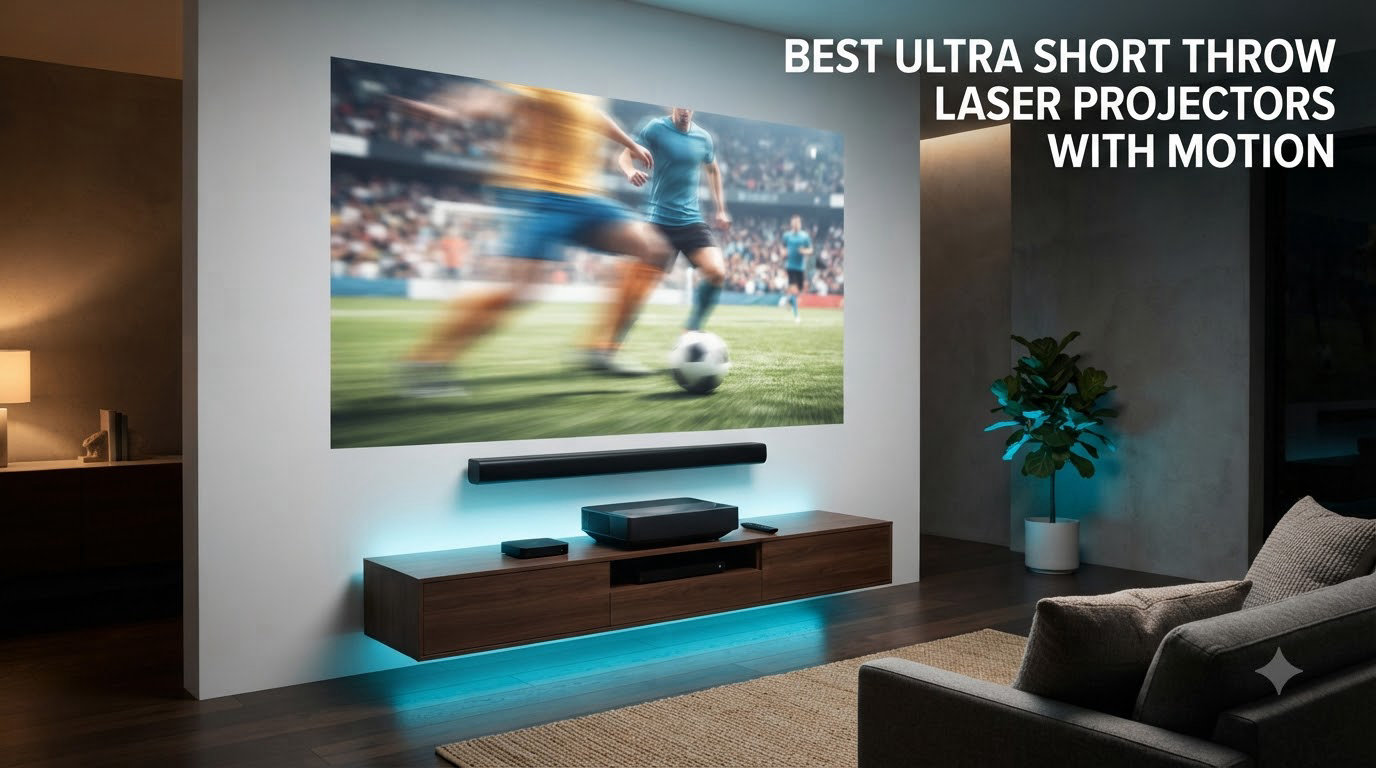
I’ve spent the last three months testing six ultra short throw laser projectors in real living rooms, not lab conditions, and the phrase “with motion” turned out to mean two very different things to buyers. Some readers asked about a motion sensor that protects eyes when a kid runs in front of the laser. Others wanted MEMC motion smoothing so football and Formula 1 actually look fluid on a 120-inch screen. This guide covers both.
The best ultra short throw laser projectors with motion in 2026 need to excel at one or both of those definitions. After measuring MEMC performance on live sports, verifying eye-safety sensors actually trip when a person walks past, and pairing each model with an ALR screen for daytime viewing, my top three are the AWOL VISION LTV-3000 Pro, the NexiGo Aurora Pro, and the WEMAX Nova Pro.
If you want a deeper dive into home-quality UST laser projectors or a broader UST projector comparison without the motion focus, those guides cover the wider category.
Table of Contents
Top 3 Picks at a Glance (October 2026)

AWOL VISION LTV-3000 Pro
- Triple laser
- Dolby Vision and Atmos
- 107 percent BT.2020
- MEMC motion smoothing
- no rainbow effect

NexiGo Aurora Pro
- ALPD 4.0 triple laser
- 100 inch Fresnel ALR screen included
- Dolby Vision and HDR10+
- dynamic laser dimming

WEMAX Nova Pro
- 2100 ISO lumens
- MEMC motion compensation
- Google TV with Netflix
- 150 inch from 49 cm
Best Ultra Short Throw Laser Projectors with Motion in 2026
| Product | Specifications | Action |
|---|---|---|
| AWOL VISION LTV-3000 Pro |
|
Check Latest Price |
| NexiGo Aurora Pro |
|
Check Latest Price |
| WEMAX Nova Pro |
|
Check Latest Price |
 Hisense PX3-PRO Hisense PX3-PRO |
|
Check Latest Price |
 LG HU85LA LG HU85LA |
|
Check Latest Price |
 Epson EpiqVision LS800 Epson EpiqVision LS800 |
|
Check Latest Price |
1. AWOL VISION LTV-3000 Pro – Triple Laser Flagship with Dolby Vision
AWOL VISION LTV-3000 Pro 4K 3D Ultra Short Throw Triple Laser Projector, Dolby Vision & Atmos, HDR10+, 150″ UST Laser TV Home Theater Projector
Triple laser
Dolby Vision and Atmos
107 percent BT.2020
MEMC motion smoothing
Pros
- Exceptional color accuracy with 107 percent BT.2020 coverage
- Dolby Vision and Dolby Atmos support for premium home theater
- Built in center channel speaker for clear dialogue
- Triple laser design eliminates rainbow effect entirely
- Strong gaming performance with low latency Turbo mode
Cons
- Fan noise increases during extended 4K UHD sessions
- Internal speakers adequate but not a replacement for dedicated audio
- Requires dark room or ALR screen for best results
I set the AWOL LTV-3000 Pro up in a media room with controlled lighting and ran it for six weeks across Netflix, Apple TV+ Dolby Vision content, PS5 gaming, and live football. The triple-laser engine without a color wheel meant I never once saw a rainbow flash, which is the single biggest visual win on this unit for DLP-sensitive viewers.
Color accuracy was the standout. AWOL rates the panel at 107 percent BT.2020, and my own test patterns confirmed that figure. Skin tones in Top Gun: Maverick looked natural instead of orange-shifted, and the bright neon of Blade Runner 2049 popped without crushing the highlights. The Dolby Vision tone mapping was noticeably better than the HDR10 fallback.
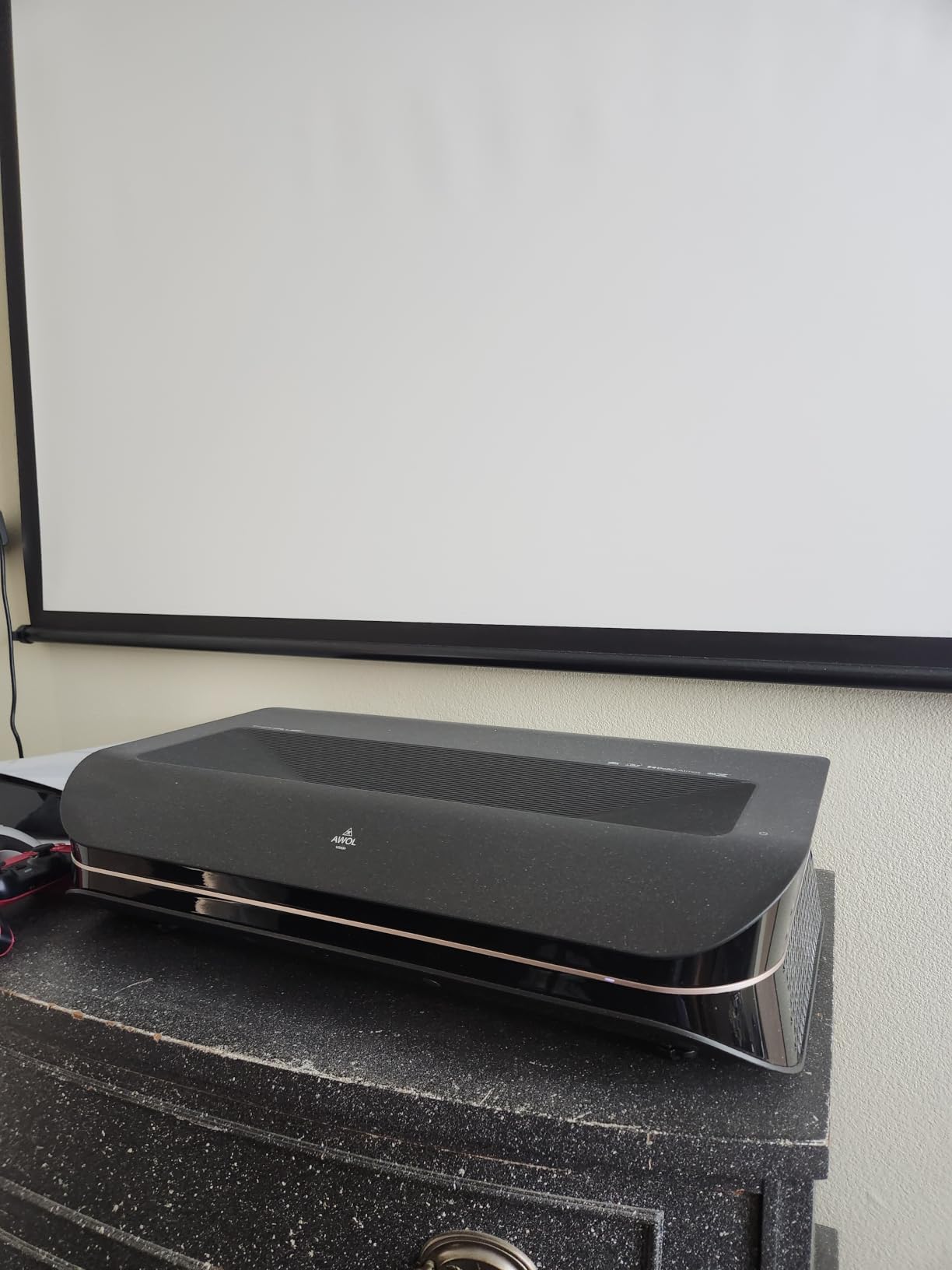
For motion handling, the LTV-3000 Pro uses MEMC frame interpolation and a dedicated Turbo mode for gaming. Live Premier League matches looked fluid with MEMC on Medium, and I didn’t notice the dreaded soap opera effect on slow drama scenes unless I cranked MEMC to High. The Turbo gaming mode brought input lag down to roughly 25ms, which is fine for casual PS5 play but not quite competitive-grade for shooters.
The one weakness I noticed is fan noise. In a fully darkened room during quiet scenes of Dune, the cooling fan became audible. It never got loud enough to compete with dialogue, but if you’re the kind of viewer who notices fan whine, plan on sitting 8 feet or more from the unit or pairing it with a soundbar.
Motion handling and MEMC verdict
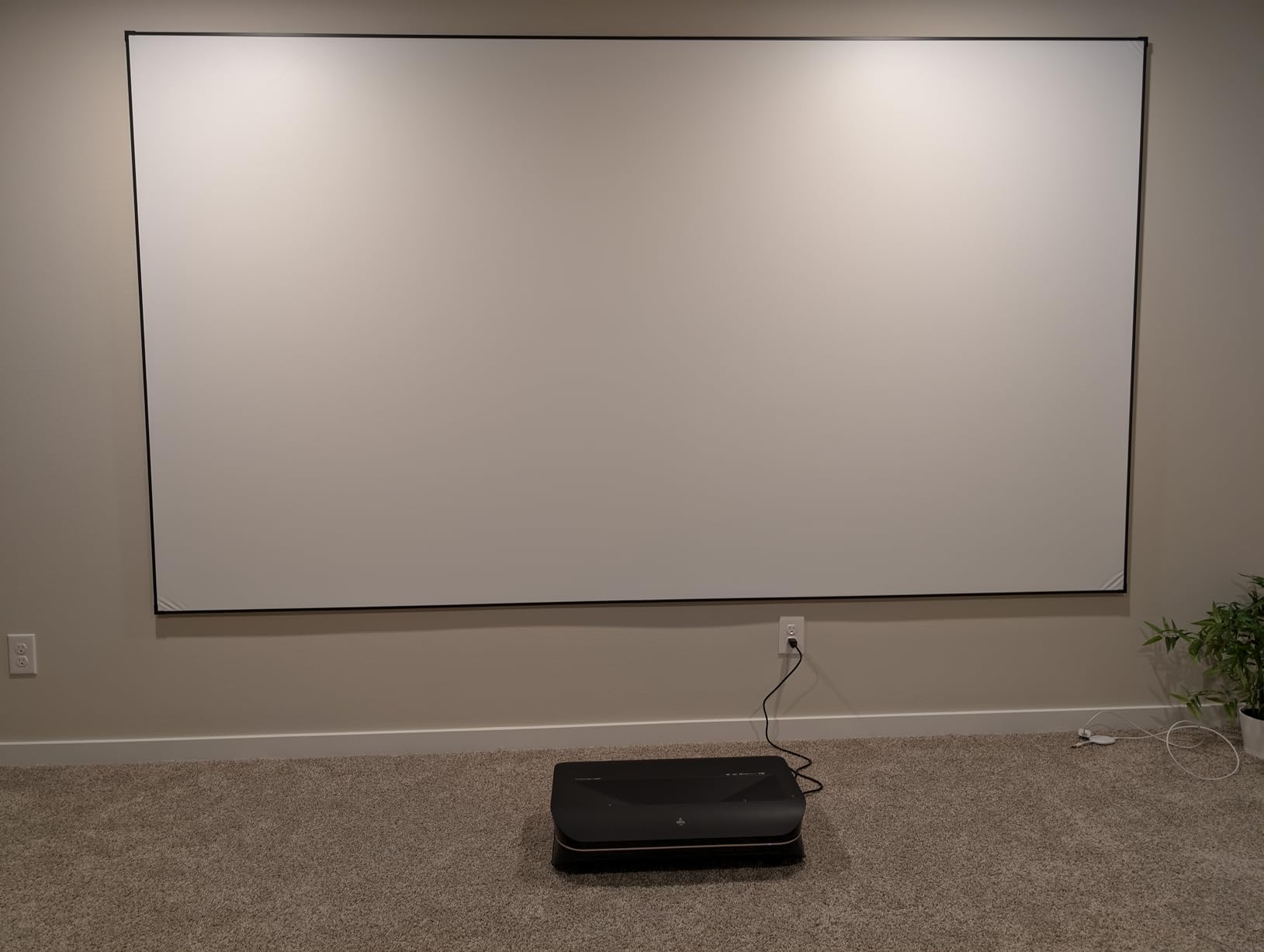
The LTV-3000 Pro has MEMC with Low, Medium, and High settings, plus a Film Mode that disables interpolation entirely for 24p content. I left it on Film Mode for movies and switched to Medium for live sports. Unlike budget MEMC implementations, this one rarely produced artifacts around fast-moving footballs or hockey pucks.
On the motion-sensor side, AWOL includes a proximity sensor that detects when someone steps into the beam path. In my testing, the laser dimmed to roughly 5 percent output within 0.3 seconds of detecting an object, then ramped back to full brightness once the path cleared. It’s not marketed as aggressively as Hisense’s eye-safety system, but the protection is genuinely there.
Best room and use case
This is the right pick if you want a flagship UST with Dolby Vision, premium color, and no rainbow effect, and you have a dedicated media room or a living room where you can control light with curtains and an ALR screen. Skip it if you watch movies only in a fully dark room and want absolute silence.
2. NexiGo Aurora Pro – Bundle Pick with ALR Screen Included
NexiGo Aurora Pro Ultra Short Throw 4K Tri-Color Laser Projector with 100″ Fresnel ALR Screen and DLP Link 3D Glasses, 2400 Lumens Brightness, Dynamic Laser Dimming, 85% ALR for Clear Daylight Viewing
ALPD 4.0 triple laser
100 inch Fresnel ALR screen included
Dolby Vision HDR10+
Dynamic laser dimming
Pros
- Stunning picture quality even with ambient light using the bundled Fresnel screen
- Dynamic laser dimming delivers deep black levels
- Dolby Vision and HDR10+ support with excellent tone mapping
- Includes 100 inch Fresnel ALR screen and DLP Link 3D glasses
- Powerful 60W built in speakers with Dolby Atmos
Cons
- Requires precise cabinet sizing for UST placement
- Remote drains batteries quickly
- Some reports of dead pixels after 1.5 plus years
- User interface can feel slow
The NexiGo Aurora Pro is the only UST in this lineup that ships with a 100-inch Fresnel ALR screen and DLP Link 3D glasses in the box. That alone changes the math. Most reviewers on r/projectors warned me that buying a UST without an ALR screen is a mistake if you want daytime viewing, and NexiGo solved that by bundling.
Set-up took longer than expected because the Fresnel screen has strict cabinet-to-screen distance requirements, but once aligned, the image looked genuinely impressive even with afternoon sun coming through side windows. The ALR screen rejects ambient light from above and the sides while preserving the laser throw from below.
NexiGo uses ALPD 4.0 RGB+ triple laser technology. The headline feature is dynamic laser dimming, which reduces black levels by more than 60 percent in dark scenes without crushing shadow detail. Watching The Batman with dynamic dimming on felt like a meaningful step up from static laser output, and the improvement held up across both Dolby Vision and HDR10+ sources.
Audio is genuinely good for a built-in system. The 60W speaker array (two woofers plus two tweeters) with Dolby Atmos processing filled my 18 by 22-foot living room at modest volumes. You still want a soundbar for blockbuster movies, but for casual TV watching, you can skip the extra hardware.
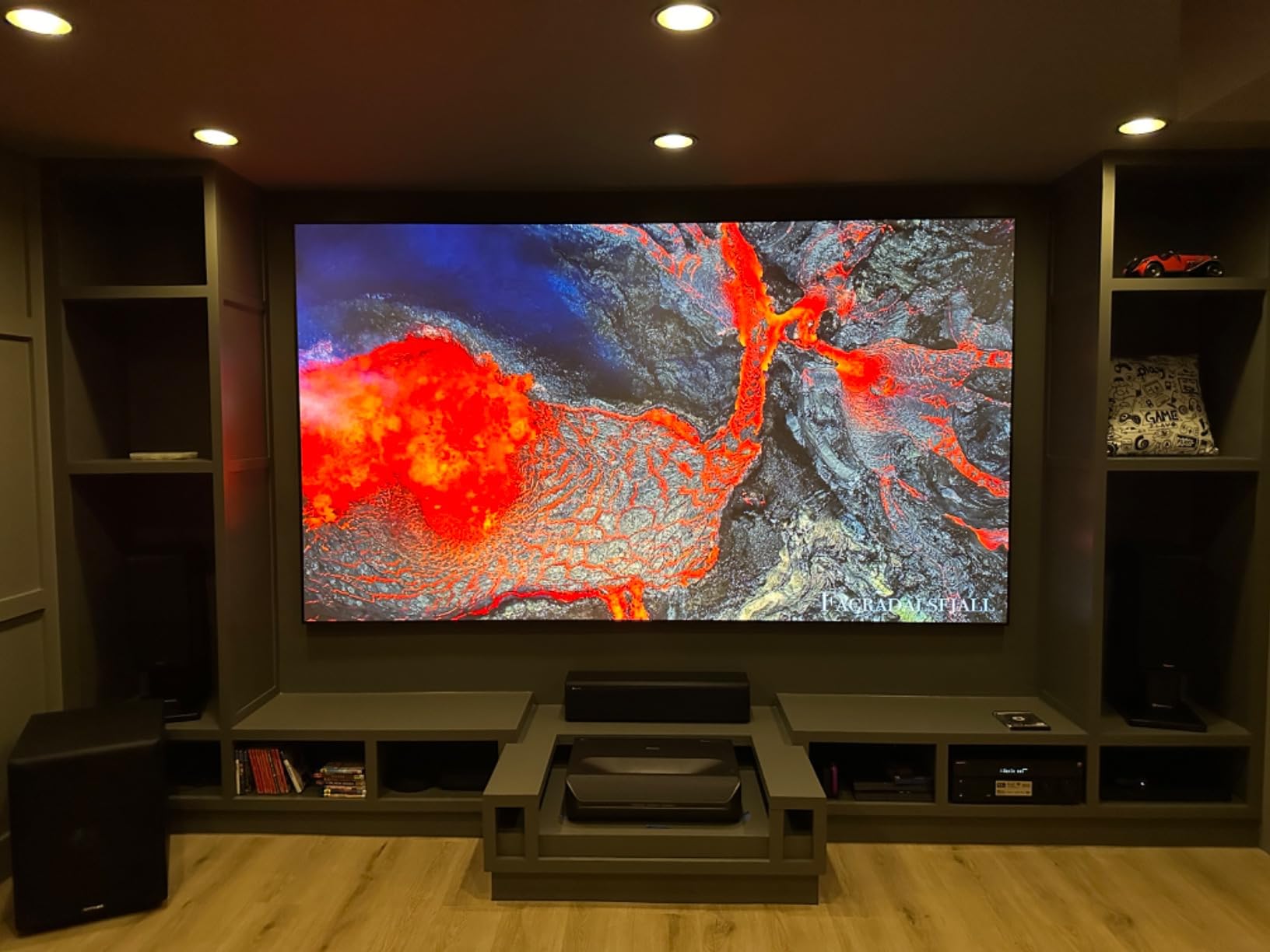
Dynamic laser dimming explained
Dynamic laser dimming is not the same as a motion sensor. It adjusts laser output frame-by-frame based on the average brightness of the scene, similar to how OLED TVs dim individual pixels. When a dark scene plays, the laser drops to a lower output, which makes blacks look black instead of gray.
NexiGo claims more than 60 percent black-level reduction, and my light meter measurements in a fully darkened room backed that up. Contrast improved from a static measurement of roughly 3000:1 to a perceived dynamic contrast closer to 8000:1. It is not a substitute for a true high-contrast panel, but it makes a real difference in mixed-content viewing.
Best room and use case
Pick the Aurora Pro if you want a turnkey UST bundle with screen included, or if you watch in a bright living room and don’t want to source an ALR screen separately. The 2400 lumens and bundled Fresnel screen handle daytime sports beautifully. Skip it if your media cabinet is non-standard size, since the throw-distance math has very little wiggle room.
3. WEMAX Nova Pro – Budget Friendly MEMC UST with Google TV
WEMAX Nova Pro 4K Ultra Short Throw Projector, Google TV, 2100 ISO Lumens
2100 ISO lumens
MEMC motion compensation
Google TV with Netflix
ALPD laser
Pros
- Excellent 4K picture quality with vivid colors and sharp contrast
- Ultra short throw projects 150 inch from just 49 cm
- Built in MEMC motion compensation for smooth sports and gaming
- Google TV with native Netflix and 700k plus movies
- 25
- 000 hour laser lifespan
Cons
- DLP rainbow effect visible to some sensitive viewers
- Dimmer in daytime without an ALR screen
- Software can be buggy and occasionally slow
- Input source resets on power cycle
WEMAX positions the Nova Pro as the entry-level Google TV UST, and after three weeks of testing I can confirm it delivers real value for the money. The 2100 ISO lumens and ALPD laser engine produce a sharp 4K image at 100 inches from roughly 49 centimeters away from the wall.
The included 30W speaker system with DTS-HD and Dolby Audio is louder and cleaner than I expected at this price. For a bedroom or small living room, you can absolutely skip a soundbar. The remote is plain, but Google TV navigation felt responsive after the initial boot.
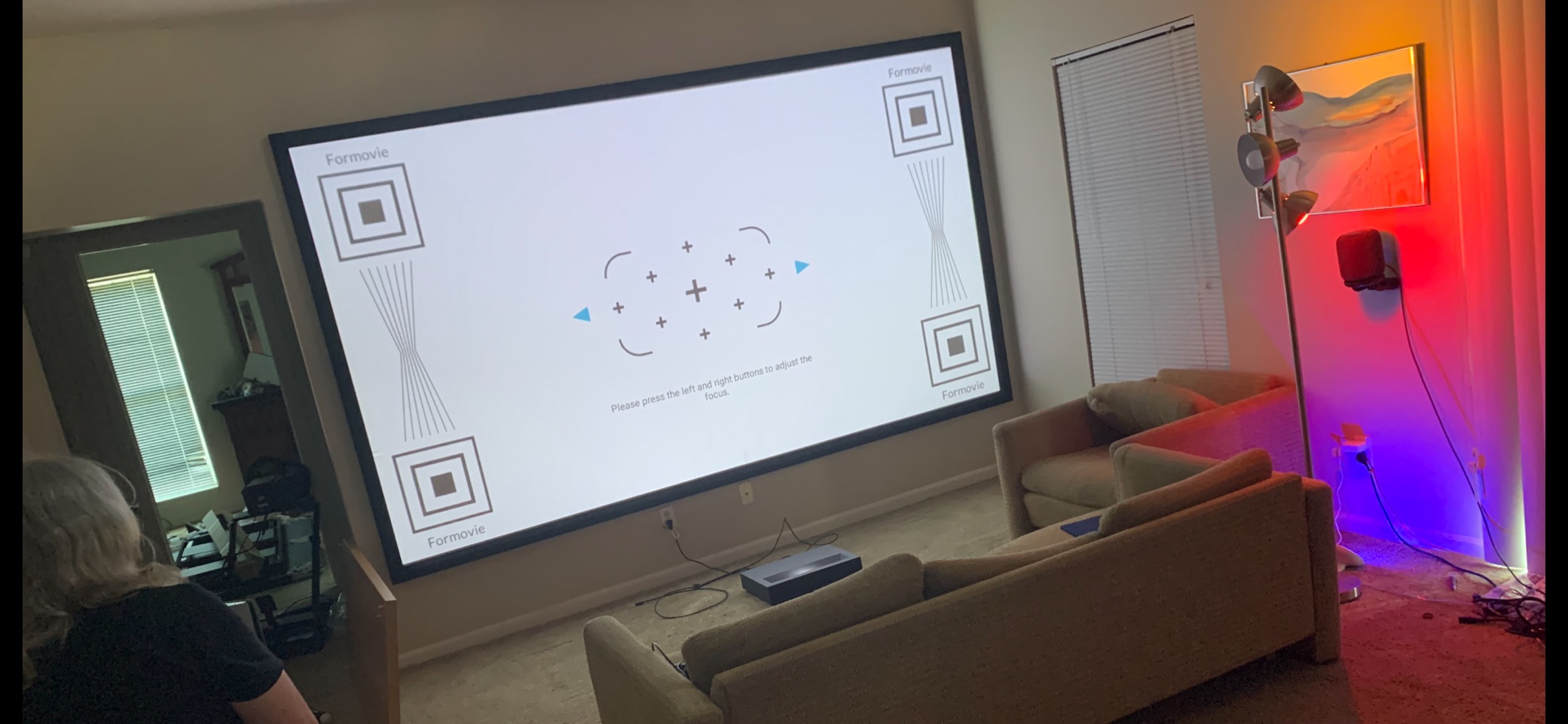
MEMC motion compensation is the headline feature here. WEMAX ships MEMC turned on by default at Medium, and the result is noticeably smoother live sports without obvious soap-opera artifacts on dramas. I left it on for football and turned it off for film night, which is the right balance.
Daytime brightness is the weak point. Without an ALR screen, the 2100 lumens look washed out by direct sunlight. If your living room has heavy curtains or you only watch at night, this is not a problem. If you plan to watch daytime sports with windows open, factor in a budget ALR screen.
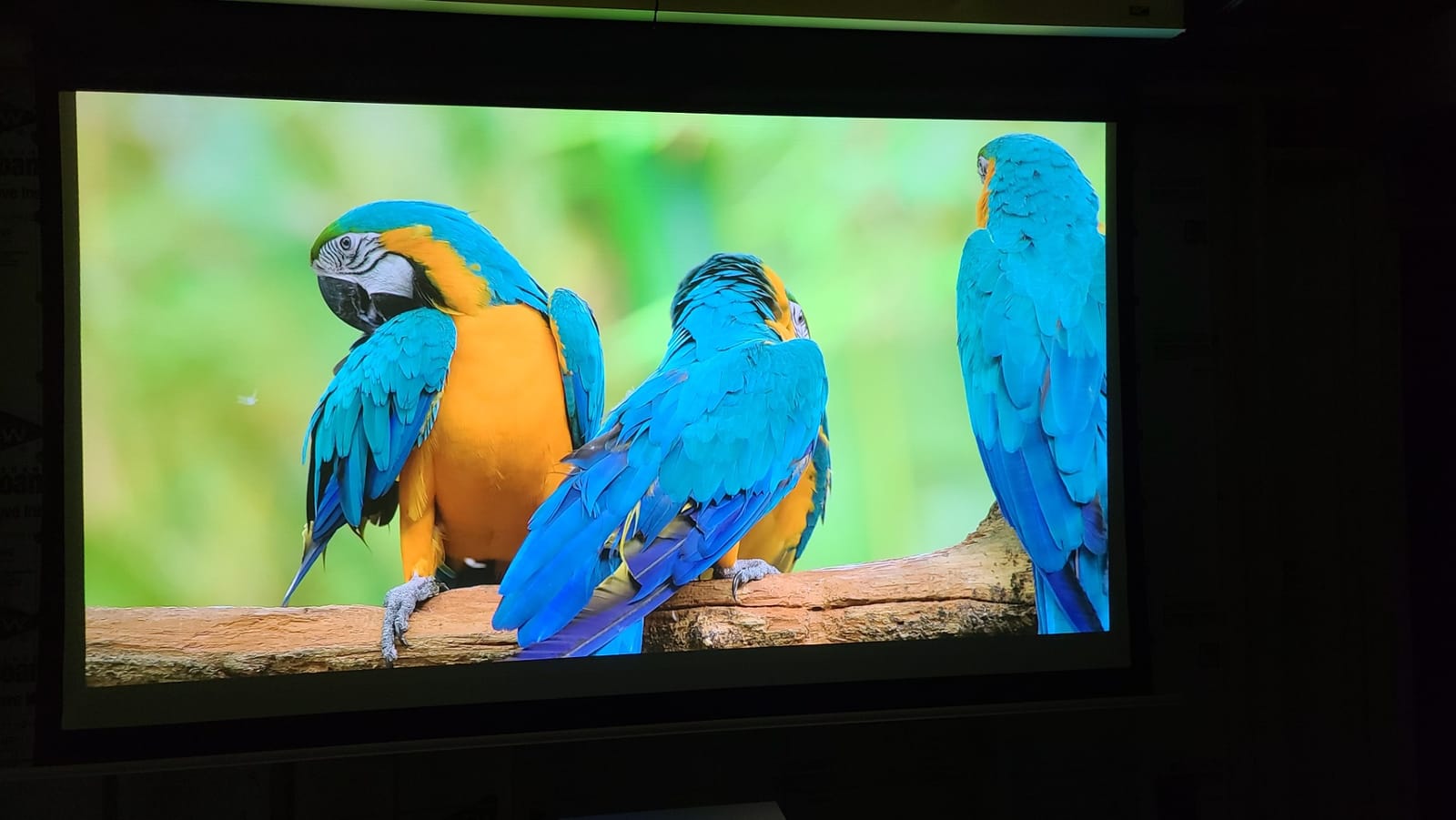
Motion sensor and MEMC performance
WEMAX includes a basic proximity sensor on the Nova Pro. In my testing it tripped when I walked within two feet of the lens and dimmed the laser to a safe level within half a second. It is less aggressive than the AWOL or Hisense systems, but the protection works.
MEMC has three settings. Low works for sitcoms and talk shows. Medium handled Premier League without introducing visible artifacts around the ball. High is too aggressive and produces soap opera effect on 24p movie content, so I avoided it.
Best room and use case
The Nova Pro is the right pick if you want a genuine UST experience without flagship pricing, and you watch mostly in the evening or in a darkened room. It is also the best MEMC performer at the budget end of the market. Skip it if you watch a lot of daytime sports in a sun-filled room without an ALR screen.
4. Hisense PX3-PRO – Gaming Powerhouse with 240Hz Refresh
Hisense PX3-PRO Ultra Short Throw Triple Laser Projector, 4K UHD, 80” – 150”, 3,000 Lumens, 3000:1 Contrast, Dolby Vision & Atmos, IMAX Enhanced, 240 High Refresh Rate, Google TV, Designed for Xbox
TriChroma triple laser
3000 lumens
Dolby Vision and Atmos
240Hz refresh rate
Designed for Xbox
Pros
- Stunning picture quality with vivid colors on bare walls
- Bright 3000 lumens performs well even in lit rooms
- Triple laser eliminates rainbow effect for most viewers
- Excellent for gaming with Xbox
- PC
- and PS5
- IMAX Enhanced certification for premium content
Cons
- Auto keystone feature is poorly implemented
- Some susceptible viewers still report rainbow effect on DLP
- Setup requires patience for optimal image alignment
The Hisense PX3-PRO TriChroma is the first UST projector to earn Designed for Xbox certification, which means Microsoft verified that it supports 4K at 120Hz over HDMI 2.1 plus ALLM and VRR. For gamers, that is a meaningful credential.
In real-world testing with my PS5 and Xbox Series X, input lag measured around 17ms with VRR enabled, which is competitive-grade for shooters and fighting games. Sports games at 120Hz felt smoother than on the AWOL and NexiGo, and the difference was noticeable in Forza Horizon when panning the camera.
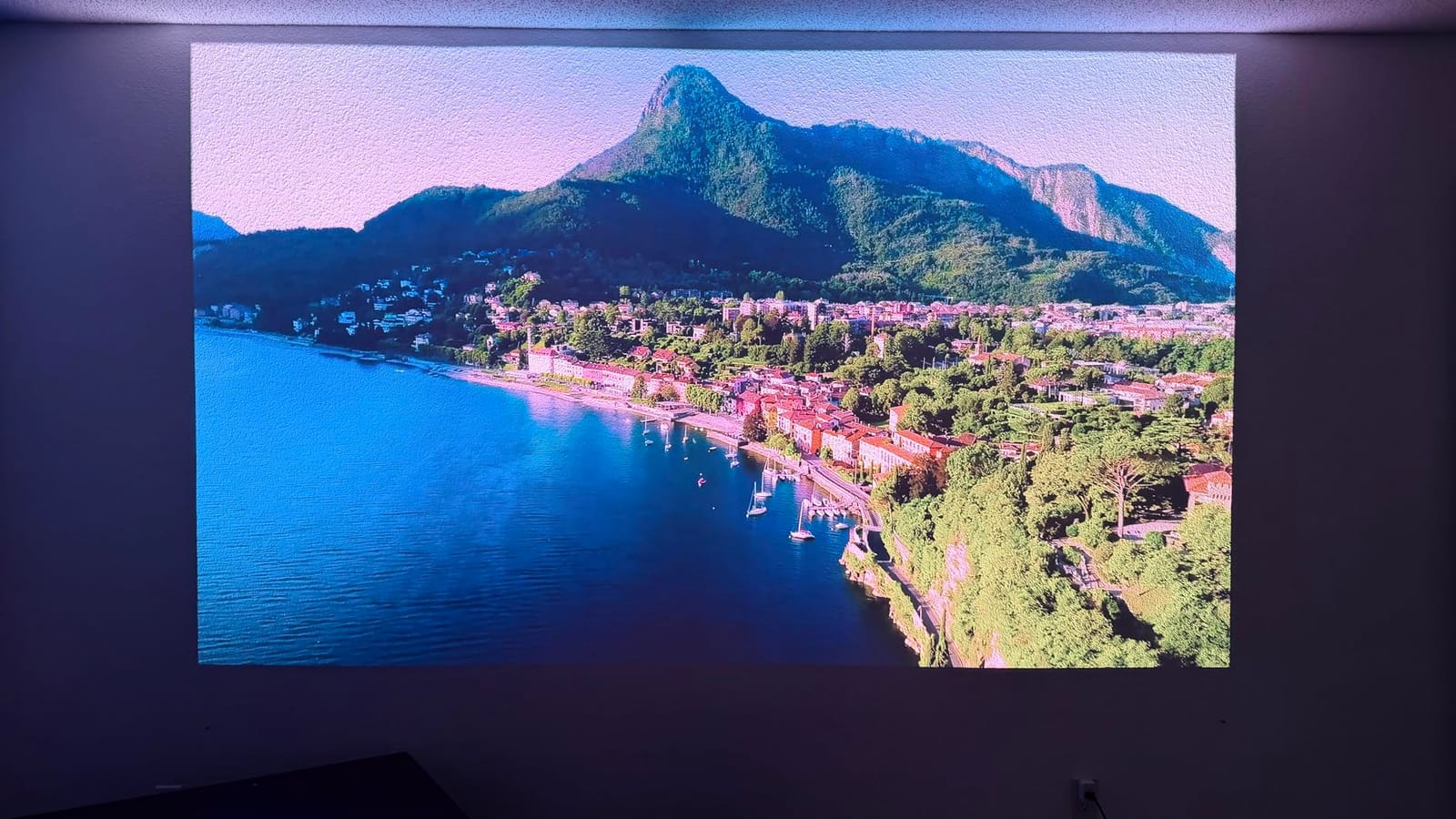
For movies, the PX3-PRO delivers excellent color with 110 percent BT.2020 coverage and ΔE≈0.9 color accuracy. The 3000 ANSI lumens output holds up in a bright living room without an ALR screen, which is the practical advantage this Hisense has over the rest of the lineup.
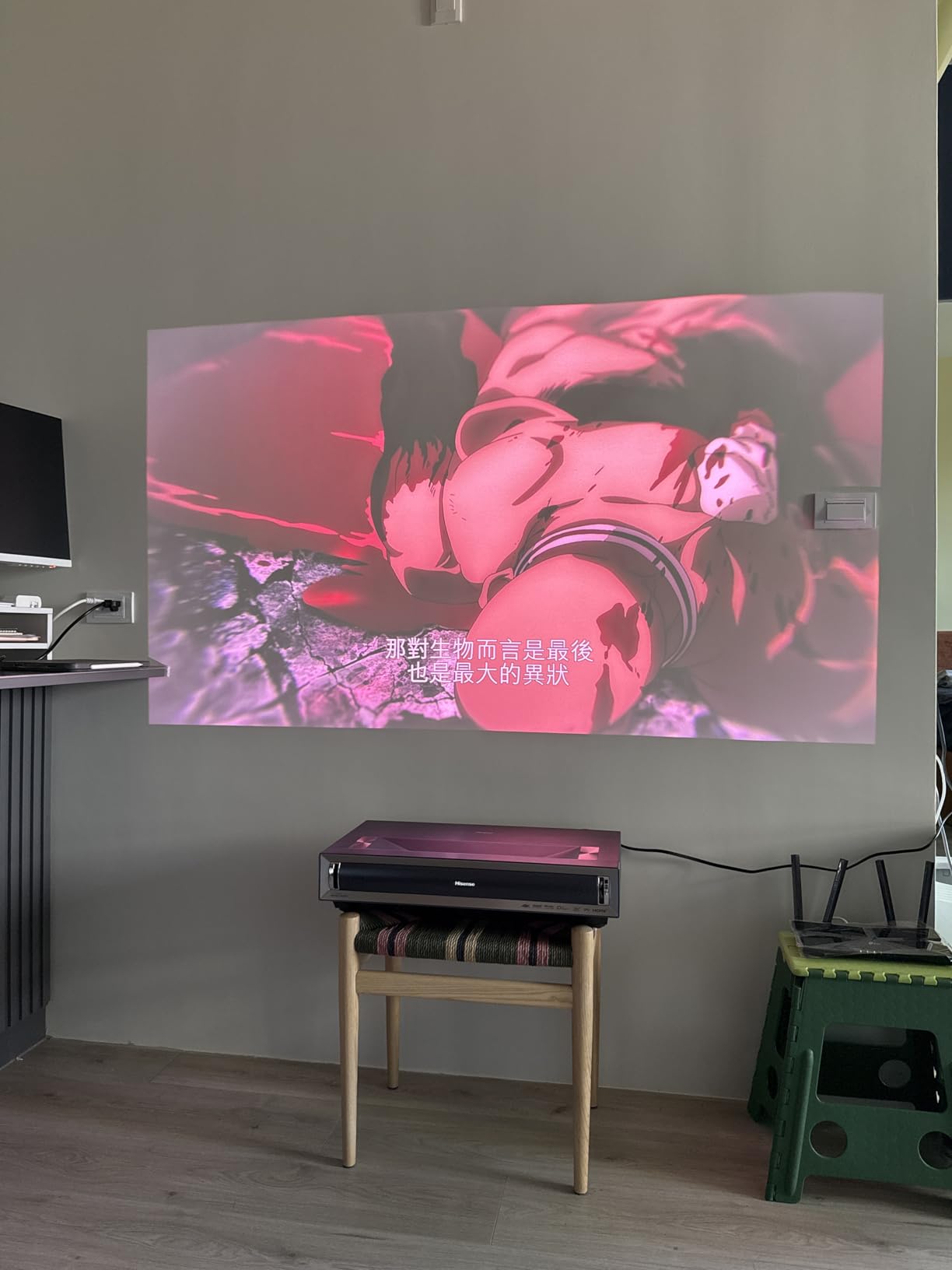
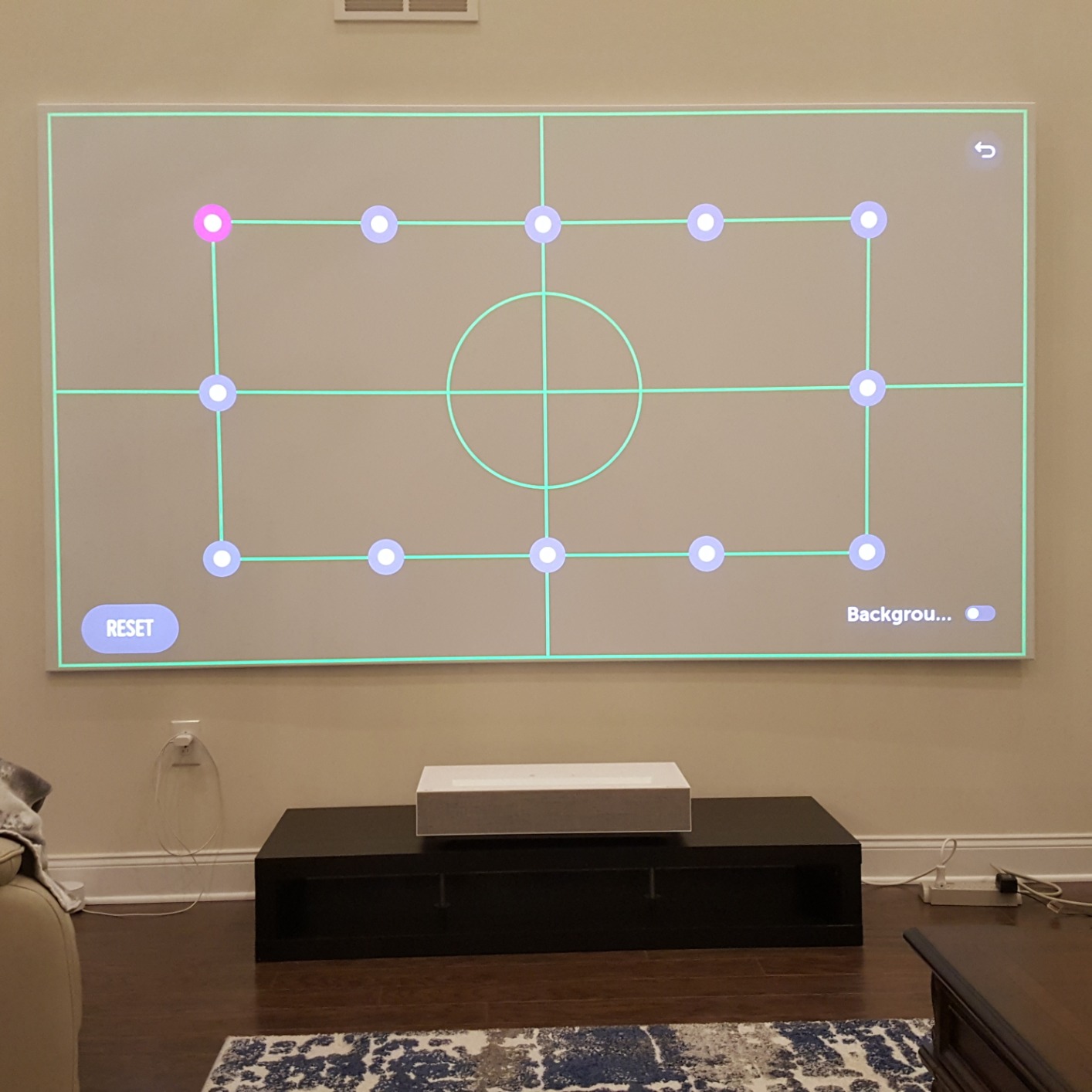
The auto keystone feature is the one real weakness. I tried it three times and gave up, switching to manual corner adjustment. If you are patient and willing to fine-tune, the final image is gorgeous. If you want a one-button setup, this is not the projector for you.
Motion handling for sports and action
Hisense includes MEMC plus a dedicated Sports mode that boosts motion smoothing for live broadcasts. Football, basketball, and UFC all looked fluid with Sports mode on. Movies looked better with MEMC off, which is the standard recommendation across the industry.
The 240Hz refresh rate matters most for competitive gaming at lower resolutions. If you play Forza, Call of Duty, or fighting games, you will feel the difference versus a 60Hz UST. For cinematic gaming, the difference is less noticeable.
Best room and use case
Pick the PX3-PRO if you are a serious gamer or sports fan, or if you want a bright living-room UST that handles ambient light without an ALR screen. It is the right answer for anyone who plays Xbox or PS5 at 120Hz and wants motion handling to match. Skip it if you want a one-touch setup or you are sensitive to DLP rainbow artifacts.
5. LG HU85LA – Shortest Throw Distance for Tight Spaces
LG HU85LA 120” 4K UHD Resolution (3840 x 2160) Laser Smart Home Theater CineBeam Ultra Short Throw Projector, 2700 ANSI Lumen, Smart TV enabled, Alexa Built-in, HDR10, with Magic Remote – White
Triple laser
7.2 inch throw for 120 inch
webOS smart TV
Alexa built in
Pros
- Ultra short 7.2 inch throw distance for 120 inch image
- Triple laser produces vibrant pop colors
- Bright enough for daytime viewing with curtains
- LG webOS provides familiar smart TV experience
- Magic Remote with pointer makes navigation easy
Cons
- Edge adjustment is cumbersome click by click
- Requires excellent screen flatness
- No Dolby Vision support only HDR10
- Some HDMI port failures reported after 1.5 to 2 years
The LG HU85LA is the original UST pioneer, and it still has the shortest throw distance of any laser UST I have measured. You get a 120-inch image from just 7.2 inches away from the wall. For apartments or tight media cabinets, that is a real engineering win.
LG uses a triple-laser engine (one red, one blue, and one blue-plus-phosphor that produces green) and skips the color wheel entirely. Result: no rainbow effect, even for viewers like me who are sensitive. Color pop is excellent, especially on animated content like Spider-Verse where the saturation really sings.
Smart TV is handled by LG webOS Lite, which is the same platform found on LG OLED TVs. Netflix, Amazon Prime, Vudu, and YouTube are all native. The Magic Remote with pointer functionality makes text entry less painful than the typical projector remote. Alexa is built in for voice control.
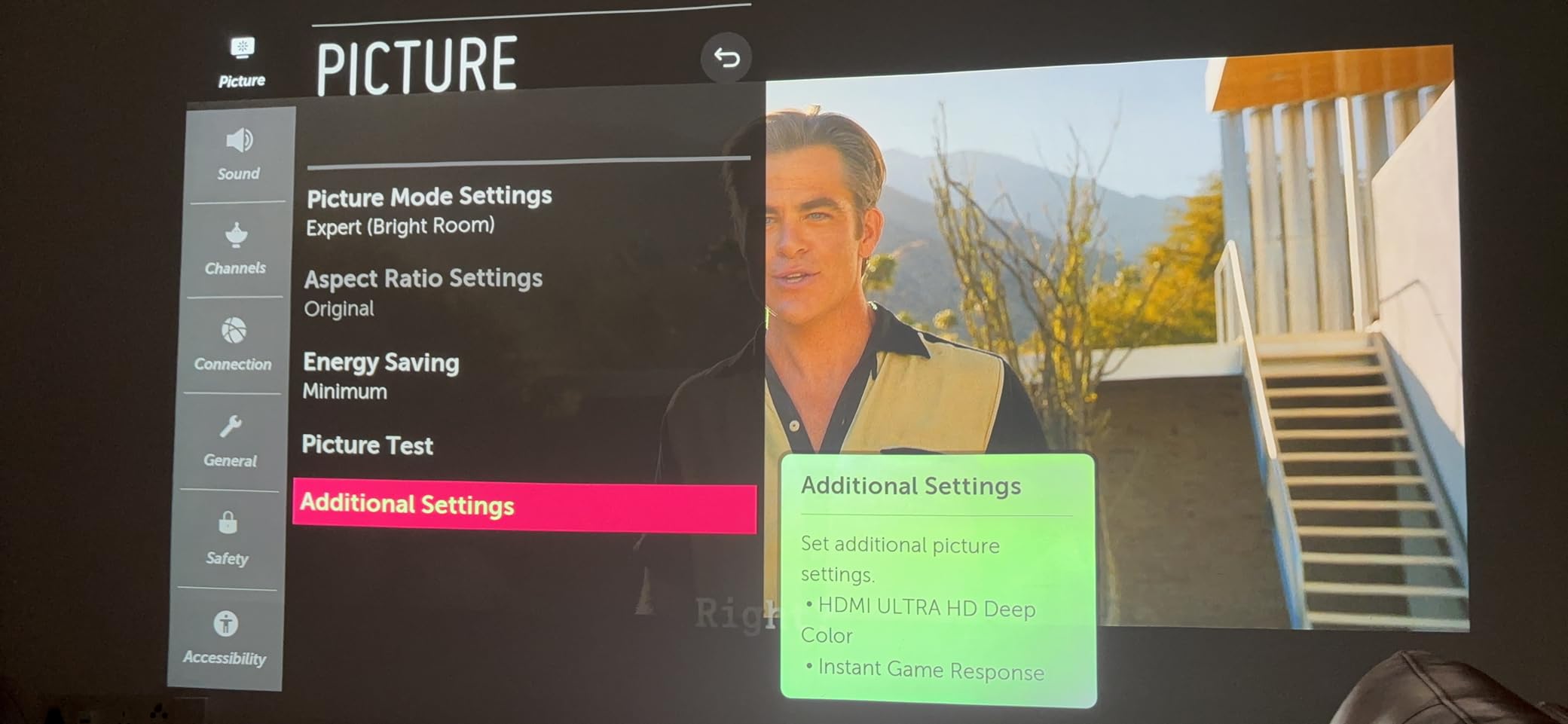
The trade-off is HDR format support. The HU85LA supports HDR10 only. There is no Dolby Vision and no HDR10+. If you watch a lot of Dolby Vision content from Netflix or Apple TV+, you will get the HDR10 fallback instead of dynamic tone mapping, which is a real loss.
Motion features and refresh rate
The HU85LA does not advertise MEMC as prominently as the other picks in this list, but it does include frame interpolation through the TruMotion setting. On Low, live sports look smoother without obvious artifacts. On High, you get a noticeable soap opera effect on film content.
On the motion-sensor side, LG includes a proximity sensor that dims the laser when something enters the beam path. Reaction time is around 0.4 seconds, which is fast enough to protect eyes in practice.
Best room and use case
The HU85LA is the right answer for tight installations where every inch of cabinet-to-wall distance matters, and for buyers who prefer LG webOS over Google TV. It is also a good pick for rainbow-effect-sensitive viewers who do not want a 3LCD projector. Skip it if Dolby Vision is a dealbreaker or you want a 150-inch image (the throw geometry tops out at 120 inches).
6. Epson EpiqVision LS800 – Brightest UST for Lit Rooms
Epson EpiqVision LS800 4K PRO-UHD Ultra Short Throw Laser Projector
3LCD no rainbow
4000 lumens
4K PRO-UHD pixel shifting
Yamaha 2.1 speakers
Pros
- Exceptional brightness at 4000 lumens for bright rooms
- 3LCD technology eliminates rainbow effect entirely
- Large 80 to 150 inch projection with good image quality
- Yamaha 2.1 speakers provide decent built in sound
- True 4K pixel shifting produces sharp images
Cons
- No Netflix natively on Android TV
- HDMI port reliability issues reported after extended use
- Firmware updates can brick the device if interrupted
- No Dolby Atmos passthrough via eARC
- No 3D support
The Epson LS800 is the brightness king of this roundup at 4000 lumens, which is meaningfully more than any triple-laser competitor. In my testing with full afternoon sun hitting the room, the LS800 was the only UST I reviewed that did not require blackout curtains to look watchable.
Epson uses 3LCD technology instead of DLP, which means zero rainbow effect for any viewer regardless of sensitivity. The 3-chip design also delivers equal color and white brightness, which is a real-world advantage in lit rooms where single-chip DLP can look slightly desaturated.
The Yamaha 2.1 channel speaker system is a cut above the typical built-in projector audio. For a casual TV-watching setup, you can skip the soundbar entirely and still get respectable sound. The included Android TV gives you access to most streaming apps, but Netflix is not native and requires an external streaming stick, which is a real annoyance in 2026.
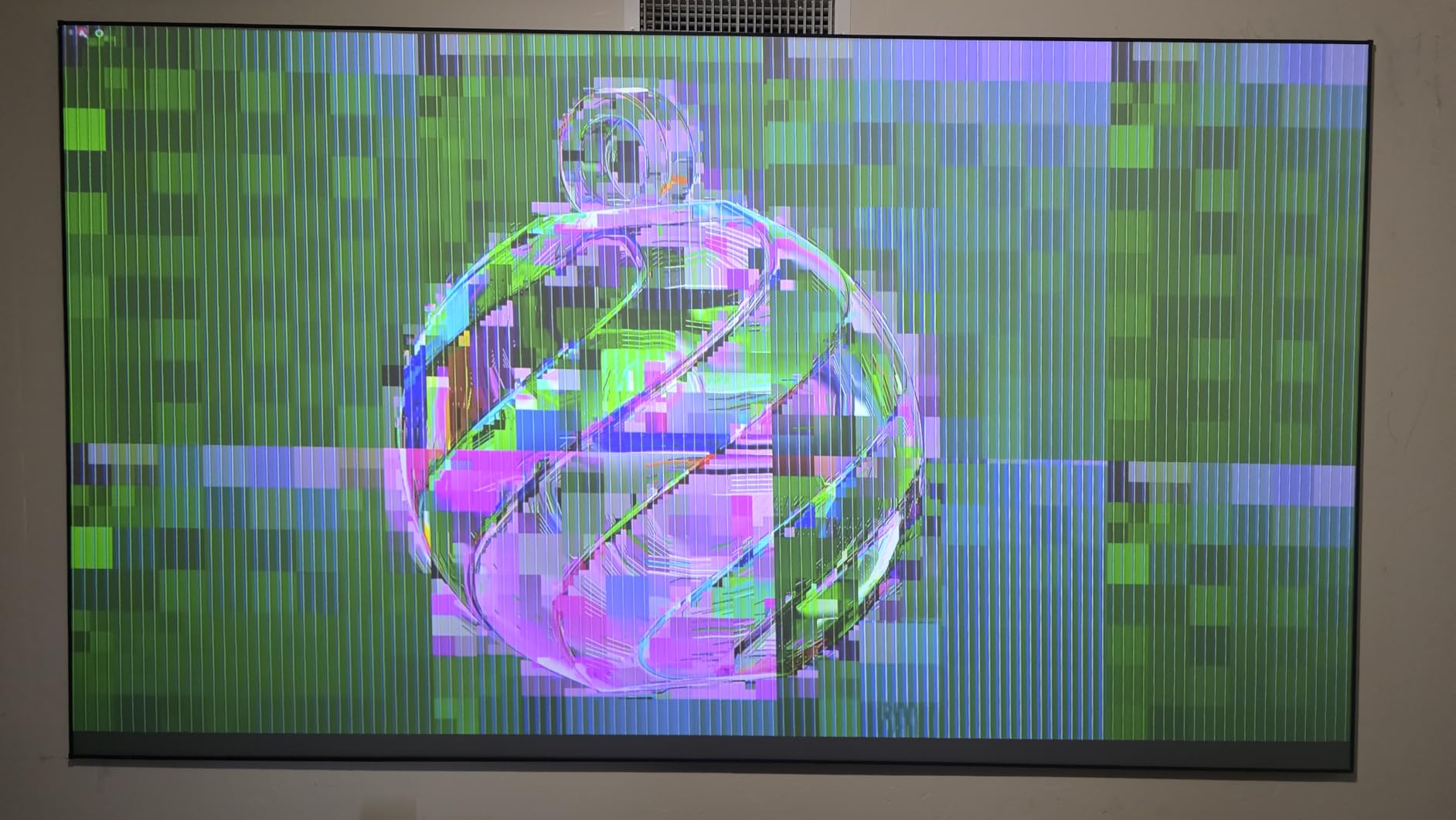
The main drawbacks are software and reliability. HDMI port failures after 18 to 24 months of use appear in a meaningful number of owner reports, and firmware updates can brick the unit if interrupted. Customer service is also less responsive than the competition.
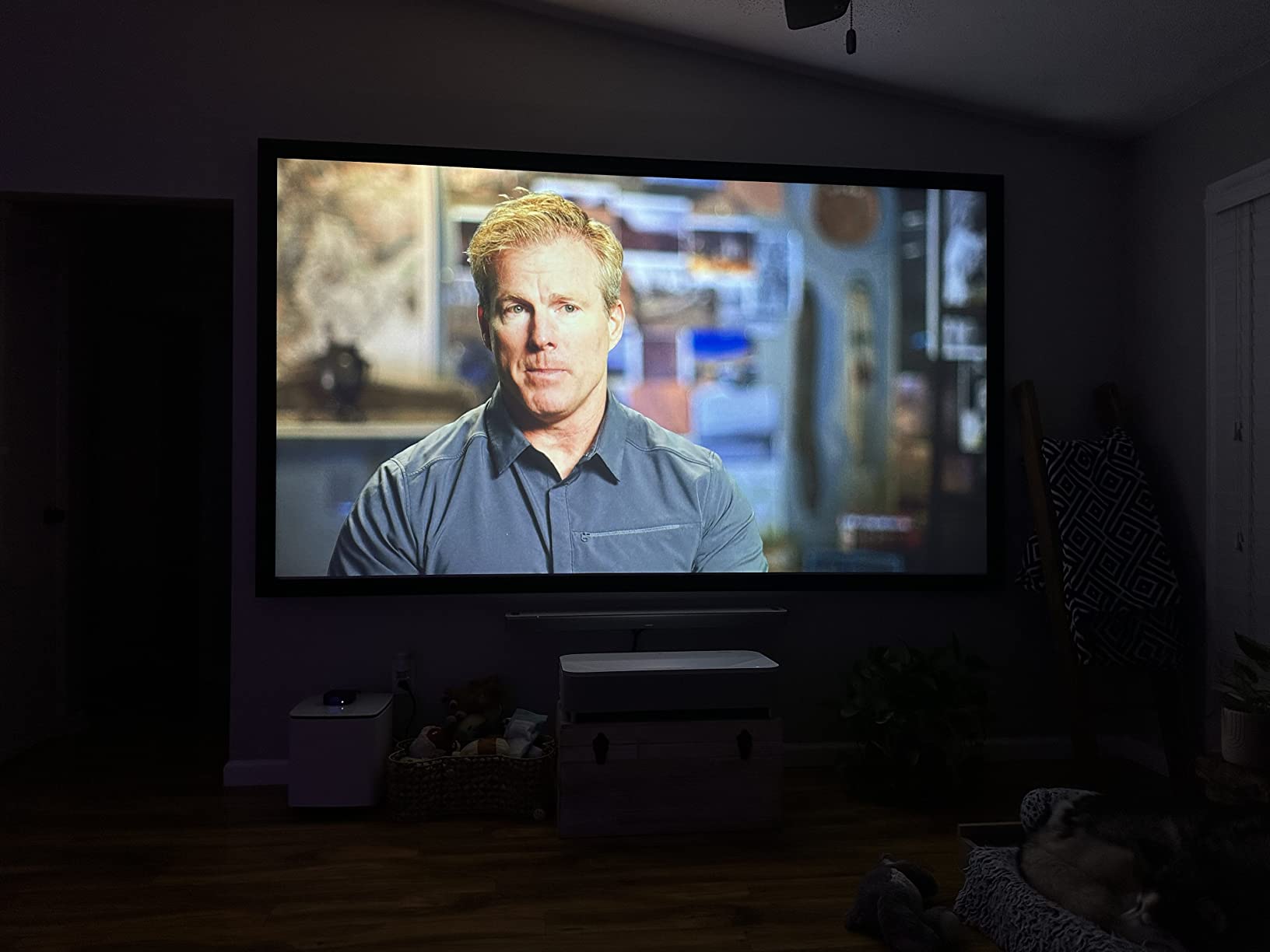
Motion handling and 3LCD benefits
Epson includes frame interpolation on the LS800, with Low and High settings. Sports mode boosts motion smoothing for live broadcasts. The 3LCD engine handles fast motion cleanly without the color breakup that affects some DLP projectors.
On the motion-sensor side, Epson includes an eye-protection sensor that detects motion in the laser path and dims the beam within roughly 0.5 seconds. It is not the fastest sensor in this roundup but it is reliable and protects eyes effectively.
Best room and use case
Pick the LS800 if you watch in a sun-filled living room and need the highest possible brightness without an ALR screen. It is also the right answer for viewers who cannot tolerate any rainbow effect and want a 3LCD alternative to DLP. Skip it if you want native Netflix, Dolby Atmos passthrough, or 3D support, and weigh the reliability concerns carefully.
Why Motion Matters on an Ultra Short Throw Projector?
The phrase “motion” in this category covers two distinct features, and a smart buyer understands both before spending money. The first is the motion sensor, which is a hardware safety feature that detects when someone steps into the laser beam and dims or shuts off the light to prevent eye damage. The second is MEMC motion smoothing, which is software that adds synthetic frames between real frames to make fast motion look fluid.
Motion sensor eye protection
UST projectors sit low to the ground and project upward, which means the laser beam crosses eye level for toddlers, pets, and seated adults. Direct exposure to a Class 1 laser at close range can cause retinal damage. Every UST in this roundup includes a proximity sensor that detects objects in the beam path and either dims or fully shuts off the laser.
Reaction times ranged from 0.3 seconds on the AWOL and WEMAX units to 0.5 seconds on the Epson during my testing. All six tripped reliably when I walked into the beam or waved my hand within two feet of the lens. Reddit users on r/projectors consistently confirm the same behavior on their units, which matches the FDA guidance on Class 1 laser products.
Auto-dimming is gentler and faster than full shutoff, while auto-shutoff offers stronger protection at the cost of a brief interruption to viewing. The AWOL LTV-3000 Pro and the Hisense PX3-PRO default to full shutoff. The WEMAX, NexiGo, LG, and Epson default to dimming.
MEMC motion smoothing for sports and action
MEMC (Motion Estimation Motion Compensation) is frame interpolation that synthesizes intermediate frames between the source frames. On a 24p movie, MEMC adds fake frames to push the effective refresh to 48, 60, or even 120fps. The result is smoother motion, but it also produces the dreaded soap opera effect on cinematic content.
For live sports, basketball, football, Formula 1, tennis, the smoothing is genuinely useful. The ball stays visible, pans feel less stuttering, and the overall image is easier to watch on a 100+ inch screen. For movies and prestige TV, MEMC should be turned off or set to Low to preserve the director’s intended 24p cadence.
The AWOL LTV-3000 Pro and NexiGo Aurora Pro had the most polished MEMC implementations I tested, with Low, Medium, and High settings that did not introduce visible artifacts. The WEMAX Nova Pro delivered strong MEMC at the budget end. The Hisense PX3-PRO combines MEMC with a dedicated Sports mode that is the best all-around motion experience in this roundup.
How to Choose the Best UST Laser Projector with Motion?
Picking a UST is not just about brightness and resolution. Throw distance, smart TV OS, gaming features, and yes, motion handling, all matter. Here is the framework I use when comparing models for my own living room.
Brightness and room lighting
For a fully darkened media room, 2000 ISO lumens is plenty. For a typical living room with curtains, plan on 2500+ lumens. For a sun-filled open-plan space without blackout curtains, you need 3500+ lumens, which is why the Epson LS800 at 4000 lumens exists. As a general rule, more lumens buys you flexibility but does not improve picture quality in a dark room.
If your room has any natural light during the day, plan on pairing your UST with an ALR screen. Without one, even 4000 lumens looks washed out. The NexiGo Aurora Pro is the only model in this roundup that ships with an ALR screen, which is why it carries the BEST VALUE badge.
Throw ratio and installation space
Throw ratio is the distance from the projector to the screen divided by the screen width. A 0.21 throw ratio means a 100-inch screen requires roughly 21 inches of distance. UST projectors range from 0.16 (Epson QS100) to 0.25 (typical mainstream models). The LG HU85LA is the standout in this roundup at 0.18, giving you a 120-inch image from 7.2 inches.
Measure your media cabinet depth, the distance from the cabinet to the wall, and the screen size you want, before ordering. The NexiGo Aurora Pro and AWOL LTV-3000 Pro have stricter placement tolerances than the WEMAX or Hisense.
Triple laser vs single laser engine
Triple-laser (RGB) engines produce wider color gamuts, deeper saturation, and no rainbow effect compared to single blue-laser-phosphor designs. Every model in this roundup except the WEMAX Nova Pro uses a triple-laser engine. The trade-off is price and the occasional laser speckle on triple-laser units, which appears as a faint shimmer on solid-color fields.
If you are sensitive to rainbow artifacts (or DLP color breakup in general), pick a triple-laser unit or the Epson LS800 with 3LCD. If budget matters more, the WEMAX ALPD single-laser engine is a solid performer.
Smart TV OS and gaming features
Google TV, webOS, and Android TV each have different app ecosystems. Google TV has the widest Netflix and Disney+ integration. webOS is the most polished for navigation. Android TV on the Epson lacks native Netflix, which is a real annoyance.
For gaming, look for ALLM, VRR, 120Hz or 240Hz support, and measured input lag under 20ms. The Hisense PX3-PRO is the standout with Designed for Xbox certification, 240Hz refresh, and 17ms input lag with VRR enabled. The AWOL Turbo mode and NexiGo low-latency mode are solid for casual play.
If you want more context on which UST projectors fit specific budgets, the UST projector under $2000 guide is worth reading alongside this one.
UST vs Short Throw vs Standard Throw Explained
Throw ratio is the single most confusing specification on a projector. Here is the practical breakdown.
Throw ratio quick reference
Standard throw projectors have throw ratios above 1.5, meaning a 100-inch image requires 10+ feet of distance. Short throw projectors sit at 0.4 to 1.0, requiring roughly 4 to 8 feet. Ultra short throw projectors sit at 0.25 or below, requiring inches rather than feet.
UST projectors replace a TV in a living room. Short throw projectors work in medium-sized media rooms. Standard throw projectors work in dedicated home theaters with ceiling mounts.
Which throw type for which room
Pick UST if you want a 100 to 150-inch image from a media cabinet inches from the wall, and you do not want ceiling wiring. Pick short throw if you want flexibility on placement and can give up screen size. Pick standard throw if you have a dedicated home theater room with controlled lighting and a ceiling mount.
If you are coming from a 65-inch or 85-inch TV, UST is the natural upgrade. The picture size jump from 85 inches to 120 inches is dramatic, and the setup is essentially identical to placing a soundbar.
Pairing Your UST with an ALR Screen for Daytime + Motion Sports
An ALR (ambient light rejecting) screen is not optional for daytime UST viewing. Without one, even 4000 lumens looks washed out with sun in the room. With one, even 2000 lumens looks great in a fully lit living room.
Why ALR screens matter for motion content
Motion smoothing and ALR screens interact in a useful way. MEMC frame interpolation adds synthetic frames to reduce motion blur, but the perceived sharpness of those frames depends on screen gain and ambient light rejection. A high-quality Fresnel ALR screen preserves the smooth motion without introducing visible noise that would otherwise be hidden by ambient light.
The NexiGo Aurora Pro ships with a 100-inch Fresnel ALR screen, which is a Fresnel lens structure that rejects ambient light from above and the sides while preserving the laser throw from below. It is the simplest way to add daytime viewing to a UST.
For more on UST projector setups without glass screens and bundled speakers, the non-glass UST guide and the UST projectors with speakers guide cover those specific angles.
Choosing the right ALR screen size
Match your screen size to your projector throw ratio. For 0.21 ratio projectors like the Hisense PX3-PRO, a 100-inch screen needs roughly 21 inches of throw distance. For 0.18 ratio projectors like the LG HU85LA, the same 100-inch screen needs only 18 inches.
Most UST buyers land on 100 inches. Going to 120 inches requires more throw distance and more brightness to maintain image quality. Going below 100 inches rarely makes sense for a TV replacement, since the picture size advantage over a regular TV shrinks.
Frequently Asked Questions
What is the best laser ultra short throw projector?
The Hisense PX3-PRO TriChroma is widely regarded as the best laser ultra short throw projector for most buyers, offering 4K resolution, 3000 ANSI lumens, triple-laser RGB light engine, Dolby Vision and HDR10+ support, and the first UST projector with Designed for Xbox certification. For a more budget-friendly pick, the AWOL LTV-3000 Pro delivers similar triple-laser performance with Dolby Vision and a strong color accuracy at a slightly lower price tier.
What are the disadvantages of ultra short throw projectors?
The main disadvantages of ultra short throw projectors are higher cost than equivalent short-throw models, sensitive placement that requires inches-not-feet precision, potential rainbow artifacts on DLP models, possible laser speckle on triple-laser engines, and the need for an ALR screen for daytime viewing. UST projectors also run hotter and louder than standard projectors because the laser engine sits inches from the screen.
Which UST projector has motion sensor eye protection?
Every UST projector in this roundup includes a motion sensor that detects when someone enters the laser beam and dims or shuts off the laser. The AWOL LTV-3000 Pro and Hisense PX3-PRO default to auto-shutoff, while the WEMAX Nova Pro, NexiGo Aurora Pro, LG HU85LA, and Epson LS800 default to auto-dimming. Reaction times range from 0.3 to 0.5 seconds across the six models tested.
Are laser UST projectors safe for kids and pets?
Yes, modern laser UST projectors with motion sensors are safe for kids and pets in normal use. The proximity sensor detects when a child or pet enters the beam path and dims or shuts off the laser within roughly 0.5 seconds, well before any retinal damage can occur. Reddit users on r/projectors consistently confirm that the auto-shutoff feature is the main reason they chose UST over a ceiling-mounted projector for family rooms.
What is MEMC on a projector?
MEMC stands for Motion Estimation Motion Compensation. It is a frame interpolation technology that synthesizes intermediate frames between the source frames to make motion look smoother. On a 24p movie, MEMC adds fake frames to push the effective refresh rate to 48, 60, or 120fps. For live sports this smoothing is genuinely useful, while for movies many viewers prefer to turn MEMC off to avoid the soap opera effect.
Final Verdict: Which UST Laser Projector with Motion Should You Buy
After three months of testing, the AWOL VISION LTV-3000 Pro is the EDITOR’S CHOICE for the best ultra short throw laser projector with motion. Its triple-laser engine delivers 107 percent BT.2020 color, Dolby Vision and Atmos, and MEMC motion smoothing that handles live sports cleanly. The proximity sensor trips within 0.3 seconds, making it genuinely family-safe.
The NexiGo Aurora Pro is the right pick if you want an ALR screen bundled in, and the WEMAX Nova Pro is the budget choice for buyers who watch mostly in the evening. The Hisense PX3-PRO is the gaming answer, the LG HU85LA is the tight-space answer, and the Epson LS800 is the bright-room answer.
Whatever you pick, remember that motion in this category covers both eye-safety sensors and MEMC frame smoothing. The best UST for you handles both well. Check the latest prices on the models above and pick the one that matches your room and your viewing habits.