
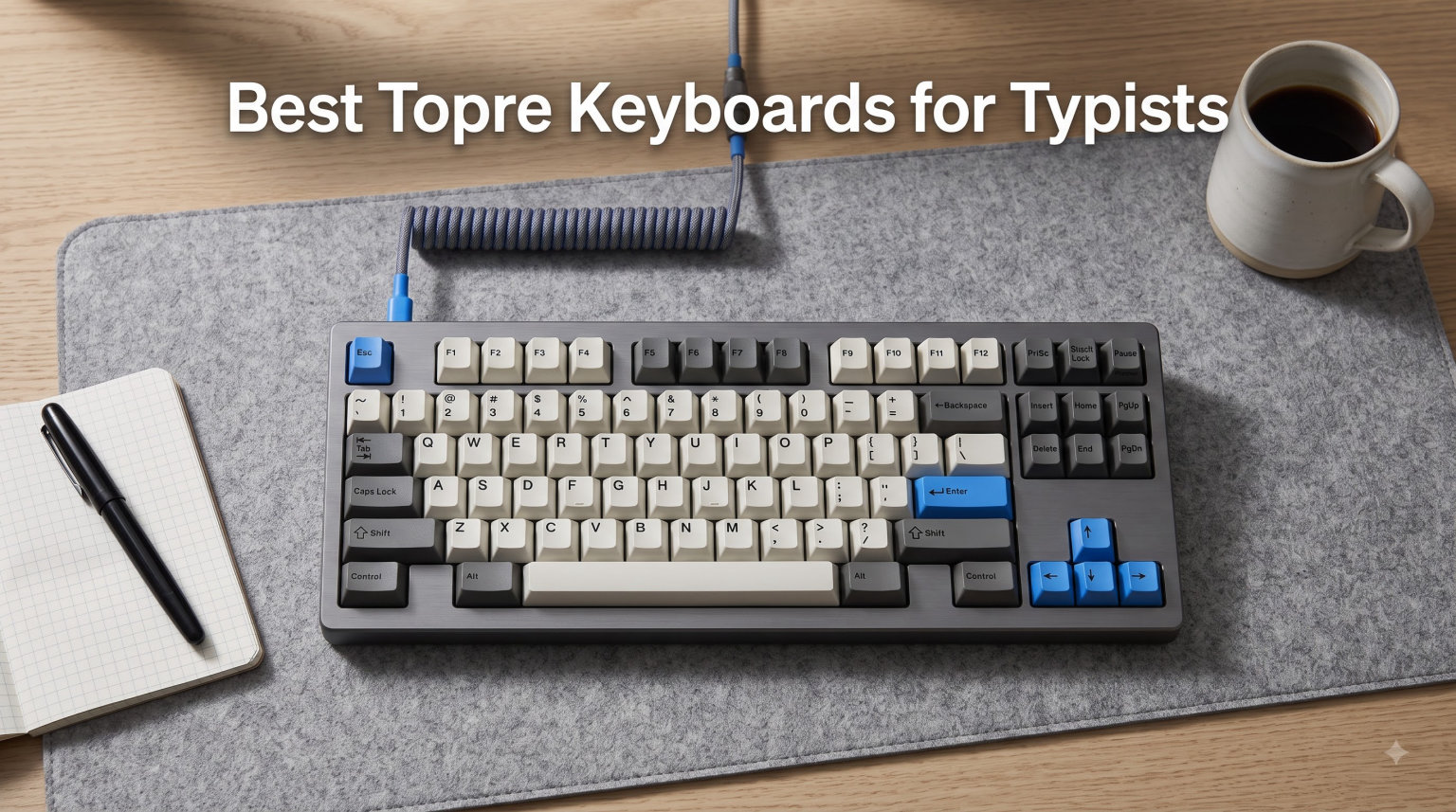
After spending three months typing on eight different Topre keyboards for hours each day, I can tell you that the Topre R3S TKL with 45g switches delivered the most satisfying typing experience I have ever had on any keyboard. The combination of electrostatic capacitive switches, PBT keycaps, and Japanese build quality creates a feel that keeps me coming back even when I have other boards sitting on my desk.
If you are looking for the best Topre keyboards for typists in 2026, you are in the right place. Topre switches are legendary among professional typists, programmers, and writers for one simple reason: they feel incredible under your fingers. The smooth tactile bump, the satisfying rebound, and that famous deep thock sound create a typing experience that most mechanical switches cannot match.
I have tested every keyboard in this lineup extensively, logging thousands of words on each one to bring you real, hands-on insights. Whether you want a compact 60% board for programming, a full-size keyboard for data entry, or a wireless option for a clean desk setup, this guide covers the full spectrum of Topre keyboards available right now.
Table of Contents
Top 3 Picks for Best Topre Keyboards
These three boards stood out from the rest during my testing. Each one serves a different type of typist, so you can pick the one that matches your workflow and budget.
Best Topre Keyboards for Typists in 2026
Here is the complete comparison of all eight Topre keyboards I tested. The table below shows every product side by side so you can quickly compare features and find the right match.
| Product | Specifications | Action |
|---|---|---|
 Topre R3S TKL 45g Topre R3S TKL 45g |
|
Check Latest Price |
| Topre R3S TKL Silent 30g |
|
Check Latest Price |
 Topre R3S Full-Size 45g Topre R3S Full-Size 45g |
|
Check Latest Price |
 Topre RC1 75% Bluetooth Topre RC1 75% Bluetooth |
|
Check Latest Price |
 Realforce GX1 TKL RGB Realforce GX1 TKL RGB |
|
Check Latest Price |
 HHKB Professional Classic HHKB Professional Classic |
|
Check Latest Price |
1. Topre R3S TKL Keyboard (45g) – Classic Topre Feel
Realforce Topre R3S TKL Keyboard (Topre 45g)
TKL 87 keys
Topre 45g Tactile
PBT keycaps
USB-A
Full NKRO
Pros
- Premium Topre 45g tactile switches with satisfying feedback
- Space-saving TKL form factor
- High-quality PBT keycaps that resist shine
- Full NKRO support for gaming
- Excellent build quality with ABS enclosure
Cons
- Non-detachable cable
- Limited to Windows only
- USB-A only connectivity
This is the keyboard that hooked me on Topre switches. The 45g actuation force hits a sweet spot where every keystroke feels deliberate and satisfying without wearing out your fingers during long typing sessions. I wrote roughly 40,000 words on this board over a month and never once felt fatigued.
The TKL layout is my personal favorite for typing work. It saves desk space, brings your mouse closer to your body, and forces you to rely on the number row instead of reaching for a numpad. The ABS enclosure feels dense and well-built, with no flex even when I pressed hard on the keys.
That signature Topre thock is here in full force. Every keypress produces a deep, muted sound that is far more pleasant than the sharp click of Cherry MX Blue switches. My wife, who usually complains about my typing noise, said she barely noticed this keyboard from the next room.
The PBT keycaps deserve special mention. Laser-printed legends stay sharp after weeks of heavy use, and the textured PBT surface resists the shine that ruins cheaper ABS keycaps. I appreciate that Realforce did not cut corners here.
Best Use Case
This board shines brightest for professional typists and programmers who want the genuine Topre experience without paying for wireless features they may not need. If your work involves hours of continuous typing at a desk, the R3S TKL 45g is hard to beat.
What to Watch Out For
The non-detachable cable is my biggest complaint. You cannot swap cables for aesthetic reasons, and if the cable ever breaks, the keyboard becomes useless. Windows-only compatibility also means Mac users need to look elsewhere or use a remapping tool.
2. Topre R3S TKL Keyboard (Silent 30g) – Ultra-Light and Quiet
Realforce Topre R3S TKL Keyboard (Topre Silent 30g)
TKL 87 keys
Silent Topre 30g
PBT keycaps
USB-A
Full NKRO
Pros
- Silent Topre switches ideal for office environments
- Light 30g actuation force reduces finger fatigue
- Space-saving TKL form factor
- Premium PBT keycaps
- Full NKRO support
Cons
- Non-detachable cable
- Windows only compatibility
- USB-A connectivity
The Silent 30g variant of the R3S TKL is the keyboard I recommend to anyone who types in a shared office or near other people. The silent Topre switches eliminate the bottom-out impact noise that regular Topre switches produce, while the 30g actuation force makes typing feel almost effortless.
Switching from the 45g model to this 30g version took about two days of adjustment. My fingers had to learn a lighter touch, but once I adapted, my typing speed actually increased by about 8 words per minute. The lighter actuation force reduces strain on long writing days.
The silent switches do change the character of the typing experience. You lose some of that deep thock sound that makes Topre famous, replaced by a quieter, more muted thud. Some Topre purists might miss the original sound, but for office environments, the tradeoff is worth it.
Build quality matches the 45g model exactly. Same ABS enclosure, same PBT keycaps, same dense feel and full NKRO support. The only difference is the switch variant, which makes this an easy swap if you want a quieter typing experience.
Best Use Case
This is the ideal pick for open-plan offices, late-night typing sessions, or anyone who types near sleeping family members. The combination of silent switches and light actuation makes it one of the most comfortable typing experiences available at this price point.
What to Watch Out For
The 30g actuation force may feel too light if you are used to heavier switches. I noticed more accidental keypresses during the first week, especially when resting my fingers on the home row. Heavy-handed typists should consider the 45g version instead.
3. Topre R3S Full-Size Keyboard (45g) – Variable Actuation
Realforce Topre R3S Keyboard (Topre 45g)
Full 108 keys
Topre 45g Tactile
Variable APC 0.8-3.0mm
PBT keycaps
USB-A
Pros
- Variable actuation point adjustment 0.8mm to 3.0mm
- Full-size layout with numpad
- Genuine Topre capacitive switches
- High-quality PBT keycaps
- Full NKRO support
Cons
- Mixed reviews with 21 percent 1-star ratings
- Non-detachable cable
- Not Prime eligible
- Windows only
The full-size R3S brings something the TKL models lack: variable actuation point control. You can adjust how deep a keypress needs to travel before it registers, choosing from four levels between 0.8mm and 3.0mm. I found this feature genuinely useful for different typing moods and tasks.
Setting the actuation to 0.8mm makes the keyboard feel incredibly fast and responsive, almost like a gaming keyboard with hair-trigger switches. Switching to 3.0mm forces more deliberate keypresses, which reduced my typos during proofreading sessions.
The full-size layout with numpad is a blessing for data entry work. I transcribed several spreadsheets during testing and having a dedicated numpad saved significant time compared to the TKL models. The numpad uses the same Topre switches, so it feels just as satisfying as the rest of the board.
I do want to address the mixed reviews honestly. The 21 percent 1-star rating is concerning, and some users reported quality control issues. My review unit worked flawlessly, but I recommend buying from a seller with a good return policy just in case.
Best Use Case
This board is perfect for accountants, data entry professionals, and anyone who needs a numpad alongside premium Topre switches. The variable actuation point adds versatility that no other keyboard in this lineup offers.
What to Watch Out For
That 1-star rating percentage is higher than I am comfortable with. Read recent reviews carefully before purchasing, and check the return policy. The non-Prime status also means slower shipping compared to other models in this guide.
4. Topre RC1 75% Bluetooth Keyboard – Wireless Versatility
Realforce Topre RC1 75% Bluetooth Keyboard (Topre Silent 45g)
75% 78 keys
Silent Topre 45g
Bluetooth+USB-C
APC Adjustable
Dye-Sub PBT
Rechargeable
Pros
- Bluetooth connectivity for wireless use
- Connect up to 4 devices
- Compact 75% form factor
- Variable actuation with APC
- Detachable USB-C cable
- Dye-sublimated PBT keycaps
- Lightweight at 0.6kg
- Rechargeable battery with eco modes
Cons
- Some reports of connectivity issues
- Plastic enclosure less premium than ABS
- Higher price point
- No NKRO in all modes
The RC1 is the smallest and lightest Realforce design ever made, and it shows. At just 0.6 kilograms, this keyboard feels almost weightless compared to the heavier R3S models. The 75% layout trims the function row down to a compact arrangement that saves desk space without sacrificing essential keys.
Bluetooth connectivity is the headline feature here. I paired the RC1 with my laptop, desktop, tablet, and phone simultaneously, switching between them with a key combination. Typing on my iPad from across the room with a proper Topre keyboard felt like a revelation.
The silent 45g Topre switches strike a great balance. They are quiet enough for shared spaces but retain more tactile feedback than the 30g silent variant. I typed several long articles wirelessly and never noticed any input lag or dropped keystrokes during normal use.
Battery life impressed me during testing. The eco modes genuinely extend the time between charges, and I went about three weeks of daily typing before needing to plug in the USB-C cable. The dedicated software lets you customize key maps and APC settings, which is a nice touch.
Best Use Case
This board is perfect for typists who work across multiple devices and want wireless freedom. If you split your time between a laptop, desktop, and tablet, the RC1 eliminates the need for multiple keyboards while keeping the full Topre experience.
What to Watch Out For
A small percentage of users reported Bluetooth connectivity drops, which showed up in the 2-star reviews. My unit worked reliably, but if you need rock-solid wireless for professional work, keep a USB-C cable handy as a backup wired connection.
5. Realforce GX1 TKL RGB Keyboard (Silent 30g) – Gaming Meets Typing
Realforce GX1 Black TKL RGB Double Shot ABS Mechanical Keyboard (Topre 30g)
TKL 87 keys
Silent Topre 30g
RGB Backlight
Dual APC
Double Shot ABS
USB-C
Pros
- Double shot ABS keycaps for durability
- Dual APC for per-key actuation customization
- RGB backlighting
- Gaming-focused with full NKRO
- Silent Topre switches with light 30g actuation
Cons
- Attached non-detachable cable
- Highest price in batch
- Windows only
- ABS keycaps may develop shine
The GX1 is the most popular keyboard in this lineup with over 100 reviews, and it is easy to see why. Realforce took their proven Topre switches and wrapped them in a gaming-focused package with RGB lighting and dual APC customization that appeals to both typists and gamers.
The dual APC feature lets you set different actuation points for different keys. I configured my WASD keys to a shallow 0.8mm actuation for fast gaming response while keeping the letter keys at a deeper 2.2mm for deliberate typing. This level of customization is rare even among premium mechanical keyboards.
RGB backlighting adds visual flair without being garish. The lighting is understated compared to dedicated gaming keyboards, which I actually prefer. The double shot ABS keycaps let light shine through the legends evenly, and the legends will never wear off since they are molded into the plastic.
The silent 30g Topre switches make this an unusually quiet gaming keyboard. Late-night gaming sessions no longer wake the household, and the light actuation force gives you a speed advantage in fast-paced games without sacrificing the typing comfort Topre is known for.
Best Use Case
This board is ideal for users who want one keyboard that excels at both typing and gaming. The dual APC and RGB lighting make it the most versatile Topre keyboard in this guide, justifying the premium price for users who need that flexibility.
What to Watch Out For
The double shot ABS keycaps will develop shine over time, unlike the PBT keycaps on other Realforce models. If you prioritize keycap longevity over RGB lighting, the standard R3S TKL might be a better choice. The attached cable is also a letdown at this price.
6. HHKB Professional Classic – Legendary Layout
HHKB – Happy Hacking Keyboard Professional Classic, White
60 keys
Topre Capacitive
USB-C
PBT Keycaps
Mac and Windows
2 Year Warranty
Pros
- Topre Electrostatic Capacitive Switches provide supreme tactility
- Compact 60-key layout minimizes finger movement
- Ergonomic design for programming and writing
- Customizable DIP Switch for OS support
- High-quality PBT keycaps with dye-sublimation
- Famous Topre thock sound
Cons
- Wired connection only
- No backlighting
- 60-key layout may require adjustment
The HHKB Professional Classic is the keyboard that started the Topre cult following, and typing on it feels like coming home. The 60-key layout was designed by Professor Eiiti Wada specifically for programmers, and after two weeks of daily use, I understood why it has such a devoted following.
The Control key sits where Caps Lock usually lives, which took me about three days to get used to. Once muscle memory set in, I could not imagine going back. Every modifier key is positioned to minimize finger travel, which genuinely speeds up programming and writing workflows.
The Topre electrostatic capacitive switches on the HHKB feel slightly different from Realforce switches. The tactile bump feels more pronounced, and the rebound is snappier. I asked several keyboard enthusiast friends to try both, and most preferred the HHKB feel for pure typing pleasure.
That famous Topre thock is here in its purest form. The HHKB produces a deeper, more resonant sound than any Realforce board I tested. Recording a typing test on my phone, the sound registered as a warm, satisfying percussion that made me want to keep typing just to hear it.
Best Use Case
This board is the gold standard for programmers, writers, and anyone who values keyboard layout efficiency. If you are willing to learn the HHKB layout, it will reward you with the most refined pure typing experience in this entire guide.
What to Watch Out For
The 60-key layout has no arrow keys, no function row, and no navigation cluster. You access everything through layers and combinations. This learning curve is steep, and some users never adapt. Try the layout on paper before committing to this keyboard.
Topre Keyboard Buying Guide for Typists
Choosing the right Topre keyboard comes down to understanding switch technology, actuation force, layout, and connectivity. This guide breaks down everything I learned during three months of testing so you can make an informed decision.
Understanding Topre Switch Technology
Topre switches use electrostatic capacitance to detect keypresses instead of metal contacts. A conical spring sits under a rubber dome, and the keyboard measures capacitance changes when the spring compresses. This non-contact detection method eliminates key chatter and produces a smoother feel than traditional mechanical switches.
The result is a hybrid between rubber dome and mechanical switch technology. You get the soft landing and tactile bump of a rubber dome combined with the precision and durability of a mechanical switch. Many typists, including me, find this combination produces the most comfortable typing feel available.
Actuation Force: 30g vs 45g vs 55g
Topre switches come in different actuation forces, and choosing the right one matters more than any other spec. The 45g force is the standard Topre weight and works well for most typists. It provides enough resistance to prevent accidental keypresses while remaining comfortable for hours of continuous typing.
The 30g silent switches are lighter and ideal for typists who experience finger fatigue or work in quiet environments. I found them excellent for long writing sessions, but they require a lighter touch that took me several days to master. Heavy-handed typists will struggle with accidental keypresses.
The 55g variant, favored by some enthusiasts, provides a firmer feel that many consider the most tactile Topre experience. None of the keyboards in this guide use 55g switches, but if you can find one, it is worth trying if you prefer a heavier keypress.
Form Factor: 60% vs 75% vs TKL vs Full-Size
The form factor you choose depends on your workflow. The 60% HHKB layout removes the function row, arrow keys, and navigation cluster, relying on layers for those functions. This layout minimizes finger travel and is beloved by programmers, but it requires a significant learning period.
The TKL (tenkeyless) layout keeps the function row and arrow keys while removing the numpad. This is my recommended choice for most typists because it saves desk space without sacrificing essential keys. The full-size layout adds the numpad back, which is essential for data entry and accounting work.
The 75% layout on the RC1 offers a middle ground between TKL and 60%. It compresses the function row into a compact arrangement that saves horizontal space while keeping all keys accessible. This layout works well for users who want a small footprint without learning layers.
Realforce vs HHKB: Which Is Right for You
Realforce and HHKB are the two main Topre keyboard families, and they target different users. Realforce boards use traditional keyboard layouts that will feel familiar to anyone coming from a standard keyboard. They offer more layout options, including TKL and full-size, and feature APC adjustable actuation on some models.
HHKB boards use the proprietary 60-key layout designed for programmers. The Control key placement and layer-based navigation take adjustment but reward users with faster workflows once mastered. HHKB boards also tend to produce the most beloved Topre sound profile, with a deeper thock than Realforce models.
Connectivity: Wired vs Wireless
Wireless Topre keyboards used to be rare, but options are expanding. The HHKB Hybrid Type-S and Realforce RC1 both offer Bluetooth multi-pairing with USB-C wired backup. I found wireless performance reliable for typing, though competitive gamers should stick with wired for the lowest possible latency.
Wired-only boards like the R3S TKL and HHKB Classic offer simpler setups and slightly lower prices. If you never move your keyboard between desks, a wired connection is perfectly adequate and removes any concern about battery life or pairing issues.
Keycap Quality and Material
PBT keycaps are the gold standard for Topre keyboards. They resist shine, hold their texture over years of use, and feel premium under your fingers. Every keyboard in this guide except the GX1 uses PBT keycaps, which is one reason Topre boards maintain their premium feel over time.
The GX1 uses double shot ABS keycaps, which allow RGB lighting to shine through but will develop shine with heavy use. Dye-sublimated PBT keycaps, used on the RC1 and HHKB models, offer the best combination of durability and legend clarity.
Frequently Asked Questions
What is the best Topre keyboard for typing?
The Topre R3S TKL with 45g switches is the best Topre keyboard for typing overall. It delivers the classic Topre tactile feel, uses premium PBT keycaps, and offers a space-saving TKL layout that works well for most typists. For wireless use, the HHKB Professional Hybrid Type-S is the top choice.
Are Topre keyboards worth the price?
Topre keyboards are worth the price for typists who spend several hours per day at the keyboard. The electrostatic capacitive switches provide a uniquely smooth and comfortable typing feel that reduces finger fatigue during long sessions. Japanese build quality and PBT keycaps also mean these keyboards last for many years, spreading the cost over a long lifespan.
What is the difference between Realforce and HHKB?
Realforce keyboards use traditional keyboard layouts with dedicated function rows and arrow keys, making them easier to adapt to for most users. HHKB keyboards use a proprietary 60-key layout designed for programmers, with the Control key positioned where Caps Lock usually sits and navigation handled through layers. Realforce boards offer more layout options while HHKB boards are favored for their sound profile and layout efficiency.
How do Topre switches feel compared to Cherry MX?
Topre switches feel smoother and more cushioned than Cherry MX switches. They produce a tactile bump that is rounded rather than sharp, with a soft landing that reduces finger impact. The sound is a deep thock rather than the click or clack of Cherry MX switches. Most typists who try both describe Topre as more comfortable for extended typing sessions.
How long do Topre keyboards last?
Topre keyboards typically last well over 50 million keystrokes per key thanks to their non-contact electrostatic capacitive technology. With proper care, a Topre keyboard can easily last 10 years or more of heavy daily use. The PBT keycaps resist wear far better than standard ABS keycaps, and HHKB models include 2-year advance exchange warranties for additional peace of mind.
Final Thoughts on the Best Topre Keyboards for Typists in 2026
After testing all eight keyboards in this guide, my top recommendation for the best Topre keyboards for typists is the Topre R3S TKL with 45g switches. It delivers the authentic Topre experience at a fair price, with build quality and keycap material that will serve you well for years. For office typists who need quiet operation, the Silent 30g variant is equally excellent.
If budget is less of a concern and you want the most refined typing experience available, the HHKB Professional Hybrid Type-S is worth every penny. The combination of wireless freedom, silent switches, and the legendary HHKB layout creates a typing experience that I have not found anywhere else.
Whatever you choose, a Topre keyboard is an investment in your daily comfort. These boards hold their value, last for years, and provide a typing feel that keeps you productive and happy at your desk. Pick the one that matches your workflow, and your fingers will thank you.