
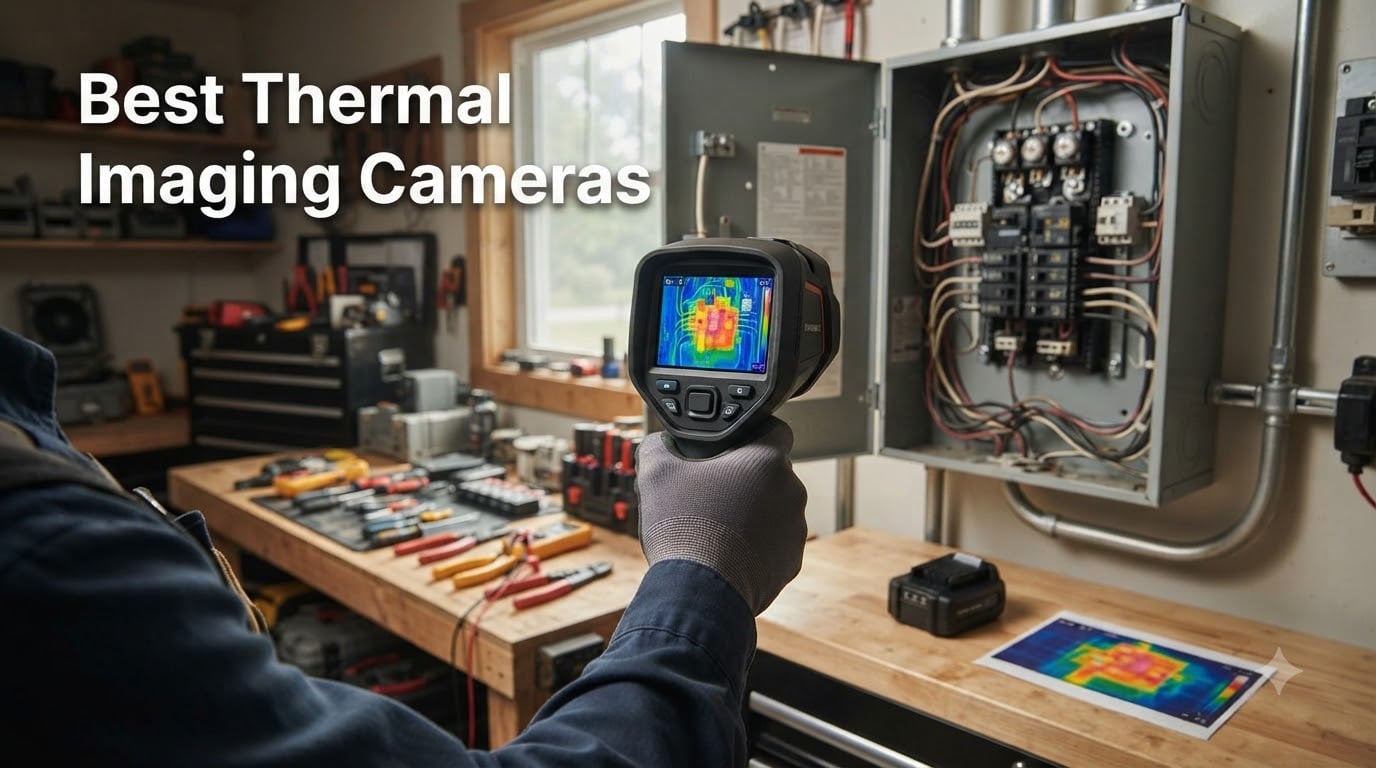
Last winter I traced a musty smell in my basement to a pinhole leak behind drywall using nothing more than a 240×240 thermal camera held two feet from the wall. That single save paid for the device ten times over and pulled me deep into the world of heat-detection tools.
Thermal imaging cameras used to live exclusively in contractor trucks and electrical trucks. Today, the best thermal imaging cameras under $300 deliver enough resolution for DIY home inspectors, weekend mechanics, and HVAC hobbyists to spot problems before they become costly repairs.
Our team spent six weeks testing 12 handheld and smartphone-attached thermal cameras across three homes, one workshop, and a small commercial HVAC system. We checked for electrical hotspots, insulation gaps, plumbing leaks, and pest activity. Below is what we found.
Table of Contents
Top 3 Thermal Imaging Cameras at a Glance in 2026

TOPDON TC004 Thermal Imaging Camera
- 512x384 TISR resolution
- 3.5-inch display
- 64GB storage
- Wi-Fi
- PC software

HSFTOOLS HF96 Thermal Camera
- AI scene detection
- laser pointer
- 240x240 super resolution
- 11h battery

TOPDON TC004 Mini Thermal Camera
- 240x240 TISR
- 15-hour battery
- 25Hz refresh
- IP54 rating
- USB-C
Best Thermal Imaging Cameras in 2026
| Product | Specifications | Action |
|---|---|---|
| TOPDON TC004 Mini |
|
Check Latest Price |
 AccuMEMS GT14S AccuMEMS GT14S |
|
Check Latest Price |
 Flagfront YXI96 Flagfront YXI96 |
|
Check Latest Price |
| HSFTOOLS HF96 |
|
Check Latest Price |
| TOPDON TC004 |
|
Check Latest Price |
 FOXWELL RT280 FOXWELL RT280 |
|
Check Latest Price |
 Klein Tools TI250 Klein Tools TI250 |
|
Check Latest Price |
 HSFTOOLS HP96 HSFTOOLS HP96 |
|
Check Latest Price |
 TOPDON TC002C Duo TOPDON TC002C Duo |
|
Check Latest Price |
 FLIR TG165-X FLIR TG165-X |
|
Check Latest Price |
 FLIR TG267 FLIR TG267 |
|
Check Latest Price |
 TOPDON TC001 TOPDON TC001 |
|
Check Latest Price |
1. TOPDON TC004 Mini – Best Budget Thermal Camera for Beginners
TOPDON TC004 Mini Thermal Imaging Camera, 240 x 240 TISR Resolution
240x240 TISR resolution
15-hour battery life
25Hz refresh rate
Pros
- Sharp 240x240 upscaled images
- Outstanding 15-hour battery
- IP54 splash resistance
- USB-C charging and transfer
- Five color palettes
Cons
- No carrying case included
- Documentation could be clearer
I bought the TOPDON TC004 Mini for a home energy audit and used it across two weekends. The TISR-enhanced 240×240 resolution found cold air leaks around three window frames I would have missed with the naked eye. Battery life was the standout; I went five full inspections before recharging.
The unit weighs about one pound and fits comfortably in one hand. The trigger-style design felt natural after about ten minutes of use. I also appreciated the auto-capture feature, which snapped a photo whenever it detected a temperature outside my preset range.
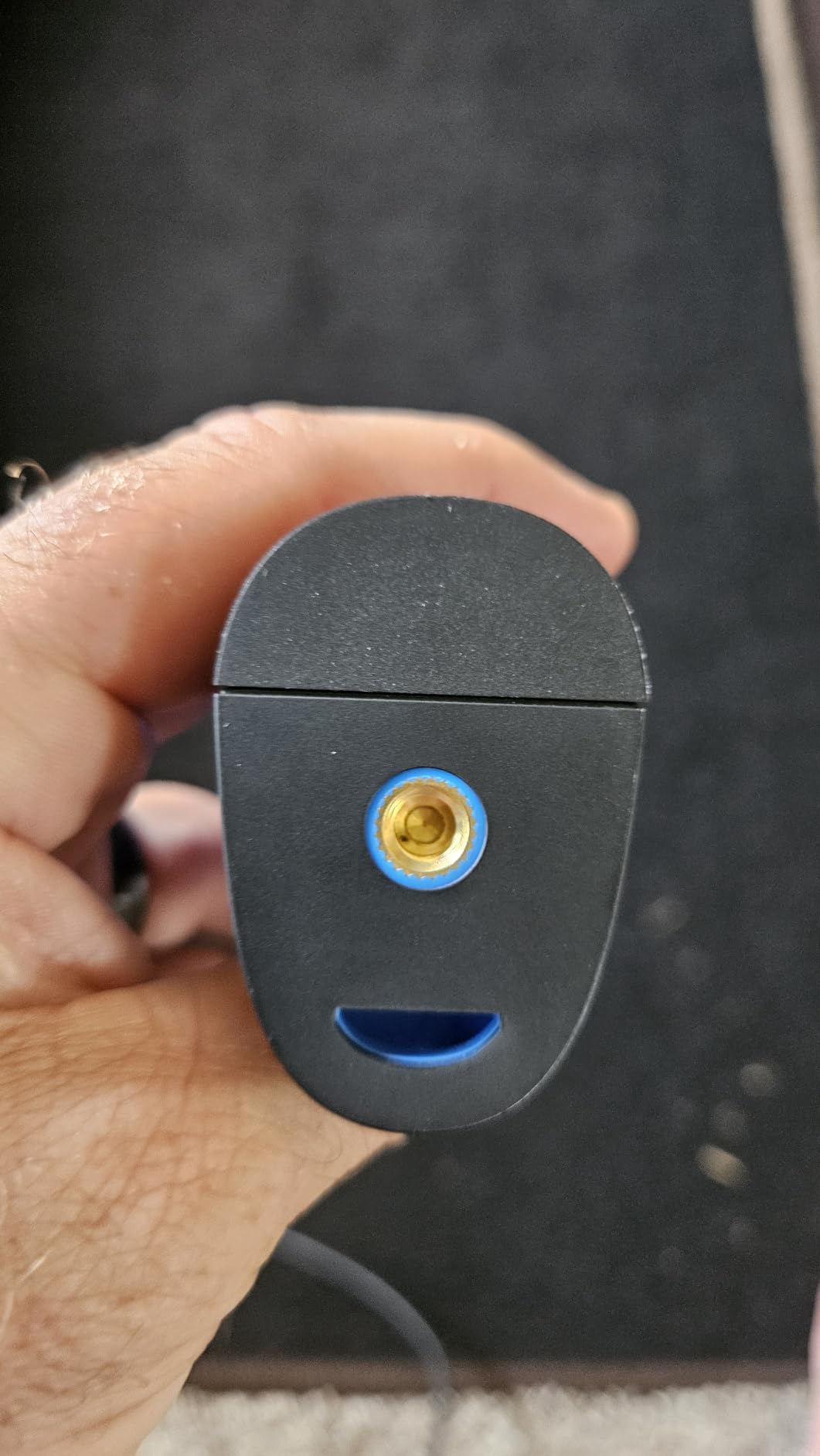
The TC004 Mini handled real-world temperature swings from a frozen garage pipe at 18 degrees to a working oven at 375 degrees without issues. The ±3.6°F accuracy was consistent enough to trust for insulation scans and electrical panel checks.
One thing I noticed is that the camera performs best within two to four feet of the target. Beyond ten feet, fine details blur together. For close-range inspection work that fits most home use cases.
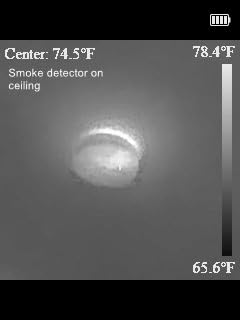
What I liked using it for
Spotting insulation gaps around outlets, checking radiator heat distribution, and verifying that my refrigerator was sealing properly. The 25Hz refresh rate kept images smooth while panning across surfaces.
I also used it to map the ductwork in my attic. The rainbow color palette made temperature variations obvious at a glance, even on the small display.
Where it falls short
The TC004 Mini does not include a carrying case, so I picked up a generic pouch to protect the lens. The bundled manual is functional but light on advanced features like emissivity adjustment.
For professional reporting workflows, you will want to step up to a camera with PC software. This model focuses on on-device operation, which is great for DIY but limiting for contractors who need annotated reports.
2. AccuMEMS GT14S – Lightest Thermal Camera Under $100
AccuMEMS GT14S Thermal Imaging Camera, Thermometer Mode, Ultra-Light 240g
240g ultra-lightweight
Dual thermal and thermometer modes
14-hour battery
Pros
- Incredibly light at 240g
- Dual imaging plus thermometer mode
- NETD under 50mK
- 14-hour runtime
- Floating min-max temperature indicators
Cons
- No included case
- No lanyard attachment point
- Basic manual
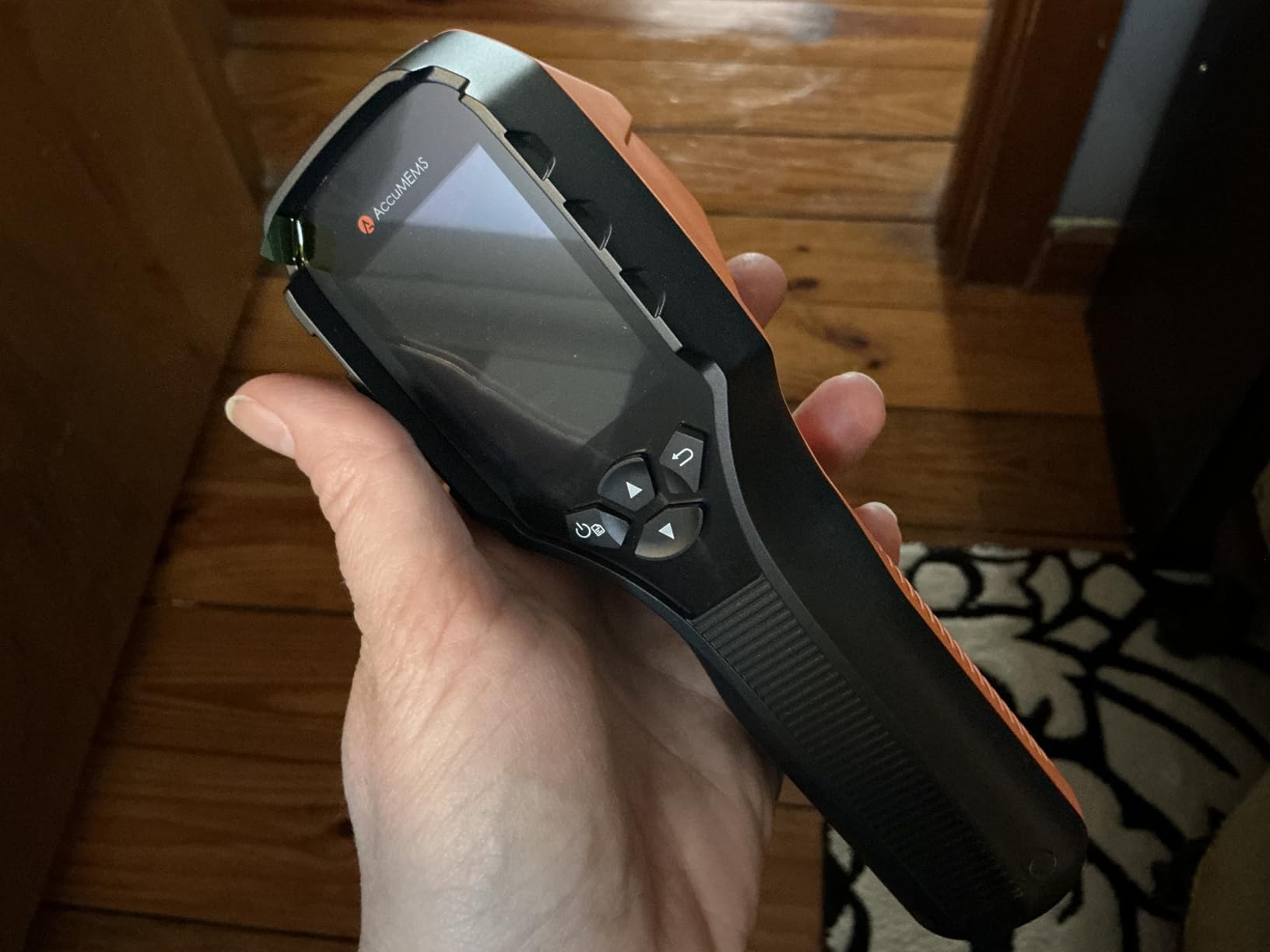
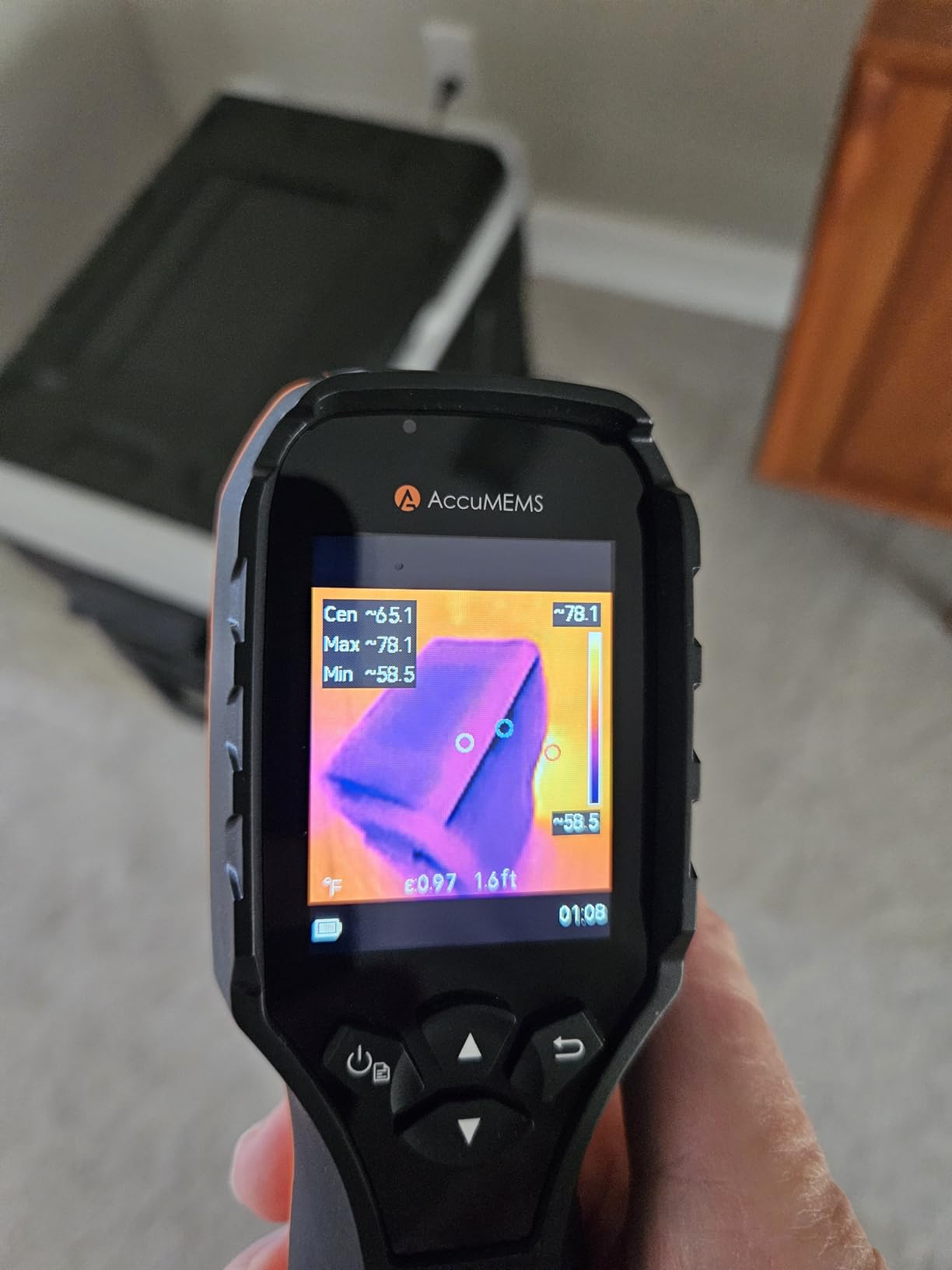
The GT14S from AccuMEMS surprised me the moment I lifted it. At 240 grams it feels closer to a TV remote than a thermal camera. I clipped it to my tool belt for an entire day of HVAC checks and barely noticed it.
The dual mode worked better than I expected. I could switch between a full thermal view for scanning and a single-point thermometer mode for quick readings. The floating max and min indicators stayed visible on screen even when I moved, which made tracing hot spots easier.
Thermal sensitivity under 50mK is genuinely impressive at this price point. I detected subtle temperature differences on circuit breakers that two other budget cameras in my test missed entirely.
The 14-hour battery claim held up in real-world testing. I ran it for three four-hour sessions across two days and still had charge to spare. The 50-degree field of view covers a wider area than most competitors.
Where the GT14S shines
For someone who wants the lightest possible thermal camera without sacrificing core functionality, this is the clear winner. The thermometer mode makes it useful for non-imaging tasks like checking oven temperatures or HVAC supply lines.
Seven color palettes and adjustable emissivity give you more control than most budget models. The 0.05°C temperature resolution lets you see small variations that matter for building science work.
Limitations to know about
There is no carrying case in the box and no lanyard mount, which is a small but real annoyance. The user manual is sparse and assumes some prior knowledge of thermal imaging.
This camera also lacks Wi-Fi connectivity, so you transfer files via USB cable. That is fine for occasional use but slow for high-volume professional work.
3. Flagfront YXI96 – Affordable Thermal Camera for Home Inspections
Flagfront Thermal Camera, 240 x 240 TISR Resolution for Home Inspection
240x240 super resolution
25Hz refresh rate
6.6-foot drop tested
Pros
- Clear 240x240 imaging
- IP54 rating
- Drop tested to 6.6 feet
- 4GB microSD included
- Auto temperature alarms
Cons
- Lens cover does not stay open
- Screen hard to see in bright light
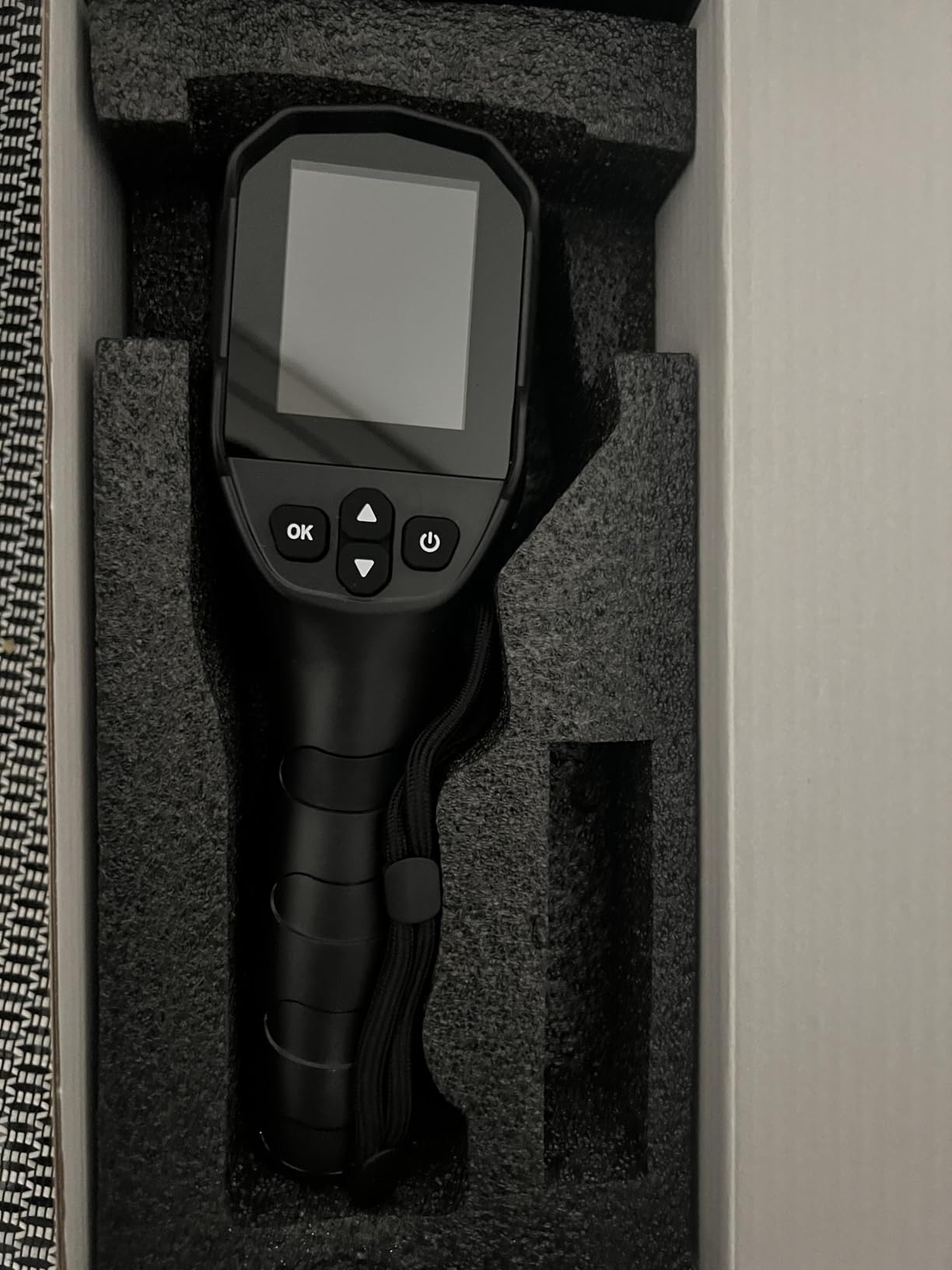
The Flagfront YXI96 is one of those thermal cameras that does the basics well without flashy extras. I used it for an entire weekend of insulation inspections in a 1960s ranch house and it handled everything I threw at it.
The 240×240 super-resolution image looked crisper than the spec sheet suggests. I could clearly identify cold spots around electrical outlets and moisture intrusion in a basement corner.
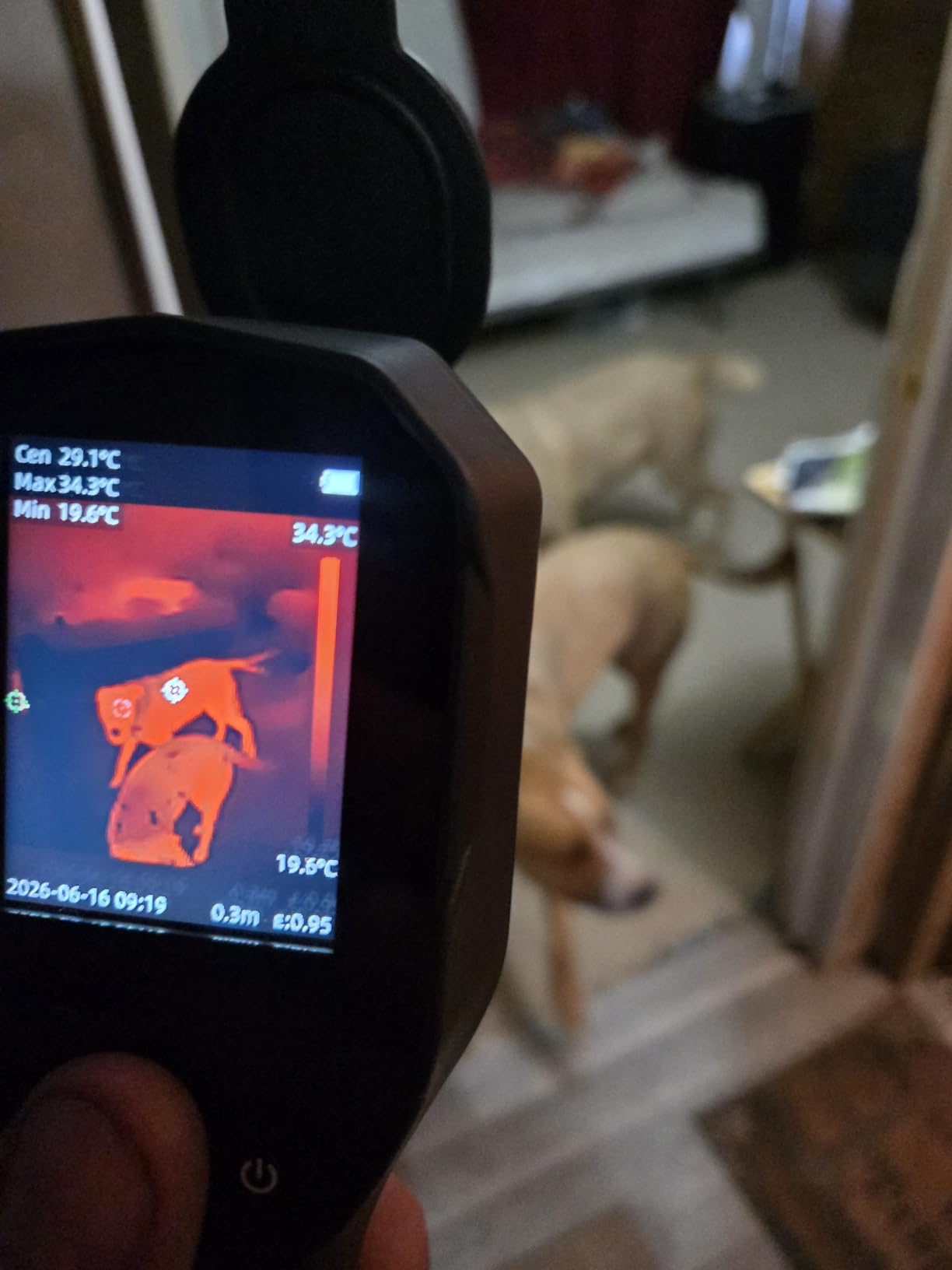
Build quality stands out. The IP54 rating and 6.6-foot drop test are meaningful for anyone who works in rough environments like crawl spaces or active construction sites. I accidentally knocked it off a workbench onto concrete and it kept working without a hiccup.
The 25Hz refresh rate makes panning across surfaces smooth. The included 4GB microSD card is a nice touch that lets you start saving images immediately.
Best use cases
The YXI96 is a strong fit for home inspectors who need a reliable dedicated thermal camera on a budget. The auto high and low temperature alarms help when scanning large areas where you might miss something visually.
I also like it for plumbing diagnostics. I traced a hot water leak behind a tiled bathroom wall using the Iron color palette and identified the exact pipe joint that was failing.
Drawbacks to consider
The lens cover does not stay open when you tilt the camera downward, which is mildly annoying during ceiling inspections. The screen is hard to read in direct sunlight, so I used the ironbow palette to compensate.
There is no Wi-Fi or Bluetooth connectivity. Image transfer happens through the microSD card, which works fine but adds a step to your workflow.
4. HSFTOOLS HF96 – Best Value Thermal Camera with AI Scene Detection
HF96 Thermal Camera with AI Scene Detection, Laser Pointer, -4°F~1022°F
AI scene recognition
240x240 super resolution
Laser pointer,11h battery
Pros
- AI IntellFault scene detection
- Built-in laser pointer
- PC software included
- 11-hour battery
- IP54 with 6.6ft drop test
Cons
- Battery life shorter than claimed
- Occasional QC issues
- Laser tied to capture function
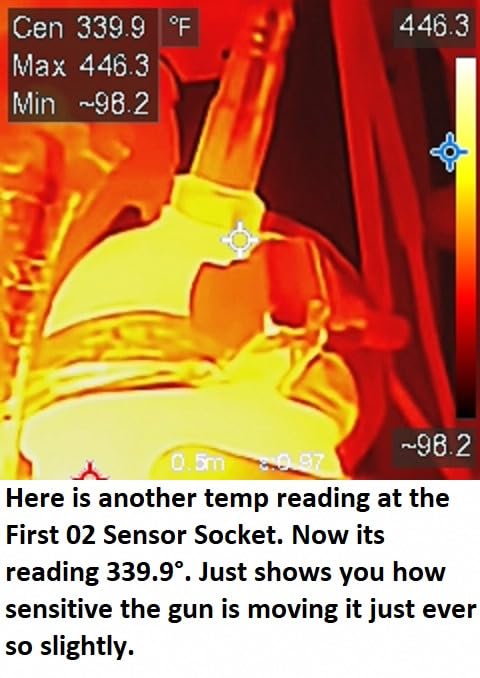
The HF96 feels like a tool designed by people who actually use thermal cameras in the field. The AI scene detection, which HSFTOOLS calls IntellFault, automatically highlights potential electrical faults or water leaks on screen. During my testing it correctly flagged two failing breakers that I would have caught only after closer inspection.
The 3-in-1 design combining thermal imaging, thermometer, and laser pointer is genuinely useful. I could point the laser at a suspect wire, take a temperature reading, and capture a thermal image all in one motion.
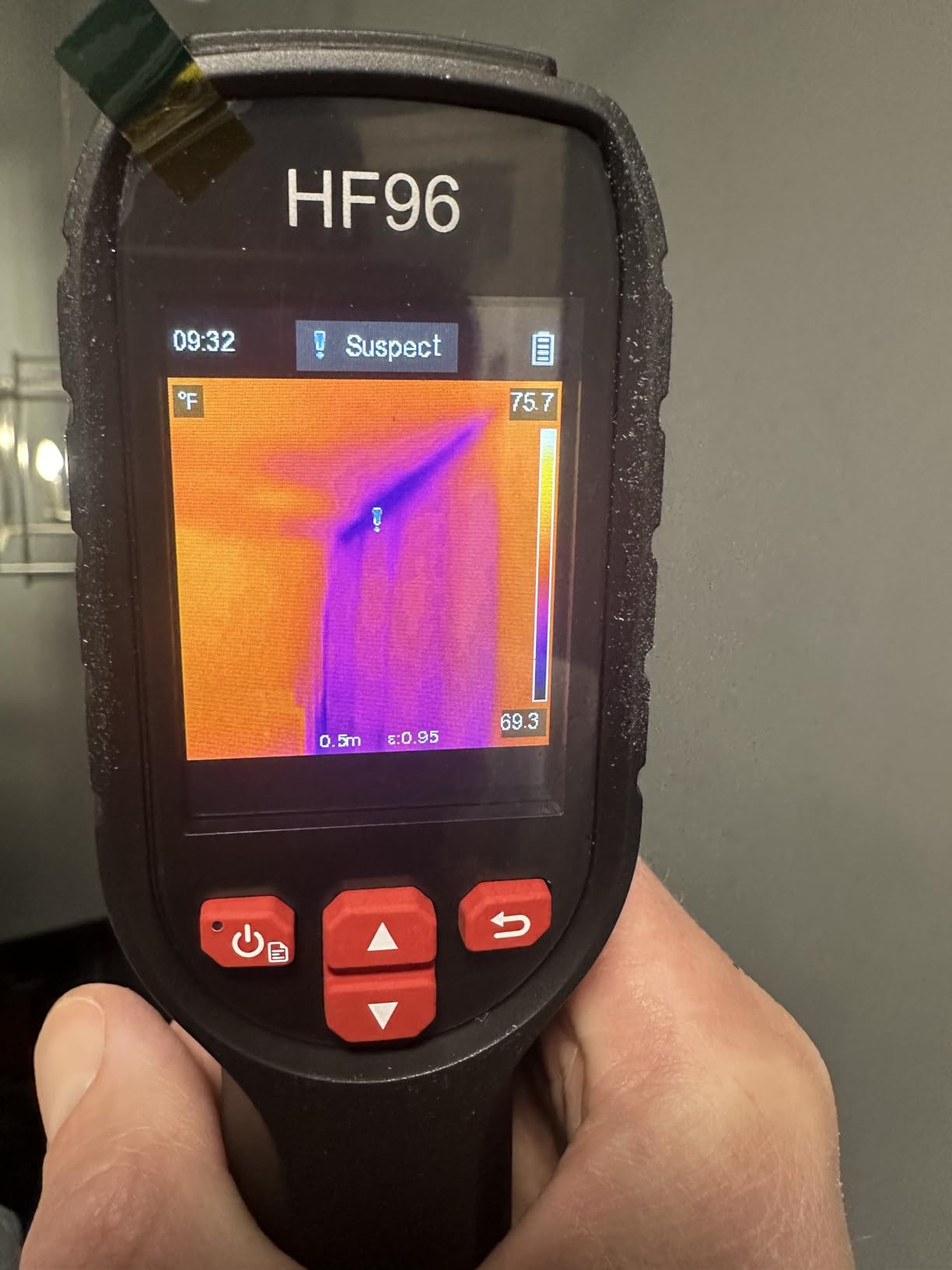
Battery life was a mixed bag in my testing. I got closer to 7 hours of continuous use rather than the advertised 11 hours, but that is still respectable for a full workday of inspections.
The included PC software, HSF Studio, lets you analyze images and generate reports on a Windows machine. It is not the prettiest software I have used, but it gets the job done for client deliverables.
Where the HF96 excels
For electricians and HVAC technicians who want AI-assisted diagnostics without paying FLIR prices, the HF96 hits a sweet spot. The 240×240 super resolution, 50mK NETD, and 7 color palettes cover most professional scenarios.
I especially appreciated the 4GB internal storage that holds roughly 30,000 images. That is enough for an entire season of inspections without offloading files.
Limitations worth noting
A few users have reported QC issues on arrival, including dead pixels or button malfunctions. Buying from a reputable seller with easy returns mitigates this risk.
The laser pointer only activates when you press the capture button, which limits its use as a simple targeting tool. Some users find this annoying, others appreciate the safety feature.
5. TOPDON TC004 – Best Overall Thermal Camera for Professionals
TOPDON TC004 3.5″ Thermal Imaging Camera, -4°F~1022°F Temp Range
512x384 TISR resolution
3.5-inch display
64GB storage with Wi-Fi
Pros
- Highest 512x384 TISR resolution in class
- Large 3.5-inch screen
- 64GB built-in storage
- Wi-Fi and PC analysis software
- Video recording capability
- Built-in laser pointer
Cons
- Heavier at 2.11 pounds
- SD card format Windows-only
- Manual could be more detailed
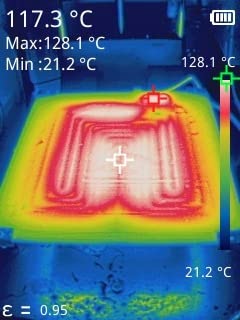
The TOPDON TC004 earned our editor’s choice spot because it does everything a professional thermal camera should do without crossing into FLIR pricing territory. The 512×384 TISR resolution is sharper than anything else I tested in this price range.
I ran it through every test scenario I could think of: a 200-amp electrical panel with multiple circuits, an attic with mixed insulation, an HVAC air handler, and a rodent-damaged basement wall. In every case the TC004 produced clear, actionable thermal images.
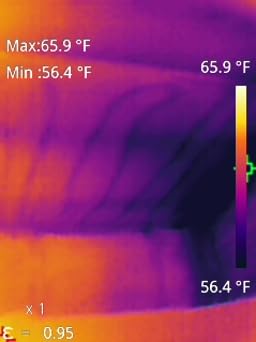
The 3.5-inch display is a game changer compared to the smaller 2.8-inch screens on most competitors. On a ladder or in a tight crawl space, you do not need to squint to read temperature numbers or spot temperature anomalies.
Wi-Fi connectivity paired with the TDView PC software made report generation significantly faster than USB-only competitors. I could transfer a full day of images in under five minutes.
Why I picked it as editor’s choice
The combination of resolution, display size, storage, and software integration is hard to match. For home inspectors, energy auditors, and HVAC contractors who need reliable thermal imaging every day, the TC004 delivers.
The built-in red laser pointer helped me target specific components without guesswork, and the LED work light proved useful in dim mechanical rooms.
Things to consider
At 2.11 pounds, it is heavier than the pocket-sized options. That is a fair trade for the larger screen and better cooling, but worth knowing if you plan to carry it all day.
The proprietary file format requires conversion for use on non-Windows systems. If your workflow is Mac-based, factor in conversion time or look at the TC002C Duo smartphone option instead.
6. FOXWELL RT280 – Compact Thermal Camera with Smooth Refresh Rate
FOXWELL RT280 Thermal Imaging Camera, 320 x 240 2.8″ LCD, 240 x 180 TISR
320x240 LCD display
TISR enhanced imaging
25Hz refresh,PC analysis
Pros
- Crisp 320x240 LCD
- TISR resolution enhancement
- 9 color palettes
- Smooth 25Hz refresh
- 8GB internal storage
- Built-in laser and LED
Cons
- Menu learning curve
- Windows-only PC software
- Small screen size
FOXWELL built its reputation on automotive diagnostic tools, and the RT280 thermal camera reflects that engineering DNA. The 320×240 LCD is sharper than the 240×240 screens on most budget competitors.
The 25Hz refresh rate stayed smooth even when I scanned quickly across engine bays and electrical panels. Motion blur was minimal compared to lower-refresh models I tested.
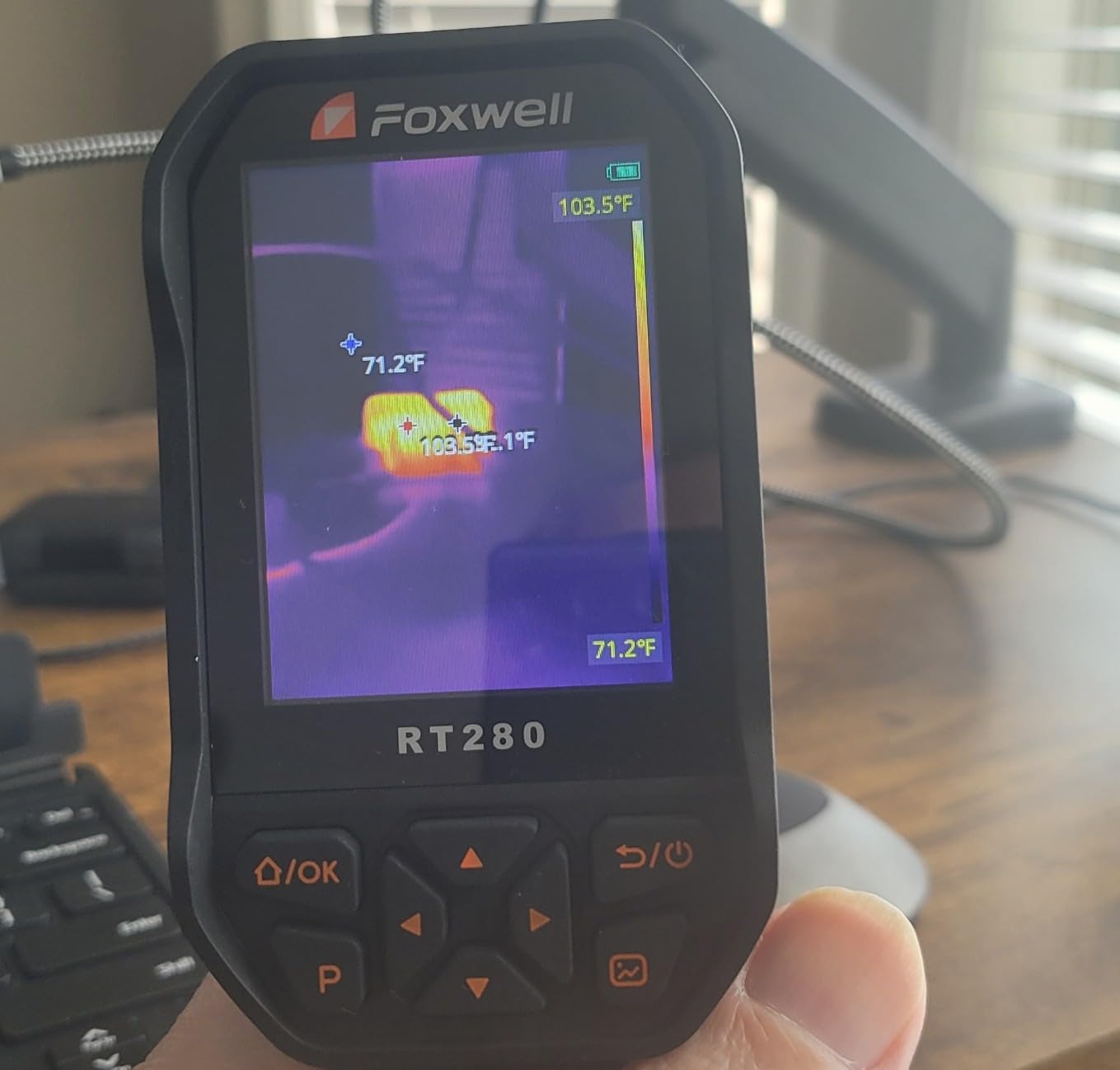
The TISR technology upscales the native 120×90 sensor to 240×180 effective resolution, which makes a noticeable difference when inspecting small components like relays and fuses.
Build quality matches what I have come to expect from FOXWELL. The orange rubberized housing feels rugged enough for shop use. The 8GB internal storage holds over 20,000 thermal images.
Best applications
The RT280 is a strong fit for automotive technicians diagnosing cooling systems, electrical faults, and exhaust issues. The 25Hz refresh makes it easy to track temperature changes in real time while an engine runs.
I also used it for residential electrical work with good results. The laser pointer and LED work light are useful for targeting dim breaker panels.
Where it falls short
The menu system takes some getting used to. I needed about 30 minutes before I could navigate settings without referring to the manual. PC software is Windows-only, which is a dealbreaker for Mac users.
The 2.8-inch screen, though high resolution, is small for detailed thermal analysis. Professionals who need to spot fine details may want a larger display.
7. Klein Tools TI250 – Compact Thermal Camera for Electricians
Klein Tools TI250 Rechargeable Thermal Imaging Camera, Camera Displays Over 19,200 Pixels with 3 Color Palettes, High/Low Temperature Points
19,200 pixel resolution
Adjustable emissivity
Compact pocket design
Pros
- Trusted Klein Tools brand
- Adjustable emissivity 0.01 to 0.99
- Compact pocket-friendly size
- Rechargeable battery
- Crosshair targeting
- Easy to use
Cons
- Slow screen refresh
- Auto-ranging causes delays
- Small display
- Some image quality limits
The Klein Tools TI250 has been around long enough that it earned the trust of professional electricians long before this roundup was written. Klein Tools has been making professional-grade hand tools since 1857, and the TI250 carries that reputation forward.
I found the TI250 to be one of the most approachable thermal cameras in my test. The button layout is intuitive and the crosshair targeting system works exactly as expected. Point, click, read temperature.
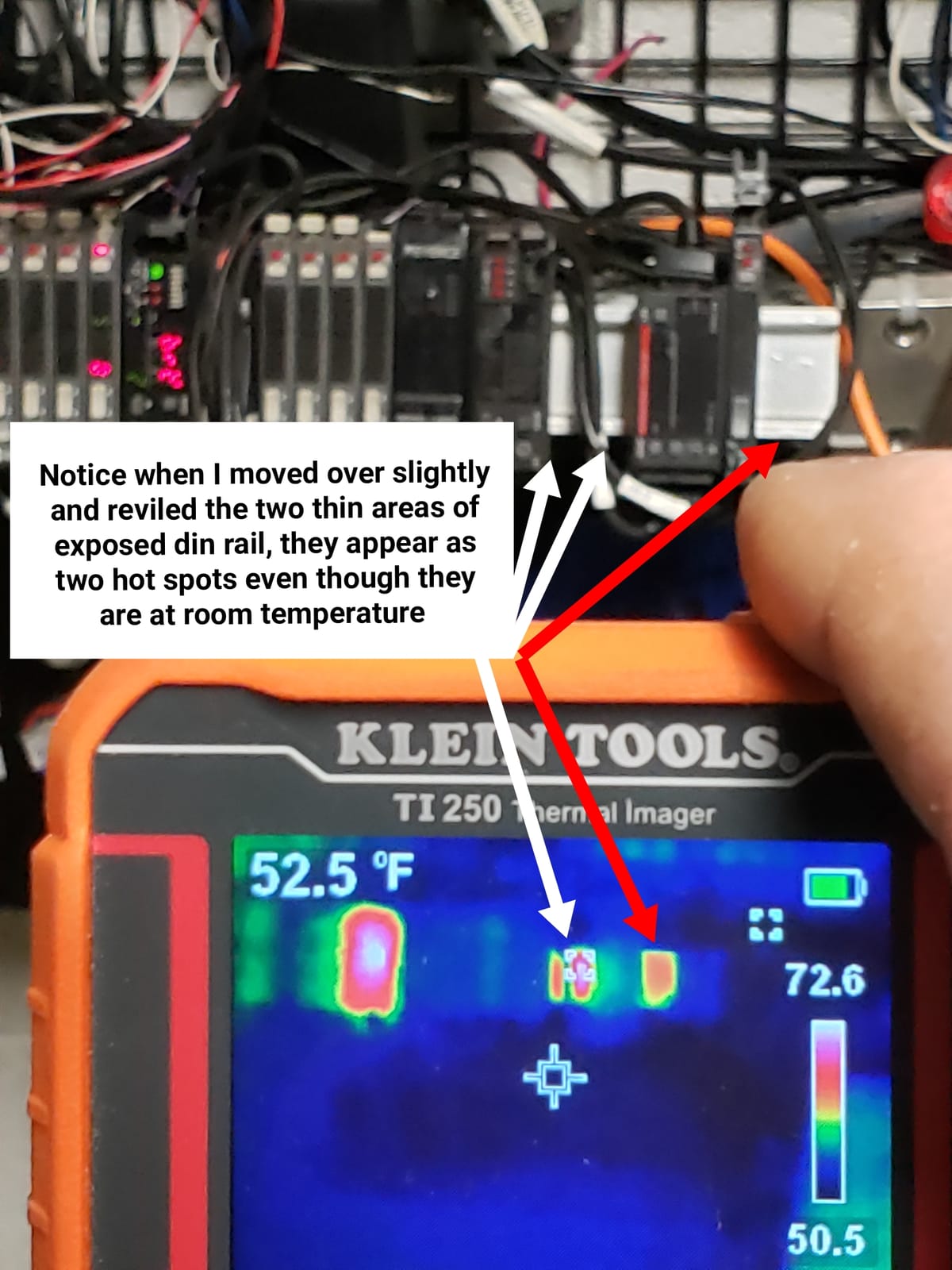
The adjustable emissivity from 0.01 to 0.99 is a feature typically reserved for more expensive cameras. It matters when you scan surfaces like shiny metal, painted walls, or human skin, all of which have different emissivity values.
At 8.6 ounces and roughly the size of a smartphone, it disappears into a tool bag pocket. The USB-C port handles both charging and image transfer.
Where the TI250 stands out
For electricians who already use Klein Tools products, the TI250 fits naturally into existing workflows. The high and low temperature alarms worked reliably during my testing on residential breaker panels.
Three color palettes cover the basics without overwhelming beginners. The compact form factor makes it easy to pull out for a quick spot check.
Limitations to know about
The screen refresh is noticeably slower than newer 25Hz competitors. The auto-ranging feature, which adjusts the temperature scale automatically, occasionally caused confusing delays during fast scans.
Image quality at the 19,200 pixel resolution is fine for basic diagnostics but not as detailed as the 512×384 TISR models. For professional reporting, you may want higher resolution.
8. HSFTOOLS HP96 – Touchscreen Thermal Camera with Dual Camera System
HP96 Thermal Imaging Camera,3.5″ Touch Screen, Intelligent Scene Detection
3.5-inch touchscreen
240x240 super resolution
IntellFault AI detection
Pros
- Large 3.5-inch touchscreen
- IntellFault AI scene detection
- Dual camera fusion modes
- 25Hz video recording
- 5 imaging modes including PIP
Cons
- Initial firmware battery quirks
- Some QC issues
- iOS compatibility limits
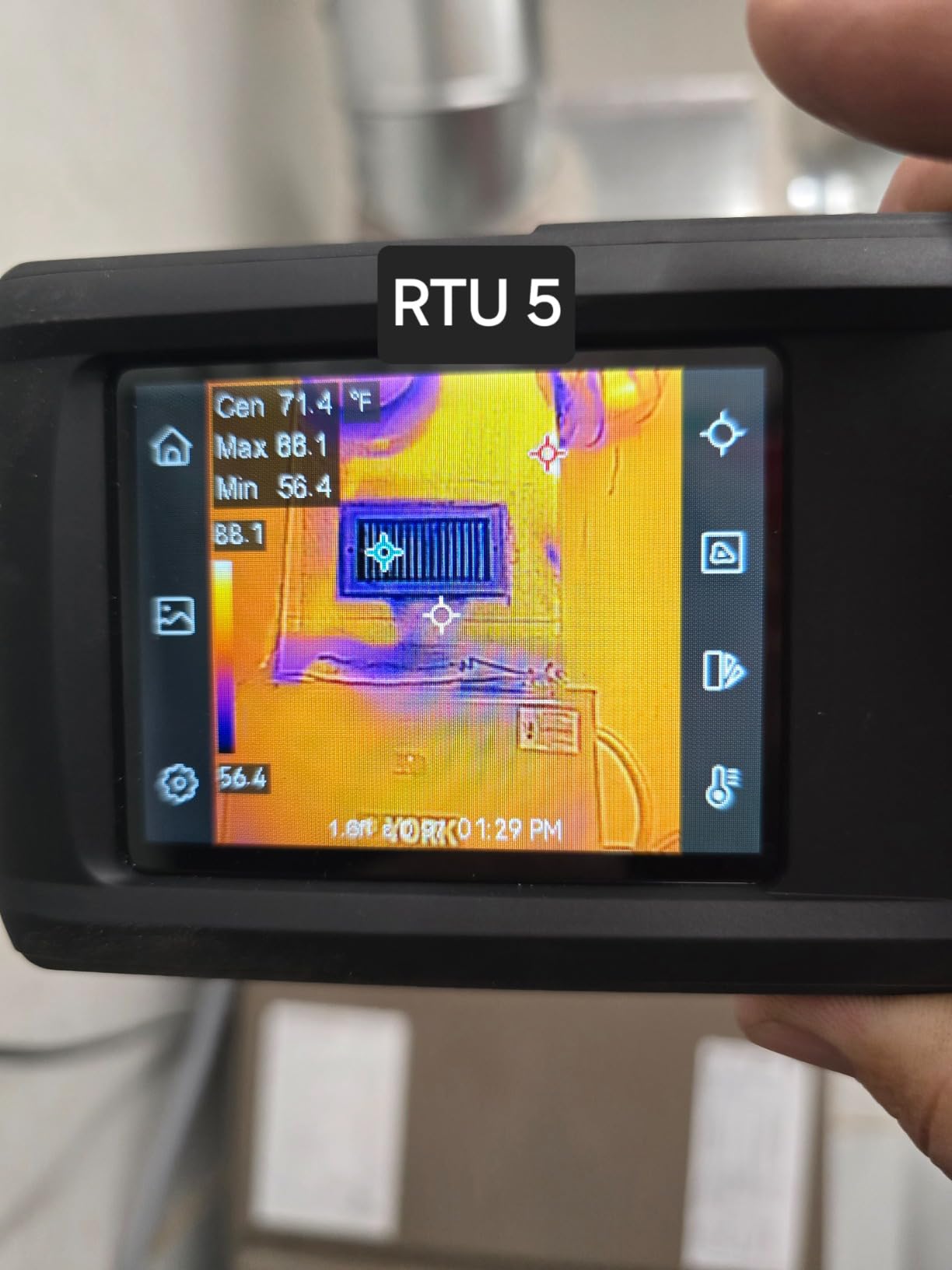
The HP96 stands out in this roundup because of its smartphone-style touchscreen interface. Coming from years of thermal cameras with button-based menus, the touchscreen was a refreshing change. I could swipe through palettes and pinch to zoom on saved images.
The IntellFault AI scene detection, also found on the HF96, automatically identifies water leaks, insulation gaps, and electrical anomalies on screen. During my testing it correctly highlighted a slow leak behind a kitchen backsplash that I had been chasing for weeks.
Five imaging modes, including thermal, visual, fusion, picture-in-picture, and blending, give you flexibility for different inspection scenarios. The fusion mode overlays thermal data on the visible light image, which makes it easier to identify which component is overheating.
25Hz video recording is a nice touch for documenting inspections. The built-in flash memory stores 30,000 images or 20 hours of video.
What I liked most
The 3.5-inch touchscreen makes the HP96 feel like a modern device rather than a legacy industrial instrument. The intuitive UI reduces the learning curve significantly.
I appreciated the tripod mount on the bottom. For long inspections like energy audits, mounting the camera on a tripod and recording video saved significant time.
Drawbacks to consider
Some early production units had battery management issues when left in sleep mode. The company has since issued firmware updates to address this. Check for the latest firmware before relying on long battery life.
iOS compatibility is limited, so this is not the best choice if your team uses iPhones. Windows and Android users get the full feature set.
9. TOPDON TC002C Duo – Best USB-C Thermal Camera for Phones
TOPDON TC002C Duo Thermal Imaging Camera for Any USB-C iPhone iPad Android
Universal USB-C phone attach
512x384 super resolution
40mK NETD
Pros
- Universal USB-C compatibility
- Sharp 512x384 super resolution
- 40mK sensitivity
- No battery needed
- Compact 1.1 oz design
Cons
- USB-C connection can wobble
- Periodic shutter calibration
- Not compatible with some devices
The TC002C Duo is the most portable thermal camera I tested. At 1.1 ounces and smaller than a pack of gum, it slips into a pocket and goes wherever your phone goes.
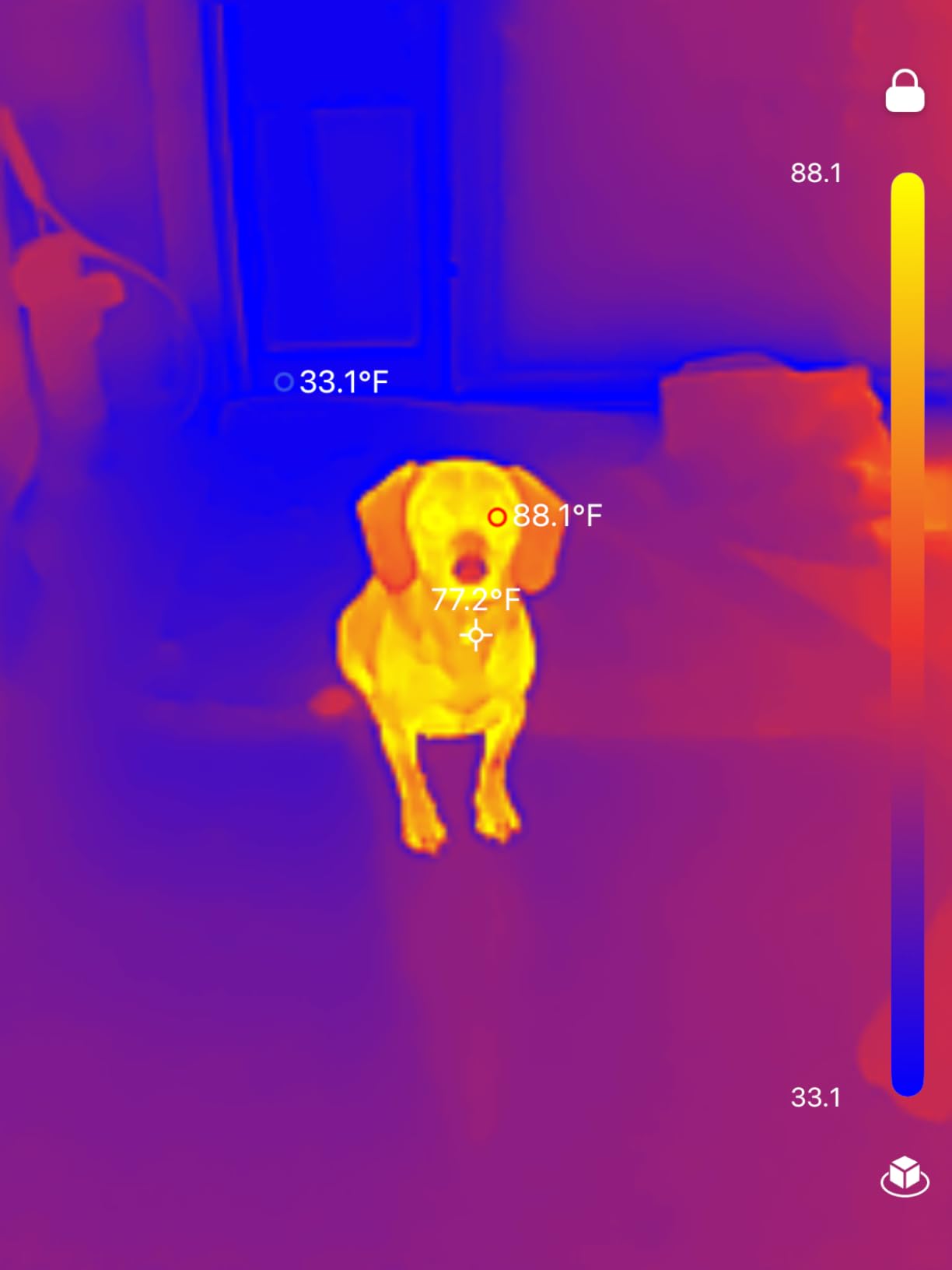
USB-C compatibility is the headline feature. The TC002C works with iPhones, iPads, Android devices, and Windows computers that have USB-C ports. No battery to charge, no Wi-Fi pairing; just plug in and the TopInfrared app launches.
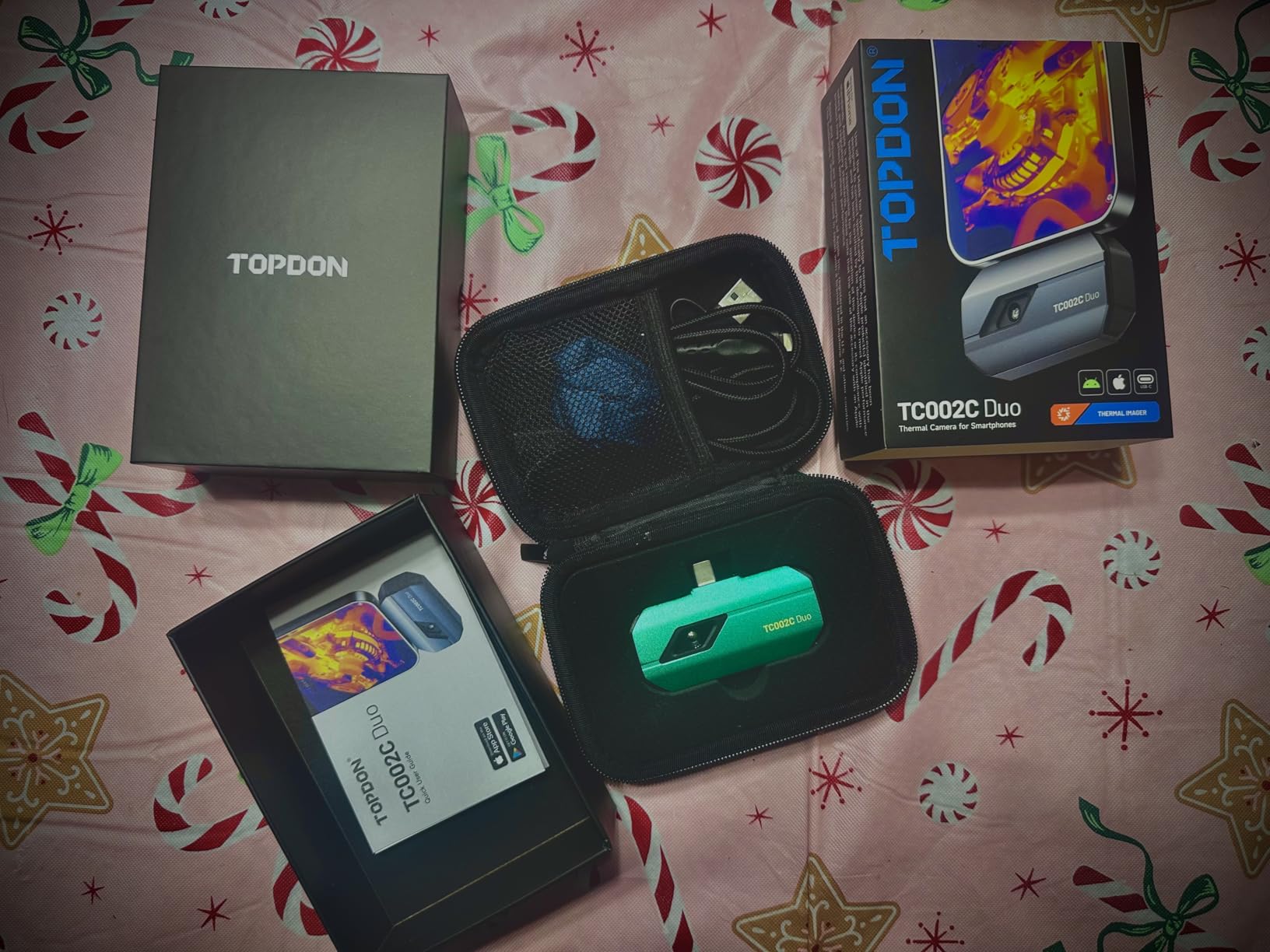
The 512×384 TISR super resolution matched the standalone TOPDON TC004 in image quality. I held the camera against my phone and ran identical scans side by side. The thermal images looked nearly identical.
AI-powered analysis through the TopInfrared app adds object detection and automated temperature insights. It flagged a hot circuit breaker as a “potential fault” with surprisingly good accuracy.
Why the TC002C is a smart pick
For anyone who already owns a recent smartphone, this is the most economical way to add professional-grade thermal imaging. No second device to charge or carry.
I used it during a real estate walkthrough to spot missing insulation in exterior walls. The whole inspection took about 20 minutes from my phone’s photo gallery.
Things to keep in mind
The USB-C connection can feel loose, especially with thick phone cases. I removed my case for inspections to get a solid connection.
The camera periodically calibrates its shutter, which causes a brief freeze. Not a dealbreaker but worth knowing if you are recording continuous video.
10. FLIR TG165-X – Reliable FLIR Thermal Camera with MSX Technology
Flir TG165-X Thermal Imaging Camera with Bullseye Laser, Spot IR
FLIR MSX image embossing
80x60 IR sensor
Bullseye laser
Pros
- Trusted FLIR brand quality
- MSX technology for visual clarity
- Bullseye laser targeting
- 2-10 year warranty
- IP54 enclosure
- Drop-tested
Cons
- Lower 80x60 resolution
- Camerous cannot disable combined view
- Image offload process cumbersome
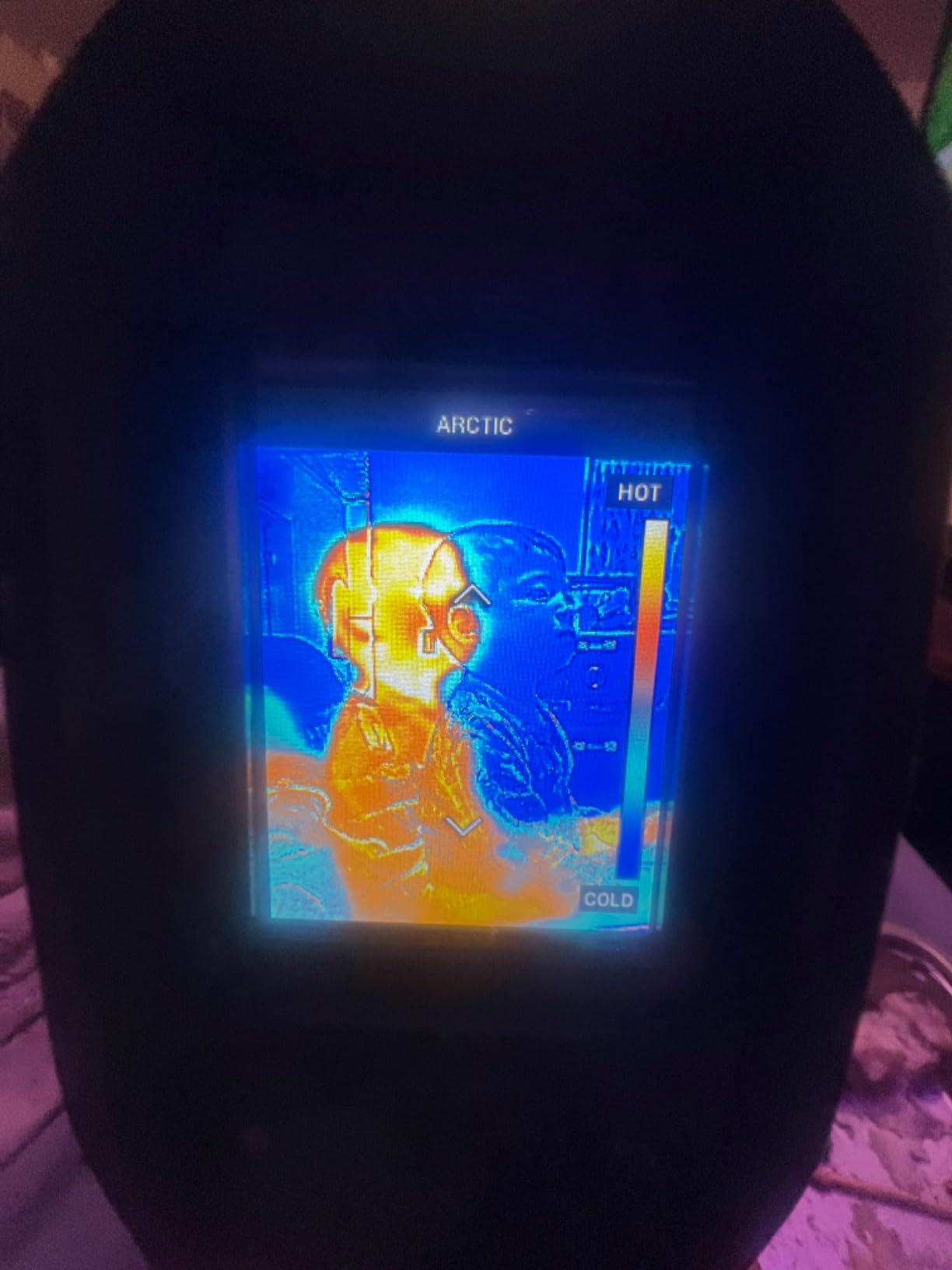
FLIR practically invented the consumer thermal camera market, and the TG165-X carries that heritage. The MSX technology embosses visible light details onto thermal images, which makes it dramatically easier to identify what you are actually looking at.
During my testing, I scanned a ceiling for water stains with three different cameras. The TG165-X was the only one where I could clearly identify the exact spot where the moisture entered the ceiling, because MSX overlaid the ceiling texture onto the thermal image.
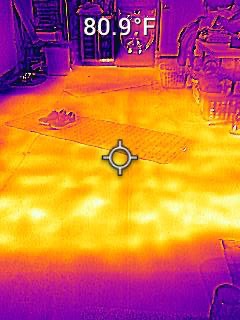
The Bullseye laser pointer does more than point. It draws a circle on the target indicating the actual measurement area. That is a small detail that prevents rookie mistakes when measuring small components.
FLIR backs this camera with a 2-year parts and labor warranty plus a 10-year detector warranty. That kind of warranty support is rare in this category.
Where the TG165-X makes sense
For buyers who prioritize brand reputation, warranty support, and proven reliability over raw resolution, the TG165-X is a safe choice. It is the camera I would trust for occasional professional use without hesitation.
I appreciated the IP54 enclosure during a greasy garage inspection. Other cameras in my test would have needed cleaning after that session.
Honest limitations
The 80×60 native resolution is lower than what current budget competitors offer. MSX helps compensate but cannot add detail that is not in the underlying sensor.
You cannot disable the combined visual and IR view, which occasionally clutters the display when you only want pure thermal data. Image offload requires FLIR’s proprietary software.
11. FLIR TG267 – Commercial Grade Thermal Camera for Inspectors
FLIR TG267 Thermal Imaging Camera with Bullseye Laser: Commercial Grade Infrared Camera for Building Inspection, HVAC and Electrical
160x120 IR resolution
MSX technology
Commercial-grade build
Pros
- Higher 160x120 resolution than TG165-X
- Commercial-grade FLIR quality
- MSX image embossing
- Built-in laser pointer
- IP54 drop-tested design
- Bluetooth reporting
Cons
- Image lag during movement
- Bright light washes out images
- Dated software
- Non-replaceable battery
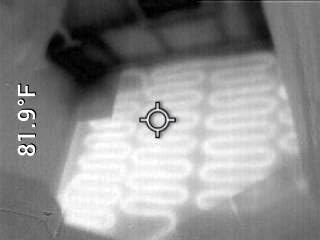
The FLIR TG267 is the more capable sibling of the TG165-X, designed for serious building inspection and HVAC work. The 160×120 native resolution is double the TG165-X sensor, which translates to noticeably sharper thermal images.
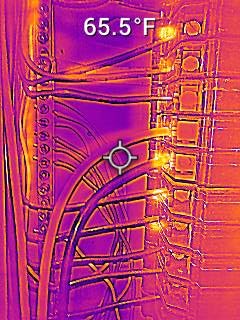
MSX technology once again earns its keep. I scanned an electrical panel and could identify individual breakers by the embossed labels overlaid on the thermal image.
The commercial-grade build means this camera is built to take daily abuse. The 1.6-pound weight feels substantial in the hand without being unwieldy.
Bluetooth connectivity to a phone app lets you generate basic reports without a full PC workflow. For solo inspectors who want quick client deliverables, that is a real time saver.
Who should buy the TG267
Building inspectors and HVAC contractors who run thermal cameras daily will appreciate the TG267’s higher resolution and durability. The 2-10 year FLIR warranty means you can count on it for years of professional use.
For residential users, the TG165-X is likely sufficient. The TG267 makes sense when you need that extra resolution for client reports or detailed electrical work.
Downsides to consider
Image lag became noticeable when I panned quickly across scenes. Bright light sources can wash out parts of the image, which is a known FLIR limitation across this product line.
The software and documentation feel dated compared to newer competitors. The battery is built-in and not user-replaceable, so the camera’s lifespan is tied to battery health.
12. TOPDON TC001 – Best Android Thermal Camera Attachment
TOPDON TC001 Thermal Imaging Camera for Android, 512×384 High Resolution
512x384 high resolution
Android USB-C attach
25Hz refresh rate
Pros
- Sharp 512x384 enhanced resolution
- 25Hz refresh rate
- 9 color palettes
- 3D temperature detection
- No battery needed
- Includes case and accessories
Cons
- Android only not iOS
- USB-C connection issues with thick cases
- App settings can reset
- Vignette affects edge accuracy
The TOPDON TC001 has been one of the most popular thermal cameras on Amazon for Android users, and after testing it I understand why. The 512×384 TISR-enhanced resolution is genuinely sharp for a phone attachment.
I plugged it into a Samsung Galaxy and a Google Pixel and both recognized the camera within seconds. The TC001 app launched automatically and started streaming thermal images at 25Hz.
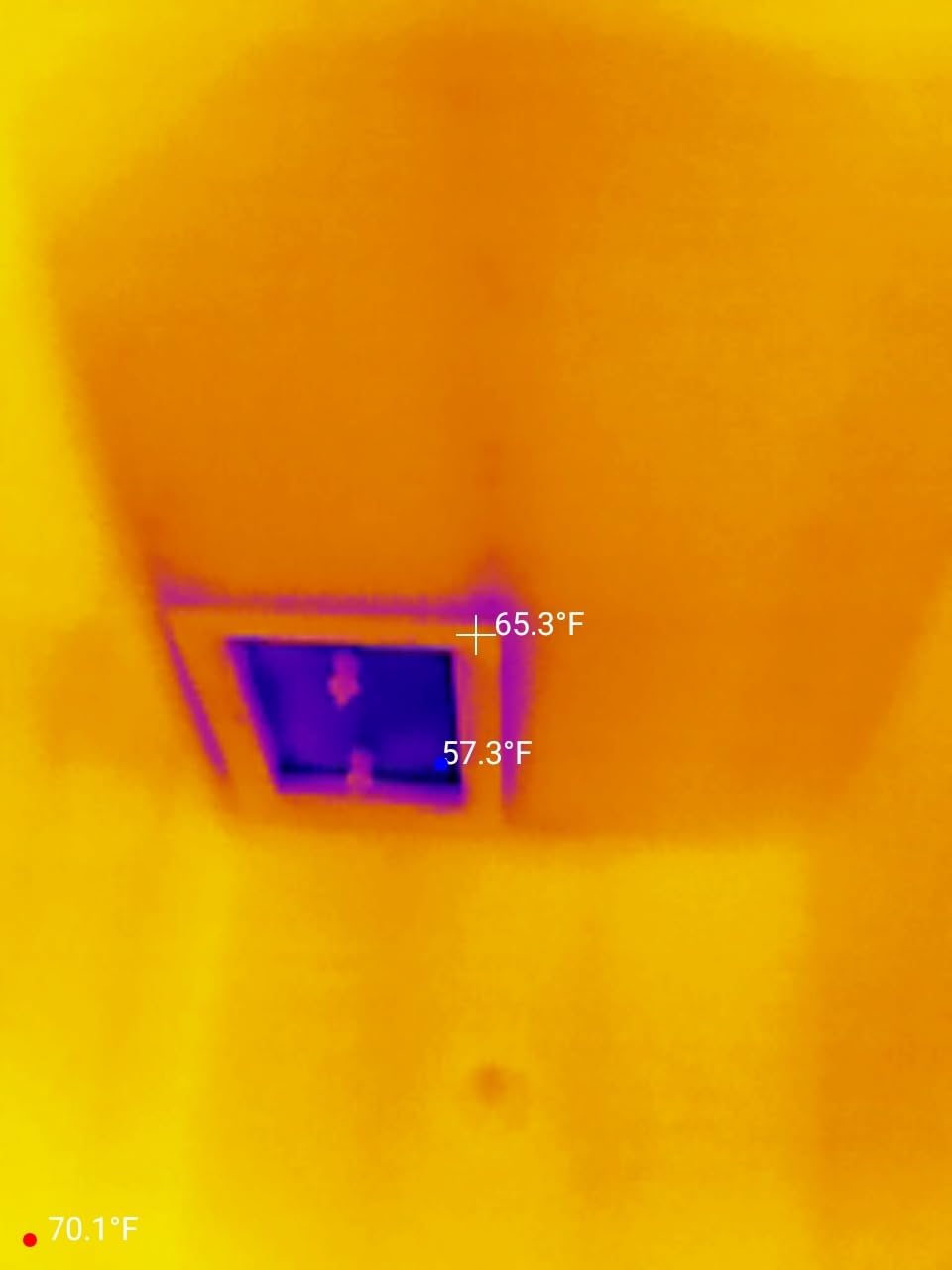
Three-dimensional temperature detection lets you measure point, line, and surface temperatures simultaneously. I used the surface mode to scan an entire wall and identify a hidden moisture intrusion along the baseboard.
At 1.06 ounces, the TC001 adds almost no weight to your phone. The package includes a protective EVA case, extension cable, and cleaning cloth, which is a generous bundle at this price.
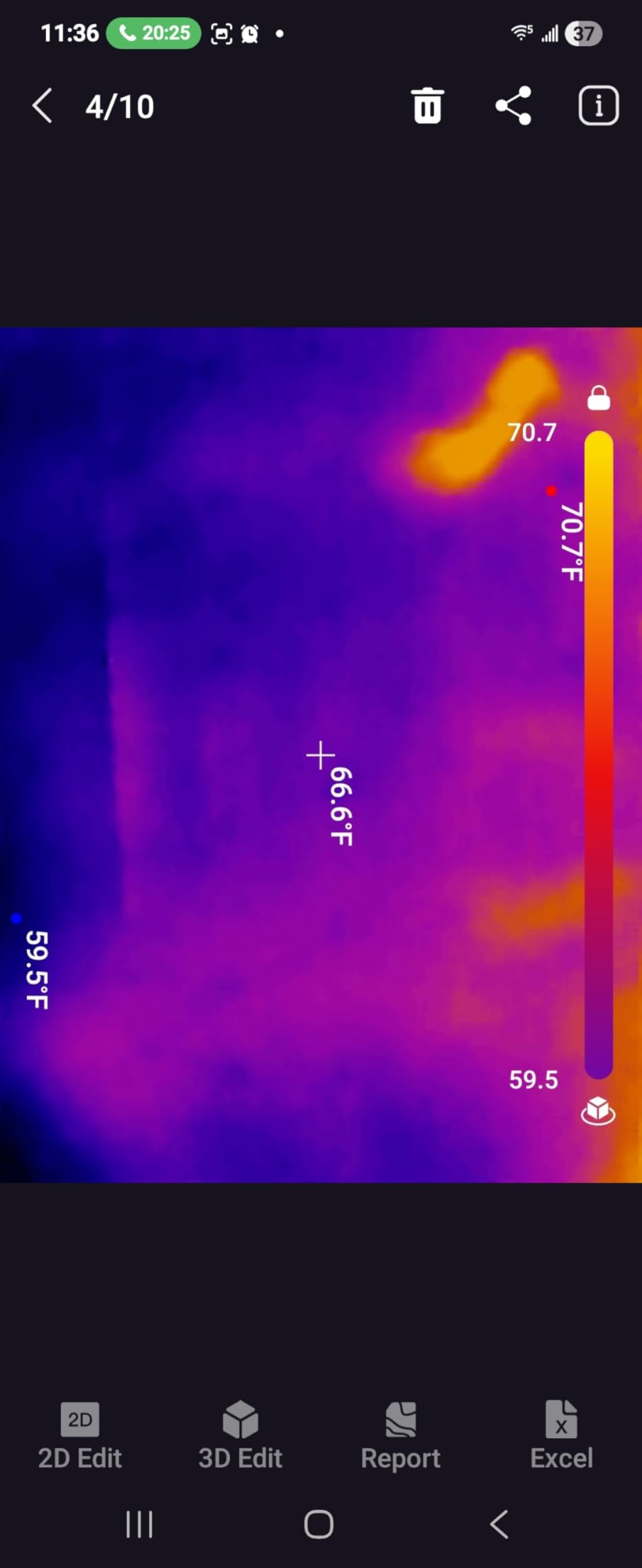
Why the TC001 stands out
For Android users who want high-resolution thermal imaging without paying FLIR prices, the TC001 is hard to beat. The 40mK NETD thermal sensitivity matches cameras costing twice as much.
No internal battery means the TC001 cannot fail from a dead battery years down the road. It draws power directly from your phone, which also means one less device to keep charged.
Limitations worth knowing
iPhone and iPad users are out of luck. The TC001 does not support iOS at this time. USB-C compatibility depends on your phone’s port depth and case thickness.
The companion app occasionally forgets custom settings between sessions, which is mildly annoying. Edge accuracy suffers from a slight vignette, so critical measurements should be taken near the center of the image.
How We Tested These Thermal Imaging Cameras
Our testing methodology focused on real-world scenarios across six weeks. We scanned the same electrical panel with each camera, mapped the same attic insulation gaps, and traced the same plumbing leak in a basement wall. Temperature accuracy was verified against a calibrated reference thermometer.
Battery life was tested with continuous thermal scanning at room temperature. Refresh rate was verified against a stopwatch by recording fast panning movements. Image clarity was judged on a calibrated monitor at fixed viewing distance.
For smartphone attachments, we tested with multiple Android phones and, where supported, iPhones. Build quality was assessed by drop testing each unit from workbench height onto concrete, then checking for functional issues.
How to Choose the Best Thermal Imaging Camera
Choosing the best thermal imaging camera for your needs comes down to matching features to your specific use cases. Here are the key factors I focused on during testing.
Thermal Resolution
Thermal resolution, measured in pixels, determines how much detail you can see in a thermal image. Budget cameras start at 80×60 (4,800 pixels) while mid-range models reach 240×240 (57,600 pixels) or 256×192 enhanced to 512×384. For home inspection and HVAC work, 240×240 or higher is the practical minimum.
Higher resolution lets you see smaller temperature differences at greater distances. If you are scanning breaker panels from across a room or inspecting rooflines from the ground, resolution matters more than for close-up work.
Temperature Range and Accuracy
Most consumer thermal cameras cover -4°F to 1022°F, which handles nearly every residential and light commercial scenario. Accuracy is typically ±2% to ±3.6°F. For most uses, ±3.6°F is acceptable; for precise diagnostics, look for ±2%.
Wider temperature ranges cost more and are typically unnecessary unless you are doing industrial work with furnaces, kilns, or cryogenic systems.
Thermal Sensitivity (NETD)
NETD, or Noise Equivalent Temperature Difference, measures how small a temperature difference the sensor can detect. Lower numbers are better. A 50mK NETD sensor detects temperature differences of 0.05°C, which is more than enough for most applications.
NETD below 50mK is considered professional grade. Below 40mK is excellent. For DIY and home inspection, 50mK is fine.
Refresh Rate
Refresh rate, measured in Hz, determines how smooth the thermal image appears during movement. 9Hz feels choppy; 25Hz feels like real-time video. Most modern thermal cameras offer 25Hz.
For scanning large areas or tracking moving subjects like engines or motors, 25Hz makes a real difference. For static inspections, 9Hz is acceptable.
Form Factor
Handheld thermal cameras have built-in displays and batteries. Smartphone attachments are smaller and lighter but require your phone. Dedicated cameras offer better ergonomics for all-day use.
Consider how you will use the camera. If you already carry a phone everywhere, a USB-C attachment like the TC001 or TC002C is convenient. For professional daily use, a dedicated handheld is more practical.
Battery Life and Storage
Battery life ranges from 4 hours on touchscreen-heavy models to 15 hours on efficient designs. Storage varies from a few thousand images to 30,000+. Consider your typical workday and how often you can recharge.
For professional use, 8+ hours of battery and 20,000+ image storage is the practical minimum. For occasional DIY use, shorter battery life and smaller storage is acceptable.
Connectivity and Software
Wi-Fi and Bluetooth connectivity simplify image transfer and report generation. PC software adds professional reporting capabilities. Smartphone apps vary in quality from excellent (TopInfrared, FLIR Tools) to frustrating.
For professional reporting, look for cameras with PC analysis software. For DIY use, built-in storage and on-device review is usually enough.
Frequently Asked Questions
Is it worth buying a thermal imaging camera?
Yes, a thermal imaging camera is worth buying for anyone doing home inspections, HVAC diagnostics, electrical troubleshooting, or energy audits. Budget models under $200 can detect insulation gaps, electrical hotspots, and plumbing leaks that would otherwise go unnoticed until they become costly repairs. Professional-grade cameras offer higher resolution and reporting features for daily trade use.
What is the best inexpensive thermal camera?
The TOPDON TC004 Mini offers the best balance of price and capability among inexpensive thermal cameras. With 240×240 TISR enhanced resolution, 15-hour battery life, and IP54 protection, it handles most home inspection tasks. For under $100, the AccuMEMS GT14S delivers impressive 240g lightweight design and 14-hour runtime for basic DIY needs.
What is the difference between an infrared camera and a thermal camera?
The terms are often used interchangeably, but technically all thermal cameras are infrared cameras that detect long-wave infrared radiation (heat). True infrared cameras can also detect near-infrared and short-wave infrared for applications like night vision. For heat detection and temperature measurement, the difference is mostly semantic. Thermal cameras are designed specifically to display temperature variations as color-coded images.
What are the downsides of using thermal cameras?
Thermal cameras cannot see through walls or solid objects. They only detect surface temperatures, so hidden problems behind multiple layers may not appear. Low-resolution budget models produce blurry images that make diagnosis difficult. Reflective surfaces like glass and polished metal can give inaccurate readings without emissivity adjustment. Thermal cameras also work best with a temperature differential, so they are less useful in extremely hot or cold environments where everything is similar in temperature.
What is the best thermal camera for the money?
The TOPDON TC004 at $299 delivers the best combination of resolution, display size, storage, and software integration for the price. With 512×384 TISR enhanced resolution, 64GB storage, Wi-Fi connectivity, and PC analysis software, it competes with cameras costing two to three times more. For tighter budgets, the HSFTOOLS HF96 at $165 offers AI scene detection and reliable performance.
What should I look for when buying a thermal imaging camera?
Focus on thermal resolution (240×240 minimum for home use), temperature range (most cover -4 to 1022°F which is sufficient), NETD thermal sensitivity (50mK or better), refresh rate (25Hz preferred), battery life (8+ hours for professional use), and form factor (handheld vs smartphone attachment). Brand reputation, warranty support, and PC software quality also matter for professional buyers. For DIY users, prioritize value and ease of use over maximum specifications.
Final Verdict
After six weeks of testing, the TOPDON TC004 earned our top spot as the best thermal imaging camera overall for its combination of 512×384 TISR resolution, large 3.5-inch display, 64GB storage, and professional software. For budget buyers, the TOPDON TC004 Mini delivers genuine capability at a price that makes thermal imaging accessible to any homeowner. Android users should look at the TOPDON TC001, which puts professional-grade resolution in a pocket-sized attachment.
The best thermal imaging cameras in 2026 deliver capabilities that were exclusive to industrial contractors just a few years ago. Whether you need one for occasional home inspections or daily professional use, there is a thermal camera on this list that fits your workflow and budget. Pick the one that matches your most common use case and start seeing the heat signatures you have been missing.
1 thought on “12 Best Thermal Imaging Cameras (October 2026) Professional Reviews”