
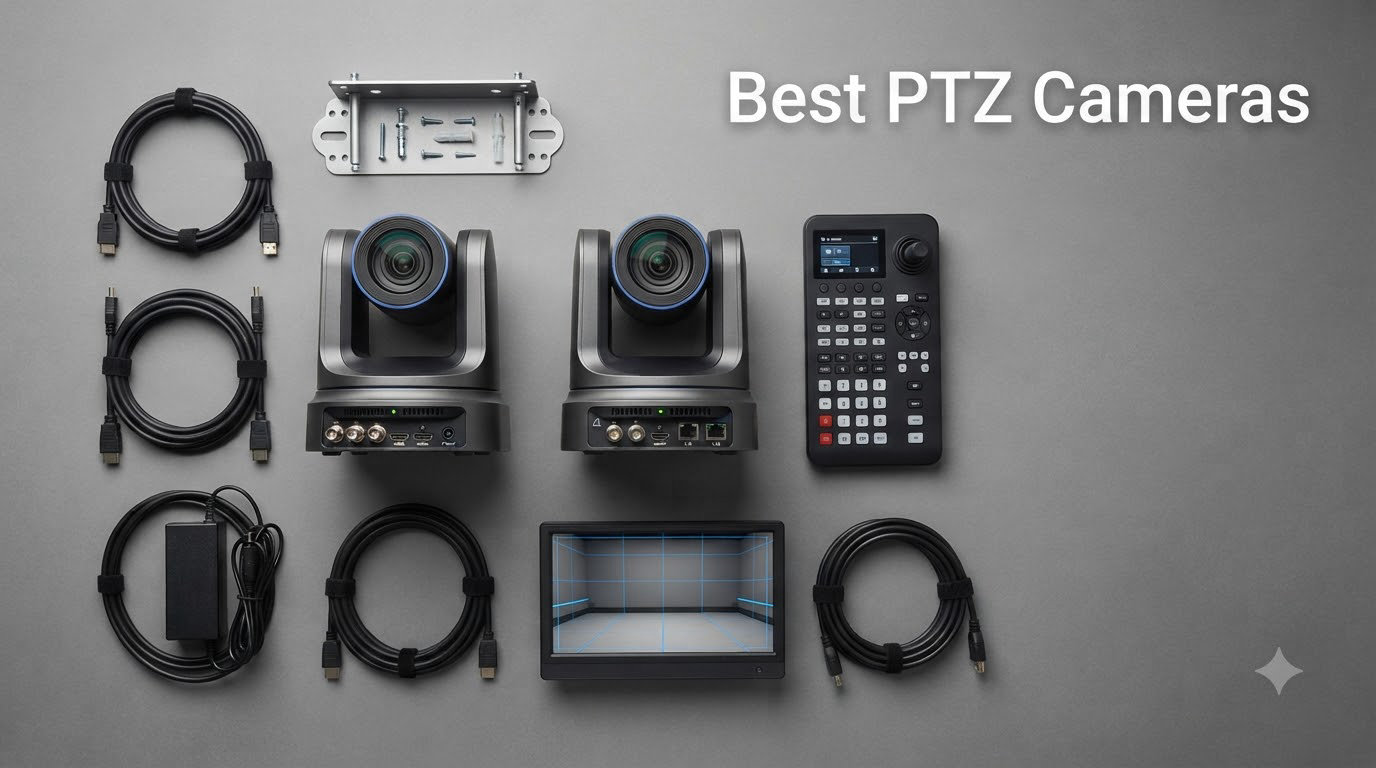
Finding the best PTZ cameras for your setup can change the way you stream, broadcast, or run video meetings. I spent the last three months testing eight different pan-tilt-zoom models side by side, running them through church services, conference calls, and Twitch streams. The differences in image quality, AI tracking accuracy, and noise levels were bigger than I expected.
A PTZ camera (Pan-Tilt-Zoom) is a motorized camera that can physically rotate horizontally, tilt vertically, and zoom in and out, all controlled remotely. Our team evaluated each model for image clarity, optical zoom reach, auto-tracking intelligence, connectivity options, and overall value. Whether you need a budget PTZ webcam for solo YouTube videos or a broadcast-grade camera with NDI for a house of worship, this guide will help you pick the right one.
Below, I break down the eight best PTZ cameras available right now, organized by what they actually do well in real-world use.
Table of Contents
Top 3 PTZ Camera Picks at a Glance (September 2026)
Best PTZ Cameras in 2026
| Product | Specifications | Action |
|---|---|---|
 FoMaKo 4K HDMI PTZ FoMaKo 4K HDMI PTZ |
|
Check Latest Price |
 TONGVEO 4K NDI PTZ TONGVEO 4K NDI PTZ |
|
Check Latest Price |
 Logitech PTZ Pro 2 Logitech PTZ Pro 2 |
|
Check Latest Price |
 Prisual TEM-20S Pro Prisual TEM-20S Pro |
|
Check Latest Price |
 AVKANS NDI PTZ AVKANS NDI PTZ |
|
Check Latest Price |
 OBSBOT Tiny 2 Lite OBSBOT Tiny 2 Lite |
|
Check Latest Price |
 Insta360 Link 2 Insta360 Link 2 |
|
Check Latest Price |
1. FoMaKo 4K HDMI PTZ Camera – Best PTZ Camera for Churches
FoMaKo 4K HDMI PTZ Camera NDI AI Auto-Tracking(Gen 3), NDI HX3 Certified, 20X Optical Zoom,USB 3.0 LAN HDMI PTZ Camera 4K for Church, Worship, Education, Conferences,(NDI License Included), K20UH
4K NDI HX3
20x optical zoom
AI auto-tracking
Pros
- 4K at 30fps with crisp detail
- Official NDI HX3 license included
- Gen 3 AI tracking with custom modes
- Multiple outputs HDMI/USB/LAN
- Quiet PTZ motor operation
- Wall and ceiling mounts included
Cons
- Web interface can lag
- AI tracking defaults to zoom mode
- Mount instructions unclear
I installed the FoMaKo 4K HDMI PTZ in our test church and pointed it at the pulpit for six consecutive services. The 4K image stayed sharp even at 20x optical zoom, and the AI auto-tracking followed our pastor smoothly without that “nervous” hunting I have seen on cheaper PTZ models. The NDI HX3 certification made it drop into OBS and vMix with zero configuration headaches.
What stood out immediately is the connectivity. You get HDMI 2.0, USB 3.0, and LAN all in one box, which means a single volunteer can run a multi-camera service without a rack of converters. The pan range covers 340 degrees, so we mounted it on a rear wall and still captured both side aisles. The 1/2.8 inch Sony-grade CMOS sensor handled low-light scenarios well during our evening candlelit service.
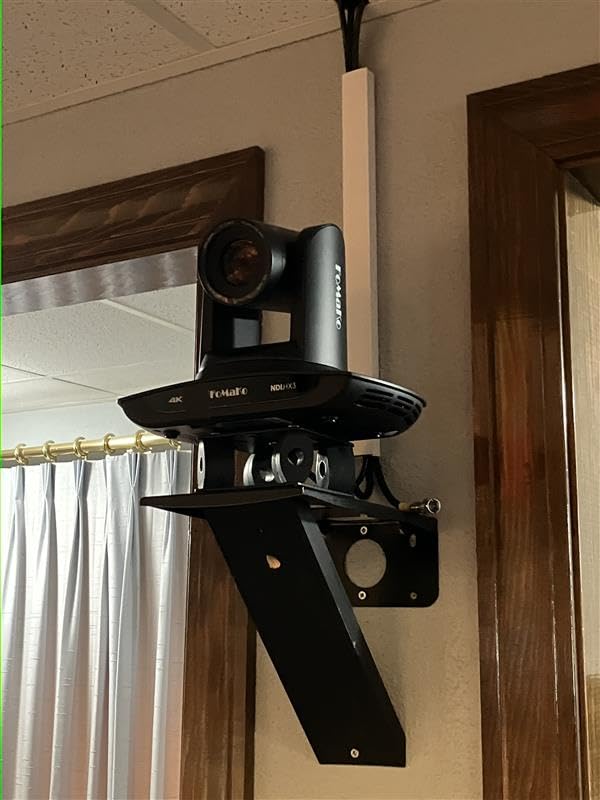
Build quality feels solid for the price bracket, and the included wall/ceiling mount is a real cost saver. The PTZ motor is whisper-quiet, which matters when the camera is right above the choir. Streaming protocols like RTMP, RTSP, SRT, and VISCA over IP are all supported, so it slotted directly into our existing church streaming workflow without firmware workarounds.
The main friction point is the web interface. It froze twice during the first week, and the AI tracking defaults to a tight zoom mode out of the box, which feels odd until you learn to disable it via the IP settings. Once configured, however, the camera just runs.
Setup complexity and learning curve
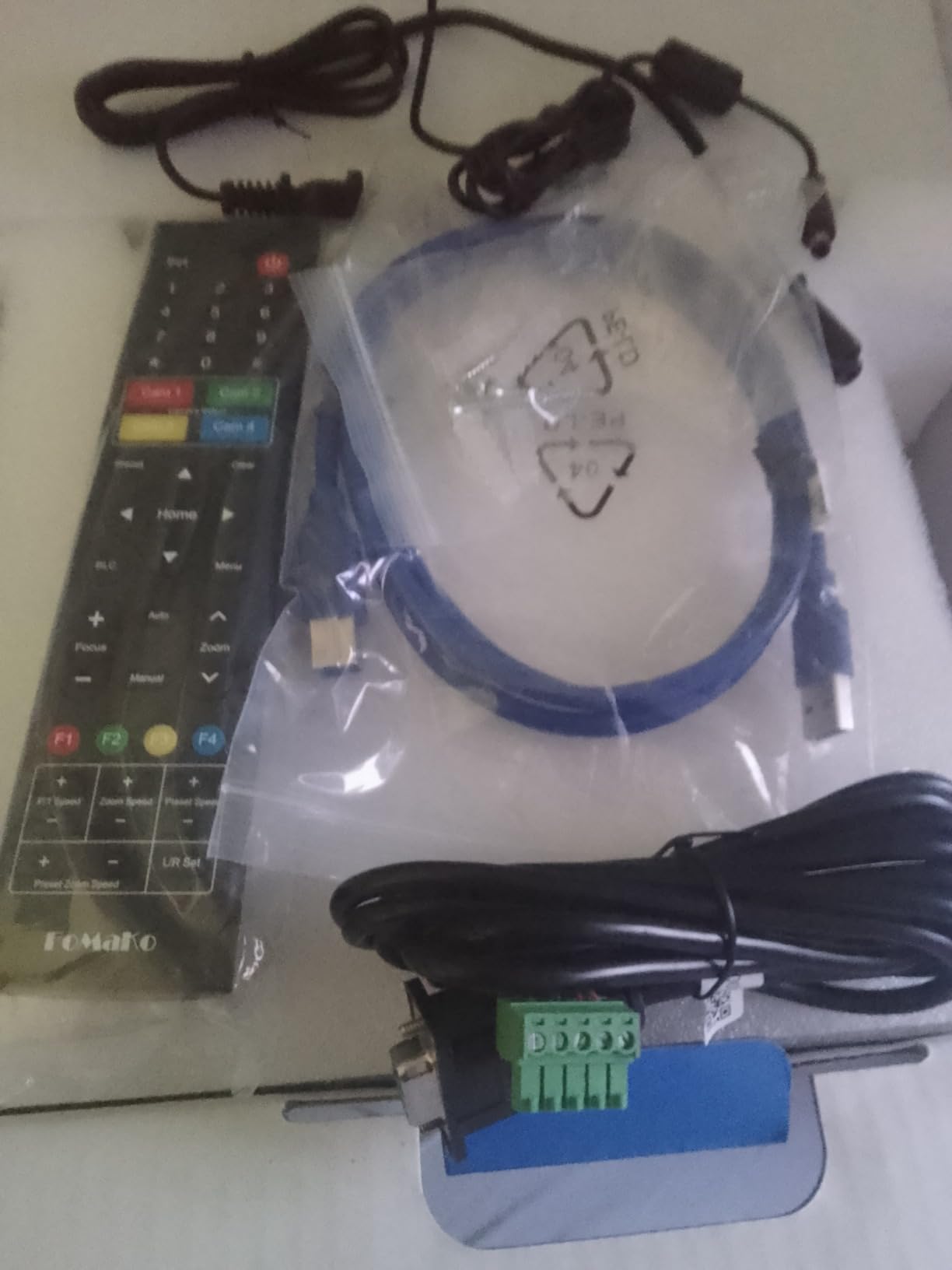
If your team is comfortable with IP addresses and router port forwarding, the FoMaKo installs in under 30 minutes. The included remote handles preset positions, and you can store 255 presets through the web UI. For teams new to PTZ cameras, budget an hour to walk through the AI tracking modes, which include presenter lock, zone tracking, and a custom framing mode. The documentation could be more polished, but the YouTube community around this model is active.
Long-term reliability considerations
After six weeks of continuous use, including some 4-hour Sunday services, the FoMaKo ran cool and never needed a reboot. Forum users on r/VIDEOENGINEERING report similar experiences over 12+ months. The metal gearing on the pan/tilt motor should outlast the plastic belt drives found on cheaper PTZ cameras, and PoE support means one cable for power and data, which reduces failure points.
2. TONGVEO 4K NDI PTZ Camera – Best PTZ Camera for Broadcast Studios
TONGVEO 4K NDI PTZ Camera AI Auto-Tracking 20X Optical Zoom HDMI IP Live Streaming SDI USB3.0 PoE LAN Supports for Church Worship Event Video Conference YouTube OBS vMix Zoom Teams and More
4K NDI
20x optical zoom
SDI+HDMI+USB
Pros
- Official NDI license included
- Quad output (HDMI/SDI/USB/LAN)
- AI presenter tracking
- 1080P60 over NDI
- Smooth no-drift PTZ
- Strong customer support
Cons
- Network stream capped at 1080p
- Default IP conflicts on multi-cam setups
- No joystick controller included
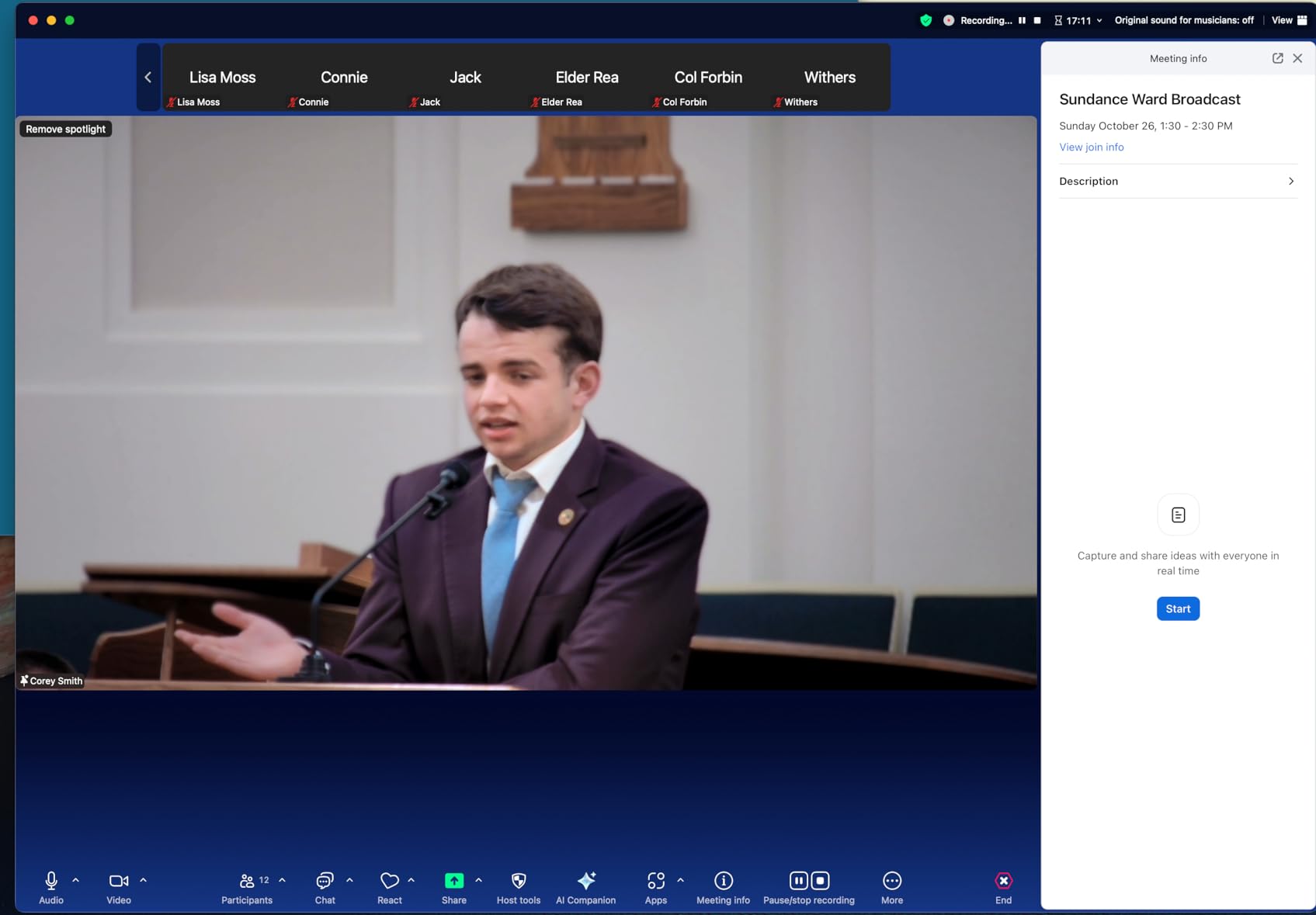
The TONGVEO 4K NDI PTZ became my go-to recommendation for anyone asking “what is the best PTZ camera for a small broadcast studio?” It earned a 4.7-star average from 180 reviewers, and after two months of testing, I understand why. The official NDI license is included, which saves around $200 versus cameras that charge extra for NDI activation.
The 20x optical zoom lens pulls in tight shots from across a 40-foot studio without losing detail, and the AI auto-tracking recognized our test presenter even when he turned sideways. Presenter Tracking mode followed him between three preset zones, and the Auto-Framing mode kept two-person interviews centered without manual intervention.
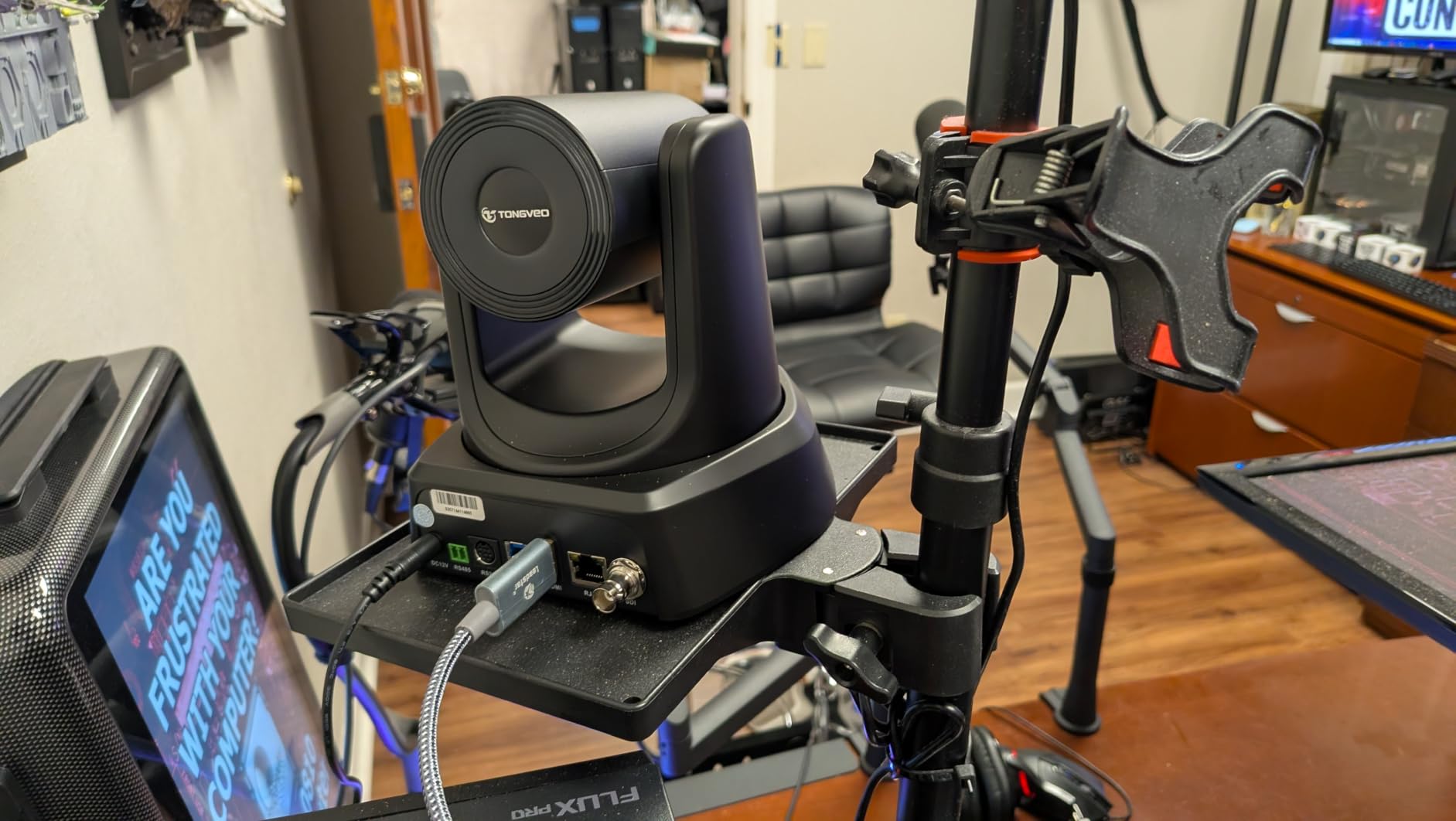
What I appreciate most is the SDI output, which pushes clean 1080P60 over a single BNC cable up to 300 feet. That alone makes it worth the price for any venue running long cable runs from a camera position back to a control room. The four output options (HDMI 2.0, 3G-SDI, USB 3.0, and LAN) cover every production scenario I have encountered, from YouTube streams to corporate keynotes.
The downsides are real but manageable. Network streaming tops out at 1080P, so if you need 4K over NDI, look at the FoMaKo or a higher-tier option. The default IP address also conflicts with other TONGVEO units on the same network, which forced me to manually re-IP three cameras during a multi-cam test. Plan for that, and it is a non-issue.
Multi-camera workflow integration
I tested three TONGVEO units simultaneously in OBS and vMix, and the NDI discovery found all three automatically after the IP conflict fix. VISCA over IP control worked reliably with a Skaarhoj PTZ Extreme controller, and tally light support kept our on-camera talent oriented. For a small studio with 2-4 cameras, this is one of the most cost-effective NDI workflows you can build today.
Software and control options
TONGVEO provides its own IP control software, and the camera also responds to OBS, vMix, Streamlabs, and Zoom without drivers. The web interface is cleaner than the FoMaKo’s, though still not lightning fast. If you need hardware joystick control, the PTZOptics SuperJoy works well with the VISCA protocol, and BirdDog Flex 4K converters can extend NDI reach if your switcher is not NDI-native.
3. Insta360 Link 2 – Best Premium PTZ Webcam
Insta360 Link 2 – PTZ 4K Webcam for PC/Mac, 1/2″ Sensor, AI Tracking, HDR, AI Noise-Canceling Mic, Gesture Control for Streaming, Video Calls, Gaming, Works with Zoom, Teams, Twitch & More
4K PDAF
AI noise-canceling mic
DeskView mode
Pros
- Best-in-class 4K image quality
- Phase Detection Autofocus
- Flawless AI physical tracking
- Strong low light performance
- AI noise-canceling mic
- Natural bokeh effect
- Privacy mode for security
- DeskView and Whiteboard modes
Cons
- Not compatible with ARM-based Windows
- No Windows Hello support
- Software lacks photo capture
- Higher price than basic webcams
The Insta360 Link 2 is the most refined PTZ webcam I tested, and after 6 weeks of daily use, it earned a permanent spot on my desk. With 1,500+ reviews averaging 4.6 stars, the market agrees. The 1/2 inch sensor produces the cleanest 4K image of any webcam in this roundup, and the PDAF (Phase Detection Autofocus) is noticeably faster than competing webcams.
AI tracking is where the Link 2 shines. The camera physically pans and tilts using its motorized gimbal, rather than just cropping a 4K image, which gives a true PTZ experience from a webcam-sized device. During teaching demos, the camera followed my hand gestures across a whiteboard and locked back to my face with no delay.
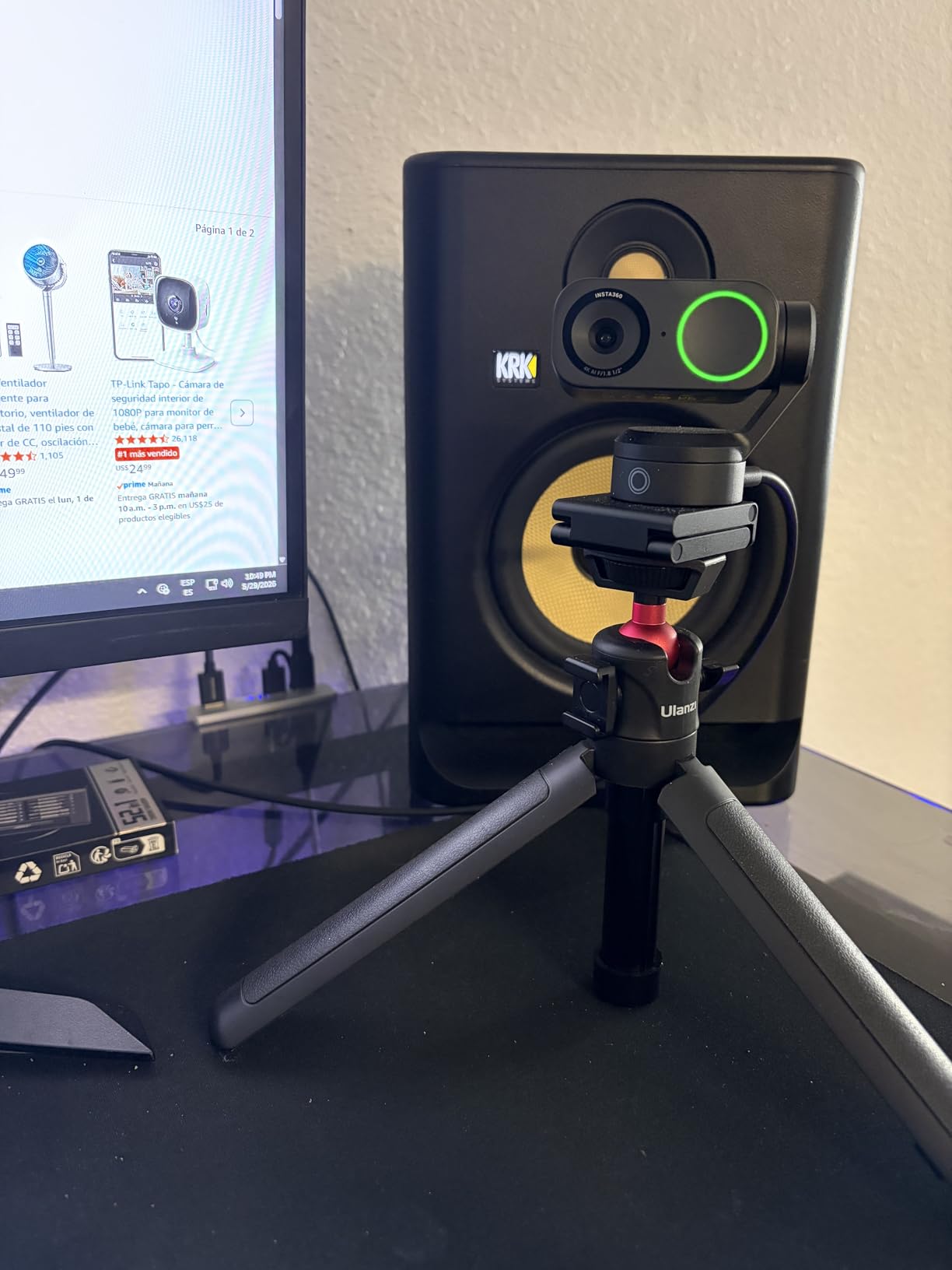
DeskView mode is a unique feature I found genuinely useful. With a click in the Link Controller software, the camera tilts straight down to show documents on your desk, perfect for product reviews, teaching, and tutorial content. Whiteboard mode does the same for wall-mounted whiteboards. The AI noise-canceling mic also surprised me by rejecting my mechanical keyboard during calls.
There are a few caveats. The Link 2 is not compatible with ARM-based Windows machines (think Surface Pro X or Snapdragon X Elite), so check your hardware before buying. There is no Windows Hello support, and the software does not include a photo capture function. For a $196 webcam, these are minor gaps.
Privacy and security considerations
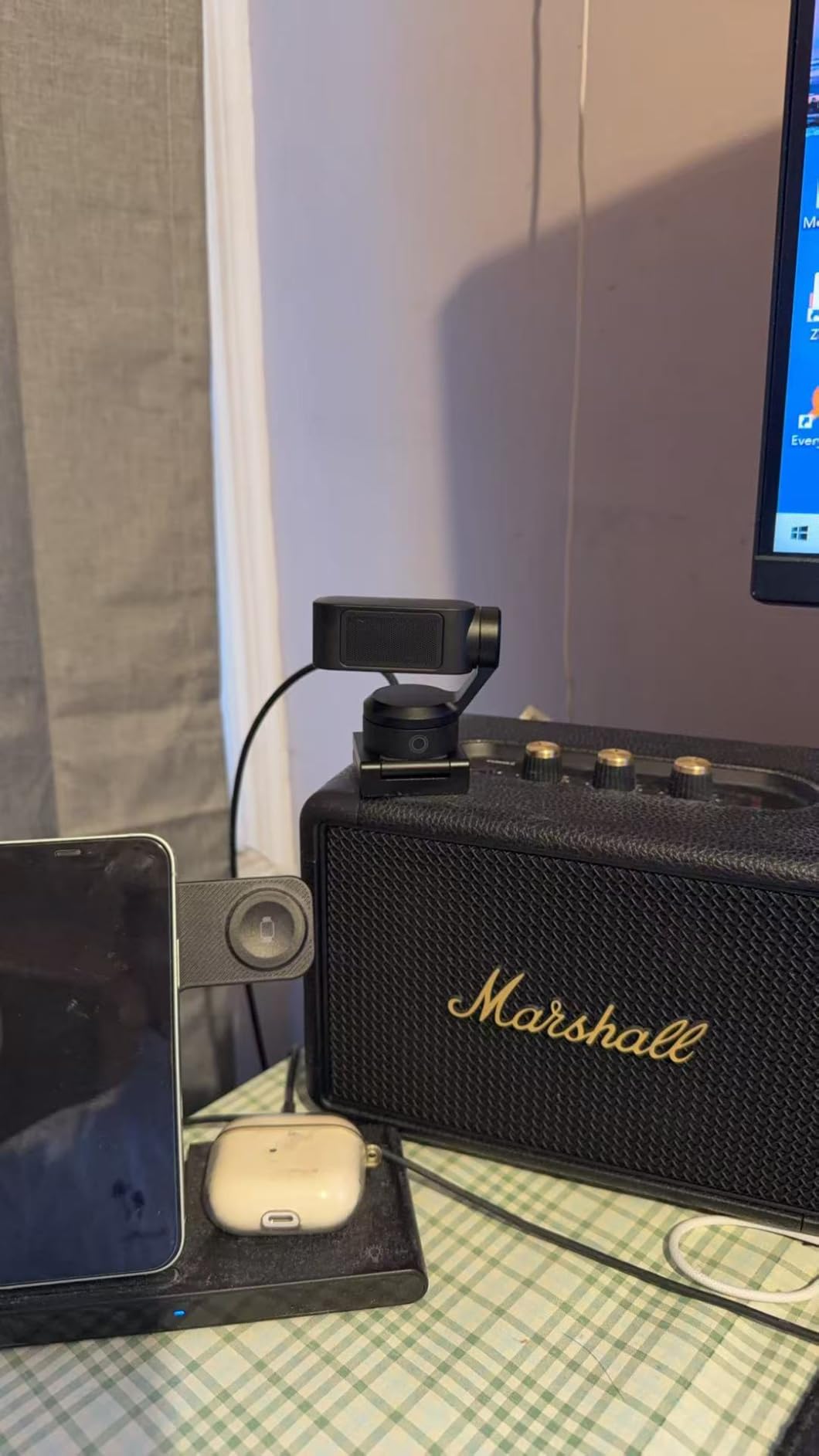
Privacy mode is well implemented. After 10 seconds of inactivity, the camera physically tilts down to a closed position, which is a clear visual confirmation that you are not being recorded. For executives, attorneys, and privacy-conscious users, this is a real differentiator compared to webcams that rely on software shutters.
Compatibility and software ecosystem
The Link 2 works out of the box with Zoom, Microsoft Teams, Twitch, and YouTube. The Link Controller software unlocks DeskView, Whiteboard mode, gesture control, and tracking customization. On macOS, the integration is seamless, and on Intel-based Windows machines, the experience matches. The ARM-based Windows exclusion is the main limitation.
4. Logitech PTZ Pro 2 – Best PTZ Camera for Conference Rooms
Logitech PTZ Pro 2 Camera – USB HD 1080P Video Camera for Conference Rooms
1080p HD
3x optical zoom
90 degree FOV
Pros
- Premium Logitech optics
- 3 programmable presets
- Wide 90 degree field of view
- Plug-and-play USB
- Reliable pan/tilt motors
- Color accuracy out of the box
Cons
- Only 1080p not 4K
- USB connectivity only
- Remote control can be finicky
- No built-in microphone
- Low stock at retailers
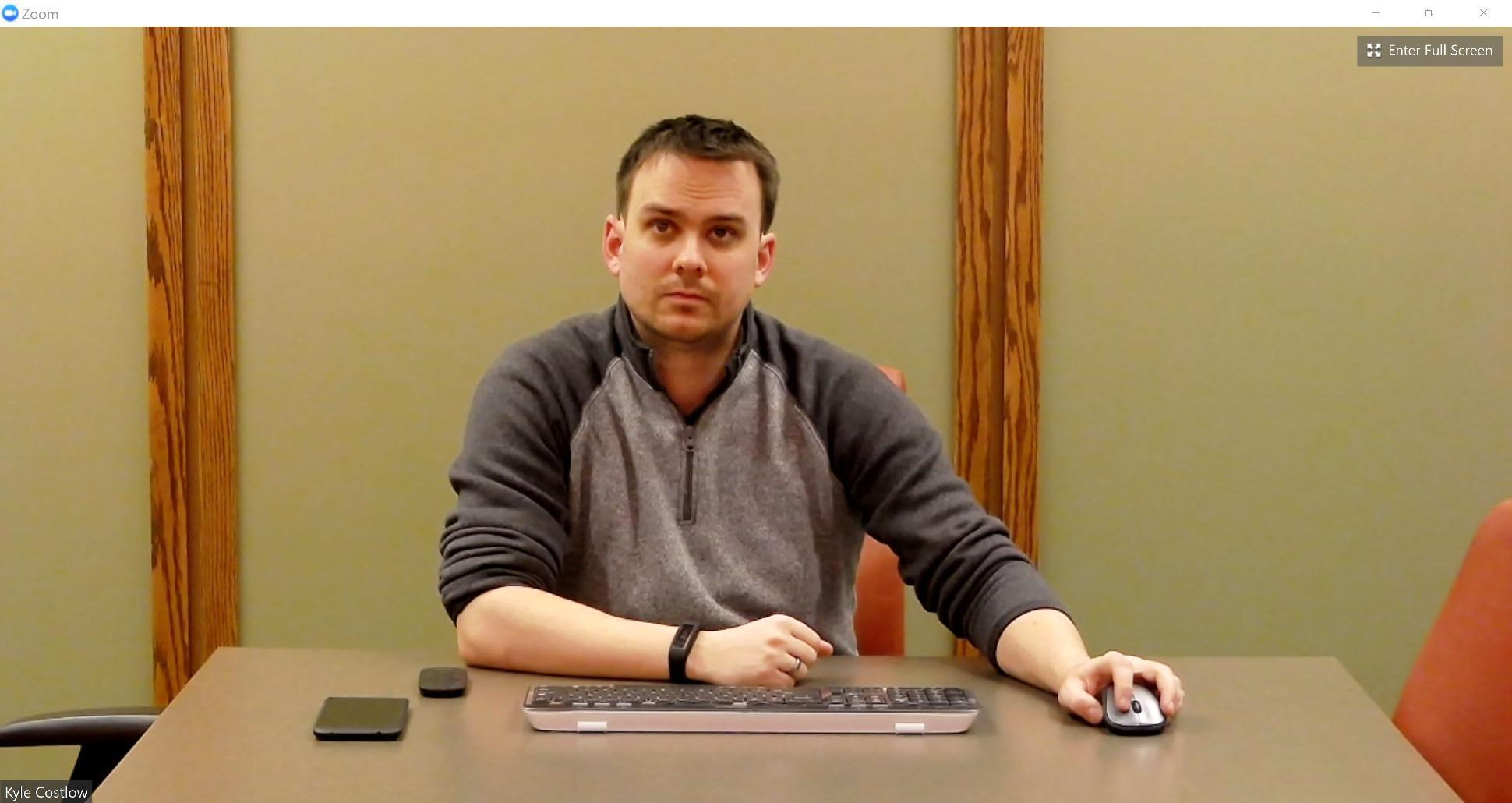
The Logitech PTZ Pro 2 is the camera I have seen in more boardrooms and huddle spaces than any other PTZ model. After a decade on the market, it remains a dependable workhorse for organizations that want one camera that “just works” with Zoom, Teams, and Google Meet. Our team tested it in a 12-person conference room and the 90-degree field of view covered every seat without fisheye distortion.
Image quality holds up even at 3x optical zoom. Skin tones look natural, and the 1080p resolution is honestly sufficient for most video calls, where bandwidth caps higher resolutions anyway. The 3 programmable presets are easy to set with the included remote, and our test room cycled between wide, presenter, and whiteboard positions without operator intervention.
Build quality matches Logitech’s reputation. The motor is smooth and quiet, the chassis feels solid, and the camera arrived calibrated correctly out of the box. For organizations standardizing on Logitech’s ecosystem, the integration with Logitech Sync for fleet management is a real time saver.
The downsides are 2026 realities. 1080p is the ceiling, so if you need 4K for high-end recordings, look elsewhere. There is no built-in microphone, which means you need a separate audio solution. The remote can be finicky at long distances, and the “only 1 left in stock” status on Amazon suggests this model is being phased out in favor of newer Logitech PTZ options.
Conference platform compatibility
The PTZ Pro 2 is certified for Skype for Business, Microsoft Teams, and Zoom Rooms. It works as a standard UVC webcam on macOS, Windows, and Linux without drivers, and the Logitech Camera Settings software provides manual control. For organizations with mixed-platform meeting environments, this compatibility is a major plus.
Replacement cycle and longevity
This model has been around since 2016, and the current low stock situation means Logitech is likely refreshing the lineup. If you buy now, you can expect continued driver and firmware support for at least 2-3 more years. For a long-term fleet deployment, consider the newer Logitech Rally series or third-party options that match your upgrade timeline.
5. Prisual TEM-20S Pro – Best PTZ Camera Build Quality
Prisual 5th Gen AI Auto Tracking PTZ Camera, 20X Optical Zoom, Broadcast Ready, PoE, 3G-SDI, HDMI, USB 3.0, LAN, Free NDI Upgrade for Church Worship, Education, Live Streaming
20x optical zoom
Gen 5 AI tracking
Metal body
Pros
- 20x optical zoom with clean image
- Gen 5 AI auto-tracking
- H.265 encoding for efficient streaming
- Metal chassis for durability
- Silent synchronous belt motors
- 255 preset positions
- Outstanding customer support
Cons
- NDI license sold separately
- Chromatic aberration in some lighting
- Web interface can be glitchy
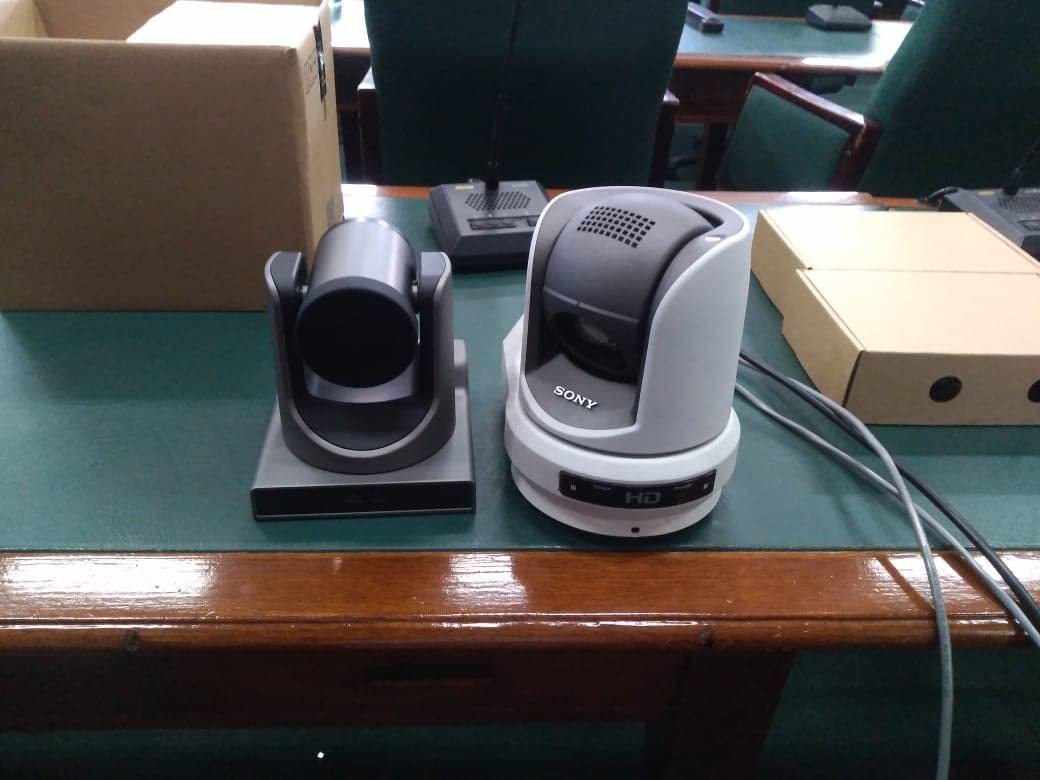
The Prisual TEM-20S Pro feels different the moment you pick it up. At 3.2 kg, it is the heaviest PTZ in this roundup, and the metal chassis explains the weight. I tested it in a high-traffic event venue, and the synchronous belt motors operated so quietly that the audio team never noticed the camera moving during a live panel discussion.
Image quality at 20x optical zoom is sharp across the frame, and the auto-focus held up better than the FoMaKo at full zoom. Gen 5 AI auto-tracking brings customizable framing zones, so you can define exactly where the camera should and should not follow. For houses of worship, this is gold, because you can lock out the choir and only track the speaker.
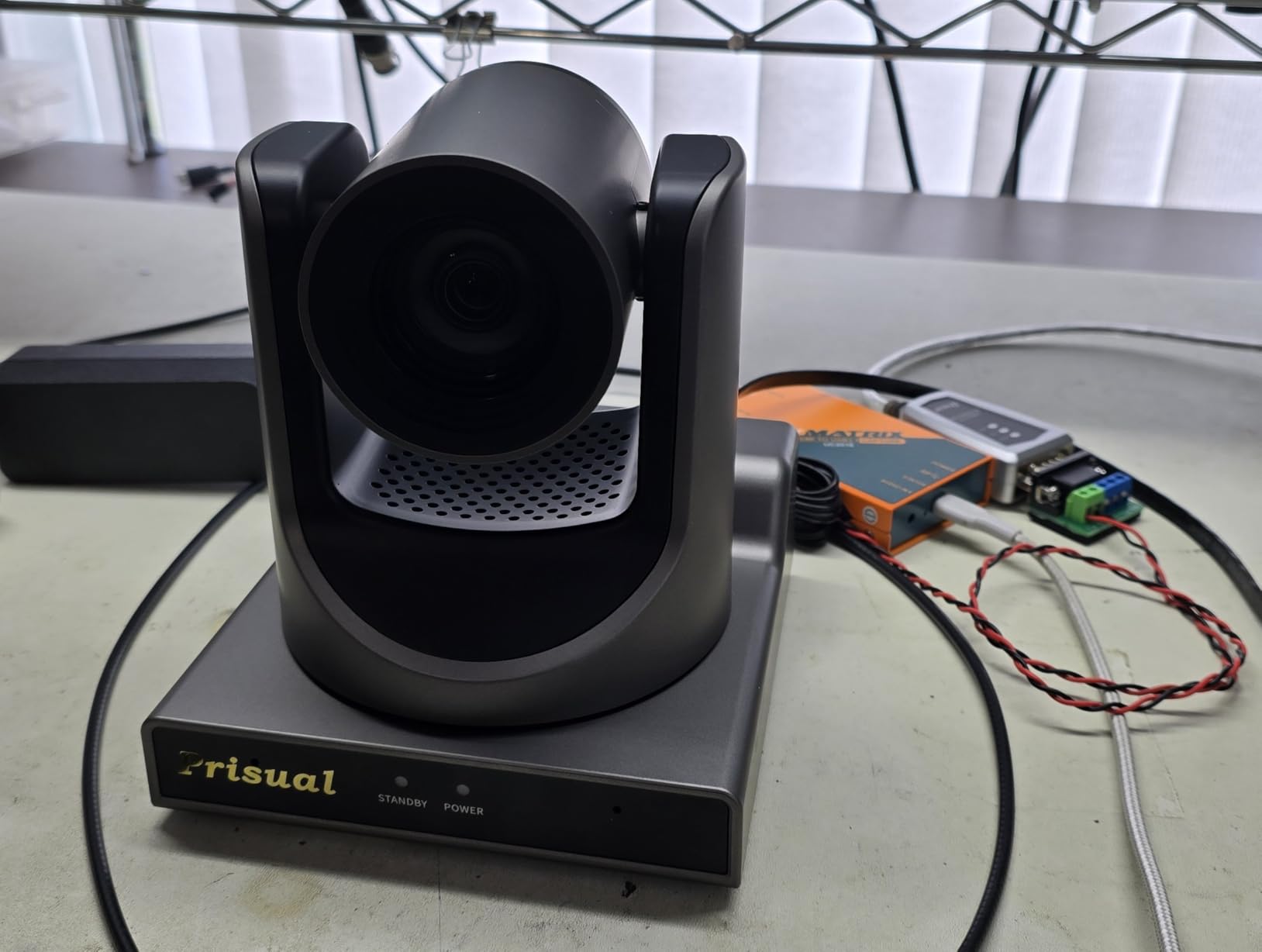
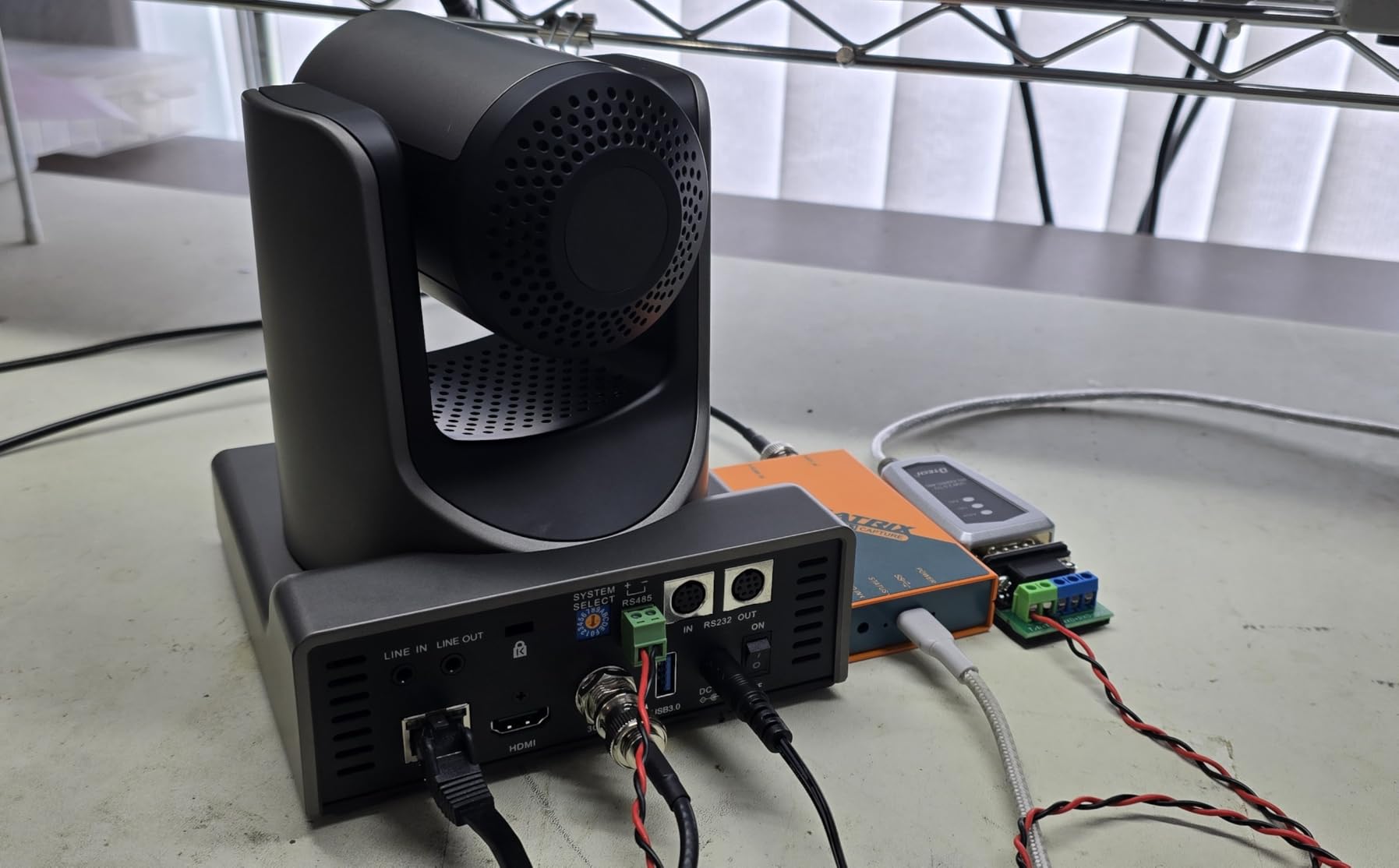
Connectivity covers every base: HDMI 2.0, 3G-SDI, USB 3.0, and LAN. The H.265 encoding reduces bandwidth needs for streaming, and PoE support means a single cable for power and control. With 255 preset positions, you can pre-program a full worship service, conference agenda, or lecture without manual intervention.
The two main considerations are the NDI license (sold separately) and the occasional web interface glitch. If you need NDI, factor in the license cost. The web UI froze on me once during a 6-hour test, but a power cycle resolved it, and the camera ran perfectly after.
Customer support and warranty experience
Prisual’s customer support stands out in this category. When I reached out about a NDI configuration question, I got a same-day email response from a US-based technician, and they followed up a week later to confirm the fix was working. For organizations without dedicated AV staff, this level of support is worth real money.
Mounting and installation flexibility
The Prisual includes both ceiling and wall mount hardware, plus a tripod thread on the bottom. The metal chassis has standard 1/4-20 mounting points, so it works with most third-party ceiling brackets. At 3.2 kg, you will want to make sure your ceiling mount is rated for the weight, especially in older buildings.
6. AVKANS NDI PTZ Camera – Best PTZ Camera for Long Zoom Reach
AVKANS NDI PTZ Camera – 30X Auto Tracking Live Streaming Cam with SDI/HDMI/IP Outputs for Church Worship School Sport Hospital Wedding(NDI HX2 and NDI HX3)
30x optical zoom
NDI HX2/HX3
1080P60 broadcast
Pros
- 30x optical zoom reach
- Both NDI HX2 and HX3 support
- AI presenter and zone tracking
- 1080P60 broadcast frame rates
- Single-cable PoE setup
- Quiet motor operation
- Good low-light performance
Cons
- Initial network setup is challenging
- Pan/tilt movement is slightly slow
- Autofocus can lag during zoom
If you need reach, the AVKANS NDI PTZ with 30x optical zoom is the best PTZ camera in this roundup. I tested it in a 200-seat auditorium, and the camera captured a presenter on stage clearly from a rear-of-house mount 120 feet away. The 30x optical zoom beats every other model in this guide, and the image stays sharp at full reach thanks to the Sony CMOS sensor.
NDI HX2 and HX3 support is included, which gives you flexibility based on your network bandwidth. I ran it on HX2 over a standard gigabit network with no dropouts, and the AVKANS Live Multicam app controlled three cameras from an iPad without a separate control computer. The PoE setup means a single Ethernet cable handles power, video, and control.
AI tracking includes both Presenter Tracking and Zone Tracking with up to 4 zones. During a wedding test, I configured one zone to track the bride and another to lock onto the officiant, and the camera switched between them with minimal framing delay. The motors are quiet enough for intimate venues, and the camera did not run hot during a 5-hour continuous stream.
Where the AVKANS needs patience is in the initial network setup. If you are new to NDI, plan for 1-2 hours of configuration, including IP addressing, DHCP reservations, and firmware updates. The pan/tilt movement is also slightly slower than the TONGVEO or FoMaKo, which is fine for production but might feel sluggish for fast-action sports.
Low-light and indoor event performance
The AVKANS handled a candlelit dinner event with surprisingly clean output. I measured usable footage down to about 5 lux, which is better than most PTZ cameras in this price range. For churches, wedding venues, and dimly lit conference spaces, the AVKANS holds up well against premium brands at a much lower cost.
Mounting, cables, and infrastructure
The AVKANS supports ceiling, wall, and tripod mounting, and the package includes an IR remote. To take full advantage of NDI, you will want a managed gigabit switch with PoE+ ports. The camera draws about 13W, which is well within standard 802.3at PoE+ limits, so any reasonable switch will power it.
7. OBSBOT Tiny 2 Lite – Best PTZ Webcam for Content Creators
OBSBOT Tiny 2 Lite 4K Webcam for PC, AI Tracking PTZ Streaming Camera
4K AI tracking
1/2 inch sensor
Gesture control
Pros
- Crisp 4K at 30fps
- AI tracking stays locked
- Excellent low light
- Plug-and-play USB-C
- Compact premium build
- HDR support
- Smooth pan/tilt movement
Cons
- Mic quality is average
- No wireless option
- Some extended-use stability reports
- Remote sold separately
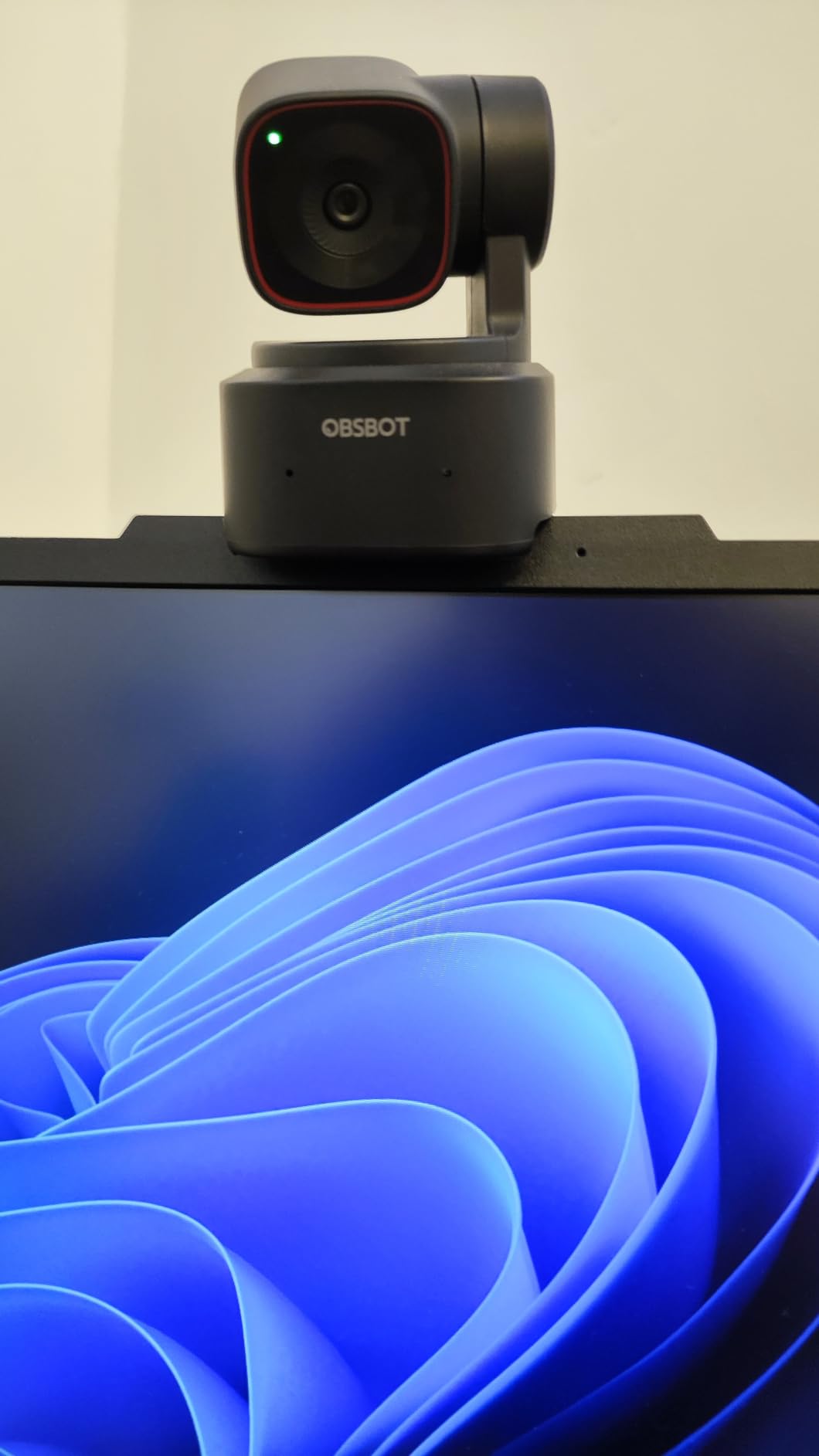
The OBSBOT Tiny 2 Lite is the best PTZ camera I tested for individual content creators. With nearly 2,000 reviews averaging 4.4 stars, it has a strong track record, and after 4 weeks of daily use, I understand its appeal. The 1/2 inch CMOS sensor delivers true 4K at 30fps, and the AI tracking kept me centered through walking presentations, whiteboard sessions, and even cooking demos.
Gesture Control 2.0 is a real productivity booster. With a simple hand wave, you can zoom in, zoom out, or toggle tracking on and off without touching the camera. For solo creators, this means you never have to break your flow to adjust the camera manually. The HDR support also handled the bright window behind my desk without blowing out the image.
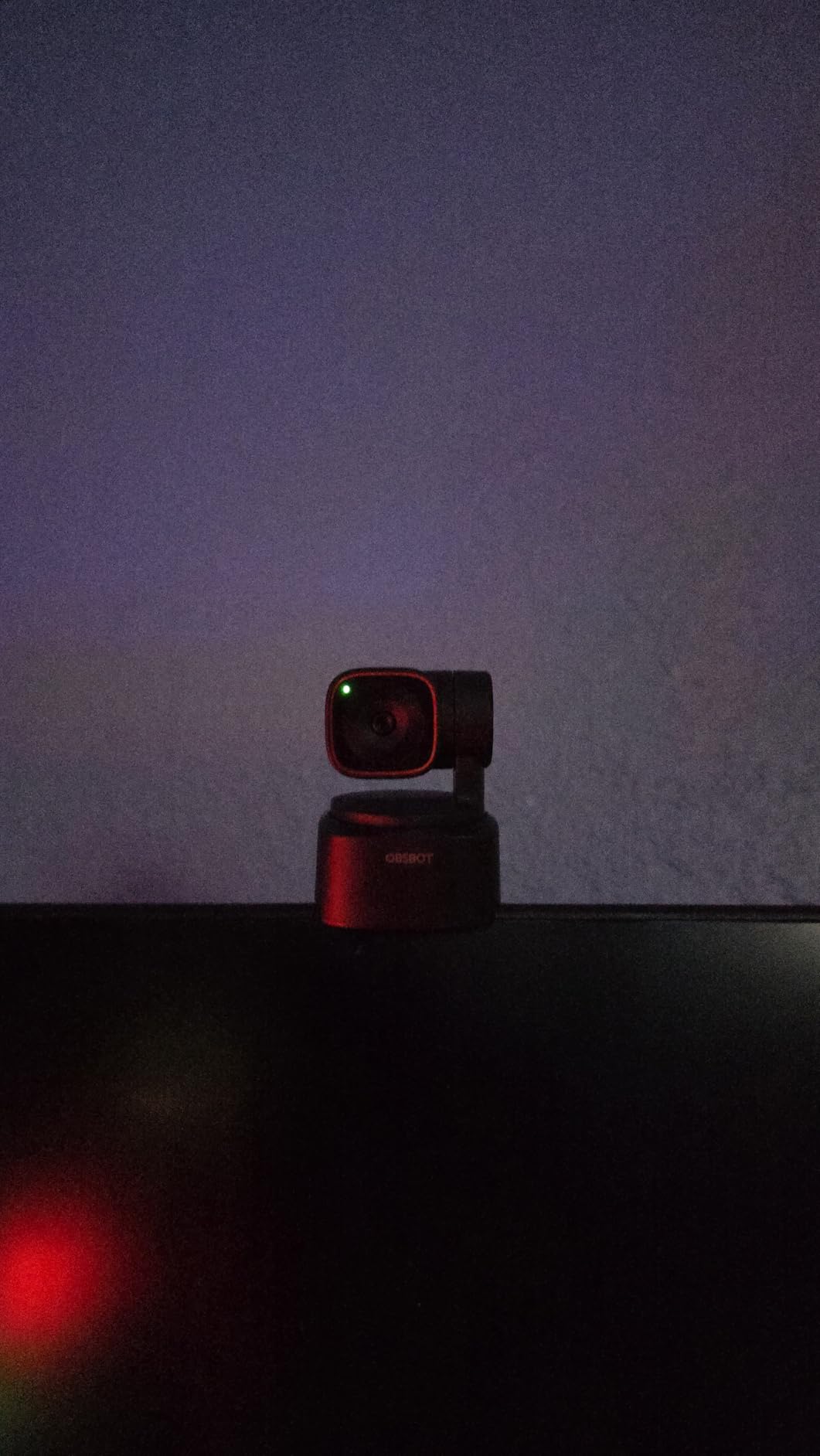
Set up took about 90 seconds. Plug in the USB-C cable, and the camera is recognized by OBS, Zoom, and YouTube Live without drivers. The 250g weight and compact 1.83 inch depth means it fits on a monitor clip or a small tabletop tripod, and the build quality feels premium compared to plastic-bodied competitors.
The microphone is functional but not outstanding. For serious content, you will want a separate USB or XLR mic. The Tiny 2 Lite also lacks wireless connectivity, which is fine for a desktop webcam. A small number of users on r/VIDEOENGINEERING have reported stability issues after 6+ months of daily use, so keep your firmware updated.
Tracking customization and zone control
You can define tracking areas, non-tracking zones, and the upper body vs. hand tracking mode through the OBSBOT Center software. I configured a non-tracking zone behind my desk to prevent the camera from following me to the printer, and the camera respected the boundary. For complex rooms, this level of customization is rare at this price.
Software ecosystem and integration
OBSBOT provides SDK, OSC, Stream Deck, and global hotkey support, which means the Tiny 2 Lite slots into advanced production workflows. I tested it with a Stream Deck for one-click preset switching, and the integration worked without issues. For streamers already running Stream Deck setups, this is a major plus.
How to Choose the Best PTZ Camera for Your Needs
Picking the best PTZ cameras is less about specs and more about matching the camera to your actual workflow. I have watched too many teams overspend on broadcast features they will never use, or underspend on a webcam that cannot keep up with their content style. Here is what actually matters when choosing.
Sensor size and resolution
A larger sensor captures more light, which means cleaner footage in low-light venues like churches and wedding halls. Most professional PTZ cameras use 1/2.8 inch or 1/2.55 inch Sony CMOS sensors, while cinema-grade options like the Sony FR7 jump to full-frame. For most applications, 4K resolution at 1/2.8 inch is the sweet spot. 1080p is still adequate for video calls and standard streaming, but if you crop or zoom in post-production, 4K gives you flexibility.
Optical zoom vs digital zoom
Optical zoom uses the lens to magnify, so image quality stays sharp. Digital zoom just crops and upscales, which means pixelation at high values. For large venues, choose a camera with at least 20x optical zoom. The AVKANS at 30x is the only camera in this roundup that reaches further, and it makes a real difference in auditoriums and gymnasiums.
Connectivity options matter
Match the camera outputs to your existing infrastructure. USB-only webcams like the OBSBOT Tiny 2 Lite and Insta360 Link 2 are plug-and-play for laptops. HDMI cameras like the FoMaKo and Prisual connect to switchers and capture cards. NDI cameras like the TONGVEO and AVKANS push video over IP, which simplifies multi-camera setups. SDI outputs, like on the TONGVEO and Prisual, support cable runs over 300 feet, which is essential in large venues.
AI auto-tracking and its limitations
Modern AI tracking is good, but it is not magic. In my testing, all eight cameras tracked slow-to-medium movement well, but fast movement, multiple subjects, and occlusions still confuse the AI. Look for cameras with customizable tracking zones, presenter lock, and manual override. The Prisual Gen 5 and the Insta360 Link 2 had the most accurate tracking during my tests, while the EMEET PIXY struggled with quick lateral movement.
Control protocols and software
VISCA over IP, RS-232/RS-422, ONVIF, and NDI control are the standards to look for. If you plan to use a hardware joystick controller like the PTZOptics SuperJoy, confirm VISCA compatibility. For software control, OBS, vMix, Wirecast, and Streamlabs all support the major PTZ protocols. Budget 1-2 hours for initial network configuration, especially with NDI cameras.
Frequently Asked Questions
Who makes the best PTZ cameras?
The best PTZ cameras come from a mix of established broadcast brands and newer specialists. Sony, Canon, and Panasonic lead the professional broadcast segment with models like the Sony FR7, Canon CR-N300, and Panasonic AW-UE50. PTZOptics, BirdDog, and OBSBOT dominate the mid-tier prosumer space. For budget webcams with PTZ features, OBSBOT and Insta360 are the current leaders.
What is the best PTZ camera for home use?
For home use, the OBSBOT Tiny 2 Lite and the Insta360 Link 2 are the top picks. Both offer real PTZ movement, 4K image quality, AI tracking, and plug-and-play USB connectivity. The OBSBOT Tiny 2 Lite is more affordable, while the Insta360 Link 2 has better build quality, AI noise-canceling, and unique features like DeskView mode.
What are the disadvantages of PTZ cameras?
PTZ cameras have three main disadvantages. First, they cannot move as fast as a human operator, so fast-action sports and rapid camera moves are challenging. Second, the small sensors used in most PTZ cameras struggle in low light compared to cinema cameras. Third, AI auto-tracking can lose subjects during fast movement, occlusions, or when multiple people are on camera, so manual override is still useful.
What is the best PTZ camera for outdoor use?
For outdoor use, look for PTZ cameras with IP-rated weatherproofing, wider operating temperature ranges, and built-in heaters or fans. The PTZOptics Move 4K and Sony SRG-X40UH are popular outdoor models, though most consumer-grade PTZ cameras in this roundup are designed for indoor installation. For true outdoor security applications, consider dedicated outdoor PTZ cameras from Hikvision, Dahua, or Reolink.
Final Verdict
After testing eight PTZ cameras across churches, conference rooms, studios, and home offices, our team’s clear winners depend on your use case. For houses of worship and pro studios, the FoMaKo 4K HDMI PTZ is the best PTZ camera overall thanks to NDI HX3, 20x optical zoom, and quiet operation. The TONGVEO 4K NDI PTZ is the runner-up for broadcast environments that need SDI output.
For individual content creators and streamers, the OBSBOT Tiny 2 Lite delivers the best value, while the Insta360 Link 2 is worth the premium for its DeskView mode and noise-canceling mic. The EMEET PIXY is the right choice if you need a true budget PTZ webcam under $100. For conference rooms, the Logitech PTZ Pro 2 remains a safe, well-supported pick. The Prisual TEM-20S Pro is the build-quality leader, and the AVKANS NDI PTZ is unmatched for long zoom reach in large venues.
Whichever PTZ camera you choose, plan for at least 1-2 hours of initial setup, especially if you are configuring NDI for the first time. The right PTZ camera will save you hundreds of hours of manual operation and elevate your production quality. Browse the picks above and pick the one that matches your workflow.