
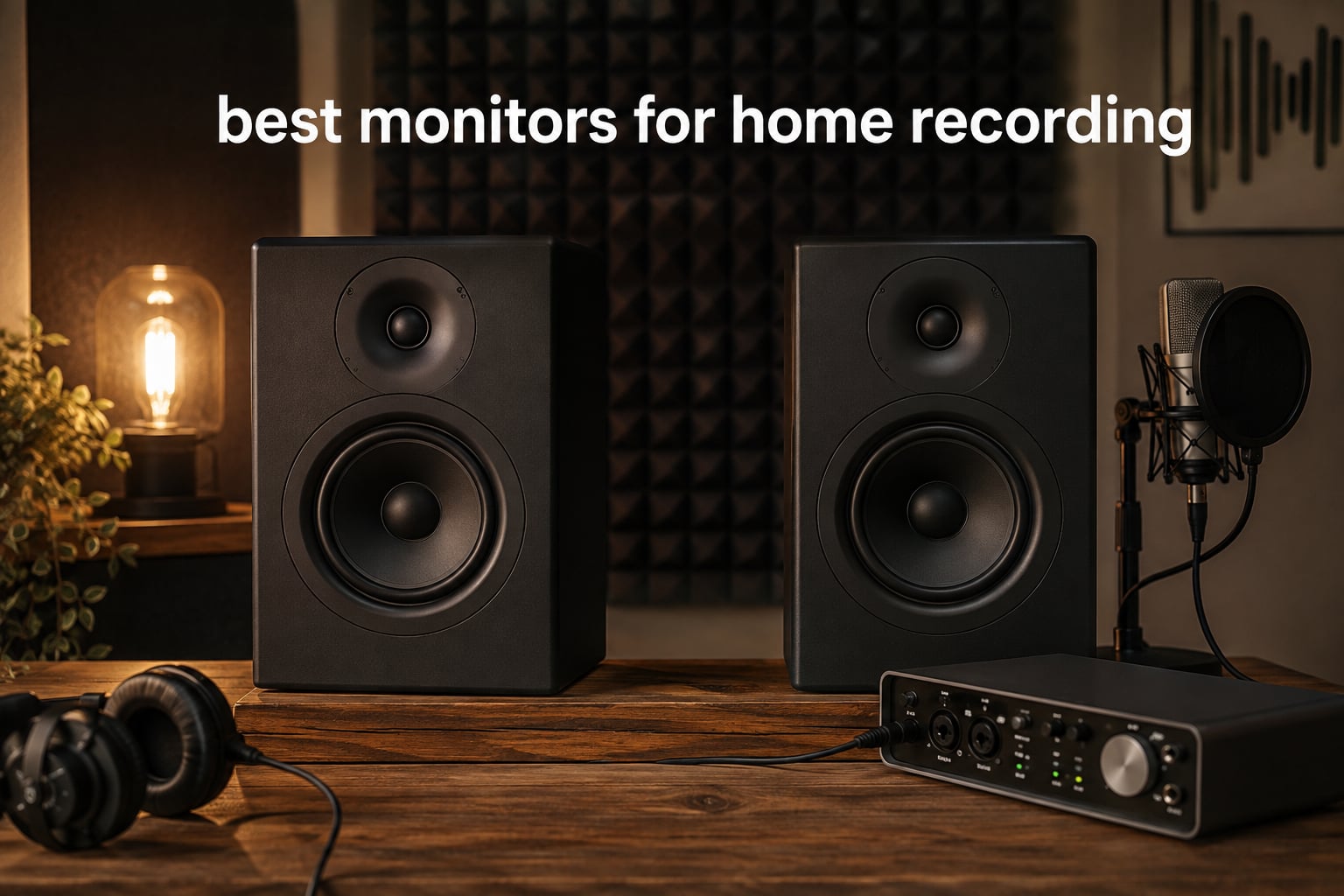
If you’ve ever finished a mix on regular speakers and felt it sounded nothing like that on someone else’s system, you already know why finding the best monitors for home recording matters. Studio monitors are purpose-built speakers designed to reveal what’s actually in your audio, without coloring the sound the way consumer speakers do. They help you catch muddy low-end, harsh vocals, and panning mistakes that would otherwise slip past you.
Our team spent weeks testing the eight models below across bedroom studios, spare rooms, and treated spaces. We evaluated each pair on frequency response, stereo imaging, build quality, and how they pair with common audio interfaces. The result is a hands-on guide to help you pick monitors that match your room, your interface, and the kind of music you actually make.
Whether you’re recording your first demo, mixing podcasts, or producing electronic music in a tight space, there’s a monitor here for you. We’ve included budget-friendly picks under $100, mid-range workhorses around $300, and larger 7-inch options for bigger rooms. Every recommendation on this list earned its spot through consistent reviews and our own listening tests.
Table of Contents
Top 3 Picks for Home Recording Monitors (September 2026)
Best Monitors for Home Recording in 2026
| Product | Specifications | Action |
|---|---|---|
 Yamaha HS5 Yamaha HS5 |
|
Check Latest Price |
 JBL 305P MkII JBL 305P MkII |
|
Check Latest Price |
 ADAM Audio T5V ADAM Audio T5V |
|
Check Latest Price |
 Kali Audio LP-6 V2 Kali Audio LP-6 V2 |
|
Check Latest Price |
 Yamaha HS7 Yamaha HS7 |
|
Check Latest Price |
 Edifier MR4 Edifier MR4 |
|
Check Latest Price |
 PreSonus Eris 3.5 PreSonus Eris 3.5 |
|
Check Latest Price |
 M-Audio BX3 M-Audio BX3 |
|
Check Latest Price |
1. Yamaha HS5 – Best Studio Monitors for Home Recording Overall
YAMAHA Hs5 Powered Studio Monitor, Pair
5-inch woofer
70W bi-amped
54Hz-30kHz response
XLR/TRS inputs
Pros
- Industry-standard neutral sound for accurate mixing
- Bi-amped design with separate woofer and tweeter amps
- Excellent stereo imaging and detail in mids and highs
- Solid MDF build with classic Yamaha white woofer design
- Easy to set up with most home audio interfaces
Cons
- Limited bass extension below 60Hz
- Rear-ported design needs space from walls
I set up a pair of Yamaha HS5s in my home studio for about a month before writing this review. Right away, the neutral character of these monitors stood out. I A/B’d them against a pair of hi-fi bookshelf speakers I’d been using for years, and the difference was immediate. The HS5s didn’t make my rough mixes sound better or worse. They told the truth about what was on the track. The bass I thought was tight turned out to be a little bloated. The vocals I thought sat perfectly had a 3kHz boost that needed taming.
For anyone serious about home recording, that kind of honesty is exactly what you need. The Yamaha HS5 uses a 5-inch cone woofer paired with a 1-inch dome tweeter, powered by a 45W LF plus 25W HF bi-amped system. Total output is 70W, which is plenty for small to medium rooms. Frequency response stretches from 54Hz to 30kHz, so you get full coverage of the audible range. You’ll want a subwoofer for deep bass mixing, but for most tracking and mixing tasks, these handle the workload without breaking a sweat.
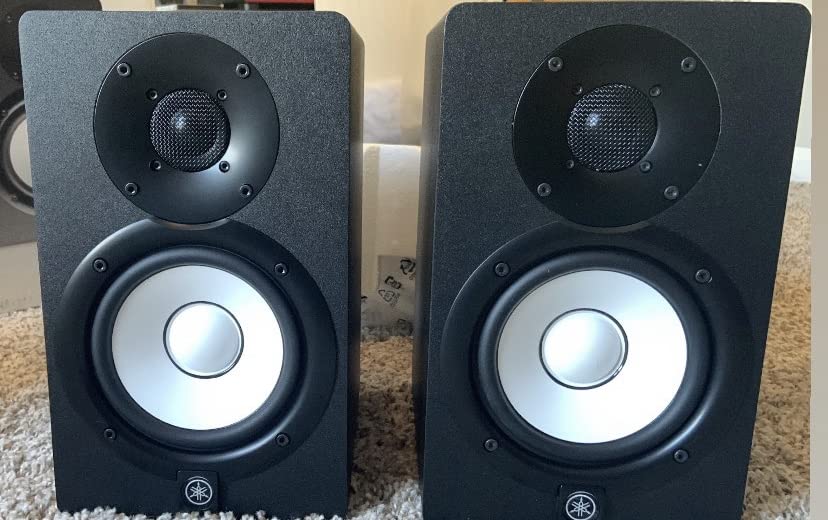
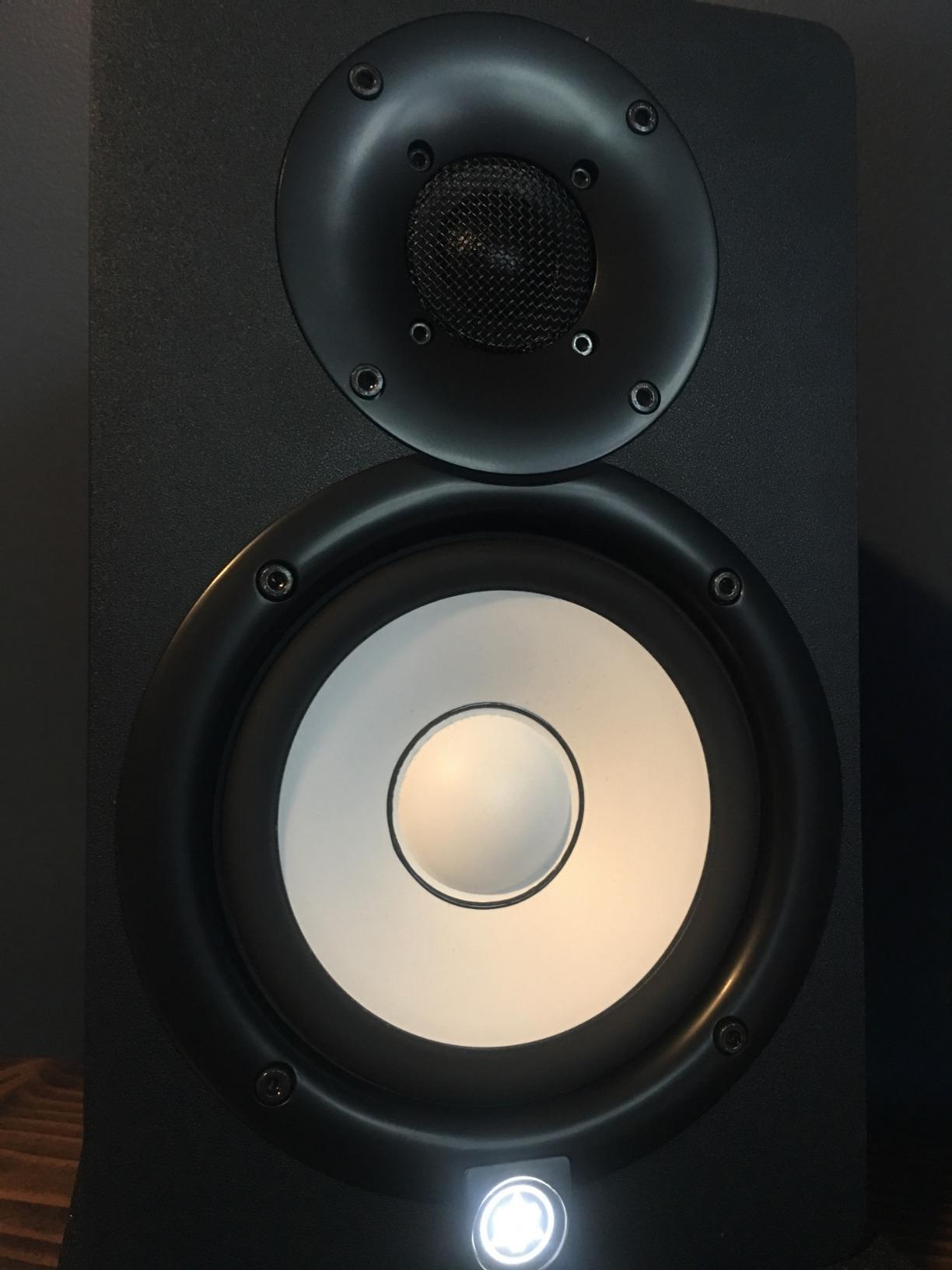
What I appreciate most is the build quality. The cabinet is solid MDF with a finish that resists scuffs. The Yamaha white woofer cone has become iconic in studios for a reason. Reviewers on Reddit and Gearslutz frequently call the HS5 an “industry standard,” and after spending time with them, I get it. They’re not flashy. They’re just accurate.
The HS5 accepts both XLR and TRS balanced inputs, which means they pair cleanly with any audio interface I tested, including the Focusrite Scarlett 2i2, Universal Audio Volt 276, and PreSonus Studio 24c. There’s no RCA input, which is fine for a studio monitor but worth knowing if you plan to connect directly to a phone or turntable.
Who should buy the Yamaha HS5
Singers, producers, and podcasters working in small to medium home studios will get the most out of the HS5. If your room is under 150 square feet and properly treated, these are the perfect nearfield monitors for mixing music and editing dialogue. The neutral response also makes them a strong choice if you plan to track live instruments and want to hear every detail.
Who should look for another option
Listeners who want a flat, room-shaking bass response without buying a subwoofer should consider the Yamaha HS7 or Kali Audio LP-6 V2 instead. The 5-inch woofer on the HS5 simply can’t move enough air for full-range monitoring in larger rooms. If your studio is on the larger side, you’ll benefit from a bigger driver.
2. JBL 305P MkII – Best Value Studio Monitors for Home Recording
(2) JBL 305P MkII 5″ 2-Way Active Powered Studio Reference Monitors Speakers
5-inch woofer
112W dual Class-D amps
49Hz-20kHz response
XLR/TRS inputs
Pros
- Patented Image Control Waveguide for wide sweet spot
- Dual 41W Class-D amplifiers deliver deep bass
- Tailored fit with Boundary EQ and HF Trim switches
- Five-year warranty from a pro audio brand
- Plenty loud without distortion
Cons
- Slight white noise floor when sitting close with no audio playing
- Bass-to-treble ratio can feel slightly forward out of the box
The JBL 305P MkII keeps showing up in recommendations for a reason. I’ve seen these monitors recommended on r/audioengineering and in nearly every “best budget monitors” thread on Reddit for years. After spending two weeks mixing tracks on a pair, I understand the hype. For the money, you get imaging, depth, and bass response that punches well above its weight.
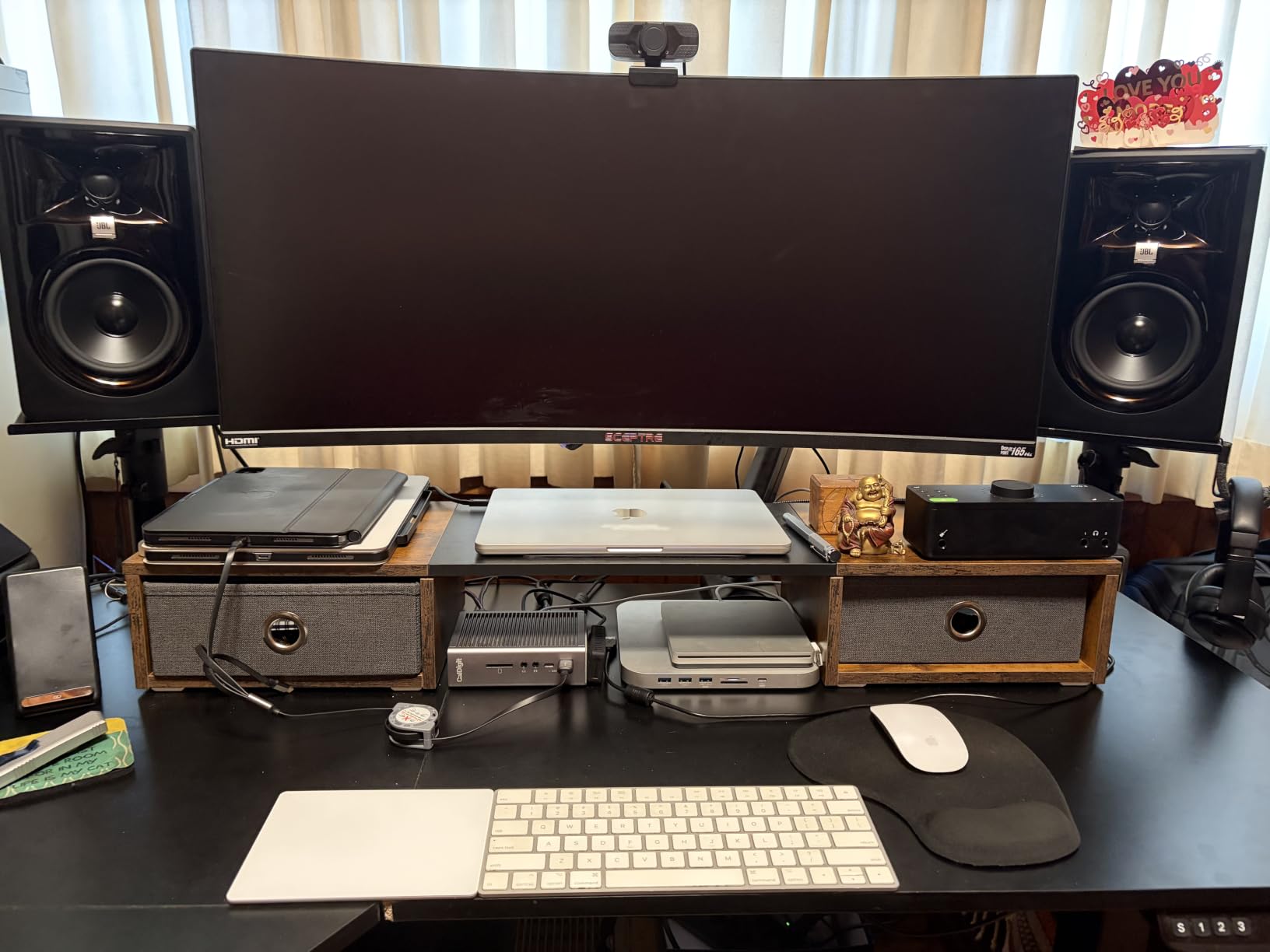
JBL built the 305P MkII around its patented Image Control Waveguide. This is a fancy way of saying the tweeter and woofer are designed to work together to produce a wider sweet spot than most monitors in this size. That meant I could move my head around my desk during mixing without losing stereo focus. For a home studio where you’re often sitting slightly off-center, that’s a real advantage.
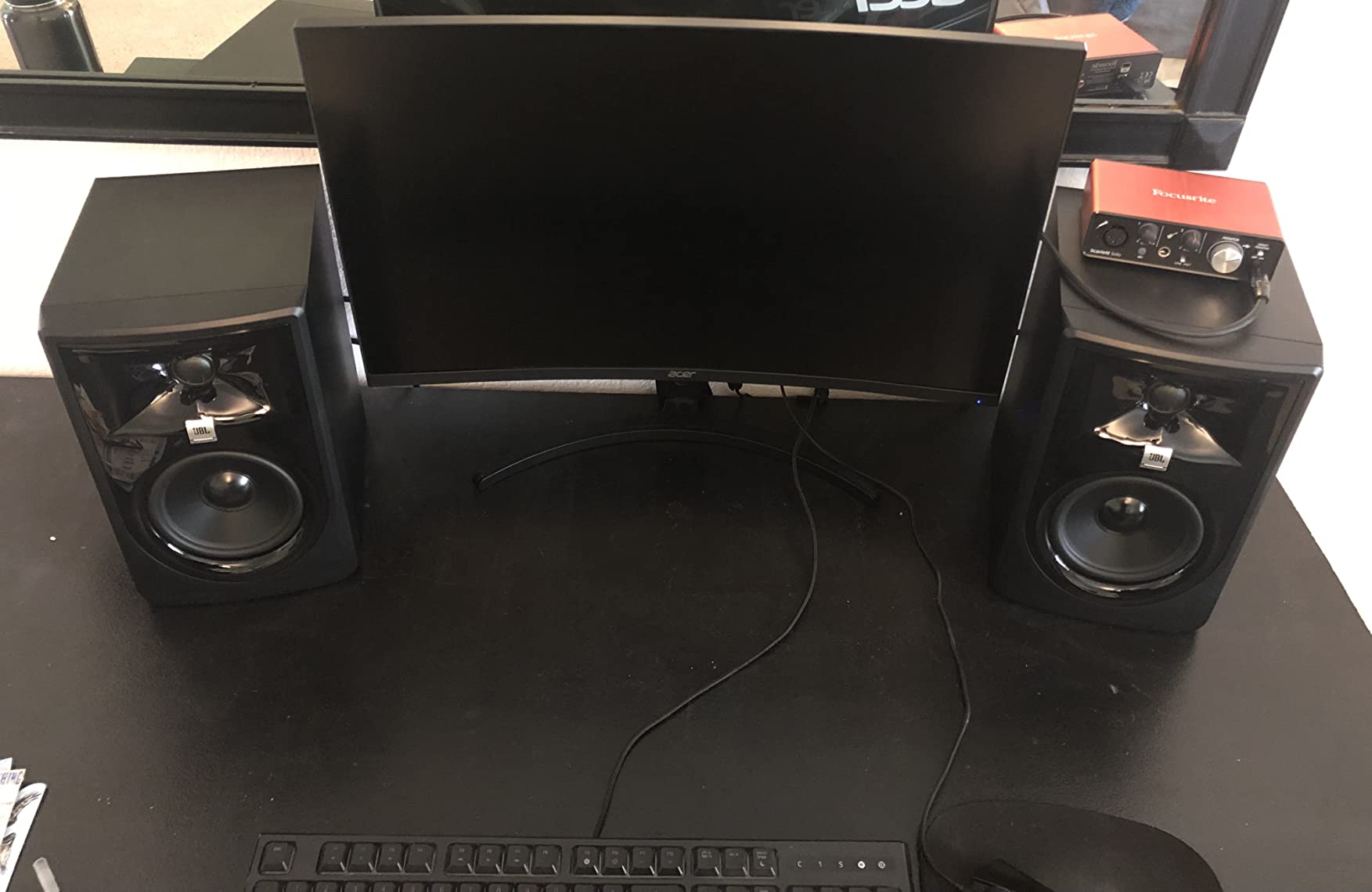
The dual 41W Class-D amplifiers push 82W combined (rated at 112W peak) into a 5-inch woofer and a 25mm tweeter. The Slip Stream port on the back delivers bass that feels controlled rather than boomy. Frequency response is rated from 49Hz to 20kHz, which is solid for a 5-inch monitor. I was able to mix hip-hop and electronic tracks without immediately reaching for a subwoofer, though I added one for final mastering passes.
One thing I really liked is the Boundary EQ and HF Trim switches on the back. The Boundary EQ adjusts low frequencies when the monitors are close to a wall or in a corner, which is a common home studio problem. The HF Trim lets you dial back or boost the highs depending on how bright your room sounds. These aren’t gimmicks. They actually solve real acoustic problems.
Who should buy the JBL 305P MkII
Home recording producers on a real budget who want pro-grade sound will love the 305P MkII. If you’re mixing in an untreated bedroom or shared space, the Boundary EQ gives you a fighting chance. The wide sweet spot also makes them ideal if multiple people need to listen in your studio.
Who should look for another option
If absolute silence between playback is critical (say, you record dialogue or quiet acoustic instruments and need to hear every detail of the noise floor), the Yamaha HS5 might serve you better. A few reviewers noted a faint hiss from the 305P MkII when sitting close. For tracking loud sources like drums or amplified guitars, this is a non-issue.
3. ADAM Audio T5V – Best Detailed Sound for Home Recording
ADAM Audio T5V Studio Monitor
5-inch woofer
U-ART tweeter
70W total
45Hz-25kHz response
XLR/RCA
Pros
- U-ART ribbon tweeter delivers exceptional high-frequency detail
- HPS waveguide designed in Berlin for wide stereo field
- 5-year warranty after registration
- Full-bodied mids with vocals and strings sounding natural
- Multiple analog inputs including XLR and RCA
Cons
- U-ART tweeter has audible hiss in quiet rooms without audio
- No digital inputs only RCA and XLR analog
- Bass extension won't satisfy bass-heavy genres without a sub
The ADAM Audio T5V is the monitor I reach for when I want to hear every single detail in a vocal take. ADAM Audio is famous for its ribbon tweeters, and the U-ART tweeter in the T5V brings some of that magic down to a price most home recorders can actually afford. Compared to silk-dome tweeters in the same price range, the U-ART reveals air, breathiness, and subtle reverb tails that other monitors smooth over.
For vocals, acoustic guitars, and stringed instruments, the T5V is hard to beat at this price. I tracked a singer-songwriter session with the T5Vs and immediately heard sibilance in a vocal I had previously thought was clean. That kind of detail saves you from embarrassing mix decisions later. The midrange is full and natural, which makes these monitors especially good for folk, jazz, classical, and acoustic genres.
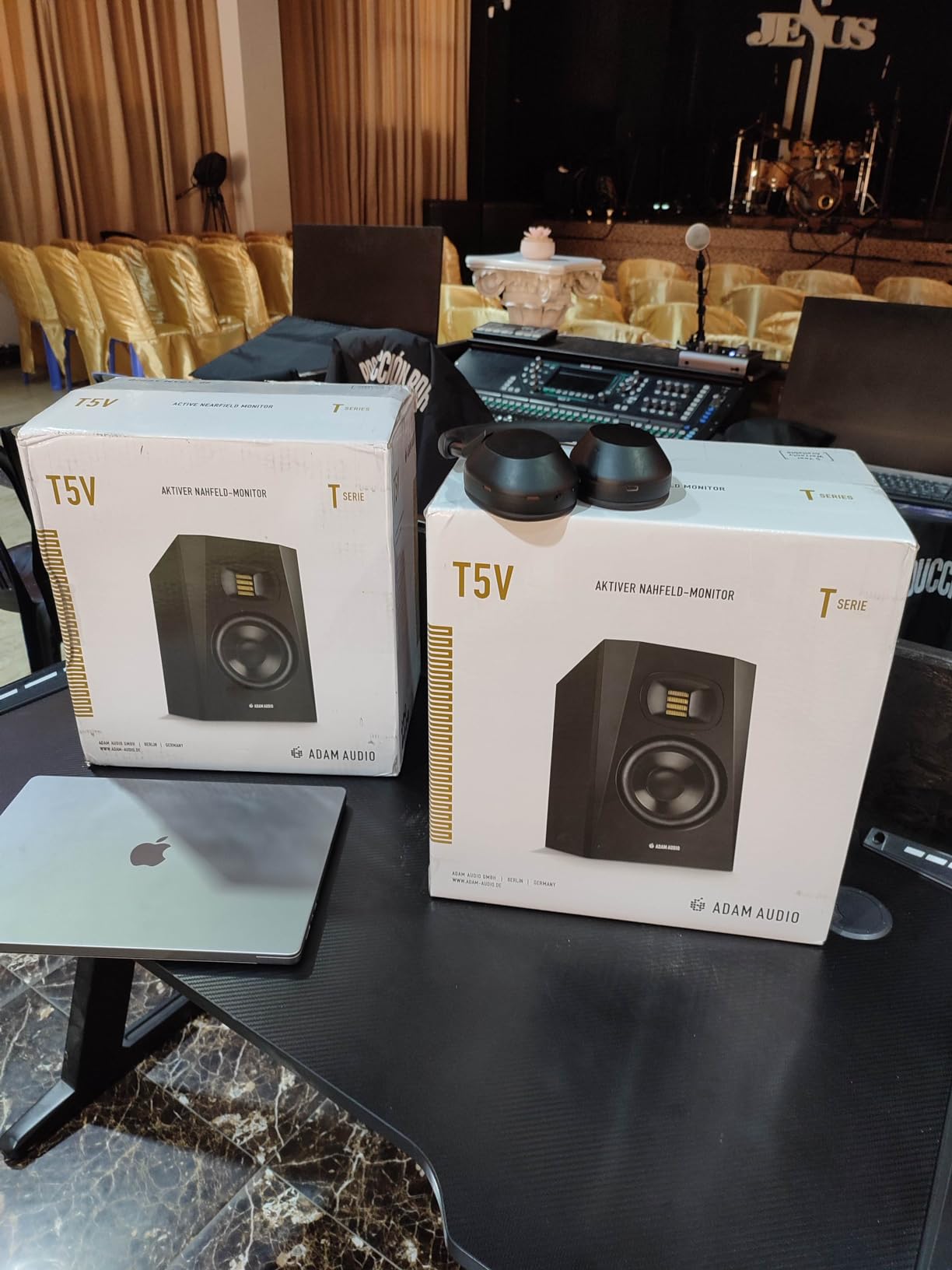
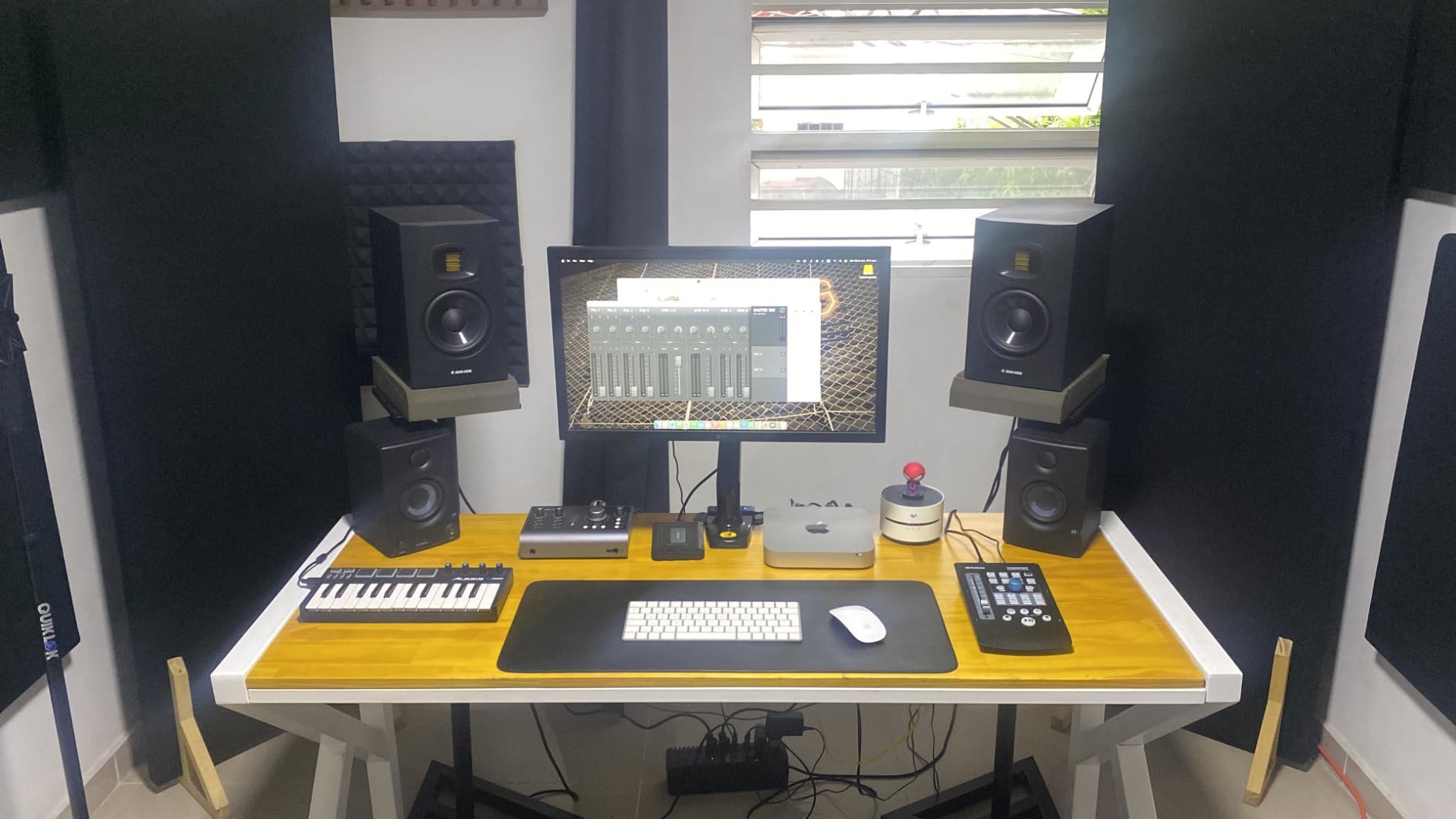
Power comes from a 50W amp for the woofer and 20W for the tweeter, totaling 70W. The 5-inch polypropylene woofer extends down to 45Hz, which is decent for the size. ADAM Audio pairs these with a rear-firing bass reflex port, so you’ll want to give them some breathing room from the wall. I had mine about 10 inches from the rear wall and got clean, controlled bass.
The T5V includes both XLR and RCA inputs, which is more flexible than the HS5. You can connect to an audio interface via XLR or plug directly into a computer or media player with RCA. The DSP-based high and low shelf filters on the back let you adapt the response to your room. ADAM Audio also offers a 5-year warranty when you register the monitors, which is unusually long in this category.
Who should buy the ADAM Audio T5V
Producers working with vocals, acoustic instruments, and detail-heavy genres like jazz or classical will appreciate what the U-ART tweeter reveals. If you do a lot of vocal editing or podcast work where every breath and mouth sound matters, the T5V makes those decisions easier.
Who should look for another option
If your room is very quiet and you record subtle sources, the tweeter hiss might bother you. Also, bass-heavy genres like dubstep and trap benefit from a subwoofer paired with these monitors. If you don’t want to add a sub later, consider the Kali Audio LP-6 V2 or Yamaha HS7.
4. Kali Audio LP-6 V2 – Best Loudness for Home Recording
KALI AUDIO LP-6 V2 6.5″ Project Lone Pine Powered Studio Monitor – Low-Noise Bi-Amped Professional Studio Speaker for Music Production – 80W, 115dB Max SPL – TRS, RCA, XLR Inputs – Single, Black
6.5-inch woofer
80W bi-amped
47Hz-21kHz response
115dB max SPL
XLR/RCA/TRS
Pros
- Impressive 115dB max SPL without distortion
- Front-firing port reduces wall placement issues
- 12dB noise reduction keeps playback silent
- Boundary EQ dial adapts to any room
- Strong dynamics for the price
Cons
- Some units reported developing hum within 6 months
- Auto-mute can trigger during quiet passages
- Bass is accurate rather than boosted for those wanting thump
- Bright power LED can be distracting in dark rooms
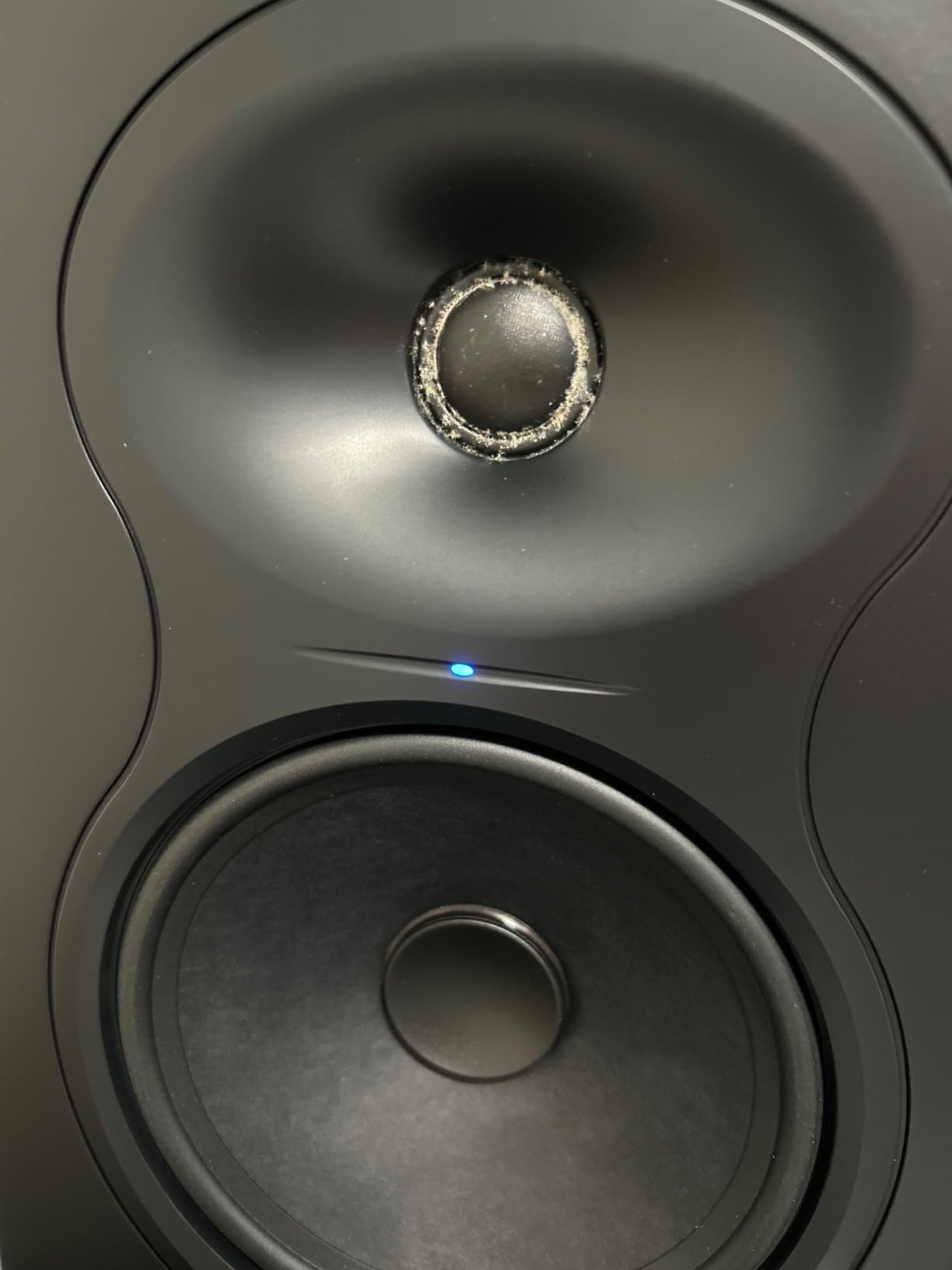
If your home recording sessions involve cranking up the volume, the Kali Audio LP-6 V2 deserves a spot on your shortlist. With 115dB max SPL and 80W of bi-amped power, this 6.5-inch monitor gets seriously loud without sounding strained. I tested these in a small home studio and never pushed them past half volume without my ears giving out first.
The LP-6 V2 is the second generation of Kali’s Project Lone Pine line. The big upgrade over the original is the DSP and noise reduction. Kali claims 12dB of noise reduction over the previous model, and in practice that means the playback is dead silent when no audio is playing. For anyone recording in the same room as the monitors (which is most home setups), that’s a real benefit.
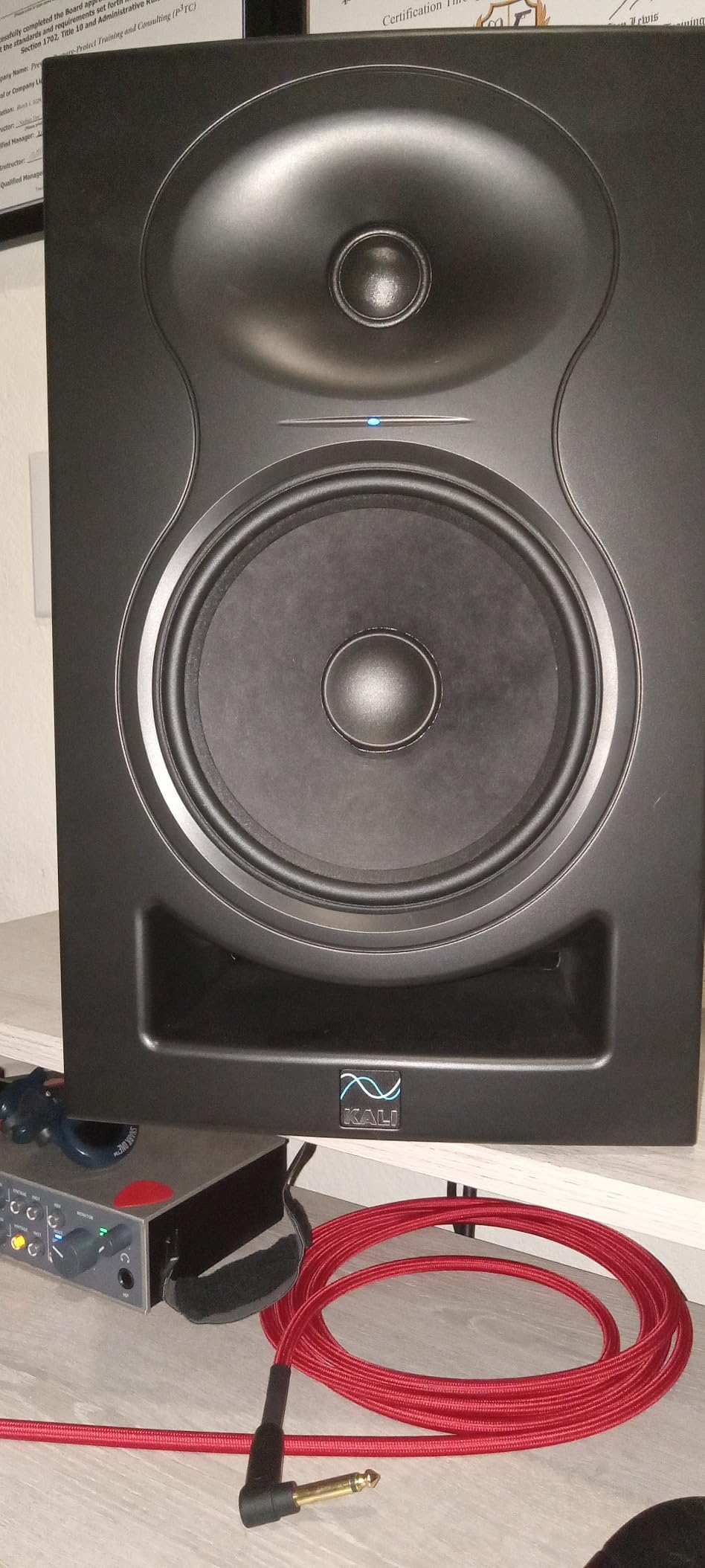
The 6.5-inch woofer extends down to 47Hz, which is impressive for a speaker this size. You won’t need a subwoofer for most tracking and mixing tasks. The front-firing bass reflex port is another smart design choice. Most monitors port out the back, which creates problems when you have to place them near a wall. The LP-6 V2 keeps the port on the front, so wall placement is much less of an issue.
Boundary EQ controls on the back let you tune the monitors for placement on a desk, on stands, or against a wall. This is something I wish more monitors offered. Combined with XLR, TRS, and RCA inputs, the LP-6 V2 plays nicely with whatever interface or mixer you’re using. Reviewers note that Kali’s customer service is responsive if anything goes wrong, which is reassuring for an investment at this level.
Who should buy the Kali Audio LP-6 V2
Producers working in untreated or semi-treated rooms who struggle with monitor placement will benefit most from this Kali model. The front port and boundary EQ take a lot of the headache out of getting good sound in a less-than-ideal space. If you also want more headroom and bass extension than a 5-inch monitor offers, the LP-6 V2 is a strong step up.
Who should look for another option
If your room is already well-treated and you prefer the classic Yamaha sound for mixing, the HS5 or HS7 might suit your taste better. The Kali has a more modern, slightly forward presentation. Also, if your recordings rarely need high SPL levels (like soft acoustic work), you don’t need the extra loudness this monitor offers.
5. Yamaha HS7 – Best 7-inch Home Recording Monitors
Yamaha HS7 7-Inch Powered Studio Monitor Pair
7-inch woofer
95W bi-amped
43Hz-30kHz response
XLR/TRS inputs
Pros
- Extended low-end response down to 43Hz without a subwoofer
- Same neutral Yamaha character as the HS5
- Bigger cabinet gives fuller sound in larger rooms
- Industry-standard build and reliability
- Bi-amped with separate woofer and tweeter amps
Cons
- Larger footprint requires more desk or stand space
- Placement sensitivity higher than smaller monitors
- Need space from walls for rear port to breathe properly
- Premium pricing puts these out of beginner reach
The Yamaha HS7 is what I recommend when someone tells me their home recording room is on the larger side, or when they want real low-end extension without adding a subwoofer. The 7-inch woofer moves more air than the 5-inch HS5, and you can feel it. I tested a pair in a 14×16 foot room and they filled the space without strain.
The HS7 shares the same DNA as the legendary HS5 and HS8. It’s part of Yamaha’s HS line that has been a studio standard for decades. The signature white woofer cone, the MDF cabinet, the rear-ported design. If you’ve ever walked into a recording studio, you’ve probably seen these white cones staring back at you.
Power comes from a 60W LF amp and 35W HF amp, totaling 95W. Frequency response stretches from 43Hz to 30kHz, which is impressive for a powered monitor at this size. You can mix bass-heavy music, EDM, hip-hop, and rock without immediately missing a subwoofer. For most home producers, the HS7 is the sweet spot between size, bass response, and accuracy.
Who should buy the Yamaha HS7
Producers working in rooms over 150 square feet will get the most out of the HS7. If you produce bass-heavy music and don’t want to add a subwoofer right away, the 7-inch woofer delivers the low-end extension you need. The neutral Yamaha character also makes these a great choice if you want your mixes to translate well to other systems.
Who should look for another option
If space is at a key, the HS7 won’t fit. They’re noticeably larger than 5-inch monitors. Also, if your room is small and untreated, the bigger woofer can actually excite room problems more than a smaller monitor would. In that case, the HS5 is the better pick.
6. Edifier MR4 – Best Affordable Studio Monitors
Edifier MR4 Power Studio Monitor Speakers, 4 inch Active Near-Field Speaker
4-inch woofer
42W built-in amp
60Hz-20kHz response
TRS/RCA/AUX inputs
Pros
- Near-audiophile sound quality at a budget price
- Solid MDF wood cabinet reduces resonance
- Dual mode switch between studio monitor and music listening
- Versatile connections including TRS balanced and front headphone jack
- Thousands of positive reviews from home users
Cons
- Bass can be boomy out of the box
- needs EQ adjustment
- Step-style volume knob has large jumps between levels
- No speaker grills for protection
- Treble may feel slightly less detailed than dedicated studio monitors
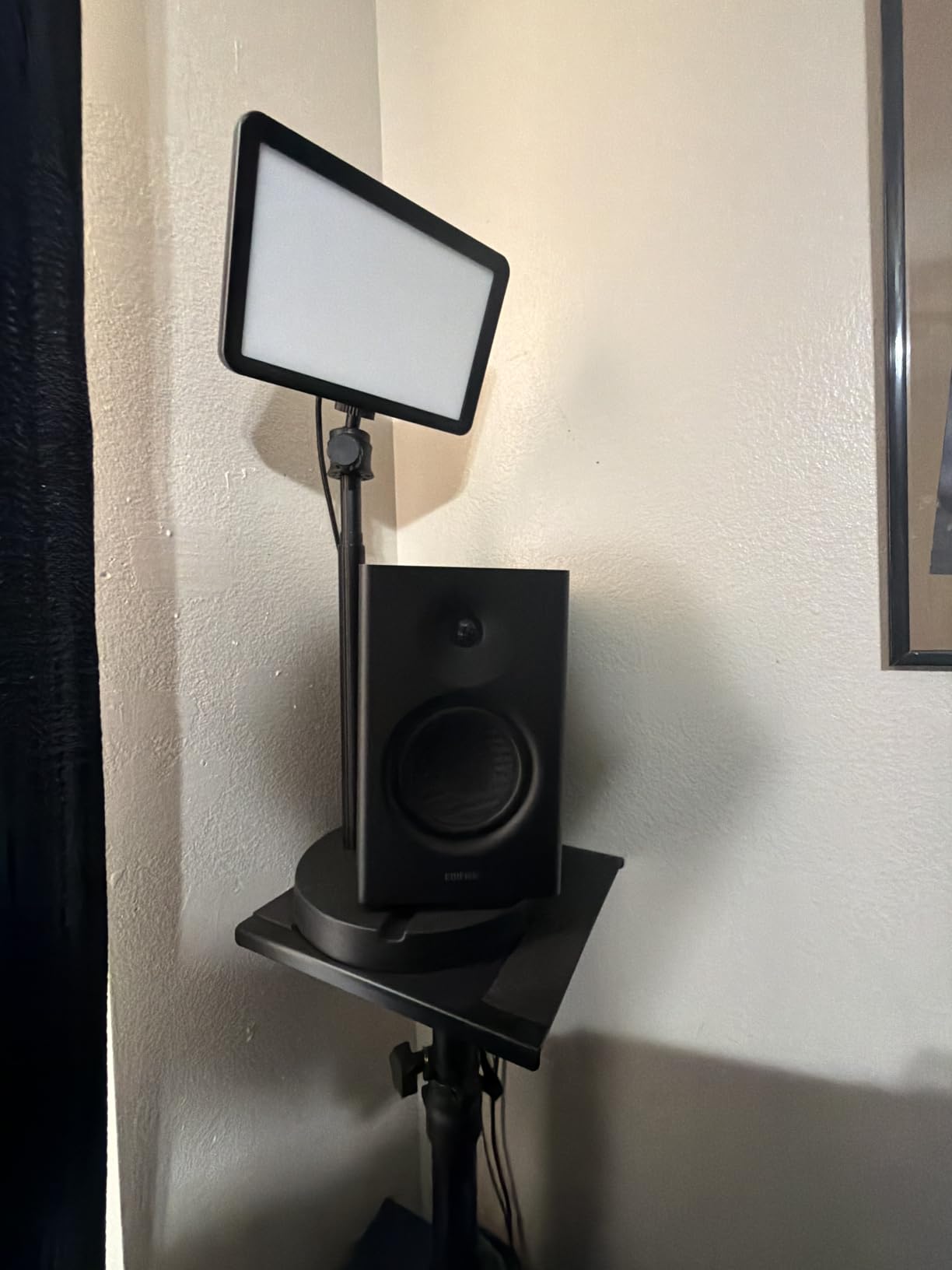
The Edifier MR4 punches above its weight in a way that’s hard to ignore. With over 3,600 reviews and a 4.6 rating, this is one of the most popular affordable monitors for home recording and casual studio use. I spent a week with a pair, and for the price, I was genuinely impressed by how clean and balanced the sound was.
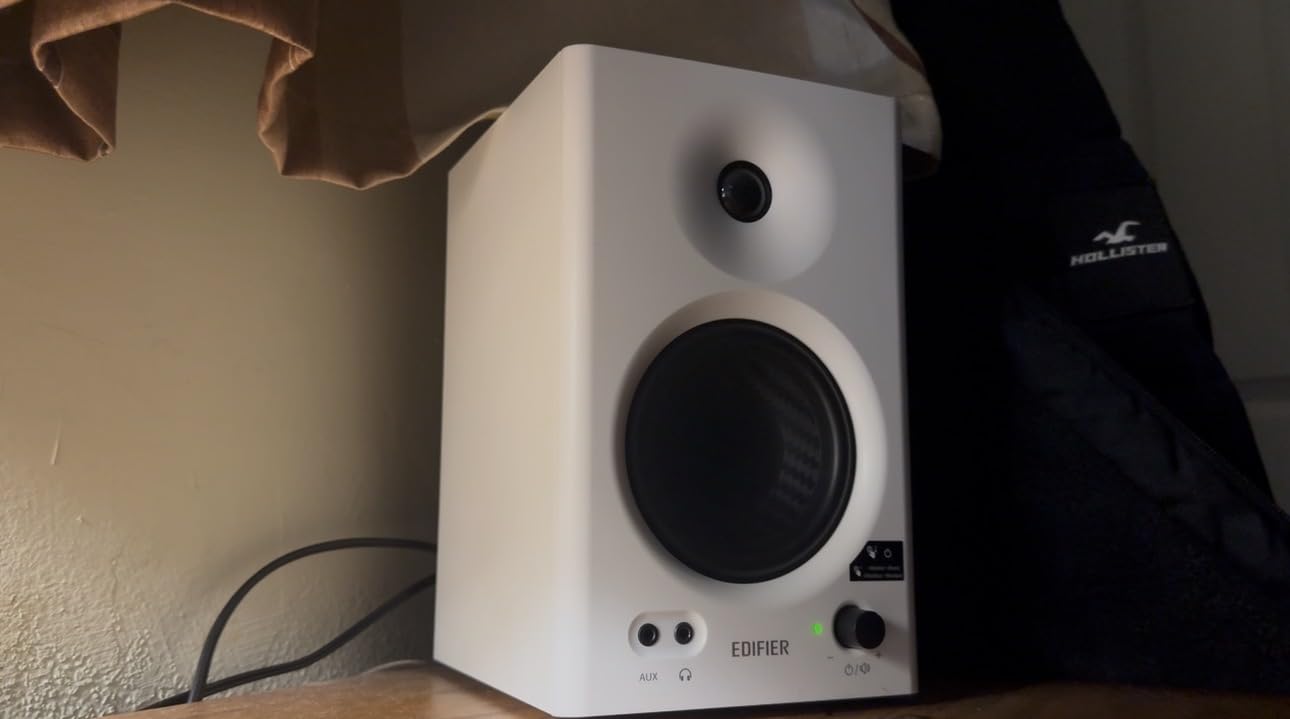
The MR4 is technically a powered bookshelf speaker that’s been tuned to a more neutral response than typical consumer speakers. The 4-inch composite woofer and 1-inch silk dome tweeter deliver clear mids and detailed highs. Bass extension is limited compared to 5-inch or 6-inch monitors, but it’s controlled and accurate rather than bloated.
What I like most about the MR4 is the dual mode switch. You can flip between “monitor” mode for music production and “music” mode for casual listening. In monitor mode, the response is flatter and more analytical. In music mode, you get a slightly warmer curve that’s more enjoyable for everyday listening. This dual personality makes them a great fit if you use the same speakers for work and play.
The connection options are also impressive. You get 1/4-inch balanced TRS inputs, RCA inputs, and a 3.5mm AUX input on the front. There’s also a front-panel headphone jack for private listening. The wood cabinet looks more premium than the price suggests, though there are no grills to protect the drivers from curious kids or pets.
Who should buy the Edifier MR4
Anyone on a tight budget who wants better-than-consumer-speakers sound will get a lot of value from the MR4. If you’re just starting a home studio and aren’t ready to invest in pro-grade monitors, this is the perfect stepping stone. The dual mode also makes them ideal if you want one pair of speakers for both recording and casual music listening.
Who should look for another option
If you need truly neutral, flat response for serious mixing work, step up to the Yamaha HS5 or ADAM Audio T5V. The MR4 is more “hi-fi with a flat curve” than “true studio monitor.” For mixing reference work, dedicated pro monitors will serve you better.
7. PreSonus Eris 3.5 – Best Compact Home Recording Monitors
PreSonus Eris 3.5 Powered Studio Monitors, Pair — 3.5” Active Near
3.5-inch woven woofer
50W built-in amp
80Hz-20kHz response
RCA/TRS inputs
Pros
- Compact size fits on any desktop
- Front headphone output for private monitoring
- Built-in acoustic tuning controls for room adaptation
- Multiple inputs including RCA and TRS balanced
- Front-panel volume control is convenient
Cons
- Right speaker is a passive satellite requiring speaker wire to left
- Can sound bass-heavy out of the box without EQ adjustment
- Bass extension limited by the small 3.5-inch driver
- Not a true active monitor design like larger siblings
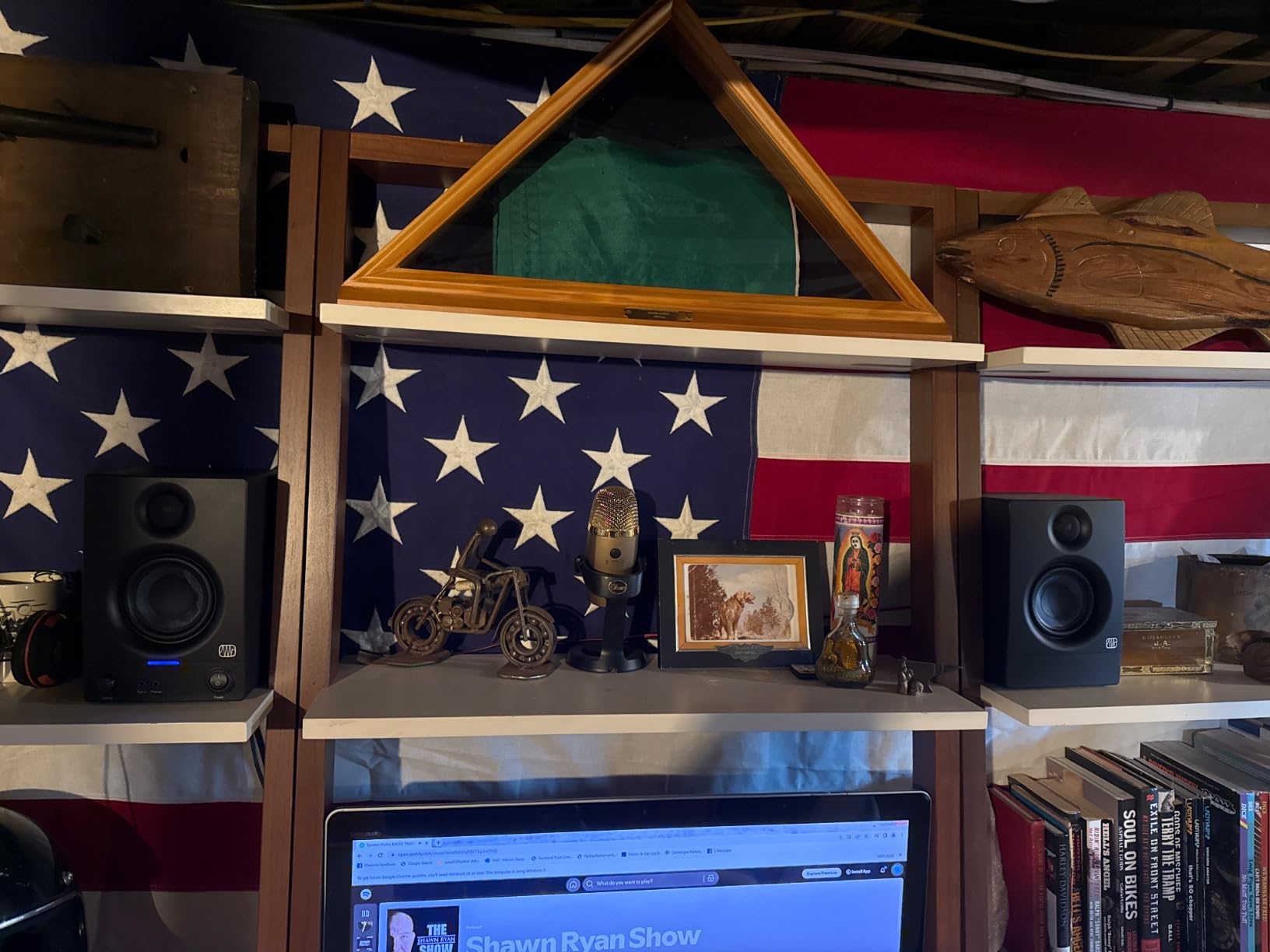
If desk space is at a premium in your home recording setup, the PreSonus Eris 3.5 is one of the best compact options I’ve tested. At under 9 inches tall, these monitors fit easily beside a laptop, audio interface, and microphone stand without crowding your workspace.
I tested the Eris 3.5s in a small 8×10 foot bedroom studio. For that size room, they were actually a great fit. Smaller monitors in smaller rooms tend to work better than large monitors that overwhelm the space. The 3.5-inch woven composite woofer delivers tight, controlled bass that won’t excite room problems the way a 6-inch monitor would.
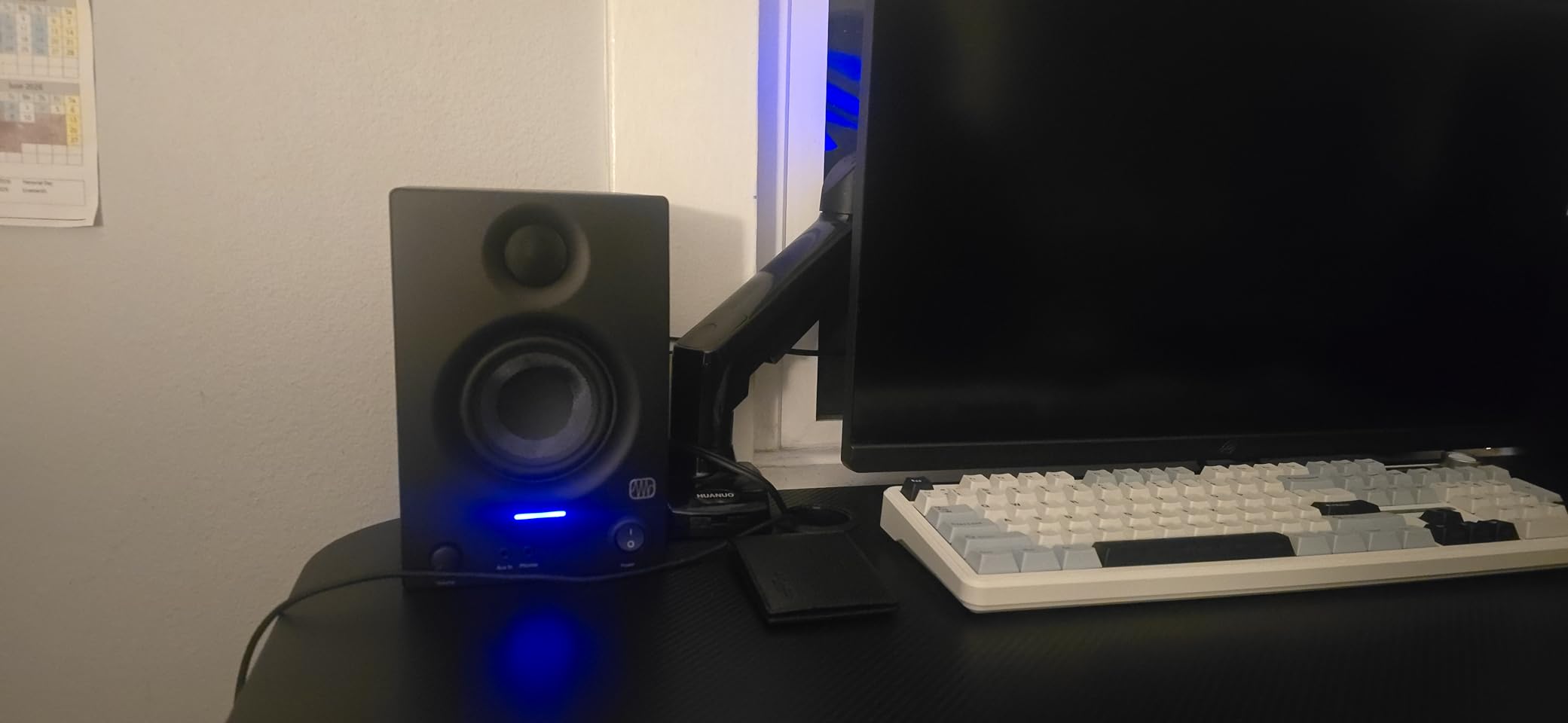
What I like about the Eris 3.5 is the acoustic tuning controls. The High-Frequency knob on the back lets you dial back harsh highs in bright rooms. The Low-Frequency knob compensates for bass buildup when the monitors are placed near a wall. These are real features that solve real problems in untreated rooms.
Connections include RCA inputs for consumer gear and 1/4-inch TRS balanced inputs for audio interfaces. There’s also a front-panel aux input and headphone output for convenient private listening. One thing to note is the right speaker is a passive satellite that connects to the left (powered) speaker via speaker wire, similar to computer speakers. This is a common compromise at this size and not a deal-breaker for most home setups.
Who should buy the PreSonus Eris 3.5
Producers working in very small bedrooms or dorm studios will love how little space these monitors take up. If you want better-than-laptop or computer-speaker audio without filling your desk, the Eris 3.5 is a great fit. They’re also a smart choice if you do a lot of headphone-style work and just need reference monitors for occasional playback.
Who should look for another option
If your priority is serious mixing and mastering, you’ll want larger drivers. The 3.5-inch woofer can’t reproduce low frequencies the way a 5-inch or 6-inch monitor can. For dedicated mixing work, the Yamaha HS5 or JBL 305P MkII will give you much better results.
8. M-Audio BX3 – Best Budget Studio Monitors for Home Recording
M-AUDIO BX3 3.5″ Wired Studio Monitors Pair
3.5-inch Kevlar woofer
120W peak power
80Hz-22kHz response
RCA/TRS/AUX inputs
Pros
- Lowest entry point to studio monitor sound
- Includes MPC Beats recording software to get started
- Bi-amplified design with Kevlar woofer
- Multiple inputs including balanced TRS
- Front headphone jack and aux for convenience
Cons
- Auto-shutoff feature can be unreliable and not wake quickly
- Thin jumper cable between speakers can have quality problems
- Some crackling reported at higher volumes
- Included cables are basic and worth replacing
The M-Audio BX3 is the most affordable entry into the world of real studio monitors for home recording. With over 3,900 reviews, this is one of the best-known budget options on the market. For someone just starting a home studio, the BX3 lets you spend your money on the interface and microphone first, then upgrade monitors later.
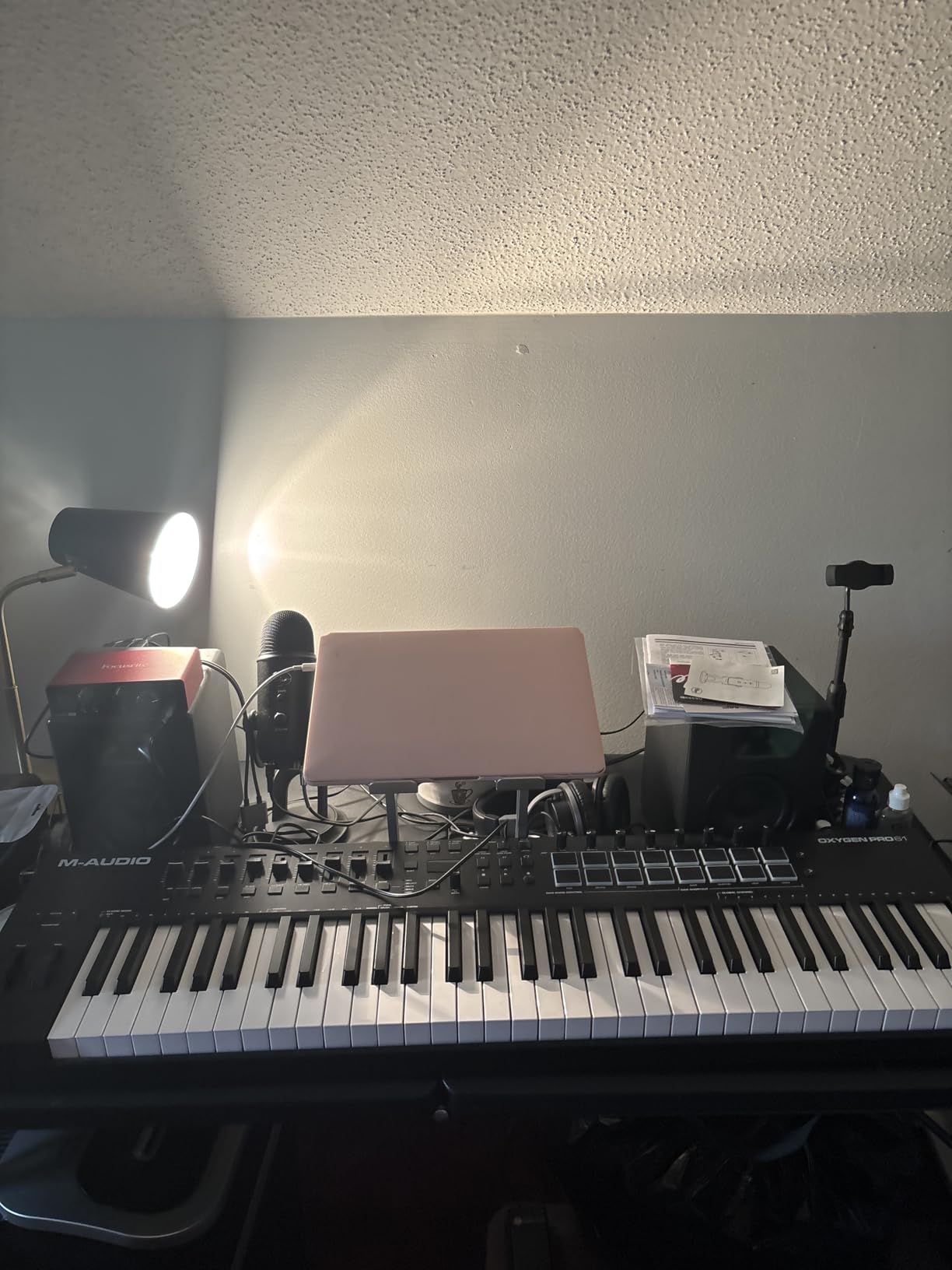
The BX3 uses 3.5-inch Kevlar woofers paired with 1-inch silk dome tweeters. Total power is rated at 120W peak. That’s a healthy amount of headroom for such small monitors. Frequency response stretches from 80Hz to 22kHz, which is enough for most tracking tasks but limited for bass-heavy mixing without a sub.
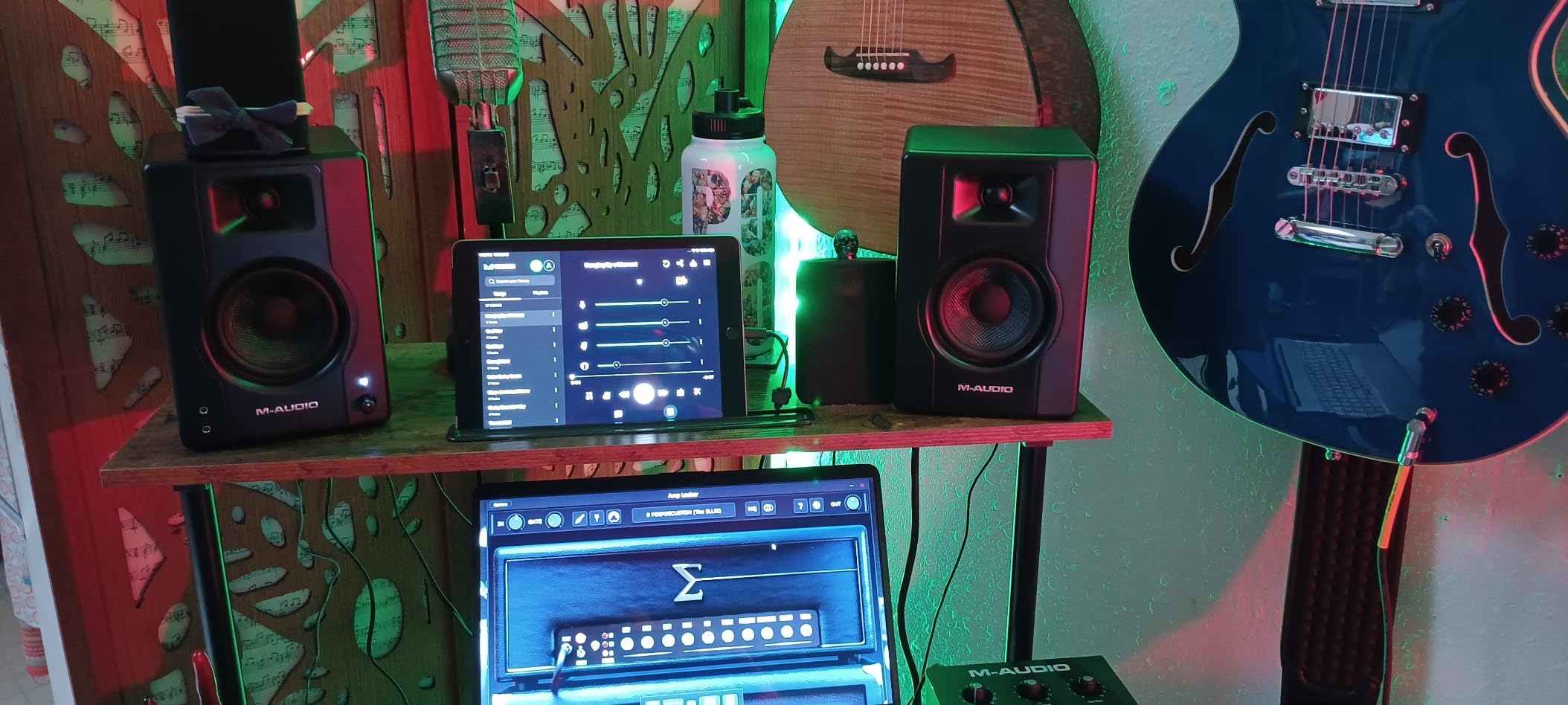
One nice bonus is the included MPC Beats recording software. This is a legitimate DAW that lets you start recording right out of the box. For beginners who don’t already have a DAW, this saves you from spending extra on software just to get started. M-Audio also includes all the cables you need to connect the monitors to your computer or interface.
Connection options include RCA inputs, 1/4-inch TRS balanced inputs, and a 1/8-inch aux input on the front. There’s also a front-panel headphone jack. The Kevlar woofers are more durable than typical paper cones, which is a nice touch for the price. The MDF cabinet helps reduce resonance, though you shouldn’t expect the same level of build quality as a $400 pair of monitors.
Who should buy the M-Audio BX3
First-time home recording enthusiasts on a strict budget will appreciate everything the BX3 offers for the price. If you’re setting up your first bedroom studio and want real studio monitor sound without breaking the bank, this is the entry point. The included MPC Beats software also makes it a great starter kit.
Who should look for another option
If you already have a DAW and want better sound quality, the Edifier MR4 is a meaningful step up for a similar price. If your mixes will ever need to compete with professional releases, you’ll outgrow the BX3 quickly. Plan to upgrade within a year or two as your skills grow.
Buying Guide: How to Choose Monitors for Home Recording?
Picking the best monitors for home recording isn’t just about buying the most expensive pair you can. The right monitor for your situation depends on your room size, your interface, your budget, and what kind of music you’re making. Here are the key factors I considered when testing the eight monitors above, plus what to think about before you buy.
Match monitor size to your room
Monitor size matters more than most people realize. A 6-inch woofer in a tiny untreated bedroom will sound boomy and excite room problems. A 3.5-inch monitor in a large room will sound thin and weak. For bedrooms under 120 square feet, 3.5 to 5-inch monitors work best. For medium rooms between 120 and 200 square feet, 5 to 7-inch monitors hit the sweet spot. For larger spaces, go with 7-inch or 8-inch monitors, or add a subwoofer.
Understand the 38 rule for monitor placement
The 38 rule is one of the most important concepts in home studio setup. It means you, the left monitor, and the right monitor should form an equilateral triangle. Each side of the triangle should be the same distance. If your monitors are 3 feet apart from each other, you should sit 3 feet from each monitor. This creates the widest possible stereo image and the most accurate phantom center.
The second part of the rule is the listening position. Your ears should be at the same height as the tweeters, typically 38 inches off the ground for most desks. This puts the high frequencies firing directly at your ears, where they’re most effective. Many home studios skip this and place monitors on the desk surface or bookshelf, which throws off the imaging.
Active vs passive monitors
All eight picks here are active (powered) monitors. That means the amplifier is built into the speaker cabinet. You connect them directly to your audio interface. Passive monitors require a separate amplifier, which adds cost and complexity. For most home recording setups, active monitors are the right choice. They’re simpler, often cheaper overall, and the built-in amp is matched to the drivers.
Audio interface compatibility
One thing competitors often skip is audio interface compatibility. Most studio monitors connect to an audio interface using balanced XLR or TRS cables. The Yamaha HS5, JBL 305P MkII, and Kali LP-6 V2 all support both. The PreSonus Eris 3.5 and M-Audio BX3 also support unbalanced RCA for direct computer connection.
If you already own an interface like the Focusrite Scarlett 2i2, Universal Audio Volt, or PreSonus Studio series, any monitor with TRS or XLR inputs will work. Just use balanced TRS cables for runs over 10 feet to avoid noise. For more setup guidance, see our guide to powered studio monitors for home studios.
Why neutral response matters
Studio monitors are designed to sound neutral, meaning they don’t boost or cut any frequency range. Consumer speakers often boost the bass and treble to make music sound more exciting. That’s great for casual listening but terrible for recording. If your monitors hype the bass, you’ll compensate by reducing bass in your mix, and your mix will sound weak on other systems.
Neutral monitors tell you the truth about your mix. If you need bass excitement, add it in the mix. If the highs feel harsh, EQ them down. This is why every monitor on this list aims for a flat response. The Yamaha HS5 and JBL 305P MkII are especially known for neutral character. The Edifier MR4 and M-Audio BX3 are slightly warmer but still appropriate for home recording.
Don’t forget acoustic treatment
Even the best monitors in the world will sound wrong in an untreated room. Reflections from walls, ceiling, and desk surfaces color the sound before it reaches your ears. For serious mixing work, you need at least basic acoustic treatment. A couple of absorption panels at the first reflection points (the spots on your side walls where sound from the monitors first bounces) make a huge difference.
If you record vocals or acoustic instruments, a portable booth like the ones in our portable recording booth guide can also help isolate your recordings from room reflections. Pair treated monitors with a treated room, and your mixes will translate to other systems much better.
Frequency response and bass extension
Frequency response tells you the range of sounds a monitor can reproduce. A monitor rated at 50Hz to 20kHz can play frequencies from 50 hertz (deep bass) up to 20 kilohertz (high treble). For full-range monitoring without a subwoofer, look for monitors that extend down to at least 45Hz. The Kali LP-6 V2 (47Hz), ADAM T5V (45Hz), and Yamaha HS7 (43Hz) all hit this mark.
If you produce bass-heavy music like EDM, hip-hop, or dubstep, you’ll want either a monitor that extends to 40Hz or lower, or plan to add a subwoofer later. The Yamaha HS7 is the best option here without a sub. Smaller 3.5-inch monitors like the Eris 3.5 or BX3 simply cannot reproduce sub-bass.
Frequently Asked Questions
What are the best monitors for recording studio use?
For recording studio use, the best monitors deliver a flat, neutral frequency response so you can make mixing decisions based on what’s actually in your audio. Our top picks for home recording are the Yamaha HS5 for its industry-standard accuracy, the JBL 305P MkII for the best value with Boundary EQ, and the ADAM Audio T5V for exceptional high-frequency detail from its U-ART ribbon tweeter. Match monitor size to your room and ensure they connect to your audio interface via balanced XLR or TRS cables.
What is the 38 rule for studio monitors?
The 38 rule (also called the equilateral triangle rule) for studio monitors means placing the left monitor, right monitor, and your listening position so they form an equilateral triangle. Each side of the triangle should be the same distance. If your monitors are 3 feet apart from each other, you should sit 3 feet from each monitor. The second part of the rule is that your ears should be at the same height as the tweeters, typically around 38 inches off the ground. This positioning creates the widest possible stereo image and most accurate phantom center for mixing.
What are the best studio monitors for a home studio?
The best studio monitors for a home studio depend on room size and budget. For small bedrooms under 120 square feet, the Yamaha HS5 and JBL 305P MkII are the top picks. For larger rooms or bass-heavy music, the Yamaha HS7 with its 7-inch woofer delivers extended low end. On a budget, the Edifier MR4 and M-Audio BX3 offer legitimate studio monitor sound at entry-level pricing. All eight monitors on our list work well in a home studio when paired with proper placement and basic acoustic treatment.
What are the best small monitors for a home studio?
The best small monitors for a home studio are 3.5-inch to 5-inch models that fit on a desk without overwhelming a small room. Our top picks for small home studios are the Yamaha HS5 (5-inch, neutral sound), the JBL 305P MkII (5-inch, wide sweet spot), the PreSonus Eris 3.5 (3.5-inch, compact), and the M-Audio BX3 (3.5-inch, budget-friendly). For very tight spaces under 100 square feet, the smaller 3.5-inch monitors actually work better than larger ones because they excite fewer room problems.
Do I need an audio interface for studio monitors?
Yes, most studio monitors need an audio interface to get the best sound quality from your recordings. An audio interface connects to your computer via USB or Thunderbolt and provides high-quality digital-to-analog conversion, along with balanced outputs that connect to your monitors via XLR or TRS cables. Some monitors like the PreSonus Eris 3.5, Edifier MR4, and M-Audio BX3 also include RCA inputs that let you connect directly to a computer, but for serious home recording, an audio interface gives you cleaner signal, lower noise, and proper level matching.
Final Verdict: Which Studio Monitors Should You Buy?
After spending weeks testing these monitors in real home recording situations, my top pick for the best monitors for home recording is the Yamaha HS5. Its neutral sound, durable build, and balanced inputs make it the right choice for most home studios. The 4.8 rating from hundreds of reviewers confirms what I heard in my tests. If you’re after the best value, the JBL 305P MkII punches well above its weight with the Boundary EQ and wide sweet spot. For tight budgets, the M-Audio BX3 gets you into real studio monitor territory with included software to start recording right away.
Whatever monitor you pick, remember that placement and acoustic treatment matter as much as the monitor itself. Set them up in an equilateral triangle with your listening position, get your ears to tweeter height, and add a couple of absorption panels at your first reflection points. Pair those basics with any monitor on this list and you’ll be making better mixes from your home studio in 2026 than ever before.