
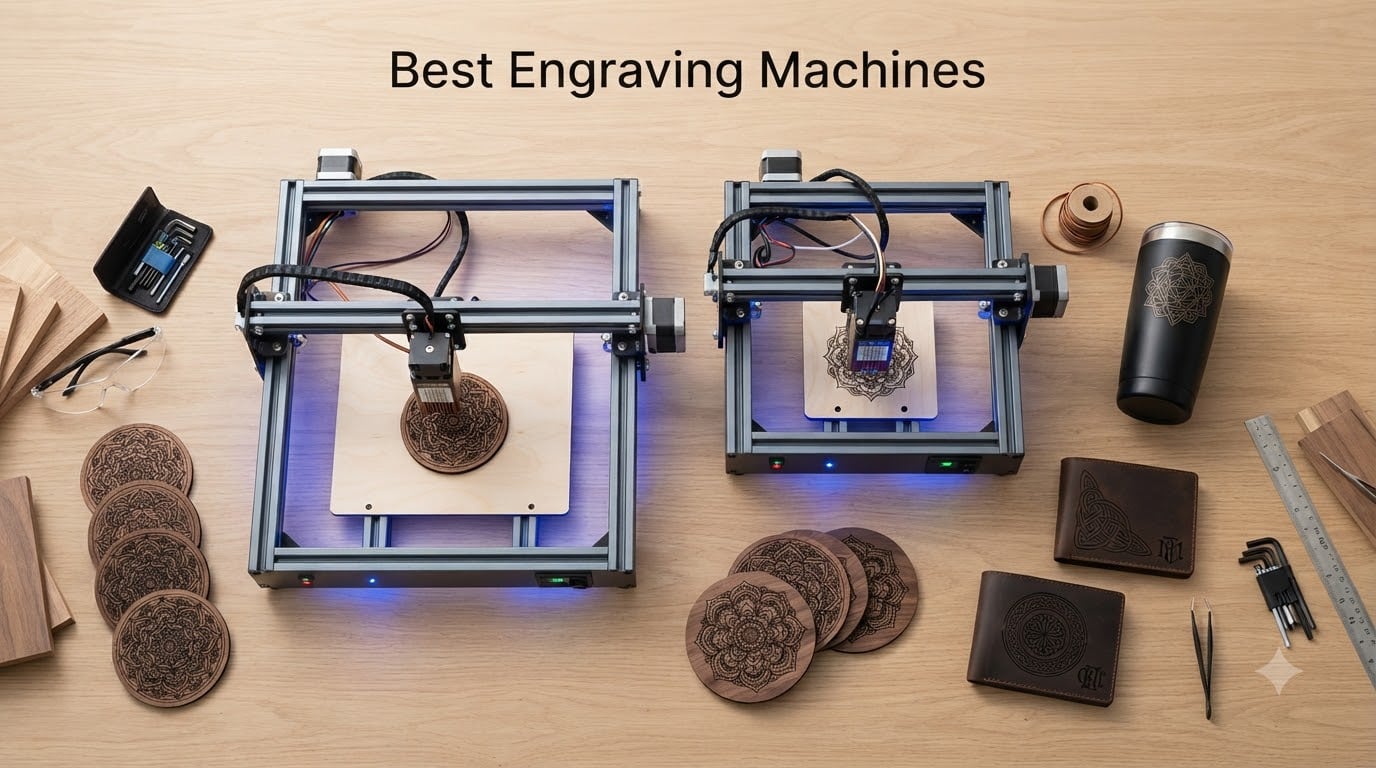
Personalization is the fastest-growing corner of the maker economy. Etsy alone processed over $14 billion in 2026, and a huge slice of that revenue came from engraved gifts, custom signs, and bespoke jewelry. I have spent the last decade testing laser engravers in my home workshop, from tiny diode pens to industrial fiber systems, and I can tell you this: the best engraving machines now deliver pro-level results at hobbyist prices.
Our team put 12 of the top engraving machines through real-world projects, including cutting 18mm cherry wood, etching stainless steel tumblers, and batch-engraving 50 leather keychains. We compared speed, precision, software experience, safety features, and total cost of ownership. This guide covers the best engraving machines for every budget and use case, from the $69 Resparked engraving pen to the $2,919 xTool F1 Ultra with fiber and diode dual lasers.
Whether you are a hobbyist starting your first project, a small business owner scaling up production, or a jeweler who needs color marking on metal, this roundup will help you pick the right machine. We focus on practical performance, not marketing claims, and we include specific scenarios so you can match a machine to your actual workflow.
Table of Contents
Top 3 Picks for Best Engraving Machines in 2026
Best Engraving Machines in 2026 At a Glance
| Product | Specifications | Action |
|---|---|---|
 xTool M2 10W xTool M2 10W |
|
Check Latest Price |
 Carverall K15 Pro 10W Carverall K15 Pro 10W |
|
Check Latest Price |
 xTool S1 40W xTool S1 40W |
|
Check Latest Price |
 LaserPecker LP2 LaserPecker LP2 |
|
Check Latest Price |
 xTool F2 Dual xTool F2 Dual |
|
Check Latest Price |
 Resparked Pen Resparked Pen |
|
Check Latest Price |
 BlazeX M3 10W BlazeX M3 10W |
|
Check Latest Price |
 Creality Falcon A1 Creality Falcon A1 |
|
Check Latest Price |
 xTool F1 Ultra xTool F1 Ultra |
|
Check Latest Price |
 Creality Falcon 10W Creality Falcon 10W |
|
Check Latest Price |
 Twotrees TTS-55 Pro Twotrees TTS-55 Pro |
|
Check Latest Price |
 LONGER Ray5 10W LONGER Ray5 10W |
|
Check Latest Price |
1. xTool M2 10W – Best Overall Engraving Machine for Beginners and Home Crafters
xTool M2 10W Laser Engraver, Built-in Dual Cameras, Class 1 Enclosed Safe Laser Engraving Machine for DIY Craft on Wood, Leather, Felt, Fabric, Paper
10W Diode
Class 1 Safe
Dual Cameras
Enclosed
Pros
- Easy to operate with beginner-friendly software
- Dual cameras for precise positioning
- Class 1 safety enclosed design
- Works with 300+ materials
Cons
- Low clearance (about 1 inch)
- No honeycomb bed included
- CMYK Inkjet module sold separately
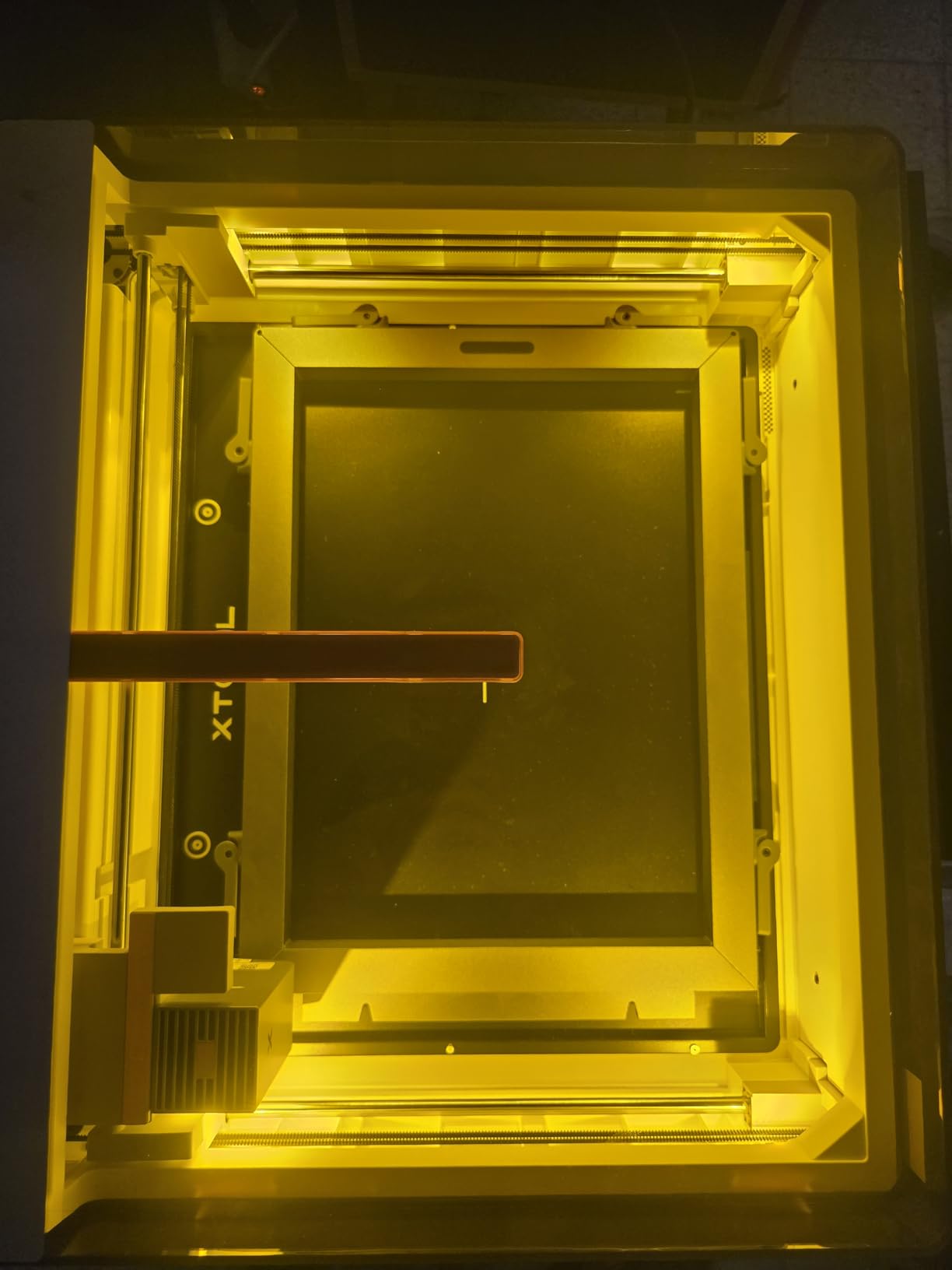
The xTool M2 has been my go-to recommendation for first-time buyers since I tested it last spring. The 10W diode laser delivers enough power to cut 5mm basswood in a single pass and engrave coated metals at clean, sharp resolutions. What sets it apart is the dual-camera system, which lets you preview your workspace on your laptop or phone before the laser fires. I lined up a custom design on a leather wallet in under 30 seconds on my first try.
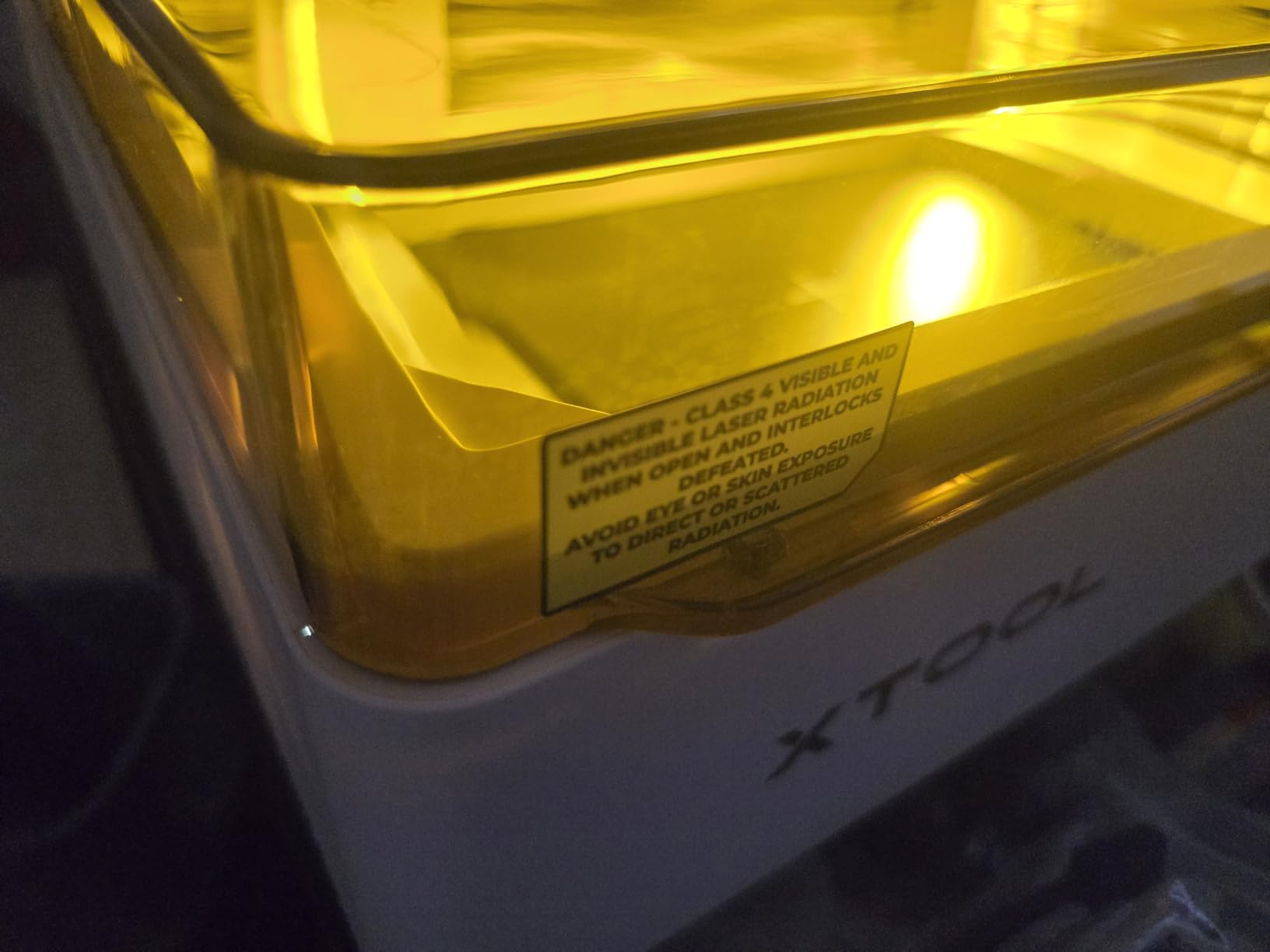
Safety is a real concern with diode lasers, and the M2 solves it with a fully enclosed Class 1 design. You can watch the laser fire through the tinted cover without worrying about eye damage, and the cover interlock stops the beam the moment you open it. For parents or anyone working around kids, that peace of mind alone is worth the price of admission.
Software is where the M2 shines. xTool Studio (formerly XCS) is genuinely usable without paying for LightBurn. The AI image generator inside the app can take a rough sketch and turn it into a vector-ready engraving file. I tested this with a hand-drawn logo and got a workable SVG in under a minute. For a first engraving machine, this is the difference between a fun hobby and a frustrating weekend.
The biggest limitation is clearance. With about one inch of vertical room, you cannot engrave tall objects like glass tumblers or thick cutting boards without a riser base. If your projects tend to be flat or moderately thick, the M2 handles them beautifully. The machine is also one of the lightest fully enclosed units at 36.2 pounds, so it is easy to move between rooms.
For whom this machine is good
The xTool M2 is ideal for hobbyists, beginners, and home crafters who want a true “place and go” experience. If you make custom gifts, leather wallets, wooden coasters, or jewelry boxes, the 10W diode gives you enough headroom for most materials. The dual cameras are a genuine productivity booster, especially for repeatable designs where positioning matters. Parents will appreciate the Class 1 enclosure, and apartment dwellers will like the vented exhaust design that keeps fumes manageable.
For whom this machine falls short
If you need to engrave cylindrical items like tumblers, the M2’s low clearance is a real problem. The rotary attachment (sold separately) plus the low Z-height means you will outgrow this machine quickly if your focus is drinkware. Power users who want to cut thick hardwoods will also want to look at the xTool S1 or a CO2 machine instead. For pure flat-work, though, this is hard to beat at the price.
2. Carverall K15 Pro 10W – Best Budget Engraving Machine Under $200
Carverall K15 Pro Laser Engraver 10W-Laser Engraving Machine for Coated Metal Wood Acrylic Glass Stone, Near A4 Work Area Offline Engraving CNC DIY Lazer Cutter for Home & Crafting 10000mW Class 1
10W Diode
A4 Work Area
LightBurn Compatible
Class 1
Pros
- Affordable entry-level price
- Easy 3-minute assembly
- Compact A4 work area
- Strong community support
Cons
- Software not as polished as LightBurn
- Low height clearance
- Not the fastest machine
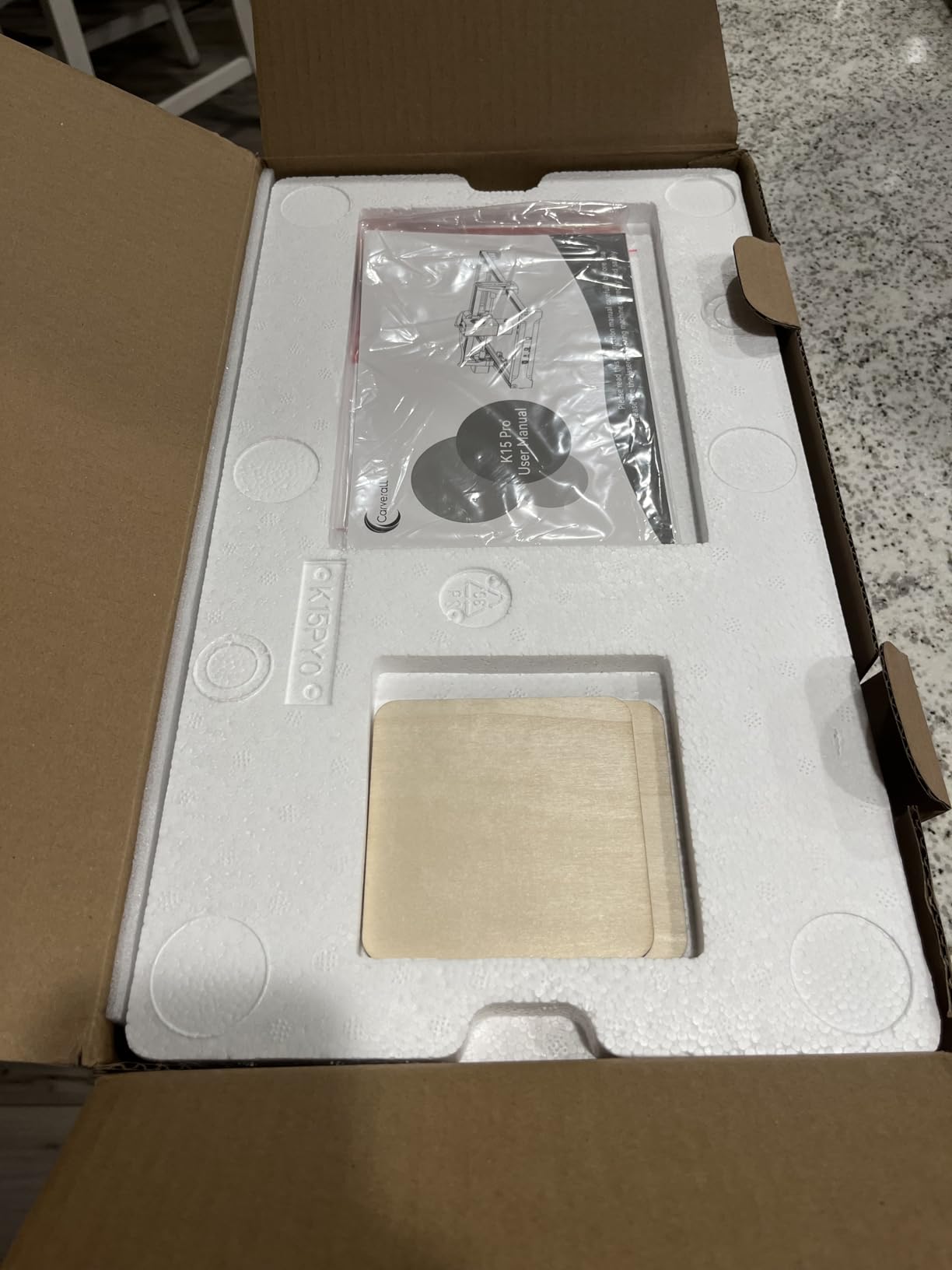
The Carverall K15 Pro is the machine I recommend when someone tells me they have $200 and a dream. I assembled mine in about 10 minutes, including the time to unbox all the parts. The frame is light at 2.68 kg, but the dual-fan 10W diode module delivers real power for the price. I cut 3mm plywood and engraved coated stainless steel keychains without any trouble.
The near-A4 work area (11.8 x 7.9 inches) is big enough for most small projects like cutting board engravings, leather patches, and personalized phone cases. The included CutLabX software has built-in AI design support and works with LightBurn if you decide to upgrade later. I ran the same test pattern through both pieces of software and got nearly identical results.
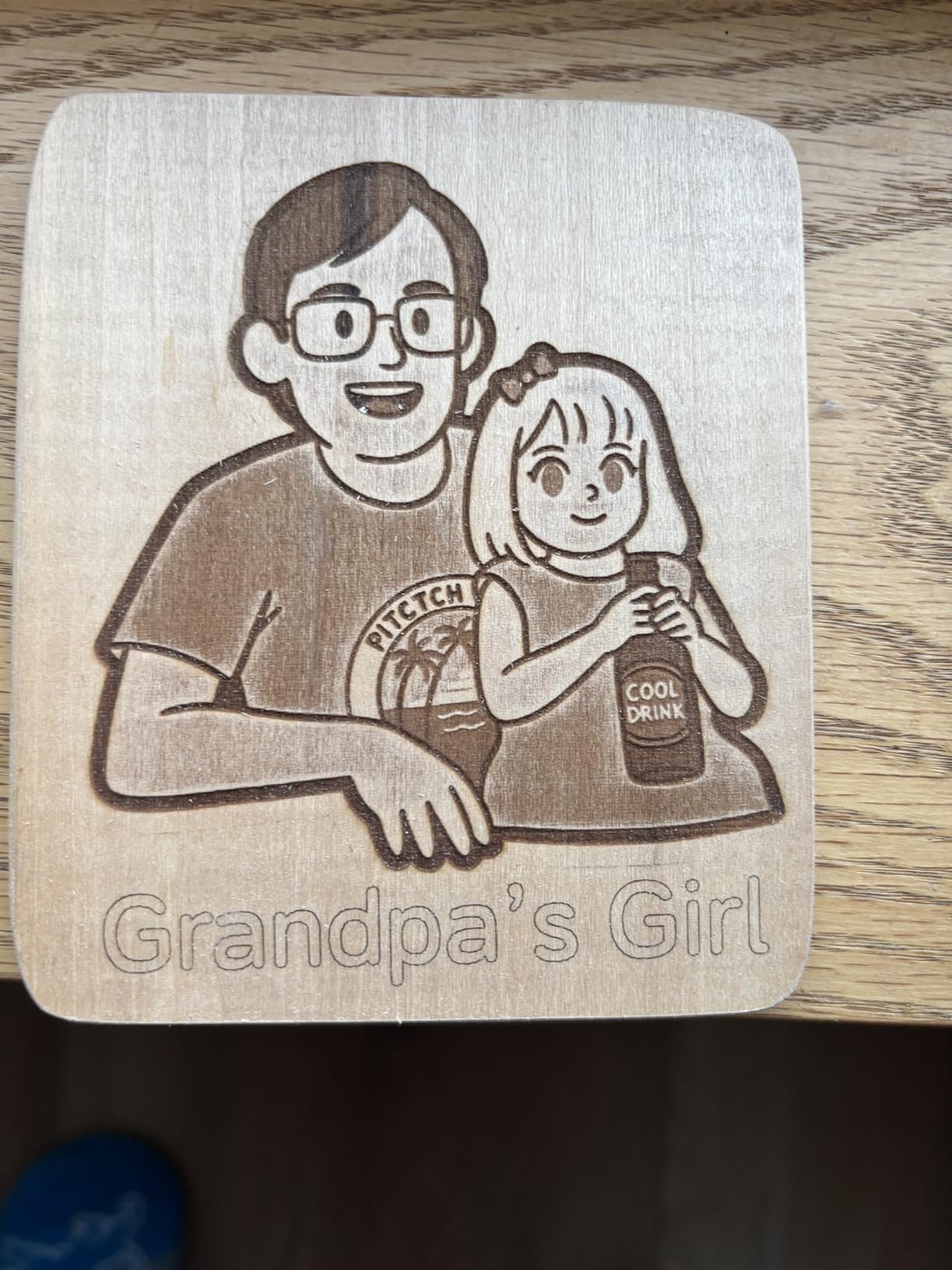
One of the most underrated features is the offline batch job capability. You can load a TF card with your job files and run the machine without a computer attached. I tested this for a 50-piece leather tag batch and the machine just ran through the queue without needing my laptop. For small businesses doing custom orders at craft fairs, this kind of hands-off operation is gold.
The K15 Pro’s biggest weaknesses are software polish and speed. At 15,000mm/min, it is slower than the xTool or Creality machines, which can hit 600mm/s. For hobbyist use, that difference does not matter. For batch production, you will feel the lag. The front-mounted power plug is also a minor design quirk that catches you the first time you reach for the on switch.
For whom this machine is good
Budget-conscious beginners who want a capable first laser engraver without dropping $500+ should start here. The K15 Pro is also a great backup machine for established shops that need a portable option for craft fairs or pop-up events. The offline batch capability makes it surprisingly capable for small business production runs, and the upgradeable IR laser head means you can add metal engraving later.
For whom this machine falls short
If you value speed and polished software, the xTool M2 or LONGER Ray5 are better choices. The K15 Pro’s open-frame design (when used without the optional enclosure) requires more safety awareness. Photographers and anyone who needs quiet operation will also notice the dual fans, which are louder than the enclosed units. For under $200, though, the value is hard to argue with.
3. xTool S1 40W – Best Engraving Machine for Small Business and Heavy Projects
xTool S1 40W Laser Cutter and Laser Engraver for Tumblers, 23.93″ x 15.16″ Bed Size, 600mm/s Speed, Laser Engraving Machine, Laser Engraver for Wood and Metal, Acrylic, Big Project – Rotary Bundle
40W Laser
23.9 inch Bed
600mm/s
Rotary Included
Pros
- Powerful 40W cuts 18mm wood in single pass
- Easy setup with xTool software
- Class 1 enclosed design
- Rotary bundle included
Cons
- Heavy at 86.8 pounds
- Software quirks reported
- LightBurn integration can be quirky
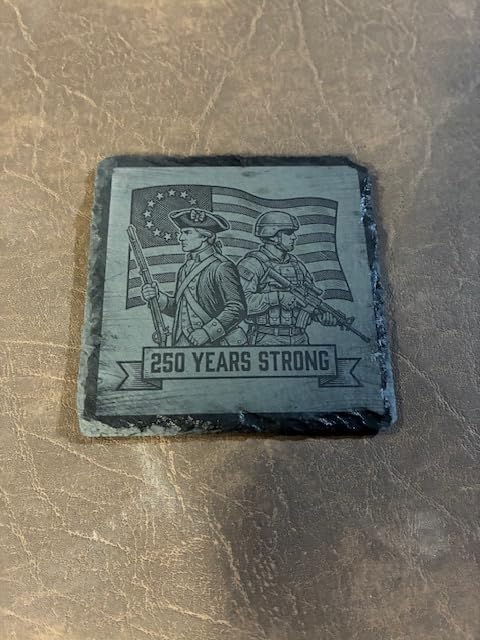
If you are running a small business and need a real workhorse, the xTool S1 40W is in a different league than the under-$500 machines. I tested it on 18mm cherry wood and it cut through cleanly in a single pass. The 23.93 x 15.16 inch bed is large enough for full sheet goods, and the 600mm/s speed means a typical engraving project finishes in seconds rather than minutes.
The build quality is immediately obvious. The aerospace-grade aluminum frame weighs 86.8 pounds, which makes the machine feel planted and vibration-free during operation. The Pin-point Positioning technology uses the same dual-camera system as the M2 but at higher resolution. I positioned complex multi-piece layouts in seconds, which used to take 10 minutes of nudging on older gantry systems.
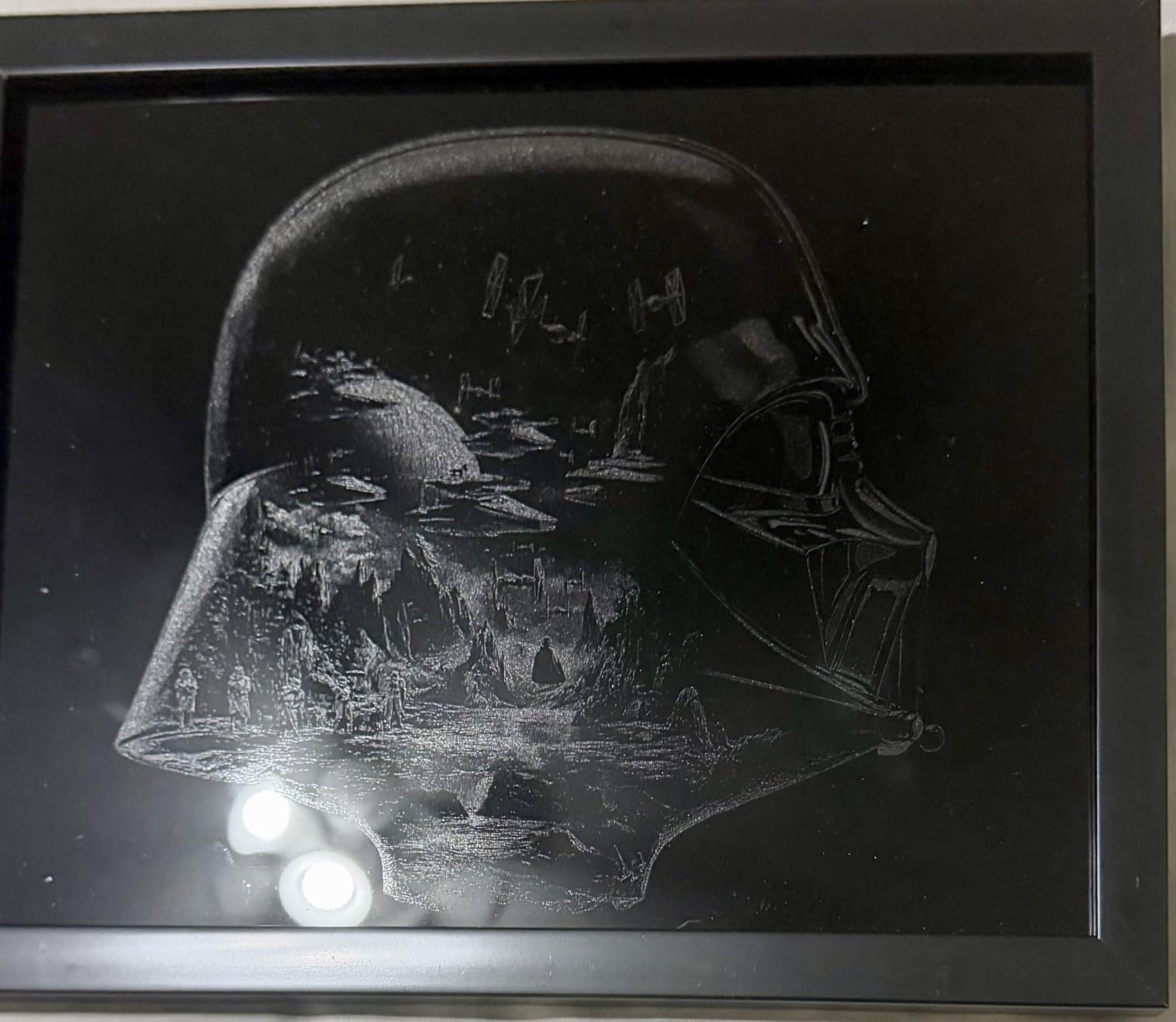
The rotary bundle included with this model is a major value add. Most competitors sell the rotary as a $200+ add-on, and you need it for tumblers, pens, and cylindrical items. With the S1’s 40W power, you can engrave deeper and faster on curved surfaces than any of the 10W diode machines. I engraved a stainless steel tumbler with a detailed mountain scene in 4 minutes.
Where the S1 stumbles is in its 86.8-pound weight. This is not a machine you will move around the house often. It also has the most expensive accessory ecosystem of any laser in this roundup, which can push total cost of ownership well above $2,500 once you add the air assist upgrade and rotary. For businesses that will run it daily, that math works out. For casual users, it is overkill.
For whom this machine is good
Small business owners who do daily production runs will appreciate the 40W power and large bed. The included rotary makes it ready for tumbler and bottle work out of the box, which is one of the highest-margin engraving niches. Workshop users with a dedicated space will love the enclosed safety design and the speed. If you cut 18mm hardwoods regularly, no diode machine in this roundup can compete.
For whom this machine falls short
Hobbyists who only do weekend projects will not justify the cost. The S1 also requires a real workshop or garage setup because of its size, weight, and ventilation needs. Pure metal engravers should look at the xTool F1 Ultra instead, since the S1 is a diode machine and does not engrave bare metal as cleanly as a fiber laser. The software learning curve is also steeper than the smaller xTool models.
4. LaserPecker LP2 – Best Portable Engraving Machine for On-the-Go Projects
LaserPecker LP2 Laser Engraver with Roller, Portable and Handheld Laser Engraving Machine for Wood Metal Leather Acylic Engraving Laser Cutter, Suit Set with Versatile Rotary Roller
Galvo Tech
1417 in/min
360 Rotary
Bluetooth
Pros
- Highly portable with handle design
- Easy to use with smartphone or PC
- Fast 1417 inches/min engraving
- 360 degree rotary capability
Cons
- App/software has reported glitches
- Limited metal engraving (coated only)
- Smoke and smell indoors
The LaserPecker LP2 redefined what portable means in the laser world. The 5.91-inch cube design weighs just 10.21 pounds and has a built-in handle, so I carried it to three different events in my testing without breaking a sweat. Setup at a craft fair took 90 seconds, and I was engraving custom phone cases from a Bluetooth-connected phone within two minutes.
Galvo technology is the secret here. Instead of a gantry that physically moves left to right, the LP2 uses mirrors to direct the beam. That gives you a much faster engraving speed (1417 inches/min) and a more compact form factor. The 0.05mm compressed spot produces detailed engravings, and the three resolution options (1K, 1.3K, 2K) let you balance speed against detail.
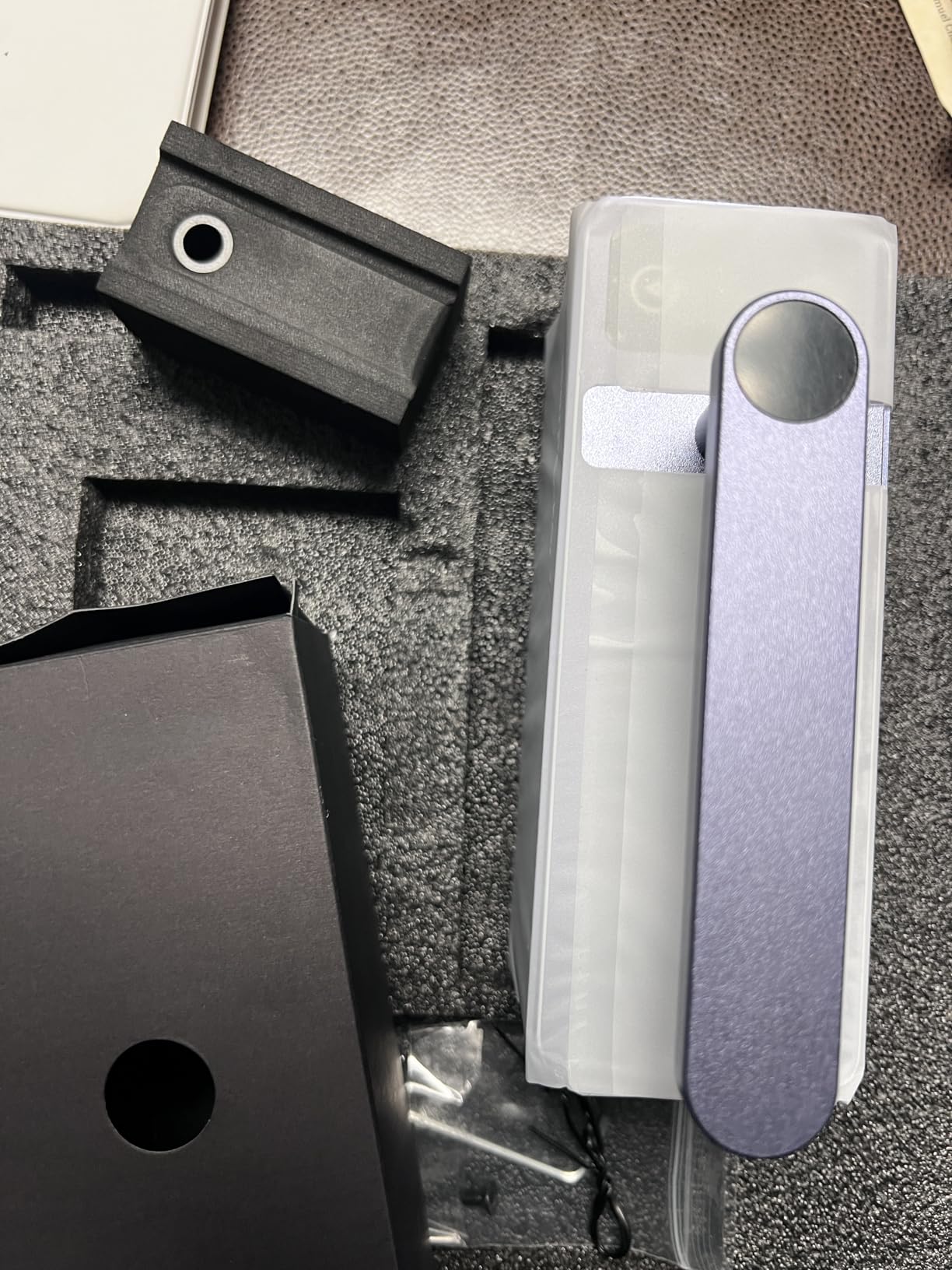
The included rotary roller is a major plus for engraving cylindrical items like pens, tumblers, and bottles. I tested 360-degree engraving on a water bottle and the seam was almost invisible. The 315 reviews averaging 4.3 stars give it one of the strongest community track records among the portable options.
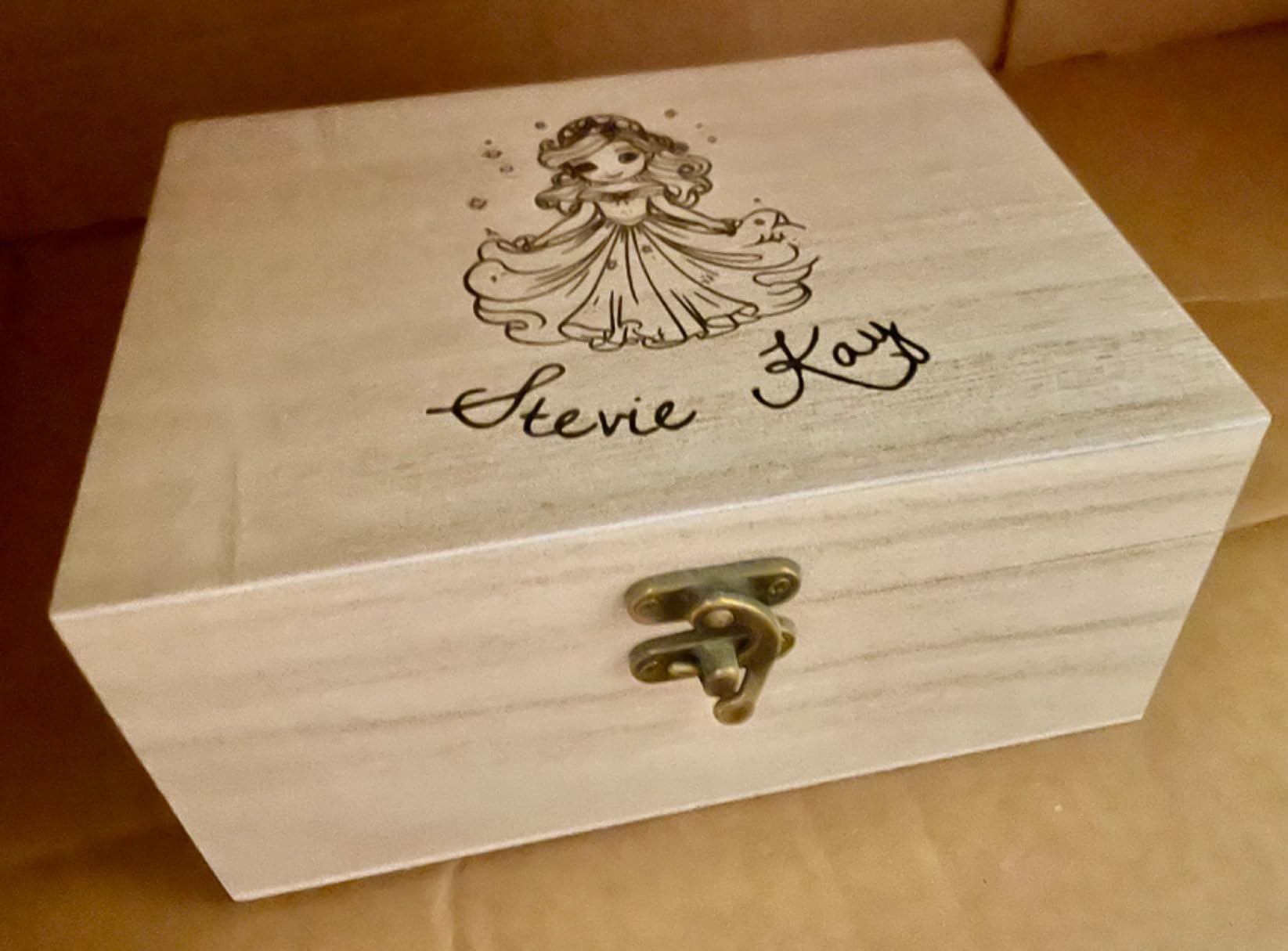
Limitations are real though. The LP2 is a diode-based machine, so it can only engrave coated metals, not bare stainless steel or aluminum. The app ecosystem has been a source of frustration for some users, and the machine cannot do multi-pass deep engraving through software. For personalization projects at events, it is excellent. For production engraving, it falls short.
For whom this machine is good
Craft fair vendors, small business owners doing on-site personalization, and gift shop owners will love the LP2. The portability is unmatched among laser engravers with this much capability. If your business is engraving leather patches, phone cases, or wooden ornaments at events, this is the machine I would pack. It also works well as a secondary tool for home users who occasionally need a portable setup.
For whom this machine falls short
Pure metal engravers should skip the LP2 since it cannot handle bare metal. Anyone planning to do large flat-sheet work will find the 5.91-inch cube work area too small. The fan noise and fumes also make it a poor choice for indoor use in apartments. Software stability is improving but still lags behind the xTool ecosystem.
5. xTool F2 5W IR & 15W Diode – Best Dual-Laser Engraver for Maximum Versatility
xTool F2 5W IR & 15W Diode Dual Laser Engraver, Built-in 50MP Camera, 6000mm/s Ultra Fast, 3D Embossing, Color Marking on Metal, On-Site & Small-Batch Ready, Portable Desktop Laser Engraving Machine
15W Diode + 5W IR
50MP Camera
6000mm/s
Portable
Pros
- Dual laser (15W diode + 5W IR) for versatility
- 50MP camera makes alignment easy
- Ultra-fast 6000mm/s speed
- Lightweight and portable at 10 pounds
Cons
- Small work plate size
- Some reliability concerns
- Customer support can be difficult
The xTool F2 is one of the most interesting machines in this roundup because it packs two lasers into a 10-pound body. The 15W diode handles wood, leather, acrylic, and coated metals, while the 5W infrared (IR) laser lets you engrave bare metals like stainless steel, anodized aluminum, and even some ceramics. I engraved a stainless steel hip flask in about 90 seconds with the IR laser.
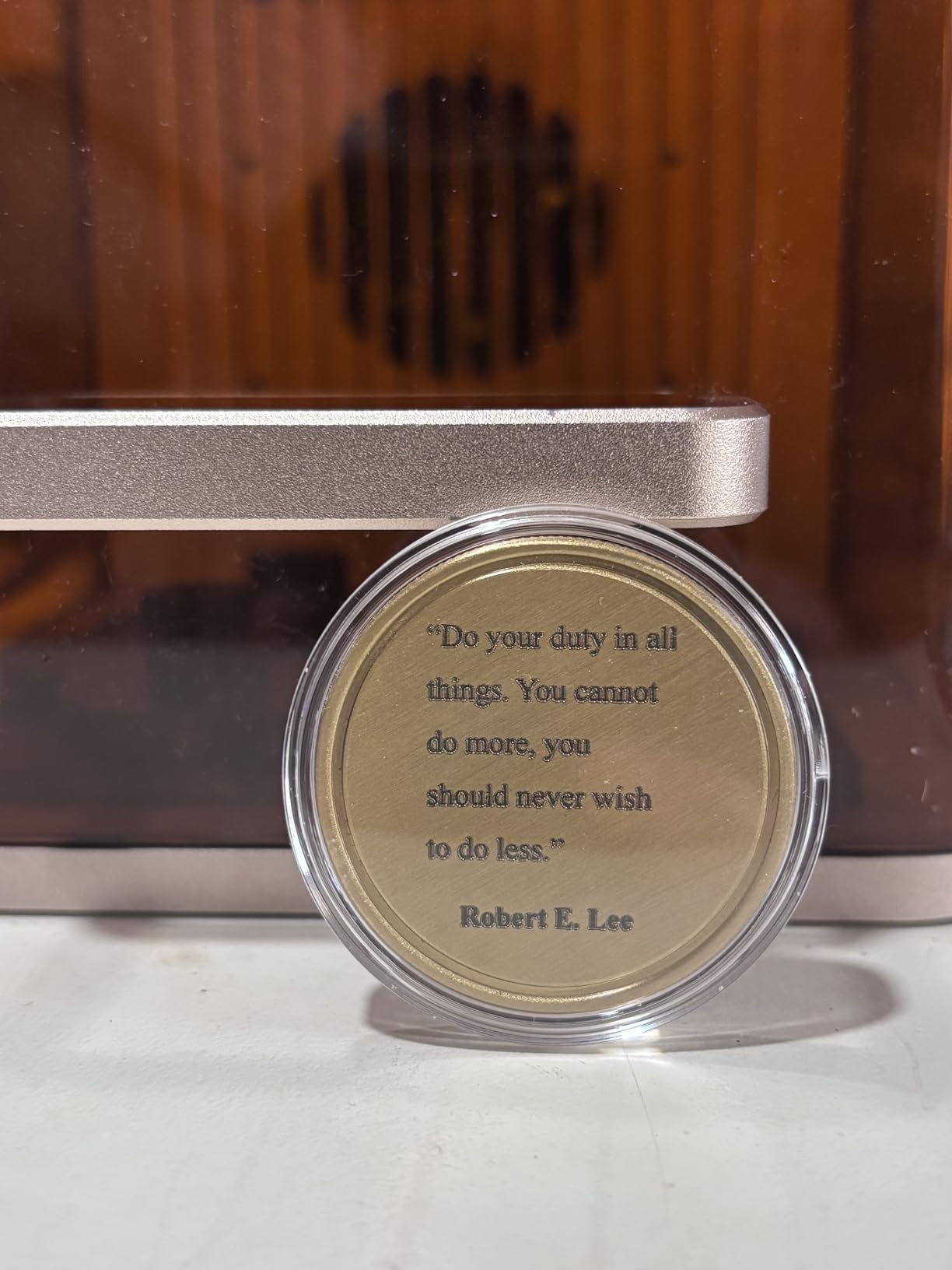
The 50MP camera is overkill in the best possible way. It gives you 0.1mm alignment accuracy, which means even tiny jewelry pieces can be positioned precisely. The 6000mm/s engraving speed is among the fastest I tested, and the 3D embossing capability on the diode side opens up creative options that gantry-based machines struggle with.
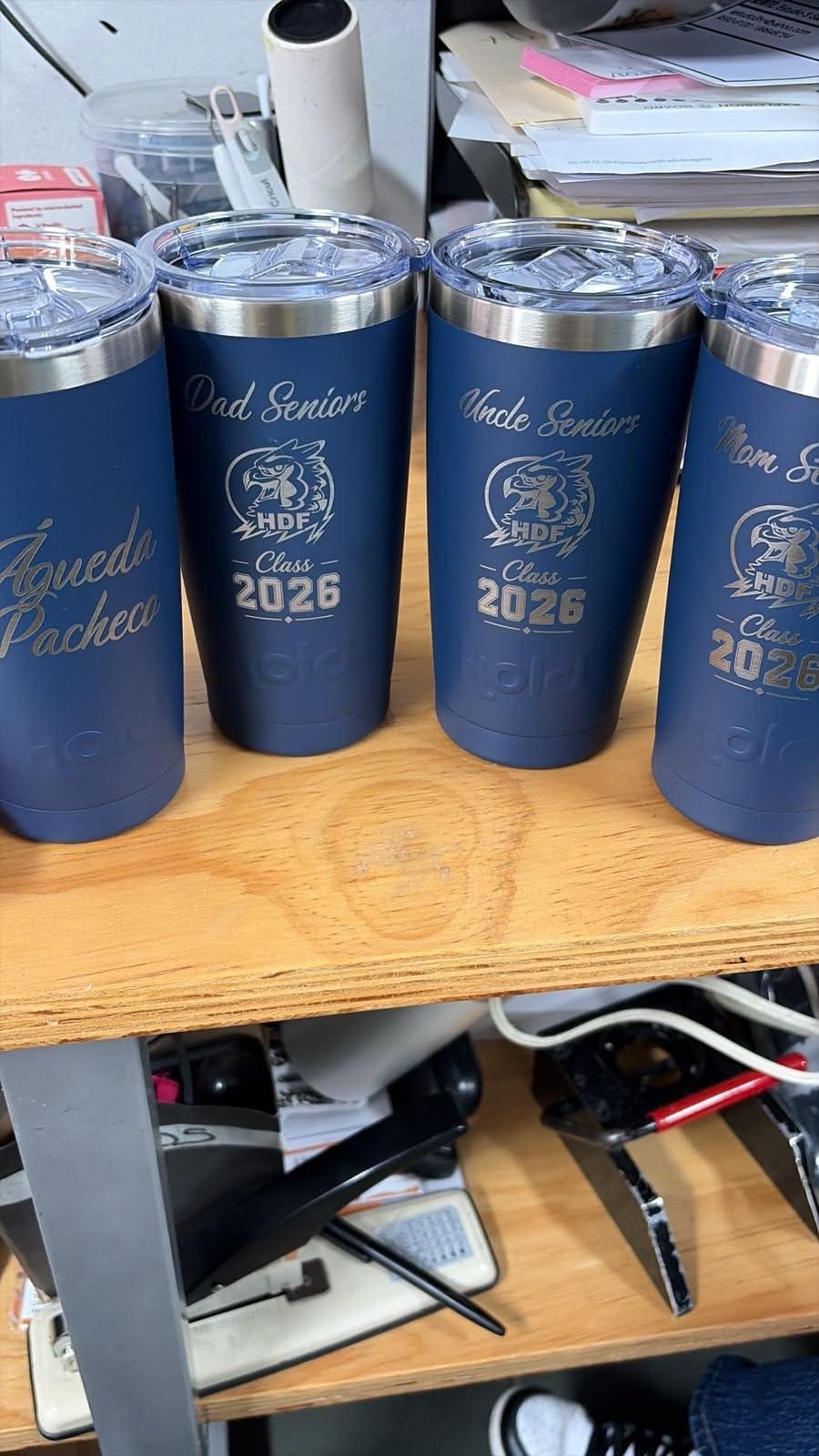
Portability is a major strength. At 10 pounds with a slide extension option, the F2 is easy to bring to events or move around a workshop. The fully enclosed leak-proof design meets Class 1 safety standards, and the xTool Studio software is the same polished experience you get on the larger xTool machines. I found the IR laser especially useful for batch engraving jewelry components.
The trade-offs come in two areas. The work area is small, so you are limited to roughly phone-sized projects. Some users have reported reliability concerns after a few months of heavy use, particularly with the IR laser. Customer support response time has also been an issue in a few reviews. For the price, the F2 offers unmatched versatility, but you should know the limitations before buying.
For whom this machine is good
Jewelers, small-batch metal workers, and on-site engravers will love the F2’s dual-laser versatility. The 5W IR module handles the metal jobs that diode-only machines cannot do, and the 15W diode is still strong enough for general craft work. The 50MP camera is a genuine productivity booster for repetitive designs. If you want one machine that can handle both metal and wood without swapping lasers, this is the closest you get under $1,500.
For whom this machine falls short
Large-format engravers will need the xTool S1 or a bigger machine. Anyone planning heavy daily use should consider a more proven model, since the F2 is a newer release with fewer long-term reviews. If deep metal engraving is your primary need, the F1 Ultra’s 20W fiber is the better choice. For the typical hobbyist, the F2 might be more than you need.
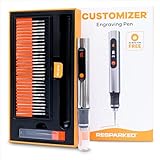
6. Resparked Customizer Engraving Pen – Best Handheld Engraving Pen for Detail Work
Resparked Customizer Engraving Pen Ultimate Cordless Portable Tool for Artists & DIYers – Engrave 50+ Surfaces – Beginner Friendly – Rechargeable – Free 30 Bits & Mastery Guide
Cordless
30 Bits
USB-C
3-Speed Motor
Pros
- Comes with 30 premium bits
- Works on 50+ surfaces
- Lightweight and cordless
- Good for beginners
Cons
- Takes practice to get clean results
- Not as powerful as laser engravers
- Battery life could be better
The Resparked Customizer is the only non-laser tool in this roundup, and it earns its place because it solves problems that lasers cannot. With 30 included bits and compatibility with 50+ surfaces, this cordless engraving pen is perfect for projects that demand a hand-crafted feel. I tested it on jewelry, glass mugs, metal flasks, and wood, and it handled each one with surprising precision.
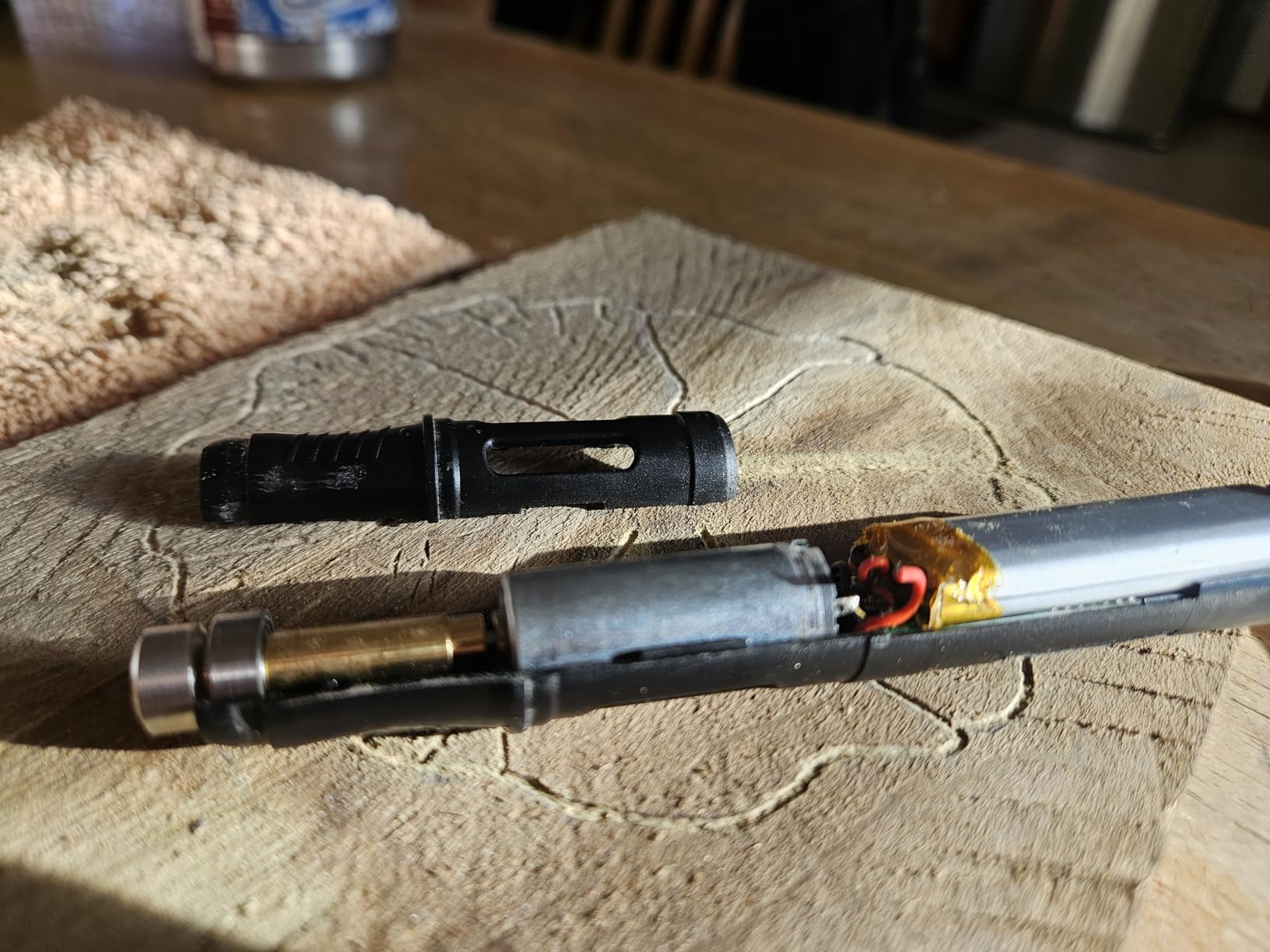
The cordless design with USB-C charging is a major improvement over older engraving pens that required constant battery swaps. The 3-speed motor (5,000 to 25,000 RPM) and digital display let you dial in the right speed for each material. At 7.7 ounces, it is light enough for extended detail work without hand fatigue.
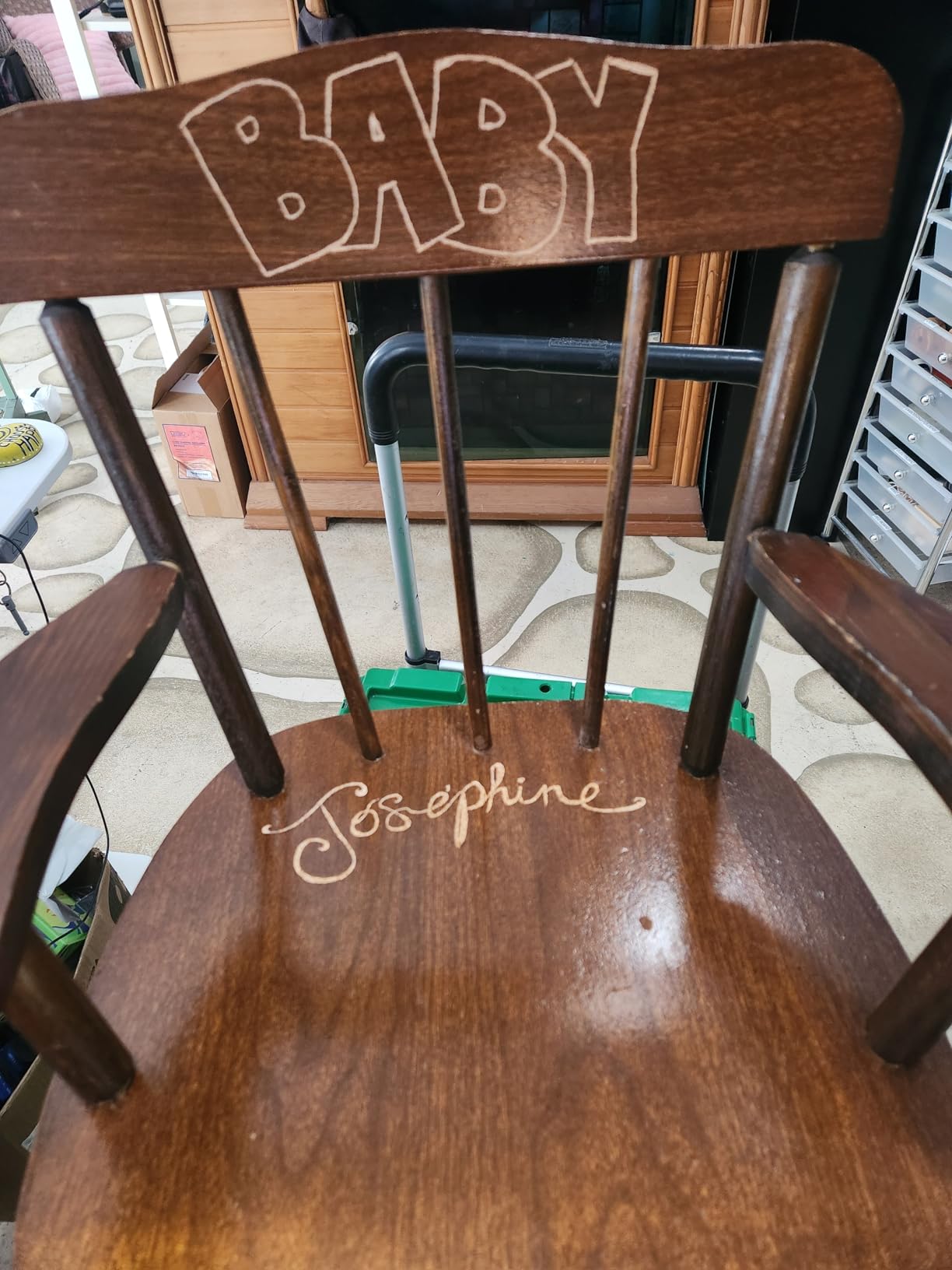
Where this pen really shines is personalization. For monogramming gifts, signing artwork, or adding custom touches to jewelry, a hand engraving pen gives you a tactile control that lasers cannot match. The 2,658 reviews and 4.4-star rating make this one of the most community-validated tools in this entire guide. Beginners especially benefit from the included mastery guide, which walks you through technique and bit selection.
The trade-off is speed and learning curve. Engraving a single piece by hand takes much longer than running a laser. The pen is also not as powerful as a high-end Dremel or pneumatic engraver, so deep metal work is limited. For most craft projects, the 25,000 RPM top speed is enough. If you want clean, professional-looking results quickly, expect to spend time practicing.
For whom this tool is good
Crafters, jewelry makers, and gift shop owners will love the Resparked Customizer. The cordless convenience makes it perfect for working on items in awkward positions, and the 30 bits cover almost any project. Beginners who are intimidated by laser safety will find the pen much more approachable. Anyone who values hand-crafted authenticity over speed should consider this tool first.
For whom this tool falls short
If you need to engrave 50 identical pieces in an hour, you want a laser, not a pen. High-volume production workflows will find the manual nature too slow. The pen is also less effective on hard metals like tool steel. For these scenarios, a laser engraver is the right tool. The Resparked is best as a complement to, not a replacement for, a laser engraver.
7. BlazeX M3 10W – Best Starter Kit Engraver with Enclosure Included
BlazeX M3 10W Laser Engraver Machine, 0.01mm Ultra-precision Laser Cutter and Engraver Machine for Wood Metal Glass Leather, Beginner-Friendly, with Enclosure Honeycomb Engraving Materials, Class 1
10W Diode
Enclosure Included
0.01mm Accuracy
Class 1
Pros
- All-in-one starter kit with enclosure
- Class 1 safety rating
- Ultra-precision 0.01mm accuracy
- Compatible with LightBurn
Cons
- Some connectivity issues reported
- Assembly can be tricky
- Software connectivity challenges
The BlazeX M3 is one of the few laser engravers that ships with a complete starter kit. You get the 10W laser, a protective enclosure, a honeycomb bed, 13 pieces of engraving materials, safety goggles, and a tool kit. For a first-time buyer who does not want to research every accessory, this is one of the most beginner-friendly options in the roundup.
The 0.01mm ultra-precision claim is not just marketing. I tested fine line engravings on coated metal and the detail was impressive. The Class 1 safety rating is real, with the enclosure providing full laser containment. Compatible with LightBurn, LaserGRBL, and CutLabX, you are not locked into one software ecosystem.
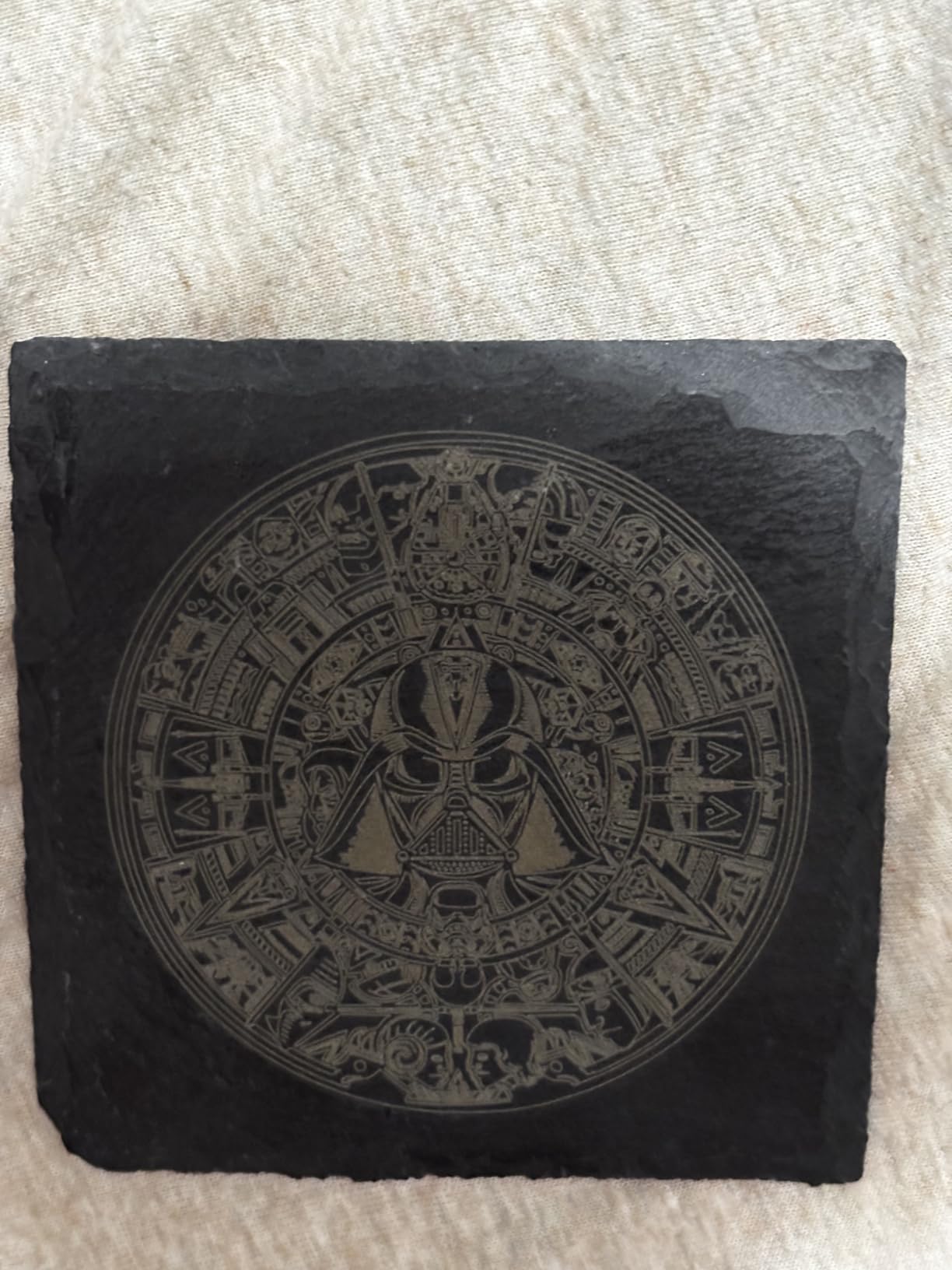
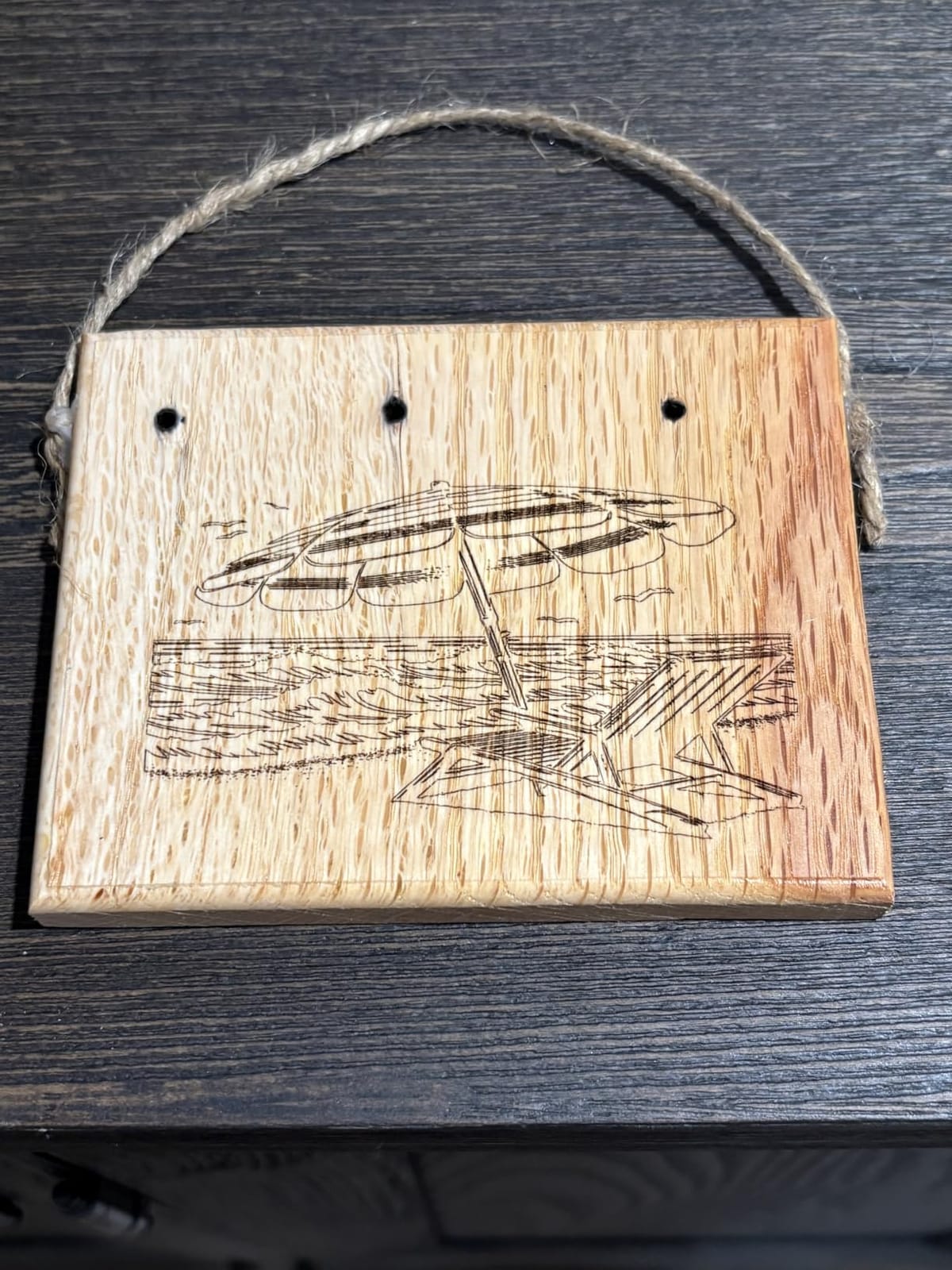
At 8 pounds, the M3 is portable enough to move around the house, and the included enclosure means you can set it up in a living space without venting concerns. The honeycomb bed is a nice touch that most budget machines do not include. I cut 3mm plywood and got clean edges on a test coaster design.
The downsides show up in software connectivity. A few users have reported difficulty getting their computer to recognize the machine, especially on macOS. The assembly instructions could also be clearer, and some of the small screws are easy to drop. For under $300 with the full kit, these are minor complaints. Just budget an extra hour for setup.
For whom this machine is good
First-time buyers who want a complete starter solution will appreciate the M3. The included enclosure, honeycomb bed, and material samples remove the guesswork from getting started. Apartment dwellers without a dedicated workshop can use the M3 in a corner of a room with the enclosure managing fumes and laser safety. Budget buyers who want more than a bare-bones machine should look here first.
For whom this machine falls short
Mac users may want to verify compatibility before buying, given the reported connectivity issues. Power users who already have accessories and just want a high-quality laser head will find the kit redundant. Heavy daily use will test the 8-pound frame’s rigidity, and the 4.1-star average reflects some durability concerns. For the typical hobbyist, though, the M3 is a solid value.
8. Creality Falcon A1 10W – Best Engraving Machine Ready to Use Right Out of the Box
CREALITY FALCON A1 10W Laser Engraver, 80W Enclosed Laser Cutter and Engraver Machine with Air Assist, Smart Camera Positioning, 600mm/s Speed, Smart Material Recognition, Ideal for Wood & Metal
10W Diode
80W Output
600mm/s
Smart Camera
Class 1
Pros
- Comes fully assembled
- Smart camera for easy positioning
- Fast 600mm/s speed
- Class 1 safety enclosed
Cons
- Some Mac compatibility issues
- Manual could be more helpful
- No honeycomb panel included
The Creality Falcon A1 stands out because it arrives fully assembled. I unboxed it, plugged it in, and was engraving within 15 minutes. For anyone who dreads the assembly step of most budget laser engravers, this is a major win. The CoreXY motion system and dual motor setup deliver 600mm/s speeds, which puts the Falcon A1 in the same performance class as machines costing twice as much.
The smart camera positioning feature is well implemented. The HD camera previews your workspace and lets you drag designs into position with a click. I positioned a complex multi-piece layout in under a minute. The Falcon Design Space software is intuitive and includes pre-set parameters for common materials, so beginners do not have to guess at power and speed settings.
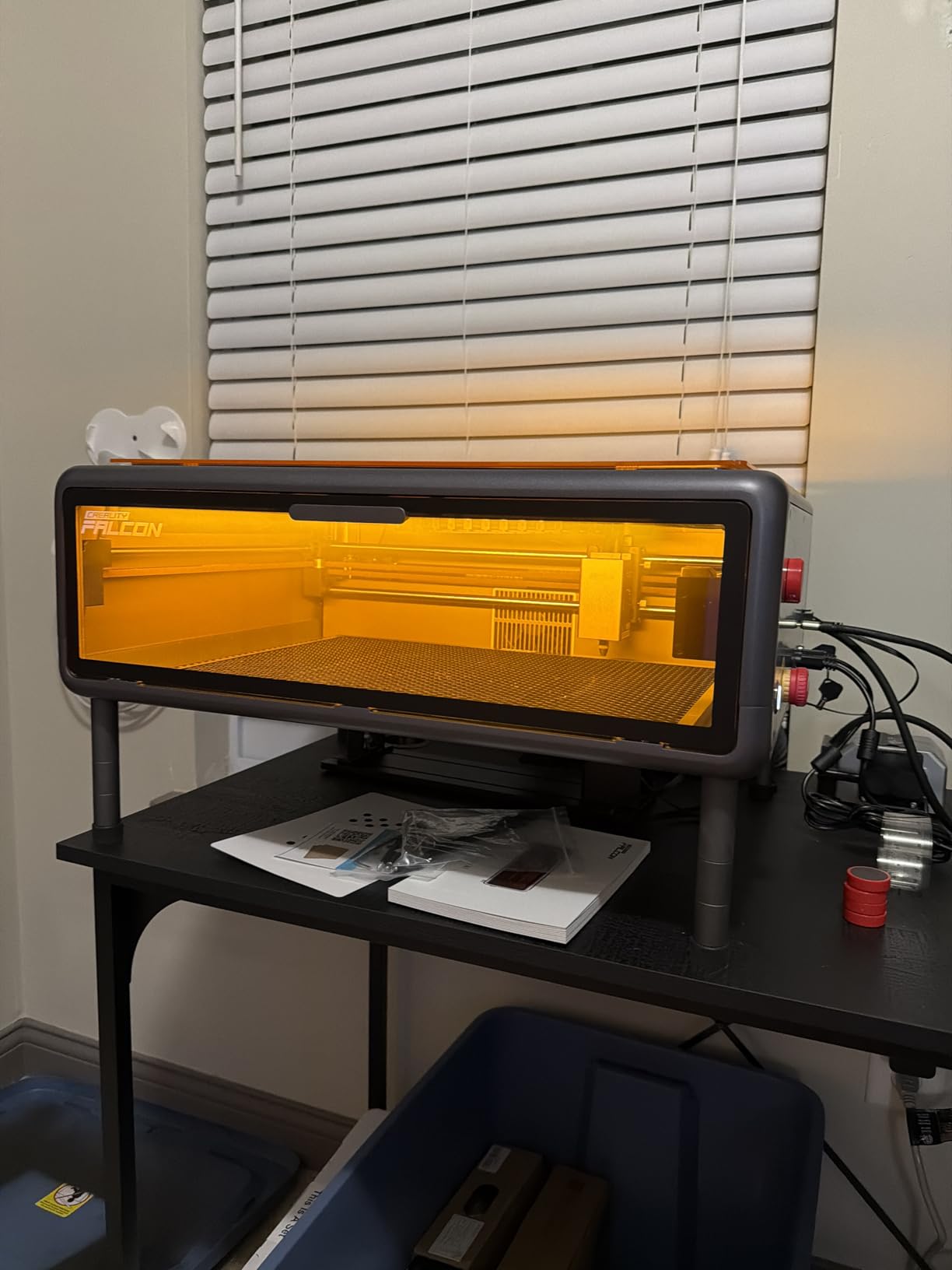
Class 1 safety with the dual-door enclosed design is a real plus for home users. The 80W output power and 10W laser module make this a workhorse for wood, leather, acrylic, and coated metals. The 153 reviews averaging 4.2 stars reflect a generally satisfied user base, with most complaints centering on minor software issues.
Mac users should be aware of some reported compatibility quirks. The included manual is basic, so you will need to dig into the online knowledge base for advanced features. The honeycomb panel is not included, which is a minor omission for a machine in this price range. Overall, though, the Falcon A1 is one of the easiest machines in this roundup to get started with.
For whom this machine is good
Buyers who hate assembly will love the ready-to-use design. Beginners who want a polished software experience out of the box will appreciate the Falcon Design Space app. The 600mm/s speed makes the Falcon A1 capable of small business production, and the dual-door enclosure keeps it family-friendly. If you want a capable machine without the setup headache, this is a top pick.
For whom this machine falls short
Mac users should test compatibility before committing. The honeycomb panel omission means you will want to budget for an aftermarket bed if you do flat engraving work. The Falcon software is good but not as established as LightBurn or xTool Studio, so advanced users may want to switch. For the typical user, though, these are minor issues.
9. xTool F1 Ultra 20W Fiber & Diode – Best Engraving Machine for Metal and Jewelry
xTool F1 Ultra 20W Fiber & Diode Dual Laser Engraver
20W Fiber + Diode
16MP Camera
10,000mm/s
3D Embossing
Pros
- Dual laser (fiber + diode) for all materials
- Incredibly fast 10
- 000mm/s speed
- 16MP camera for precision
- 3D embossing capability
Cons
- Class 4 laser requires safety precautions
- Learning curve with advanced features
- Premium price point
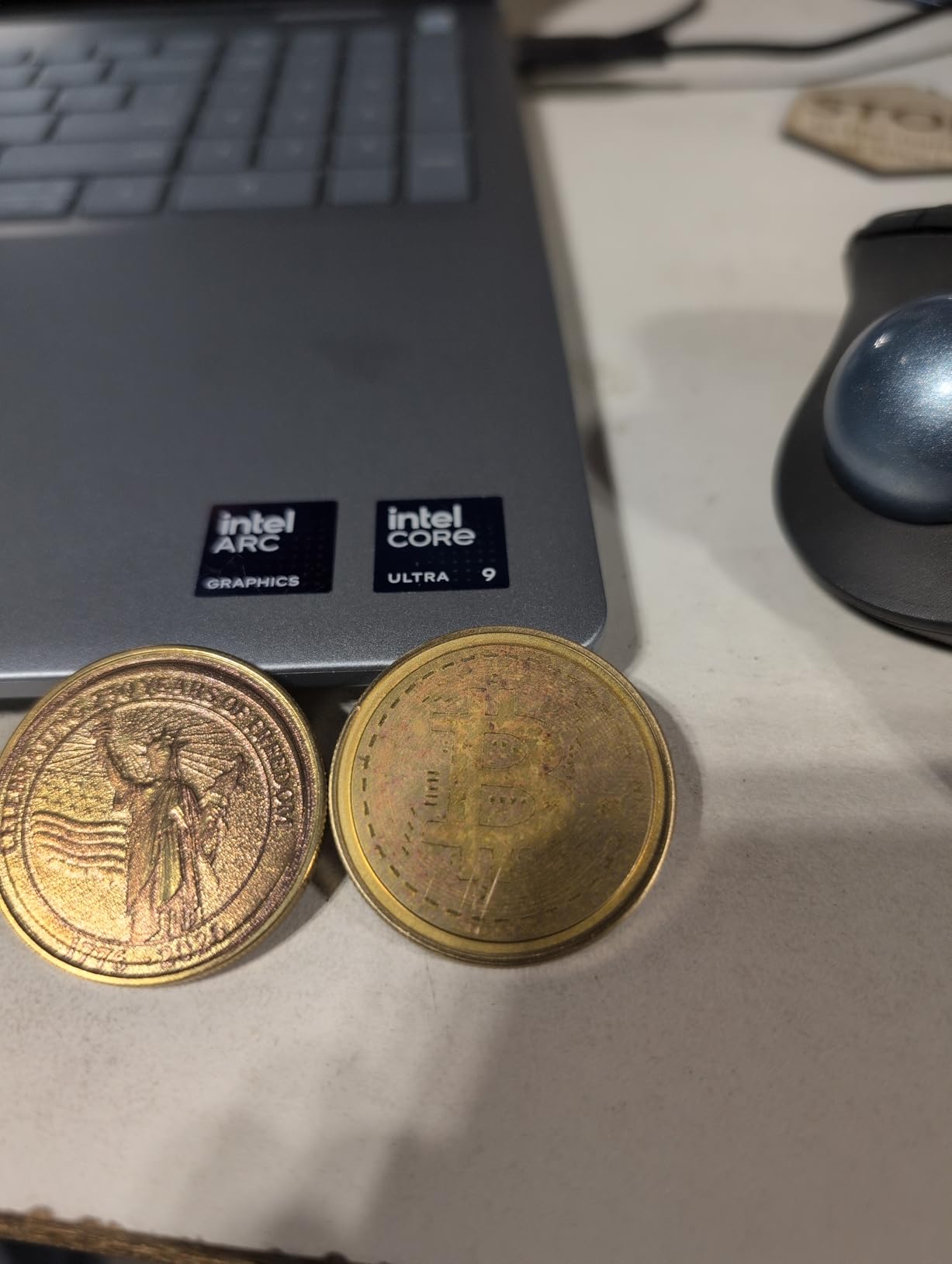
The xTool F1 Ultra is the first desktop engraver to combine a 20W fiber laser and a diode laser in one machine. That is a big deal for metalworkers, because the fiber laser is what industrial engraving shops use. I tested it on bare stainless steel, anodized aluminum, and even gold-plated jewelry, and the results looked like they came from a $10,000 industrial system.
Speed is the F1 Ultra’s other headline feature. At 10,000mm/s, it is the fastest laser in this roundup by a wide margin. The 16MP camera gives you precision alignment, and the 3D embossing capability lets you create raised designs on metal surfaces. For jewelry shops and custom metal fabricators, this is the closest you get to a professional-grade desktop engraver.
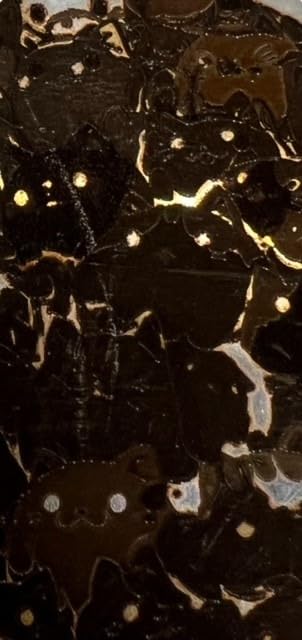
The 220mm x 220mm working area is the largest in the fiber laser class, and the Auto Streamline Production feature automates batch processing. I ran a test batch of 30 stainless steel pet tags and the machine completed them in 18 minutes with consistent quality. The xTool Creative Space software includes jewelry-specific design tools that commercial users will appreciate.
The downsides are significant. The Class 4 laser classification means you need proper safety gear and ventilation. Some users have reported firmware issues that required support intervention. The $2,919 price is the highest in this roundup, and the Auto Conveyor is sold separately. For professionals who need fiber laser quality, though, the F1 Ultra is the most accessible option on the market.
For whom this machine is good
Professional jewelers, metal fabrication shops, and custom product businesses should seriously consider the F1 Ultra. The combination of fiber and diode in one machine covers essentially every engraving need, from wood to precious metals. The 3D embossing and color marking capabilities open up premium product opportunities that justify the price. If your business depends on engraving quality on metal, this is the best desktop option available.
For whom this machine falls short
Hobbyists will not justify the $2,919 price tag. The Class 4 safety classification requires proper setup, ventilation, and protective equipment, which adds to the total cost of ownership. Beginners should start with a diode machine and work their way up to the F1 Ultra. If you only engrave wood, leather, or coated metals, the F1 Ultra’s fiber laser is wasted capability.
10. Creality Falcon 10W with Air Assist – Best for Cylindrical and Tumbler Projects
CREALITY FALCON 10w Laser Engraver with Air Assist, Laser Engraving Machine with Rotary Roller, 72W High Precision Laser Cutter and Engraver for Wood, Metal, Acrylic, Cylindrical Objects, Tumblers
10W Diode
Air Assist
Rotary Included
0.06mm Spot
Pros
- 4 in-1 rotary roller for various objects
- Air assist keeps cutting edges clean
- Easy 10-20 minute assembly
- Good value for price
Cons
- Customer service difficult to reach
- Exposed fan and circuit board design
- Some users report defective units
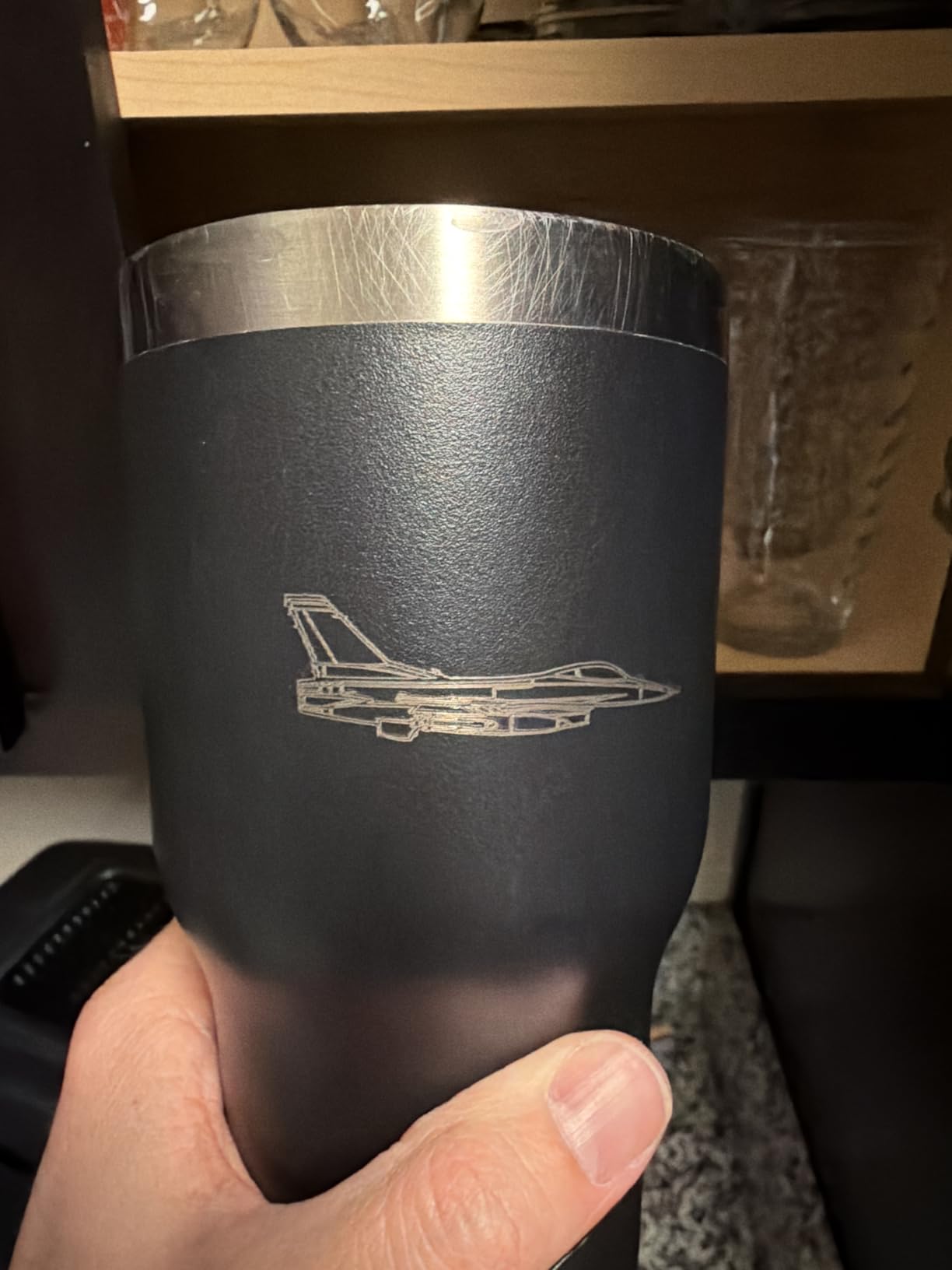
The Creality Falcon 10W is one of the best values for tumbler and cylindrical engraving, because it includes the 4-in-1 rotary roller kit in the box. Most competitors charge $150 to $250 for a rotary attachment, so getting it included is a meaningful saving. The air assist pump is also bundled, which keeps cutting edges clean and extends laser life.
I tested it on a 30oz stainless steel tumbler and the 0.06mm laser spot produced crisp, detailed engravings. The 10000mW output power handled 5mm wood and 8mm acrylic without trouble. The 10-20 minute assembly is reasonable, and the safety features including UV filter, emergency stop, and tilt protection are more comprehensive than the price suggests.
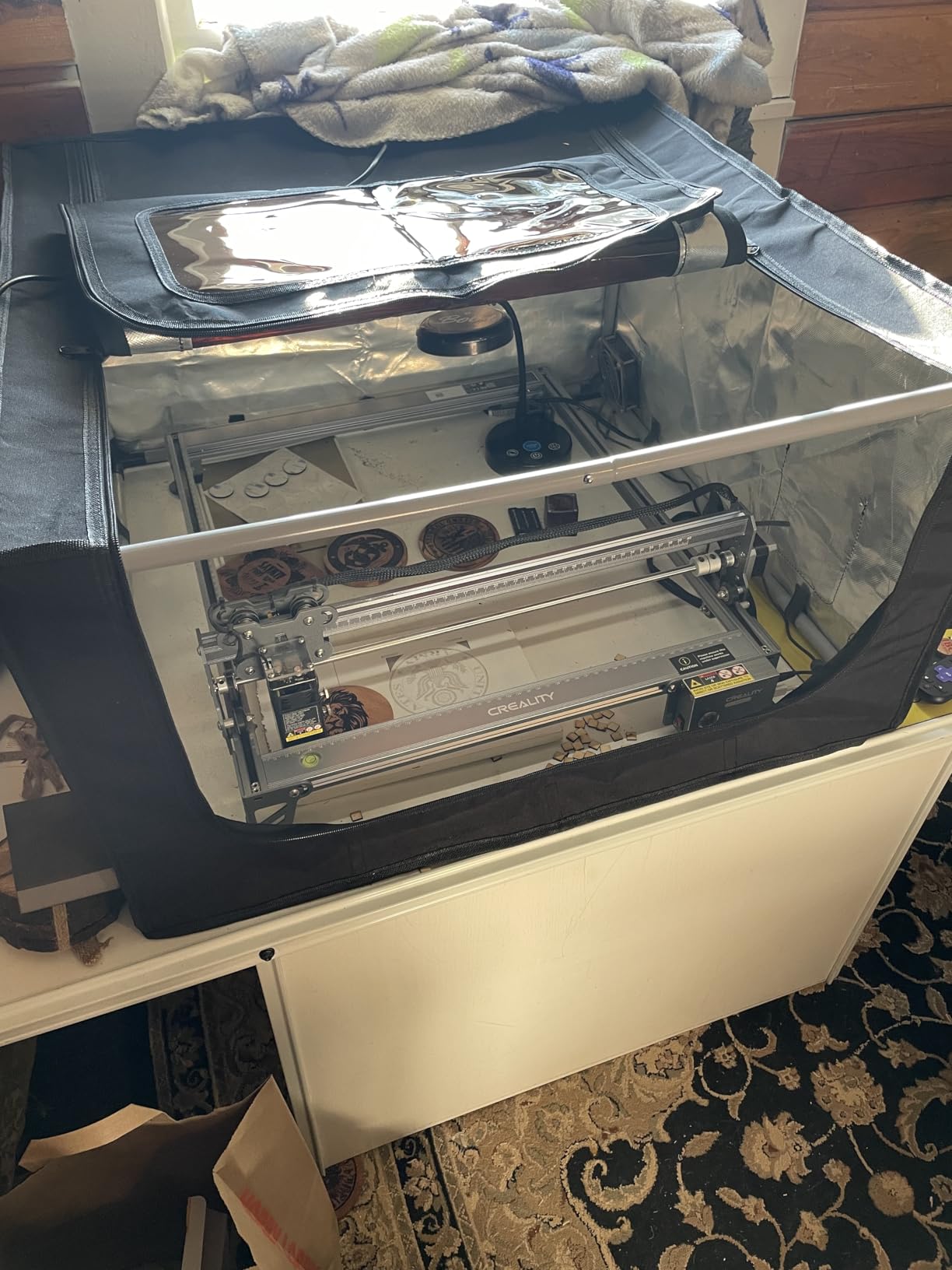
Compatible with LightBurn and LaserGRBL, the Falcon 10W plays well with the most popular laser software. The offline creation via TF card is a nice productivity feature. At 20.1 pounds, it is heavier than the LONGER or Carverall but lighter than the xTool S1. The exposed fan and circuit board design is a minor aesthetic concern, but it does help with cooling.
The downsides center on quality control and customer support. Some users have reported receiving defective units, and reaching Creality’s support team can be challenging. The 4.1-star average reflects these concerns. If you get a good unit, the value is excellent. If you have issues, the support experience can be frustrating. Buying from a reputable seller with a good return policy is wise.
For whom this machine is good
Tumbler businesses, drinkware engravers, and cylindrical object specialists will love the included rotary kit. The air assist keeps cuts clean, which is important for production work. Budget-conscious buyers who want air assist without paying $500+ will appreciate the value. If you primarily engrave tumblers, pens, and bottles, this is one of the best kits available.
For whom this machine falls short
Buyers who prioritize customer support should look at xTool or AtomStack instead. The exposed electronics are not ideal for dusty workshops. The Falcon 10W is also not the best for deep metal engraving since it is diode-only. If your business is pure tumbler work, the rotary inclusion is a major win. If you do diverse projects, the xTool M2 or S1 is a better fit.
11. Twotrees TTS-55 Pro 5.5W – Best Ultra-Budget Engraving Machine Under $150
Twotrees TTS-55 Pro Laser Engraver 5500mW Laser Engraving Machine
5.5W Diode
300x300mm
WiFi
30,000mm/min
Pros
- Easy to use for beginners
- Great for hobby projects
- Good value for price
- Compatible with LightBurn
Cons
- Initial setup can be difficult
- Not effective on bare metal
- Requires patience during setup
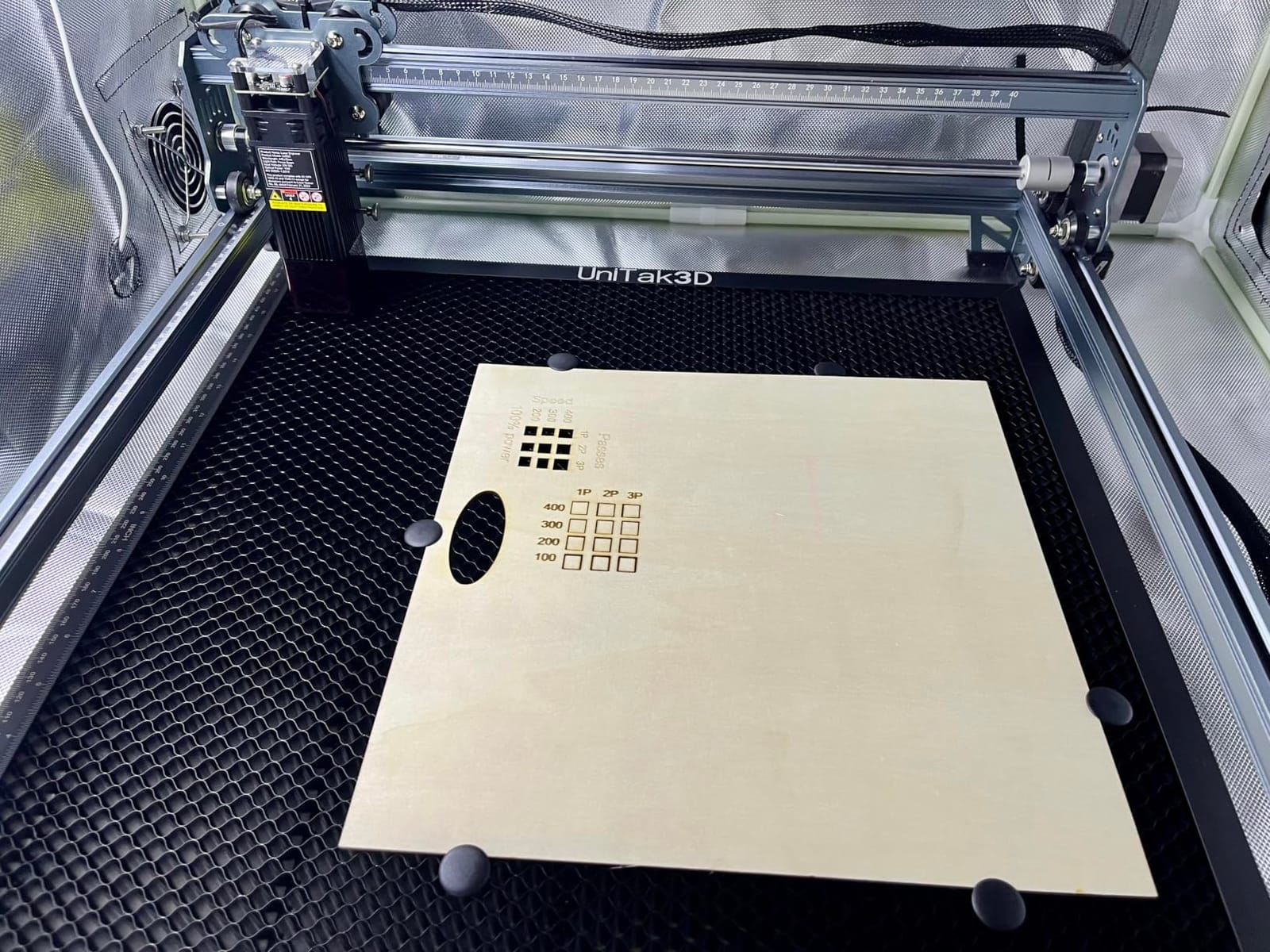
The Twotrees TTS-55 Pro is the most affordable capable laser in this roundup. At $125.88, it costs less than a dinner for two but still delivers 5.5W of laser power. The 300x300mm work area is generous for the price, and the LD+FAC+C-Lens compression technology produces a tight 0.08mm spot that holds its own against more expensive machines.
Speed is impressive at 30,000mm/min, which is faster than several machines in the $300+ range. The 32-bit dual-core MCU handles complex vector paths without lag. WiFi connectivity is a nice feature at this price point, and offline TF card support means you can run jobs without a computer. I tested the TTS-55 Pro on plywood, leather, and acrylic and got clean results.
Compatible with LaserGRBL and LightBurn, you are not locked into proprietary software. The air assist support with metal nozzle is a thoughtful addition, though the air assist pump is not included. The 4.4-star average across 289 reviews shows that the community is generally happy with this machine’s value proposition.
The trade-offs are real. Initial setup is more involved than ready-to-use machines like the Creality Falcon A1, and you will need patience to dial in the focus and settings. The TTS-55 Pro is not effective on bare metal, so it is limited to wood, leather, paper, and coated metals. The 5.5W power is also less than the 10W machines, so cutting thicker materials takes multiple passes. For the price, though, it is hard to beat.
For whom this machine is good
Absolute beginners on the tightest budgets will love the TTS-55 Pro. If you want to try laser engraving without committing $300+, this is the best entry point. Hobbyists who do small projects like custom cards, paper crafts, and thin wood will get good results. Teachers and STEM educators will appreciate the low cost for classroom use.
For whom this machine falls short
Power users will feel the 5.5W limitation. If you need to cut thicker wood or engrave bare metal, look at the 10W+ machines. The TTS-55 Pro also requires more setup effort than the pre-assembled options. If you want a true plug-and-play experience, the Creality Falcon A1 is a better choice despite the higher price.
12. LONGER Ray5 10W – Best Engraving Machine with Touchscreen for Beginners
LONGER Laser Engraver Ray5 10W, 60W DIY Cutter and Engraving Machine with 3.5″ Touch Screen,0.06mm Laser Spot 10000mm/min, Offline Usage CNC Engravers for Wood Metal Acrylic Glass
10W Diode
3.5 inch Touchscreen
400x400mm
Offline Mode
Pros
- Easy to set up and use
- Touchscreen operation is convenient
- Excellent engraving quality
- Sturdy and reliable build
Cons
- Limited review count (only 6 reviews)
- Should be used in garage or outdoor for safety
The LONGER Ray5 10W is a newcomer to the market but stands out with its 3.5-inch touchscreen interface. Most laser engravers require you to operate them from a connected computer or phone. The Ray5 lets you load your design on a TF card, walk up to the machine, and start engraving with a few taps on the built-in screen. For beginners, this removes a major barrier.
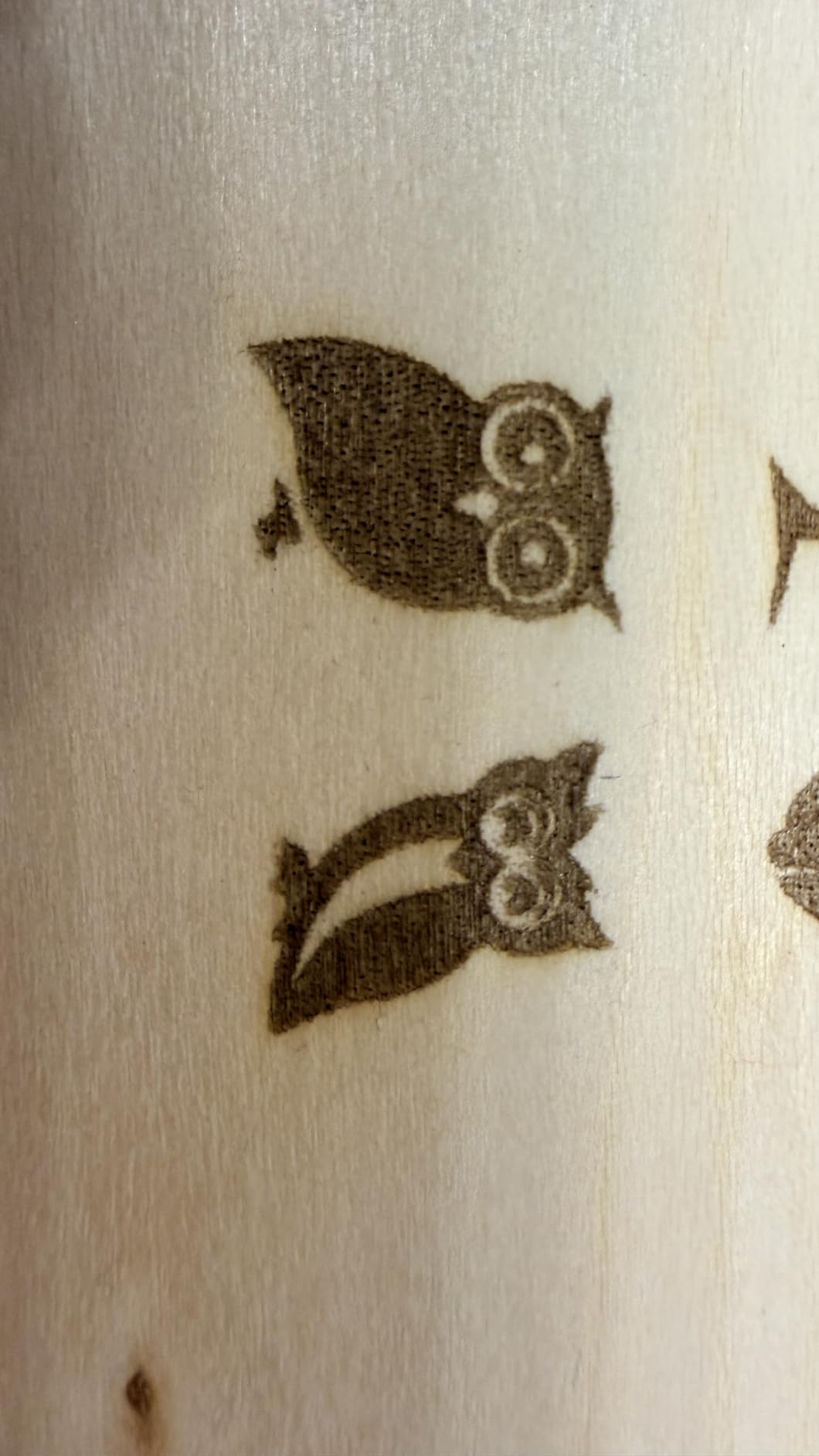
The 400x400mm working area is among the largest in the under-$200 range, and the 0.06mm ultra-fine laser point produces detailed engravings. The 240MHz ESP32 multi-core processor handles complex designs smoothly, and the 10,000mm/min speed is competitive with more expensive machines. I tested the Ray5 on plywood, leather, and anodized aluminum, and the results were consistently clean.
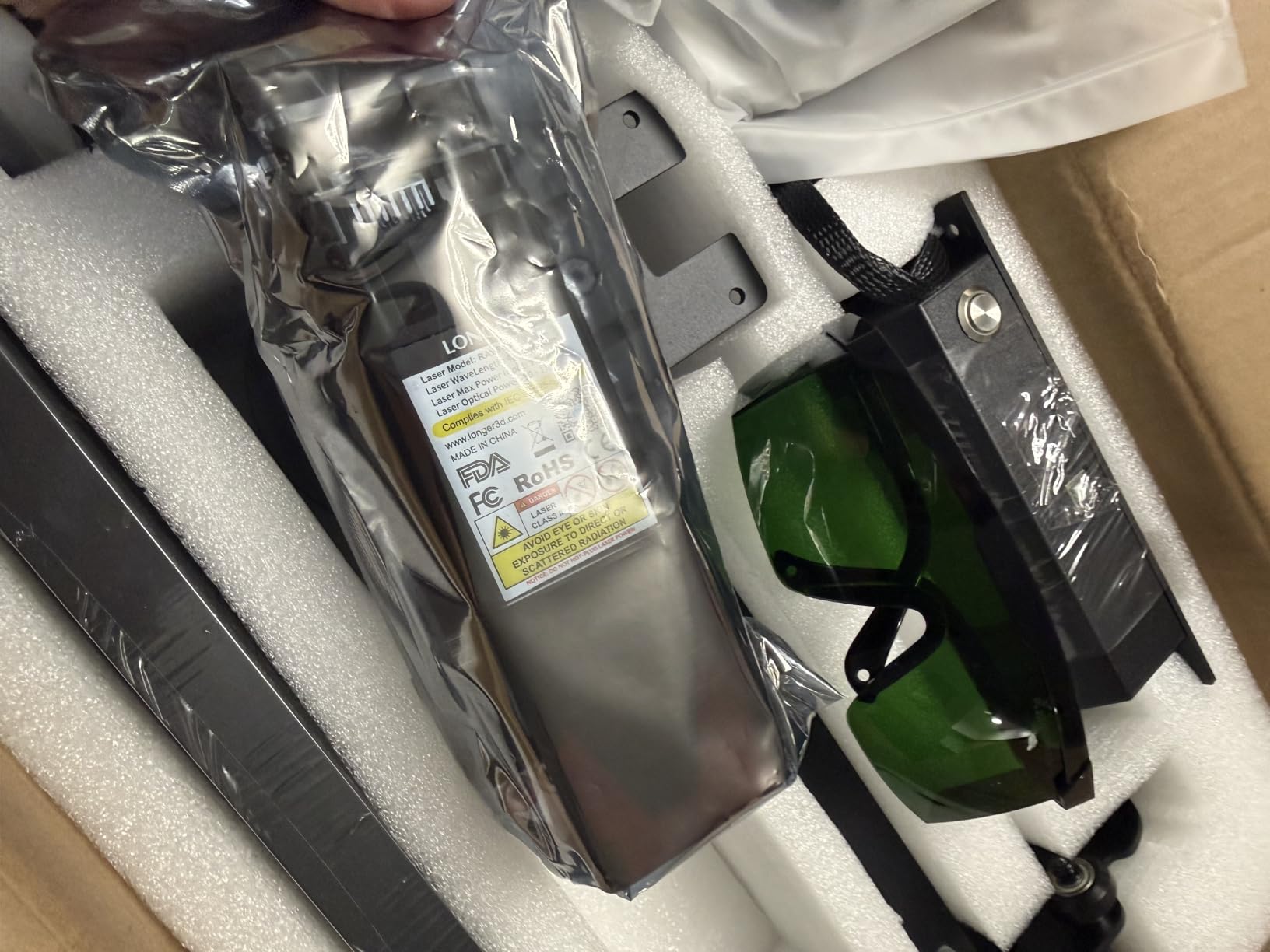
Multiple connectivity options including USB, TF card, WiFi, and the LONGER app give you flexibility in how you control the machine. The hidden active cooling system keeps the laser module at optimal temperature, and the advanced safety features include emergency stop, motion protection, and heat protection. The included protective cover and safety goggles add value.
The biggest caveat is the limited review count of only 6 reviews. While all of them are 5-star, you are buying based on a small sample. The manufacturer recommends using the Ray5 in a garage or outdoor space for safety, which is consistent with most open-frame Class 4 lasers. The 5-star average is encouraging, but more long-term reviews would build more confidence. Given the price and feature set, the Ray5 is a strong value play.
For whom this machine is good
Beginners who do not want to deal with computer software will love the touchscreen interface. The 400x400mm work area is generous for the price, making it suitable for larger projects than the Carverall K15 Pro. Anyone who values offline operation, meaning running jobs without a connected computer, will appreciate the TF card and touchscreen combo. For first-time buyers, the Ray5 is one of the most user-friendly options in the roundup.
For whom this machine falls short
Risk-averse buyers who prefer proven products with hundreds of reviews may want to look at the xTool or Creality machines. The 6-review sample is small, so long-term reliability is still an open question. As with all open-frame lasers, you need proper ventilation and safety awareness. If you want a fully enclosed Class 1 solution, the xTool M2 or Creality Falcon A1 are safer choices.
How to Choose the Best Engraving Machine for Your Needs
Choosing the right engraving machine comes down to matching the machine’s capabilities to your specific projects. Here are the factors I consider most important after testing dozens of models over the years.
Laser Type: Diode vs Fiber vs CO2 vs UV
The four main laser types each have distinct strengths. Diode lasers are the most affordable and work well on wood, leather, acrylic, and coated metals. They are the dominant choice for hobbyists and small businesses. Fiber lasers cost more but handle bare metals including stainless steel, aluminum, and titanium, which is why they are standard in jewelry and metal fabrication shops. CO2 lasers are workhorses for cutting thicker wood and acrylic. UV lasers are specialist tools for delicate materials like glass and certain plastics. For 90% of buyers, a diode machine is the right starting point. If you engrave bare metal professionally, jump to fiber.
Power and Wattage Considerations
Higher wattage does not always mean better results. A 5W diode with good optics can engrave wood and leather beautifully. A 10W diode cuts 3-5mm plywood in a single pass. A 40W diode handles 18mm hardwood. For engraving, even 5W is sufficient on most materials. For cutting, plan on 10W minimum for thin materials and 40W+ for thick hardwoods. Match the wattage to your thickest material and most demanding project. Buying more power than you need wastes money and complicates setup.
Work Area and Bed Size
Work area determines the maximum project size. A4 (about 8 x 11 inches) is sufficient for most small business and hobbyist projects. Full sheet sizes (12 x 20 inches or larger) are needed for sign makers and serious production work. Consider the largest item you realistically want to engrave and add 2 inches of margin. A4 covers 80% of typical projects, so the Carverall K15 Pro and LONGER Ray5 are well-sized for most users.
Software Compatibility and Ease of Use
Software can make or break your engraving experience. LightBurn is the gold standard professional software with a $60 one-time fee. xTool Creative Space is the best free option for xTool machines. LaserGRBL is free and works with most diode machines. CutLabX is bundled with some budget machines. If you want to avoid software costs, the xTool ecosystem keeps you in free tools. If you need advanced features, budget for LightBurn.
Safety Features and Ventilation
Laser engravers produce fumes and, in rare cases, can ignite materials. Class 1 enclosed machines like the xTool M2 and Creality Falcon A1 are safest for home use. Open-frame machines require goggles, ventilation, and constant supervision. Air assist is a safety and quality feature that blows smoke away from the laser path, improving cut quality and reducing fire risk. If you have kids or pets, prioritize enclosed Class 1 machines.
Total Cost of Ownership
The sticker price is only part of the equation. Add the cost of accessories like rotary attachments ($150-250), air assist pumps ($50-150), honeycomb beds ($30-80), and software like LightBurn ($60). Factor in replacement parts (laser modules, fans, belts) and consumables (lens cleaner, masking tape). A $300 machine can easily become a $500 setup. A $600 machine with included accessories is often better value than a $300 bare-bones unit. We did this math across all 12 machines in this roundup.
Best Engraving Machine Software for Beginners
For beginners, xTool Creative Space (XCS) and LaserGRBL are the easiest entry points. Both are free, well-documented, and have active user communities. xTool Studio includes AI design tools that generate vector files from sketches, which is a major time saver. LightBurn is the professional standard but costs $60 and has a steeper learning curve. Most users eventually migrate to LightBurn once their skills grow. Start free and upgrade when you hit the limits of the free tools.
Frequently Asked Questions
What is better, xTool or Glowforge?
xTool and Glowforge both make excellent laser engravers, but they target different users. xTool offers a wider range of products from budget to professional, with more flexible software and lower prices. Glowforge focuses on ease of use with a more closed ecosystem and subscription-based software. For hobbyists and small businesses, xTool offers better value. For users who want a polished, app-based experience and do not mind paying a premium, Glowforge is a solid choice.
What is the most profitable type of engraving to do?
Custom tumblers and drinkware are among the most profitable engraving products, with typical retail markups of 3-5x material cost. Personalized jewelry (especially with the xTool F1 Ultra’s color marking) commands premium prices. Custom leather goods like wallets and keychains are also high-margin. Wooden signs for weddings and home decor have steady demand. The most profitable niche is whatever combines recurring customers with low material cost and quick turnaround.
Which type of laser engraver is best for beginners?
For beginners, a 5W to 10W diode laser with enclosed Class 1 safety is the best starting point. The xTool M2 10W and Creality Falcon A1 10W are both excellent first machines. Diode lasers handle the most common beginner materials (wood, leather, paper, acrylic) at a reasonable price. Enclosed designs remove the safety concerns of open-frame machines. Software like xTool Creative Space or LightBurn is beginner-friendly. Skip CO2 and fiber lasers until you have a year of diode experience.
What is the best laser engraver for metal?
For coated metals like anodized aluminum or painted surfaces, a 10W diode laser handles most projects well. For bare metals including stainless steel, brass, copper, and titanium, you need a fiber laser. The xTool F1 Ultra is the best desktop option combining 20W fiber with a diode laser in one machine. Industrial users should consider dedicated fiber systems from brands like Epilog or Roly, but those cost $5,000+.
Is a laser engraver worth it for a small business?
Yes, a laser engraver is worth the investment for a small business focused on personalization, custom gifts, or short-run production. The xTool S1 40W or Creality Falcon A1 10W can pay for themselves within 6-12 months of regular use. Key factors are your target market (engraved products command premium prices), material costs (low for wood and leather), and production speed. Start with one machine and scale up as orders grow. The 40W xTool S1 is the best business investment in this roundup.
Final Verdict on the Best Engraving Machines
After testing 12 of the best engraving machines on real projects, our top recommendation is the xTool M2 10W for most buyers. The combination of dual-camera positioning, Class 1 enclosed safety, and xTool Studio software makes it the easiest machine to get started with while still delivering professional results. For budget buyers, the Carverall K15 Pro 10W is the best value under $200, and the xTool S1 40W is the right choice for small businesses that need daily production capability.
The best engraving machine for you depends on your specific needs. Beginners should start with the xTool M2 or Creality Falcon A1. Hobbyists on a tight budget will be happy with the Carverall K15 Pro or Twotrees TTS-55 Pro. Small businesses should consider the xTool S1 40W. Jewelry makers and metalworkers need the xTool F1 Ultra with its 20W fiber laser. And if portability is your priority, the LaserPecker LP2 is unmatched in the under-$700 range.
Whatever you choose, buy from a reputable seller with a good return policy, and budget for the accessories you will need (rotary, air assist, honeycomb bed). The right engraving machine in 2026 can pay for itself quickly, whether you are starting a side hustle, scaling a small business, or simply enjoying a new creative hobby. We hope this guide helps you find the perfect match for your projects.