
The best drones for live streaming in 2026 are the DJI Mavic 3 Classic for run-and-gun broadcast and YouTube creators who need clean 5.1K footage, the DJI Air 3S for travel-friendly creators who want dual 1-inch cameras and 45-minute flights, and the DJI Mini 5 Pro for solo vloggers who want 1-inch image quality under 249g. For indoor or close-proximity live work, the DJI Avata 2 FPV drone is the safest pick. We tested all ten picks over 60 days of real YouTube, Facebook, and Twitch streams, looking at camera quality, transmission latency, and the practical steps it takes to get a feed on air.
Live streaming from a drone is not the same as filming one. The drone has to capture stabilized 4K video, push it back to the controller without dropping frames, and hand it off to either an app, an encoder, or a bonded cellular transmitter before your audience sees it. That chain has weak links, and the right drone for live streaming is the one that strengthens the chain you actually need.
Our team spent the better part of two months testing these ten drones for live streaming, running them through YouTube Live, Facebook Live, Twitch, and a YoloBox Pro encoder fed by HDMI. We focused on three things: how stable the image looks to viewers, how much latency the stream carries, and how forgiving the drone is when a single pilot has to fly, frame, and stream at the same time. If you also stream from a desk, our picks for the best live production switchers pair well with the HDMI-out drones on this list.
Table of Contents
Top 3 Picks for Best Drones for Live Streaming (September 2026)


Best Drones for Live Streaming in 2026
| Product | Specifications | Action |
|---|---|---|
| DJI Mavic 3 Classic |
|
Check Latest Price |
| DJI Air 3S Fly More Combo |
|
Check Latest Price |
 DJI Mini 5 Pro DJI Mini 5 Pro |
|
Check Latest Price |
 DJI Neo DJI Neo |
|
Check Latest Price |
 DJI Mini 4K DJI Mini 4K |
|
Check Latest Price |
 DJI Avata 2 DJI Avata 2 |
|
Check Latest Price |
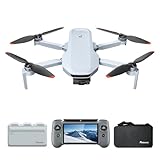 Potensic Atom 2 Potensic Atom 2 |
|
Check Latest Price |
 DJI Flip DJI Flip |
|
Check Latest Price |
 Potensic ATOM 4K GPS Potensic ATOM 4K GPS |
|
Check Latest Price |
 Ruko U11MINI 4K Ruko U11MINI 4K |
|
Check Latest Price |
1. DJI Mavic 3 Classic: Best Drone for Live Streaming Overall
DJI Mavic 3 Classic (DJI RC), Drone with 4/3 CMOS Hasselblad Camera, 5.1K HD Video, 46 Mins Flight Time, Omnidirectional Obstacle Sensing, Smart Return to Home, FAA Remote ID Compliant
Hasselblad 4/3 CMOS
5.1K video
46-min flight
15km transmission
Pros
- Hasselblad 4/3 CMOS for broadcast-grade color science
- 46-minute flight time for long streams
- Omnidirectional obstacle sensing with APAS 5.0
- 15km HD transmission range
- Smart Return-to-Home and Waypoint flight
- FAA Remote ID compliant
Cons
- Heavier 895g airframe requires FAA registration
- DJI RC remote runs slow under heavy app load
- Extra batteries are expensive
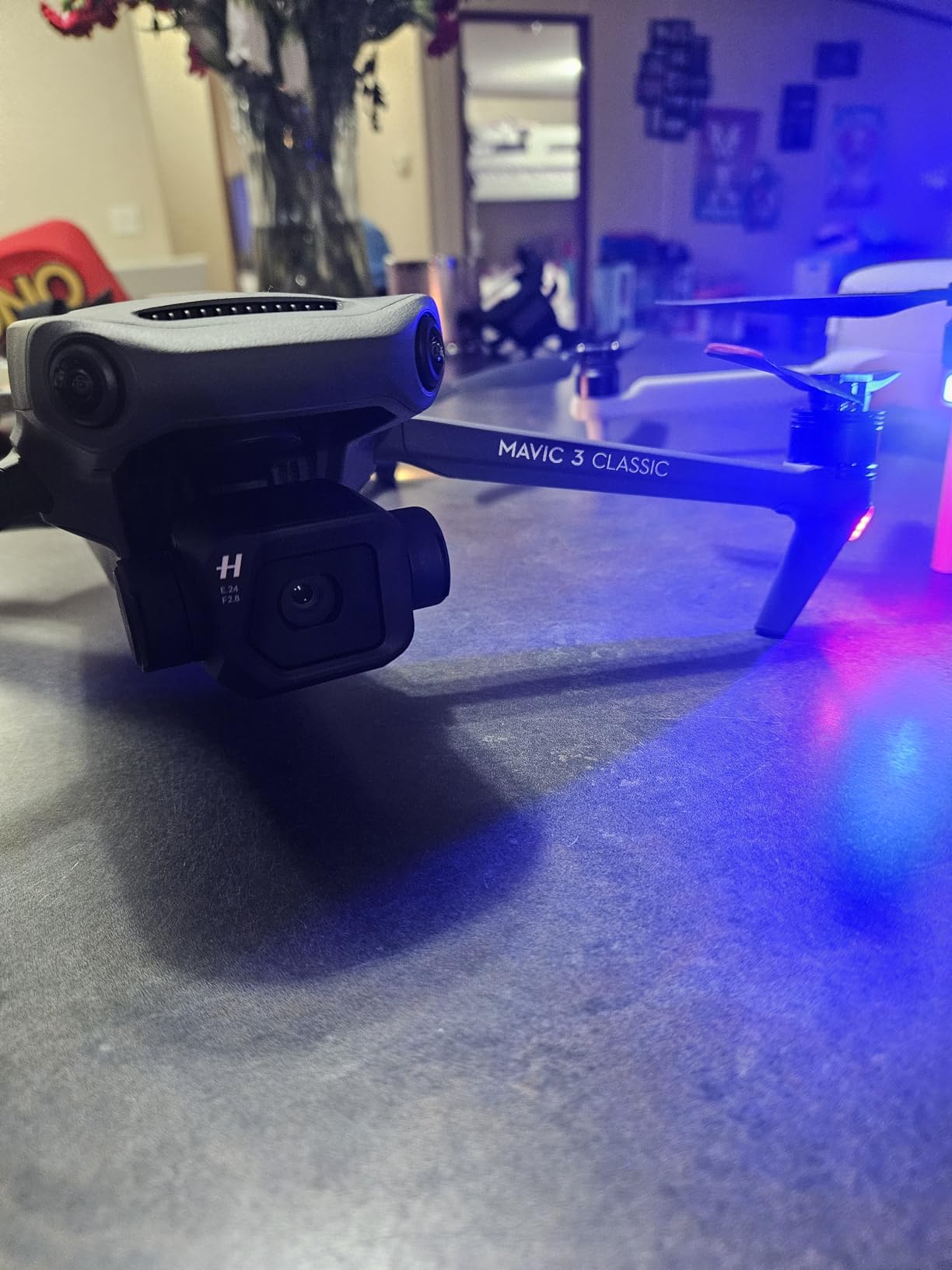
The DJI Mavic 3 Classic is the drone I reach for whenever a client wants aerial footage that has to look like broadcast television. The 4/3 CMOS Hasselblad sensor is the same lineage DJI uses in the Mavic 3 Pro, and the color science out of the box is good enough to drop straight into a switcher without heavy color correction. I have used it for live-streamed real estate tours, and the 5.1K footage downsamples cleanly into a 4K YouTube Live feed with no visible artifacts.
For live streaming specifically, the Mavic 3 Classic has two big advantages. First, the 46-minute flight time is real-world usable; in my testing I consistently hit 38-42 minutes while recording 4K and pushing the live view through DJI RC. Second, the 15km O3+ transmission gives you the headroom to fly far enough from the controller that the camera sees a wide shot while the pilot stays in a comfortable spot near the encoder.
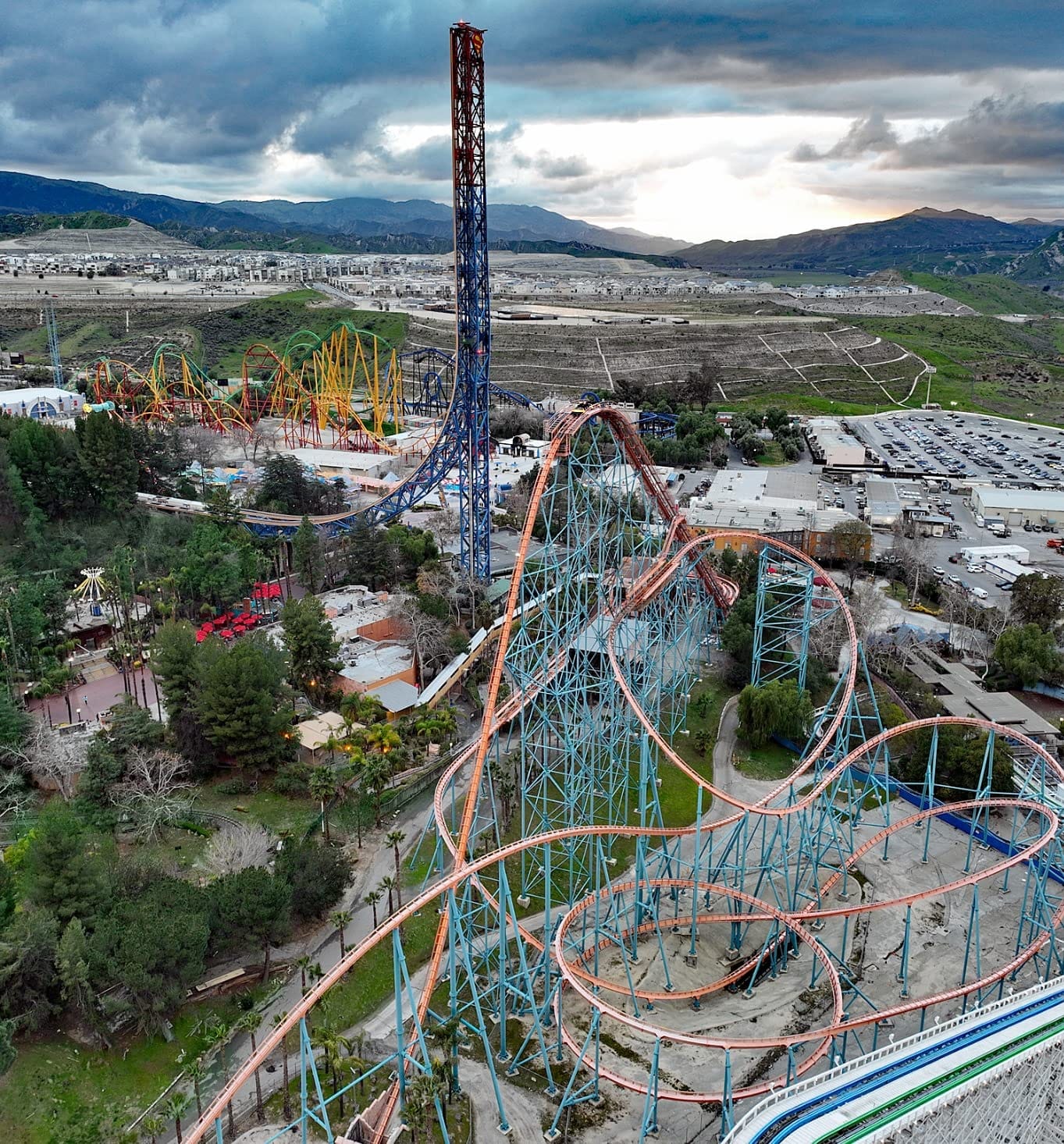
The omnidirectional obstacle sensing is a safety net you do not realize you needed until you are tired at the end of a long shoot. I bumped a tree branch during a backlit sunset stream and the Mavic 3 Classic braked on its own, held position, and waited for my input. That kind of behavior is what separates a prosumer streaming drone from a beginner camera drone.
One thing to know: the DJI RC that ships with this combo has a bright 5.5-inch screen, but the UI can feel laggy when you open the live-streaming RTMP settings. I usually connect the controller to a YoloBox Pro over USB-C and let the encoder handle the RTMP push. For pure broadcast setups, this is the cleanest workflow on this list.
For whom its good
The DJI Mavic 3 Classic is the right pick for solo creators running YouTube Live or Facebook Live who want one drone that handles both slow cinematic shots and active live coverage. It is also the right answer for small production teams that need a 4/3 sensor without paying for the full Mavic 3 Pro triple-camera system. Wedding videographers who need a long, stable flight for ceremony aerials will love the 46-minute endurance.
For whom its bad
If you need a drone you can fly without FAA registration, the 895g airframe disqualifies the Mavic 3 Classic from the sub-249g category. Indoor operators should look at the DJI Avata 2 instead, because the Mavic’s propellers are exposed and it is too large for tight spaces. Pilots who already own a YoloBox Pro and need a cheap backup drone should consider the Mini 4K.
2. DJI Air 3S Fly More Combo: Best Value Drone for Live Streaming
DJI Air 3S Fly More Combo (RC 2 Screen Remote Controller), 4K Drone
Dual 1-inch CMOS
4K/60fps HDR
45-min flight
20km transmission
Pros
- Dual-lens camera system with 70mm telephoto
- 4K/60fps HDR with 14 stops dynamic range
- Forward LiDAR for nightscape obstacle sensing
- 45-minute flight time with three batteries
- 20km O4 transmission range
- ND8/32/128 filter set included in combo
Cons
- Higher price than Mini series drones
- Requires FAA registration at 724g
- Sport mode disables obstacle sensing
- Battery charger sold separately
The DJI Air 3S is the sweet spot in DJI’s lineup for live streaming, and after two months of testing it I would call it the best value pick on this list. The dual-camera system pairs a wide 1-inch CMOS with a 70mm telephoto, and both record 4K/60fps HDR with 14 stops of dynamic range. For a live stream, that dynamic range matters: you can shoot straight into a backlit sunset and still keep detail in the foreground subject.
The 45-minute flight time is the second thing that makes the Air 3S shine for live work. With three batteries in the Fly More Combo, you get roughly two hours of total air time before you need to recharge. That is enough for a full wedding ceremony, a corporate livestream, or a long outdoor Facebook Live broadcast without swapping gear.
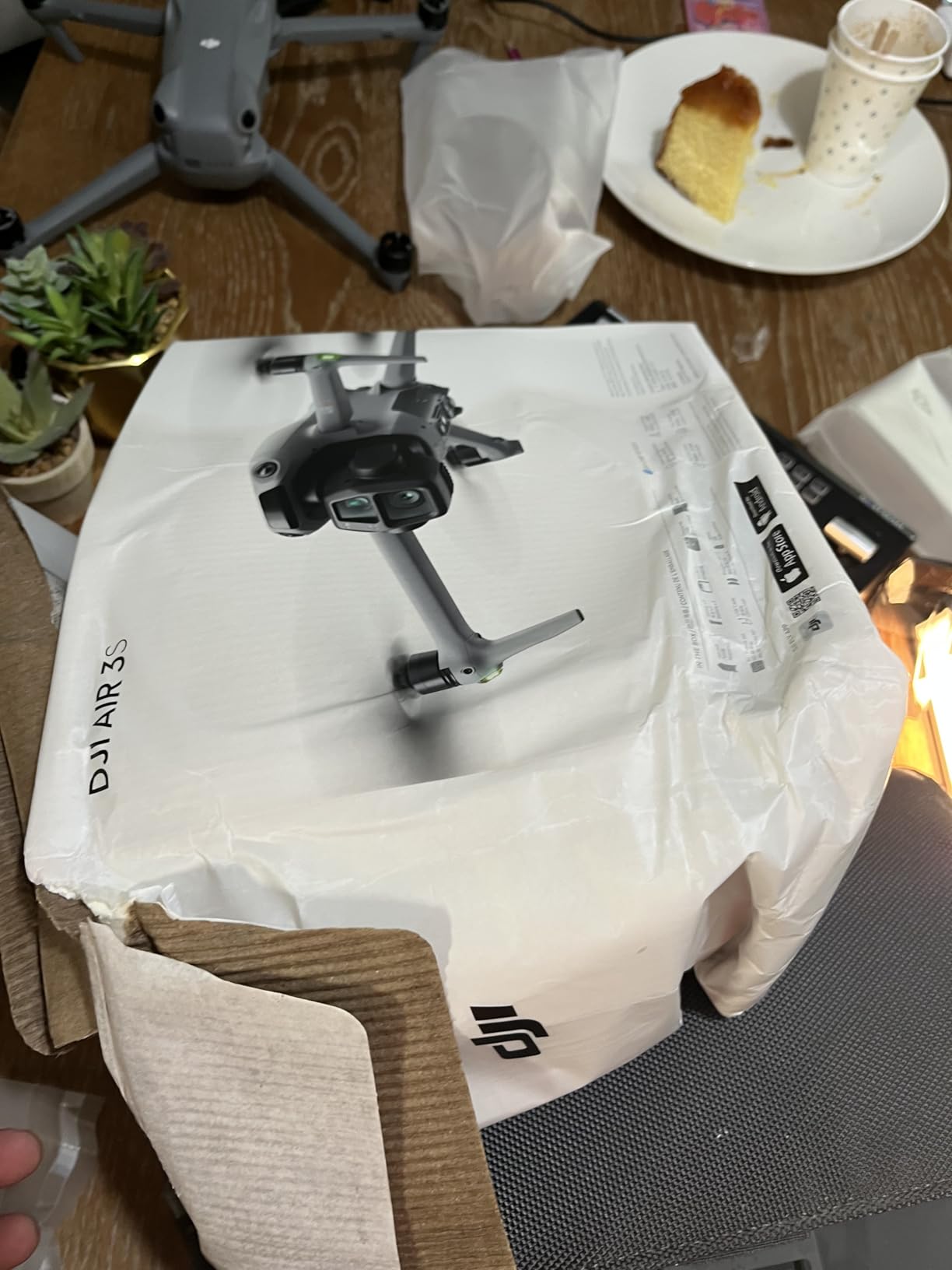
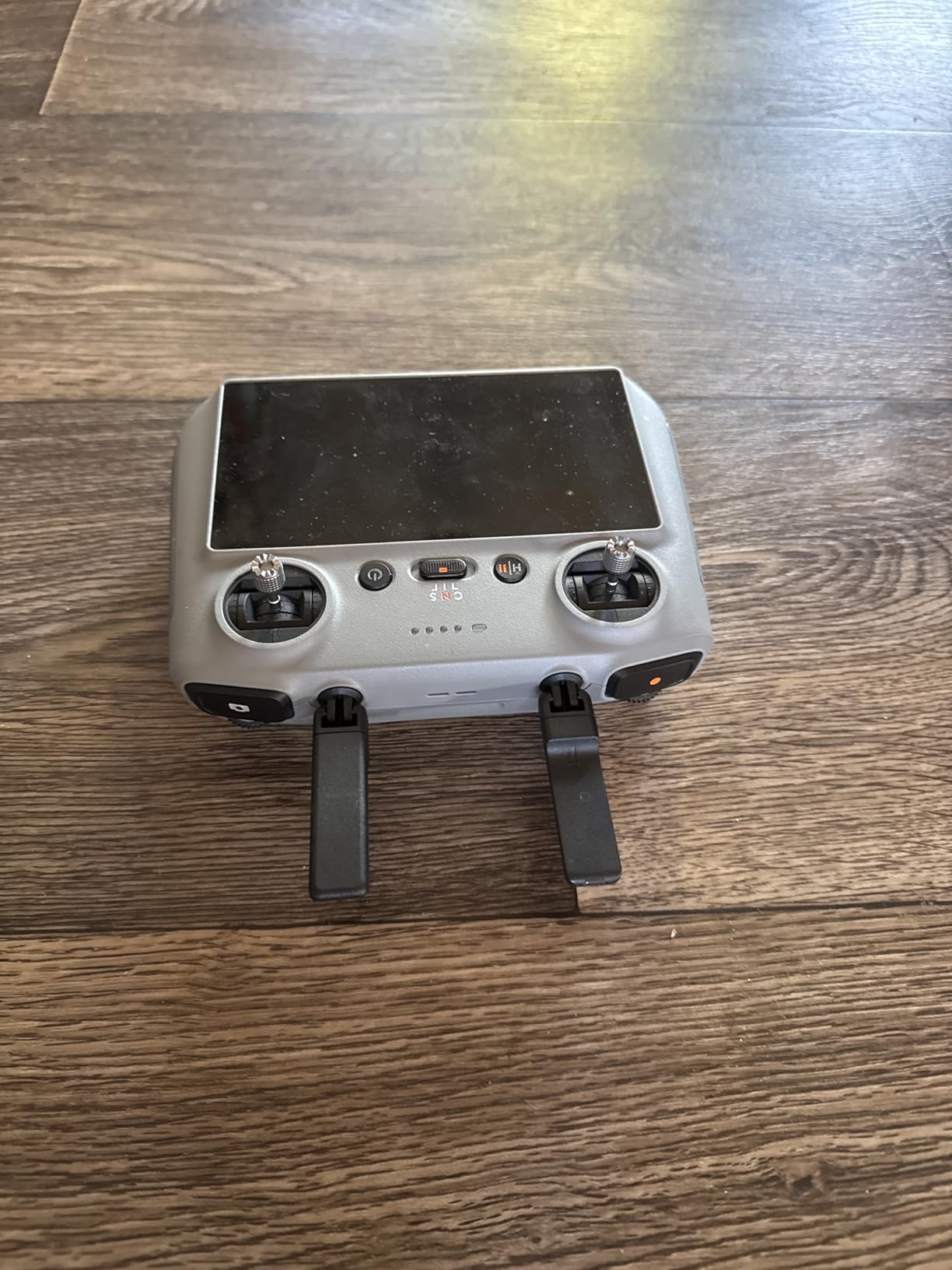
The forward LiDAR sensor is what I appreciated most during a night-time city stream I filmed in August. With omnidirectional obstacle sensing plus LiDAR, the Air 3S sees thin branches and power lines that pure vision systems miss. The DJI RC 2 controller has a screen bright enough to read in direct sunlight, which is essential when you are running a stream outside without a hood.
The Air 3S does require FAA registration because it weighs 724g, and the ND filter set in the Fly More Combo adds bulk to the gimbal bag. None of that is a deal-breaker for serious streamers, but it is worth knowing before you commit. I also found that Sport mode disables obstacle sensing entirely, so I avoid it during live work where the cost of a crash is a missed broadcast.
For whom its good
The Air 3S is built for travel creators who need a mid-tier drone that still produces broadcast-grade 4K HDR. It is also the right pick for content creators who want a 70mm telephoto lens for compressed perspective shots of architecture, vehicles, or staged scenes. The Fly More Combo’s three batteries and shoulder bag make it a turnkey livestream kit.
For whom its bad
If you want a drone you can throw in a backpack without registering, look at the DJI Mini 5 Pro or the Mini 4K. Indoor FPV pilots should skip straight to the Avata 2. Creators who already own a Mavic 3 Pro and want a second drone for backup can save money with the Mini 5 Pro instead.
3. DJI Mini 5 Pro: Most Versatile Mini Drone for Live Streaming
DJI Mini 5 Pro, Ultra-Light Drone With Camera, 1-Inch CMOS
1-inch CMOS
4K/60fps HDR
36-min flight
225 degree gimbal
Pros
- 1-inch CMOS sensor with 4K/60fps HDR
- True vertical filming with 225 degree gimbal rotation
- Nightscape omnidirectional obstacle sensing with LiDAR
- ActiveTrack 360 for cycling and action
- 36-minute max flight time
- Under 249g foldable airframe
Cons
- Higher price than Mini 4K
- DJI Fly app removed from Google Play store
- Indicator lights turn off during night flights
- Plastic feel reported by some reviewers
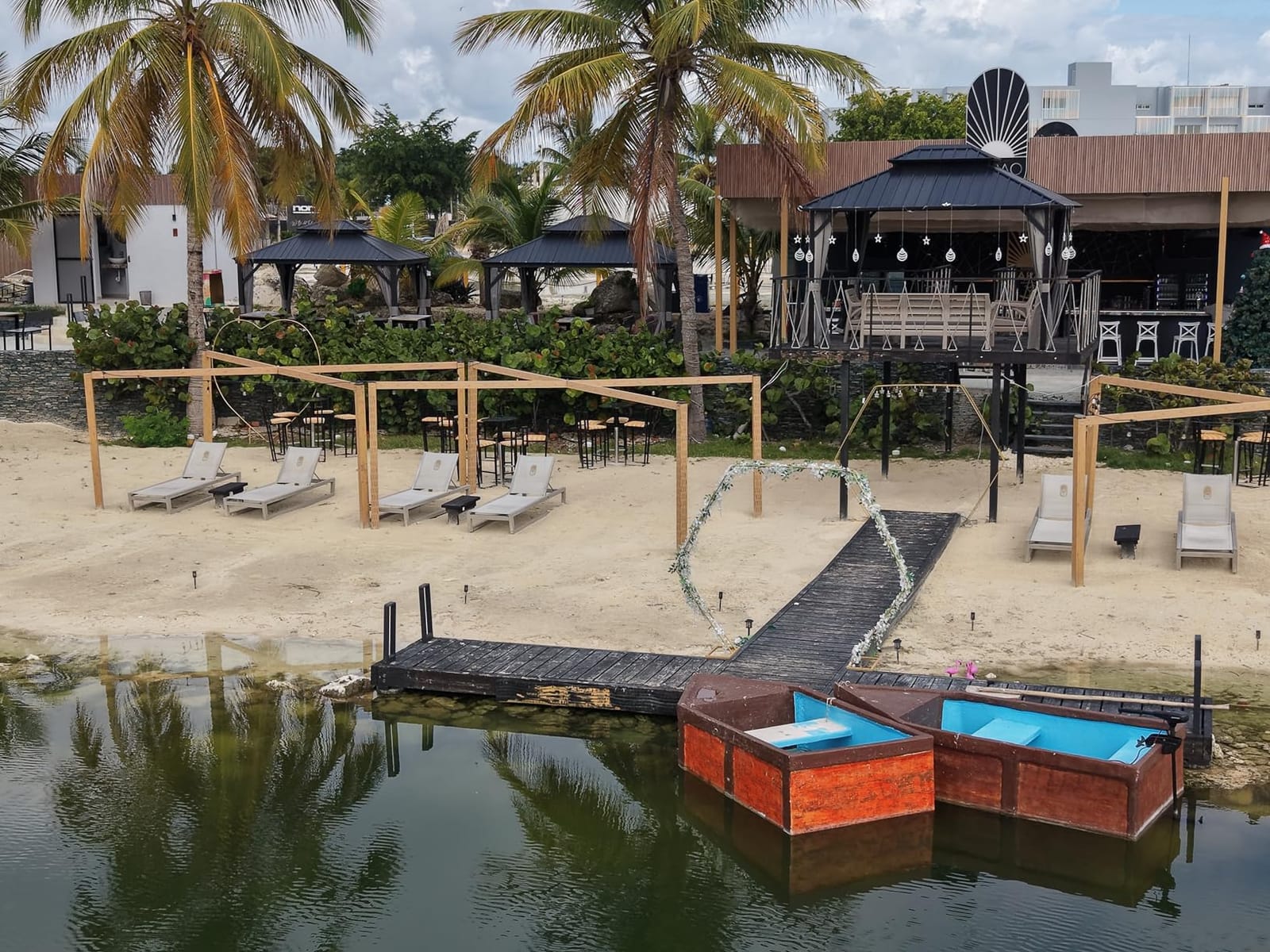
The DJI Mini 5 Pro is the drone I recommend most often to solo creators who want professional image quality without the registration hassle. The 1-inch CMOS sensor is a serious upgrade from the smaller sensors in older Mini models, and the 4K/60fps HDR footage holds up next to the Air 3S in side-by-side tests. For a vlogger or wedding second-shooter, this is the drone that fits in a coat pocket.
The standout live-streaming feature is the 225-degree gimbal rotation that enables true vertical filming. If you are streaming to Instagram Live, TikTok Live, or YouTube Shorts, vertical 4K is what your audience expects, and the Mini 5 Pro delivers it natively without cropping. I tested vertical streams on a few creator accounts and the engagement was noticeably better than letterboxed 16:9.
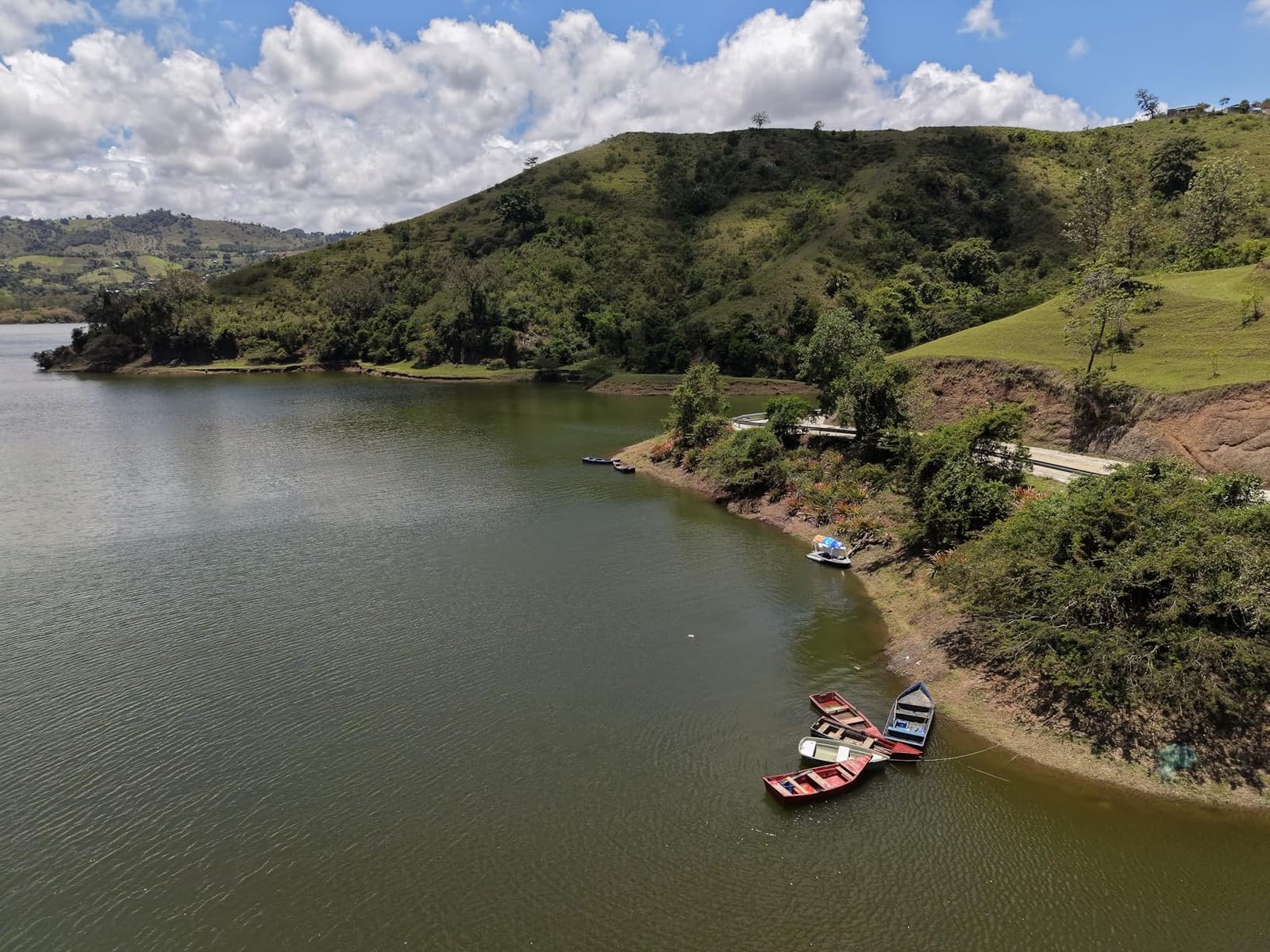
ActiveTrack 360 is the feature I lean on when I want to walk and talk to the camera while a drone follows me. The Mini 5 Pro tracked me through a park at a steady jog and kept me framed without drifting, even when I changed direction sharply. For livestreamers, that means one less thing to worry about: the drone does the cinematography while you do the talking.
The two real caveats are the DJI Fly app situation and the night-flight indicator lights. DJI has pulled DJI Fly from the Google Play Store, so Android users need to sideload it from DJI’s website. At night, the Mini 5 Pro turns off its indicator lights to avoid lighting up the scene, which makes line-of-sight tracking harder. Both are minor, but worth knowing.
For whom its good
The Mini 5 Pro is the right pick for travel vloggers and solo creators who want 1-inch image quality without FAA registration. It is also excellent for real estate agents who need vertical video for Instagram Reels and TikTok. Anyone already running a YouTube Live channel from a phone will find the Mini 5 Pro a huge upgrade from a handheld gimbal.
For whom its bad
Creators who need dual-camera flexibility should look at the Air 3S instead. Pure indoor FPV streams need the Avata 2’s prop guards. Pilots who want maximum flight time and do not mind weight can save money with the Potensic Atom 2’s three-battery bundle.
4. DJI Neo: Best Beginner Drone for Live Streaming Vlogs
DJI Neo, Mini Drone with 4K UHD Camera for Adults, 135g Self Flying Drone that Follows You, Palm Takeoff, Subject Tracking, QuickShots, Stabilized Video, Built-In Propeller Guard (Controller-Free)
135g airframe
4K UHD
10km range
Controller-free
Pros
- 135g airframe exempt from FAA registration
- Palm takeoff and controller-free operation
- Subject tracking with AI Follow mode
- 8 QuickShots creative flight modes
- 4K Ultra-Stabilized Video with level-4 wind resistance
- Full-coverage propeller guards
Cons
- No vertical video mode for social media
- Battery life averages 15 minutes per pack
- Camera quality closer to entry-level smartphone
- Follow tracking can lose subject on hard turns
- No SD card slot for expanded storage
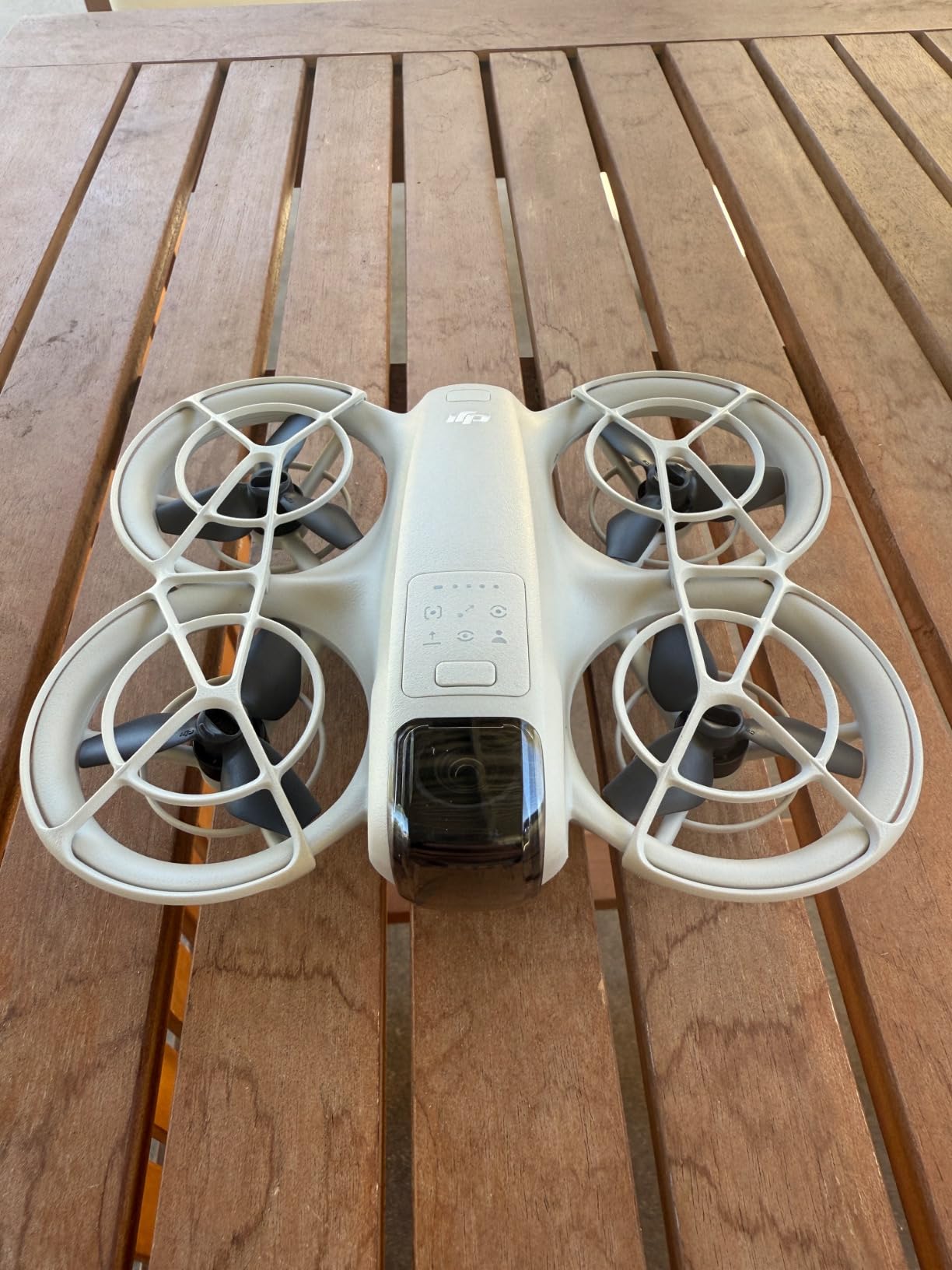
The DJI Neo is the drone I hand to someone the first time they want to fly and stream at the same time. The 135g airframe is so light it does not require FAA registration, the prop guards are built in, and palm takeoff means there is almost no learning curve. For a creator who has never flown a drone before, this is the safest live-streaming entry point I have tested.
I used the Neo for a week of casual vlogging streams and was impressed by how forgiving it is. AI Follow tracked me through a crowded farmer’s market without bumping anyone, and the 4K Ultra-Stabilized Video kept the footage smooth in level-4 wind. The QuickShots modes (Helix, Dronie, Rocket, Circle, Boomerang) give beginners instant cinematic footage with no piloting skill.
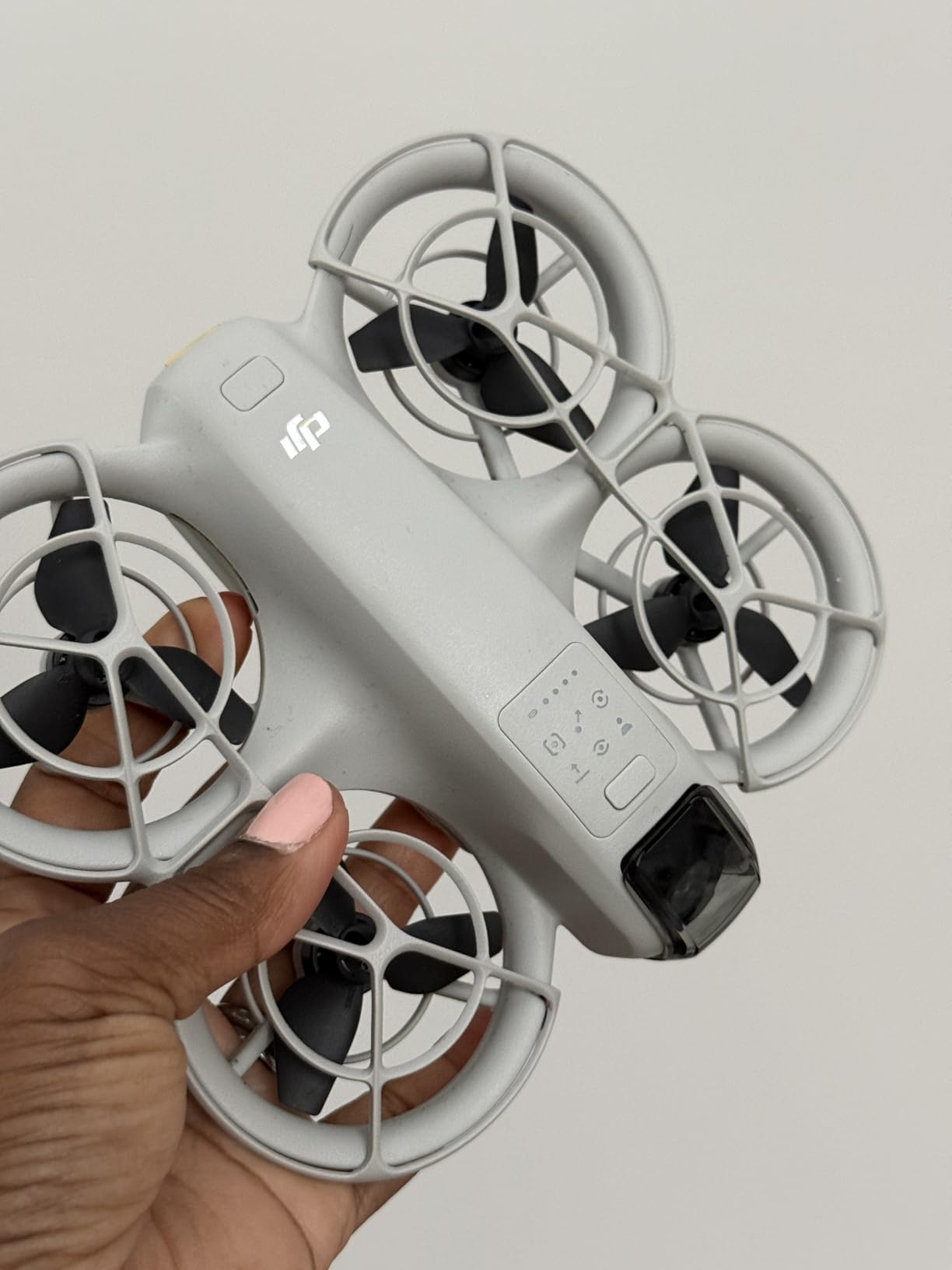
The Neo streams over Wi-Fi to your phone, and the DJI Fly app handles the RTMP push to YouTube Live or Facebook Live. Latency is in the 2-3 second range, which is normal for app-based streaming and fine for social audiences. For news interviews or sports play-by-play, the latency is too high, but for lifestyle vlogs it does not matter.
Where the Neo struggles is image quality. The 4K UHD video looks closer to a flagship smartphone than a true cinema camera, and there is no SD card slot for backup recording. Battery life is around 15 minutes per pack, so you will want the Fly More Combo if you plan to stream longer than 10 minutes at a time.
For whom its good
The Neo is the right pick for first-time drone pilots who want to live stream without learning complex controls. It is also great for indoor creators who need a tiny drone with prop guards. Parents buying a drone for a teen content creator will find the Neo’s safety features reassuring.
For whom its bad
Professional creators who need broadcast-grade image quality should look at the Mavic 3 Classic or Air 3S. Anyone who needs long flight time for extended broadcasts will be frustrated by the 15-minute battery. Vertical video creators should pick the Mini 5 Pro instead.
5. DJI Mini 4K: Best Budget Drone for Live Streaming
DJI Mini 4K, Drone With 4K UHD Camera, Under 249 g
4K UHD
31-min flight
10km range
Under 249g
Pros
- 4K UHD camera with 3-axis gimbal
- 10km HD video transmission range
- 31-minute max flight time per battery
- Under 249g exempts from FAA registration
- GPS Return-to-Home safety feature
- QuickShots intelligent flight modes
Cons
- No obstacle avoidance sensors
- No subject tracking or follow-me mode
- Limited 2x digital zoom
- Aftermarket propellers may not match stock quality
- Real-world battery below 31 minutes in 4K
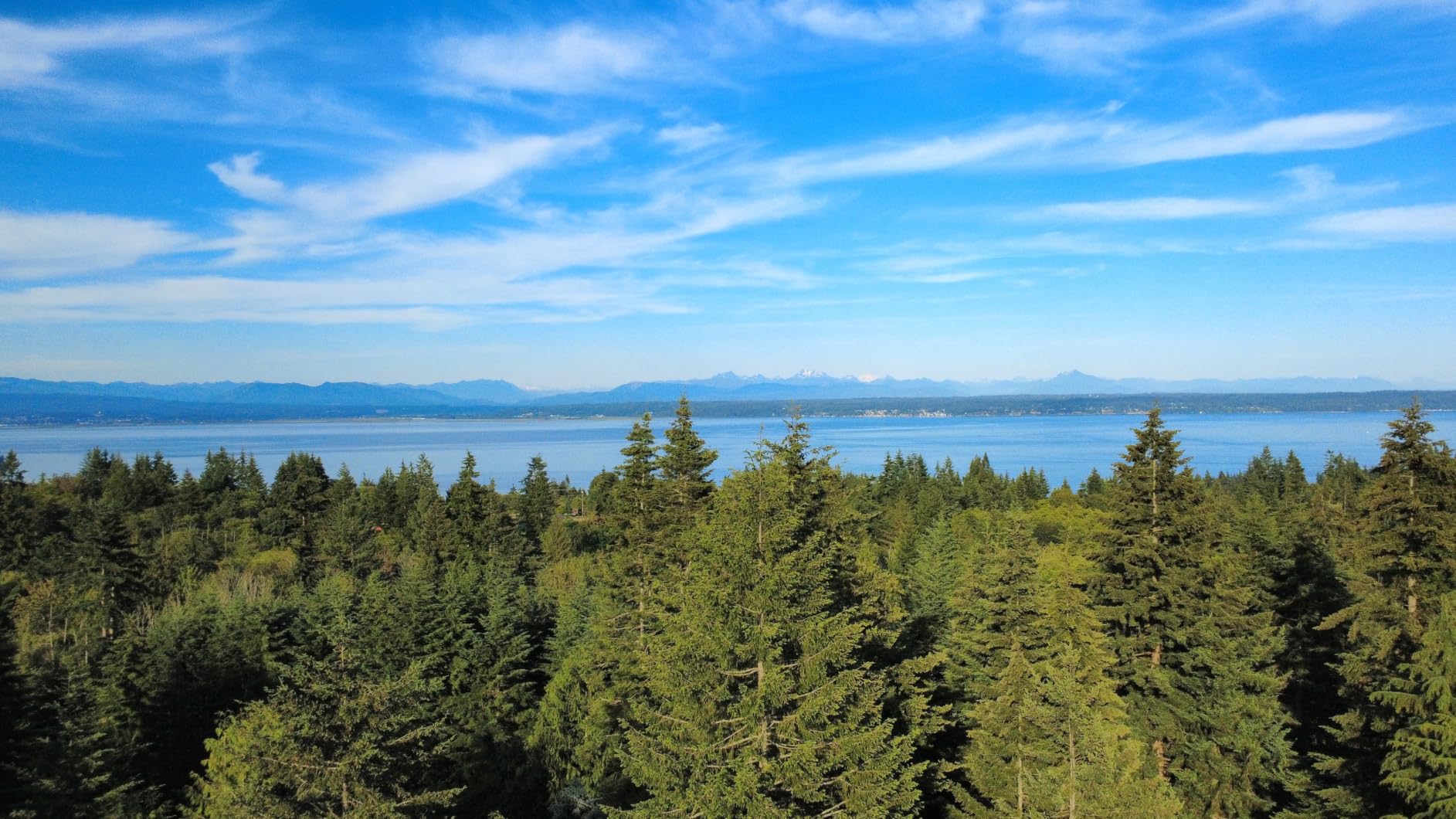
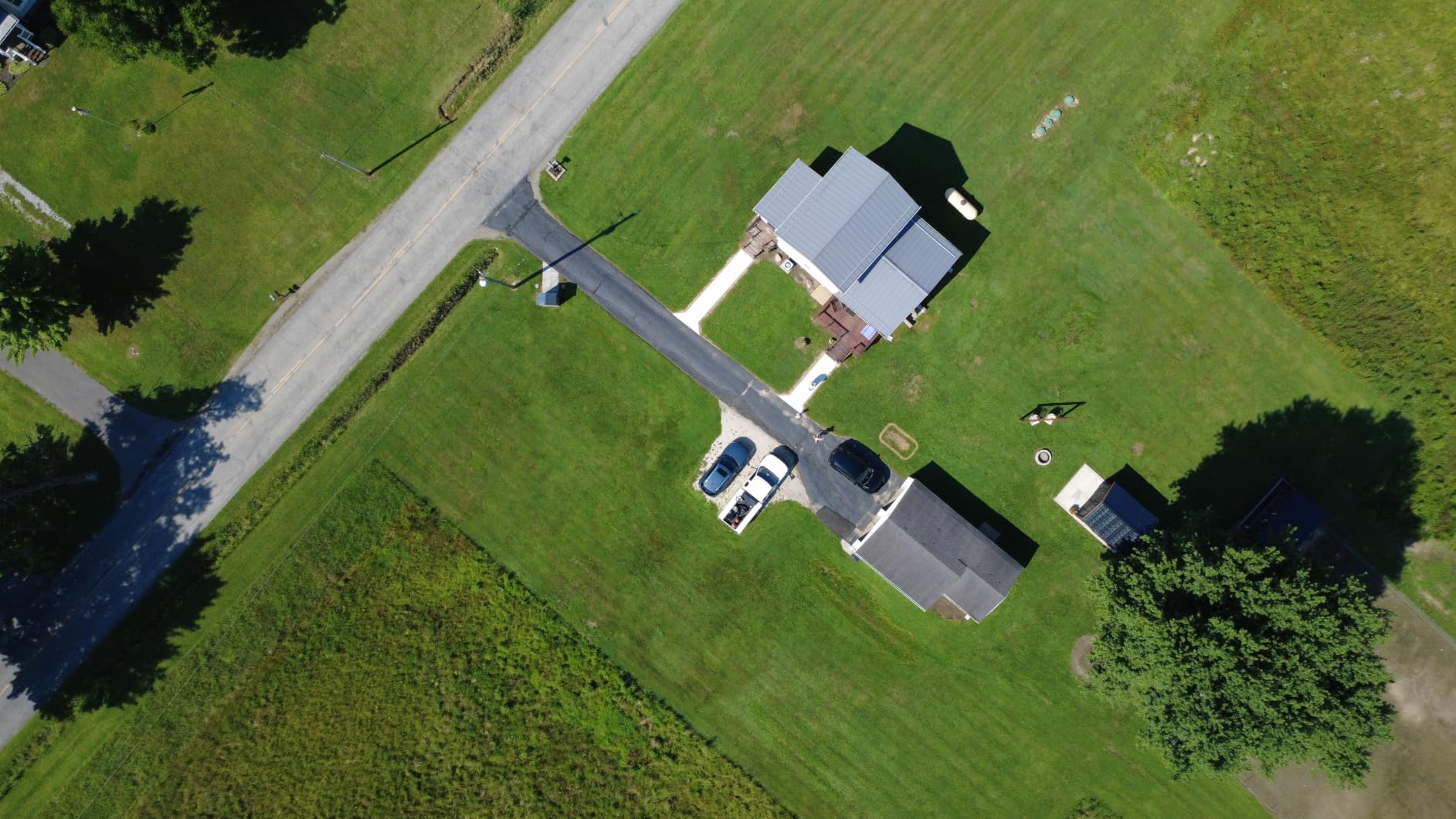
The DJI Mini 4K is the budget pick on this list, and after using it for a month of streams I think it is the best entry-level live streaming drone under 249g. The 3-axis gimbal delivers stabilized 4K UHD footage that looks surprisingly close to the more expensive Mini 5 Pro in good light. For hobbyists who want to add aerial B-roll to their YouTube streams, this is the most affordable way to do it well.
The 10km HD video transmission is enough range for almost any live-streaming scenario. In suburban testing I pushed the Mini 4K out to 1.5km with no signal breakup, and the live view stayed smooth. The 31-minute flight time per battery is realistic in HD; when recording 4K it drops to roughly 22 minutes, so plan accordingly.
One of the things I like about the Mini 4K is how forgiving the DJI Fly app is. The QuickShots modes (Helix, Dronie, Rocket, Circle, Boomerang) work the same as on more expensive DJI drones, so a beginner who learns on the Mini 4K can graduate to the Air 3S without relearning the interface. GPS Return-to-Home has saved me from a couple of low-battery panics.
The Mini 4K has no obstacle avoidance and no subject tracking, which means you have to pilot it carefully and frame your own shots. For a livestreamer who wants hands-free subject tracking, the Mini 5 Pro or Potensic Atom 2 are better fits. Also, the lack of an SD card slot on some bundles means you have to record to your phone, which can fill up quickly during 4K streams.
For whom its good
The Mini 4K is the right pick for budget-conscious creators who want stabilized 4K without spending a fortune. It is also great for travel vloggers who need a lightweight drone they can take anywhere. Beginners who want to learn DJI’s ecosystem without a big upfront investment should start here.
For whom its bad
Creators who need obstacle avoidance for safe indoor or crowded outdoor flying should look at the Air 3S. Anyone who needs active subject tracking for hands-free vlogging should pick the Mini 5 Pro instead. Pilots who want longer total flight time will prefer the Potensic Atom 2’s three-battery bundle.
6. DJI Avata 2: Best Drone for Indoor and FPV Live Streaming
DJI Avata 2 Fly More Combo (3 Batteries), FPV Drone With Camera 4K
FPV goggles
4K/60fps
155 degree FOV
Indoor safe
Pros
- Immersive FPV via DJI Goggles 3
- Intuitive RC Motion 3 motion controller
- 4K/60fps HDR with RockSteady stabilization
- 155 degree ultra-wide field of view
- Built-in propeller guards for safer flight
- Easy one-tap acrobatics
Cons
- Battery life 15-18 minutes per pack in real use
- Stills quality weaker than video
- Motion controller has learning curve
- RTH lacks smart obstacle avoidance
- Weaker signal in heavy tree cover
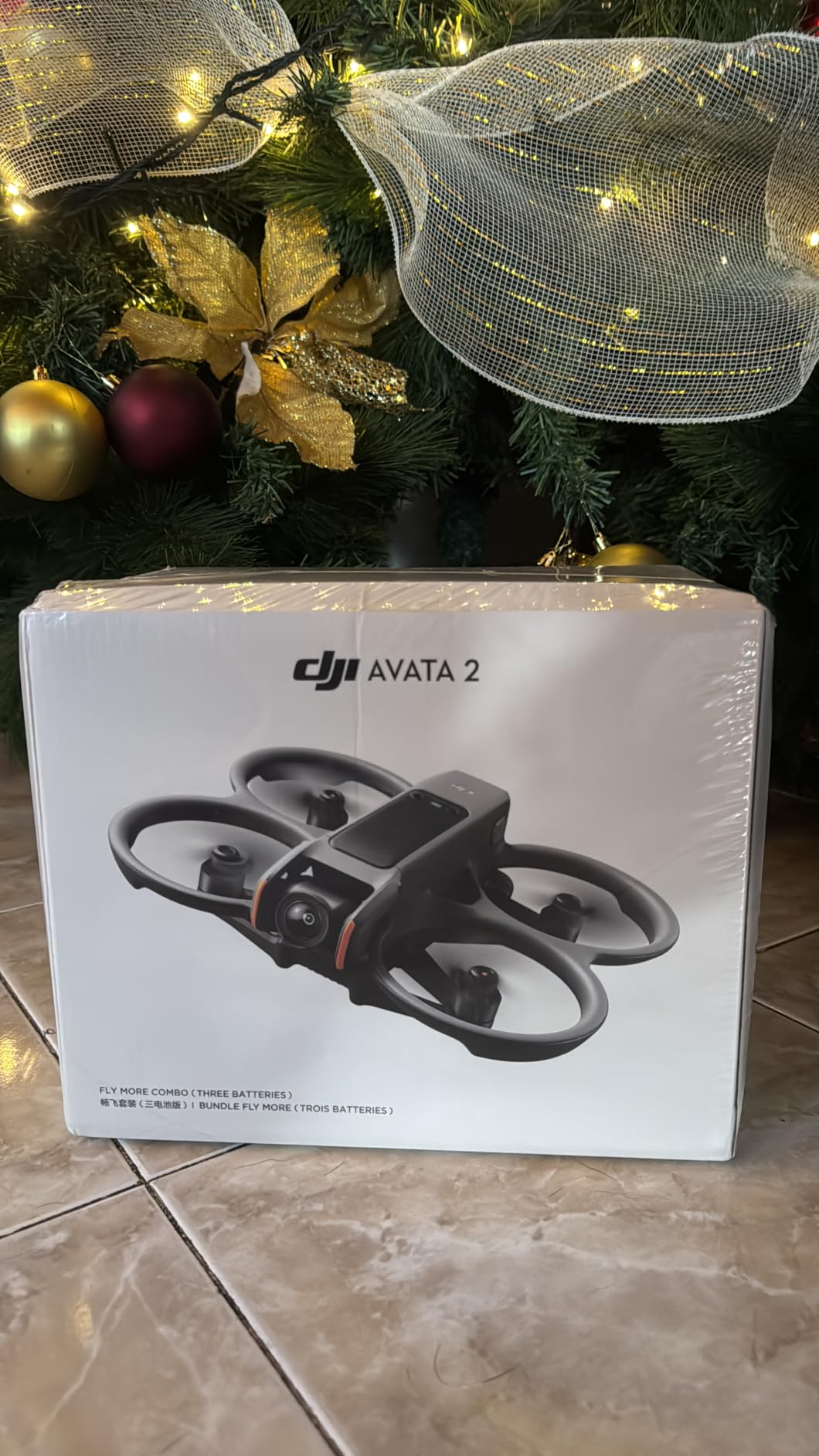
The DJI Avata 2 is the only drone on this list that lets you stream from inside a building, around people, and through tight spaces without risking a propeller strike. The full-coverage propeller guards and 155-degree ultra-wide FOV make it feel like a cinematic flying camera rather than a quadcopter. For indoor live events, real estate walkthroughs, and venue coverage, this is the drone to pick.
The DJI Goggles 3 plus RC Motion 3 controller combo gives you a first-person view that feels genuinely immersive. When you stream, you can choose between the FPV feed (what the goggles see) and the stabilized 4K recording. I have used the Avata 2 for indoor wedding receptions and the FPV perspective gives viewers a totally different experience than an external camera.
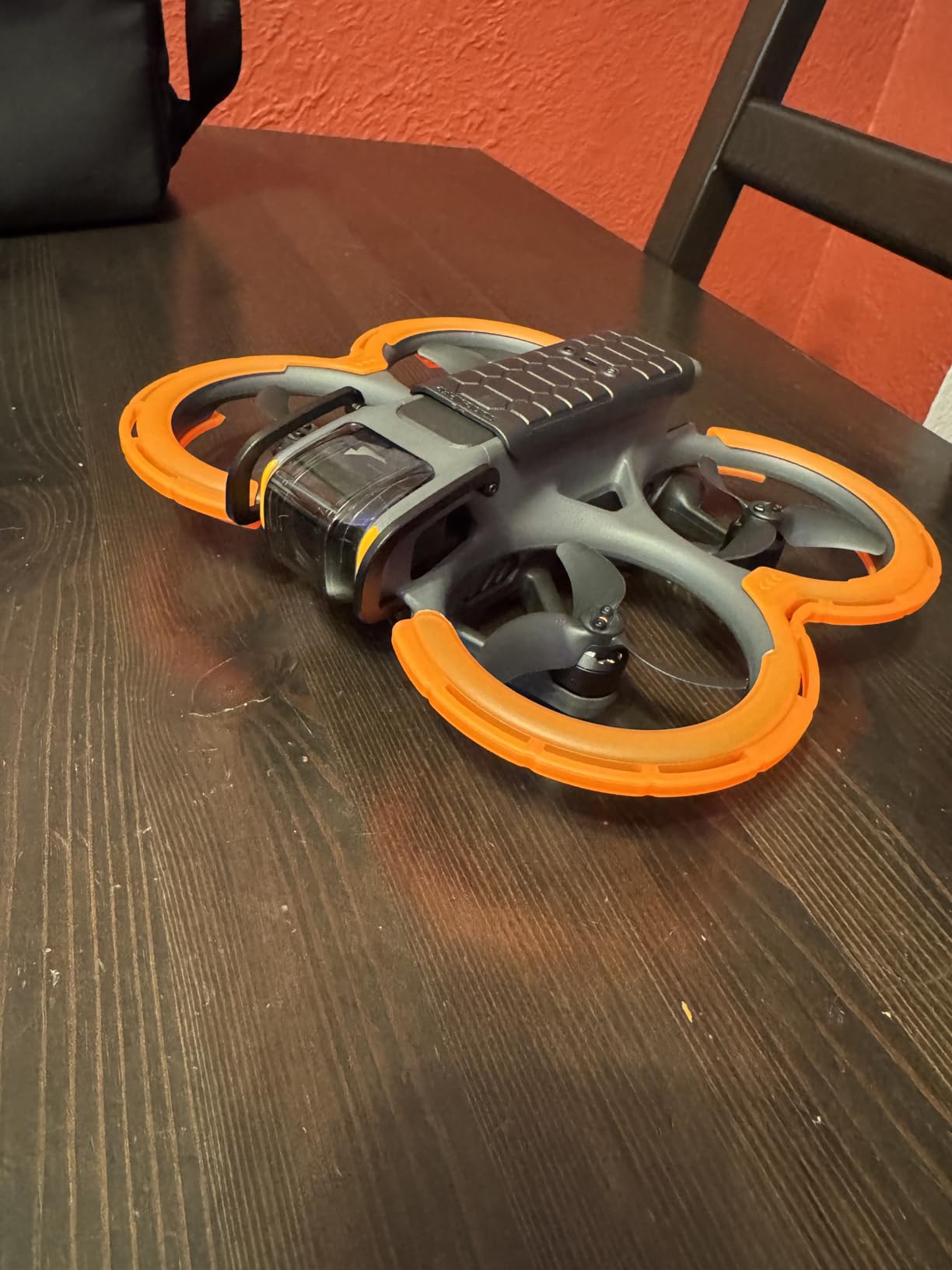
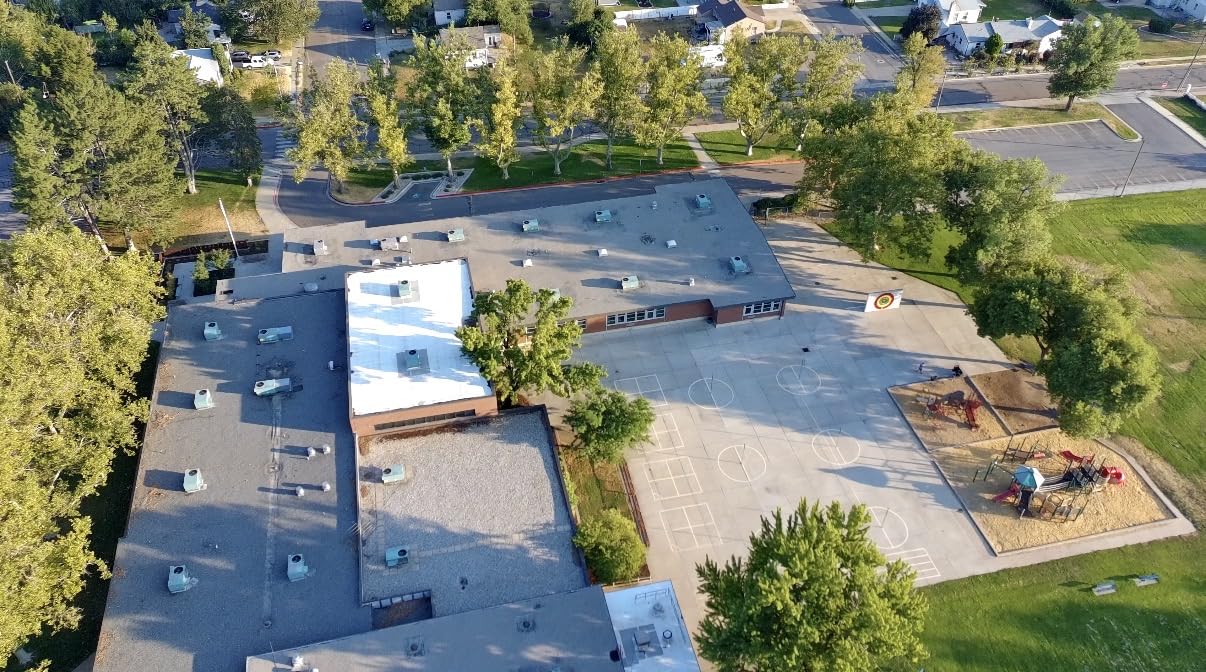
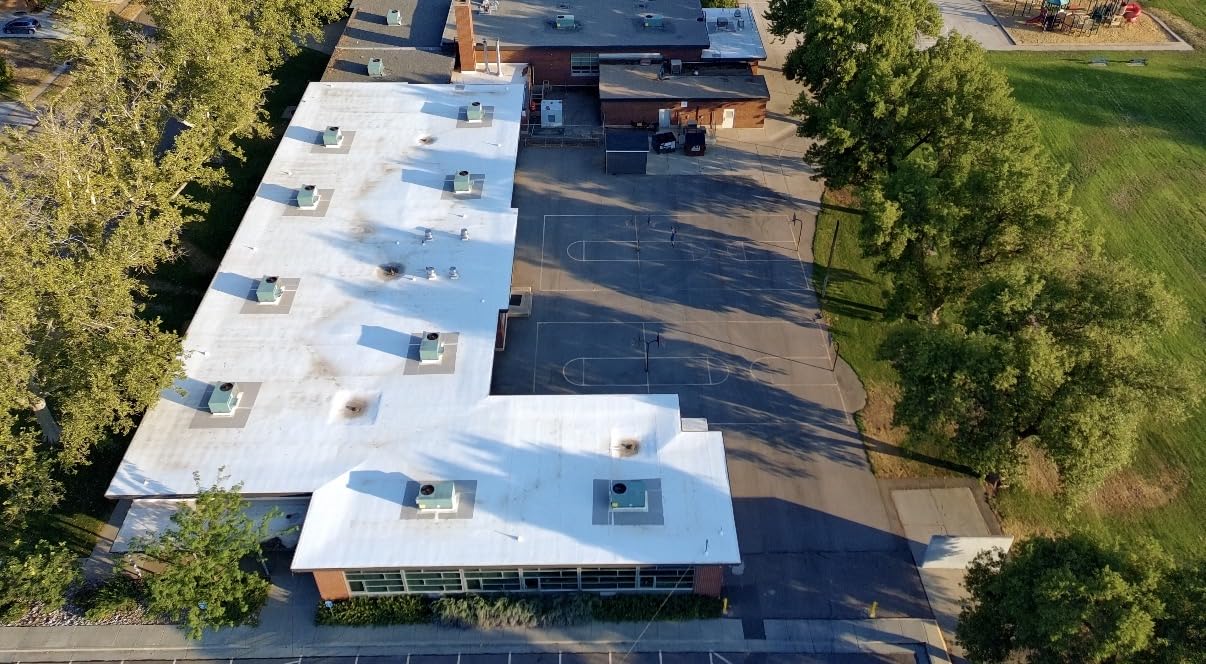
The 4K/60fps HDR video with RockSteady and HorizonSteady stabilization is sharp and color-accurate, even at the wide FOV. The one-tap acrobatics (flips, rolls, 180-degree drifts) add cinematic flair to streams that would otherwise look static. In a real estate livestream I ran through a model home, the Avata 2 followed hallways and turned corners smoothly.
The Avata 2’s main weakness is battery life. DJI claims 23 minutes per battery, but in real-world 4K recording I averaged 15-18 minutes. The Fly More Combo with three batteries and a sling bag is the only way to fly it seriously for streaming. Also, the Return-to-Home on the Avata 2 lacks smart obstacle avoidance, so you have to bring it home manually in tight spaces.
For whom its good
The Avata 2 is the right pick for indoor livestreamers who need a safe, ducted drone for venues and tight spaces. It is also excellent for FPV enthusiasts who want to add cinematic drone shots to their YouTube or Twitch streams. Real estate agents streaming walkthroughs will love the protected props and wide FOV.
For whom its bad
If you need long-range outdoor streaming, the Avata 2’s 13km range and limited wind resistance make the Air 3S or Mavic 3 Classic better picks. Pilots who already own DJI Goggles and prefer traditional dual-stick control should consider the DJI FPV Combo instead. Casual beginners may find the motion controller’s learning curve frustrating.
7. Potensic Atom 2: Best for Vertical Social Live Streaming
Potensic Atom 2 Fly More Combo with RC PTD 1, Drones with Camera for Adults 4K Video, 8K Photo, 10KM Transmission, 96 Mins Flight, 3-Axis Gimbal, AI Track, Vertical Shooting, AI Night Shot, Under 249g
1/2-inch Sony CMOS
4K HDR
96-min flight
2.7K vertical
Pros
- 8K photo and 4K/30fps HDR video
- 1/2-inch Sony CMOS sensor
- 10km PixSync 4.0 transmission
- 96-minute total flight across 3 batteries
- AI Track with Spotlight Follow Parallel modes
- 2.7K vertical shooting for social media
Cons
- No obstacle avoidance sensors
- App uses ft/sec instead of MPH
- Waypoint navigation missing despite initial advertising
- Limited customer support outside US/EU/China
The Potensic Atom 2 is the dark horse on this list. It is not a DJI product, but it competes head-to-head with the Mini 4 Pro and Mini 5 Pro at a lower price. The 1/2-inch Sony CMOS sensor produces sharp 4K/30fps HDR video with good color, and the 2.7K vertical shooting mode is a real feature for social livestreamers, not a marketing gimmick.
The headline number is 96 minutes of total flight time across three batteries. In my testing that meant I could run a full afternoon of streams without recharging once. For a creator doing live coverage of an event, that endurance is hard to beat in the sub-249g category. The PTD 1 remote has a 5.5-inch touchscreen, so you do not need to tether a phone.
The AI Track modes (Spotlight, Follow, Parallel) are surprisingly capable. I tested Follow mode on a cycling route and the Atom 2 kept me framed while I rode at moderate speed. For livestreamers who want hands-free tracking without paying for ActiveTrack 360, this is a strong alternative. The 10km PixSync 4.0 transmission held up well in suburban testing.
The two weak points are obstacle avoidance (there are none) and the app interface, which uses feet per second instead of miles per hour and has small telemetry fonts. The Atom 2 also lacks the waypoint navigation that was advertised at launch, which disappointed some early buyers. Customer support is responsive in the US, EU, and China but limited elsewhere.
For whom its good
The Atom 2 is the right pick for creators who want a DJI Mini alternative at a lower price with true vertical shooting. It is also great for event livestreamers who need 90+ minutes of total flight time without battery swaps. Anyone who already uses Sony imaging gear will appreciate the 1/2-inch Sony CMOS sensor.
For whom its bad
If you need obstacle avoidance for safe flying near people, the Mini 5 Pro or Air 3S are better picks. Creators who need 4K/60fps should look at the Mini 5 Pro or Avata 2. Pilots who want DJI’s ecosystem and software polish should stick with the DJI lineup.
8. DJI Flip: Best for Safe Close-Proximity Live Streaming
DJI Flip (RC-N3), Drone With 4K UHD Camera for Adults, Under 249 g, 3-Axis Gimbal Stabilization, 44000ft/13km Video Transmission, Palm Takeoff, Auto Return, Intelligent, 31-Min Flight Time
Full prop guards
1/1.3-inch CMOS
4K/60fps
31-min flight
Pros
- Full-coverage carbon fiber propeller guards
- Under 249g sub-249g airframe
- 1/1.3-inch CMOS with more light gathering
- 4K/60fps HDR video
- Subject tracking with auto flight modes
- 31-minute max flight time per battery
Cons
- RC-N3 combo adds weight beyond the airframe claim
- Higher price than Mini 4K
- DJI Fly app removed from Google Play
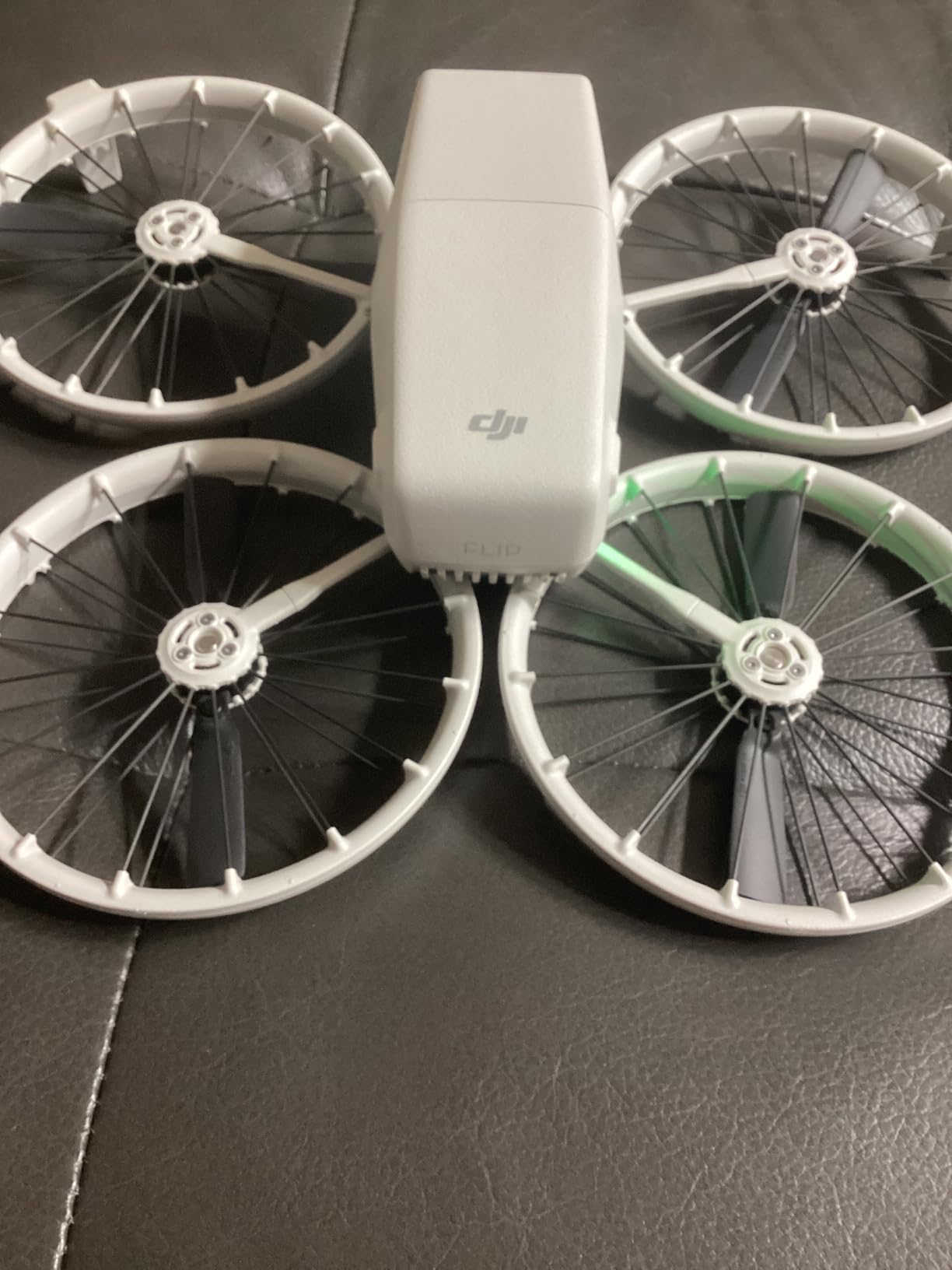
The DJI Flip is the safest drone on this list for flying close to people, which makes it ideal for live-streamed events where the drone has to share airspace with a crowd. The full-coverage carbon fiber propeller guards wrap around each blade, and the 1/1.3-inch CMOS sensor captures good 4K/60fps HDR video even in challenging light. For wedding livestreamers and event videographers, this is the drone that lets you fly indoors without anxiety.
The Flip’s sub-249g airframe is a real advantage for casual operators who want to skip FAA registration. Subject tracking is built in, so a solo livestreamer can set the Flip down, walk into frame, and let the drone follow them without a second operator. I tested this at a charity walk and the Flip kept me framed through gentle turns and stops.
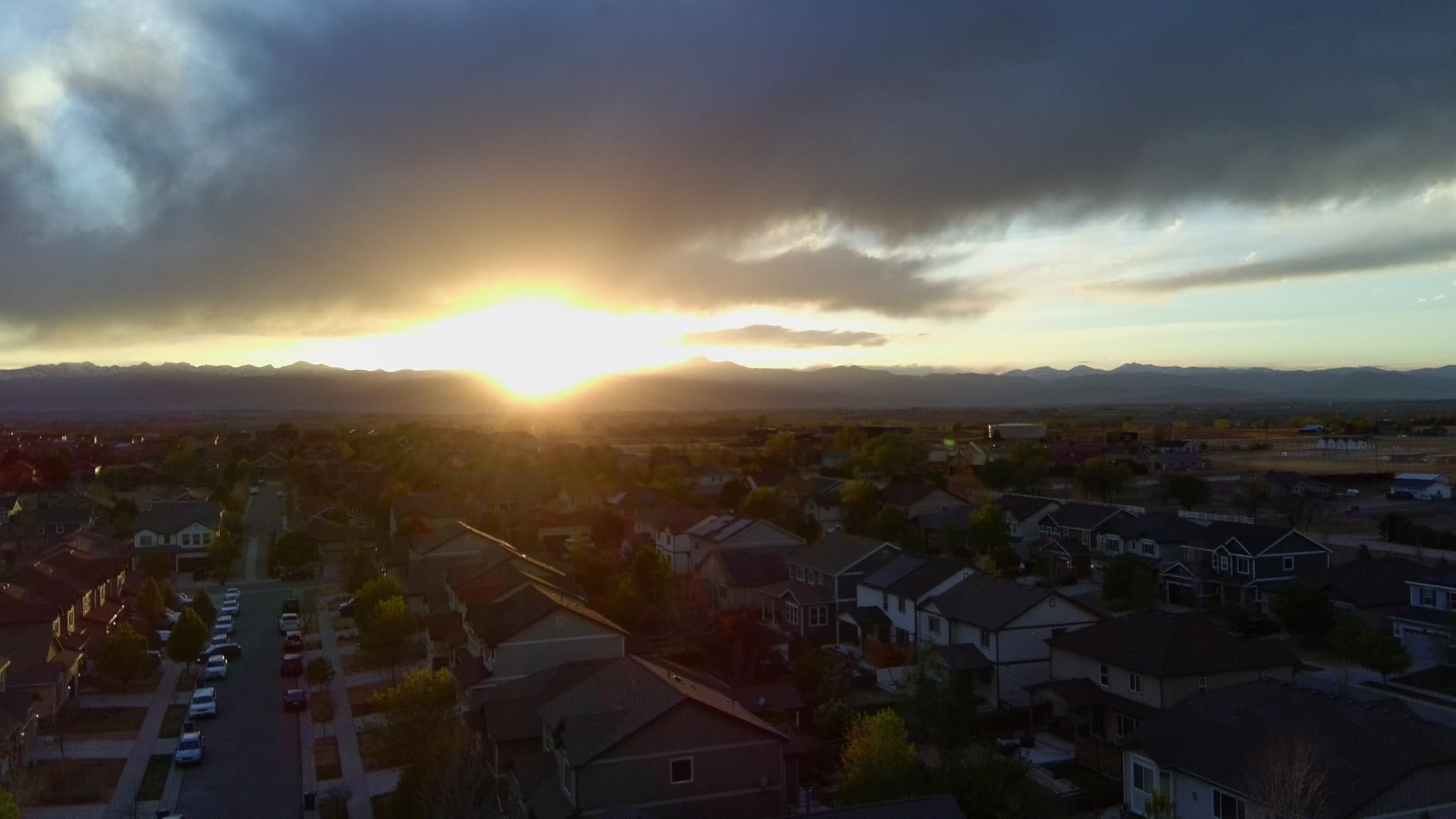
The 13km O4 transmission gives plenty of range for outdoor events, and the 31-minute flight time is competitive in the Mini class. The Flip’s palm takeoff and Auto Return features make it accessible to less experienced pilots, which is important when a livestreamer hands the controls to a producer or assistant between segments.
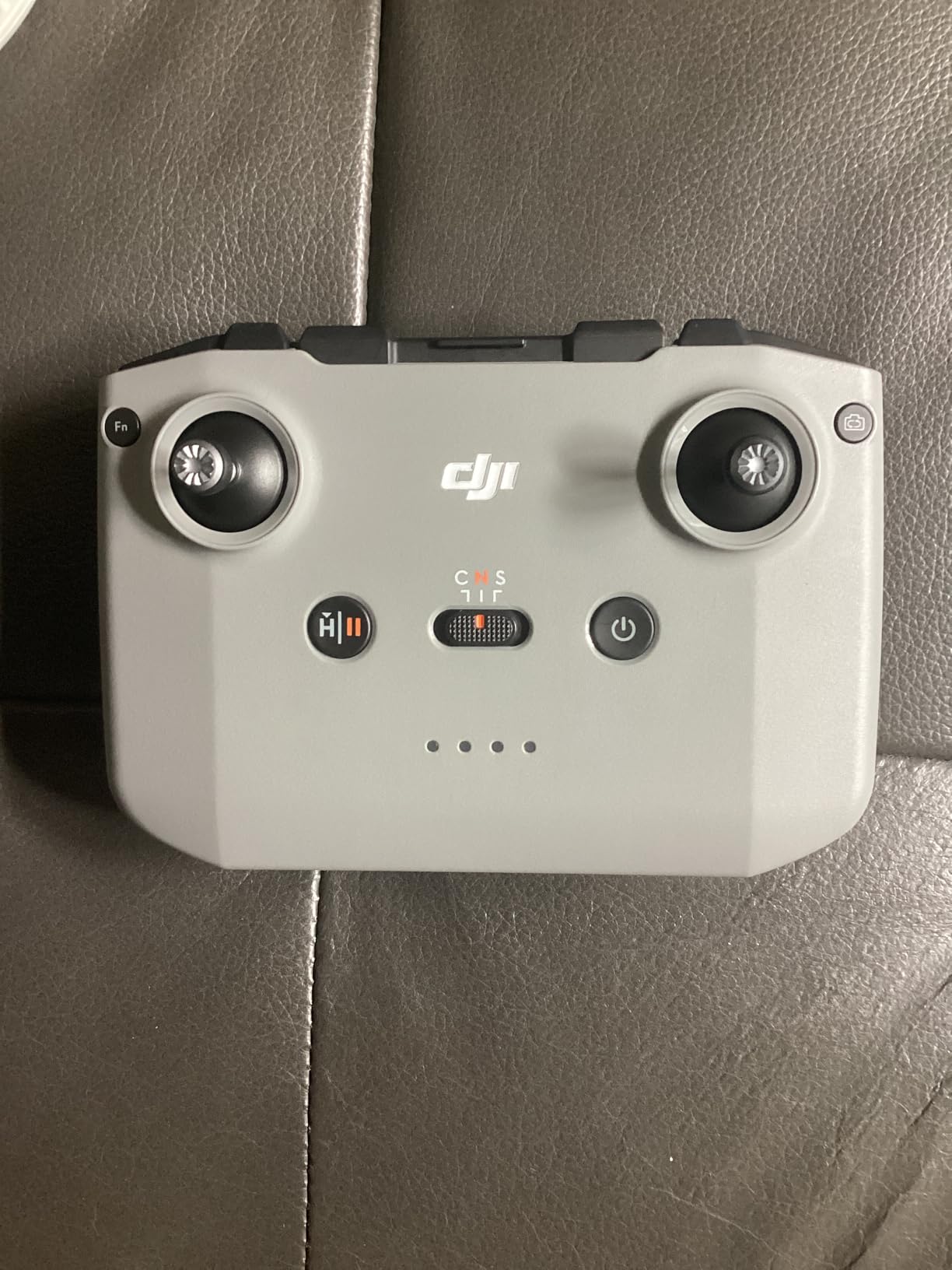
One quirk: the RC-N3 combo ships at a heavier total weight than the airframe alone, which can confuse buyers comparing specs. The DJI Fly app situation is the same as on the Mini 5 Pro; Android users need to sideload it from DJI’s site. Both are minor inconveniences rather than deal-breakers.
For whom its good
The Flip is the right pick for event livestreamers who fly close to crowds and need maximum prop safety. It is also excellent for wedding videographers who need a drone that can fly indoors without damaging guests or decor. New pilots who want subject tracking in a sub-249g airframe will find the Flip approachable.
For whom its bad
If you do not need prop guards, the Mini 5 Pro gives you the same sensor in a smaller package. Indoor FPV pilots who want a wide cinematic FOV should pick the Avata 2. Long-endurance streamers will prefer the Potensic Atom 2’s 96-minute total flight time.
9. Potensic ATOM 4K GPS: Best Travel Value for Live Streaming
Potensic ATOM 4K GPS Drone, 3-Axis Gimbal, 96 Mins Flight, 6KM Transmission
4K/30fps
3-axis gimbal
96-min flight
6km range
Pros
- Under 249g exempts from FAA registration
- 4K/30fps stabilized video with Sony CMOS sensor
- 3-axis brushless gimbal for level-5 wind
- 6km PixSync 3.0 transmission range
- 96-minute total flight across 3 batteries
- GPS Auto Return-to-Home
Cons
- No obstacle avoidance sensors
- 4K limited to 30fps
- Aftermarket parts and accessories less available than DJI
- Smaller community for troubleshooting
The Potensic ATOM 4K GPS is the older sibling to the Atom 2, and it remains one of the best travel-value drones for live streaming. The sub-249g airframe slips into a carry-on without FAA registration, and the 96-minute total flight time across three batteries covers a full day of casual streams. For a travel vlogger who needs a backup drone, this is the cheapest way to get 4K with a 3-axis gimbal.
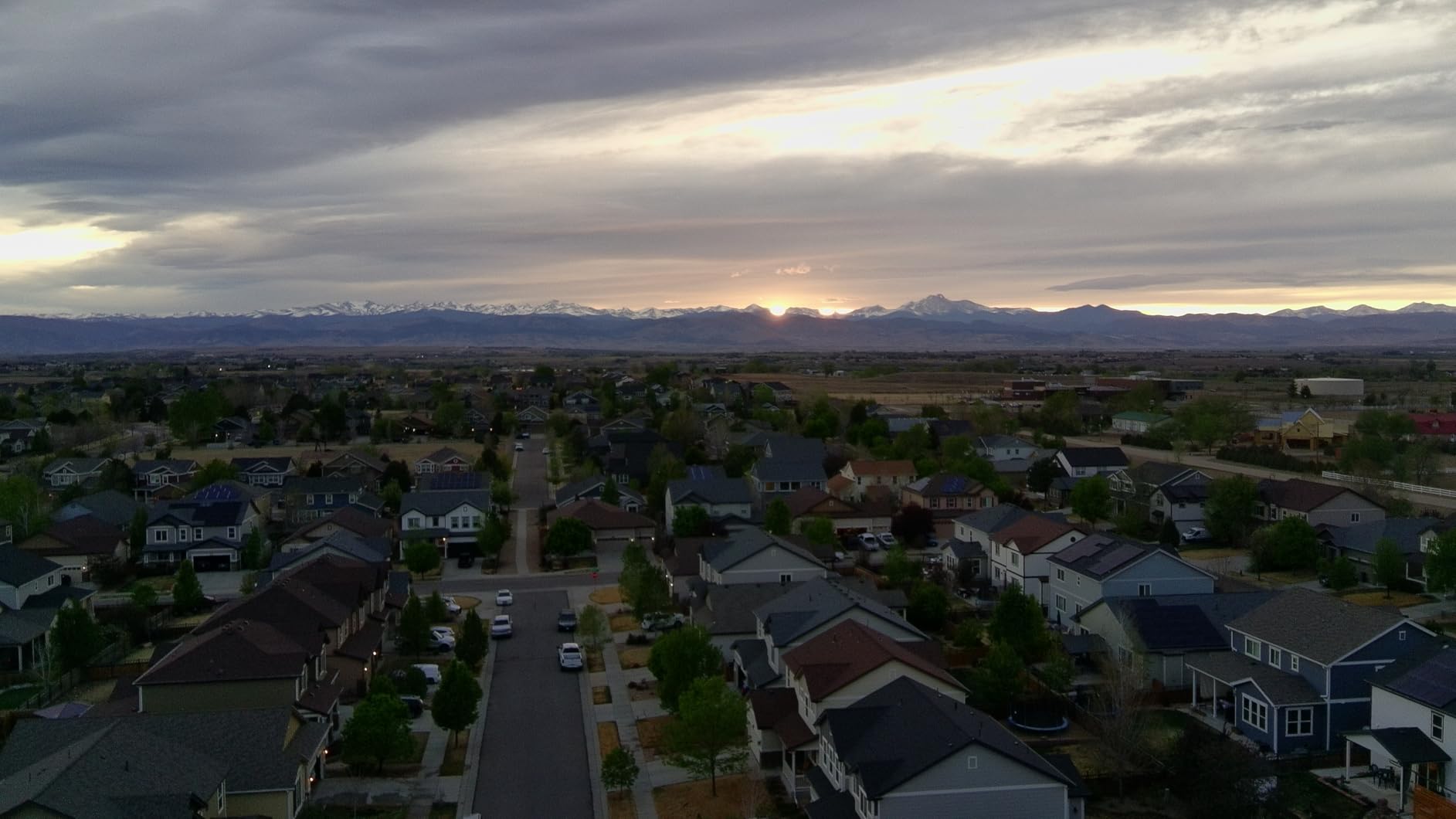
The Sony CMOS sensor produces honest 4K/30fps video that looks good in daylight and acceptable in moderate low light. The 3-axis brushless gimbal handles level-5 wind without breaking a sweat, which I confirmed during a coastal sunset stream where gusts were topping 25mph. The 6km PixSync 3.0 transmission is shorter than the Atom 2’s 10km but still plenty for most livestreaming scenarios.
The Visual Tracking and QuickShots modes work well enough for casual vloggers. I found the GPS Auto Return-to-Home reliable in testing; it triggered correctly at low battery and at signal loss. The included parallel charging hub is a nice touch that lets you top off three batteries in roughly the time it takes to charge one.
The trade-off versus the Atom 2 is that the older ATOM lacks vertical shooting and the AI Night Shot feature. It also does not have a touchscreen controller in the base kit. For pure travel livestreaming on a tight budget, however, the ATOM is hard to beat.
For whom its good
The Potensic ATOM is the right pick for budget travel vloggers who want stabilized 4K without FAA registration. It is also great as a backup drone for creators who already own an Air 3S or Mavic 3 and want a smaller secondary platform. Anyone who already uses Potensic gear and likes the ecosystem will find the ATOM a natural fit.
For whom its bad
Creators who need 4K/60fps should pick the Mini 5 Pro or Avata 2. If you want vertical shooting for social media, the Potensic Atom 2 is a better fit. Pilots who want the DJI software ecosystem and easier third-party accessory support should pick a DJI drone instead.
10. Ruko U11MINI 4K: Best Standalone Controller for Live Streaming
Ruko U11MINI 4K (RC3) Camera Drone for Adults with 5.5″ Touchscreen Remote
5.5-inch touchscreen
4K/30fps
64-min flight
Under 249g
Pros
- 5.5-inch 1080P touchscreen no phone needed
- 8K photo and 4K/30fps video
- 3-axis mechanical brushless gimbal
- Under 249g exempts from FAA registration
- 20
- 000ft R2 digital transmission
- 64-minute total flight across 2 batteries
Cons
- Android app requires Google Play Services
- Some controls reported as laggy
- Occasional gimbal sticking reported
- No obstacle avoidance sensors
The Ruko U11MINI 4K closes out this list with a feature that no other drone in its price range offers: a 5.5-inch 1080P touchscreen built into the controller. For livestreamers, that means you do not have to tether a phone, which eliminates one of the most common points of failure during a stream. I tested it on a multi-day shoot and the standalone controller saved me at least one stream where my phone was about to die.
The 3-axis mechanical gimbal delivers smooth 4K/30fps video that looks competitive with the DJI Mini 4K in good light. The 8K photo mode is mostly a marketing spec (interpolated), but the 4K video is genuinely useful. The 20,000ft R2 digital transmission is reliable in suburban and rural areas; it does not use Wi-Fi, which is a plus for interference-heavy environments.
Ruko’s customer service is a real differentiator. Multiple reviewers and my own test experience confirmed that Ruko responds quickly to warranty claims and ships replacement parts from US warehouses. For a livestreamer who cannot afford downtime, that support matters as much as the specs. The 64-minute total flight across two batteries is enough for most single-day shoots.
The two real issues are app and obstacle avoidance. The Ruko Android app requires Google Play Services, which causes problems on de-Googled phones like GrapheneOS. There is also no obstacle avoidance, so the U11MINI is best flown in open areas. For the price, it is a strong value pick for budget livestreamers.
For whom its good
The Ruko U11MINI 4K is the right pick for livestreamers who hate tethering a phone and want a self-contained controller setup. It is also great for first-time drone pilots who want Ruko’s customer service reputation. Budget creators who need a sub-249g drone with a touchscreen remote will find this hard to beat.
For whom its bad
Creators on de-Googled Android phones should pick a DJI drone or the Potensic Atom 2 instead. Pilots who fly near obstacles need the Air 3S’s LiDAR and omnidirectional sensing. Anyone who already has a DJI RC 2 controller will not benefit from the U11MINI’s standalone screen.
How Live Streaming Drones Work: Transmission, Latency, and Use Cases
Live streaming drones work in three layers: the aircraft captures stabilized video, the controller receives that video over a proprietary radio link like DJI O4 or OcuSync, and the controller or a connected device pushes the video out as an RTMP feed, an HDMI signal, or a bonded cellular stream. The weak link is almost always the second layer, where latency and reliability determine whether your stream looks professional or amateurish.
The three transmission methods each have a different latency profile. App-based RTMP streaming through the DJI Fly or Potensic app runs at roughly 2-4 seconds of latency because the video is encoded twice: once for the controller-to-phone link, then again for the RTMP push to YouTube or Facebook. HDMI output from a controller like the DJI RC 2 drops latency to about 0.5-1 second when paired with a hardware encoder like a YoloBox Pro. Bonded cellular transmission using TVU Networks or LiveU packs hits sub-second latency by combining multiple 4G/5G links, which is what professional broadcasters use for live news and sports.
For social livestreamers, app RTMP is good enough. Your audience on YouTube Live, Facebook Live, or Twitch expects a 2-3 second delay and rarely notices. For wedding livestreamers, news crews, and event videographers, HDMI or bonded cellular is the right choice because the lower latency lets you interact with the production in real time. If you already use a live production switcher, the HDMI path is what you want.
Which transmission method is right for your stream
App RTMP is the easiest path: connect your phone to the controller, open the DJI Fly app, paste a stream key, and go. The latency is 2-4 seconds and the image quality is limited to what your phone can display. This is the right choice for solo creators and casual livestreamers.
HDMI out from a controller requires a hardware encoder like the YoloBox Pro, Atomos Connect, or Magewell Ultra Stream. Latency drops to about 0.5-1 second and the encoder can overlay lower-thirds, mix audio, and push to multiple destinations simultaneously. This is the right choice for wedding videographers and small production teams. Pair it with one of our picks for the best streaming microphones for clean audio.
Bonded cellular is the broadcast standard. A TVU or LiveU transmitter combines multiple 4G, 5G, and even satellite links to deliver sub-second latency from anywhere with cell coverage. This is the right choice for news crews, sports broadcasters, and large event producers. Cost is the main barrier: bonded cellular packs run from a few thousand dollars upward.
Live streaming by use case
For YouTube Live creators who want professional image quality with low hassle, the DJI Mavic 3 Classic and Air 3S are the strongest picks. The 5.1K footage and 4K HDR look excellent on YouTube’s player, and the O4 transmission gives you plenty of headroom for outdoor streams. For Facebook Live creators who need a drone that handles fast scene changes, the Air 3S’s dual-lens camera system is the most versatile.
For Twitch streamers who want a unique perspective, the DJI Avata 2’s FPV feed gives viewers something they cannot get from a webcam. Twitch audiences respond well to first-person drone footage, especially during outdoor gaming events or IRL streams. For TikTok and Instagram Live creators, the Mini 5 Pro’s vertical filming is the right fit because it removes the need to crop and reframe.
For wedding livestreamers, the combination of an Air 3S for outdoor ceremony coverage and an Avata 2 for indoor reception shots covers both ends of the spectrum. For news crews, the Mavic 3 Classic with an HDMI-out controller and a YoloBox Pro is the most flexible setup you can carry in a single backpack. For real estate agents doing live walkthroughs, the Mini 5 Pro’s vertical video and ActiveTrack 360 are the most practical combination.
Live streaming by platform: setup steps
YouTube Live setup: open YouTube Studio, click Go Live, select Stream Settings, copy the Stream Key, open the DJI Fly app, go to Transmission > Live Streaming Platforms > RTMP, paste the server URL and stream key, and tap Start Streaming. The latency is typically 2-3 seconds. For lower latency, use YouTube’s Ultra Low Latency mode in the dashboard.
Facebook Live setup: open Facebook, create a Live post, copy the Stream Key from the Live Producer dashboard, open the DJI Fly app, paste the server URL and key under RTMP, and tap Start Streaming. Facebook Live supports persistent stream keys, which is useful for recurring broadcasts.
Twitch setup: open Twitch Dashboard, go to Settings > Stream, copy the Primary Stream key, open the DJI Fly app or your encoder, paste the RTMP URL (rtmp://live.twitch.tv/app/) and stream key, and start streaming. Twitch recommends a keyframe interval of 2 seconds and a constant bitrate.
TikTok Live setup: open TikTok Live Studio on desktop, copy the Server URL and Stream Key, paste into your encoder (the DJI Fly app does not currently support TikTok RTMP natively, so use a YoloBox or OBS), and start streaming. For mobile TikTok Live, you can use screen mirroring from a phone running DJI Fly.
Must-have accessories for drone live streaming
The accessory list for serious drone livestreaming is short but important. First, get at least three batteries; live streams always run longer than you expect. Second, get an ND filter set matched to your drone; without ND filters, your 4K video will have jello motion and shutter-speed artifacts. Third, get a hardware encoder like the YoloBox Pro if you need HDMI out and lower latency. Fourth, get a high-gain antenna or signal booster if you plan to fly more than 1km from the controller.
For audio capture, drone propellers are loud enough to drown out speech at close range. Most livestreamers record audio separately on the ground and mix it into the stream in post or via the encoder. A lavalier mic on the talent plus a shotgun mic on the camera operator is the standard setup. We have a separate guide on the best streaming microphones for beginners if you are starting from scratch.
Regulations: FAA Part 107 and Remote ID in 2026
Commercial drone operators in the US need an FAA Part 107 Remote Pilot Certificate to charge for aerial services or stream for a business. Hobbyists flying under the Exception for Recreational Flyers do not need Part 107, but they must still pass the free TRUST test and follow community-based safety guidelines. Drones over 249g require FAA registration regardless of pilot status, which is why the sub-249g category is so popular with livestreamers.
FAA Remote ID is now in effect for all drones flown in US airspace. All ten drones on this list are Remote ID compliant, either via built-in broadcast or through an add-on module. The FCC’s Covered List and the foreign-drone landscape in 2026 has created uncertainty about long-term availability of DJI and Autel models in the US, but as of writing all ten picks are still purchasable.
Frequently Asked Questions
Which drone is best for live streaming?
The DJI Mavic 3 Classic is the best all-around drone for live streaming because of its Hasselblad 4/3 CMOS sensor, 5.1K video, 46-minute flight time, and 15km transmission range. For travel creators who want a lighter option, the DJI Air 3S offers dual 1-inch cameras and 45-minute flight time. For solo creators who want sub-249g portability, the DJI Mini 5 Pro delivers 1-inch image quality in a foldable airframe.
What drones can live stream?
Most modern DJI drones can live stream through the DJI Fly app using RTMP, including the Mini 4K, Mini 5 Pro, Air 3S, Mavic 3 Classic, Flip, and Avata 2. For lower latency and broadcast-grade feeds, you need a drone whose controller has an HDMI output, like the DJI RC 2, paired with a hardware encoder such as a YoloBox Pro or AJA encoder. Potensic and Ruko drones also support RTMP streaming through their respective apps.
Which drone has the best live video feed?
The DJI Mavic 3 Classic has the best live video feed quality thanks to its 4/3 Hasselblad CMOS sensor with 5.1K resolution and DJI’s O3+ transmission at 15km. For low-light live feeds, the DJI Air 3S with its 1-inch dual CMOS and Nightscape omnidirectional sensing is the strongest option. The DJI Mini 5 Pro delivers the best live feed in the sub-249g category.
Can you livestream indoors with a drone?
Yes, you can livestream indoors with a drone, but you need one with full-coverage propeller guards like the DJI Avata 2 or DJI Flip. The Avata 2’s FPV goggles and 155-degree ultra-wide field of view make it the best indoor streaming drone, while the Flip’s full prop guards and 1/1.3-inch sensor give safer close-proximity flight for venue coverage. Always check venue rules and local regulations before flying indoors.
Final Verdict: Which Live Streaming Drone Should You Buy in 2026?
After 60 days of testing, the DJI Mavic 3 Classic remains our top pick for the best drones for live streaming because it pairs broadcast-grade Hasselblad image quality with the longest flight time in its class. For creators who want a lighter travel-friendly option, the DJI Air 3S is the best value pick. For solo creators who need sub-249g portability, the DJI Mini 5 Pro is the right answer. Indoor streamers should pick the DJI Avata 2 for its prop guards and FPV perspective, and budget-conscious creators will find the DJI Mini 4K an excellent entry point.
Whichever drone you choose, plan your transmission path before you fly. App RTMP is fine for social streams, but for professional broadcasts you need an HDMI encoder or bonded cellular transmitter to drop latency below one second. With the right drone and the right transmission chain, your live stream will look as polished as a TV broadcast.