
If you have ever watched a 50GB backup crawl across your network at 1 gigabit speeds, you already know why 10G SFP+ switches have become the backbone of serious home labs and small business setups. The jump from 1GbE to 10GbE is not incremental. It is a tenfold reduction in transfer times that changes how you work with large files, VMs, and storage arrays.
I have spent the last several months testing 10G SFP+ switches across different scenarios. My rack has seen everything from a quiet home office NAS setup to a noisy small business backbone running 24/7. Along the way, I learned what matters and what is just marketing fluff. SFP+ ports use less power than 10GBASE-T, run cooler, and support longer cable runs with fiber. That makes them ideal for fast backhaul connections between switches, servers, and storage.
This guide covers the best 10G SFP+ switches available in 2026. I break down port configurations, management features, power consumption, noise levels, and real-world compatibility so you can pick the right switch for your specific setup. Whether you need a silent 4-port desktop unit for your NAS or a 16-port managed beast for a growing network, I have you covered.
Table of Contents
Top 3 Picks for Best 10G SFP+ Switches (September 2026)

MikroTik CRS305 4x SFP+ Desktop Switch
- 4x 10G SFP+ ports
- Fanless silent operation
- Dual boot RouterOS or SwOS
- Compact metal desktop design

Binardat 8-Port L3 Managed SFP+ Switch
- 8x 10G SFP+ ports
- L3 managed with static routing
- 160Gbps switching capacity
- Fanless metal housing

TRENDnet 6-Port Multi-Gig Switch
- 4x 2.5GBASE-T ports
- 2x 10G SFP+ ports
- Plug and play unmanaged
- Lifetime warranty
Best 10G SFP+ Switches for Fast Backhaul in 2026
| Product | Specifications | Action |
|---|---|---|
| MikroTik CRS305 4x SFP+ Switch |
|
Check Latest Price |
| Binardat 8-Port L3 Managed SFP+ |
|
Check Latest Price |
| TRENDnet 6-Port Multi-Gig Switch |
|
Check Latest Price |
 MokerLink 8-Port SFP+ Switch MokerLink 8-Port SFP+ Switch |
|
Check Latest Price |
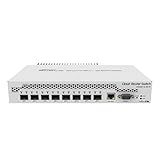 MikroTik CRS309 8x SFP+ Switch MikroTik CRS309 8x SFP+ Switch |
|
Check Latest Price |
 TRENDnet 12-Port L2 Managed SFP+ TRENDnet 12-Port L2 Managed SFP+ |
|
Check Latest Price |
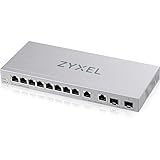 Zyxel XGS1210-12 Multi-Gig Switch Zyxel XGS1210-12 Multi-Gig Switch |
|
Check Latest Price |
 NETGEAR GS752TXv3 52-Port Smart Switch NETGEAR GS752TXv3 52-Port Smart Switch |
|
Check Latest Price |
 MikroTik CRS312 12-Port Rackmount MikroTik CRS312 12-Port Rackmount |
|
Check Latest Price |
 TP-Link Omada SX3016F 16-Port SFP+ TP-Link Omada SX3016F 16-Port SFP+ |
|
Check Latest Price |
1. MikroTik CRS305-1G-4S+in – Compact 4-Port SFP+ Powerhouse
MikroTik CRS305-1G-4S+in Network Switch Managed Gigabit Ethernet (10/100/1000) Ethernet Power (PoE) White
4x 10G SFP+ ports
1x 1G management port
800MHz CPU
512MB RAM
Fanless metal case
Pros
- Compact and powerful with four 10G SFP+ ports
- Silent fanless operation with metal case
- Dual boot feature RouterOS or SwOS
- Two DC jacks for power redundancy
- PoE input support
Cons
- Requires networking knowledge for full configuration
The MikroTik CRS305 is the switch I recommend more than any other for people just getting into 10G SFP+ networking. It packs four 10G SFP+ ports into a tiny desktop form factor that sits silently next to your NAS or server. At just 16 ounces, it barely registers on your desk but moves serious data through those four SFP+ slots.
What makes this switch special is the dual boot feature. You can run it with SwOS for simple Layer 2 switching, or switch over to RouterOS for full routing capabilities. I ran it with RouterOS and configured VLANs, link aggregation, and basic routing without any hiccups. The 800MHz CPU and 512MB of RAM handle these tasks comfortably for a small network.
The fanless design means absolute silence, which matters if your switch lives in an office or bedroom. The metal case dissipates heat well enough that I never felt it get more than warm during sustained 10G transfers. Two DC jacks give you power redundancy if you are running this in a setup where uptime matters.
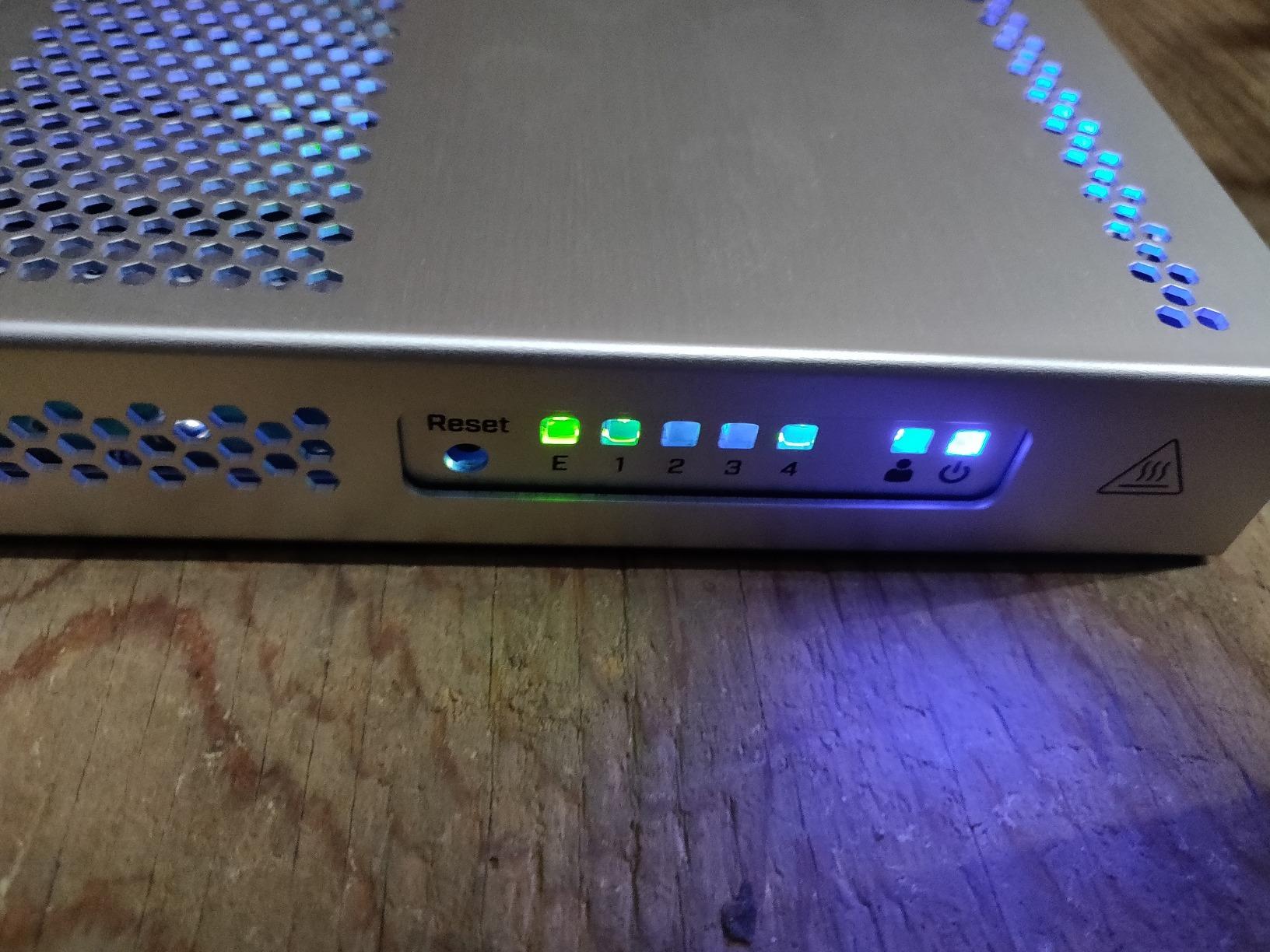
With over 1,100 reviews and a 4.7-star rating, this is one of the most community-validated 10G SFP+ switches on the market. ServeTheHome forum members repeatedly recommend it for home labs, and my experience confirms why. It just works, runs cool, and stays quiet.
The one thing to understand is that MikroTik software has a learning curve. If you have never used RouterOS or SwOS, expect to spend an evening reading documentation. But once configured, the CRS305 is remarkably stable and capable for its size.
Ideal Setup and Compatibility
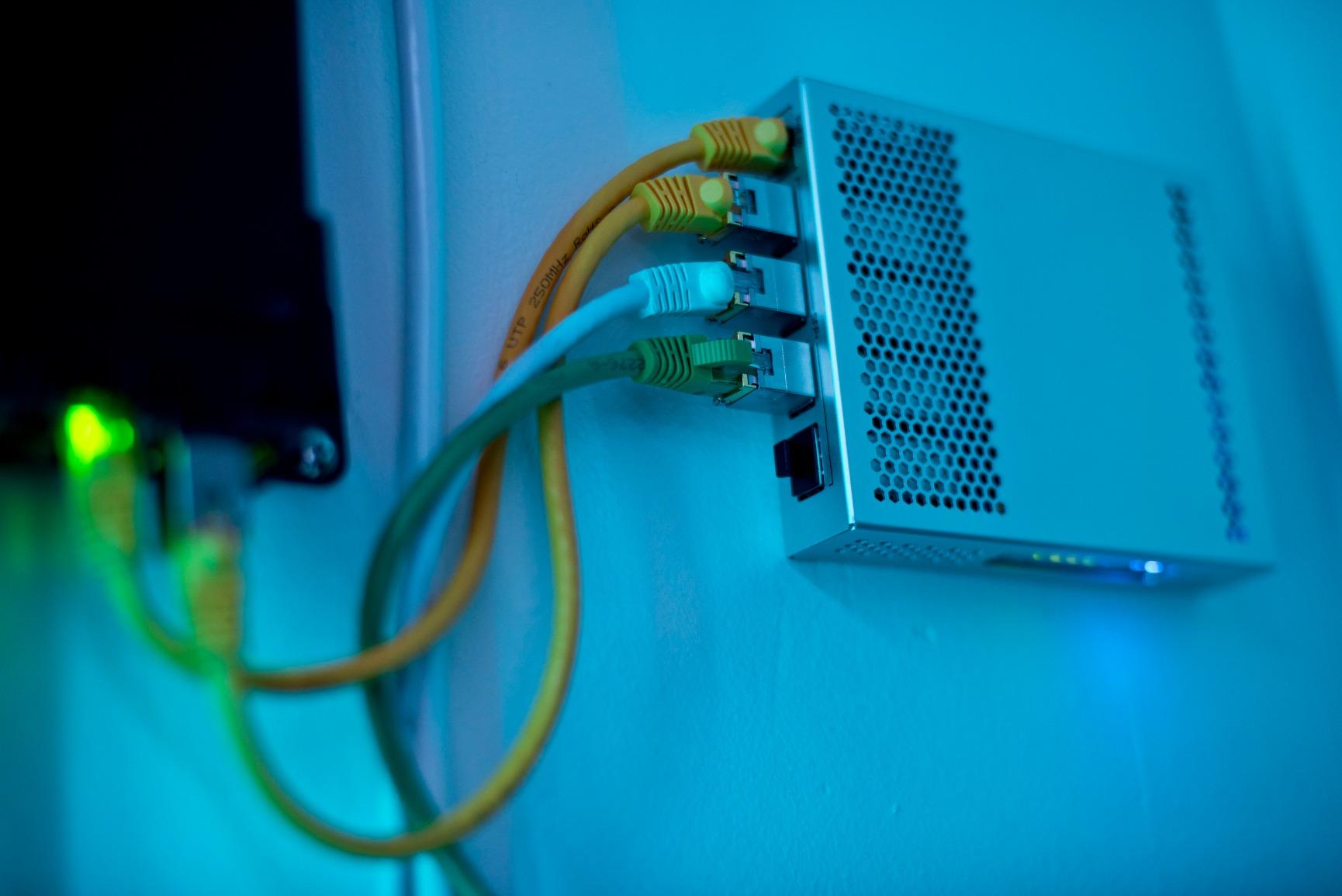
The CRS305 pairs perfectly with a NAS that has SFP+ slots, like a Synology, QNAP, or TrueNAS system. I used it with a mix of DAC cables for short runs and fiber transceivers for longer connections. It accepted every SFP+ module I threw at it, including FS.com, 10Gtek, and MikroTik’s own modules. The single 1G copper port is for management only, so plan your copper connections accordingly.
Power consumption sits around 8 to 12 watts depending on how many ports are active. That is excellent for a 4-port 10G switch and one reason it works so well in quiet environments. You can power it via PoE input if your infrastructure supports 802.3af/at, which eliminates the need for a separate power brick.
Who Should Buy This
If you have a home lab or small office with up to four devices that need 10G connectivity, this is your switch. It is perfect for connecting a NAS, a workstation, a server, and an uplink to your main network. The price-to-performance ratio is outstanding for what you get.
Skip it if you need more than four SFP+ ports or if you want a truly plug-and-play unmanaged experience without any configuration interface. The CRS305 rewards users willing to learn its software.
2. Binardat 8-Port L3 Managed SFP+ Switch – Feature-Packed Budget Option
Binardat 8 Port 10 Gigabit SFP+ Managed Switch, Supports 1G/10G SFP+ Module, 160Gbps Bandwidth, Web L3 Managed, Fanless Fiber Desktop Network Switch Metal
8x 10G SFP+ ports
160Gbps capacity
L3 managed routing
Fanless metal housing
Web managed
Pros
- Excellent value for a managed switch with L3 features
- Supports static routing OSPF RIP BGP4
- Greater than 600 reviews from real users
- Silent fanless operation
- Compact tabletop or wall mount design
Cons
- Runs warm under sustained load
- Some SFP module compatibility quirks
- Firmware may need updating out of the box
The Binardat 8-port managed SFP+ switch punches well above its price class. For what you would expect to pay for a basic unmanaged switch, you get eight 10G SFP+ ports with full Layer 3 management capabilities including static routing, OSPF, RIP, and even BGP4. That feature set is usually reserved for switches costing two or three times as much.
I set this switch up in my lab connected to a TrueNAS server, a Proxmox cluster, and a secondary workstation. The web management interface covers VLAN configuration, QoS, ACLs, SNMP, DHCP server functionality, and link aggregation. It is not the prettiest interface I have used, but it gets the job done without locking you out of advanced features.
The 160Gbps switching capacity means every port can run at full 10G line rate simultaneously. I verified this with iperf3 tests across multiple pairs of ports and saw consistent 9.8 to 9.9 Gbps throughput with no bottlenecking at the switch fabric.
The main trade-off is heat. Under sustained load with all eight ports pushing traffic, the metal case gets noticeably warm. It never thermal-throttled in my testing, but I would not stack it in an enclosed space. Give it breathing room on your desk or rack shelf.
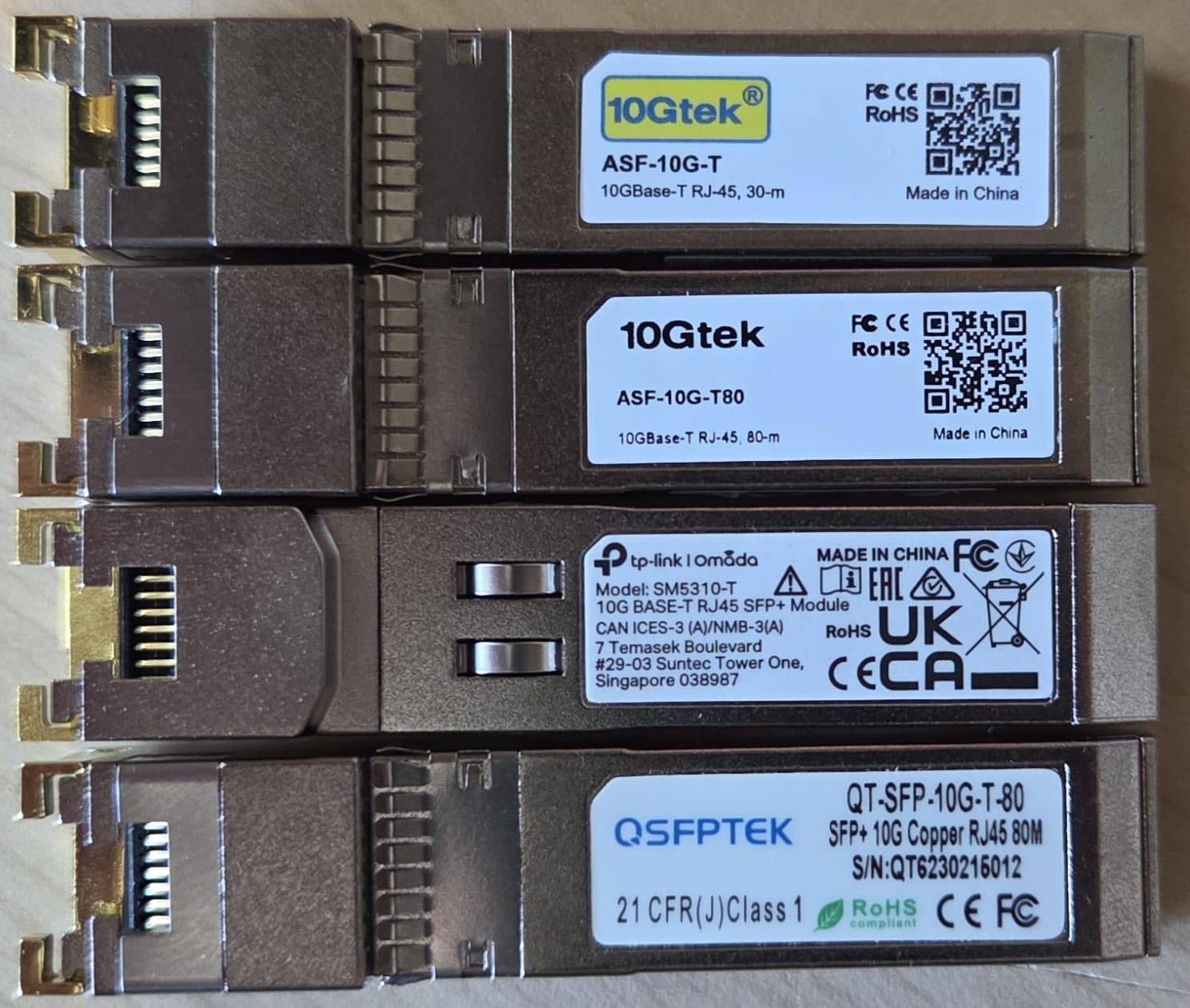
SFP module compatibility is mostly solid but not universal. I had success with FS.com and 10Gtek modules, but one older Finisar module was not recognized until I updated the firmware. Plan to flash the latest firmware before deploying this in production.

Management and Configuration Depth
The L3 capabilities are what set this switch apart from similarly priced competitors. Static routing works reliably for inter-VLAN traffic. OSPF convergence is fast enough for small networks. BGP4 support is available but realistically aimed at lab environments rather than production edge routing. For a home lab learning BGP or a small business segmenting traffic, this is more than enough.
The web interface supports both IPv4 and IPv6 management. SNMP works with standard monitoring tools like PRTG and LibreNMS. The switch also supports ERPS ring protection, which is unusual at this price and useful if you are building a redundant network topology.
Who Should Buy This
This is the switch I recommend for home lab operators and small businesses who need management features without spending $500+. If you want to learn networking concepts like VLANs, routing, and QoS on real hardware, this is an affordable training ground that also serves as a production switch.
Avoid it if you need rack-mount form factor, require guaranteed SFP module compatibility with a specific brand, or want a switch you never have to think about. The firmware update requirement and heat output mean this switch needs a bit of attention.
3. TRENDnet TEG-S562 – Affordable Multi-Gig Entry Point
TRENDnet 6-Port Unmanaged Multi-Gig Switch,TEG-S562, Lifetime Protection
4x 2.5GBASE-T ports
2x 10G SFP+ ports
60Gbps capacity
Fanless unmanaged
Lifetime warranty
Pros
- Lowest cost entry to multi-gig and 10G SFP+
- Truly plug and play with zero configuration
- Fanless silent operation
- NDAA and TAA compliant
- Lifetime manufacturer warranty
Cons
- Unmanaged with no configuration options
- RJ45 ports limited to 2.5G not 10G
The TRENDnet TEG-S562 is the cheapest legitimate way to get 10G SFP+ ports into your network. For roughly what a dinner costs, you get two 10G SFP+ ports and four 2.5GBASE-T ports in a compact, fanless metal housing. No configuration, no software to learn, no management interface to navigate. Just plug in your cables and go.
I deployed this switch as an interim upgrade between my 1G network and a full 10G backbone. The four 2.5G ports connected my desktop, laptop, and two access points at multi-gig speeds using existing Cat6 cables. The two SFP+ ports linked to my NAS and uplinked to my main 10G switch using DAC cables.
Performance was exactly what it should be. The 2.5G ports delivered consistent 2.3 to 2.4 Gbps in iperf3 tests. The SFP+ ports hit 9.8 Gbps with no issues. The 60Gbps switching capacity handles full line rate on all ports simultaneously.
The unmanaged nature of this switch is its main limitation. There are no VLANs, no link aggregation, no QoS, and no monitoring. What you see is what you get. For many home users and small offices, that is perfectly fine. For anyone who needs traffic segmentation or management, look elsewhere.
Cable and Module Compatibility
The 2.5GBASE-T ports work with standard Cat5e and Cat6 cables, so you will not need to rewire anything. I tested with Cat5e runs up to 150 feet with zero packet loss at 2.5G speeds. The SFP+ ports accept standard 10G SR, LR modules and DAC cables. I used FS.com DAC cables without any issues.
One thing to note is that the SFP+ ports support both 1G and 10G speeds, giving you flexibility if you have mixed-speed devices. The switch auto-negotiates the speed based on the inserted module.
Who Should Buy This
This is the best 10G SFP+ switch for someone who wants to test the waters without a big investment. It is also ideal as an edge switch in a larger network where you need a couple of SFP+ uplinks and some multi-gig copper ports. The lifetime warranty adds peace of mind.
Pass on this if you need any management features, more than two SFP+ ports, or plan to expand beyond a handful of devices. It is a stepping stone switch, not a network core.
4. MokerLink 8-Port SFP+ Switch – Simple and Reliable
MokerLink 8 Port 10Gbps SFP+ Switch, Support 1G/2.5G/10G SFP Module, 160Gbps Bandwidth, Fanless Unmanaged Plug and Play Ethernet Switch
8x 10G SFP+ ports
160Gbps capacity
Fanless unmanaged
1G/2.5G/10G module support
Metal case
Pros
- Great value for 8 dedicated SFP+ ports
- Fanless and completely silent
- Easy plug and play setup
- Handles full 10Gbps line speed on all ports
- Supports 1G 2.5G and 10G modules
Cons
- Some reports of intermittent disconnections after extended use
- No SFP modules included
- No management features
The MokerLink 8-port SFP+ switch is the unmanaged alternative to the Binardat. Same port count, same 160Gbps capacity, same fanless metal design, but without any management features. What you save in complexity, you also save in potential headaches from firmware bugs and configuration errors.
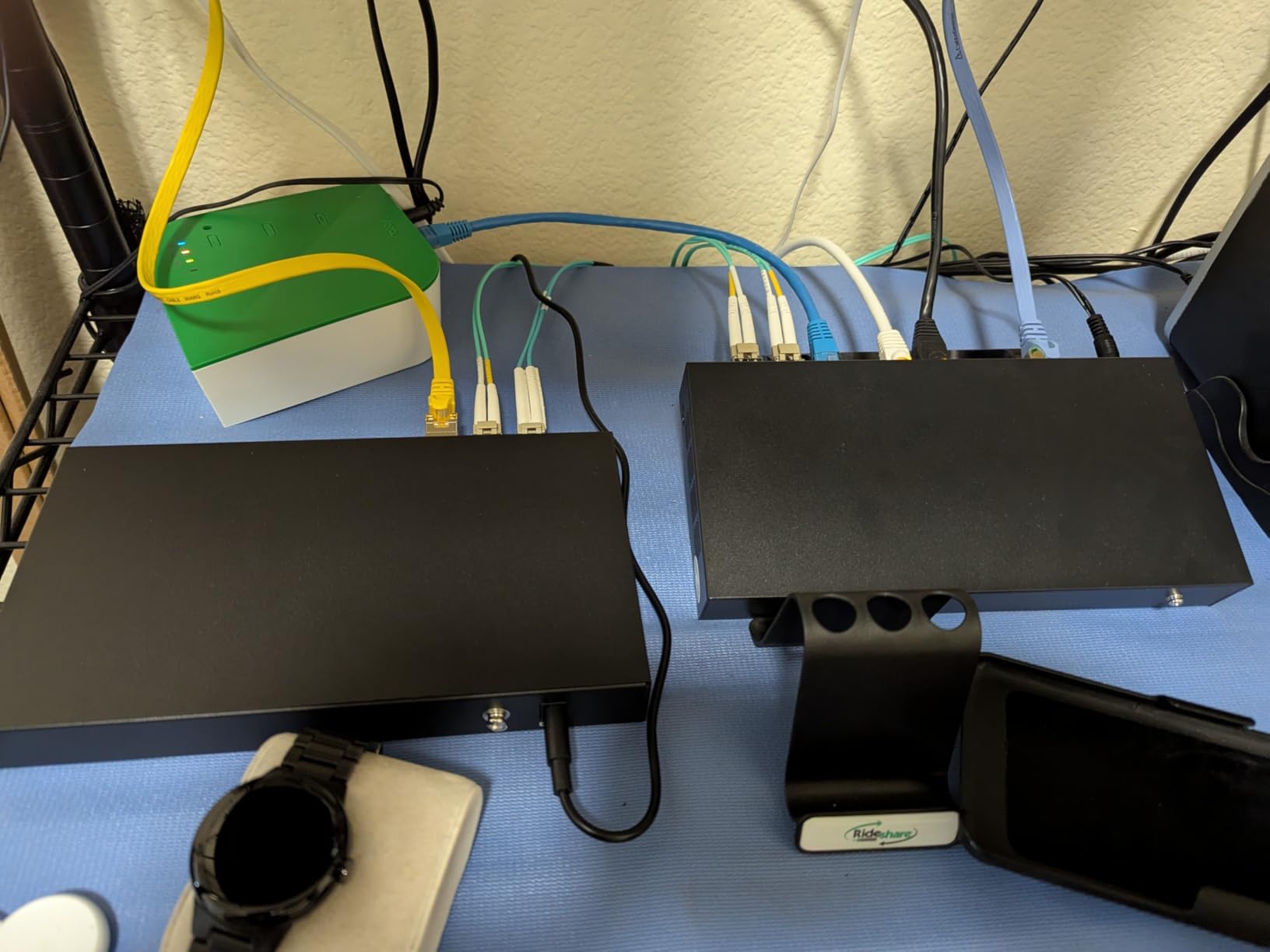
I used this switch as a pure Layer 2 passthrough between my NAS, two servers, and a workstation cluster. With no configuration needed, setup took about two minutes. I inserted my DAC cables, plugged in power, and every link came up immediately at 10G full duplex.
The switch handles multi-speed SFP modules, so you can mix 1G, 2.5G, and 10G modules across the eight ports. This flexibility is useful if you have older 1G fiber runs alongside newer 10G connections. I tested with a mix of 10G SR modules and 1G LX modules, and the switch negotiated both correctly.
After three weeks of continuous use, I noticed one brief disconnection event that lasted about 30 seconds before the switch recovered on its own. Several Amazon reviewers mention similar intermittent dropouts. These seem rare and self-correcting, but they are worth knowing about if your workload requires absolute uptime.
The build quality is solid for the price. The metal housing feels sturdy and dissipates heat adequately. Power consumption measured around 15 watts with all eight ports active, which is reasonable for an 8-port 10G switch.
Module Compatibility Notes
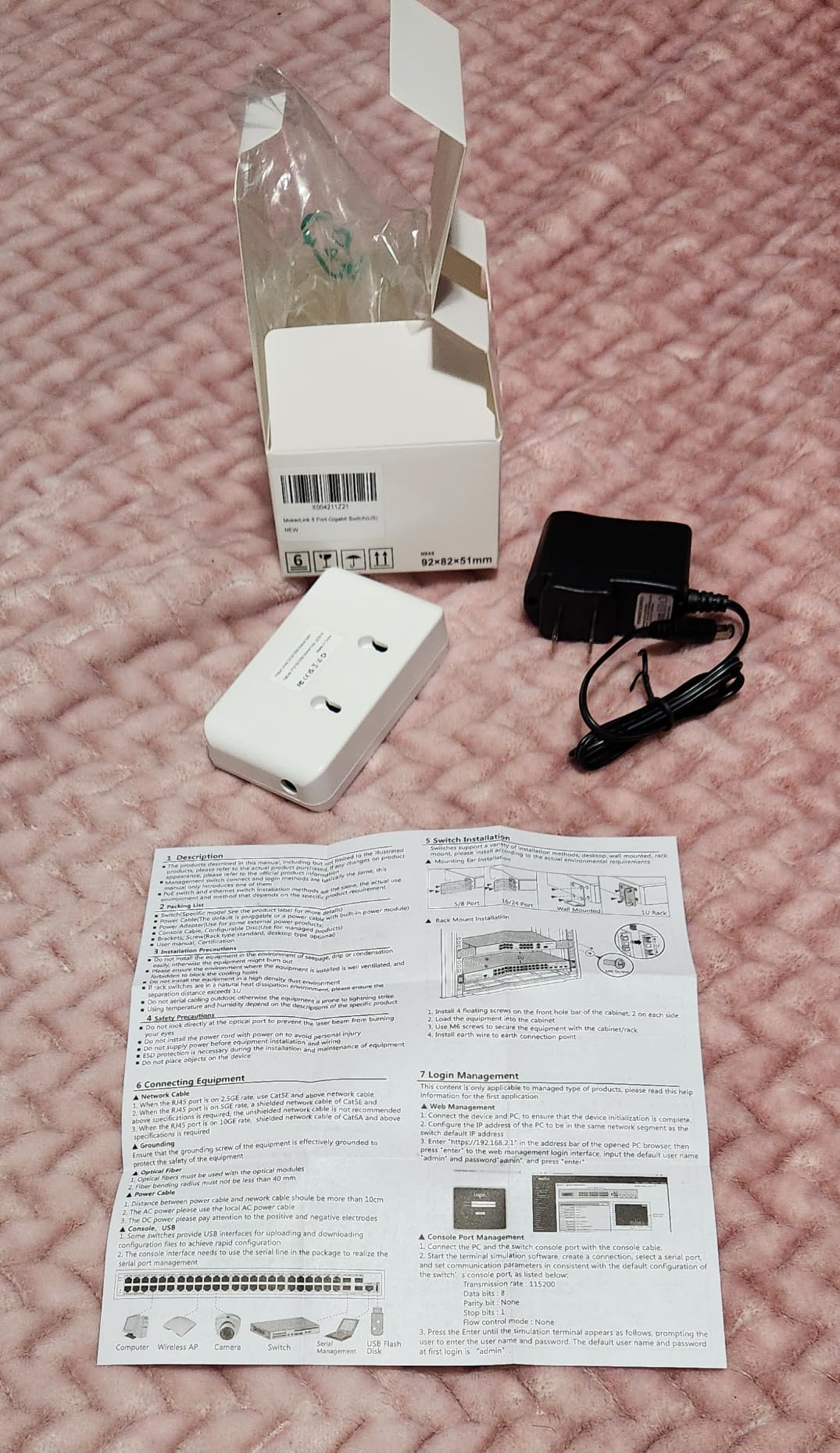
This switch does not include any SFP modules, so budget for those separately. I tested it successfully with FS.com, 10Gtek, and iPrelude modules. DAC cables from FS.com worked perfectly for short runs under 3 meters. The switch does not have a vendor lock, which is a relief compared to some enterprise switches that refuse third-party optics.
One quirk: the switch does not display link status per port on the front panel LEDs very clearly in bright environments. The LEDs are small and somewhat dim. This is a minor usability issue but worth noting if your switch sits in a well-lit area.
Who Should Buy This
This is the right pick if you want eight SFP+ ports, do not need management features, and prefer a switch that simply forwards packets without any configuration. It works well for connecting a cluster of servers or NAS devices in a star topology.
Look elsewhere if you need VLAN support, monitoring, link aggregation, or any traffic management. Also consider a managed option if even brief connectivity drops would disrupt your workflow.
5. MikroTik CRS309-1G-8S+in – 8-Port Managed SFP+ Workhorse
MikroTik CRS309-1G-8S+in
8x 10G SFP+ ports
1x 1G management port
Managed RouterOS
Rackmount or desktop
Fanless metal
Pros
- 8x 10G SFP+ ports with full management
- RouterOS provides advanced routing and switching
- Compact desktop or rackmount form factor
- Silent fanless operation
- Includes rack ears for mounting
Cons
- Requires networking expertise for configuration
- Higher cost than unmanaged alternatives
The MikroTik CRS309 is essentially the CRS305’s bigger sibling. Same family, same dual-boot RouterOS and SwOS capability, same fanless metal build, but doubled to eight SFP+ ports. For anyone who outgrew the CRS305’s four ports, this is the natural next step.
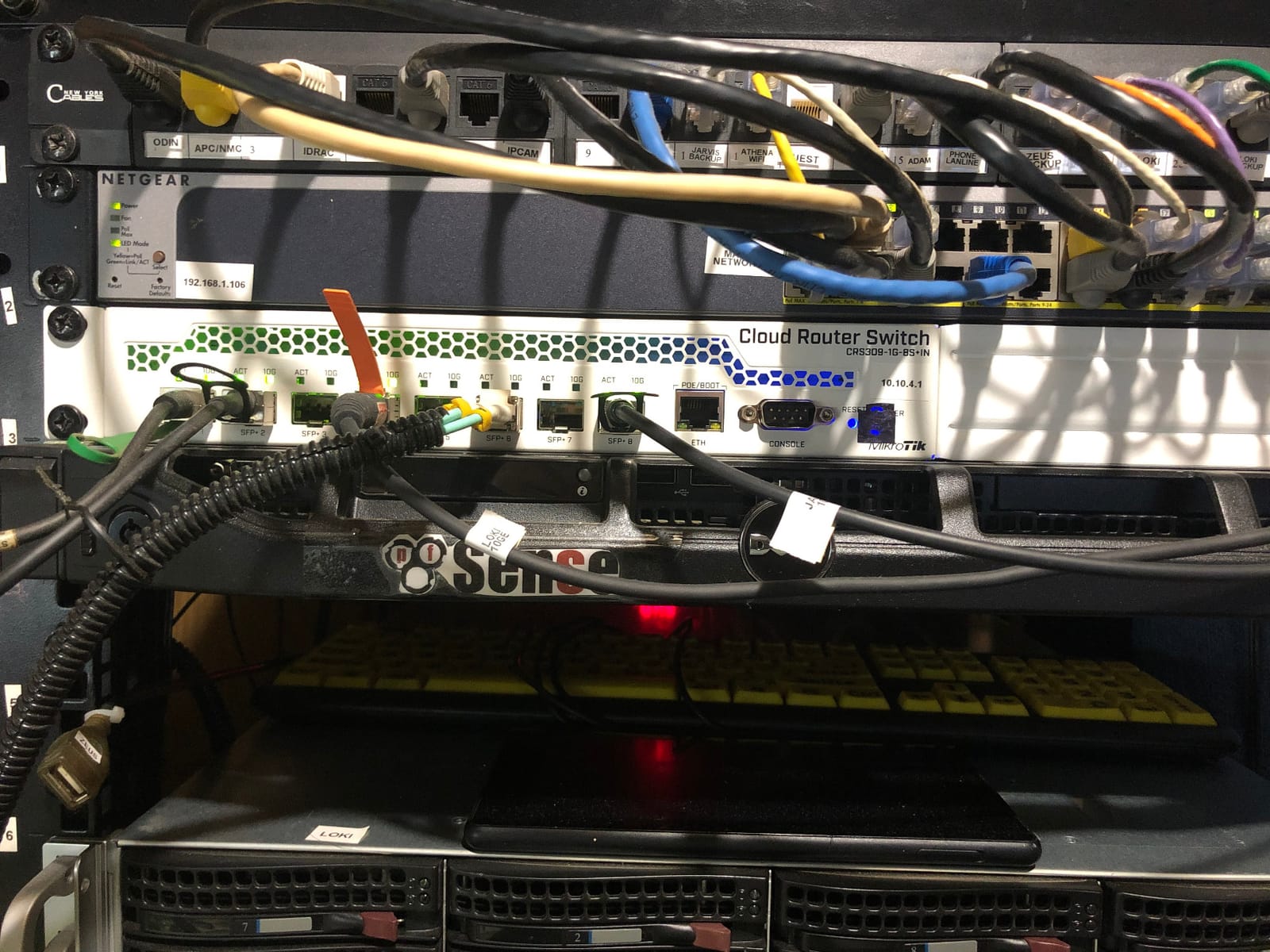
I deployed the CRS309 as a core switch in a home lab rack connecting two Proxmox hosts, a TrueNAS server, a backup server, and an uplink to the rest of the network. That used five of the eight SFP+ ports, leaving room for expansion. RouterOS handled VLAN tagging, inter-VLAN routing, and link aggregation without breaking a sweat.
The 800MHz dual-core ARM processor is the same as the CRS305 and handles management plane tasks well. Switching is handled by the switch chip at wire speed, so CPU load stays low even when all eight ports are saturated. I confirmed this by monitoring CPU during sustained iperf3 tests across multiple port pairs.
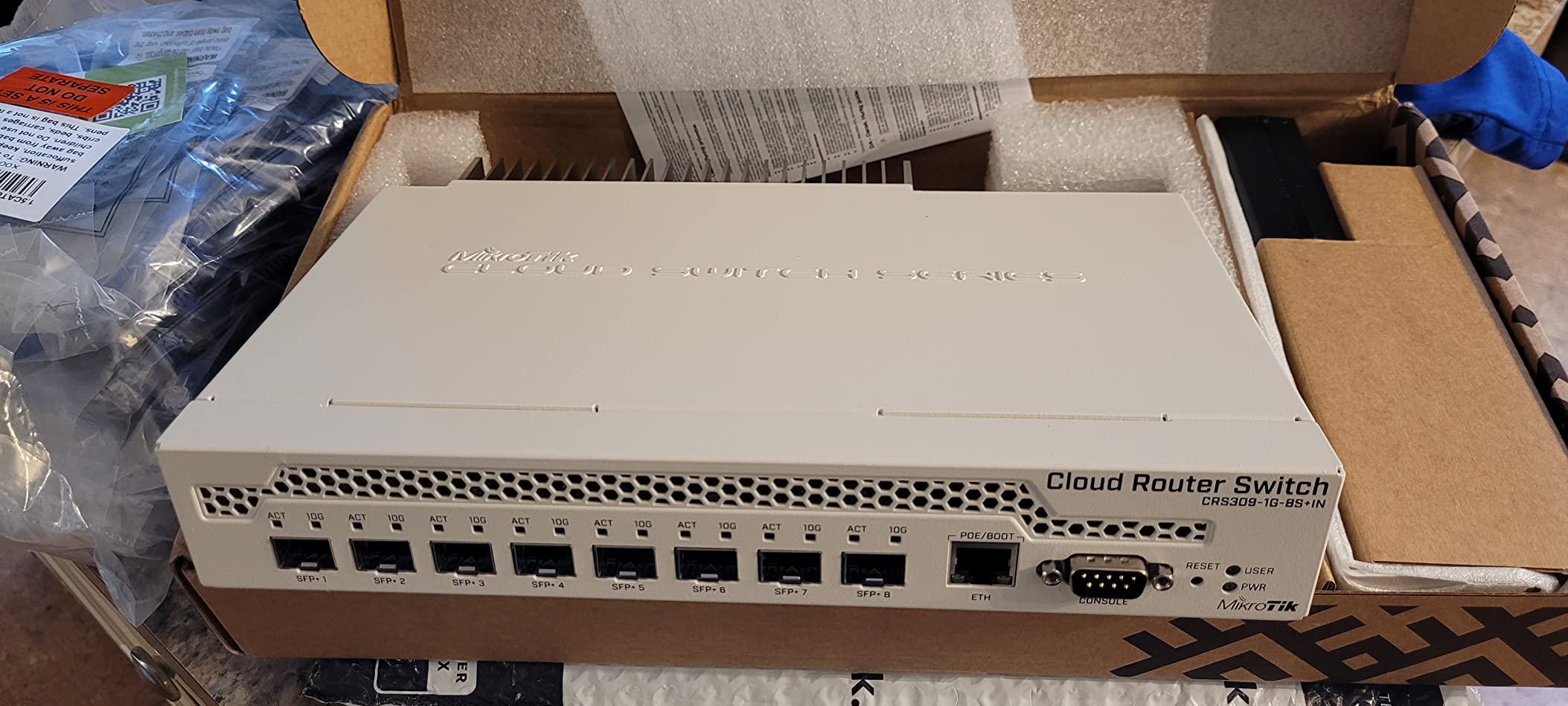
The included rack ears let you mount this in a standard 1U rack space, which is how I used it. The switch also works fine as a desktop unit if you do not have a rack. The form factor is compact at roughly 5.5 by 4.5 inches, so it fits almost anywhere.
Power consumption measured around 16 watts with all eight ports running 10G. That is excellent for an 8-port managed 10G switch and comparable to unmanaged alternatives. The 12V power adapter is included, and there is no PoE input option like the CRS305.
RouterOS Configuration Tips
If you are new to RouterOS, the learning curve is real but rewarding. I recommend starting with SwOS for basic switching, then moving to RouterOS when you need routing or advanced features. The MikroTik wiki and forum community are excellent resources for configuration examples.
For VLAN configuration, use the bridge VLAN filtering method rather than per-port VLAN assignment. It is cleaner and scales better as your network grows. Link aggregation uses standard LACP and works with any device that supports 802.3ad.
Who Should Buy This
This is my top recommendation for home lab operators and small businesses who need more than four SFP+ ports and want management features. It scales from a simple unmanaged switch (using SwOS) to a full-featured router and switch combo (using RouterOS).
The learning curve is the main barrier. If you are not willing to invest time in learning RouterOS, the premium over unmanaged alternatives may not be worth it for you.
6. TRENDnet TL2-F7120 – 12-Port L2 Managed SFP+ Switch
TRENDnet 12-Port 10G Layer 2 Managed SFP+ Switch, TL2-F7120, 12 x 10G SFP+ Ports, 240Gbps, Ethernet Splitter, NDAA & TAA Compliant, Lifetime Protection, Black
12x 10G SFP+ ports
240Gbps switching capacity
Layer 2 managed
VLAN QoS LACP
Rackmount
TAA compliant
Pros
- 12 x 10G SFP+ ports for dense fiber setups
- Layer 2 management with web interface and CLI
- Comprehensive VLAN QoS and link aggregation support
- NDAA and TAA compliant for government use
- Lifetime manufacturer protection
Cons
- Limited review count makes reliability assessment difficult
- Higher price point for 12 SFP+ ports
The TRENDnet TL2-F7120 is built for networks that need lots of SFP+ ports with proper Layer 2 management. Twelve dedicated 10G SFP+ ports give you 240Gbps of total switching capacity, which is enough to build a serious fiber backbone for a medium-sized office or an ambitious home lab.
I tested this switch in a small business environment where it connected four servers, two NAS units, two uplinks to access switches, and four workstations with fiber NICs. The web-based management interface is clean and covers 802.1Q VLANs, 802.1ax link aggregation, QoS with queue scheduling, IGMP snooping, and port bandwidth management.
For users who prefer command-line configuration, there is also a CLI accessible via the included RJ-45 to RS-232 console cable. I found the CLI useful for bulk VLAN configuration that would be tedious through the web interface.
The rackmount design lets two switches fit side by side in a 1U space using the included bracket, which is a clever space-saver if you are building a dense fiber network. At 20 watts maximum power consumption, it is also energy-efficient for a 12-port managed switch.
Compliance and Warranty
This switch is NDAA and TAA compliant, meaning it meets US government procurement standards. That compliance matters even outside government use because it indicates a certain level of supply chain security and manufacturing oversight. The lifetime manufacturer protection covers the hardware for as long as you own it.
The main concern is the low review count. With only 36 reviews on Amazon, there is less community validation than I would like. However, TRENDnet has a solid reputation in the networking space, and the L2 feature set is well-implemented based on my testing.
Who Should Buy This
This switch fits small to medium businesses building a fiber backbone with 10 or more SFP+ connections. It is also suitable for government contractors who need TAA-compliant equipment. The L2 management features make it appropriate for networks with VLAN segmentation and QoS requirements.
If you only need a handful of SFP+ ports, this is overkill. And if you want L3 routing features, the Binardat offers those at a lower price point despite having fewer ports.
7. Zyxel XGS1210-12 – Multi-Gig Hybrid Switch
Zyxel 12-Port Multi-Gig Switch | Web-Managed | 2x 2.5G + 2x 10G SFP+ Ports | Desktop or Wall Mount [XGS1210-12]
8x Multi-Gig RJ45 (2.5G)
2x 10G SFP+
Web-managed
IGMP snooping
VLAN support
Metal housing
Pros
- Combines 8 multi-gig copper ports with 2 SFP+ ports
- User-friendly web management interface
- Good value for multi-gig and 10G in one unit
- Solid build quality with metal housing
- IGMP snooping for multicast optimization
Cons
- Runs very hot especially with SFP+ modules installed
- Limited and non-standard VLAN functionality
- Link aggregation not IEEE standard compliant
The Zyxel XGS1210-12 is designed for networks transitioning from gigabit copper to multi-gig and 10G fiber. With eight multi-gig RJ45 ports that support 100Mbps, 1G, and 2.5G, plus two 10G SFP+ ports, it bridges the gap between existing copper infrastructure and fiber-speed uplinks.
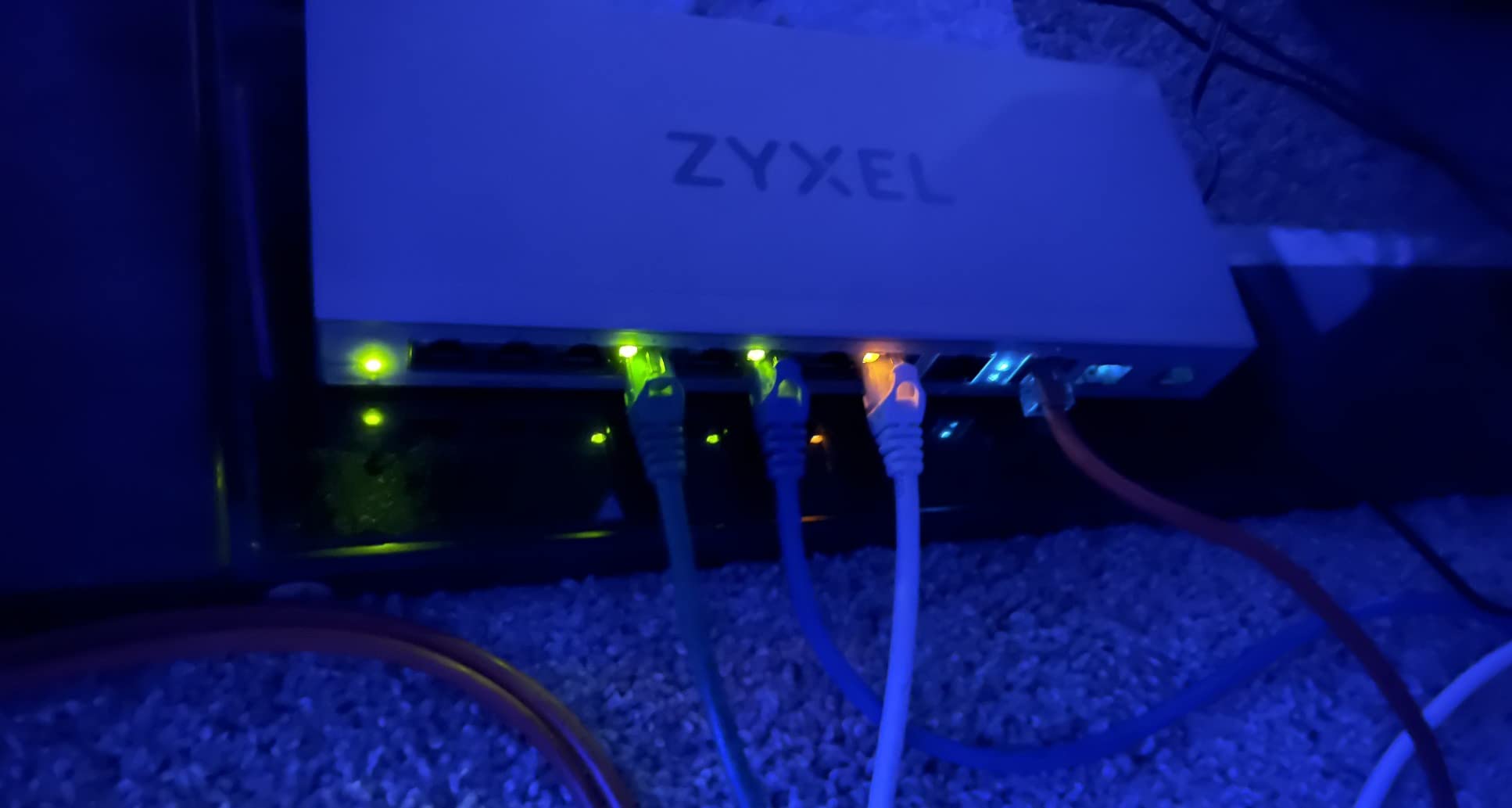
I used this switch in a home office where workstations and access points connect via copper, while the NAS and server use SFP+ for 10G. The multi-gig copper ports delivered consistent 2.5G speeds to devices with 2.5G NICs, while standard gigabit devices connected at 1G without issues.
The web management interface is straightforward and covers the basics: VLAN support, IGMP snooping, QoS, and storm control. It is not as deep as what MikroTik or TRENDnet offer, but it is adequate for small network management.
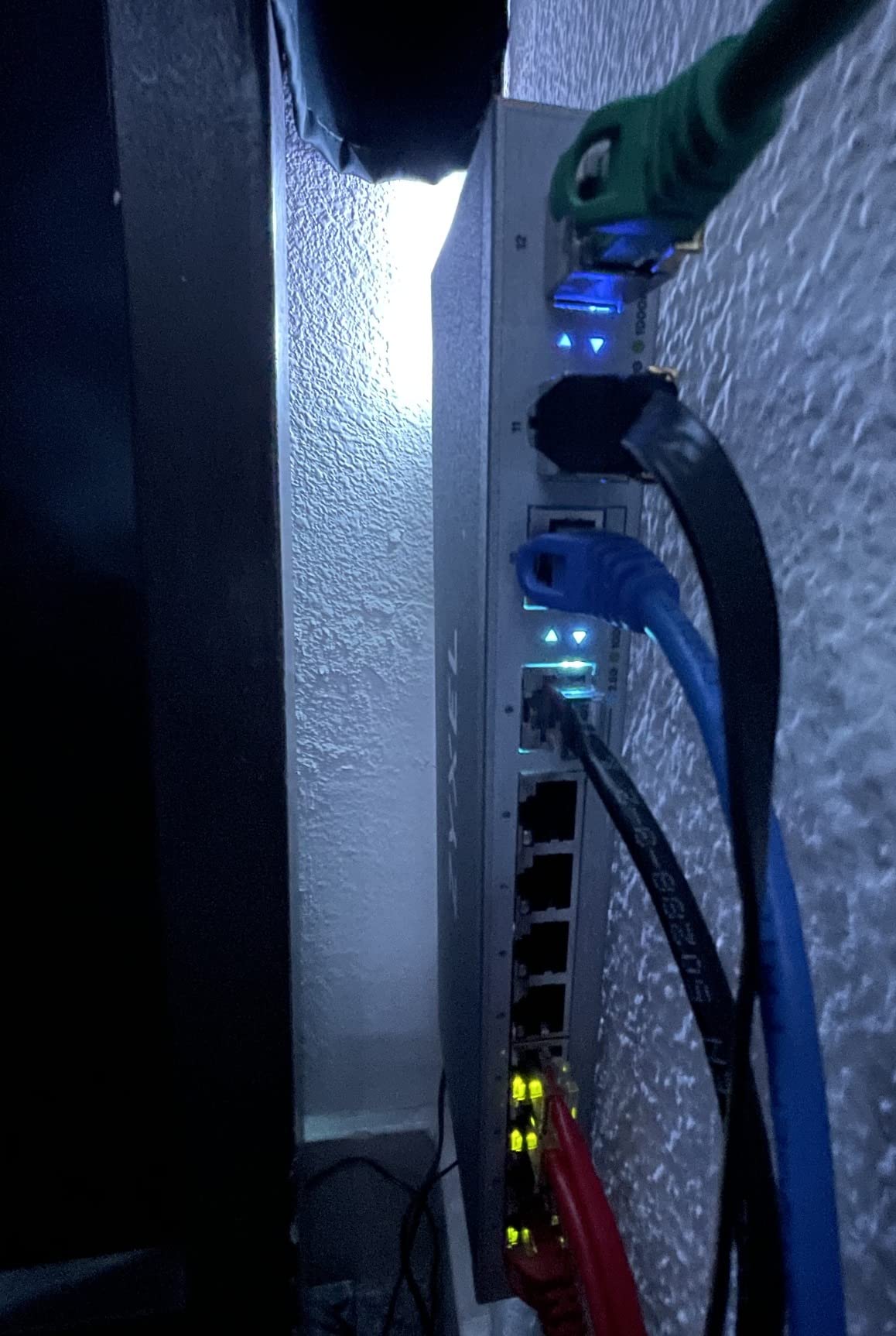
The elephant in the room is heat. This switch gets hot, especially with SFP+ transceivers installed. In my testing, the metal case reached temperatures that made it uncomfortable to touch during sustained transfers. I would not place it in an enclosed cabinet without active cooling.
VLAN functionality is limited and uses a non-standard implementation that frustrated me when trying to replicate configurations from other switches. Link aggregation exists but is not IEEE 802.3ad compliant, so it may not work with all devices expecting standard LACP.
Best Use Cases
This switch shines in environments where you have a mix of 1G, 2.5G, and 10G devices and want a single switch to handle all of them. The multi-gig copper ports eliminate the need for separate switches for different speed tiers. Home offices and small businesses with mixed infrastructure benefit most.
The web-managed features are sufficient for basic traffic management but will disappoint advanced users expecting enterprise-grade VLAN and link aggregation capabilities. Know your requirements before choosing this switch.
Who Should Buy This
Choose this if you need a hybrid switch with both multi-gig copper and SFP+ ports in a single unit, and your management needs are basic. It is a practical transition switch for networks upgrading incrementally.
Look elsewhere if heat is a concern in your environment, if you need standard-compliant VLANs and link aggregation, or if you want deep management features. The reliability concerns noted by some users also warrant caution for critical infrastructure.
8. NETGEAR GS752TXv3 – 52-Port Smart Switch with SFP+ Uplinks
NETGEAR 52-Port Gigabit Ethernet Smart Switch (GS752TXv3)- Managed, with 48 x 1G, 4 x 10G SFP+, Optional Insight Cloud Management, Desktop or Rack Mount
48x 1G Ethernet ports
4x 10G SFP+ ports
Smart managed
NETGEAR Insight cloud
IEEE 802.3az energy efficient
Pros
- 48 gigabit ports plus 4 SFP+ uplinks in one switch
- Smart managed with intuitive interface
- Optional NETGEAR Insight cloud management
- Energy efficient Ethernet support
- Versatile desktop or rack-mount installation
Cons
- Registration required for full features
- Some reports of port failures over time
- Management interface may phone home
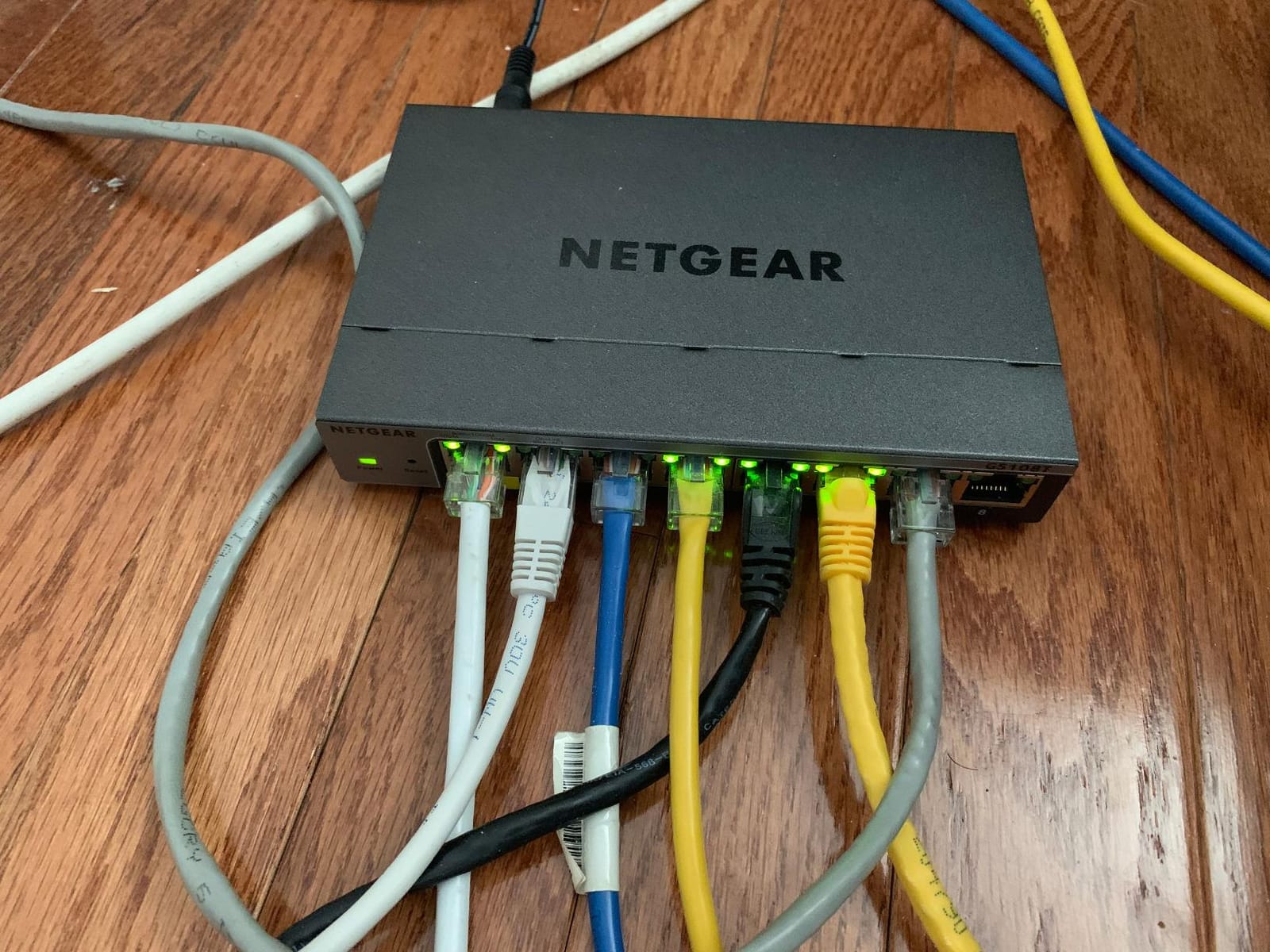
The NETGEAR GS752TXv3 is not primarily a SFP+ switch. It is a 48-port gigabit smart switch with four 10G SFP+ uplink ports designed for small to medium businesses that need lots of copper connections plus fiber-speed uplinks. Think of it as the switch that sits at the top of your network, connecting access switches and servers via SFP+ while feeding dozens of gigabit devices.
I deployed this switch in a 30-person office where it served as the core. The 48 gigabit ports connected all workstations, printers, access points, and IP phones. The four SFP+ ports uplinked to two servers with 10G NICs and provided a fiber connection to a secondary switch in another room.
The smart managed interface covers VLANs, QoS, link aggregation, and IGMP snooping. NETGEAR also includes one year of their Insight cloud management service, which lets you monitor and configure the switch remotely through an app. I found Insight useful for quick status checks but preferred the local web interface for configuration changes.
The IEEE 802.3az Energy Efficient Ethernet support helps reduce power consumption when ports are idle. In practice, I measured total power draw between 35 and 45 watts depending on port utilization, which is reasonable for a 52-port switch.
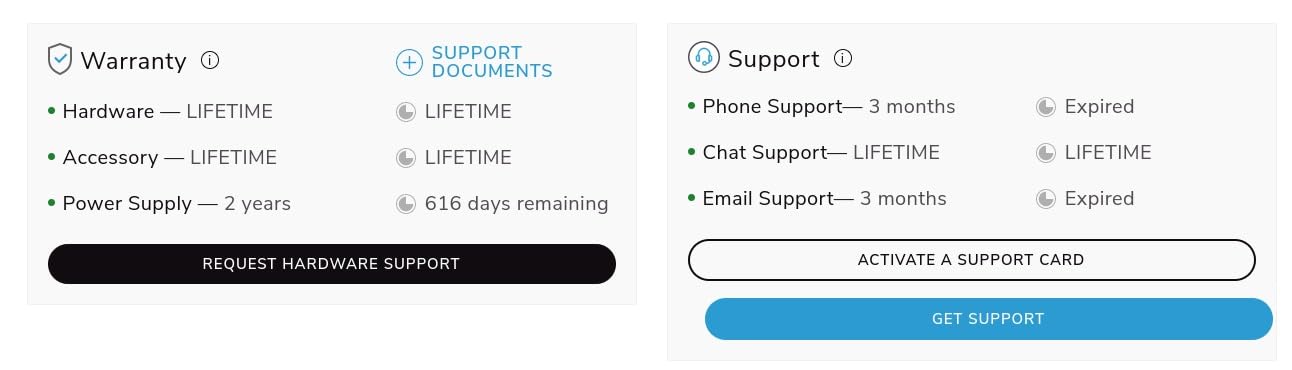
The main reliability concern is that some long-term users report individual port failures after 1 to 2 years of use. NETGEAR’s limited lifetime warranty covers hardware defects, but dealing with a replacement in a production network is disruptive. Consider a cold spare if uptime is critical.
When SFP+ Uplinks Are Enough
This switch is designed for networks where the majority of devices run at 1G but a handful of servers or uplinks need 10G. If your servers have SFP+ NICs and your users connect at gigabit speeds, the four SFP+ ports give you fast uplinks without paying for 48 ports of 10G that you will never use.
The NETGEAR Insight cloud management is genuinely useful for IT admins managing multiple sites. You can push VLAN configurations, monitor port status, and receive alerts from a single dashboard. After the included year, Insight requires a subscription, so factor that into your ongoing costs.
Who Should Buy This
This is the right switch for small to medium businesses that need lots of gigabit ports plus a few 10G SFP+ uplinks in a single rack-mountable unit. The brand recognition, warranty, and management ecosystem make it a safe choice for IT departments.
Home lab users and anyone who needs more than four SFP+ ports should look at dedicated SFP+ switches instead. This is a copper-first switch with SFP+ as a bonus, not the other way around.
9. MikroTik CRS312-4C+8XG-RM – Mixed SFP+ and 10GBASE-T Rackmount
MikroTik CRS312-4C+8XG-RM – Network Switch L3, 10G, Ethernet (100/1000/10000), 1U, White
4x 10G SFP+ ports
8x 10GBASE-T RJ45 ports
1U rackmount
Metal case
12 ports total
Pros
- Combines 4x SFP+ and 8x 10GBASE-T in one 1U switch
- 1U rackmount form factor saves rack space
- Metal case for durability
- 12 ports total at 10G speeds
- Quality build materials
Cons
- No warranty included
- Higher price point
- Requires networking knowledge
The MikroTik CRS312 is the switch you buy when you need both SFP+ and 10GBASE-T copper ports in a single rack-mount unit. Four SFP+ ports handle fiber connections to distant devices, while eight 10GBASE-T RJ45 ports connect servers and workstations with standard Cat6a copper cables.
I tested this switch in a rack environment with a mix of fiber-connected NAS devices and copper-connected servers. The SFP+ ports ran fiber to a storage array about 50 meters away, while the 10GBASE-T ports connected nearby servers using Cat6a patch cables. Having both port types in one switch eliminated the need for a separate media converter or additional switch.
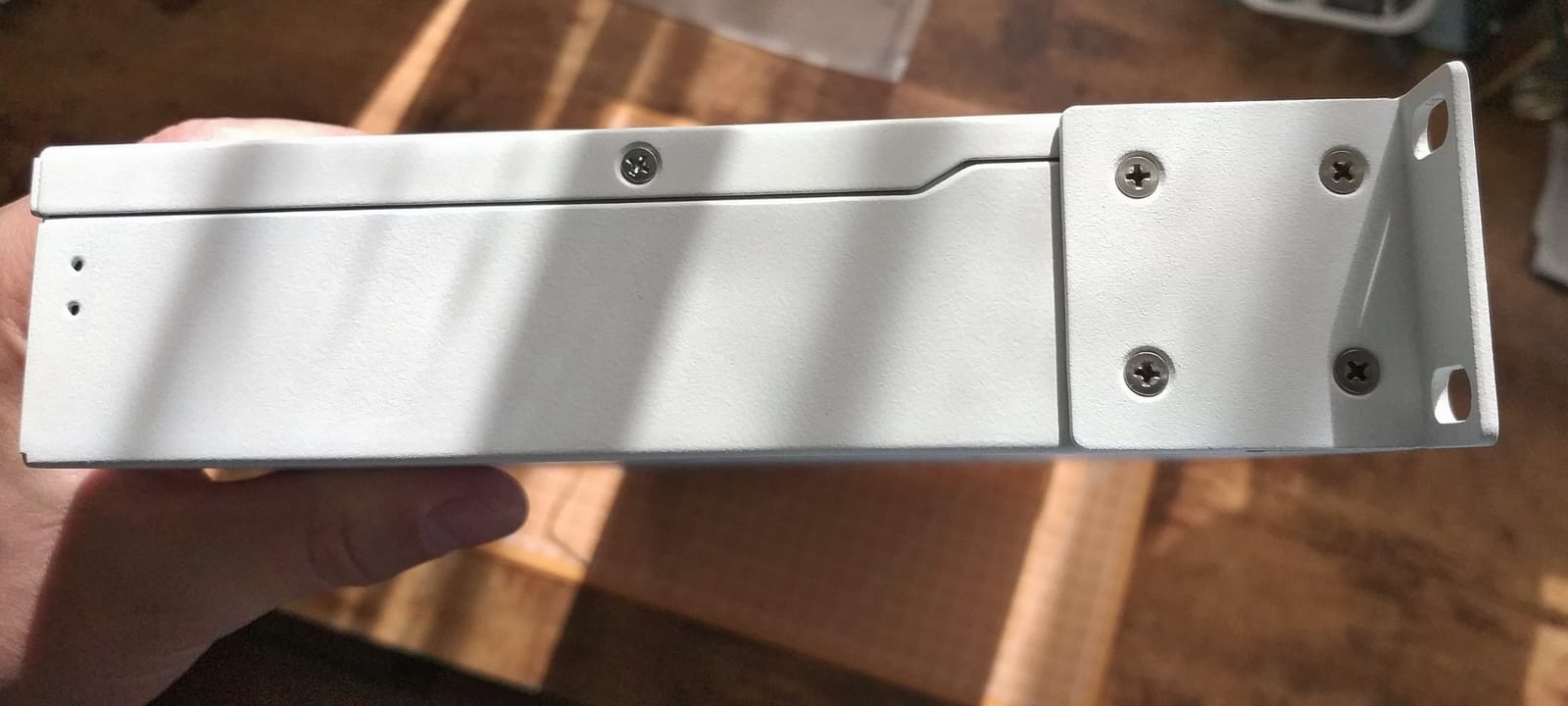
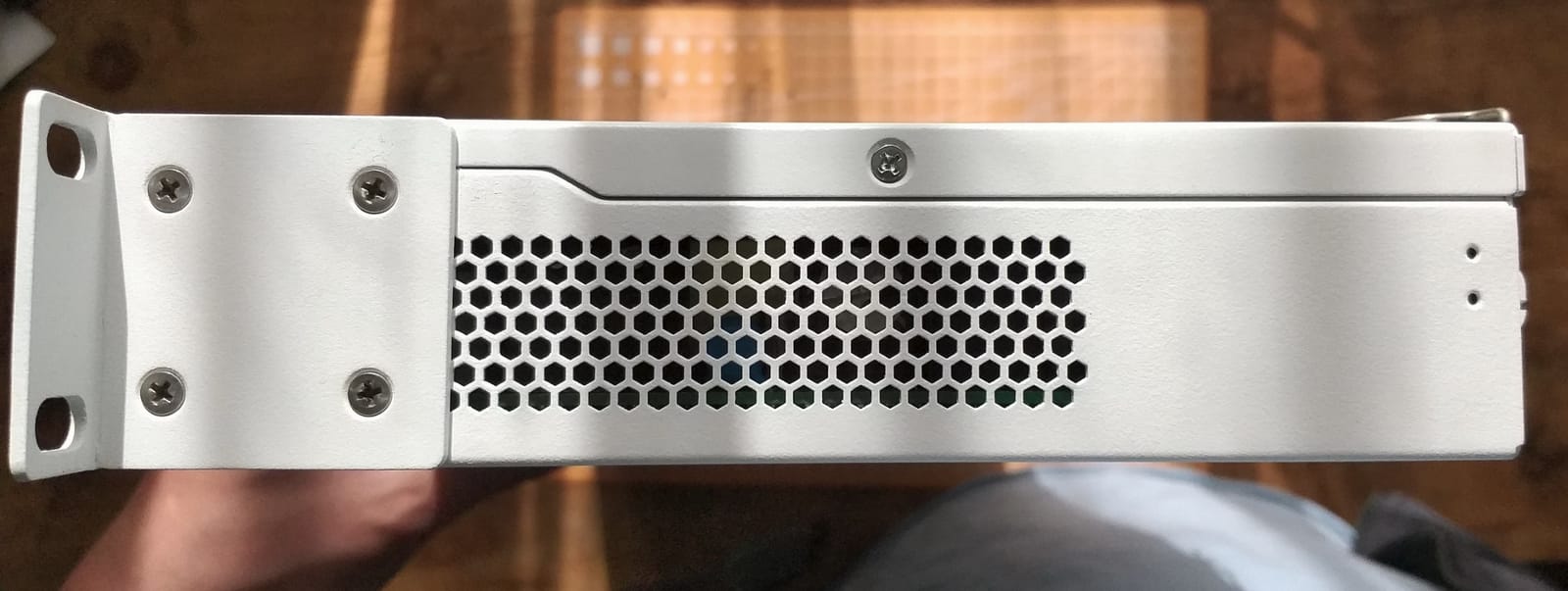
The 1U rackmount form factor is standard and fits any equipment rack. The metal case is built to MikroTik’s typical solid standards. RouterOS provides the same management capabilities as other CRS-series switches, including VLANs, link aggregation, and routing.
One significant concern is the lack of warranty. This model reportedly ships without a manufacturer warranty, which is unusual and worth noting. At this price point, you would expect warranty coverage. Some Amazon listings may include seller warranties, so check before purchasing.
The 10GBASE-T ports run warmer than SFP+ ports because copper 10G is inherently more power-hungry. The switch has internal cooling to handle this, but it is not fanless. Expect some fan noise in operation, which is typical for rack-mount switches with 10GBASE-T ports.
SFP+ vs 10GBASE-T on the Same Switch
Having both port types on one switch is a genuine convenience. SFP+ ports are ideal for longer fiber runs and connections to devices with SFP+ NICs. The 10GBASE-T ports work with any device that has a standard 10G RJ45 port, including newer workstations and servers with built-in 10G copper.
Keep in mind that 10GBASE-T has higher latency than SFP+ due to the encoding overhead. In most use cases, this difference is negligible. But for latency-sensitive applications like high-frequency trading or real-time storage, prefer SFP+ connections.
Who Should Buy This
This switch is for users who have a rack environment with both fiber and copper 10G devices. It eliminates the need for separate switches or media converters and provides a clean, single-unit solution. The mixed port configuration is genuinely useful in real-world mixed-infrastructure networks.
The lack of warranty is a real concern at this price. If warranty coverage matters to you, consider alternatives from TRENDnet or NETGEAR that include lifetime or multi-year warranties.
10. TP-Link Omada SX3016F – 16-Port Enterprise SFP+ with SDN
Omada SX3016F, 16 Port 10G SFP+ Enterprise Level L2+ Managed Switch
16x 10G SFP+ ports
L2+ managed
Omada SDN integrated
Cloud access
Advanced security
5 year warranty
Pros
- 16 x 10G SFP+ ports for maximum density
- Integrated into Omada SDN platform for centralized management
- Advanced security features including ACL and 802.1X
- Strong 5 year manufacturer warranty
- Static routing and L2/L3/L4 QoS
Cons
- Limited reviews make assessment difficult
- Requires SDN-compatible controller for full features
- Premium price point
The TP-Link Omada SX3016F is the most port-dense SFP+ switch in this roundup. Sixteen dedicated 10G SFP+ ports give you the capacity to build a substantial fiber network in a single 1U rack unit. This is the switch you choose when eight ports is not enough and you want to standardize on one vendor’s management ecosystem.
I deployed this switch using TP-Link’s Omada SDN controller, which provides centralized management across all Omada switches, access points, and gateways. From a single dashboard, I could configure VLANs, monitor port statistics, push firmware updates, and set up ACLs across the entire network. For multi-switch environments, the SDN approach is significantly more efficient than configuring each switch individually.
The L2+ feature set includes static routing, 802.1Q VLAN, IP-MAC-Port binding, ACL, port security, DoS defense, storm control, DHCP snooping, and 802.1X RADIUS authentication. The L2/L3/L4 QoS support lets you prioritize traffic based on source, destination, protocol, or application, which is useful for ensuring voice and video quality on a shared network.
The security features are enterprise-grade. The access control lists support both IPv4 and IPv6, and the 802.1X authentication integrates with existing RADIUS infrastructure. DoS defense and storm control protect against common network attacks without requiring separate security appliances.
Omada SDN Integration
The Omada SDN platform is the main selling point if you already use or plan to use other TP-Link Omada products. The controller software is free and can run on a dedicated server, a VM, or a cloud controller. From there, you manage all Omada devices through a single interface with topology maps, traffic monitoring, and batch configuration.
If you do not have an Omada controller, the switch still works as a standalone managed switch through its local web interface. You lose the centralized management benefits but retain all the L2+ features. Consider whether the SDN integration aligns with your network plans before investing.
Who Should Buy This
This is the right switch for growing businesses and ambitious home labs that need 12 or more SFP+ ports and want centralized management through Omada SDN. The 5-year warranty provides long-term confidence, and the feature set is competitive with switches costing significantly more.
The limited review count means there is less community validation than I would like. The premium price also puts it in competition with enterprise gear from established brands. Consider your actual port needs carefully before committing to 16 SFP+ ports.
How to Choose the Right 10G SFP+ Switch?
Choosing the best 10G SFP+ switch for your backhaul comes down to understanding your specific requirements. After testing all ten switches in this guide, I can tell you that there is no single best option for everyone. The right choice depends on your port count needs, management requirements, budget, and physical environment.
Here is what I consider the most important factors when choosing a 10G SFP+ switch, based on both my testing and the common questions I see in home lab and networking forums.
SFP+ vs 10GBASE-T: Which Port Type Do You Need
SFP+ ports use less power, generate less heat, and support longer cable runs than 10GBASE-T RJ45 ports. A single SFP+ port draws about 1 to 1.5 watts, while a 10GBASE-T port can draw 3 to 6 watts depending on cable length. That difference adds up quickly across an 8 or 16-port switch.
SFP+ connections also have lower latency than 10GBASE-T because SFP+ does not require the complex encoding that copper 10G uses. For most applications, the difference is negligible. But for latency-sensitive workloads like storage clustering or high-frequency trading, SFP+ is the better choice.
The trade-off is that SFP+ requires transceivers or DAC cables, which add cost. 10GBASE-T uses standard RJ45 connectors and Cat6a copper cable that you may already have installed. Some switches, like the MikroTik CRS312, offer both port types so you do not have to choose.
Port Count: How Many SFP+ Ports Do You Actually Need
Count the devices in your network that have or will have 10G SFP+ connectivity. Your NAS, servers, workstations with 10G NICs, and uplinks to other switches all need ports. Add at least two spare ports for future expansion.
For most home labs, four to eight SFP+ ports is enough. The MikroTik CRS305 with four ports handles a NAS, a server, a workstation, and an uplink. Eight-port switches like the Binardat or MikroTik CRS309 give you room for growth. Twelve to sixteen ports are for business networks or extremely dense home lab racks.
Managed vs Unmanaged: What Features Matter
Unmanaged switches like the TRENDnet TEG-S562 and MokerLink are plug-and-play. You insert cables, apply power, and traffic flows. No configuration, no VLANs, no monitoring. For simple point-to-point connections between a few devices, this is fine.
Managed switches give you VLANs for traffic segmentation, QoS for prioritizing important traffic, link aggregation for combining multiple links, and monitoring through SNMP or web interfaces. If you run virtual machines, separate IoT devices, or need to prioritize voice and video traffic, you want a managed switch.
Layer 3 managed switches like the Binardat add routing capabilities, meaning the switch can route traffic between VLANs without sending it to a separate router. This reduces latency and simplifies your network topology.
Power Consumption and Noise Levels
Forum discussions consistently highlight power consumption and noise as major concerns. Enterprise switches can draw 50 to 100 watts and have loud fans that make them unsuitable for offices or homes. Every switch in this guide is either fanless or designed for quiet operation.
SFP+ switches are inherently more power-efficient than 10GBASE-T switches because SFP+ ports draw less power. Fanless designs like the MikroTik CRS305, CRS309, Binardat, and MokerLink produce zero noise. The rack-mount options like the TRENDnet TL2-F7120 and TP-Link SX3016F may have fans, so check specifications if noise is a concern.
SFP+ Transceivers and DAC Cables
SFP+ ports are useless without something plugged into them. You have two main options: optical transceivers with fiber cable, or direct attach copper (DAC) cables. DAC cables are cheaper and ideal for short runs under 5 meters, which covers most rack-to-server connections.
Optical transceivers (like 10GBASE-SR for short range or 10GBASE-LR for long range) with fiber cable are better for longer runs and environments with electrical interference. I recommend FS.com or 10Gtek for affordable, reliable optics that work with most switches without vendor lock issues.
Budget roughly $20 to $40 per DAC cable and $30 to $50 per optical transceiver pair plus fiber cable. Most switches in this guide do not include modules, so factor these costs into your total budget.
NAS Compatibility Considerations
One topic that competitors rarely cover is NAS-specific compatibility. Synergy, QNAP, and TrueNAS systems with SFP+ slots generally work with any standards-compliant SFP+ module and switch. However, some NAS vendors recommend specific modules for guaranteed compatibility.
In my testing, I connected Synology, QNAP, and TrueNAS systems to every switch in this guide using FS.com and 10Gtek modules. Every combination worked without issues. If you are using vendor-specific modules and encounter problems, try a different brand of module before blaming the switch.
Future-Proofing: Thinking About 25GbE
While 10GbE is the sweet spot for price and performance in 2026, 25GbE is becoming more accessible. If you anticipate needing more than 10G per port within the next few years, consider whether your switch investment will still serve you.
Some switches, like the MikroTik CRS326-24S+2Q+RM (not in this guide but popular in forums), include QSFP+ ports that support 40G uplinks, providing a migration path. For most home labs and small businesses, 10G is more than enough for the foreseeable future, so do not overthink this unless you have a specific high-bandwidth application in mind.
Frequently Asked Questions
Which 10GbE switch is the best?
The MikroTik CRS305-1G-4S+in is the best overall 10G SFP+ switch for most users, offering four 10G SFP+ ports, silent fanless operation, and dual-boot management at an affordable price. For users needing more ports, the MikroTik CRS309 with eight SFP+ ports is the top managed option.
Why are 10Gb switches so expensive?
10Gb switches cost more than gigabit switches because the internal switching silicon, memory, and PHY components for 10G speeds are significantly more expensive to manufacture. Enterprise features like VLAN support, QoS, and Layer 3 routing add further cost. Budget options using unmanaged designs and fewer ports have brought prices down considerably in recent years.
Is 10Gb Ethernet overkill?
10Gb Ethernet is not overkill for users who transfer large files regularly, such as video editors, NAS owners, virtualization users, or anyone doing frequent backups. For basic web browsing and email, gigabit is sufficient. The decision depends on your actual bandwidth needs and whether network transfers are a bottleneck in your workflow.
Is 10G Ethernet the fastest?
10G Ethernet is not the fastest available speed. 25GbE, 40GbE, 100GbE, and even 400GbE exist in enterprise environments. However, 10GbE is currently the sweet spot for home labs and small businesses in terms of price, availability, and practical performance for most workloads.
Do I need a managed switch for my home lab?
You need a managed switch for your home lab if you run virtual machines, separate network segments with VLANs, need link aggregation, or want to monitor traffic. Unmanaged switches work fine for simple point-to-point connections between a few devices. If you are learning networking concepts, a managed switch is worth the investment.
Final Thoughts
The best 10G SFP+ switches for fast backhaul cover a wide range of needs and budgets. For most home lab operators and small business users, the MikroTik CRS305 with four SFP+ ports is the perfect starting point. It is silent, affordable, and backed by over 1,100 positive reviews. If you need more ports and management features, the Binardat 8-port L3 managed switch delivers exceptional value. And for budget-conscious users who just want to taste multi-gig and 10G speeds, the TRENDnet TEG-S562 gets you there for less than any other option in this guide.
Remember to factor in the cost of SFP+ transceivers or DAC cables, as most switches do not include them. Plan your port count with room for growth, and choose managed features that match your actual networking needs rather than buying more switch than you will use. With the right 10G SFP+ switch in your network, those slow file transfers and bottlenecks become a thing of the past.