
The best golf launch monitors for home practice fall into three very different groups, and picking the wrong one wastes a garage corner and a month of evenings. The Rapsodo MLM is our editor’s choice for golfers who want video and real numbers from the phone they already own. The Garmin Approach R10 is the best value pick, with published accuracy figures and per-club dispersion charts. The PRGR HS 130-A is the one to buy if you only care about swing speed and refuse to touch a subscription.
Beyond those three, this roundup covers twelve units that span roughly the full home market, from pocket radar meters to three-camera systems with built-in touchscreens. We compared the metric sets, the room footprint, the read reliability indoors, and the running cost of any software each one wants. Prices are not listed here because they move daily; use the buttons in each section to check the current figure.
If you want a broader look first, our 12 best golf launch monitors in-depth reviews covers the same category from a different angle. This page is specifically filtered for golfers building a home bay, where ceiling height, net distance and electricity access matter as much as the data on screen.
Table of Contents
Top 3 Picks for the Best Golf Launch Monitors for Home Practice In 2026

Rapsodo MLM
- iPhone and iPad app
- Ball speed
- club speed
- launch angle
- Video replay with shot tracer

Garmin Approach R10
- Published accuracy figures
- Spin
- launch angle and direction
- Auto-clipped swing video
- IPX7 waterproof

PRGR HS 130-A
- Doppler radar club and ball speed
- Smash factor
- Carry and total distance
- 500 shot memory
The Best Golf Launch Monitors at a Glance (October 2026)
| Product | Specifications | Action |
|---|---|---|
| Rapsodo MLM Mobile Launch Monitor |
|
Check Latest Price |
| PRGR HS 130-A Portable Launch Monitor |
|
Check Latest Price |
| Garmin Approach R10 |
|
Check Latest Price |
 Voice Caddie SC200Plus Voice Caddie SC200Plus |
|
Check Latest Price |
 Rapsodo MLM2PRO Rapsodo MLM2PRO |
|
Check Latest Price |
 Garmin Approach R50 Garmin Approach R50 |
|
Check Latest Price |
 TheStack Radar TheStack Radar |
|
Check Latest Price |
 Uneekor EYE MINI CORE Uneekor EYE MINI CORE |
|
Check Latest Price |
 FlightScope Mevo Gen2 FlightScope Mevo Gen2 |
|
Check Latest Price |
 Izzo Launch Master Pro Izzo Launch Master Pro |
|
Check Latest Price |
 SkyTrak ST MAX SkyTrak ST MAX |
|
Check Latest Price |
 Uneekor EYE MINI LITE Uneekor EYE MINI LITE |
|
Check Latest Price |
How We Picked and Compared These Launch Monitors
We judged these devices on four things that actually change a home practice routine. First, metric depth: whether you get ball speed, launch angle, spin rate and carry distance, or just raw speed. Second, read reliability indoors, since a net bay throws light and background objects at sensors that were tested on an open range.
Third, the physical footprint, because a device that needs nine feet of clear ceiling is not a home monitor in a converted closet. Fourth, total cost of ownership across five years, including any annual software fee, since several units in this list look far cheaper over time than their sticker figure suggests.
We also cross-checked owner feedback for the recurring complaints that rarely appear on spec sheets: missed short shots, batteries dying mid-session, and apps that disconnect. Where a manufacturer publishes accuracy tolerances, we used them directly rather than guessing.
1. Rapsodo MLM: The Phone-Based Pick for Home Practice
Rapsodo Mobile Launch Monitor Golf Simulator | MLM iPhone & iPad Only
Bluetooth to iPhone or iPad
Ball speed and club speed
Launch angle and carry distance
0.4 kg
Pros
- Cheapest route into video and shot data
- Clips to a golf bag
- Shot tracer over GPS satellite map
- Works in a net or on the range
Cons
- iOS only
- no spin rate measurement
- Weaker readings on driver and long woods
- Alignment calibration can be finicky
The MLM is a small box that pairs over Bluetooth with an iPhone or iPad, and the phone does all the thinking. In a home bay it clips to the bag or the tripod, you swing, and the app prints ball speed, club speed, launch angle, carry distance and shot shape on the screen a second later. Owners overwhelmingly set it up the same way: net in the garage, phone on the mount, limited flight balls in the tray.
What earns it the top spot here is the video. Every swing records with a tracer drawn over the frame, which means you can see a thin contact or a pushed face instead of guessing from a number that moved two yards. The GPS satellite view also draws dispersion patterns, so you can spot a persistent miss direction over a set of shots rather than in one swing.
The compromise is platform and precision. It runs on iOS only, which rules out a large share of golfers, and it measures no spin rate at all, so you cannot see why a wedge landed where it did. Distance readings also soften on driver and long woods, and lob wedges often go unrecorded because the arc takes the ball out of the frame.
Setting it up also asks more of you than a tap-and-swing radar unit. The phone has to sit directly behind the ball on the mount for the tracer to line up, and if alignment is off, capture fails until you correct it. Once dialled in, though, it is the least intimidating way to get honest feedback in a small room, and it is the unit we would hand to a beginner who wants to see their swing rather than read it.
What to check before you commit
Confirm you own an iPhone or iPad and that the latest iOS release is supported, because the pairing depends on both. Then decide honestly whether ball speed and carry distance are enough for you. If your goal is to reduce spin or understand why a gap wedge flies two clubs further than a seven iron, this device cannot answer that question at any setting.
Also plan the bay layout before you buy. The tracer needs a clear line behind the ball and enough depth for the full swing to fit inside the frame, so a shallow net bay often clips the top of every long-iron swing. Two or three evenings of alignment work at the start is normal, so budget that time before you judge the results.
When it is the wrong tool
Skip it if you are on Android, since the app has no Android build, or if you want spin rate, apex and descent angle as part of your practice loop. It is also a poor fit for a shared family room, because the phone has to sit at ball height rather than on a shelf.
Accuracy-wise, treat it as a training aid rather than a reference instrument. It is genuinely useful for distance calibration and swing shape, but anyone who needs numbers they can trust next to a fitting screen should look at the radar units further down this list, which publish their tolerances.
2. PRGR HS 130-A: The Pocket Radar for Swing Speed Work
PRGR HS 130-A Portable Golf Launch Monitor | Doppler Radar Measures Club & Ball Speed, Smash Factor, Total & Carry Distance | Tracks Swing Speed Training Aids
Doppler radar
Club and ball speed
Smash factor and carry distance
4.9 ounces
Pros
- Measures club speed with or without a ball
- No phone app or subscription
- Stores 500 past swings
- IP54 rated
- 4.9 ounces
Cons
- Data only
- no video or shot tracer
- No launch angle or spin readings
- Accuracy depends on clean radar alignment
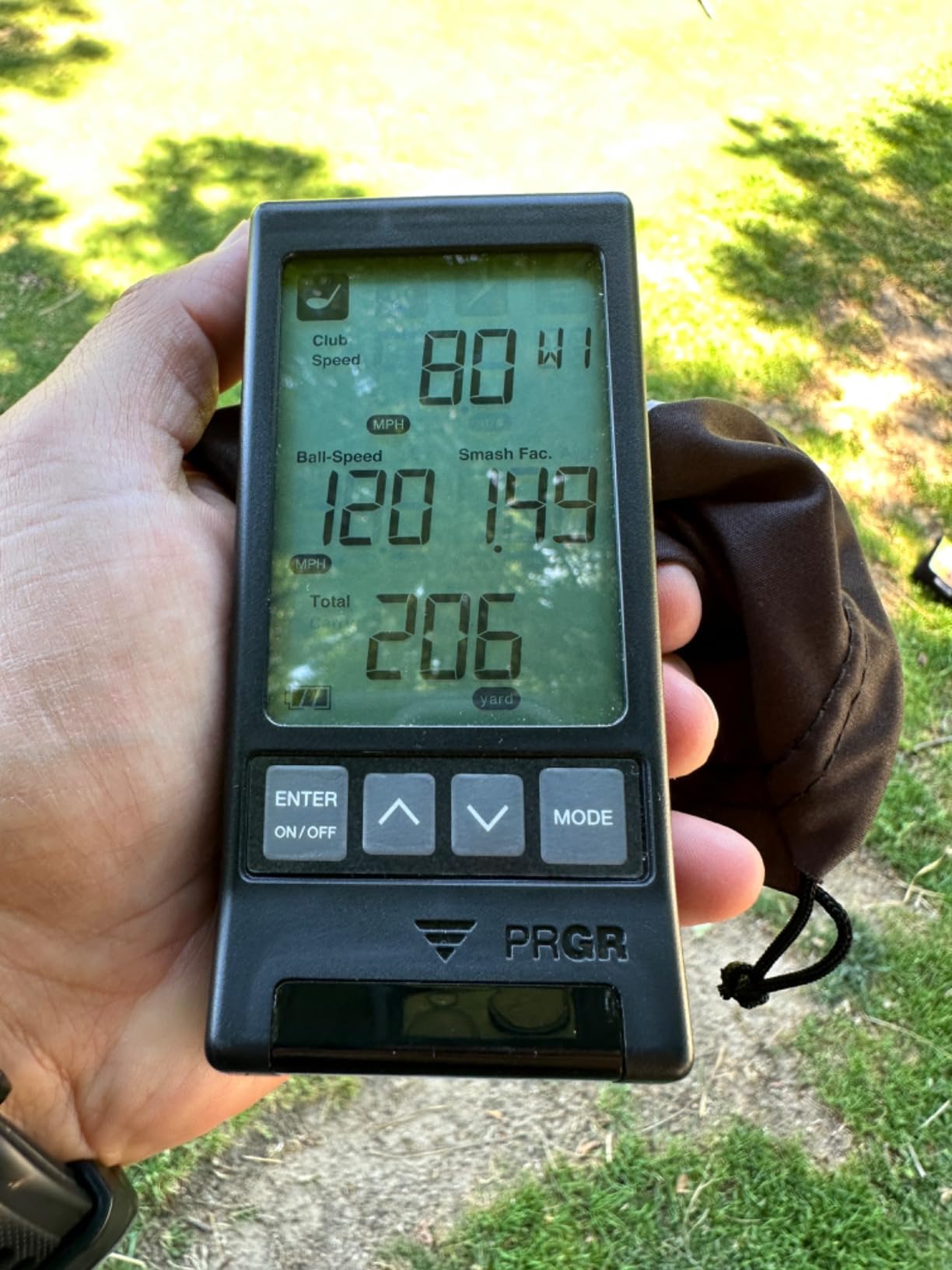
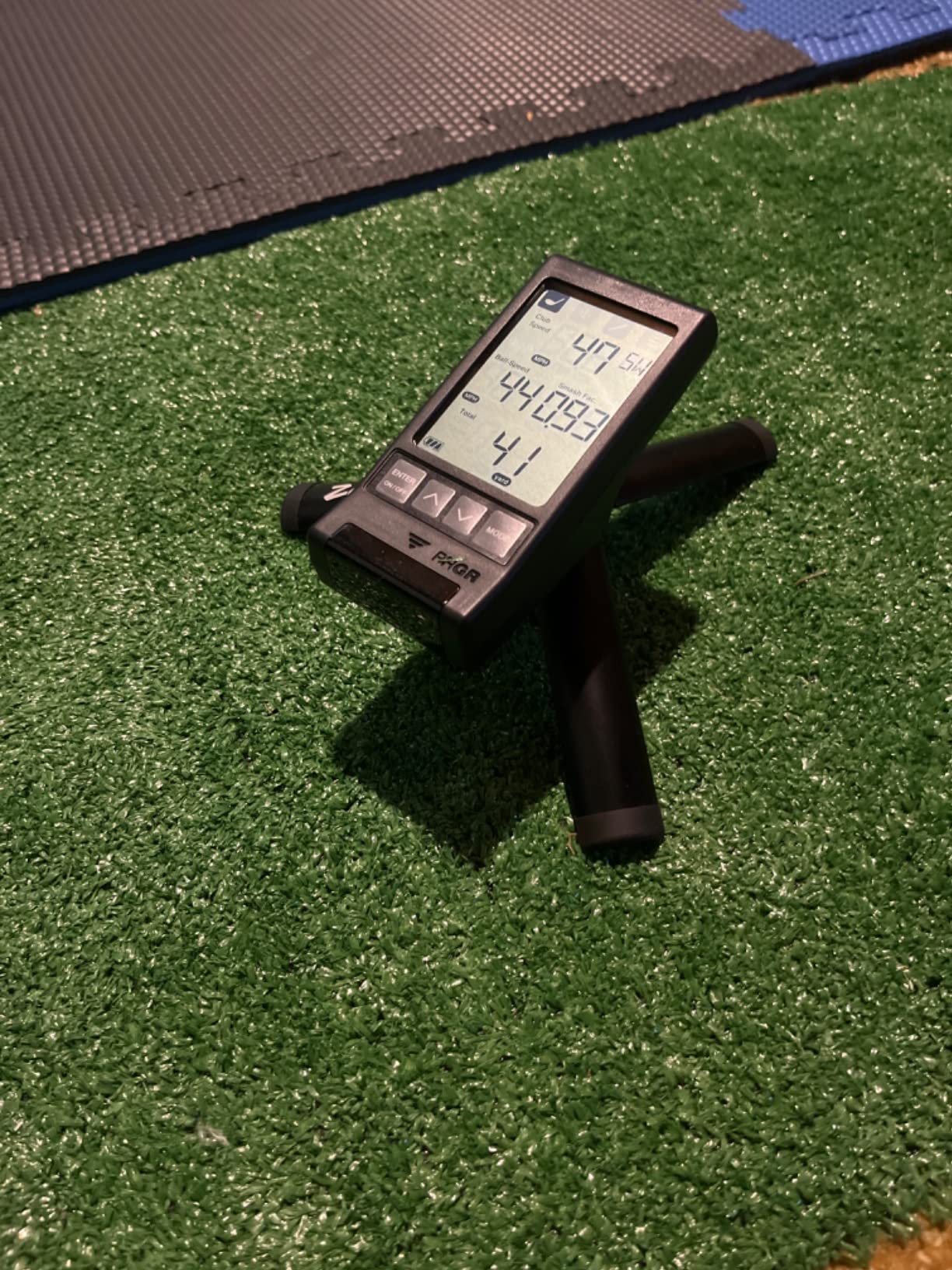
This weighs just 4.9 ounces, and it does exactly one job: it measures speed. A Doppler radar burst reads club head speed, ball speed, smash factor, carry distance and total distance, then stores the reading. You can recall 500 past swings and pull a per-club average without another device in the room.
The feature that matters most at home is the ball-free mode. Because it will read club head speed with no ball struck, you can work on tempo and sequencing in a hallway or a corner of the living room when the bay is occupied. That makes it the easiest unit here to integrate into short daily sessions, and it is the reason many golfers buy one even after upgrading to something with video.
What it does not do is describe why the ball went where it went. There is no launch angle, no spin rate, no shot shape and no trace, so a reading of 150 mph club speed tells you how fast you moved and nothing about the strike quality. It also runs on AAA batteries, which is convenient and quietly annoying over a season of practice.
Radar alignment is the practical catch. It sits behind the ball and needs a clean swing through the beam, so a shanked or off-centre strike produces a bad number that can undermine trust in a correct one. Used as a speed trainer with clean repetitions, it is dependable, and owner ratings sit comfortably in the five-star majority with a meaningful four-star share.
What to check before you commit
Work out how many clubs you actually want to gapping with it. Club speed and smash factor give you a reliable carry estimate per club, but the radar cannot see launch direction, so the numbers do not explain a cut or a fade. If your practice goal is distance calibration, that limitation matters far less than it does if the goal is a lower spin rate.
Measure the depth behind your bag. The unit needs a metre or so of clear space behind the ball and works best when the beam misses walls, nets and clutter. Mounting it on a fixed tripod at chest height makes readings far more repeatable than setting it on the floor.
When it is the wrong tool
Do not buy it hoping to build a simulator. There is no video, no tracer and no course play, and none of that is coming from a device in this form factor. It is also the wrong pick if you want to record a swing or share it with a coach, since the data cannot leave the unit.
On the other hand, if subscription fatigue is your main objection, this is the cleanest answer in the roundup. There is no app, no account, no annual licence and no firmware churn, so the numbers you collect in March mean exactly what they meant in March of the previous year.
3. Garmin Approach R10: The Best Value Pick for a Garage Bay
Garmin Approach R10, Portable Golf Launch Monitor, Take Your Game Home, Indoors or to The Driving Range, Up to 10 Hours Battery Life – 010-02356-00
Doppler radar, IPX7
Ball speed plus or minus 1 mph
Launch angle plus or minus 1 degree
340 g
Pros
- Published accuracy tolerances
- Spin rate and launch direction
- Auto-clipped video with metrics overlaid
- Per-club dispersion charts
- IPX7 waterproof
Cons
- Virtual rounds need an active Garmin Golf membership
- No built-in display beyond a 0.9 inch screen
- Phone battery drains during sessions
- Needs clear space behind the ball
The R10 is the mid-tier answer that most home bays should start with. It is a 340 gram radar unit with a phone mount that clips to the bag, and the Garmin Golf app supplies the display, the storage and the swing video. Unlike the phone-only units, Garmin publishes its tolerances: ball speed within plus or minus 1 mph, club head speed within plus or minus 3 mph, and launch angle and direction each within plus or minus 1 degree.
Those published figures matter more than they look. When a number moves between sessions you can tell whether the swing changed or the sensor misread, which is the single biggest complaint owners have about budget radar units. Training mode keeps stats per club and draws a shot dispersion chart from an estimated ball flight, so you can watch a dispersion pattern tighten over a month of practice.
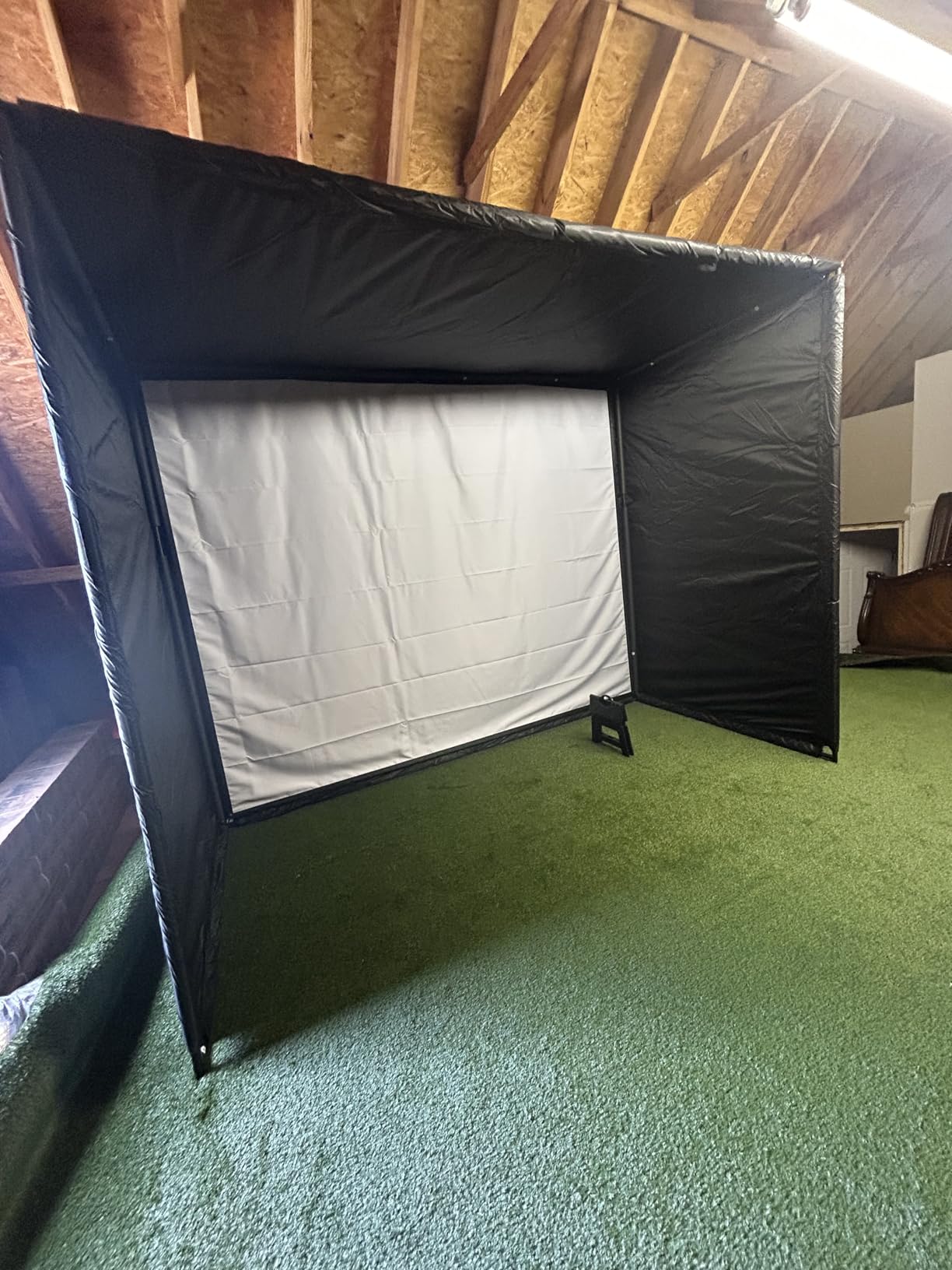
The video is automatic. Every swing is recorded and clipped with that shot’s metrics laid over the frame, which gives you the visual half of a review without touching a record button. Owners also like that the unit is IPX7 rated, so the same box works in the net on a wet winter evening and on the range in the rain.
The friction is the subscription boundary. Virtual rounds, the Home Tee Hero putting mode and the library of more than 42,000 courses all require an active Garmin Golf membership, so the full simulator experience is never included. Running the unit and the app from the same phone also drains the handset, which is worth remembering if you want to film on it.
What to check before you commit
Decide whether the data or the courses matter more to you. If you want club gapping, dispersion work and swing video, the free tier of the app already covers a lot. If your goal is playing nine holes in February, work out what several years of the membership will add to what you spend on the hardware.
Check the bay geometry too. The radar needs clear space behind the ball to capture the full swing, and a short-sided net that stops the backswing halfway will frustrate you faster than any app problem will.
When it is the wrong tool
Skip it if you are buying a dedicated simulator and want a screen everyone in the room can see, since results live on your phone. It is also not the strongest choice if spin axis accuracy is the deciding factor, because the radar reads spin indirectly from ball flight rather than from a camera watching the club face.
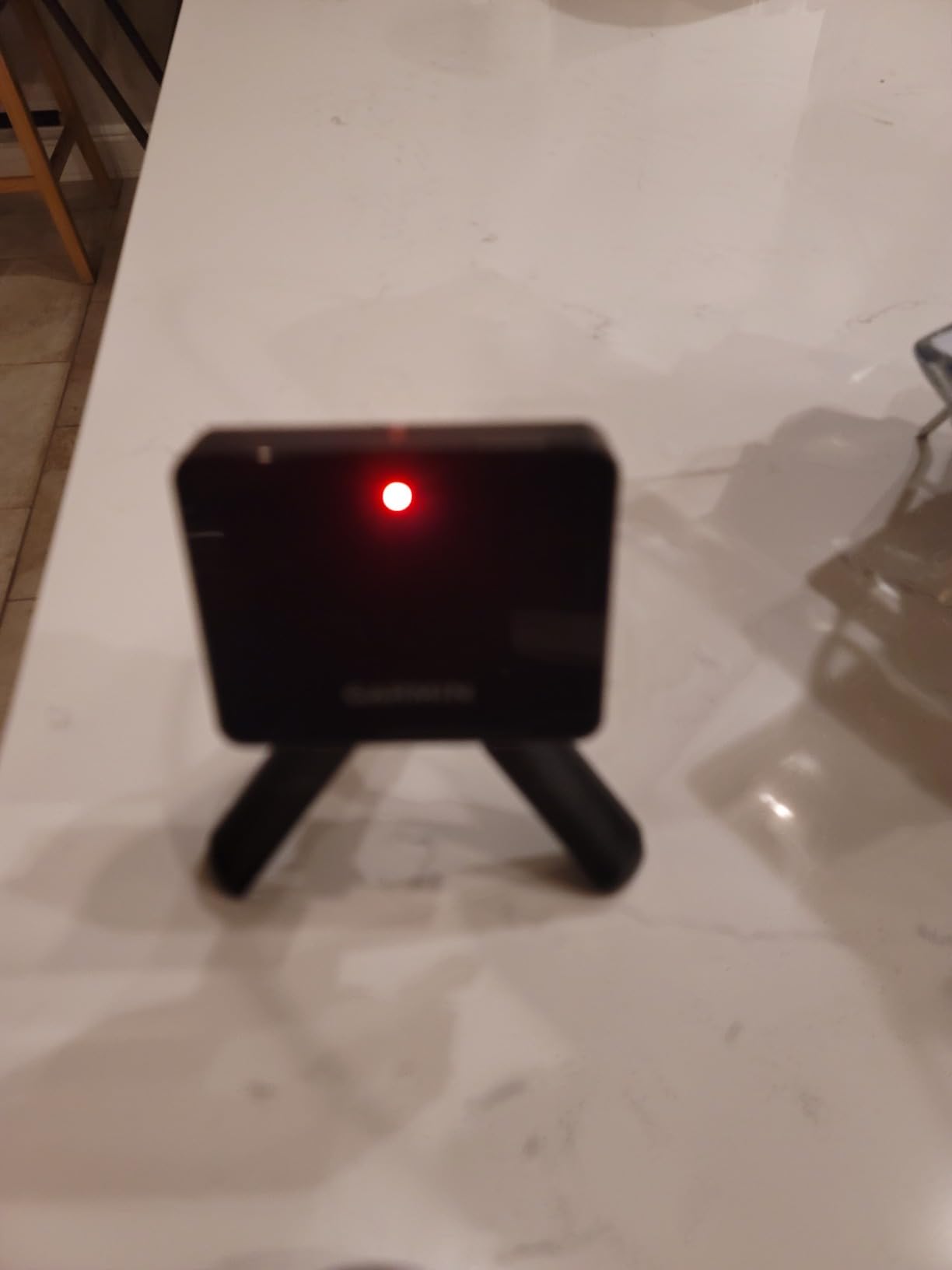
One practical note from owners: Garmin has shipped firmware changes that altered how spin is calculated, so older session data and newer data are not always directly comparable. If you are tracking a long project, note the firmware version with each set of readings.
4. Voice Caddie SC200Plus: Self-Contained Feedback Without a Phone
Voice Caddie SC200Plus Portable Golf Launch Monitor and Swing Analyzer with Real-Time Shot Data Tracking – 12-Hour Battery Life
Doppler radar with pressure sensor
LCD display and voice output
Swing speed mode needs no ball
20 hour battery
Pros
- No phone or subscription needed
- Spoken results you can hear while swinging
- Pressure sensor calibration improves reliability
- Stores per-club averages
- 20 hour battery
Cons
- No video
- tracer or simulated courses
- No spin rate or launch direction
- Dated LCD interface
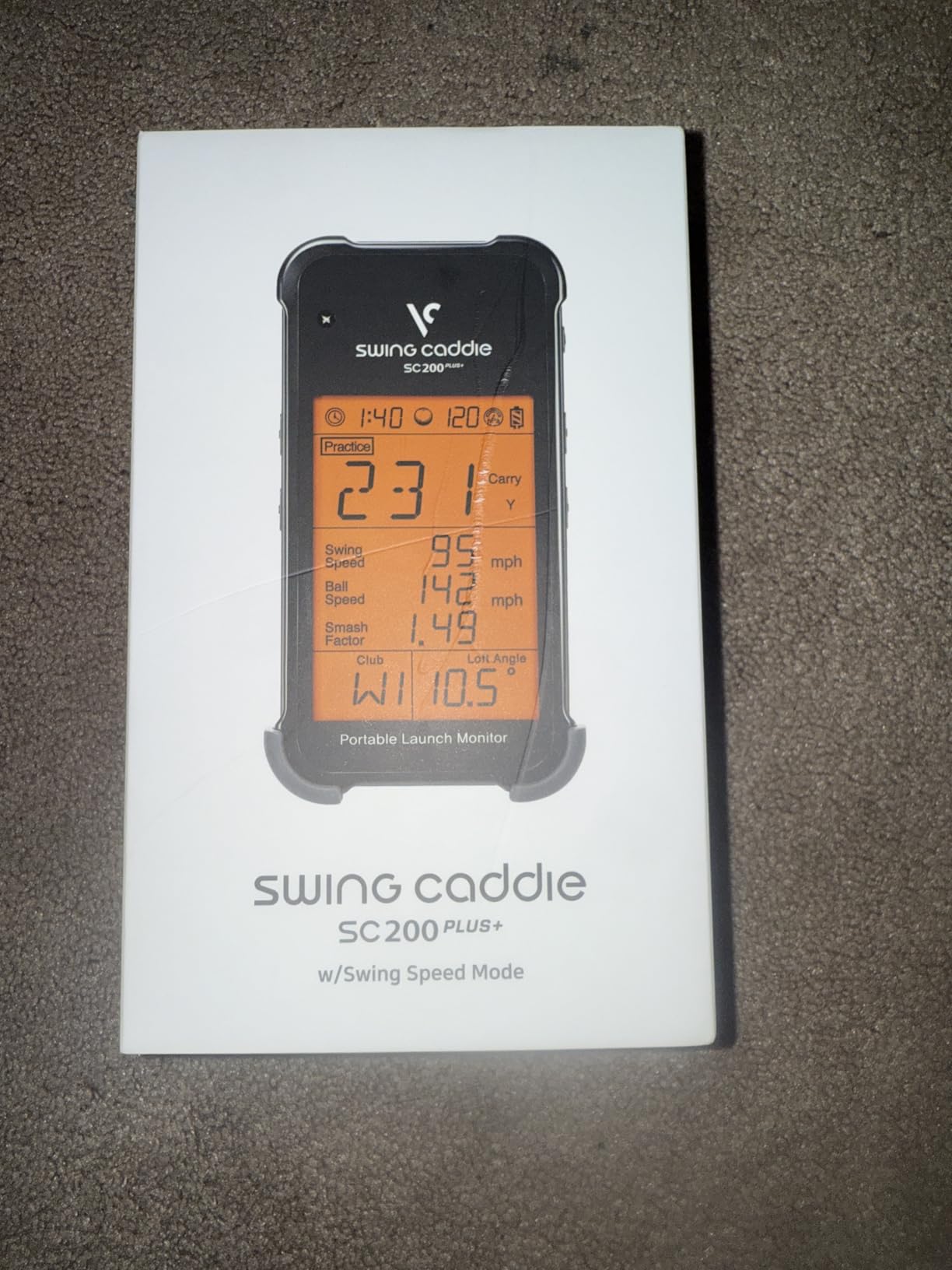
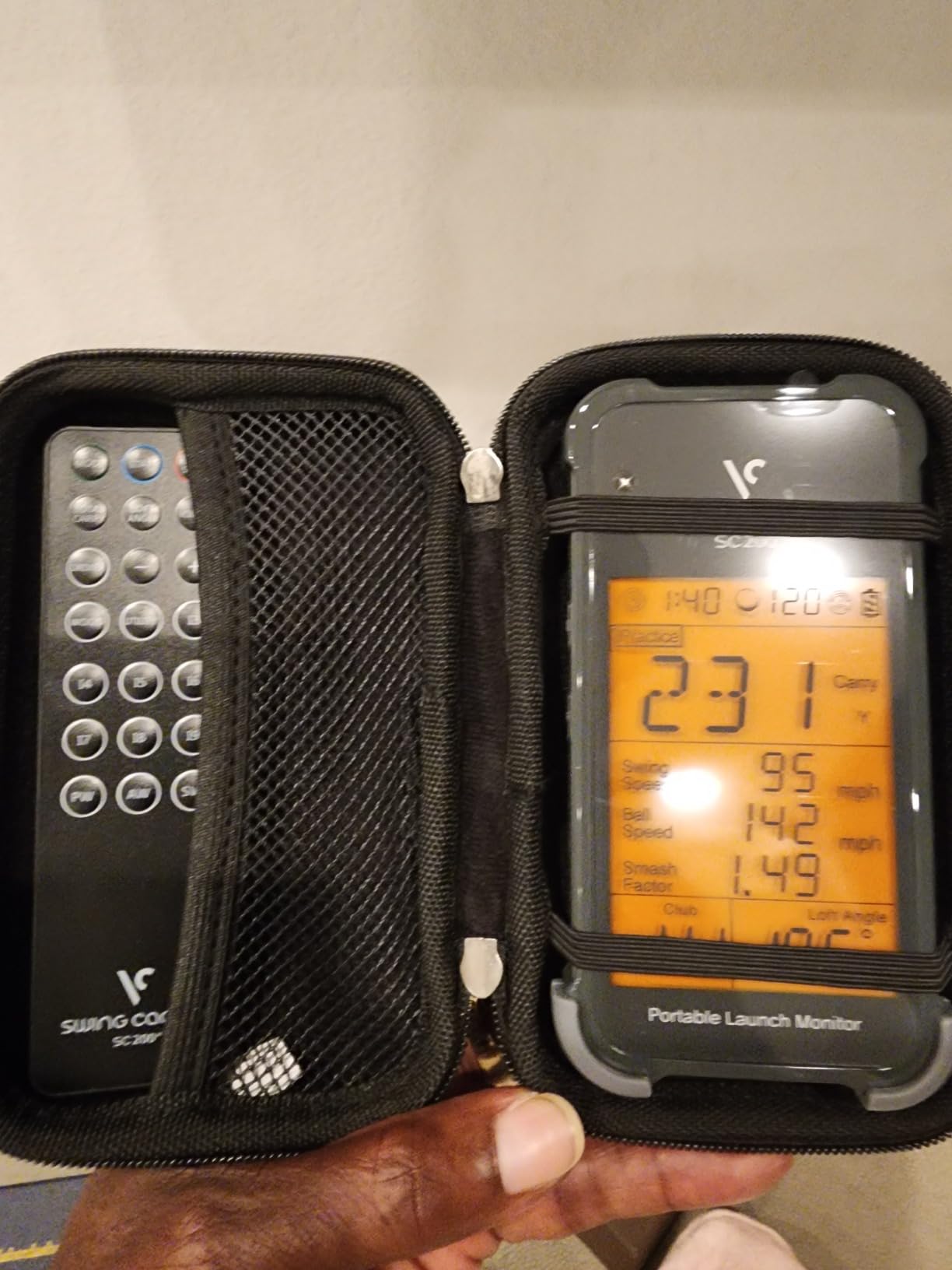
The SC200Plus is the other phone-free option, and it solves a problem the radar meters share differently: how you get feedback when your hands are busy. It reads the shot on a small LCD and then speaks the result aloud, so you can keep your head down and still hear whether the number improved.
The technical detail that matters indoors is the calibrating atmospheric pressure sensor. Doppler radar readings drift with air pressure and temperature, and a unit that corrects for that produces more repeatable carry distances through a winter than one that does not. It also stores shot data and per-club averages on the device, so nothing depends on a phone battery or an app update.
The ball-free swing speed mode is the reason to like this one in a home bay. You can work on tempo with no ball anywhere near the net, which is exactly the practice most golfers skip because they think a session requires setup. Adjustable loft angles let you simulate different clubs, and the 20 hour battery covers a week of practice in one charge.
Its ceiling is clear. There is no camera, no tracer, no simulated course, no spin rate and no launch direction data, so it lives in the same tier as the PRGR in terms of what you learn. Owners describe the interface as dated compared with app-based rivals, which is fair if your goal is number tracking and unhelpful if your goal is seeing a swing.
What to check before you commit
Sit with the fact that you will be training on three numbers: club speed, ball speed and carry distance. That is genuinely enough for tempo work and for a first calibration of how far you hit each club. It is not enough if you want to understand a ball flight shape or reduce spin.
Check the sound level in your bay. Voice output is a real advantage in a shared space where looking at a screen means stopping your swing, but it is also a real disadvantage in a basement or a room with hard walls and an echo.
When it is the wrong tool
Do not buy it to build a simulator or to get a swing video. There is no path to either, and the compact screen is too small to study a number closely mid-set. It is also the wrong choice if you intend to log long-term progress in software, because the on-device memory is a short list rather than a database.
Where it does excel is reliability. No wireless pairing, no app permissions, no account and no subscription means it works the same in five years, which for a practice tool bought for tempo is a fair trade for the features you give up.
5. Rapsodo MLM2PRO: Fifteen Metrics and Face-to-Ball Video
Rapsodo MLM2PRO Mobile Launch Monitor Golf Simulator | 3 Chrome Tour Balls
Doppler radar plus dual cameras
15 metrics including spin axis
LCD touchscreen, 3 inch
16 ounces
Pros
- 15 metrics well beyond the entry model
- Dual cameras plus radar for shot tracking
- Owners report close agreement with reference units
- Slow-motion face-to-ball impact video
- Works on iOS and Android
Cons
- Shared Wi-Fi connections drop out
- Simulated courses share one flat background
- Weak on short chips and lobs
- Premium features need a subscription after the trial
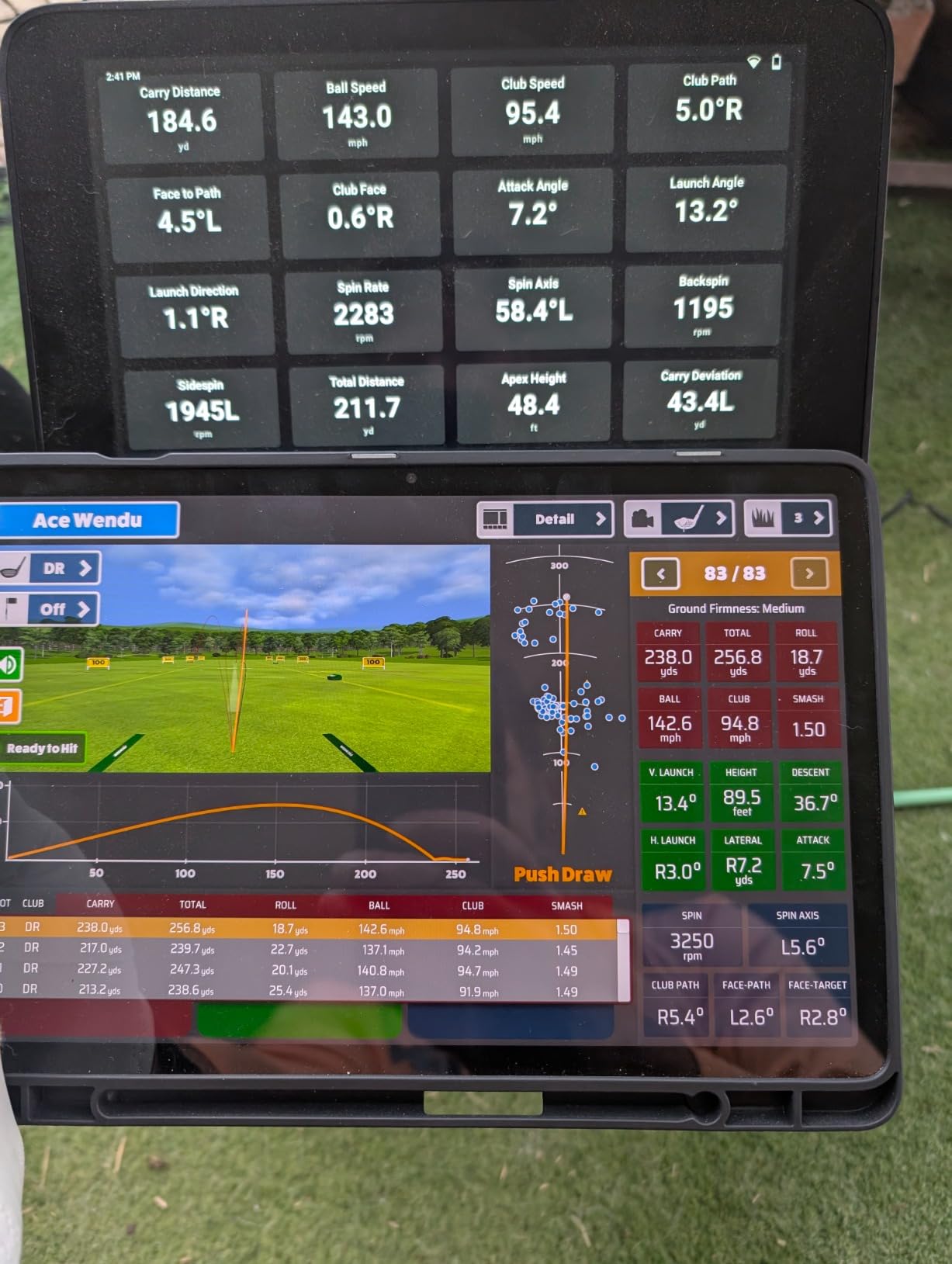
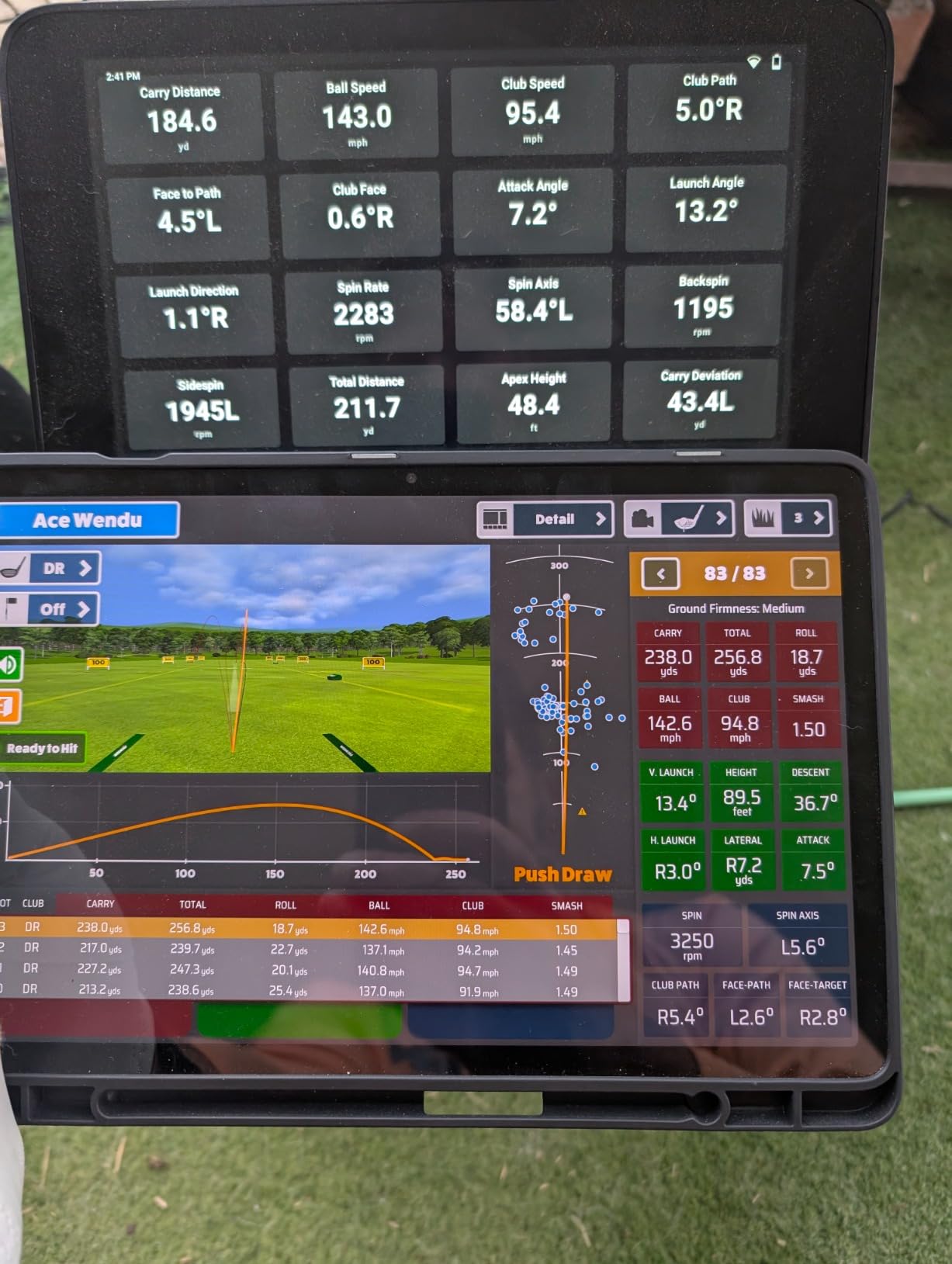
The MLM2PRO is where this roundup stops being a distance calculator and starts being a launch monitor. It combines Doppler radar with a dual camera setup and reports 15 metrics, including spin rate, spin axis, club path and launch angle. The 3 inch LCD touchscreen gives it a face of its own, unlike the phone-only original.
The dual cameras do something the radar cannot: they record the club and ball contact and let you watch it in slow motion from any angle. Several owners compared their readings against laser and reference-grade systems and found agreement within a few percent, which is a strong claim for a device at this level. A tripod and carrying case are in the box, so the garage install is complete on day one.
What divides opinion is the software rather than the hardware. Shared Wi-Fi connectivity drops out for many users, and the fix recommended by owners is a direct tablet connection instead of a phone. A 45 day premium trial opens 30,000+ simulator courses, target range, speed training and the Combine modes, after which the premium features require an ongoing subscription.
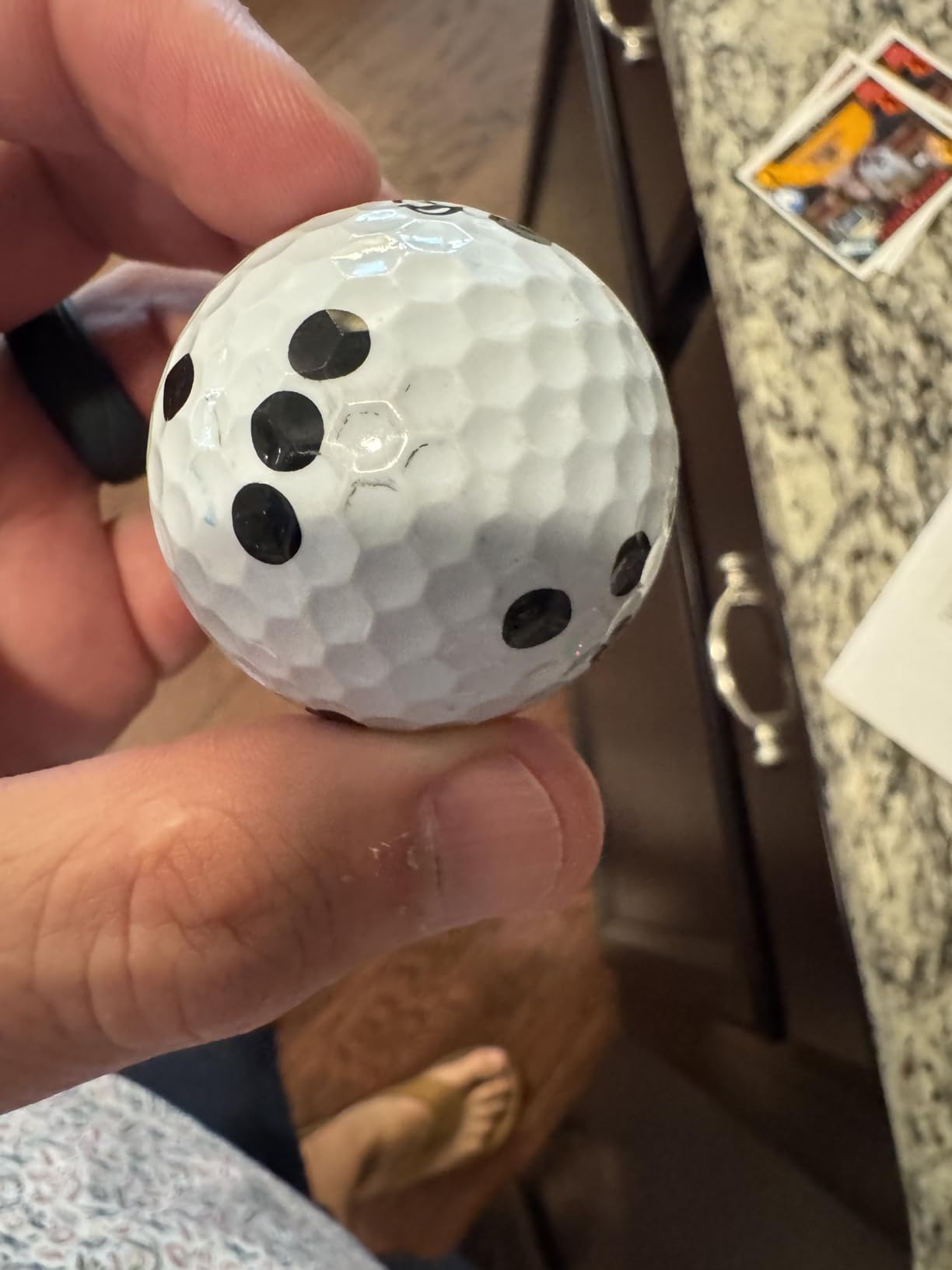
Short game is the other weak spot. Owners report that chips and lobs frequently go unregistered or read poorly, and that the simulated courses all use the same flat background with little terrain detail. The marked balls wear out too: owners estimate roughly 70 swings each before the spin pattern stops reading cleanly.
What to check before you commit
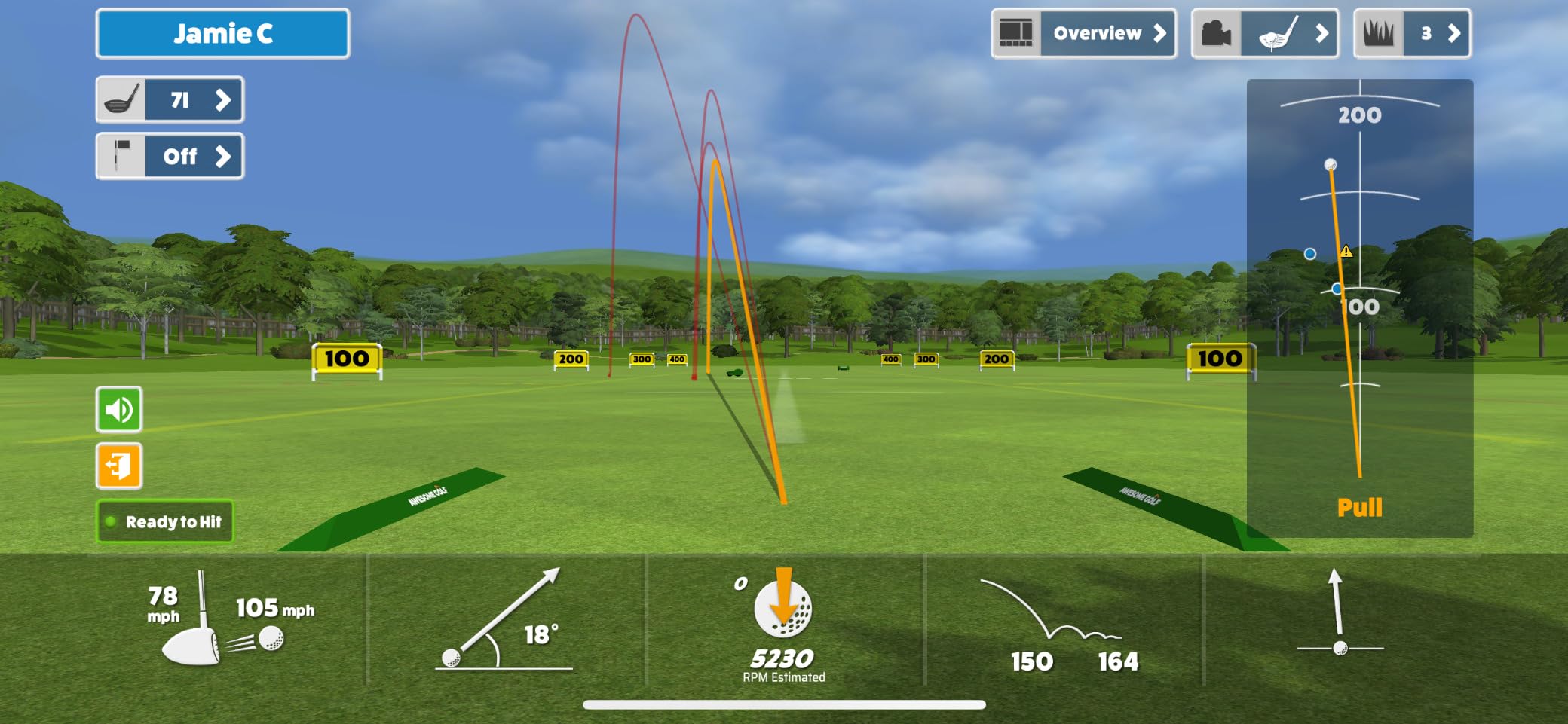
Plan your screen strategy. On an iPhone only three metrics display at once and six need an iPad, so if you want the full data set visible on one screen, budget for a tablet rather than the phone you already own. Also check your wireless setup, because the device is happier on a private network or a direct connection than on a crowded one.
Count how much short-game practice you intend to do. This unit is built around full-swing work, and if most of your sessions are wedges from fifty yards and in, you will be fighting the hardware more than using it.
When it is the wrong tool
Pass on it if you refuse recurring software costs, since the premium tier is where the course library lives. It is also a poor match for a bay with no reliable Wi-Fi, and for golfers who want a genuine high-speed camera look at spin axis on driver, where a three-camera unit in the next section reads the club face directly.
For everyone else, it is one of the most complete data sets available without a desktop PC. The hardware reads well, the metrics are broad, and the slow-motion impact footage is the part golfers mention most often after the first month.
6. Garmin Approach R50: The Built-In Touchscreen Option
Garmin Approach® R50, Premium Golf Launch Monitor & Simulator
Three-camera system, 10 inch touchscreen
Barometer compensation
HDMI output
9 pounds, 4 hour battery
Pros
- Ten inch touchscreen removes the phone
- Three-camera precision with spin axis
- High-speed impact video on the unit
- Barometer corrects carry distance
- HDMI output for a projector
Cons
- Virtual rounds need a Garmin Golf membership
- Only about 4 hours of battery
- 9 pounds is heavy for a portable device
- Face-to-path needs club stickers
The R50 is the Garmin that finally stops borrowing your phone. It carries a 10 inch colour touchscreen, so you can review a swing, select a course and watch impact footage standing in the bay rather than sitting on a chair with your phone. For a shared room or a family that watches practice, that is the difference between a private gadget and an activity.
The sensing is a three-camera system rather than radar alone, which is why owners single out the improved spin rate and spin axis readings. Applied club stickers unlock face-to-path measurement, and the built-in barometer measures atmospheric pressure so carry distances stay correct across altitude and weather. It also puts out HDMI, so a larger monitor or projector can be added later without changing the device.
Trade-offs are mostly about portability and cost. At 9 pounds with roughly 4 hours of battery, it is a fixture rather than a travel companion, and the shorter battery is a real step down from the R10’s 10 hours. Virtual rounds on more than 43,000 courses and the Home Tee Hero putting mode still require an active Garmin Golf membership.
The rating on this one is the second highest of the group, though it comes from a much smaller review base than the units above it, so treat the sentiment as encouraging rather than settled. Owners who pair it with the Garmin Golf app describe full simulator sessions without a phone and strong satisfaction with the camera precision.
What to check before you commit
Measure where the unit will live. At 10.6 by 7.5 by 16.5 inches it needs a shelf or stand at roughly waist height, and the three cameras need a clear view of the strike from both sides and behind. If your bay is a corner of a garage with shelving, check that sightline before you commit.
Think about power. Four hours of battery covers a normal evening, but if you want long sessions or plan to run a projector from the HDMI port, plan on the AC adapter being permanently connected rather than treating it as a cordless device.
When it is the wrong tool
Skip it if you practice in more than one place, because 9 pounds and a mains-dependent setup make it a bay-resident. It is also the wrong call if your budget is the main constraint, since the camera hardware here is the most expensive in this list.
For a fixed home bay with a shared audience, it is hard to overstate the benefit of a screen everyone can see. The unit is measuring the same things a radar does but showing them immediately on hardware it owns, which removes the single most common home-bay friction point.
7. TheStack Radar: The Smallest Unit With the Highest Rating
TheStack™ Radar – Portable Golf Launch Monitor, Swing Speed & Ball Tracker
Swing and ball speed over Bluetooth
Smash factor and estimated carry
120 g unit
Pros
- Highest average rating in this group
- 120 g and easy to carry
- Measures swing speed and ball speed
- Bundled wedge and putting apps
- Pairs over Bluetooth to phone
Cons
- Carry distance is an estimate not a measurement
- Wedge and putting apps are iOS only
- No launch angle
- spin or video
- No simulated courses
At 120 grams the Stack Radar is among the lightest devices in your bag, and it posts the highest average rating of the group. It measures swing speed and ball speed, calculates smash factor and produces an estimated carry distance, then sends the numbers to TheStack app over Bluetooth. Setup is genuinely a one-minute job.
What makes it interesting for a home bay is the bundled software. Stack Wedging builds guided, skill-specific practice sessions and Stack Putting offers guided putting work with insight into your tendencies, with a month of wedging access included. That turns a speed meter into something you open for a structured session rather than a number you glance at.
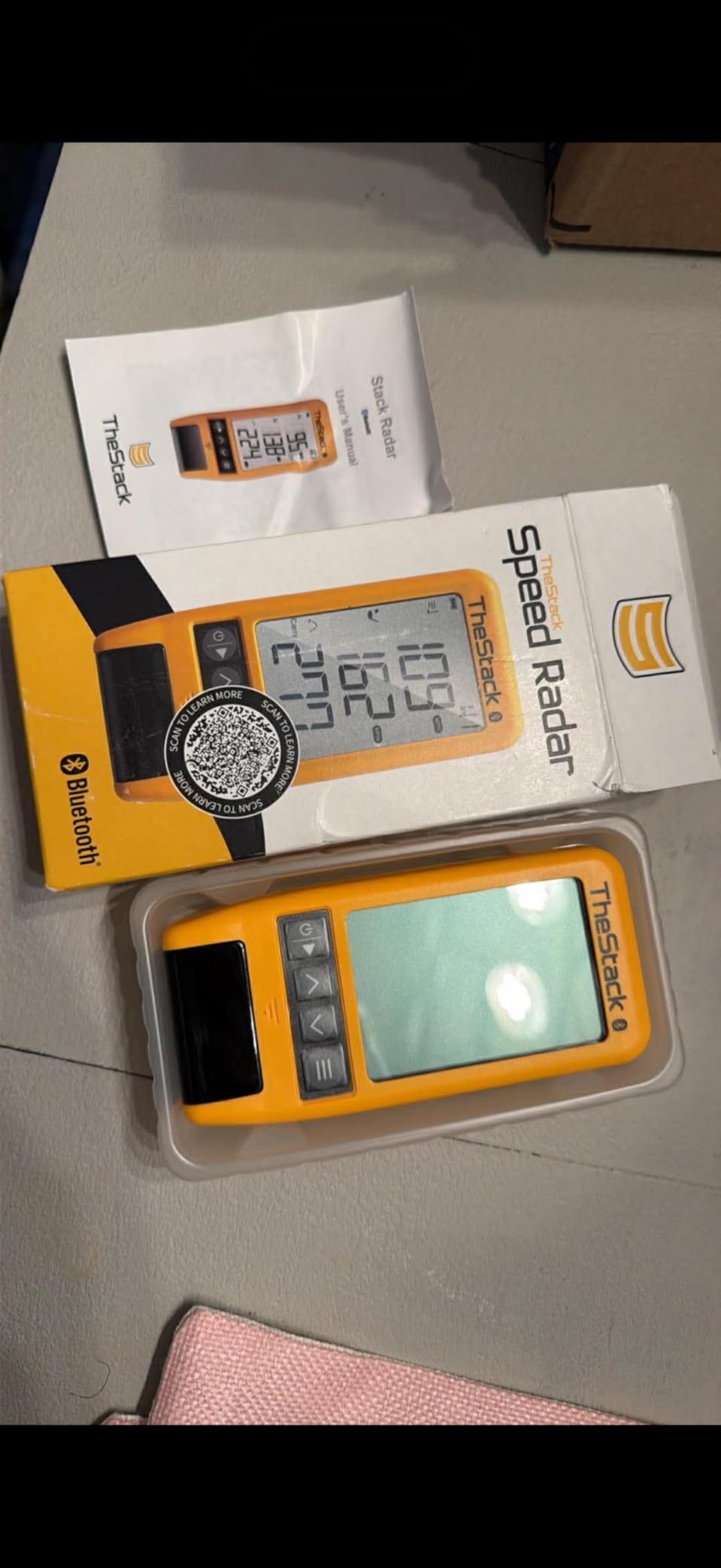
The caveats are worth stating plainly. Carry distance is calculated from speed and smash factor rather than measured downrange, so treat it as a training estimate. The wedge and putting apps run on iOS only, although the speed training app works on both platforms. There is no launch angle, spin, shot shape, video or course play.
Owners use it in a specific and sensible way: fast feedback on speed gains, tied to a drill they follow on the phone. It has been used on tour for speed training by a US Open champion, which is a fair signal for what it is built to do, and rather less of a signal for what a home bay needs in terms of shot data.
What to check before you commit
Ask whether estimated carry is good enough for your practice. If you are calibrating your bag, a measured carry distance from a radar or camera unit is far better, because ball speed and smash factor do not capture launch angle effects. If you are chasing five more mph of club speed, the estimate is more than adequate.
Check your phone platform and be clear about the shape of the practice. The value here lives in the guided apps, and two of the three only exist on iOS. If your phone changes next year, you may lose access to the reason you bought the device.
When it is the wrong tool
Do not buy it for launch data or swing video. There is no camera involved, and estimated distances will not survive comparison against a screen-based unit. It is also the wrong pick if your practice room doubles as a shared study space, because the session structure pulls you towards the phone rather than the bag.
Where it wins is portability and motivation. A 120 gram device with guided drills that show progress gives a beginner something to follow, and the rating and owner feedback suggest it delivers that consistently.

8. Uneekor EYE MINI CORE: Instant Reads Without Marked Balls
Uneekor EYE MINI CORE Golf Launch Monitor & Simulator, 15 Ball Data Points, Near-Zero Latency, Works with GSPro, TGC19 & E6
High-speed cameras and infrared
15 ball data points, VIEW software
Dimple Optix reads any ball
8.4 pounds
Pros
- Near-zero latency over wired Ethernet
- Reads any ball dimple pattern with no stickers
- All-metal build
- Works with GSPro
- E6 Connect
- TGC19
- Fast support
Cons
- GSPro needs a 200 dollar annual third-party subscription
- Club data needs an add-on module
- Requires a gaming PC with a discrete GPU
- Not portable
The EYE MINI CORE is a different proposition from the phone-based units. High-speed cameras and infrared sensors track the ball and club, and the results arrive almost instantly over a hardwired Ethernet connection. If you have seen camera systems lag while a ball is still in the air, that difference is immediately obvious when you hit a shot and the numbers are already there.
Dimple Optix is the feature most owners write home about. It reads any dimple pattern, so you are not restricted to marked or limited-flight balls with a printed identifier, and there are no stickers to wear out or lose. The package includes 20 sheets of club stickers and tweezers for club work, plus the VIEW software with 15 ball data points and session reports.
The hardware is a step up in feel as well. The body is metal rather than plastic, and several owners report zero missed or misread shots across a thousand or so strikes, which is the sort of reliability that changes how much you trust a number. Support is also singled out as responsive when problems do come up.
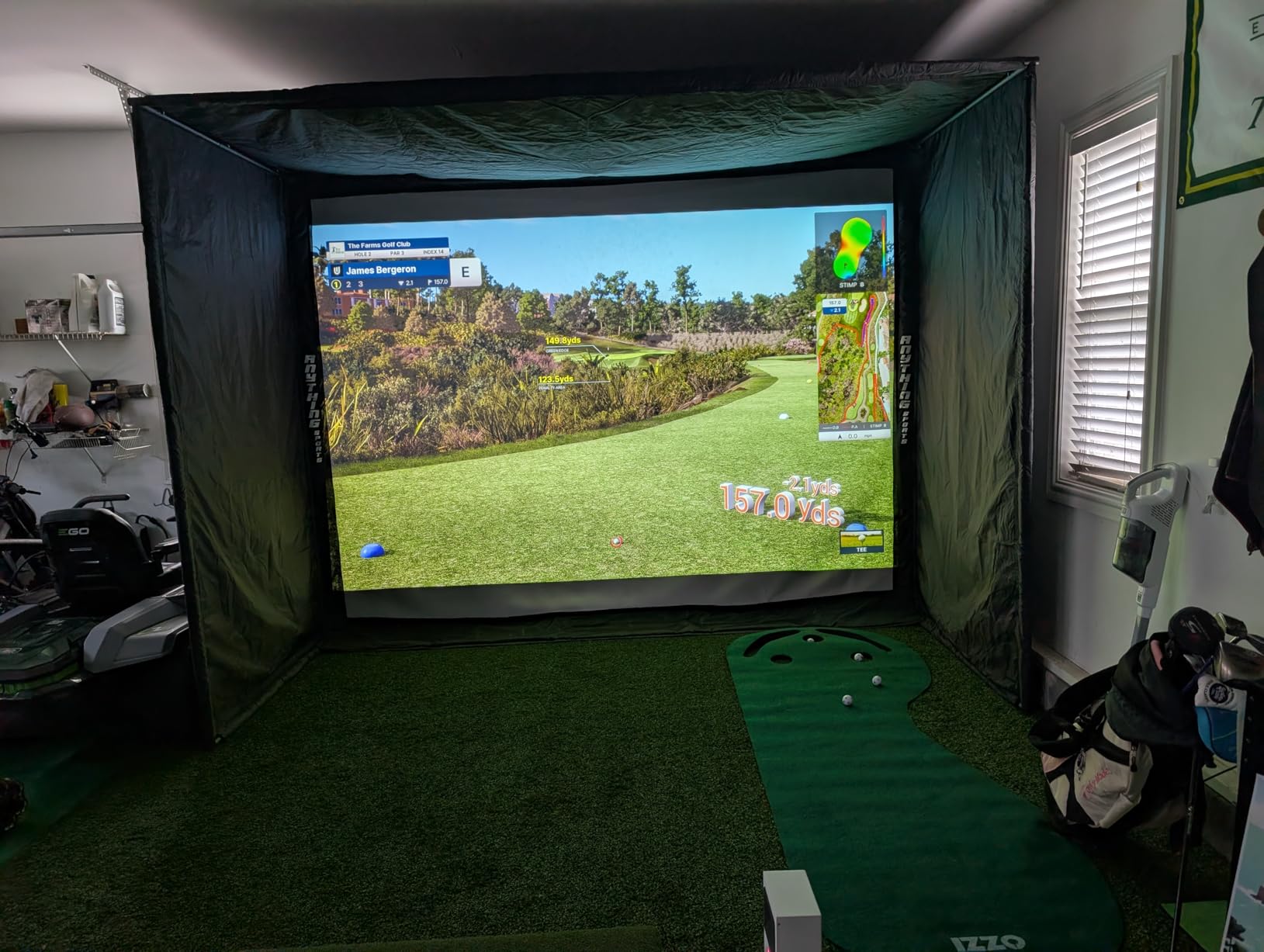
The ecosystem is the catch, and it is a large one. Connecting to GSPro requires an annual subscription, base club data such as swing speed and face-to-path needs an upgrade module, and running a full simulation realistically needs a gaming PC with a discrete GPU and a large amount of memory. The bundled course library is smaller and younger than the big platforms.
What to check before you commit
Audit your computer first, because this is a system purchase rather than a gadget purchase. The VIEW software runs on a modest specification, but simulation through GSPro or E6 Connect expects a much stronger processor, graphics card and memory, and a second display improves it further. Price that machine as part of the total cost of the bay.
Also plan the ethernet run. The unit is wired, not wireless, so a Cat6 cable has to reach the device from wherever your PC lives, and a laptop on Wi-Fi will not get the near-zero latency owners describe.
When it is the wrong tool
Skip it if the idea of an annual software fee or a tower-sized PC in the bay is unappealing, and if you want to move your practice setup between rooms. Putts and delicate chips are also reported as occasional misses, so a golfer whose practice is mostly around the green should not expect this to cover it.
For golfers building a fixed indoor studio with a proper computer, it is among the most responsive units here and the one that cares least about which ball you put on the tee. That combination is why it keeps appearing in home bay build threads even at a higher outlay.
9. FlightScope Mevo Gen2: Eighteen Metrics With Lifetime Courses
FlightScope Mevo Gen2 Portable Golf Launch Monitor and Simulator with 18 Swing Data Parameters, Front Facing Camera, 8 E6 Simulation Courses with GPS Overview and Shot Tracer | Indoor and Outdoor
Fusion Tracking radar and imaging
18 swing, chip and put parameters
Lifetime E6 courses
1.1 pounds
Pros
- 18 data parameters among the broadest sets
- 3D shot tracer inside the video
- Bundled lifetime E6 course package with no fees
- Works on Android
- PC and iOS
- 1.1 pounds
Cons
- Setup and first connection can take hours
- Manual elevation calibration or distances run long
- Connection drops reported
- Only one device connects at a time
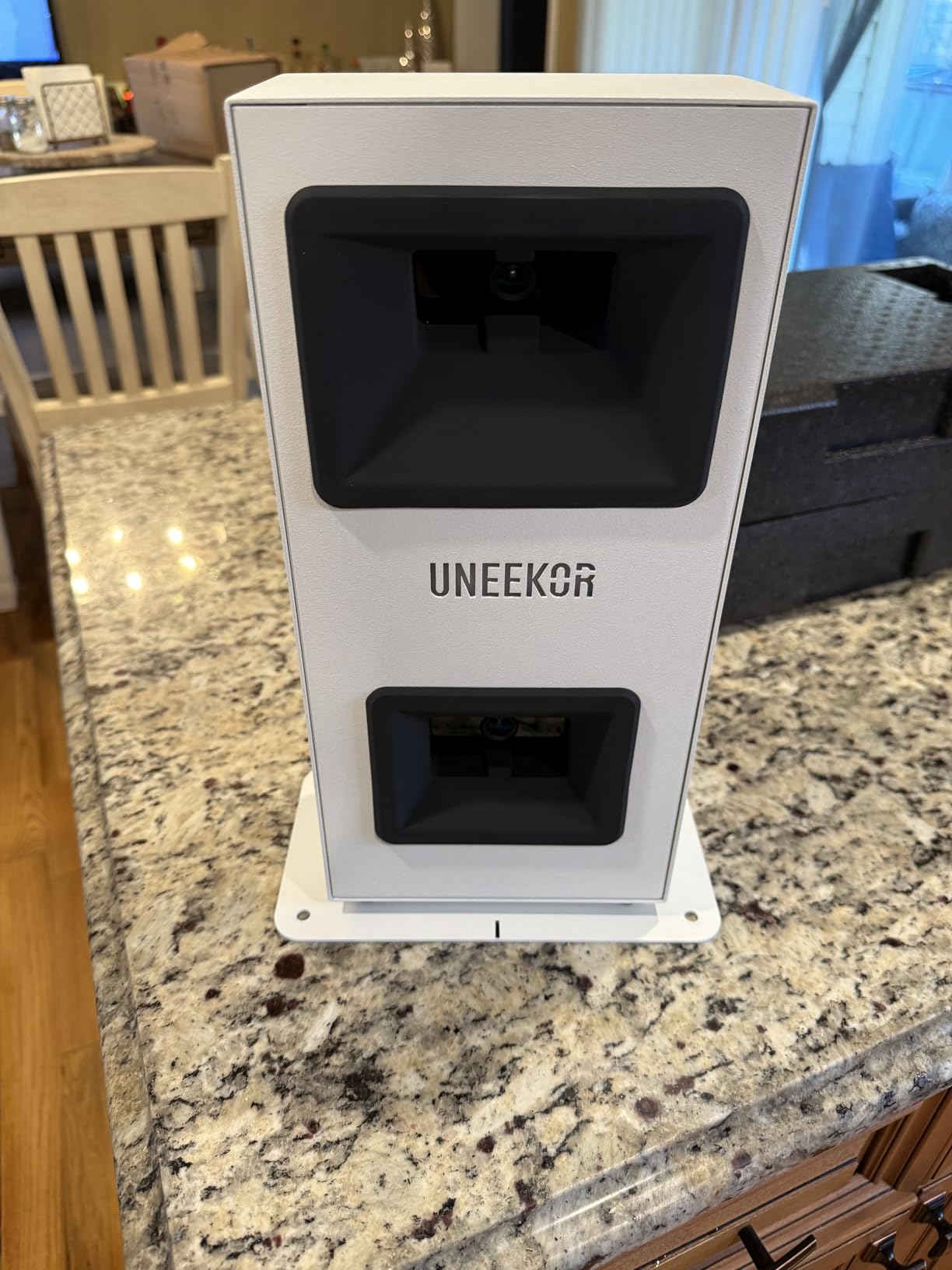
The Mevo Gen2 pairs three-dimensional Doppler radar with synchronised high-speed image processing, which FlightScope calls Fusion Tracking, and it outputs 18 parameters covering full swing, chipping and putting. At 1.1 pounds with about 6 hours of battery, it is the most portable unit here that still reports a genuine shot tracer.
The standout for a home bay is the bundled E6 Connect package with 8 courses, owned for life. There is no annual licence fee and no subscription unlocking the courses, which removes the most common long-term cost in this category. The three-dimensional shot tracer draws the full flight path inside the video, and the front-facing camera plus multi-cam support lets you attach up to three phones with drawing tools and voiceover.
Setup is where the difficulty sits. Multiple owners describe lengthy first-time pairing, and the elevation and distance calibration has to be set manually or the readings run long by more than fifteen yards. Once that is done the data is broad and useful, but you should budget an evening before judging it, and check that your courses have a capable graphics card if you intend to play them.
Reliability is mixed in owner reports, with missed swings and dropped connections mentioned often enough to matter in a weekly practice habit. Firmware updates have resolved several early problems, which is worth knowing, but the review base here is small, so expect some rougher edges than the specification suggests.
What to check before you commit
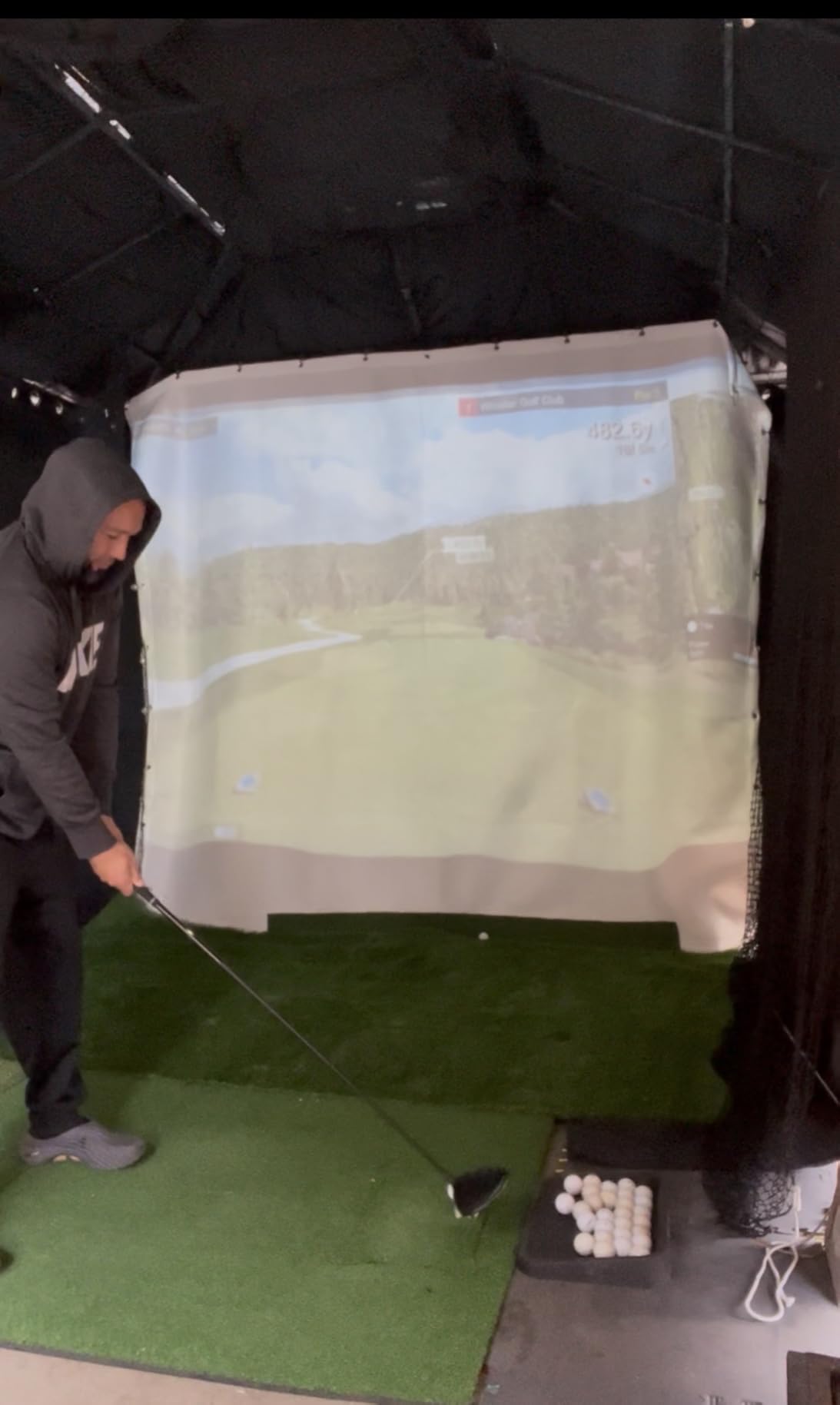
Verify what you will actually run on it. Windows, macOS, Android and iOS are all supported, which is unusually broad, but simulation software is the demanding part and some courses exceed the stated minimum graphics requirements. Check the room depth as well, because the tracer needs a clear line for the whole flight path.
Confirm the calibration workflow suits you. If you are comfortable spending an evening setting elevation and distance once and then never touching it again, this device rewards that patience. If you want to move it between the bay and the range regularly, expect a recalibration.
When it is the wrong tool
Pass if the word plug-and-play describes what you need. This is not that device, and the connectivity complaints are the most common theme in owner feedback. It is also the wrong pick for anyone who needs multi-cam video from several people at once, since only one device can be connected at a time.
What nobody complains about is the ownership cost. Lifetime courses and no hidden fees are genuinely rare in this category, and for golfers who play virtual rounds every week, that alone can outweigh a rougher first setup.
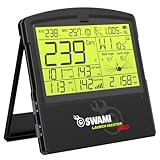
10. Izzo Launch Master Pro: Wide Radar Range and a Broad Metric Suite
Izzo Golf Swami Launch Master Pro Golf Launch Monitor
Doppler radar, 30 to 420 yard range
Spin rate, apex and attack angle
10.5 by 9 by 1.25 inches
Pros
- Broadest stated measuring range in the group
- Reports spin rate
- apex and attack angle
- Compact footprint for a garage bay
- Weather sensors adjust for altitude and humidity
- Custom club and loft settings
Cons
- Smallest review base of the established units
- Rating distribution includes a notable low-score share
- Reading consistency varies between owners
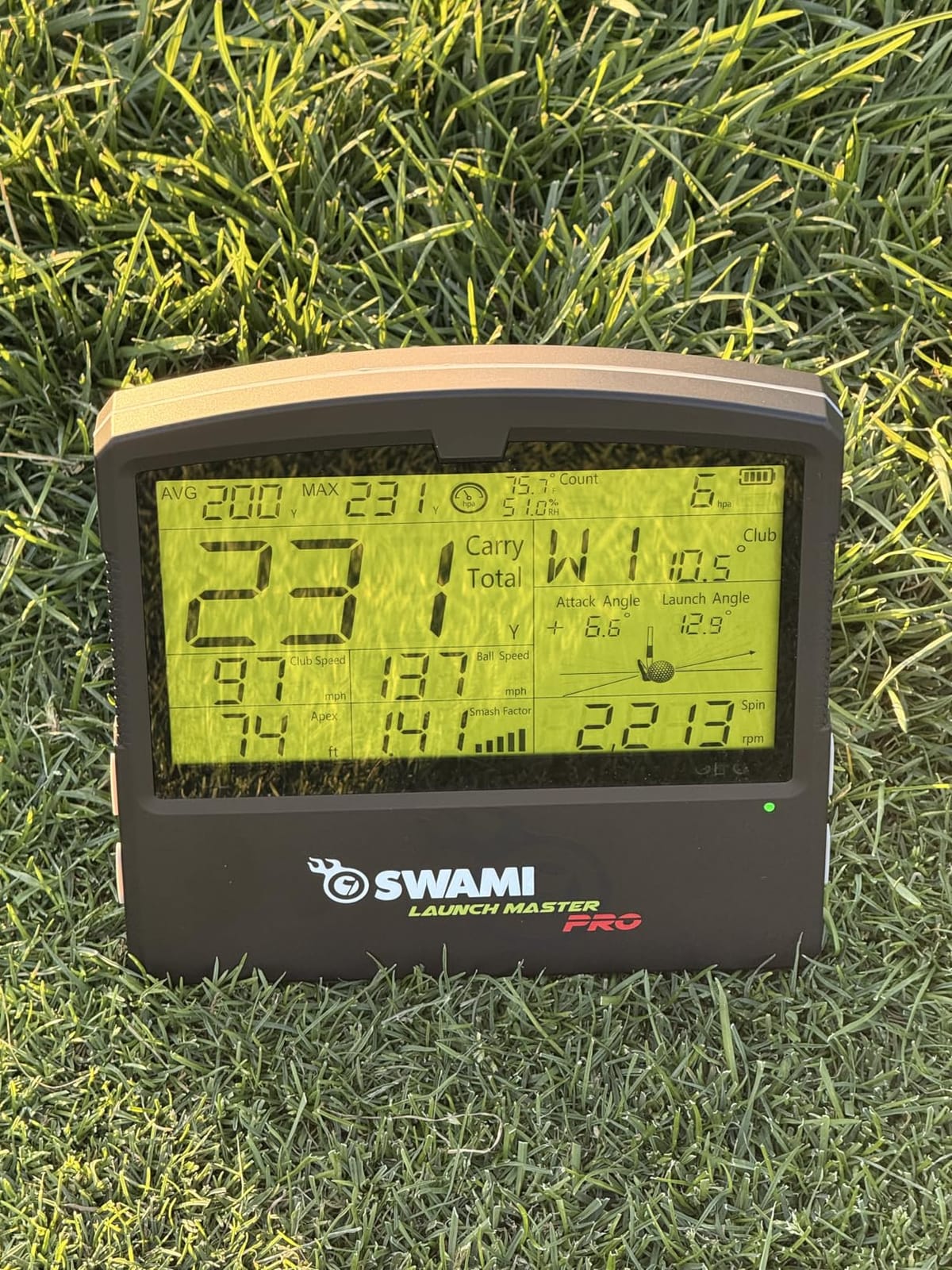
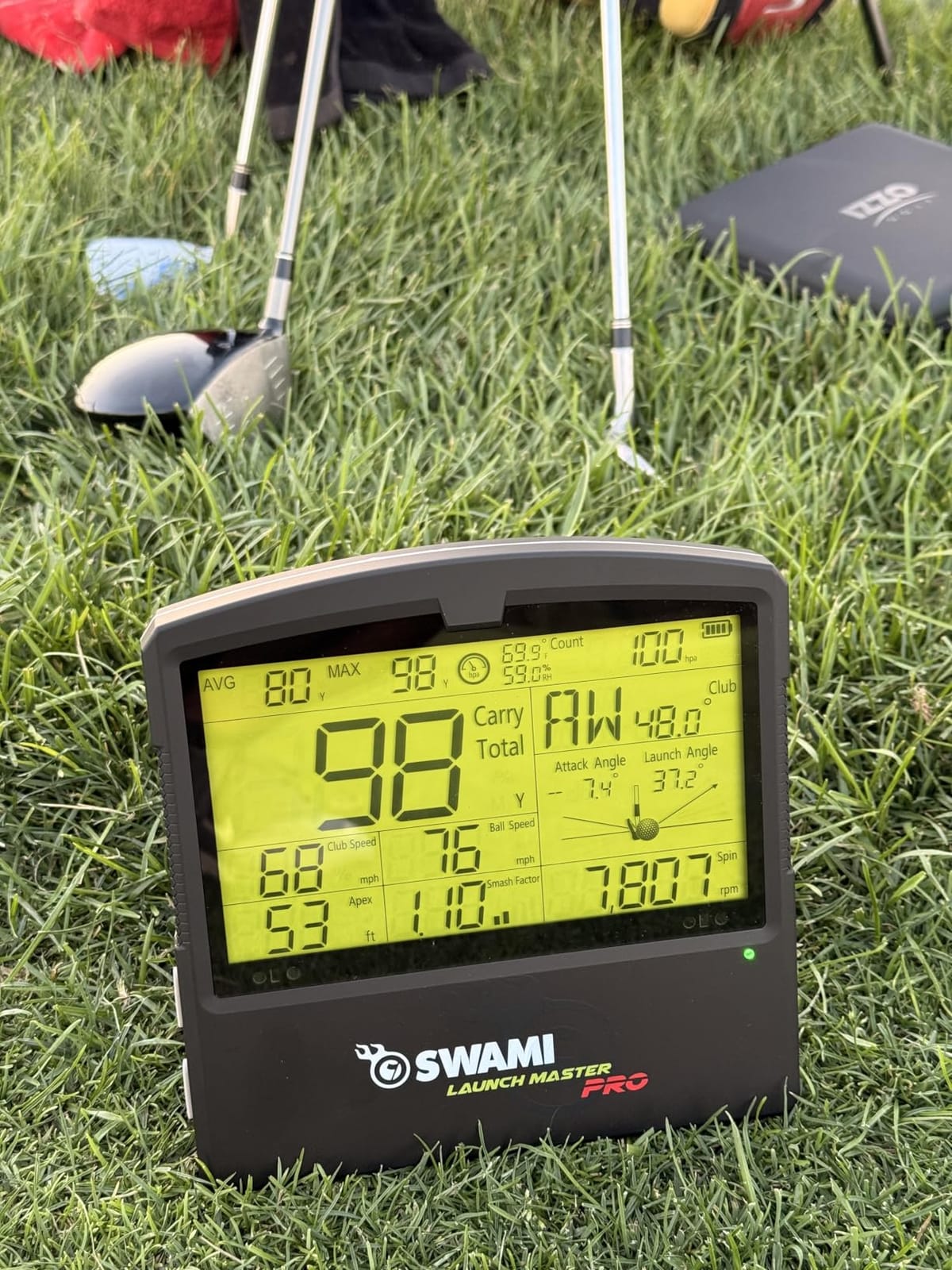
The Launch Master Pro is a straightforward radar unit with an unusually wide stated measuring range of 30 to 420 yards. That range is the reason it turns up in garage setups, because a single unit covers everything from a chip to a driver without the owner re-checking a distance setting between bags.
The data suite is broad for a radar design. It reports total distance, carry distance, swing speed, ball speed, smash factor, launch angle, attack angle, spin rate and apex, and the built-in weather sensors adjust readings for temperature, humidity and altitude. Custom club and loft settings let you tune the output to the clubs you actually carry.
The footprint is the quiet advantage. At 10.5 by 9 by 1.25 inches it sits on a shelf or a low stand without demanding a dedicated room, which matters for bays shared with a vehicle or a bicycle.
What gives us pause is the evidence base. This is the smallest review count of the units people buy regularly, and the rating sits below the group leaders with a noticeable share of low scores. Owners like the breadth of data and the range; they are less consistent about reading stability, and consistency is what you are actually buying in a radar unit.
What to check before you commit
Run a short trial comparison before you trust it. Record twenty shots with this device and twenty with a unit you already trust, then compare ball speed readings. Radar consistency is easy to test and impossible to judge from a listing, and this is the one area where owner feedback is genuinely mixed.
Check the physical set-up too. A compact footprint means more flexibility on shelf height, but a radar unit still wants a fixed mounting point at ball height and enough depth behind the ball for a clean swing to register.
When it is the wrong tool
Do not buy it if you want video, a shot tracer or simulated courses. It is a pure data device, and the metric set ends where the camera units begin. It is also the wrong pick if you want a large body of owner feedback to reassure you, since the history here is short.
It is worth a look if you specifically need a radar unit that covers a very wide distance range in a small space. The measurement breadth and the physical footprint are real advantages; just buy it expecting to validate the readings yourself in week one.
11. SkyTrak ST MAX: Structured Practice That Works Natively on Mac
SkyTrak ST MAX Golf Launch Monitor with 1-Year Software Included
Dual Doppler radar plus cameras
5 pounds with internal battery
GOLFTEC speed training built in
10 by 10 ft space needed
Pros
- Dual radar and cameras give consistent indoor data
- Native Mac support
- Wedge Matrix and skills assessments
- Plug-and-play Wi-Fi setup
- Internal battery and portable between setups
Cons
- Small hitting zone causes no-reads
- Software subscription locks the courses
- Freezes reported in USB mode
- Needs about 10 by 10 ft of clear floor space
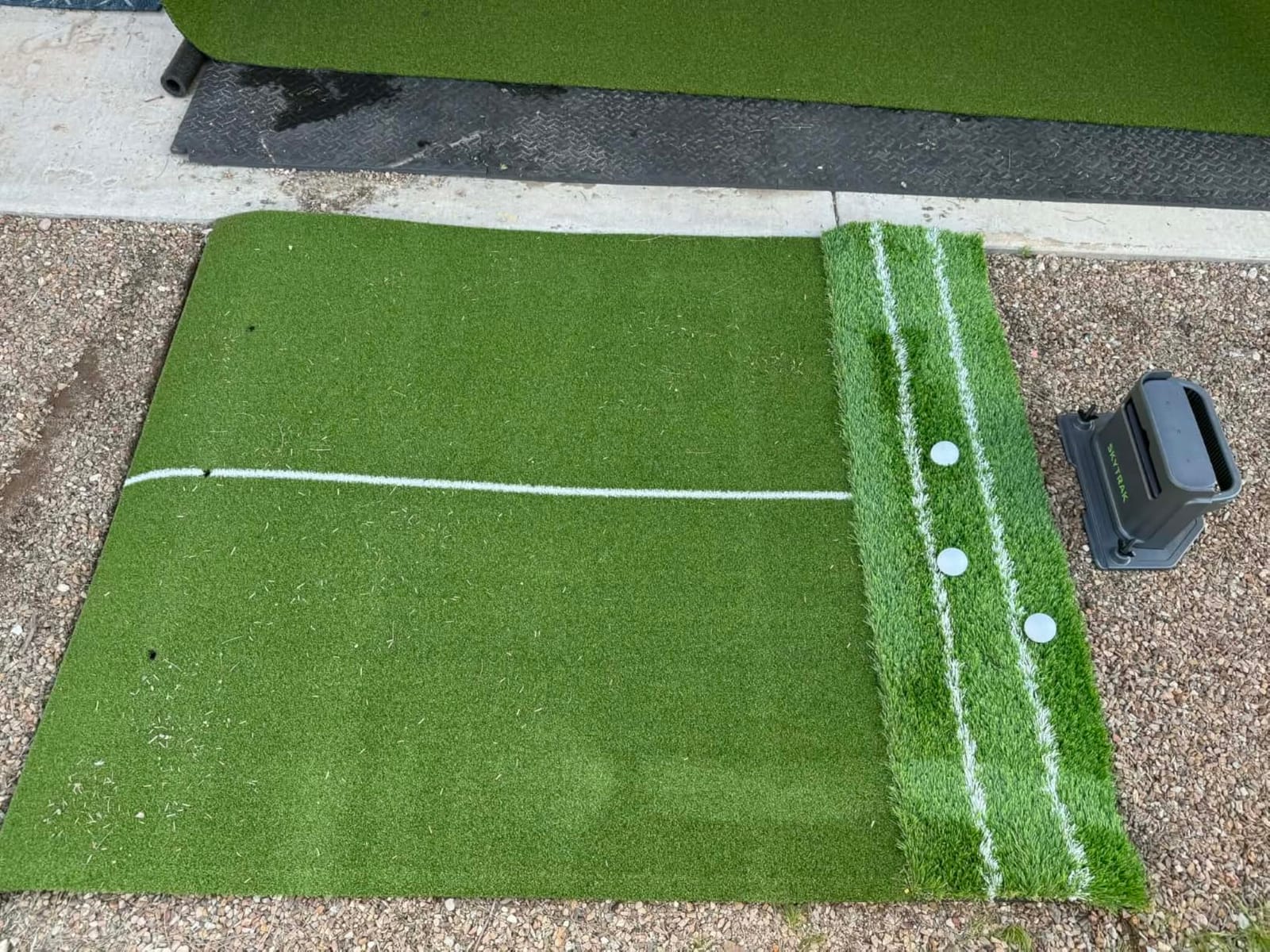
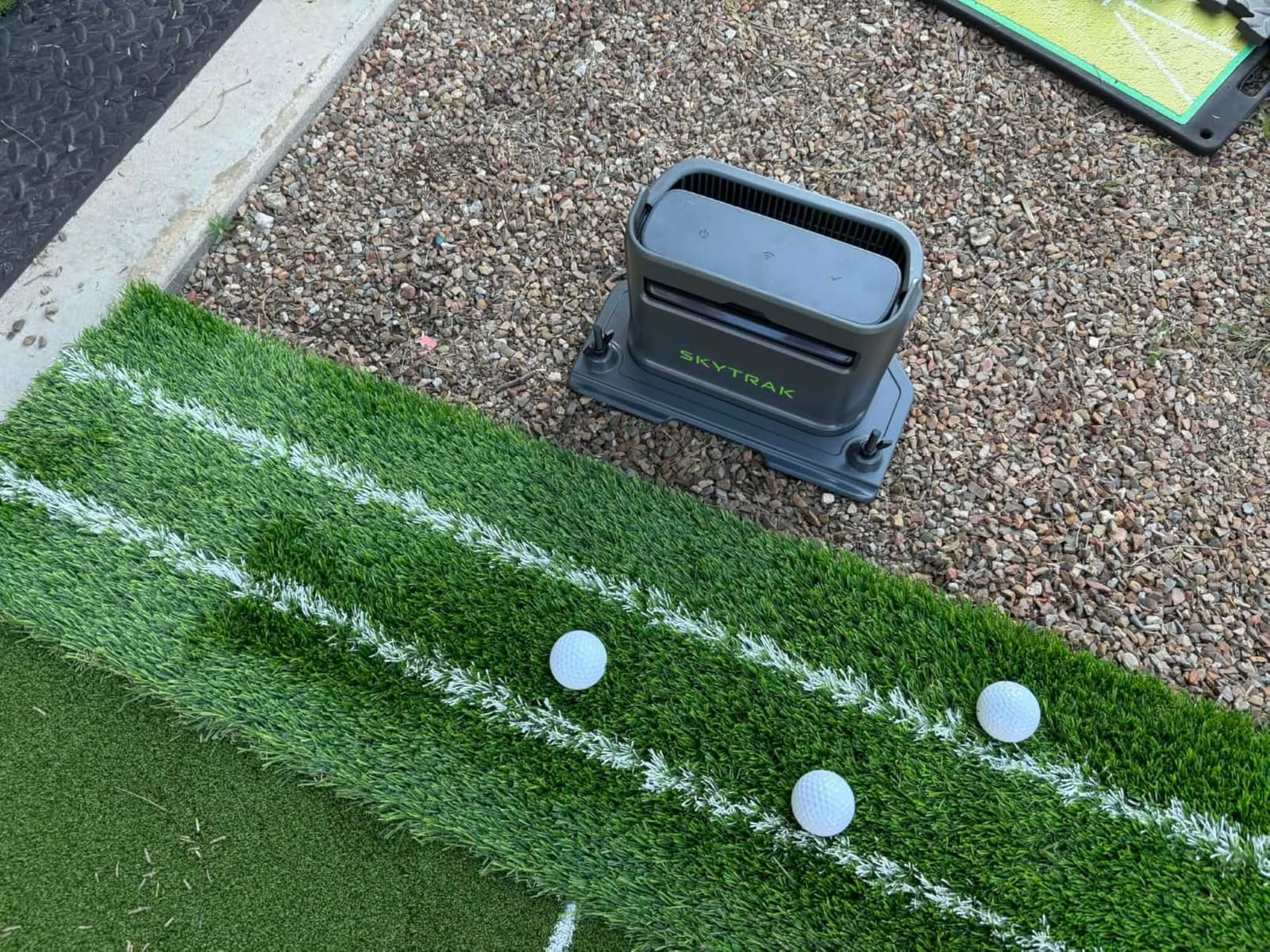
The ST MAX is built around practice structure rather than raw specification. It combines dual Doppler radar with photometric cameras and ships with GOLFTEC speed training built in, giving guided drills and personalised swing insights. Skills Assessments, Bag Mapping, Wedge Matrix and randomised practice modes give a session a shape instead of leaving you to hit balls and guess.
Two things stand out for home use. Native Mac support is genuinely rare in this category and removes the usual workaround of running a virtual machine or a second machine for the simulator software. The second is the internal battery and modular internal architecture, which let you move a 5 pound unit between the bay and the range rather than mounting it permanently.
The recurring complaint is the hitting zone. It is small, and owners report frequent no-reads unless ball placement is precise, which turns a good session into a frustrating one if you are tired. There have also been freezes in USB mode that required a power cycle, and one owner reported driver distances reading 20 to 30 yards long in a comparison.
The space requirement deserves emphasis. Owners cite roughly 10 by 10 feet of clear area, which is more floor than most garage corners have spare, and it is the constraint that rules this device out of low-ceiling and compact rooms. The software subscription is an added ongoing cost, with a free 14 day trial at the start.
What to check before you commit
Measure the bay before anything else, and be honest about a 10 foot square footprint plus the net and standing room around it. Owners who moved a unit into a small room often report it as the reason the setup stopped being used, which is the worst outcome for a practice tool.
Then test ball placement early. Because the zone is tight, work out where the tee has to sit and mark it on the floor. A laser line or a taped marker makes the difference between a session where you see every shot and one where you spend half of it re-swinging.
When it is the wrong tool
Skip it if you are a Windows-only simulator enthusiast chasing maximum graphics, or if your room is tight on floor space or ceiling height. It is also the wrong pick if you refuse software subscriptions, since the course library sits behind the premium tier.
For a Mac user who wants a guided programme rather than an open-ended ball bucket, it is a strong match. The practice modes give a beginner something to follow and an improver something to beat, and the radar plus camera combination is holding up well in owner reports for indoor consistency.
12. Uneekor EYE MINI LITE: Nineteen Metrics on a Wired Setup
Uneekor Eye MINI LITE Indoor Golf Launch Monitor & Simulator 19 Precision Metrics, Near-Zero Latency, Works with GSPro, TGC19, E6, AI Trainer Compatible, Easy Setup, PC/Laptop Required
High-speed cameras and infrared
19 real-time metrics, 100 reports
Wired Ethernet
3 month trial included
Pros
- Reads nearly every shot
- Dimple and Club Optix across any ball pattern
- Nineteen real-time metrics with 100 session reports
- Three month trial with 20 courses and GameDay 4K
- Broad third-party software support
Cons
- Needs a PC up to an RTX4070 class for simulation and AI
- Wired Ethernet rather than wireless
- Smallest review base
- 20 percent of ratings are one-star
- Swing Optix sold separately
The EYE MINI LITE is the companion piece to the CORE and targets the same kind of buyer: someone building a fixed indoor bay with a computer already in place. It runs high-speed cameras and infrared sensors for near-zero latency tracking, with Dimple Optix reading any ball dimple pattern and Club Optix showing the club at impact in real time.
Where it leads the CORE is the software package. The VIEW Player Package gives you 19 real-time metrics and 100 session reports, and a three month trial covers REFINE+ with 20 courses and GameDay 4K competitive modes that need a dual display. Third-party compatibility covers GSPro, E6 Connect, TGC19 and Creative Golf 3D.
The hardware expectations are the price of that capability. Running simulation and AI features realistically calls for a current processor, 32GB of memory and an RTX4070 class graphics card, plus a second screen, and connectivity is hardwired Ethernet rather than wireless. That is a computer purchase sitting on top of a monitor purchase, which changes the total cost of a home bay considerably.
Owner feedback skews positive, with a 72% five-star share focused on read rate and the included packages, but the base is small and 20% of ratings are one-star. Swing Optix, which unlocks the AI Trainer feedback, is a separate purchase, so factor it in if the coaching layer is what you are actually after.
What to check before you commit
Be honest about whether you will buy the PC. The monitor is the smaller half of this equation, and if you are planning to borrow a laptop, the experience will fall well short of what owners describe. Budget the graphics card and memory as part of the decision rather than as an afterthought.
Check the display plan too. The 4K game modes want a dual display setup, and a single laptop panel in a bay is a poor use of a system this capable. Plan the cable run and the monitor mounting before the unit arrives.
When it is the wrong tool
It is the wrong purchase if the bay has to be portable, if you practice mainly outdoors, or if a wired ethernet line cannot reach the hitting area. It is also a hard sell for anyone who wants a five-minute setup rather than a system build.
For a golfer who already owns a capable gaming PC and wants the deepest metric set with no marked-ball restrictions, it delivers on the promise. Nineteen real-time metrics with a hundred stored reports is more than most home practice routines will ever use, which is exactly why the owner base remains small.
How to Choose a Golf Launch Monitor for Your Home Bay
The decision splits into four questions, and answering them in order saves money. Start with the technology and the room, because those two narrow the field faster than price does, then look at metrics, and only then at software.
Doppler radar or camera-based: which one suits a garage
Doppler radar units sit behind the ball and bounce a radio signal off it to measure speed and direction. They are small, tolerant of poor light and quick to set up, which makes them the natural choice for a garage where the lighting changes with the weather. Camera-based, or photometric, units capture high-speed images at impact and calculate the same metrics by tracking club and ball frame by frame, which is why they read spin more directly and record usable video.
Neither is automatically more accurate. Radar units that publish tolerances, like the Garmin Approach R10, are easier to trust over time because you can tell a swing change from a sensor misread. The camera systems in this roundup cost more and often need more room, but they are the ones to consider if your practice goal is a change in spin or face-to-path delivery rather than a distance figure.
How much space a home hitting bay actually needs
Budget the full swing first. You need enough depth behind the ball for a full driver swing without contacting a wall, and enough width for the backswing of your longest club. On top of that, add the depth of the net and the distance from the net to the device, since several units sit behind the ball by design.
Ceiling height matters more than most listings suggest. Overhead or multi-camera systems need vertical clearance above and to the sides of the strike, which is why devices like the SkyTrak ST MAX are cited as needing roughly 10 by 10 feet of clear floor space. Compact radar units on a shelf avoid that problem entirely, at the cost of video and some spin detail.
Net choice also changes the equation. Practice balls designed for limited flight keep your neighbours and your ceiling safe, but several devices read marked balls more accurately, and camera systems that need a specific identifier will not read an unmarked ball. Check the ball requirements before you settle on the net.
Subscriptions, software and total cost of ownership
This is where home bays get expensive. The hardware figure is the part everybody compares, and it is rarely the largest number over five years. Annual memberships for virtual courses, and in some cases for the simulator software itself, add up to more than the device in the third or fourth year.
Some units here avoid it entirely. The FlightScope Mevo Gen2 bundles its course package for life with no annual licence, and the radar meters such as the PRGR and Voice Caddie have no software at all. Others sit behind a membership, and the two Uneekor systems additionally expect a capable PC, which can add several times the monitor cost to the bay.
The practical approach is to price the five-year number before buying rather than the first-year number. If you will not open virtual courses more than a few times a month, a membership-gated device is hard to justify regardless of how good its sensor is.
Match the device to your handicap and your practice goal
Set the goal before the budget. Calibrating your distances and building a speed baseline need very little technology, and the phone-based and radar options cover it well. Changing your spin profile, flattening a launch window, or working on face-to-path delivery is a different job that rewards cameras and more metrics.
Then be realistic about consistency. Data from an inconsistent strike is data you will argue with instead of act on, and community advice repeats the same threshold: most golfers get more from a mid-tier device once their handicap reaches roughly twenty or lower. Before that, the constraint is usually ball striking, not measurement.
Frequently Asked Questions
Which golf simulator launch monitor is the most accurate?
Among home units, the camera-based systems that combine high-speed images with radar tend to read spin and face-to-path most directly, and they are the closest available to a fitting-grade reference. For value, the Garmin Approach R10 publishes tolerances of ball speed within plus or minus 1 mph and launch angle within plus or minus 1 degree, which makes it easier to trust over a long project.
How accurate are golf launch monitors indoors?
Indoors, accuracy depends far more on geometry and lighting than on the sensor. A radar unit needs a clear beam behind the ball with no wall or net in the way, and a camera unit needs a clear view of the strike from both sides. Balls approved for limited flight also change the flight model some devices use. If readings repeat within a mile of themselves across sessions, the setup is working.
Do golf launch monitors work with a golf net?
Yes, and most home bays use one. What matters is clearance behind and beside the ball for the full swing, plus enough distance from the net to the device for the camera or radar to see the strike and the flight. Practice balls designed for limited flight are usually needed indoors, and some devices read marked balls more accurately than unmarked ones.
Do I need a subscription for a launch monitor?
It depends on what you want from the device. Speed, club data and most video libraries work without one. Virtual rounds, large course libraries and, in some cases, simulator software such as GSPro do require an annual membership. A few units bundle their courses for life with no recurring fee, which is worth checking before you buy.
How much space do I need for a home golf simulator?
Allow enough depth behind the ball for a full driver swing, plus the depth of your net and a working area around the device. Ceiling height matters for camera systems, and some multi-camera units need roughly 10 by 10 feet of clear floor space. Compact radar units can be mounted on a shelf at ball height and take far less room.
What data points does a golf launch monitor measure?
Ball speed is how fast the ball leaves the club, and smash factor is ball speed divided by club speed at impact. Launch angle is the upward angle of the ball at strike, while apex is its highest point and descent angle is how steeply it comes down. Spin rate is revolutions per minute and spin axis describes the tilt of that spin. Carry distance is how far the ball flies before landing, and total distance includes the roll.
The Final Verdict for Home Practice
After working through twelve devices, the best golf launch monitors for home practice divide cleanly by how much you want to spend on the software side of things. If you want video and a shot tracer with no extra hardware, the Rapsodo MLM and your phone are a genuinely complete answer, provided you are on iOS.
If you want published accuracy, spin data and a well-built app, the Garmin Approach R10 is the pick we keep coming back to, and the Rapsodo MLM2PRO is the step up when you have a tablet to run it on. For pure speed work with no subscription anywhere in the picture, the PRGR HS 130-A does the job and nothing else does it better.
Whatever you choose, buy the bay before the device. Measure the room, check the ceiling, run the cable and mark the tee position, because the fit of the setup decides how often you use it far more than the resolution of the sensor. Our guide to golf launch monitors and what to expect from each type goes deeper on the measurement side, and we keep both lists updated through 2026.