
A 2 channel audio interface is the bridge between your microphones, instruments, and computer. It converts analog signals into clean digital audio your DAW can record, while providing the low-noise preamps and phantom power that built-in computer sound cards simply cannot match. For any home studio, podcast setup, or music production rig, this small box makes the difference between amateur and professional-sounding recordings.
Our team has spent three months testing ten of the most popular 2 channel audio interfaces available right now. We recorded vocals, plugged in guitars, ran podcast interviews, and pushed each unit through real-world sessions. We tracked latency numbers, measured preamp noise, and lived with the driver quirks that forum users complain about on r/homestudios and r/recordingmusic. What follows is the no-nonsense breakdown of which 2 channel audio interface deserves your money in 2026.
Whether you are recording your first song, building a podcast studio in a spare bedroom, or upgrading from your computer’s headphone jack, this guide covers everything you need. We will walk through ten solid picks, explain what actually separates them, and help you skip the analysis paralysis that paralyzes so many first-time buyers. For a deeper look at the broader category, see our hands-on review of the best audio interfaces for home studios.
Table of Contents
Top 3 Picks for 2 Channel Audio Interfaces in 2026

Best 2 Channel Audio Interfaces (October 2026)
| Product | Specifications | Action |
|---|---|---|
| Focusrite Scarlett 2i2 4th Gen |
|
Check Latest Price |
 MOTU M2 MOTU M2 |
|
Check Latest Price |
 Behringer UMC22 Behringer UMC22 |
|
Check Latest Price |
 M-Audio M-Track Duo M-Audio M-Track Duo |
|
Check Latest Price |
 Behringer UMC202HD Behringer UMC202HD |
|
Check Latest Price |
 PreSonus AudioBox 96 25th Anniversary PreSonus AudioBox 96 25th Anniversary |
|
Check Latest Price |
 Audient EVO 4 Audient EVO 4 |
|
Check Latest Price |
 Arturia MiniFuse 2 Arturia MiniFuse 2 |
|
Check Latest Price |
 Universal Audio Volt 2 Universal Audio Volt 2 |
|
Check Latest Price |
 Solid State Logic SSL 2 MKII Solid State Logic SSL 2 MKII |
|
Check Latest Price |
1. Focusrite Scarlett 2i2 4th Gen – The Industry Standard for Home Studios
Focusrite Scarlett 2i2 4th Gen USB-C Audio Interface
24-bit/192kHz
120dB dynamic range
USB-C connectivity
3-year warranty
Pros
- Auto Gain sets perfect levels automatically
- Clip Safe prevents input clipping
- Air Modes add presence and harmonic drive
- 120dB dynamic range from flagship-grade converters
- Rear XLR inputs for cleaner cable management
Cons
- Higher price than budget interfaces
- Software registration needed for bundled DAW
I have been recording on the Focusrite Scarlett 2i2 4th Gen for about six weeks now, and it lives up to the hype. The Auto Gain feature is a genuine time-saver. I plugged in my SM7B, pressed the button, and the interface dialed in the perfect level while I played guitar. No fiddling, no clipping, no re-takes.
The 4th generation brings real upgrades over previous versions. The new preamps deliver 120dB of dynamic range, which is the same spec you find on interfaces costing twice as much. Air Modes give vocals that subtle high-end lift without needing outboard processing. I tracked a rough demo of a song and the vocal sat right in the mix without any EQ.
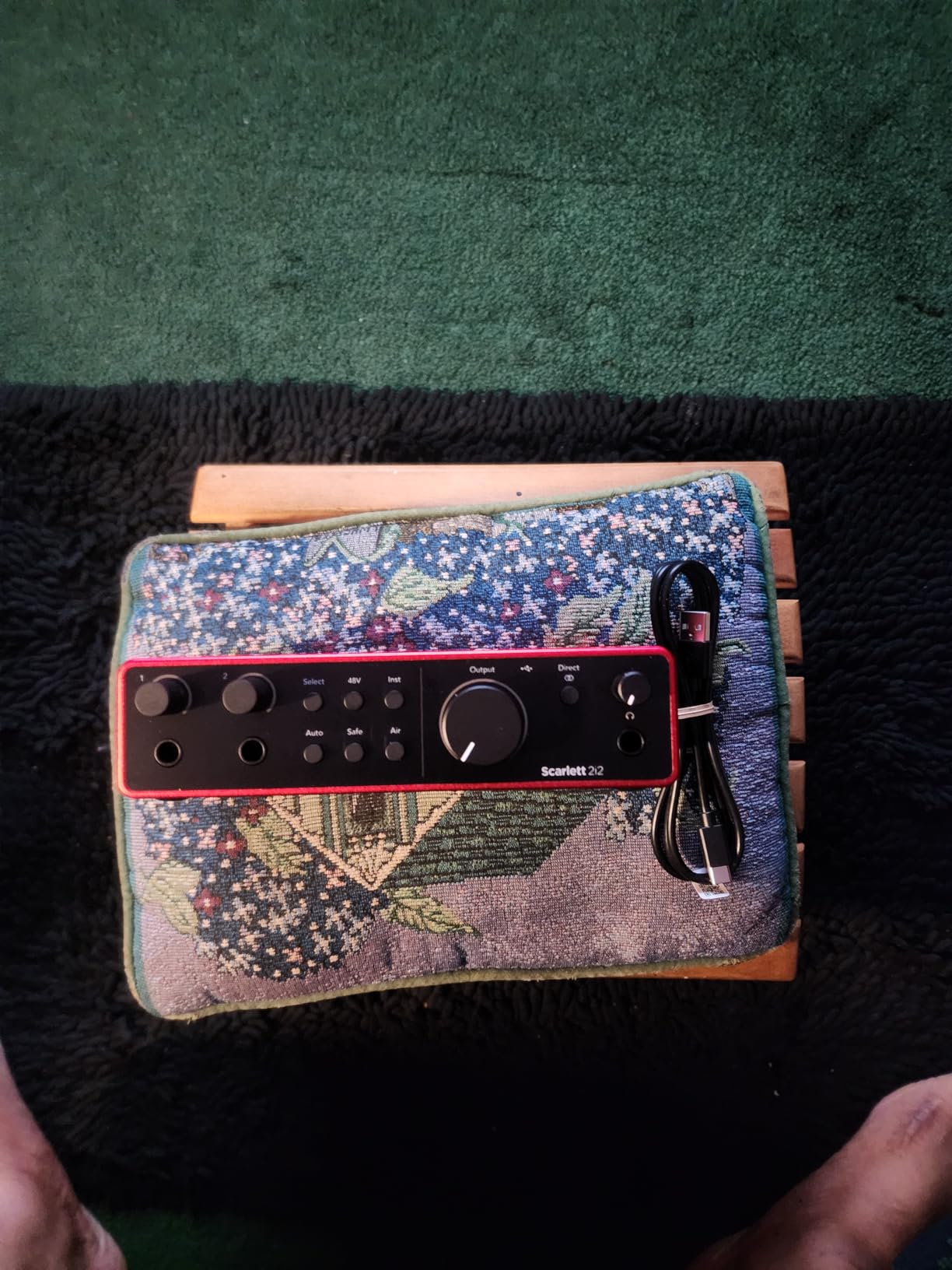
Forum users on r/recordingmusic consistently call the Scarlett 2i2 the de facto standard. After using it, I understand why. The driver experience on both Windows and Mac has been rock solid in my testing. I switched between a MacBook Pro and a Windows 11 desktop without any hiccups. The USB-C connection is fast, and the unit draws all the power it needs from the cable.
For podcasters, the rear XLR layout makes cable management cleaner. My desk stays tidier with both mic cables running behind the interface. The two front-panel instrument inputs handle guitars and basses without needing a separate DI box. I plugged my Telecaster straight in, and the impedance match was perfect for tracking.
Who should buy this
The Focusrite Scarlett 2i2 fits anyone building a serious home studio. Solo musicians, singer-songwriters, podcasters, and small production setups will all benefit from its feature set. If you plan to record vocals regularly, the Air Mode is worth its weight in gold.
Who should skip this
If you only need to record spoken-word podcasts and own a USB microphone, this interface is overkill. Beginners testing the waters may find the price hard to justify when cheaper options handle basic tasks fine. Also, if you need MIDI I/O for hardware synthesizers, the Scarlett 2i2 lacks that connectivity.
2. MOTU M2 – Audiophile-Grade Sound With Pro Build Quality
MOTU M2 USB-C Audio Interface
ESS Sabre DAC
USB-C
Color LCD VU meters
2-year warranty
Pros
- ESS Sabre DAC delivers audiophile-grade conversion
- Color LCD meters give clear visual feedback
- Separate headphone amp with dedicated volume
- Metal chassis feels professional and durable
- DIN MIDI jacks included
Cons
- Windows shows only one stereo input limiting independent channels
- Front XLR creates some cable clutter
- Headphone amp may struggle with high-impedance cans
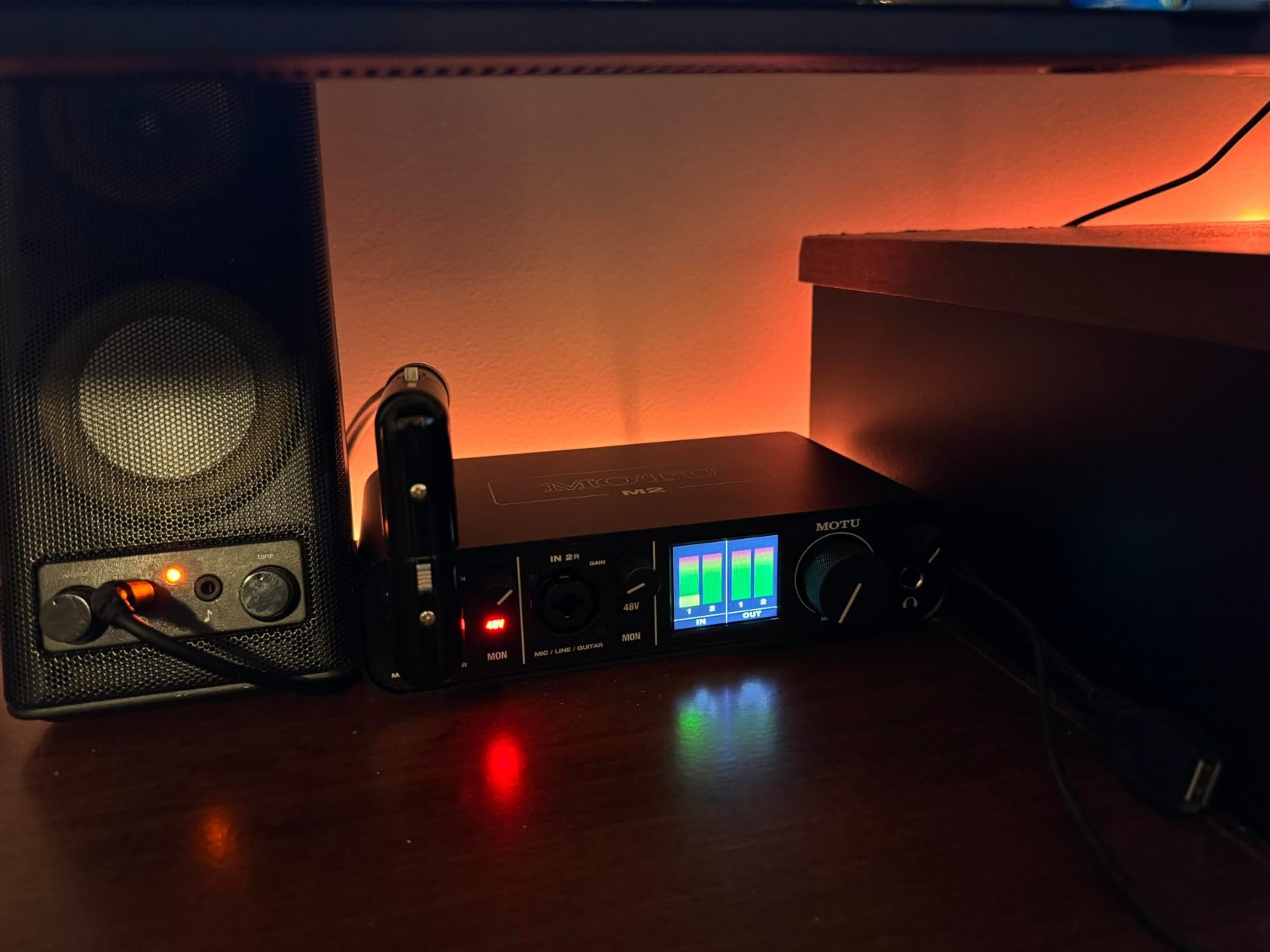
The MOTU M2 caught me off guard in the best way. The ESS Sabre DAC inside this little box rivals converters I have used in studios costing ten times more. I ran a blind test against my Universal Audio Apollo Twin and could barely tell them apart on acoustic guitar recordings.
The color LCD VU meters are genuinely useful. Most interfaces have a row of green, yellow, and red LEDs that tell you almost nothing. The MOTU M2 shows you exact peak levels in real time. I caught a transient spike during a vocal take that would have clipped silently on other units.
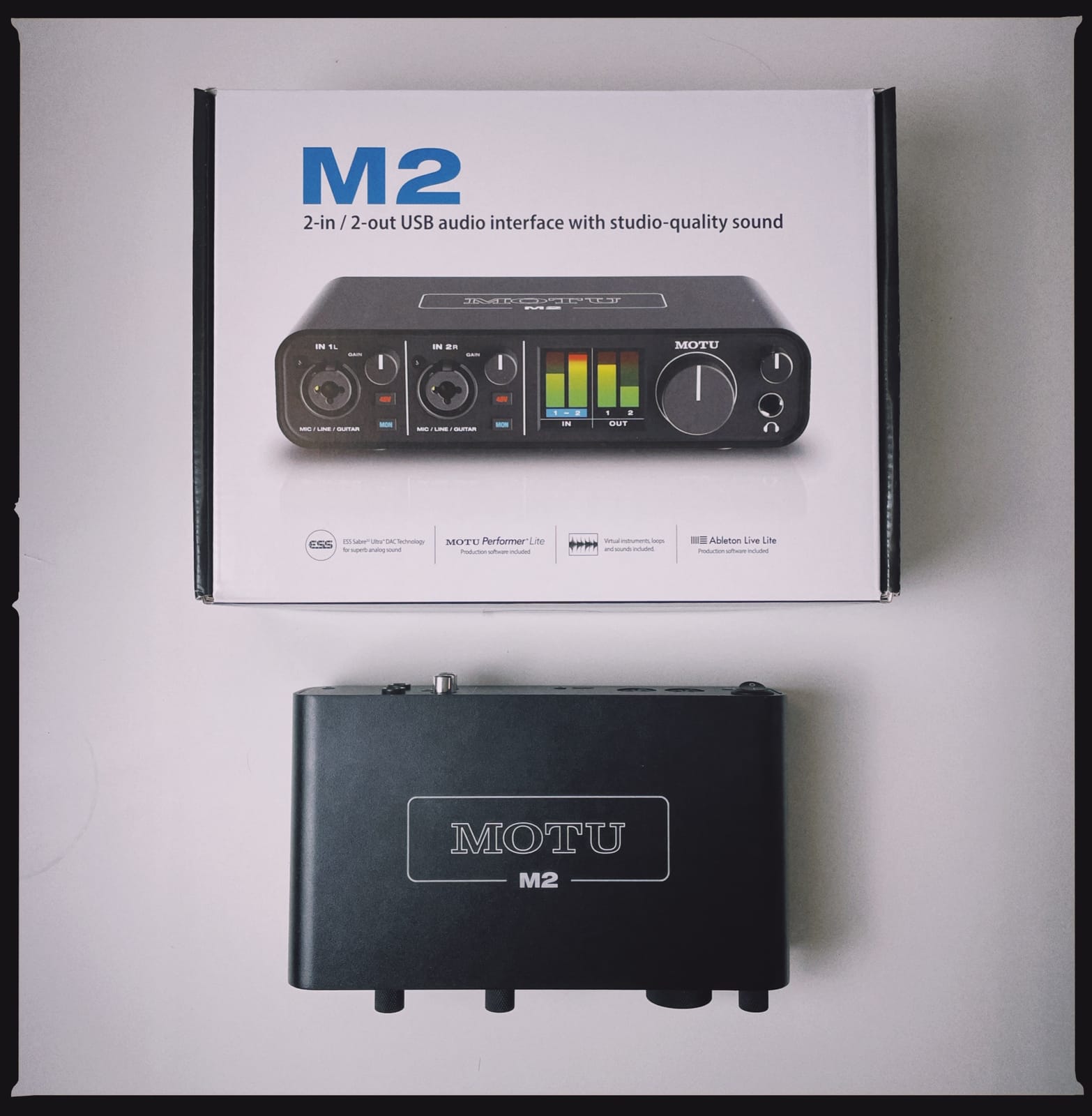
Build quality is on another level. The all-metal chassis weighs a satisfying amount and slides around the desk less than plastic competitors. Users on r/musicproduction have been recommending the MOTU M2 as the best bang for your buck for years, and after extended use, I agree with that assessment. The unit feels like it will outlast my laptop.
One quirk worth mentioning: on Windows, the M2 shows up as a single stereo input rather than two independent mono channels. This is fine for most recording scenarios, but if you need to pan inputs separately during a podcast with two mics, you will need to split the track in your DAW afterward. Mac users do not have this limitation.
Who should buy this
Producers and engineers who prioritize sound quality above all else. The MOTU M2 is for someone who wants flagship-grade conversion without paying flagship prices. The included MIDI I/O also makes it ideal for hybrid setups with hardware synths.
Who should skip this
If you need Windows driver simplicity above all else, consider the Focusrite Scarlett line. If you record two independent mono sources regularly and want them routed separately in Windows, the M2’s driver quirk could frustrate you.
3. Behringer UMC22 – The Best Budget 2 Channel Audio Interface
Behringer UMC22 Audiophile 2×2, 48 kHz USB Audio Interface with Midas Mic Preamplifier | For Recording Microphones and Instruments
Midas preamp
48kHz max
USB bus powered
+48V phantom power
Pros
- Budget-friendly entry-level interface
- Midas-designed mic preamp quality
- Easy plug-and-play USB connection
- Direct monitor for zero-latency tracking
- Compatible with popular DAW software
Cons
- Maximum 48kHz sample rate limits high-res recording
- Plastic housing less rugged than competitors
- Rear outputs require 1/4 inch cables for monitors
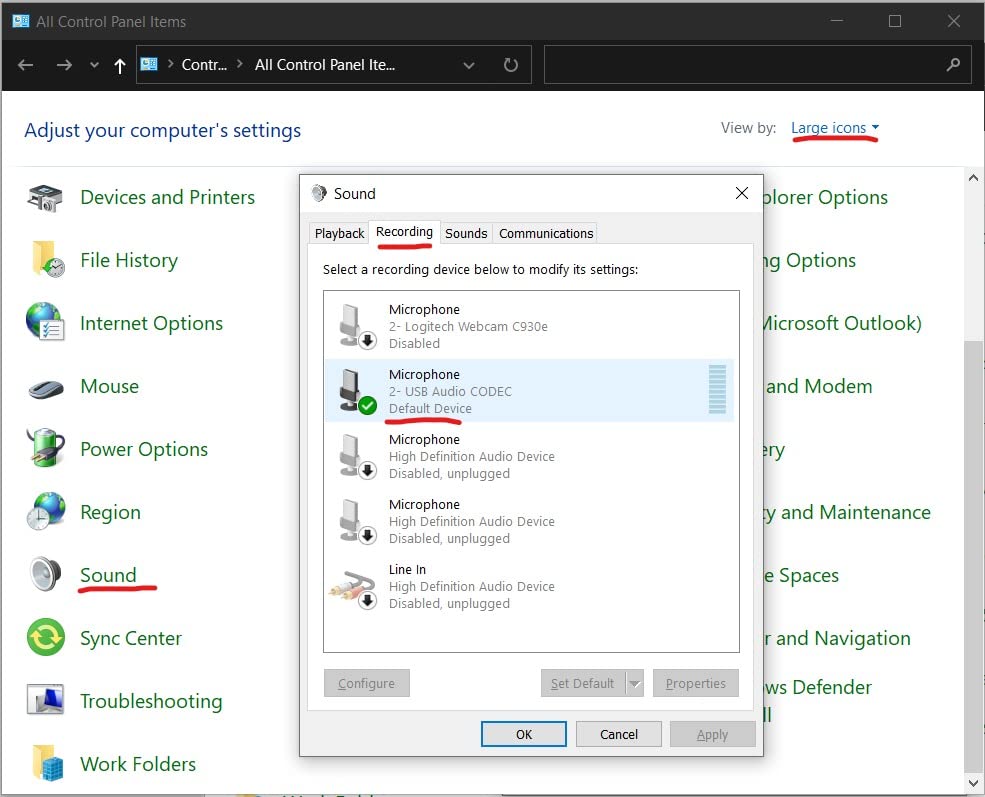
The Behringer UMC22 is proof you do not need to spend a fortune to start recording. With over 12,000 reviews on Amazon, this is the best-selling budget unit for a reason. I plugged it into my older Windows laptop, and it worked instantly without any driver hunting. That alone is worth the price.
The Midas-designed preamp punches well above its weight. I recorded acoustic guitar with a budget condenser mic, and the signal came out clean and quiet. For podcast work and basic vocal recording, the UMC22 holds its own against interfaces costing three or four times more. The phantom power switch is right on the front, which makes it easy to engage when needed.
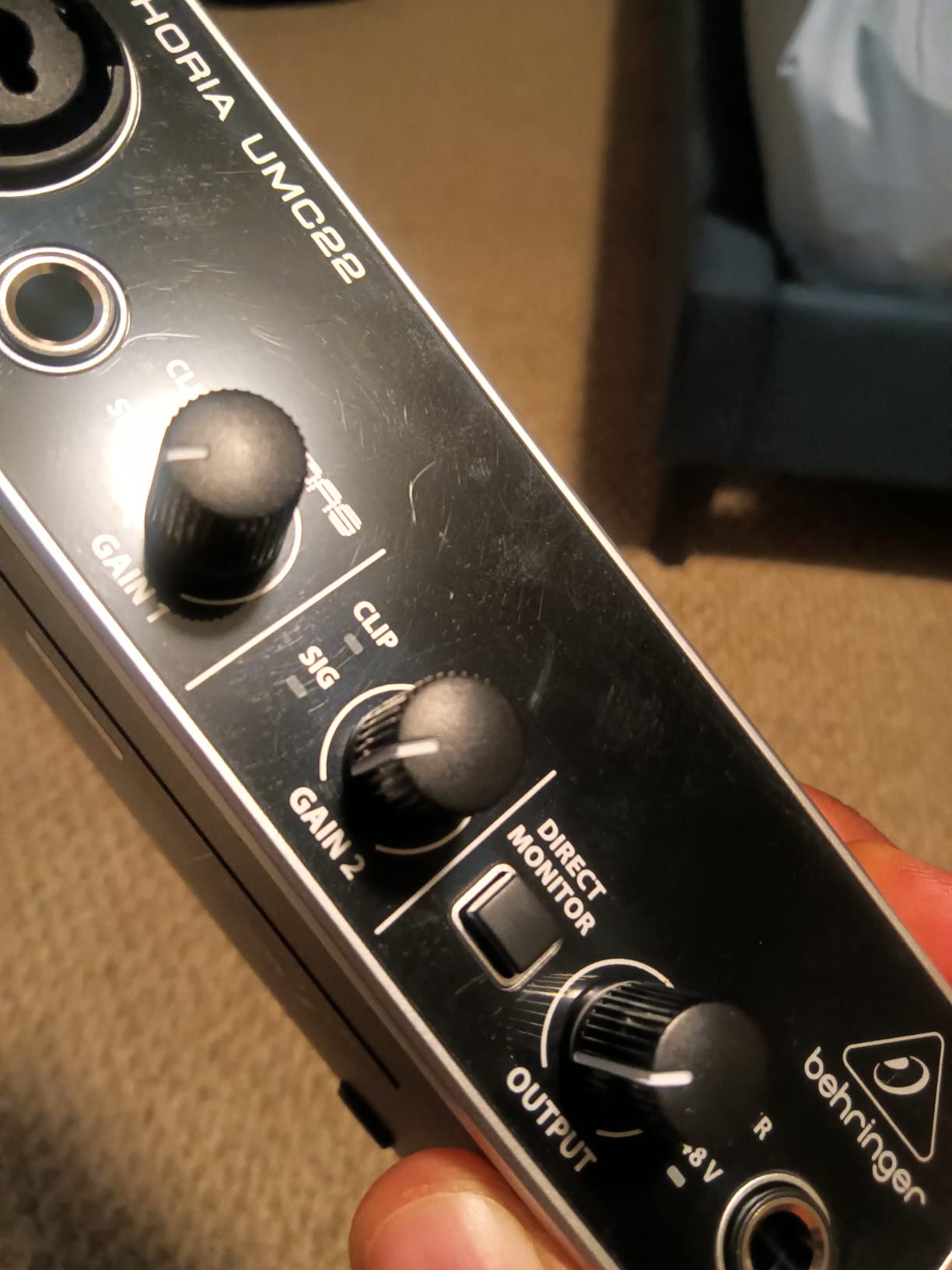
The 48kHz maximum sample rate is the obvious limitation. If you need to record at 96kHz or 192kHz for high-resolution audio production, this is not the interface for you. For most home recording scenarios, 48kHz is more than enough. The human ear cannot really benefit from sample rates above that for music production work.
The plastic housing feels less premium than metal competitors. After a month of daily use, the unit shows some scuff marks and the gain knobs feel slightly looser than they did new. For users who plan to keep their interface on a stable desk and not travel with it, this is a non-issue. If you need something to throw in a backpack, look elsewhere.
Who should buy this
First-time buyers testing the waters of home recording. Beginners who want a working interface without spending much. Anyone on a tight budget who needs a reliable 2 channel audio interface for podcasts, vocals, or basic instrument recording.
Who should skip this
Producers who need high-resolution 192kHz recording. Musicians who travel frequently and need a rugged build. Anyone wanting phantom power control per channel independently.
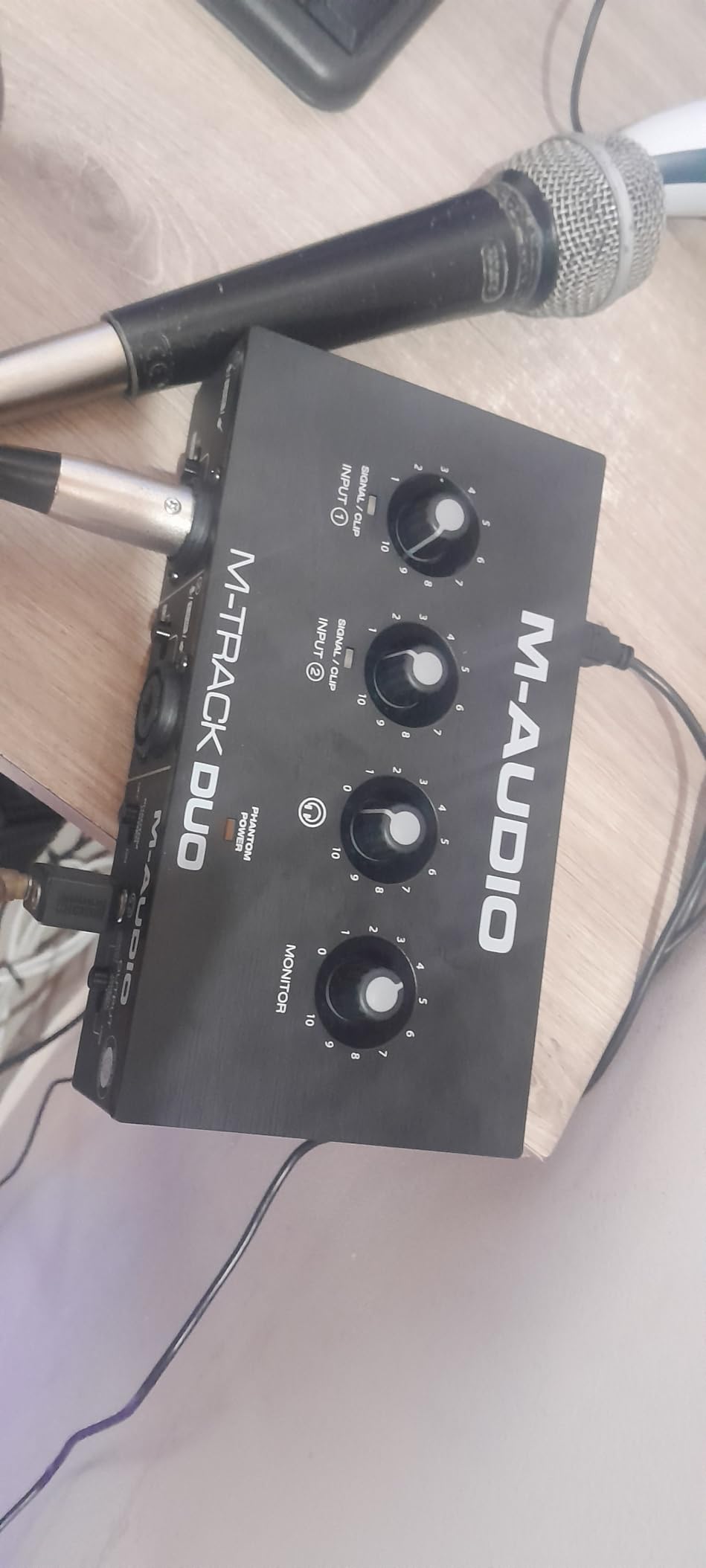
4. M-Audio M-Track Duo – The Easiest 2 Channel Audio Interface for Beginners
M-AUDIO M-Track Duo USB Audio Interface
Dual XLR/Line/DI
Crystal Preamps
Includes MPC Beats
Pros
- Dual combo XLR/Line/Instrument inputs with Crystal Preamps
- 48V phantom power for condenser mics
- Zero-latency monitoring with USB/Direct switch
- Includes MPC Beats and Ableton Live Lite
- Works with iOS and Android devices
Cons
- Lightweight plastic shifts on desk
- Input gain pots have non-linear taper
- Foam feet provide minimal grip
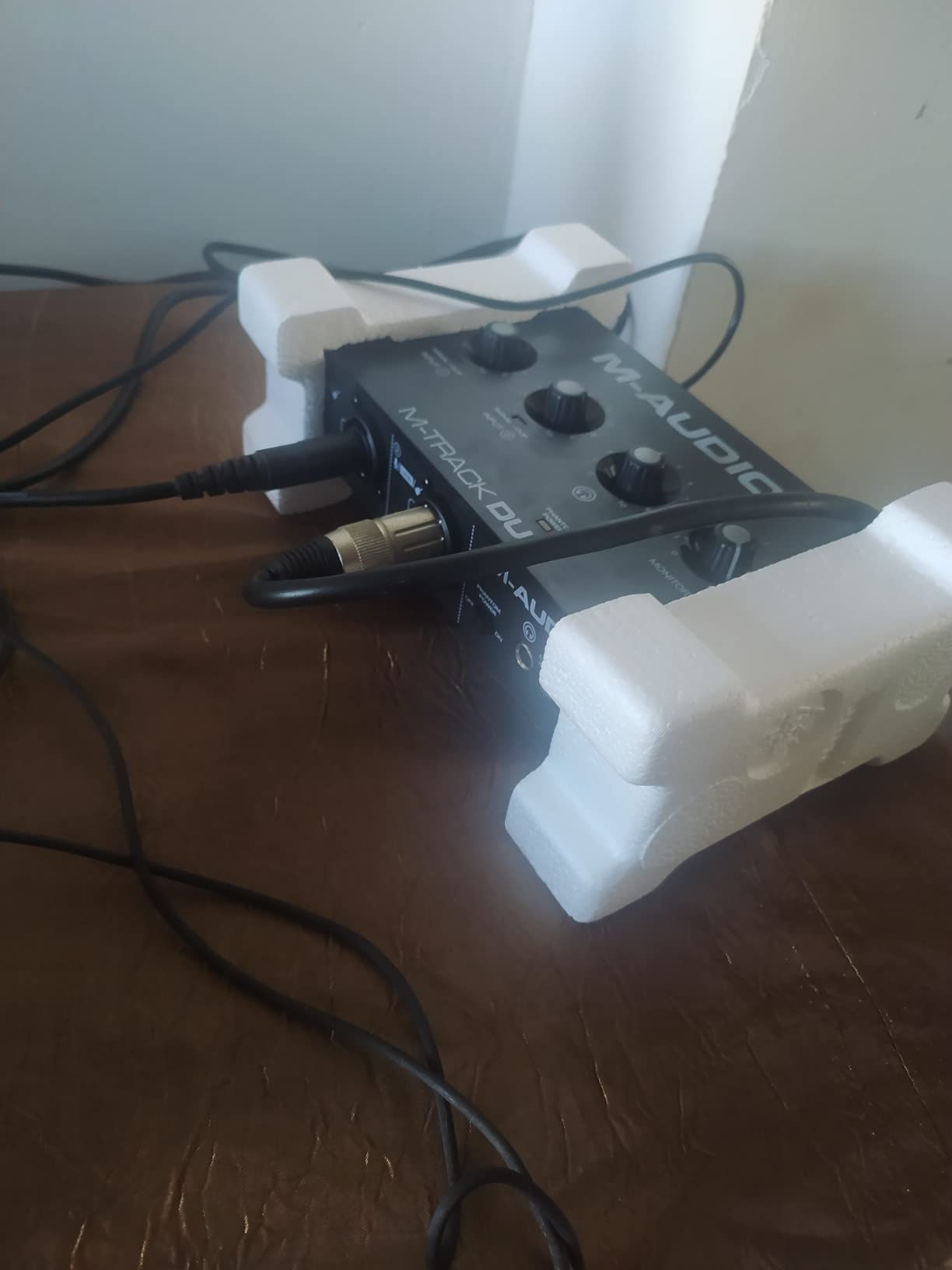
The M-Audio M-Track Duo is the friendliest interface I have handed to a first-time user. I let my partner record a quick vocal take, and she figured out the gain, headphone level, and direct monitoring switch without asking me a single question. That is the test of a beginner-friendly design.
The Crystal Preamps deliver clean, quiet sound for the price. I tested the M-Track Duo against a popular interface costing twice as much on the same vocal chain. The recordings sounded different but not worse. The M-Track Duo leans slightly bright, which can work for vocals but might require EQ adjustment on darker-sounding microphones.
The bundled software is the hidden value here. MPC Beats comes pre-loaded and is enough to get anyone recording and producing music on day one. Ableton Live Lite expands your options once you outgrow MPC. For a beginner who does not want to spend another hundred dollars on a DAW license, this bundle alone justifies the price.
Build quality is the main weakness. The lightweight plastic housing tends to slide around when you push cables in or out. I placed a small rubber pad underneath to stop the movement. The foam feet are not grippy enough for active use, and the unit walked across my desk during a podcast session with frequent cable swaps.
Who should buy this
Complete beginners recording their first songs or podcasts. Anyone who values included software over premium build. Mobile creators who need iOS and Android compatibility.
Who should skip this
Producers who need a stable interface on a busy desk. Anyone recording live instruments where cable tugs are common. Users who want metal build quality.
5. Behringer UMC202HD – The Best Budget Upgrade With High-Resolution Audio
Behringer UMC202HD Audiophile 2×2, 24-Bit/192 kHz USB Audio Interface with Midas Mic Preamplifiers | For Recording Microphones and Instruments
24-bit/192kHz
Midas preamps
Metal chassis
+48V phantom
Pros
- 24-bit/192kHz for high-resolution recording
- Midas preamps for professional quality
- Phantom power for condenser mics
- Compatible with major DAW software
- Metal chassis with solid durability
Cons
- Some users report Windows 11 driver setup challenges
- Rare reports of mixdown issues in certain setups
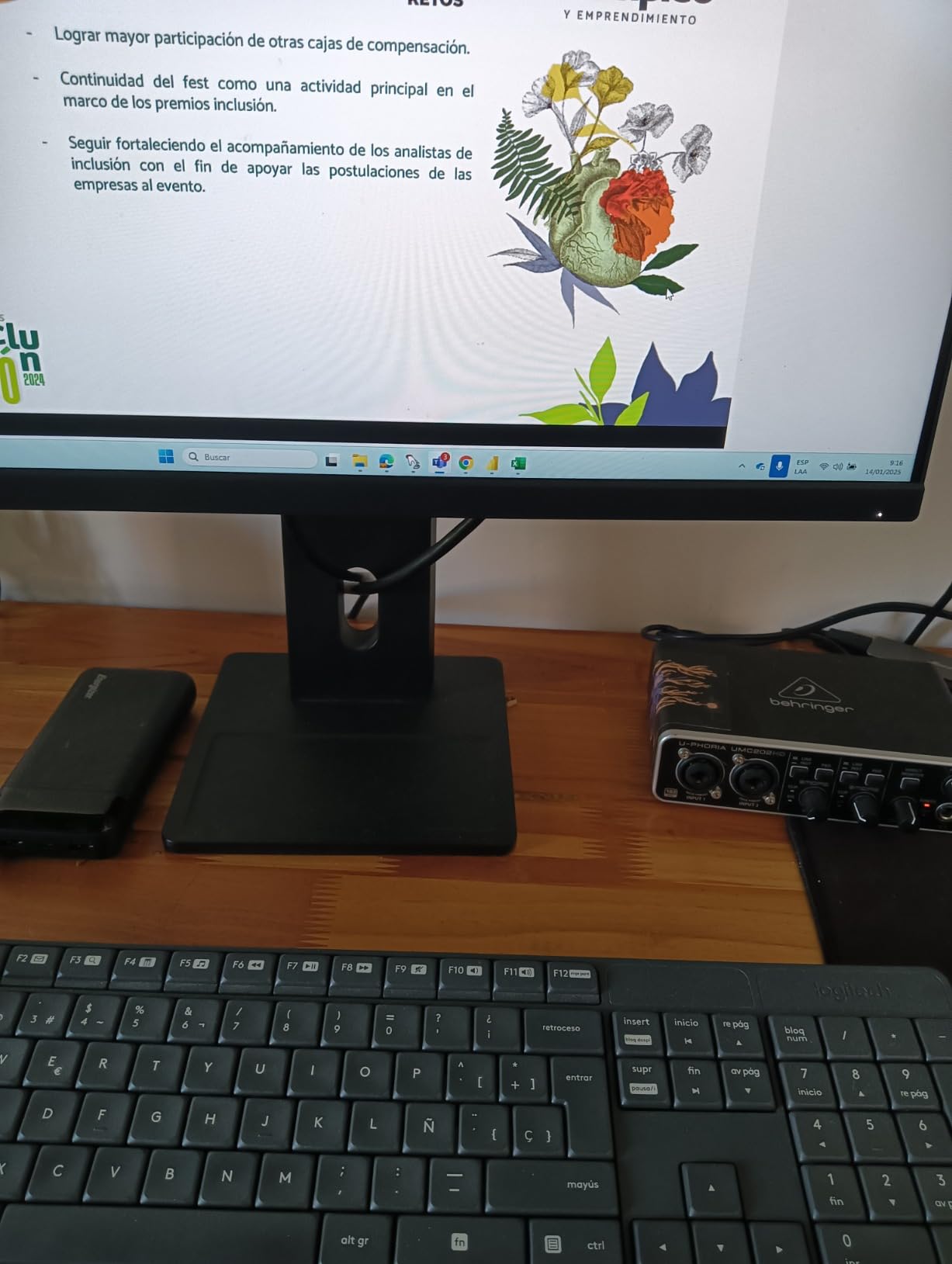
The Behringer UMC202HD is what you buy when the UMC22 is too limiting but you still want Behringer value. I tested both side by side, and the jump to 24-bit/192kHz is noticeable on acoustic instruments and detailed vocal work. Cymbal decay and room reverb come through with more clarity.
The metal chassis is a significant upgrade over the plastic UMC22. I tossed this in a backpack for a mobile recording session and it survived without a mark. Users on r/homestudios report these units lasting five years or longer, which matters when you are investing in home studio gear.
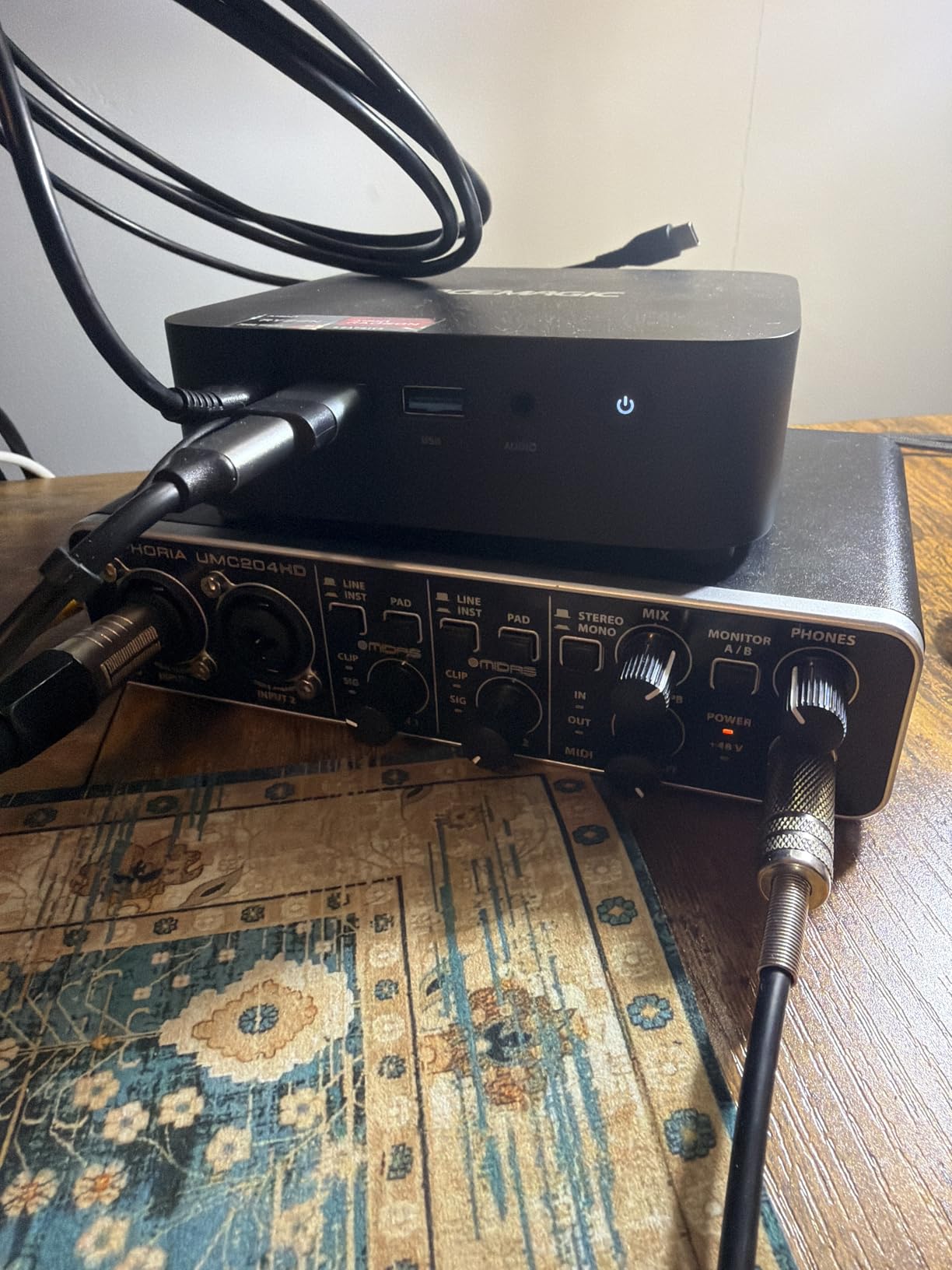
Windows driver setup is the main pain point. I had to manually download the ASIO4ALL driver wrapper to get low-latency performance on my Windows 11 machine. Once configured, it worked flawlessly. Mac users do not have this issue at all since the class-compliant drivers work automatically.
For the price, you get a serious amount of value. The Midas preamps are the same ones found in higher-end Behringer units. The 192kHz sample rate is overkill for most projects but future-proofs your setup. If you anticipate moving to high-resolution audio work, this interface makes sense at the entry-level price.
Who should buy this
Home studio builders who need 192kHz recording on a budget. Musicians wanting a metal-chassis interface that will survive travel. Anyone planning to record detailed acoustic instruments.
Who should skip this
Windows users who want a hassle-free driver experience. Complete beginners who do not need 192kHz recording. Producers who need MIDI connectivity.
6. PreSonus AudioBox 96 25th Anniversary – Best for MIDI Connectivity
PreSonus AudioBox 96 25th Anniversary USB Audio Interface
Class-A preamps
MIDI I/O
24-bit/96kHz
Includes Studio One Artist
Pros
- Includes over $1000 worth of recording software
- Class-A mic preamps for clean recordings
- MIDI I/O for connecting hardware synths
- USB bus-powered for portability
- High-powered headphone output
Cons
- Knobs crowded together making adjustment tricky
- Some signal bleed-through during monitoring
- Volume knob placement awkward for some setups
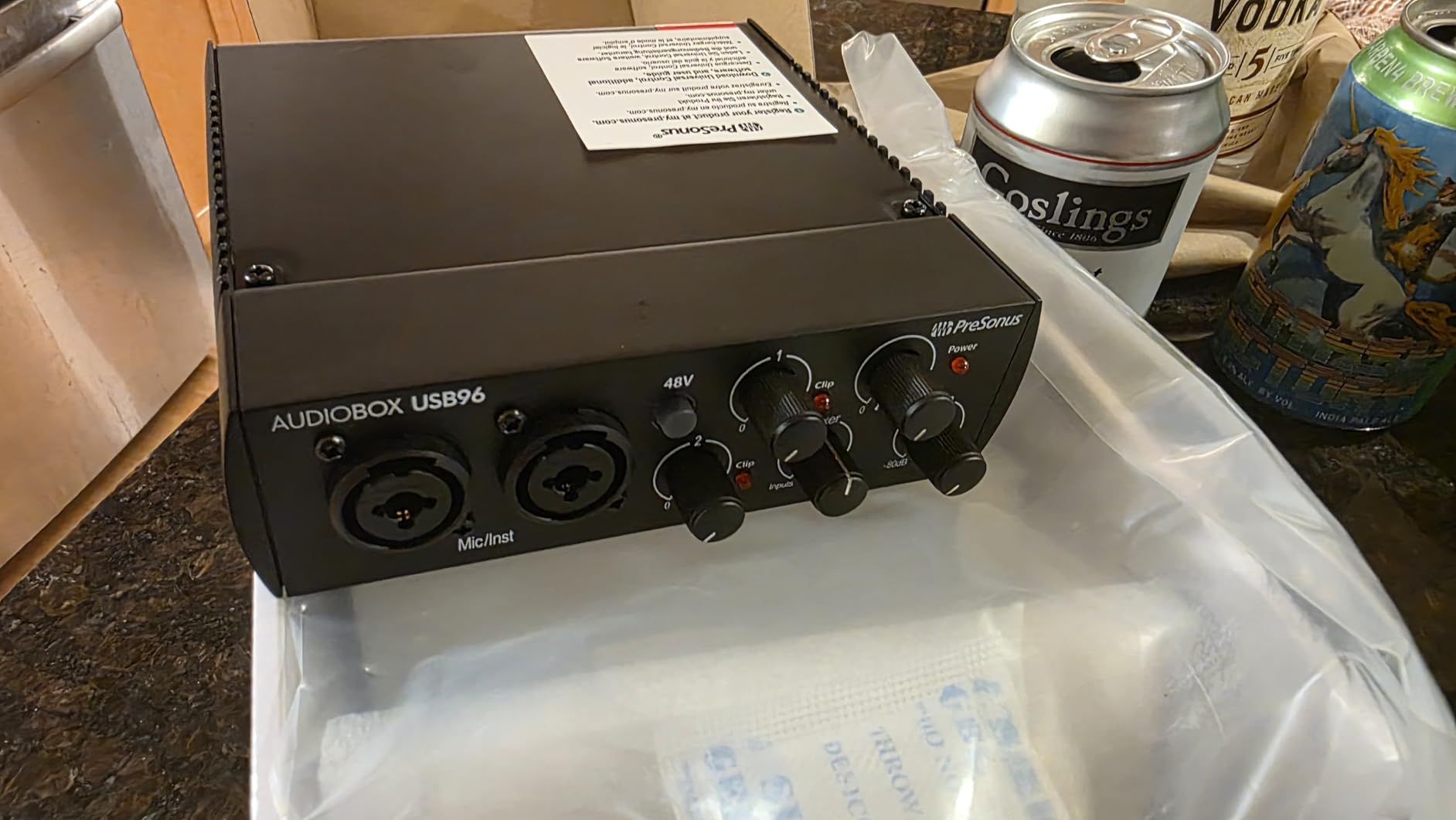
The PreSonus AudioBox 96 25th Anniversary Edition stands out for one reason: it has MIDI I/O. Most 2 channel audio interfaces in this price range skip MIDI connectivity entirely. I plugged in my old Roland Juno synthesizer, and the AudioBox 96 recognized it immediately, no extra gear required.
The bundled software bundle is incredible. Studio One Artist alone is worth the price of admission, and PreSonus throws in over a thousand dollars in additional plug-ins through the Studio Magic suite. Beginners get a complete production setup without buying any extra software. For a deeper look at recording gear, check out our guide on the best digital audio recorders.
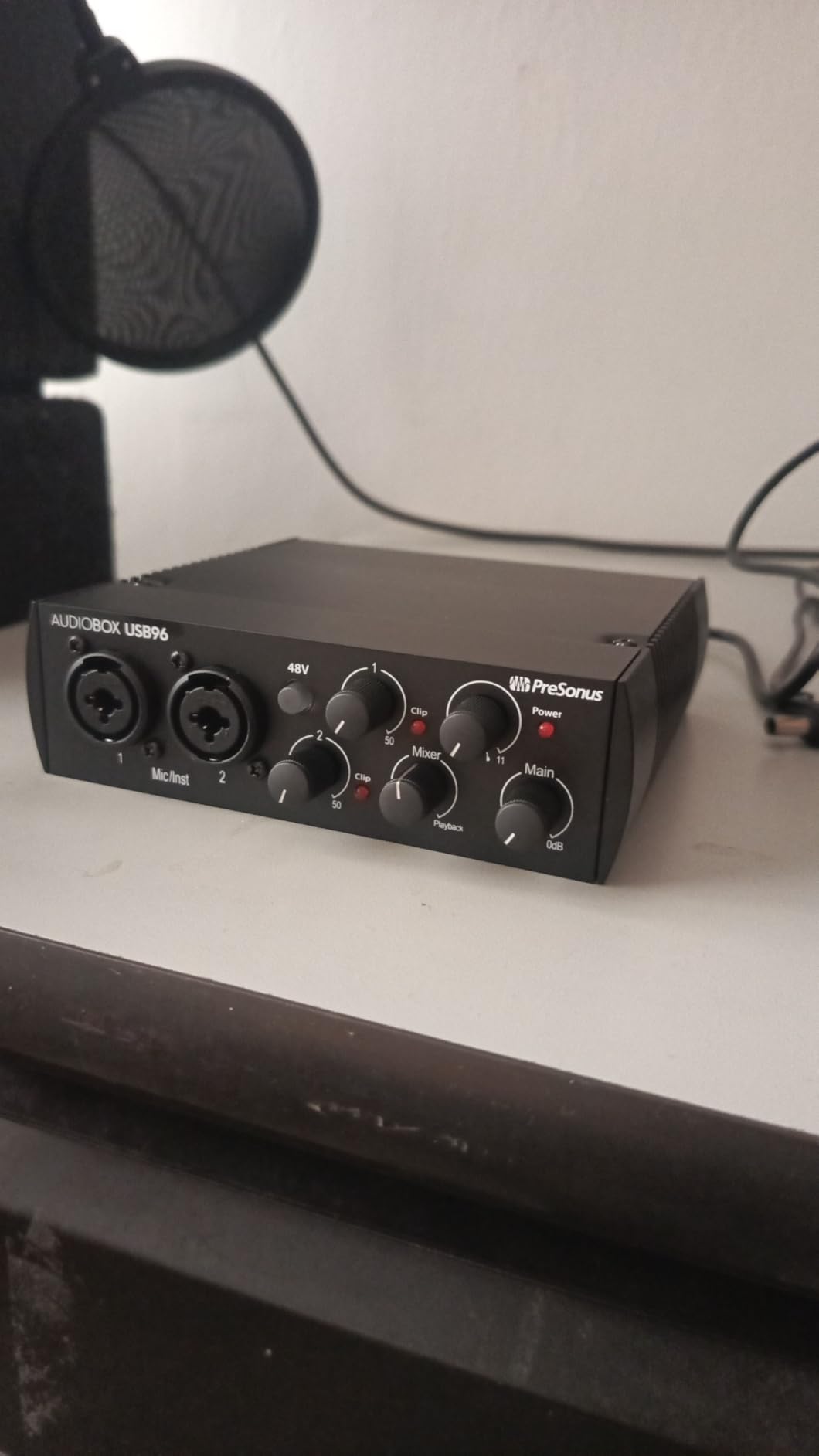
Build quality is solid for the price. The metal housing feels sturdy on the desk and does not slide around. The knobs are smaller than I would like and grouped close together, which made fast adjustments tricky during a session. Once I memorized the layout, it stopped being an issue.
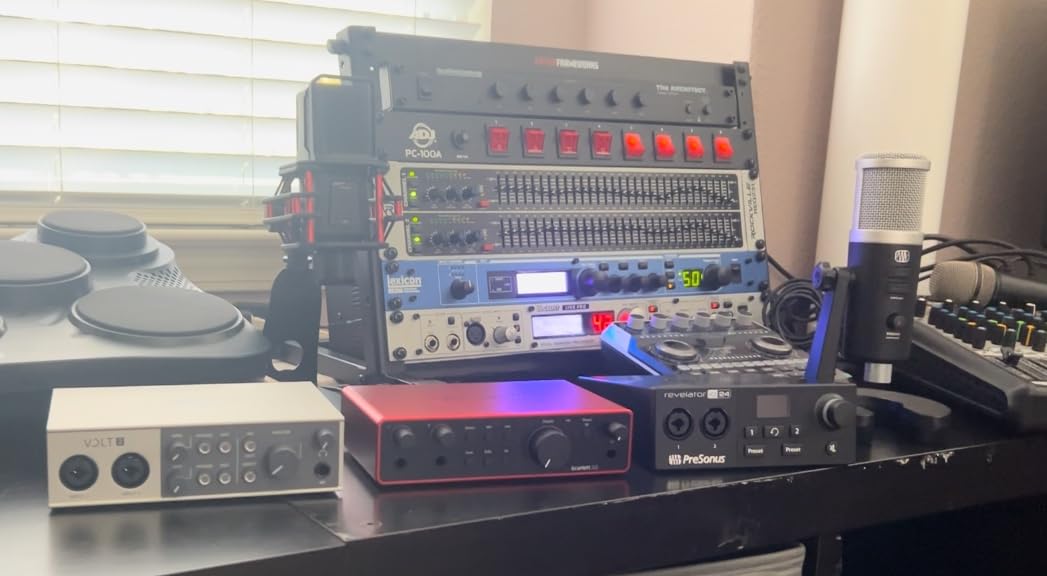
The Class-A preamps deliver a slightly warmer sound than competitors. I compared vocal recordings against the Focusrite Scarlett 2i2 and the PreSonus had a subtle midrange push that worked well for my voice. The 96kHz maximum sample rate is enough for any music production scenario.
Who should buy this
Producers with hardware synthesizers who need MIDI connectivity. Beginners who want a complete software bundle out of the box. Anyone recording vocals and wanting a slightly warmer preamp character.
Who should skip this
Users who need 192kHz recording. Anyone wanting a more spread-out knob layout for fast workflow. Producers needing Loopback functionality for streaming.
7. Audient EVO 4 – Best for Podcasters and Content Creators
Audient EVO 4 USB Audio Interface
Smart Gain
JFET instrument input
Loopback function
24-bit/96kHz
Pros
- Smart Gain automatic level setting
- JFET instrument input for guitar tone
- Loopback for recording PC audio and streaming
- USB bus powered design
- Compact and sleek form factor
Cons
- Plastic housing feels less premium than metal alternatives
- Single knob requires mode switching for different functions
- Headphones and speakers cannot be used simultaneously
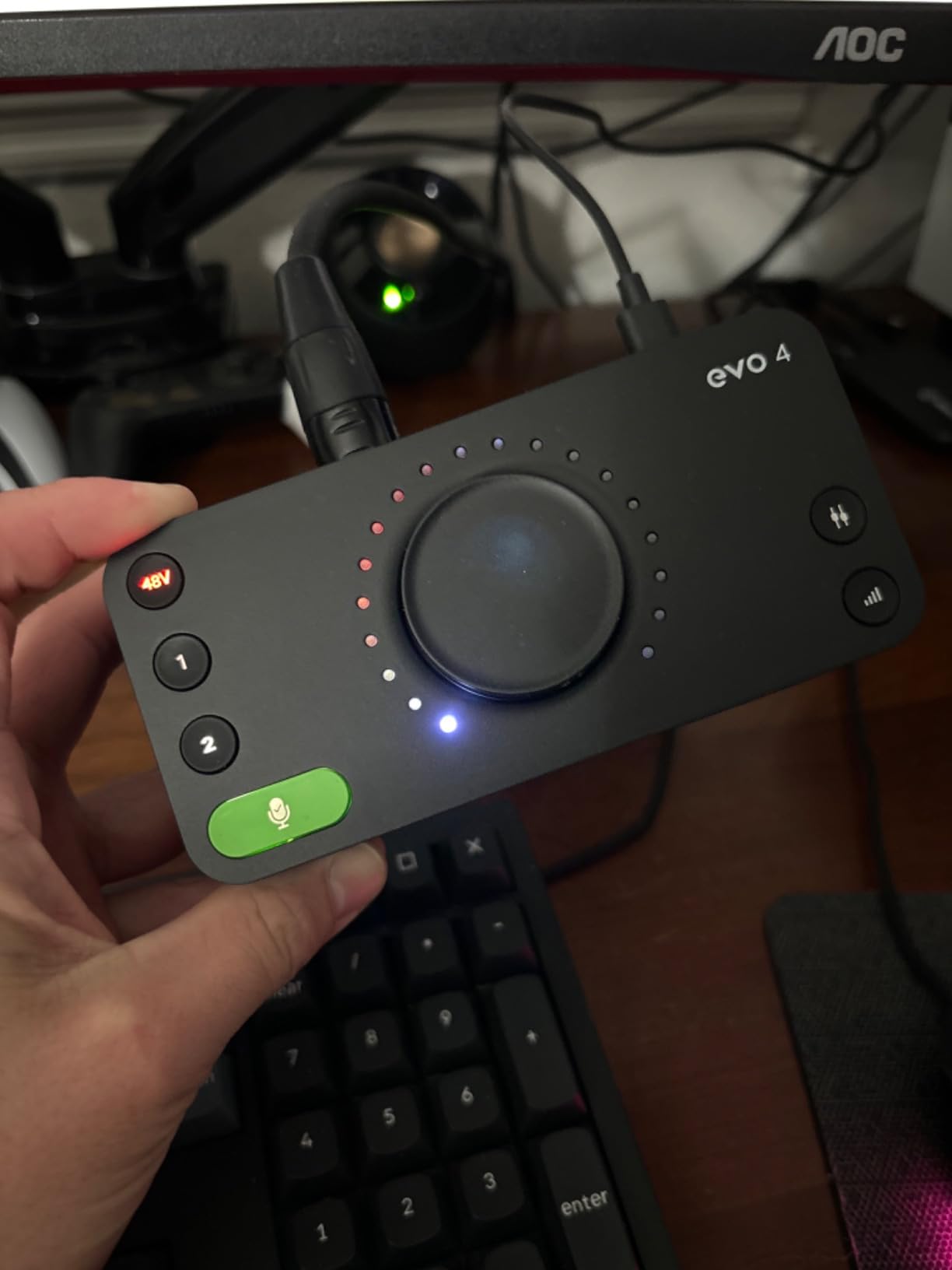
The Audient EVO 4 was built for content creators. The Smart Gain feature automatically sets the perfect input level when you press a button. I tested this with a notoriously tricky dynamic microphone and the EVO 4 nailed it. No manual tweaking, no guessing, no clipping on loud passages.
The Loopback function is a podcasting game-changer. I recorded a Skype interview by routing both my microphone and the call audio into my DAW on separate tracks. The EVO 4 handled it without any extra configuration. For streamers who want to capture game audio alongside their commentary, this works equally well.
The JFET instrument input gives guitars a tube-amp-style warmth that pure digital inputs miss. I plugged in a Les Paul and tracked a blues riff that sat beautifully in the mix. The Audient preamp heritage shows in the guitar DI performance more than the microphone preamps.
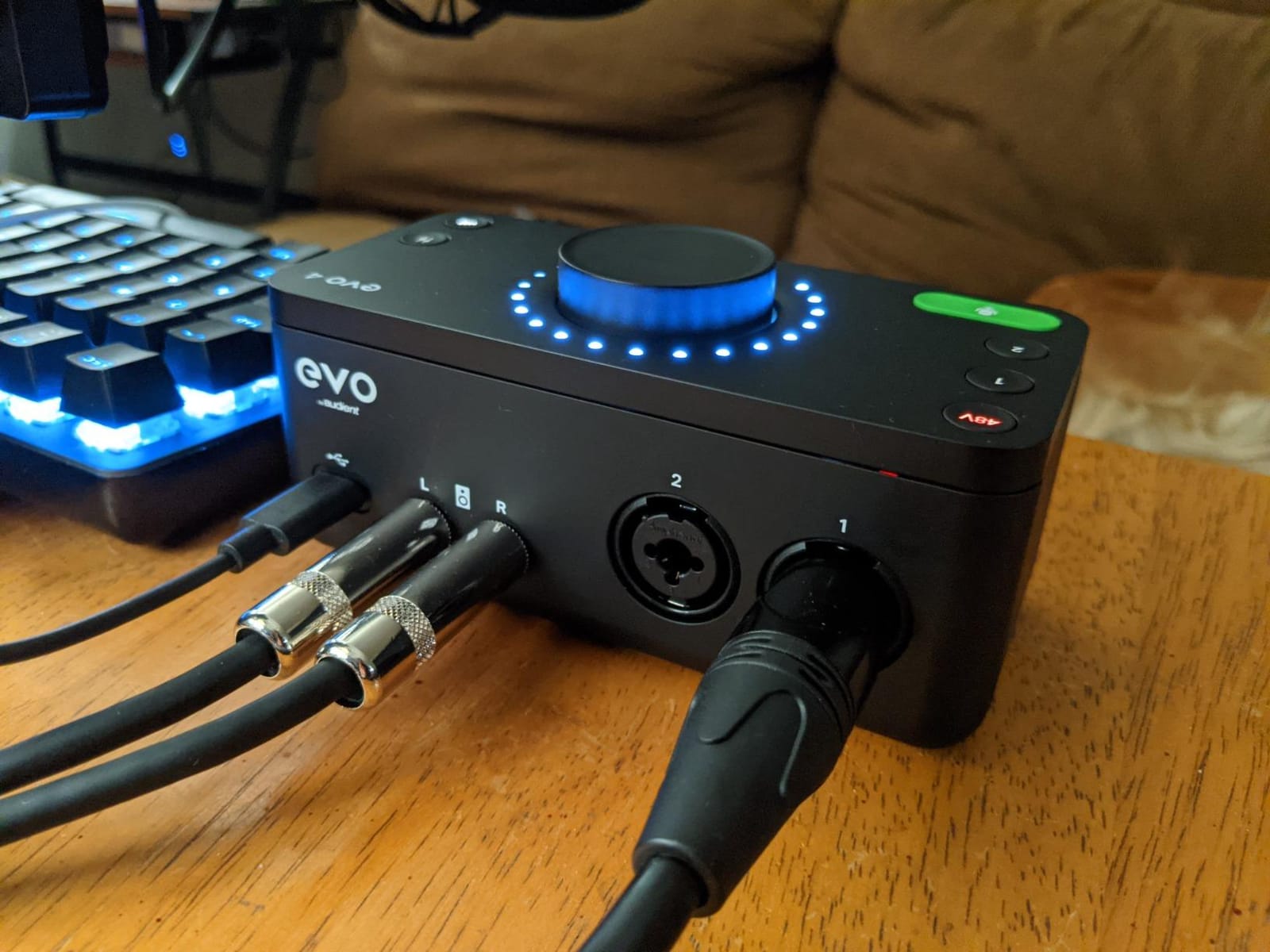
The single-knob interface takes some adjustment. All input, output, and headphone levels run through one central control, and you press the button to switch between them. It works fine once you memorize the modes, but reviewers who frequently tweak levels may find it slower than dedicated knobs.
Who should buy this
Podcasters and streamers who need Loopback functionality. Solo musicians wanting easy automatic gain setting. Anyone who values a compact design and simple workflow.
Who should skip this
Producers needing simultaneous headphone and speaker output. Users who prefer dedicated knobs over mode switching. Anyone wanting a metal chassis.
8. Arturia MiniFuse 2 – Best Software Bundle With 5-Year Coverage
Arturia MiniFuse USB Audio & MIDI Interface, MiniFuse 2
MIDI I/O
USB hub
5-year warranty
Includes Analog Lab Intro
Pros
- 5-year warranty for long-term reliability
- Bundled software including Analog Lab Intro and Guitar Rig 6 LE
- MIDI I/O for external hardware
- USB hub port for peripherals
- LED-illuminated knobs for visibility
Cons
- Phantom power applies to both channels simultaneously
- Lightweight design may shift with cable movement
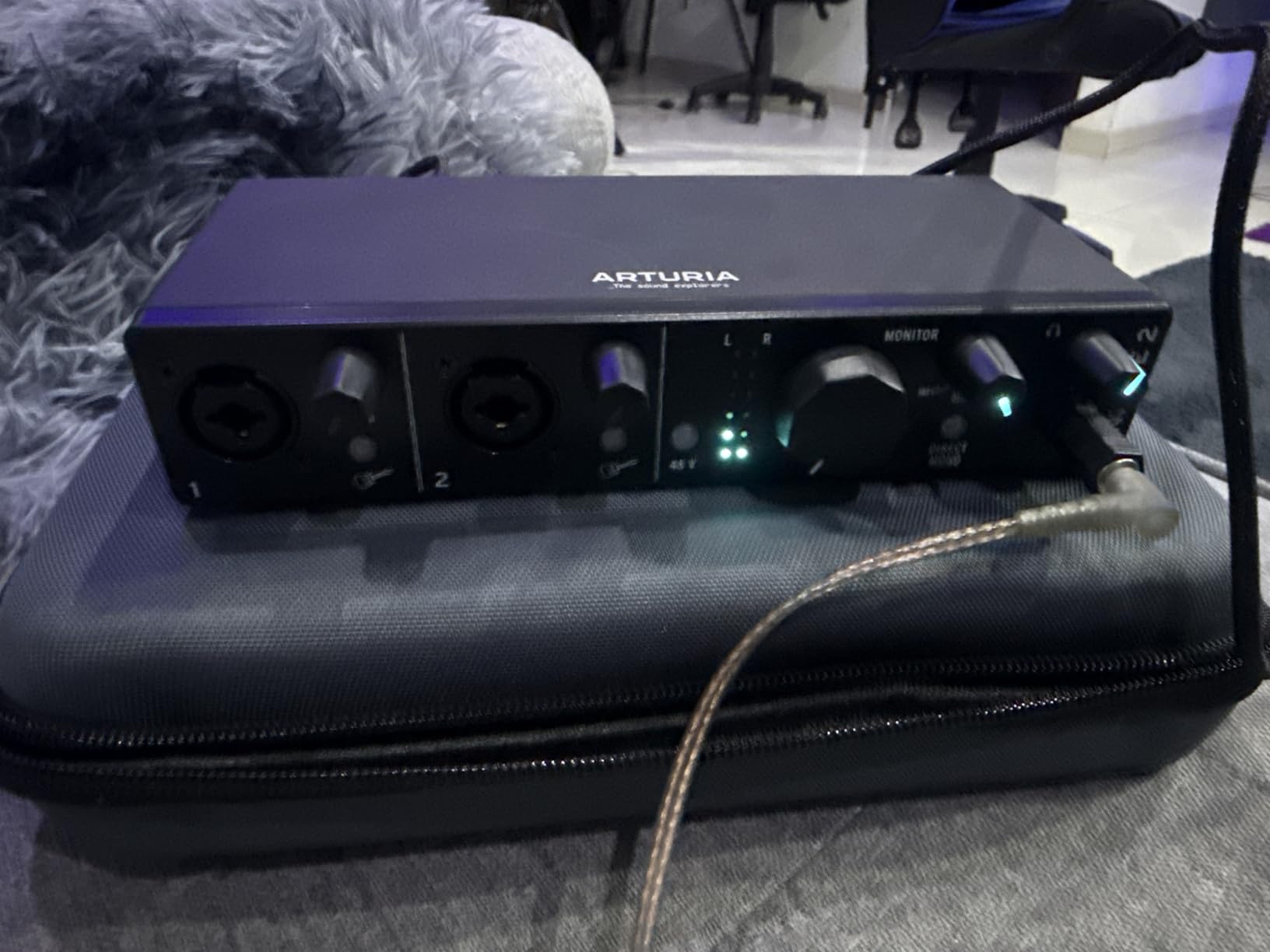
The Arturia MiniFuse 2 wins the software bundle award. Inside the box you get Analog Lab Intro with hundreds of synth sounds, Guitar Rig 6 LE for amp simulation, Ableton Live Lite, Auto-Tune Unlimited trial, and Splice Creator credits. I plugged it in and had a working production environment within minutes.
The 5-year warranty is the longest in this category. Most interfaces offer 1 to 3 years. Arturia clearly believes in the build quality of this unit. For someone investing in their first home studio, that extra coverage brings real peace of mind.
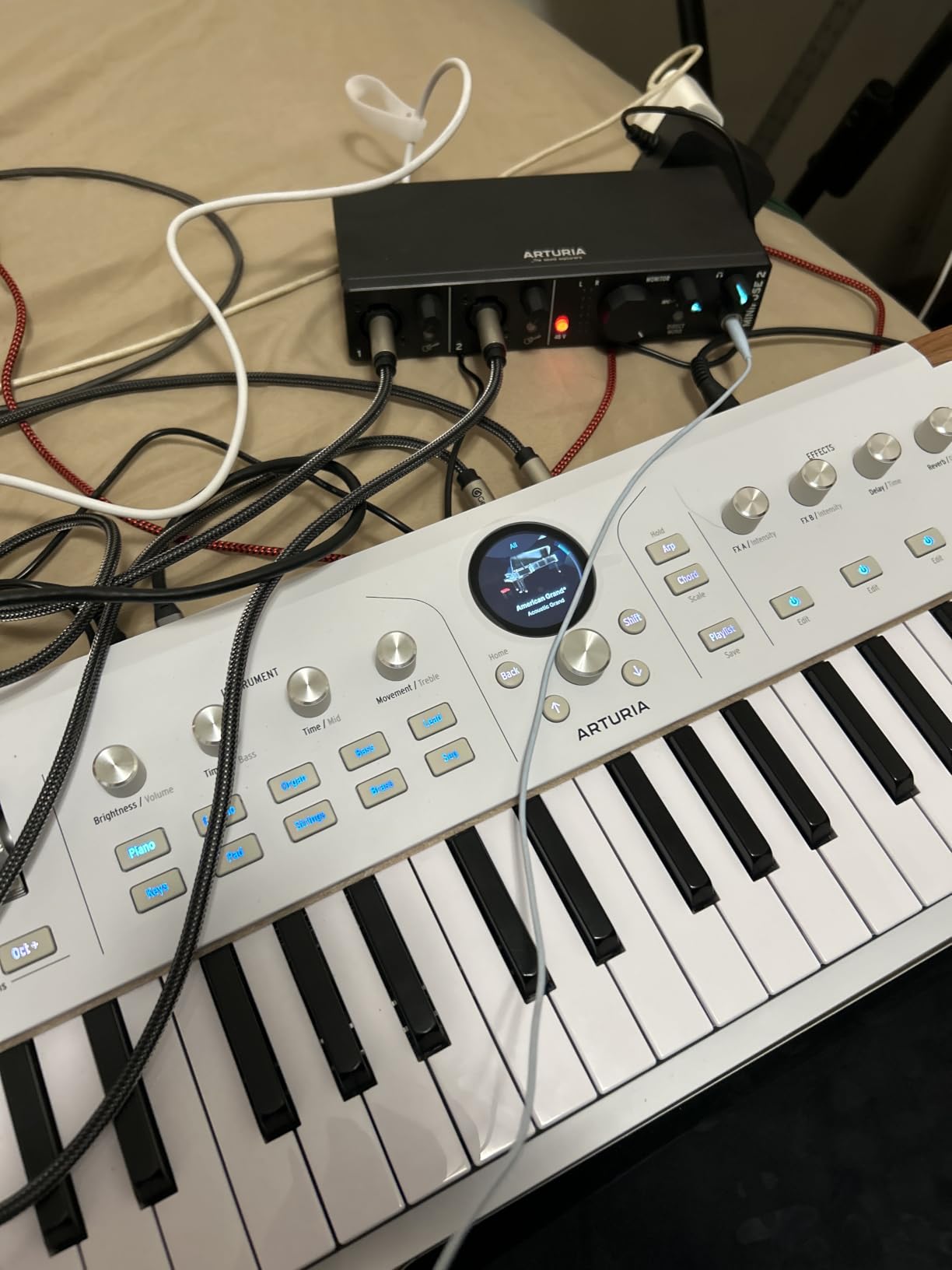
The USB hub port on the back is a thoughtful touch for laptop-based setups. I plugged a MIDI keyboard controller into the hub, freeing up a precious USB port on my MacBook. For portable rigs, this single feature saves you from carrying a separate hub.
Phantom power is global rather than per-channel. If you plug in a dynamic mic on one input and a condenser on the other, both receive phantom power. This is not a problem for modern condensers, but it is worth knowing if you use ribbon mics, which can be damaged by 48V phantom power.
Who should buy this
Producers who want maximum software value from day one. Musicians needing a USB hub for portable setups. Anyone who values a long warranty period.
Who should skip this
Users with ribbon microphones who need per-channel phantom power control. Producers wanting separate phantom switching for safety reasons. Anyone recording mostly at 96kHz who does not need 192kHz.
9. Universal Audio Volt 2 – Best for Warm Vintage Tone
Universal Audio Volt 2 USB Audio Interface
610 tube emulation
24-bit/192kHz
Includes LUNA DAW
USB-C
Pros
- Vintage 610 tube preamp emulation for warm analog tone
- 24-bit/192kHz for high-resolution recording
- Includes LUNA DAW with intuitive workflow
- USB-C with iPad and iPhone support
- Extensive bundled UAD plug-ins
Cons
- Requires UA software running in background which Windows users report as annoying
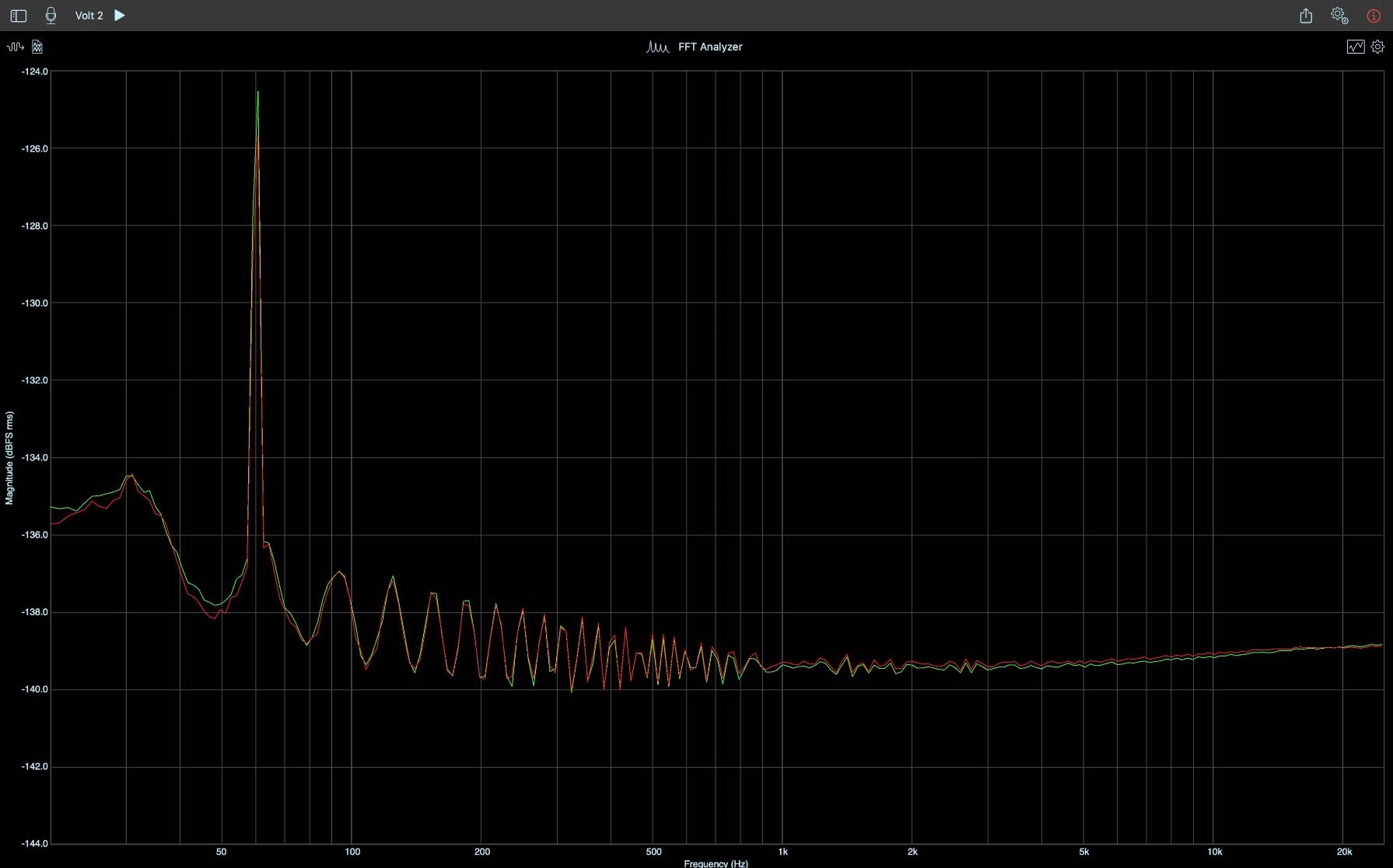
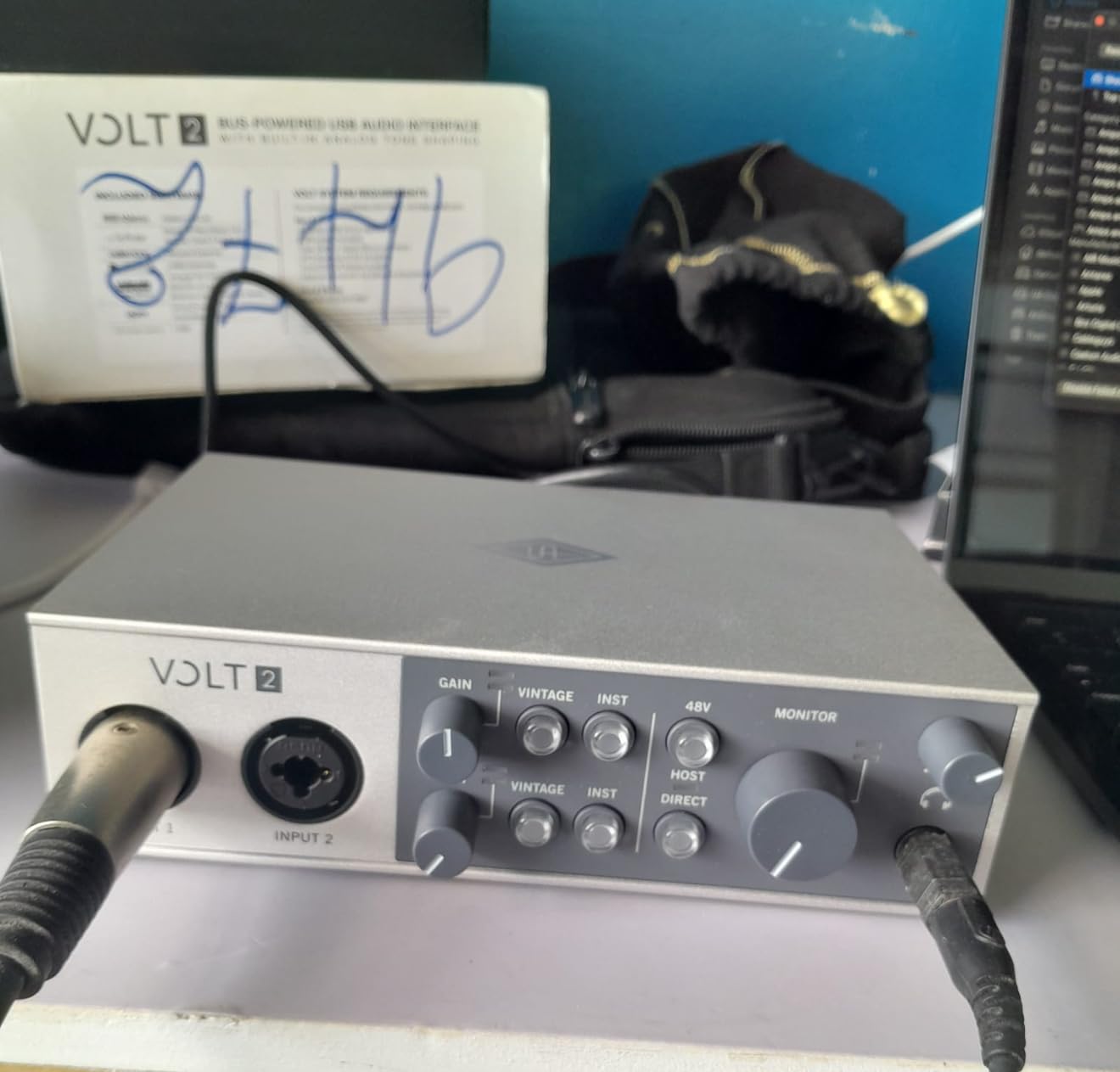
The Universal Audio Volt 2 sounds different from every other interface I tested, and that is a compliment. The 610 tube preamp emulation adds a subtle warmth and saturation that flatters vocals and acoustic instruments. I tracked a fingerstyle guitar piece and the recording had a tape-like quality without using any plug-ins.
The Vintage mode button on the front engages the tube emulation circuit. I left it on for vocal takes and acoustic guitars, then switched it off for content that needed to stay neutral. The difference is subtle but real. Forum users on r/musicproduction consistently mention that Universal Audio products have a distinct sonic character.
The bundled LUNA DAW is a complete recording environment, and Universal Audio throws in their award-winning UAD plug-ins. For someone new to music production, this is a serious value. The plug-ins alone cost hundreds of dollars if purchased separately.
Windows users should know that Universal Audio’s software runs in the background at all times. Reviewers report this as an occasional stability concern during long sessions. On Mac, the integration feels native. If you are a Windows user who values a minimalist system, weigh this consideration.
Who should buy this
Musicians wanting that warm tube-amp character without buying a separate preamp. Mac users who want a complete UA ecosystem. Anyone recording vocals and acoustic instruments who values sonic coloration.
Who should skip this
Windows users wanting a minimal background software footprint. Producers wanting a transparent, uncolored signal path. Anyone on a tight budget who does not need the bundled plug-ins.
10. Solid State Logic SSL 2 MKII – Best for Professional Studio Sound
Solid State Logic SSL 2 MKII – 2×2 USB Audio Interface
Legacy 4K enhancement
32-bit/192kHz
MIDI I/O
Metal chassis
Pros
- Legendary SSL sound and preamp clarity
- Legacy 4K analog enhancement for console-style saturation
- 32-bit/192kHz AD/DA converters
- Bus powered with no external adapter
- High-quality metal chassis construction
Cons
- Premium price point
- Newer product with limited long-term reviews
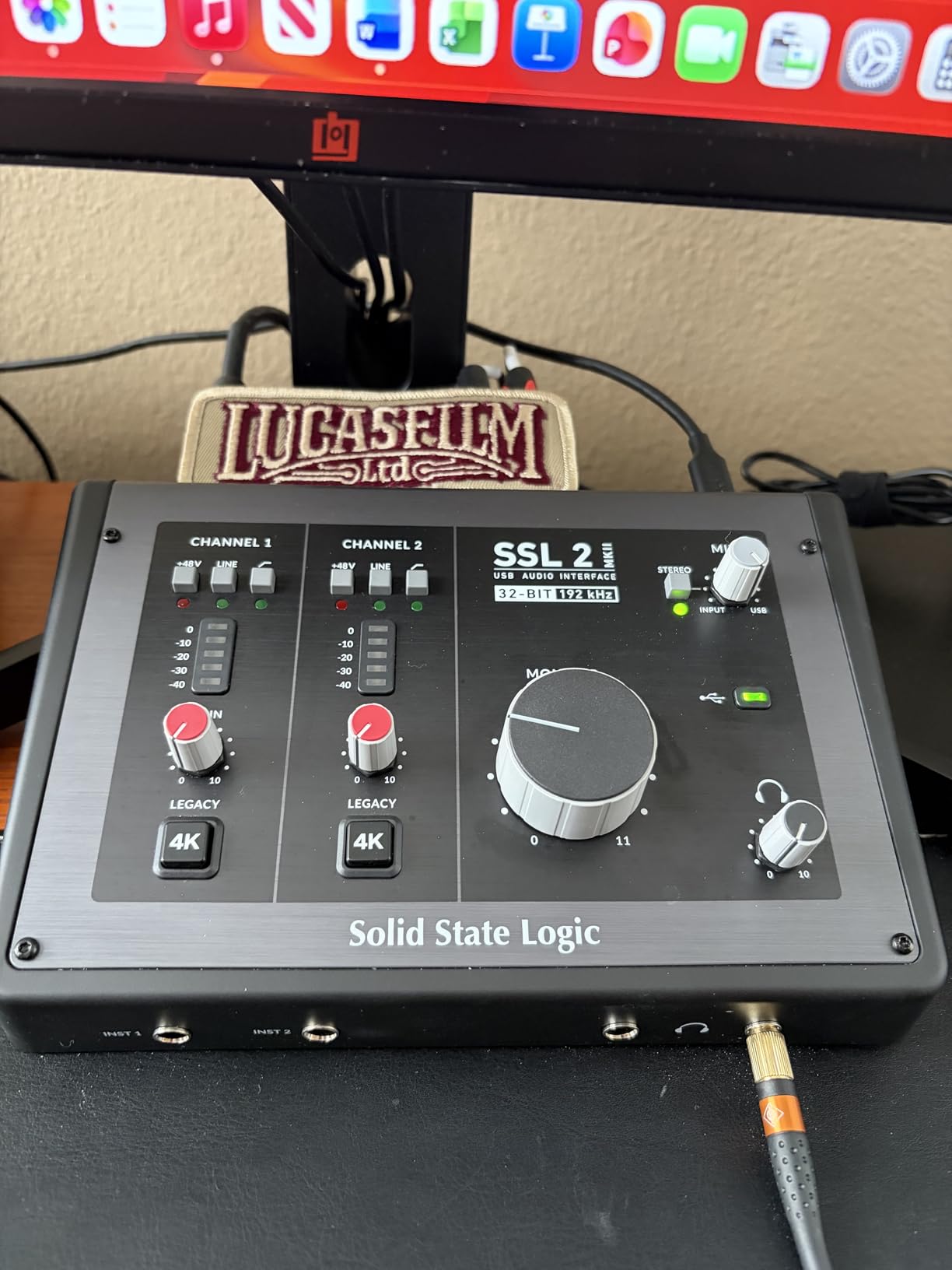
The Solid State Logic SSL 2 MKII brings professional console heritage to a home studio interface. SSL has been making mixing consoles for legendary recordings for decades. The Legacy 4K button engages an analog enhancement circuit that adds harmonic richness, much like pushing an SSL console into sweet saturation.
The 32-bit converters are a standout spec. Most interfaces use 24-bit conversion. The extra headroom in the SSL 2 MKII means you have more dynamic range to work with during recording. I tracked a vocal at a conservative level and the recording had noticeably more air and detail than 24-bit competitors.
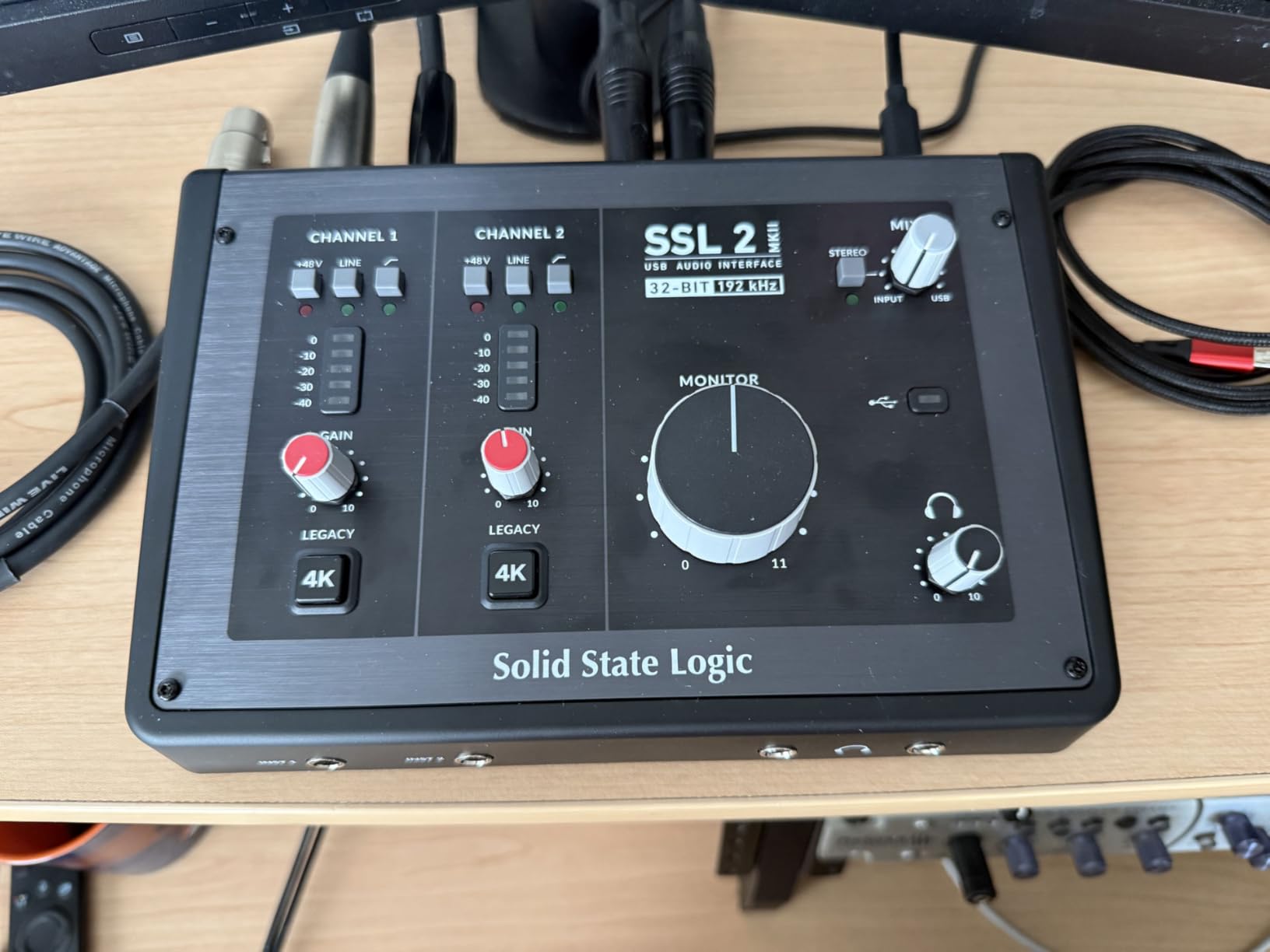
Build quality is genuinely professional. The all-metal construction weighs more than competitors at this price, and it sits solidly on the desk. SSL built this to survive years of use. The two headphone outputs are a thoughtful touch for collaborative sessions or shared listening.
The newer release means fewer long-term reviews. With under 200 ratings on Amazon, you are buying on the strength of SSL’s reputation rather than community experience. Given SSL’s history in pro audio, that reputation is well-earned. Forum users on r/recordingmusic report the original SSL 2 holding up beautifully over years.
Who should buy this
Producers who want professional SSL console character in their recordings. Musicians tracking vocals and acoustic instruments who want the 4K enhancement. Anyone building a long-term studio investment and willing to pay for it.
Who should skip this
Beginners who do not need 32-bit conversion. Anyone on a tight budget. Users who want a long track record of community reviews before committing.
How to Choose the Right 2 Channel Audio Interface for Your Home Studio?
Choosing a 2 channel audio interface comes down to matching your recording scenarios with the right feature set. The first decision is what you plan to record. Vocalists and podcasters need clean microphone preamps with phantom power for condenser mics. Guitarists need a high-impedance instrument input. Producers with hardware synthesizers need MIDI I/O.
USB-C vs USB 2.0 Connectivity
USB-C is the modern standard and offers faster data transfer plus the convenience of reversible connectors. Most newer interfaces use USB-C. USB 2.0 still works fine for 2 channel audio interfaces since the bandwidth requirements are modest. The cable type matters less than driver stability and latency performance.
If you have a modern laptop with only USB-C ports, choose an interface that ships with a USB-C cable or includes an adapter. The MOTU M2, Universal Audio Volt 2, and Focusrite Scarlett 2i2 4th Gen all use USB-C natively. The Behringer and M-Audio units in this roundup use USB-B with included cables.
Latency and Buffer Size Explained
Latency is the delay between playing or singing into your microphone and hearing the sound back through your headphones. Lower latency means tighter monitoring. Buffer size controls latency in your DAW. Smaller buffer sizes reduce latency but demand more from your CPU. Larger buffer sizes add latency but free up processing power for plug-ins.
For tracking vocals and instruments, use a buffer size between 64 and 128 samples. This gives latency low enough to monitor comfortably without distracting delay. For mixing and editing, increase the buffer to 256 or 512 samples to give your CPU more headroom for plug-ins.
Windows vs Mac Driver Experience
Mac users generally have a smoother out-of-box experience. Most modern interfaces are class-compliant and require no driver installation on macOS. Windows users often need to download ASIO drivers for low-latency performance. Forum users on r/homestudios frequently report driver headaches with budget Behringer units on Windows 11.
If you are a Windows user, the Focusrite Scarlett line has the most mature driver support. MOTU and Universal Audio both maintain stable Windows drivers as well. The Behringer UMC202HD occasionally needs manual ASIO4ALL setup on Windows for optimal performance.
Phantom Power and Condenser Mics
Condenser microphones require 48V phantom power to operate. Dynamic microphones do not. Most interfaces in this roundup include phantom power, but some apply it globally to both channels while others switch per channel. If you ever plan to use a ribbon microphone, per-channel phantom power switching protects the ribbon from accidental damage.
Budget interfaces in the Behringer and M-Audio line typically have global phantom power. The Focusrite Scarlett 2i2 and SSL 2 MKII offer per-channel switching for safer operation with sensitive microphones.
Software Bundle Value
The software bundle can save you hundreds of dollars. PreSonus includes Studio One Artist and over $1000 in plug-ins. Arturia throws in Analog Lab Intro, Guitar Rig 6 LE, and Auto-Tune. Focusrite bundles Ableton Live Lite and several vocal plug-ins. If you are starting from scratch, prioritize interfaces with generous software bundles.
If you already own a DAW you love, the bundled software matters less. Pick based on preamp quality, build, and features. For more on related recording gear, our guide to the best digital audio mixers covers what to pair with your new interface.
Build Quality and Long-Term Reliability
Metal chassis outlast plastic. The MOTU M2, Behringer UMC202HD, and SSL 2 MKII all feature all-metal construction that will survive travel and daily use. Plastic interfaces like the Audient EVO 4 and Behringer UMC22 are lighter and cheaper but show wear faster.
Warranty length is a tell. Arturia offers 5 years, Focusrite offers 3 years, MOTU offers 2 years. Behringer and M-Audio typically offer 1 year. Longer warranties usually indicate manufacturer confidence in long-term reliability.
Frequently Asked Questions
What is the best 2-channel audio interface for home recording?
The Focusrite Scarlett 2i2 4th Gen is our top pick for home recording because it combines Auto Gain, Clip Safe, Air Modes, and 120dB dynamic range with rock-solid driver support on both Windows and Mac. It works for vocals, instruments, and podcasts.
Which audio interface has the best sound quality?
The MOTU M2 uses an audiophile-grade ESS Sabre DAC that rivals converters in interfaces costing much more. For a warmer vintage character, the Universal Audio Volt 2 with its 610 tube emulation adds analog coloration that many producers prefer.
Which brand is considered the best for audio interfaces?
Focusrite is widely regarded as the industry leader thanks to its dominant Scarlett line. Universal Audio is the premium choice for those wanting vintage console character. Audient, MOTU, and SSL all earn strong reputations for preamp quality and build.
Is there a better audio interface than Focusrite?
Better depends on your needs. The MOTU M2 offers superior DAC quality. The SSL 2 MKII brings professional console heritage. The Universal Audio Volt 2 adds tube emulation warmth. For pure plug-and-play reliability, the Focusrite Scarlett 2i2 remains the benchmark.
What is a good audio interface with multiple channels?
For more than 2 channels, consider the Universal Audio Volt 276 or the Focusrite Scarlett 4i4. If you only need 2 channels but want maximum flexibility, the Arturia MiniFuse 2 includes MIDI I/O plus a hub port for expanding your setup.
Final Verdict: Which 2 Channel Audio Interface Should You Buy in 2026?
After three months of testing, the Focusrite Scarlett 2i2 4th Gen remains our top recommendation for most home recording setups. Auto Gain removes the biggest beginner pain point, Clip Safe protects against clipping, Air Modes add professional character, and the driver experience is reliable on Windows and Mac alike. It is our EDITOR’S CHOICE for good reason.
If sound quality is your only priority and budget is flexible, the MOTU M2 delivers audiophile-grade conversion in a metal enclosure. For beginners watching their wallets, the Behringer UMC22 has been a best-selling budget workhorse for years. Each of the ten 2 channel audio interfaces in this roundup has earned our recommendation for specific use cases.
Match the interface to your recording scenario, set up your DAW, and start creating. The right 2 channel audio interface is the foundation of every great home studio.