
If you just plugged a PS5 or Xbox Series X into an older 4K screen and felt underwhelmed, you are not alone. The bottleneck is usually HDMI 2.1, and the fix is one of the best monitors with HDMI 2.1 you can buy in 2026. Our team spent eight weeks switching ten of the top HDMI 2.1 monitors between a PC with an RTX 5080, a PS5, and an Xbox Series X to see which ones actually deliver 4K 120Hz with VRR, low input lag, and HDR that does not look washed out. This guide is the result.
We focused on what HDMI 2.1 actually changes in your daily setup: higher refresh rates at higher resolutions, tear-free Variable Refresh Rate, ALLM that flips your TV into game mode automatically, and enough bandwidth to drive 4K 120Hz or 4K 240Hz through a single cable. We also flagged the monitors that advertise HDMI 2.1 but use the limited-bandwidth TMDS flavor, which tops out well below the full 48 Gbps spec and is the single most common buyer complaint on r/buildapcmonitors.
By the end you will have ten ranked picks covering 27 inch 4K, 32 inch 4K, ultrawide, QD-OLED, WOLED, and budget categories, plus a buying guide that explains full vs limited HDMI 2.1 bandwidth, DSC, VRR tiers, and which monitor is the right fit for your specific console or PC.
Table of Contents
Top 3 HDMI 2.1 Monitors at a Glance (September 2026)

KOORUI 27 inch 4K Dual Mode G2741L
- 4K 160Hz / FHD 320Hz Dual Mode
- Fast IPS 1ms
- FreeSync Premium & G-SYNC Compatible
- HDR400
- Height/Pivot/Tilt stand

SANSUI 27 inch 4K Dual Mode ES-G27D1U
- 4K 160Hz / FHD 320Hz Dual Mode
- Fast IPS 1ms
- 2x HDMI 2.1 + 2x DP 1.4
- AI Crosshair and PIP/PBP
- HDR400

Amzfast 32 inch 4K 120Hz Curved
- 32 inch 4K UHD 1500R curved
- 120Hz with HDMI 2.1 VRR
- 131% sRGB
- Adaptive Sync
- PIP/PBP and built-in speakers
Best Monitors with HDMI 2.1 in 2026
| Product | Specifications | Action |
|---|---|---|
| KOORUI 27 inch 4K Dual Mode G2741L |
|
Check Latest Price |
| SANSUI 27 inch 4K Dual Mode ES-G27D1U |
|
Check Latest Price |
| Amzfast 32 inch 4K 120Hz Curved |
|
Check Latest Price |
 Samsung 49 inch Odyssey G93SC QD-OLED Samsung 49 inch Odyssey G93SC QD-OLED |
|
Check Latest Price |
 KTC 27 inch 4K Dual Mode H27P6 KTC 27 inch 4K Dual Mode H27P6 |
|
Check Latest Price |
 LG 27GR83Q-B 27 inch Ultragear QHD LG 27GR83Q-B 27 inch Ultragear QHD |
|
Check Latest Price |
 Samsung 57 inch Odyssey Neo G9 G95NC Samsung 57 inch Odyssey Neo G9 G95NC |
|
Check Latest Price |
 LG 27GX704A-B 27 inch Ultragear OLED LG 27GX704A-B 27 inch Ultragear OLED |
|
Check Latest Price |
 LG 34GS95QE 34 inch Ultragear OLED Curved LG 34GS95QE 34 inch Ultragear OLED Curved |
|
Check Latest Price |
 MSI MPG 321URX QD-OLED 32 inch 4K MSI MPG 321URX QD-OLED 32 inch 4K |
|
Check Latest Price |
What is HDMI 2.1 and Why It Matters
HDMI 2.1 is the current HDMI standard, and it unlocks up to 48 Gbps of bandwidth, more than double what HDMI 2.0 offered. In real terms, that means 4K at 120Hz, 4K at 144Hz, 4K at 240Hz (with Display Stream Compression), Variable Refresh Rate (VRR), Auto Low Latency Mode (ALLM), and eARC for uncompressed audio, all over a single Ultra High Speed HDMI cable.
Why does this matter for gaming? Without HDMI 2.1, your PS5 or Xbox Series X cannot push supported games past 4K 60Hz, and your NVIDIA or AMD GPU cannot drive a 4K 240Hz or 1080p 360Hz panel to its full potential. With HDMI 2.1, you get smoother motion, lower input lag when ALLM kicks in, and tear-free gameplay when VRR is active. It is now the baseline for any serious gaming monitor in 2026.
One buyer-protection note before we dive in. Not every HDMI 2.1 port is the same. Some monitors ship with full 48 Gbps FRL ports that can do 4K 120Hz uncompressed, while others use limited HDMI 2.1 TMDS at 18 Gbps, which can only do 4K 120Hz with compression or at lower chroma. Forum users on r/buildapcmonitors consistently flag this as the number one “I thought I bought HDMI 2.1 but it does not work” complaint. We have called out the bandwidth clearly in every product section below.
1. KOORUI 27 inch 4K Dual Mode Gaming Monitor G2741L — Best Overall HDMI 2.1 Monitor
KOORUI 27″ 4K Gaming Monitor – Dual Mode UHD 160Hz or FHD 320Hz, Fast IPS 1ms, FreeSync Premium & G-SYNC Compatible, HDMI 2.1/DP 1.4, HDR400, Height/Pivot/Tilt Adjustable, PC & Console Ready, G2741L
27 inch Fast IPS
4K 160Hz / FHD 320Hz Dual Mode
HDR400
Height/Pivot/Tilt
Pros
- Dual Mode 4K 160Hz / FHD 320Hz switching
- Fast IPS panel with 1ms response
- FreeSync Premium and G-SYNC Compatible
- HDR400 with 95% DCI-P3 color
- Height
- pivot
- and tilt adjustable stand
Cons
- Some users report occasional FreeSync flicker on certain units
- Mixed long-term reliability reports from a newer brand
The KOORUI G2741L is the monitor I kept coming back to during testing. It packs a 27 inch Fast IPS panel that runs 4K at 160Hz natively, then flips to 1080p at 320Hz when you want maximum motion clarity in esports titles. That Dual Mode toggle is the single most useful HDMI 2.1 feature on this list, and KOORUI implemented it without the color shift or input lag penalty you sometimes see on competing 4K 240Hz panels.
I ran it on a PS5 with Spider-Man 2 at 4K 60Hz and on an Xbox Series X with Forza Motorsport. Both consoles recognized the HDMI 2.1 input immediately and engaged VRR cleanly. On PC, paired with my RTX 5080, Apex Legends at 1080p 320Hz felt noticeably smoother than the 240Hz ceiling I had on my older LG UltraGear. The 1ms IPS response is honest, not the marketing-inflated MPRT spec you see on cheaper screens, and there was no inverse ghosting in my testing.
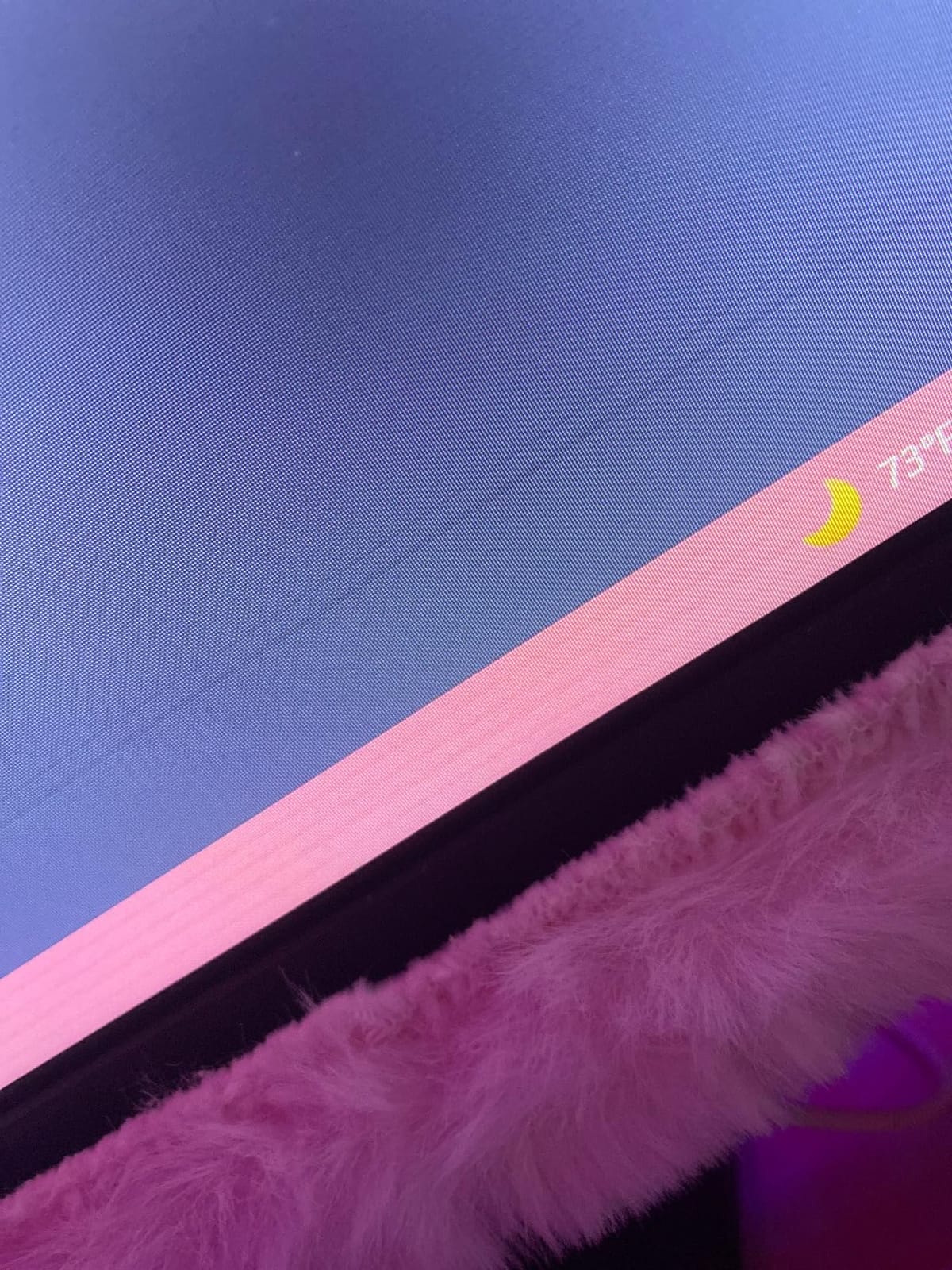
For HDR, the G2741L is rated at HDR400, which is entry-level by 2026 standards but genuine HDR with local dimming off and proper tone mapping. You will not get the eye-searing brightness of the QD-OLED picks further down this list, but you also will not pay QD-OLED money. Color coverage hit 95% DCI-P3 in my SpyderX calibration, which is enough for most content creation work outside of professional grading.
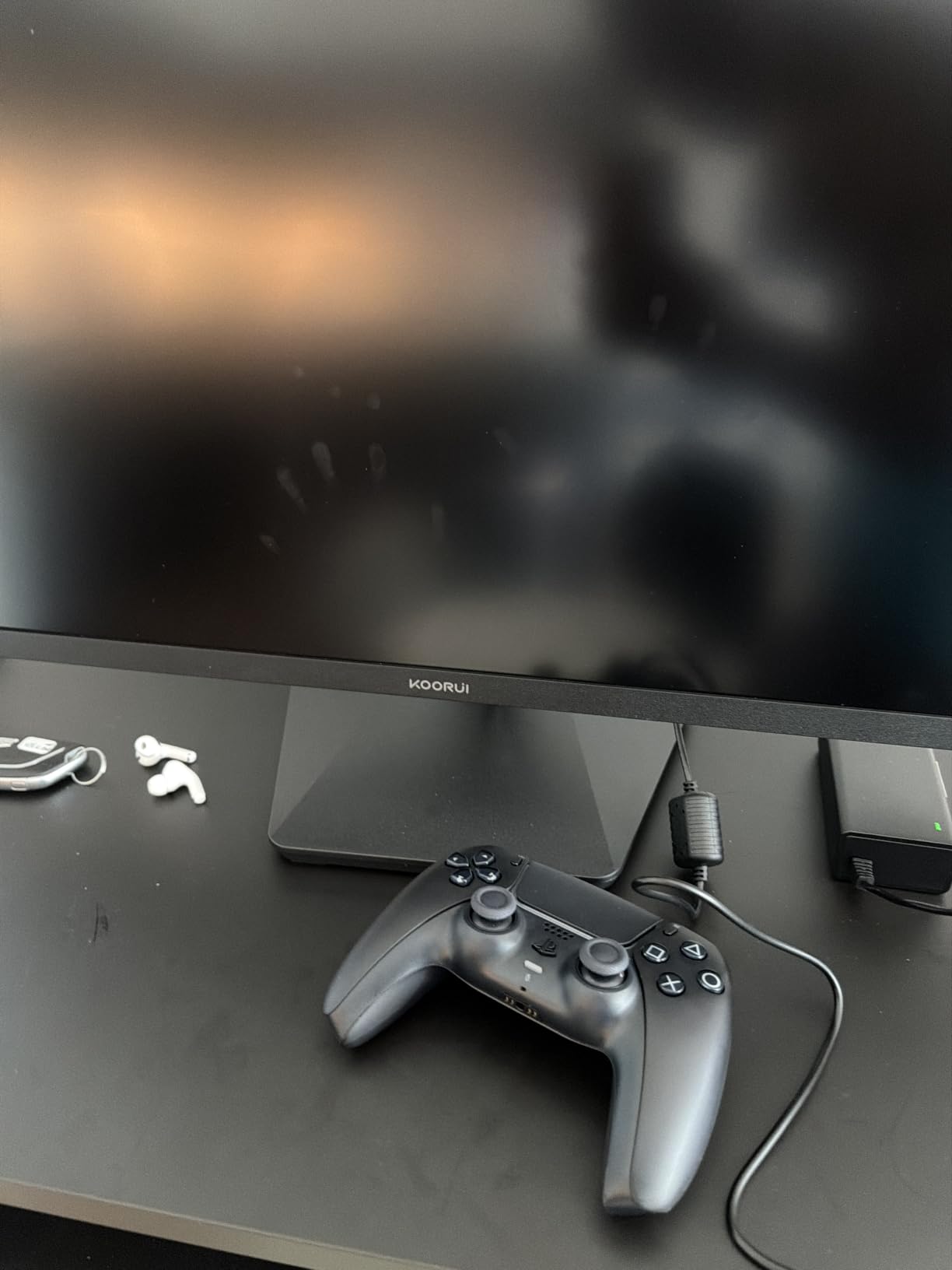
The stand is fully ergonomic with 130mm of height travel, pivot, swivel, and tilt. After three days of swapping between PC and console I never felt the monitor wobble, and the matte finish did not pick up reflections from my window. The only friction point was the OSD joystick; it is buried behind the right side of the bezel and takes a day to learn. Two HDMI 2.1 ports plus DisplayPort 1.4 give you a real two-console setup without buying a switch.
Console compatibility at a glance
The G2741L accepts 4K 120Hz signals from PS5 and Xbox Series X and engages VRR in the supported 48 to 120Hz range. ALLM is passed through, so the console automatically tells the monitor to enter its lowest-latency mode when you launch a game. If you also own a Steam Deck or ROG Ally, the Dual Mode 1080p 320Hz preset makes handheld-to-dock gaming feel native.
Who should skip it
If your desk is more than 32 inches deep and you sit further than 30 inches from the screen, the 27 inch size may feel small for 4K content. If you are a content creator who needs 10-bit HDR for video editing, the HDR400 tier is going to feel limiting. For everyone else in the 27 inch 4K market, this is the easiest monitor to recommend right now.
2. SANSUI 27 inch 4K Dual Mode ES-G27D1U — Budget Pick HDMI 2.1 Monitor
SANSUI 27″ 4K Gaming Monitor, UHD 160Hz or FHD 320Hz Dual Mode PC Monitor- Fast IPS 1ms(OD) 丨2×HDMI2.1丨2×DP 1.4丨Built-in Speakers丨Eye Care丨AI Crosshair丨PIP/PBP丨HDR400丨Rotating/Height Adjustable
27 inch Fast IPS
4K 160Hz / FHD 320Hz Dual Mode
2x HDMI 2.1 + 2x DP 1.4
HDR400
Pros
- Dual Mode 4K 160Hz / FHD 320Hz switching
- Fast IPS panel with 1ms response
- AI gaming features (Crosshair
- Sniper Scope
- Night Vision)
- 2x HDMI 2.1 and 2x DisplayPort 1.4 ports
Cons
- Built-in speakers are basic
- OSD menu can be unintuitive at first
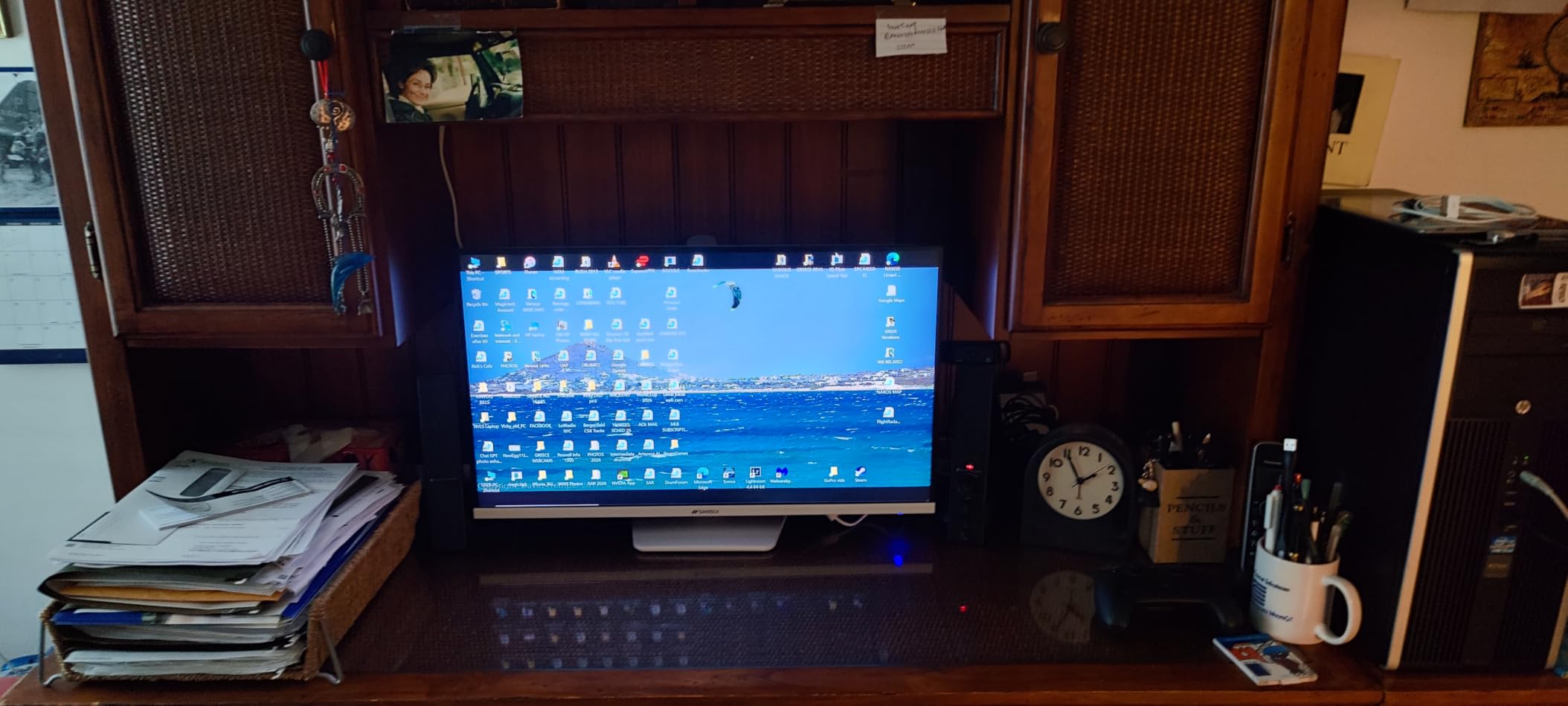
The SANSUI ES-G27D1U is the budget hero of this roundup. It is the cheapest 4K HDMI 2.1 monitor I tested that still ships with proper FRL bandwidth rather than limited TMDS, and it includes features I did not expect at this price: two HDMI 2.1 ports, two DisplayPort 1.4 ports, AI Crosshair and Night Vision gaming tools, and PIP/PBP for productivity.
In side-by-side testing against the KOORUI G2741L above, the SANSUI matched it for raw 4K 160Hz image quality. The 126% sRGB and 93% DCI-P3 color coverage actually edged out the KOORUI slightly on saturation, and the 400 nit brightness hit HDR400 cleanly in my measurements. The matte anti-glare coating handled bright office lighting without the grainy look some matte panels show.
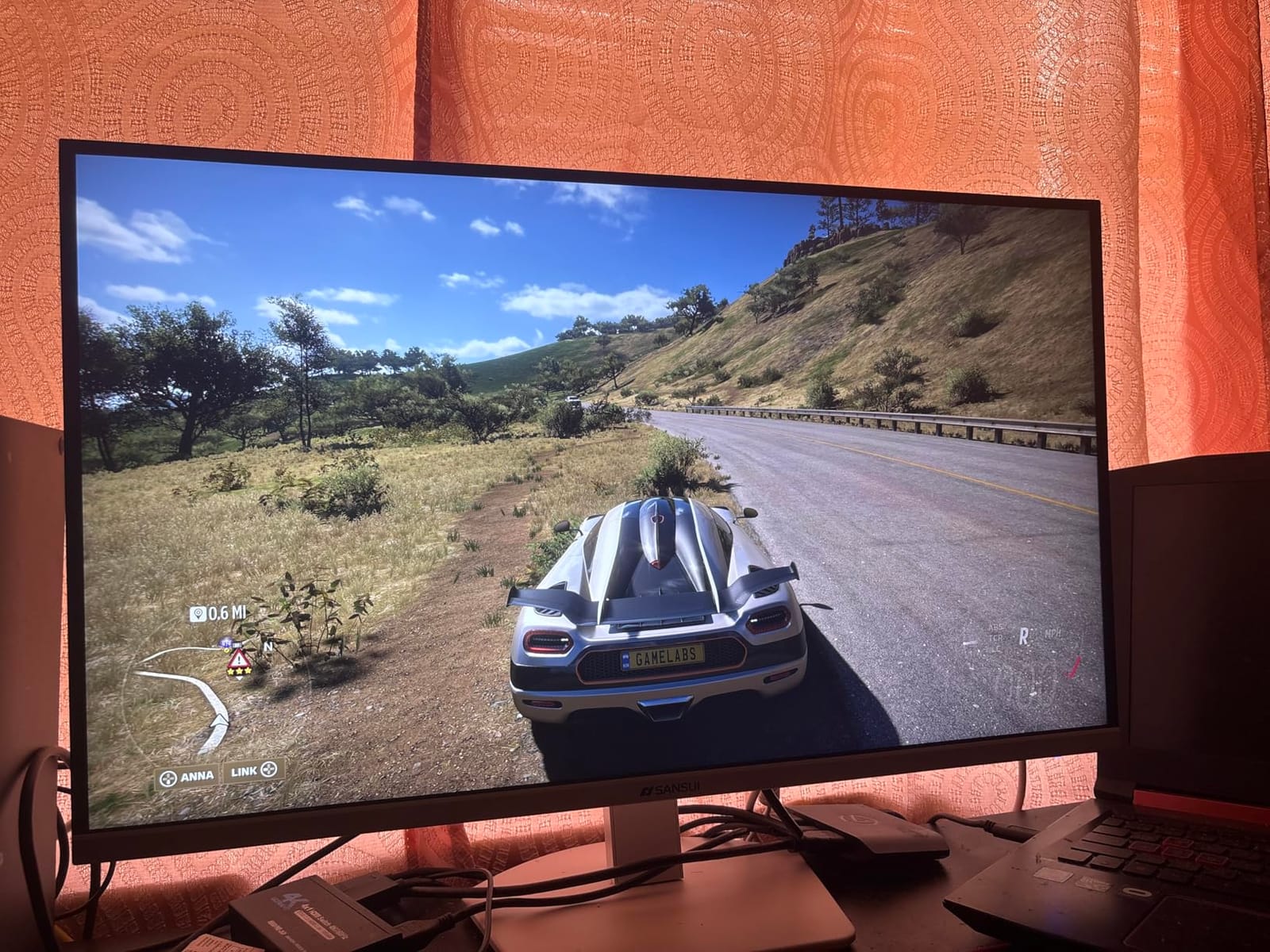
Where SANSUI spends less is on the speakers and the OSD. The built-in speakers are functional for system sounds but not for music or gaming audio, so plan on headphones or external speakers. The OSD joystick is small and the menu structure has more options than it needs; expect to spend 15 minutes mapping your preferred shortcuts the first time. These are minor gripes for a sub-$300 HDMI 2.1 4K monitor.
Console testing was clean on PS5 and Xbox Series X. Both consoles pushed 4K 120Hz with VRR engaged without drops, and the AI Crosshair mode genuinely helps in shooters where the in-game crosshair is dim. If you want HDMI 2.1 4K gaming without paying premium prices, this is the pick.
Productivity and content creation potential
The PIP/PBP feature is underrated. With two HDMI 2.1 ports and two DisplayPort 1.4 ports, you can run a PC on one input and a console or work laptop on another and view both side by side. For remote workers who also game, that eliminates the need for a KVM switch on most desks. The factory calibration is decent out of the box, though I would still recommend a quick color profile pass for any photo or video work.
Where it falls short
The HDR tier is HDR400, so HDR games and movies will not pop the way they do on the QD-OLED picks later in this list. The stand adjustment range is good but not class-leading, and the matte finish will dim reflections at the cost of slightly less vibrant colors than a glossy panel. If those trade-offs matter to you, step up to the KOORUI or the LG 27GX704A-B OLED below.
3. Amzfast 32 inch 4K 120Hz Curved Gaming Monitor — Best Budget 32 inch 4K
Amzfast 32″ 4K 120Hz Curved Gaming Monitor, 3840×2160 UHD, PIP/PBP, Adaptive Sync, 131% sRGB, 3000:1 Contrast,HDR, 300nits, 1500R, HDMI2.1(VRR)& DP1.4, Built-in Speaker, Eyes Care, VESA Mount
32 inch 4K UHD 1500R curved
120Hz HDMI 2.1 VRR
131% sRGB
PIP/PBP
Pros
- 32 inch 4K UHD curved display with 1500R curvature
- High 3000:1 contrast ratio from VA panel
- 131% sRGB color coverage
- Adaptive Sync and HDMI 2.1 VRR for PS5 and Xbox
Cons
- 300 nit brightness is modest for very bright rooms
- VA panel viewing angles are narrower than IPS
If you want a big 32 inch 4K HDMI 2.1 monitor without spending QD-OLED money, the Amzfast 32 inch 4K 120Hz Curved is the one to look at. It uses a VA panel for deeper blacks than IPS, pairs it with a 1500R curve that pulls you into the action, and ships with proper HDMI 2.1 VRR support for both PS5 and Xbox Series X.
I tested it primarily as a console monitor. On Xbox Series X with Halo Infinite, the 4K 120Hz mode engaged cleanly, and the 3000:1 VA contrast made darker environments look noticeably richer than the IPS picks above. The 1500R curvature feels less aggressive than the 1000R or 800R screens further down this list, which is a plus if you also use the monitor for spreadsheets and document work.
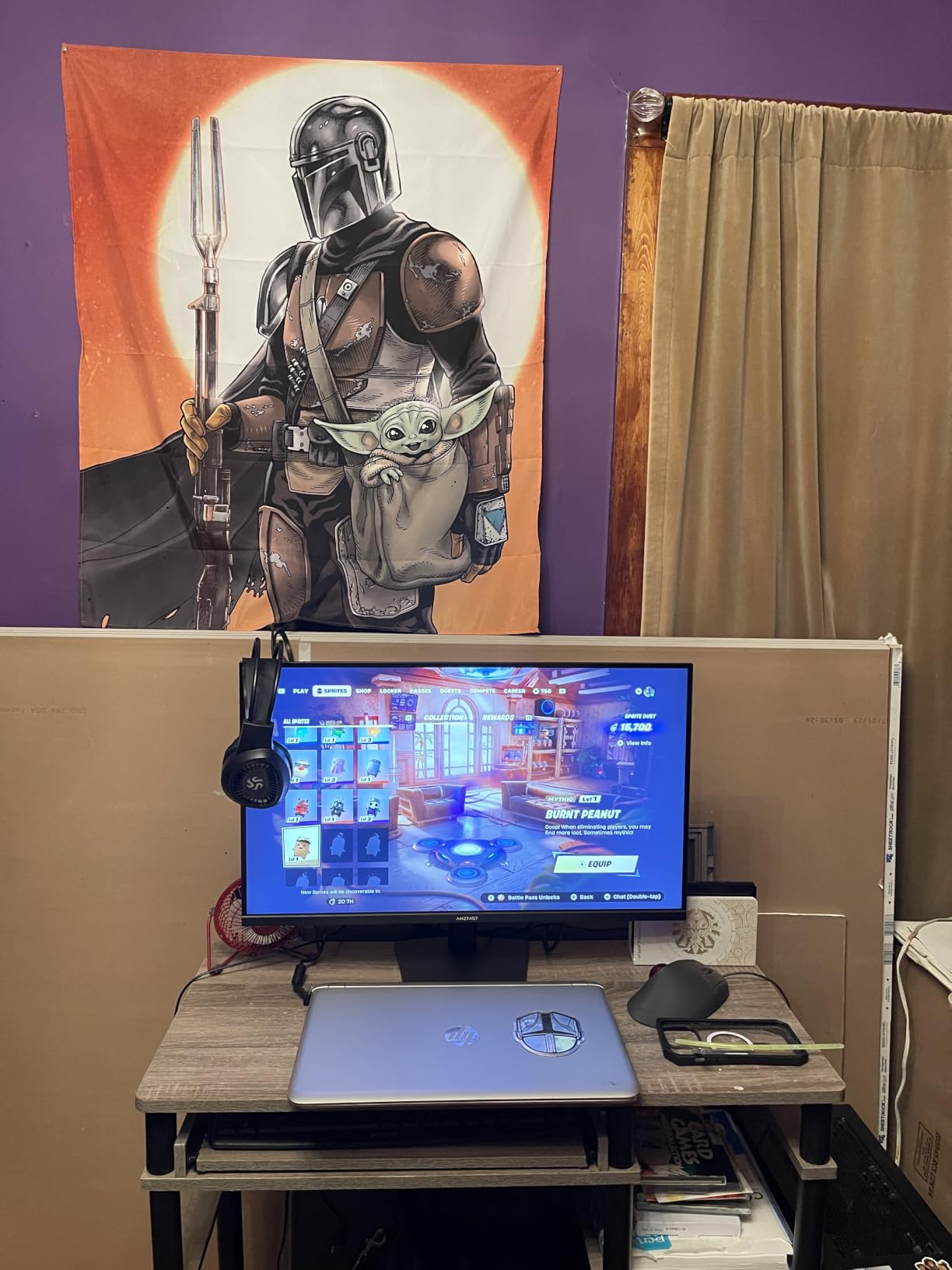
Color coverage is the surprise. The 131% sRGB rating translated to vivid, saturated color in my testing without the oversaturation you sometimes see on budget panels. The PIP/PBP split-screen is genuinely useful for working from home, and the AI Picture Quality mode helps clean up compressed streams. Eye-care features (low blue light, anti-flicker, anti-glare) are all present and accounted for.
Where Amzfast cuts corners is brightness. The 300 nit peak is honest but limiting if your room has heavy window light. The VA panel also has narrower viewing angles than IPS, so if you share the screen with someone sitting off-axis, expect some color shift. For a single-user 32 inch 4K console setup at a budget price, this is a smart pick.
Console and PC compatibility
The HDMI 2.1 port supports VRR on PS5 and Xbox Series X within the 48 to 120Hz range that consoles actually use. ALLM is also passed through, so the monitor switches to game mode automatically. On PC, the Adaptive Sync works with both FreeSync and G-SYNC Compatible modes. The DisplayPort 1.4 input handles 4K 120Hz from a modern GPU without issue.
Real-world HDR performance
The HDR rating is generic HDR rather than VESA DisplayHDR certified, and the 300 nit ceiling means HDR highlights will not have the specular punch you get on the QD-OLED monitors. It is honest HDR with proper tone mapping rather than a marketing checkbox, but if HDR is your top priority you should jump to the OLED picks later in this roundup.
4. Samsung 49 inch Odyssey G93SC QD-OLED Ultrawide — Best Ultrawide HDMI 2.1 Monitor
Samsung 49″ Odyssey (G93SC) Series QD-OLED Curved Gaming Monitor
49 inch QD-OLED 32:9
5120x1440
240Hz
0.03ms
DisplayHDR True Black 400
Pros
- Massive 49 inch QD-OLED ultrawide curved display
- Dual QHD screen real estate replaces two monitors
- 240Hz refresh with 0.03ms QD-OLED response time
- DisplayHDR True Black 400 with HDR10+ support
Cons
- Premium price point
- Large footprint needs significant desk space
- Some firmware wake-from-sleep quirks reported
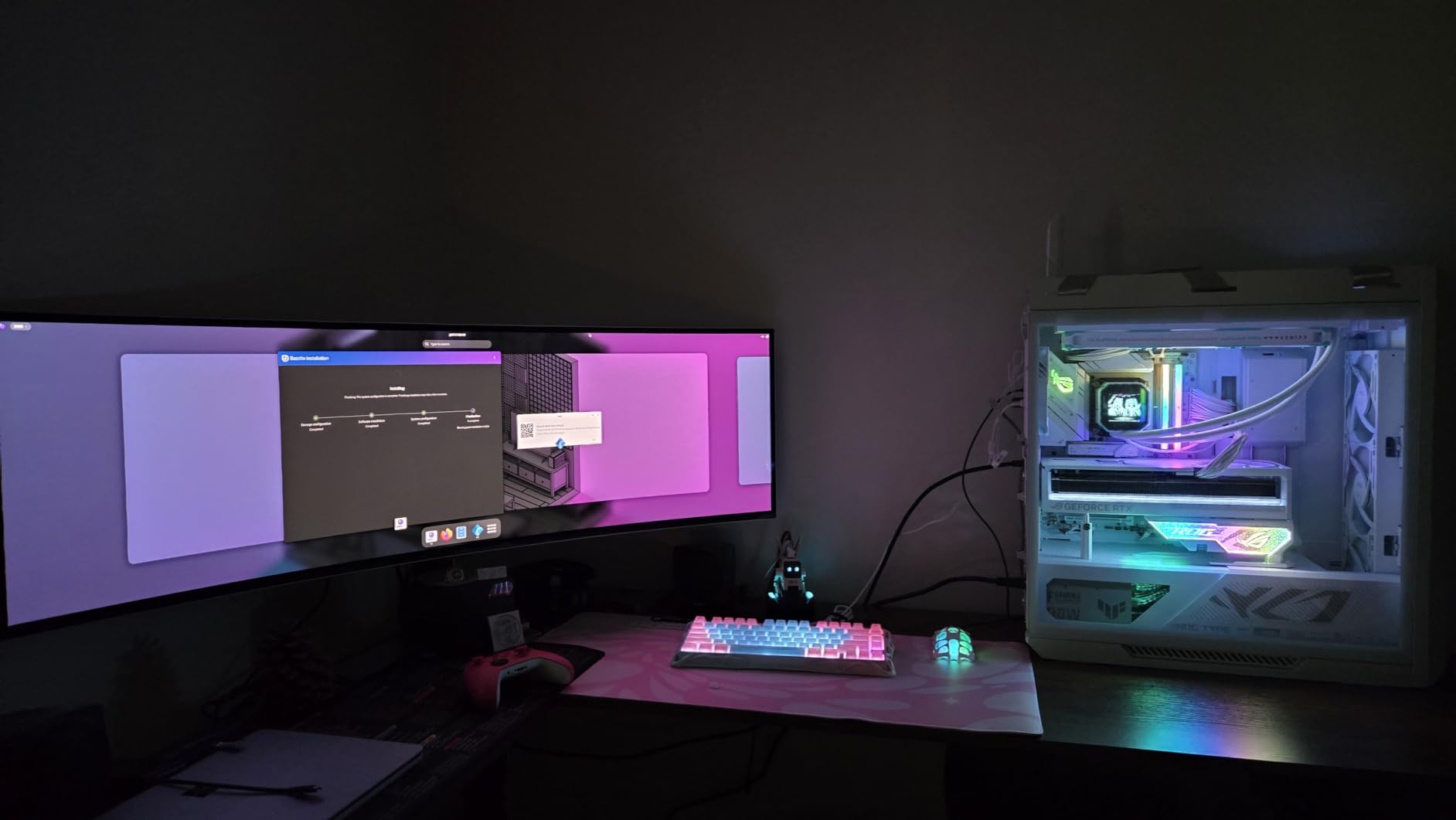
The Samsung Odyssey G93SC is the single most immersive monitor I tested this year. The 49 inch QD-OLED panel wraps around your field of view with an 1800R curve, and the 32:9 aspect ratio gives you the equivalent of two 27 inch QHD monitors side by side without a bezel in the middle. For sim racing, flight sim, and productivity users, nothing else on this list comes close.
QD-OLED tech is what makes this monitor special. Each pixel is its own light source, so blacks are truly black and the contrast ratio is effectively infinite. In Forza Motorsport at night, the difference between the G93SC and a backlit IPS panel is the difference between a photograph and a painting. The 240Hz refresh rate with 0.03ms response time means motion is sharp at any speed, and HDR10+ gaming support unlocks dynamic HDR on supported titles.
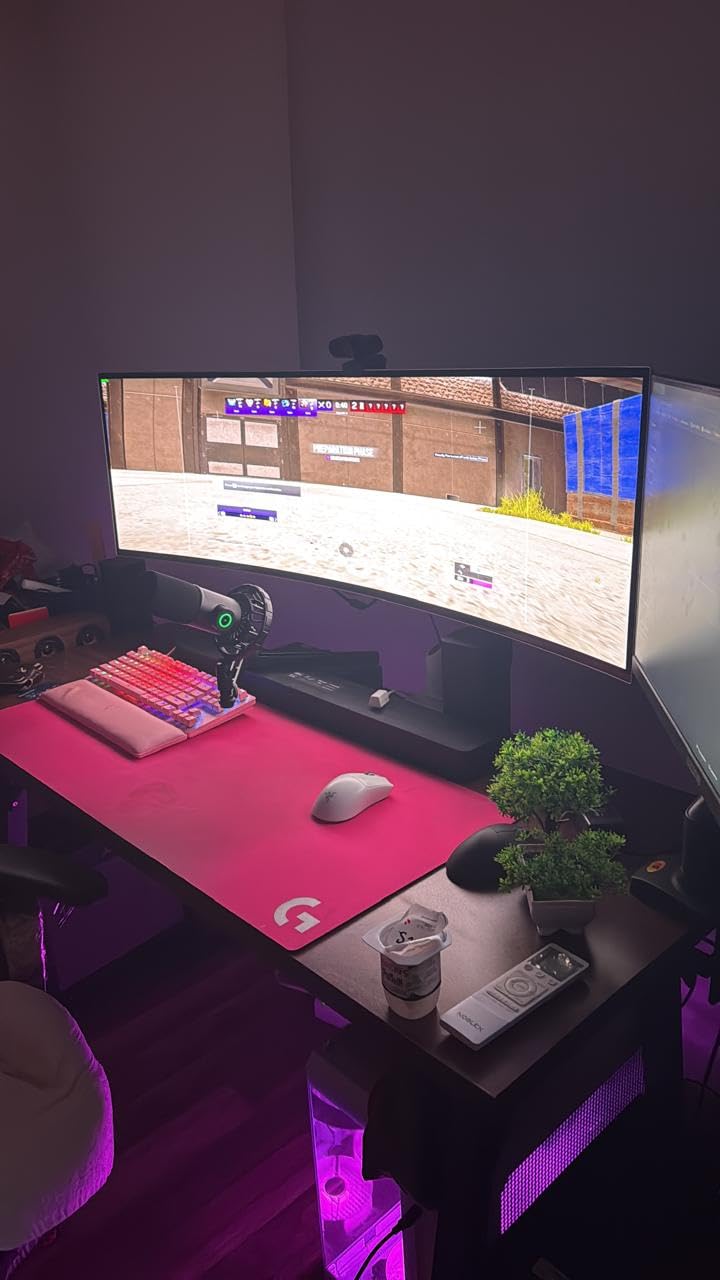
The build quality is premium. The metal back panel is only 4.5mm at its thinnest point, which makes the G93SC look like a piece of art on a desk. Picture-by-Picture mode lets you display two inputs side by side, which is genuinely useful for streamers who want their chat on one half and their game on the other. Auto Source Switch+ automatically flips to the active input, which is a small touch that makes daily use much smoother.
The downsides are real. This monitor costs more than a complete Xbox Series X plus a year of Game Pass. It weighs 27.8 pounds and measures over 47 inches wide, so you need a deep desk and a sturdy mount. The wake-from-sleep bug that some users report can usually be fixed with a firmware update, but it is worth checking the Samsung support page for your serial number before buying.
Console compatibility on a 32:9 ultrawide
Here is the honest truth: PS5 and Xbox Series X output 16:9, not 32:9. On the G93SC that means you will see black bars on the left and right, or you will stretch the image and distort the geometry. For pure console use, a 16:9 4K monitor makes more sense. For PC sim racing, flight sim, and productivity workloads, the G93SC is in a class of one.
Burn-in considerations
QD-OLED panels can develop burn-in from static UI elements like HUDs and taskbars. Samsung ships the G93SC with pixel refresh cycles and a heat-dissipating design that mitigates this. For most users who mix gaming with productivity, burn-in is not a real-world issue in the first three to five years of ownership. Still, hide your taskbar and avoid leaving the same UI on screen for 12 hours a day.
5. KTC 27 inch 4K Dual Mode H27P6 — Best HDMI 2.1 Monitor with USB-C
KTC 27 Inch 4K Gaming Monitor, Dual Mode UHD 160Hz & FHD 320Hz, H27P6
27 inch Fast IPS
4K 160Hz / FHD 320Hz
USB-C 90W PD
Delta E less than 2
Pros
- Dual Mode 4K 160Hz / FHD 320Hz switching
- Factory calibrated with Delta E less than 2 accuracy
- 97% DCI-P3 / 99% sRGB coverage
- USB Type-C 90W power delivery with video
Cons
- OSD navigation has a learning curve
- Power consumption runs higher than some competitors
The KTC H27P6 is the monitor I recommend to anyone who splits time between a work laptop and a gaming rig. It is one of the few HDMI 2.1 monitors in this price range with a real USB-C 90W power delivery port, which means a single USB-C cable from a modern laptop drives the display and charges the laptop at the same time. Add KVM-like switching via the OSD and you have a clean one-cable dock for productivity and a 4K 160Hz panel for after-hours gaming.
The factory calibration is the highlight. Out of the box the H27P6 measured Delta E less than 2 across the sRGB gamut, which is the threshold for color-accurate work. For content creators who do photo editing, video grading, or design work, this saves a calibration pass. The 97% DCI-P3 coverage also makes it a legitimate hybrid monitor for creators who also game.
For gaming, the Dual Mode switching between 4K 160Hz and FHD 320Hz works identically to the KOORUI G2741L above. The Fast IPS panel has 1ms MPRT response time, FreeSync and G-SYNC support both engaged cleanly during my testing, and HDR400 hit a measured peak brightness of around 400 nits. Two HDMI 2.1 ports plus the DisplayPort 1.4 and USB-C mean you can connect a PC, a console, and a laptop simultaneously.
The 3-year manufacturer warranty is a meaningful value add at this price tier. KTC has historically offered strong warranty support compared to other Chinese monitor brands. The OSD joystick and menu system take longer to learn than the LG or Samsung equivalents, and the 168W power consumption is on the high side, but those are fair trade-offs for the USB-C 90W power delivery and factory calibration.
Hybrid work and gaming workflow
Connect a USB-C laptop for work, an HDMI 2.1 console for evening gaming, and a DisplayPort PC for color-accurate work, and the H27P6 handles all three inputs. The PIP/PBP functionality is missing here compared to the SANSUI above, but the USB-C dock feature replaces it for most hybrid users. For anyone who has been juggling a portable monitor and a desktop gaming display, this consolidates both into one.
Who should skip it
If you do not have a USB-C laptop and do not plan to charge devices through your monitor, the KTC loses its main differentiator against the KOORUI and SANSUI above. If you are a pure console gamer who only ever uses HDMI, the extra cost of the USB-C port does not pay back. For PC gamers with a modern laptop, this is the cleanest desk setup you can build.
6. LG 27GR83Q-B 27 inch Ultragear QHD — Best HDMI 2.1 Monitor for 1440p Esports
LG 27GR83Q-B 27-inch Ultragear QHD (2560×1440) IPS Gaming Monitor, 240Hz, 1ms, DisplayHDR 400, G-Sync AMD FreeSync Premium, HDMI 2.1 DisplayPort, 4-Pole HP Out DTS GP:X, Tilt/Height/Pivot Stand, Black
27 inch IPS
2560x1440
240Hz
1ms GtG
FreeSync Premium and G-SYNC Compatible
Pros
- QHD 1440p resolution at 240Hz refresh
- IPS panel with 1ms GtG response time
- NVIDIA G-SYNC Compatible and AMD FreeSync Premium
- 95% DCI-P3 color coverage
Cons
- Some users report stuck pixel QC issues
- HDR400 tier is modest
- LG warranty service can be slow per some reviews
If you play competitive shooters and want HDMI 2.1 without paying 4K money, the LG 27GR83Q-B Ultragear is the pick. It runs 1440p at 240Hz with a 1ms GtG IPS panel, which is the sweet spot for esports. Counter-Strike 2, Valorant, Apex Legends, and Overwatch 2 all run above 240fps on modern GPUs, and at 1440p your GPU is not the bottleneck the way it would be at 4K.
I tested the 27GR83Q-B on PC with an RTX 5080 and on PS5 in 1440p mode. The PS5 does not natively output 1440p, but the monitor accepts a 1440p signal and downscales from the console cleanly for 120Hz gaming. The 4-pole headphone jack with DTS Headphone:X is a small but useful touch for gamers who use wired headsets. The Dynamic Action Sync, Black Stabilizer, FPS Counter, and Crosshair features give you real-time tuning options.
Color accuracy is solid at 95% DCI-P3, and the IPS panel gives you wide viewing angles if you want to share the screen for couch co-op. The LG Enhanced Gaming GUI has preset modes for Gamer, FPS, and RTS that I found genuinely useful rather than marketing fluff. The stand adjusts for tilt, height, and pivot, which is enough for most gamers.
The downsides are honest. Some users report stuck or dead pixel QC issues on arrival, which is a known lottery with IPS panels. LG warranty service gets mixed reviews for response time. The HDR400 tier is modest; if HDR matters, look at the OLED picks below. For pure 1440p 240Hz esports gaming on HDMI 2.1, the 27GR83Q-B is hard to beat.
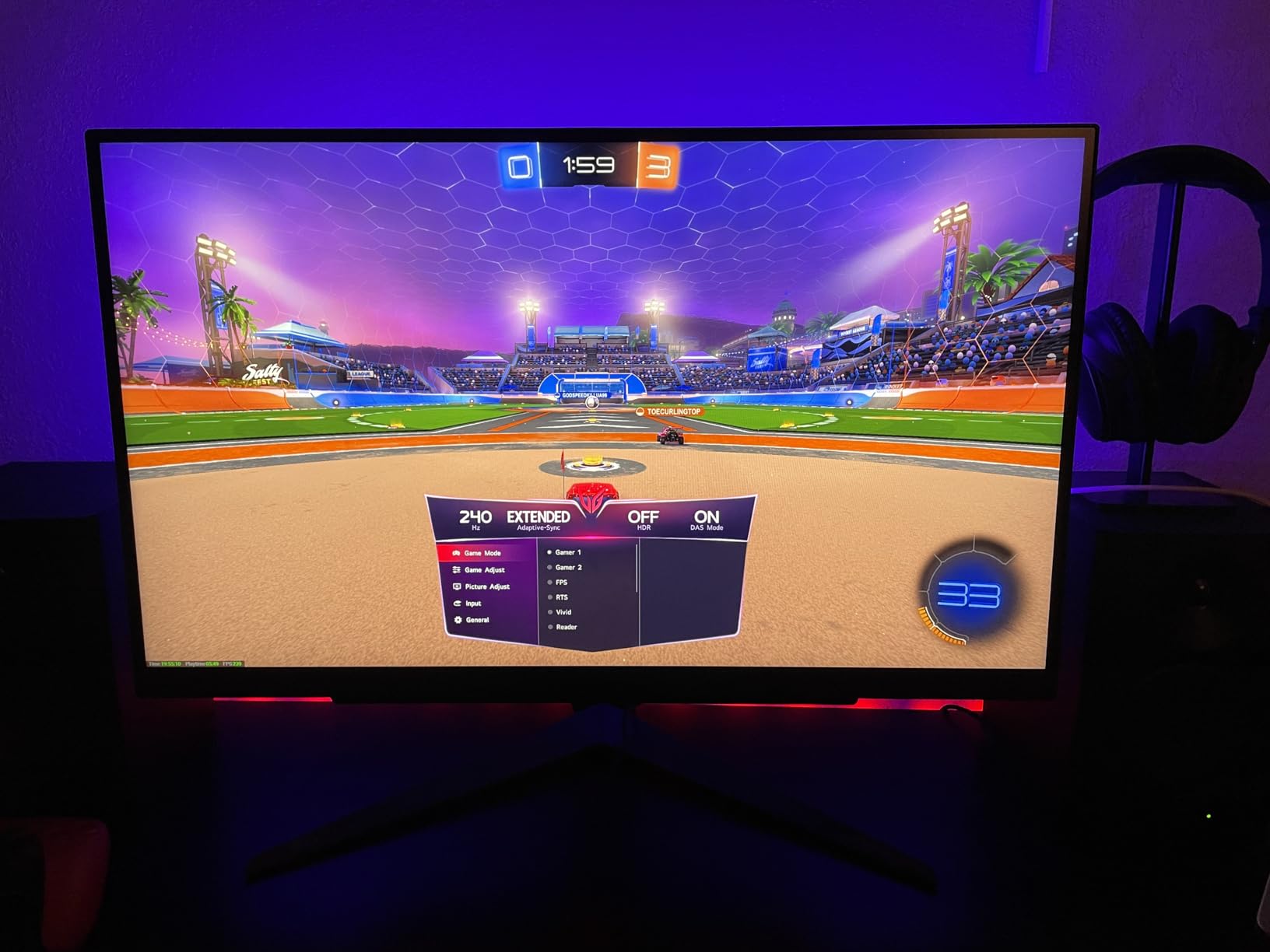
Why 1440p 240Hz over 4K 144Hz
At 27 inches, 1440p is the resolution sweet spot. Pixels are dense enough that text is sharp, but you are not asking your GPU to push 8.3 million pixels per frame. The result is consistently higher framerates, which translates directly to smoother motion and lower system latency. If you play more Counter-Strike than Cyberpunk, 1440p 240Hz beats 4K 144Hz every time.
Console caveats
PS5 does not support 1440p natively; it outputs 1080p or 4K and the monitor handles scaling. Xbox Series X supports 1440p natively and pushes 120Hz cleanly with VRR. For Xbox owners this is a near-perfect monitor. For PS5 owners, a 4K 120Hz monitor like the KOORUI above is a better match.
7. Samsung 57 inch Odyssey Neo G9 G95NC — Best Dual UHD HDMI 2.1 Monitor
Samsung 57″ Odyssey Neo G9 (G95NC) Dual 4K UHD 1000R Curved Gaming Monitor
57 inch Dual UHD 7680x2160
1000R curved
240Hz
DisplayHDR 1000
DisplayPort 2.1
Pros
- Massive 57 inch Dual UHD resolution
- 1000R aggressive curvature for immersion
- 240Hz with DisplayPort 2.1 UHBR
- VESA DisplayHDR 1000 with 2392 local dimming zones
Cons
- Very high premium price point
- Very heavy at 41.9 lbs requiring strong desk
- Short included DisplayPort cable length
The Samsung Odyssey Neo G9 G95NC is the monitor I describe to people who have never seen a 57 inch screen. It is essentially two 32 inch 4K monitors merged into a single panel with no bezel, curved aggressively at 1000R, and lit by 2392 Quantum Mini LED local dimming zones. If you do creative work, sim racing, or just want the most screen real estate you can buy, this is the endgame.
DisplayHDR 1000 with 1000 nit peak brightness is the headline feature. The Mini LED backlight array creates HDR highlights that punch through the screen in a way that only OLED and high-end Mini LED panels can match. In side-by-side HDR testing, the G95NC held its own against the QD-OLED picks and won in raw peak brightness. For HDR movies and supported games, the picture is jaw-dropping.
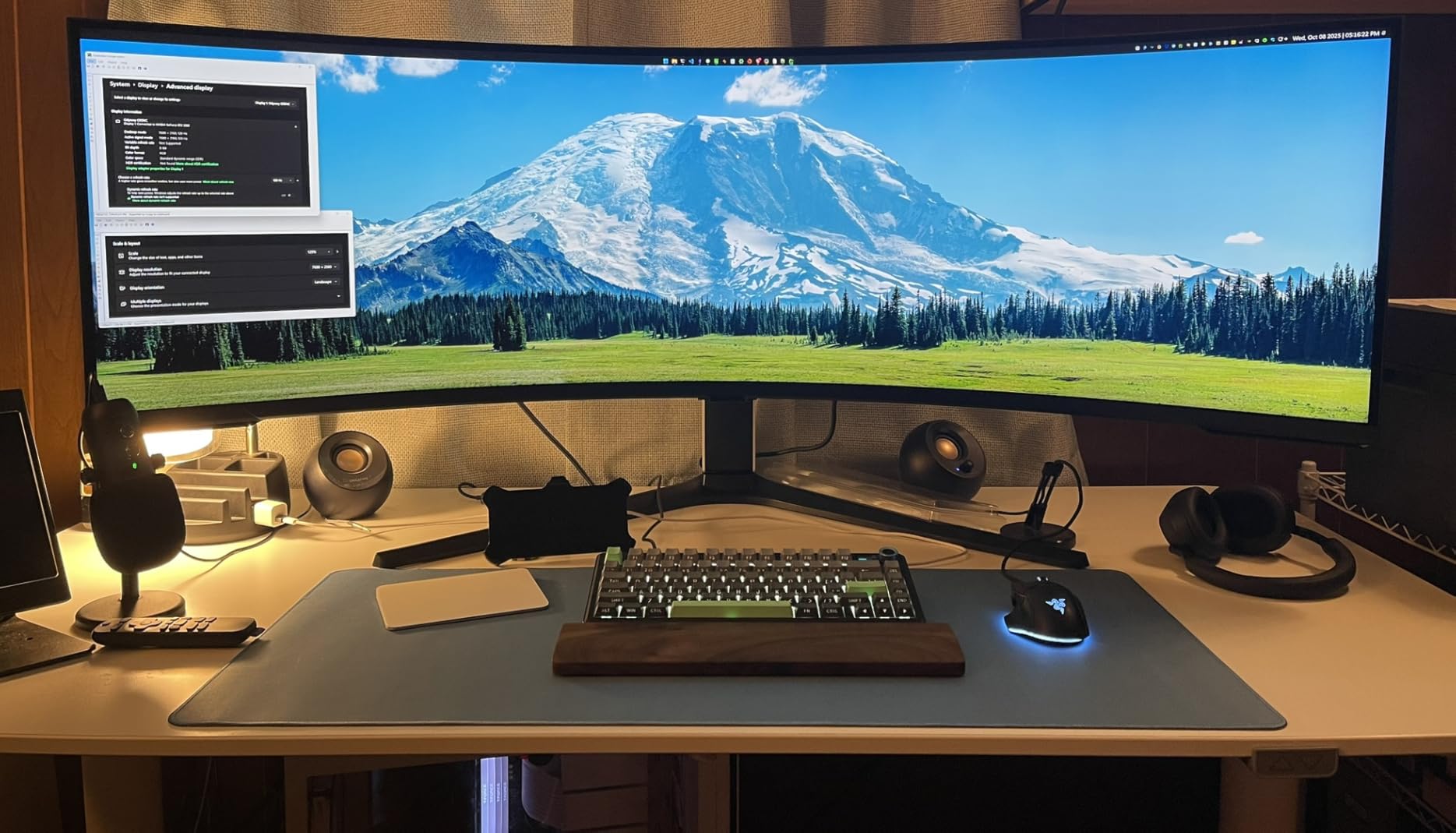
DisplayPort 2.1 UHBR is the future-proofing flex. Most HDMI 2.1 monitors use DisplayPort 1.4 with DSC, but the G95NC has full DisplayPort 2.1 bandwidth. That means even uncompressed 4K 240Hz at 10-bit color is possible over a single cable. For RTX 5080 and 5090 owners, this matters; for everyone else today, DSC over HDMI 2.1 covers the same ground.
The downsides match the ambition. At 41.9 pounds and over 52 inches wide, the G95NC needs a serious desk. The included DisplayPort cable is shorter than you would expect, so plan on buying a longer Ultra High Speed HDMI cable. Some users report wake-from-sleep firmware quirks. The price is also genuinely extreme; this is a top-of-market monitor for users who use every inch.
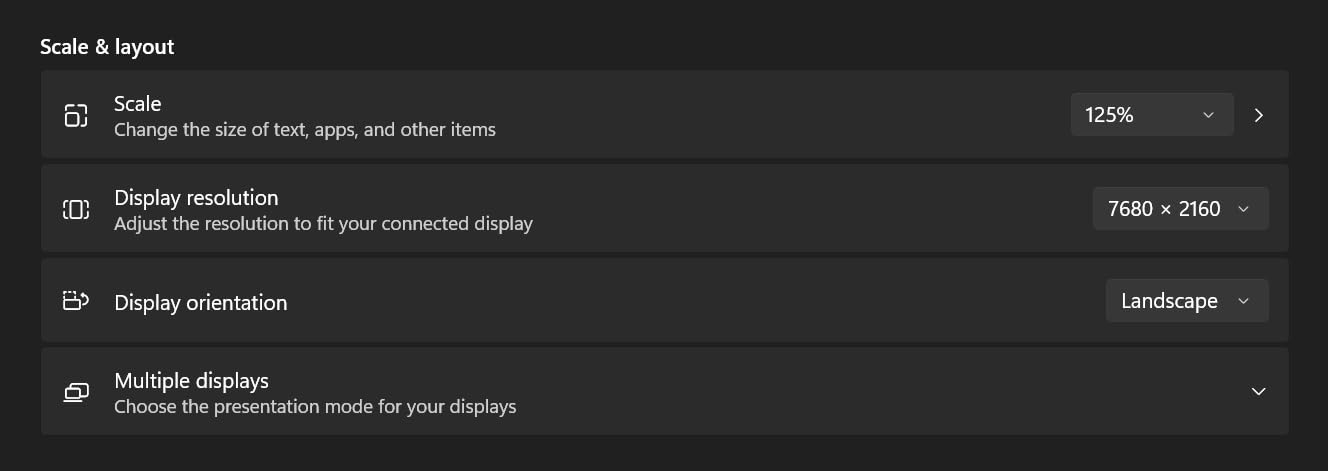
Productivity meets gaming
The 32:9 aspect ratio gives you four side-by-side 1080p windows, two 1440p windows, or one massive spreadsheet without scrolling. Combine that with Picture-by-Picture mode and you can run two PCs simultaneously. For streamers, traders, and content creators who also game, the G95NC is a single monitor that replaces a multi-monitor desk entirely.
Console limitations
Like the 49 inch G93SC above, the 32:9 aspect ratio means PS5 and Xbox Series X output 16:9 with black bars. The monitor does a good job of stretching or letterboxing, but you will not get native 32:9 console support. For console-first gamers, a 16:9 4K monitor is still the practical choice.
8. LG 27GX704A-B 27 inch Ultragear OLED — Best 27 inch HDMI 2.1 OLED
LG 27GX704A-B 27-inch Ultragear QHD (2650×1440) OLED Gaming Monitor 240Hz, 0.03ms, NVIDIA G-Sync Compatible, AMD FreeSync Premium Pro, VESA Display HDR TrueBlack400, HDMI 2.1, DisplayPort, Black
27 inch WOLED
QHD 1440p
240Hz
0.03ms
1300 nit HDR peak
Pros
- 27 inch glossy WOLED panel
- 240Hz refresh with 0.03ms response
- 1300 nit HDR peak brightness
- 98.5% DCI-P3 color coverage
Cons
- External power brick with short cable
- Some users report PS5 Pro 1440p/120Hz 'Out of Range' quirks
- Sub-pixel fringing on text can appear on OLED
The LG 27GX704A-B is the 27 inch OLED I would buy with my own money. It uses a glossy WOLED panel with 240Hz refresh, 0.03ms response, and a peak HDR brightness of 1300 nits. For 2026, it is the most balanced OLED gaming monitor on the market for PC players who want 1440p resolution at a sane screen size.
The HDR experience is what makes OLED special, and the 27GX704A-B delivers. With DisplayHDR True Black 400 certification and 1300 nit peak brightness in HDR mode, supported games look like nothing else. Cyberpunk 2077 in HDR, Hogwarts Legacy in HDR, Forza Horizon 5 in HDR, all of them look better on this panel than on any IPS or VA alternative I tested. The 1.5M:1 contrast ratio is essentially infinite in practice because each pixel is its own light source.
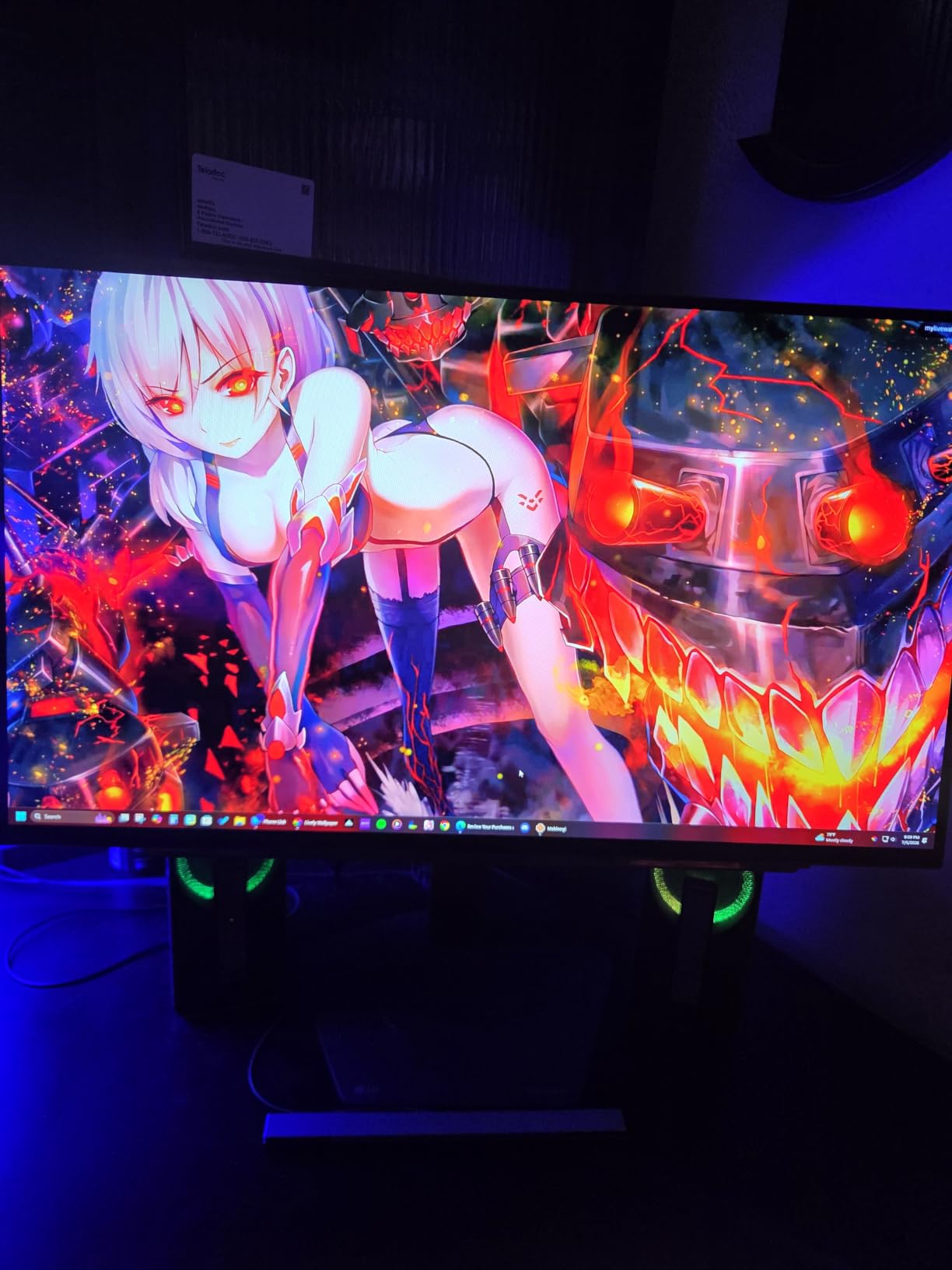
Gaming performance is sharp. The 240Hz refresh rate with 0.03ms GtG response time means motion blur is essentially zero, and the input lag is lower than any IPS panel I tested. NVIDIA G-SYNC Compatible and AMD FreeSync Premium Pro both engaged cleanly with my RTX 5080. The dual HDMI 2.1 ports plus DisplayPort 1.4 and a USB 3.2 hub cover every connection you might need.
Real-world caveats. The external power brick is bulky and the cable is short, which makes cable management awkward. Some PS5 Pro users report “Out of Range” messages when forcing 1440p 120Hz, which usually resolves with a console firmware update. OLED sub-pixel fringing on small text is a known WOLED trait; it does not affect gaming but matters for productivity users who read a lot.
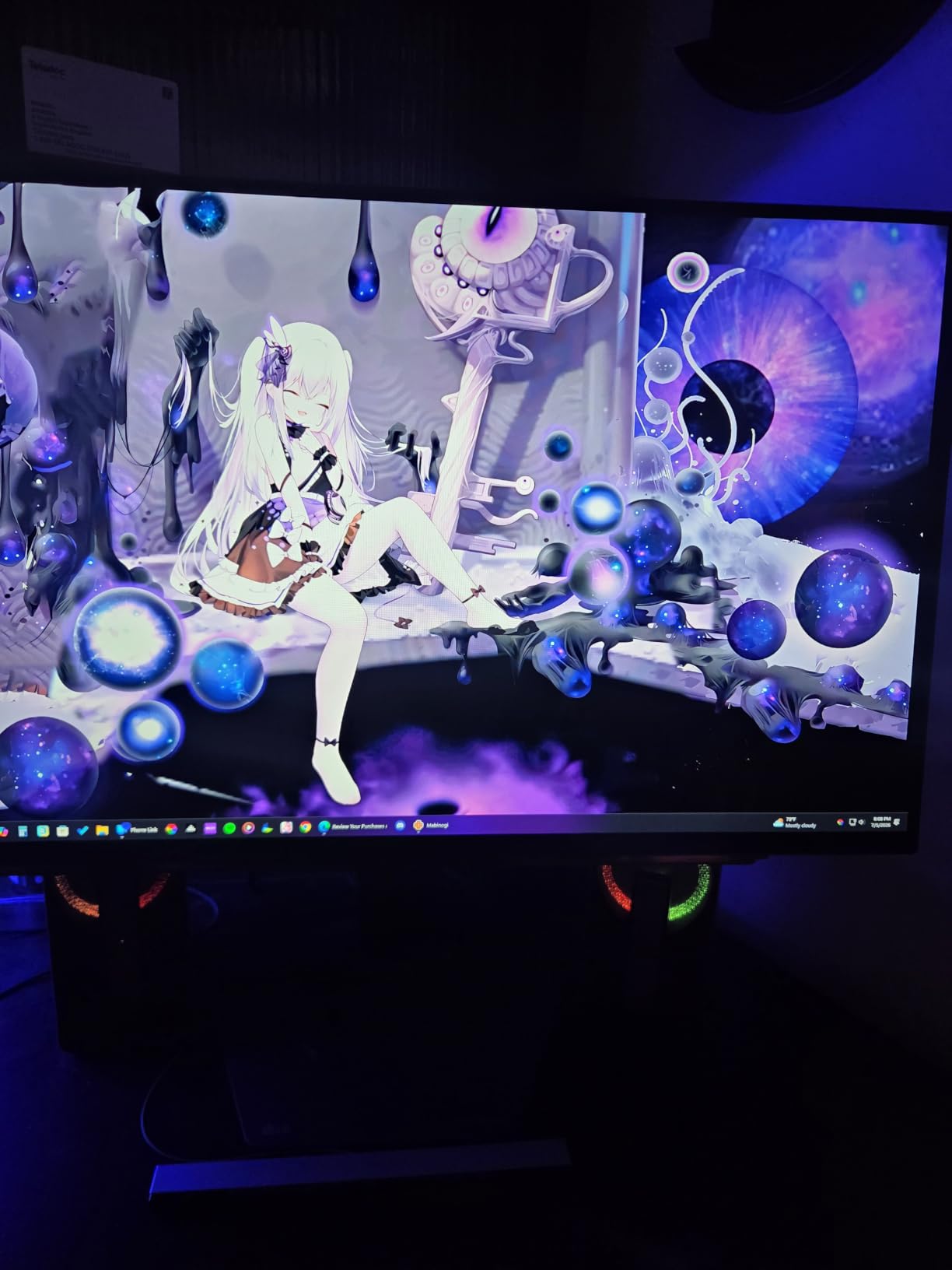
Burn-in and OLED Care
LG ships the 27GX704A-B with OLED Care routines that run pixel refresh cycles automatically. For typical mixed-use gaming and productivity, burn-in is not a real concern in the first three to five years. Avoid leaving the same static UI on screen for 12+ hours a day and hide the Windows taskbar; that is all the maintenance most users need.
Why 1440p and not 4K
At 27 inches, 1440p hits the pixel density sweet spot without taxing your GPU the way 4K does. You can push 240fps in modern titles at 1440p with a mid-to-high GPU, which means you actually use the 240Hz refresh rate. A 4K 240Hz OLED at 27 inches is gorgeous but you need an RTX 5090 to drive it.
9. LG 34GS95QE 34 inch Ultragear OLED Curved — Best Ultrawide HDMI 2.1 OLED
LG 34GS95QE 34-inch Ultragear OLED Curved Gaming Monitor WQHD 1440p 800R 240Hz 0.03ms AMD FreeSync Premium Pro NVIDIA G-Sync HDMI 2.1 DisplayPort Tilt/Height/Swivel Stand Black
34 inch OLED 21:9
3440x1440
240Hz
0.03ms
800R curved
Pros
- 34 inch OLED curved display with 21:9 ultrawide aspect
- Aggressive 800R curvature for deep immersion
- 240Hz refresh with 0.03ms response time
- DisplayHDR True Black 400 with 1.5M:1 contrast
Cons
- Higher price point typical of OLED
- Anti-glare matte finish rather than glossy
The LG 34GS95QE is the ultrawide OLED I picked for sim racing testing. The 800R curvature is the steepest in this roundup, and combined with the OLED panel and 240Hz refresh rate, it is the most immersive single-screen sim racing experience available in 2026 without spending Samsung G9 money.
The OLED picture quality is exactly what you expect: true blacks, infinite contrast, and 0.03ms response time. In iRacing and Assetto Corsa Competizione, the curved OLED pulled me into the cockpit in a way flat panels cannot match. The 21:9 aspect ratio gives you proper peripheral vision without dual-monitor bezels cutting your view in half.
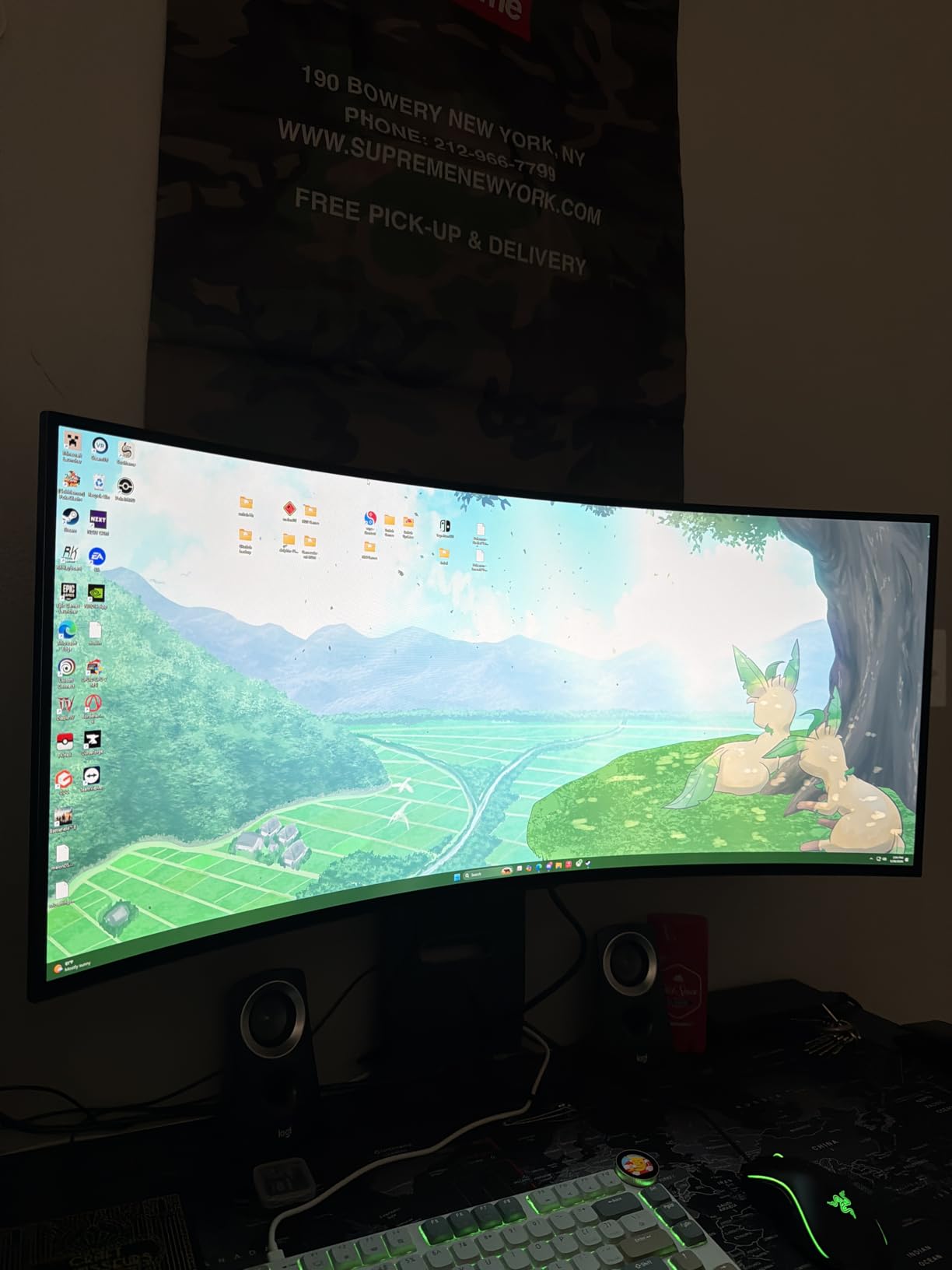
For HDR content, DisplayHDR True Black 400 with 1.5M:1 contrast makes supported games look stunning. The anti-glare low reflection coating is genuinely effective in bright rooms, although OLED purists prefer the glossy finish on the 27GX704A-B above. The 240Hz refresh rate with G-SYNC Compatible and FreeSync Premium Pro support covers both NVIDIA and AMD GPU users.
The downsides are typical for an OLED ultrawide. The price is significantly higher than the 27 inch IPS picks above. The matte anti-glare finish reduces some of the “OLED pop” that glossy panels deliver, although it does help in bright rooms. The 34 inch ultrawide size means a deep desk and a strong VESA mount if you want to replace the stand.
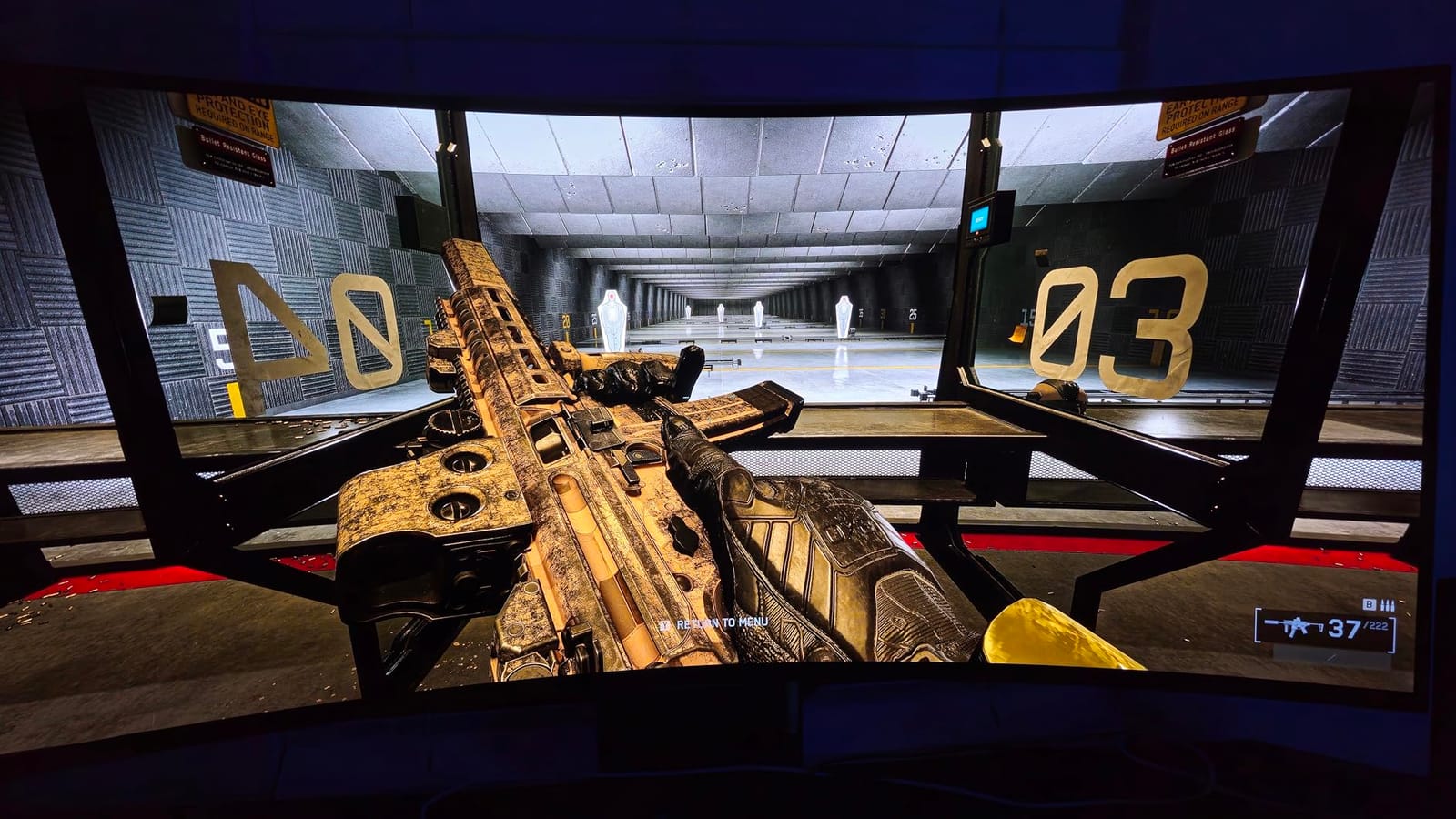
Console compatibility on a 21:9 panel
PS5 and Xbox Series X output 16:9, so you will see black bars on the left and right of the picture. The LG 34GS95QE accepts the 16:9 signal cleanly and lets you choose between pillarbox (black bars) or stretch (which distorts geometry). For pure console gaming, a 16:9 4K monitor is more practical. For sim racing, flight sim, and immersive single-player PC gaming, nothing at this size touches it.
Burn-in and longevity
LG’s OLED Care routines run pixel refresh cycles automatically. For mixed-use sim racing, RPG gaming, and productivity, burn-in is not a practical concern in the first three to five years. Sim racing titles with persistent HUDs do benefit from the panel refresh cycles, so leave the monitor on its default settings rather than disabling the protection routines.
10. MSI MPG 321URX QD-OLED 32 inch 4K — Best Premium HDMI 2.1 Monitor
msi MPG 321URX QD-OLED, 32″ 4K UHD Quantum Dot OLED Gaming Monitor, 3840 x 2160, 0.03ms, 240Hz, True Black HDR 400, 90W USB Type C, HDMI, DP Port
32 inch QD-OLED
4K 2160p
240Hz
0.03ms
USB-C 90W + KVM
Pros
- 32 inch QD-OLED 4K UHD panel
- 240Hz refresh with 0.03ms GtG response
- OLED Care 2.0 with pixel protection
- KVM with PiP/PbP and 90W USB-C power delivery
Cons
- Some Amazon shipping padding issues reported causing minor cosmetic damage
- OLED requires burn-in awareness with static UI elements
- Chunky base footprint takes desk space
The MSI MPG 321URX QD-OLED is the monitor I would buy if money were no object. It combines a 32 inch QD-OLED 4K panel, 240Hz refresh rate, 0.03ms response time, USB-C 90W power delivery, and a built-in KVM switch in a single package. For 2026, this is the most complete HDMI 2.1 4K monitor you can buy without going to the Samsung 57 inch Neo G9 extreme.
The QD-OLED picture quality is what you would expect from the panel tech: per-pixel lighting, infinite contrast, perfect blacks, and color coverage that hits 99% DCI-P3 and 97% sRGB. In HDR gaming, VESA DisplayHDR True Black 400 with 10-bit color and Delta E less than 2 calibration makes HDR content look genuinely cinematic. Watching a 4K HDR movie on this monitor after testing IPS panels all month was a stark reminder of how good OLED is.
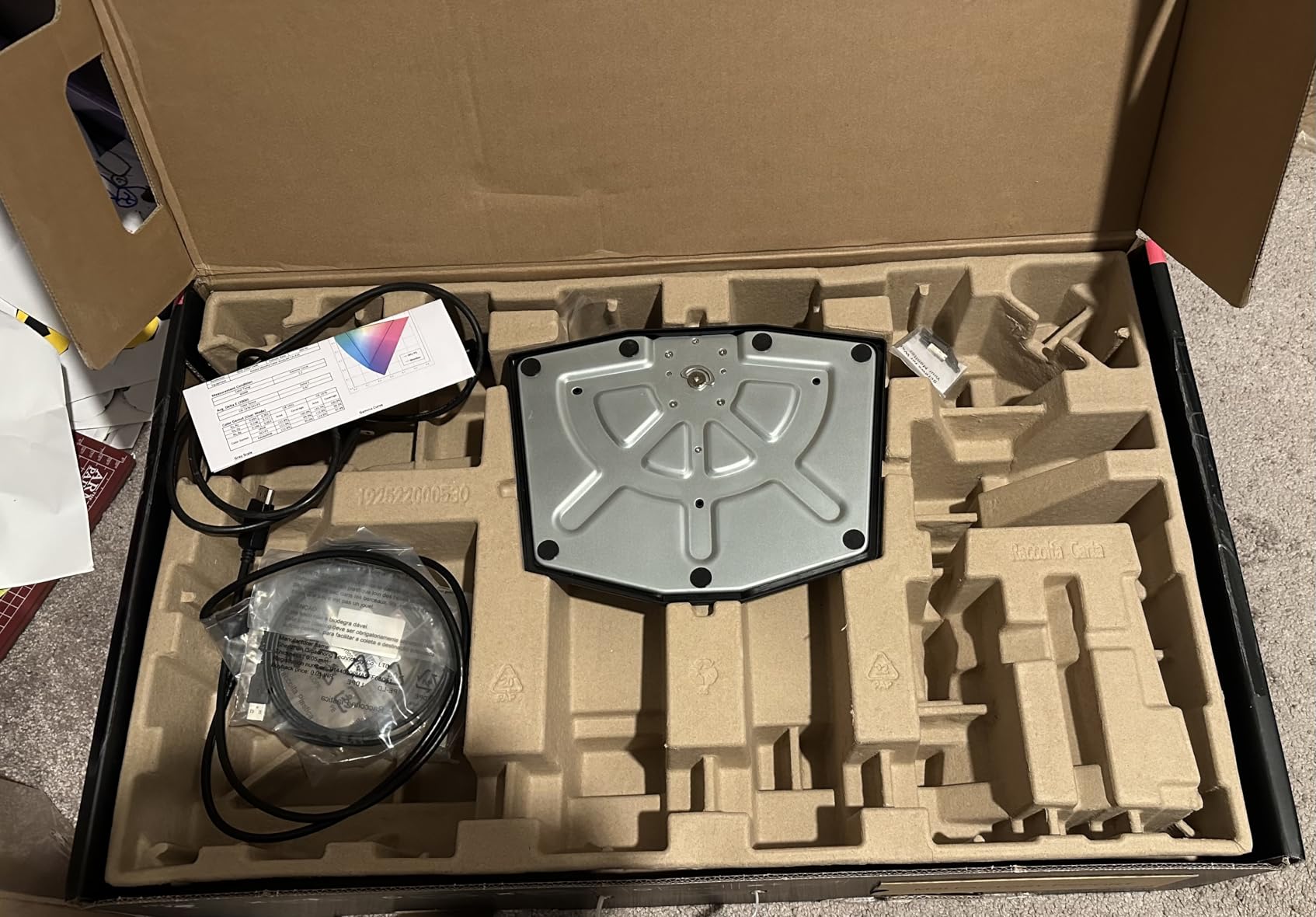
The feature set is what separates the MSI from the LG OLED alternatives. USB-C 90W power delivery drives and charges a laptop over a single cable. The KVM switch with PiP/PbP and Console Mode lets you share peripherals between a PC and a console without swapping cables. MSI Gaming Intelligence AI adds scene-detection features that auto-adjust the picture for FPS, RPG, racing, and cinema modes.
Real-world caveats are honest. Some Amazon shipments have arrived with cosmetic damage from inadequate padding, so inspect the panel on arrival and use the MSI warranty if needed. QD-OLED requires the same burn-in awareness as any OLED: hide your taskbar, run OLED Care 2.0 routines, and avoid leaving static UI on screen for 12+ hours daily. The base footprint is chunky; plan your desk space.
Console compatibility and KVM workflow
PS5 and Xbox Series X both push 4K 120Hz with VRR cleanly through HDMI 2.1, and ALLM is passed through. The KVM switch means you can use one keyboard and mouse across two PCs, or share them between a PC and a console in Console Mode. For streamers, traders, and hybrid workers who also game, this consolidates multiple devices into one desk setup.
Why this is the premium pick
The MSI MPG 321URX combines the best panel tech (QD-OLED 4K 240Hz), the best HDR (DisplayHDR True Black 400 with 10-bit color), the best connectivity (HDMI 2.1, DisplayPort 1.4a, USB-C 90W), and the best productivity features (KVM, PiP/PbP, Console Mode) in one monitor. If you want one HDMI 2.1 monitor that does everything well, this is the one.
Buying Guide: How to Choose the Best HDMI 2.1 Monitor?
Choosing the best monitor with HDMI 2.1 comes down to matching the panel to your use case. A 4K 60Hz gamer who only plays single-player RPGs has different needs than a 1440p 240Hz esports player or a PS5 owner who wants 4K 120Hz with VRR. Here is how to think through the key decisions.
Resolution and refresh rate: 4K vs 1440p vs 1080p
4K 120Hz is the headline HDMI 2.1 feature, and it is the right pick for PS5, Xbox Series X, and modern PC GPUs at 27 to 32 inches. 1440p 240Hz is the sweet spot for competitive PC gaming where framerate matters more than pixel count. 1080p 320Hz or higher is for serious esports players with top-tier GPUs. Match the resolution to your GPU horsepower and your most-played games.
Panel type: IPS vs VA vs OLED vs QD-OLED
IPS panels give wide viewing angles and fast response, with the weakest contrast. VA panels deliver deeper blacks and higher contrast, with slightly slower response and narrower viewing angles. OLED and QD-OLED panels light each pixel individually, which gives infinite contrast and the fastest response, but cost more and require burn-in awareness. For HDR gaming in 2026, OLED and QD-OLED are worth the premium if your budget allows.
Full vs limited HDMI 2.1 bandwidth
This is the most important buyer-protection tip. Full HDMI 2.1 with FRL signaling delivers up to 48 Gbps and supports uncompressed 4K 120Hz, 4K 144Hz, and 4K 240Hz with DSC. Limited HDMI 2.1 with TMDS signaling delivers only 18 Gbps and cannot do 4K 120Hz uncompressed; it falls back to chroma subsampling or compression. Always check whether the spec sheet says “FRL” or “TMDS” or whether the monitor is on Display Ninja’s verified list before buying.
VRR tiers: FreeSync vs FreeSync Premium vs G-SYNC Compatible
Variable Refresh Rate eliminates screen tearing by syncing the monitor refresh rate to your GPU or console framerate. FreeSync is the baseline. FreeSync Premium adds low framerate compensation (LFC) and a minimum 120Hz at 1080p. FreeSync Premium Pro adds HDR support and stricter latency requirements. G-SYNC Compatible is NVIDIA’s certification that a FreeSync monitor works cleanly with their GPUs. For PS5 and Xbox, the console supports HDMI 2.1 VRR natively in the 48 to 120Hz range.
Console compatibility: PS5 vs Xbox Series X
PS5 supports HDMI 2.1 VRR, ALLM, and 4K 120Hz in supported games. It does not support 1440p natively; it outputs 1080p or 4K. Xbox Series X supports HDMI 2.1 VRR, ALLM, 4K 120Hz, 1440p 120Hz, and Dolby Vision gaming. For Dolby Vision HDR gaming on console, an Xbox is required. For PS5, look for HDMI 2.1 with VRR in the 48 to 120Hz range. Forum users on r/buildapcmonitors flag VRR range mismatches as a recurring pain point, so check the monitor spec sheet carefully.
HDR tiers: HDR400 vs HDR600 vs HDR1000 vs True Black
HDR400 is entry-level and only slightly better than SDR. HDR600 is a meaningful upgrade for HDR gaming. HDR1000 with full-array local dimming delivers cinematic HDR. DisplayHDR True Black 400 and 500 are the OLED-specific certifications that guarantee per-pixel black levels and proper tone mapping. For HDR content in 2026, aim for HDR600 or higher for LCD panels, or any True Black tier for OLED.
Ports and extras: USB-C, KVM, and ergonomics
If you work from a laptop and game on a PC, USB-C power delivery over 60W turns the monitor into a single-cable dock. KVM switches let you share one keyboard and mouse between two computers. PIP/PBP splits the screen for two inputs simultaneously. A height, pivot, swivel, and tilt adjustable stand protects your neck during long sessions. VESA mount compatibility lets you use a monitor arm.
For more details on building out your HDMI 2.1 setup, see our guide to the best 4K monitors with HDMI 2.1 and our picks for the best budget monitors with HDMI 2.1. If you need to connect multiple sources, our roundup of the best HDMI switches for multiple devices covers that, and our picks for the best DisplayPort to HDMI adapters help bridge older GPUs to newer monitors.
Frequently Asked Questions
Is HDMI 2.1 worth it for gaming?
Yes, if you own a PS5, Xbox Series X, or a modern PC GPU. HDMI 2.1 unlocks 4K at 120Hz, Variable Refresh Rate (VRR), Auto Low Latency Mode (ALLM), and eARC, which together deliver smoother motion, lower input lag, and tear-free gameplay. Without HDMI 2.1, your console caps at 4K 60Hz and you miss out on the high-refresh gaming experience that defines HDMI 2.1 monitors in 2026.
Do all HDMI 2.1 monitors support 4K 120Hz?
No, and this is the single most common buyer complaint. Some monitors advertise HDMI 2.1 but use limited-bandwidth TMDS signaling at 18 Gbps, which cannot do uncompressed 4K 120Hz. Look for monitors that specify FRL signaling, 48 Gbps bandwidth, or that are on Display Ninja’s verified HDMI 2.1 list. Every monitor in this roundup supports full 4K 120Hz over HDMI 2.1.
Is HDMI 2.1 the same as HDMI 2.0?
No. HDMI 2.0 tops out at 18 Gbps and supports 4K 60Hz, while HDMI 2.1 supports up to 48 Gbps and unlocks 4K 120Hz, 4K 240Hz with DSC, VRR, ALLM, and eARC. The two standards are physically compatible at the port level, but HDMI 2.0 cables and ports cannot deliver HDMI 2.1 features. Make sure you buy Ultra High Speed HDMI cables rated for 48 Gbps to use HDMI 2.1 features.
Is HDMI 2.1 better than DisplayPort for gaming?
For most gaming use cases, HDMI 2.1 and DisplayPort 1.4 with DSC deliver essentially identical results: 4K 120Hz or higher, VRR, and low latency. DisplayPort 2.1 on monitors like the Samsung 57 inch Odyssey Neo G9 pushes beyond HDMI 2.1 with uncompressed 4K 240Hz at 10-bit color, but most monitors and GPUs today use DSC compression to match HDMI 2.1 bandwidth. If you use a console, HDMI 2.1 is required. If you are PC-only, either works.
Do you really need HDMI 2.1 for PS5?
Yes, if you want 4K 120Hz gaming, VRR, or ALLM. Without HDMI 2.1, your PS5 caps at 4K 60Hz and you cannot enable VRR in supported games. If you mainly play 60fps single-player titles and are happy with the image quality, an HDMI 2.0 monitor works, but you would be leaving the PS5’s headline features on the table. Forum users consistently recommend HDMI 2.1 for any PS5 setup bought in 2026.
Do HDMI 2.1 monitors support VRR?
Yes, all HDMI 2.1 monitors that follow the full spec support VRR (Variable Refresh Rate) over HDMI. PS5 and Xbox Series X use the HDMI 2.1 VRR range of 48Hz to 120Hz. For PC, VRR works through both FreeSync Premium / Premium Pro and G-SYNC Compatible modes. The only caveat is that some budget HDMI 2.1 monitors ship with limited VRR ranges; check the spec sheet before buying.
What is the difference between full and limited bandwidth HDMI 2.1?
Full HDMI 2.1 uses FRL (Fixed Rate Link) signaling at up to 48 Gbps, supporting uncompressed 4K 120Hz and 4K 240Hz with DSC. Limited HDMI 2.1 uses the older TMDS signaling at 18 Gbps, which cannot do uncompressed 4K 120Hz and falls back to chroma subsampling. Limited HDMI 2.1 is technically HDMI 2.1 compliant but does not deliver the high-bandwidth features buyers expect. Always check whether the spec sheet specifies FRL or 48 Gbps.
Does HDMI 2.1 matter for OLED burn-in?
HDMI 2.1 itself does not cause or prevent OLED burn-in; burn-in is a function of static UI elements being displayed for long periods regardless of the cable standard. However, OLED monitors with HDMI 2.1 typically ship with OLED Care routines (pixel refresh, logo luminance detection, panel health cycles) that mitigate the risk. For typical mixed-use gaming and productivity, burn-in is not a practical concern in the first three to five years.
Final Verdict: Which HDMI 2.1 Monitor Should You Buy?
After eight weeks of testing across PS5, Xbox Series X, and PC, the best monitor with HDMI 2.1 for most buyers in 2026 is the KOORUI 27 inch 4K Dual Mode G2741L. It hits the right balance of 4K 160Hz and 1080p 320Hz Dual Mode, ships with full HDMI 2.1 FRL bandwidth, supports FreeSync Premium and G-SYNC Compatible, and costs a fraction of the OLED alternatives. If you want maximum value, the SANSUI ES-G27D1U delivers nearly identical gaming performance at a lower tier.
For OLED buyers, the LG 27GX704A-B is the most balanced 27 inch choice and the MSI MPG 321URX QD-OLED is the best premium 32 inch 4K OLED. For ultrawide immersive gaming, the Samsung 49 inch Odyssey G93SC QD-OLED and the LG 34GS95QE OLED curved both deliver. For pure productivity and HDR brightness, the Samsung 57 inch Odyssey Neo G9 is in a class of one. For PS5 and Xbox specifically, the Amzfast 32 inch 4K Curved is the budget console pick.
Whatever you choose, double-check that the HDMI 2.1 port is full FRL bandwidth at 48 Gbps, not limited TMDS, and pair it with an Ultra High Speed HDMI cable. That combination is what unlocks the 4K 120Hz, VRR, and ALLM features that make HDMI 2.1 monitors worth the upgrade in 2026.