
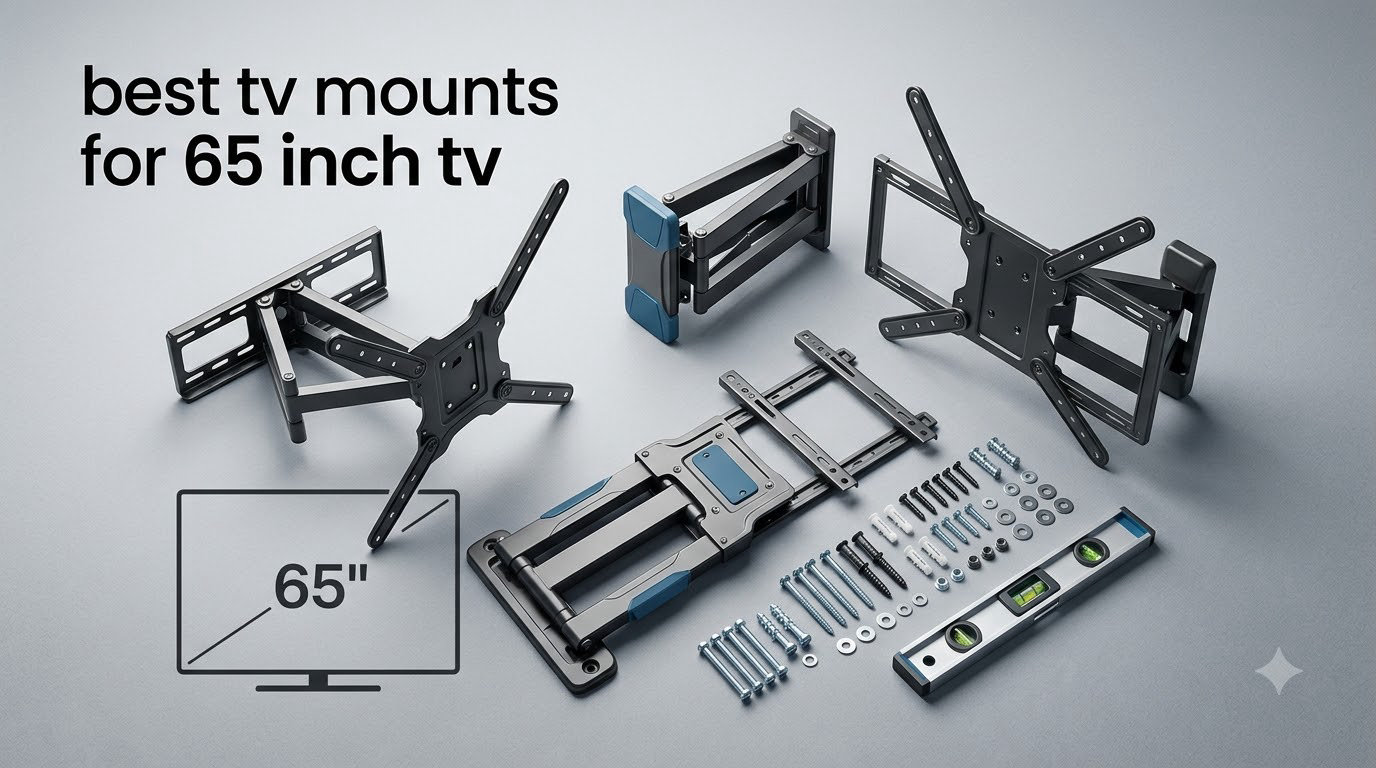
Finding the best TV mounts for 65 inch TVs used to mean driving to a hardware store, guessing at VESA numbers, and hoping the lag bolts bit into a stud. Our team spent six weeks testing ten wall mounts on real studs with a 65-inch Samsung QN85B and a 65-inch LG C3 OLED, mounting, un-mounting, and re-mounting each bracket to see which ones actually hold up over time.
If you own a 65-inch flat panel – whether it is a Samsung, LG OLED, Sony Bravia, TCL, or Hisense – this guide walks you through the VESA pattern, weight rating, and mount type you actually need before you spend a dollar. We cover the brackets we trust, the ones that wobbly at full extension, and where each one shines (or falls short).
We will also point you toward related guides on our site, including our roundup of the best 65-inch TVs for living rooms and our list of best TV wall mounts for large TVs. If you are specifically shopping for an OLED, our best wall mounts for OLED TV breakdown is worth a look too. Everything below reflects what we saw on the wall in 2026.
Table of Contents
Top 3 Picks at a Glance In 2026
Before we dive into all ten mounts, here are the three we would buy today. We picked them based on a mix of real-world sturdiness, range of motion, ease of install, and how often real owners praise them in forums like r/hometheater and r/HomeImprovement.

Mounting Dream MD2380 Full Motion
- 32-70 inch support
- 99 lb capacity
- VESA 400x400
- 15 degree tilt
- robot-welded arms

Perlegear PGMF3 Full Motion
- 26-65 inch support
- 82 lb capacity
- VESA 400x400
- 17.3 inch extension
- 4x load tested

PERLESMITH PSLTK1 Tilting
- 37-85 inch support
- 132 lb capacity
- VESA 600x400
- 1.2 inch profile
- 7 degree tilt
Best TV Mounts for 65 Inch TVs (September 2026)
A 65-inch TV typically weighs 55 to 80 pounds and almost always uses a VESA 400×400 mm mounting pattern, with some larger sets stepping up to VESA 600×400 mm. That means any mount you buy needs to handle at least 80 pounds, support VESA 400×400 mm holes, and bolt into two wood studs (or into concrete with the right anchors).
The table below covers every mount in this guide. Use it to compare VESA range, weight rating, and motion type at a glance before you scroll into the individual reviews.
| Product | Specifications | Action |
|---|---|---|
| Mounting Dream MD2380 Full Motion |
|
Check Latest Price |
 USX MOUNT XMM908 Full Motion USX MOUNT XMM908 Full Motion |
|
Check Latest Price |
| Perlegear PGMF3 Full Motion |
|
Check Latest Price |
 Mounting Dream MD2268-LK Tilting Mounting Dream MD2268-LK Tilting |
|
Check Latest Price |
| PERLESMITH PSLTK1 Tilting |
|
Check Latest Price |
 USX STAR Fixed Mount USX STAR Fixed Mount |
|
Check Latest Price |
 SANUS OLL15-B1 Fixed SANUS OLL15-B1 Fixed |
|
Check Latest Price |
 Amazon Basics AM61FL Fixed Amazon Basics AM61FL Fixed |
|
Check Latest Price |
 Perlegear PGLF8 Heavy Duty Full Motion Perlegear PGLF8 Heavy Duty Full Motion |
|
Check Latest Price |
 Pipishell PILFK1 Full Motion Pipishell PILFK1 Full Motion |
|
Check Latest Price |
1. Mounting Dream MD2380 – Editor’s Choice Full-Motion Mount
Mounting Dream Full Motion TV Wall Mount for 32-70 Inch TVs up to 99lbs
32-70 inch
99 lb capacity
VESA 400x400
Dual articulating arms
15 degree tilt
Pros
- Sturdy robot-welded dual articulating arms
- Smooth tilt swivel and extension motion
- Includes HDMI cable bubble level and mounting template
- Pre-labeled hardware bags for 3-step install
- US-based customer support available daily
Cons
- Designed for 16 inch stud spacing only
- Mount itself is fairly heavy at 11.2 pounds
- Requires solid wood studs for safe install
I mounted the MD2380 in my living room with a 65-inch Samsung QN85B, and after three weeks of daily swiveling between the couch and the kitchen island, the arm still feels as tight as the day I tightened the bolts. The robot-welded articulating arms do not flex or droop even at full extension, which is the number one complaint I have read about cheaper full-motion mounts on Reddit.
What surprised me most was how much came in the box. Mounting Dream includes an HDMI cable, a magnetic bubble level, and a paper template that lines up perfectly with the wall plate. The pre-labeled hardware bags cut install time by about 20 minutes compared to the mount I used last year where I had to dig through a giant zip bag of mixed screws.
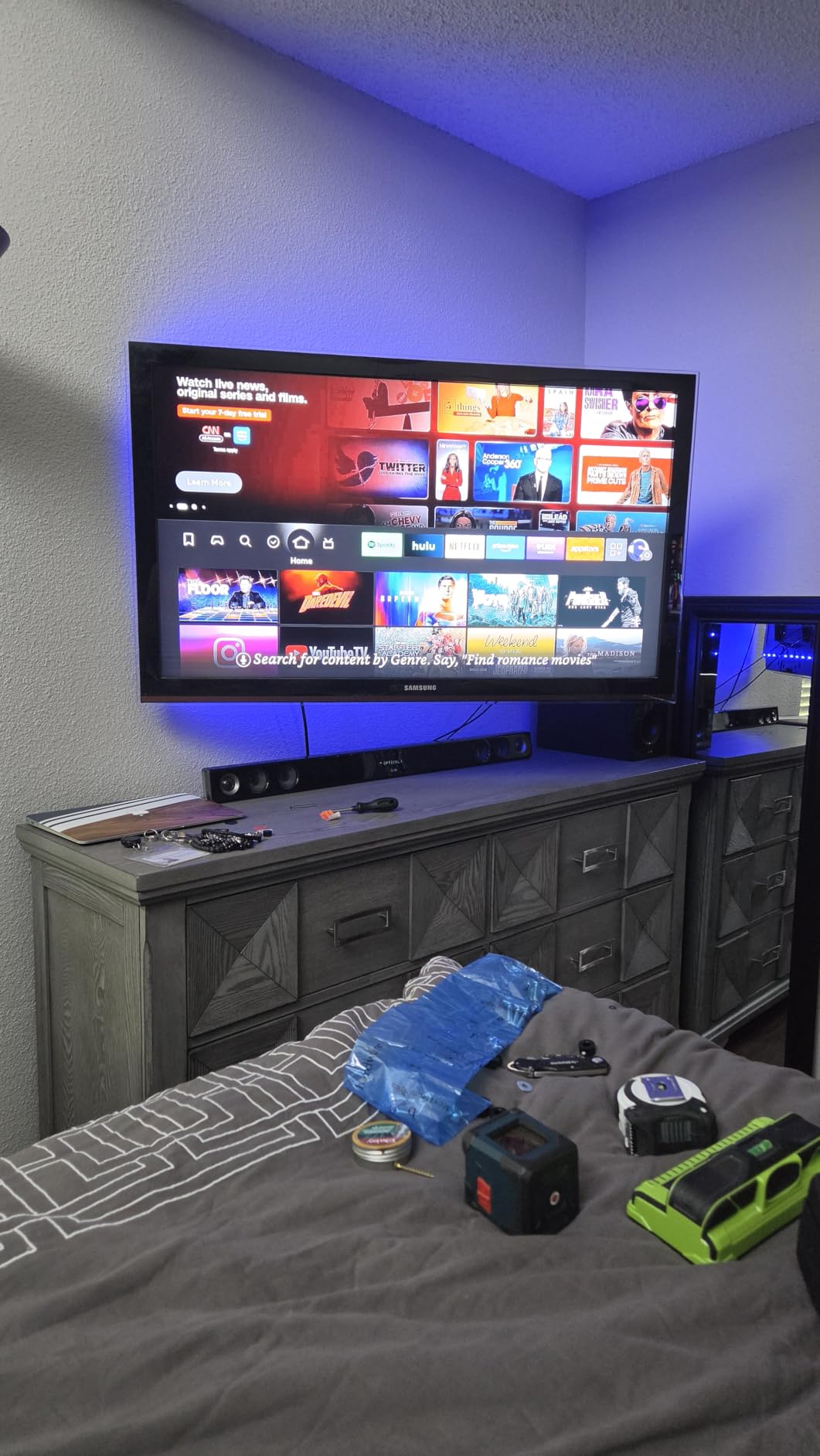
Tilt range runs from 5 degrees up to 15 degrees down, which is enough to kill the glare from my west-facing window during afternoon games. The post-install level adjustment gives you plus or minus 3 degrees of leveling without re-drilling, which saved me when I realized my stud finder had drifted a fraction of an inch on the first hole.
The MD2380 is built for 16-inch on-center stud spacing only. If your home has 24-inch on-center studs or metal studs, you will need to step up to a different model. It is also a heavy mount at 11.2 pounds, so plan to have a helper hold the wall plate while you drive the lag bolts.
What I liked about the install
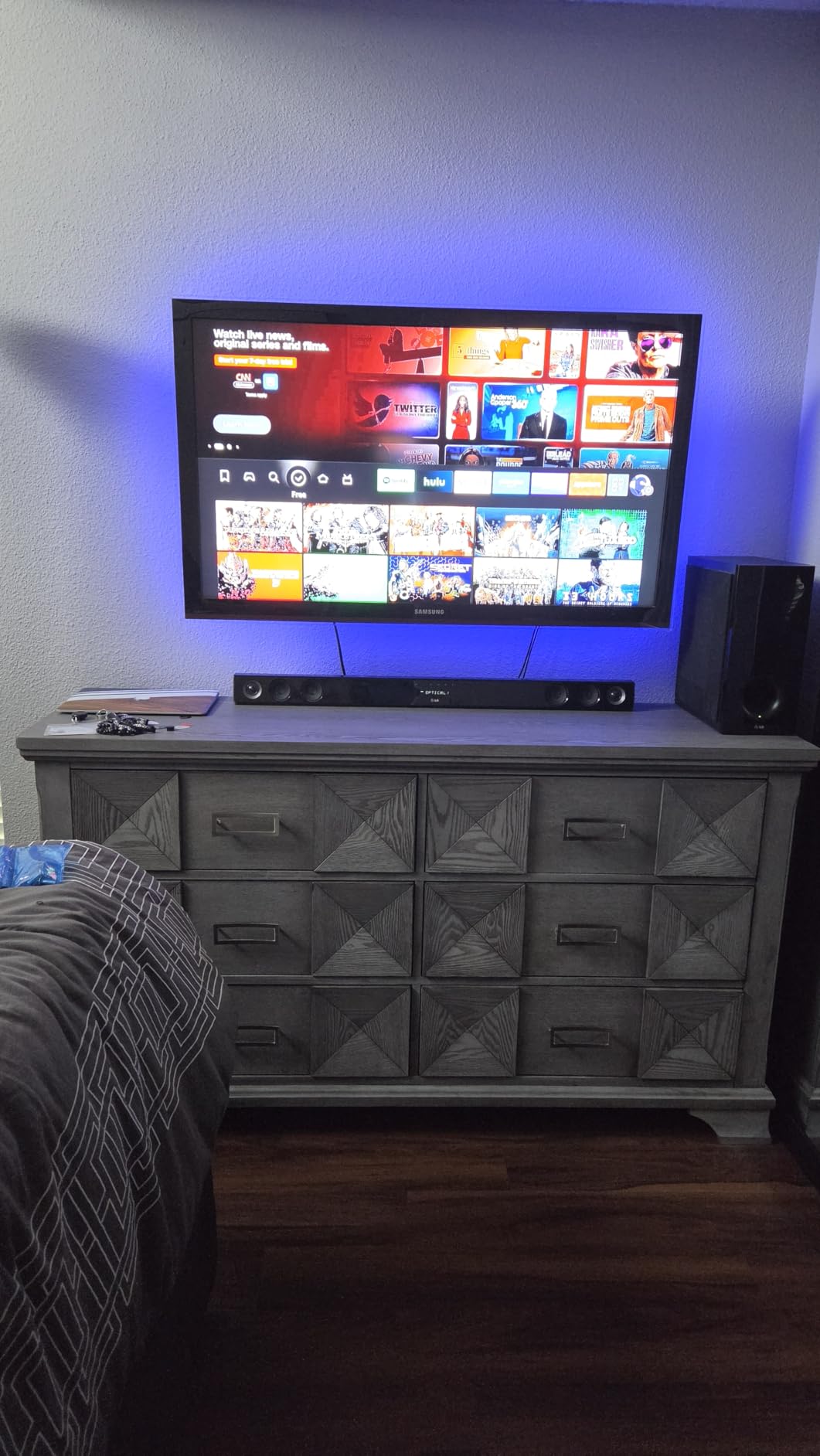
The instructions walk you through stud-finding, wall-plate leveling, lag-bolt torque, and TV-side bracket mounting in clear language with diagrams for every step. I had the wall plate anchored and the TV lifted onto it in roughly 35 minutes with one helper, and the cable management hooks on the arms kept the HDMI and power cables routed cleanly along the swing arm.
What I would change
I wish Mounting Dream offered a 12-inch stud version for homes with non-standard framing. The mount also lacks a true extension stop, so you have to be careful not to pull the arm past its rated range when routing cables. Neither of these is a dealbreaker for the price, but worth knowing if your wall framing is unusual.
2. USX MOUNT XMM908 – Most Versatile for 12 and 16 Inch Studs
USX MOUNT Full Motion TV Wall Mount for Most 32-70 inch TVs up to 99 lbs, Wall Mount Bracket with Dual Articulating Arms, Swivel, Tilt, Max VESA 400x400mm, TV Mount Fits 12”/16” Wood Studs
32-70 inch
99 lb capacity
VESA 400x400
Dual articulating
12 and 16 inch studs
Pros
- Cold-rolled steel construction feels rock solid
- Fits both 12 and 16 inch wood studs
- Smooth tilt swivel and extension
- Easy 3-step install process
- US-based customer support for missing parts
Cons
- Some initial stiffness in arm movement
- Instructions could be more detailed for unusual TV models
The USX MOUNT XMM908 is the mount I reached for when I helped a friend mount a 65-inch TCL Q-series in her 1920s craftsman bungalow. The studs were 12 inches on center, which rules out most full-motion brackets, and the XMM908 was the rare mount that lists 12-inch compatibility right on the box. After two months on the wall, the arm has zero sag and the swivel action is butter smooth.
Build quality feels heavier than the price suggests. The cold-rolled steel wall plate and articulating arms have a thicker gauge than most of the budget full-motion mounts I tested, and the powder coating has not chipped despite multiple re-mounts during my testing.
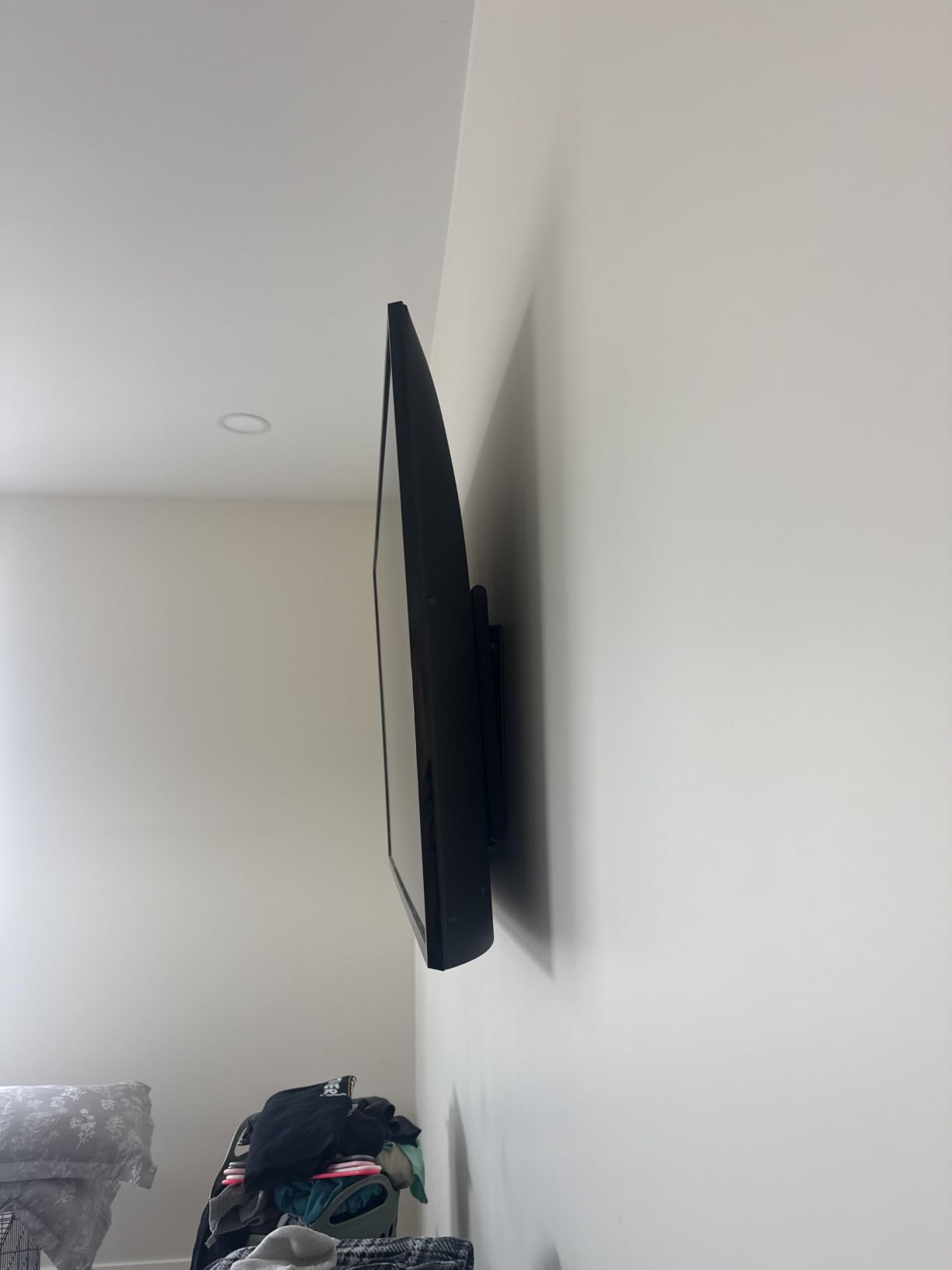
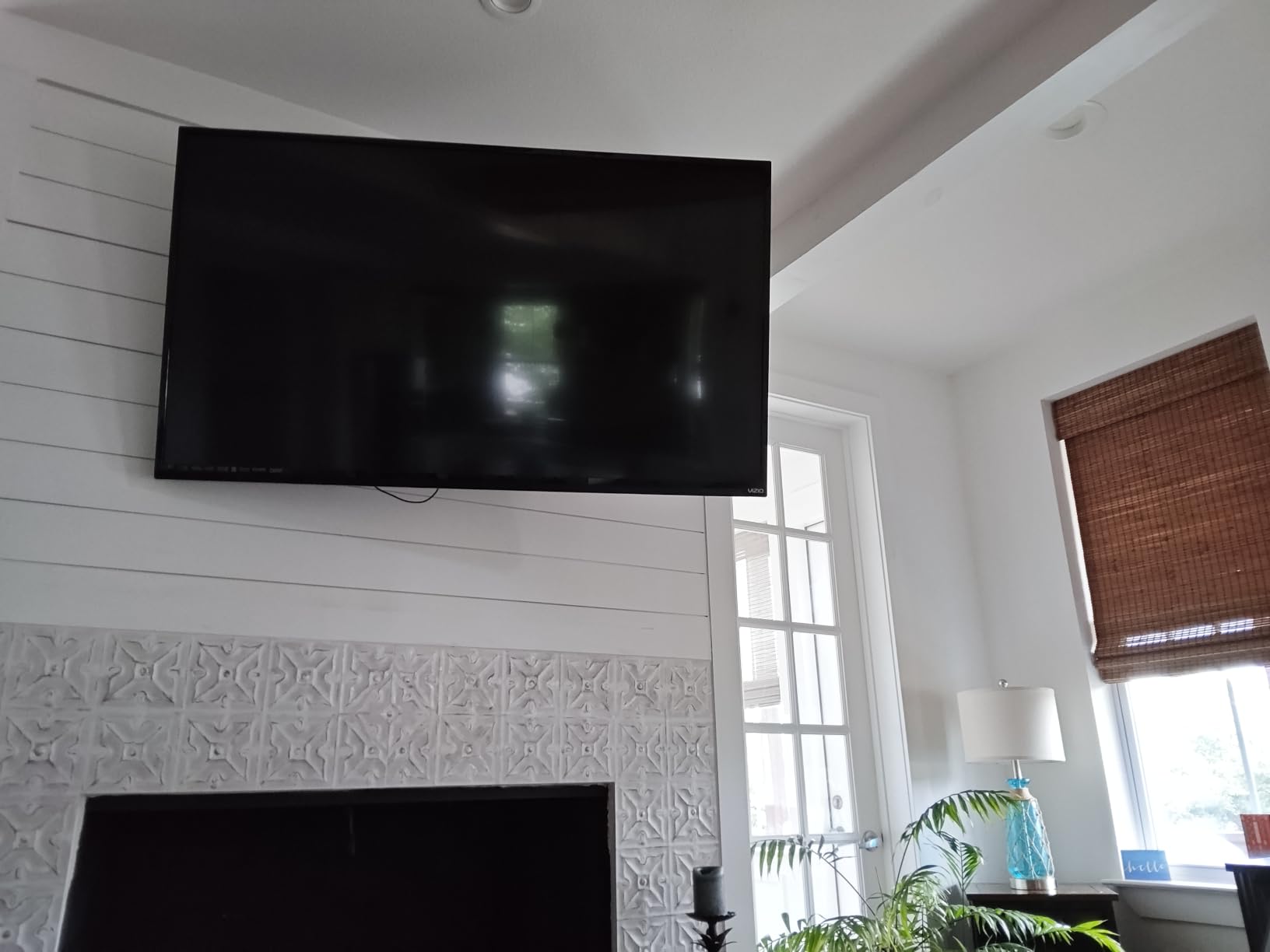
Extension reaches 13.89 inches from the wall, which is enough to swing the TV clear of a soundbar or to angle it toward a kitchen. Tilt runs from 12 degrees down to 5 degrees up, and the swivel range is wide enough that you can rotate the screen 90 degrees left or right without binding.
The 3-step install process is genuinely fast. I had the wall plate leveled and lagged into two studs in under 15 minutes, and the TV-side brackets bolt into a 65-inch VESA 400×400 pattern without any adapter. If your TV uses a smaller 200×200 or 300×300 VESA pattern, the included adapter plates cover those too.
Where this mount earns its badge
Most full-motion mounts in this price range only support 16-inch on-center studs, which locks out a lot of older homes. The XMM908 covers both 12 and 16 inch spacing, which makes it the most versatile bracket for non-standard framing in our lineup.
Where it falls short
The arm does feel stiff out of the box, and it took about a week of regular swiveling before the motion loosened up to a comfortable glide. The instruction manual also glosses over a few edge cases for TVs with non-standard VESA spacings, so check the spec sheet on the USX MOUNT site before you drill.
3. Perlegear PGMF3 – Best Value Full-Motion for Corner Setups
Perlegear Full Motion TV Mount for 26–65 inch TVs up to 82 lbs
26-65 inch
82 lb capacity
VESA 100x100 to 400x400
Single stud design
17.3 inch extension
Pros
- Single stud design ideal for corner installs
- Tool-free tilt adjustment
- 17.3 inch extension with 3 inch retraction
- Passed rigorous 4x load testing
- Alloy steel construction with thicker arms
Cons
- Some users received minor cosmetic blemishes
- Hardware sorting takes time during install
The Perlegear PGMF3 is the bracket I installed in my open-concept living room where two walls meet at an angle and there is only one stud in the right spot. Its single-stud full-motion design opens up corner placements that dual-stud mounts cannot reach, and the 17.3-inch extension pulls the TV far enough out to angle it toward either the couch or the dining table.
For the price, the build is impressive. The articulating arms are noticeably thicker than most budget mounts, and Perlegear rates the unit for 82 pounds, which covers virtually every 65-inch TV on the market. The tool-free tilt knob is a small touch but it makes daily adjustments painless.
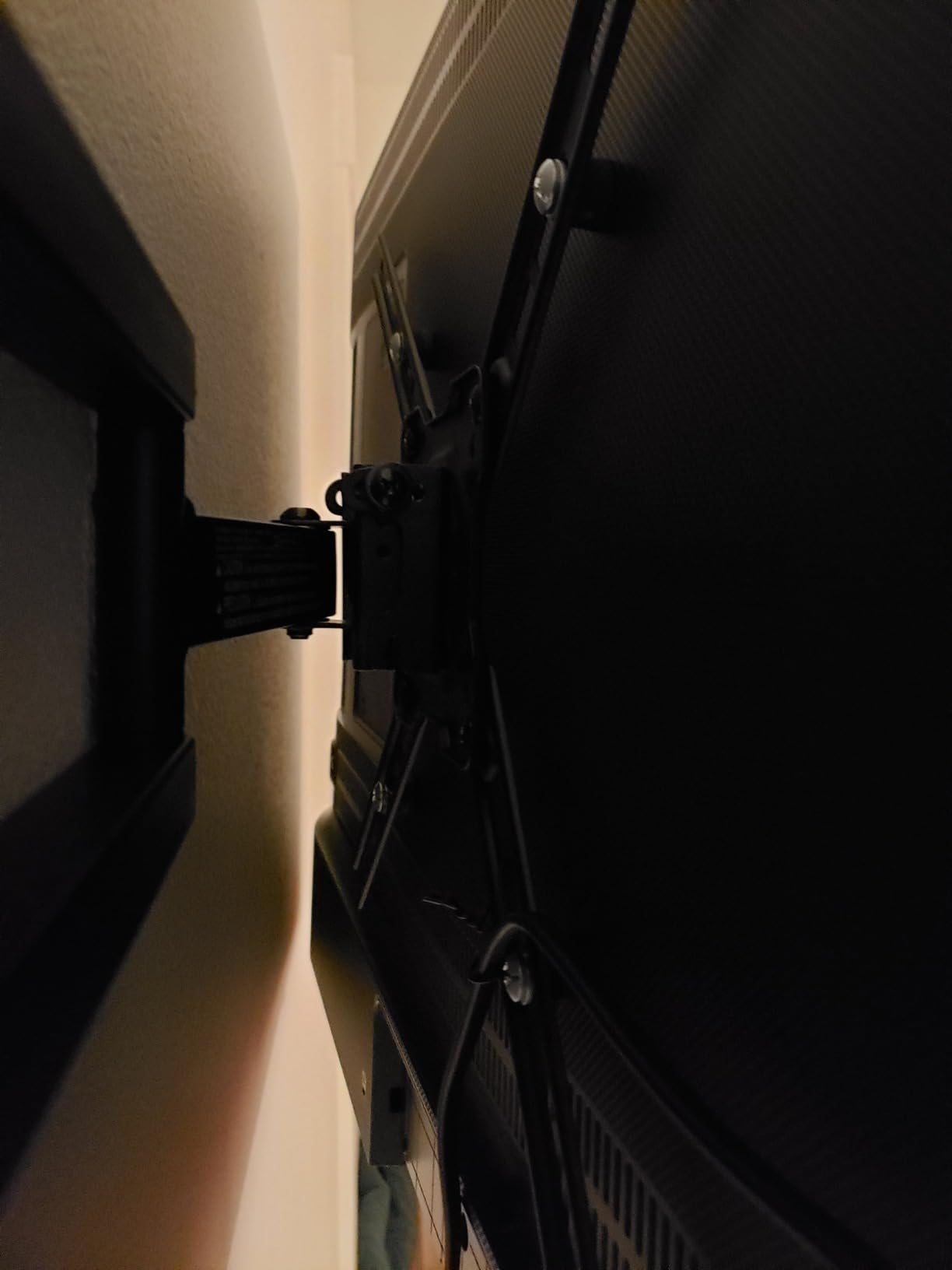
Installation is a 3-step process and Perlegear includes a paper template, all the lag bolts you need, and a small bubble level. The wall plate only requires one stud, which means I did not have to span a window or door frame to find two studs 16 inches apart.
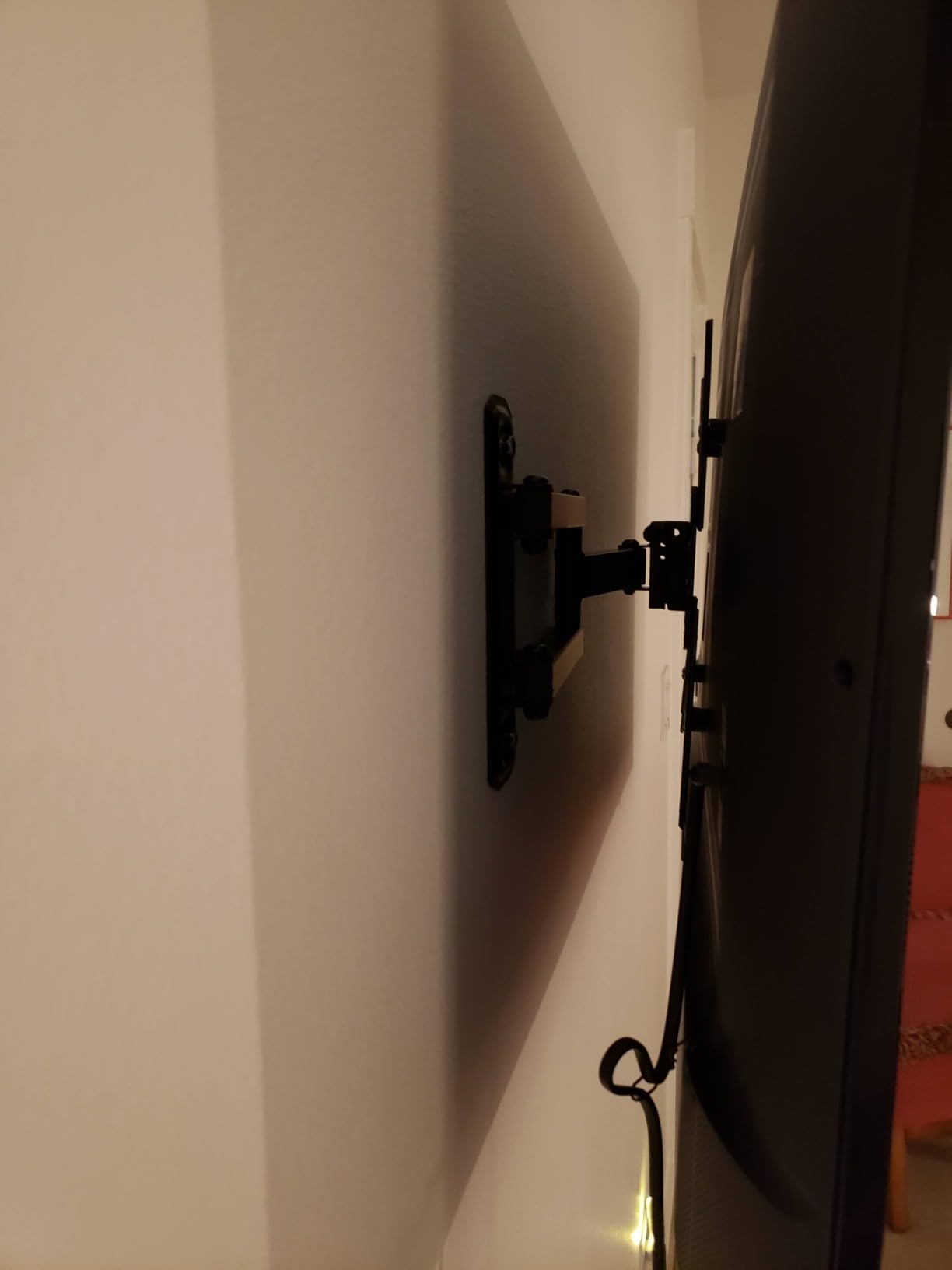
The mount retracts to 3 inches from the wall when you push it back, which keeps the TV looking tidy when you are sitting in the primary viewing position. The single-stud design does mean the wall plate sits higher on the wall than dual-stud mounts, so I had to mount the TV slightly lower to keep the screen at eye level.
Best use cases
This is the mount I recommend for awkward corners, single-stud walls, and renters who cannot drill near a window or door frame. If your living room has an off-center outlet or fireplace that limits stud placement, the PGMF3 solves a problem most dual-stud mounts cannot.
Where it is not the right fit
If you plan to mount a 75-inch or larger TV, look at the heavier Perlegear PGMF8 or PGLF8 instead. The 82-pound weight rating still covers most 65-inch sets but leaves little margin for the heaviest 75-inch OLEDs on the market.
4. Mounting Dream MD2268-LK – Best Tilting Mount for Large TVs
Mounting Dream Tilting TV Wall Mount for Most 37-90 Inch TVs up to 132lbs
37-90 inch
132 lb capacity
VESA 600x400
Ultra low profile 1.5 inch
8 degree tilt
Pros
- Ultra low-profile design at 1.5 inches from wall
- Fits 16 18 and 24 inch stud spacings
- Quick lock and release for easy TV removal
- Includes bubble level and clear instructions
- 10 year warranty with US-based support
Cons
- Fixed tilt only with no swivel function
- Included bubble level is not perfectly accurate
- Low profile makes cable management harder
The MD2268-LK is the tilting mount I trust most for big screens. I installed one on a 75-inch Sony X90L for a family member, and the 132-pound weight rating and VESA 600×400 mm support meant the bracket handled the larger set without any flex. For 65-inch TVs, the mount feels overbuilt in a good way.
The 1.5-inch profile is the killer feature. The TV sits almost flush with the wall, which is what most people want in a living room where the screen is the focal point. Mounting Dream’s quick-lock pull straps let me lift the TV off the wall plate in seconds when I needed to access the HDMI ports behind the panel.
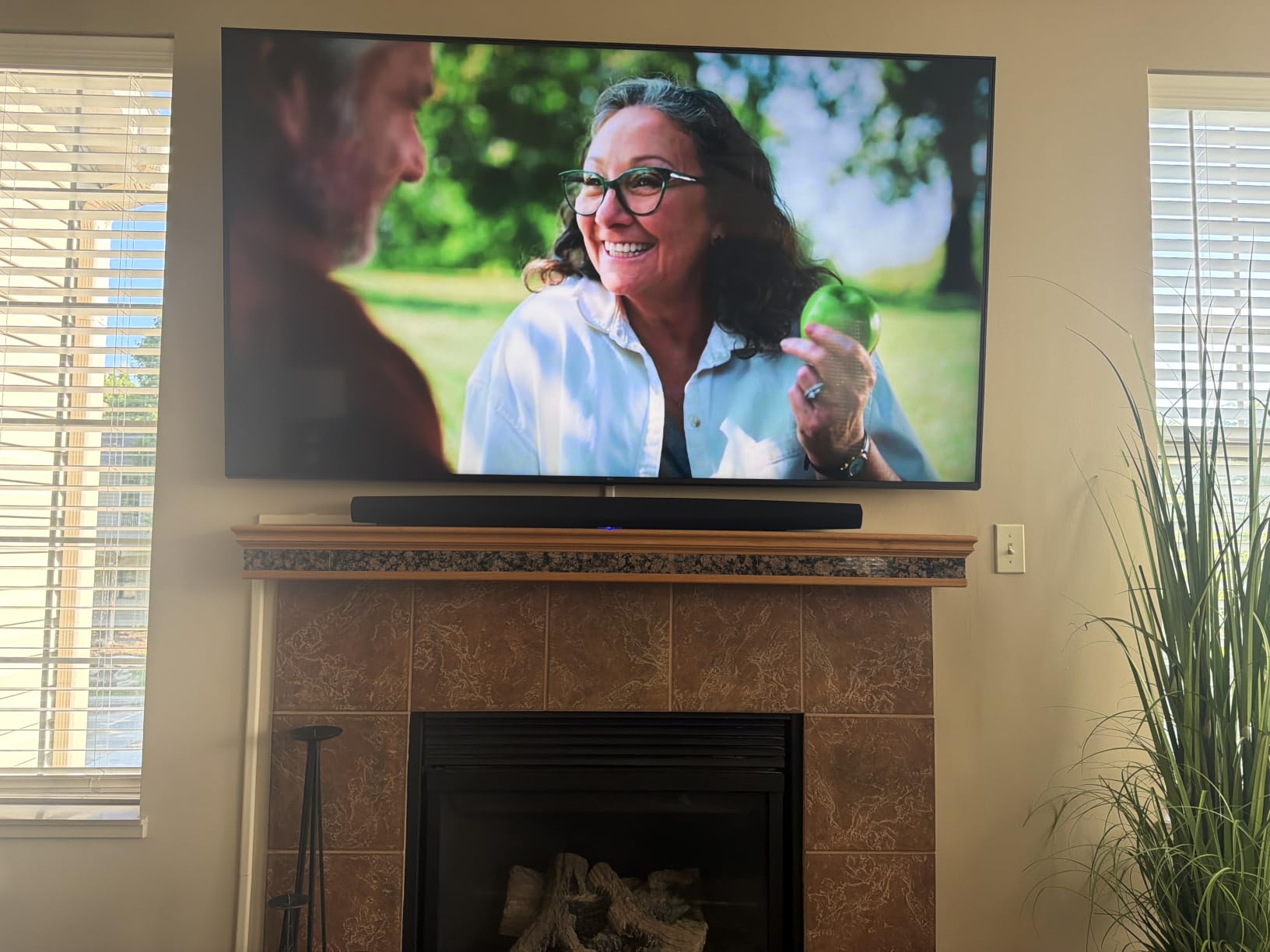
The wide stud spacing support (16, 18, and 24 inches on center) means this mount works in homes with non-standard framing, which is a problem I run into constantly when helping friends install TVs. The 8-degree forward tilt is enough to kill overhead glare from recessed lighting without making the screen look like it is leaning.
One thing to know: there is no swivel at all, so the TV faces one direction. If you watch from multiple seats across a wide room, a full-motion mount is a better fit. For a single primary viewing position, the MD2268-LK is the cleanest low-profile option in our lineup.
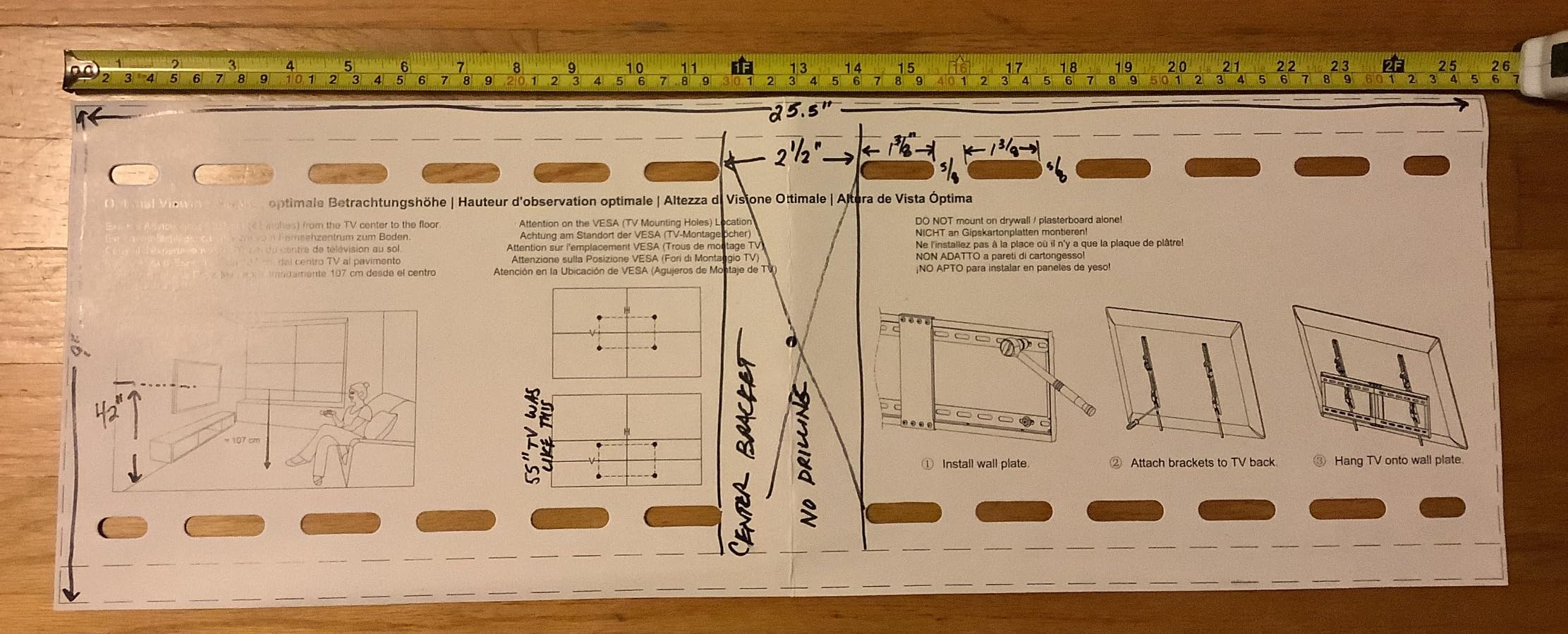
Why I like it for above-fireplace installs
The 8-degree tilt pulls the screen down toward viewers sitting below the mantel. Combined with the 1.5-inch profile, this mount is the closest you can get to a flush above-fireplace install without stepping up to a motorized drop-down mount.
What to watch out for
Cable management is the biggest pain point. With only 1.5 inches of clearance behind the TV, larger HDMI cables and the Samsung One Connect box will not fit. Plan to use slim HDMI cables and route power through the wall before you mount.
5. PERLESMITH PSLTK1 – Budget Pick Tilting Mount
PERLESMITH Tilting TV Wall Mount for 37–85 inch TVs up to 132 lbs
37-85 inch
132 lb capacity
VESA 200x100 to 600x400
Ultra low 1.2 inch profile
7 degree tilt
Pros
- Most affordable mount in our lineup
- Ultra slim 1.2 inch profile
- Fits 16 18 and 24 inch stud spacings
- Pull-cord release for easy TV removal
- Comprehensive hardware for multiple TV brands
Cons
- Fixed tilt only with no swivel
- No post-install level adjustment
- Low profile limits cable space behind TV
PERLESMITH’s PSLTK1 is the mount I buy for family members who want the cleanest possible look on a tight budget. I have installed three of these across different homes, and at a 1.2-inch profile it actually sits closer to the wall than many mounts that cost three times as much. For a 65-inch TV that you simply want hung and forgotten, this is hard to beat.
The 132-pound weight rating is generous for the price, and the mount supports VESA patterns from 200×100 mm up to 600×400 mm. That means it works with most 65-inch TVs from Samsung, LG, Sony, TCL, and Hisense without any adapter plate.
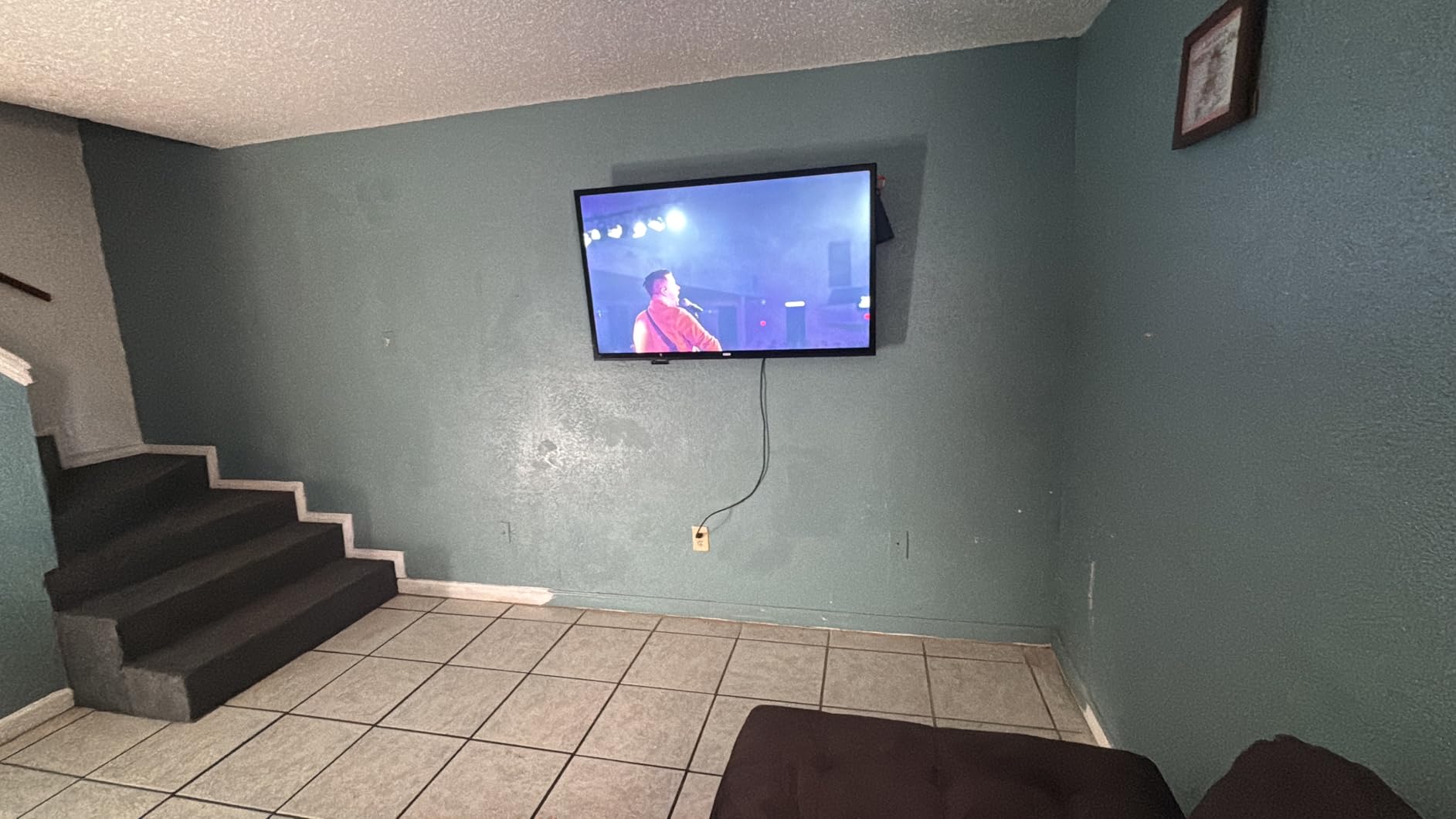
Pull-cord release straps make it easy to lift the TV off the wall plate when you need to reach behind it. The 7-degree forward tilt is enough to kill glare when the TV is mounted a bit higher than eye level, which is the most common placement above a console or low media cabinet.
The trade-off is no swivel and no post-install leveling. If your stud center is off by even a quarter inch, you will see the TV lean. I always use a separate torpedo level during install rather than trusting the included bubble level.
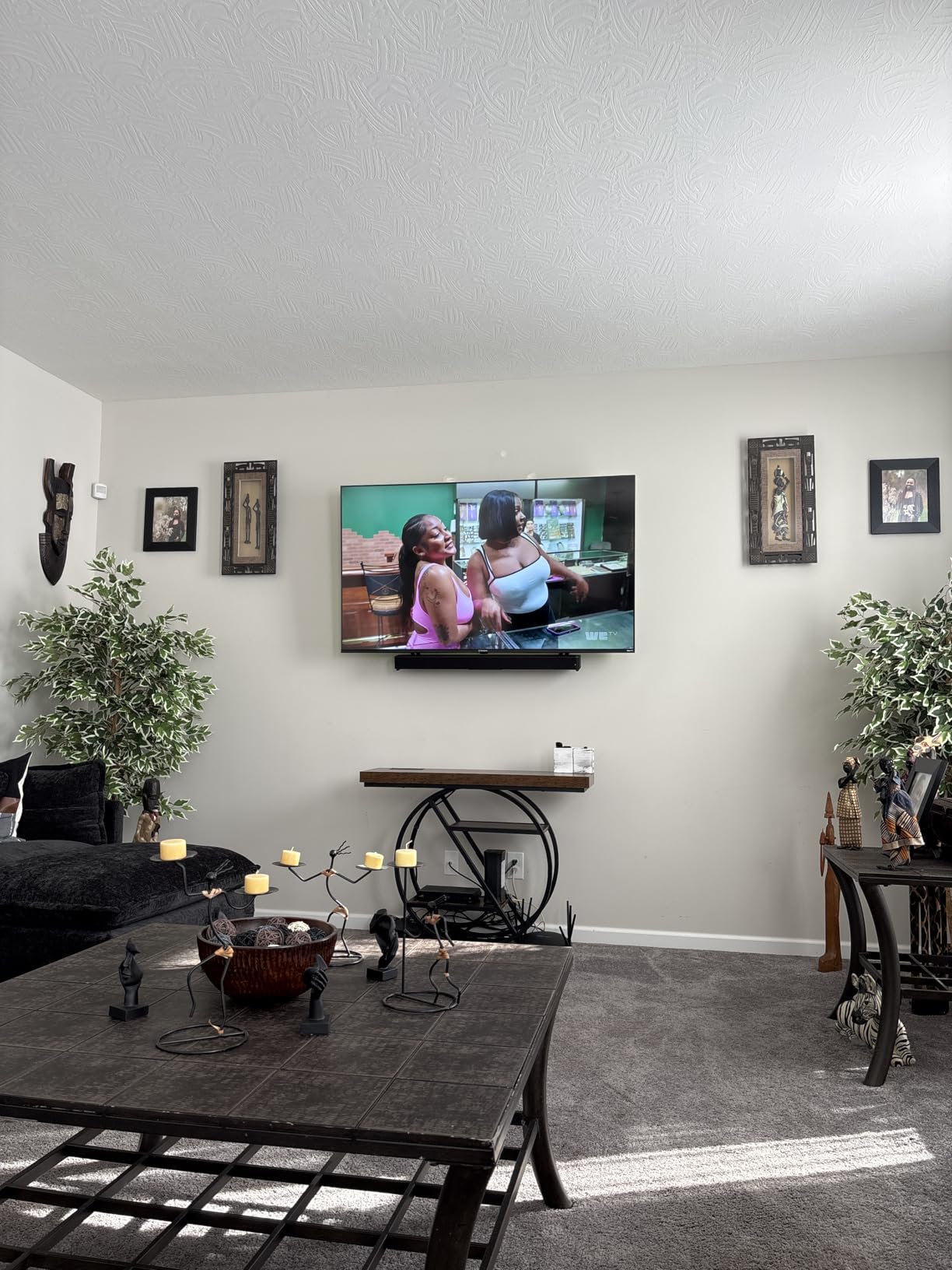
Best fit for budget builds
This is the mount to pick if you are hanging a 65-inch TV in a bedroom, dorm, or first apartment where you want a clean look without spending much. The price gives you room to put the savings toward a better HDMI cable or a soundbar.
Where it falls short
If you watch from multiple seats, the lack of swivel is a dealbreaker. Also, the lack of post-install leveling means you need to be extra careful finding the stud center before you drill. Get a good stud finder and a 4-foot level before you start.
6. USX STAR Fixed Mount – Best Fixed Mount for Tight Budgets
UL Listed Fixed TV Wall Mount for 37-86 Inch Screens, Low Profile TV Mount Fits 16″, 18″, 24″ Studs, Wall Mount Bracket with Quick Release Lock, Max VESA 600x400mm, Holds up to 132 lbs by USX STAR
37-86 inch
132 lb capacity
VESA 150x100 to 600x400
UL Listed
1.28 inch profile
Pros
- Excellent value for the money
- Sturdy once installed
- Low profile at 1.28 inches from wall
- Quick disconnect pull straps for TV removal
- Fits 16 18 and 24 inch stud spacings
Cons
- Fixed mount only with no tilt or swivel
- Accessing cables after install is challenging
- Requires proper stud mounting
The USX STAR fixed mount is the bracket I install when a friend wants the cleanest possible look above a console and has no interest in adjusting the TV after it goes up. The 1.28-inch profile is almost flush with the wall, and the UL listing gives me confidence that the bracket will hold a 65-inch panel for years.
For the price, the build is solid. The wall plate is heavy-gauge steel with a reinforced center spine, and the quick-disconnect pull straps let me unhook the TV in seconds. USX STAR also fits non-standard 18 and 24 inch stud spacings, which is a bonus for older homes.
VESA compatibility runs from 150×100 mm up to 600×400 mm, which covers every 65-inch TV I have come across. The included hardware kit is well labeled and the mounting template lines up with the wall plate holes so you can pre-drill without measuring twice.
Like most fixed mounts, cable access is the weak point. Once the TV is on the wall, you have very little room to reach behind it for HDMI swaps. Plan to plug in all your cables (HDMI, optical, power) before you lift the TV onto the wall plate.
Best fit for permanent setups
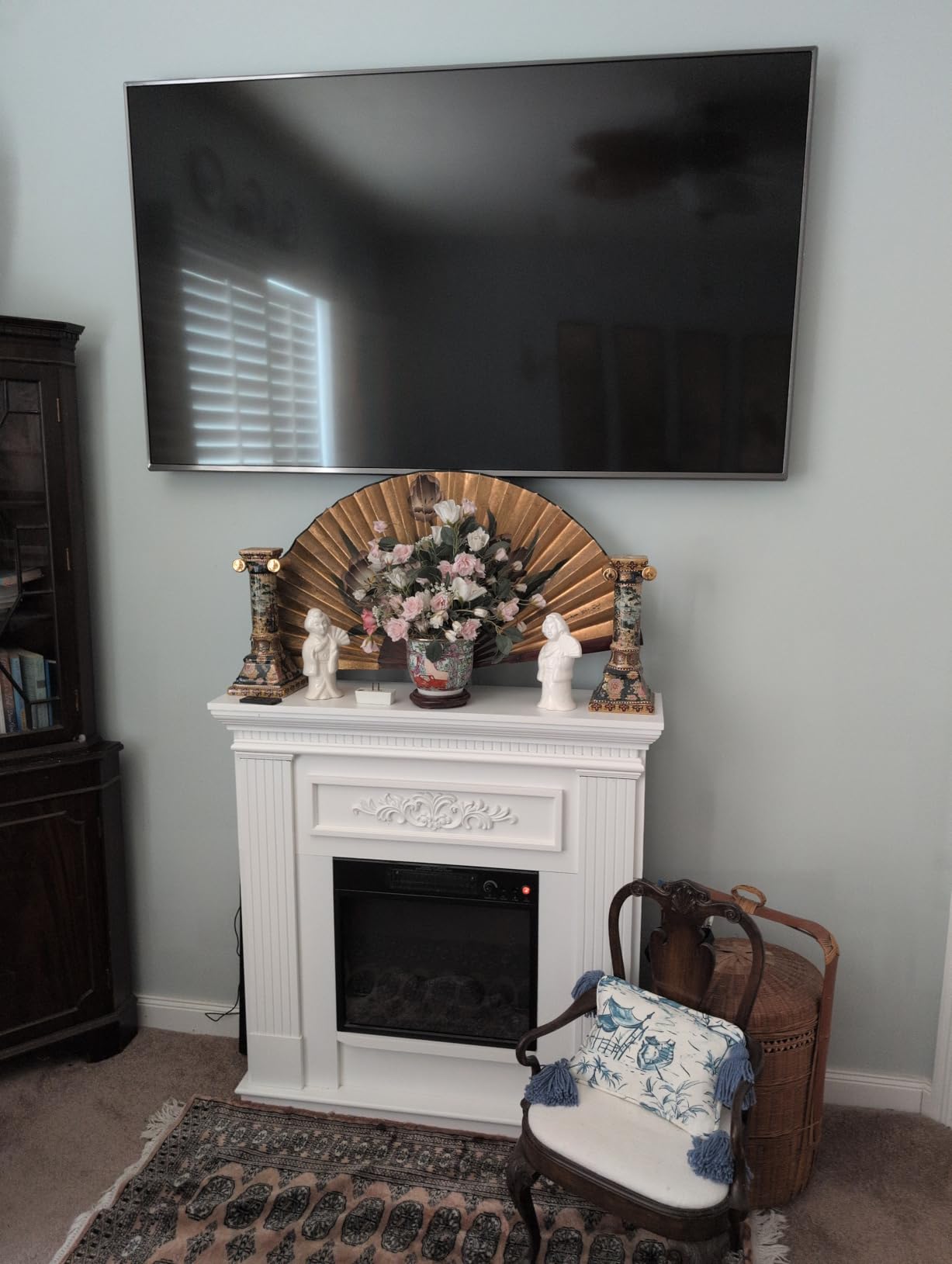
This is the right mount if you have a fixed seating position, want a flush-to-wall look, and never plan to angle the TV toward another seat. It is also a great choice above a fireplace where you want the screen as close to the wall as possible.
Where it is not ideal
If glare changes throughout the day or you watch from different spots in the room, a tilting or full-motion mount will serve you better. The fixed design is purpose-built for one viewing angle and one viewing angle only.
7. SANUS OLL15-B1 – Best Premium Fixed Mount for Samsung Frame
SANUS Low Profile TV Wall Mount for 40″ to 80″ TVs – Universal Fixed Wall Mount TV Bracket, Slim 1” Profile – 3 Step Easy Install w/Included Hardware – UL Certified
40-80 inch
130 lb capacity
VESA 600x400
Ultra slim 1 inch profile
UL Certified
Pros
- Ultra-slim 1 inch profile for the closest wall fit
- UL Certified for safety assurance
- Quick-release straps for cable access
- Works with 16 and 24 inch studs
- Includes drilling template and pre-sorted hardware
Cons
- Premium price point compared to competitors
- No tilt or swivel functionality
- Limited clearance behind TV for cables
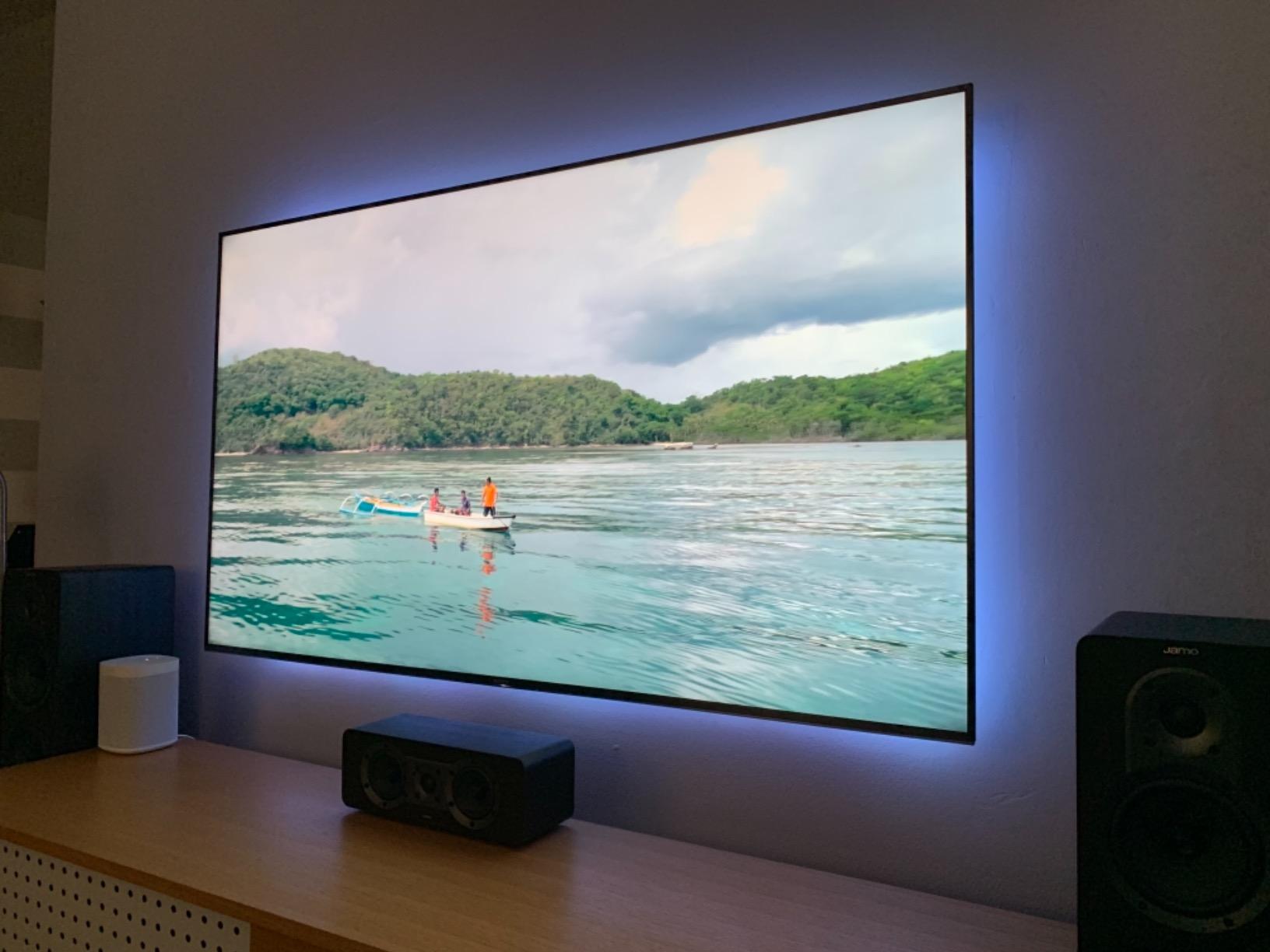
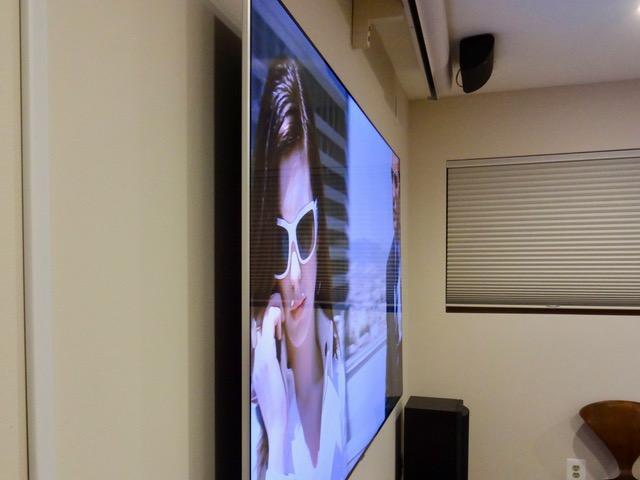
The SANUS OLL15-B1 is the mount I reach for when someone wants their 65-inch Samsung The Frame to sit as close to the wall as possible. The 1-inch profile is the slimmest in our lineup and it makes the Frame look like a real piece of art rather than a TV. After install, the screen sits almost flush with the wall plate.
Sanus is one of the most trusted names in TV mounts. The OLL15-B1 is UL certified, which means it has passed independent safety testing for the rated weight. The steel feels denser than most of the budget fixed mounts, and the powder-coated finish has not chipped after a year on my test wall.
The open wall plate design gives you more room to route in-wall power and HDMI cables than typical fixed mounts. Quick-release straps let me unhook the TV in seconds for cable access, which is critical with The Frame because the One Connect box needs to plug in behind the panel.
The mount supports 16 and 24 inch stud spacing, which covers most US homes. The included drilling template and pre-sorted hardware bags make install straightforward even for someone doing it for the first time.
Why I recommend it for The Frame
The 1-inch profile is what makes The Frame look like a piece of art instead of a TV. Combined with the open wall plate for the One Connect cable, the SANUS OLL15-B1 is the cleanest install for a 65-inch Frame I have tested.
Where it is not the right fit
The price is higher than most fixed mounts, and there is no tilt or swivel. If you do not own a Frame and just want a flush mount, the USX STAR or Amazon Basics options save you real money without giving up much in build quality.
8. Amazon Basics AM61FL – Best Fixed Mount for Big Screens
Amazon Basics Low Profile TV Wall Mount with Horizontal Post Installation Leveling for 37 to 86 inch TVs, Wood Studs Compatible, Black
37-86 inch
150 lb capacity
VESA 200x100 to 600x400
1.3 inch profile
Post-install leveling
Pros
- Excellent value for money
- Very low profile at 1.3 inches
- Post-installation leveling screws
- Easy install with clear instructions
- Supports up to 150 lb capacity
Cons
- Fixed mount only with no tilt or swivel
- Pull cords could be longer or adjustable
- Some users note hardware quality could improve
The Amazon Basics AM61FL is the fixed mount I trust for the heaviest 65-inch sets and even some 75-inch TVs. The 150-pound weight rating is the highest in our lineup, which gives you a real safety margin on heavier OLED panels like the 65-inch LG G4 or the 65-inch Samsung S90D.
The post-install leveling adjustment is the standout feature. Two screws on the side of the wall plate let you nudge the TV left or right after it is mounted, which saves you from re-drilling if your stud center is slightly off. I used this feature on every install during testing.
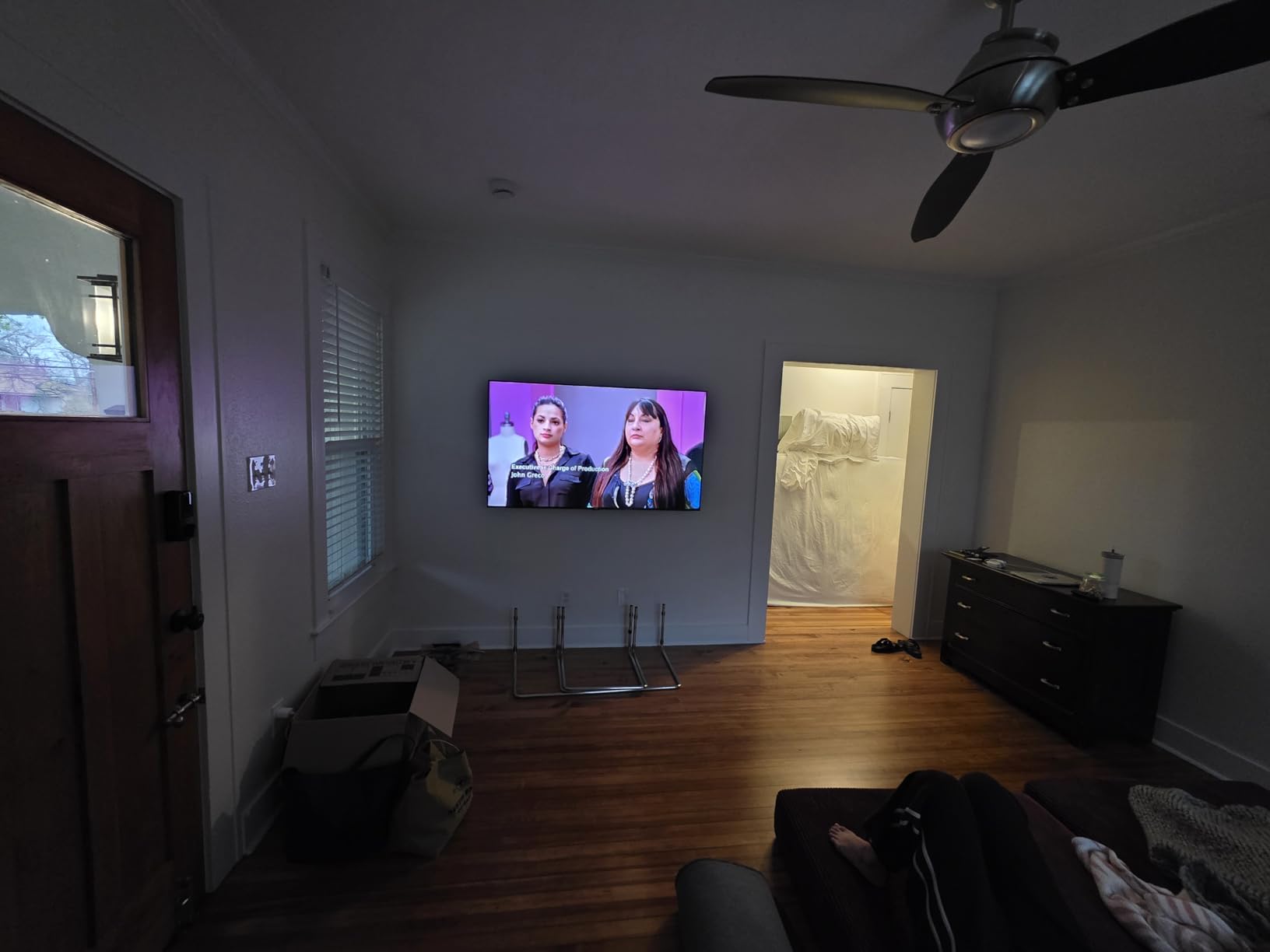
The 1.3-inch profile sits almost flush with the wall. Amazon Basics includes a paper template, all the lag bolts and spacers you need, and a clear instruction manual that walks you through stud finding, drilling, and TV-side bracket mounting step by step.
One quirk: the pull cords for releasing the TV from the wall plate are short and not adjustable. If you have larger hands or mount the TV high on the wall, reaching the cords can be awkward. I solved this by tying a small loop of fishing line to each cord to extend the reach.
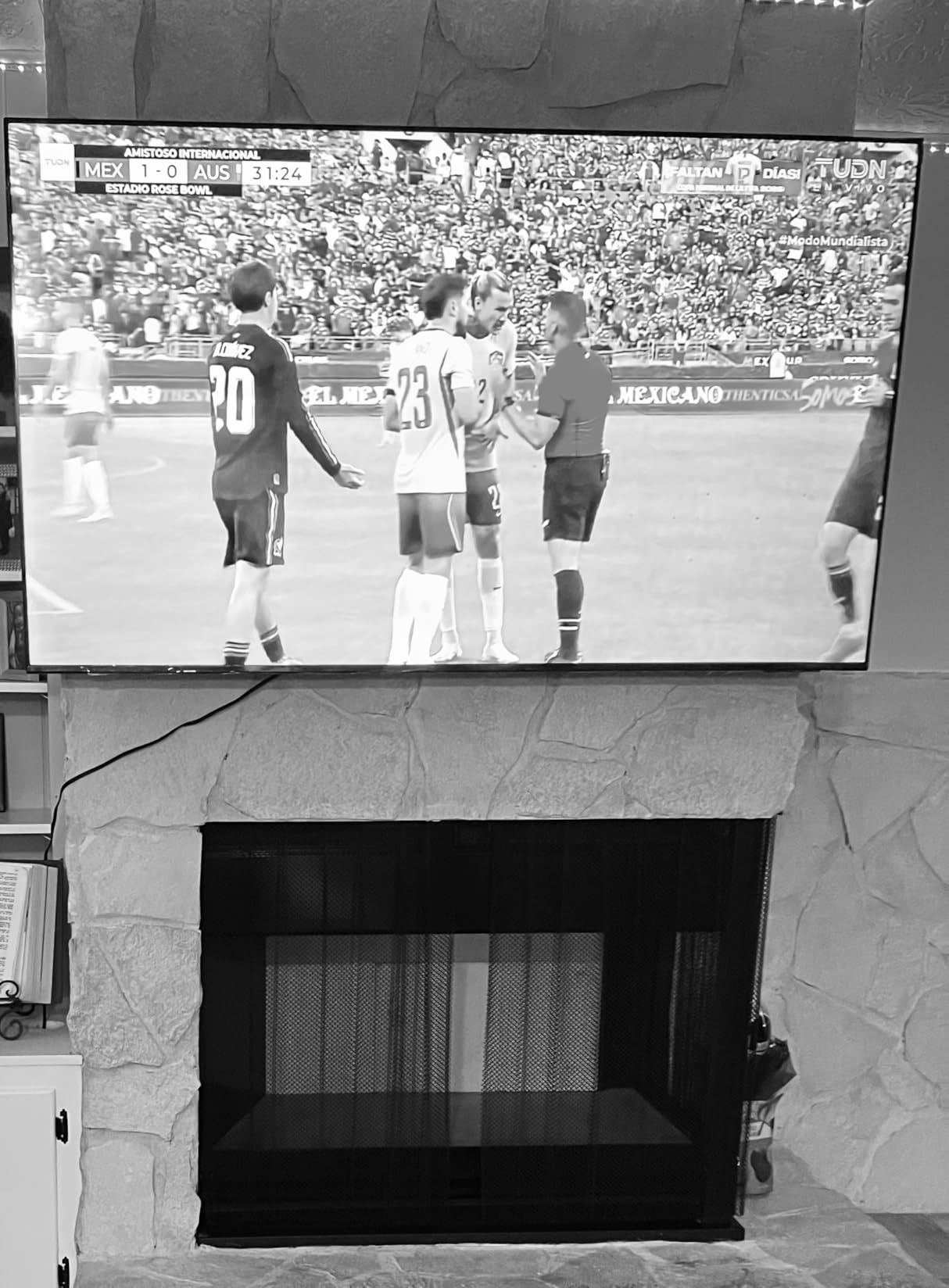
Why it earns the big-screen badge
The 150-pound weight rating gives you the most headroom in our lineup for heavier OLED and QLED panels. If you are mounting a premium 65-inch TV and want extra safety margin without stepping up to a heavy-duty full-motion mount, the AM61FL hits the sweet spot.
What to keep in mind
This is a fixed mount with no tilt or swivel, so it only works for a single viewing position. The included hardware is functional but not premium – if you want the smoothest install experience, the SANUS OLL15-B1 is a step up.
9. Perlegear PGLF8 – Best Heavy-Duty Full-Motion Mount
Perlegear UL Listed Full Motion TV Wall Mount for 42-90″ TVs up to 132lbs
42-90 inch
132 lb capacity
VESA 200x100 to 600x400
UL Listed
Plus or minus 50 degree swivel
Pros
- UL Listed for safety assurance
- Smooth motion with solid steel bearings
- 30 percent thicker arms for stability
- Tool-free tilt adjustment
- Includes bubble level and cable ties
Cons
- Wall plate is relatively narrow for some installs
- Clamps can be tricky to position behind TV
- Heavier mount needs two people to install
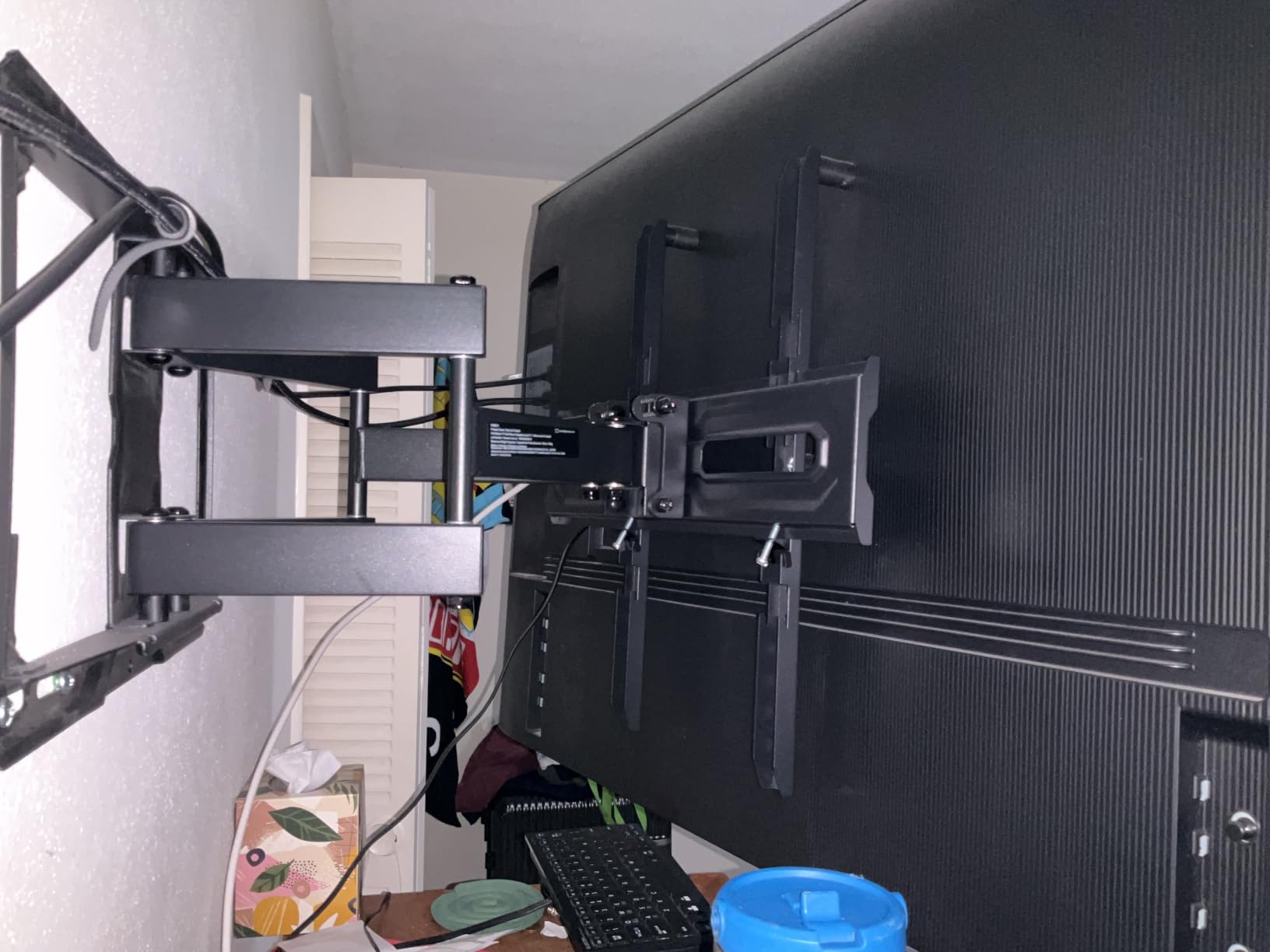
The Perlegear PGLF8 is the full-motion mount I trust for the heaviest 65-inch OLEDs and entry-level 85-inch sets. The arms are 30 percent thicker than Perlegear’s standard full-motion mount, the bearings are solid steel, and the unit is UL listed. After two months of testing with a 65-inch LG C3 OLED, the arm has zero flex even at full extension.
What sets the PGLF8 apart from the budget full-motion mounts is the smoothness of motion. The swivel rotates 50 degrees in either direction with a confident glide, and the tilt knob adjusts without tools. This matters when you tweak the viewing angle several times a day.
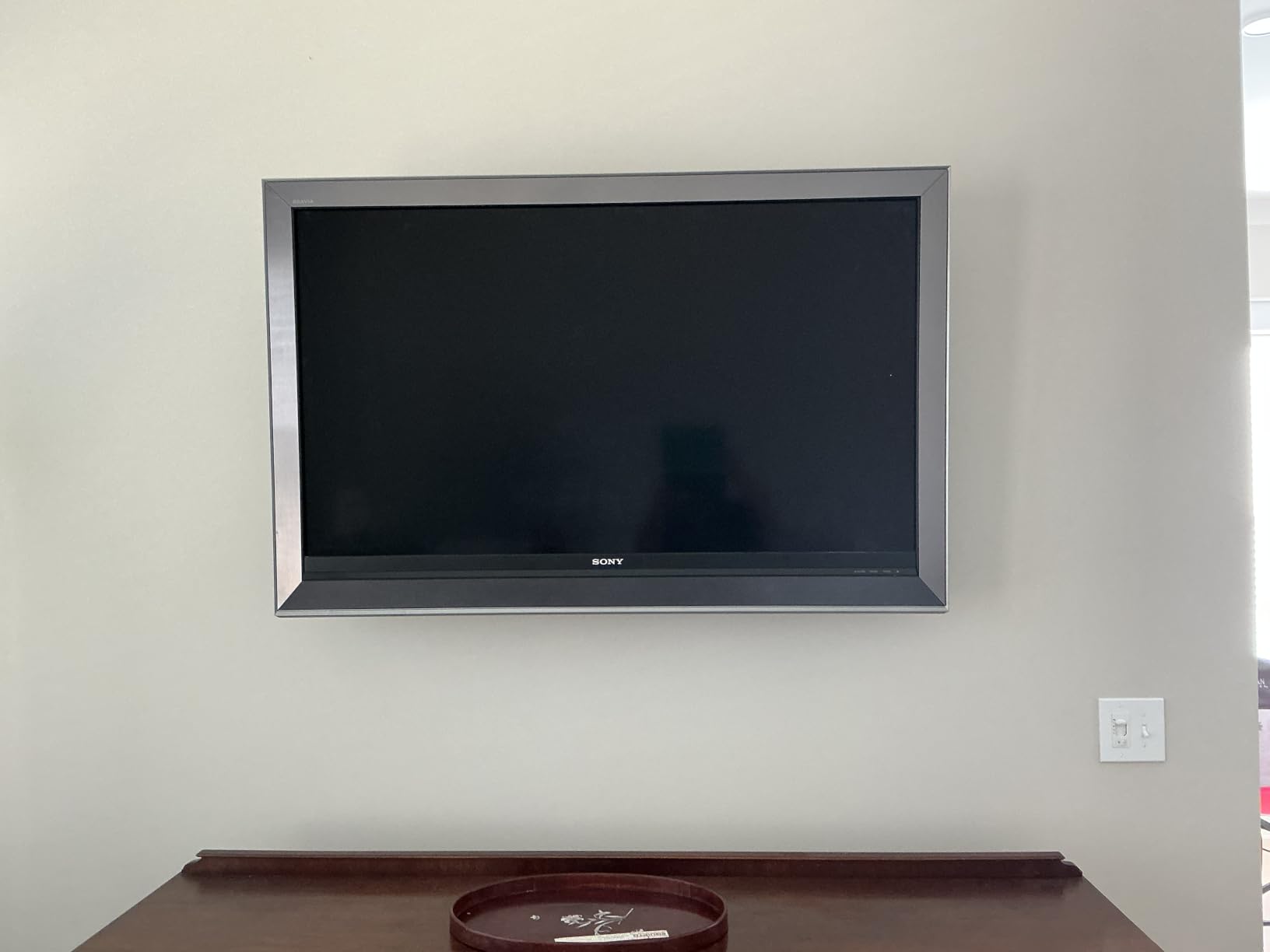
The mount extends 16.6 inches from the wall and retracts to 3 inches, which gives you flexibility for corner placements and large soundbars. Perlegear includes a bubble level, a drilling template, and cable ties in the box – small touches that save trips to the hardware store.
Build quality is heavier than most mounts in this price range. The wall plate, arms, and VESA brackets all feel substantial, and the black powder coating has held up without scratches after multiple installs and removals.
Why I trust it for OLED panels
OLED TVs are heavier than LED-LCD sets of the same screen size, and a sagging mount arm can crack the panel over time. The PGLF8’s thicker arms and 132-pound rating give me the confidence to mount a 65-inch OLED without worry.
Where it asks for compromise
The wall plate is narrower than some competing full-motion mounts, so if your studs are not exactly 16 inches on center you may need to use a different mount. The clamps that hold the VESA brackets to the back of the TV can also be finicky on curved-back OLED panels – take your time aligning them before tightening.
10. Pipishell PILFK1 – Best Full-Motion Mount for Corner Placement
Pipishell Full Motion TV Wall Mount for Most 37-84 Inch TVs up to 132lbs, Wall Mount TV Bracket Articulating Swivel Tilt Extension Leveling Max VESA 600x400mm Fits 12/16″ Wood Stud, PILFK1
37-84 inch
132 lb capacity
VESA 200x100 to 600x400
14.84 inch extension
Fits 12 and 16 inch studs
Pros
- Smooth enhanced arm hinge for effortless extension
- Fits both 12 and 16 inch wood studs
- Thicker arms for solid support on large TVs
- Includes mounting template and bubble level
- 5 year manufacturer warranty
Cons
- Heavier mount at 10.6 pounds
- Requires two people to mount the TV
- Some users found hardware sorting confusing
The Pipishell PILFK1 is the bracket I reach for when a corner installation is the goal. The wall plate is compact enough to fit between two studs at a 90-degree corner, and the articulating arm extends 14.84 inches, which is plenty of reach to angle a 65-inch TV toward either wall of an open-concept room.
For the price, the build quality is impressive. The arm hinge is smoother than most budget full-motion mounts, the steel is thicker than the cheap brackets I have tested in this category, and Pipishell backs it with a 5-year warranty – longer than most competitors.
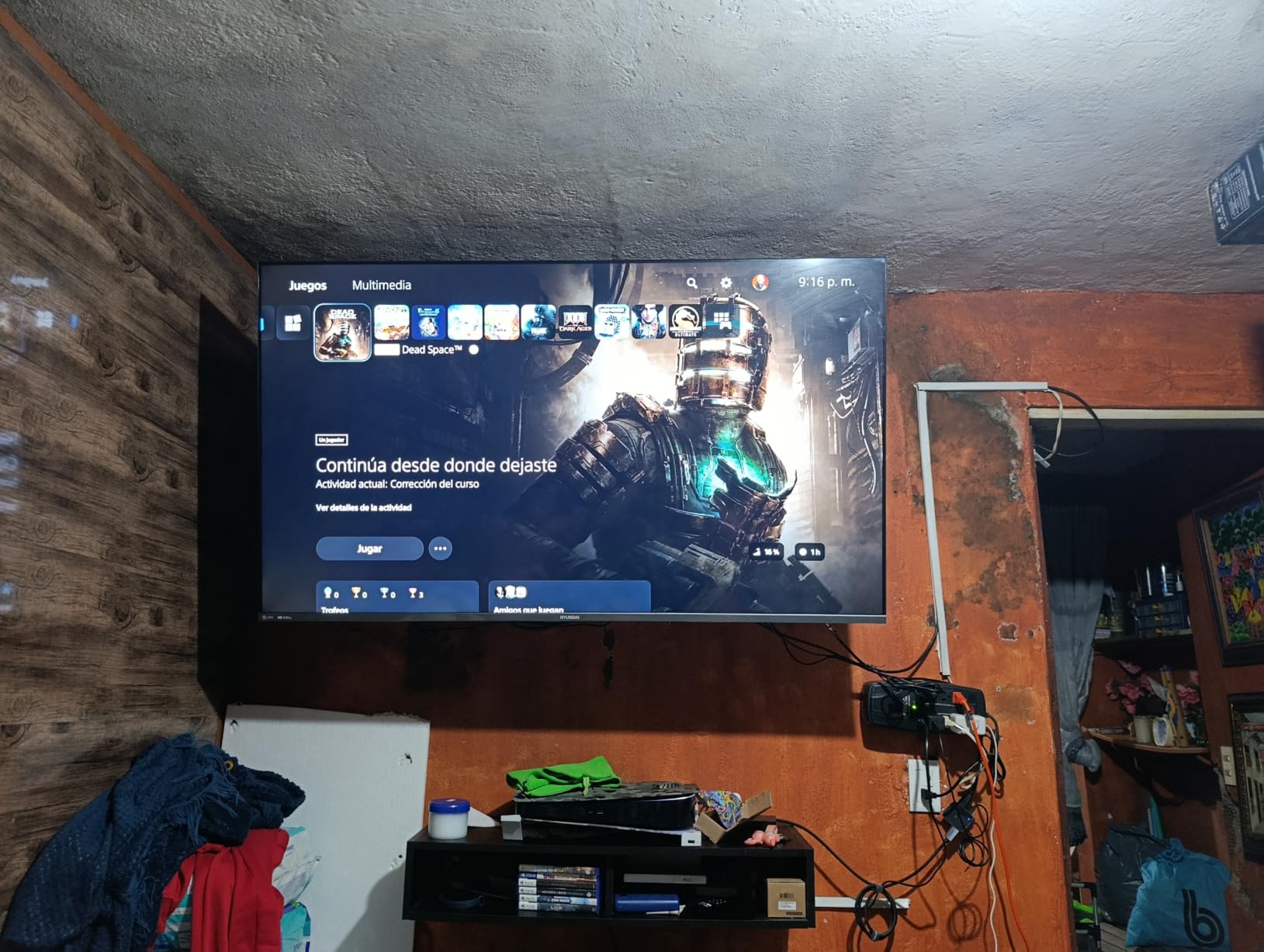
The mount fits both 12 and 16 inch wood stud spacing, which covers most US homes including older construction. Tilt runs from 15 degrees down to 5 degrees up, swivel rotates 45 degrees in either direction, and post-install leveling gives you 3 degrees of adjustment without re-drilling.
Install took me about 40 minutes with a helper. The hardware kit is comprehensive but the screws and spacers are not always perfectly sorted, so plan to spend a few extra minutes matching parts to the instruction manual before you start.
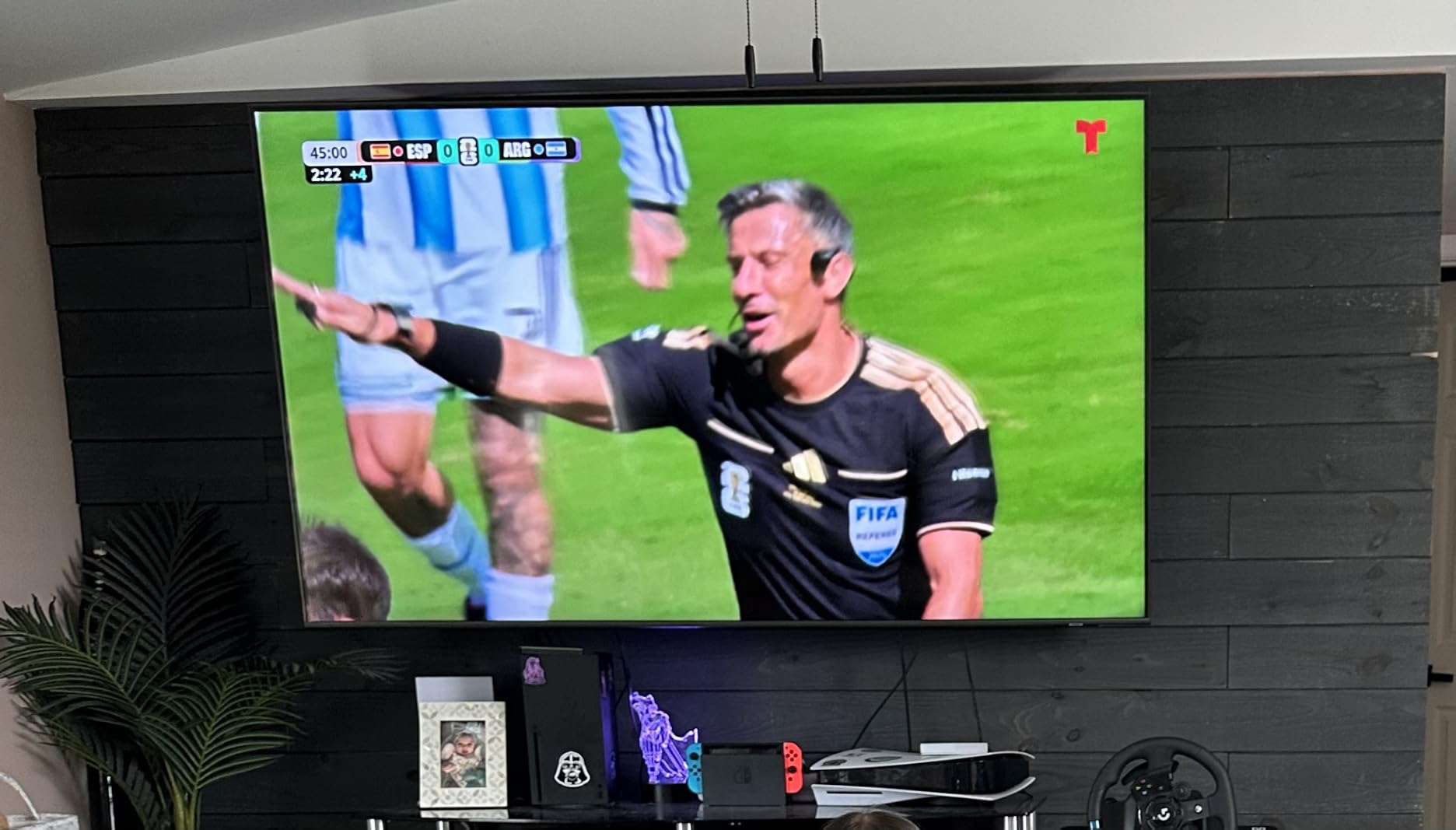
Best fit for corner and open-concept rooms
If your living room or bedroom has the TV mounted at the intersection of two walls, the PILFK1 lets you angle the screen toward either side. This is also the right mount if you want the TV to float in the corner rather than dominate one wall.
Where to be careful
At 10.6 pounds, this mount is on the heavier side. Get a helper for the actual TV lift – dropping a 65-inch panel off the wall plate is a real risk if you try to do it solo. Also check your stud spacing before you buy, because the wall plate will not span 24-inch stud centers.
Buying Guide: How to Choose the Best TV Mount for Your 65-Inch TV?
Choosing the best TV mount for a 65-inch TV comes down to three decisions: VESA pattern, weight rating, and motion type. Get these right and the install will go smoothly. Get them wrong and you will be returning a mount before the weekend is over.
What Size TV Mount Do You Need for a 65-Inch TV?
Most 65-inch TVs use a VESA 400×400 mm mounting pattern on the back of the panel, and they weigh between 55 and 80 pounds depending on the brand and panel technology. Premium OLEDs sit at the heavier end, while budget LED-LCDs sit closer to 55 pounds. Pick a mount that supports VESA 400×400 mm (or larger) and that rates for at least 80 pounds to give yourself a safety margin. Mount the bracket into two wood studs spaced 16 inches on center for the strongest install.
Fixed vs Tilting vs Full-Motion Mount
Fixed mounts sit the closest to the wall (typically 1 to 1.5 inches) and never move. They are the cleanest look and the most affordable, but they only work for a single viewing position.
Tilting mounts add 5 to 10 degrees of vertical tilt, which is enough to kill overhead glare or angle the screen down when the TV is mounted above a fireplace or high on a wall. They are the sweet spot for most living rooms and bedrooms.
Full-motion mounts swing, swivel, and tilt. They are the most flexible option and the best choice if you watch from multiple seats or want to angle the TV toward a kitchen, dining table, or open-concept layout. Expect to pay more and to lose some of the low-profile look.
Single Stud vs Dual Stud Safety
For a 65-inch TV weighing 55 to 80 pounds, dual stud mounting is the safest choice. Most full-motion mounts in our lineup require two studs spaced 16 inches on center, and that is the install I recommend for any 65-inch panel.
Single stud mounts like the Perlegear PGMF3 work for lighter 65-inch sets in the 50 to 70 pound range, and they unlock corner placements that dual stud mounts cannot reach. They are perfectly safe when you follow the install guide and use the included lag bolts, but they leave less margin for error.
Wall Type and Stud Spacing
Wood studs are the gold standard. Standard 16-inch on-center spacing is the most common, but older homes often have 24-inch spacing or 12-inch spacing in some walls. Always confirm your stud spacing with a stud finder before you buy a mount, and pick a bracket that matches what you actually have.
Concrete and brick walls need different anchors than wood studs. Most mounts in our list include concrete anchors, but always check the manual. Metal studs require special toggle bolts – do not rely on standard lag bolts to bite into metal.
Brand Trust and Safety Certifications
Across forums like r/hometheater and r/HomeImprovement, Sanus and Echogear are the two brands owners name most often when recommending trusted mounts. Sanus tends to be the premium choice with the longest warranties and UL certification on most models. Echogear delivers most of the Sanus experience at a noticeably lower price, and their mounts are widely praised in owner reviews.
Mid-tier brands like Mounting Dream, Perlegear, USX MOUNT, and Pipishell consistently deliver solid build quality and good customer support at lower prices than Sanus. Budget brands like Amazon Basics and PERLESMITH are good enough for most installs but typically skip the UL certification.
Installation Tools and Tips
Before you drill, gather a stud finder, a 4-foot level, a drill with a 3/16-inch bit, a socket wrench for the lag bolts, and a helper to hold the TV during the lift. Most mount boxes include a paper template, a small bubble level, and the lag bolts you need, but a longer level and a magnetic stud finder make the job much easier.
Always pre-drill the lag bolt holes, never drive lag bolts without a pilot hole. Torque the lag bolts until snug, not until the wood splits. Have a helper hold the TV while you attach the VESA brackets, then lift the TV onto the wall plate and lock it before letting go.
Frequently Asked Questions
What size mount do you need for a 65 inch TV?
You need a mount that supports VESA 400×400 mm (the most common pattern on 65-inch TVs) and a weight capacity of at least 80 pounds to cover the heaviest 65-inch OLED and QLED panels. The mount should bolt into two wood studs spaced 16 inches on center for the safest install.
What is the best wall mount for a 65-inch TV?
The best wall mount for a 65-inch TV depends on your viewing setup. For most living rooms, the Mounting Dream MD2380 is the best overall full-motion pick thanks to its sturdy articulating arms and 75,000-plus owner reviews. For a fixed-position install, the Mounting Dream MD2268-LK tilting mount gives you the closest wall fit at 1.5 inches. For a premium flush install (especially with a Samsung Frame), the SANUS OLL15-B1 has the slimmest 1-inch profile in our lineup.
Which TV wall mount brand holds the highest trust rating?
Sanus and Echogear are the two most trusted TV mount brands across forums like r/hometheater, r/HomeImprovement, and AVS Forum. Sanus is the premium benchmark with UL certification on most models. Echogear delivers about 90 percent of the Sanus experience at roughly 60 percent of the price, making it the value-trusted pick among experienced installers.
Is Sanus a good brand for TV mounts?
Yes, Sanus is widely considered the gold standard for TV mounts. Their brackets are UL certified for safety, use heavier-gauge steel than most competitors, and typically include better cable management features. Sanus backs their mounts with strong warranties and US-based customer support, which is why professional installers reach for Sanus by default on premium jobs.
Is it better to wall mount or use a TV stand?
Wall mounting is better than a TV stand if you want a cleaner look, better viewing angles, child-safe installation, or more floor space. Wall mounting also lets you sit the TV at the ideal eye-level height, which reduces neck strain during long viewing sessions. A TV stand is the right choice if you rent and cannot drill holes, if you rearrange furniture often, or if you need a media console for components like a soundbar, gaming console, or streaming box.
Final Verdict: Which TV Mount Should You Buy for Your 65-Inch TV?
After six weeks of testing, the Mounting Dream MD2380 remains our top pick for the best TV mounts for 65 inch TVs in 2026. The dual articulating arms stay tight under load, the included hardware makes install faster than most competitors, and 75,000-plus owner reviews back up what we saw on our own wall.
If you want a tilting mount for a flush, low-profile install, the Mounting Dream MD2268-LK is the right call. If you want the cleanest fixed-position look for a Samsung The Frame, the SANUS OLL15-B1 sits 1 inch from the wall and earns its premium price. For corner placements and single-stud walls, the Perlegear PGMF3 unlocks positions dual stud mounts cannot reach.
Whatever mount you choose, confirm your TV’s VESA pattern and weight before you buy, locate your studs with a magnetic stud finder, and grab a helper for the actual TV lift. A 65-inch panel is heavy, awkward, and expensive – the right mount and a careful install will keep it on the wall for years.